
untitled
untitled is a ready photo look for Nano Banana.
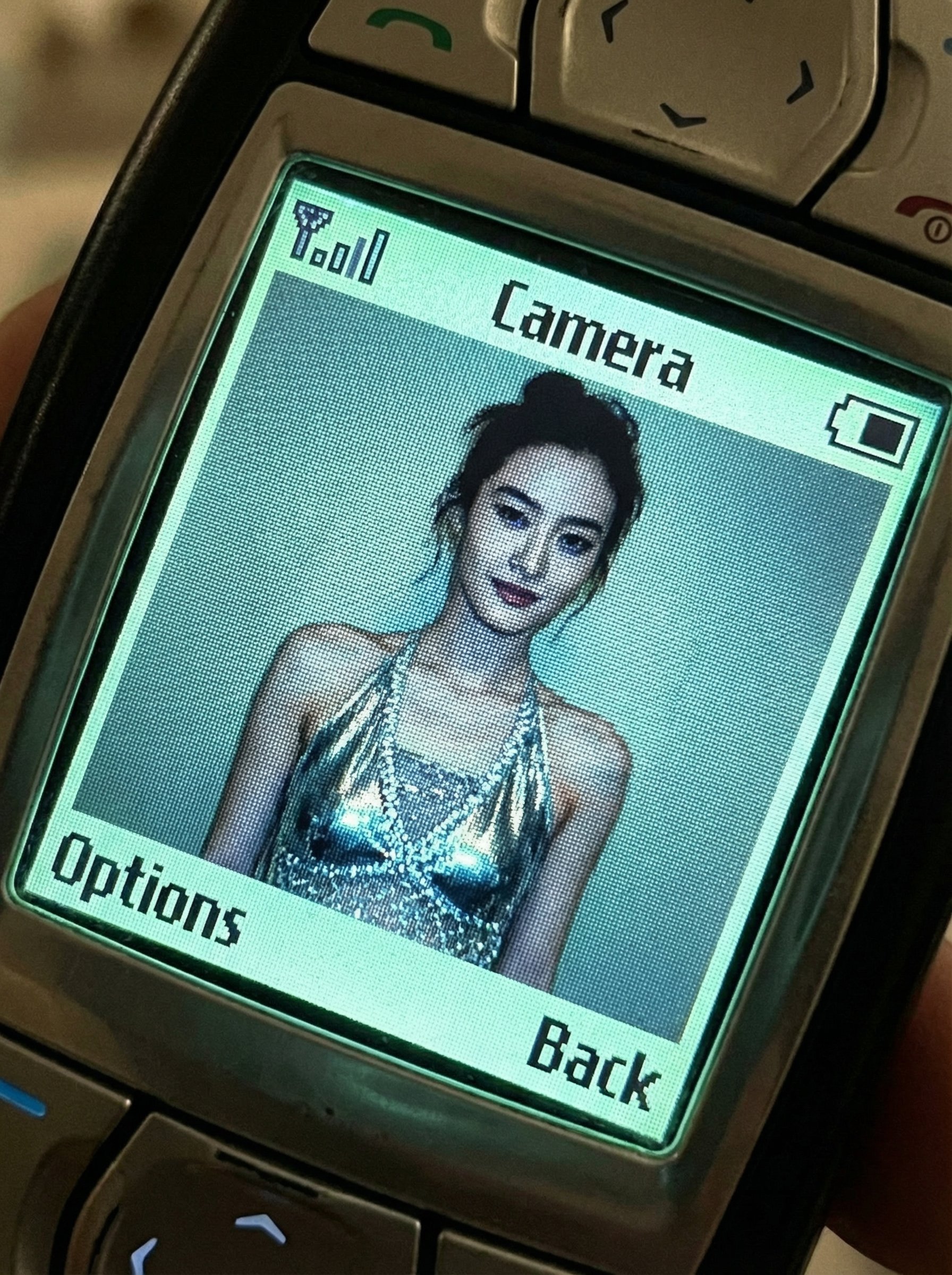
- Prompt included
- Model and format preset
- Free template
The prompt behind this image
Copy the exact prompt behind untitled, or open it in the studio and make it yours.
Nano Banana Pro Prompt: Put the photo into a vintage Nokia phone Based on the attached photo, display the image inside the screen interface of a vintage mobile phone with specific transformations. A candid, slightly angled close-up shot of a vintage Nokia mobile phone (classic bar style, e.g., 6610 or similar color-screen era model) held casually diagonally across the frame. The low-resolution, illuminated LCD screen dominates the composition, filling most of the view. The surrounding sturdy plastic casing and only the very top section of the physical T9 keypad/navigation buttons are partially visible and cropped off at the edges. The pixelated screen displays a live camera preview interface. The Photo Content:The subject from the attached photo is transformed, now wearing distinct millennium Y2K pop fashion (e.g., shiny metallic fabrics, velour, rhinestone details, or layered mesh). The entire scene is rendered with heavy early camera-phone aesthetics: distinct pixelation grid, limited washed-out color palette, and compression artifacts. The Retro UI Overlay: Overlaying the photo view are low-pixel, monochrome Nokia user interface elements. At the very top edge of the screen, pixelated signal strength bars (left), the text "Camera" (center), and a blocky battery icon (right). At the bottom corners of the screen, blocky pixel-font soft-key labels read "Options" on the left and "Back" on the right. The screen glows with a characteristic greenish-blue LCD backlight tint. The mood is nostalgic, interactive, and authentically lo-fi tech. Scale ratio: 4:5 vertical Camera: Macro shot of a vintage mobile phone screen, handheld perspective Screen Simulation: Early CSTN/TFT LCD, visible pixel grid, greenish tint. UI Elements: Retro low-res monochrome pixel icons and blocky text overlays. Transformation: Replace subject's clothing with Y2K millennium pop fashion. Color grading: Desaturated cool tones, digital noise, dithering artifacts, screen glow.
How to use untitled in 3 steps
- 1Upload ImagePNG, JPG or paste
Add your photo
Upload the photo the template builds on. The prompt, model and format are already set.
- 2…a portrait of your subject in softgolden-hour light, 85mm…
Personalize
Edit the subject and creative details for your destination.
- 3Generate
Generate
Press Generate — your image is created in PicX Studio, so you can compare it with the original and refine one variable at a time.
More like this
Templates with the same subject, style or setup. Open one to see its prompt.











Make it yours
untitled works as-is. These are the safest ways to change it without losing the look.
Change one field
Copy a single group, rewrite it, and generate again so you can see what that field is doing.
Keep the frame, change the subject
Hold the composition and light of 158-untitled, then swap wardrobe, props or the person for a new take.
| If the result… | Why | Fix |
|---|---|---|
| The result drifts from the preview | Too many fields changed at once. | Reuse 158-untitled as-is first, then change one group — subject, light, or setting. |
| The model over-stylizes the scene | The prose prompt leaves finish and camera underspecified. | Add one camera or lighting sentence and stay on Nano Banana. |
More Nano Banana templates
Other prompts made for Nano Banana.









More image prompts
Fresh picks from across the catalog.
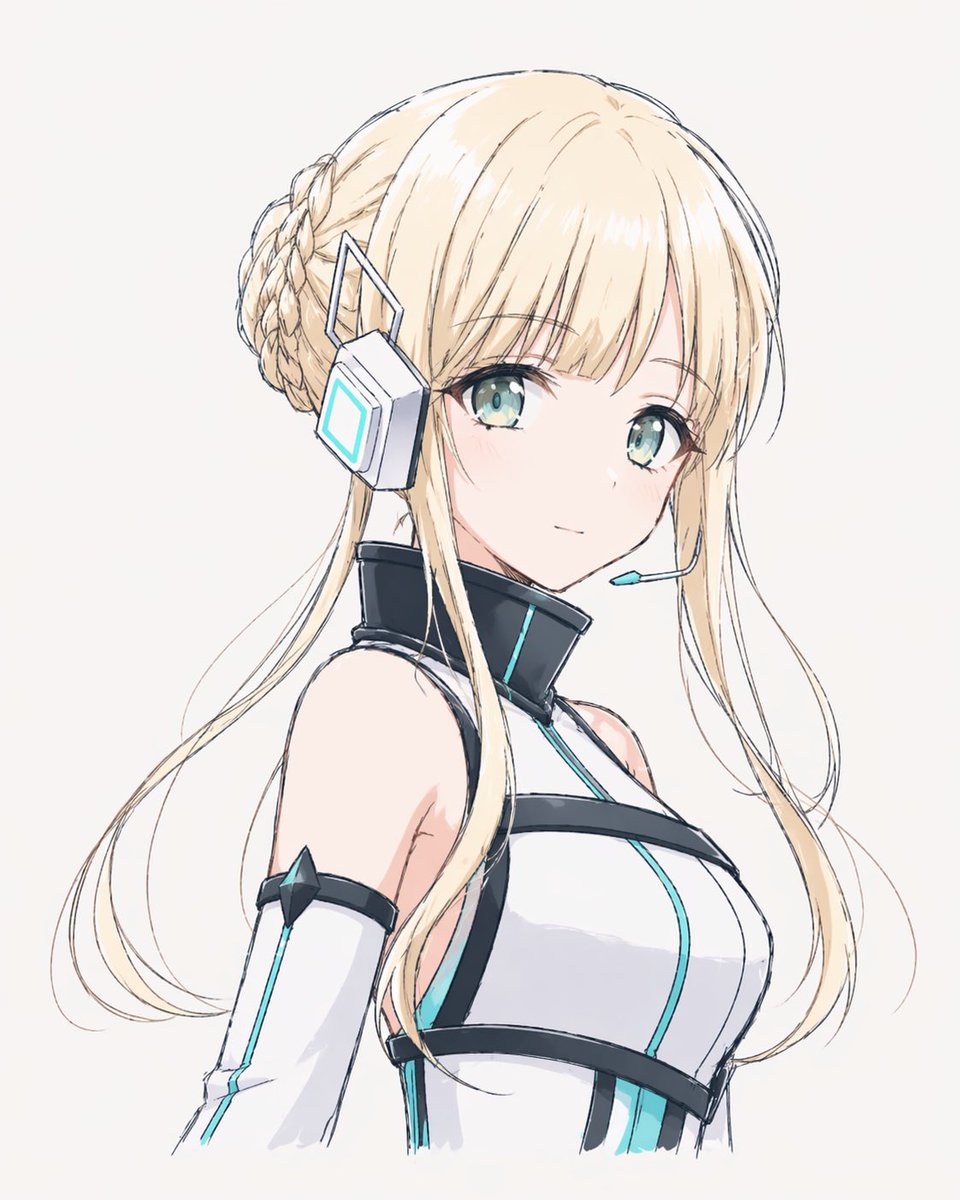
Minimal Futuristic Anime Girl Portrait
Anonymous Night Radio Doll Host
Structured Bedroom Selfie Prompt
Romantic Rose Editorial 3x3 Grid Prompt
Minimalist Editorial Food Still-Life Photography
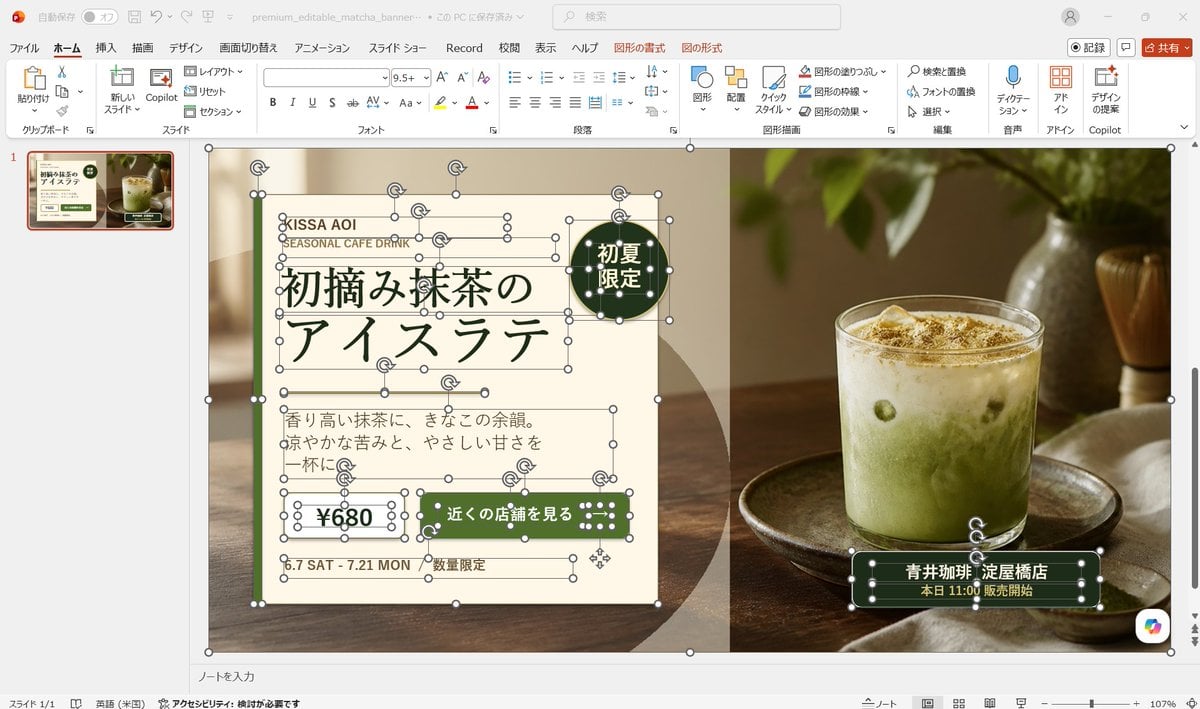
Editable Matcha Banner in PowerPoint
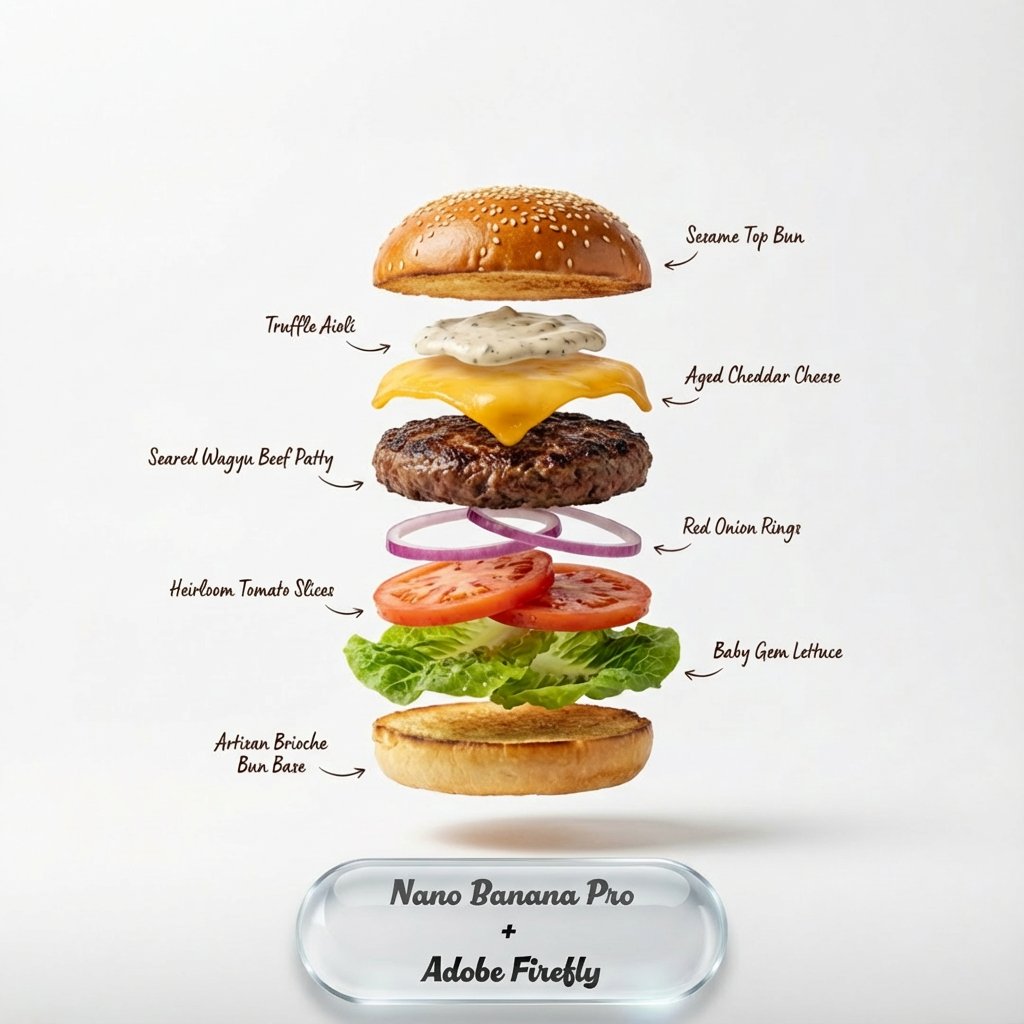
Exploding food photography prompt for Nano Banana Pro
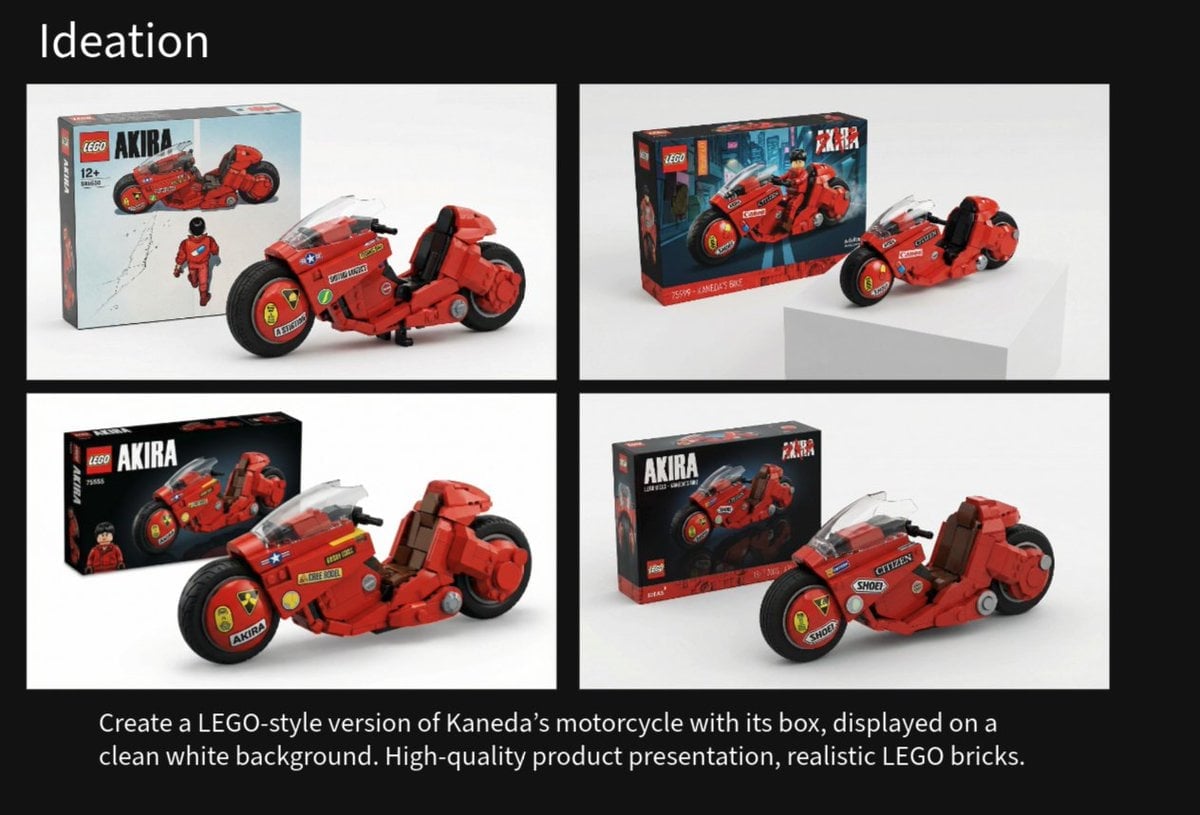
LEGO Kaneda's Motorcycle Product Shot Prompt
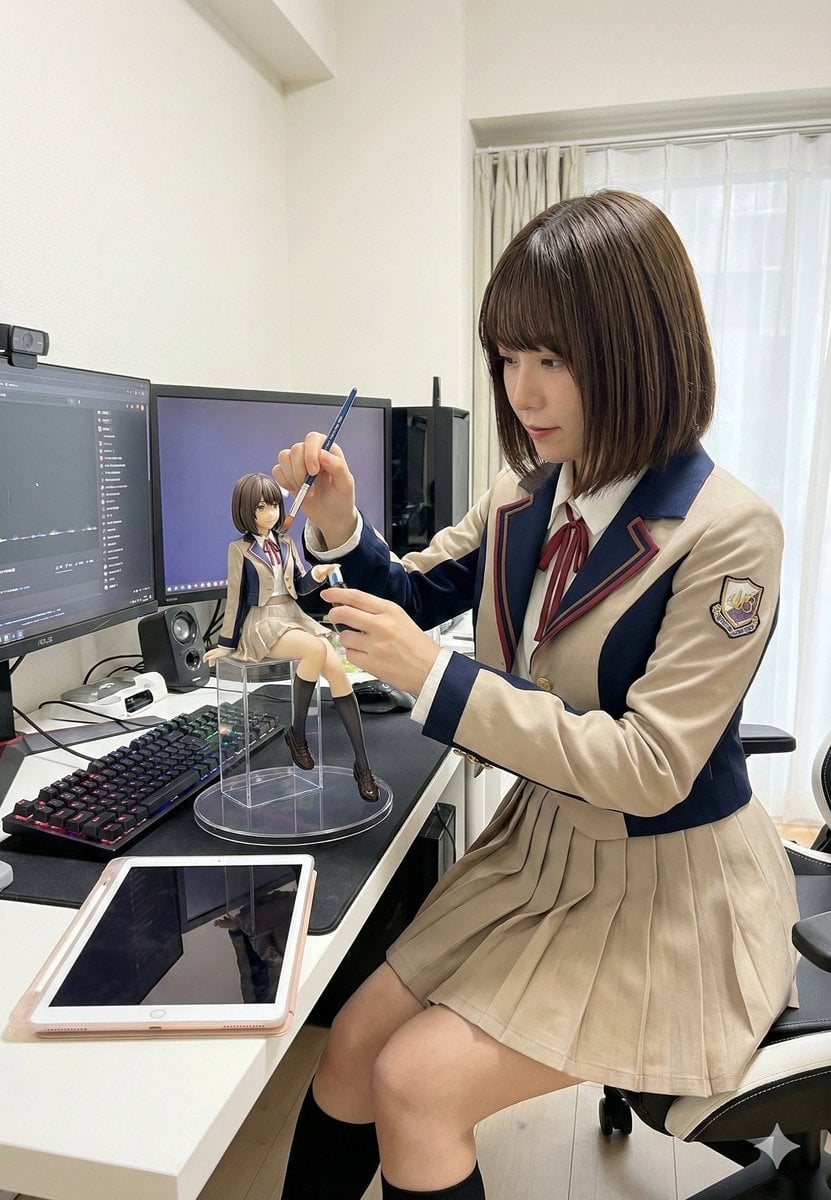
Model Cleaning Mini Me Scale Figure Prompt
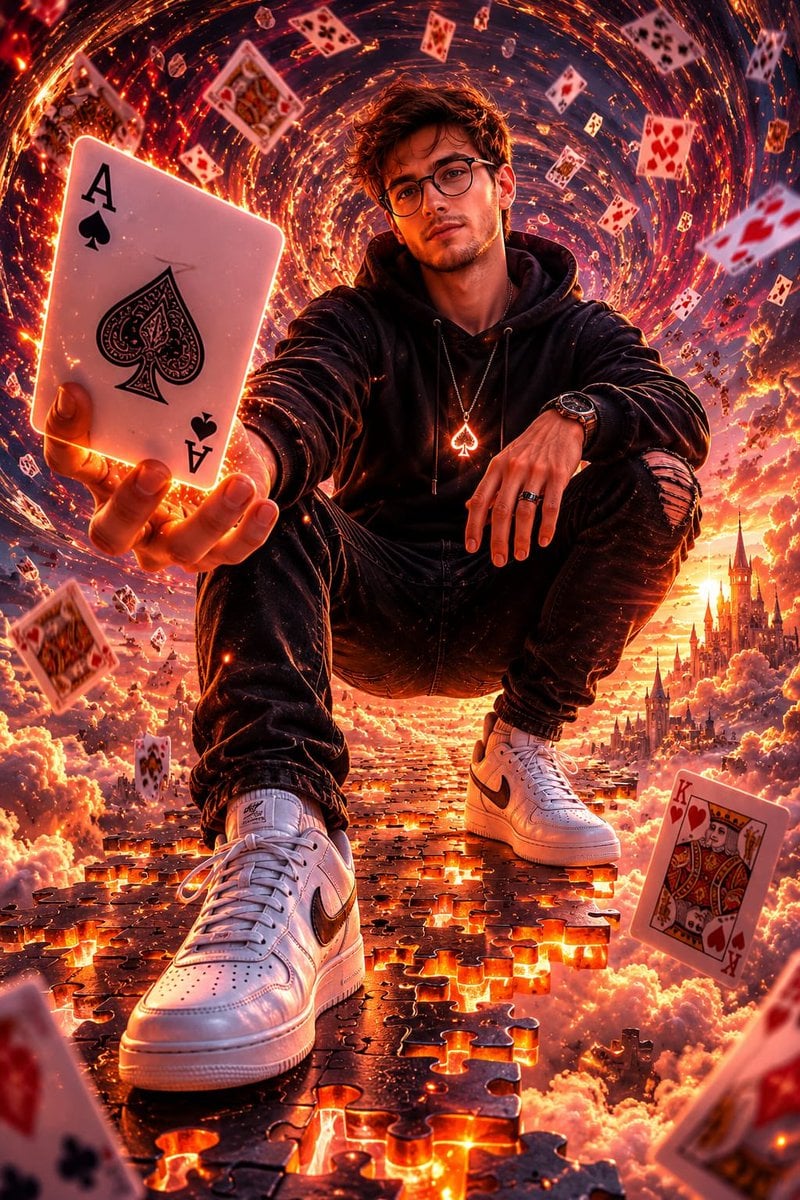
Fantasy Card Master Portrait
Browse template categories
untitled questions
How do I use the 158-untitled template?
Add your photo if the template asks for one, edit the prompt if you like — the template's model and format are already selected — and press Generate. Your version opens in PicX Studio.
Can I customize the 158-untitled template?
Yes. You can change the subject, setting, lighting, mood, format, and available model controls before creating your image.
Is the 158-untitled template free?
Opening and editing this template is free. Generating uses credits, shown on the Generate button when you are signed in.
Which AI model should I use?
Start with Nano Banana, which is the model associated with this template. You can compare another compatible model for a different finish.
Looking for something else? Browse all templates.

Your photo, any look
Thousands of ready templates for every top image and video model, from one credit balance.