How do I use the Contrasting Bird Wildlife Portrait template?
Choose the primary action to open PicX Studio with the available template settings. Review the model and format, personalize the creative direction, and generate when ready.
A detailed prompt for generating an 8K hyper-realistic, studio-style wildlife close-up featuring two contrasting birds—a green parrot and a brown-black myna—perched on a moss-covered branch. Change the subject, setting, or lighting one variable at a time.

{ "bird_pair": { "left_bird": "{argument name="left bird type" default="small green parrot"} with {argument name="left bird color" default="light emerald feathers, orange patches"}, and soft rounded shape", "right_bird": "{argument name="right bird type" default="brown-black myna"} with sharp yellow beak and distinct eye ring", "posture": "both perched calmly on a moss-covered branch, facing slightly toward each other" }, "lighting_profile": { "style": "dramatic low-key lighting", "effect": "sharp highlights on feathers, deep shadows adding contrast", "background": "pure dark backdrop creating clean isolation around subjects" }, "visual_aesthetics": { "mood": "calm, detailed, studio-style wildlife portrait", "color_palette": "natural greens, browns, yellows against black", "texture_focus": "feather detail, beak shine, moss surface clarity" }, "composition": { "framing": "centered horizontal layout focusing on both birds equally", "depth": "foreground crisp and detailed with smooth falloff into dark void" }, "quality": "{argument name="resolution" default="8K"} hyper-realistic wildlife close-up with fine feather detail", "signature": "VIVEK HY" }
Choose the primary action to open PicX Studio with the available template settings. Review the model and format, personalize the creative direction, and generate when ready.
Yes. You can change the subject, setting, lighting, mood, format, and available model controls before creating your image.
This template is free to open and customize. Generation usage is shown in PicX Studio before you create.
Start with Nano Banana 2, which is the model associated with this template. You can compare another compatible model for a different finish.
Follow a topic to a crawlable collection of related PicX Studio templates.
43,474 public templates available. Verified via the PicX Studio public templates API; refreshed hourly.











![118-google-nano-banana-pro-skincare-product- — A professional skincare shot of a [product container] with [cap/lid], labeled [brand, product, descriptor, volume](/_next/image?url=https%3A%2F%2Fcdn.picxstudio.com%2Fuploads%2Fpost118_img0_332898b8-29ea-42a9-87ab-9ed746a3f944.jpg&w=828&q=100)




![69-untitled — FORMAT: 15s / 145 BPM / 14 SHOTS
SUBJECT: @[image1]
WARDROBE: Clean modern outfit
ENVIRONMENT: Street / indoor transitions
MOOD: Discovery → contr](/_next/image?url=https%3A%2F%2Fcdn.picxstudio.com%2Fuploads%2Fpost69_img0_d45faecf-38c3-4bcb-81a4-f6eb1cf42bb2.jpg&w=828&q=100)






![Naive doodle-style subject illustration — A doodle-style {argument name="subject" default="[subject]"}, naive lines, humorous shape exaggeration](https://pbs.twimg.com/media/G6Wl2YxbsAARB2b.jpg)











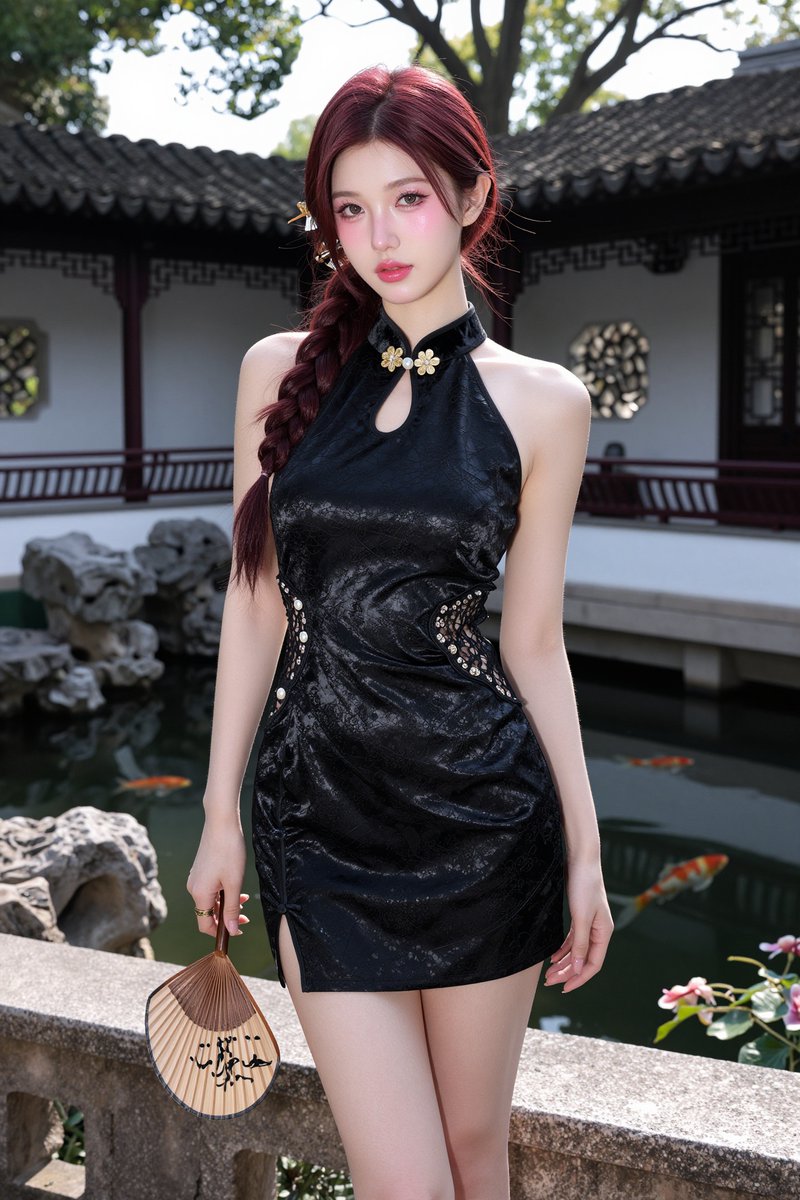

![Pixar-Style 3D Avatar Prompt for Nano Banana — Pixar-style 3D avatar of [ reference person ], confident, warm smile. Tailored outfit, subtle catchlights in eyes](https://pbs.twimg.com/media/HDYvZoEbcAA_4bh.jpg)