
Pixar-Style 3D Character Portraits (Male and Female)
Two separate prompts for generating highly detailed, Pixar-style 3D character portraits.
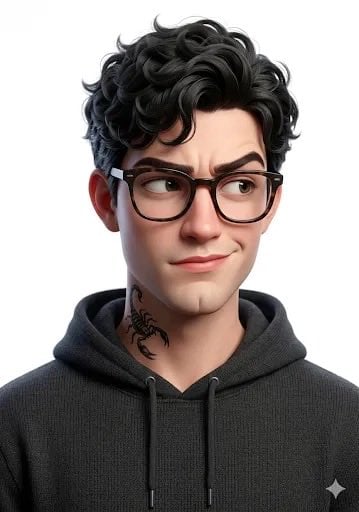
- Prompt included
- Model and format preset
- Free template
The prompt behind this image
Copy the exact prompt behind Pixar-Style 3D Character Portraits (Male and Female), or open it in the studio and make it yours.
Prompt 1 (first image): 3D stylized character portrait of a young man, curly dark hair, wearing black round glasses and a dark hoodie, subtle smirk expression while looking sideways, small tattoo on the neck, smooth skin, highly detailed Pixar-style character design, soft studio lighting, clean light gray background, ultra-sharp, cinematic render, high detail, modern animated film style. Prompt 2 (second image): 3D stylized character portrait of a young girl with short black bob haircut and a purple hair streak, big blue eyes, playful expression with tongue sticking out, small neck tattoo, wearing a denim jacket over a black shirt, cute Pixar/Disney style character design, soft studio lighting, clean light gray background, ultra detailed, cinematic render, vibrant colors, animated movie style.
How to use Pixar-Style 3D Character Portraits (Male and Female) in 3 steps
- 1
Open
The prompt is already in the box next to the preview, with the template's model and format selected.
- 2…a portrait of your subject in softgolden-hour light, 85mm…
Personalize
Edit the subject and creative details for your destination.
- 3Generate
Generate
Press Generate — your image is created in PicX Studio, so you can compare it with the original and refine one variable at a time.
More like this
Templates with the same subject, style or setup. Open one to see its prompt.
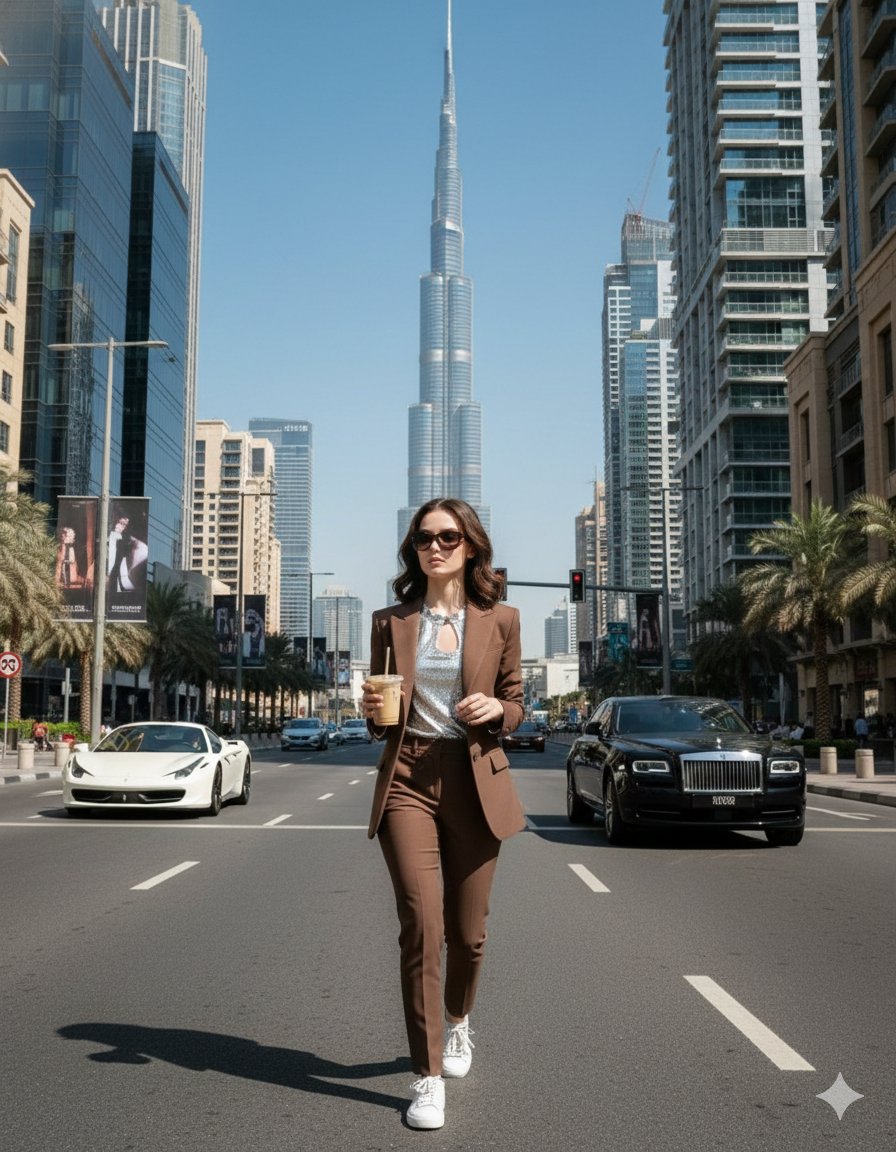
Four Prompts for Ultra-Realistic Female Portraits (Dubai, Floral, 90s, Western)
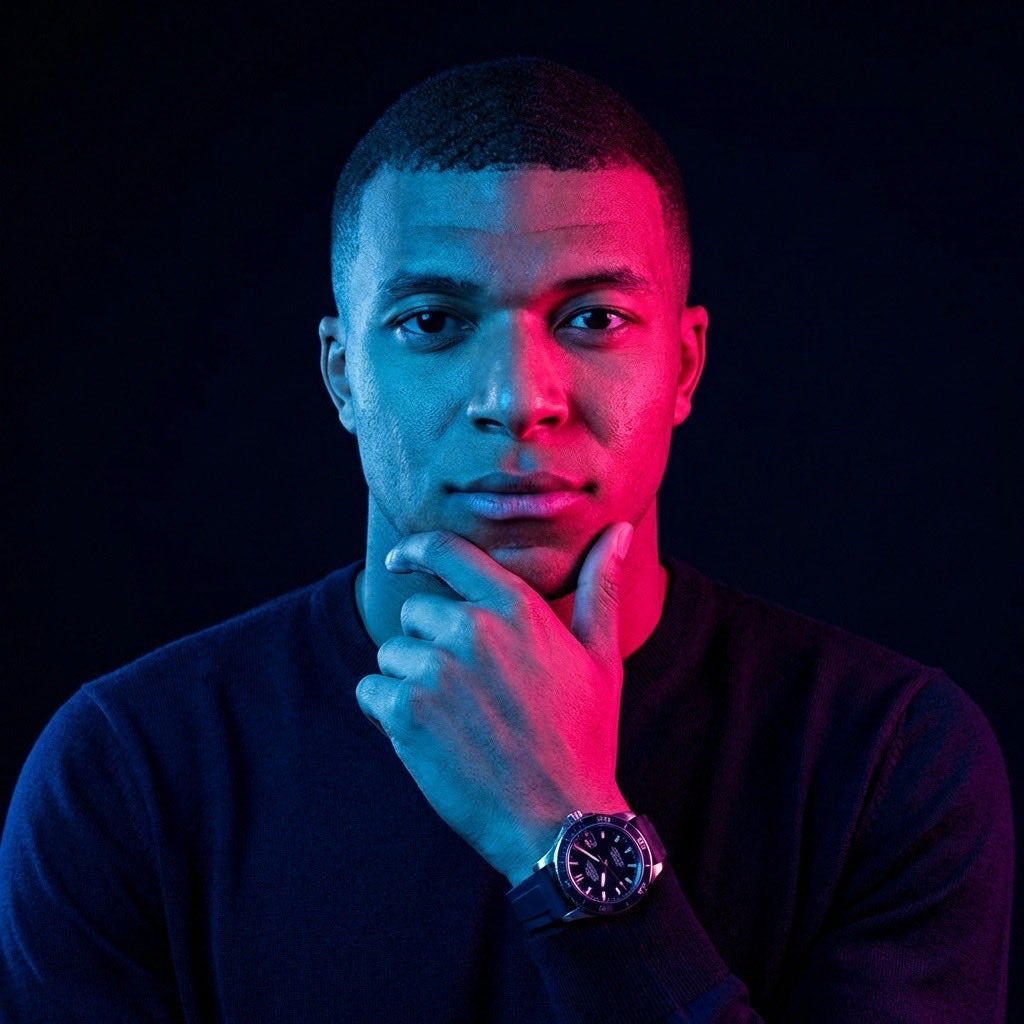
Neon Split Lighting Studio Portraits (Male and Female)
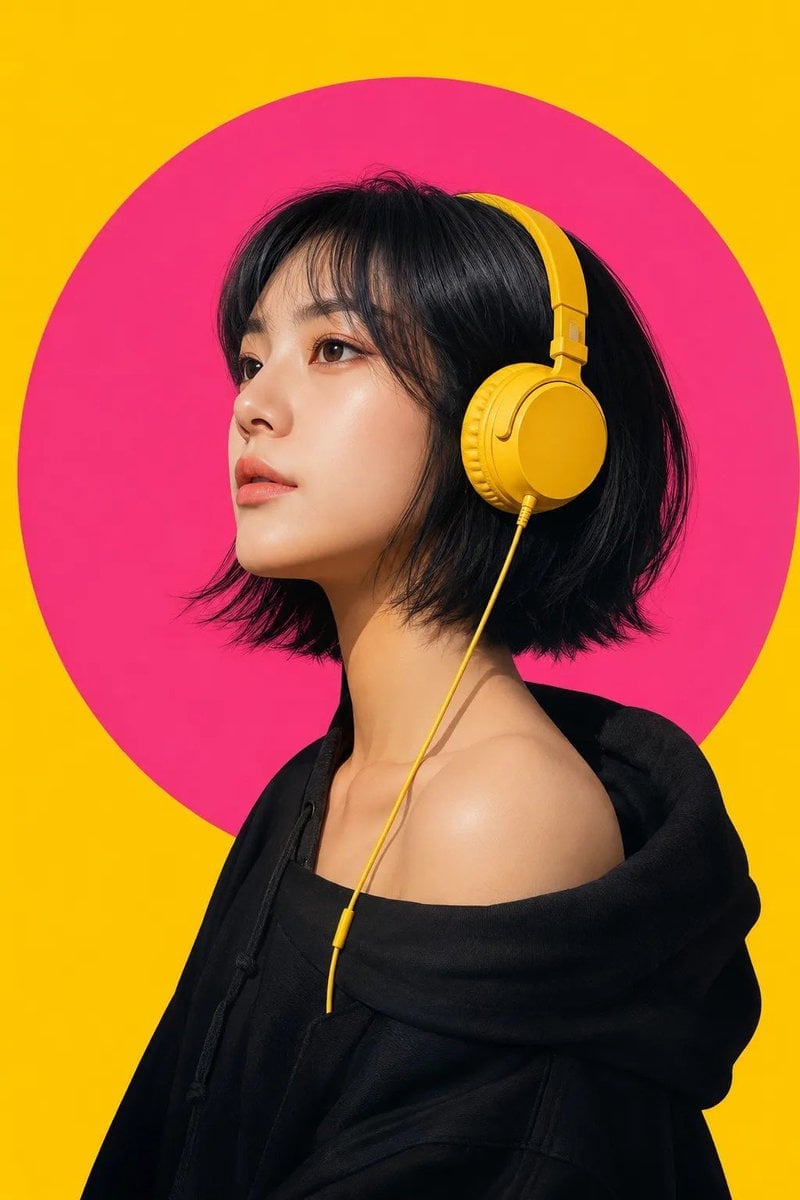
Modern Pop-Art Female Portrait
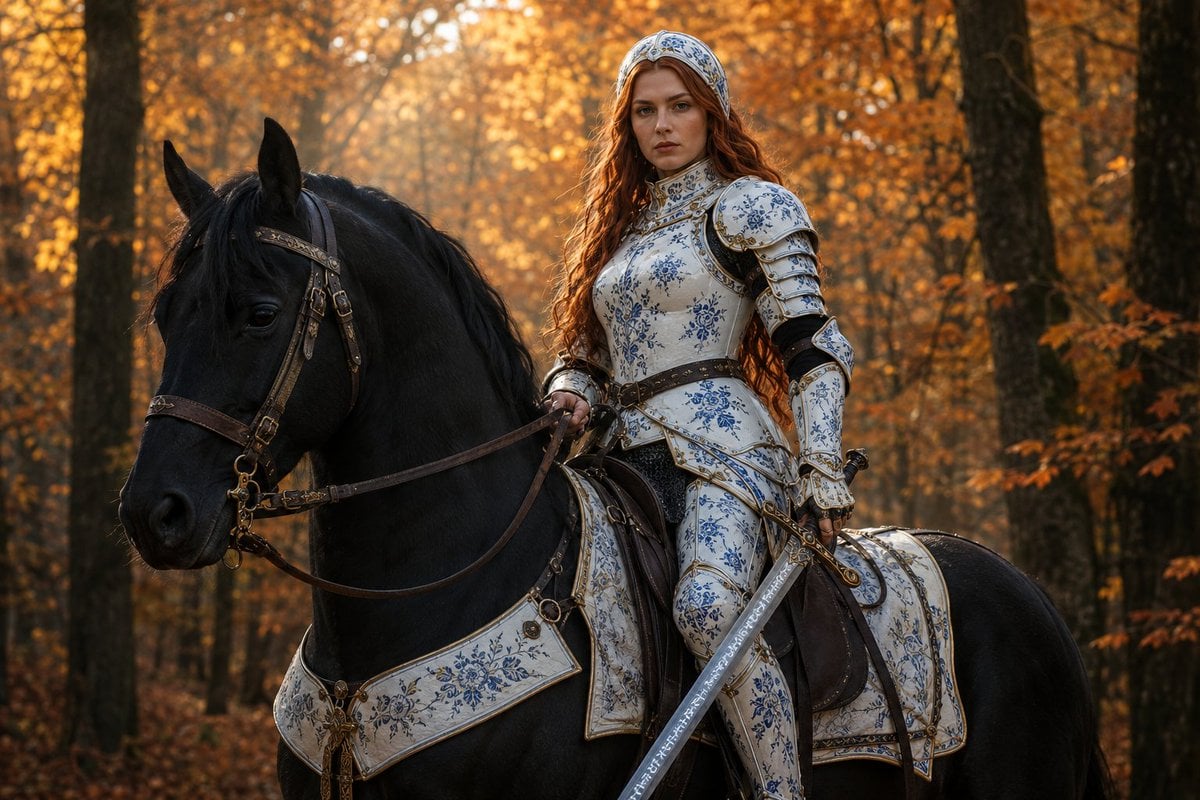
Porcelain Armor Female Knight
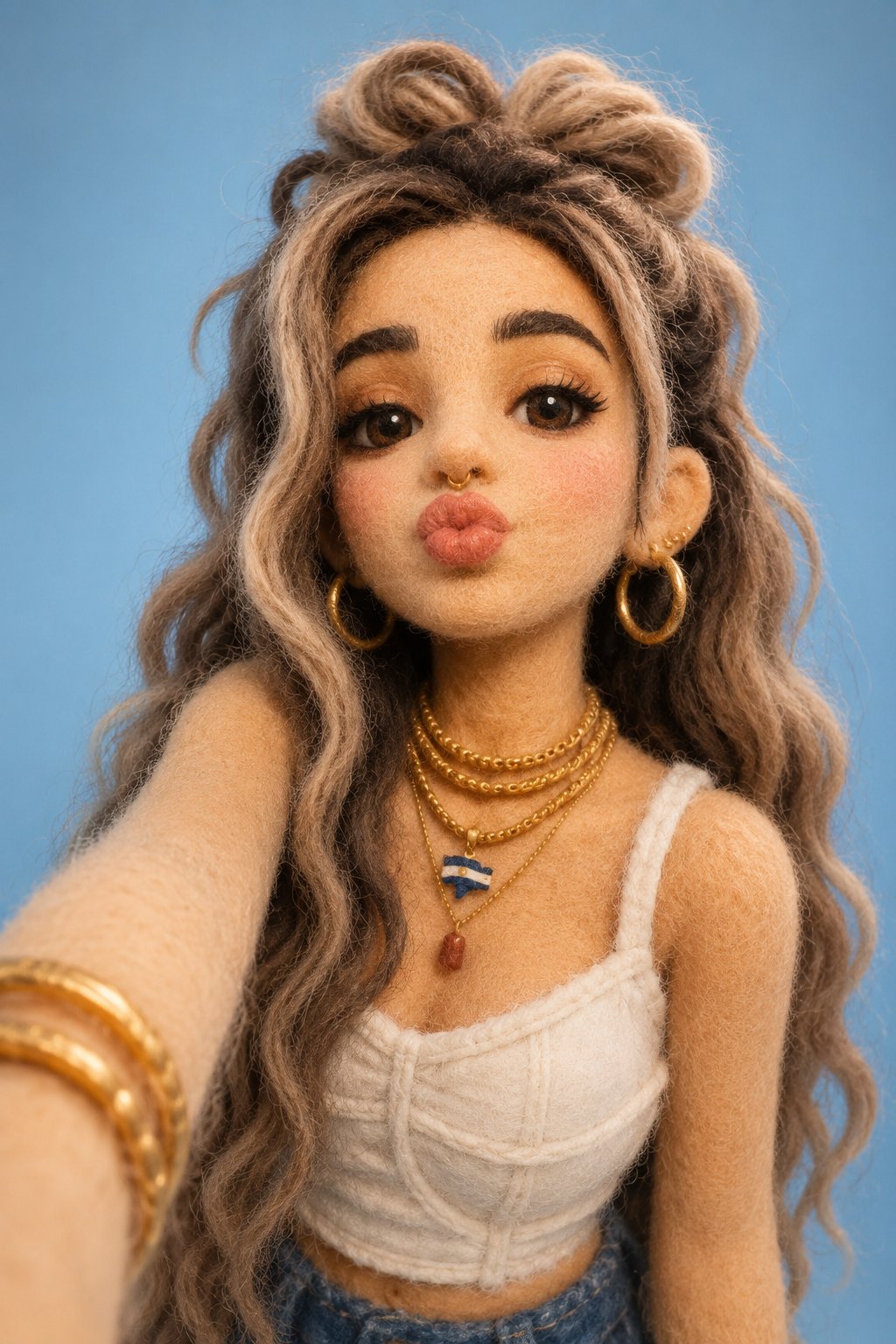
Felt & Knit 3D Character — Photo-Exact Face, Pixar-Quality Plush Figurine
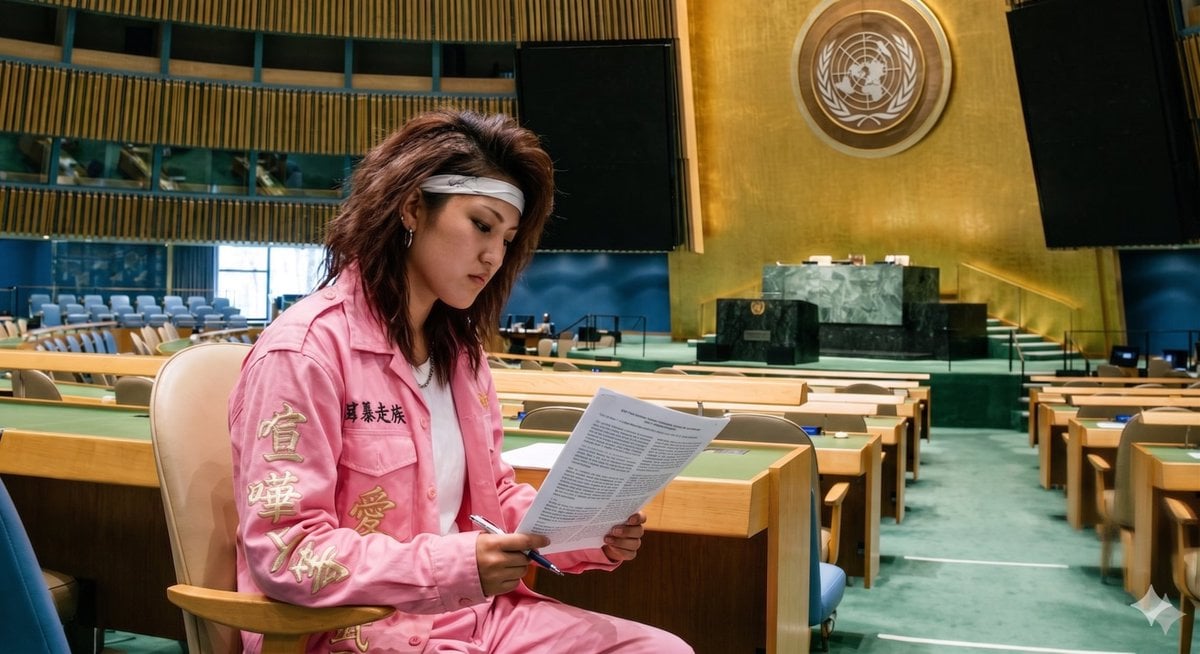
Female Bosozoku vs United Nations
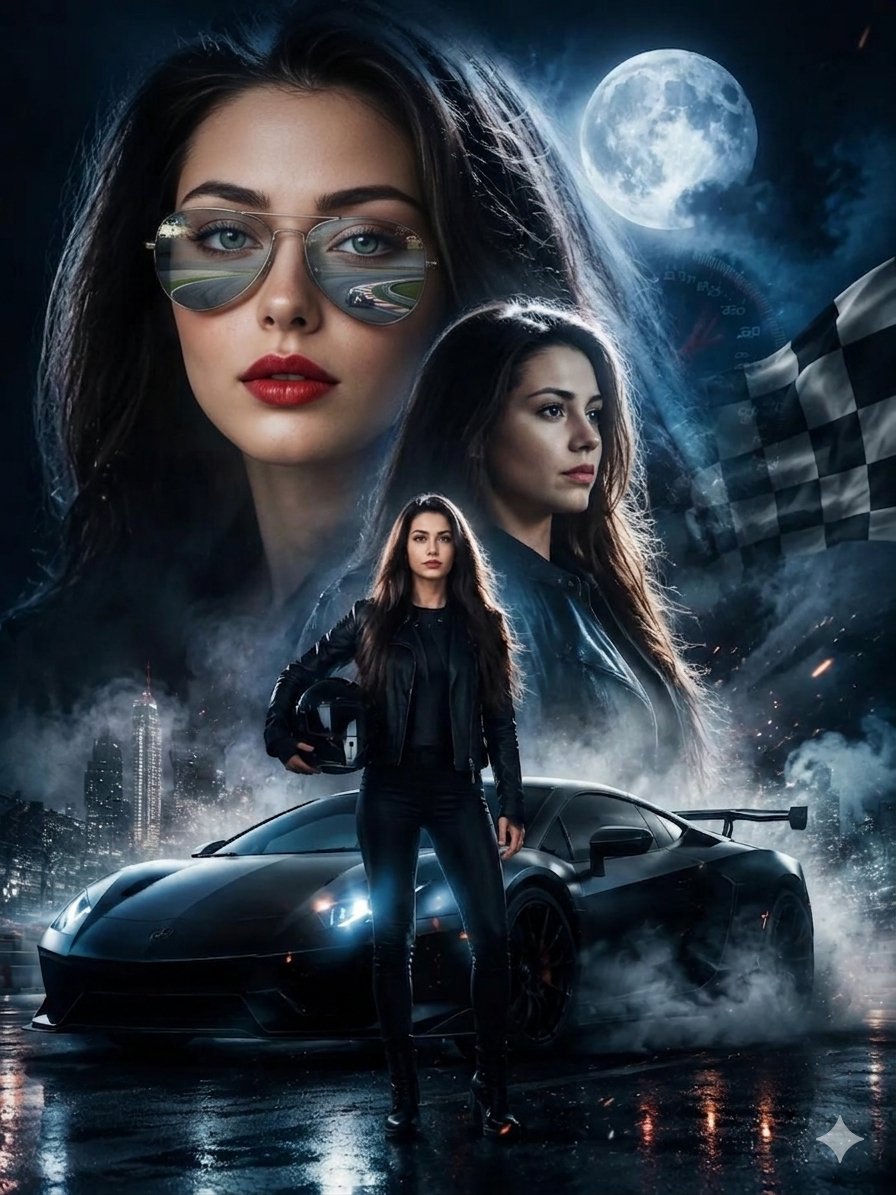
Female Street Racer Movie Poster
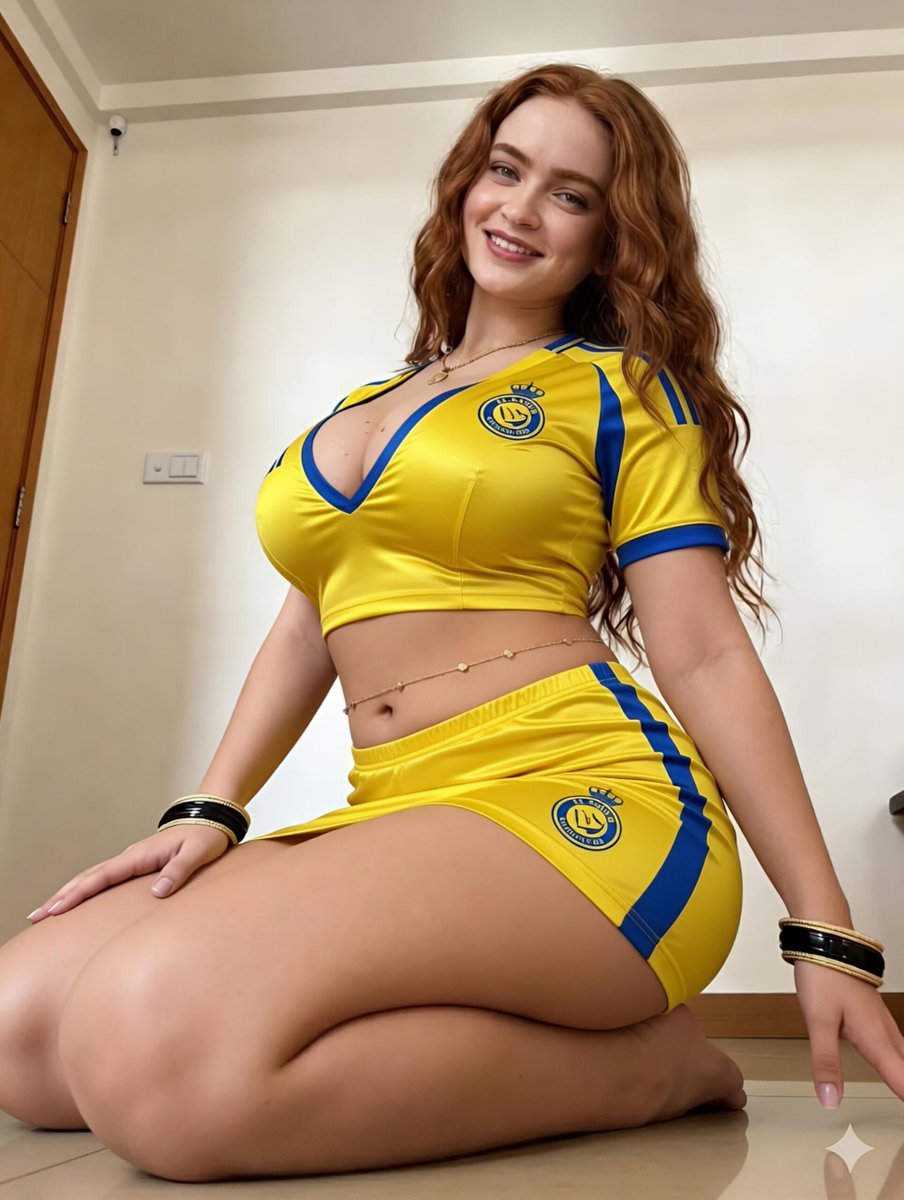
Female Football Fan Portrait
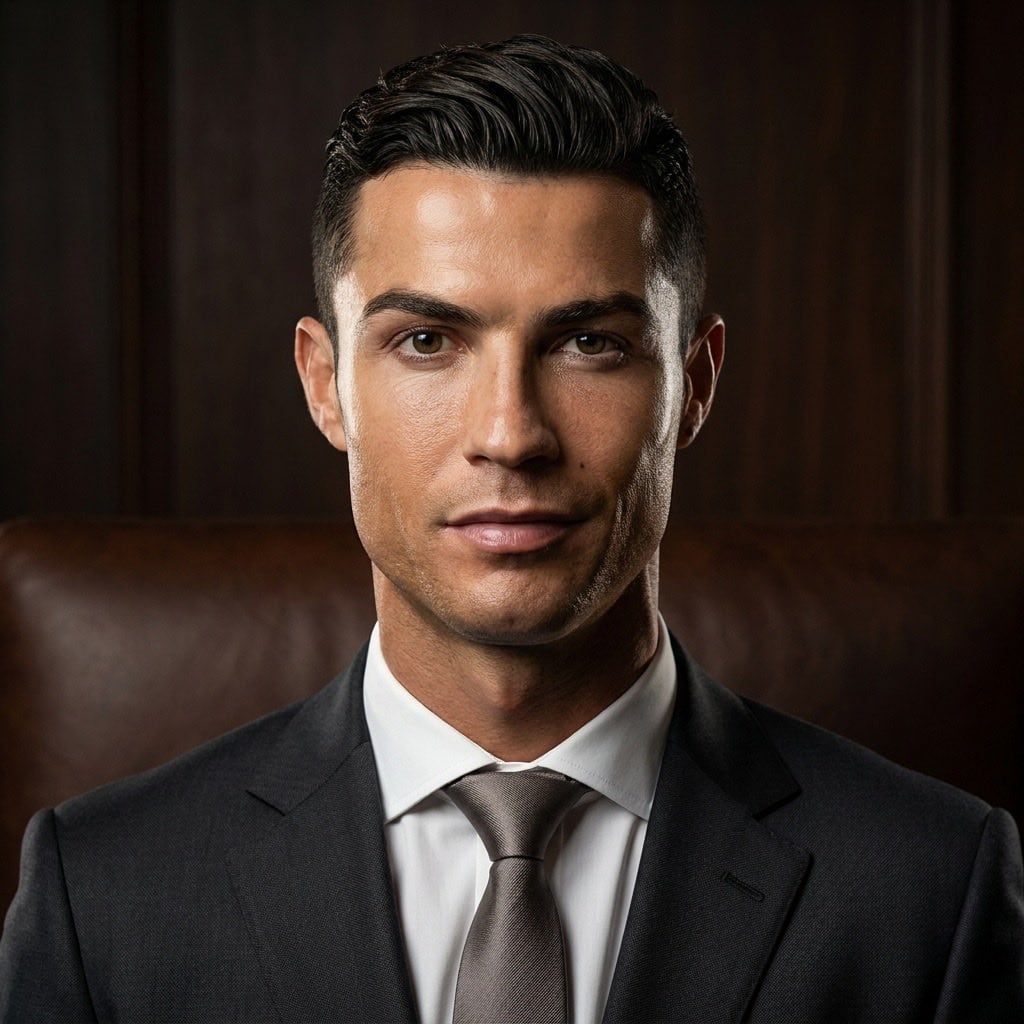
Professional Studio Male Portraits
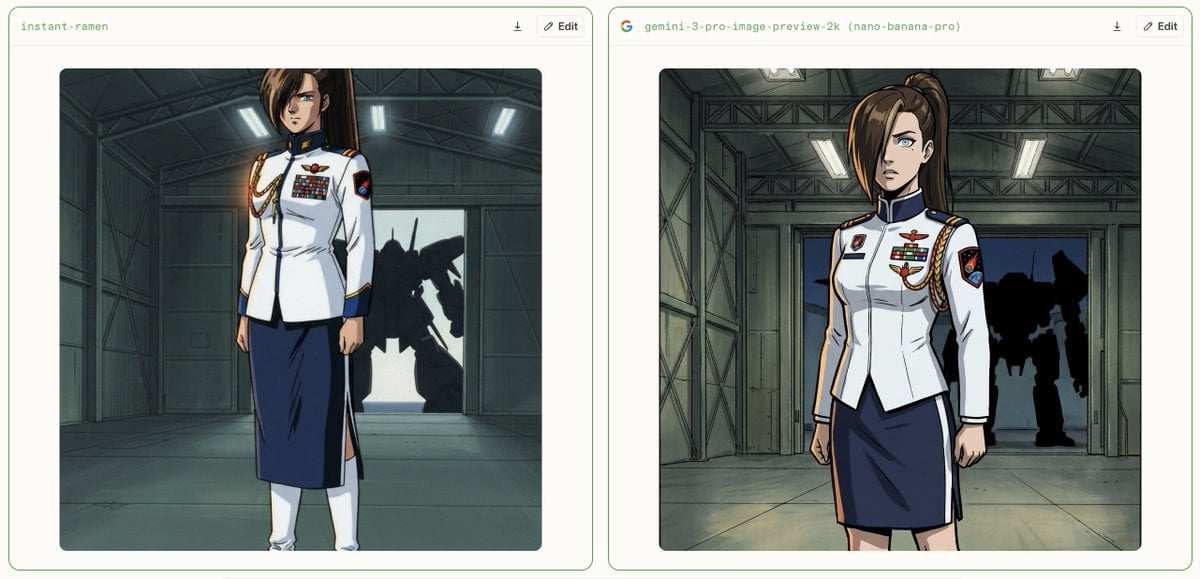
Female Dress White Uniform Detail
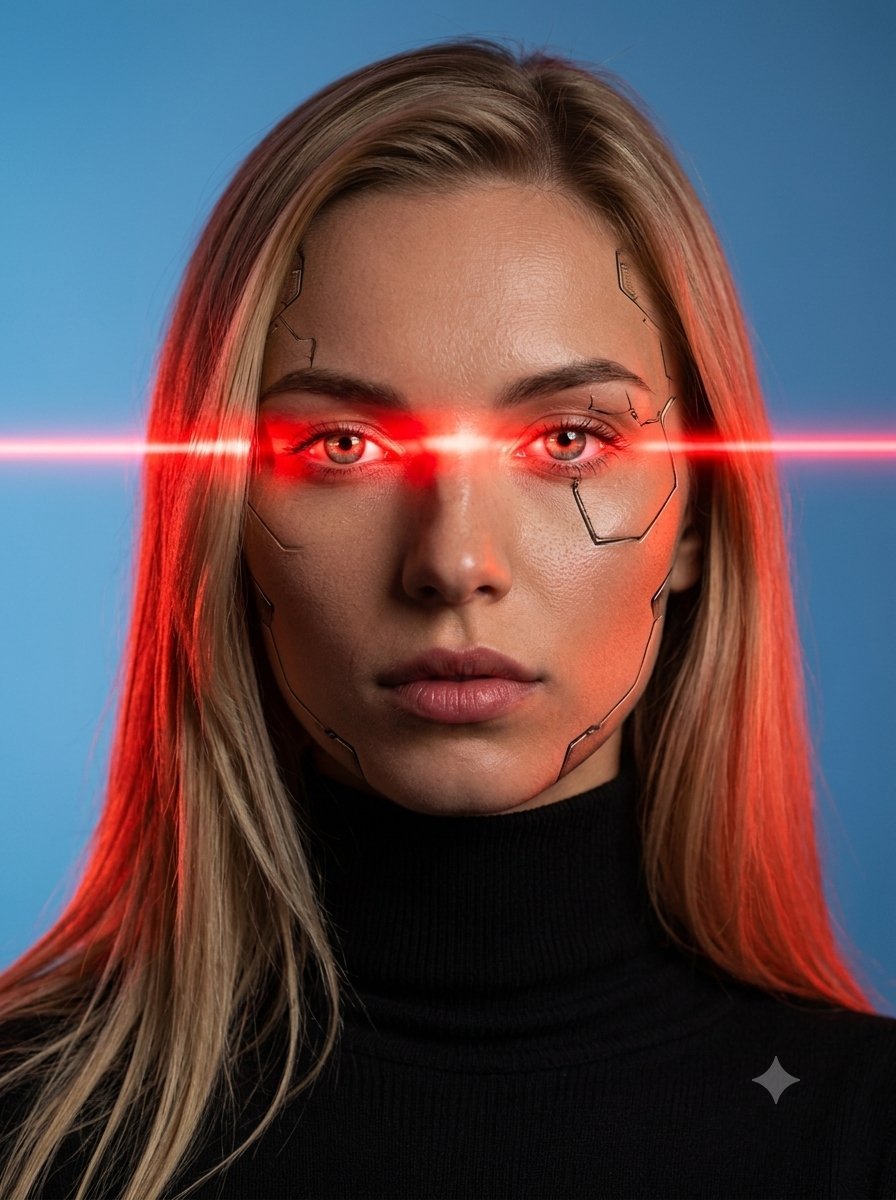
Female Android Studio Portrait with Laser Eyes
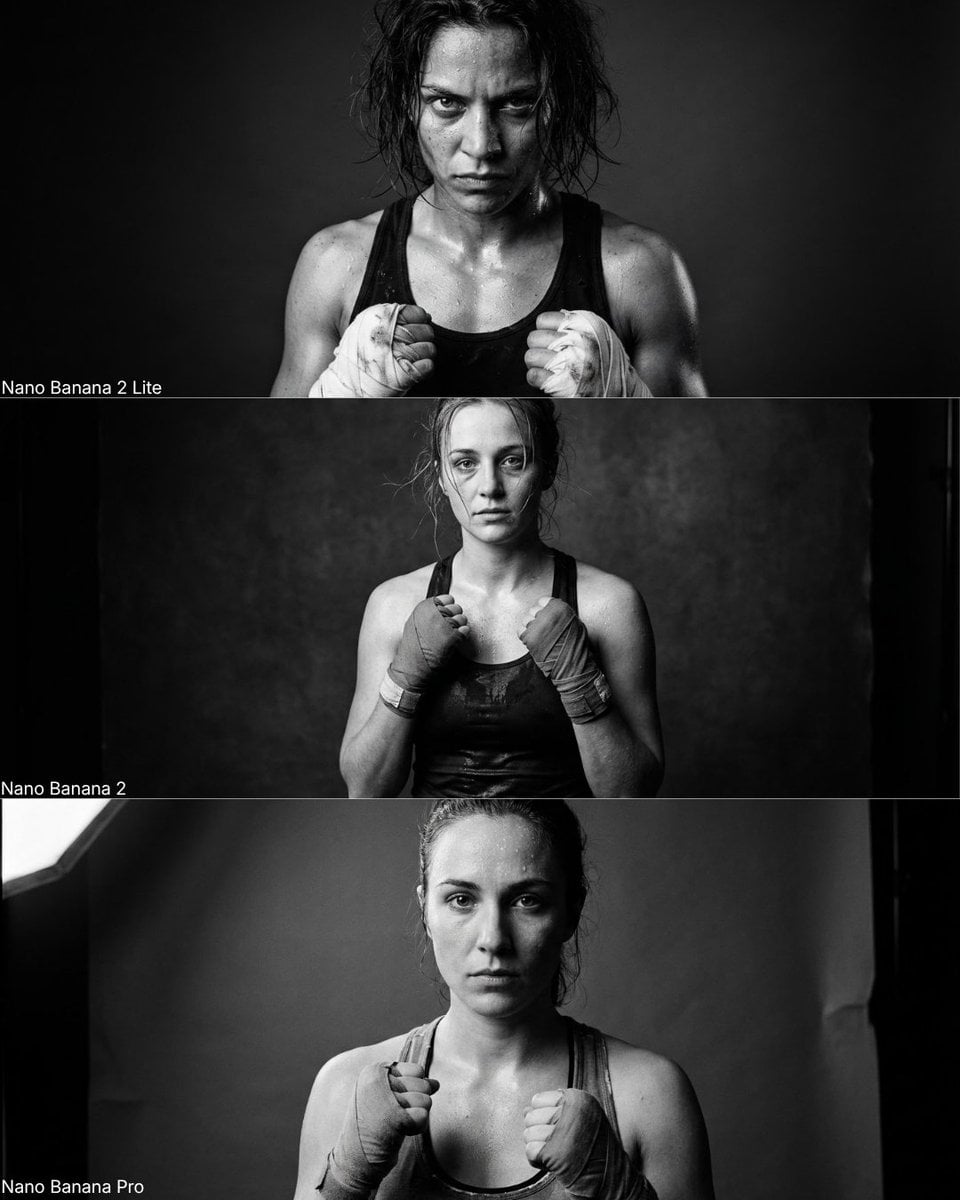
Female Boxer Studio Portrait
Make it yours
Pixar-Style 3D Character Portraits (Male and Female) works as-is. These are the safest ways to change it without losing the look.
Change one field
Copy a single group, rewrite it, and generate again so you can see what that field is doing.
Keep the frame, change the subject
Hold the composition and light of Pixar-Style 3D Character Portraits (Male and Female), then swap wardrobe, props or the person for a new take.
| If the result… | Why | Fix |
|---|---|---|
| The result drifts from the preview | Too many fields changed at once. | Reuse Pixar-Style 3D Character Portraits (Male and Female) as-is first, then change one group — subject, light, or setting. |
| The model over-stylizes the scene | The prose prompt leaves finish and camera underspecified. | Add one camera or lighting sentence and stay on Nano Banana 2. |
More Nano Banana 2 templates
Other prompts made for Nano Banana 2.

Photorealistic Leaf Shaped Like a Dragon

K-Pop Idol Portrait Grid for Rapid Selection

Poetic Rain Forest Portrait During Golden Hour

Urban Street Portrait with Cartoon Inner Self Duo

Candid Nighttime Photo with Cat Prompt

High-Concept 3D Diorama Generation Prompt

Cinematic Futuristic Studio Portrait Template

Skincare Editorial Photography Collage Prompt

Hyper-Realistic Commercial Product Photography (Splash Effect)

Hyper-Realistic Nightclub Portrait Prompt
More image prompts
Fresh picks from across the catalog.
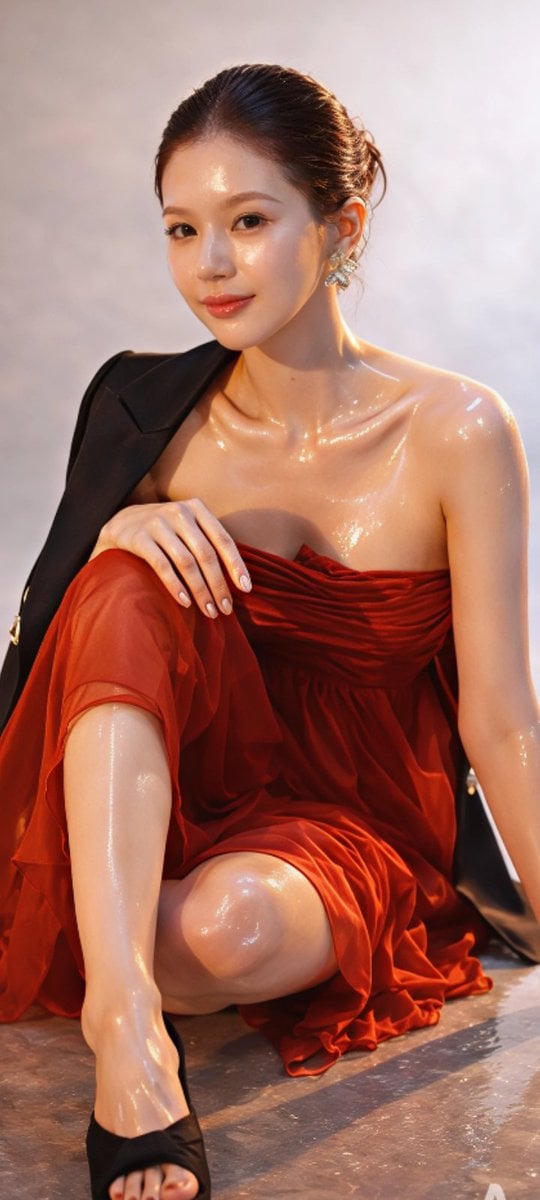
Zhao Lusi High-Fashion Editorial Prompt
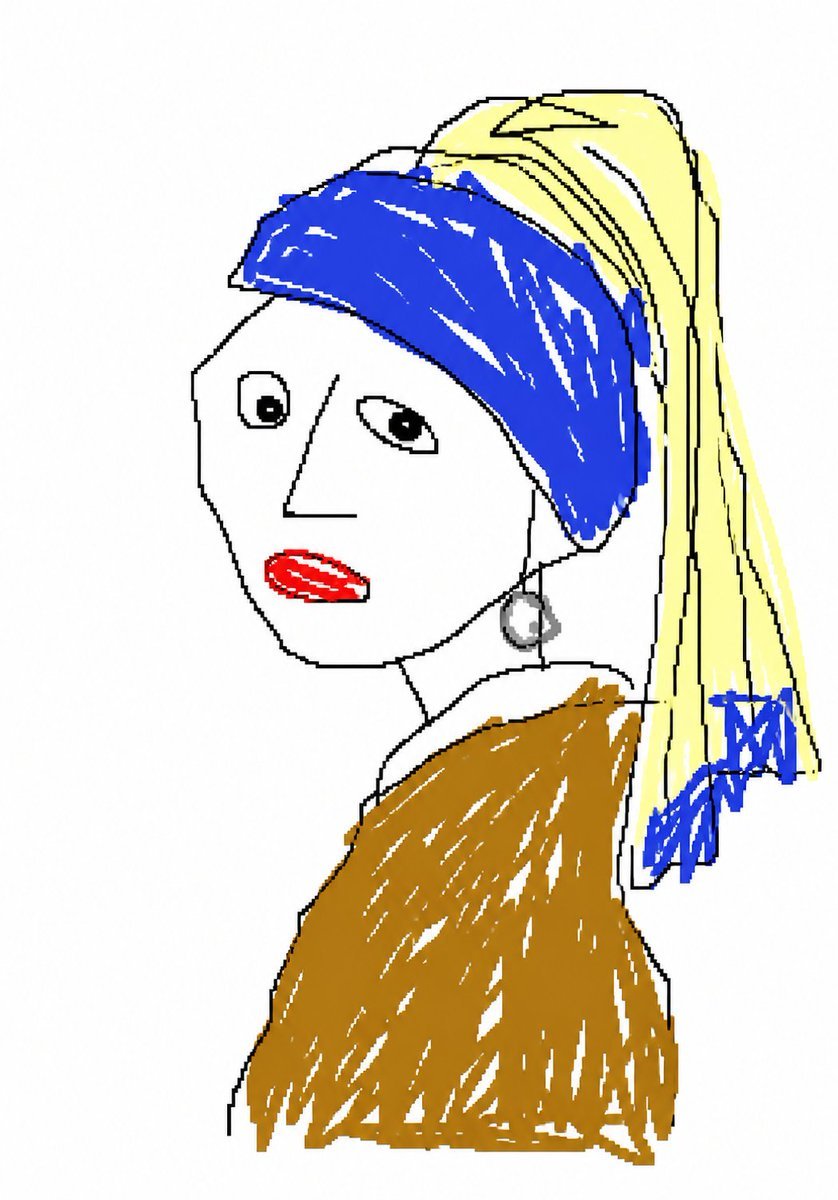
MS Paint Doodle Remake
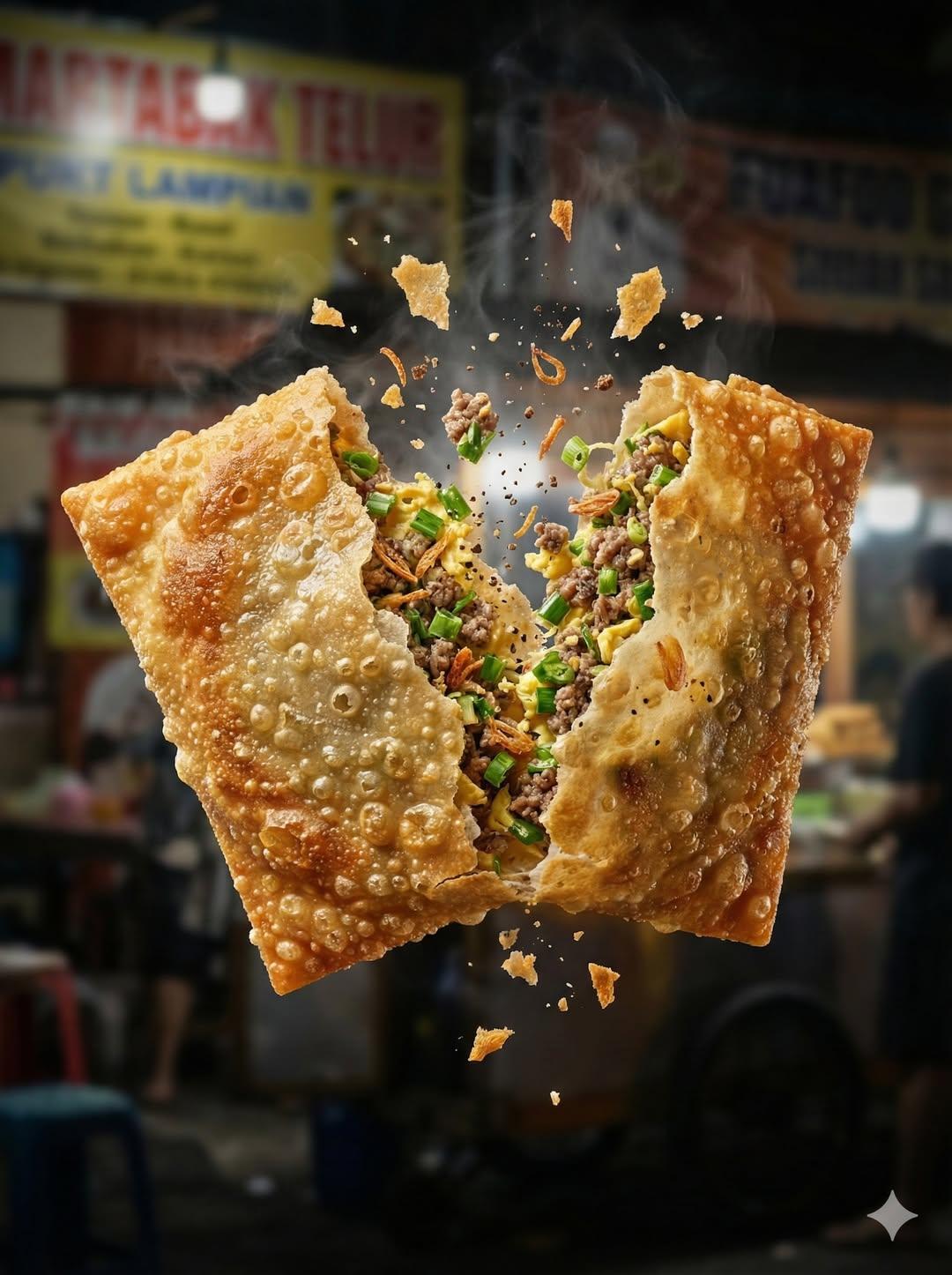
Ultra Realistic High Speed Food Photogra
Iridescent Liquid Ripple Wallpaper
Surreal Man in Black Rain Room
Exaggerated Hourglass Figure in Grocery Aisle
Maximalist Kawaii Angel Sticker Collage
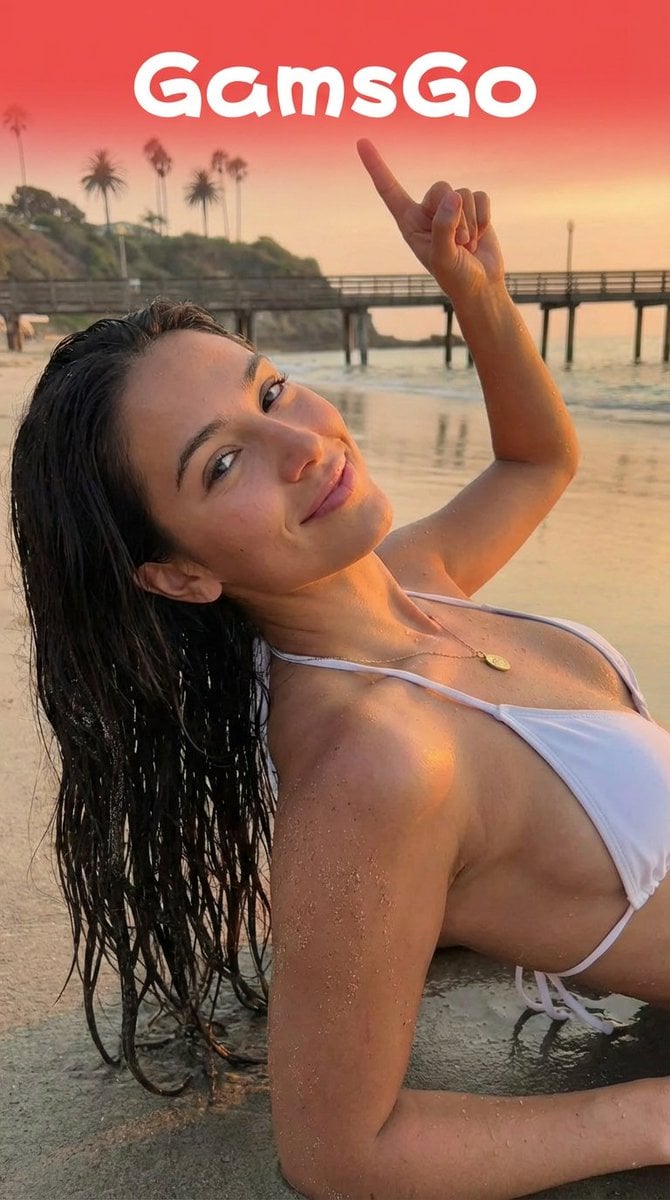
Image Editing Prompt for Logo Integration
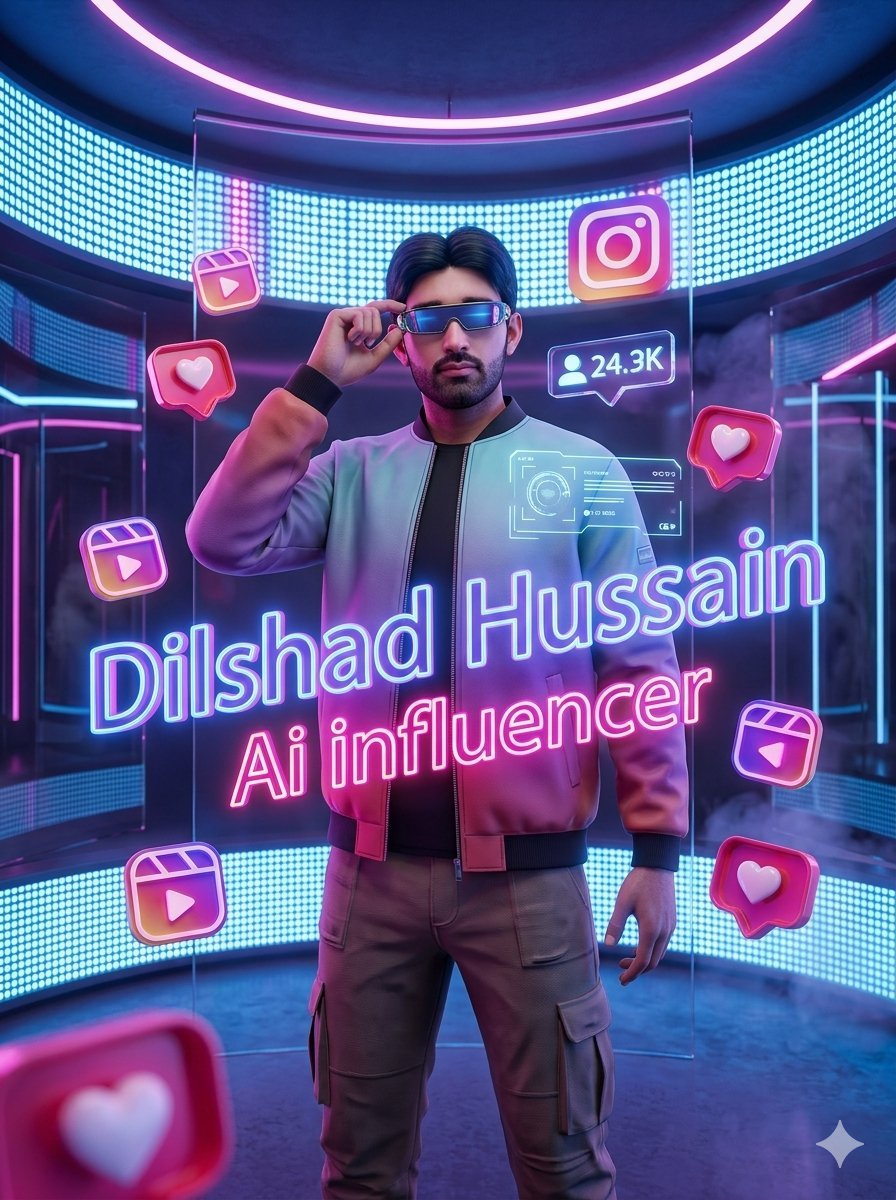
Neon AI Influencer Studio Ad
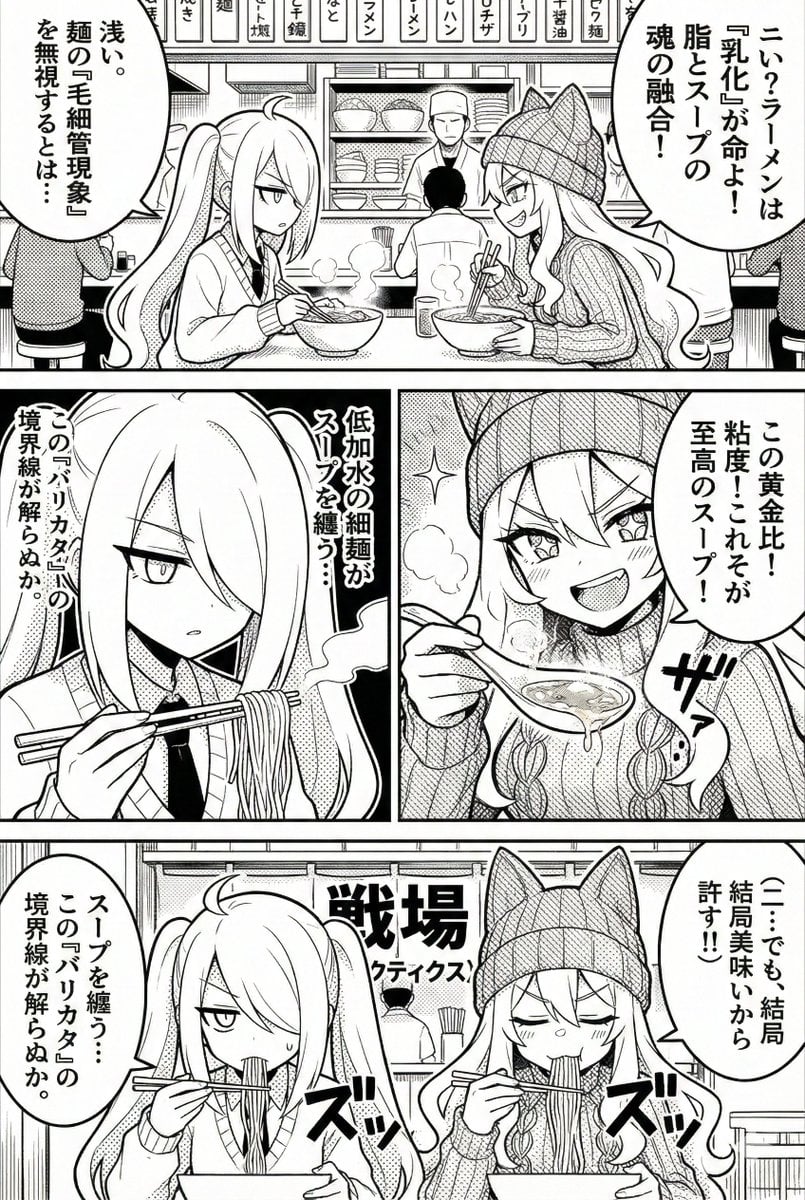
Manga Generation Prompt Template for Nano Banana Pro
Browse template categories
Pixar-Style 3D Character Portraits (Male and Female) questions
How do I use the Pixar-Style 3D Character Portraits (Male and Female) template?
Add your photo if the template asks for one, edit the prompt if you like — the template's model and format are already selected — and press Generate. Your version opens in PicX Studio.
Can I customize the Pixar-Style 3D Character Portraits (Male and Female) template?
Yes. You can change the subject, setting, lighting, mood, format, and available model controls before creating your image.
Is the Pixar-Style 3D Character Portraits (Male and Female) template free?
Opening and editing this template is free. Generating uses credits, shown on the Generate button when you are signed in.
Which AI model should I use?
Start with Nano Banana 2, which is the model associated with this template. You can compare another compatible model for a different finish.
Looking for something else? Browse all templates.

Your photo, any look
Thousands of ready templates for every top image and video model, from one credit balance.