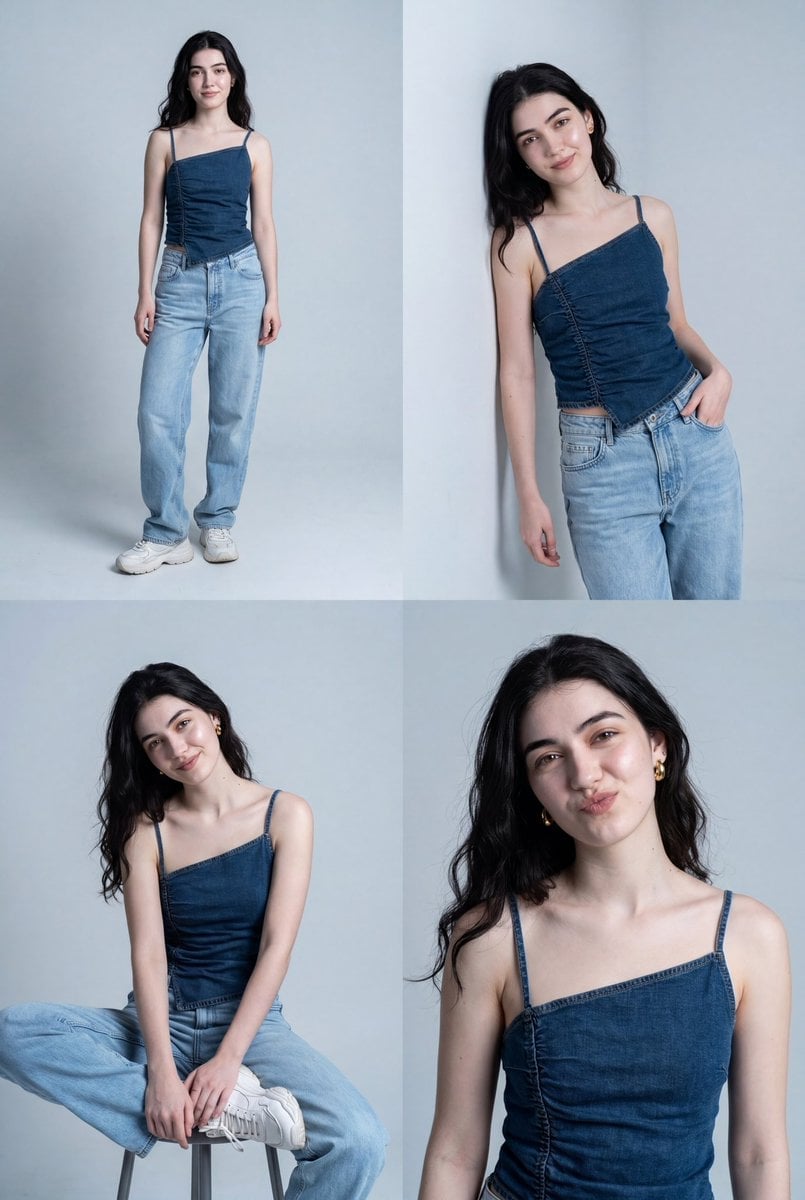
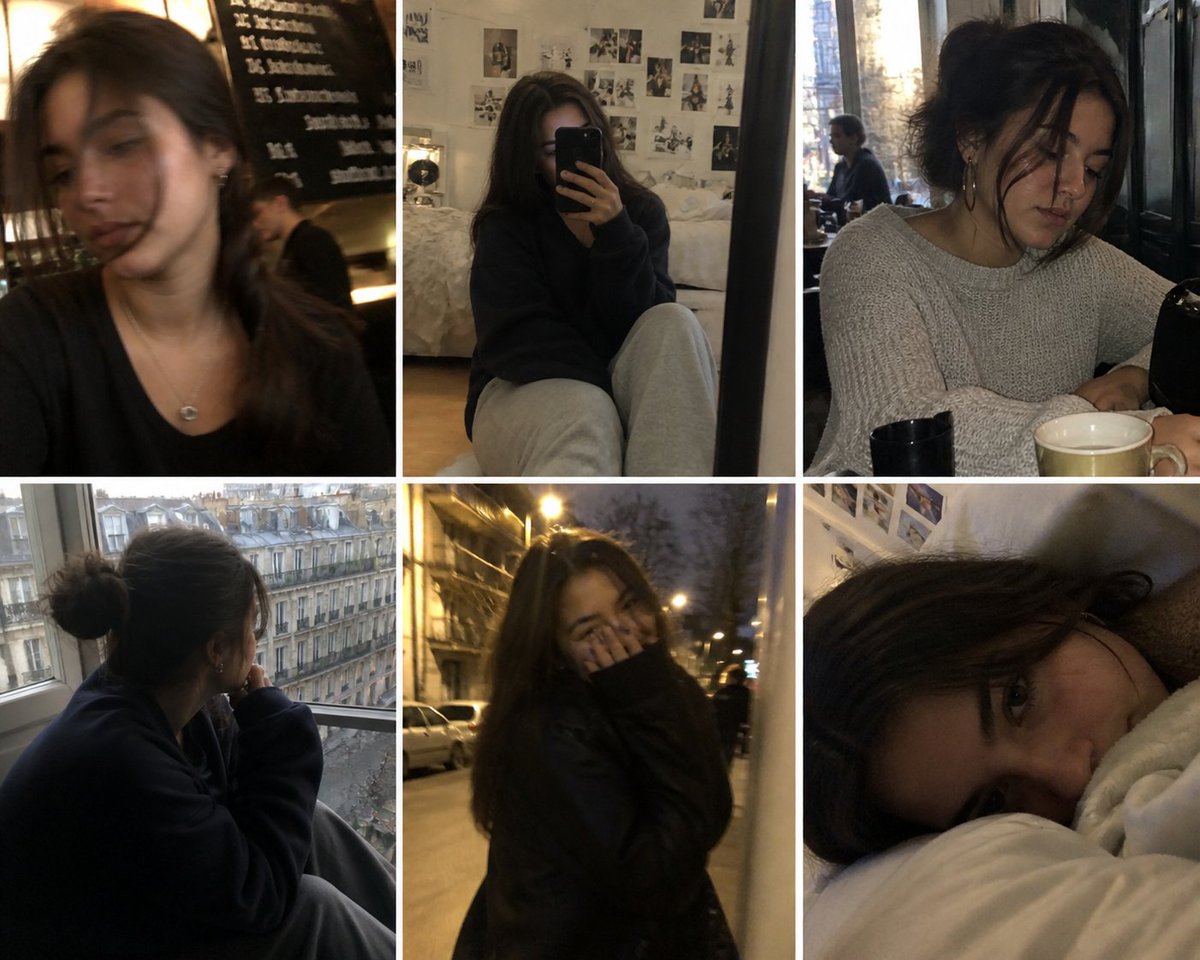
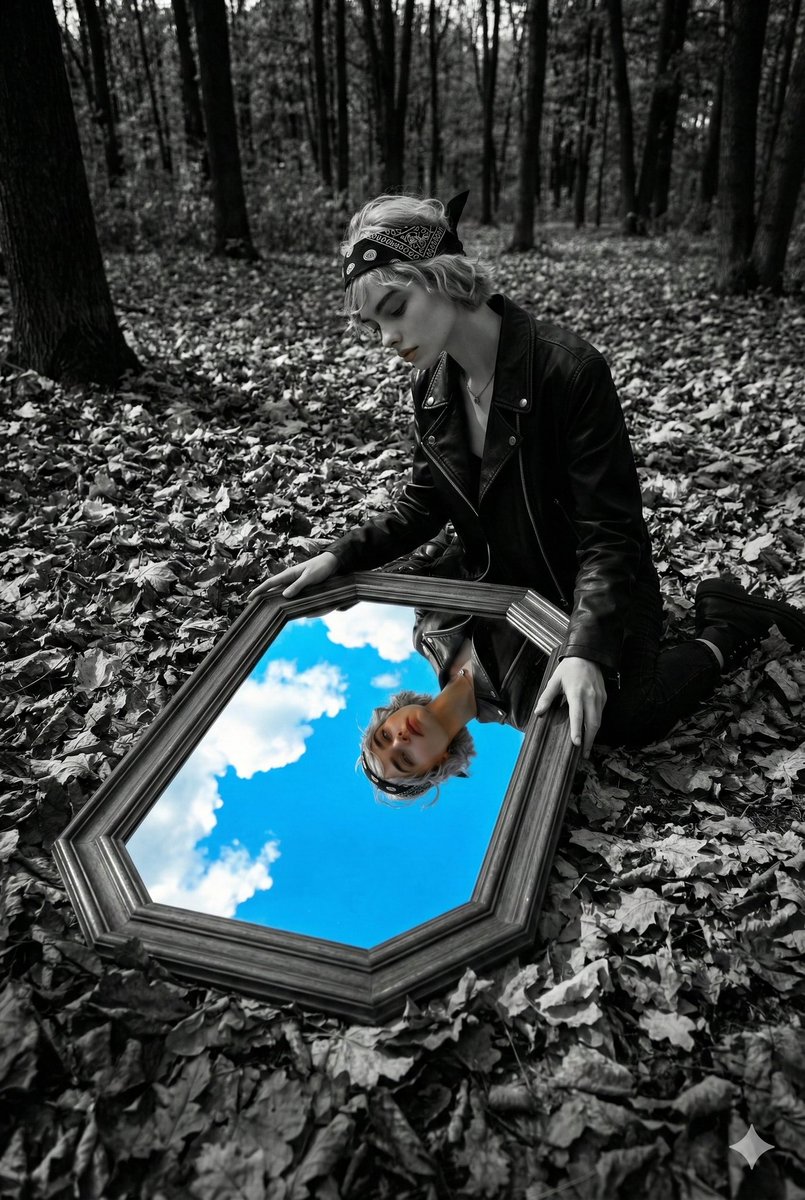
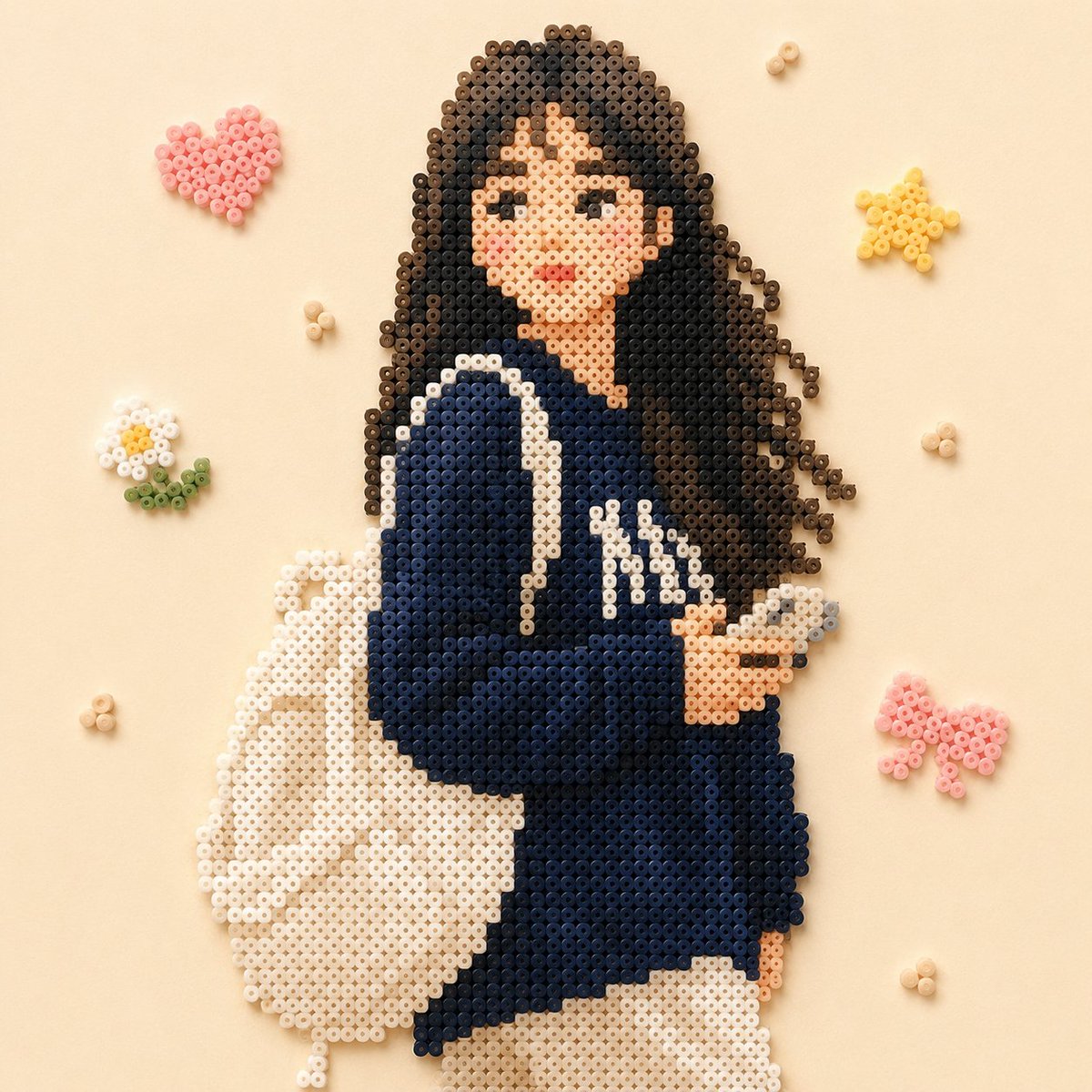
How do I use the Professional Studio Male Portraits template?
Choose the primary action to open PicX Studio with the available template settings. Review the model and format, personalize the creative direction, and generate when ready.
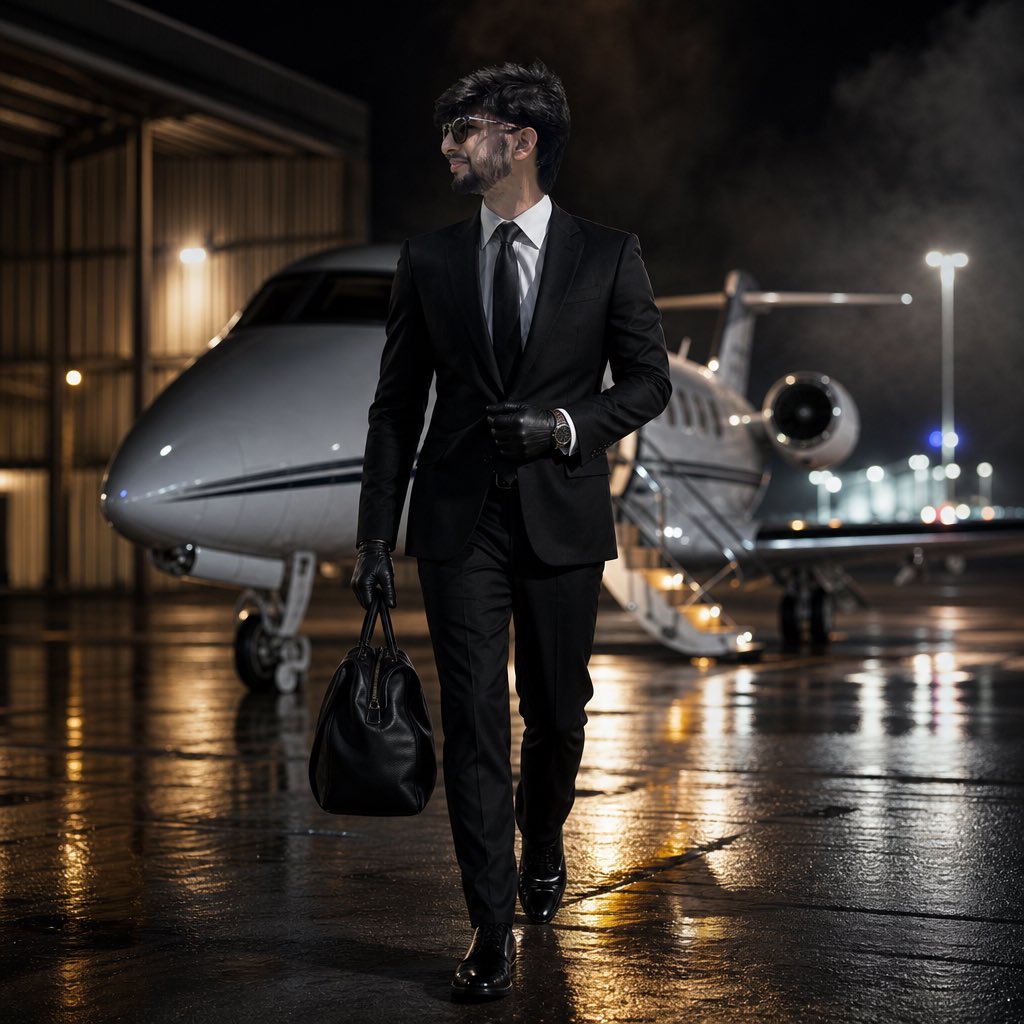
Clean and high-end studio portrait prompts for professional male headshots with dramatic lighting.
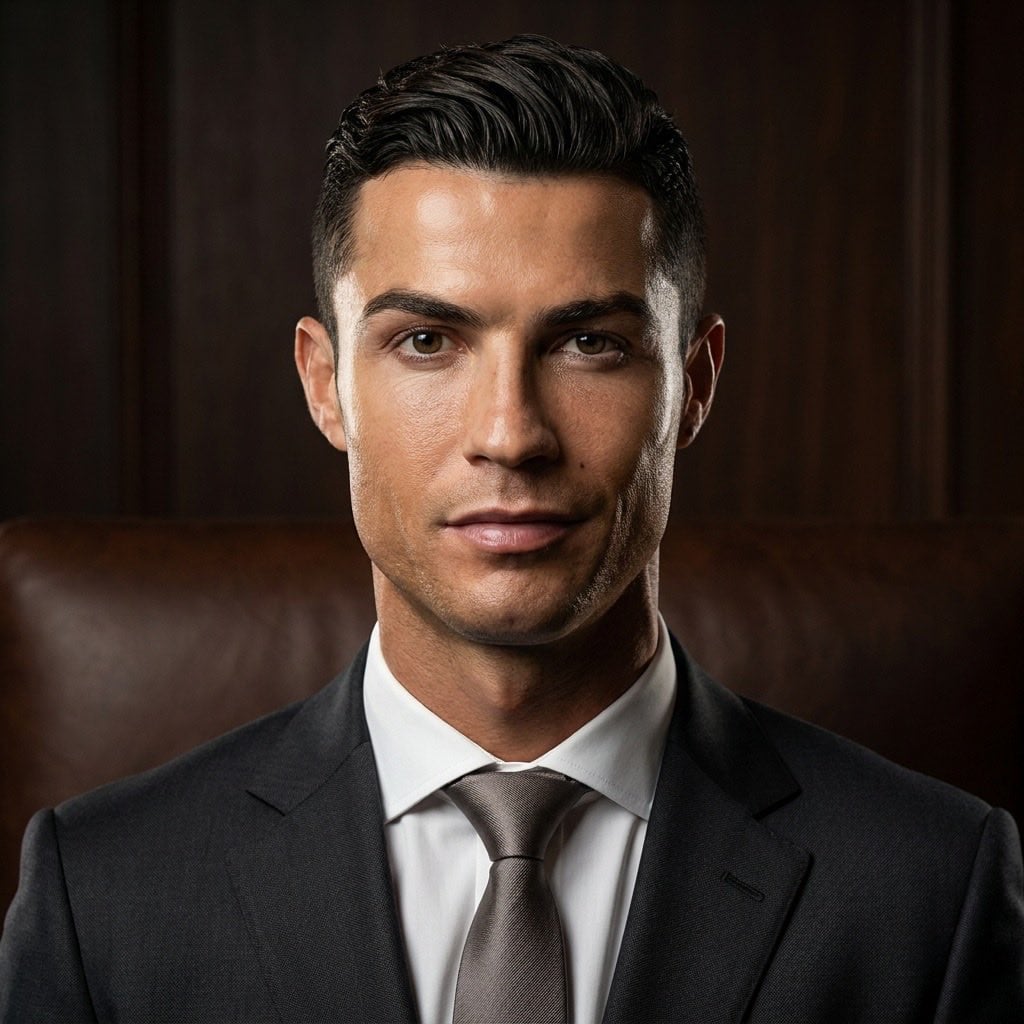
Professional studio portrait of a man in his mid-30s, short dark brown hair swept back, reddish-brown trimmed beard, wearing a navy blue suit with white dress shirt and dark navy tie, neutral serious expression, dark charcoal gradient background, dramatic studio lighting, photorealistic, sharp focus, high-end photography Professional studio portrait of a man in his late 20s to early 30s, short black hair slicked back with fade on sides, clean-shaven with olive/tan skin, wearing a dark charcoal suit with white dress shirt and silver-grey tie, subtle confident expression, dark brown wooden panel background, warm dramatic lighting, photorealistic, sharp focus, high-end editorial photography
Choose the primary action to open PicX Studio with the available template settings. Review the model and format, personalize the creative direction, and generate when ready.
Yes. You can change the subject, setting, lighting, mood, format, and available model controls before creating your image.
This template is free to open and customize. Generation usage is shown in PicX Studio before you create.
Start with Nano Banana 2, which is the model associated with this template. You can compare another compatible model for a different finish.
Follow a topic to a crawlable collection of related PicX Studio templates.