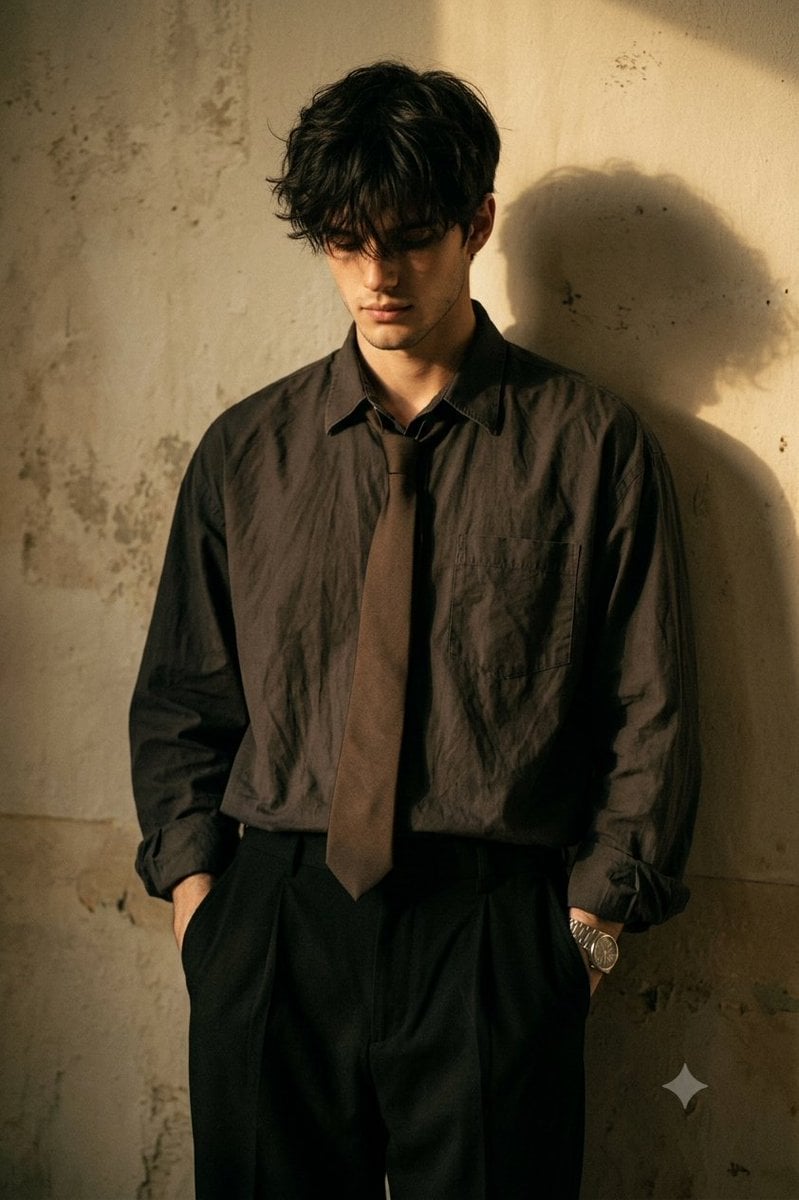
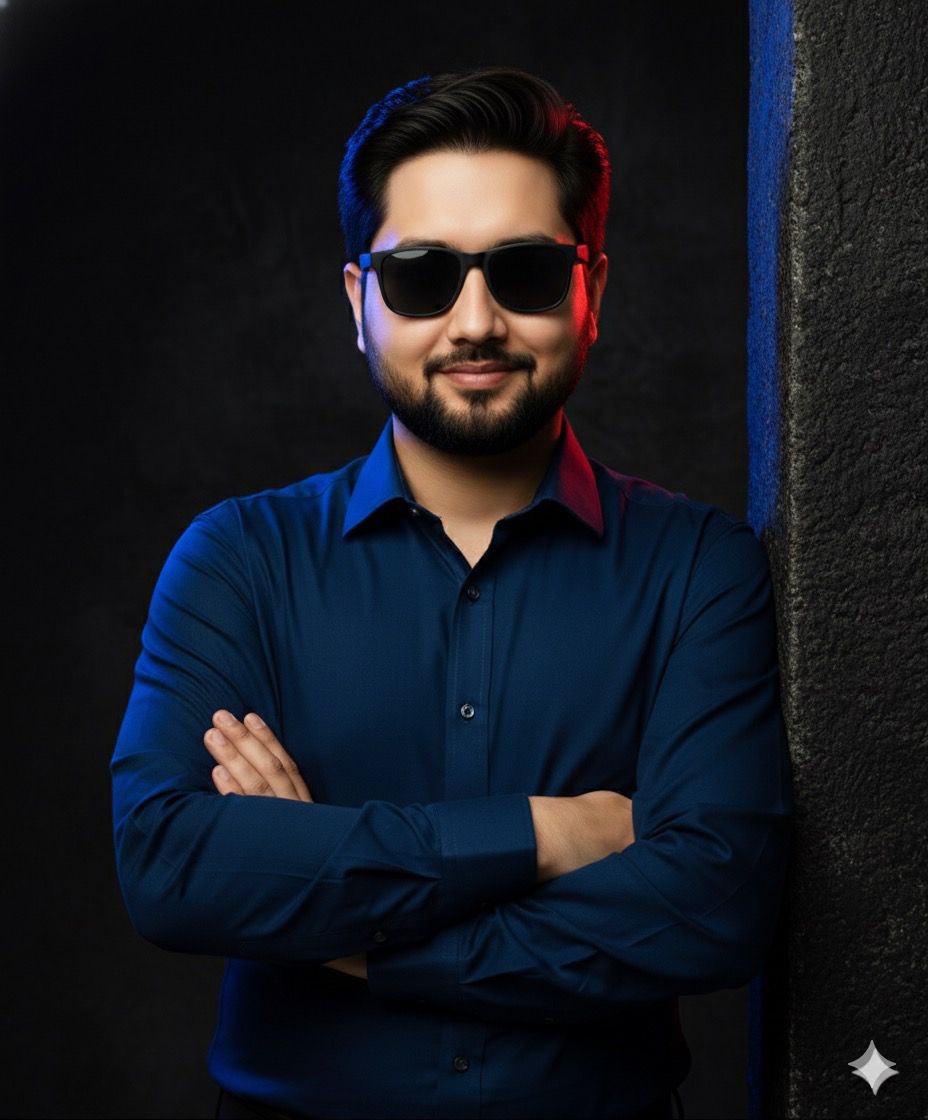
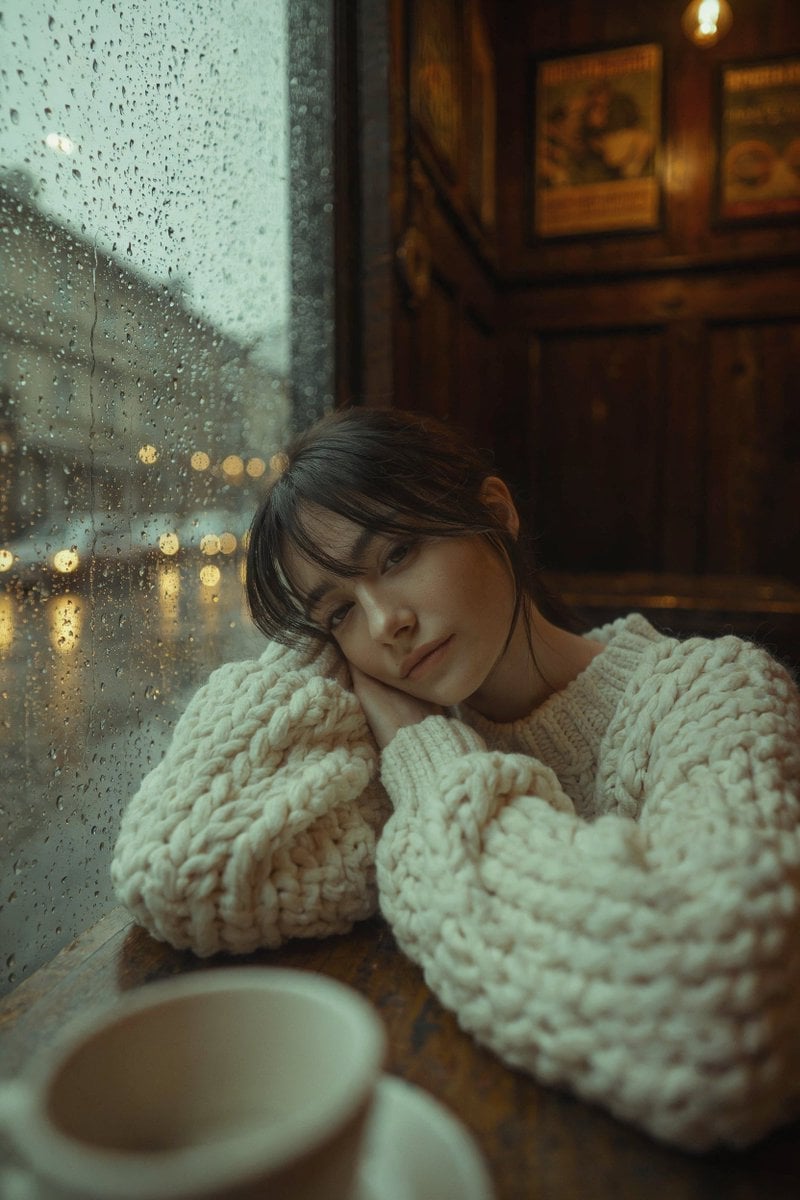
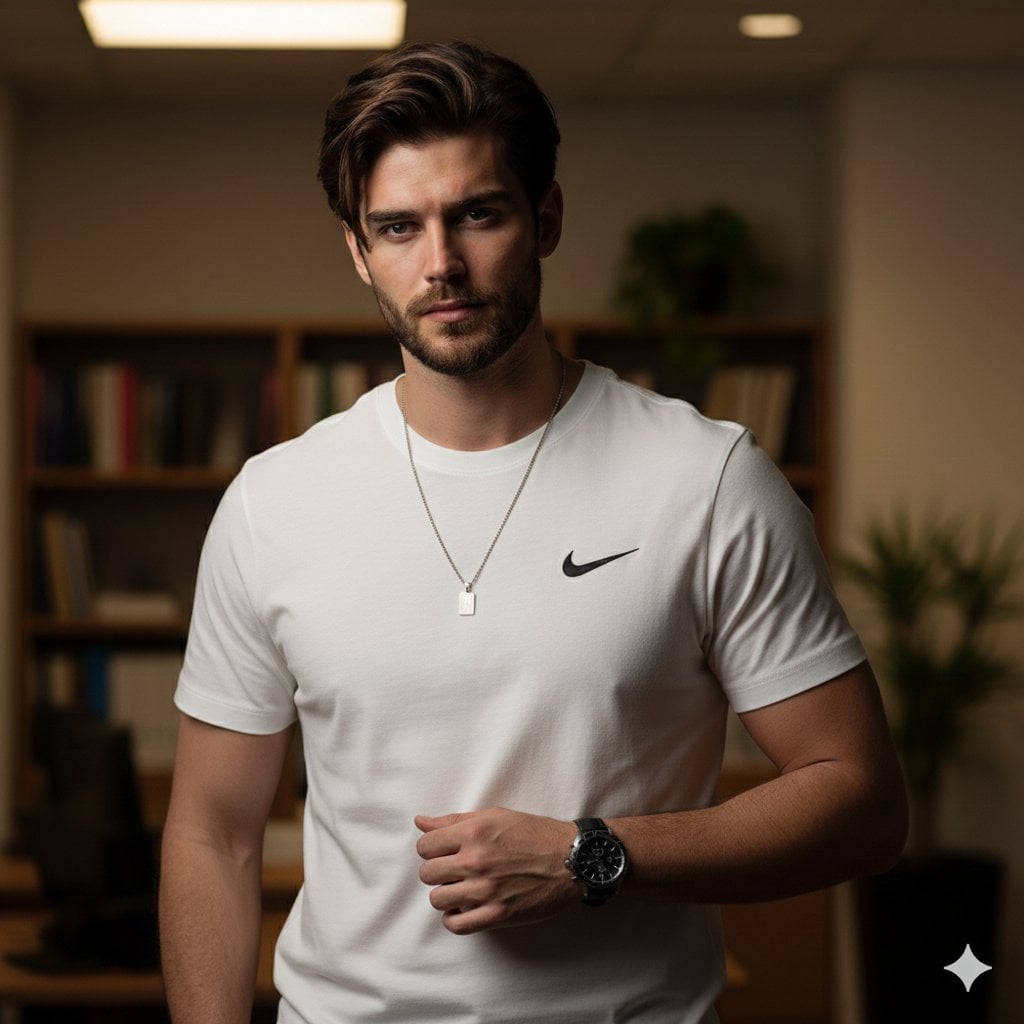
How do I use the Moody studio male portrait template?
Edit the prompt in the box under the preview — the template's model and format are already selected — and press Generate. Your version appears right on this page.
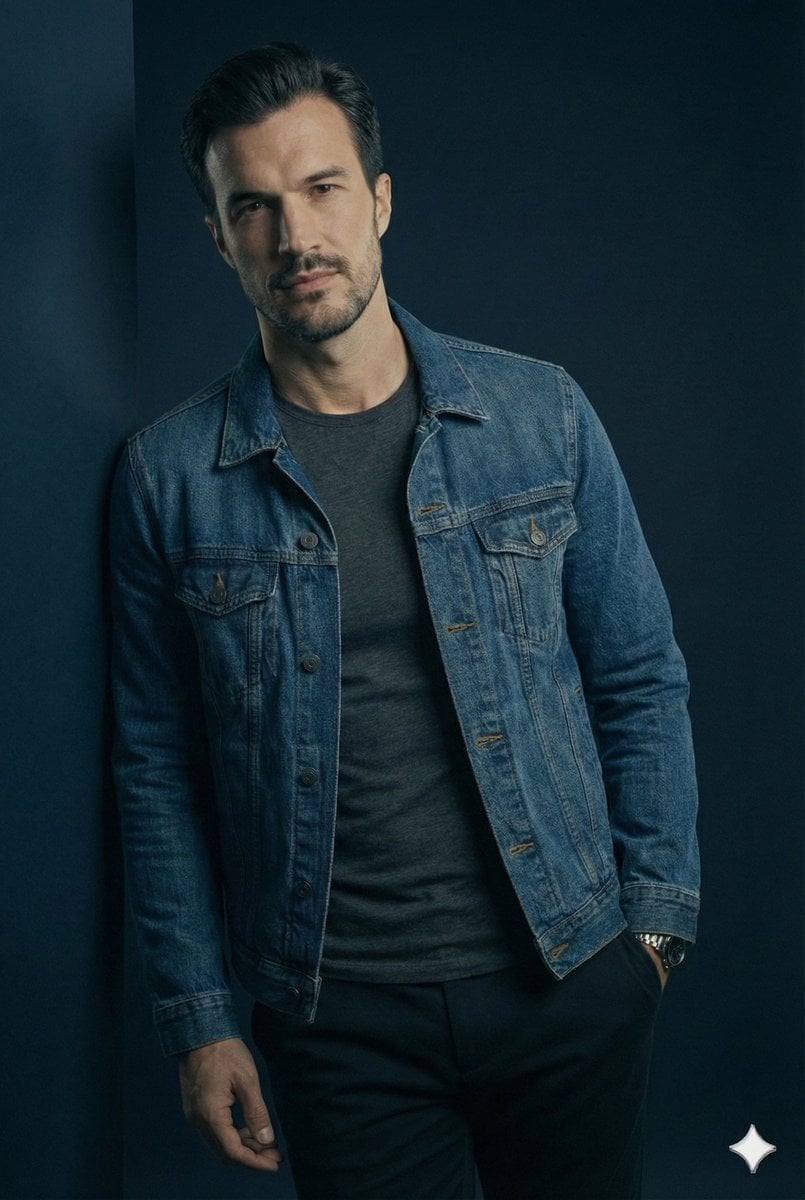
An editorial fashion portrait prompt for a man in a black overcoat, featuring high-contrast studio lighting and a gritty stone wall background.

An adult male stands squarely facing the camera with level shoulders and a centered stance, his intense, serious direct gaze piercing through the frame. He has a warm tan complexion, a full dark beard, and heavily textured dark hair featuring a messy fringe brushed forward. He is dressed in a heavy double-breasted deep black wool overcoat worn open to reveal a bright, thin white crewneck t-shirt and a subtle dark metallic chain necklace resting lightly against his chest. His left hand is relaxed and tucked inside his front left pants pocket, exposing a gleaming silver link-bracelet watch on his wrist against the dark trouser fabric. He is situated in a shallow studio environment just in front of a weathered matte plaster wall featuring rough, uneven texturing and mottled dark charcoal patches that create a grungy stone effect, rendered slightly blurred by the shallow depth of field. The scene is enveloped in a cool, desaturated, high-contrast monochromatic palette primarily composed of deep blacks that visually isolate his skin tones and the bright off-white of his shirt. A highly directional, single dominant soft studio light shines from the front and slightly above, casting dramatic, deep black shadows with soft gradual edges under his chin that heavily cloak his dark coat and seamlessly fade into the murky background. Specular highlights are precisely preserved on his forehead, the bridge of his nose, his cheekbones, and the soft draped folds of his white t-shirt, establishing a somber, cinematic, and deeply moody atmosphere. The portrait is captured as a realistic digital photograph using an 85mm lens at f/1.8 to ensure a tack-sharp focus on his piercing eyes and facial hair while melting the background into obscurity, featuring moody editorial fashion influences, intentional film grain, crushed blacks, slightly cooled shadows, and lifted midtones, all perfectly framed in a 4:5 aspect ratio.
An adult male stands squarely facing the camera with level shoulders and a centered stance, his intense, serious direct gaze piercing through the frame. He has a warm tan complexion, a full dark beard, and heavily textured dark hair featuring a messy fringe brushed forward. He is dressed in a heavy double-breasted deep black wool overcoat worn open to reveal a bright, thin white crewneck t-shirt and a subtle dark metallic chain necklace resting lightly against his chest. His left hand is relaxed and tucked inside his front left pants pocket, exposing a gleaming silver link-bracelet watch on his wrist against the dark trouser fabric. He is situated in a shallow studio environment just in front of a weathered matte plaster wall featuring rough, uneven texturing and mottled dark charcoal patches that create a grungy stone effect, rendered slightly blurred by the shallow depth of field. The scene is enveloped in a cool, desaturated, high-contrast monochromatic palette primarily composed of deep blacks that visually isolate his skin tones and the bright off-white of his shirt. A highly directional, single dominant soft studio light shines from the front and slightly above, casting dramatic, deep black shadows with soft gradual edges under his chin that heavily cloak his dark coat and seamlessly fade into the murky background. Specular highlights are precisely preserved on his forehead, the bridge of his nose, his cheekbones, and the soft draped folds of his white t-shirt, establishing a somber, cinematic, and deeply moody atmosphere. The portrait is captured as a realistic digital photograph using an 85mm lens at f/1.8 to ensure a tack-sharp focus on his piercing eyes and facial hair while melting the background into obscurity, featuring moody editorial fashion influences, intentional film grain, crushed blacks, slightly cooled shadows, and lifted midtones, all perfectly framed in a 4:5 aspect ratio.
Edit the prompt in the box under the preview — the template's model and format are already selected — and press Generate. Your version appears right on this page.
Yes. You can change the subject, setting, lighting, mood, format, and available model controls before creating your image.
Opening and editing this template is free. Generating uses credits, shown on the Generate button when you are signed in.
Start with Nano Banana 2, which is the model associated with this template. You can compare another compatible model for a different finish.
Follow a topic to a crawlable collection of related PicX Studio templates.