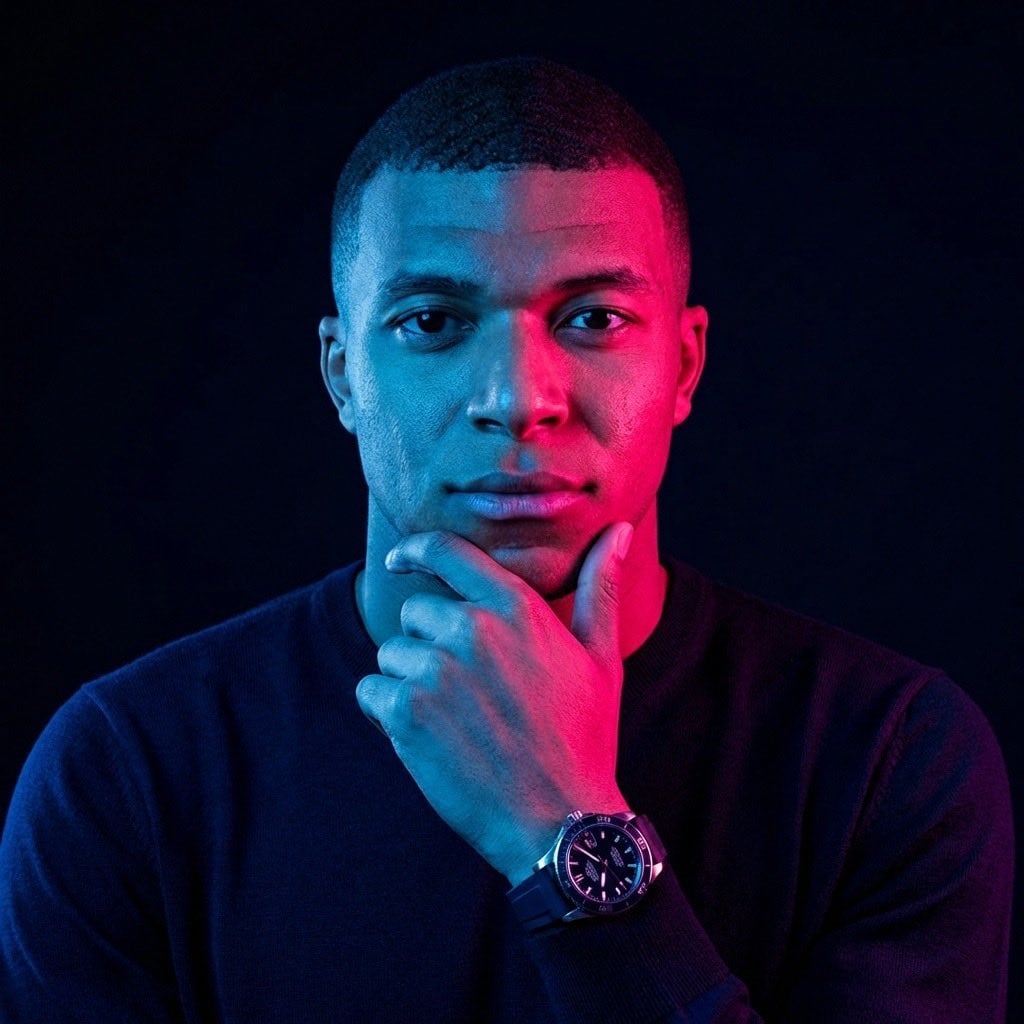
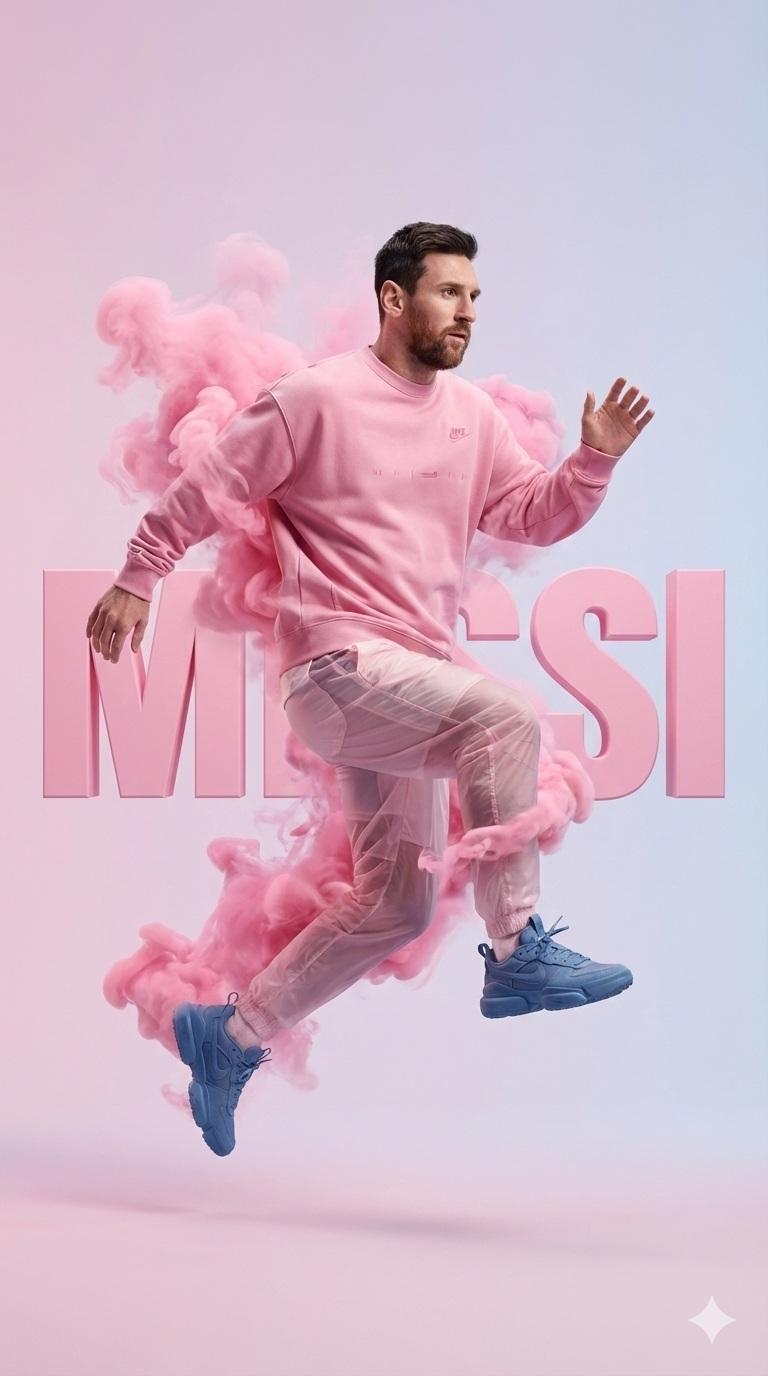
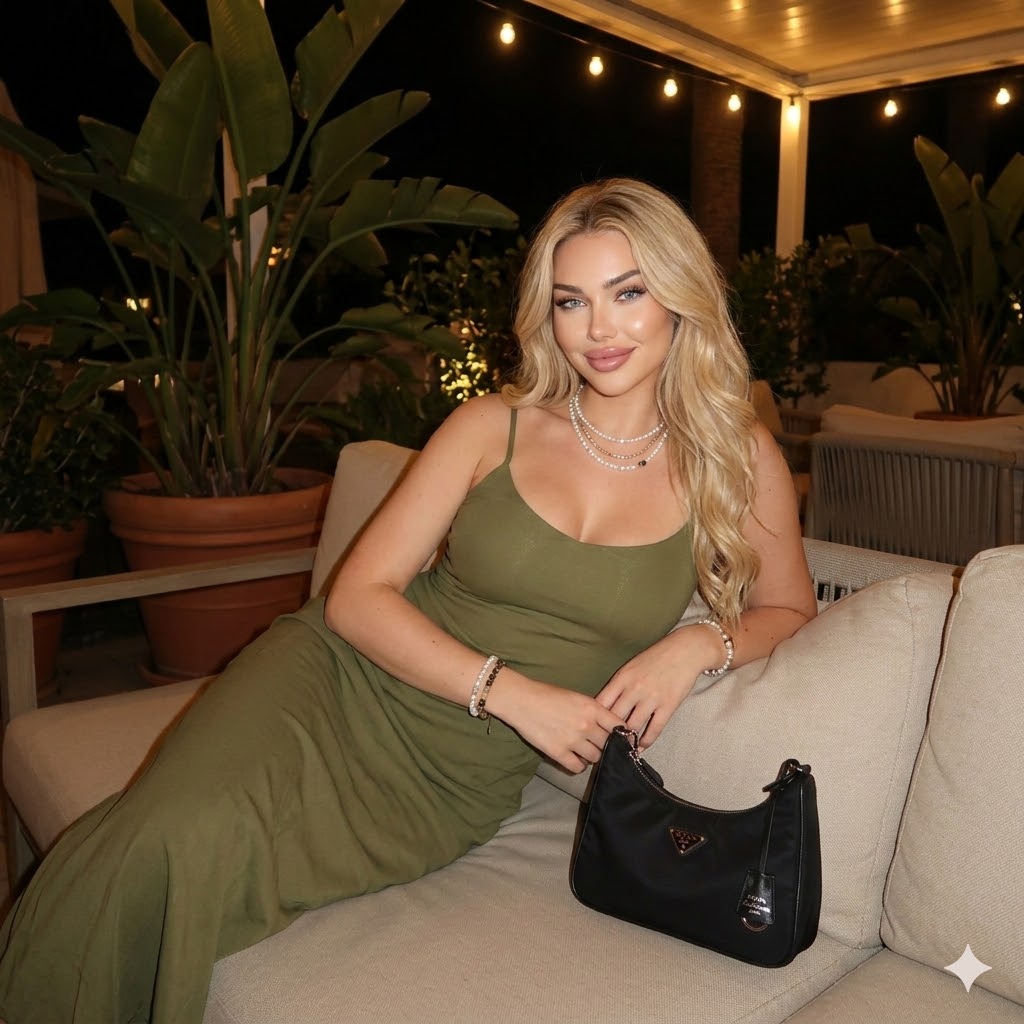
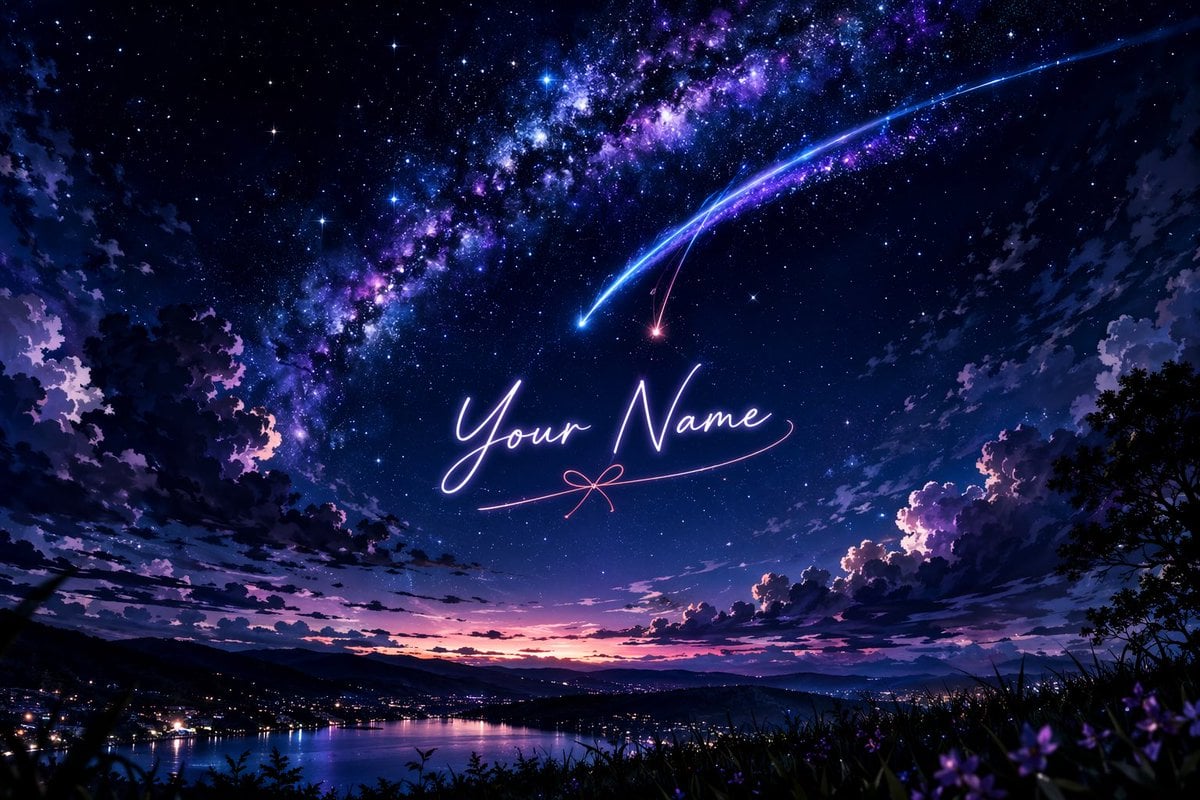
How do I use the Cinematic Male B&W Studio Portrait template?
Edit the prompt in the box under the preview — the template's model and format are already selected — and press Generate. Your version appears right on this page.
A dramatic, high-contrast monochrome portrait prompt for Nano Banana Pro, focusing on sharp textures, moody lighting, and sophisticated composition.

A dramatic, high-contrast black and white portrait of a {argument name="subject" default="handsome man"} with short, wavy dark hair and a well-groomed stubble beard. He is wearing classic {argument name="accessory" default="round dark sunglasses"} and a sharp, textured {argument name="clothing" default="black wool overcoat"}. Instead of looking over his shoulder, he is captured in a pensive, three-quarter side profile view, with one hand raised, fingers gently touching his chin in a thoughtful pose. The lighting is strong side-lighting (chiaroscuro) that sharply defines his jawline, facial features, and the texture of his coat, casting deep shadows. The background is a completely solid, matte black studio backdrop, creating a moody, sophisticated, and cinematic atmosphere. Cinematic film grain, sharp focus on the face.
A dramatic, high-contrast black and white portrait of a {argument name="subject" default="handsome man"} with short, wavy dark hair and a well-groomed stubble beard. He is wearing classic {argument name="accessory" default="round dark sunglasses"} and a sharp, textured {argument name="clothing" default="black wool overcoat"}. Instead of looking over his shoulder, he is captured in a pensive, three-quarter side profile view, with one hand raised, fingers gently touching his chin in a thoughtful pose. The lighting is strong side-lighting (chiaroscuro) that sharply defines his jawline, facial features, and the texture of his coat, casting deep shadows. The background is a completely solid, matte black studio backdrop, creating a moody, sophisticated, and cinematic atmosphere. Cinematic film grain, sharp focus on the face.
Edit the prompt in the box under the preview — the template's model and format are already selected — and press Generate. Your version appears right on this page.
Yes. You can change the subject, setting, lighting, mood, format, and available model controls before creating your image.
Opening and editing this template is free. Generating uses credits, shown on the Generate button when you are signed in.
Start with Nano Banana 2, which is the model associated with this template. You can compare another compatible model for a different finish.
Follow a topic to a crawlable collection of related PicX Studio templates.