How do I use the Professional Studio Male Portrait template?
Edit the prompt in the box under the preview — the template's model and format are already selected — and press Generate. Your version appears right on this page.
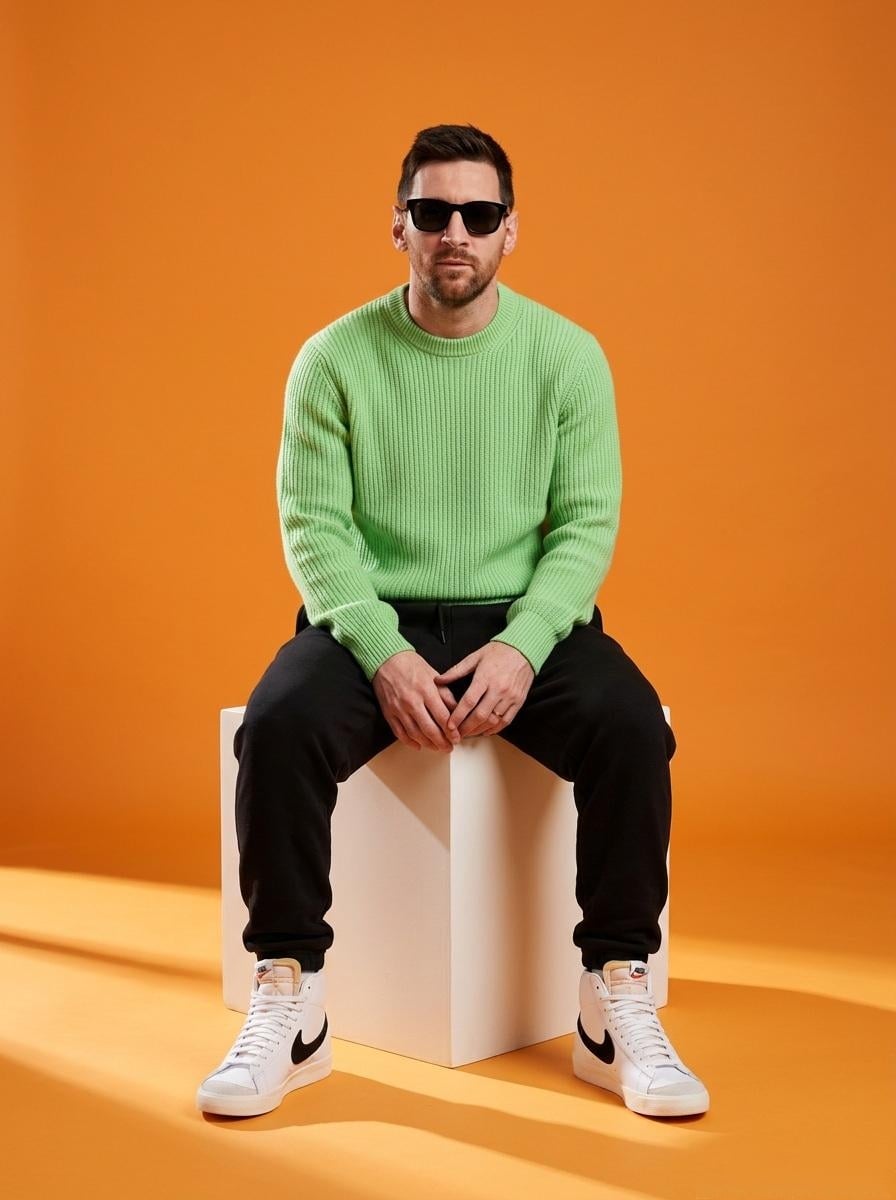
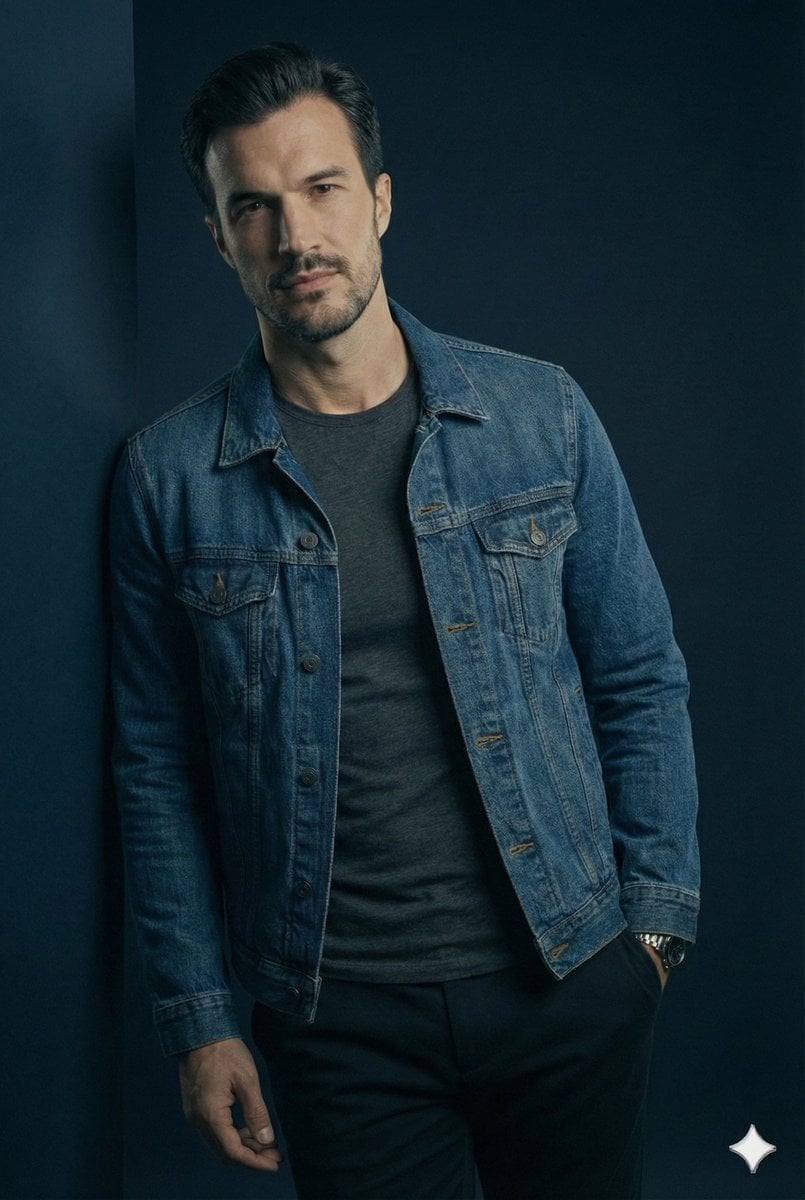
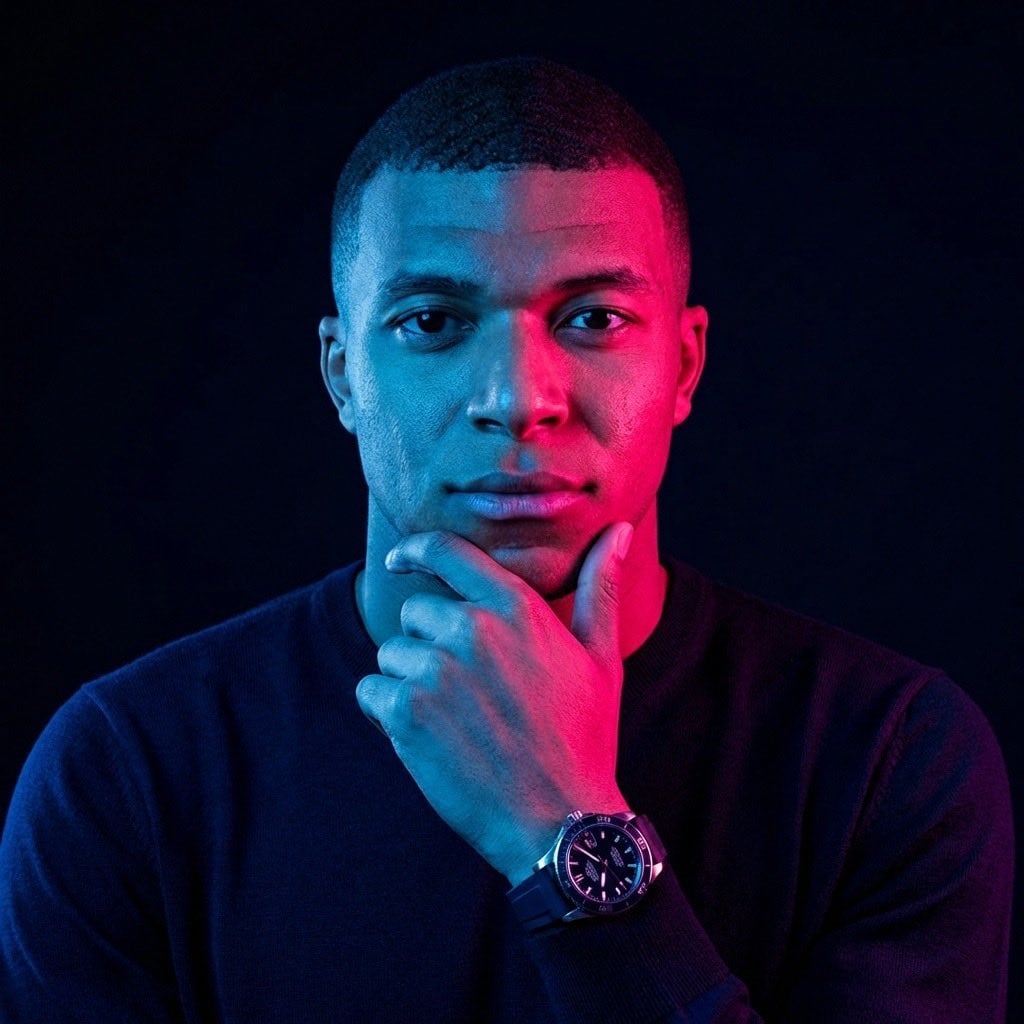
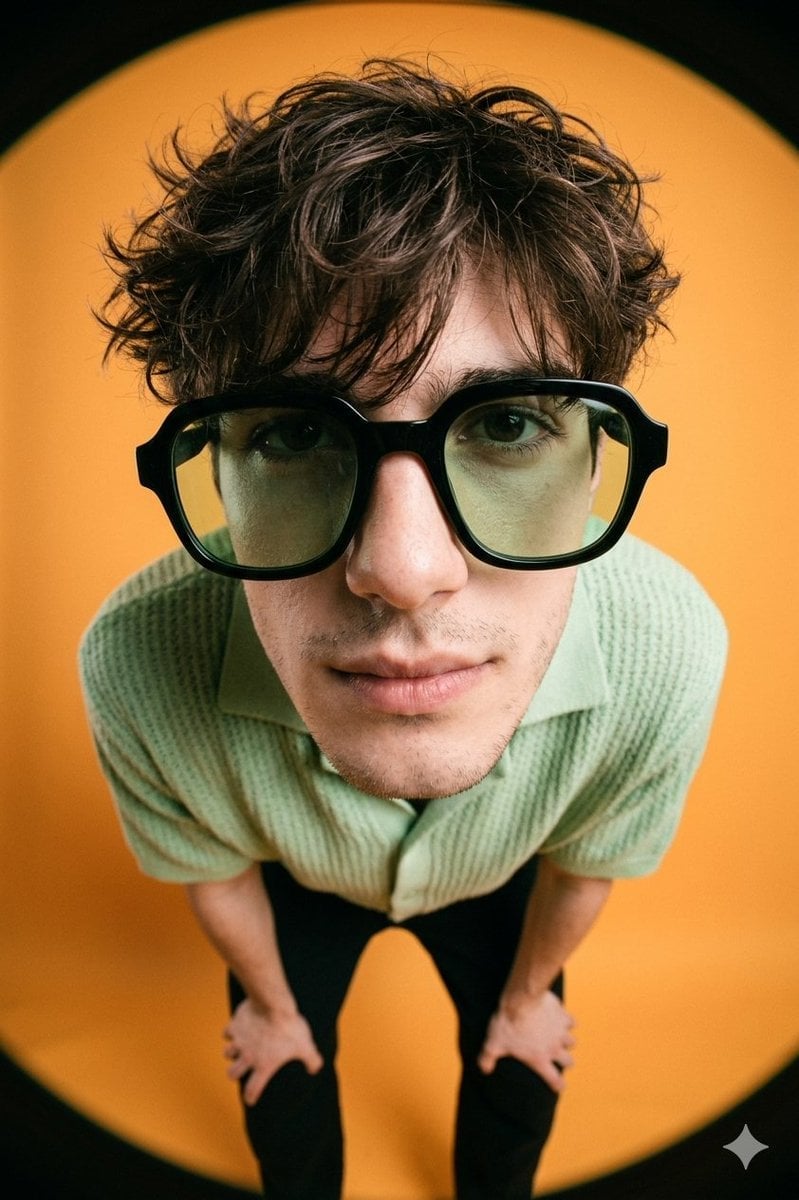
A prompt for generating a photorealistic medium shot of a handsome man in an office setting with studio lighting and high facial detail.

A medium shot of a handsome man with {argument name="hair style" default="styled brown hair"} and a neat beard, looking directly at the camera with a confident expression. He is wearing a {argument name="clothing" default="clean white t-shirt"} featuring a small black swoosh logo on the left chest, a simple silver chain necklace with a small rectangular pendant, and a dark luxury watch on his wrist. The background is a {argument name="background" default="softly blurred office or study room"} with warm indoor lighting, showing hints of a wooden bookshelf and potted plants. Photorealistic, soft depth of field, high detail, studio lighting.
A medium shot of a handsome man with {argument name="hair style" default="styled brown hair"} and a neat beard, looking directly at the camera with a confident expression. He is wearing a {argument name="clothing" default="clean white t-shirt"} featuring a small black swoosh logo on the left chest, a simple silver chain necklace with a small rectangular pendant, and a dark luxury watch on his wrist. The background is a {argument name="background" default="softly blurred office or study room"} with warm indoor lighting, showing hints of a wooden bookshelf and potted plants. Photorealistic, soft depth of field, high detail, studio lighting.
Edit the prompt in the box under the preview — the template's model and format are already selected — and press Generate. Your version appears right on this page.
Yes. You can change the subject, setting, lighting, mood, format, and available model controls before creating your image.
Opening and editing this template is free. Generating uses credits, shown on the Generate button when you are signed in.
Start with Nano Banana 2, which is the model associated with this template. You can compare another compatible model for a different finish.
Follow a topic to a crawlable collection of related PicX Studio templates.