
Composition & Subject A professional front-facing studio shot
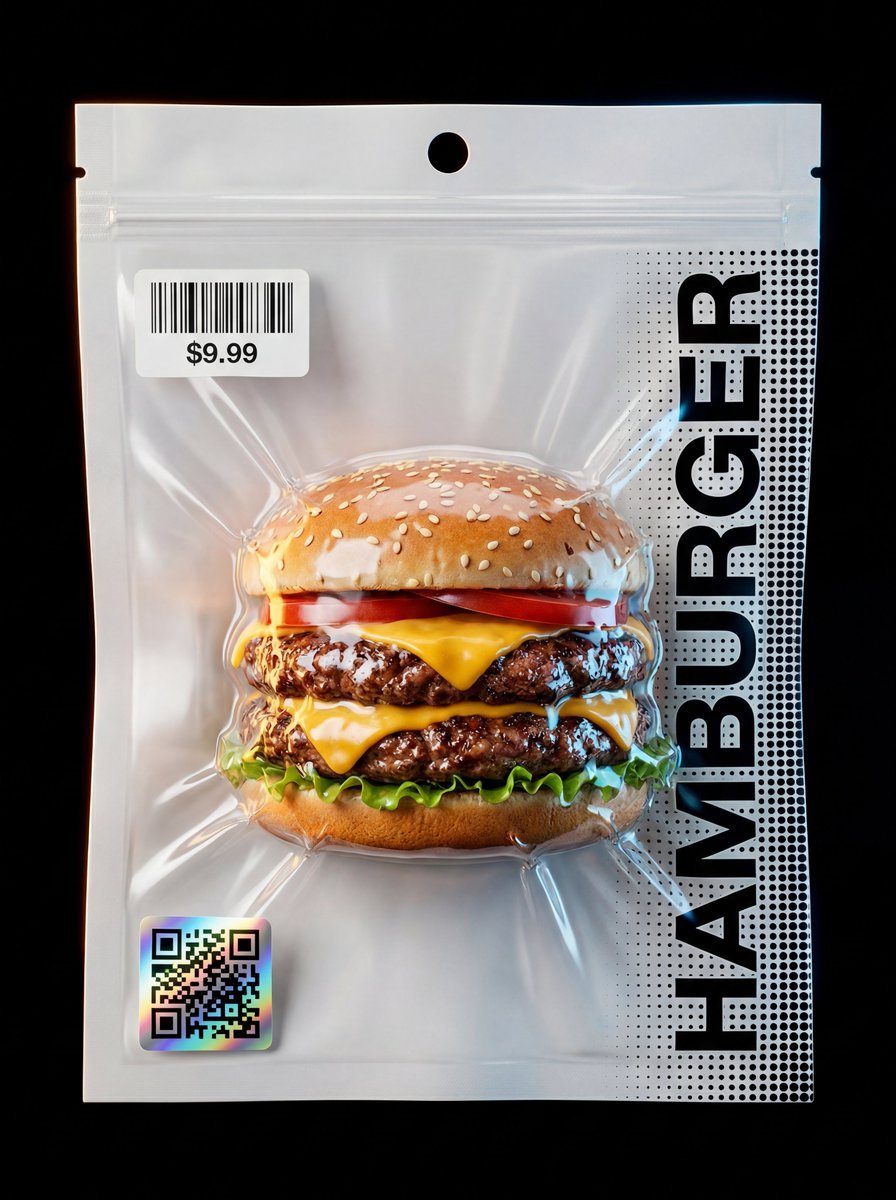
Composition & Subject: A professional front-facing studio shot of a hyper-realistic [INSERT OBJECT] standing vertical.
- Prompt included
- Model and format preset
- Premium template
The prompt behind this image
Copy the exact prompt behind Composition & Subject A professional front-facing studio shot, or open it in the studio and make it yours.
Composition & Subject: A professional front-facing studio shot of a hyper-realistic [INSERT OBJECT] standing vertical. The object features intense textural details like [DESCRIBE OBJECT TEXTURES]. Pouch Structure (Dual Material): The vacuum-sealed pouch is composed of two distinct layers. The back layer is a solid, opaque, industrial matte-white material (providing a high-contrast backdrop). The front layer is crystal-clear, high-gloss transparent plastic, allowing the object to be seen with perfect clarity and sharp detail. Vacuum Physics & Compression: The packaging demonstrates extreme vacuum-contoured compression. The plastic is sucked inward like a second skin, clinging tightly to the [DESCRIBE KEY PROTRUDING PARTS] of the object. This creates aggressive, sharp tension micro-folds and deep sculptural wrinkles that radiate from the object's silhouette. The pouch edges feature a crisp, industrial micro-dotted heat-seal pattern. Packaging Detail: The top features a circular punch-hole for hanging display, located above a realistic zip-lock seal track. The vacuum effect is powerful, with the clear front plastic sucked tightly against the contours, creating sharp, ray-traced reflections and deep tension folds. Graphics & Strategic Placement: Upper Label: A crisp white thermal rectangular sticker with a barcode and price tag of "$[INSERT PRICE]" is placed at the top-left, positioned precisely below the zip-lock seal line. Lower QR: A premium square holographic QR-code with prismatic iridescent reflections is located at the bottom-left corner. Typography & Extended Pattern: The word "[INSERT OBJECT NAME IN CAPS]" is printed vertically in a bold black Swiss font along the right side, layered over a black halftone dot-matrix pattern that extends fully to the mid-point of the pouch and then gradually fades/dissolves from there towards the center, creating a sophisticated transition. Lighting & Background: Set against a pitch-black minimalist background. Cinematic Amber and Electric Blue rim lighting outlines the silhouette, highlighting the contrast between the white back and the clear front plastic, ensuring a zero-flatness, 3D pop. Technical Specs: Commercial product photography, 8k, Unreal Engine 5.4 render style, macro-detail, zero-flatness, ultra-high contrast, focus on extreme transparency of the front layer.
How to use Composition & Subject A professional front-facing studio shot in 3 steps
- 1
Open
The prompt is already in the box next to the preview, with the template's model and format selected.
- 2…a portrait of your subject in softgolden-hour light, 85mm…
Personalize
Edit the subject and creative details for your destination.
- 3Generate
Generate
Press Generate — your image is created in PicX Studio, so you can compare it with the original and refine one variable at a time.
More like this
Templates with the same subject, style or setup. Open one to see its prompt.
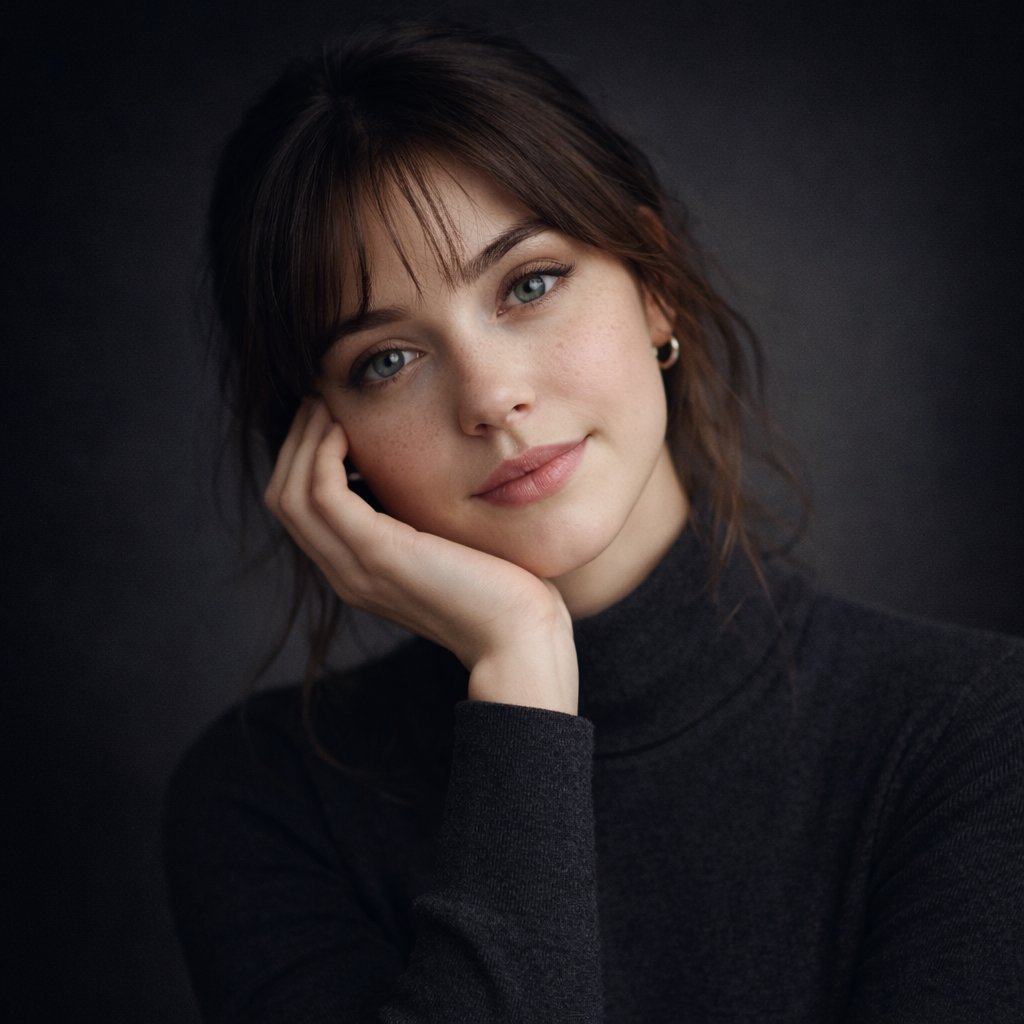
Ultra-realistic studio portrait of a young woman, front-facing, centered
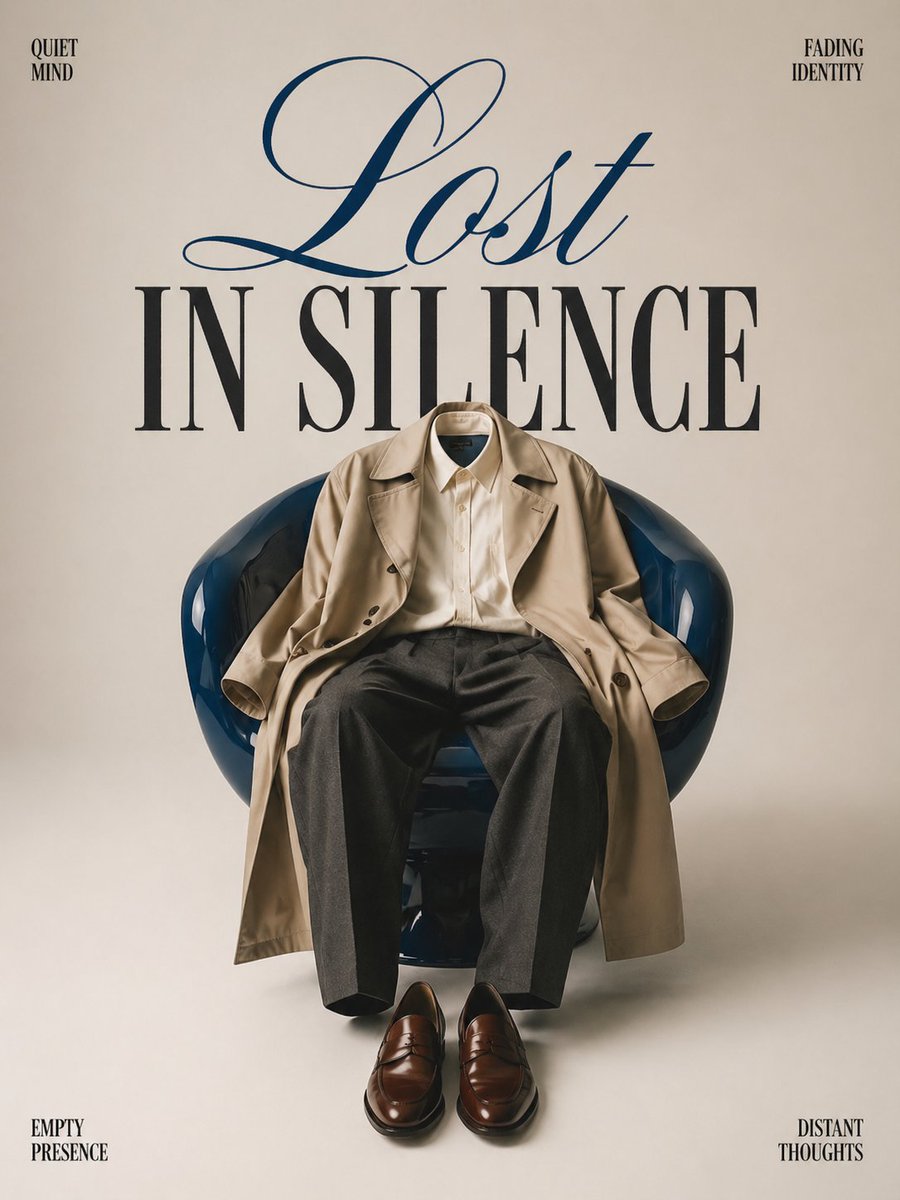
Minimalist conceptual fashion editorial poster, studio shot on a clean
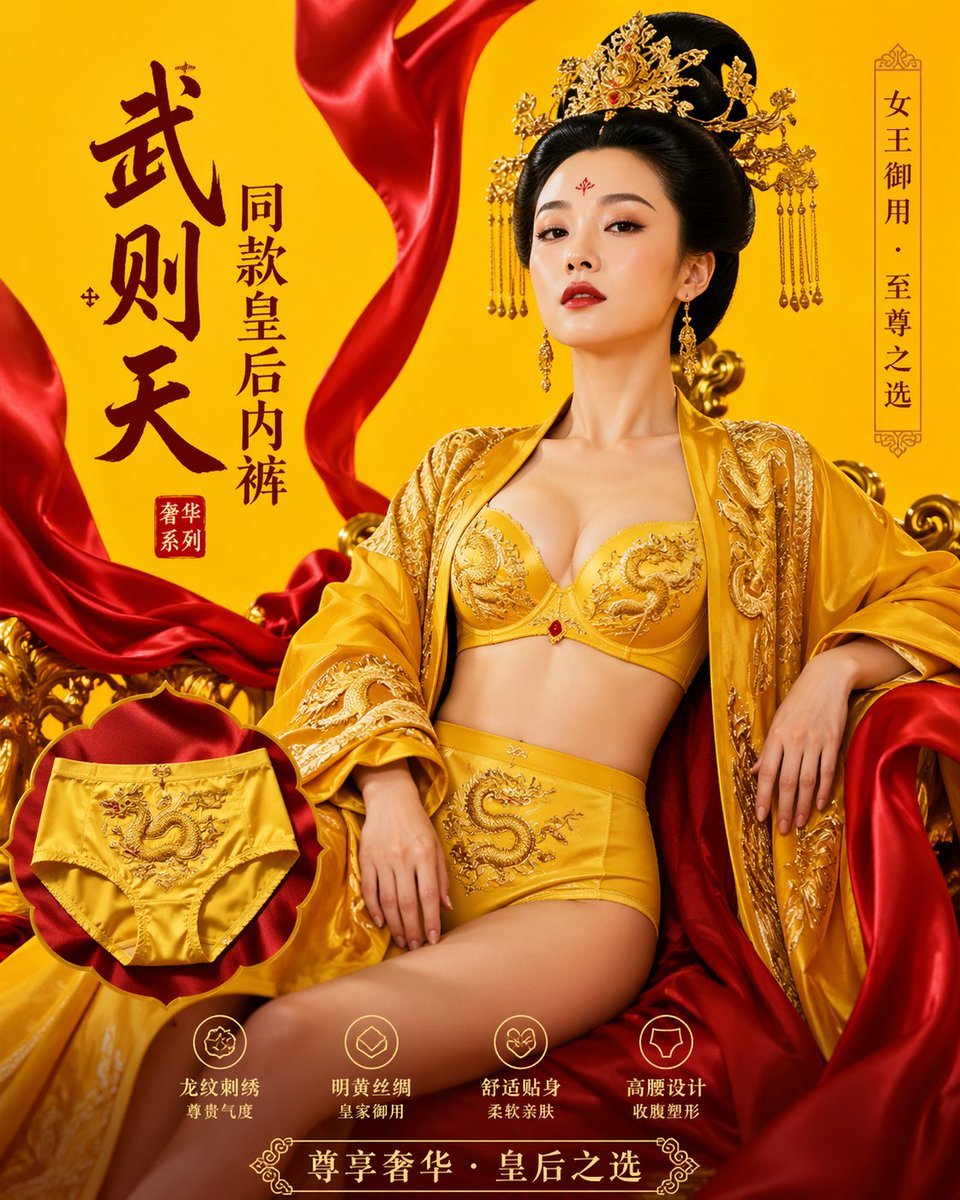
武则天同款皇后内衣广告大片,明黄底色龙纹刺绣,大红丝绸飘带衬托
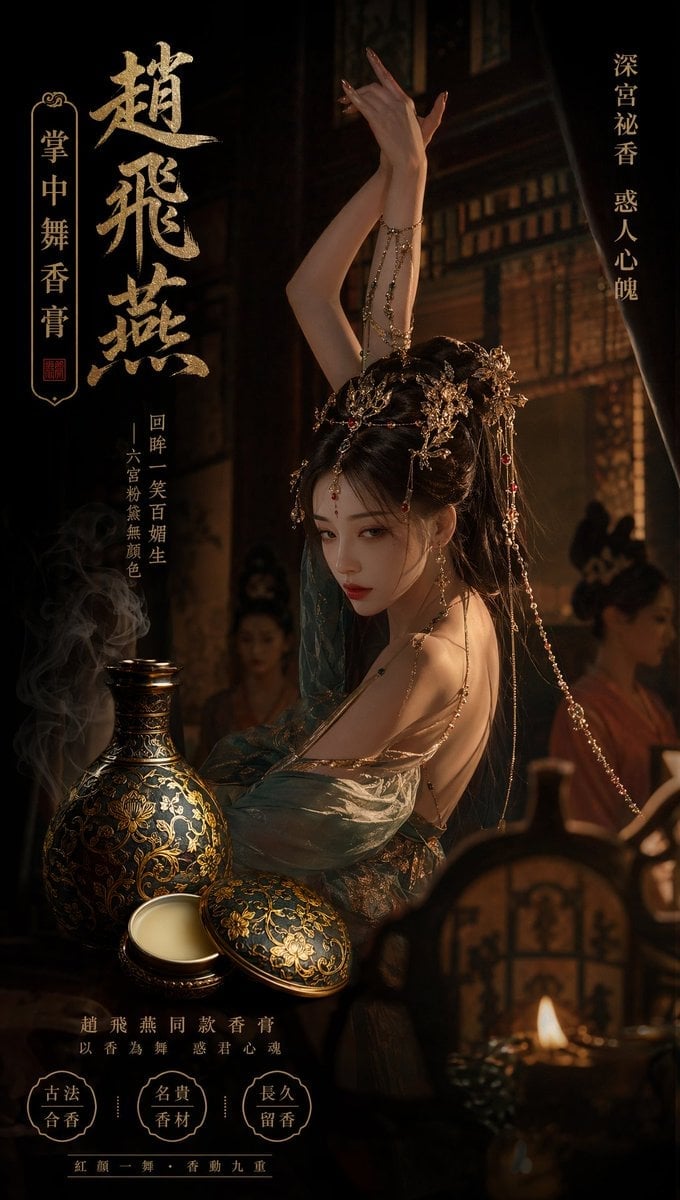
赵飞燕同款掌中舞香膏广告,错金缠枝莲铜瓶,冷艳诡谲深宫氛围感,竖屏9 16

请根据 主题 生成一张高质量竖版 科普百科图
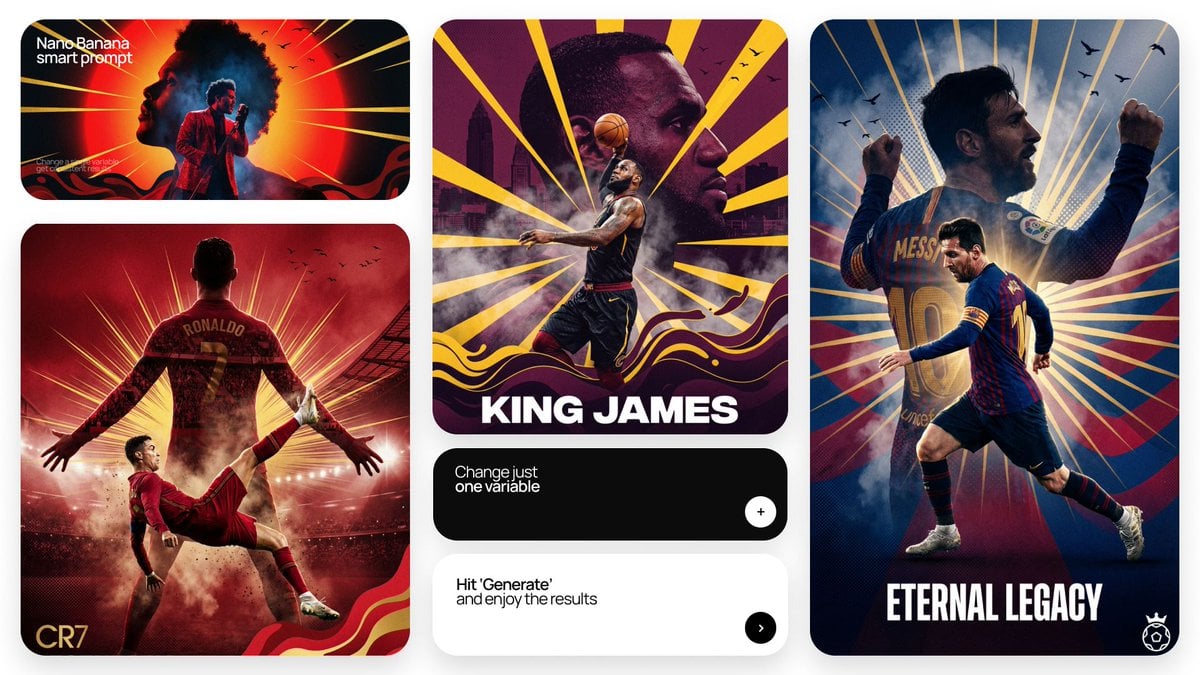
Act as a Senior Art Director
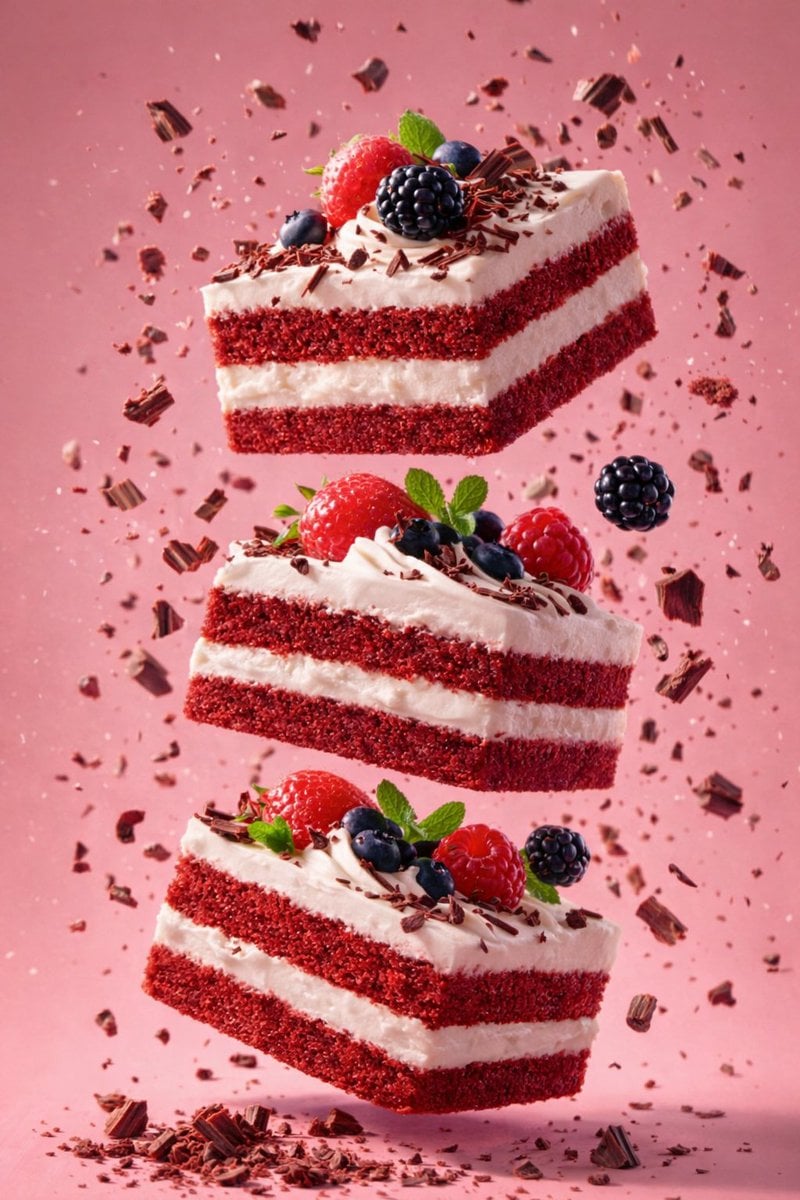
Slightly angled, front face visible, top frosting facing upward

Multiple dark purple berries erupting from inside the can

Dancer Character - Four View Reference Sheet
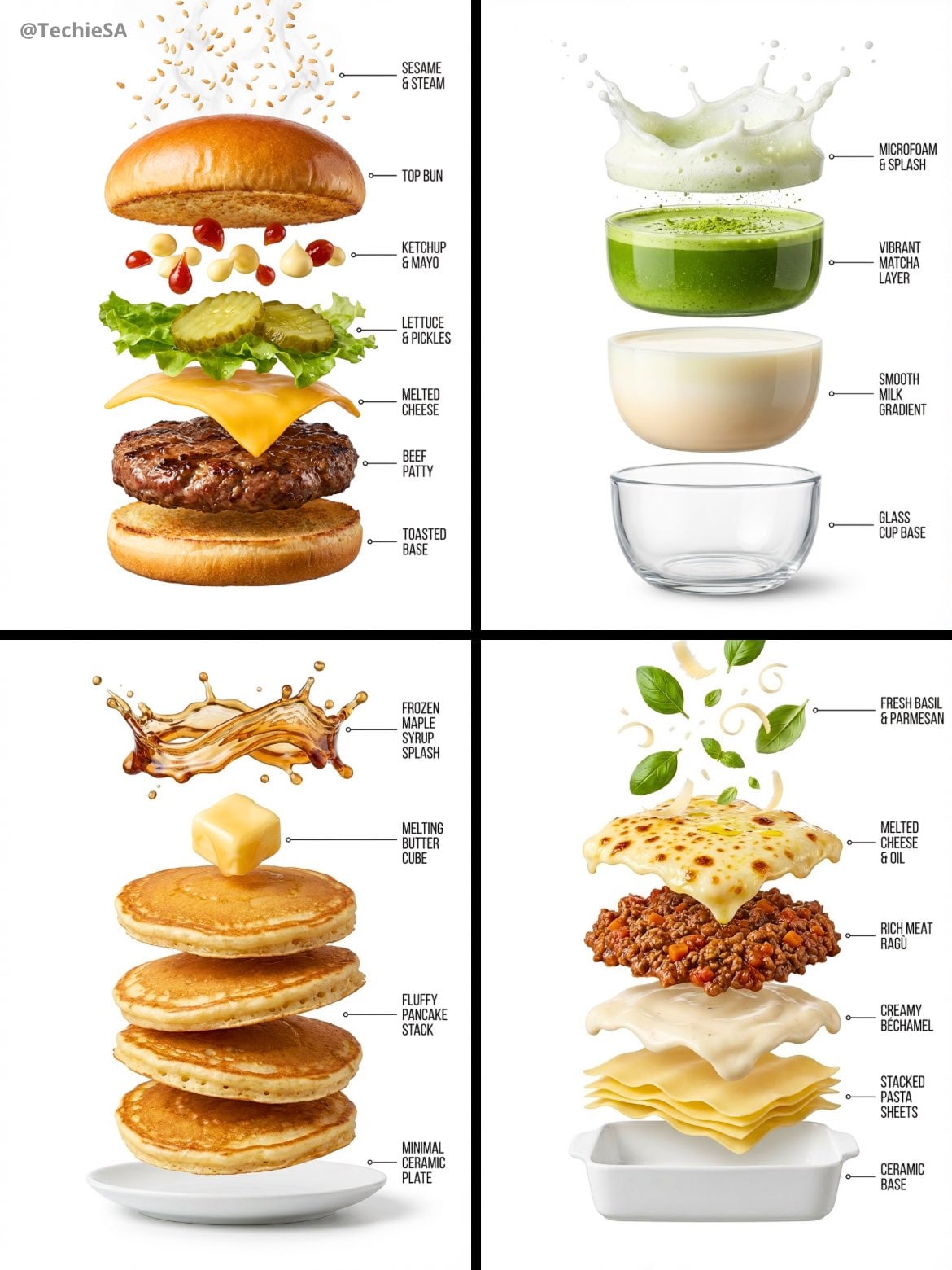
Hyper-realistic exploded vertical infographic composition
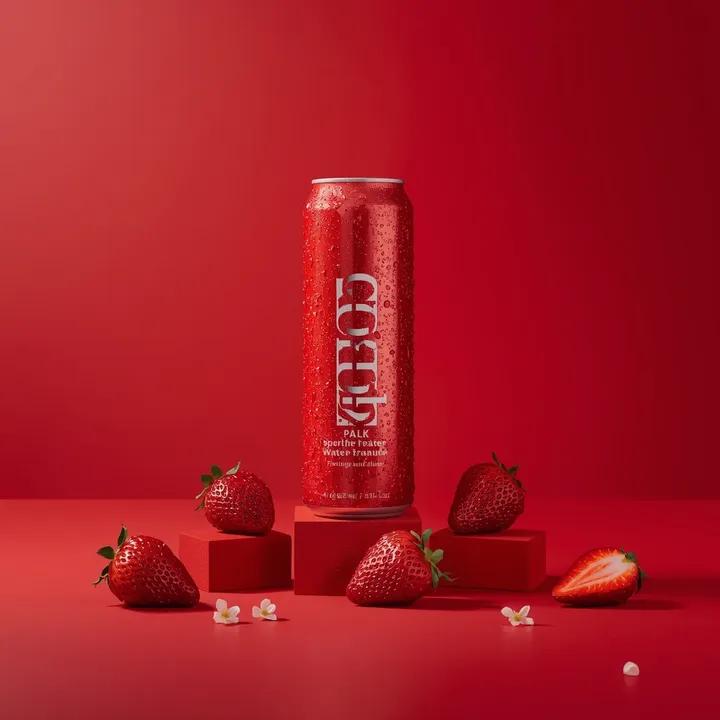
A premium studio product photograph of a tall, slim red aluminum
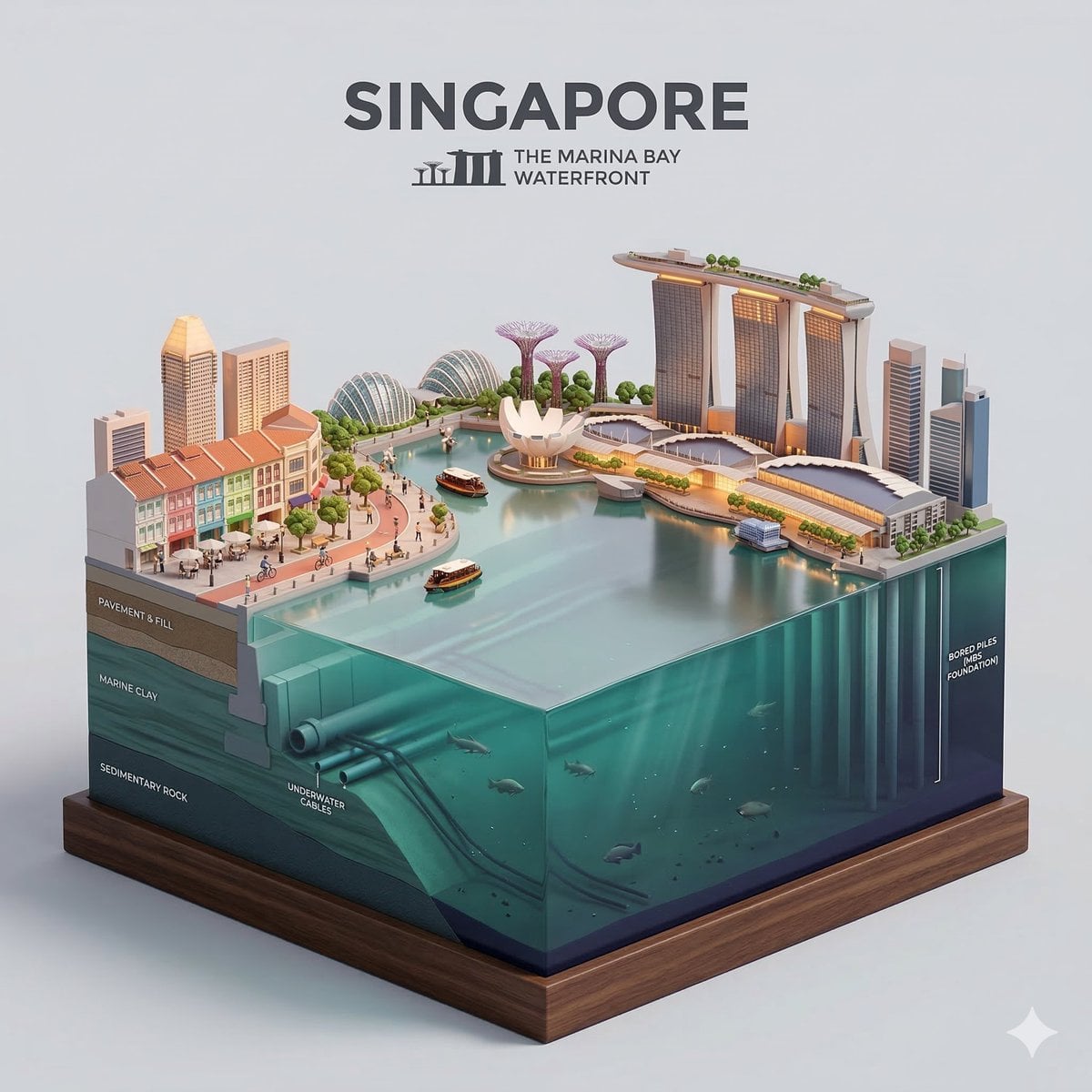
Clear, side-facing isometric miniature 3D cartoon diorama of along
Make it yours
Composition & Subject A professional front-facing studio shot works as-is. These are the safest ways to change it without losing the look.
Change one field
Copy a single group, rewrite it, and generate again so you can see what that field is doing.
Keep the frame, change the subject
Hold the composition and light of Composition & Subject A professional front-facing studio shot, then swap wardrobe, props or the person for a new take.
| If the result… | Why | Fix |
|---|---|---|
| The result drifts from the preview | Too many fields changed at once. | Reuse Composition & Subject A professional front-facing studio shot as-is first, then change one group — subject, light, or setting. |
| The model over-stylizes the scene | The prose prompt leaves finish and camera underspecified. | Add one camera or lighting sentence and stay on Nano Banana 2. |
More Nano Banana 2 templates
Other prompts made for Nano Banana 2.

Photorealistic Leaf Shaped Like a Dragon

K-Pop Idol Portrait Grid for Rapid Selection

Poetic Rain Forest Portrait During Golden Hour

Urban Street Portrait with Cartoon Inner Self Duo

Candid Nighttime Photo with Cat Prompt

High-Concept 3D Diorama Generation Prompt

Cinematic Futuristic Studio Portrait Template

Skincare Editorial Photography Collage Prompt

Hyper-Realistic Commercial Product Photography (Splash Effect)

Hyper-Realistic Nightclub Portrait Prompt
More image prompts
Fresh picks from across the catalog.
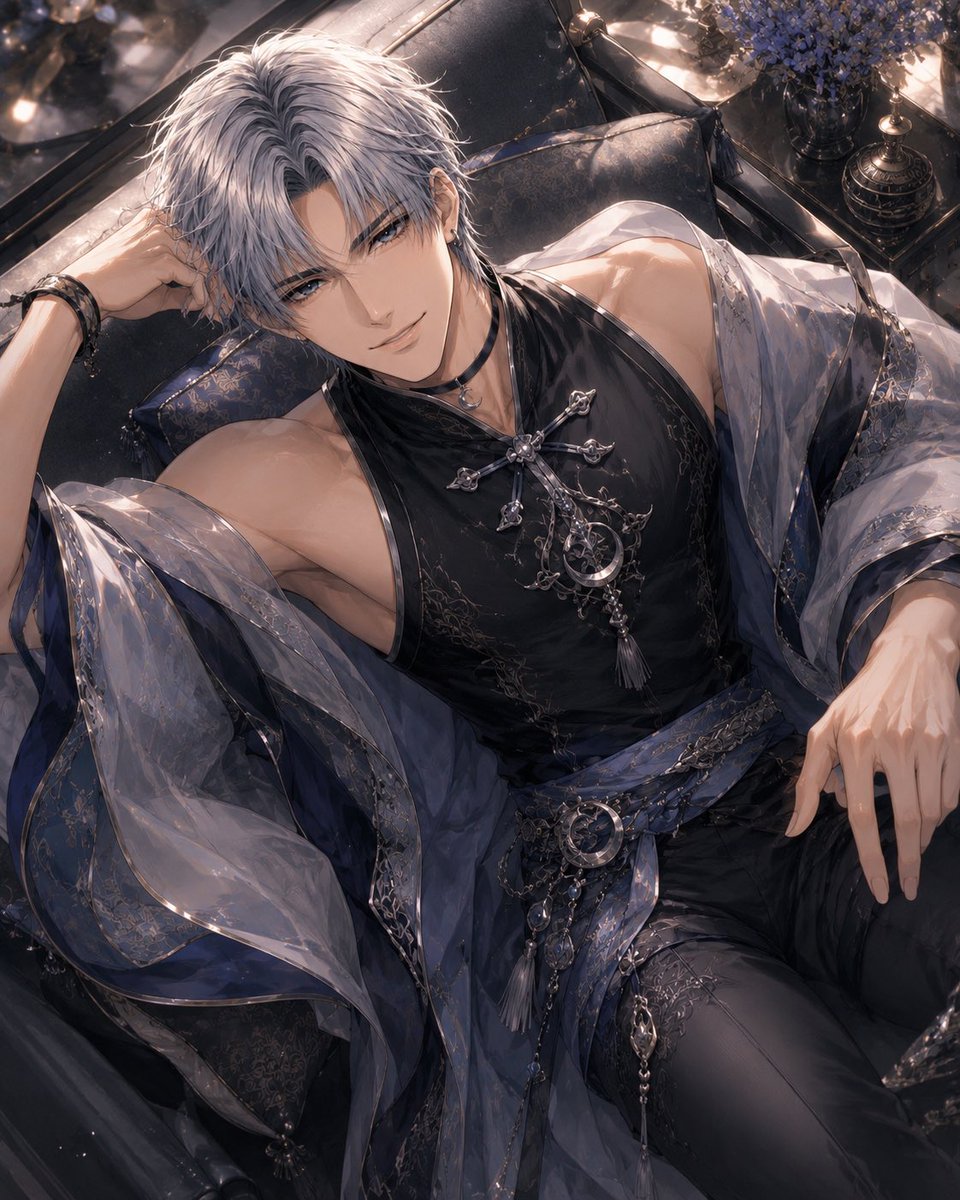
Silver-Haired Gothic Fantasy Reclining Man
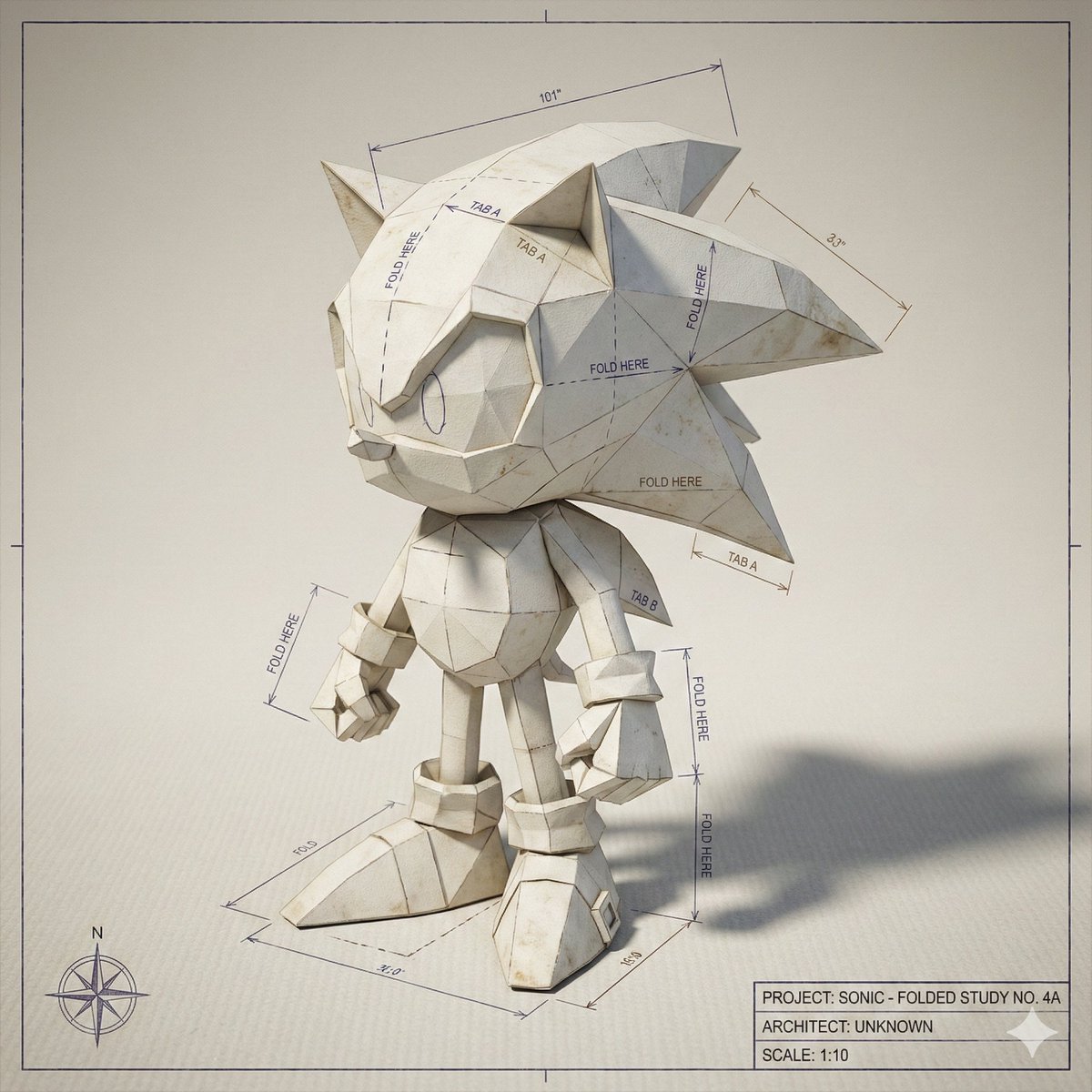
Folded Paper Blueprint of a Character
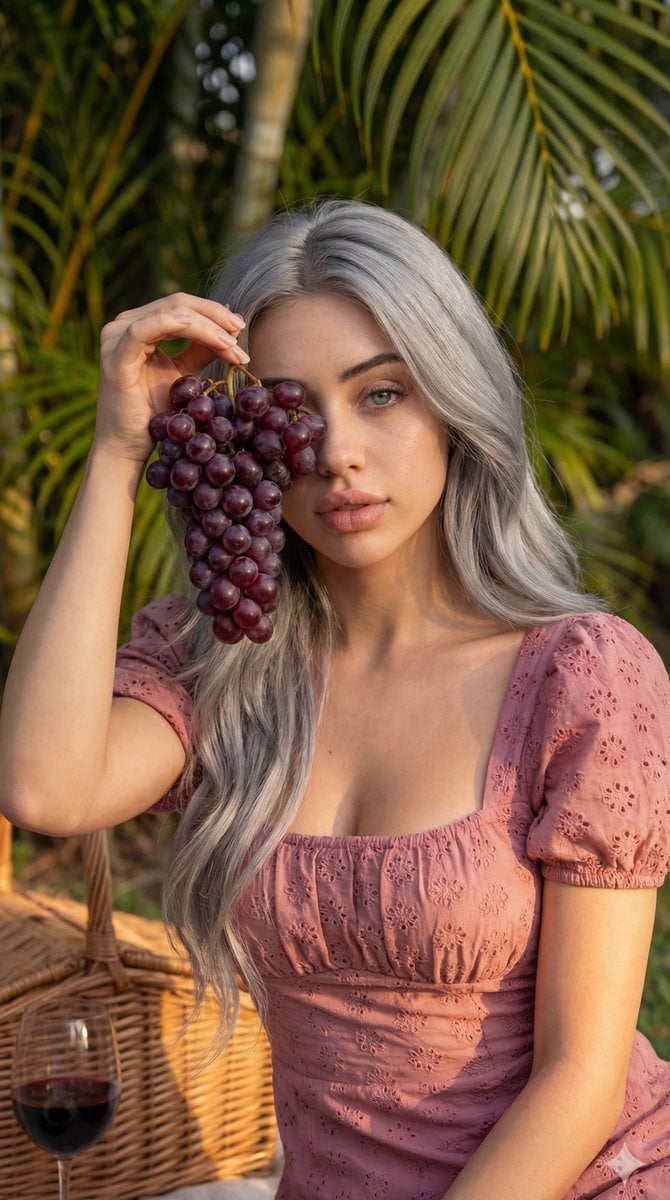
8K High Fashion Portrait with Grapes
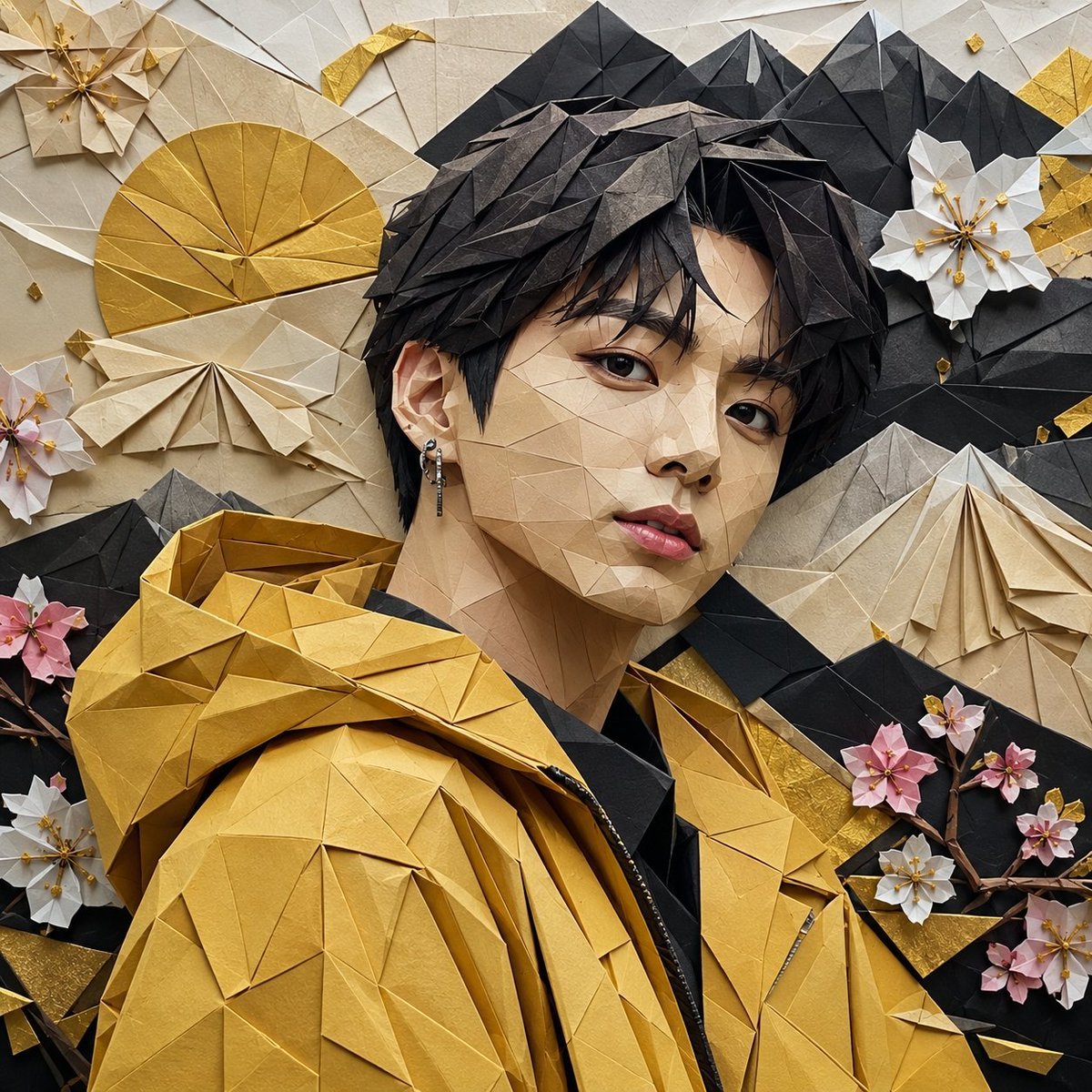
Origami K-Pop Idol Portrait
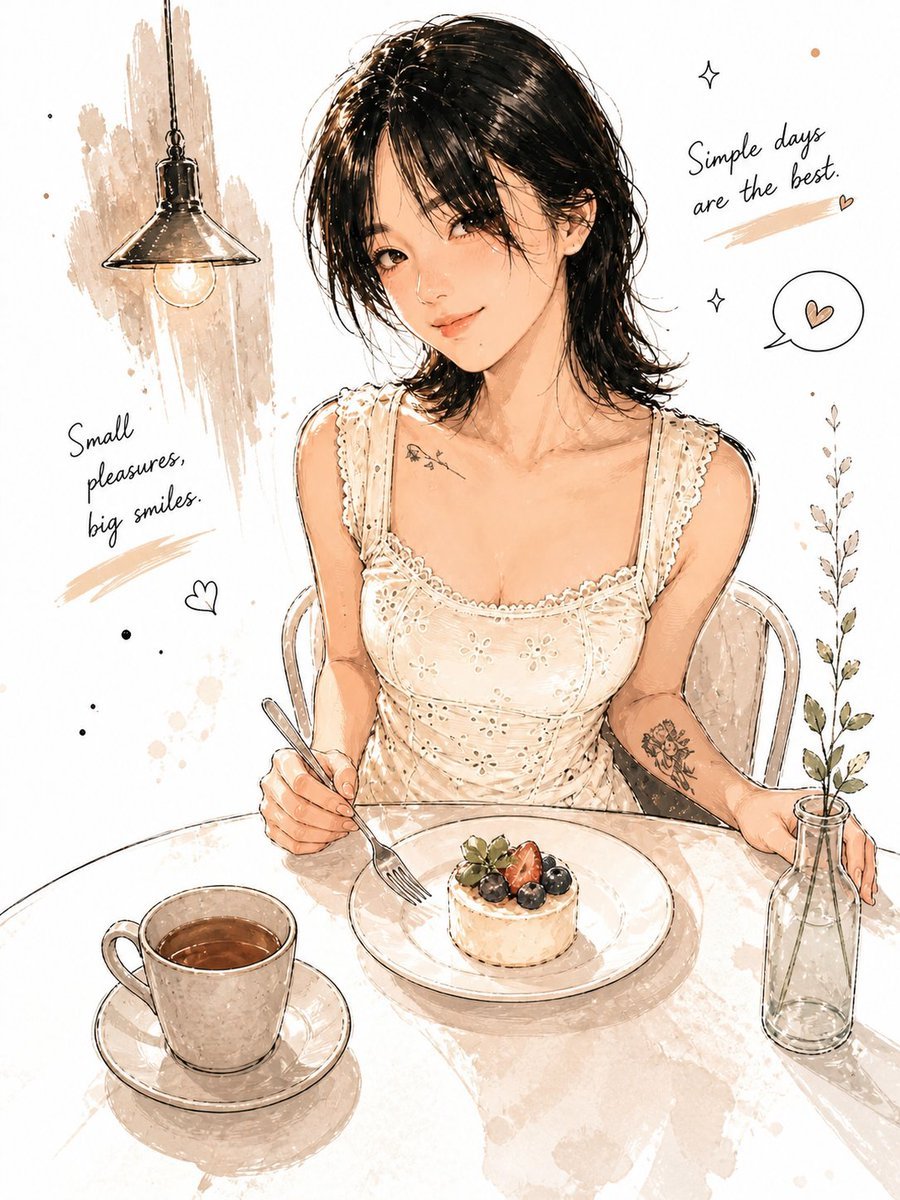
Minimalist Watercolor Cafe Illustration

Luxury Fashion Editorial Collage on Modern Staircase (Duplicate)

Retro Japanese Anime Wallpaper
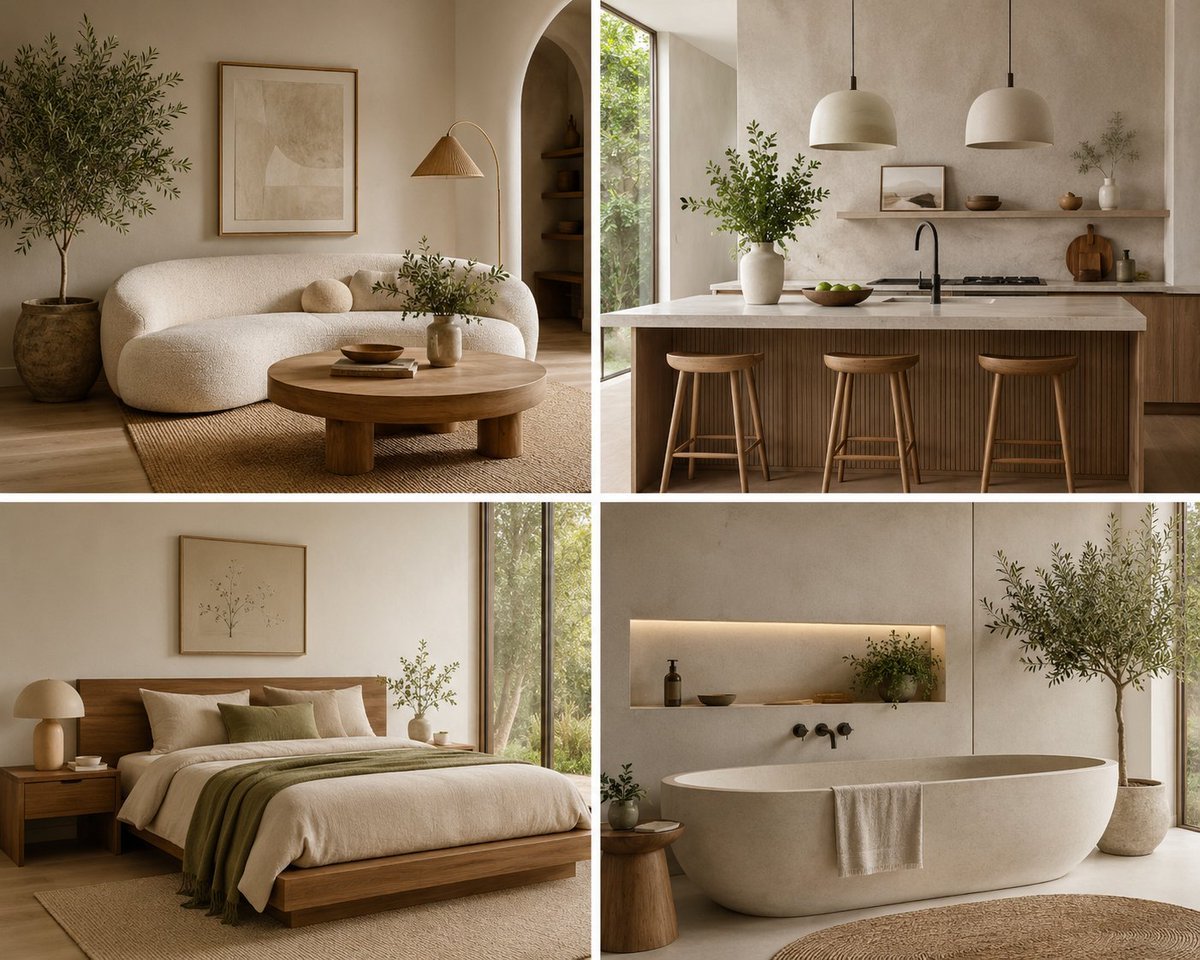
Organic Modern Interior Collage
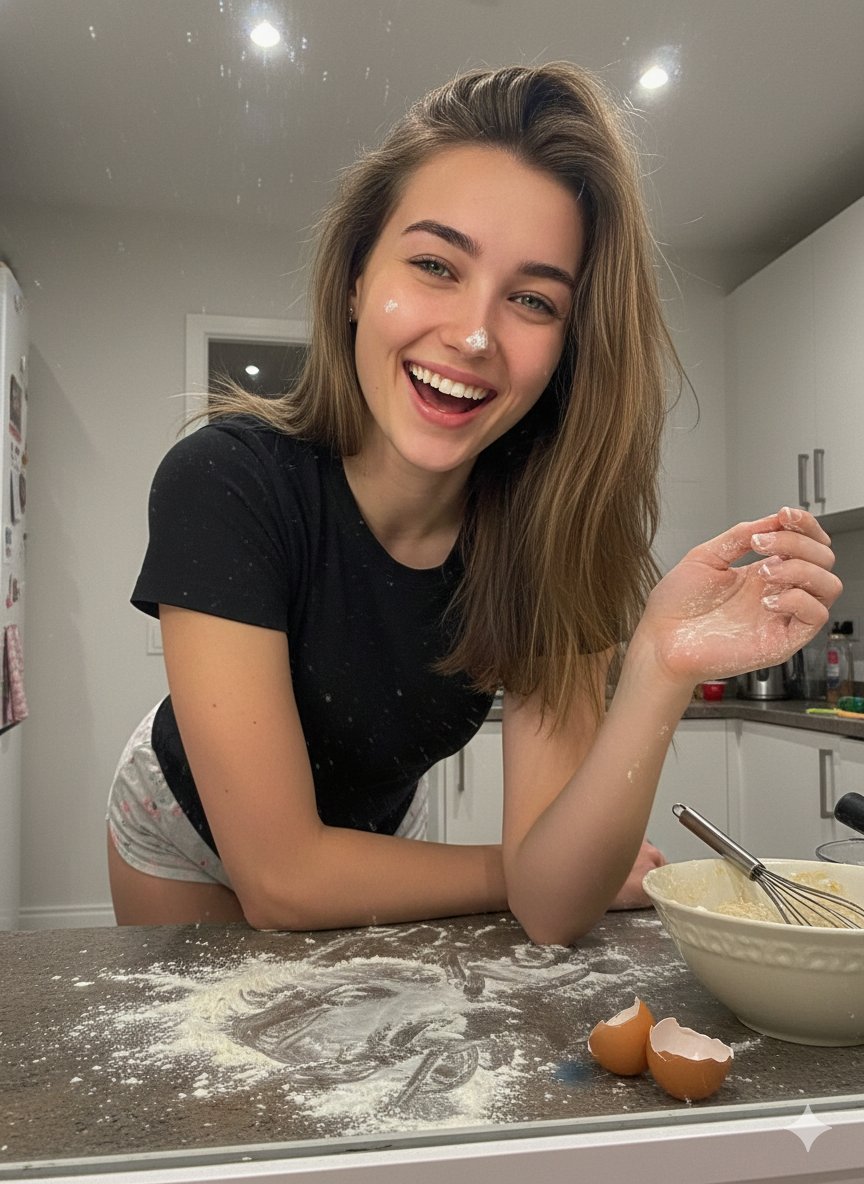
Ultra-Realistic Mirror Selfie Portrait in a Messy Kitchen
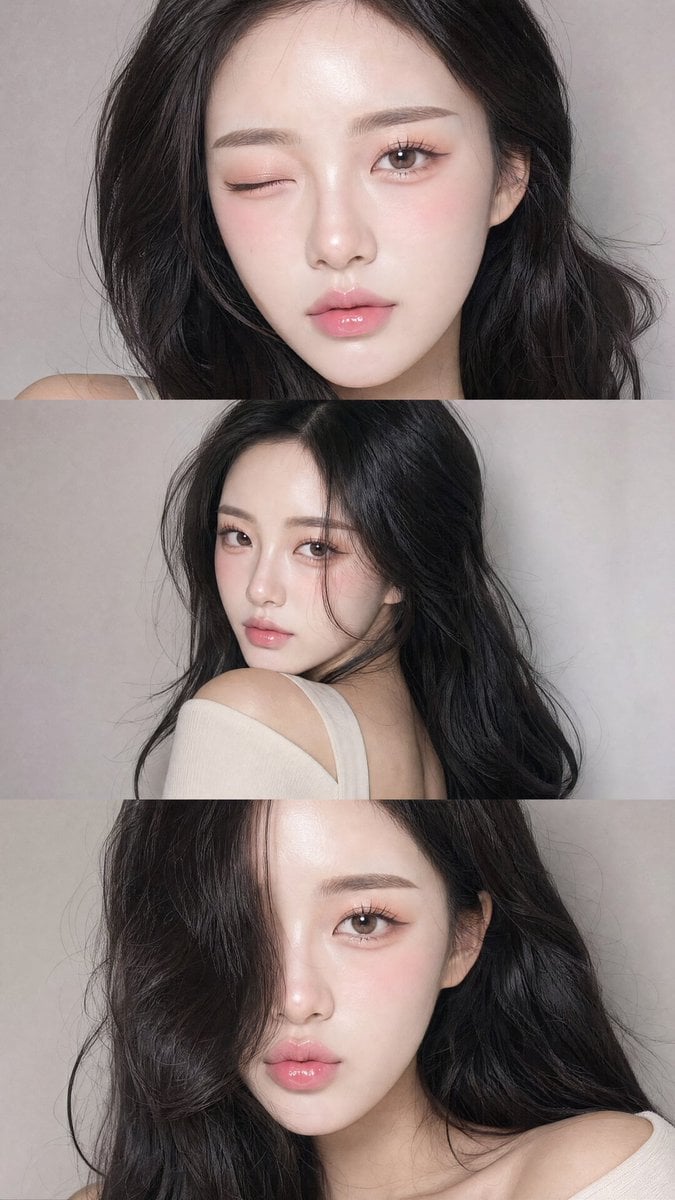
Face-Consistent Beauty Portrait Collage
Browse template categories
Composition & Subject A professional front-facing studio shot questions
How do I use the Composition & Subject A professional front-facing studio shot template?
Add your photo if the template asks for one, edit the prompt if you like — the template's model and format are already selected — and press Generate. Your version opens in PicX Studio.
Can I customize the Composition & Subject A professional front-facing studio shot template?
Yes. You can change the subject, setting, lighting, mood, format, and available model controls before creating your image.
Is the Composition & Subject A professional front-facing studio shot template free?
Opening and editing this template is free. Generating uses credits, shown on the Generate button when you are signed in.
Which AI model should I use?
Start with Nano Banana 2, which is the model associated with this template. You can compare another compatible model for a different finish.
Looking for something else? Browse all templates.

Your photo, any look
Thousands of ready templates for every top image and video model, from one credit balance.