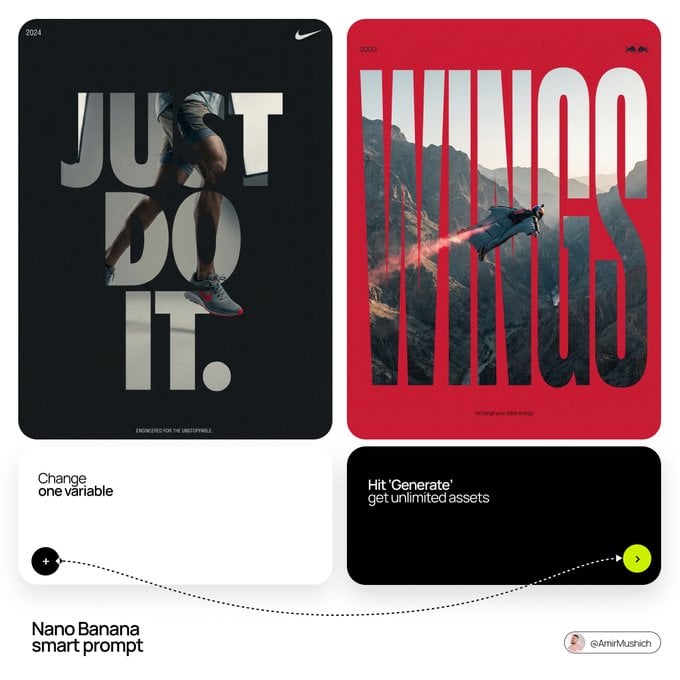
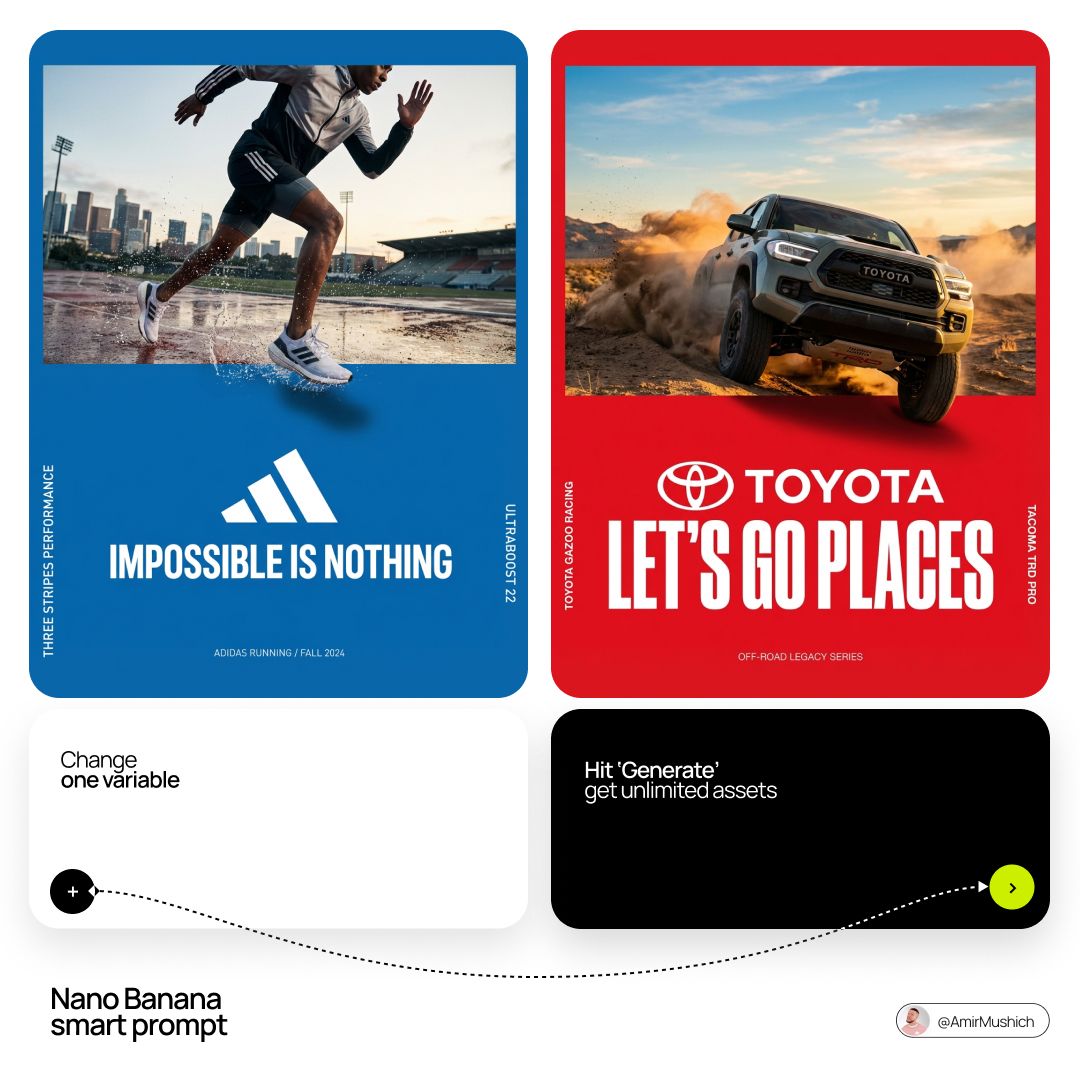
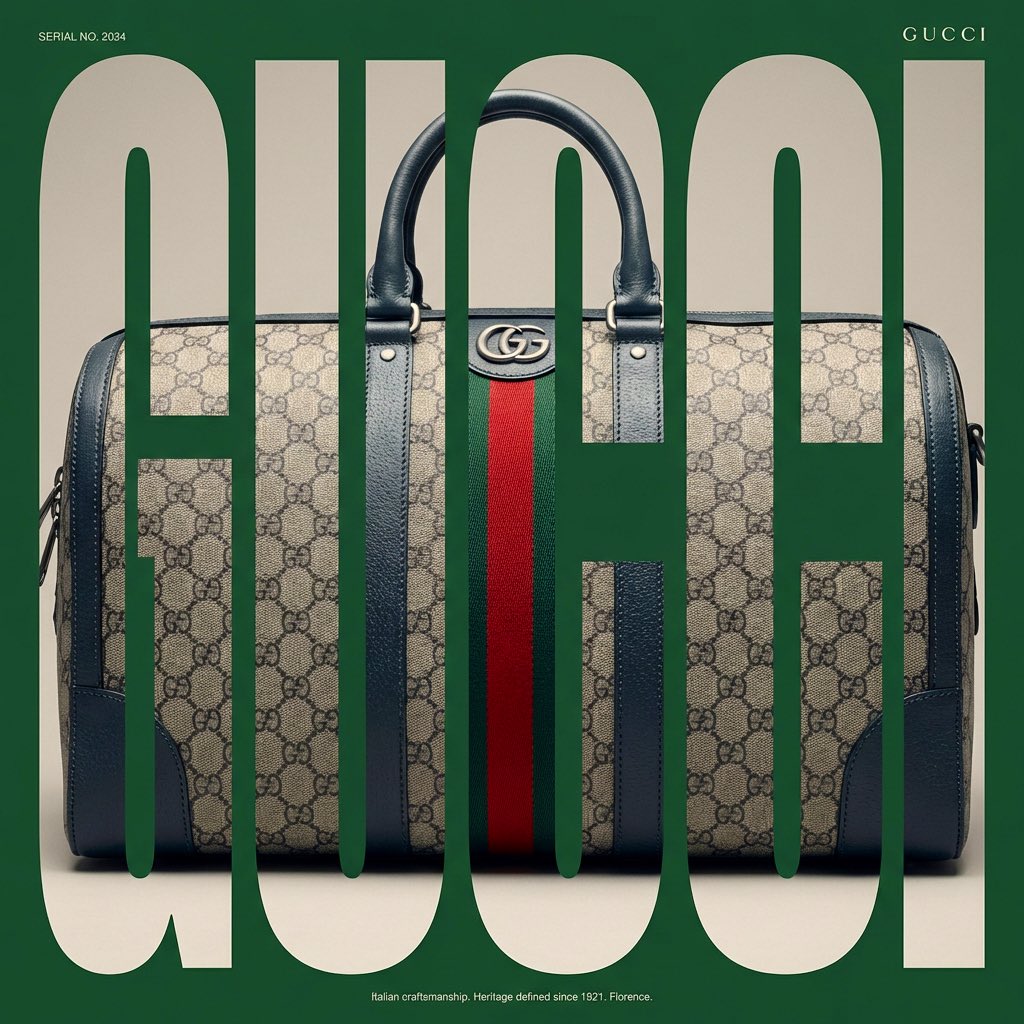
How do I use the Act as a Senior Art Director template?
Edit the prompt in the box under the preview — the template's model and format are already selected — and press Generate. Your version appears right on this page.
[PERSONE].

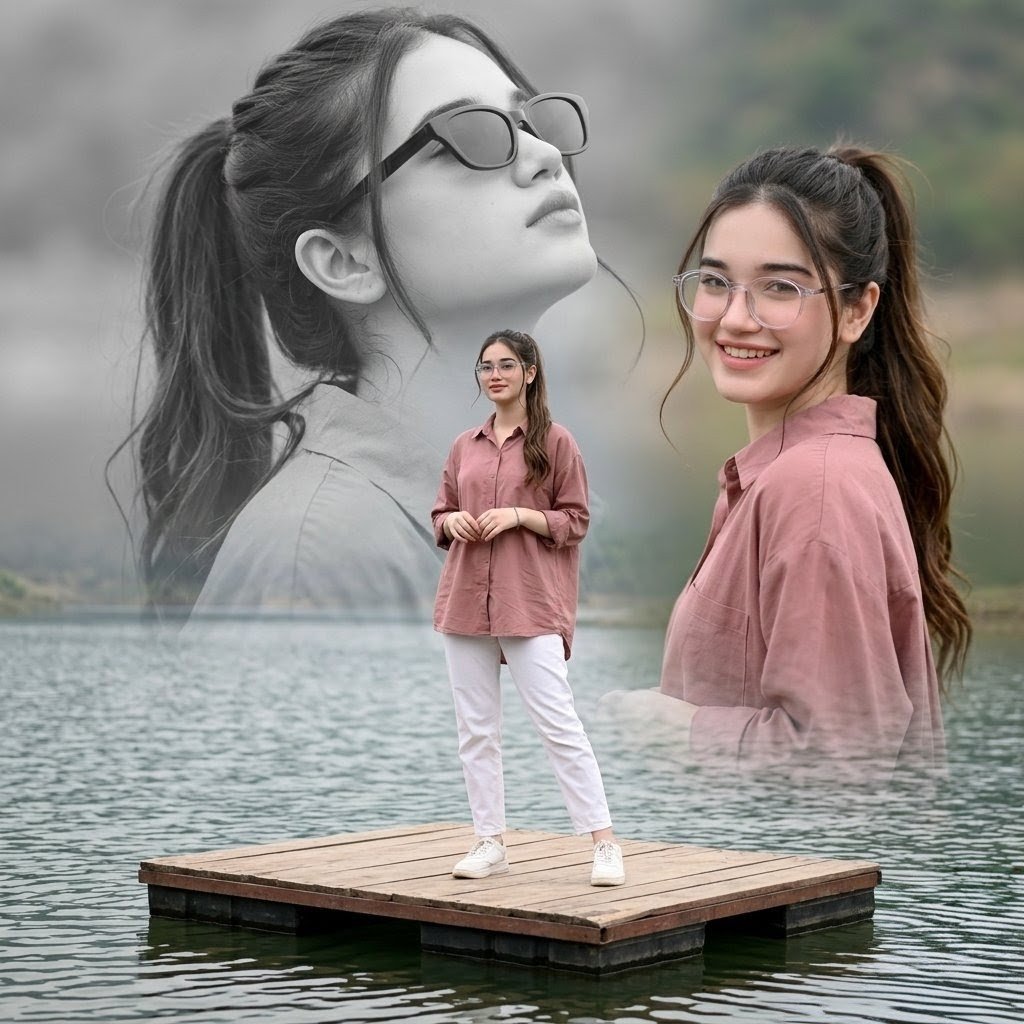
[PERSONE]. Act as a Senior Art Director. PHASE 1: PHOTOGRAPHIC COMPOSITION. - Layered Effect: Double exposure photographic collage. High-definition action shot in the foreground; massive monumental silhouette in the background. - Overlap: The subject must seamlessly integrate with the background graphics. PHASE 2: CONTEXTUAL VIBE SIMULATION. - Identity Analysis: Autonomously identify the core industry of [PERSONE] (Sport, Music, Cinema, or Business). - Pose & Props: PHASE 3: DYNAMIC COLOR & BRAND SIMULATION (VARIABLE COLORS). - Primary Color (Atmosphere): Identify the MOST ICONIC color associated with [PERSONE] or their team/brand. Use this for the background, halftone textures, and smoke. - Accent Color (Impact): Identify a secondary high-contrast VIBRANT hue (e.g., neon, gold, or electric white). Use this for the "Radial Burst" rays. - Visual Texture: Apply heavy film grain and halftone dots (screen printing effect) to the shadows of the high-res photos. PHASE 4: GRAPHIC ACCENTS. - Geometry: Bold radial rays bursting from the center. Fluid, wave-like organic shapes at the base. - Birds: Minimalist black bird silhouettes for scale and depth. PHASE 5: BRANDING & TEXT. - Tagline: Generate a powerful, one-word or two-word slogan tailored to [PERSONE]'s legacy. - Logo: Place a minimalist, industry-appropriate logo in the bottom corner. - Typography: Bold, high-impact Sans-Serif. TECHNICAL FINISH: - Quality: 8k resolution, authentic commercial photography style (NOT an illustration). - Lighting: Extreme studio rim-lighting (contour highlights) to separate the photographic subjects from the graphic layers.
[PERSONE]. Act as a Senior Art Director. PHASE 1: PHOTOGRAPHIC COMPOSITION. - Layered Effect: Double exposure photographic collage. High-definition action shot in the foreground; massive monumental silhouette in the background. - Overlap: The subject must seamlessly integrate with the background graphics. PHASE 2: CONTEXTUAL VIBE SIMULATION. - Identity Analysis: Autonomously identify the core industry of [PERSONE] (Sport, Music, Cinema, or Business). - Pose & Props: PHASE 3: DYNAMIC COLOR & BRAND SIMULATION (VARIABLE COLORS). - Primary Color (Atmosphere): Identify the MOST ICONIC color associated with [PERSONE] or their team/brand. Use this for the background, halftone textures, and smoke. - Accent Color (Impact): Identify a secondary high-contrast VIBRANT hue (e.g., neon, gold, or electric white). Use this for the "Radial Burst" rays. - Visual Texture: Apply heavy film grain and halftone dots (screen printing effect) to the shadows of the high-res photos. PHASE 4: GRAPHIC ACCENTS. - Geometry: Bold radial rays bursting from the center. Fluid, wave-like organic shapes at the base. - Birds: Minimalist black bird silhouettes for scale and depth. PHASE 5: BRANDING & TEXT. - Tagline: Generate a powerful, one-word or two-word slogan tailored to [PERSONE]'s legacy. - Logo: Place a minimalist, industry-appropriate logo in the bottom corner. - Typography: Bold, high-impact Sans-Serif. TECHNICAL FINISH: - Quality: 8k resolution, authentic commercial photography style (NOT an illustration). - Lighting: Extreme studio rim-lighting (contour highlights) to separate the photographic subjects from the graphic layers.
Edit the prompt in the box under the preview — the template's model and format are already selected — and press Generate. Your version appears right on this page.
Yes. You can change the subject, setting, lighting, mood, format, and available model controls before creating your image.
Opening and editing this template is free. Generating uses credits, shown on the Generate button when you are signed in.
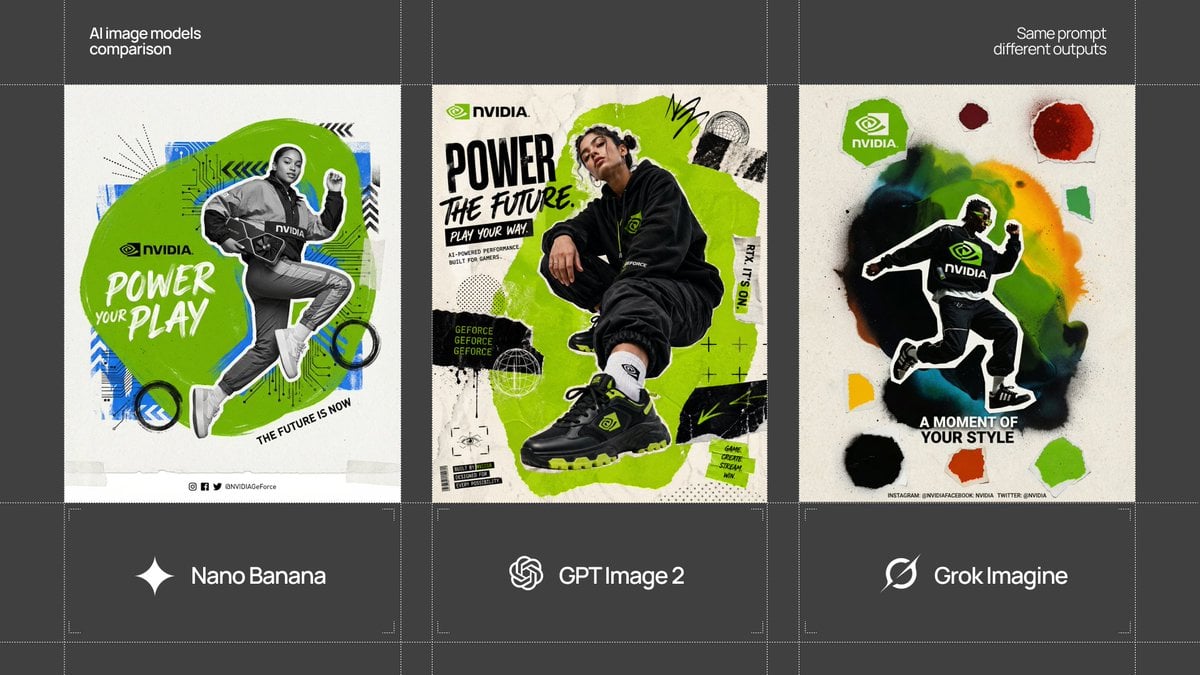
Start with Nano Banana 2, which is the model associated with this template. You can compare another compatible model for a different finish.
Follow a topic to a crawlable collection of related PicX Studio templates.