
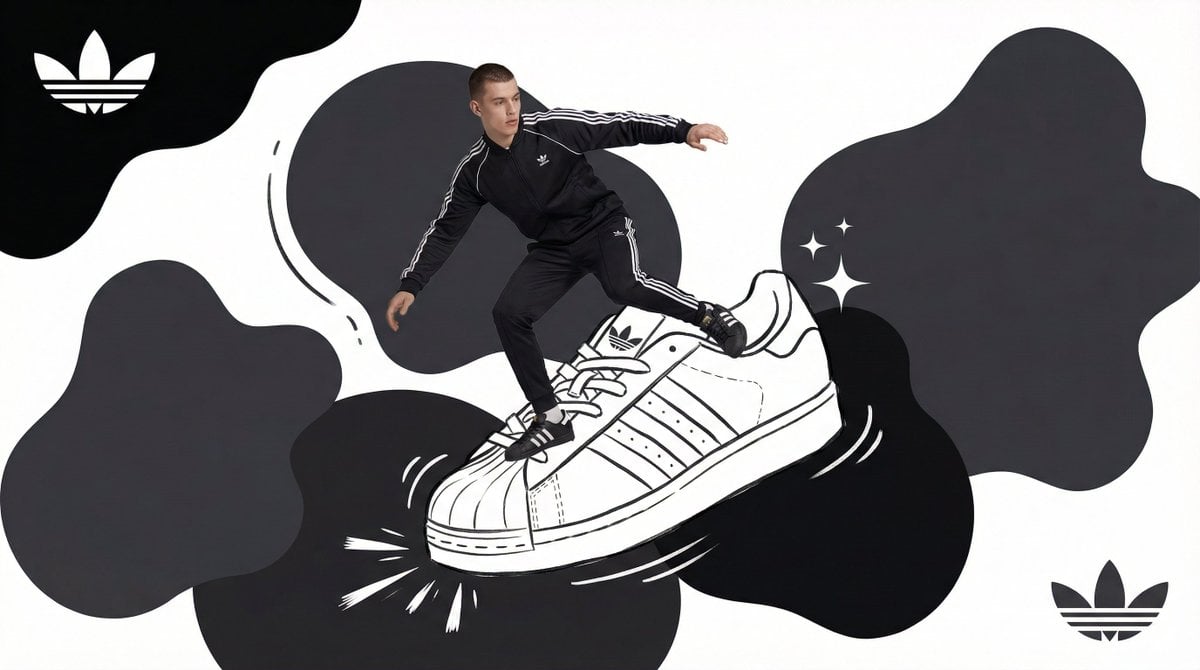
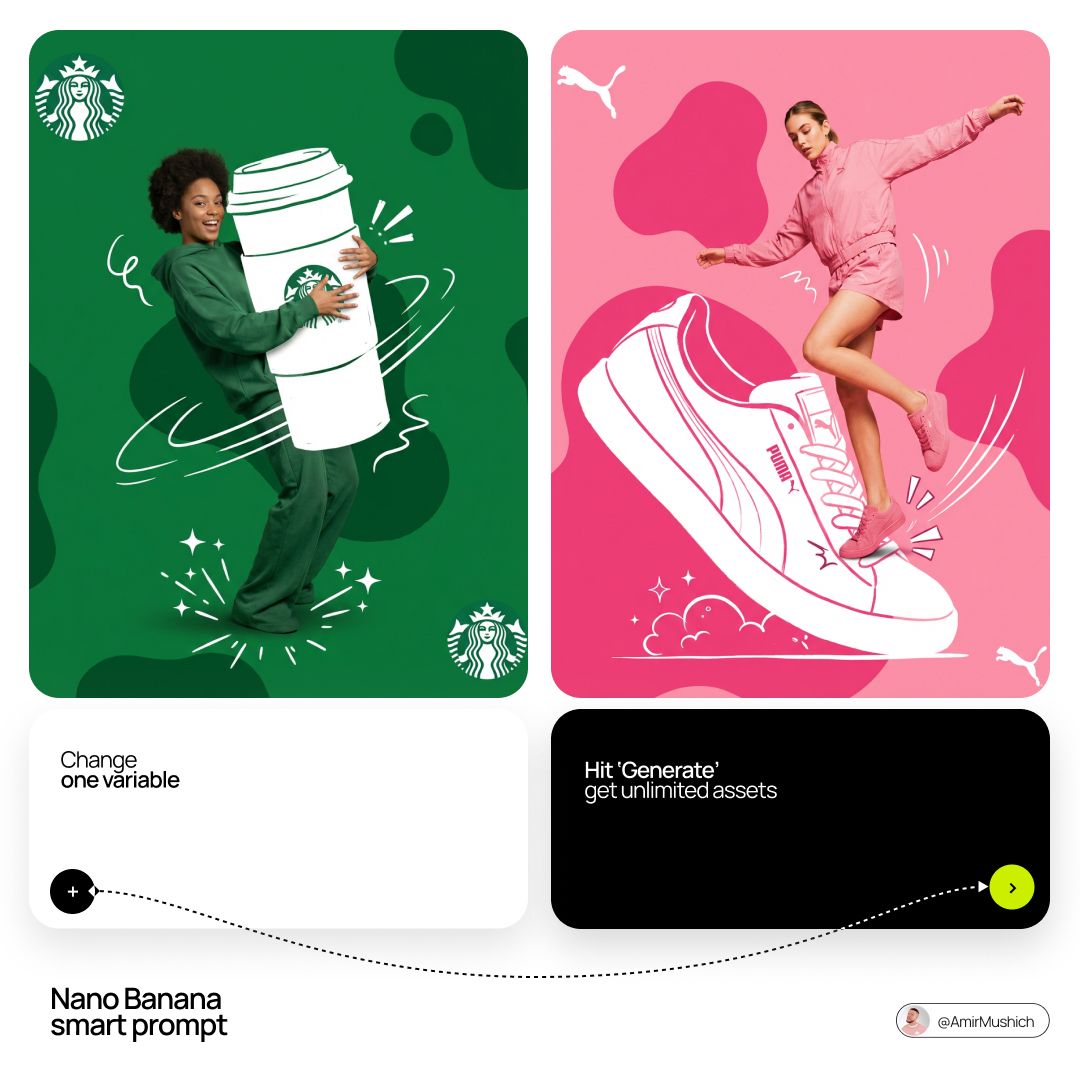
Act as a Social Media Art Director and Digital Collage Artist
[BRAND NAME] Act as a Social Media Art Director and Digital Collage Artist specializing in bold, youth-oriented brand content for Instagram and digital campaigns.
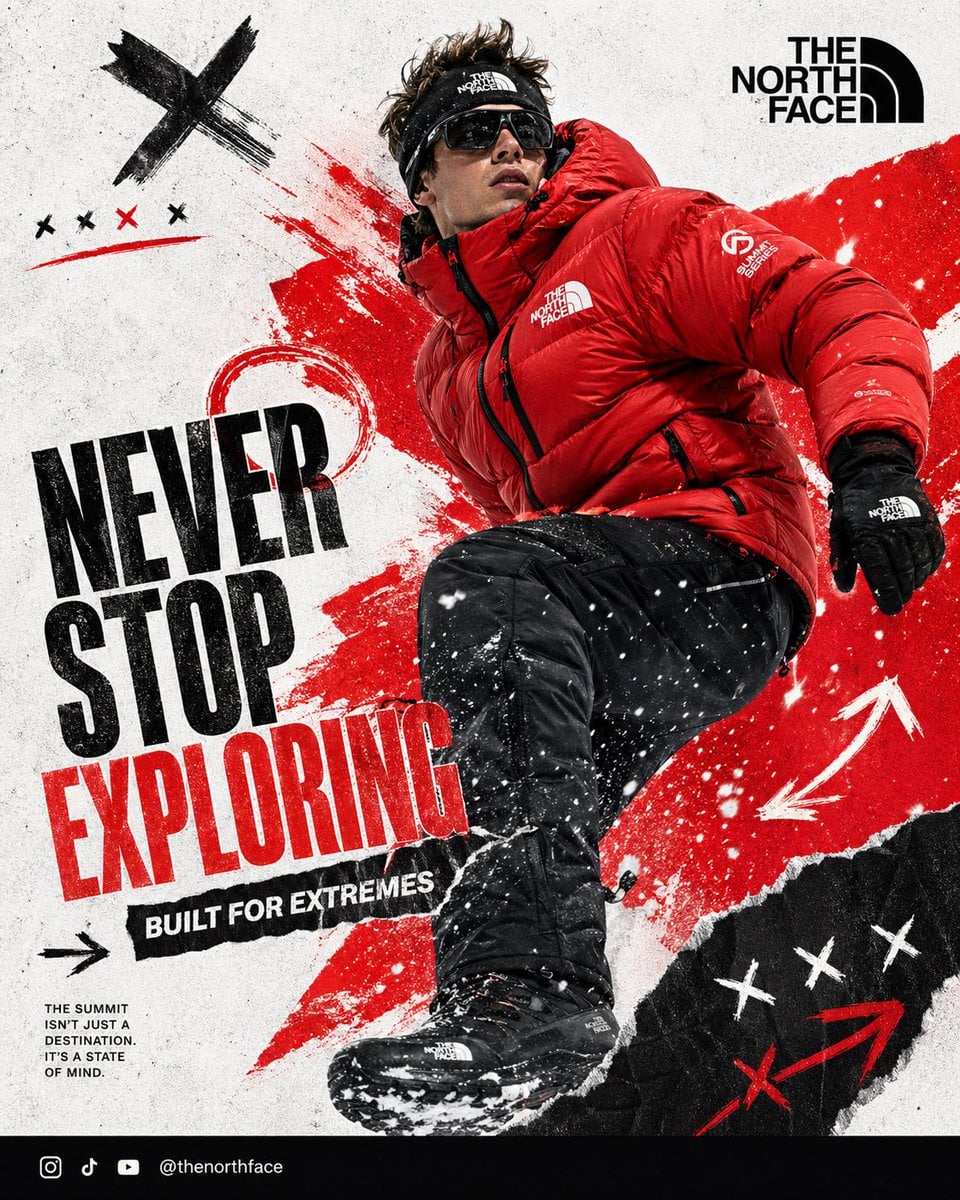
- Prompt included
- Model and format preset
- Premium template
The prompt behind this image
Copy the exact prompt behind Act as a Social Media Art Director and Digital Collage Artist, or open it in the studio and make it yours.
[BRAND NAME] Act as a Social Media Art Director and Digital Collage Artist specializing in bold, youth-oriented brand content for Instagram and digital campaigns. PHASE 1: CONCEPTUAL FRAMEWORK Create a dynamic digital collage that merges fashion photography with graphic design chaos. This is controlled rebellion — a composition that feels spontaneous, energetic, and expressive while maintaining strong brand coherence. Aesthetic direction: - Anti-polished - Raw textures - Layered imperfections - Youth-driven visual noise - High confidence, high movement energy Visual language: Torn edges, brush strokes, grain overlays, hand-drawn elements, and bold color blocking. PHASE 2: MODEL & PHOTOGRAPHY - Subject: One model (diverse casting, age 18–30) - Pose Energy: 80% attitude, 20% natural (jumping, leaning, sitting, mid-motion, power stance — NEVER static) - Outfit: Streetwear / athleisure aligned with [BRAND NAME] - Hero Product: One key product (clear visual anchor) - Photography Style: Editorial fashion cutout - Background Removal: Clean, sharp extraction - Camera Angle: Slight low angle (hero perspective) - Crop: Full body or 3/4 body (product clearly visible) PHASE 3: COLOR BLOCKING FOUNDATION - Primary Color Blob: Large organic shape (40–60% of frame) - Color Selection: 1 dominant brand color (auto-adapt from [BRAND NAME]) - Shape Style: Irregular, hand-painted / torn paper (NO perfect geometry) - Texture: Brush grain / noise (15–25% opacity) - Placement: Behind or wrapping around subject (must frame, not hide product) PHASE 4: GRAPHIC ELEMENTS LAYER Add 3–5 abstract elements: Element types (auto-select based on brand tone): - Scribbles / hand-drawn marks - Arrows / motion indicators - Circles / blobs - Texture overlays (dust, grain, fabric, noise) - Doodles / symbolic icons Rules: - Colors: 2–3 total (primary + 1–2 accents) - Placement: Asymmetric (top-left + bottom-right bias) - Scale: Small (5%) + medium (15%) - Avoid center clutter - Keep imperfect, handmade feel PHASE 5: TYPOGRAPHY INTEGRATION - Logo: Upper-left or upper-right (10–15% width) - Slogan/Headline: Use brand slogan OR create one aligned to brand tone - Supporting Copy: Optional 1-line descriptor - Type Style: Bold sans-serif / grotesk / geometric (brand dependent) - Treatment: Mix straight + slight rotation (2–5°) - Hierarchy: Logo → Headline → Supporting copy PHASE 6: TEXTURE & BACKGROUND - Base Layer: Off-white / light grey (NOT pure white) - Color Range: RGB 245–250 (warm neutral) - Texture Options: Paper grain / fabric texture / subtle noise - Rule: Texture should be FELT, not dominant PHASE 7: COMPOSITION RULES - Layout: Asymmetric balance (model off-center) - Breathing Room: 15–20% negative space - Layering Order: Background → Color blob → Graphics → Model → Typography - Focal Point: Model + product = 60% Graphics = 40% support - Movement: Strong diagonal flow (top-left → bottom-right OR reverse) PHASE 8: BRAND INTELLIGENCE (AUTO-ADAPT) Adapt energy based on brand type: → Streetwear / Sportswear Bold contrast, aggressive motion, louder graphics → Luxury Streetwear Minimal chaos, sharper spacing, refined typography → Outdoor / Utility Texture-heavy, grounded tones, functional realism → Beauty / Lifestyle Soft chaos, clean spacing, pastel or skin tones → Tech / Modern Minimal graphics, structured layout, sharp geometry PHASE 9: SOCIAL MEDIA FOOTER (OPTIONAL) - Bottom strip (8–10% height) - Light neutral background - Social handles / icons - Clean grid layout - Keep minimal (contrast to collage) TECHNICAL SPECS: - Aspect Ratio: 4:5 (primary) or 1:1 - Resolution: 2400x3000px+ - Color Mode: sRGB (Instagram optimized) - Sharpness: High detail, slight grain allowed - Output Style: Digital collage mimicking analog craft - Photography Base (before cutout): 85mm lens, f/2.8, shallow depth of field
How to use Act as a Social Media Art Director and Digital Collage Artist in 3 steps
- 1
Open
The prompt is already in the box next to the preview, with the template's model and format selected.
- 2…a portrait of your subject in softgolden-hour light, 85mm…
Personalize
Edit the subject and creative details for your destination.
- 3Generate
Generate
Press Generate — your image is created in PicX Studio, so you can compare it with the original and refine one variable at a time.
More like this
Templates with the same subject, style or setup. Open one to see its prompt.

Act as a Social Media Art Director and Digital Collage Artist
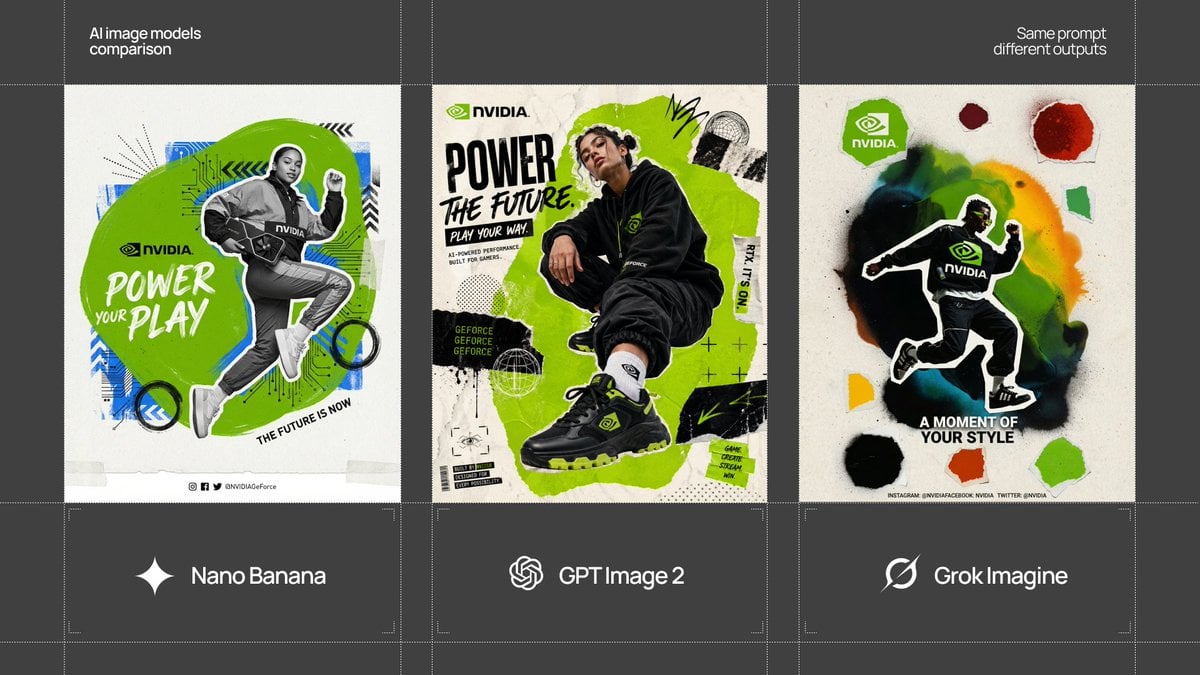
Act as a Social Media Art Director and Digital Collage Artist
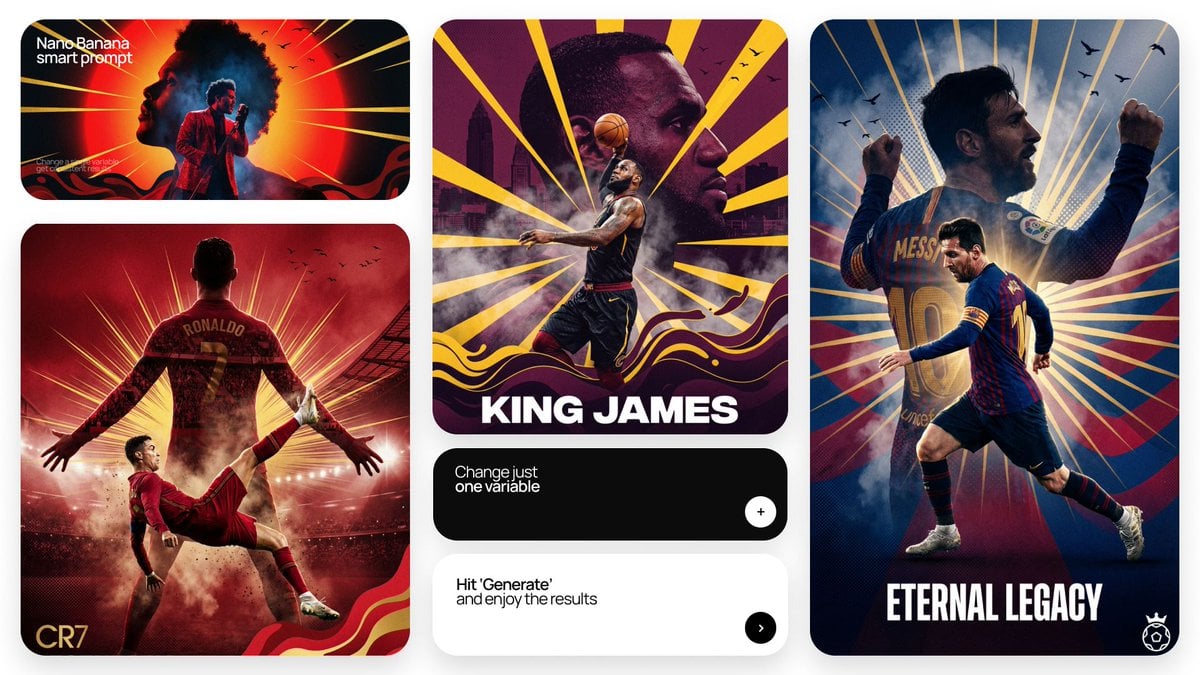
Act as a Senior Art Director
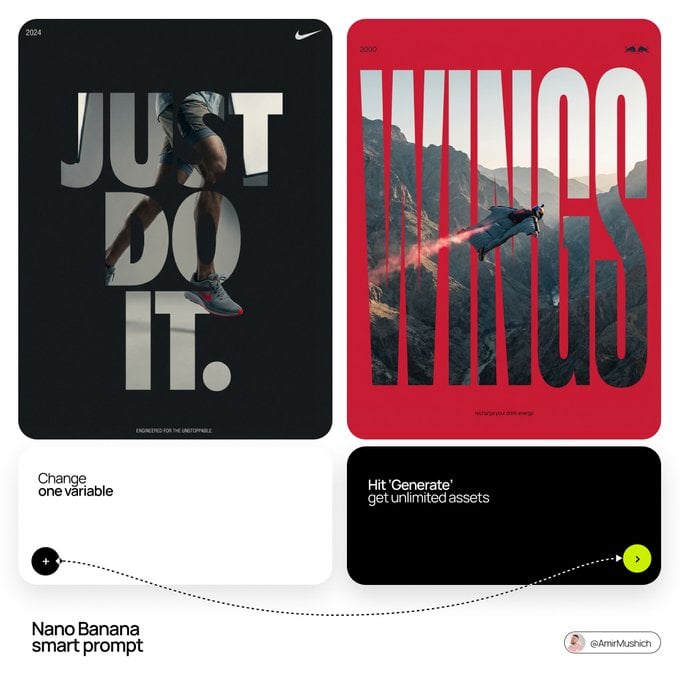
Act as a Senior Editorial Designer and Typographer
Act as a Mixed-Media Campaign Art Director
Act as a Mixed-Media Campaign Art Director
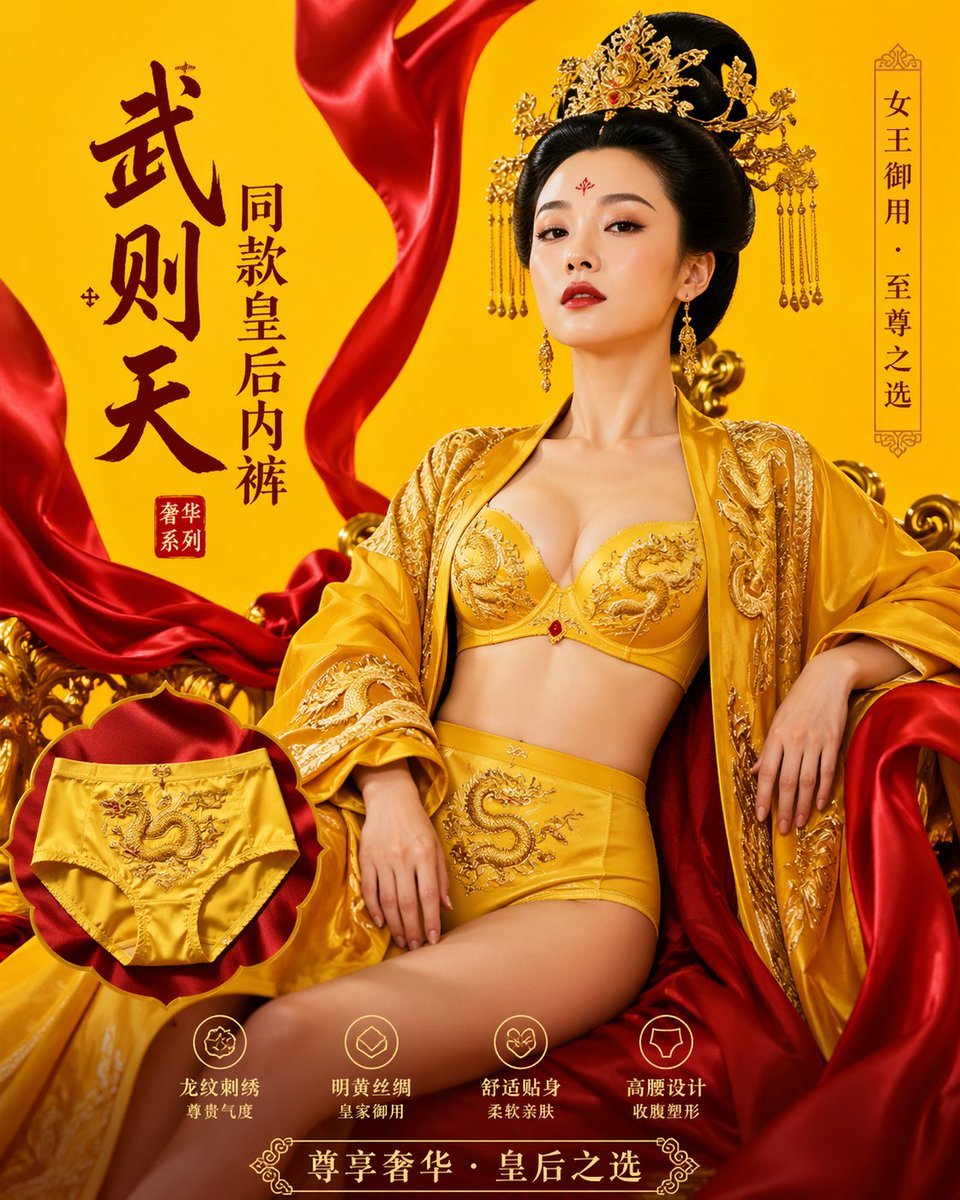
武则天同款皇后内衣广告大片,明黄底色龙纹刺绣,大红丝绸飘带衬托
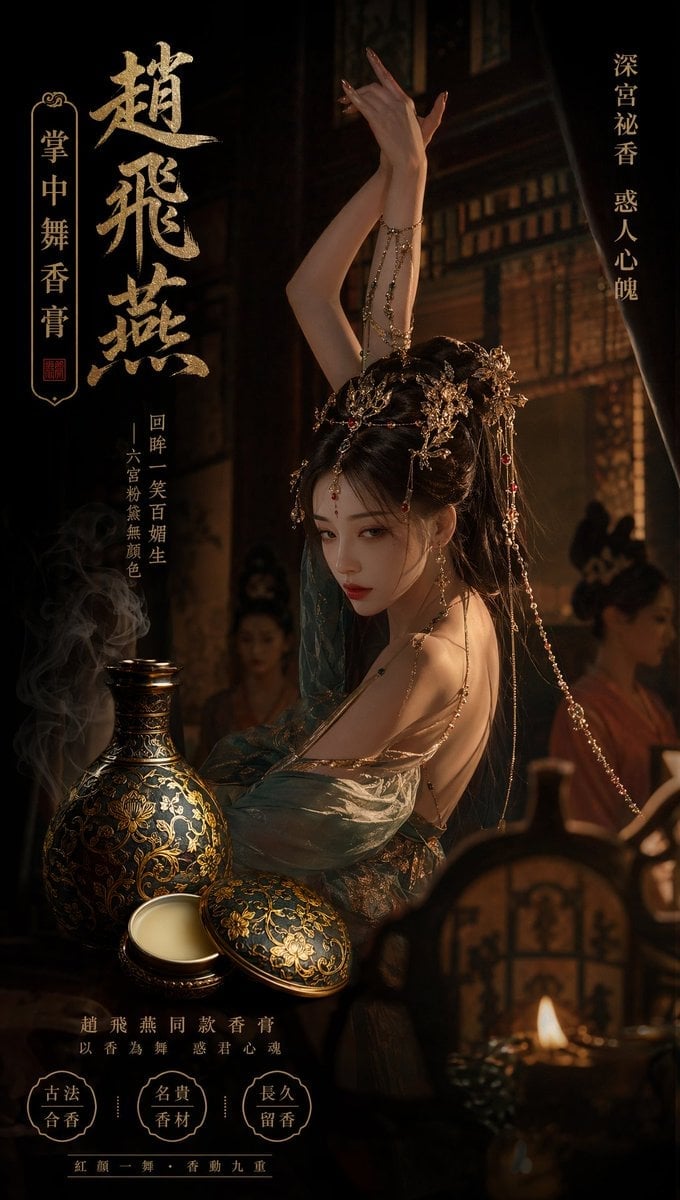
赵飞燕同款掌中舞香膏广告,错金缠枝莲铜瓶,冷艳诡谲深宫氛围感,竖屏9 16
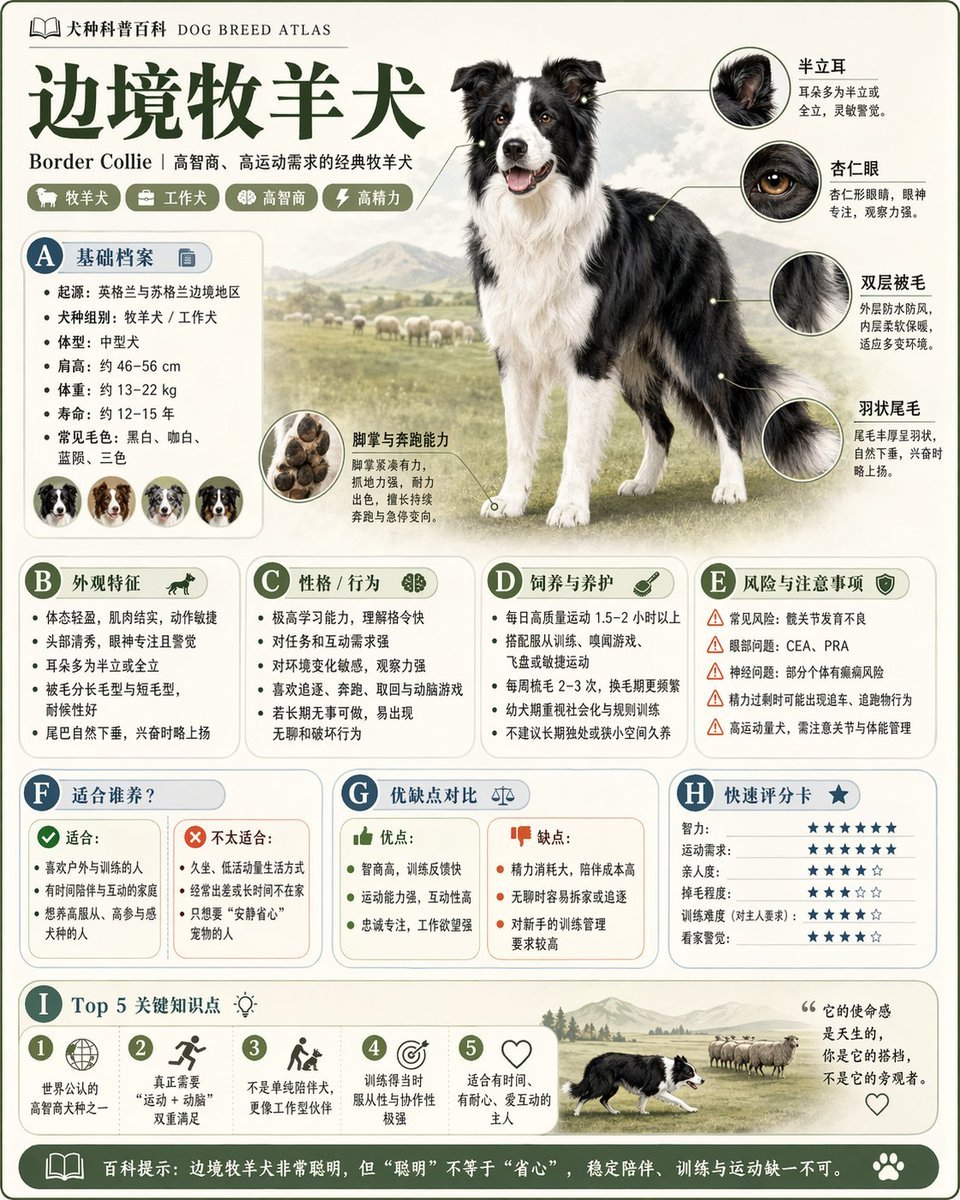
请根据 主题 生成一张高质量竖版 科普百科图
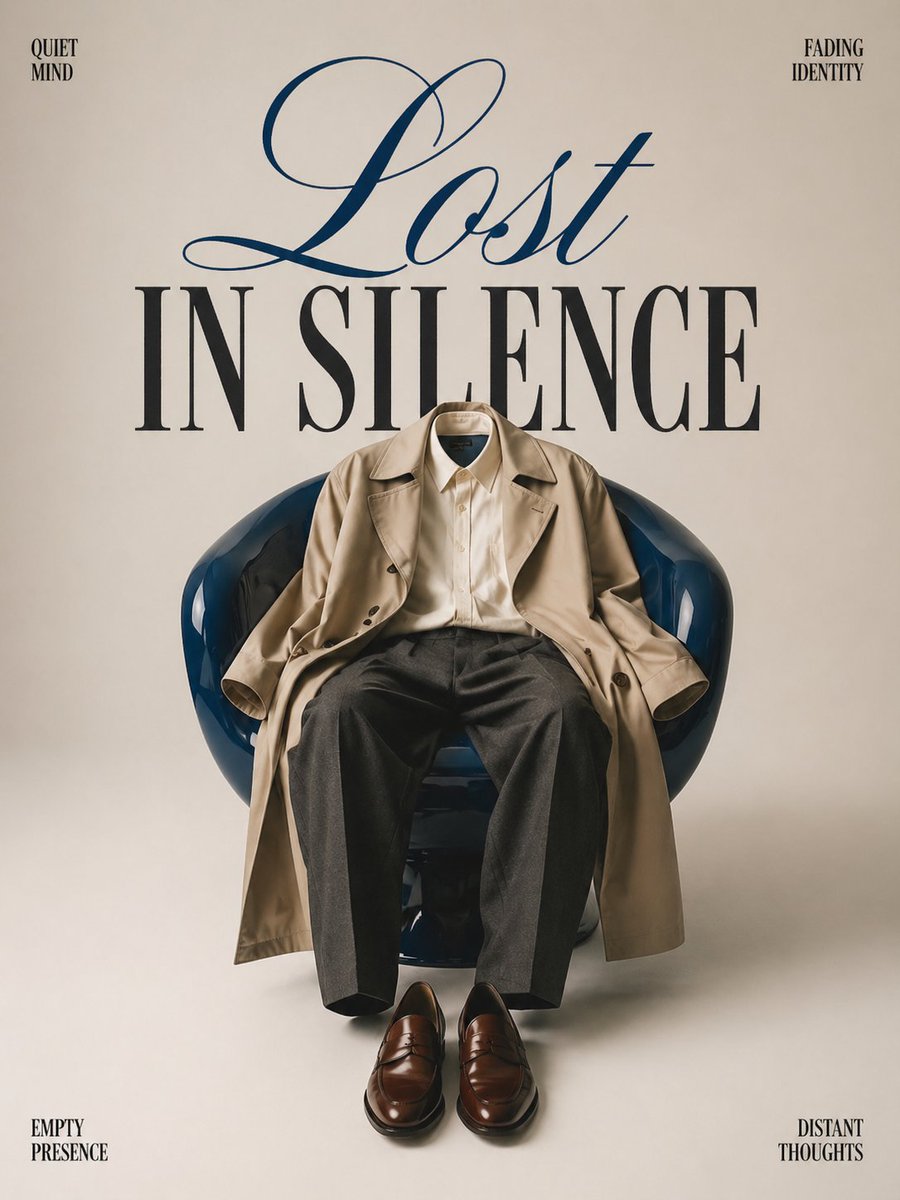
Minimalist conceptual fashion editorial poster, studio shot on a clean
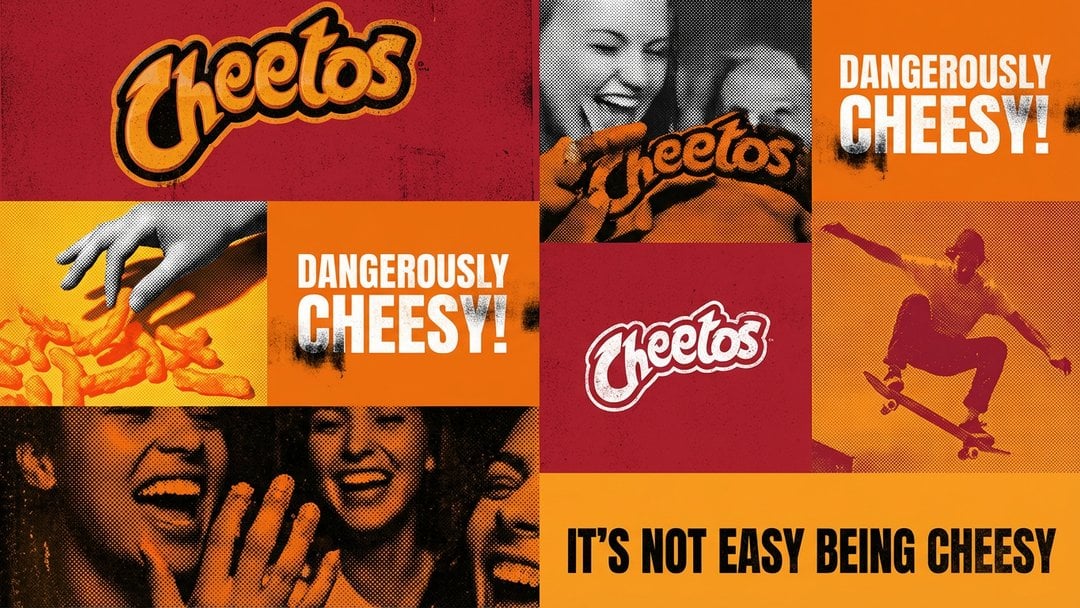
Act as a graphic design creative director constructing a highly

Multiple dark purple berries erupting from inside the can
Make it yours
Act as a Social Media Art Director and Digital Collage Artist works as-is. These are the safest ways to change it without losing the look.
Change one field
Copy a single group, rewrite it, and generate again so you can see what that field is doing.
Keep the frame, change the subject
Hold the composition and light of Act as a Social Media Art Director and Digital Collage Artist, then swap wardrobe, props or the person for a new take.
| If the result… | Why | Fix |
|---|---|---|
| The result drifts from the preview | Too many fields changed at once. | Reuse Act as a Social Media Art Director and Digital Collage Artist as-is first, then change one group — subject, light, or setting. |
| The model over-stylizes the scene | The prose prompt leaves finish and camera underspecified. | Add one camera or lighting sentence and stay on GPT Image 2. |
More GPT Image 2 templates
Other prompts made for GPT Image 2.

Six VTuber Japanese Logo Sheet

Realistic Portrait of Woman and Deer

The Vista Modular Condo Poster

AI Model Routing Comparison Infographic

2.5D Anime Art Board

Isometric Productivity Desk Scene

New York Double Exposure Poster

Four-Panel AI Landscape Comparison

Japanese Tatami Lifestyle Magazine Cover

NESCAFÉ Coffee Map Poster
More image prompts
Fresh picks from across the catalog.
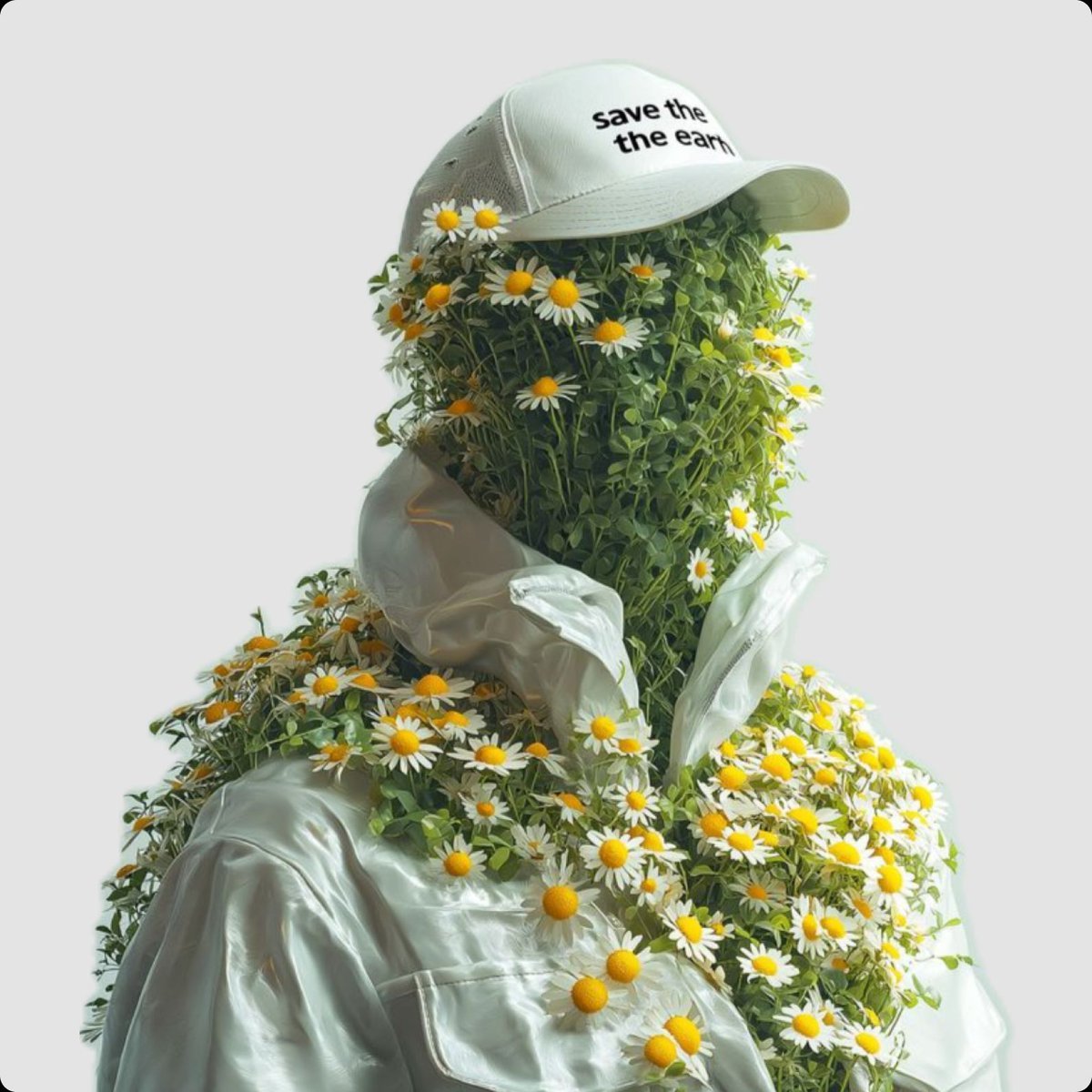
Surreal Portrait of Humanoid Covered in Grass and Daisies
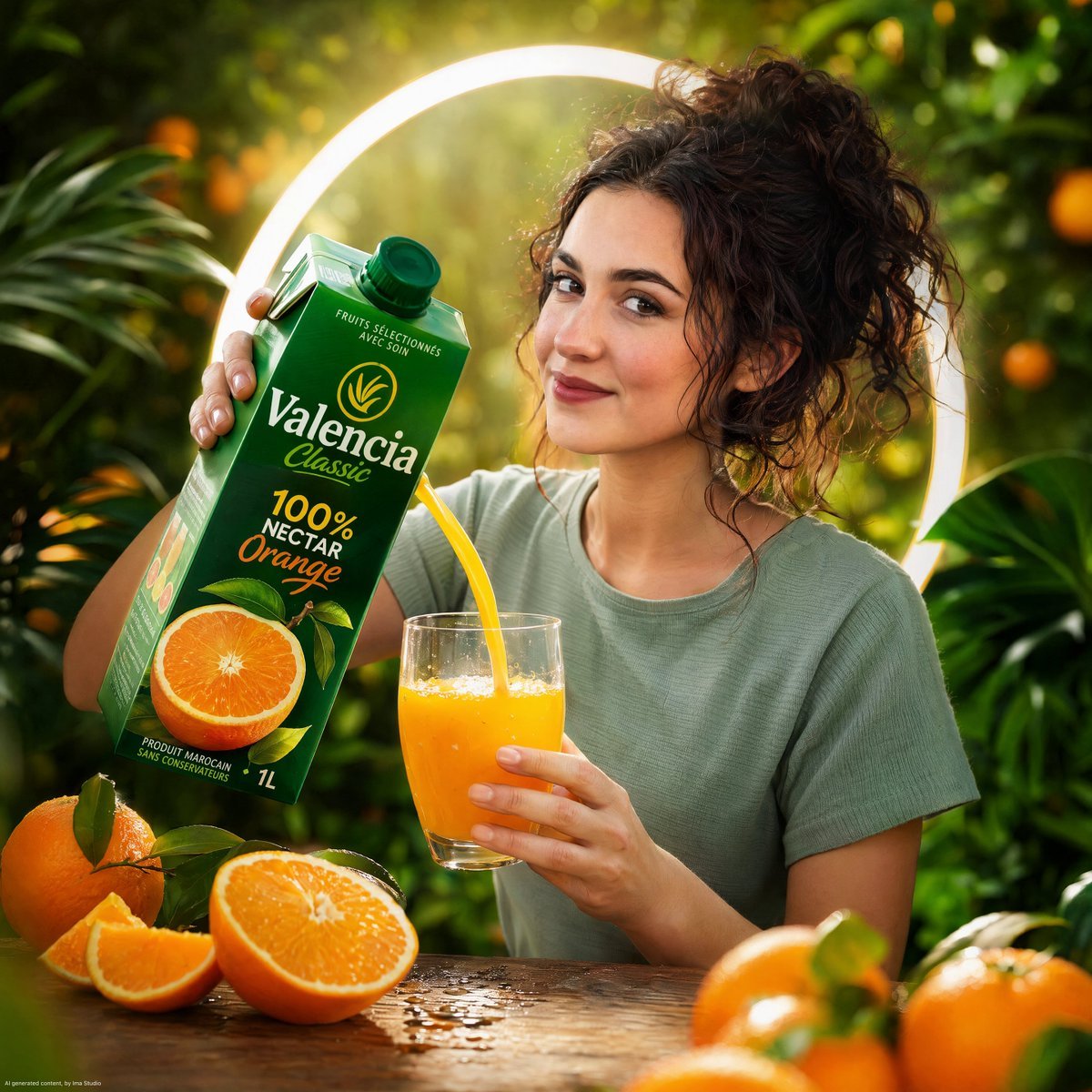
Orange Nectar Product Advertisement
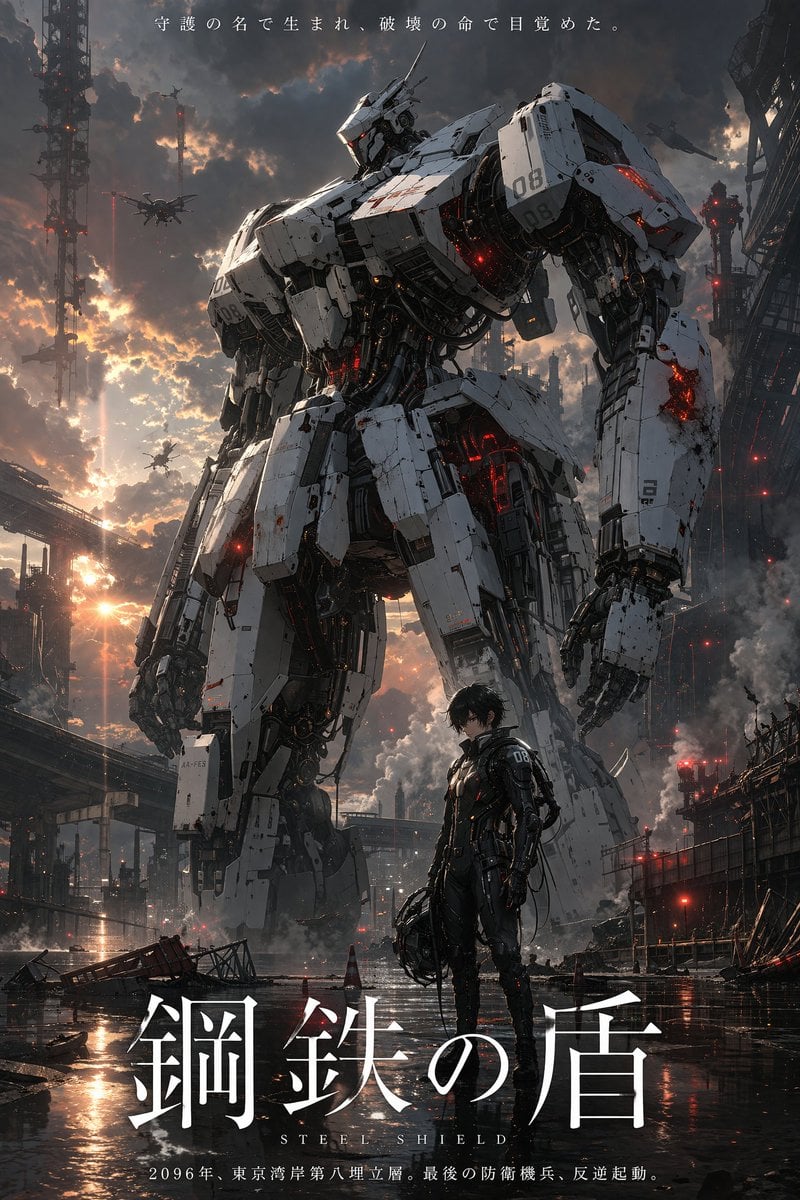
Sci-Fi Mecha Movie Poster

untitled
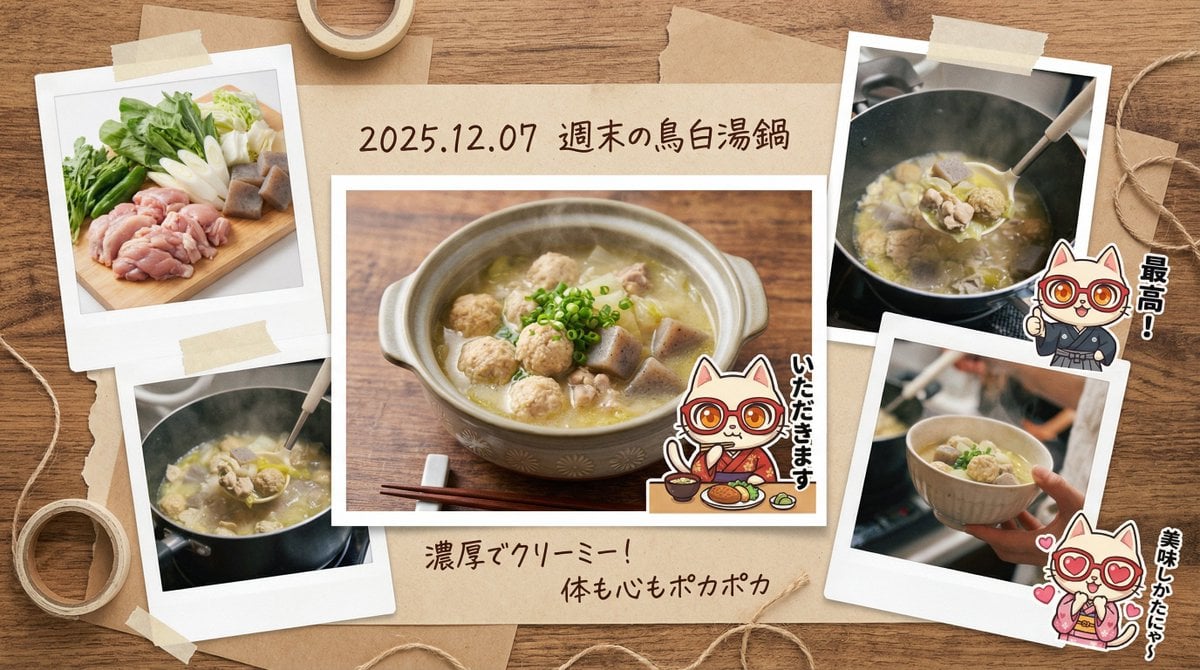
Japanese prompt for transforming a cooking photo into a scrapbook collage
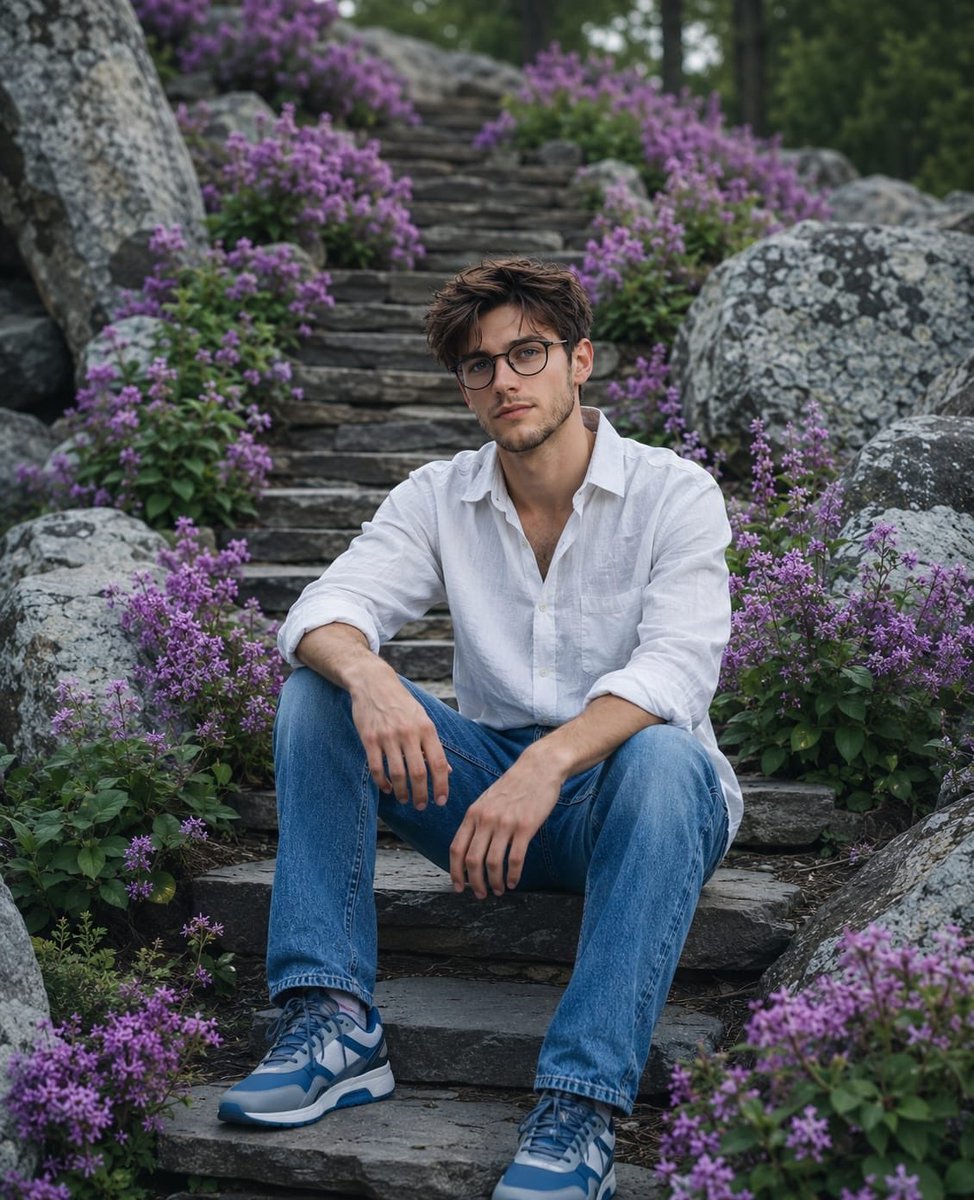
Cinematic Mountain Garden Portrait
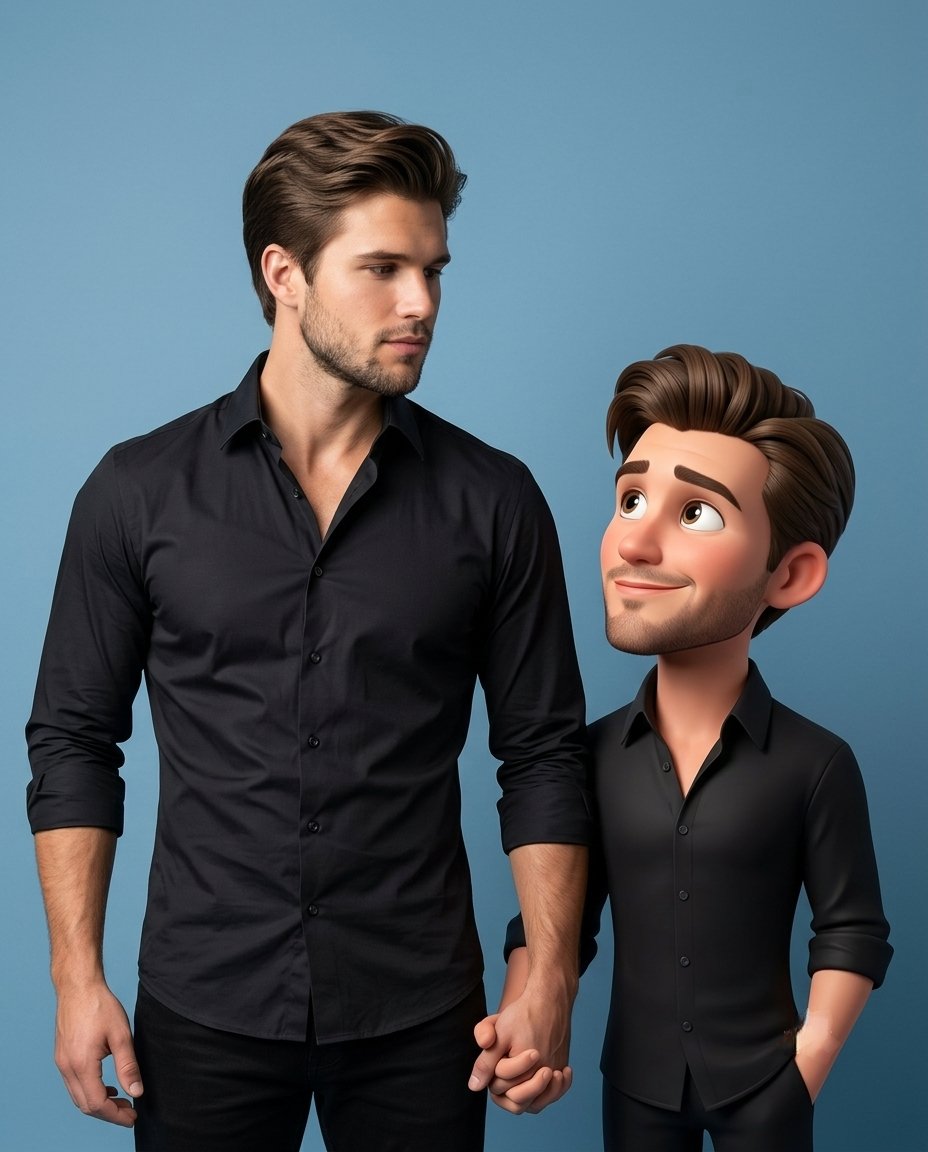
3D Caricature Companion Effect
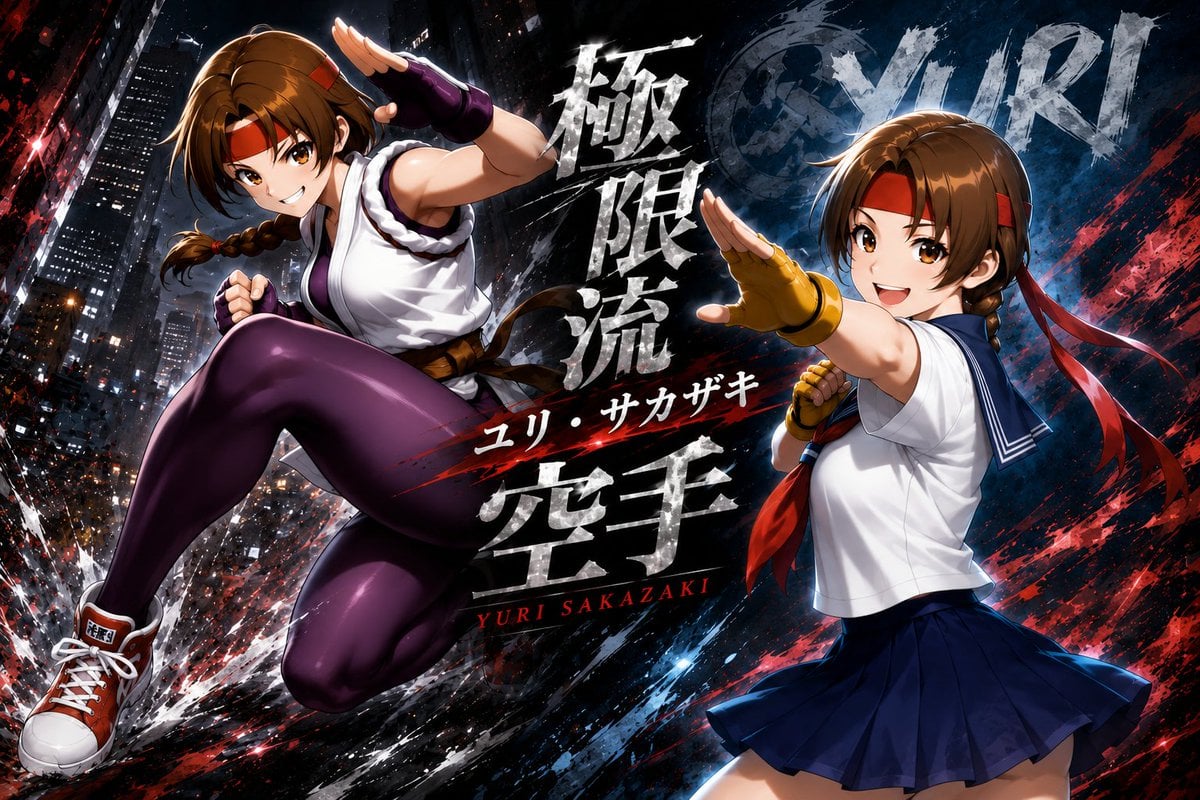
Yuri Sakazaki Anime Battle Poster
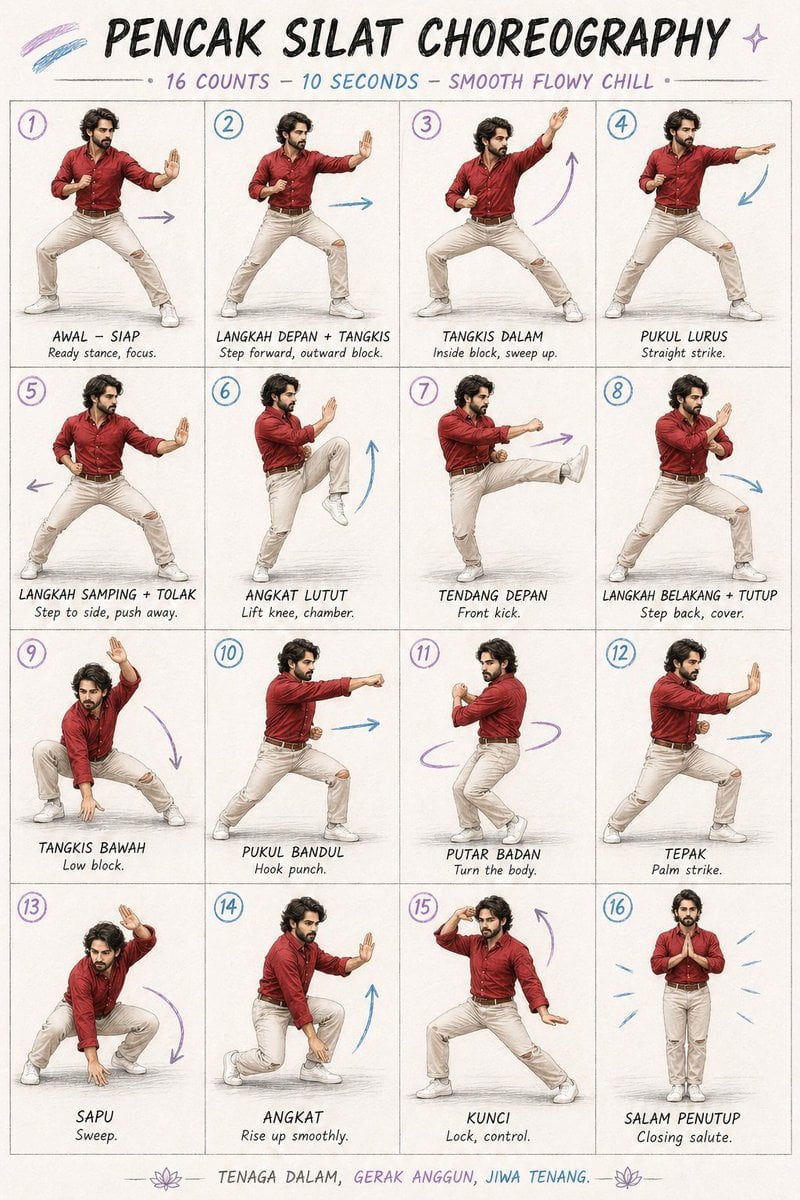
Martial Arts Choreography Poster
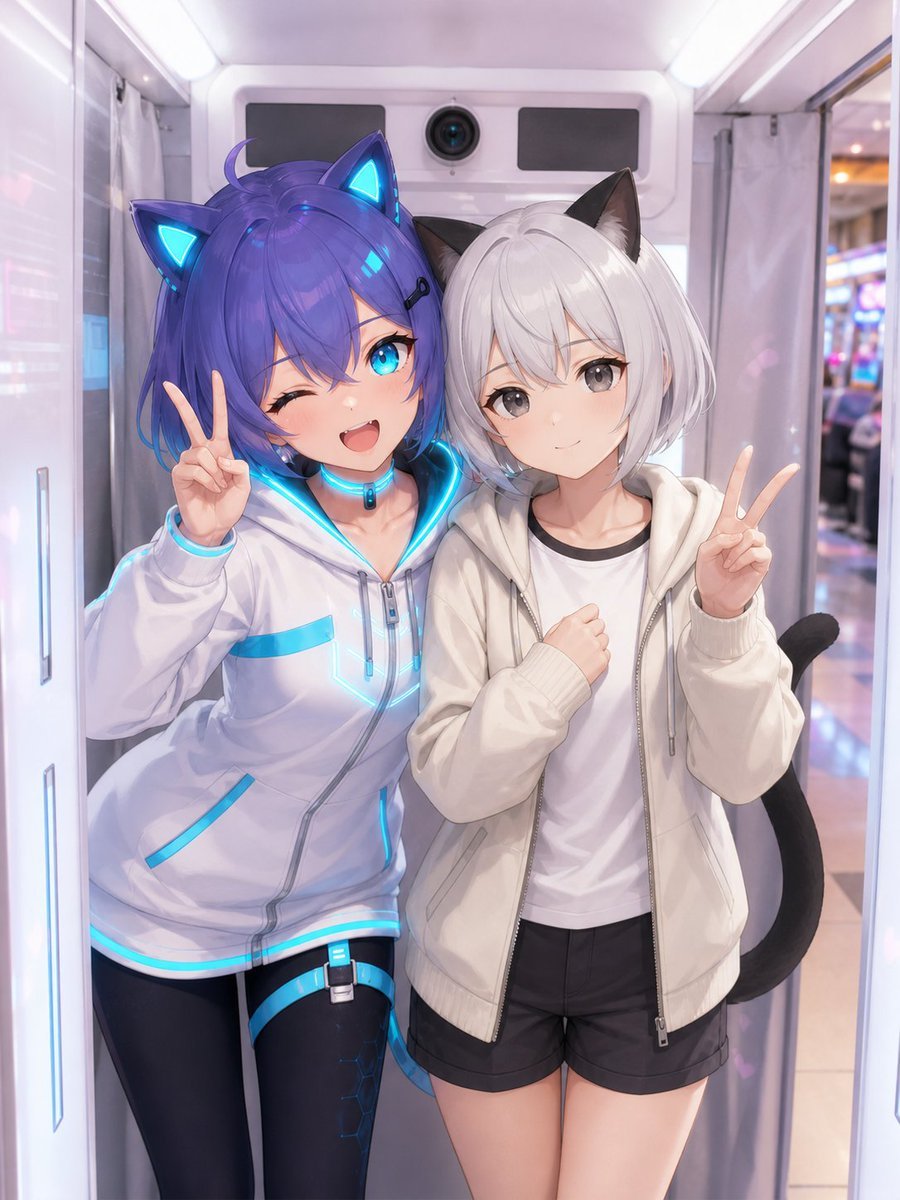
Anime Characters in Real Purikura Booth
Browse template categories
Act as a Social Media Art Director and Digital Collage Artist questions
How do I use the Act as a Social Media Art Director and Digital Collage Artist template?
Add your photo if the template asks for one, edit the prompt if you like — the template's model and format are already selected — and press Generate. Your version opens in PicX Studio.
Can I customize the Act as a Social Media Art Director and Digital Collage Artist template?
Yes. You can change the subject, setting, lighting, mood, format, and available model controls before creating your image.
Is the Act as a Social Media Art Director and Digital Collage Artist template free?
Opening and editing this template is free. Generating uses credits, shown on the Generate button when you are signed in.
Which AI model should I use?
Start with GPT Image 2, which is the model associated with this template. You can compare another compatible model for a different finish.
Looking for something else? Browse all templates.

Your photo, any look
Thousands of ready templates for every top image and video model, from one credit balance.