
3D Caricature Companion Effect
Creates a Pixar-style 3D caricature of a person that interacts with their realistic photorealistic self in the same scene.
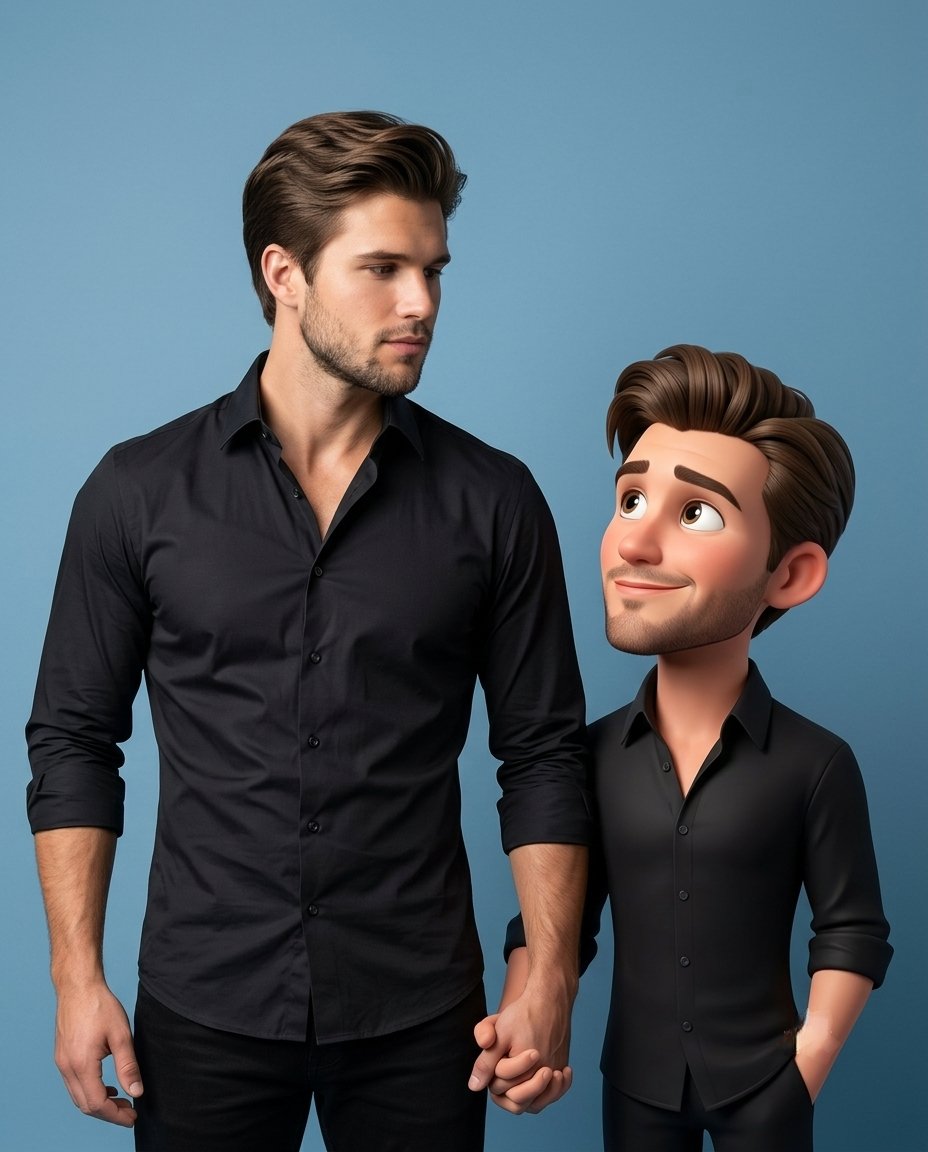
- Prompt included
- Model and format preset
- Free template
The prompt behind this image
Copy the exact prompt behind 3D Caricature Companion Effect, or open it in the studio and make it yours.
Create a premium high-quality {argument name="style" default="3D caricature companion"} of the person in the reference image while keeping the original realistic person fully present and untouched. The realistic person must remain photorealistic, highly detailed and faithful to the original photo. Create a stylized 3D caricature version of the SAME person standing beside them. Preserve the same: outfit, hairstyle, accessories, fashion styling, identity, facial resemblance, attitude and vibe.The caricature must have: large expressive eyes, slightly oversized head, smooth cinematic skin, {argument name="animation style" default="Pixar/Disney-inspired premium 3D styling"}, smaller body proportions, but still look fashionable and recognizable, NOT childish, toy-like or baby-sized.IMPORTANT: The caricature height should be approximately {argument name="size" default="shoulder to ear level"} of the real person, never tiny or child-sized. The caricature and real person must be physically and emotionally interacting naturally. Examples of interaction: holding hands, looking at each other, walking together, sharing an object, leaning, playful pose, touching shoulder, mirroring pose, reacting to each other, casual chemistry, candid companionship. The caricature should feel like a living animated version of the same person existing in the same world. Preserve original scene, lighting and perspective whenever possible. Professional photography composition, cinematic lighting, realistic shadows, luxury editorial realism mixed with premium stylized 3D animation. No tiny companion, no side mascot, no disconnected pose, no separate standing character, no toy proportions, no plastic doll look, no replacing the original person.
How to use 3D Caricature Companion Effect in 3 steps
- 1Upload ImagePNG, JPG or paste
Add your photo
Upload the photo the template builds on. The prompt, model and format are already set.
- 2…a portrait of your subject in softgolden-hour light, 85mm…
Personalize
Edit the subject and creative details for your destination.
- 3Generate
Generate
Press Generate — your image is created in PicX Studio, so you can compare it with the original and refine one variable at a time.
More like this
Templates with the same subject, style or setup. Open one to see its prompt.
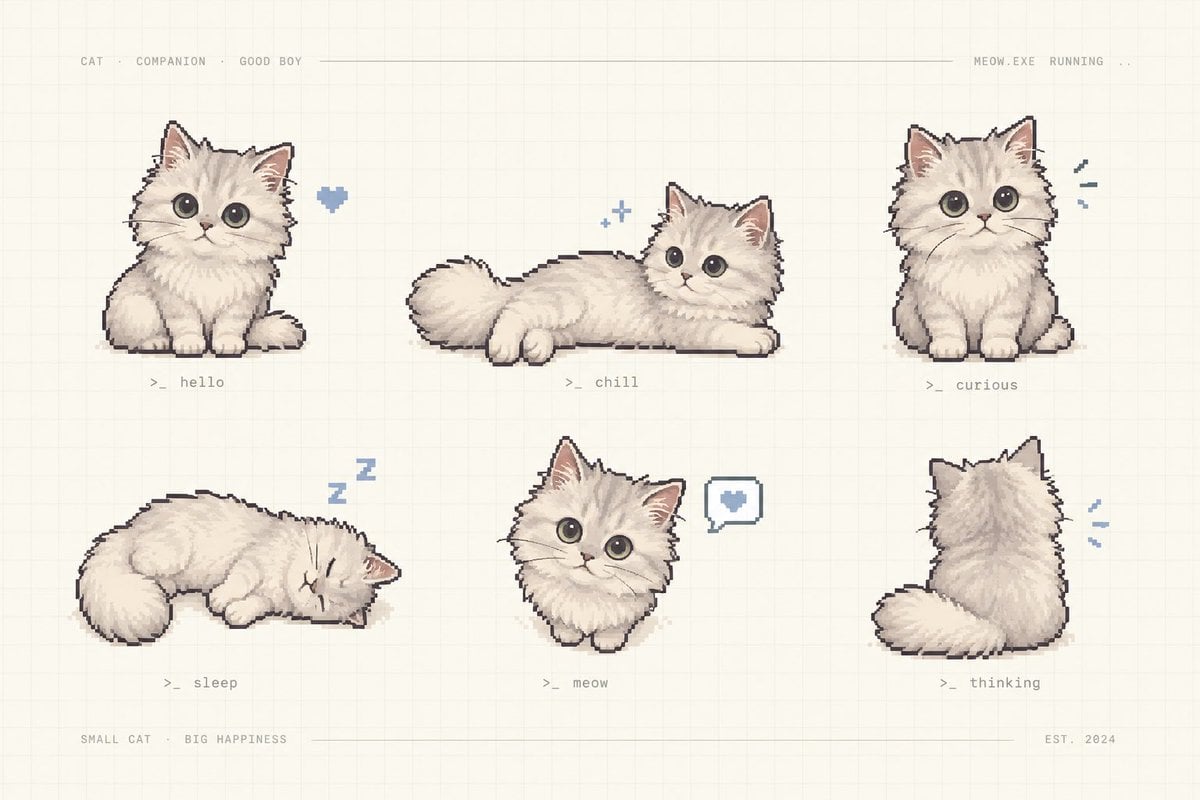
Pixel Art Kitten Companion Sheet
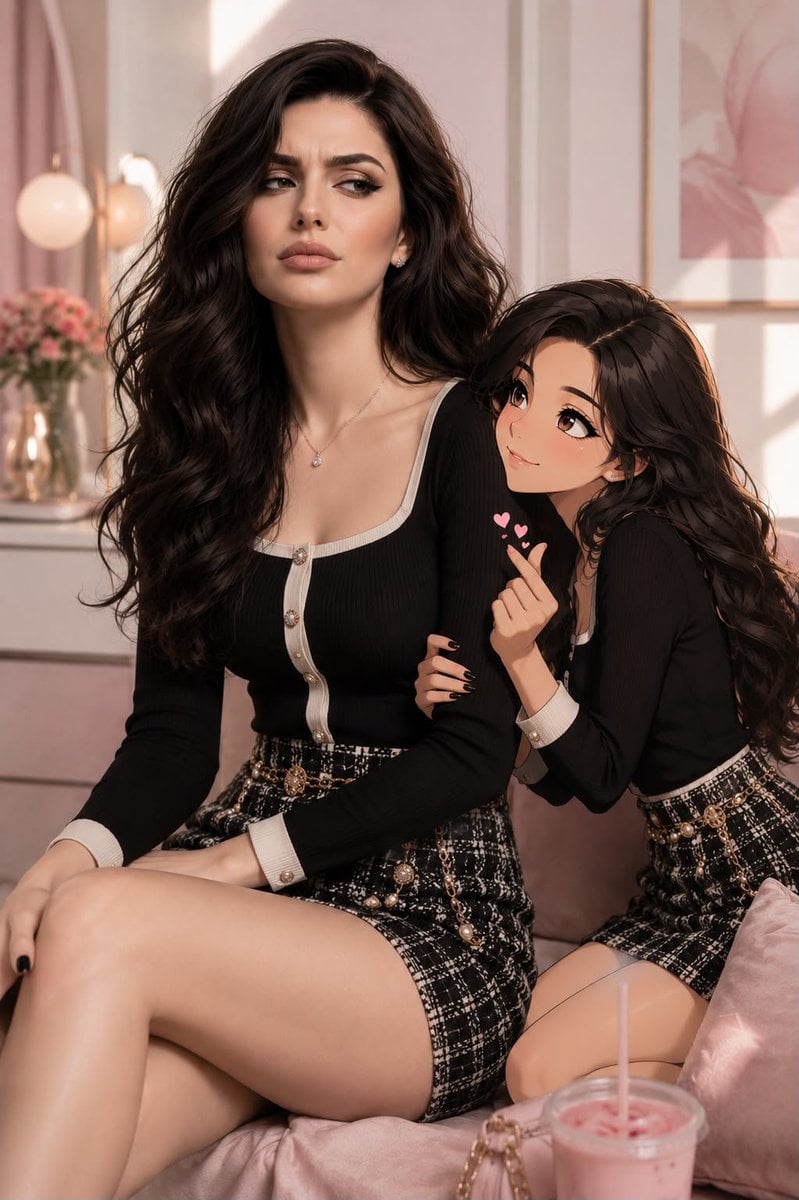
Anime Companion Portrait
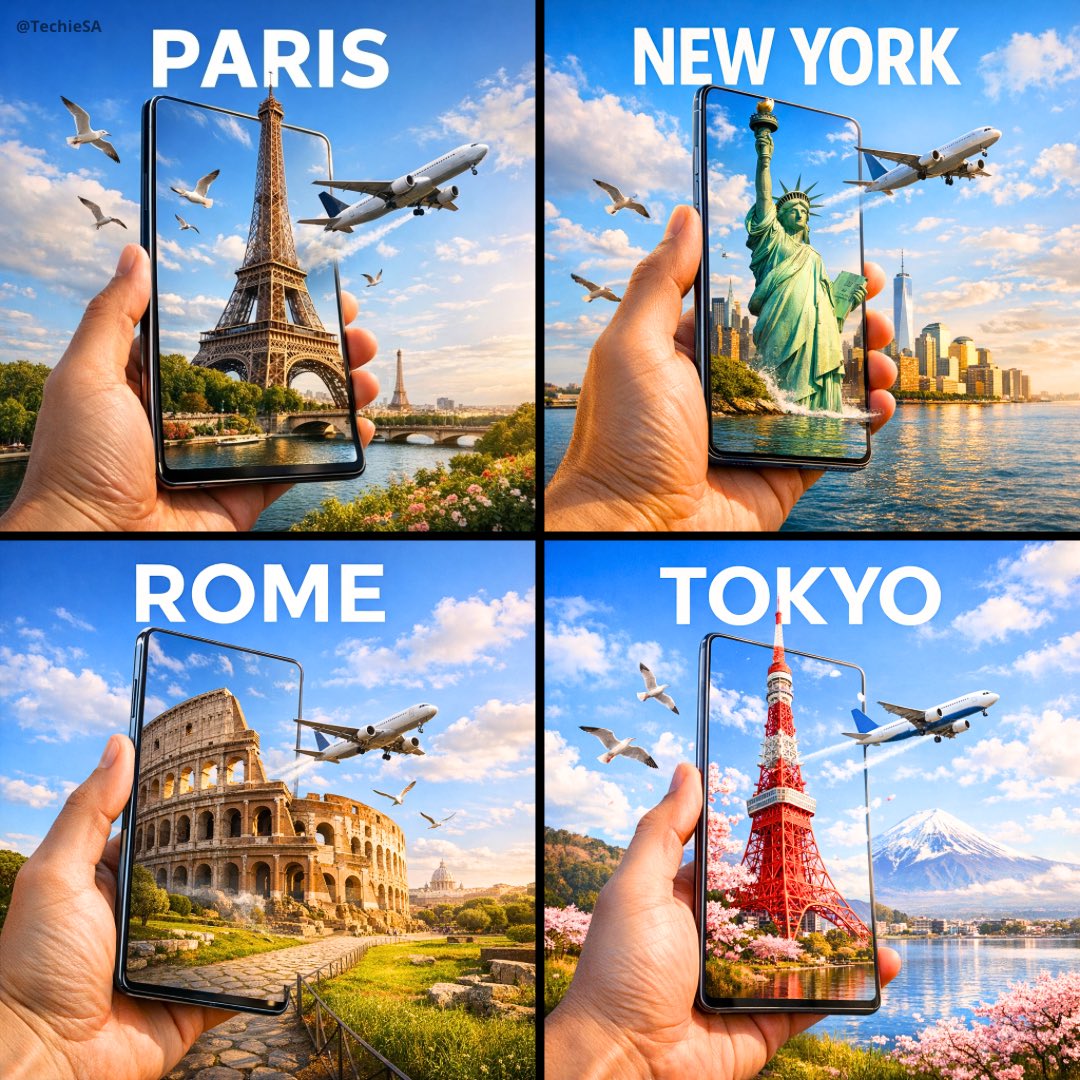
Travel Ad Phone Portal 3D Effect

Dramatic motion blur trails, long-exposure photography effect, dynamic
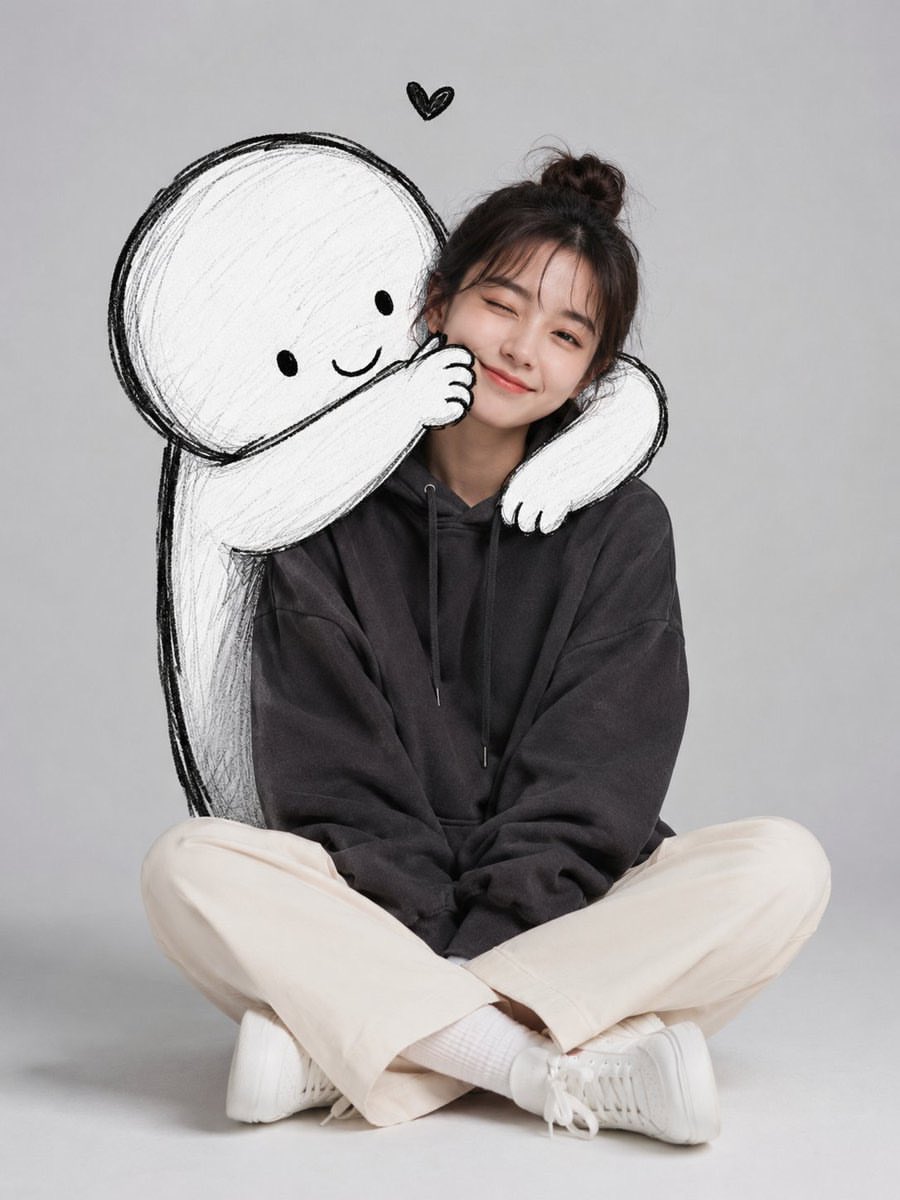
Minimalist Portrait with Doodle Companion
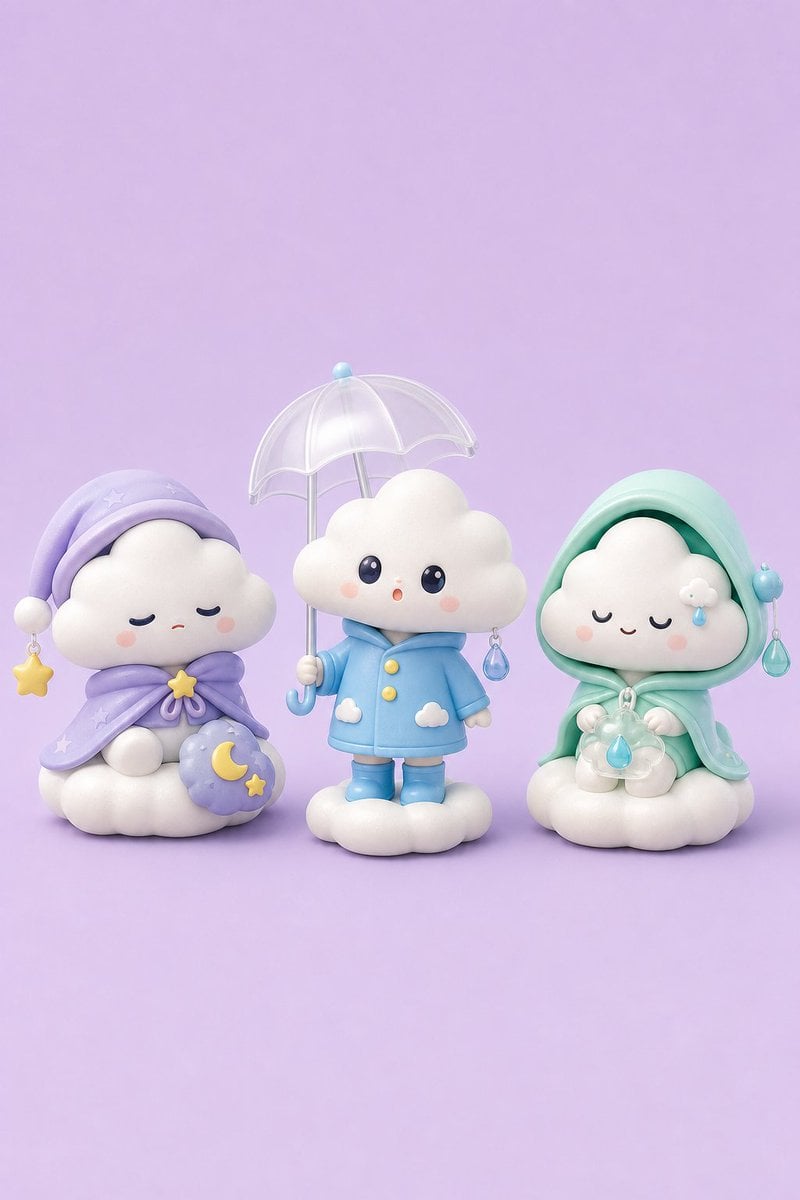
Tiny Weather Companion Figurines
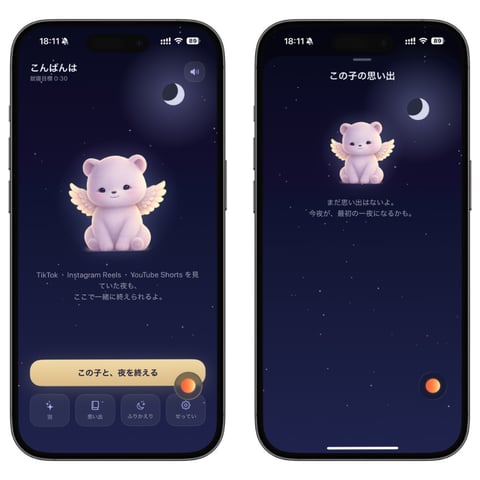
Bedtime Companion App Mockup
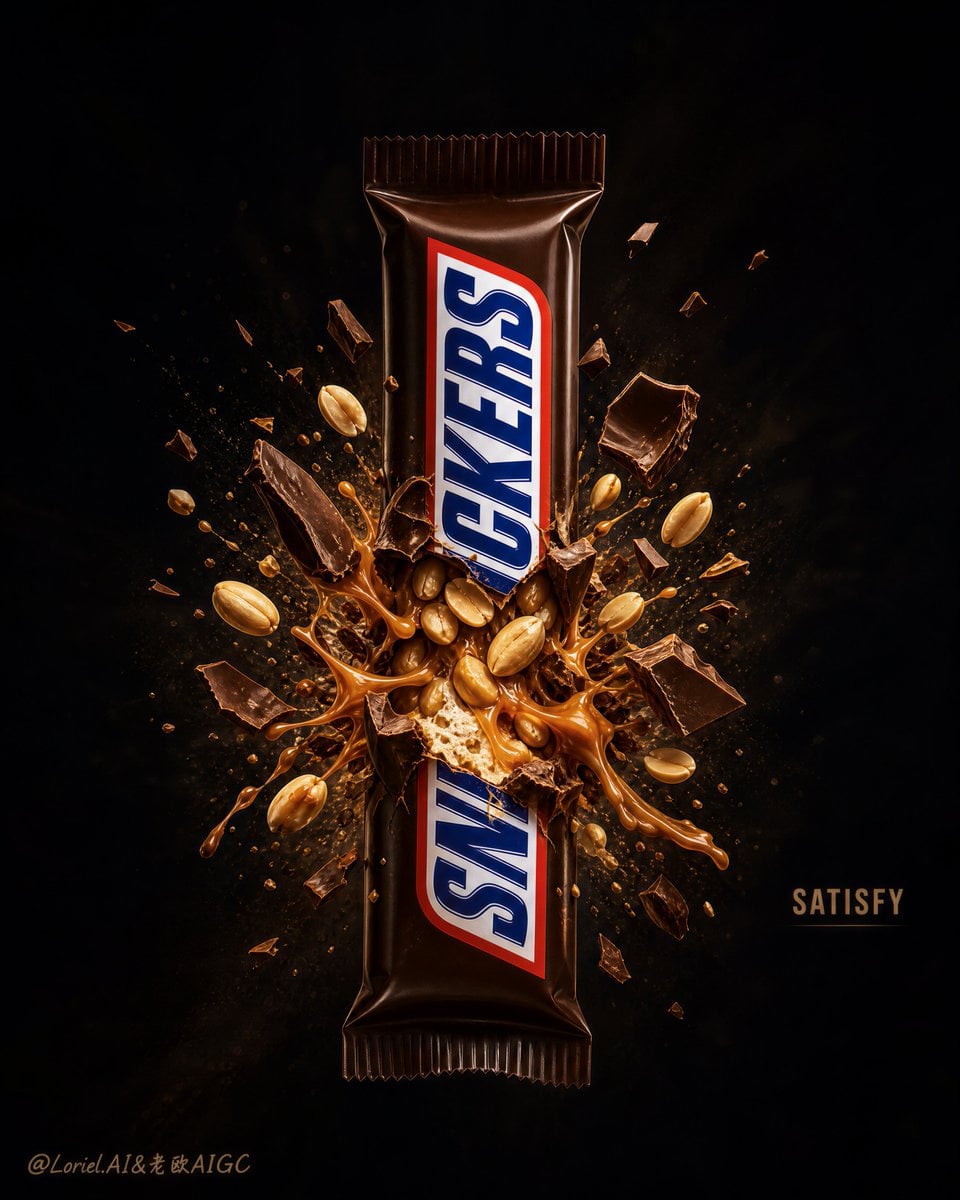
Explosion Effect Commercial Poster
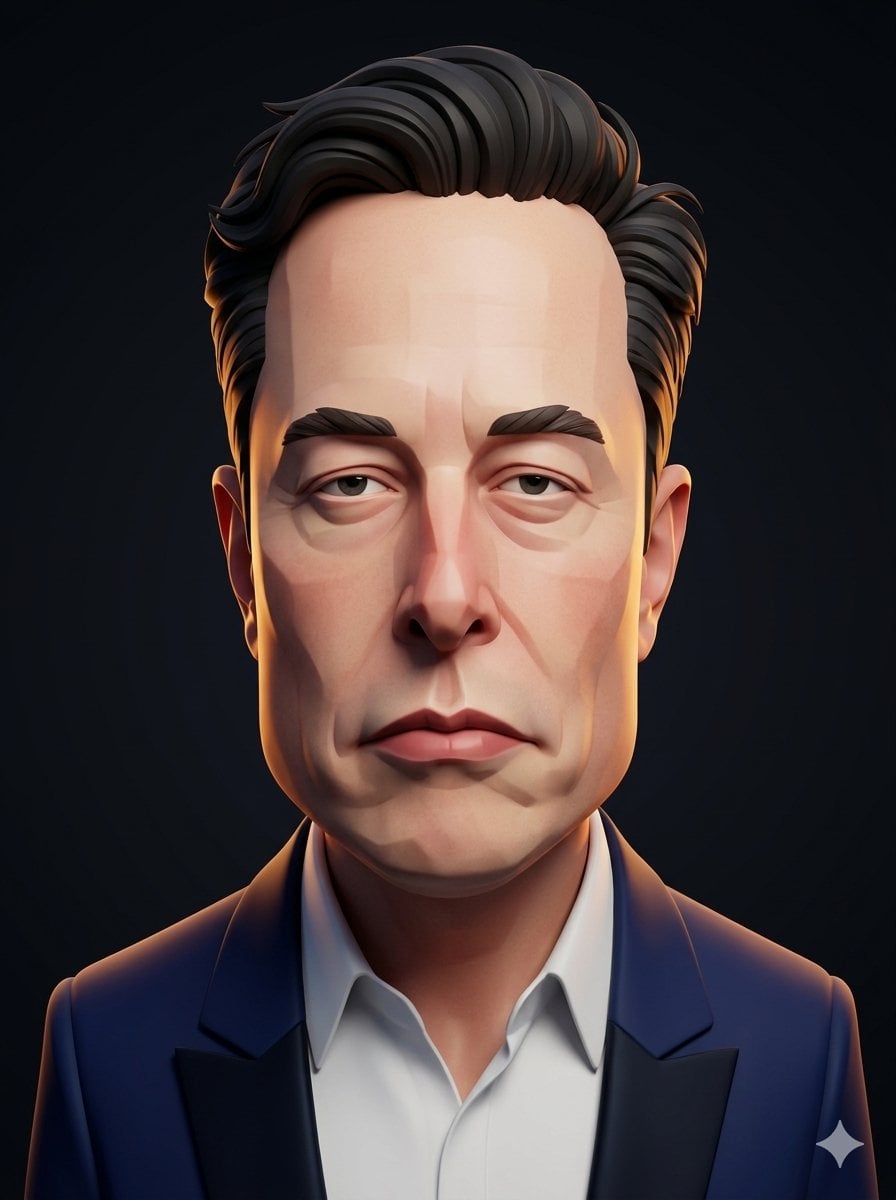
3D Stylized Caricature Portrait
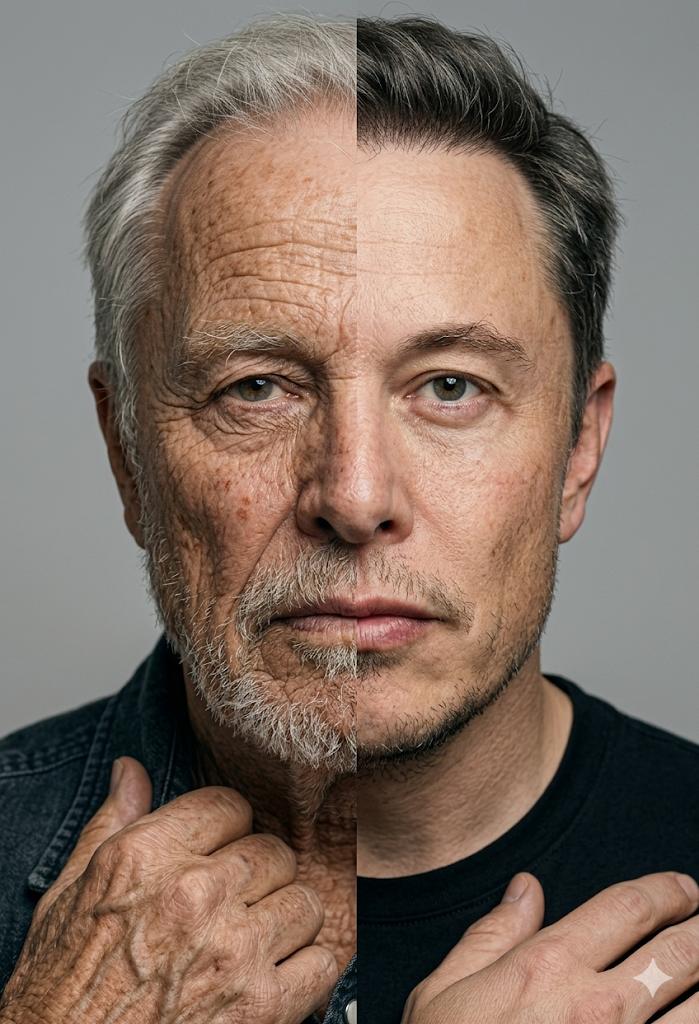
Split Screen Aging Effect
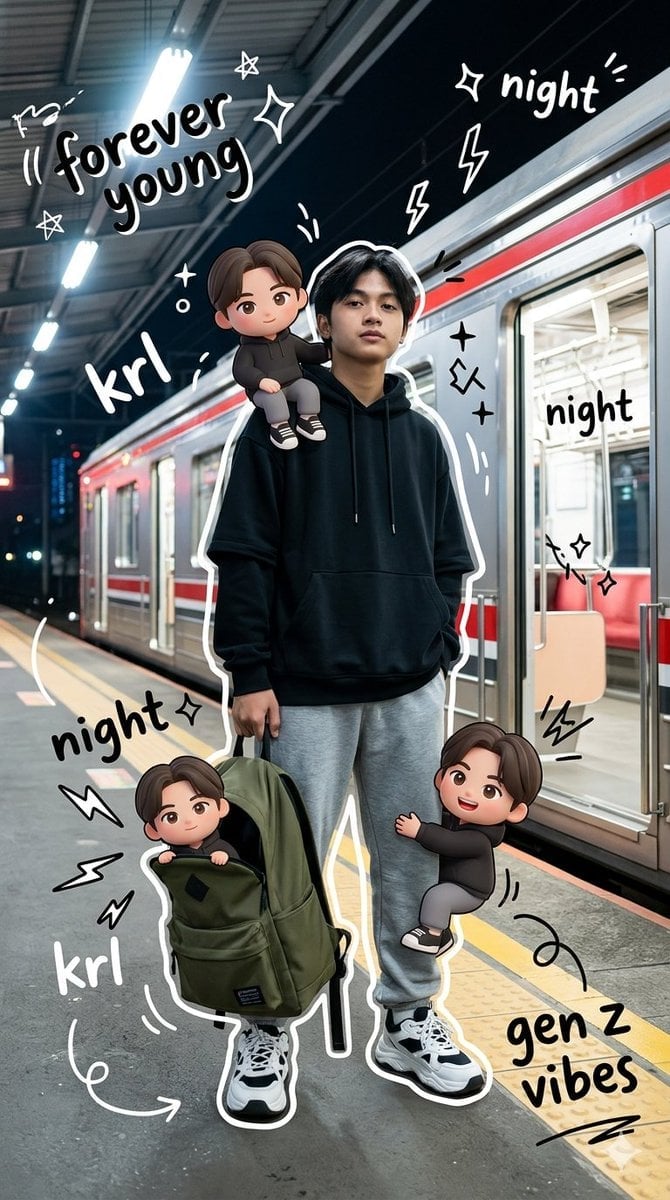
Gen Z Mixed-Media Portrait with Chibi Effects
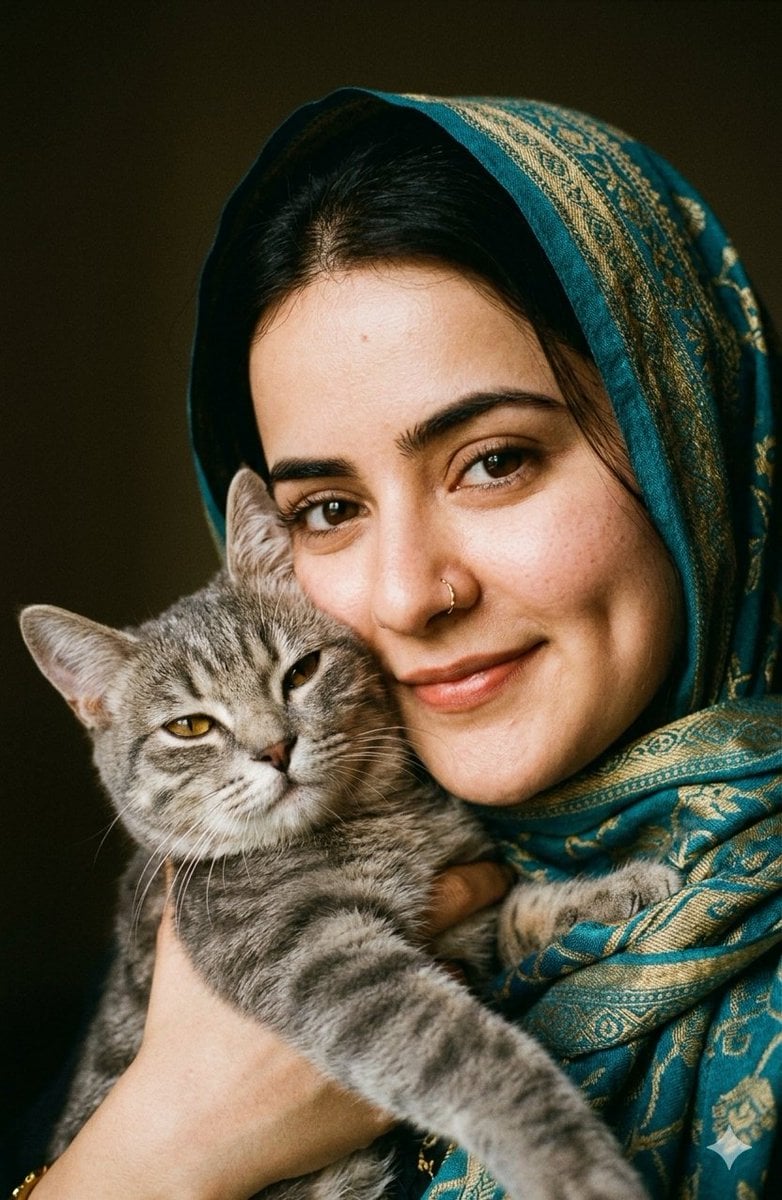
Intimate Feline Companion Portrait
Make it yours
3D Caricature Companion Effect works as-is. These are the safest ways to change it without losing the look.
Change one field
Copy a single group, rewrite it, and generate again so you can see what that field is doing.
Keep the frame, change the subject
Hold the composition and light of 3D Caricature Companion Effect, then swap wardrobe, props or the person for a new take.
| If the result… | Why | Fix |
|---|---|---|
| The result drifts from the preview | Too many fields changed at once. | Reuse 3D Caricature Companion Effect as-is first, then change one group — subject, light, or setting. |
| The model over-stylizes the scene | The prose prompt leaves finish and camera underspecified. | Add one camera or lighting sentence and stay on GPT Image 2. |
More GPT Image 2 templates
Other prompts made for GPT Image 2.

Six VTuber Japanese Logo Sheet

Realistic Portrait of Woman and Deer

The Vista Modular Condo Poster

AI Model Routing Comparison Infographic

2.5D Anime Art Board

Isometric Productivity Desk Scene

New York Double Exposure Poster

Four-Panel AI Landscape Comparison

Japanese Tatami Lifestyle Magazine Cover

NESCAFÉ Coffee Map Poster
More image prompts
Fresh picks from across the catalog.
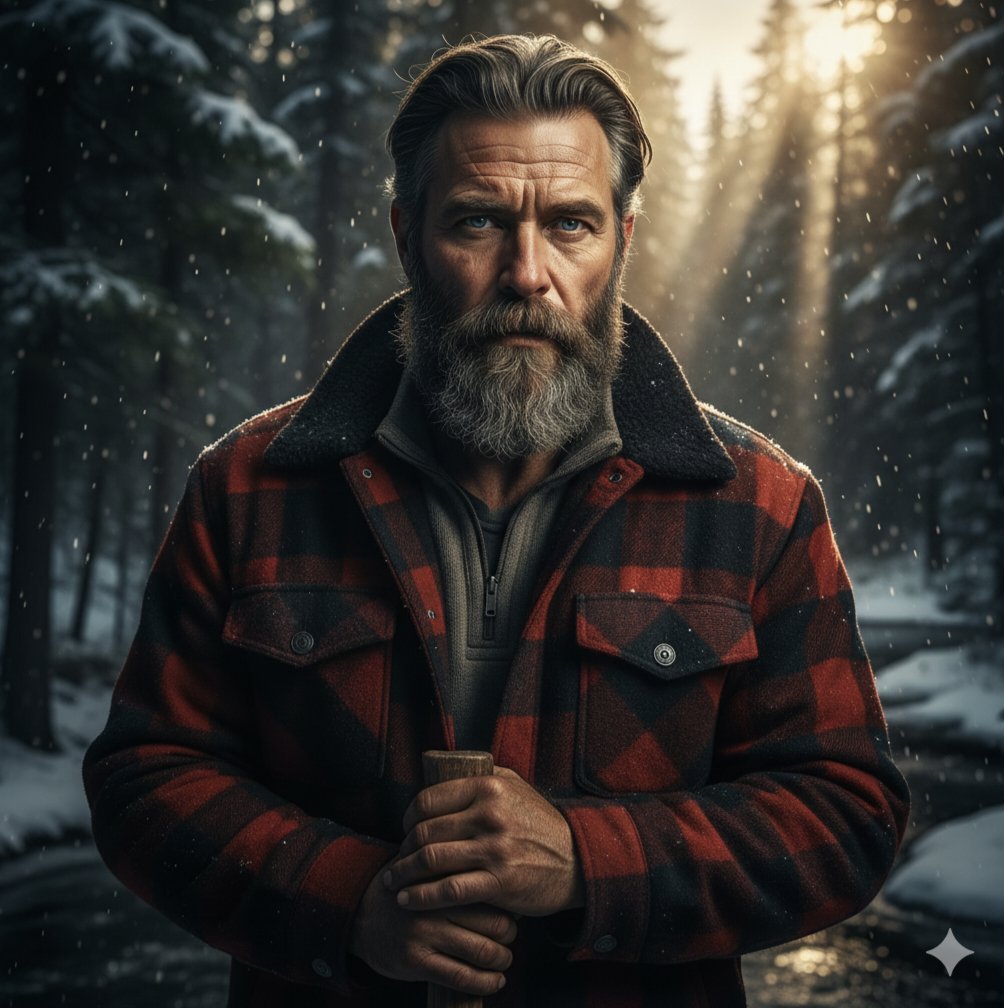
Cinematic Lumberjack Portrait Prompt
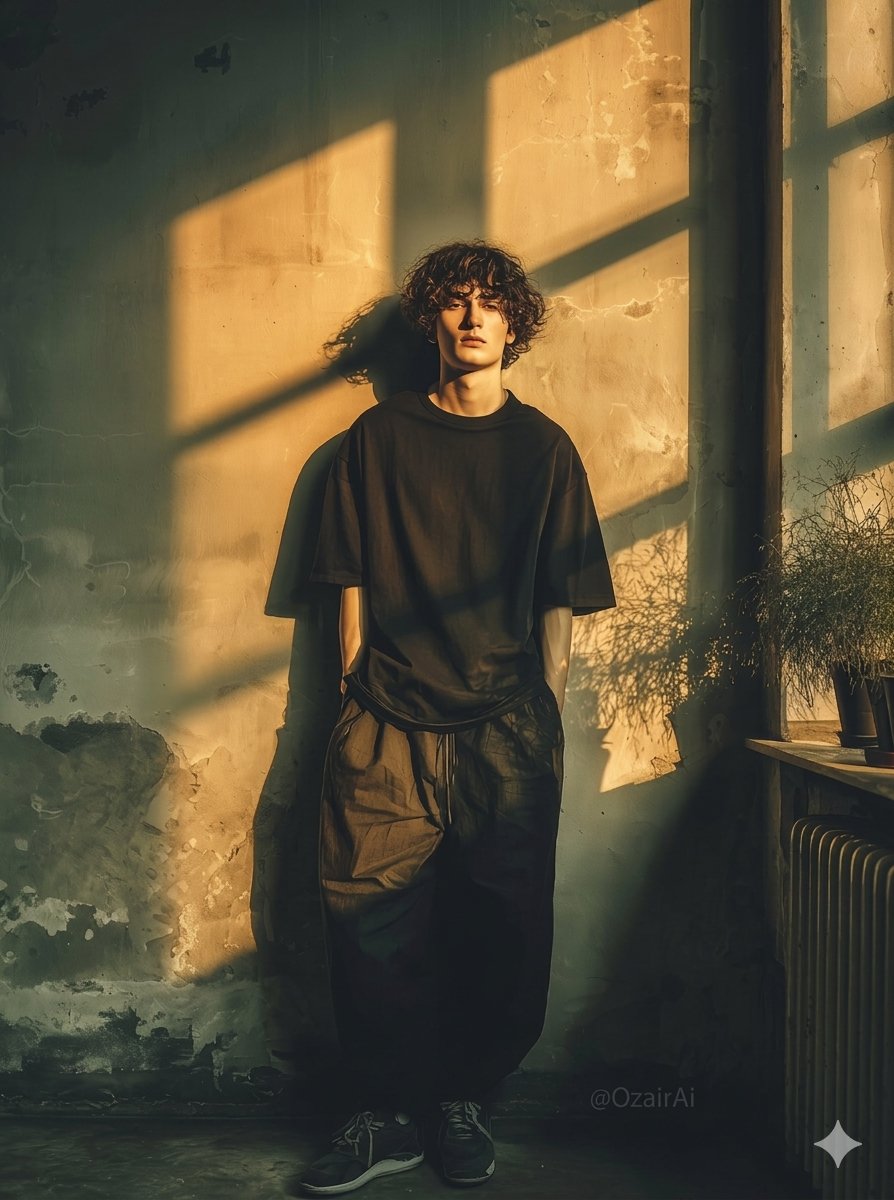
Dramatic Interior Fashion Portrait
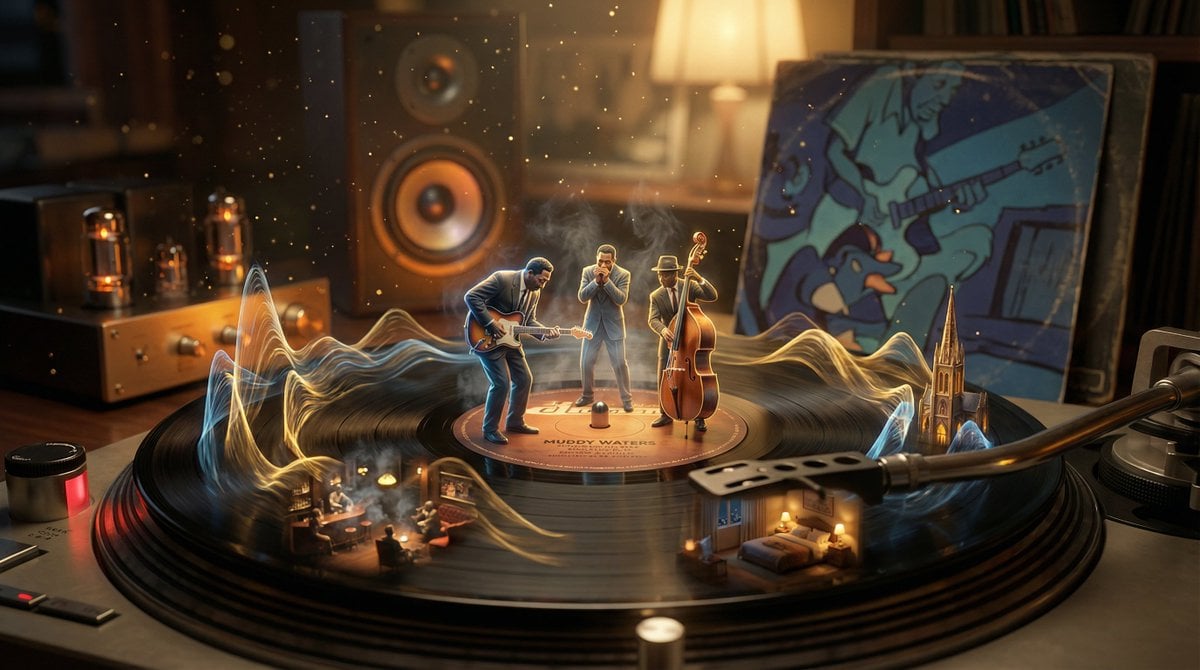
Surreal Vinyl Record Mid-Play Visualization
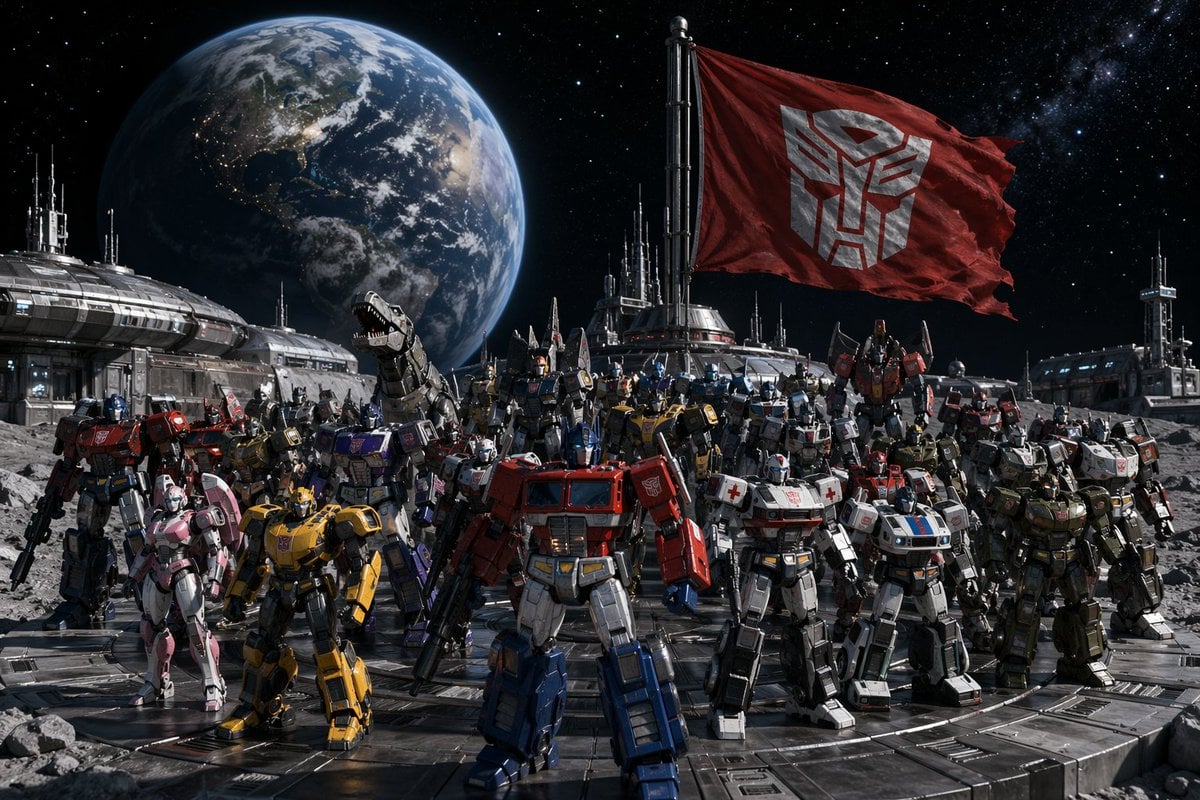
Transformers Space Scenes Prompt
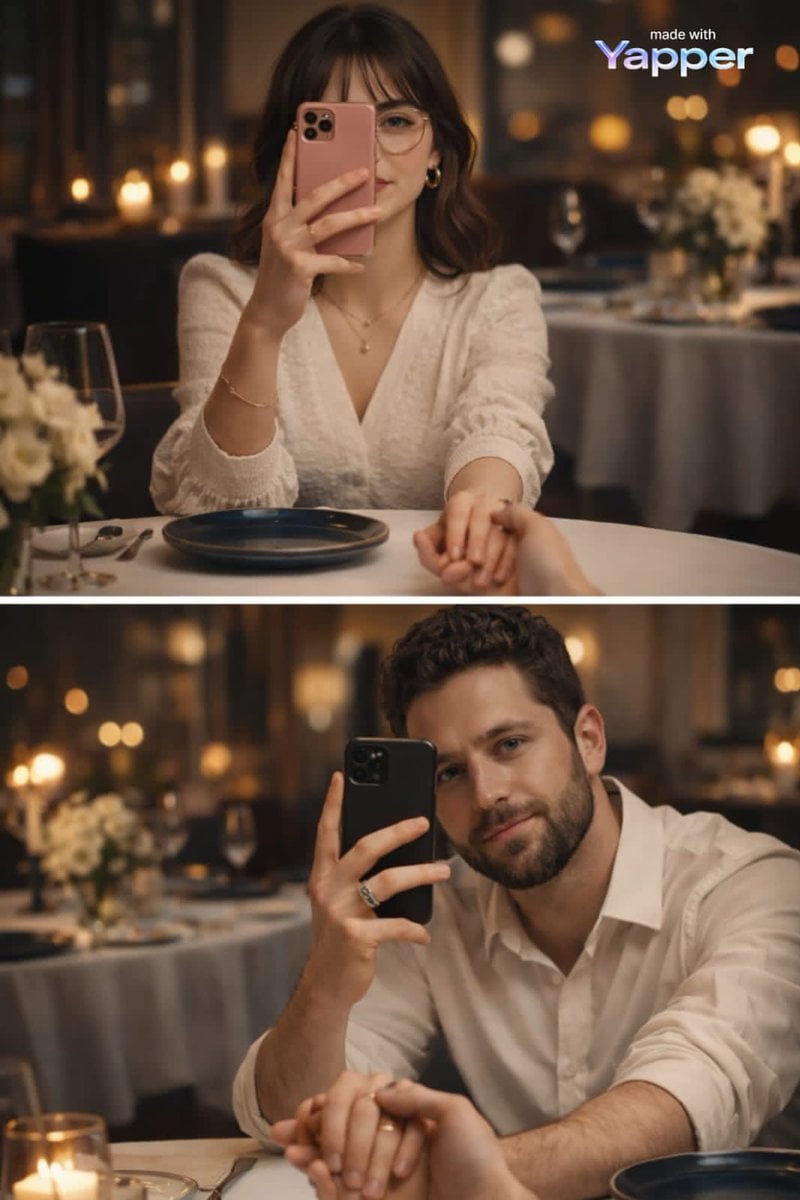
Split-Screen Dinner Date Composition
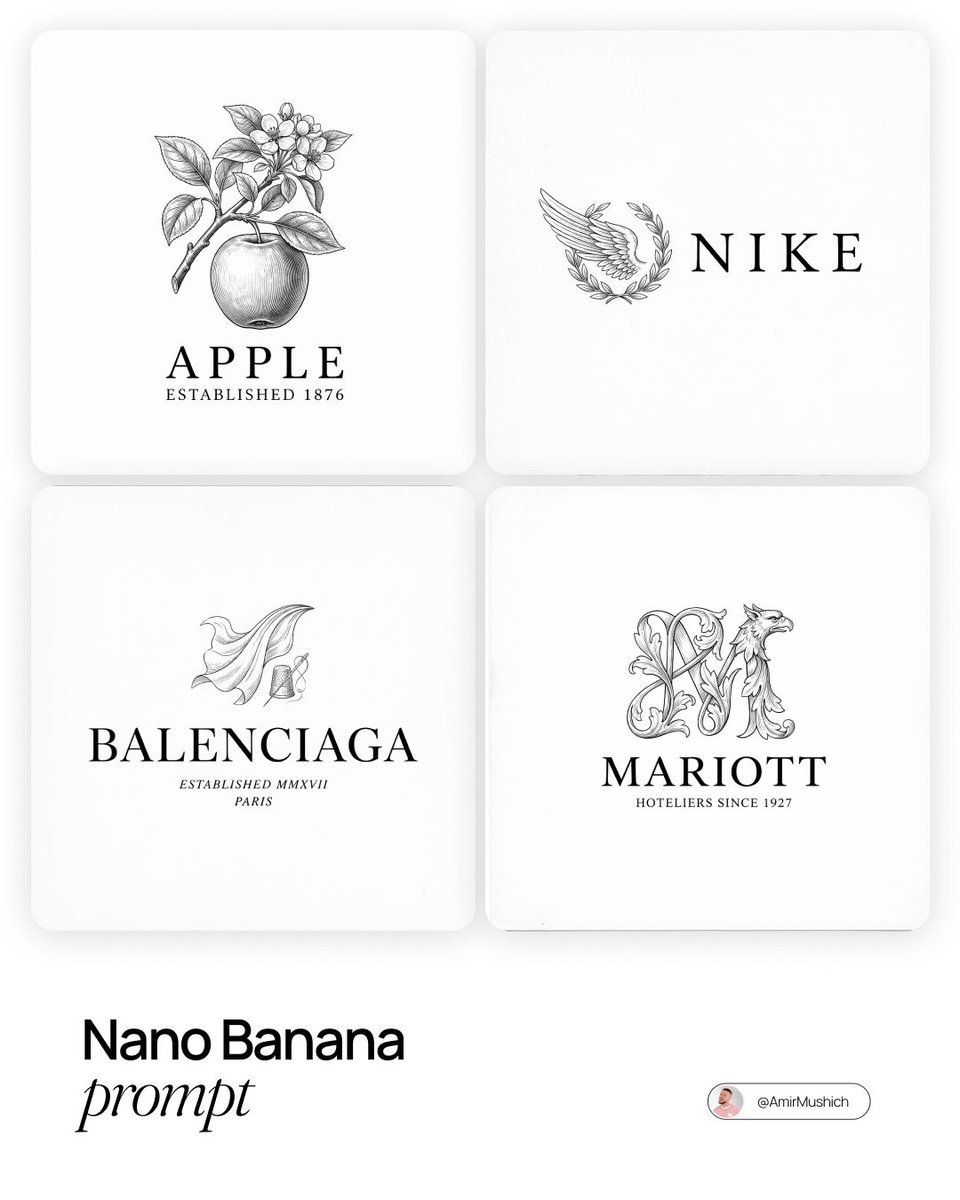
Modern Brands in 19th Century Prompt
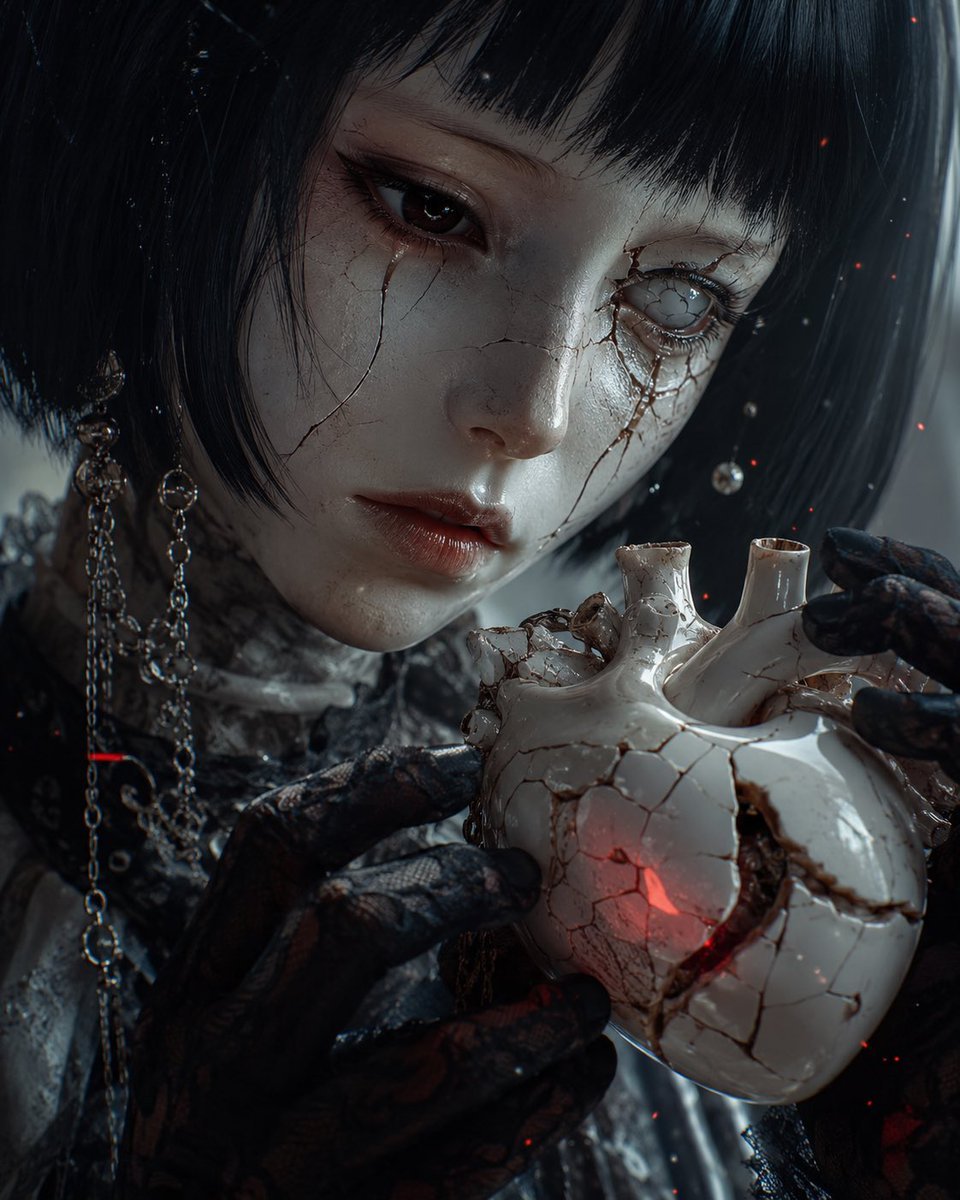
Cracked Porcelain Girl Holding Heart
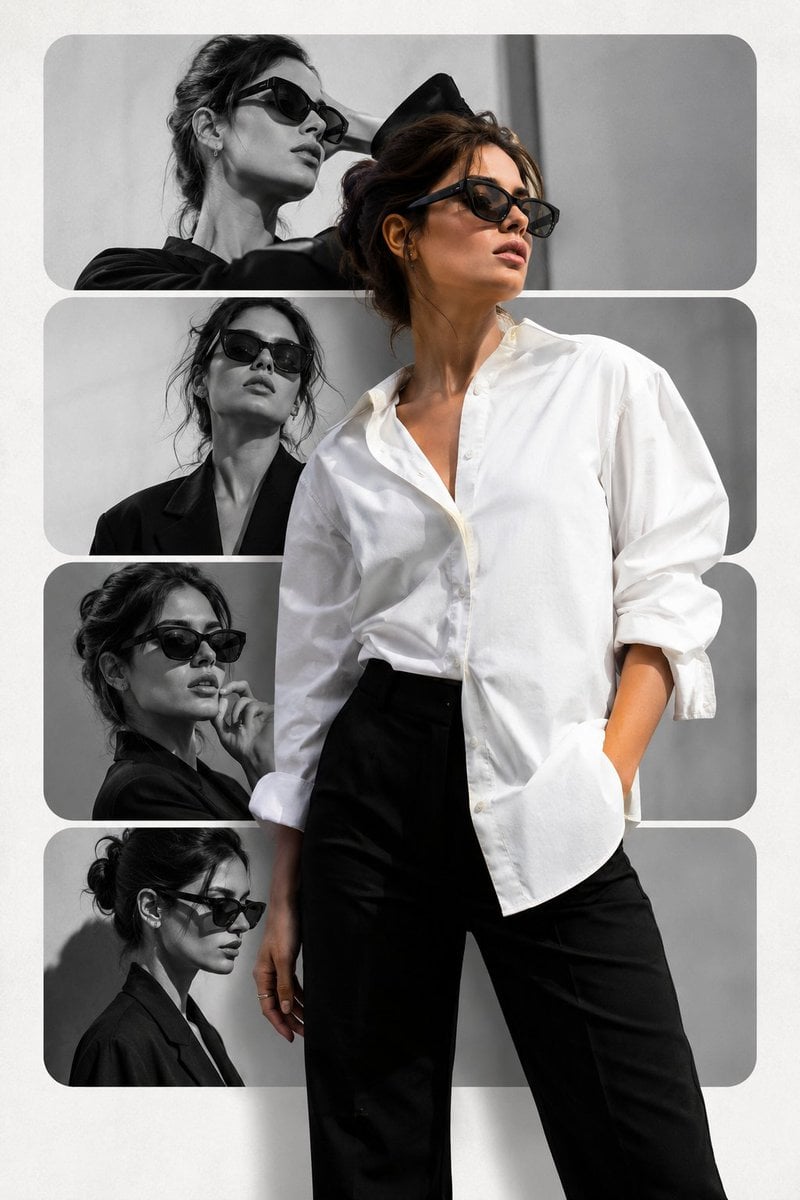
Minimalist Editorial Fashion Collage

Eleven Net Print Instruction Sheet

Blockbuster Anime Sky Fantasy Poster
Browse template categories
3D Caricature Companion Effect questions
How do I use the 3D Caricature Companion Effect template?
Add your photo if the template asks for one, edit the prompt if you like — the template's model and format are already selected — and press Generate. Your version opens in PicX Studio.
Can I customize the 3D Caricature Companion Effect template?
Yes. You can change the subject, setting, lighting, mood, format, and available model controls before creating your image.
Is the 3D Caricature Companion Effect template free?
Opening and editing this template is free. Generating uses credits, shown on the Generate button when you are signed in.
Which AI model should I use?
Start with GPT Image 2, which is the model associated with this template. You can compare another compatible model for a different finish.
Looking for something else? Browse all templates.

Your photo, any look
Thousands of ready templates for every top image and video model, from one credit balance.