
3D Stylized Caricature Portrait
A complex prompt for turning a reference subject into a stylized 3D CGI caricature with specific anatomical exaggerations and professional studio rendering.
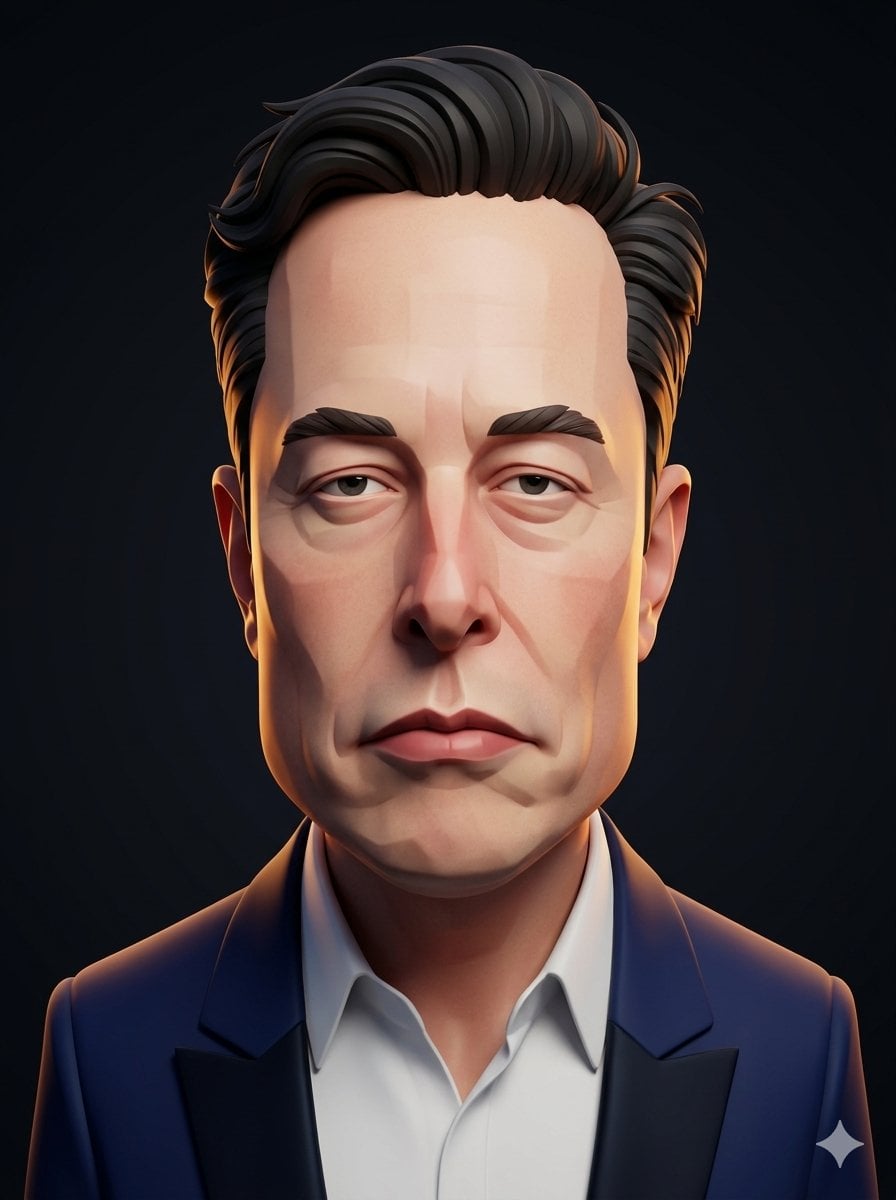
- Prompt included
- Model and format preset
- Free template
The prompt behind this image
Copy the exact prompt behind 3D Stylized Caricature Portrait, or open it in the studio and make it yours.
Convert the subject in this image into a stylized 3D caricature portrait with {argument name="head shape" default="an elongated rectangular head"}, {argument name="facial feature" default="oversized nose"}, and pristine studio lighting. Use a sculpted, high-end 3D CGI character treatment with strong identity preservation, while amplifying the facial geometry into a bold editorial caricature without changing the subject’s existing hair. CHARACTER: Build the subject as a tall, narrow caricature bust with a stretched rectangular skull, compressed cheek planes, and a dominant forward-projecting nose that anchors the face. Preserve the subject’s recognizable hair volume by translating it into clean, sculpted strands. Keep the clothing simplified, modern, and rendered as a refined secondary form that supports the face. FACE & ANATOMY: Use a severe angular facial construction with planar transitions, heavy brows, deep-set eyes, and a long tapered lower face. Keep the expression serious and slightly weary, with a rigid jaw rhythm and exaggerated vertical proportions. The body should remain secondary and understated, with the head as the primary silhouette. ENVIRONMENT: Change the background into a {argument name="background style" default="minimal 'dark gradient' studio"} that isolates the portrait and enhances its sculptural clarity. Keep the scene clean, controlled, and distraction-free, with no props or narrative clutter. Add subtle depth falloff so the character reads as a premium character-study render. RENDER PIPELINE: Use stylized 3D CGI with a polished sculpt-first workflow, crisp edge definition, and clean subdivision surfaces. Apply controlled toon-leaning shading with smooth form transitions, disciplined specular response, and no photoreal skin microdetail. Finish with a premium character-render presentation, sharp silhouette readability, and zero photographic camera artifacts. COLOR & LIGHT: Use a restrained palette of 'deep charcoal', 'cool blue' shadows, 'warm peach' skin tones, and 'soft amber' rim accents. Light the face with perfect studio key lighting, gentle fill control, and a balanced rim that carves the silhouette cleanly. Preserve high contrast in the facial planes while keeping the exposure elegant and even. MATERIALS & TEXTURES: Render skin as clean, stylized character material with smooth surface behavior and subtle form shading, not realistic pores. Hair should read as sculpted clumped strands with controlled gloss, and the beard (if presented) should appear as carved fiber-like grooves with crisp separation. Clothing and background surfaces must stay matte and simplified, supporting the caricature focus. DETAILS: Emphasize the rectangular head geometry through faceted forehead planes, sharp temple breaks, and a strong nose bridge structure. Add refined studio-finish highlights along the cheek planes, brow ridge, and hair contours to heighten the premium 3D look. Keep all detail language native to stylized character sculpture, with no comic halftone, no painterly brushwork, and no l
How to use 3D Stylized Caricature Portrait in 3 steps
- 1Upload ImagePNG, JPG or paste
Add your photo
Upload the photo the template builds on. The prompt, model and format are already set.
- 2…a portrait of your subject in softgolden-hour light, 85mm…
Personalize
Edit the subject and creative details for your destination.
- 3Generate
Generate
Press Generate — your image is created in PicX Studio, so you can compare it with the original and refine one variable at a time.
More like this
Templates with the same subject, style or setup. Open one to see its prompt.

Stylized 3d Clay Character Transformatio
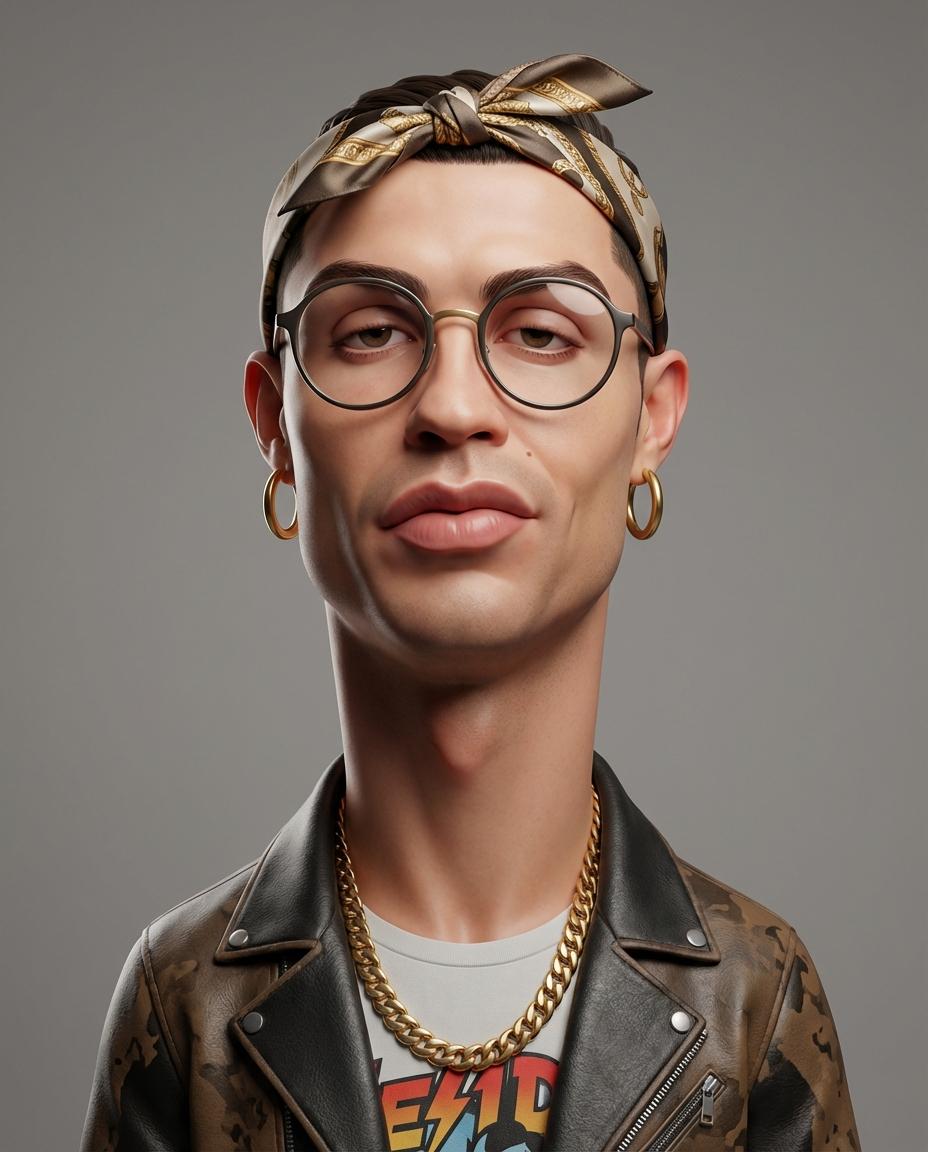
Stylized 3D Caricature Portrait
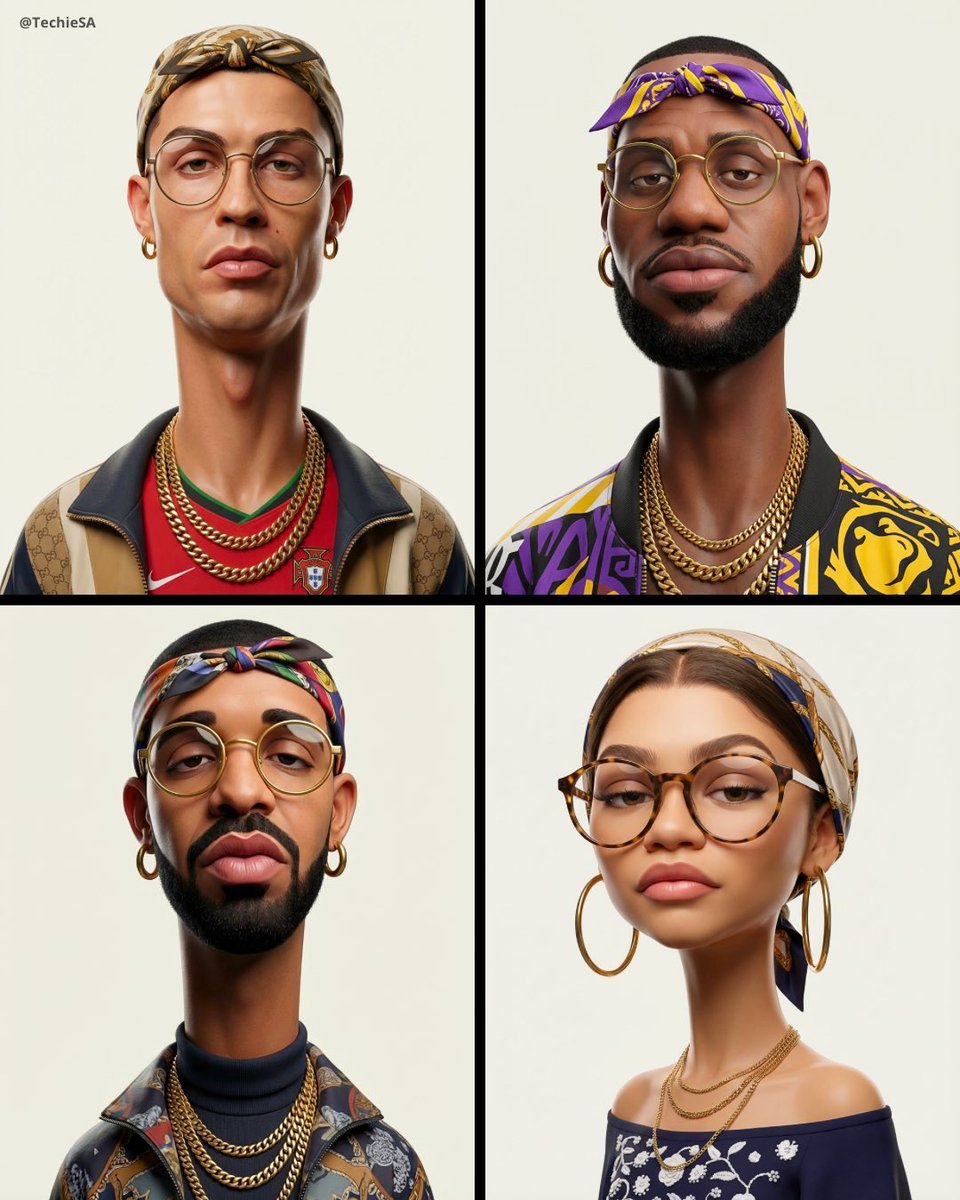
3D Stylized Caricature Fashion Portrait

Found Photograph: Us, 1970

80s Couple Studio Portrait

80s Bollywood Star

80s Golden Hour Cinema

Me in 1985

1985 Studio Portrait

Hyper-Realistic Minecraft POV Portrait

Rooftop Fisheye — Cat-Ear Balaclava at Golden Hour

Rainy Café Window Moody Portrait
Make it yours
3D Stylized Caricature Portrait works as-is. These are the safest ways to change it without losing the look.
Change one field
Copy a single group, rewrite it, and generate again so you can see what that field is doing.
Keep the frame, change the subject
Hold the composition and light of 3D Stylized Caricature Portrait, then swap wardrobe, props or the person for a new take.
| If the result… | Why | Fix |
|---|---|---|
| The result drifts from the preview | Too many fields changed at once. | Reuse 3D Stylized Caricature Portrait as-is first, then change one group — subject, light, or setting. |
| The model over-stylizes the scene | The prose prompt leaves finish and camera underspecified. | Add one camera or lighting sentence and stay on Nano Banana 2. |
More Nano Banana 2 templates
Other prompts made for Nano Banana 2.

Photorealistic Leaf Shaped Like a Dragon

K-Pop Idol Portrait Grid for Rapid Selection

Poetic Rain Forest Portrait During Golden Hour

Urban Street Portrait with Cartoon Inner Self Duo

Candid Nighttime Photo with Cat Prompt

High-Concept 3D Diorama Generation Prompt

Cinematic Futuristic Studio Portrait Template

Skincare Editorial Photography Collage Prompt

Hyper-Realistic Commercial Product Photography (Splash Effect)

Hyper-Realistic Nightclub Portrait Prompt
More image prompts
Fresh picks from across the catalog.
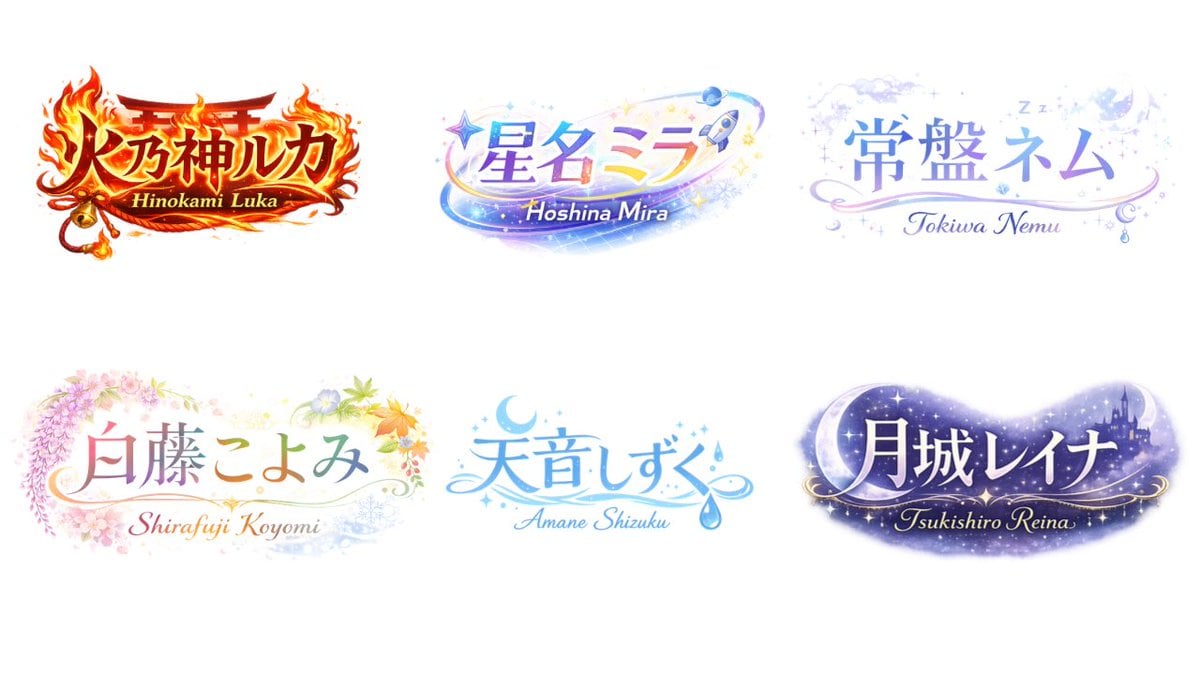
VTuber Logo Concept Grid
Silver Maid Cosplay in High-Rise Kitchen
Futuristic Floating City at Sunset
Middle schooler doodles on history textbook pages
Photorealistic Velvet Dress Portrait
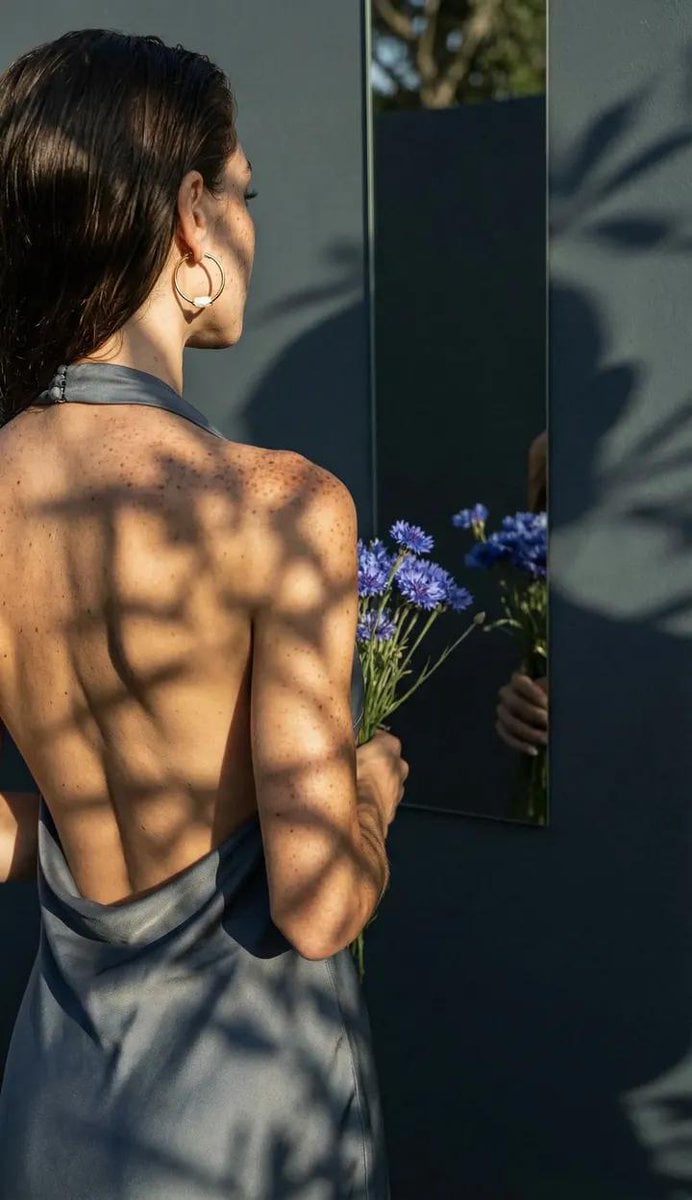
Poetic Realism Portrait with Light and Shadow Interplay
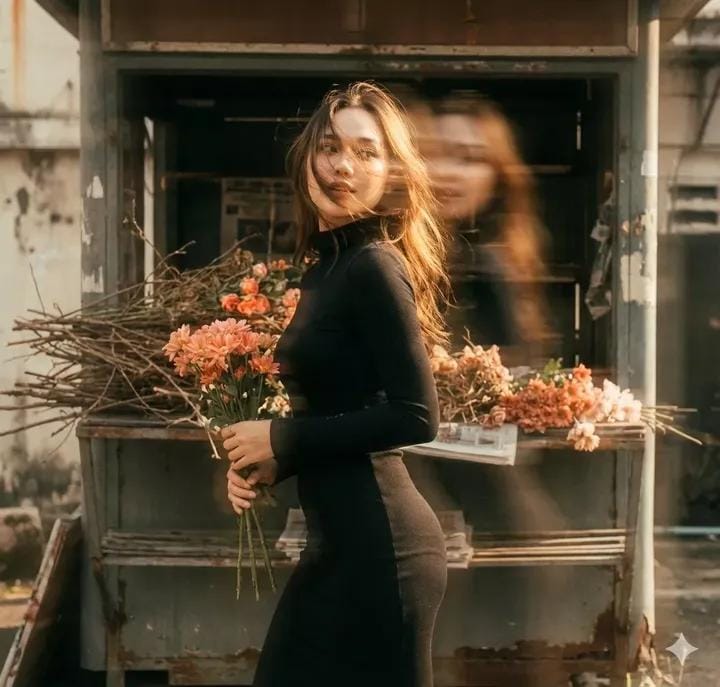
Vintage Film Double-Exposure Portrait
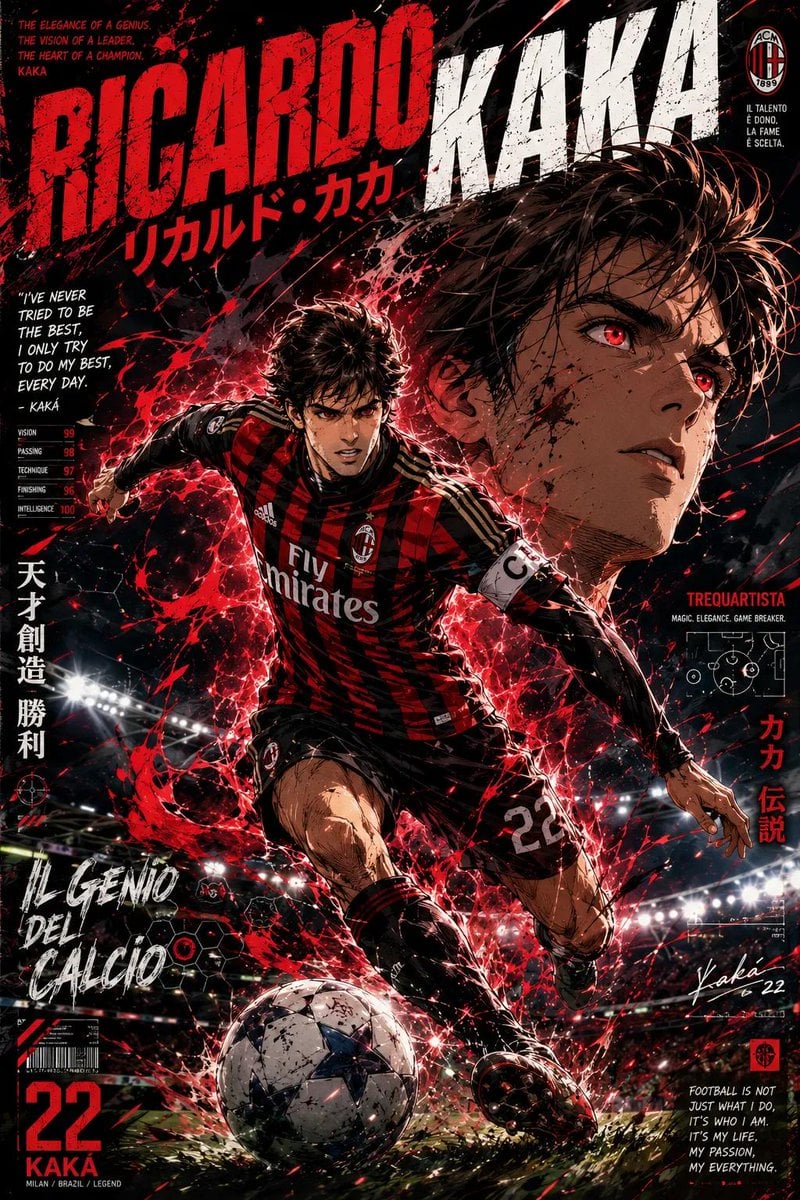
Anime Football Legend Poster
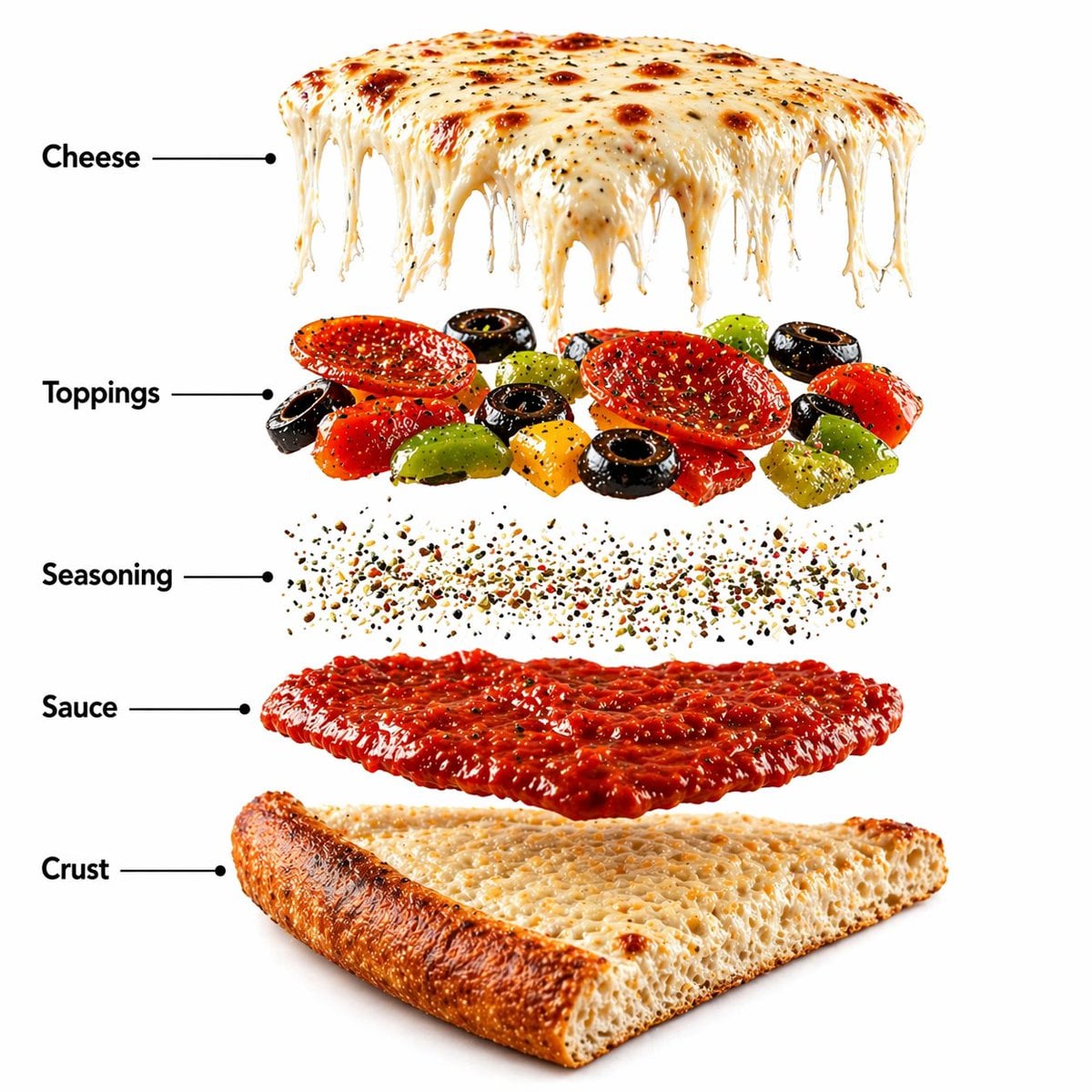
Pizza Food Photography and Infographic
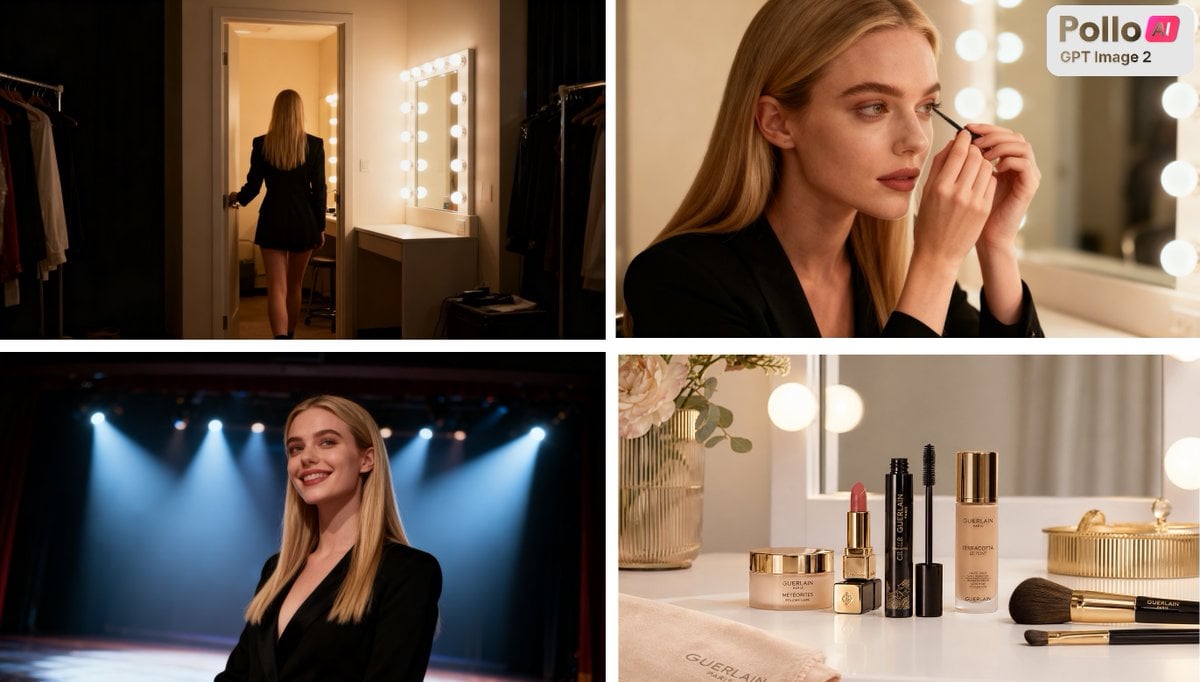
Luxury Beauty Ad Storyboard
Browse template categories
3D Stylized Caricature Portrait questions
How do I use the 3D Stylized Caricature Portrait template?
Add your photo if the template asks for one, edit the prompt if you like — the template's model and format are already selected — and press Generate. Your version opens in PicX Studio.
Can I customize the 3D Stylized Caricature Portrait template?
Yes. You can change the subject, setting, lighting, mood, format, and available model controls before creating your image.
Is the 3D Stylized Caricature Portrait template free?
Opening and editing this template is free. Generating uses credits, shown on the Generate button when you are signed in.
Which AI model should I use?
Start with Nano Banana 2, which is the model associated with this template. You can compare another compatible model for a different finish.
Looking for something else? Browse all templates.

Your photo, any look
Thousands of ready templates for every top image and video model, from one credit balance.