
Pixel Art Kitten Companion Sheet
A cozy retro pixel-art sheet showing six labeled poses of a fluffy cream kitten companion for game assets or character design.
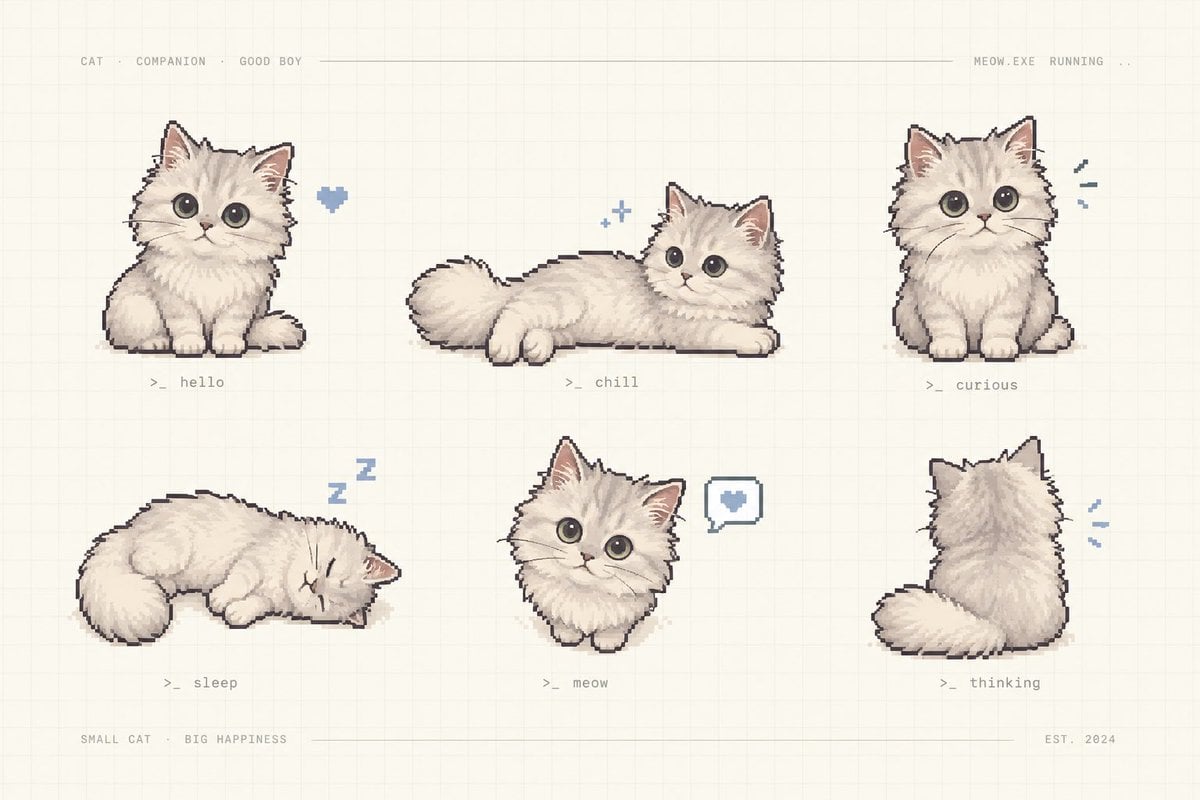
- Prompt included
- Model and format preset
- Free template
The prompt behind this image
Copy the exact prompt behind Pixel Art Kitten Companion Sheet, or open it in the studio and make it yours.
Goal: Create a charming pixel-art character sheet of {argument name="character name" default="a fluffy cream kitten"} as a cute virtual companion, arranged like a retro game asset preview. Canvas: Horizontal 3:2 composition on a warm off-white paper background with a faint square grid, subtle beige texture, and thin pale divider lines near the top and bottom. Layout: Show exactly 6 separate kitten sprites in a clean 3-column by 2-row grid with generous spacing. Add tiny monospaced gray interface text across the top: “CAT · COMPANION · GOOD BOY” on the left, a long thin horizontal line through the middle, and “MEOW.EXE RUNNING ..” on the right. Add bottom text: “SMALL CAT · BIG HAPPINESS” on the left, a thin line across the center, and “EST. 2024” on the right. Subject details: The kitten is extremely fluffy, cream-white with soft beige shading, round oversized dark gray eyes, small pink nose, triangular ears with pink inner ears, tiny paws, plush tail, and a slightly dark pixel-outline. Use hand-painted pixel art with soft dithering and a cozy pastel palette. Exactly 6 poses and labels: 1. Top left: sitting front-facing kitten, a small blue pixel heart floating to its right, label “>_ hello”. 2. Top center: kitten lying stretched horizontally with tail to the left and head to the right, two tiny blue sparkle icons above, label “>_ chill”. 3. Top right: sitting front-facing kitten looking curious, three small blue motion marks to its right, label “>_ curious”. 4. Bottom left: kitten curled up sleeping with eyes closed, blue “Z z” symbols above, label “>_ sleep”. 5. Bottom center: small front-facing kitten bust/sitting pose with a speech bubble containing a blue heart to its right, label “>_ meow”. 6. Bottom right: kitten viewed from behind, fluffy tail curled left, small blue motion marks to its right, label “>_ thinking”. Visual style: Nostalgic cozy pixel art, soft hand-drawn shading, muted cream, gray, beige, pink, and powder-blue accents; all labels in tiny gray terminal-style monospaced text. Constraints: Keep the image uncluttered, no photorealism, no extra kittens, no additional labels beyond the specified interface text and six pose labels, no watermark.
How to use Pixel Art Kitten Companion Sheet in 3 steps
- 1Upload ImagePNG, JPG or paste
Add your photo
Upload the photo the template builds on. The prompt, model and format are already set.
- 2…a portrait of your subject in softgolden-hour light, 85mm…
Personalize
Edit the subject and creative details for your destination.
- 3Generate
Generate
Press Generate — your image is created in PicX Studio, so you can compare it with the original and refine one variable at a time.
More like this
Templates with the same subject, style or setup. Open one to see its prompt.
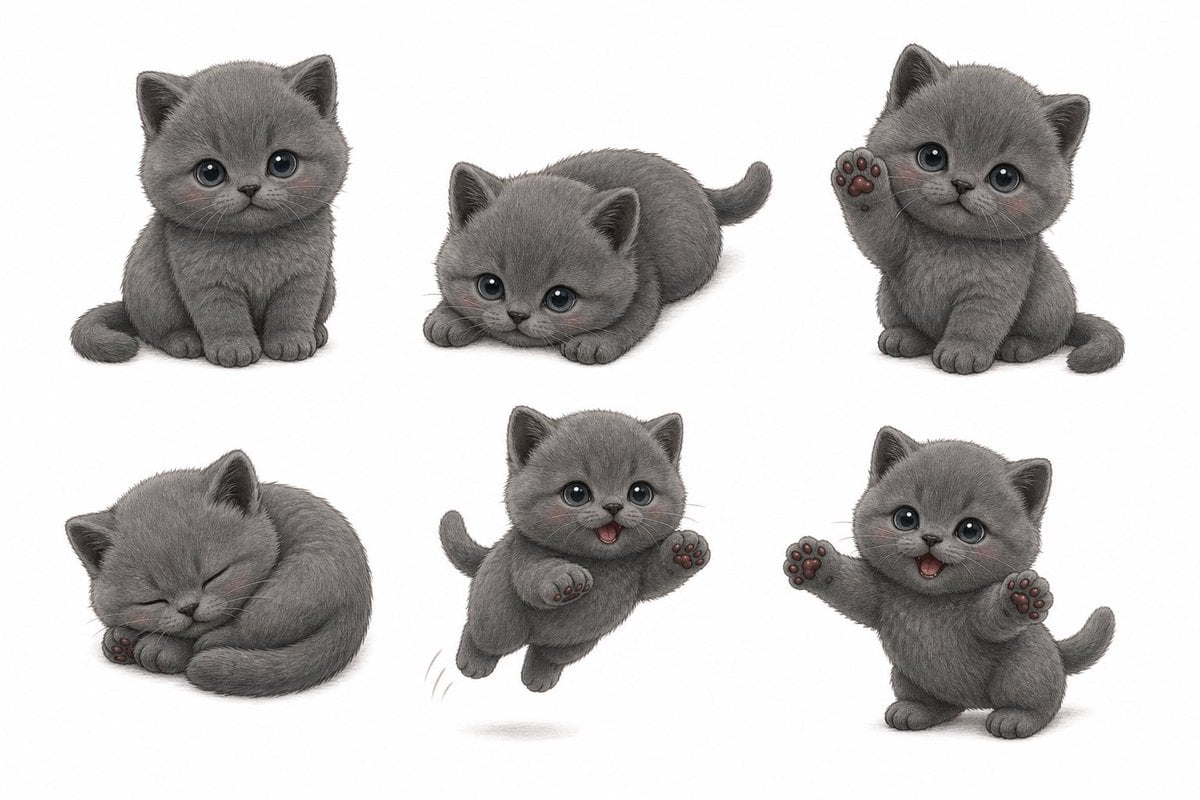
Gray Kitten Sticker Pack Sheet

Pixel Limited Finale Fireworks

Pixel Limited Garden Maze

Pixel Limited Rooftop Concert

Pixel Limited Bicycle Coast

Pixel Limited Castle Gate

Pixel Limited Kitchen Chaos

Pixel Limited Carnival Ride

Pixel Limited Rainy Bus Stop

Pixel Limited Space Dock

Pixel Limited Cafe Morning

Pixel Limited Mountain Summit
Make it yours
Pixel Art Kitten Companion Sheet works as-is. These are the safest ways to change it without losing the look.
Change one field
Copy a single group, rewrite it, and generate again so you can see what that field is doing.
Keep the frame, change the subject
Hold the composition and light of Pixel Art Kitten Companion Sheet, then swap wardrobe, props or the person for a new take.
| If the result… | Why | Fix |
|---|---|---|
| The result drifts from the preview | Too many fields changed at once. | Reuse Pixel Art Kitten Companion Sheet as-is first, then change one group — subject, light, or setting. |
| The model over-stylizes the scene | The prose prompt leaves finish and camera underspecified. | Add one camera or lighting sentence and stay on GPT Image 2. |
More GPT Image 2 templates
Other prompts made for GPT Image 2.

Six VTuber Japanese Logo Sheet

Realistic Portrait of Woman and Deer

The Vista Modular Condo Poster

AI Model Routing Comparison Infographic

2.5D Anime Art Board

Isometric Productivity Desk Scene

New York Double Exposure Poster

Four-Panel AI Landscape Comparison

Japanese Tatami Lifestyle Magazine Cover

NESCAFÉ Coffee Map Poster
More image prompts
Fresh picks from across the catalog.

Whiteboard-style slide explaining a research paper

Map of Morocco during the 1799–1800 plague
National Team Jersey Fashion Portrait
Image-to-Snowman Conversion Prompt for Nano Banana Pro
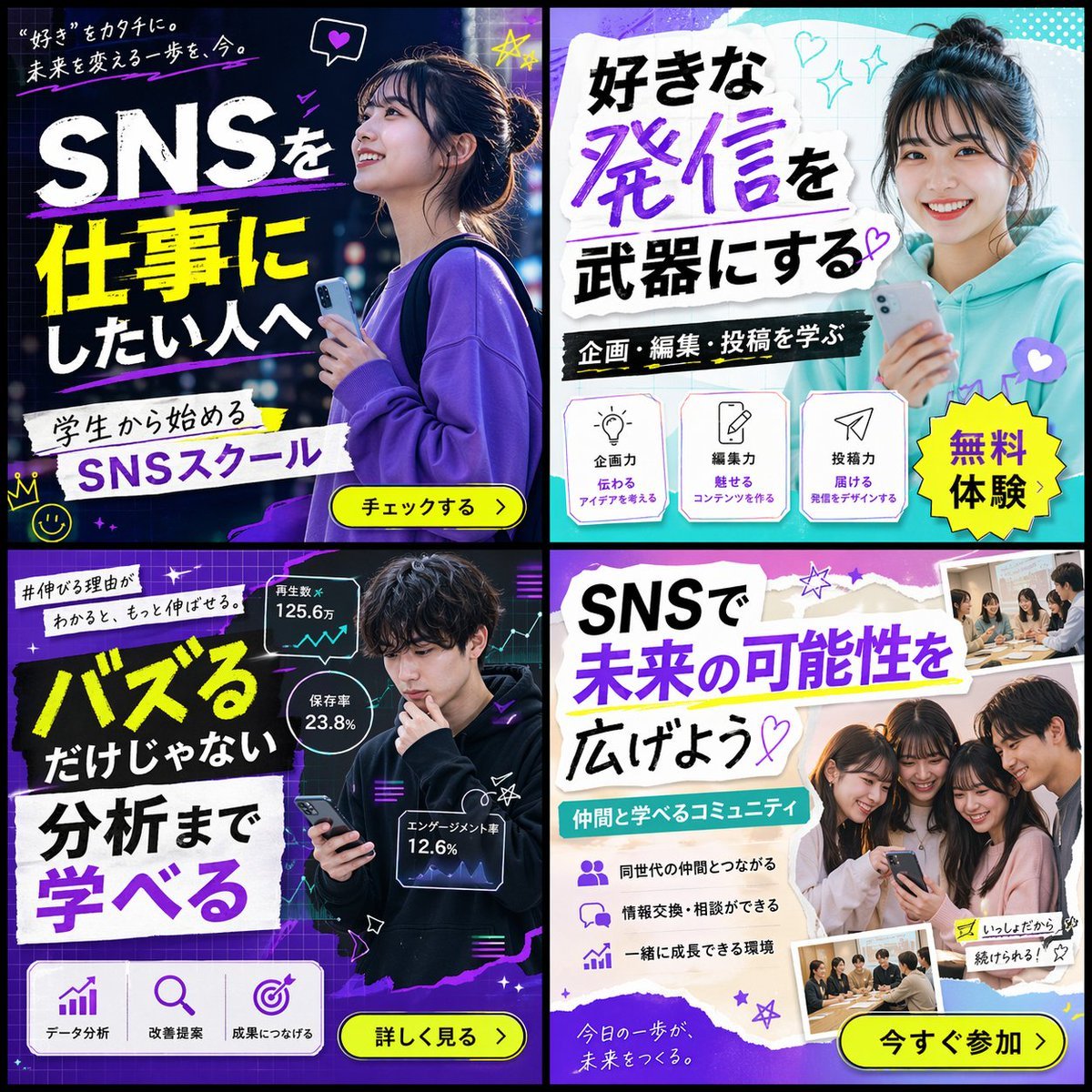
2x2 SNS School Banner Ad Grid
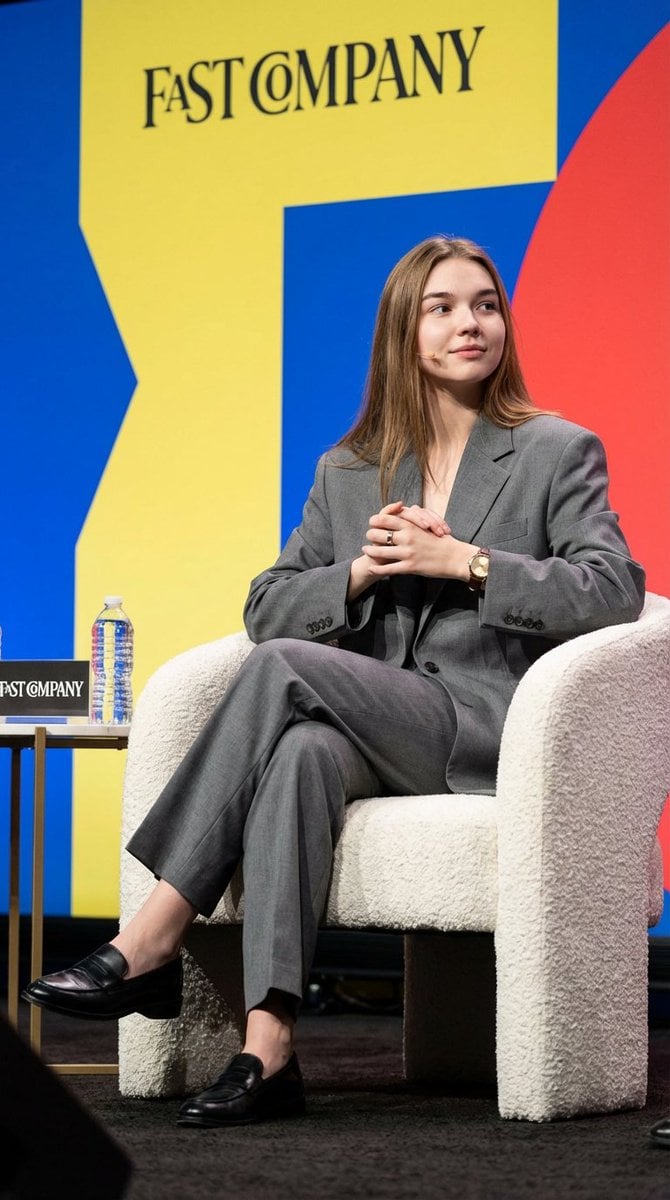
Candid Editorial Conference Portrait Prompt with Identity Lock

Cinematic Tracking Shot Video Prompt
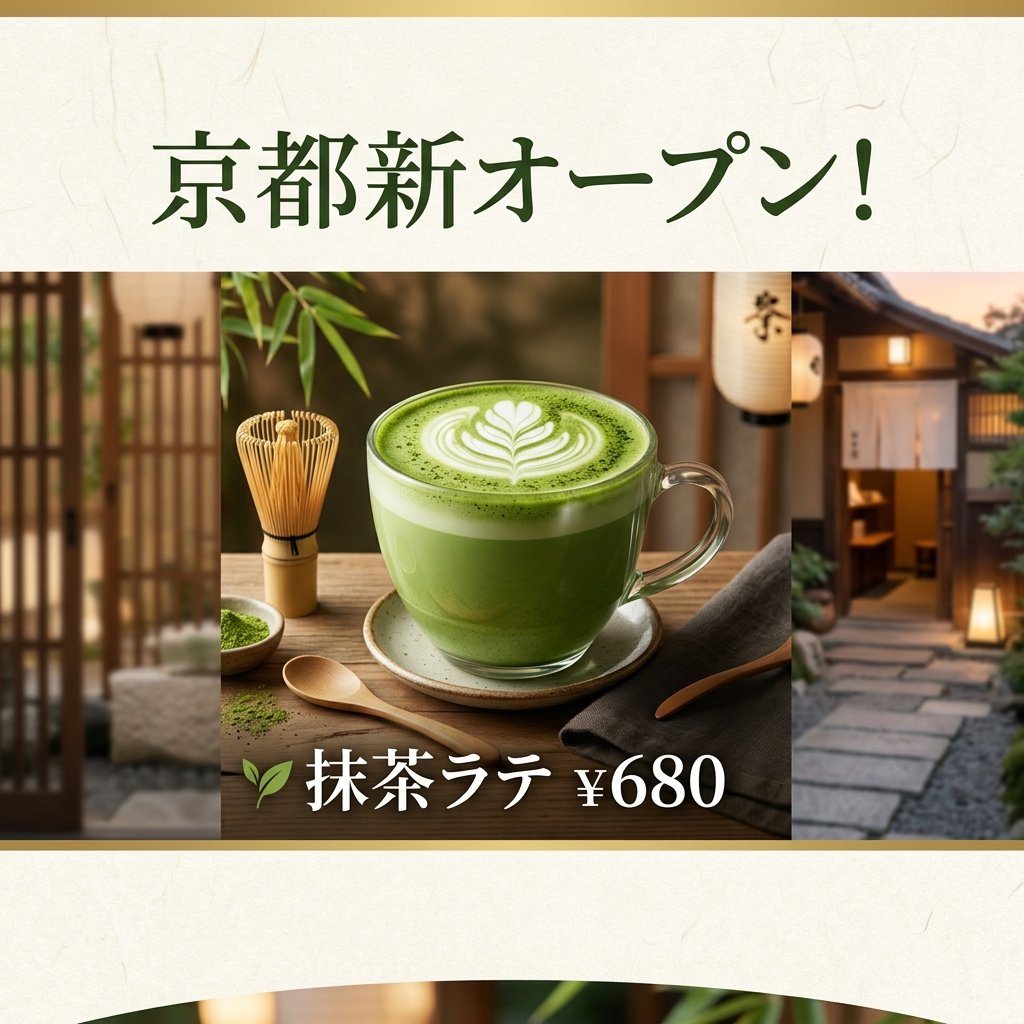
Matcha Latte Promotion Banner
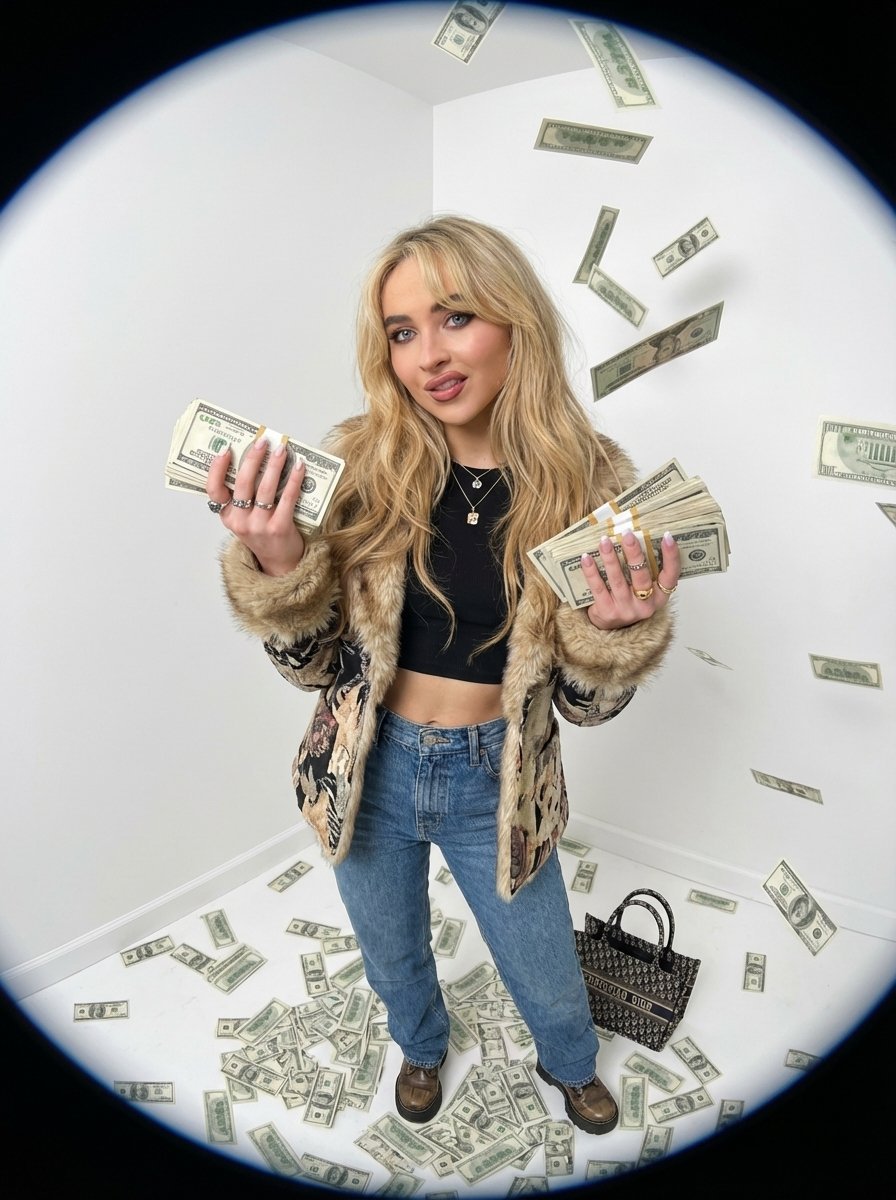
Fisheye portrait with money in a white studio
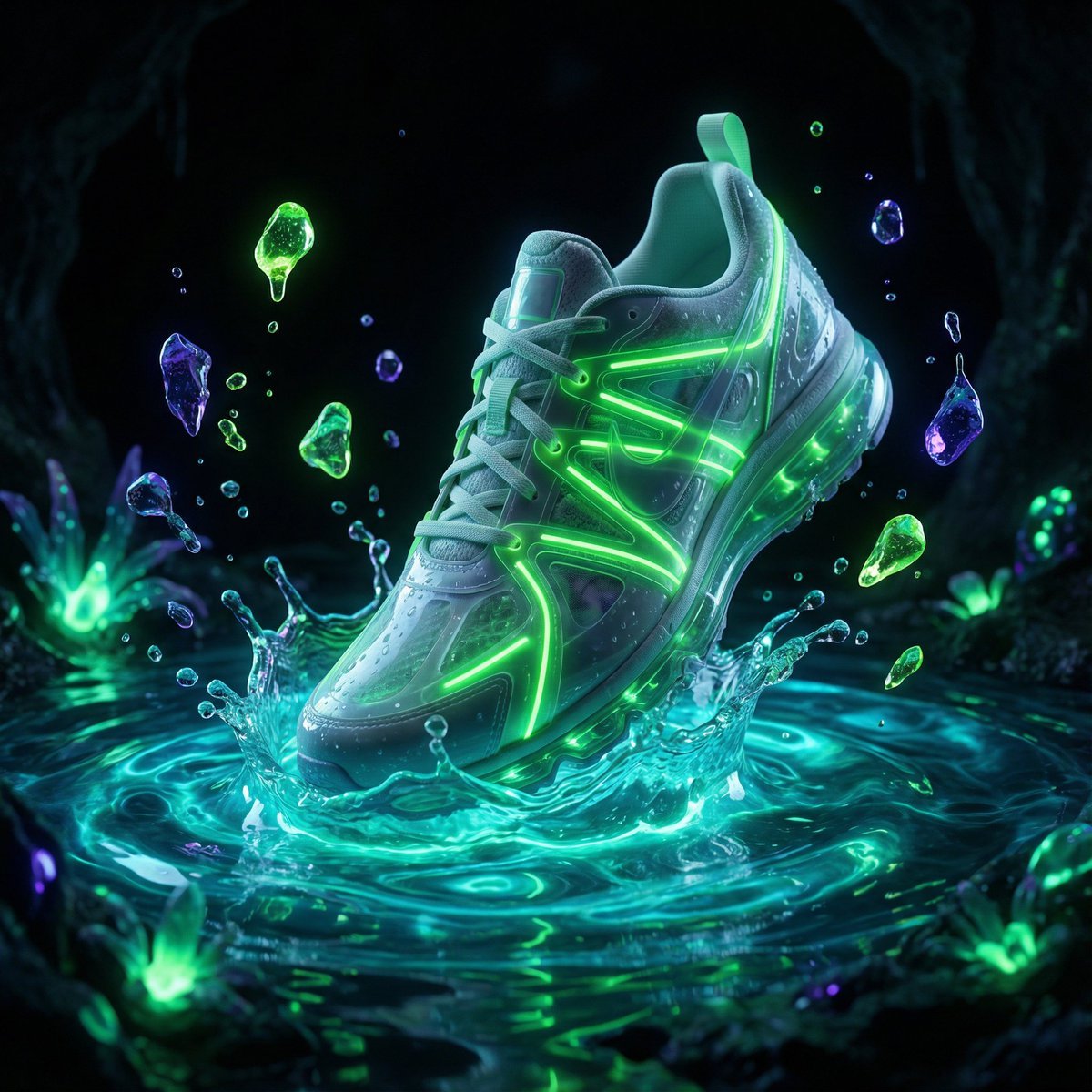
Bioluminescence Product Splash Advertisement
Browse template categories
Pixel Art Kitten Companion Sheet questions
How do I use the Pixel Art Kitten Companion Sheet template?
Add your photo if the template asks for one, edit the prompt if you like — the template's model and format are already selected — and press Generate. Your version opens in PicX Studio.
Can I customize the Pixel Art Kitten Companion Sheet template?
Yes. You can change the subject, setting, lighting, mood, format, and available model controls before creating your image.
Is the Pixel Art Kitten Companion Sheet template free?
Opening and editing this template is free. Generating uses credits, shown on the Generate button when you are signed in.
Which AI model should I use?
Start with GPT Image 2, which is the model associated with this template. You can compare another compatible model for a different finish.
Looking for something else? Browse all templates.

Your photo, any look
Thousands of ready templates for every top image and video model, from one credit balance.