
Act as a graphic design creative director constructing a highly
[BRAND NAME].
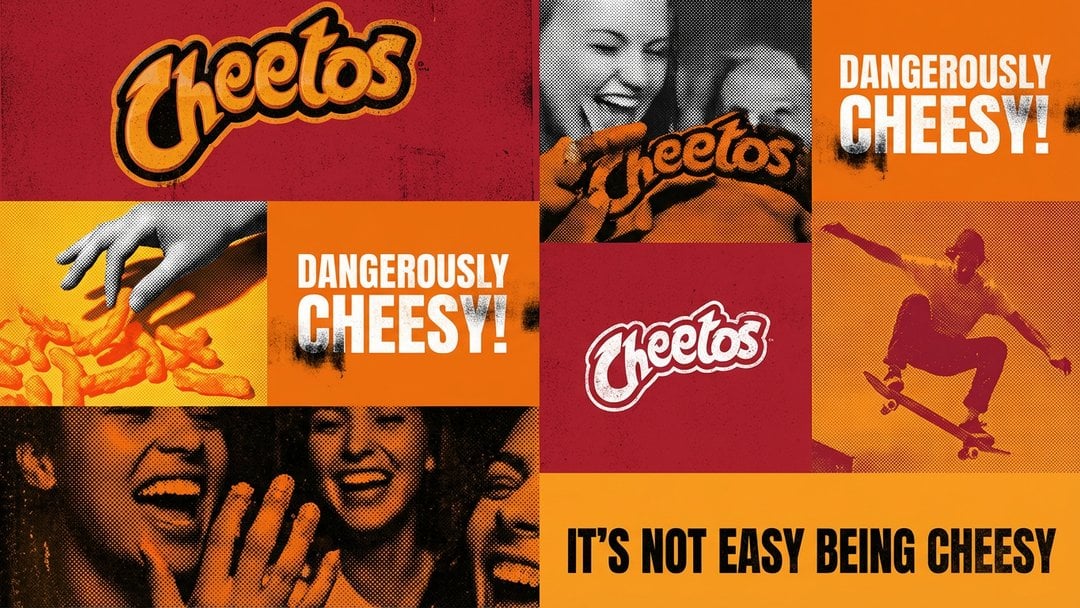
- Prompt included
- Model and format preset
- Premium template
The prompt behind this image
Copy the exact prompt behind Act as a graphic design creative director constructing a highly, or open it in the studio and make it yours.
[BRAND NAME]. Act as a graphic design creative director constructing a highly structured "Campaign Visual Identity Grid." COMPOSITION (SPECIFIC 2-COLUMN ASYMMETRICAL LAYOUT): The image must follow a strict 2-column grid structure, exactly like the layout seen in professional campaign boards. LAYOUT STRUCTURE (TOP TO BOTTOM): ROW 1: One single, full-width rectangular block (e.g., a wide photo). ROW 2: Two equal-sized square blocks side-by-side. ROW 3: One single, full-width rectangular block ROW 4: Two equal-sized square blocks side-by-side. ROW 5: One single, full-width rectangular block at the bottom. The grid must be perfectly stable, with all blocks forming this exact pattern. CRITICAL CONSTRAINTS: FULL BLEED (100% COVERAGE): The grid must occupy the ENTIRE canvas area from edge to edge. There are absolutely NO margins, NO borders, and NO background space visible. ZERO SPACING (NO GAPS): The grid tiles must be seamlessly abutted. There should be absolutely NO gutters, white lines, or spacing between the blocks. They must touch perfectly to form a solid wall. GLOBAL RULES: Typography: Use ONLY ONE font. Uniqueness: Every photo cell must be UNIQUE. No duplicates. THE GRID CONTENT & SPECIFIC TEXTURES (3 TYPES): Distribute these three block types rhythmically throughout the specific 2-column layout defined above: TYPE A: THE LOGO BLOCK (PRINT GRUNGE): A solid block in the brand's primary color containing ONLY the official [BRAND NAME] logomark centered. Texture: Distressed screen-print texture with slight ink bleed and grunge noise. TYPE B: THE SLOGAN BLOCK (PRINT GRUNGE): A solid block in a contrasting brand color containing ONLY the official [BRAND NAME] slogan. Texture: Heavy distressed ink texture and grunge print effects on typography and fill. TYPE C: CAMPAIGN PHOTOGRAPHY (HALFTONE): High-contrast B&W action shots or portraits relevant to the brand. Texture: Apply strong halftone dot patterns (raster dots) and heavy film grain. Use "Multiply" color blending to wash the photos in the brand's specific color palette (duotone effect).
How to use Act as a graphic design creative director constructing a highly in 3 steps
- 1
Open
The prompt is already in the box next to the preview, with the template's model and format selected.
- 2…a portrait of your subject in softgolden-hour light, 85mm…
Personalize
Edit the subject and creative details for your destination.
- 3Generate
Generate
Press Generate — your image is created in PicX Studio, so you can compare it with the original and refine one variable at a time.
More like this
Templates with the same subject, style or setup. Open one to see its prompt.
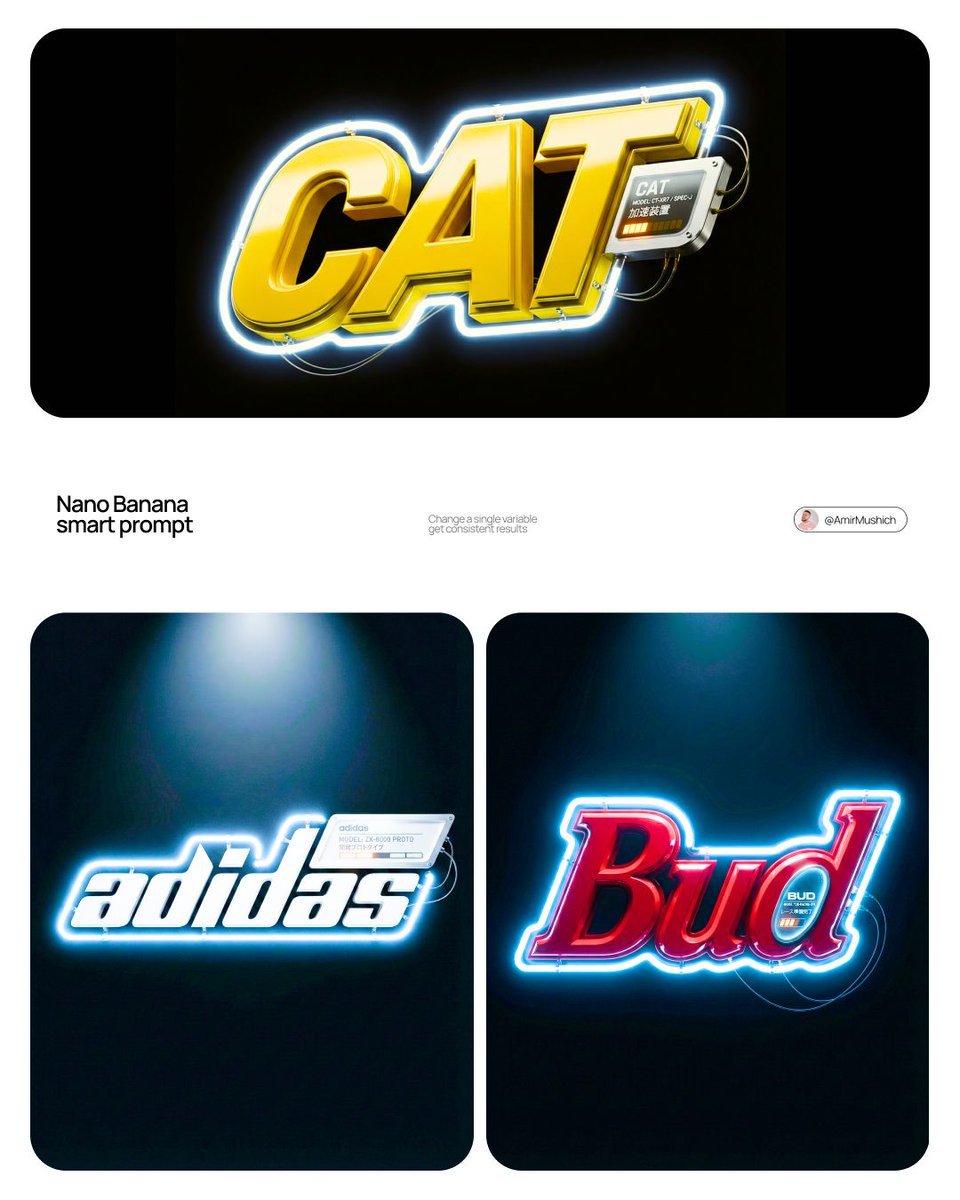
Act as a 3D Motion Graphics Director and CGI Type Artist specializing
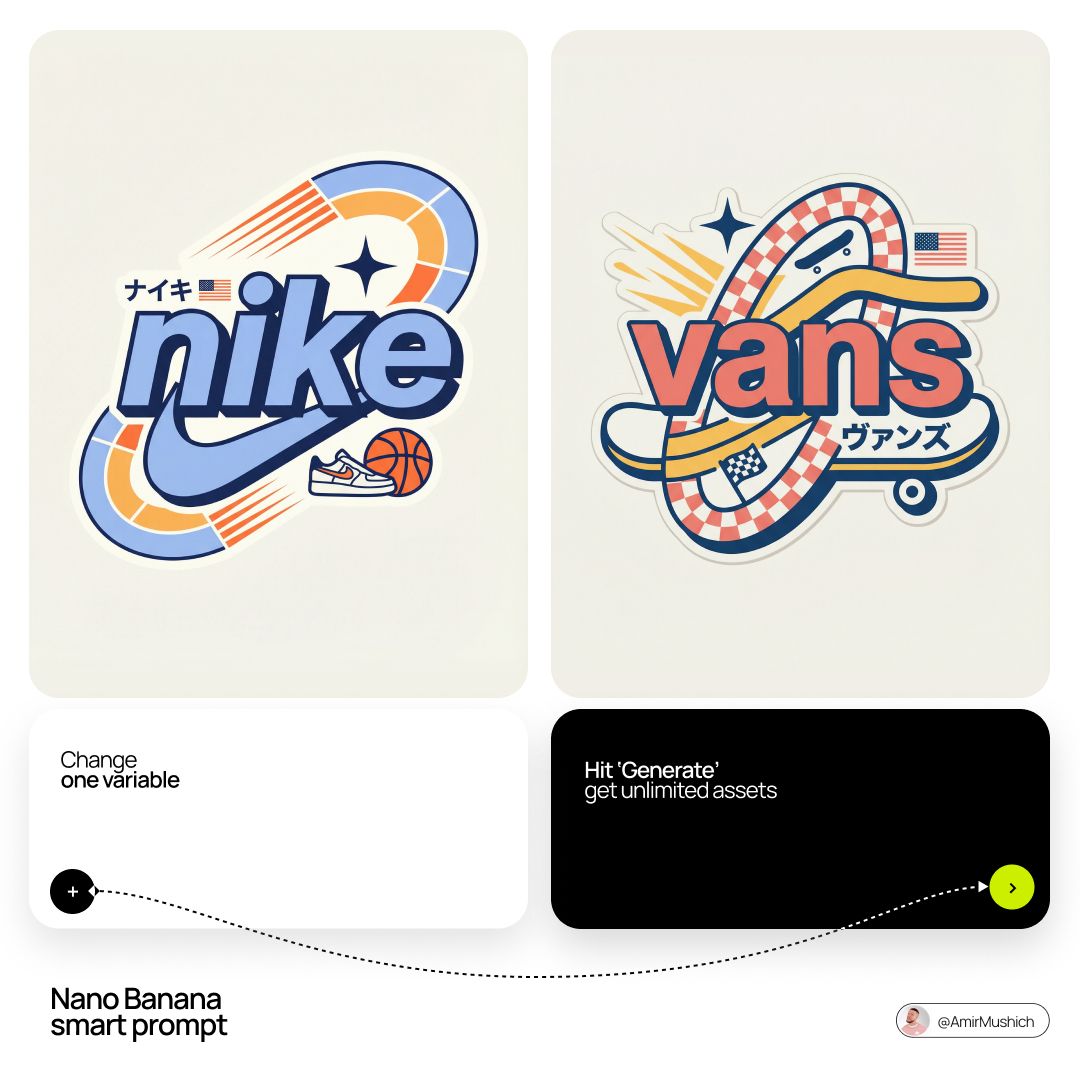
Act as a Senior Vector Graphic Designer specializing in Y2K Japanese
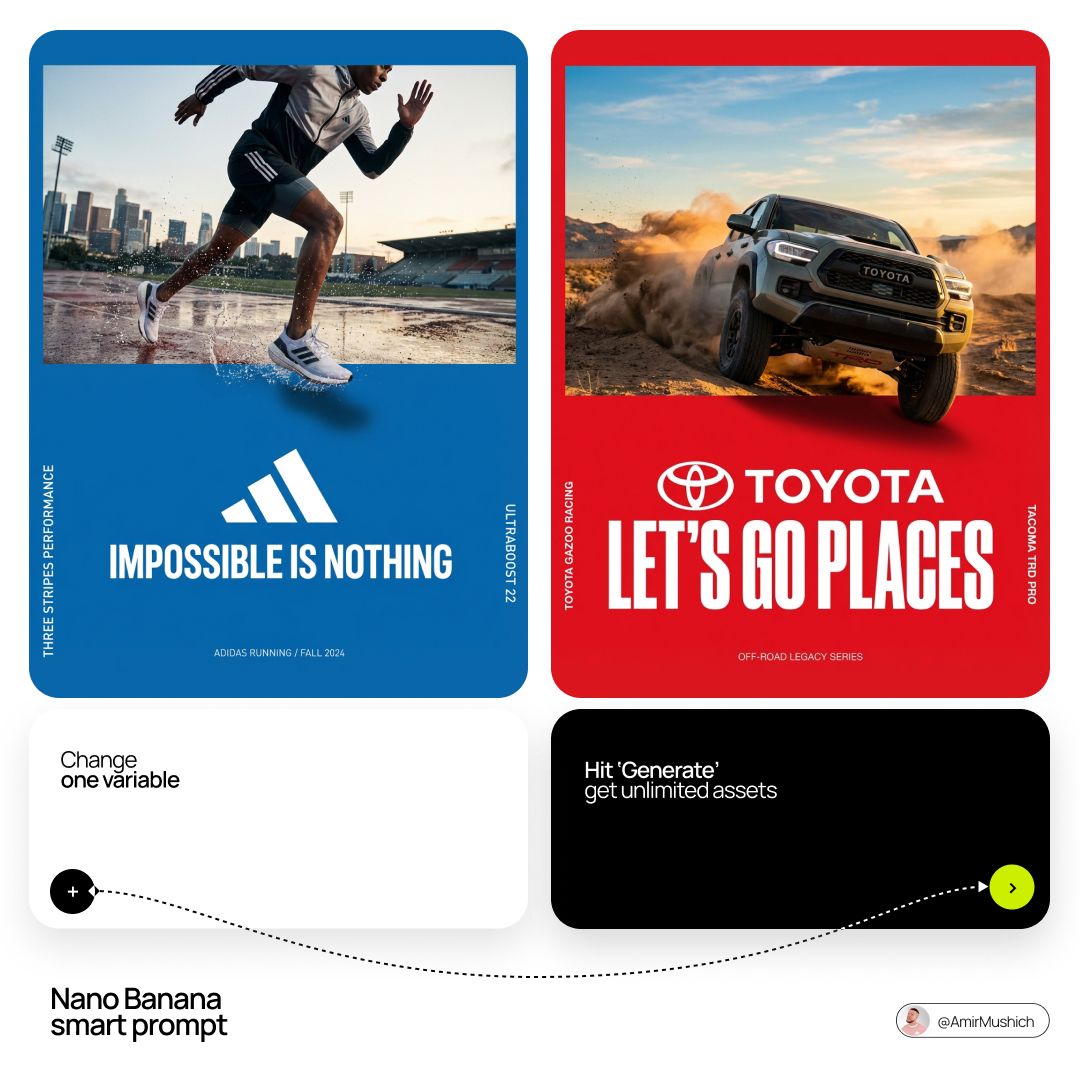
Act as a Senior Editorial Art Director and Campaign Photographer
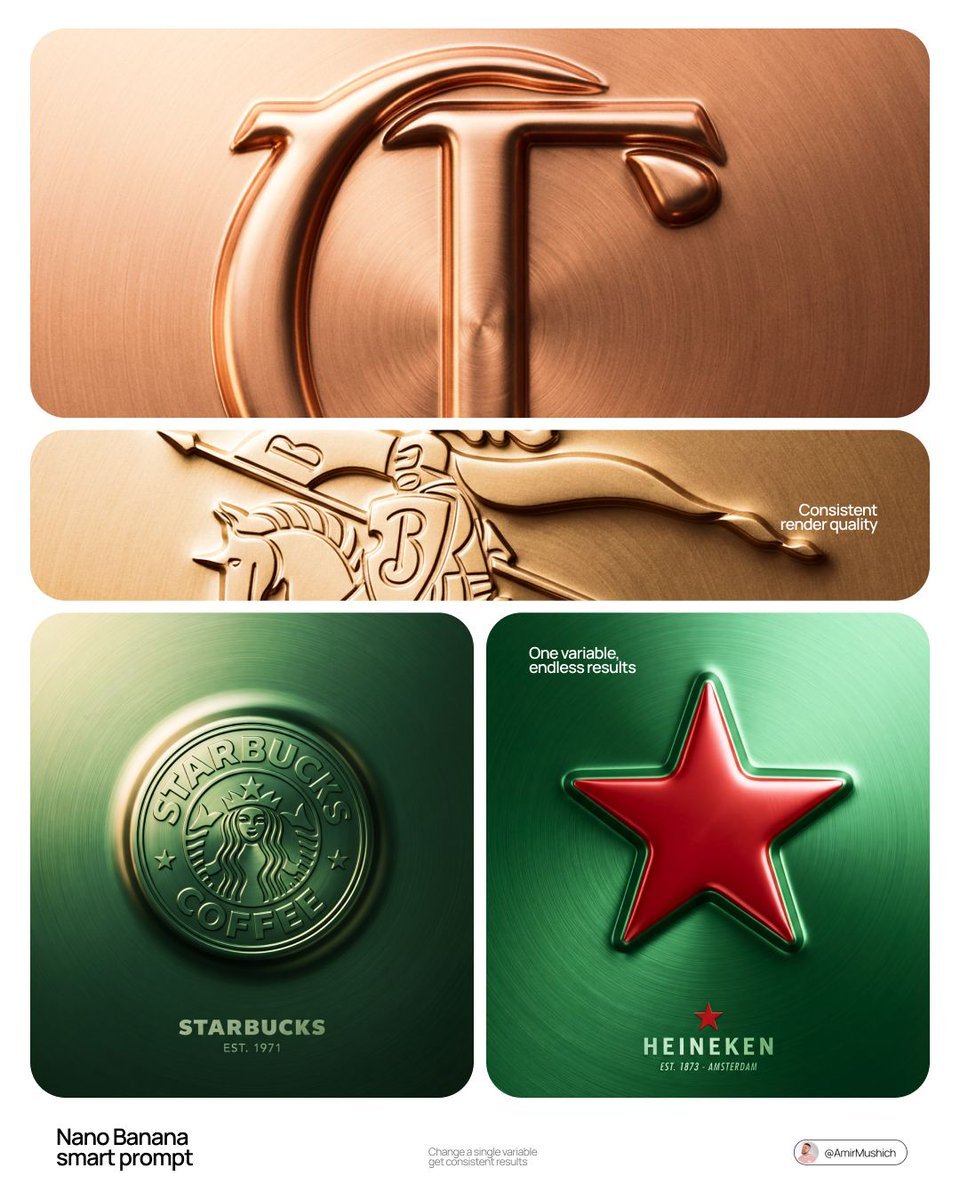
Act as a Senior CGI Artist and Brand Identity Director specializing

Act as a Senior CGI Artist and Brand Identity Director specializing
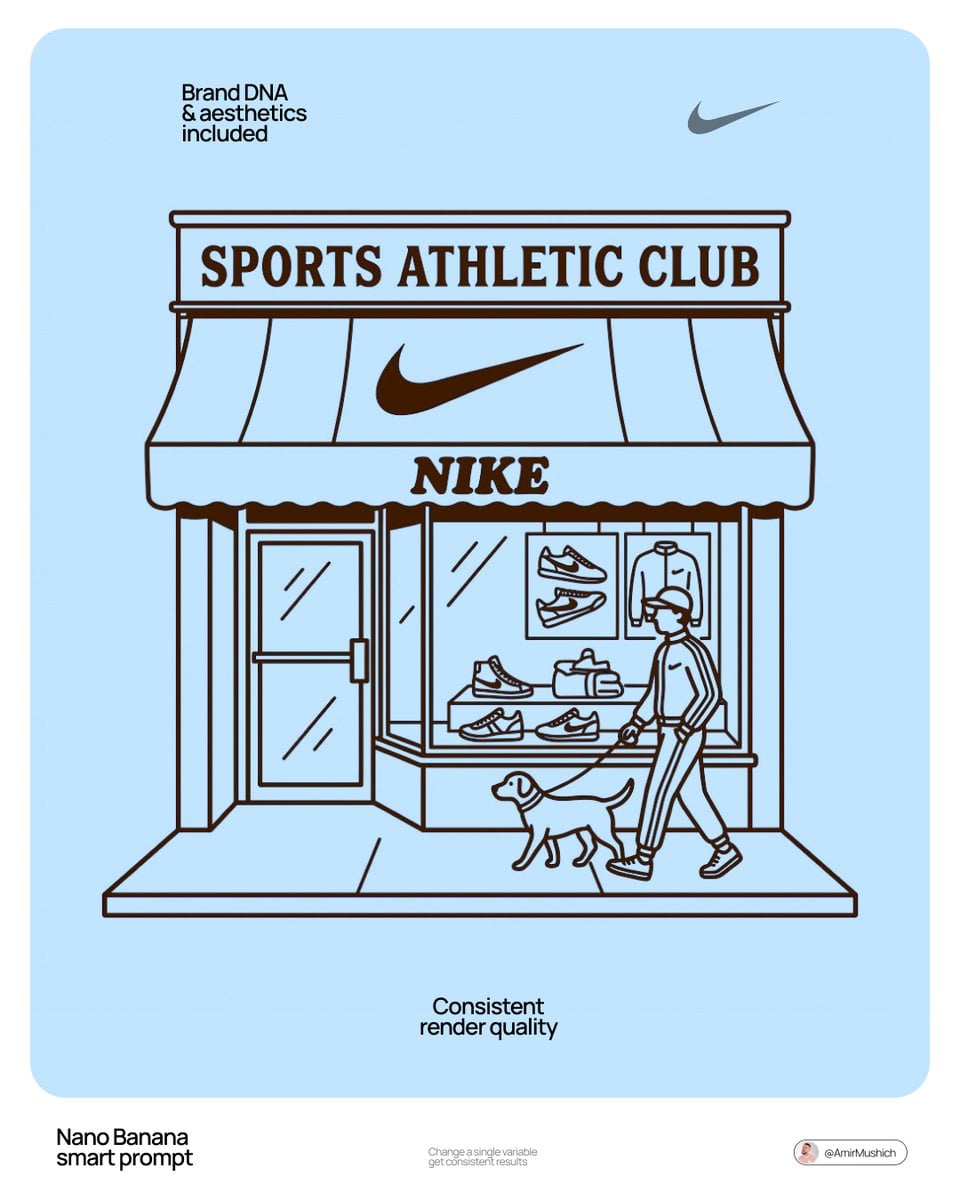
Autonomously add 1-2 characters or a pet that fits the brand s lifestyle
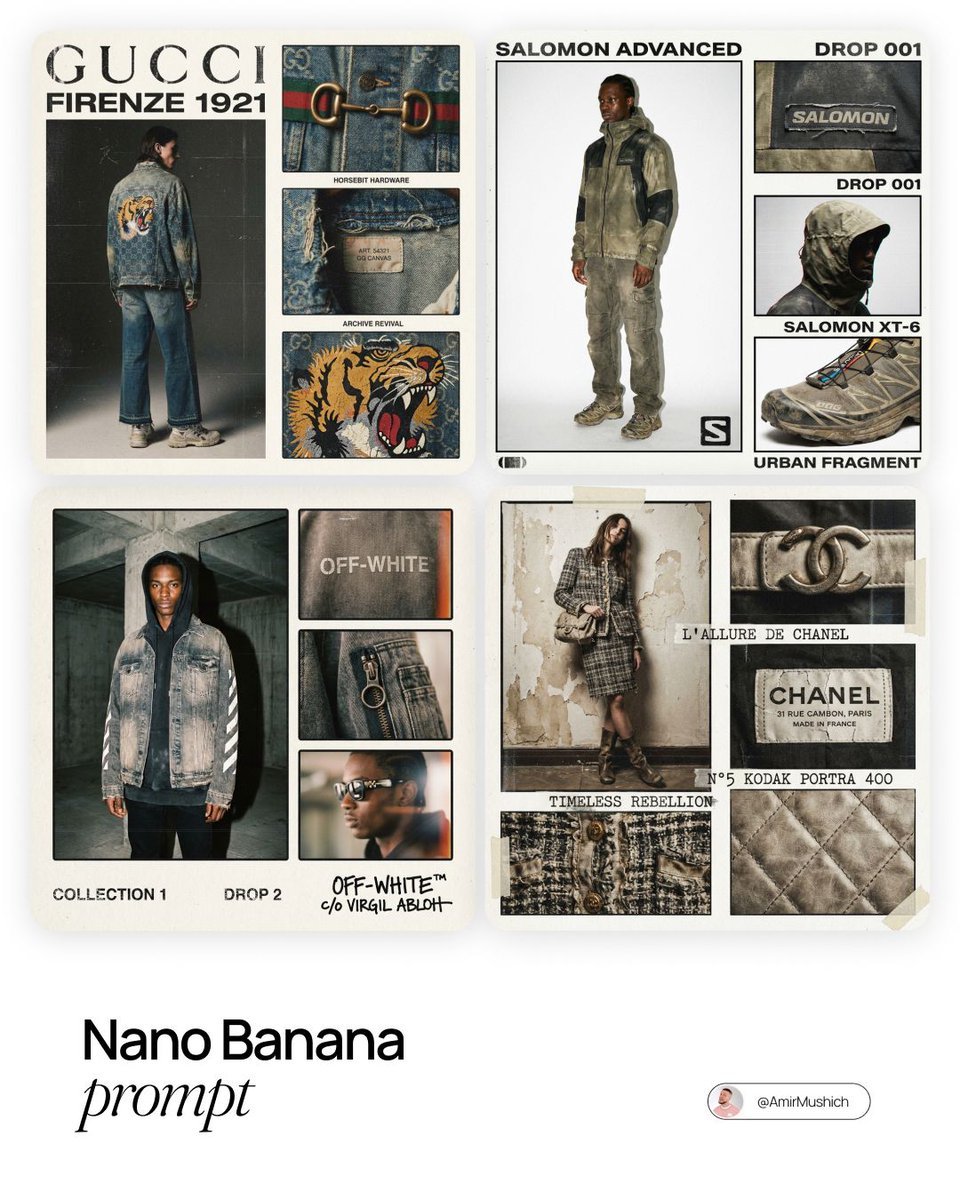
Intense film grain, analog noise, and scanline artifacts

Act as a Senior Editorial Designer and Typographer
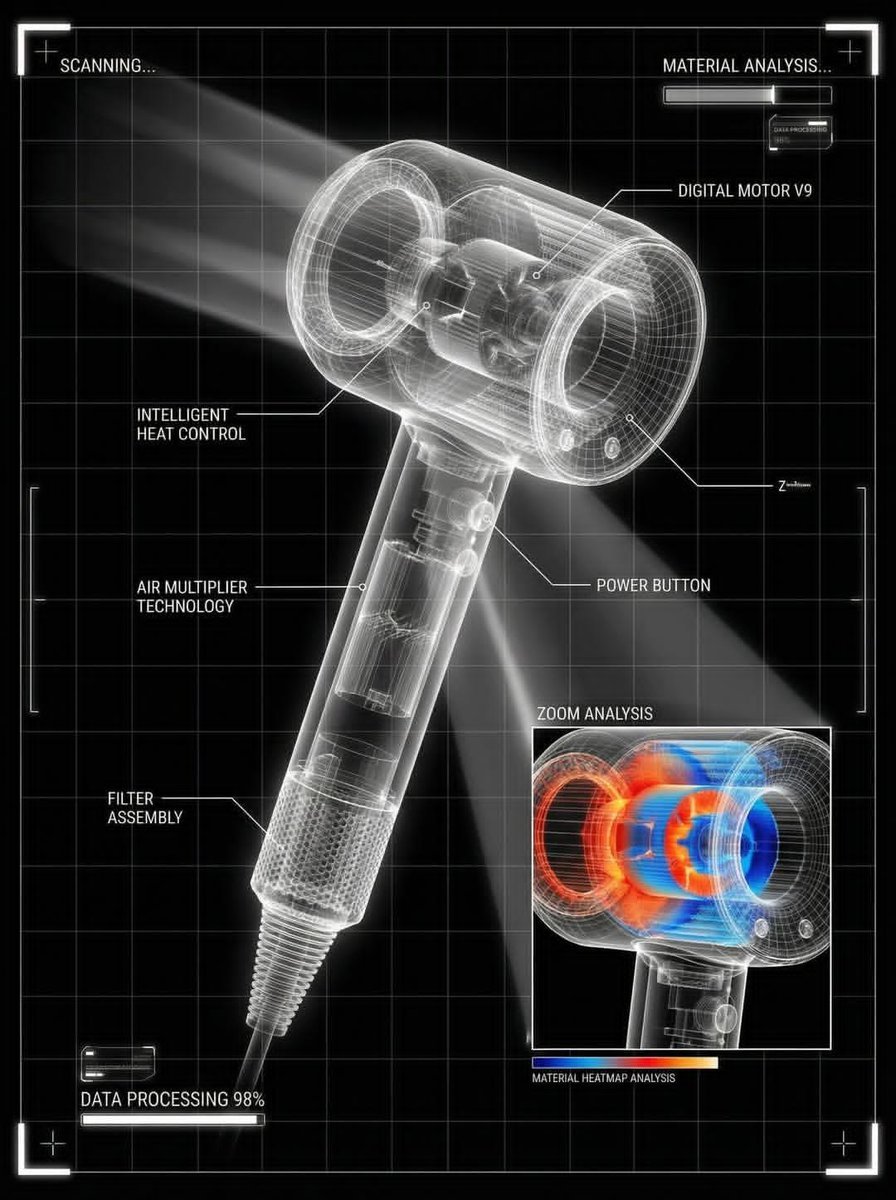
You are a world-class director of industrial visualization

Clean, minimalist fashion infographic from an uploaded reference photo
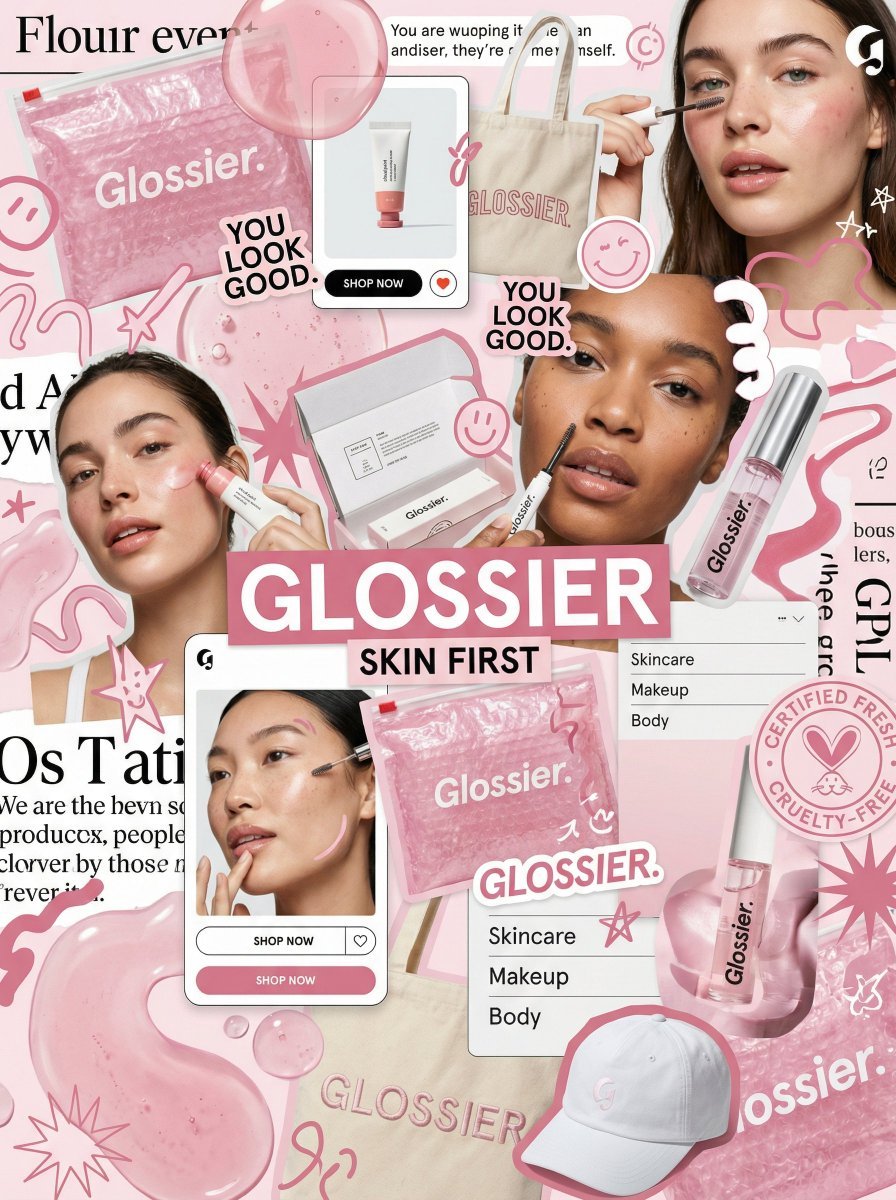
You are a world class creative director, brand strategist, editorial art
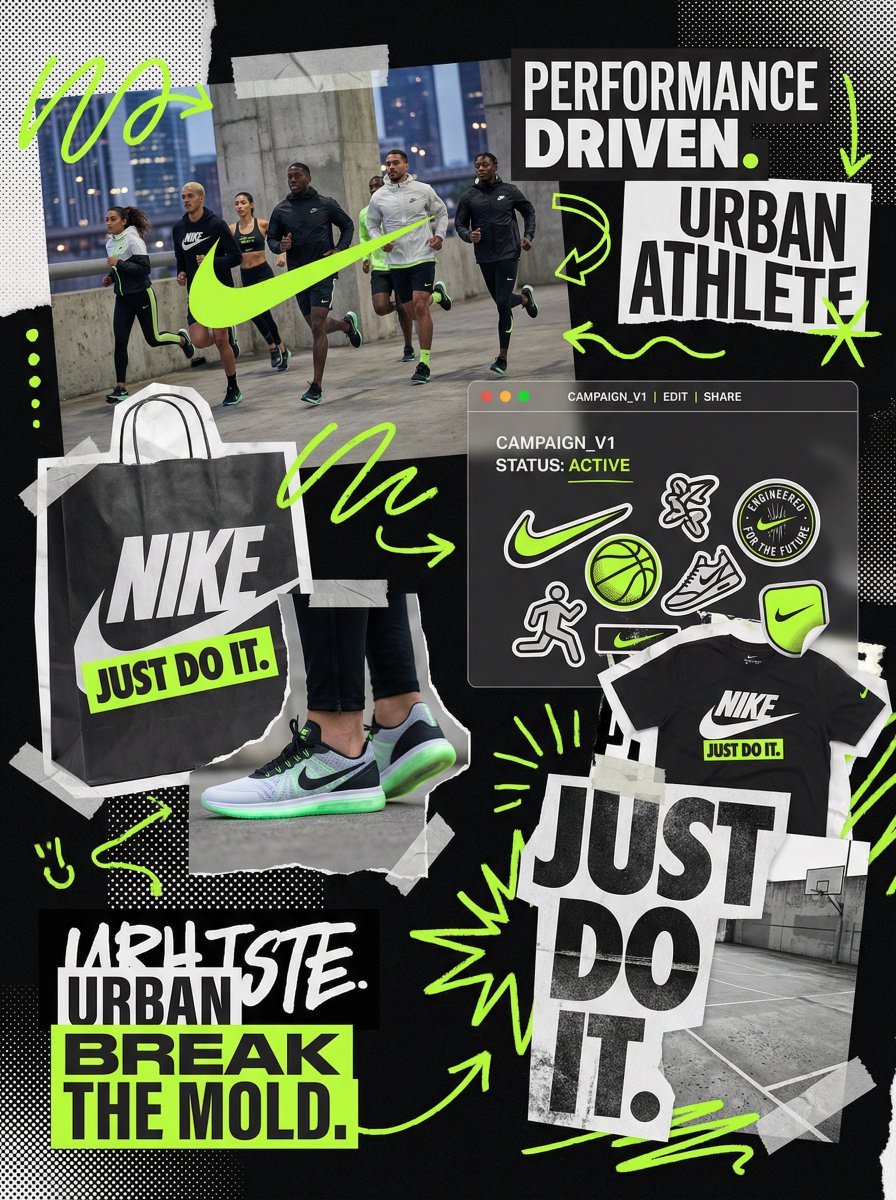
You are a world class creative director, brand strategist, editorial art
Make it yours
Act as a graphic design creative director constructing a highly works as-is. These are the safest ways to change it without losing the look.
Change one field
Copy a single group, rewrite it, and generate again so you can see what that field is doing.
Keep the frame, change the subject
Hold the composition and light of Act as a graphic design creative director constructing a highly, then swap wardrobe, props or the person for a new take.
| If the result… | Why | Fix |
|---|---|---|
| The result drifts from the preview | Too many fields changed at once. | Reuse Act as a graphic design creative director constructing a highly as-is first, then change one group — subject, light, or setting. |
| The model over-stylizes the scene | The prose prompt leaves finish and camera underspecified. | Add one camera or lighting sentence and stay on Nano Banana 2. |
More Nano Banana 2 templates
Other prompts made for Nano Banana 2.

Photorealistic Leaf Shaped Like a Dragon

K-Pop Idol Portrait Grid for Rapid Selection

Poetic Rain Forest Portrait During Golden Hour

Urban Street Portrait with Cartoon Inner Self Duo

Candid Nighttime Photo with Cat Prompt

High-Concept 3D Diorama Generation Prompt

Cinematic Futuristic Studio Portrait Template

Skincare Editorial Photography Collage Prompt

Hyper-Realistic Commercial Product Photography (Splash Effect)

Hyper-Realistic Nightclub Portrait Prompt
More image prompts
Fresh picks from across the catalog.
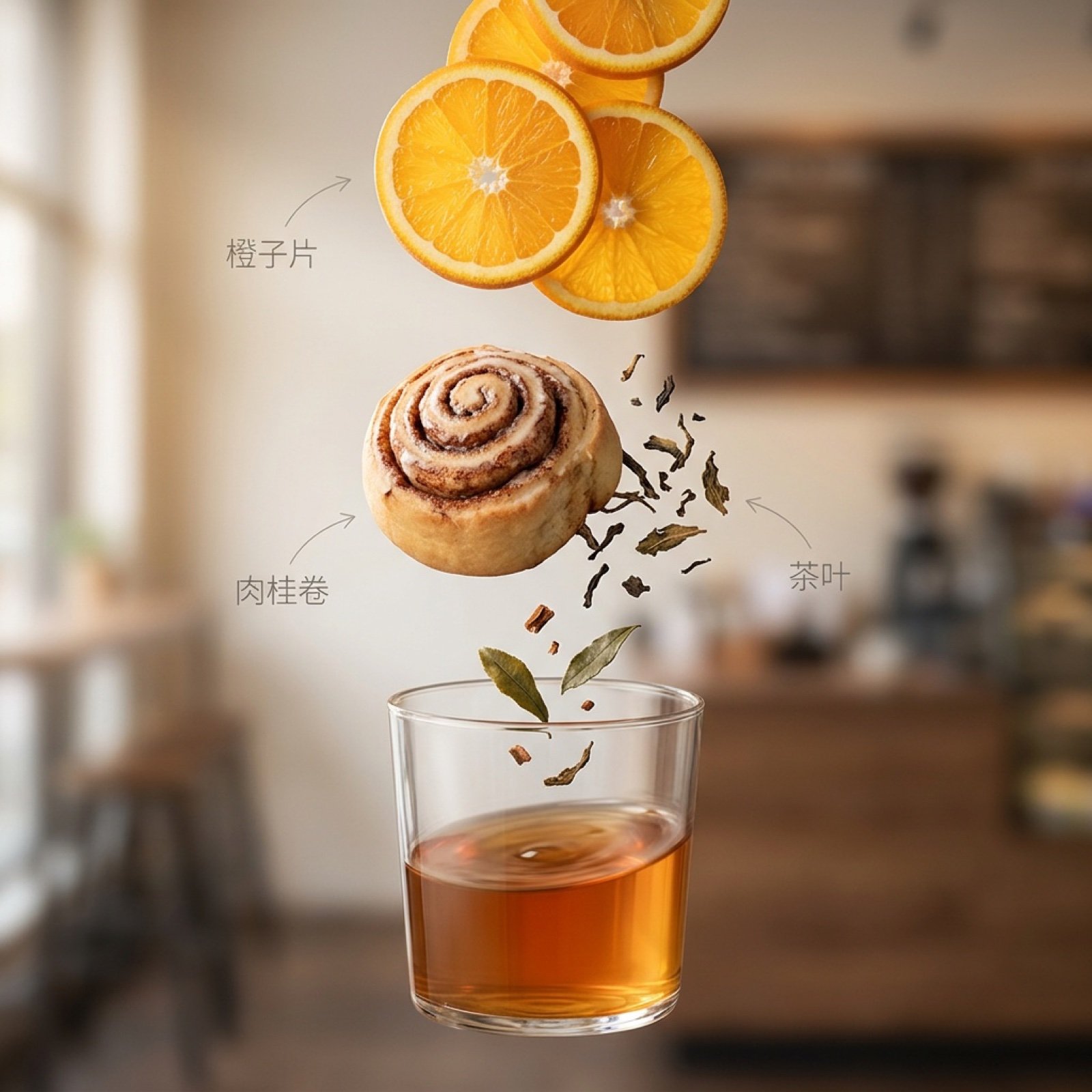
Exploded Ingredient Diagram and Motion Video Prompt for Drinks
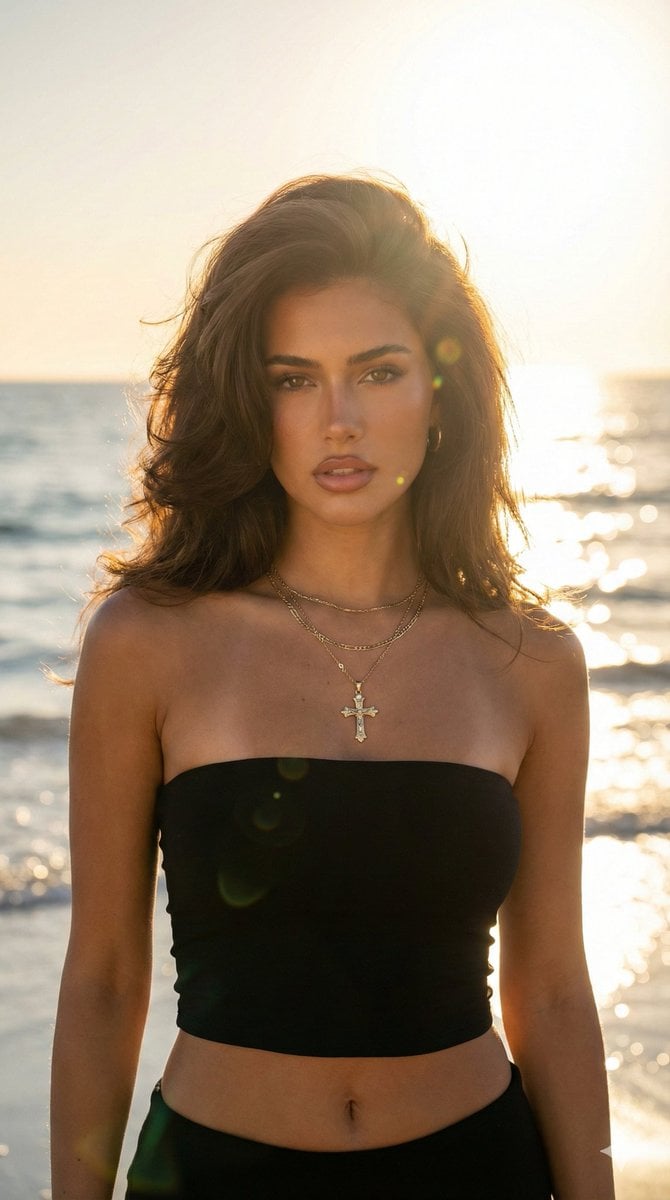
Golden Hour Beach Portrait (90s Supermodel)
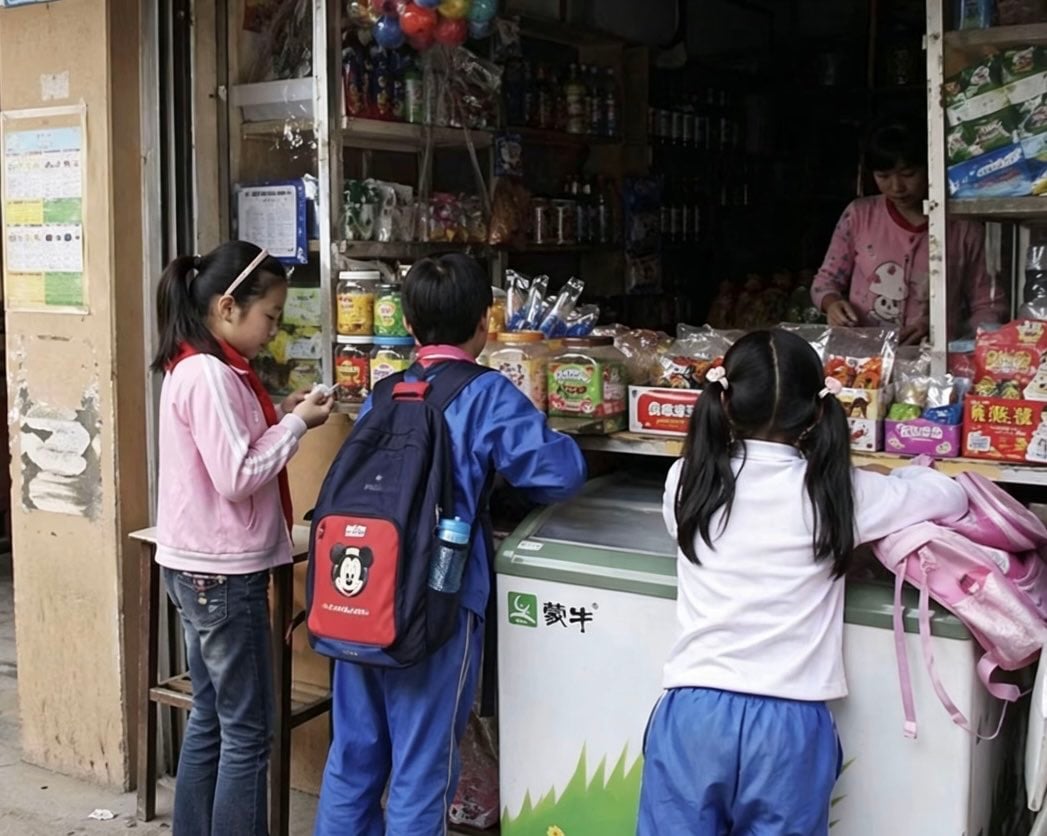
Chinese Schoolchildren at Corner Shop
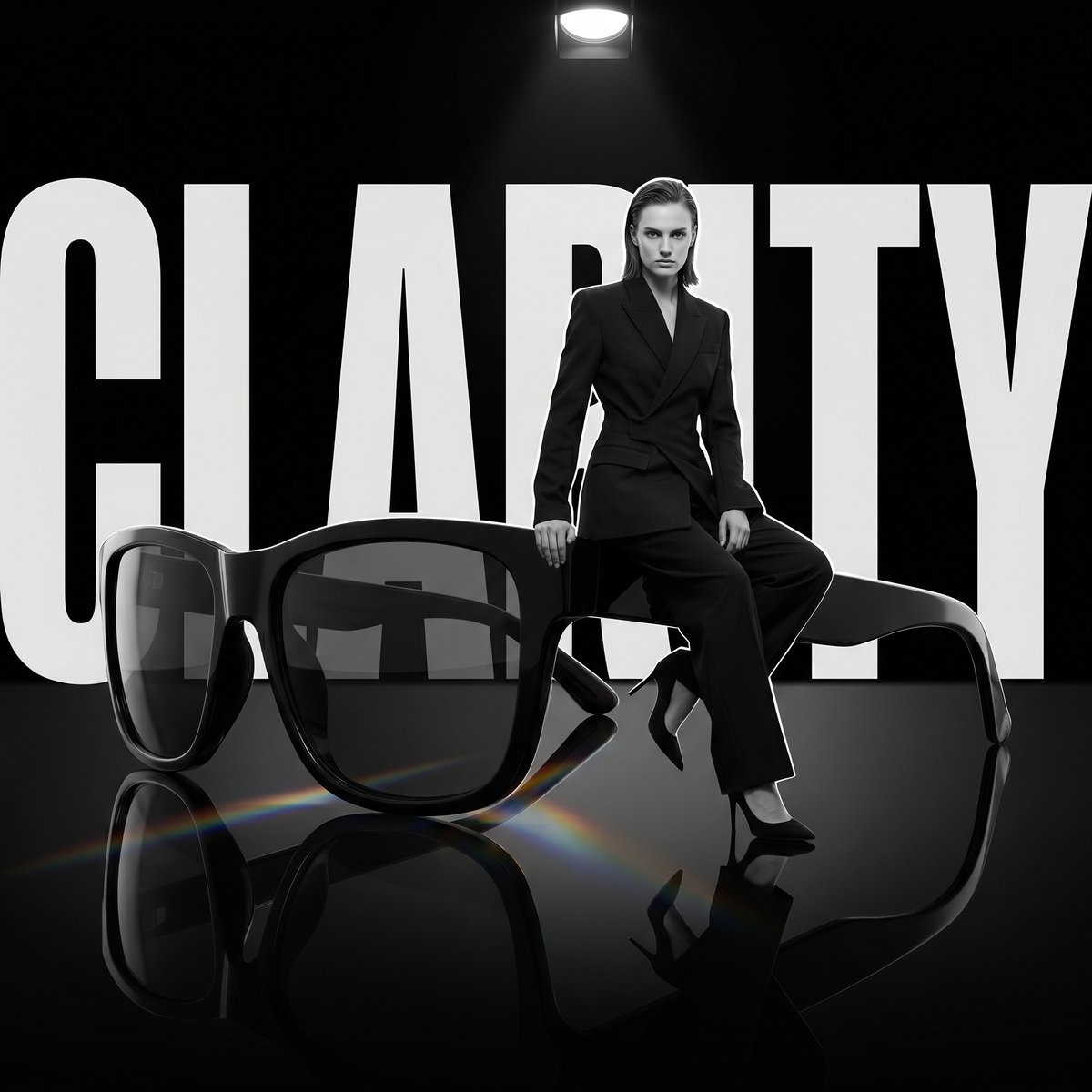
Luxury Dark Editorial Product Shot
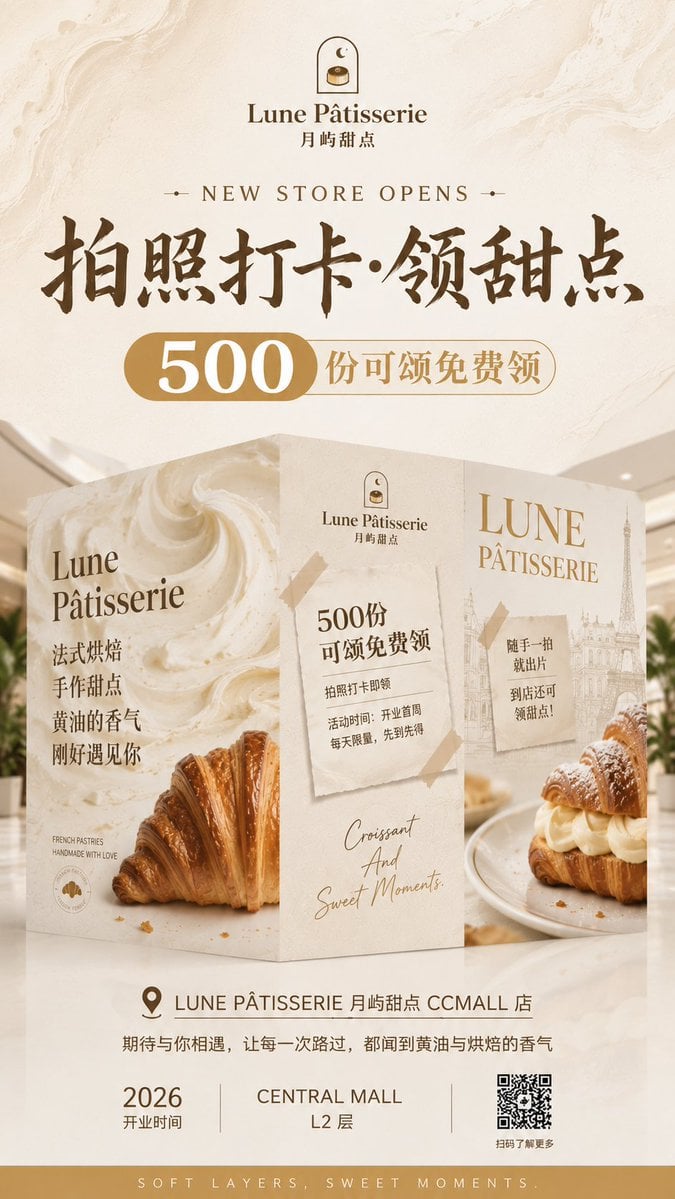
French Patisserie Opening Hoarding Poster
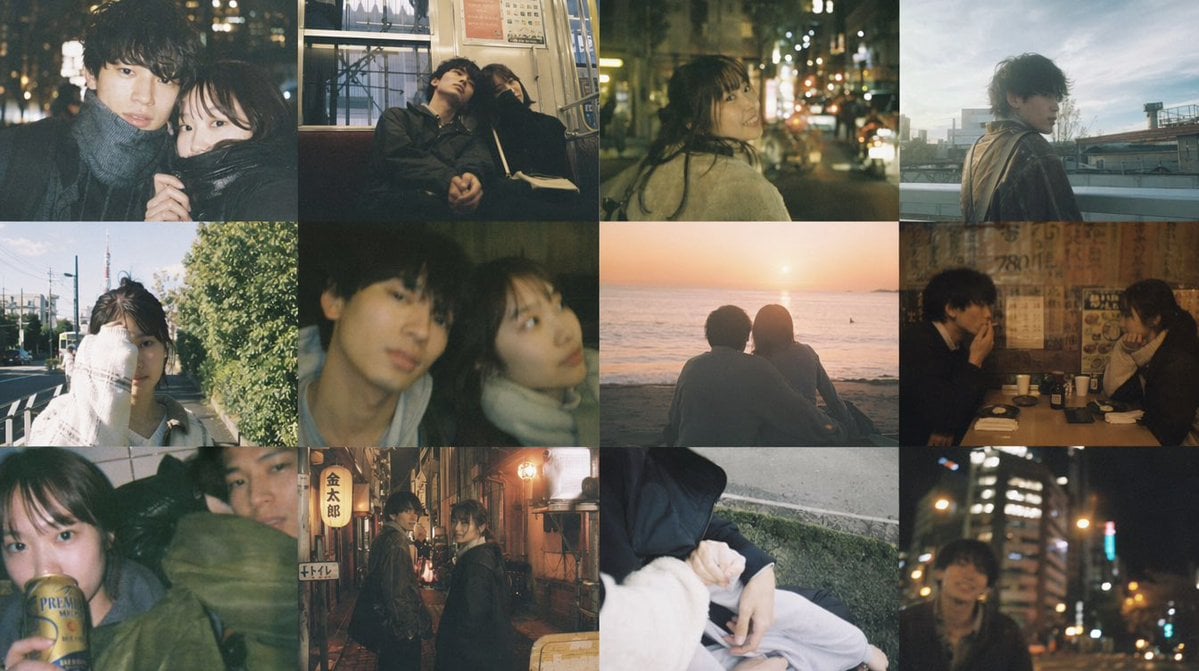
Cinematic Couple Memory Collage
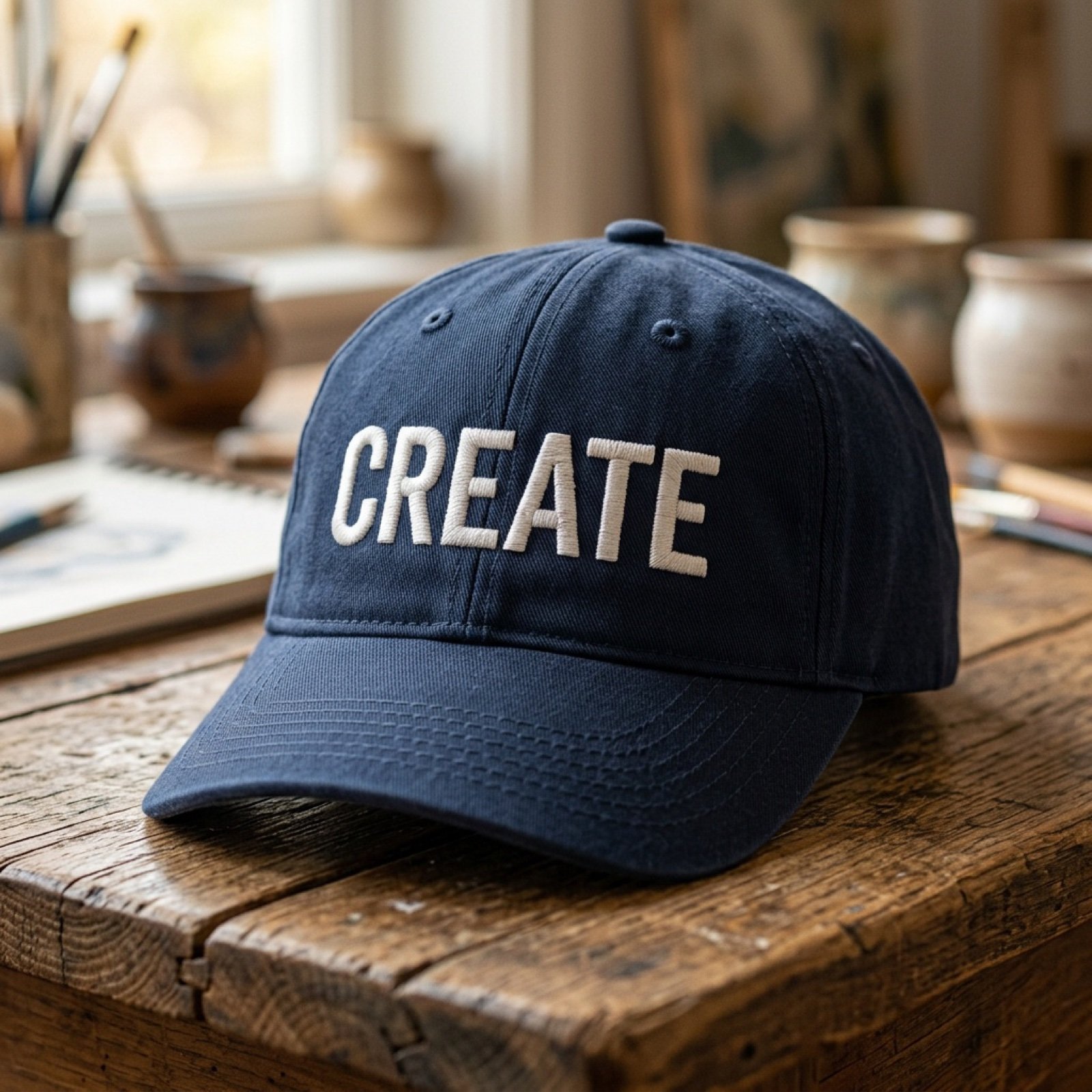
Add baseball hat with embroidered text
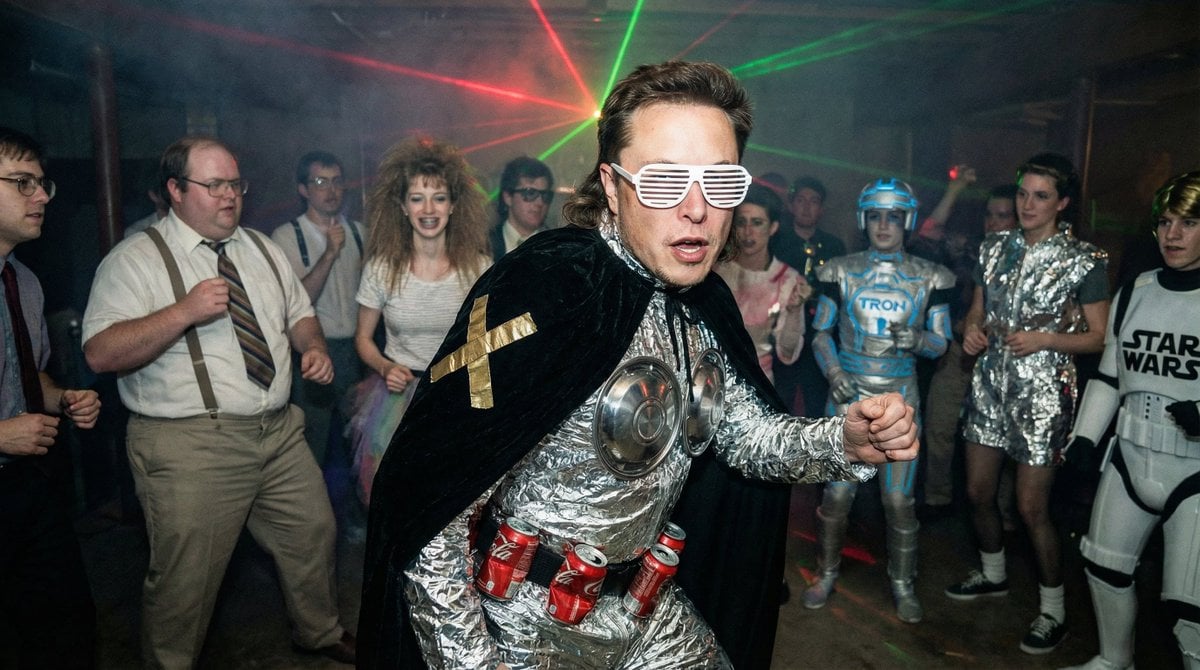
1980s underground nerd techno party flash photo prompt
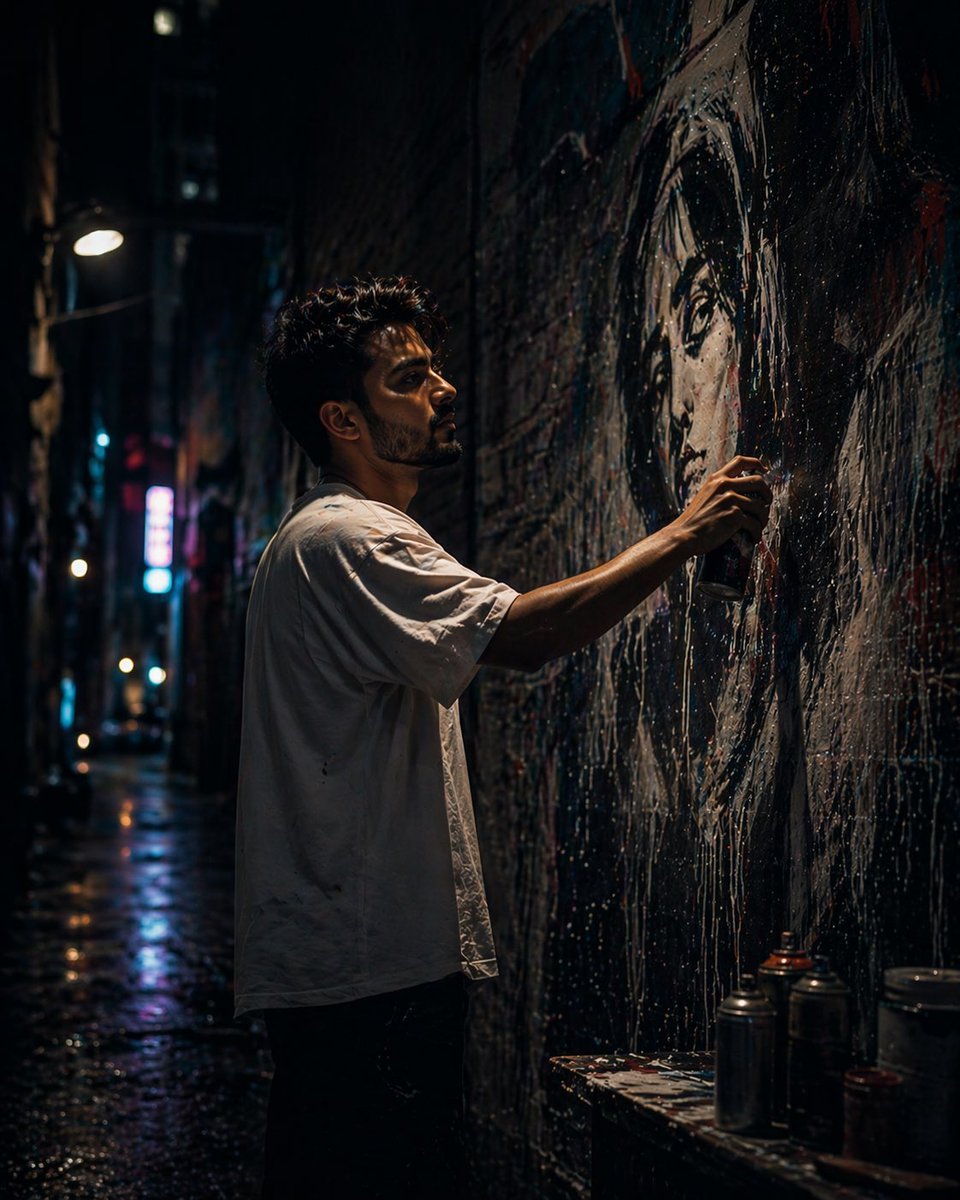
Urban Alley Mural Artist
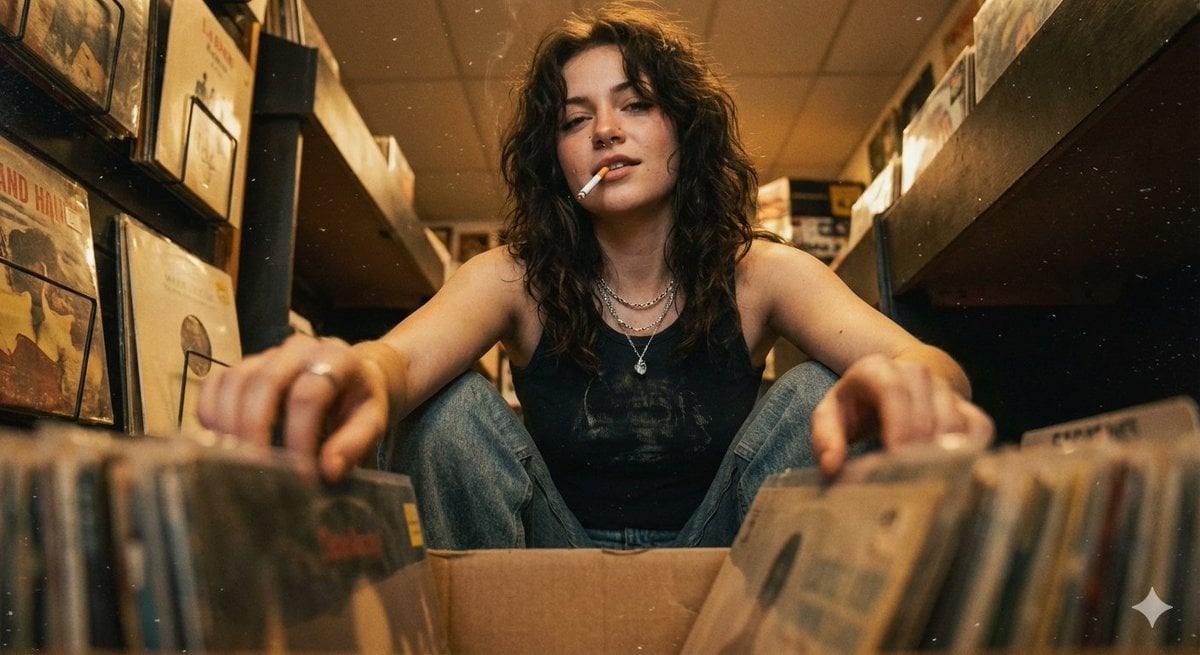
90s Grunge Record Store POV
Browse template categories
Act as a graphic design creative director constructing a highly questions
How do I use the Act as a graphic design creative director constructing a highly template?
Add your photo if the template asks for one, edit the prompt if you like — the template's model and format are already selected — and press Generate. Your version opens in PicX Studio.
Can I customize the Act as a graphic design creative director constructing a highly template?
Yes. You can change the subject, setting, lighting, mood, format, and available model controls before creating your image.
Is the Act as a graphic design creative director constructing a highly template free?
Opening and editing this template is free. Generating uses credits, shown on the Generate button when you are signed in.
Which AI model should I use?
Start with Nano Banana 2, which is the model associated with this template. You can compare another compatible model for a different finish.
Looking for something else? Browse all templates.

Your photo, any look
Thousands of ready templates for every top image and video model, from one credit balance.