
Cinematic Couple Memory Collage
A 12-photo nostalgic collage of a young couple's candid urban moments, ideal for generating moodboards, album-cover visuals, or romantic lifestyle imagery.
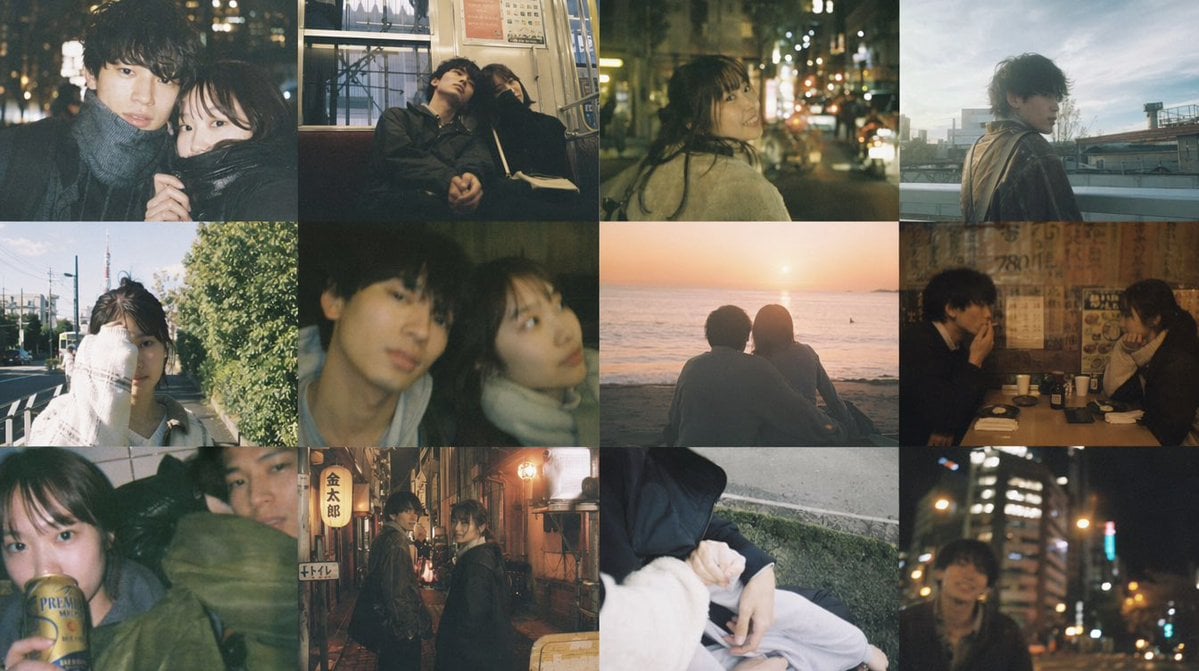
- Prompt included
- Model and format preset
- Free template
The prompt behind this image
Copy the exact prompt behind Cinematic Couple Memory Collage, or open it in the studio and make it yours.
A 4x3 photo collage of 12 cinematic, nostalgic snapshots of a young Japanese couple in everyday life, shot like candid film photography with soft blur, muted colors, grain, bloom, and shallow depth of field. The overall mood is intimate, wistful, urban, and slightly melancholic, with a warm-and-cool mixed color palette and natural imperfect composition. Include 12 distinct photos: 1) a close nighttime portrait on a city street, one person in a scarf, face partially obscured, surrounded by glowing bokeh lights; 2) the couple sitting closely together on a train at night, leaning on each other, quiet and sleepy; 3) a rear three-quarter view of one person walking alone on a city street at night with traffic lights and storefront bokeh; 4) a rooftop or elevated outdoor portrait at dusk or early morning, one person turning back toward camera with windblown hair and a jacket; 5) a bright daytime suburban street snapshot with one person standing near a hedge, casual and slightly overexposed; 6) a very close, dimly lit selfie-like frame of the couple together indoors or at night, both faces soft and out of focus; 7) the couple seated side by side on a beach watching the sunset over the ocean, seen from behind; 8) the couple talking across a small table inside a cozy izakaya or retro restaurant with posters and warm tungsten lighting; 9) a cramped candid indoor or transit photo with one person slumped or resting, heavy motion blur and dark green tones; 10) the couple standing face to face in a narrow alley at night, surrounded by lantern light and vertical Japanese signs; 11) a quiet cropped detail shot of intertwined hands and draped clothing while sitting outdoors beside pavement; 12) a night portrait with one person against a background of tall city buildings and colorful defocused lights. Keep all 12 images borderless in a seamless grid, with slight variation in framing and exposure, as if taken over many dates and ordinary moments. Use {argument name="film style" default="moody 35mm film"}, {argument name="couple age" default="early 20s"}, {argument name="city" default="Tokyo"}, {argument name="season" default="autumn"}, and {argument name="overall mood" default="romantic nostalgia"}.
How to use Cinematic Couple Memory Collage in 3 steps
- 1Upload ImagePNG, JPG or paste
Add your photo
Upload the photo the template builds on. The prompt, model and format are already set.
- 2…a portrait of your subject in softgolden-hour light, 85mm…
Personalize
Edit the subject and creative details for your destination.
- 3Generate
Generate
Press Generate — your image is created in PicX Studio, so you can compare it with the original and refine one variable at a time.
More like this
Templates with the same subject, style or setup. Open one to see its prompt.
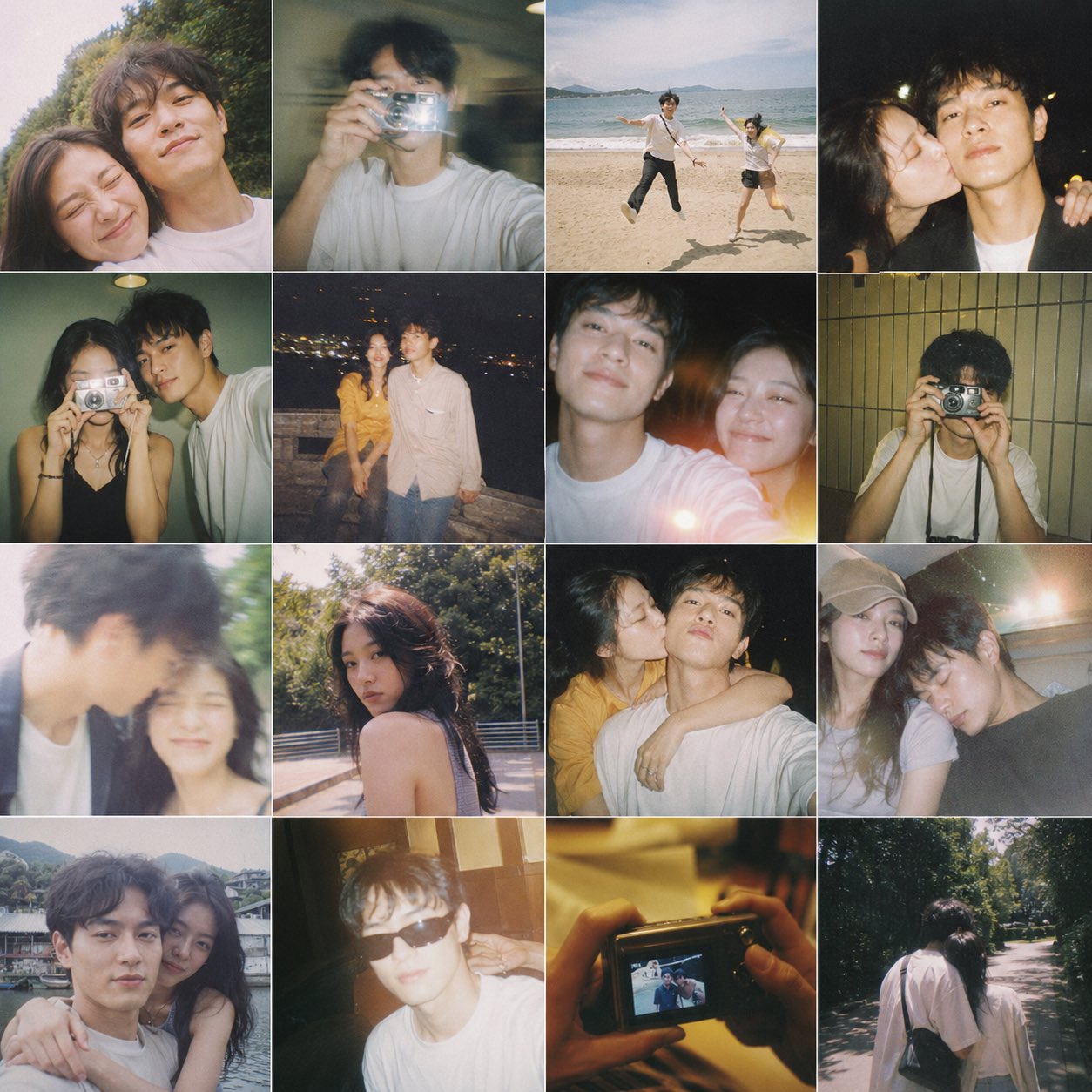











Make it yours
Cinematic Couple Memory Collage works as-is. These are the safest ways to change it without losing the look.
Change one field
Copy a single group, rewrite it, and generate again so you can see what that field is doing.
Keep the frame, change the subject
Hold the composition and light of Cinematic Couple Memory Collage, then swap wardrobe, props or the person for a new take.
| If the result… | Why | Fix |
|---|---|---|
| The result drifts from the preview | Too many fields changed at once. | Reuse Cinematic Couple Memory Collage as-is first, then change one group — subject, light, or setting. |
| The model over-stylizes the scene | The prose prompt leaves finish and camera underspecified. | Add one camera or lighting sentence and stay on GPT Image 2. |
More GPT Image 2 templates
Other prompts made for GPT Image 2.

Six VTuber Japanese Logo Sheet

Realistic Portrait of Woman and Deer

The Vista Modular Condo Poster

AI Model Routing Comparison Infographic

2.5D Anime Art Board

Isometric Productivity Desk Scene

New York Double Exposure Poster

Four-Panel AI Landscape Comparison

Japanese Tatami Lifestyle Magazine Cover

NESCAFÉ Coffee Map Poster
More image prompts
Fresh picks from across the catalog.
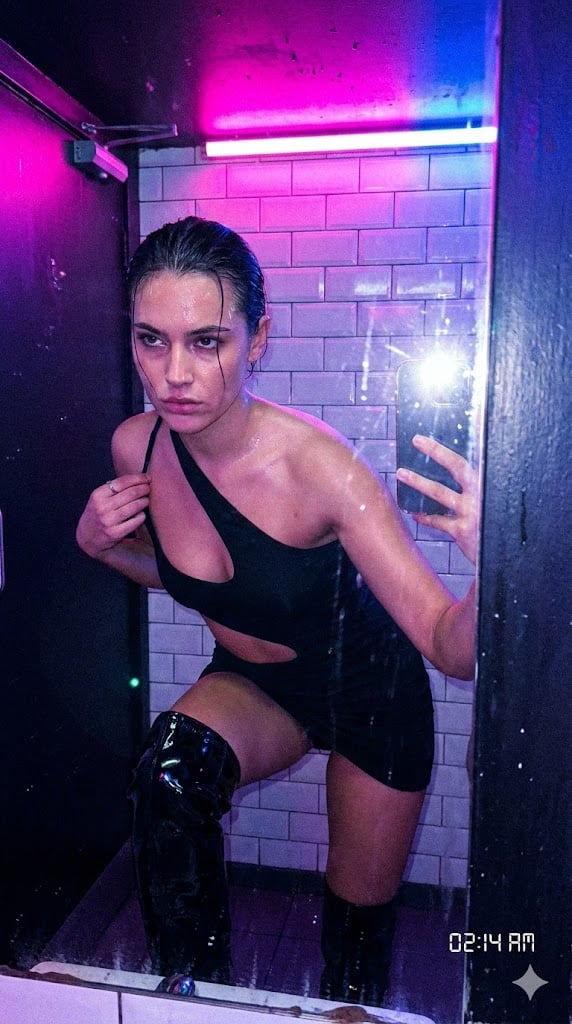
Authentic, Frantic Nightlife Selfie
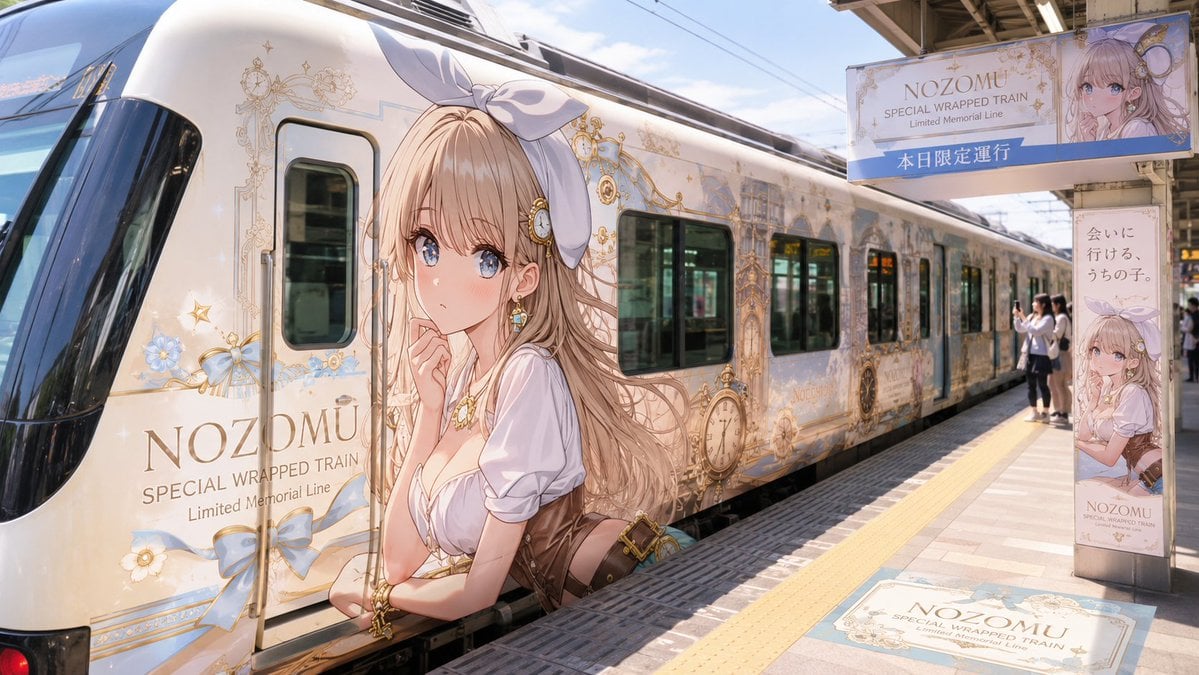
Anime Wrapped Train at Japanese Station
Nano Banana Pro Prompt for Character and Background Change
Mint Retro EV by the Sea
B&W Cinematic Studio Portrait
Candid Street Portrait with Motion Blur
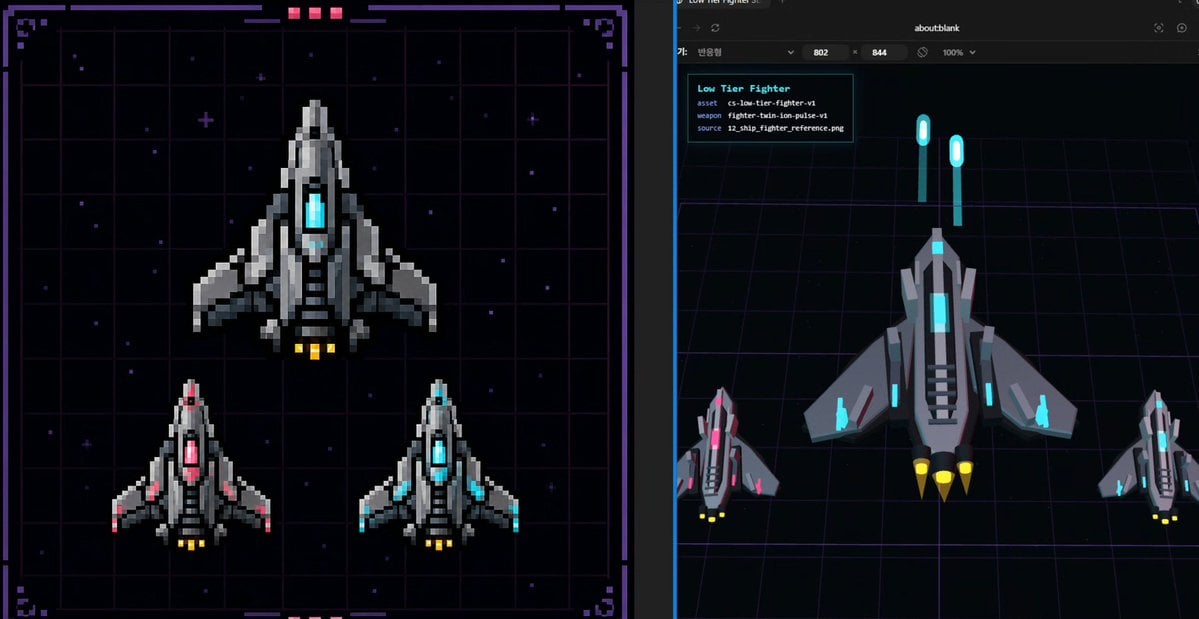
Pixel Fighter to 3D Asset Sheet

Atmospheric Product Interface Visual Prompt for SaaS UI
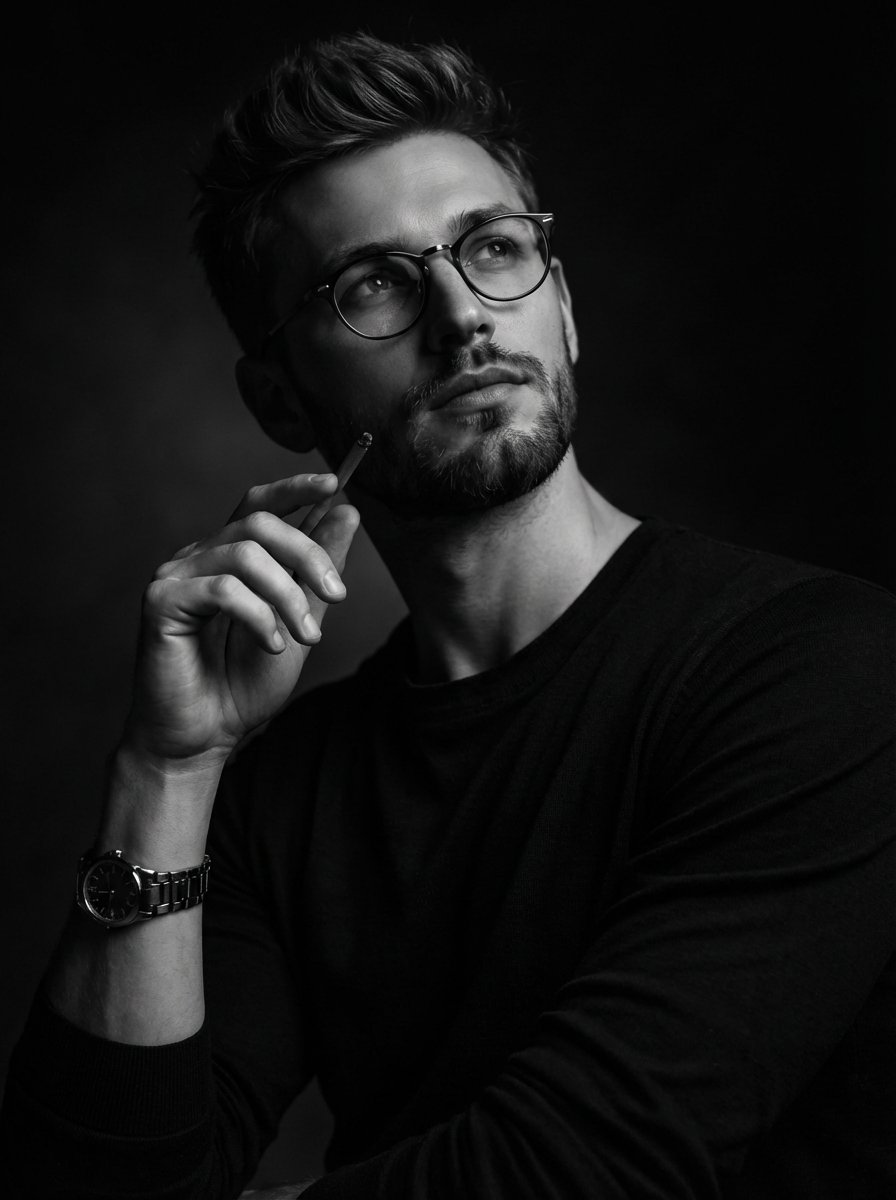
Moody Black and White Fine Art Portrait
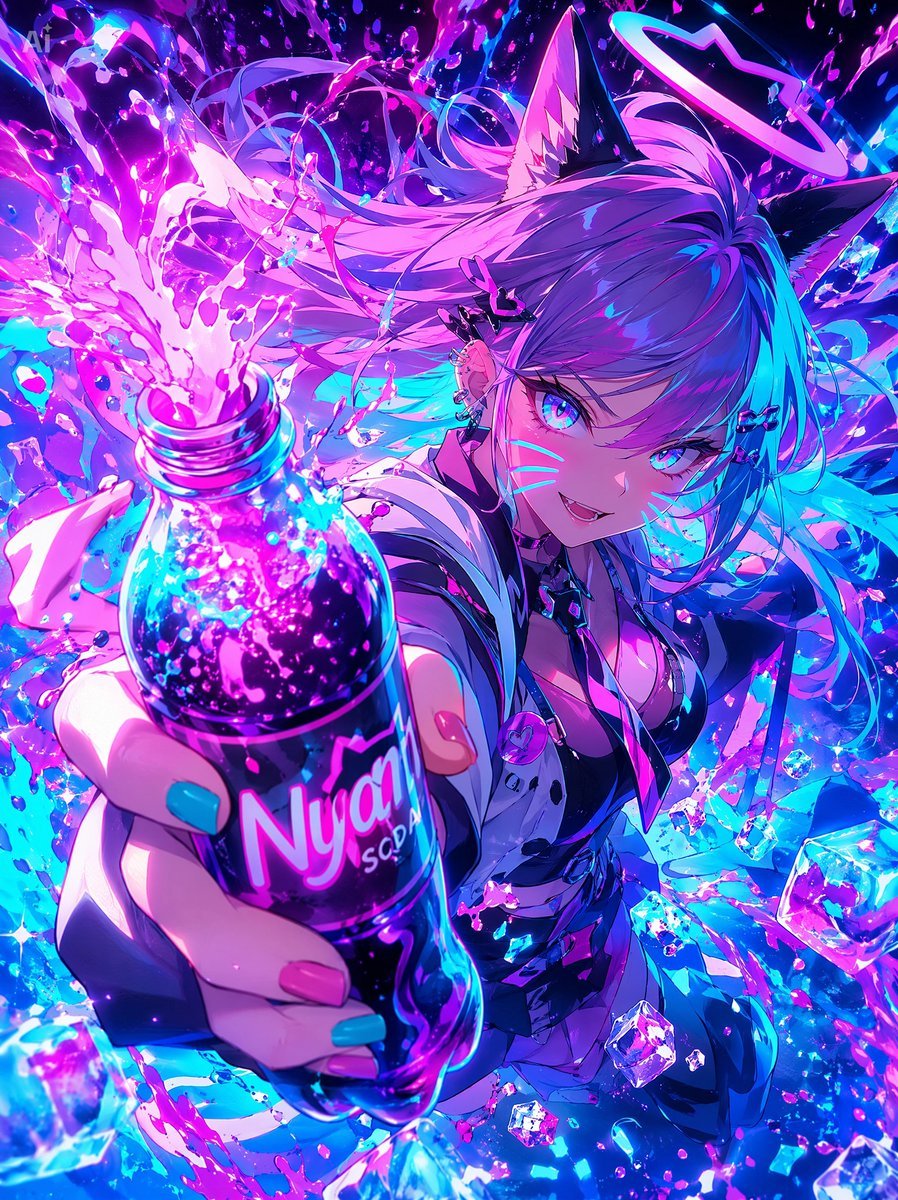
Neon Catgirl Soda Burst
Browse template categories
Cinematic Couple Memory Collage questions
How do I use the Cinematic Couple Memory Collage template?
Add your photo if the template asks for one, edit the prompt if you like — the template's model and format are already selected — and press Generate. Your version opens in PicX Studio.
Can I customize the Cinematic Couple Memory Collage template?
Yes. You can change the subject, setting, lighting, mood, format, and available model controls before creating your image.
Is the Cinematic Couple Memory Collage template free?
Opening and editing this template is free. Generating uses credits, shown on the Generate button when you are signed in.
Which AI model should I use?
Start with GPT Image 2, which is the model associated with this template. You can compare another compatible model for a different finish.
Looking for something else? Browse all templates.

Your photo, any look
Thousands of ready templates for every top image and video model, from one credit balance.