
Neon Catgirl Soda Burst
This prompt generates a high-energy anime-style vertical poster of a cat-eared idol girl presenting a glowing soda bottle amid explosive neon splashes, ideal for ad-style key art or social media illustration.
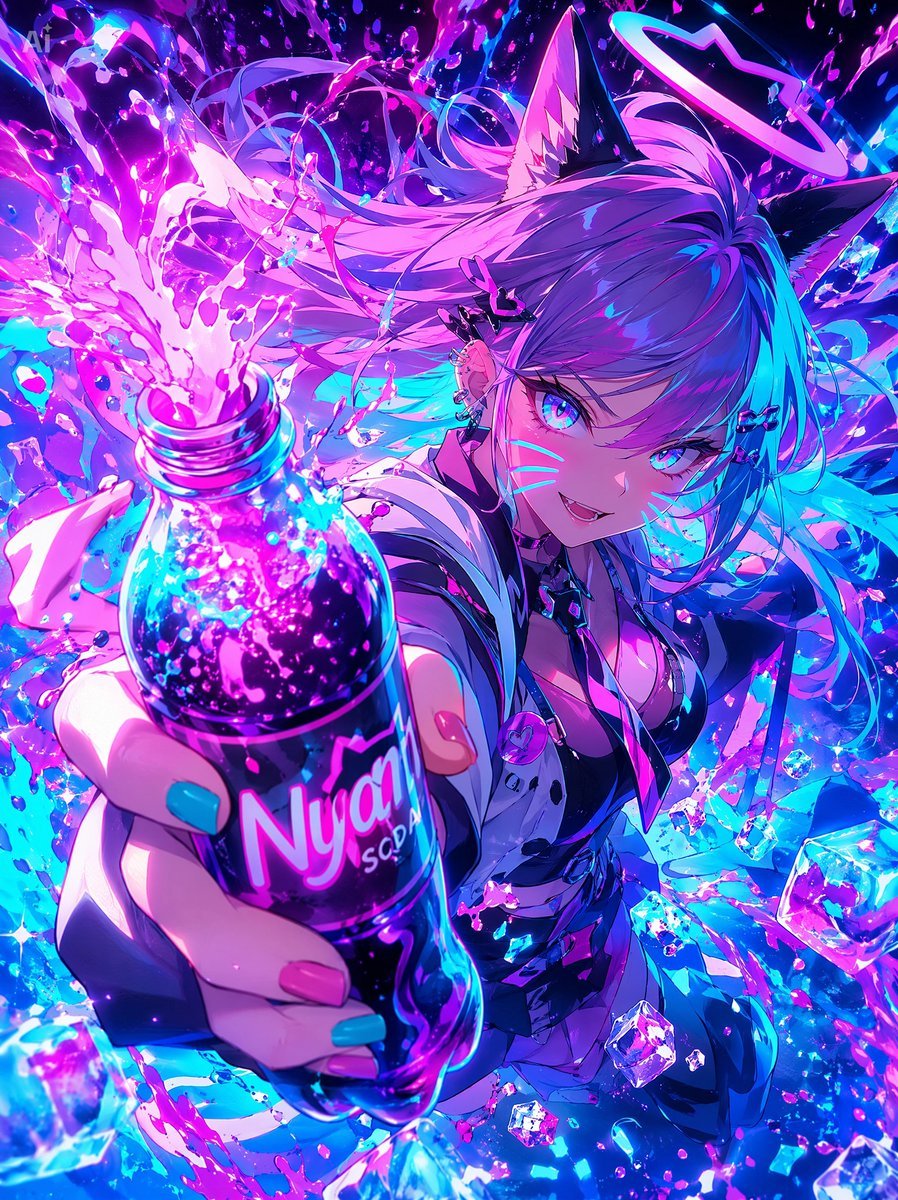
- Prompt included
- Model and format preset
- Free template
The prompt behind this image
Copy the exact prompt behind Neon Catgirl Soda Burst, or open it in the studio and make it yours.
A hyper-dynamic anime illustration of a neon cyber idol catgirl thrusting a soda bottle toward the viewer in extreme foreshortened perspective, with the bottle dominating the foreground and the character filling the background. She has {argument name="hair color" default="long lavender-to-cyan gradient hair"}, 2 black cat ears with soft pink inner fur, and 1 glowing halo ring floating above her head. Her face is mostly hidden by a solid square censor block in the center-right of the image, while her wild flowing hair explodes outward in ribbons and strands. She wears a glossy black and white futuristic streetwear outfit with a deep neckline, a cropped jacket, metallic straps, small accessories, and a round pink badge near the chest. Her visible hand grips 1 plastic soda bottle labeled {argument name="brand name" default="Nyan SODA"}, with long nails painted in 2 colors: cyan and pink. The bottle is transparent and filled with sparkling dark purple soda, glowing bubbles, and neon highlights, and it erupts upward in a dramatic splash of vivid magenta liquid. Surround the scene with 1 shower of crystalline ice cubes, countless droplets, paint-like splashes, glittering particles, and energy arcs. Use an intense palette of electric magenta, violet, indigo, and cyan with high contrast, glossy reflections, bloom lighting, and luminous rim light. The background should be an abstract explosion of liquid, light, and motion rather than a realistic setting. Make it feel like an aggressive soda advertisement mixed with idol key art, chaotic, cute, and high-energy, with ultra-detailed anime rendering, crisp linework, sparkling highlights, and a vertical poster composition.
How to use Neon Catgirl Soda Burst in 3 steps
- 1Upload ImagePNG, JPG or paste
Add your photo
Upload the photo the template builds on. The prompt, model and format are already set.
- 2…a portrait of your subject in softgolden-hour light, 85mm…
Personalize
Edit the subject and creative details for your destination.
- 3Generate
Generate
Press Generate — your image is created in PicX Studio, so you can compare it with the original and refine one variable at a time.
More like this
Templates with the same subject, style or setup. Open one to see its prompt.
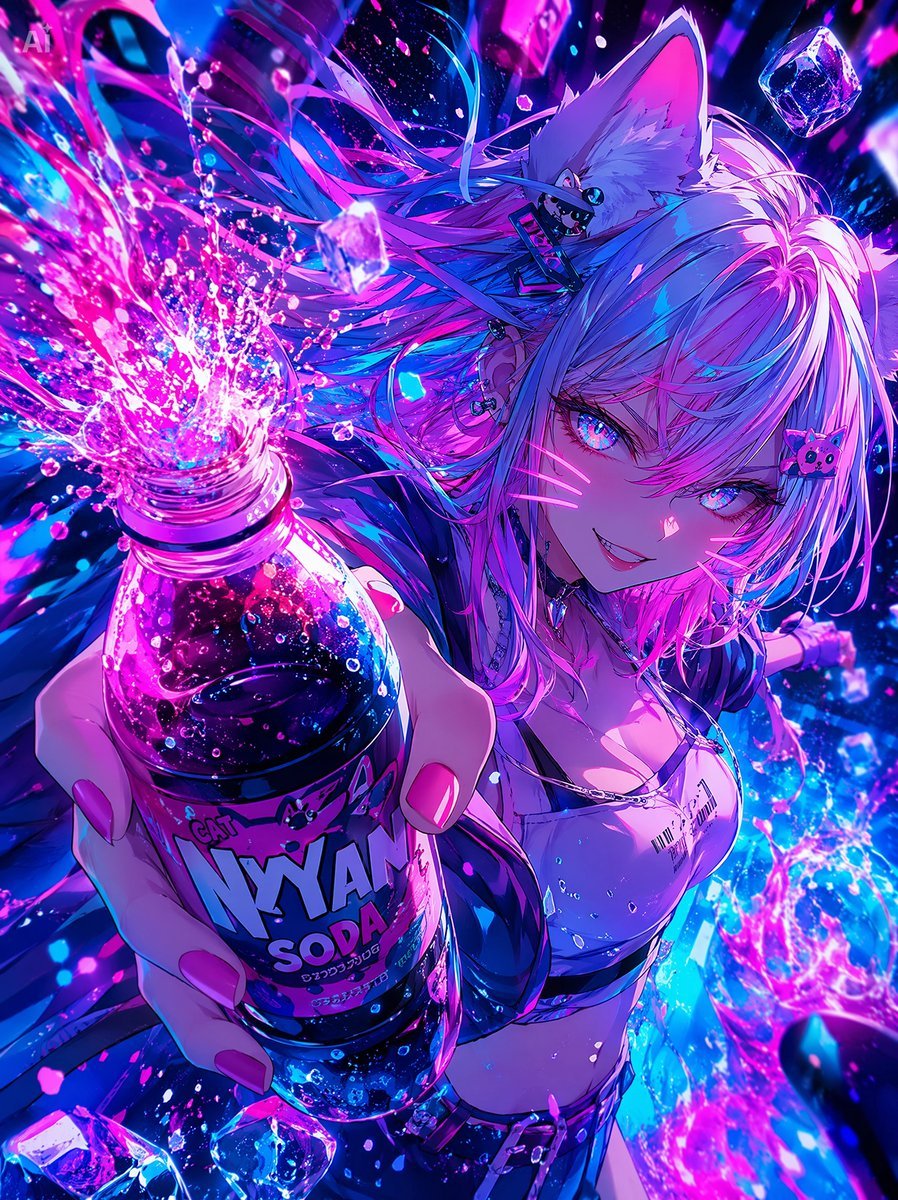
Neon Catgirl Soda Ad

80s Neon Disco Night

Cartoon TV Show Poster Pack

Rainy Night Android Cyberpunk Portrait

Korean Idol Partial Shadow Editorial Portrait

Cyberpunk Neon Profile Fashion Portrait

Neon Night Crosswalk Candid Portrait

Subway Platform Quiet Introspective Portrait
Rainy Night Android Cyberpunk Portrait

Cinematic Sci-Fi Commander Side Profile Portrait
Low-Angle Cyberpunk Neon Profile Portrait

Cinematic Neon Light Strip Studio Portrait
Make it yours
Neon Catgirl Soda Burst works as-is. These are the safest ways to change it without losing the look.
Change one field
Copy a single group, rewrite it, and generate again so you can see what that field is doing.
Keep the frame, change the subject
Hold the composition and light of Neon Catgirl Soda Burst, then swap wardrobe, props or the person for a new take.
| If the result… | Why | Fix |
|---|---|---|
| The result drifts from the preview | Too many fields changed at once. | Reuse Neon Catgirl Soda Burst as-is first, then change one group — subject, light, or setting. |
| The model over-stylizes the scene | The prose prompt leaves finish and camera underspecified. | Add one camera or lighting sentence and stay on GPT Image 2. |
More GPT Image 2 templates
Other prompts made for GPT Image 2.

Six VTuber Japanese Logo Sheet

Realistic Portrait of Woman and Deer

The Vista Modular Condo Poster

AI Model Routing Comparison Infographic

2.5D Anime Art Board

Isometric Productivity Desk Scene

New York Double Exposure Poster

Four-Panel AI Landscape Comparison

Japanese Tatami Lifestyle Magazine Cover

NESCAFÉ Coffee Map Poster
More image prompts
Fresh picks from across the catalog.
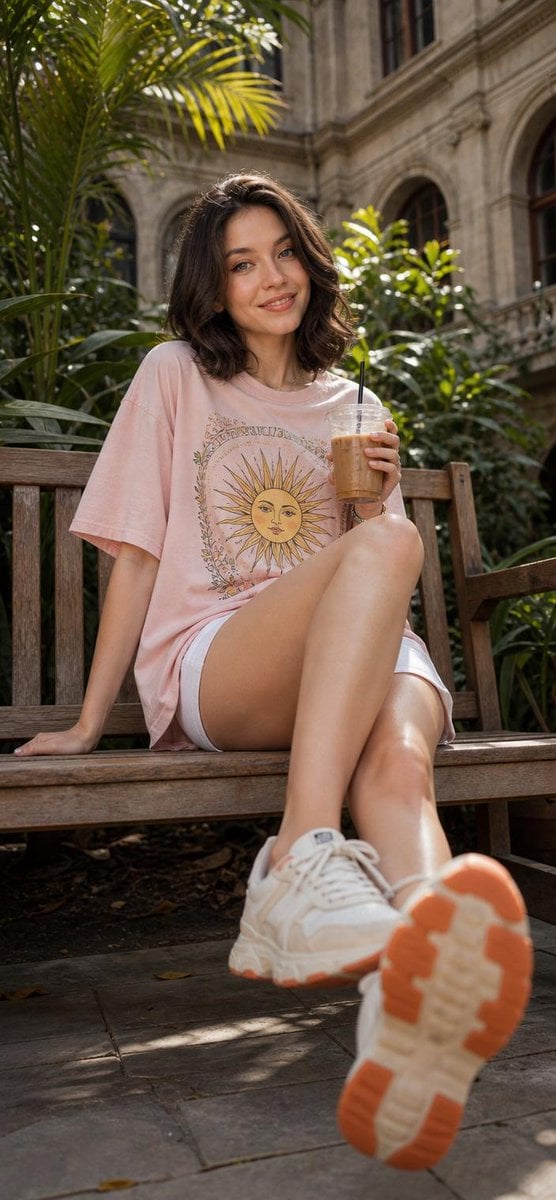
Cheerful Botanical Courtyard Portrait
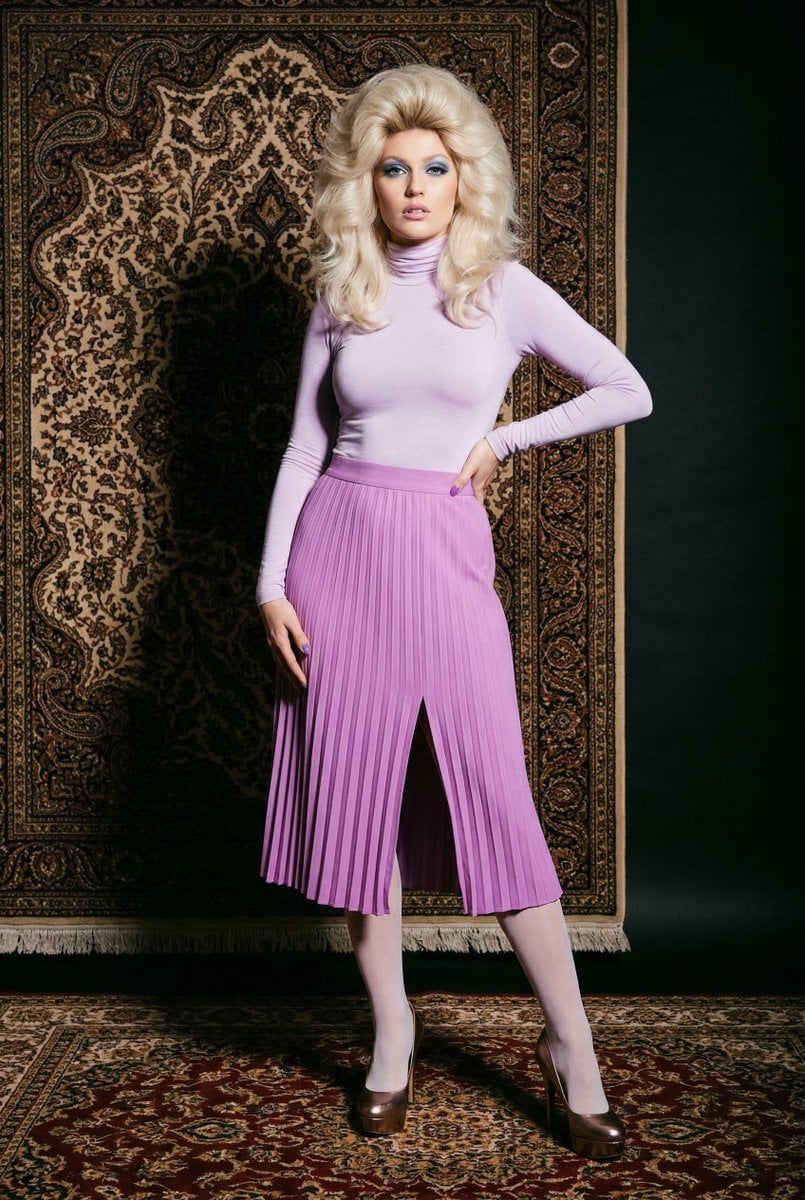
1970s High-Glamour Fashion Portrait
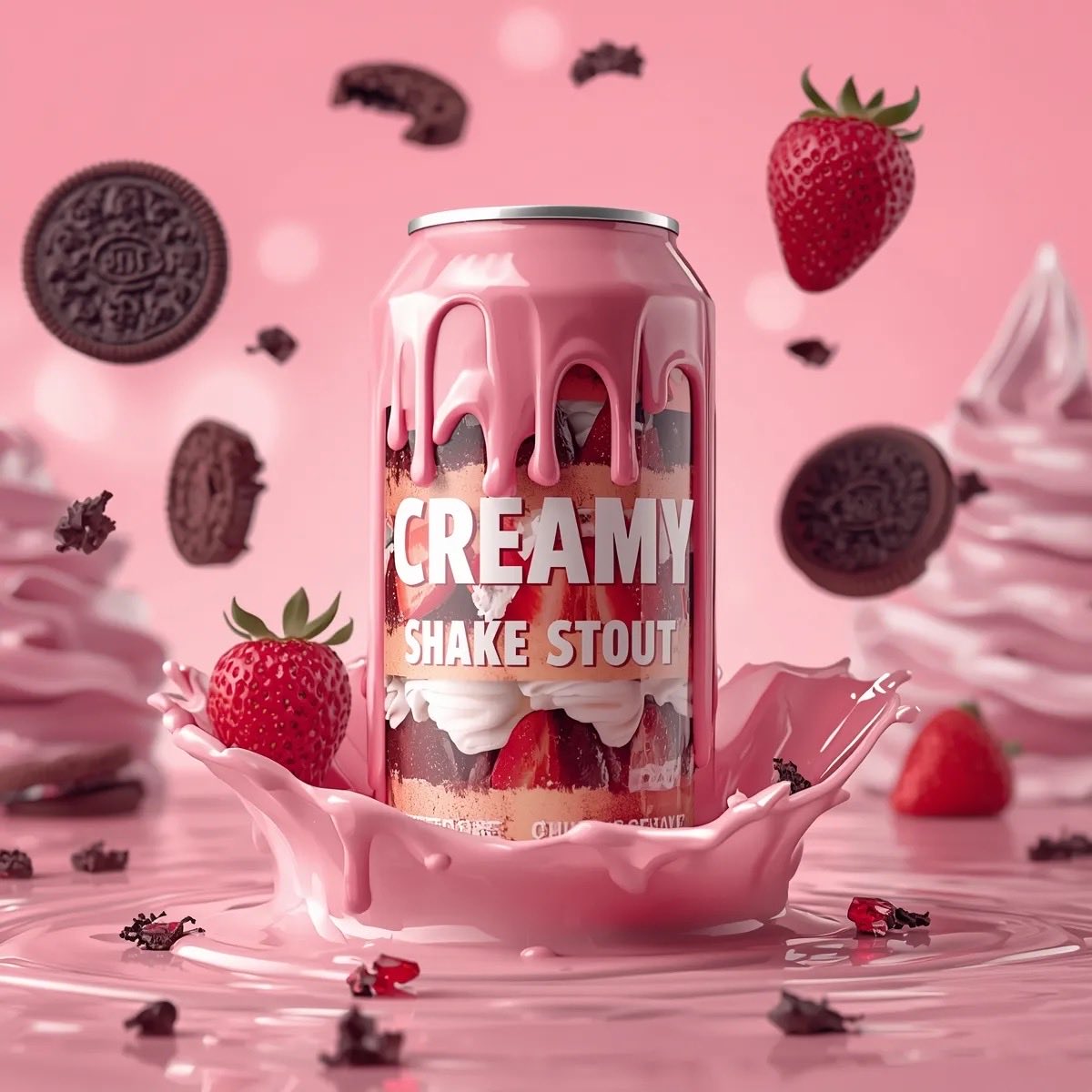
Hyper-Realistic Beverage Product Shot Prompts for Nano Banana Pro
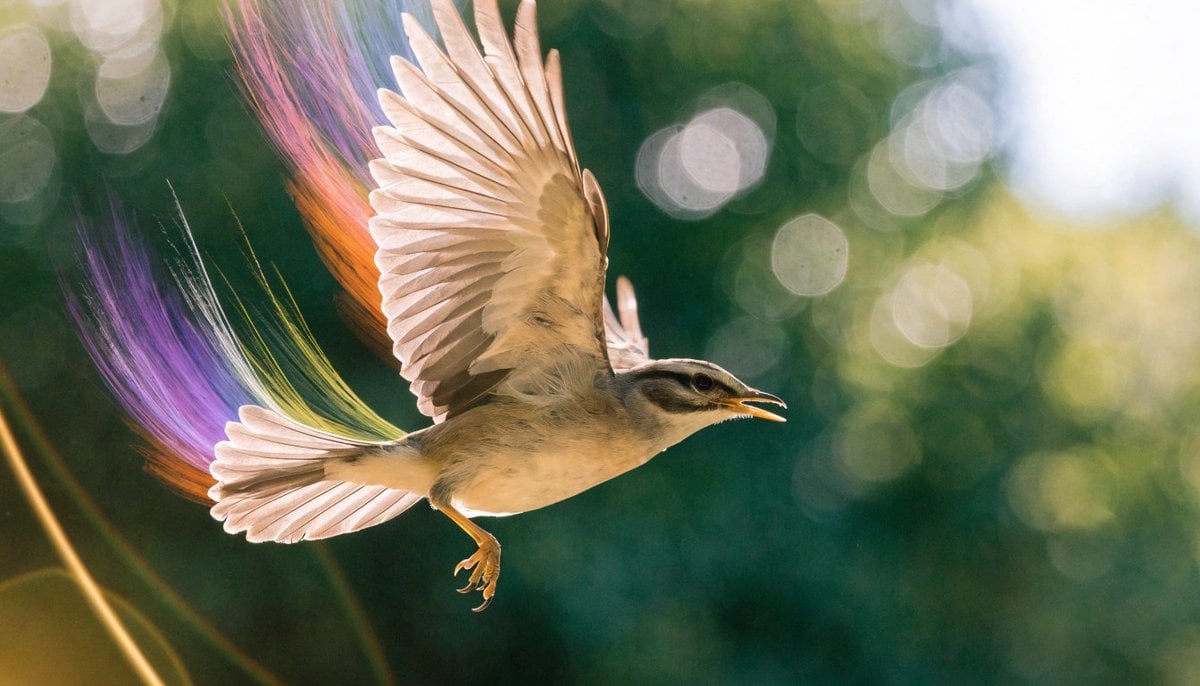
Realistic Bird with Artistic Traces
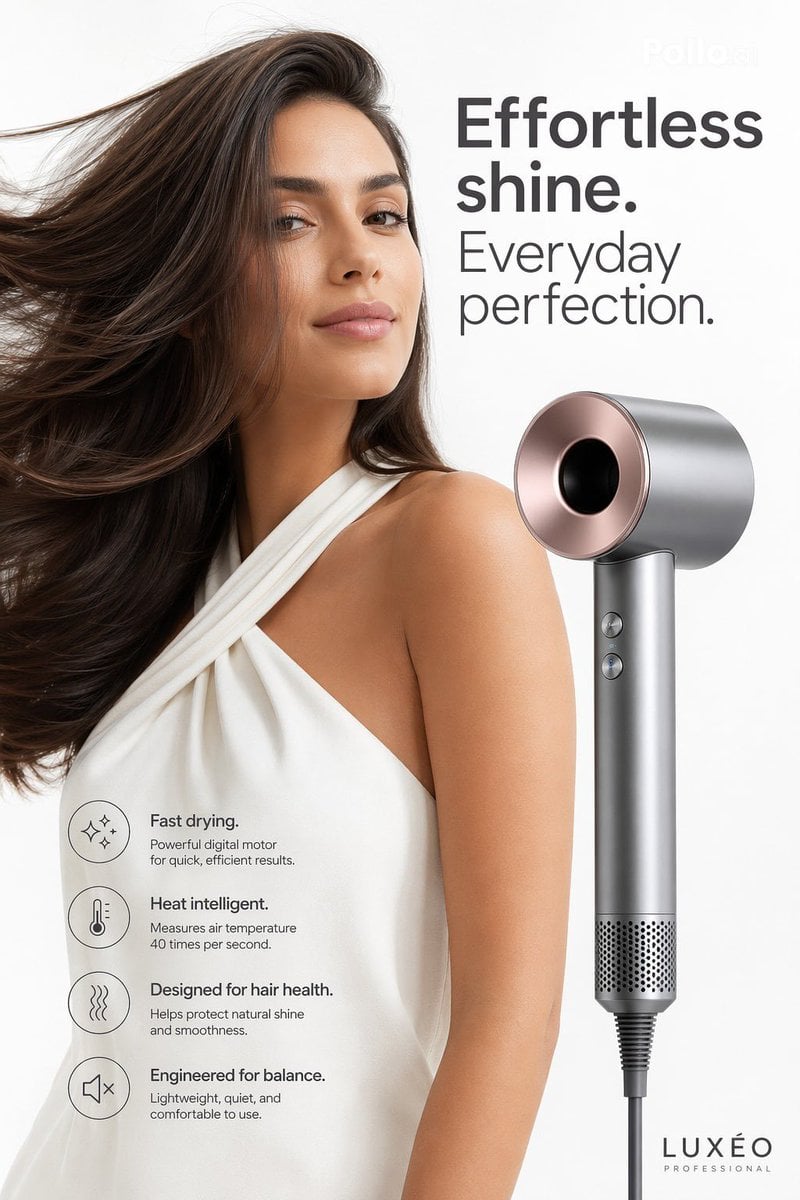
Luxury Hair Dryer Beauty Ad
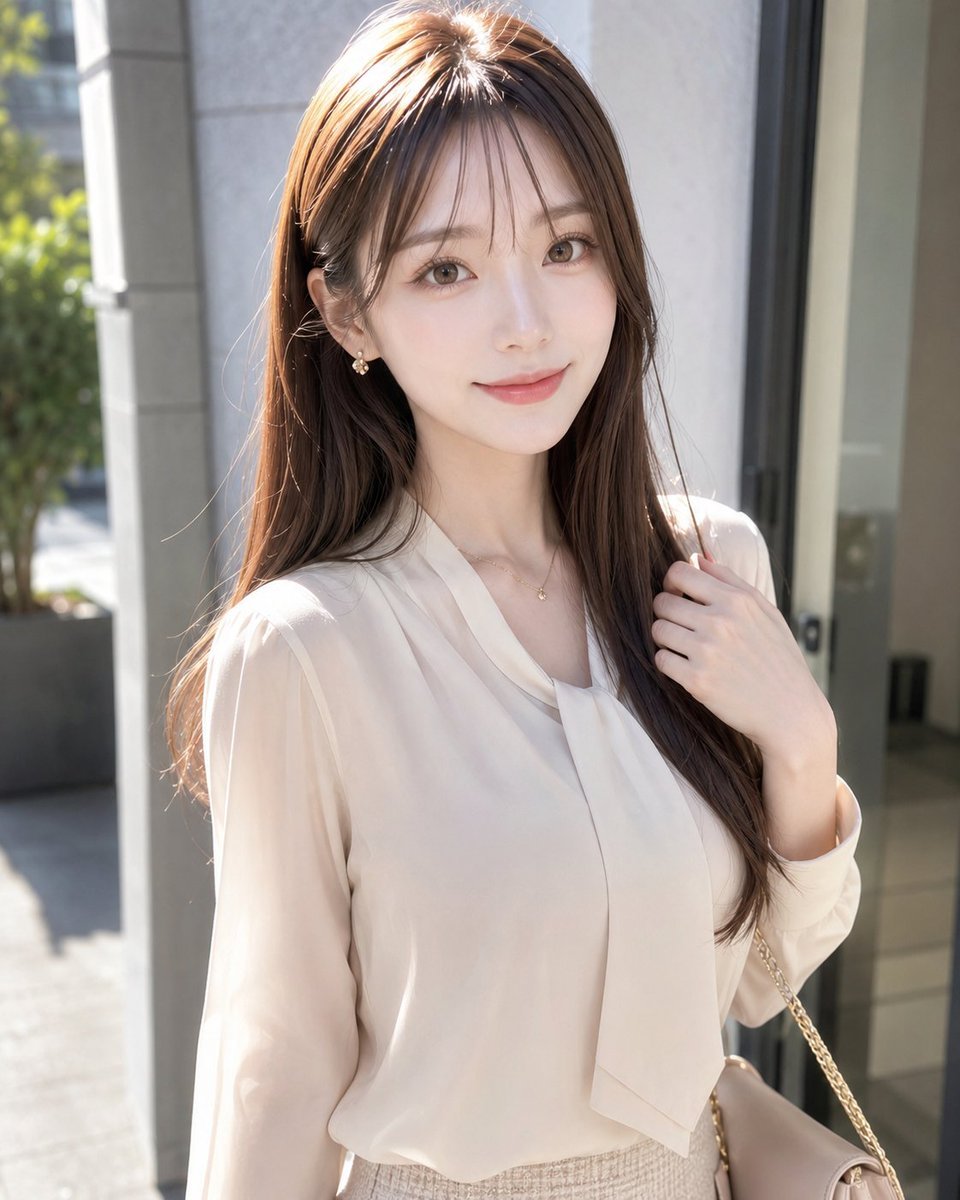
Sunlit Fashion Portrait with Privacy Block
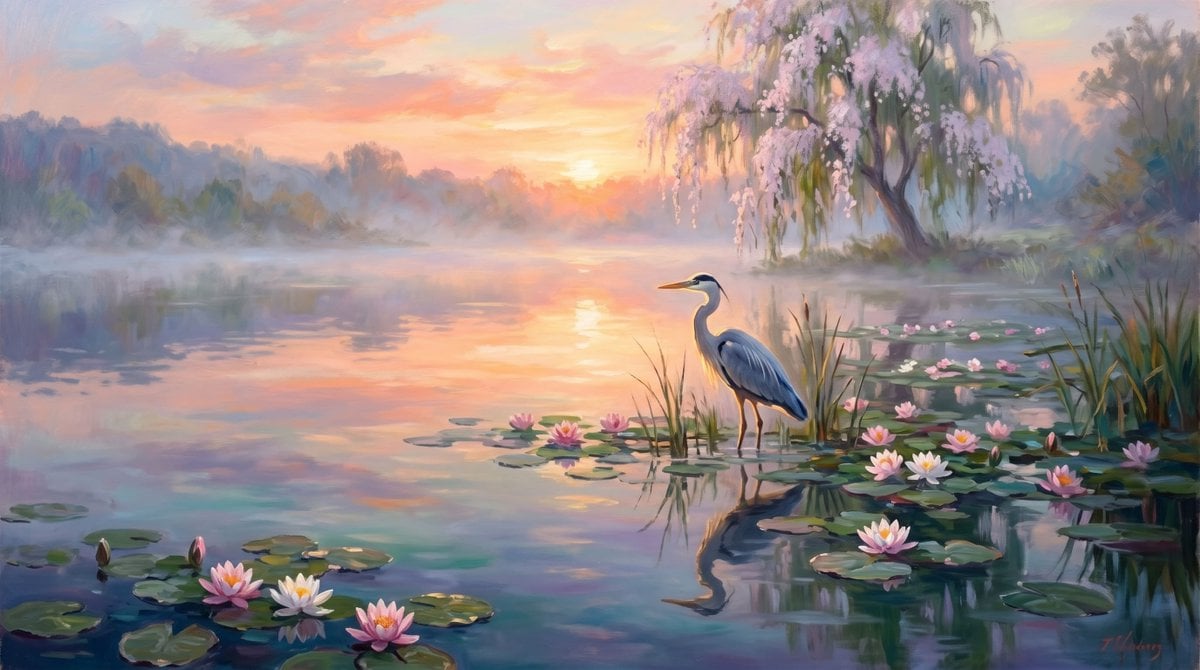
Misty Sunrise Heron Lake
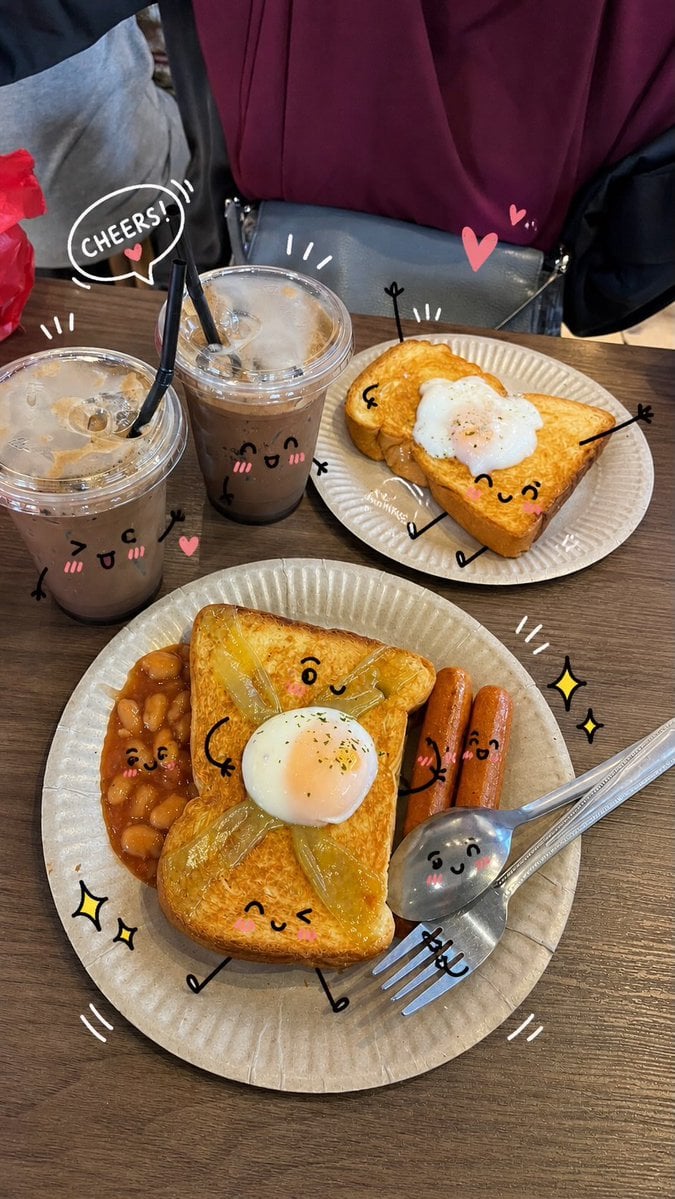
Kawaii Doodle Lifestyle Photography
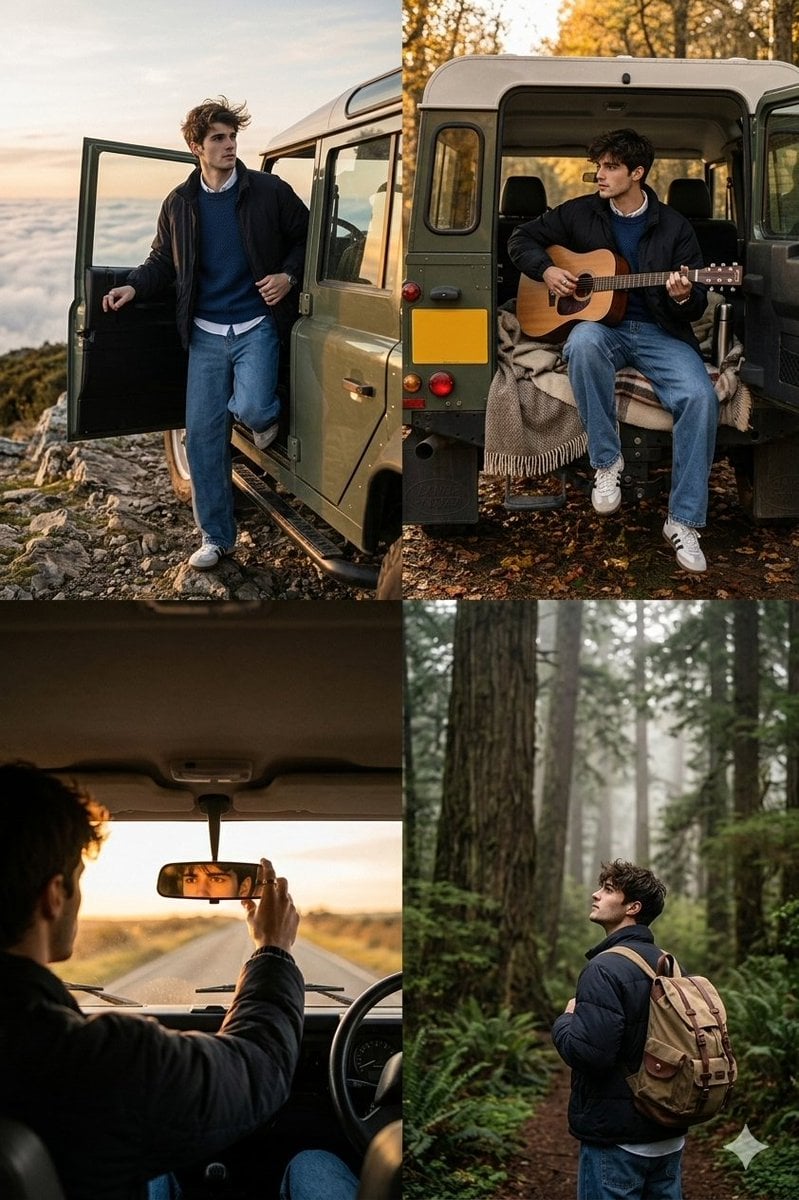
Cinematic Road Trip Collage with Identity Preservation
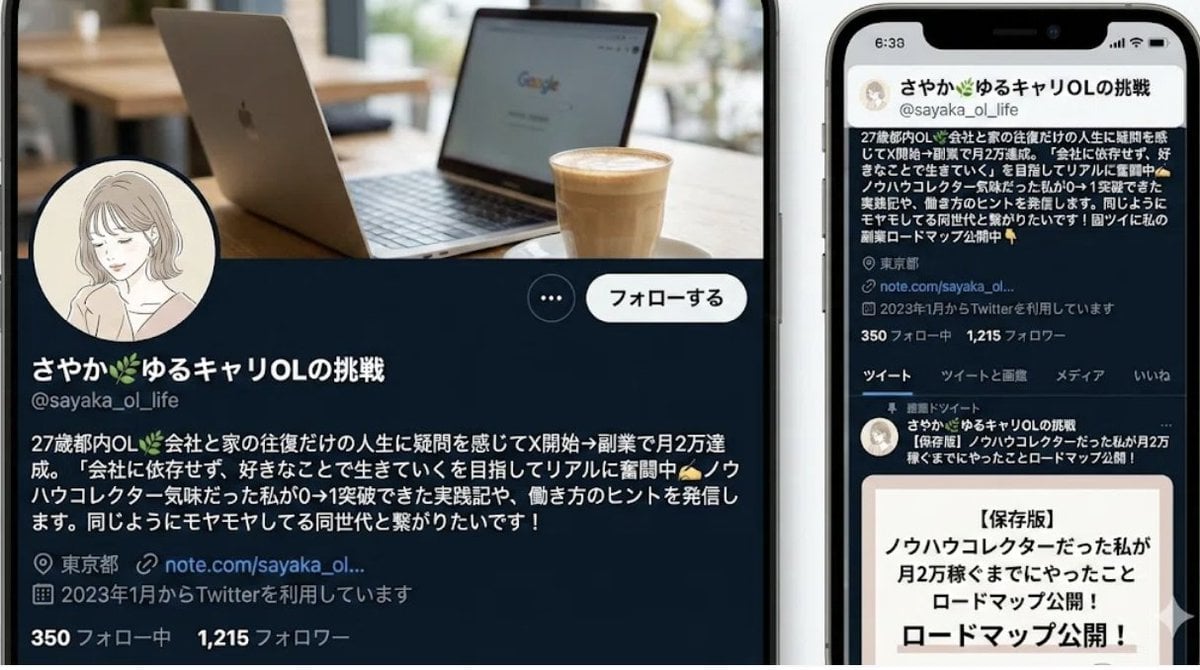
Nano-banana Pro Persona Generation Prompt
Browse template categories
Neon Catgirl Soda Burst questions
How do I use the Neon Catgirl Soda Burst template?
Add your photo if the template asks for one, edit the prompt if you like — the template's model and format are already selected — and press Generate. Your version opens in PicX Studio.
Can I customize the Neon Catgirl Soda Burst template?
Yes. You can change the subject, setting, lighting, mood, format, and available model controls before creating your image.
Is the Neon Catgirl Soda Burst template free?
Opening and editing this template is free. Generating uses credits, shown on the Generate button when you are signed in.
Which AI model should I use?
Start with GPT Image 2, which is the model associated with this template. You can compare another compatible model for a different finish.
Looking for something else? Browse all templates.

Your photo, any look
Thousands of ready templates for every top image and video model, from one credit balance.