
Nano-banana Pro Persona Generation Prompt
This tweet showcases the power of Nano-banana Pro, an AI tool, to instantly generate a detailed persona.
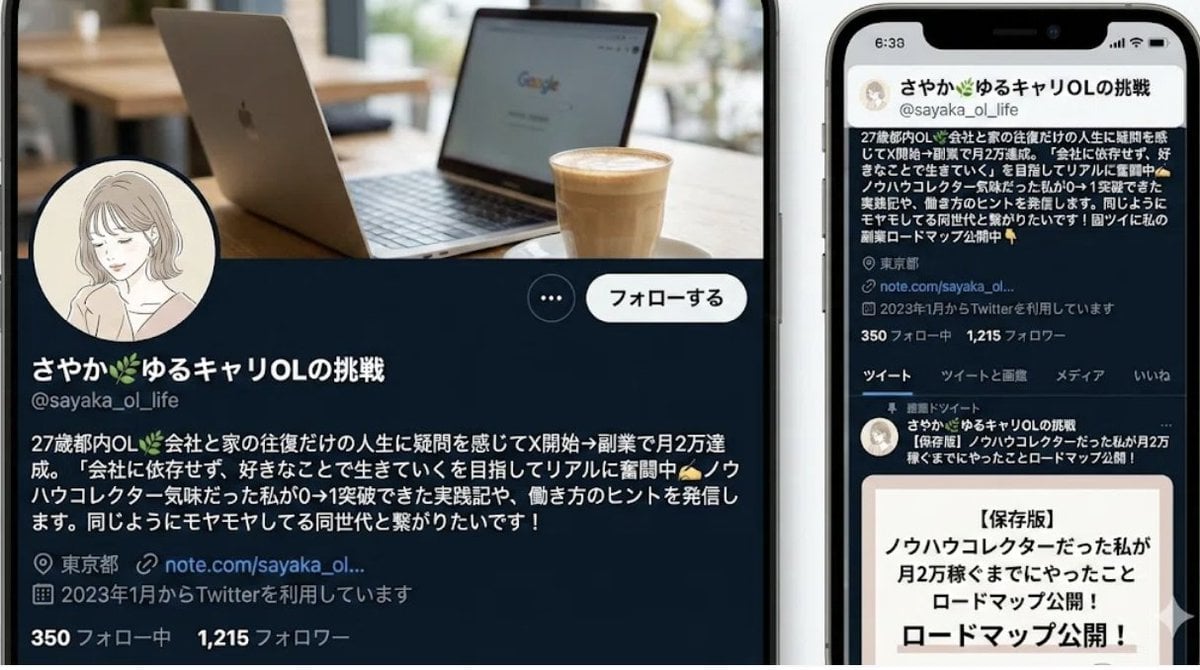
- Prompt included
- Model and format preset
- Free template
The prompt behind this image
Copy the exact prompt behind Nano-banana Pro Persona Generation Prompt, or open it in the studio and make it yours.
あなたはペルソナ設計のプロです。以下の情報をもとに、詳細なペルソナを設計してください。 **ターゲット層:** {argument name="ターゲット層" default="30代の女性、都心在住、IT企業勤務"} **目的:** {argument name="目的" default="新しい美容液のマーケティング戦略立案"} **ペルソナに含める要素:** 1. 基本情報(名前、年齢、職業、居住地、家族構成) 2. 性格・価値観 3. ライフスタイル(一日の流れ、趣味、情報収集源) 4. 課題・ニーズ(美容に関する悩み、求めている解決策) 5. ゴール・モチベーション 6. 購買行動(重視する点、予算感、購入チャネル) 7. サービス/製品との接点(利用シーン、期待する効果) **出力形式:** - 見出しを適切に利用し、読みやすい構成にしてください。 - ペルソナのイメージ画像に使えるような、具体的な描写を加えてください。
How to use Nano-banana Pro Persona Generation Prompt in 3 steps
- 1
Open
The prompt is already in the box next to the preview, with the template's model and format selected.
- 2…a portrait of your subject in softgolden-hour light, 85mm…
Personalize
Edit the subject and creative details for your destination.
- 3Generate
Generate
Press Generate — your image is created in PicX Studio, so you can compare it with the original and refine one variable at a time.
More like this
Templates with the same subject, style or setup. Open one to see its prompt.

Woman in Mall with Chanel Bag - Heart Gesture

Manga Generation Prompt Template for Nano Banana Pro

VFX Comparison Image Prompt (Before/After) for Nano Banana Pro

Nano Banana Prompt for Consistent Character Jumpshots

Cinematic Camera Instructions for Nano Banana Pro

Hyper-Realistic Commercial Food Photography Prompt for Gemini Nano Banana Pro
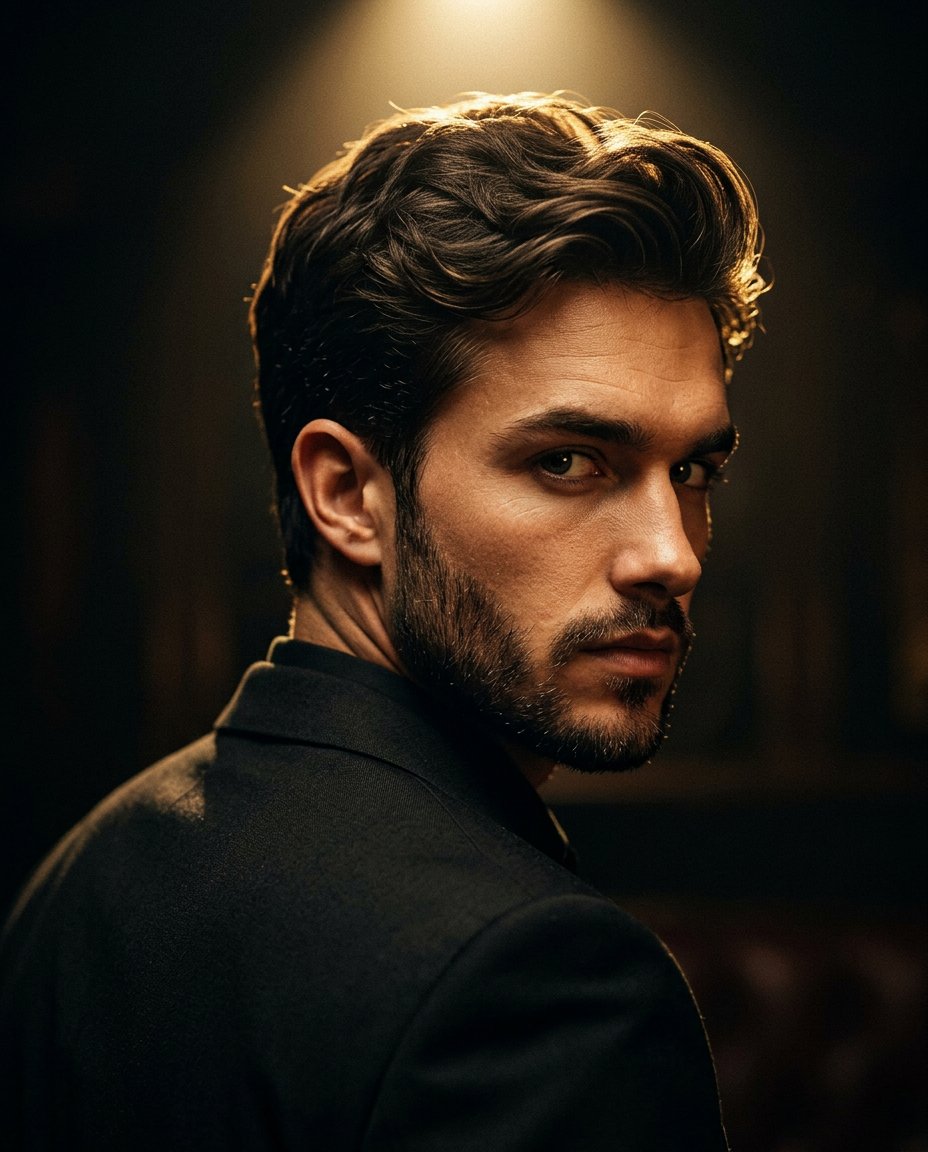
Cinematic Portrait Prompt for Google Nano Banana Pro

Multi-Frame Lifestyle Portrait Prompt for Nano Banana Pro

Low-Key Product Photography Prompt for Gemini Nano Banana Pro

Masterpiece Political Caricature Prompt for Nano Banana 2
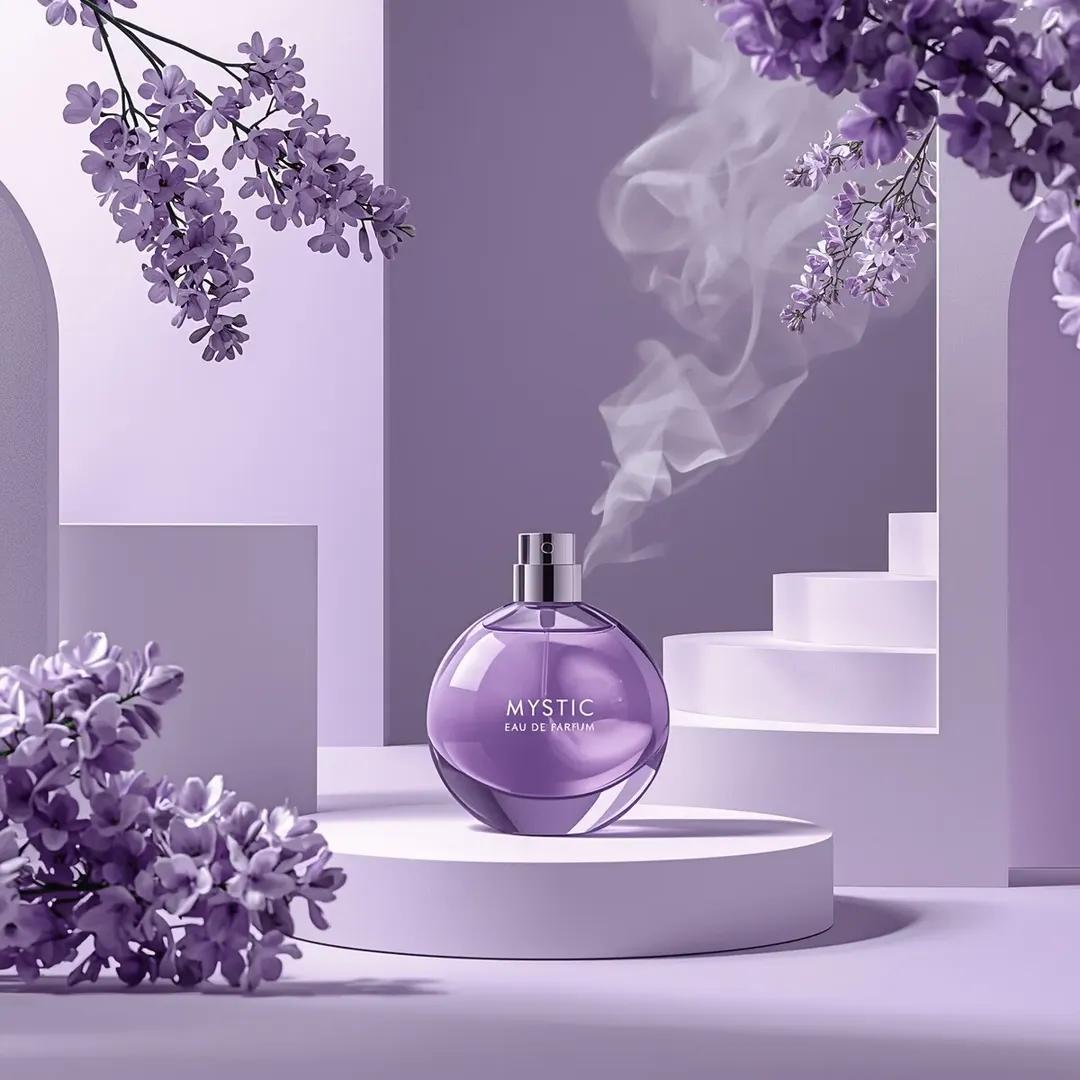
Commercial Perfume Photography Prompt for Nano Banana Pro

Realistic Gaming Couple Portrait Prompt for Nano Banana 2
Make it yours
Nano-banana Pro Persona Generation Prompt works as-is. These are the safest ways to change it without losing the look.
Change one field
Copy a single group, rewrite it, and generate again so you can see what that field is doing.
Keep the frame, change the subject
Hold the composition and light of Nano-banana Pro Persona Generation Prompt, then swap wardrobe, props or the person for a new take.
| If the result… | Why | Fix |
|---|---|---|
| The result drifts from the preview | Too many fields changed at once. | Reuse Nano-banana Pro Persona Generation Prompt as-is first, then change one group — subject, light, or setting. |
| The model over-stylizes the scene | The prose prompt leaves finish and camera underspecified. | Add one camera or lighting sentence and stay on Nano Banana 2. |
More Nano Banana 2 templates
Other prompts made for Nano Banana 2.

Photorealistic Leaf Shaped Like a Dragon

K-Pop Idol Portrait Grid for Rapid Selection

Poetic Rain Forest Portrait During Golden Hour

Urban Street Portrait with Cartoon Inner Self Duo

Candid Nighttime Photo with Cat Prompt

High-Concept 3D Diorama Generation Prompt

Cinematic Futuristic Studio Portrait Template

Skincare Editorial Photography Collage Prompt

Hyper-Realistic Commercial Product Photography (Splash Effect)

Hyper-Realistic Nightclub Portrait Prompt
More image prompts
Fresh picks from across the catalog.
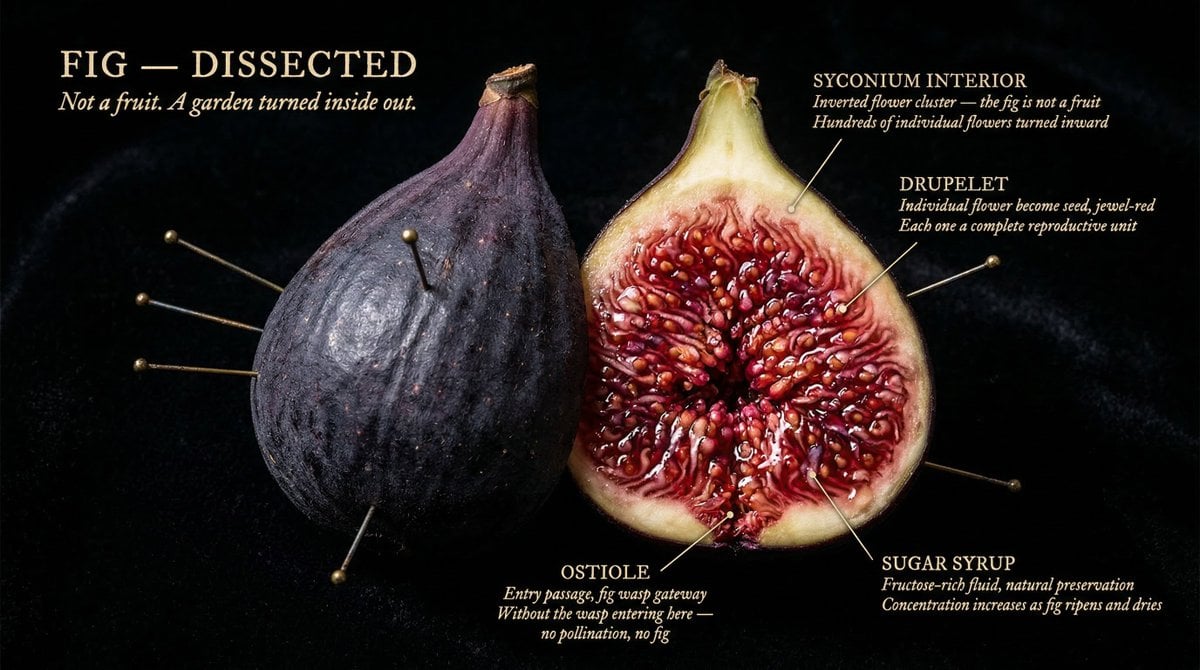
The Naturalist Dissection Prompt
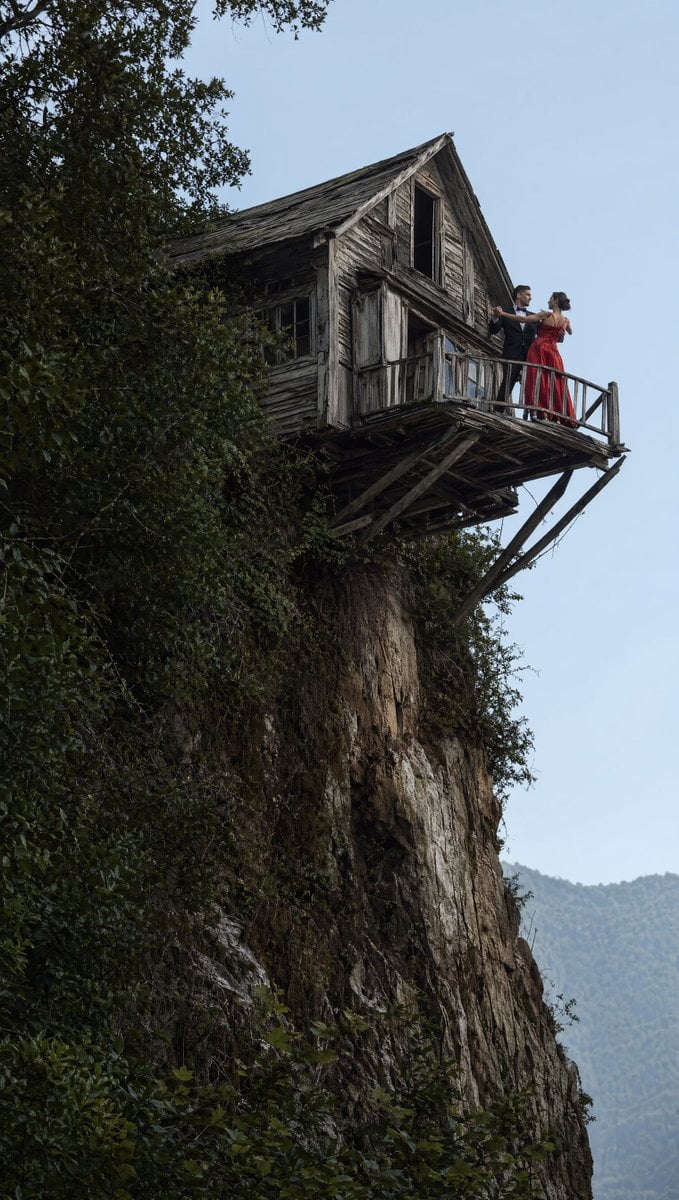
Dancing Couple on Cliffside House
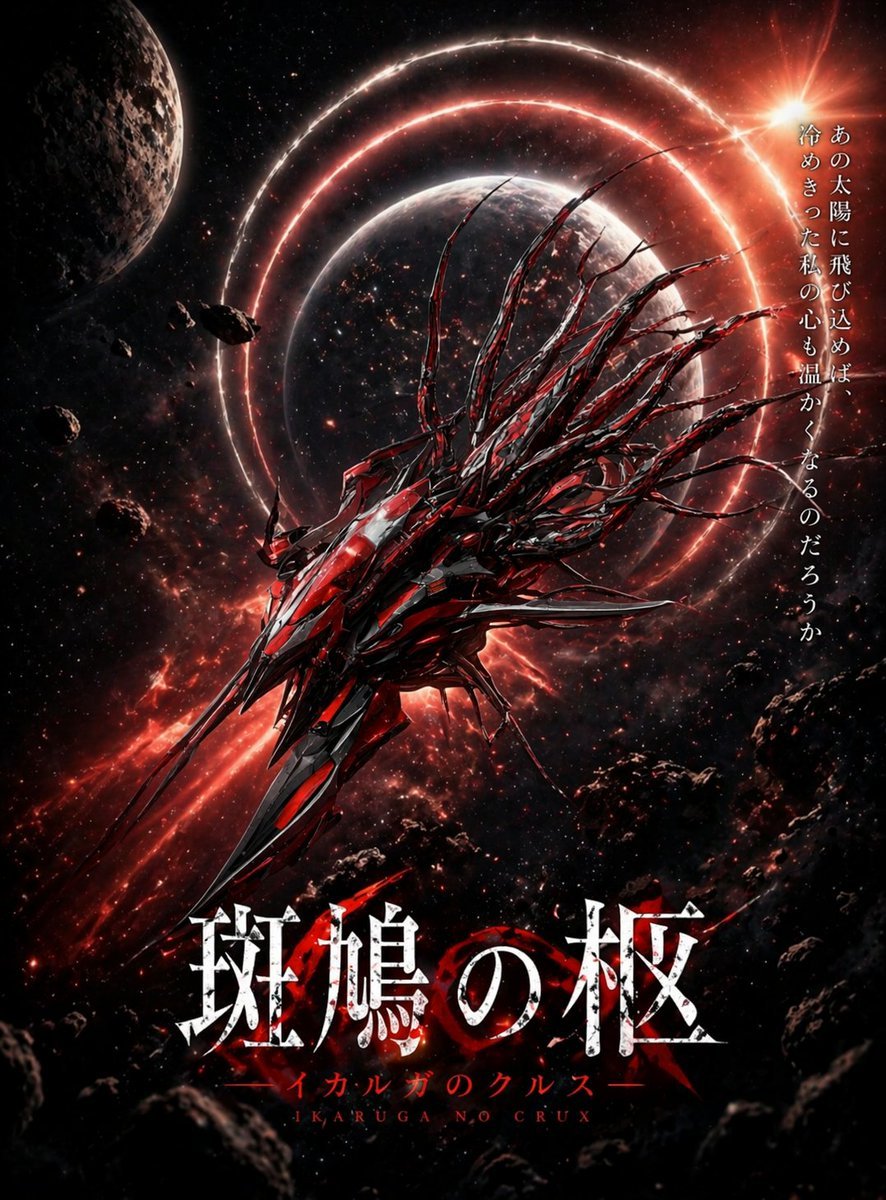
Crimson Space Opera Key Visual
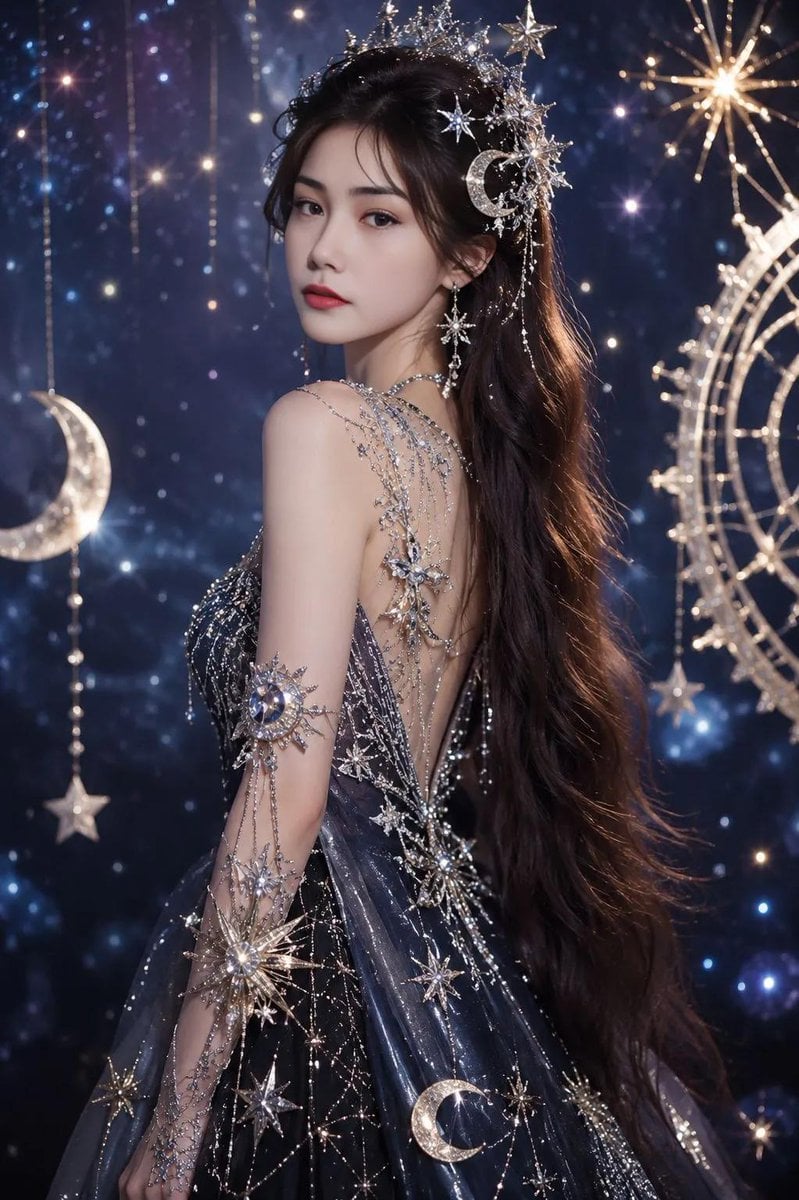
Celestial Fantasy Gown Portrait
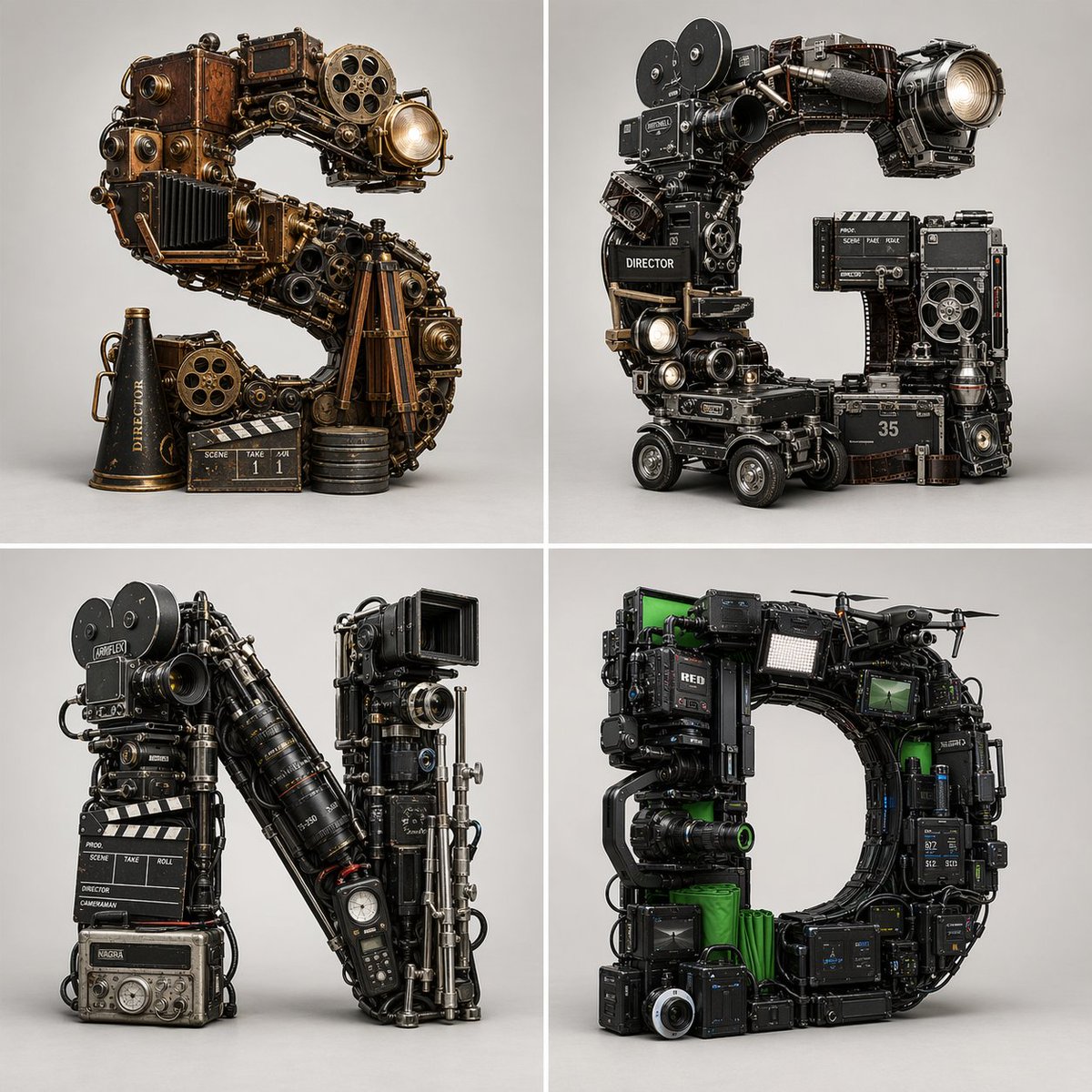
Filmmaking Eras Typographic Grid
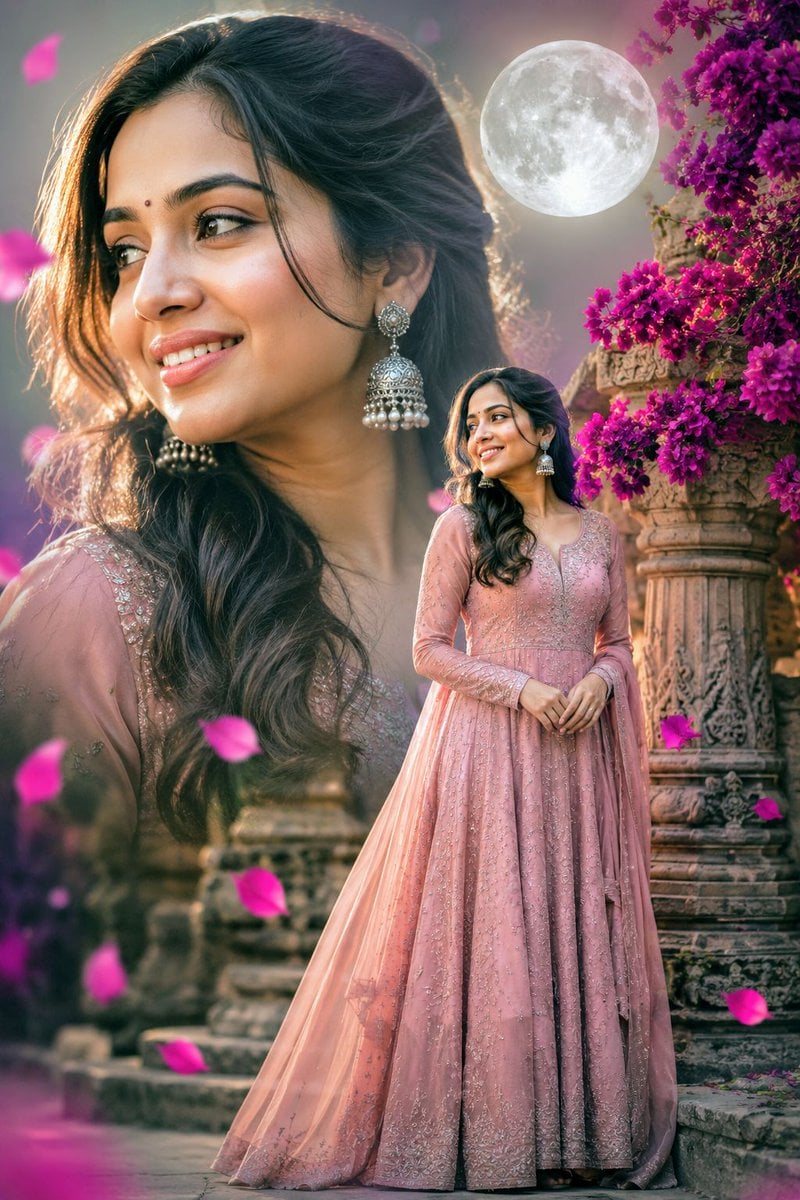
Double Exposure Indian Woman Portrait

Hollywood Haute Couture Fantasy Seedance
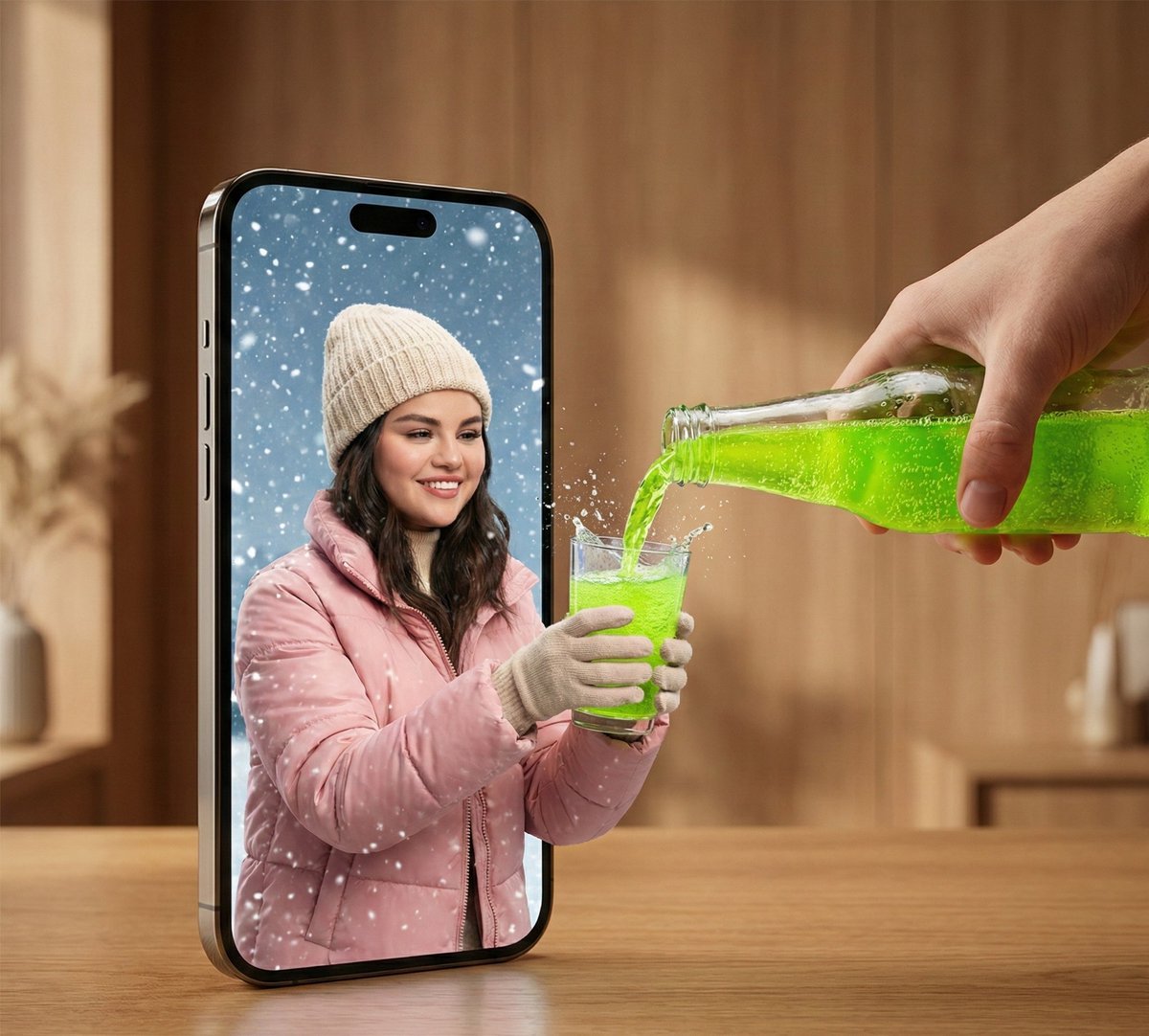
Surreal Smartphone Portal with Frozen Liquid Splash
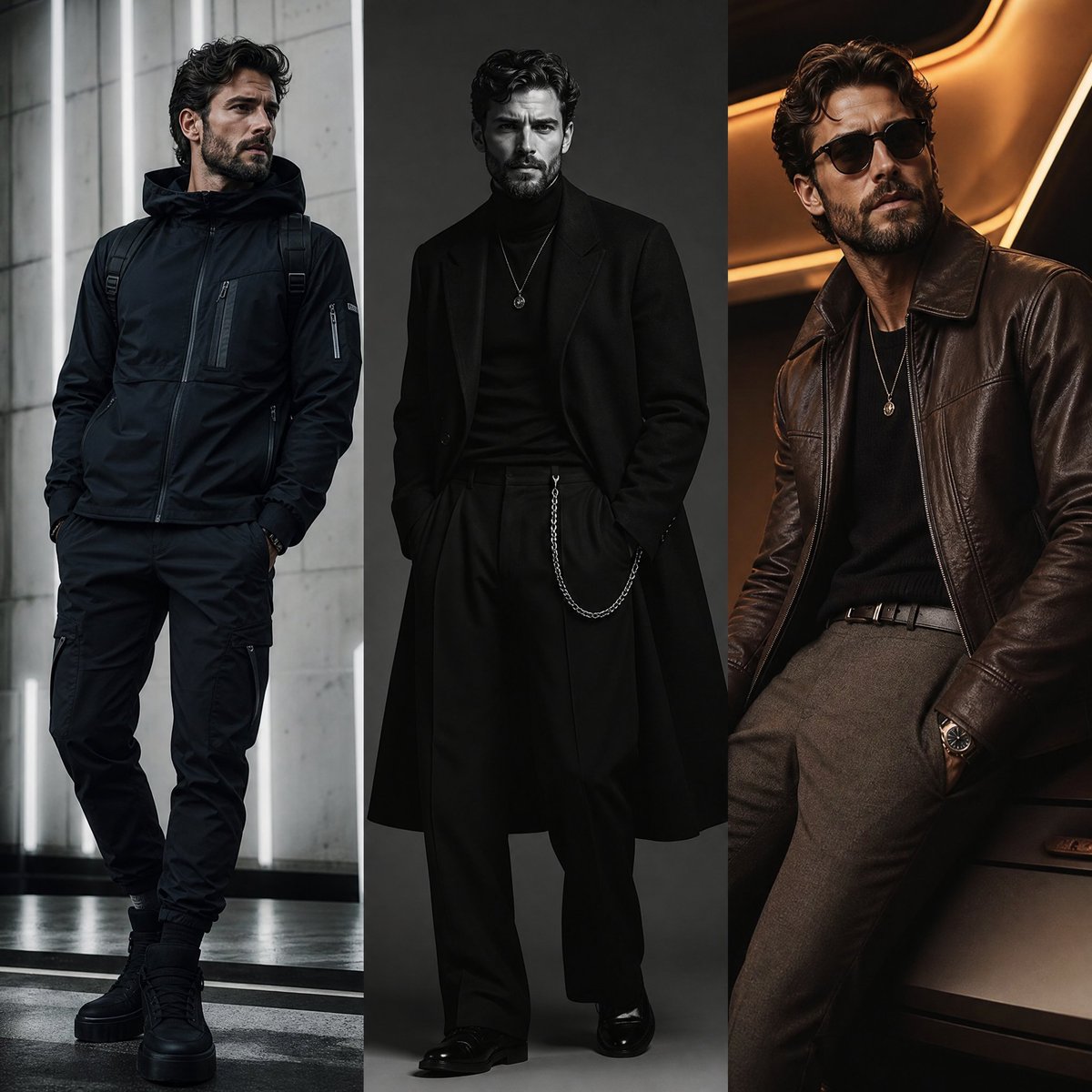
Three-Panel Fashion Campaign
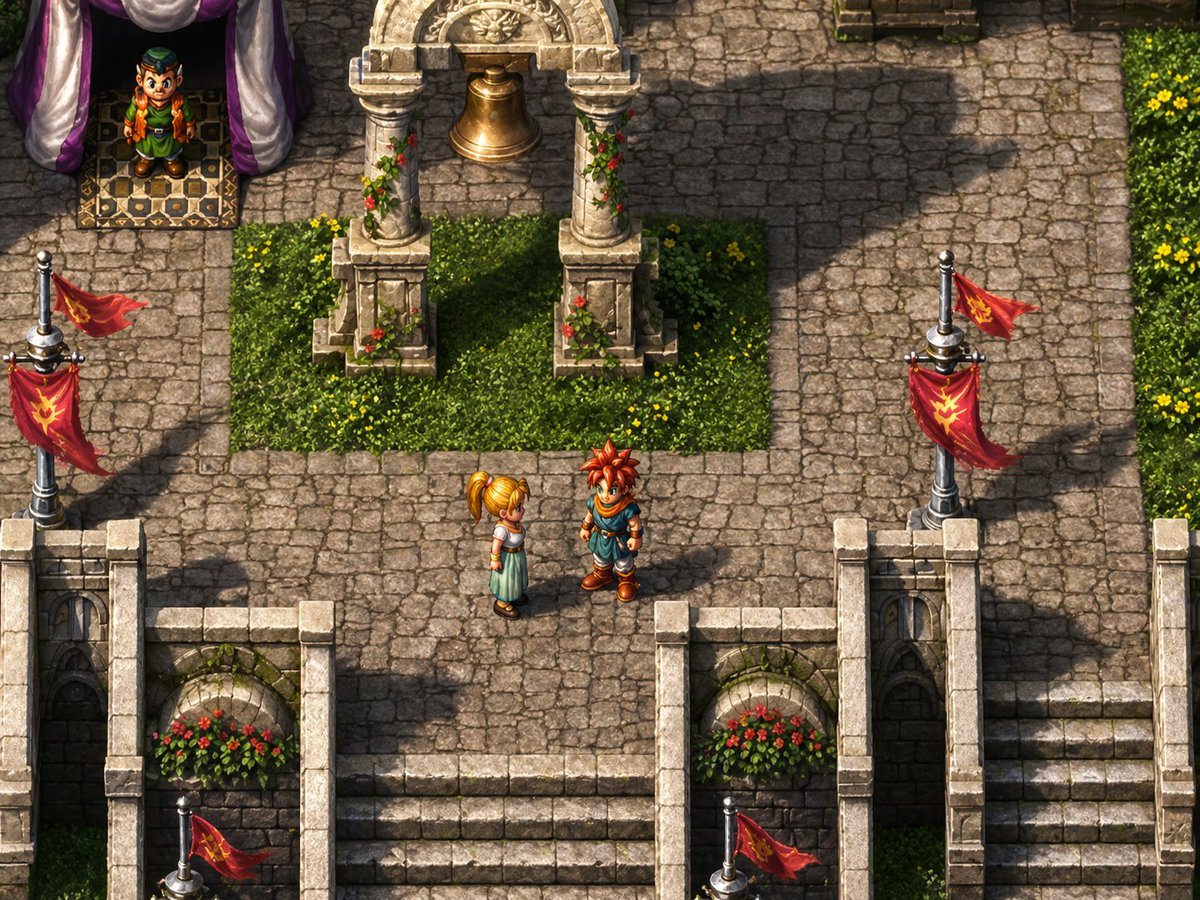
Isometric JRPG Town Plaza Scene
Browse template categories
Nano-banana Pro Persona Generation Prompt questions
How do I use the Nano-banana Pro Persona Generation Prompt template?
Add your photo if the template asks for one, edit the prompt if you like — the template's model and format are already selected — and press Generate. Your version opens in PicX Studio.
Can I customize the Nano-banana Pro Persona Generation Prompt template?
Yes. You can change the subject, setting, lighting, mood, format, and available model controls before creating your image.
Is the Nano-banana Pro Persona Generation Prompt template free?
Opening and editing this template is free. Generating uses credits, shown on the Generate button when you are signed in.
Which AI model should I use?
Start with Nano Banana 2, which is the model associated with this template. You can compare another compatible model for a different finish.
Looking for something else? Browse all templates.

Your photo, any look
Thousands of ready templates for every top image and video model, from one credit balance.