
8K High Fashion Portrait with Grapes
A structured JSON prompt for generating an 8K ultra-high-resolution, hyper-realistic, high-fashion outdoor portrait during golden hour.
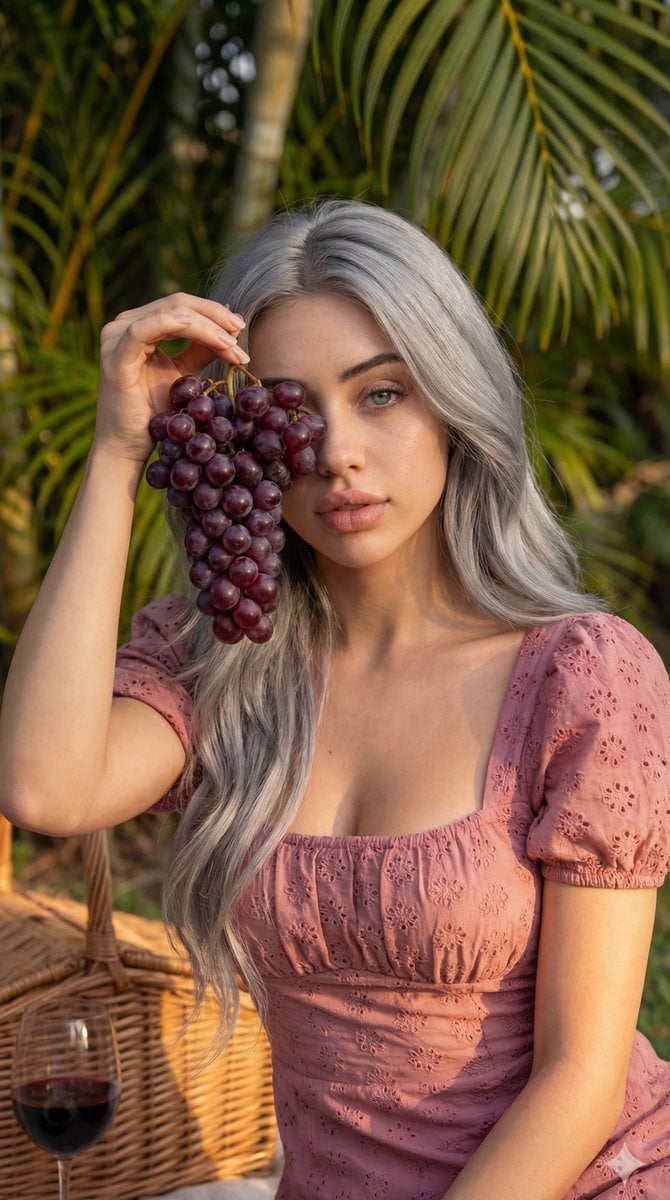
- Prompt included
- Model and format preset
- Free template
The prompt behind this image
Copy the exact prompt behind 8K High Fashion Portrait with Grapes, or open it in the studio and make it yours.
- Generation Request › Technical Parameters › Aspect Ratio
- 9:16
- Generation Request › Technical Parameters › Resolution Tier
- 8k ultra-high-resolution
- Generation Request › Technical Parameters › Realism Level
- ultra realistic details, hyper-realistic
- Generation Request › Technical Parameters › Photographic Style
- cinematic, high fashion photography, studio lighting, highly detailed
- Generation Request › Reference Image Constraints › Instruction
- Use same face and figure 100 percent as uploaded image
- Generation Request › Scene Composition › Shot Type
- close-up outdoor portrait
- Generation Request › Scene Composition › Framing Note
- captive shot
- Generation Request › Scene Composition › Foreground Elements
- wicker picnic basket, glass with red liquid
- Generation Request › Scene Composition › Background Elements
- bright green palm fronds
- Generation Request › Scene Composition › Background Focus
- soft-focus (bokeh)
- Generation Request › Subject Details › General
- beautiful woman
- Generation Request › Subject Details › Hair
- long, silver grey, wavy
- Generation Request › Subject Details › Eyes
- mesmerizing blue-green
- Generation Request › Subject Details › Attire › Garment
- dress
- Generation Request › Subject Details › Attire › Color
- dusty rose pink
- Generation Request › Subject Details › Attire › Fabric
- eyelet lace
- Generation Request › Subject Details › Attire › Style Notes
- puff-sleeved, square neckline
- Generation Request › Subject Details › Action Pose
- holding a large, ripe cluster of deep purple grapes over one side of her face, partially obscuring it
- Generation Request › Environment And Lighting › Setting
- lush tropical garden or park, picnic
- Generation Request › Environment And Lighting › Time Of Day
- golden-hour
- Generation Request › Environment And Lighting › Lighting Description
- Soft, warm, natural sunlight illuminating skin and textures of dress and grapes
Raw JSON
{
  "generation_request": {
    "technical_parameters": {
      "aspect_ratio": "9:16",
      "resolution_tier": "8k ultra-high-resolution",
      "realism_level": ["ultra realistic details", "hyper-realistic"],
      "photographic_style": ["cinematic", "high fashion photography", "studio lighting", "highly detailed"]
    },
    "reference_image_constraints": {
      "instruction": "Use same face and figure 100 percent as uploaded image"
    },
    "scene_composition": {
      "shot_type": "close-up outdoor portrait",
      "framing_note": "captive shot",
      "foreground_elements": [
        "wicker picnic basket",
        "glass with red liquid"
      ],
      "background_elements": [
        "bright green palm fronds"
      ],
      "background_focus": "soft-focus (bokeh)"
    },
    "subject_details": {
      "general": "beautiful woman",
      "hair": "long, silver grey, wavy",
      "eyes": "mesmerizing blue-green",
      "attire": {
        "garment": "dress",
        "color": "dusty rose pink",
        "fabric": "eyelet lace",
        "style_notes": ["puff-sleeved", "square neckline"]
      },
      "action_pose": "holding a large, ripe cluster of deep purple grapes over one side of her face, partially obscuring it"
    },
    "environment_and_lighting": {
      "setting": ["lush tropical garden or park", "picnic"],
      "time_of_day": "golden-hour",
      "lighting_description": "Soft, warm, natural sunlight illuminating skin and textures of dress and grapes"
    }
  }
}How to use 8K High Fashion Portrait with Grapes in 3 steps
- 1Upload ImagePNG, JPG or paste
Add your photo
Upload the photo the template builds on. The prompt, model and format are already set.
- 2…a portrait of your subject in softgolden-hour light, 85mm…
Personalize
Edit the subject and creative details for your destination.
- 3Generate
Generate
Press Generate — your image is created in PicX Studio, so you can compare it with the original and refine one variable at a time.
More like this
Templates with the same subject, style or setup. Open one to see its prompt.

Nano Banana 2 High Fashion Sports Campai

Couture Fashion Editorial Woman and Drag

Ive Yujin Fashion Portrait in Blue

Nano Banana 2 Editorial Fashion Portrait

Caution Tape Fashion — Industrial Editorial

Miniature Self Portrait Collage

Found Photograph: Us, 1970

80s Couple Studio Portrait

80s College Gate

1988 Mall Style

80s Polka Dot Saree

80s Bollywood Star
Make it yours
8K High Fashion Portrait with Grapes works as-is. These are the safest ways to change it without losing the look.
Swap the setting
Keep the rest of the prompt and replace the location block. The current setting is “bright green palm fronds”.
Swap the light
One lighting change is enough to compare takes. Current light: “lush tropical garden or park, picnic”.
Change one field
Copy a single group, rewrite it, and generate again so you can see what that field is doing.
| If the result… | Why | Fix |
|---|---|---|
| The result drifts from the preview | Too many fields changed at once. | Reuse 8K High Fashion Portrait with Grapes as-is first, then change one group — subject, light, or setting. |
| Nano Banana 2 ignores part of the JSON | Some models flatten or skip nested keys. | Keep the same values and paste them as a short paragraph instead. |
More Nano Banana 2 templates
Other prompts made for Nano Banana 2.

Photorealistic Leaf Shaped Like a Dragon

K-Pop Idol Portrait Grid for Rapid Selection

Poetic Rain Forest Portrait During Golden Hour

Urban Street Portrait with Cartoon Inner Self Duo

Candid Nighttime Photo with Cat Prompt

High-Concept 3D Diorama Generation Prompt

Cinematic Futuristic Studio Portrait Template

Skincare Editorial Photography Collage Prompt

Hyper-Realistic Commercial Product Photography (Splash Effect)

Hyper-Realistic Nightclub Portrait Prompt
More image prompts
Fresh picks from across the catalog.
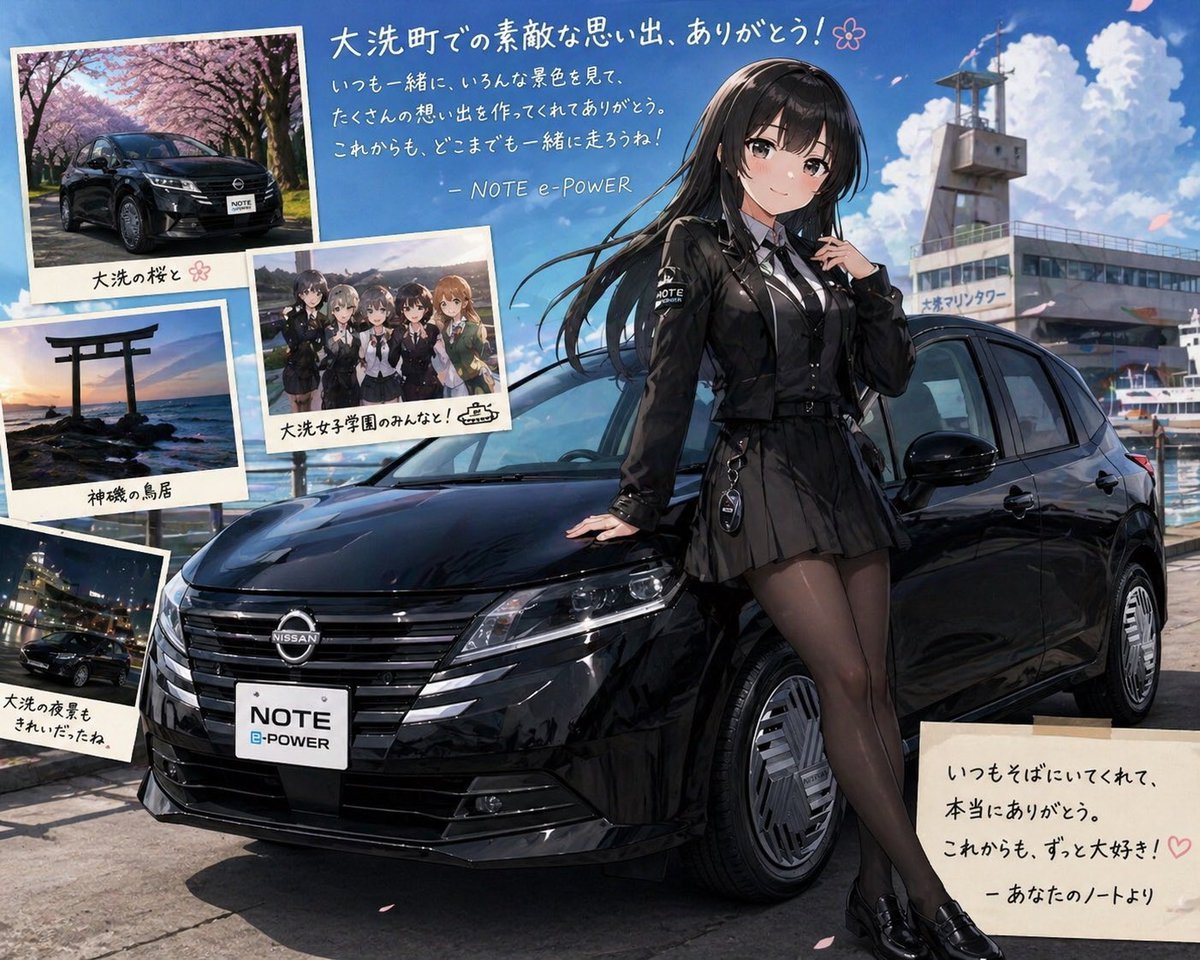
Anime Car Personification Tribute Poster
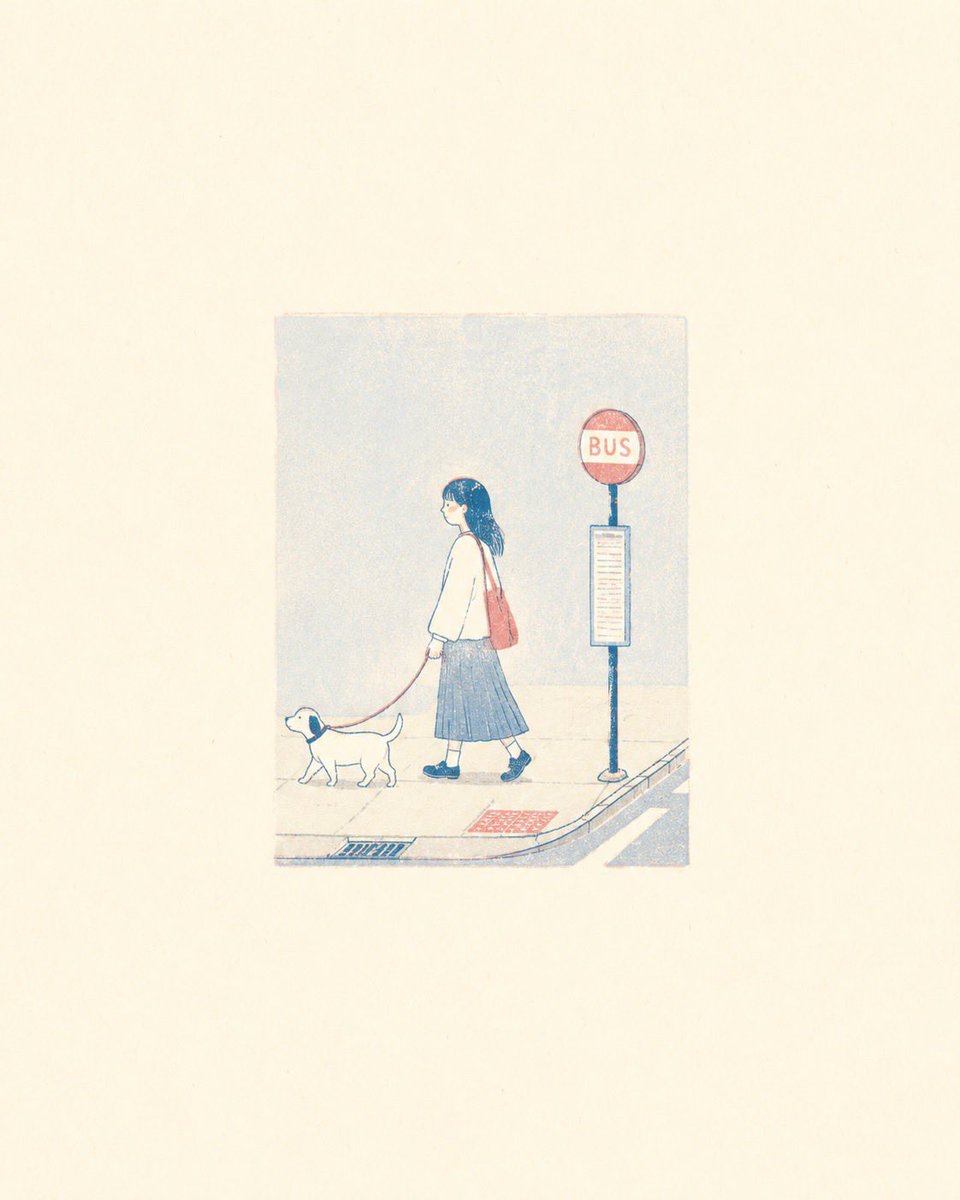
Minimalist Risograph Poetic Style
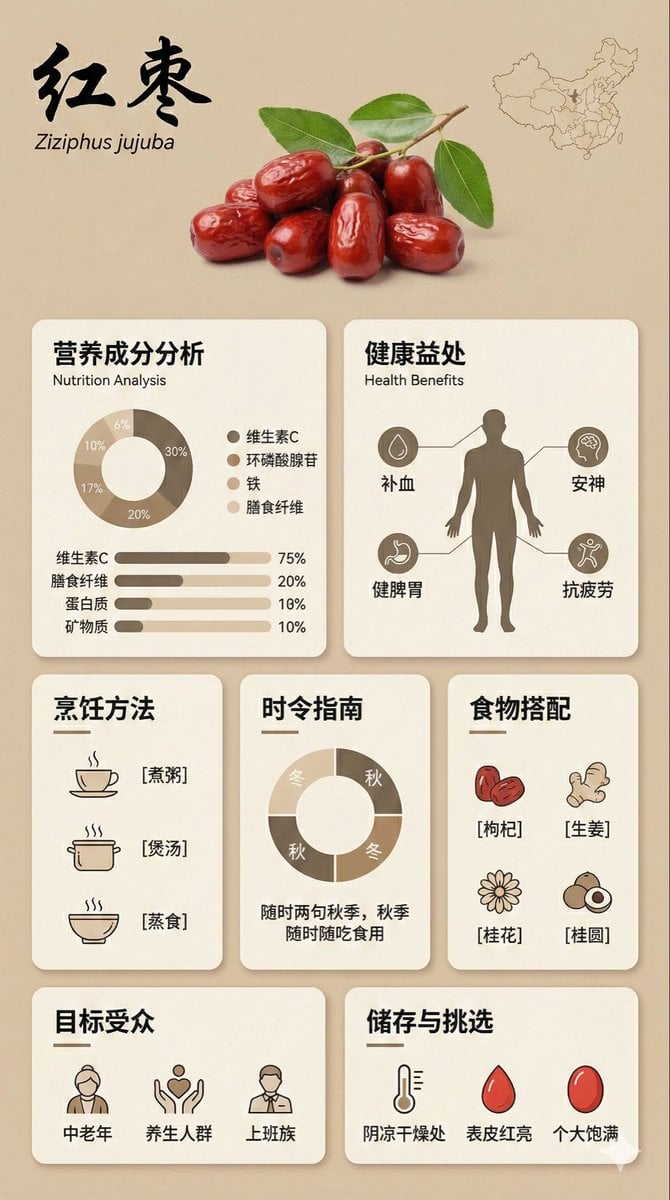
Bento Grid Infographic Prompt for Food Science
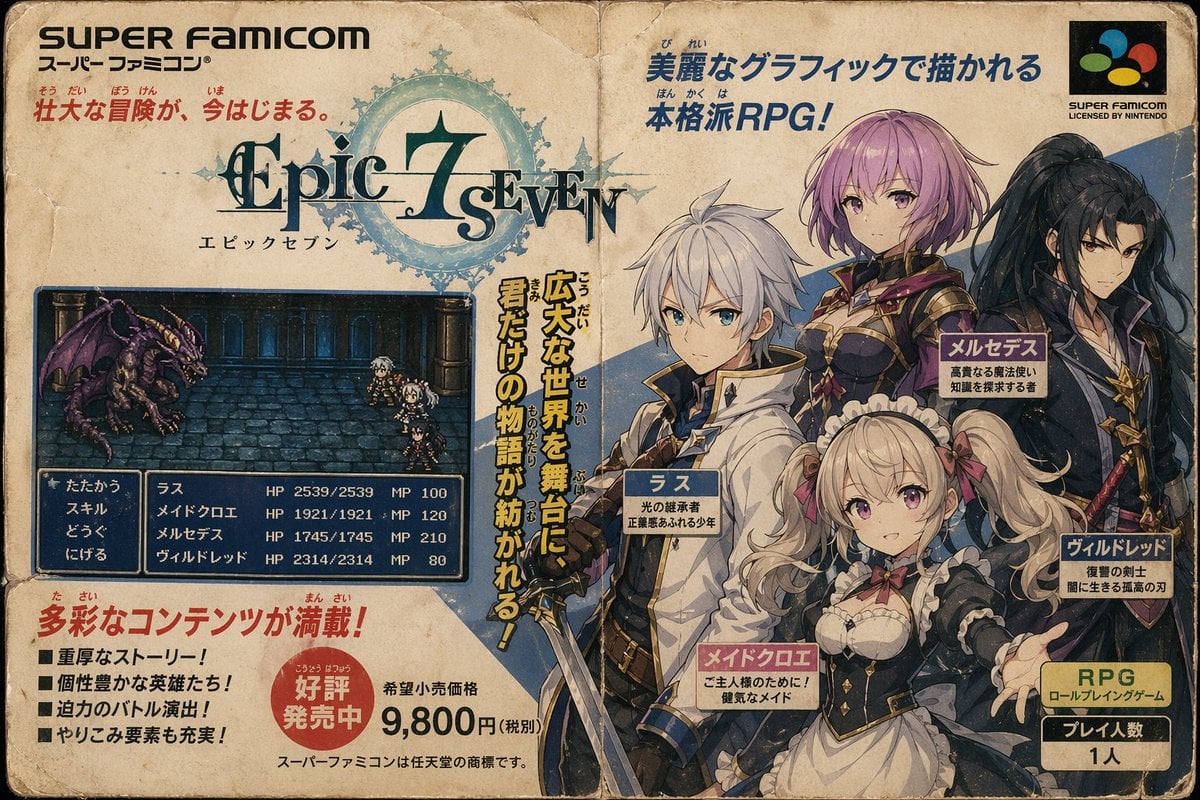
Retro Super Famicom RPG Ad
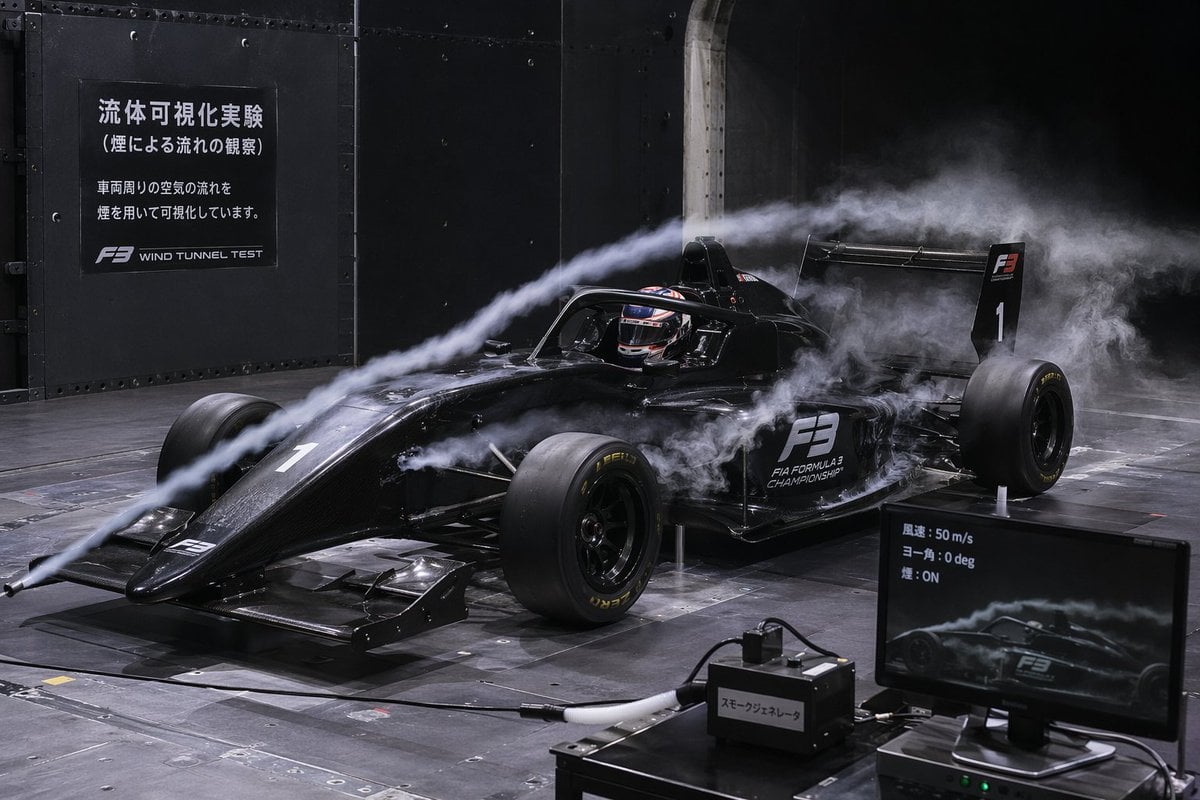
F3 Wind Tunnel Aerodynamic Test
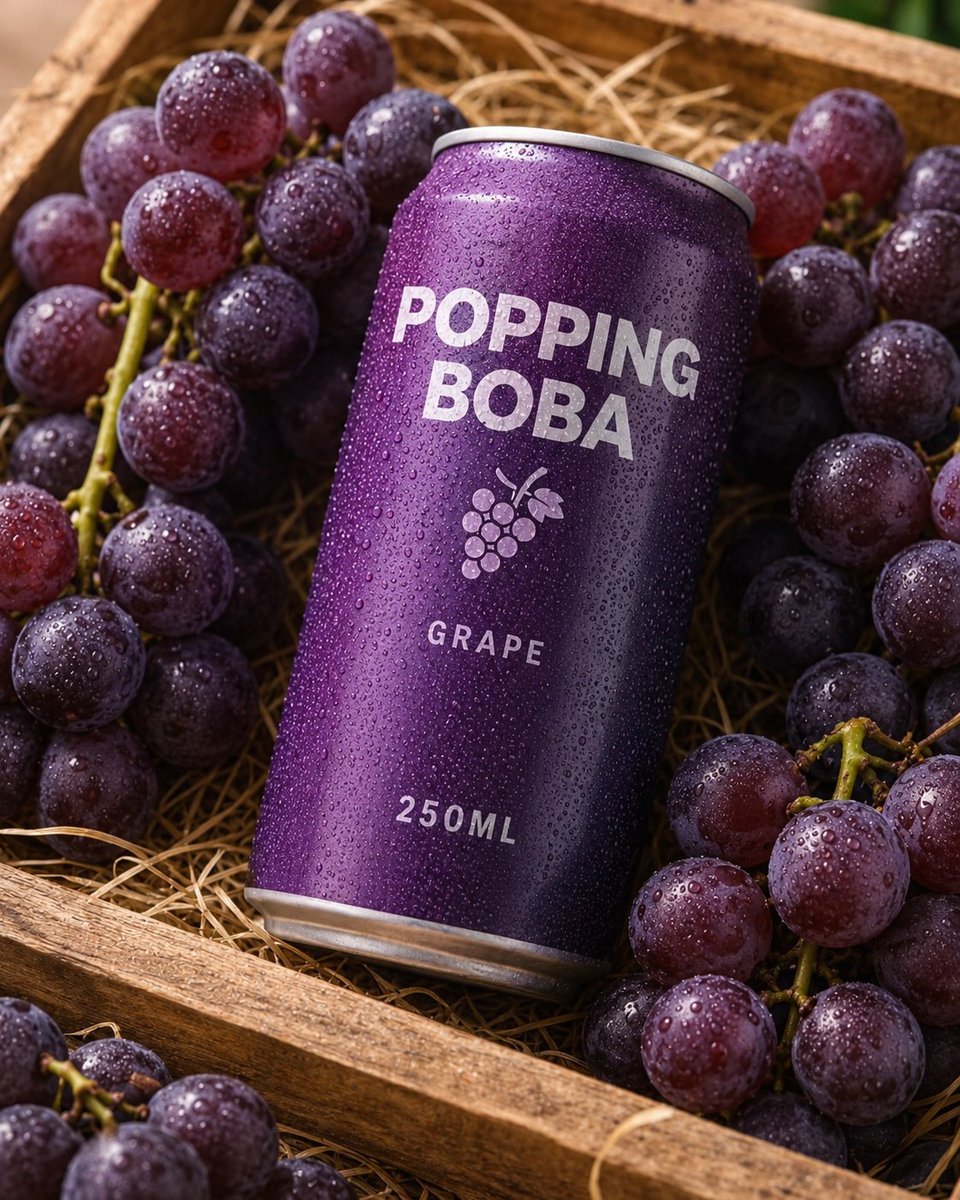
Splash Hero Beverage Photography
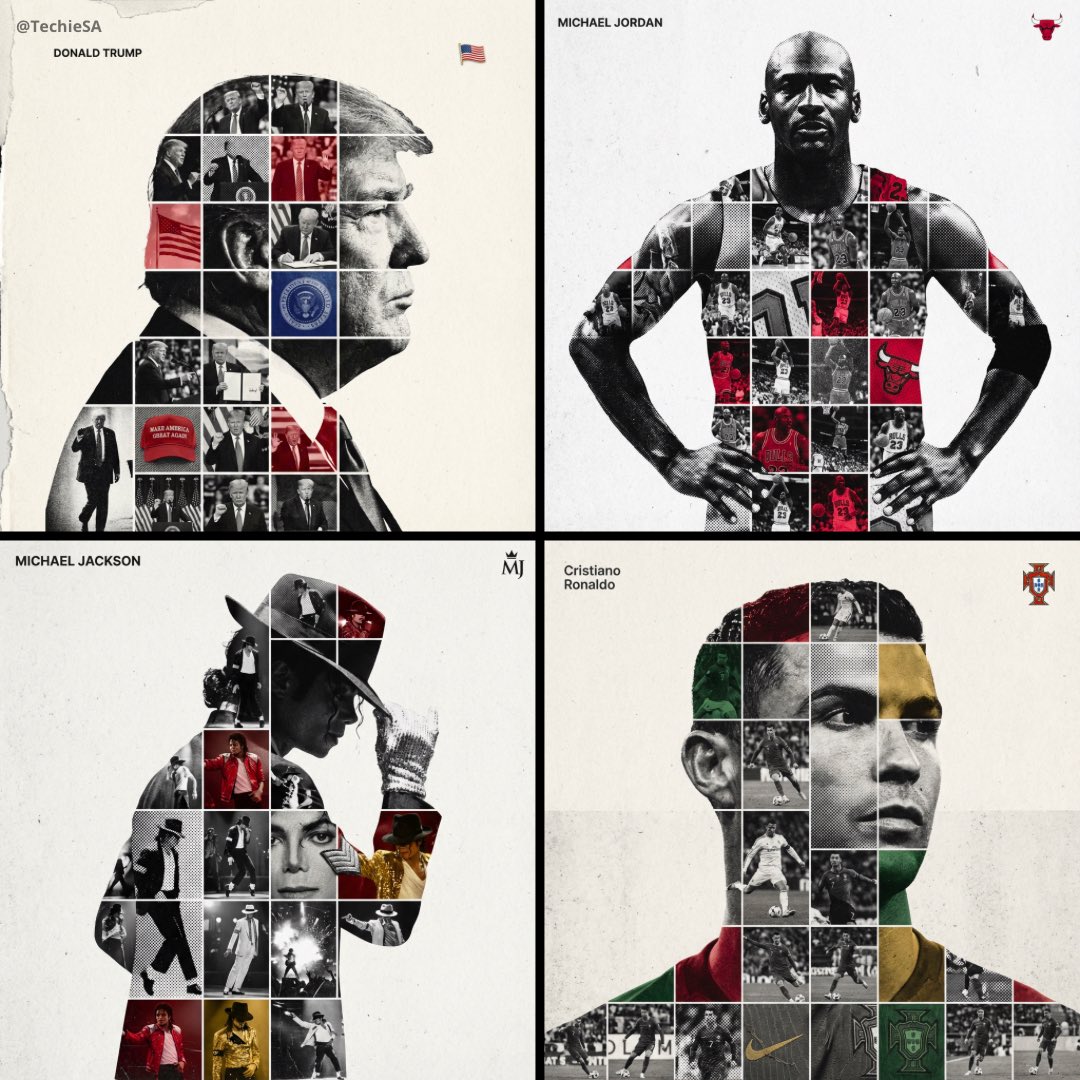
Mixed Media Sports Tribute
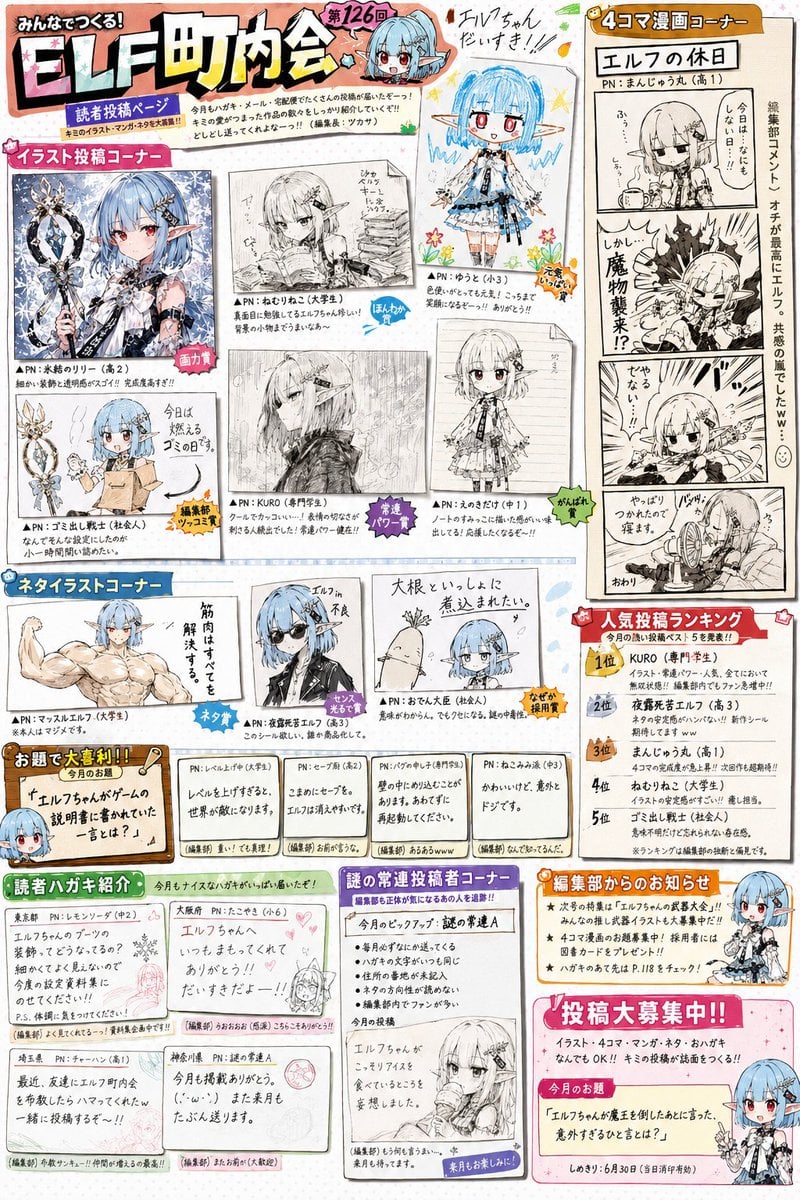
Retro Magazine Reader Submission Page
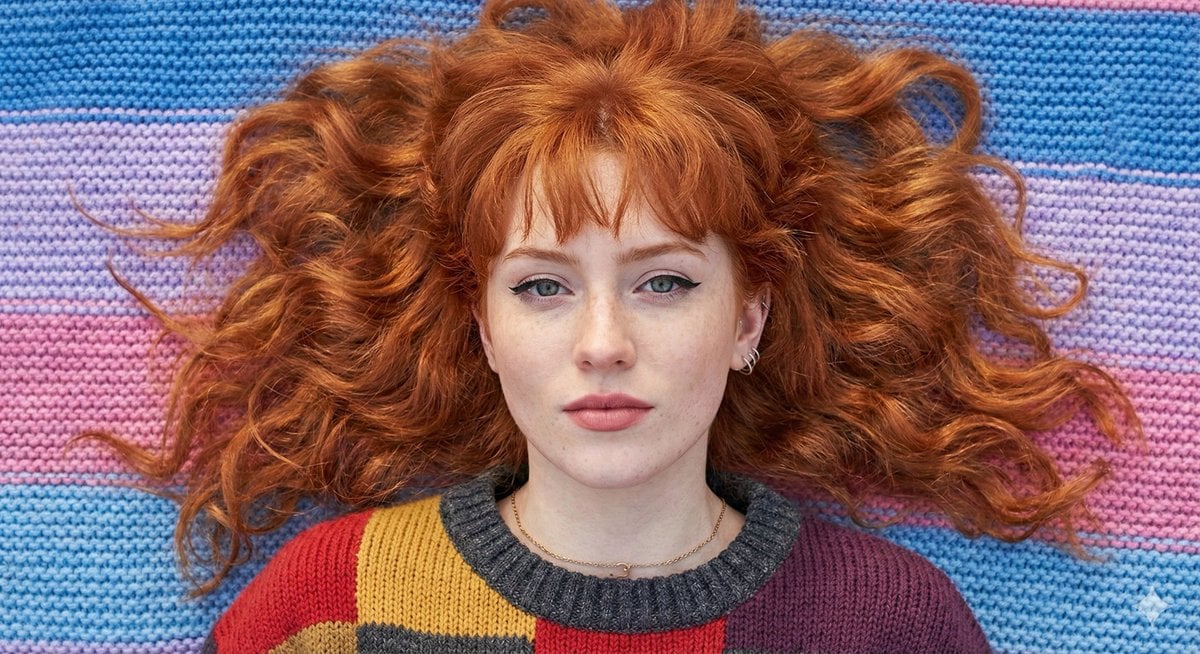
Flat Lay Portrait of a Ginger Woman on a Rainbow Blanket
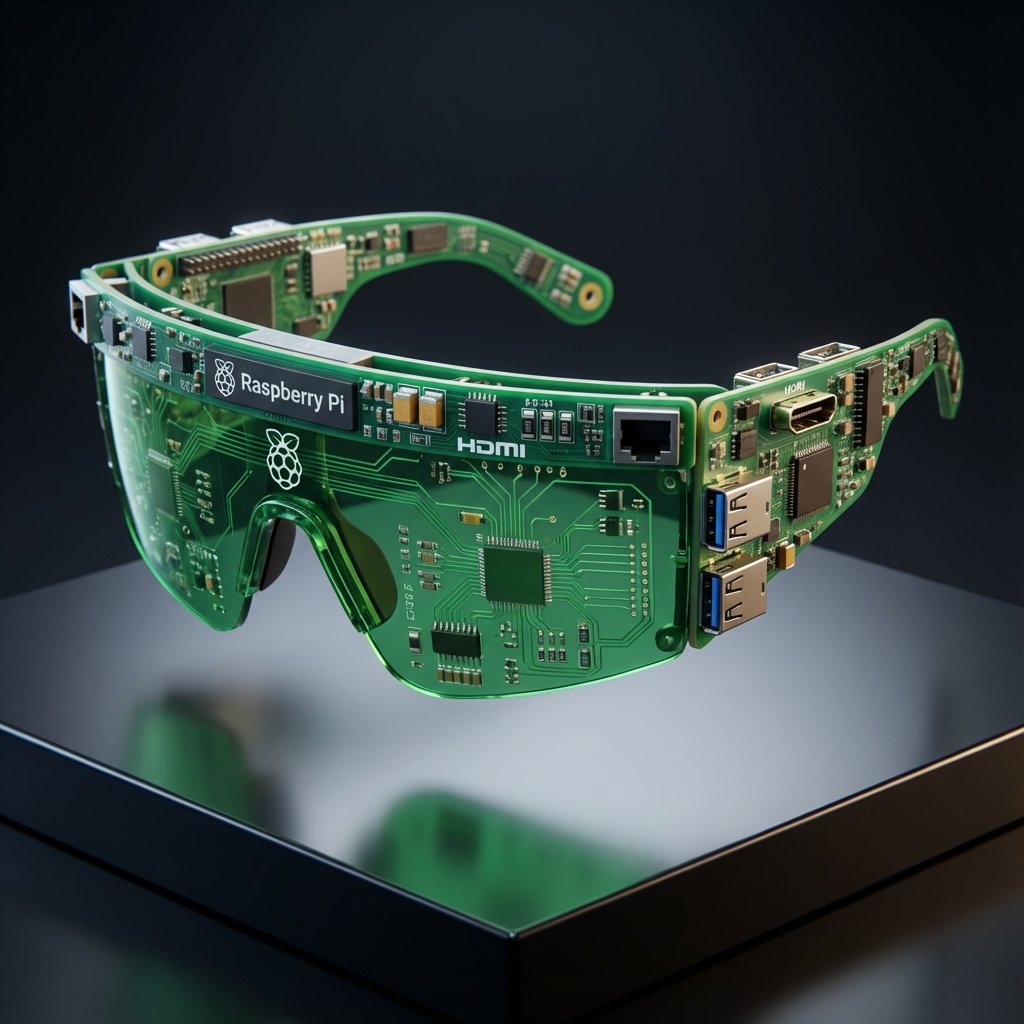
Streetwear Algorithm AI: Object-to-Wearable Conversion
Browse template categories
8K High Fashion Portrait with Grapes questions
How do I use the 8K High Fashion Portrait with Grapes template?
Add your photo if the template asks for one, edit the prompt if you like — the template's model and format are already selected — and press Generate. Your version opens in PicX Studio.
Can I customize the 8K High Fashion Portrait with Grapes template?
Yes. You can change the subject, setting, lighting, mood, format, and available model controls before creating your image.
Is the 8K High Fashion Portrait with Grapes template free?
Opening and editing this template is free. Generating uses credits, shown on the Generate button when you are signed in.
Which AI model should I use?
Start with Nano Banana 2, which is the model associated with this template. You can compare another compatible model for a different finish.
Looking for something else? Browse all templates.

Your photo, any look
Thousands of ready templates for every top image and video model, from one credit balance.