
Exaggerated Hourglass Figure in Grocery Aisle
A highly specific JSON prompt for Nano Banana Pro detailing a vertical photograph of a young woman with an extremely exaggerated 'slim-thick' hourglass figure posing in a grocery store aisle.
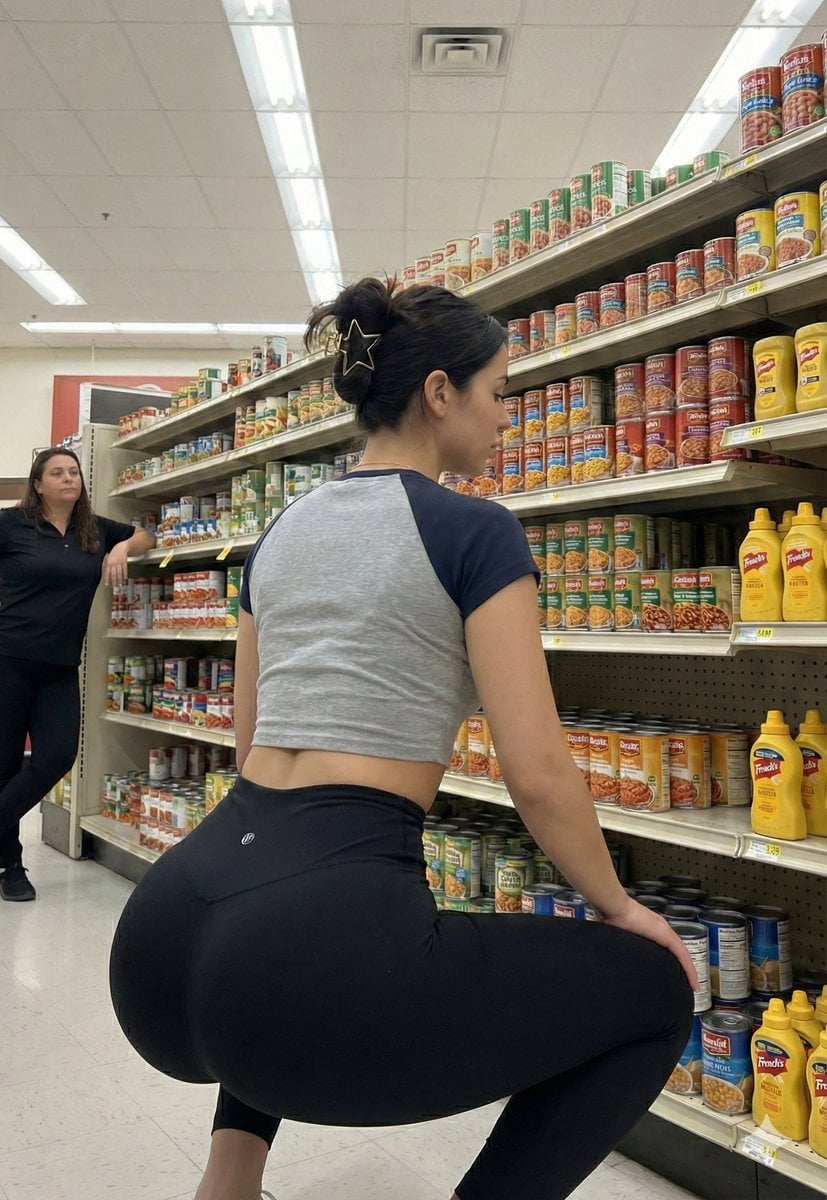
- Prompt included
- Model and format preset
- Free template
The prompt behind this image
Copy the exact prompt behind Exaggerated Hourglass Figure in Grocery Aisle, or open it in the studio and make it yours.
{ “subject”: { “description”: “A vertical photograph of a strikingly beautiful young woman with an exaggerated curvy build posing in a grocery store aisle.”, “body”: { “physique”: “She possesses an incredibly exaggerated ‘slim-thick’ hourglass figure. Her waist is extremely tiny and snatched, transitioning dramatically into massively prominent, round, and wide glutes and thick, shapely thighs. The contrast between her very small waist and exaggerated lower body is the defining feature.”, “pose”: “Standing with her back toward the camera, twisting her torso to look back over her right shoulder directly at the viewer. Her hands are placed on her hips/waistband, emphasizing the extreme curve of her lower back and glutes.”, “features”: “Dark hair pulled up in a casual messy bun with a gold star-shaped hair clip. Her face is strikingly beautiful and gorgeous but with realistic skin texture, natural pores, and genuine features, not looking artificial or like porcelain. Her arms are bare and have NO tattoos.” } }, “wardrobe”: { “outfit”: “She is wearing a grey cropped t-shirt with contrasting dark navy blue short sleeves that hugs her upper body. On her lower body, she wears fitted black athletic leggings that stretch tightly over her exaggerated curves.” }, “pose_action”: “Posing for a photo in a supermarket aisle, looking back over her shoulder to showcase her physique.”, “scene”: { “environment”: “A well-lit grocery store or supermarket aisle.”, “elements”: “The background features metal shelves stocked with various canned goods and mustard bottles. To the left, in the background, the other woman with dark hair wearing a black shirt is visible, leaning on a shelf.”, “composition”: “Vertical 9:16 aspect ratio. A medium-full shot capturing the subject from the knees up.” }, “lighting”: { “setup”: “Functional overhead fluorescent store lighting.”, “details”: “The lighting is bright and highlights the realistic texture of her skin and the contours of her body in the leggings.” }, “camera”: { “technical”: “High-resolution photograph. Sharp focus on the main subject. Realistic, candid style.”, “aspect_ratio”: “9:16”, “constraints”: [ “CRITICAL: The subject must have the specific EXAGGERATED hourglass physique with a tiny waist and massive glutes.”, “CRITICAL: The face must be incredibly beautiful but REALISTIC, not doll-like.”, “CRITICAL: There must be NO TATTOOS on her arms.”, “CRITICAL: Include the star hair clip, specific outfit, and the background with the second woman.”, “The final image must be a photorealistic vertical 9:16 photograph.” ] } }
How to use Exaggerated Hourglass Figure in Grocery Aisle in 3 steps
- 1
Open
The prompt is already in the box next to the preview, with the template's model and format selected.
- 2…a portrait of your subject in softgolden-hour light, 85mm…
Personalize
Edit the subject and creative details for your destination.
- 3Generate
Generate
Press Generate — your image is created in PicX Studio, so you can compare it with the original and refine one variable at a time.
More like this
Templates with the same subject, style or setup. Open one to see its prompt.
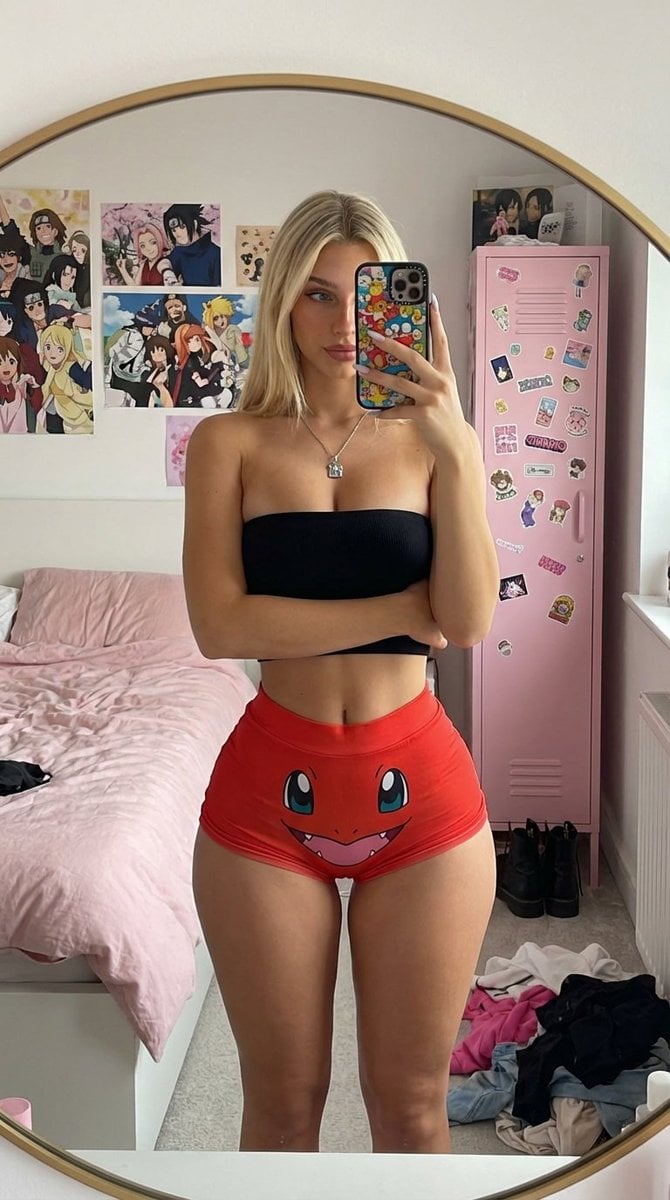
Mirror Selfie with Exaggerated Hourglass Figure and Charmander Shorts

Grocery Aisle Disaster Film Photo
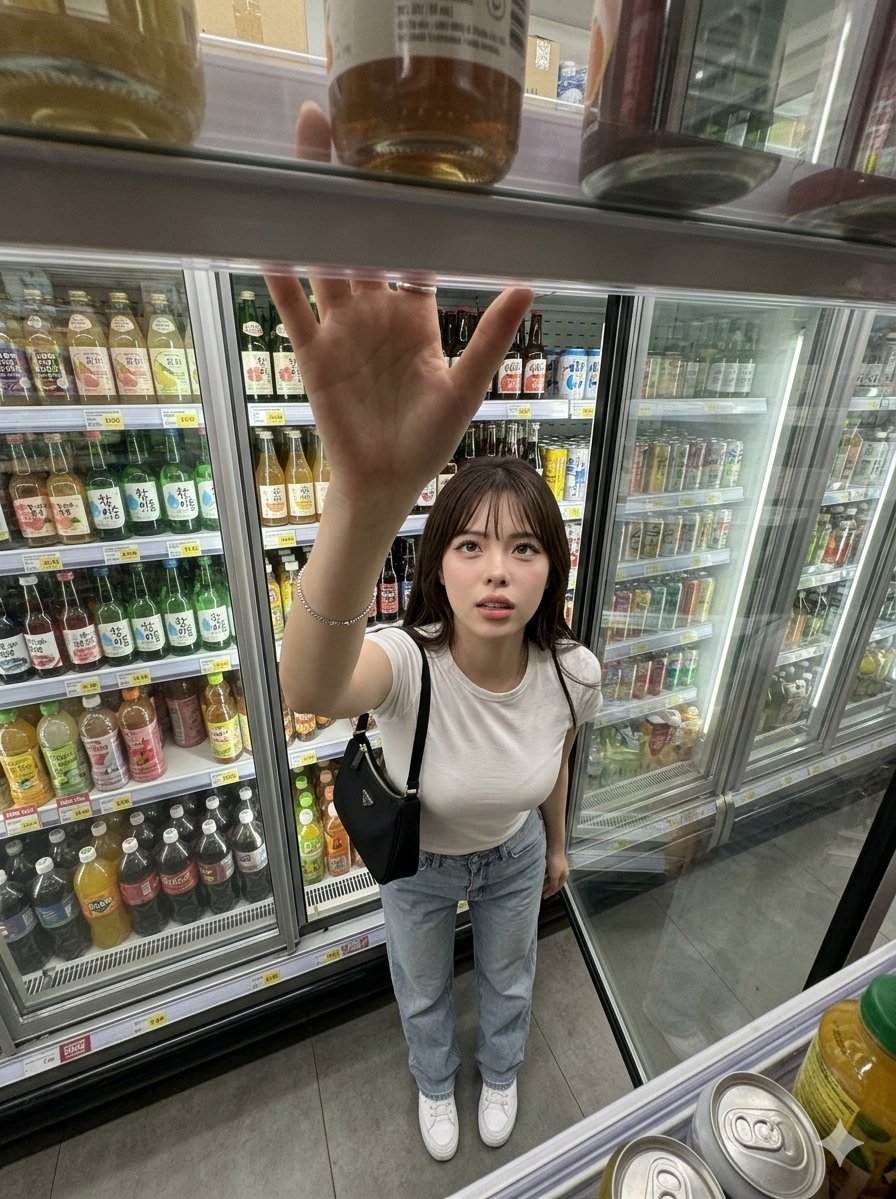
Candid Grocery Store Aisle Selfie
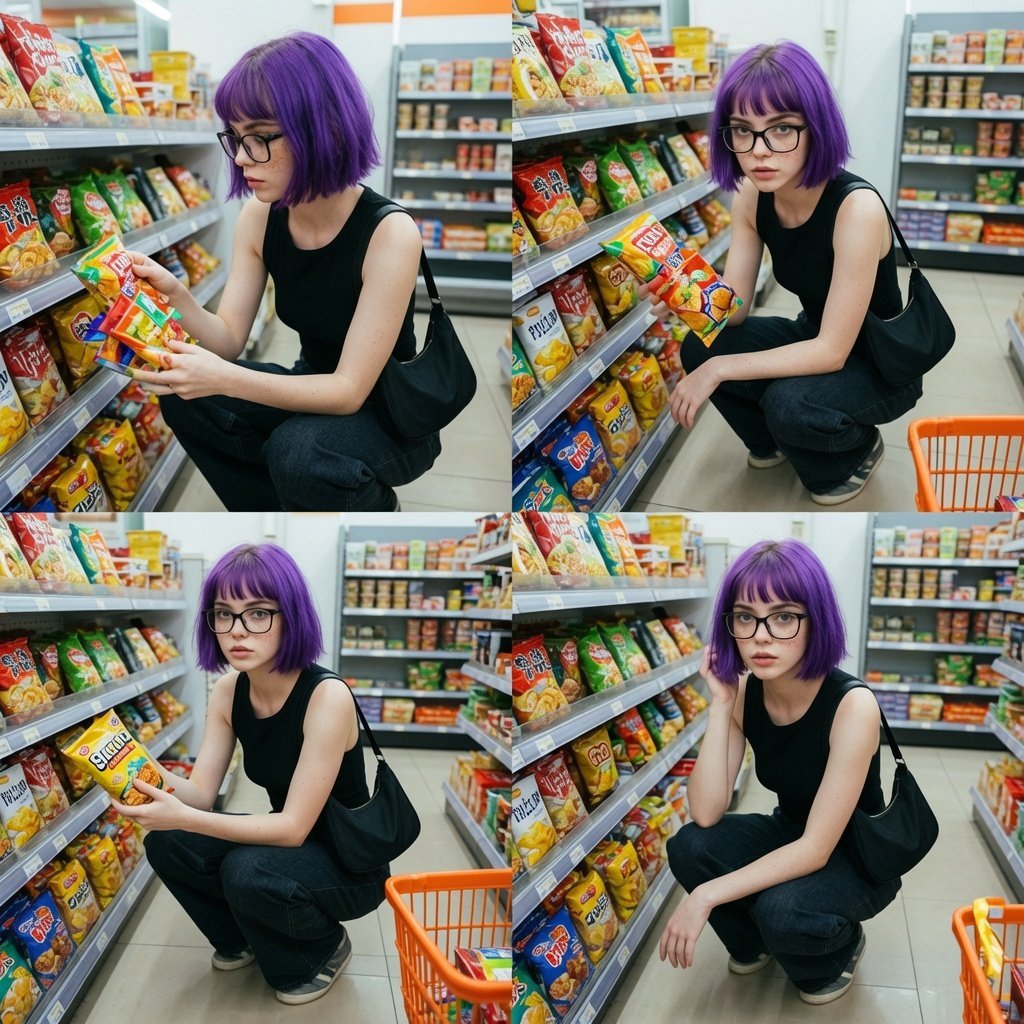
Grocery Store Aisle Lifestyle Photography
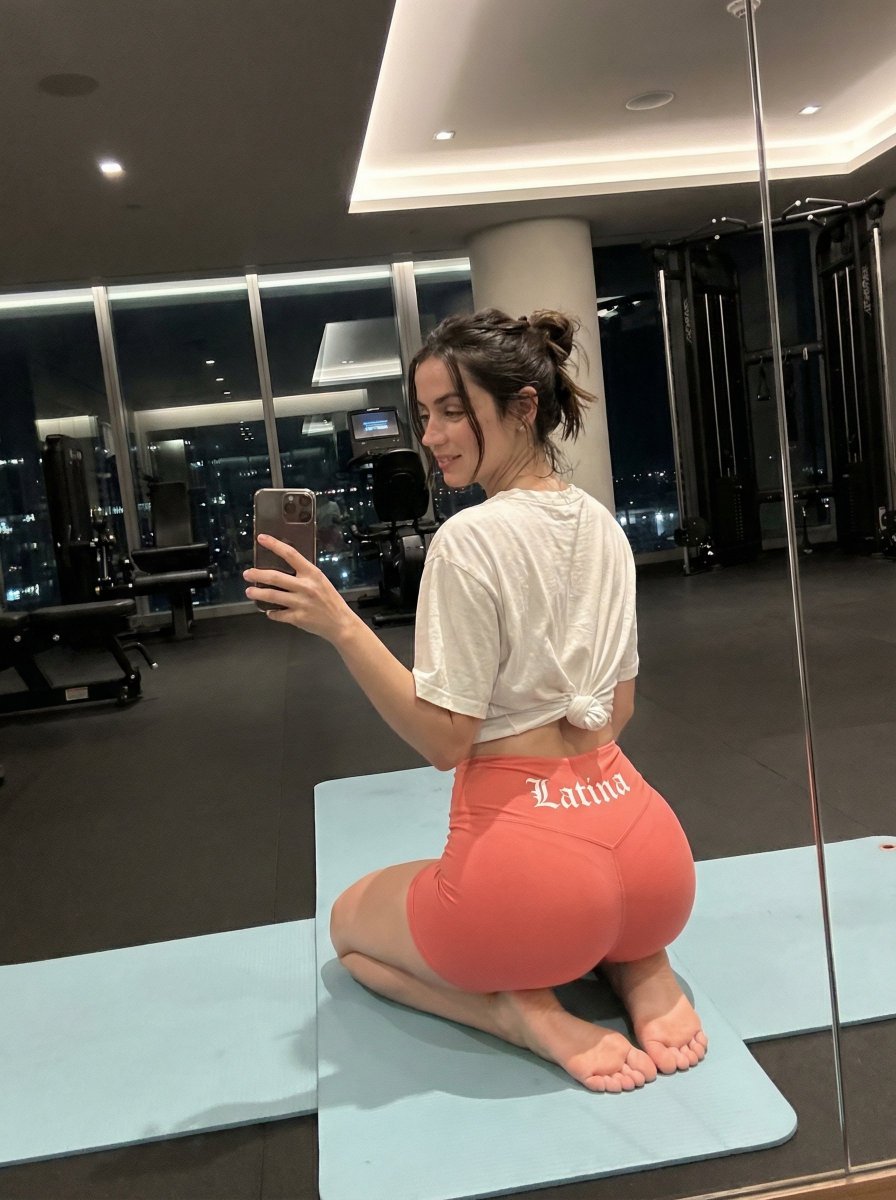
Exaggerated Hourglass Gym Selfie Prompt
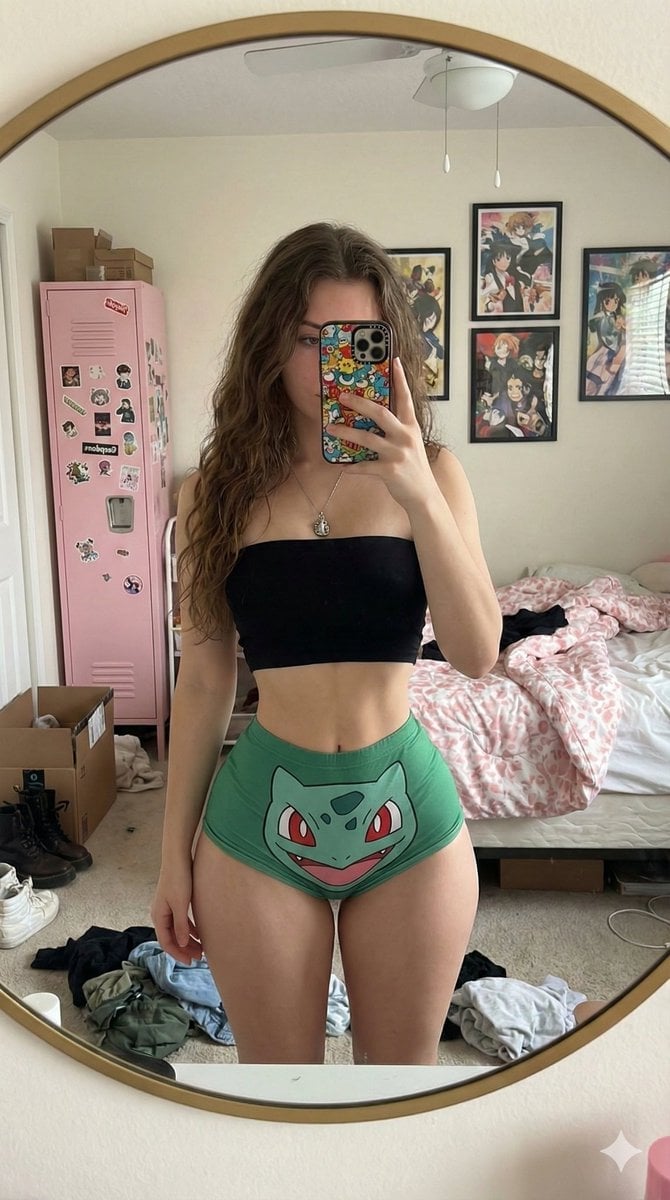
Exaggerated Hourglass Mirror Selfie Prompt
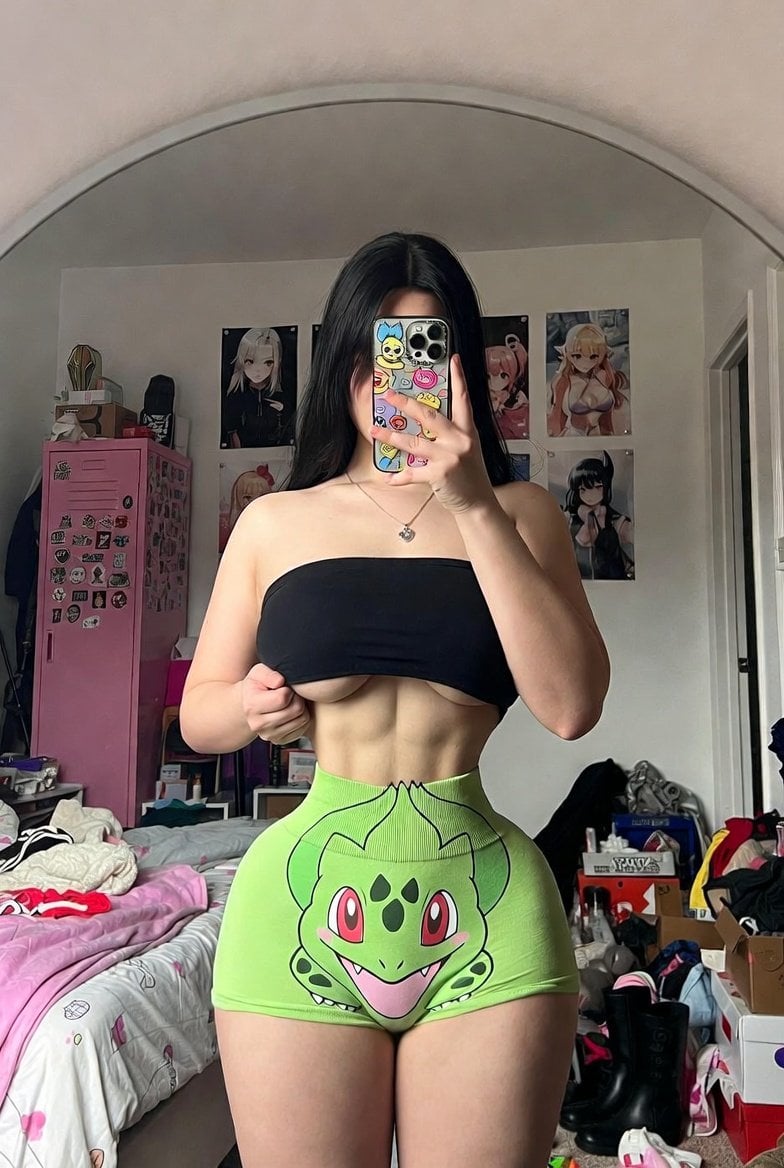
Candid Mirror Selfie with Exaggerated Figure and Cluttered Room
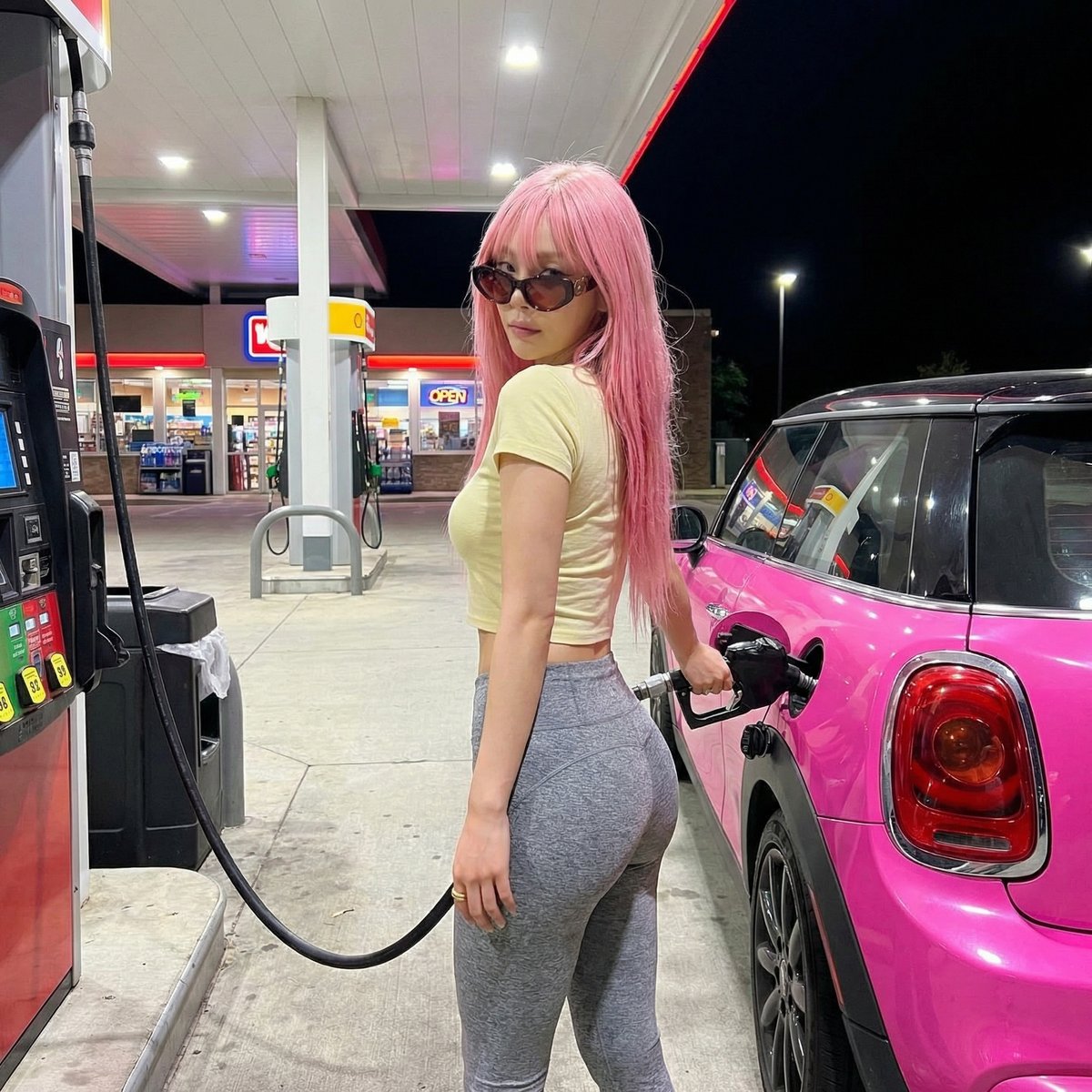
Exaggerated Curvy Figure at Gas Station

Day and Night Beach Hourglass
Make it yours
Exaggerated Hourglass Figure in Grocery Aisle works as-is. These are the safest ways to change it without losing the look.
Change one field
Copy a single group, rewrite it, and generate again so you can see what that field is doing.
Keep the frame, change the subject
Hold the composition and light of Exaggerated Hourglass Figure in Grocery Aisle, then swap wardrobe, props or the person for a new take.
| If the result… | Why | Fix |
|---|---|---|
| The result drifts from the preview | Too many fields changed at once. | Reuse Exaggerated Hourglass Figure in Grocery Aisle as-is first, then change one group — subject, light, or setting. |
| The model over-stylizes the scene | The prose prompt leaves finish and camera underspecified. | Add one camera or lighting sentence and stay on Nano Banana 2. |
More Nano Banana 2 templates
Other prompts made for Nano Banana 2.

Photorealistic Leaf Shaped Like a Dragon

K-Pop Idol Portrait Grid for Rapid Selection

Poetic Rain Forest Portrait During Golden Hour

Urban Street Portrait with Cartoon Inner Self Duo

Candid Nighttime Photo with Cat Prompt

High-Concept 3D Diorama Generation Prompt

Cinematic Futuristic Studio Portrait Template

Skincare Editorial Photography Collage Prompt

Hyper-Realistic Commercial Product Photography (Splash Effect)

Hyper-Realistic Nightclub Portrait Prompt
More image prompts
Fresh picks from across the catalog.
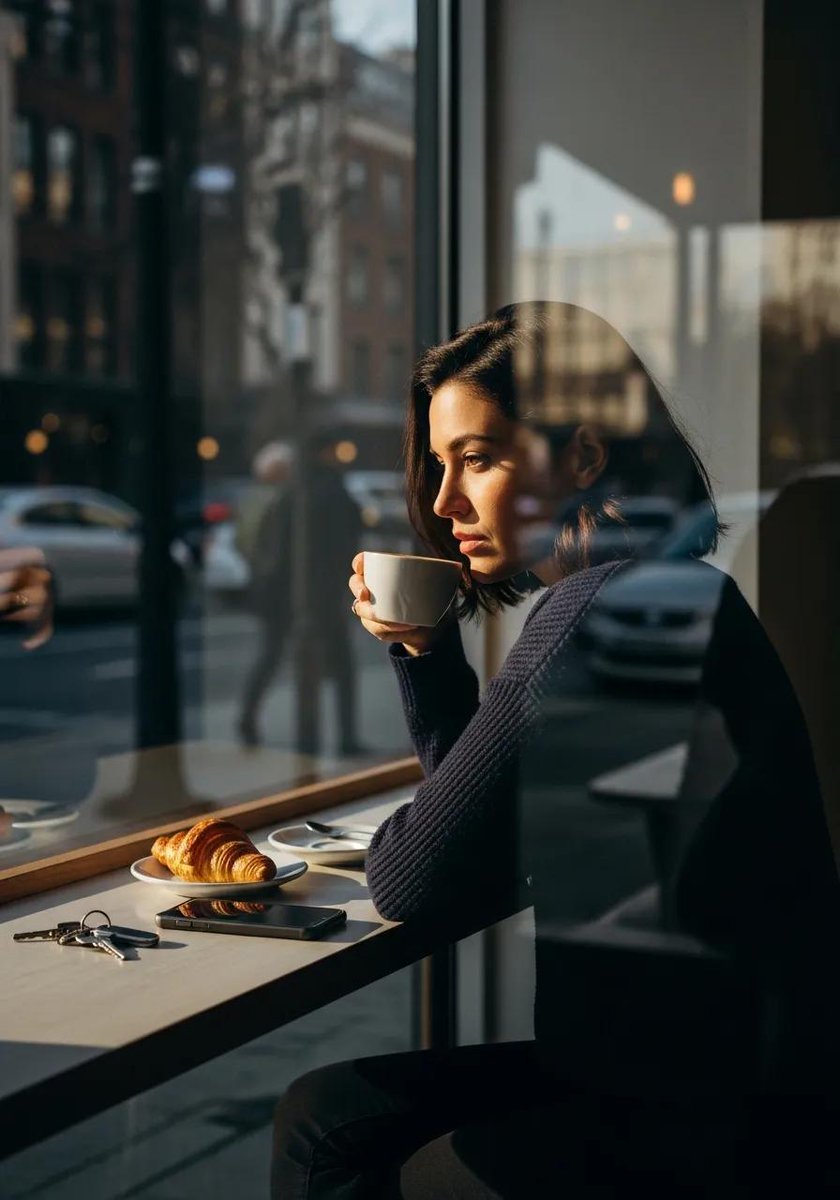
Ultra-realistic cinematic lifestyle photograph of a reflective woman in an urban café

Cinematic Music Festival Poster
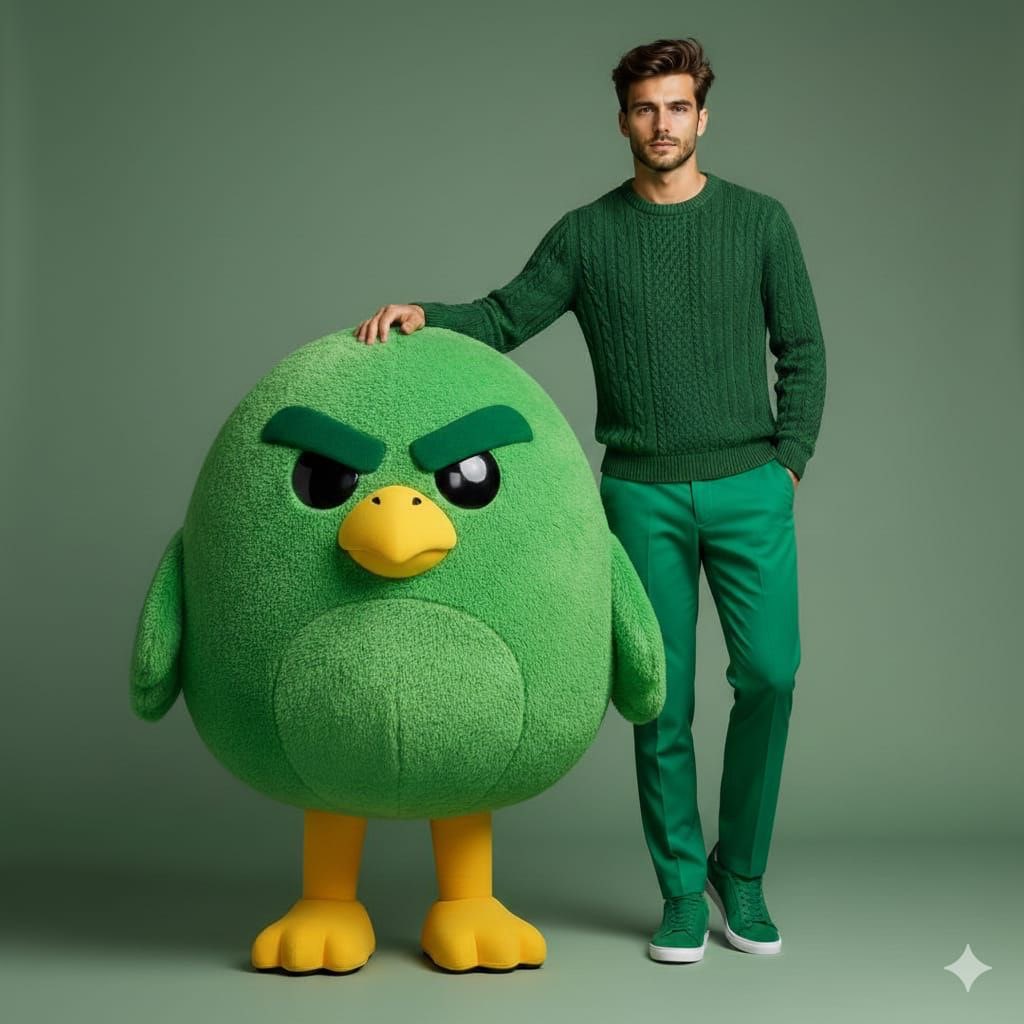
High-end fashion portrait with plush cartoon mascot

Cyberpunk Robot Encounter
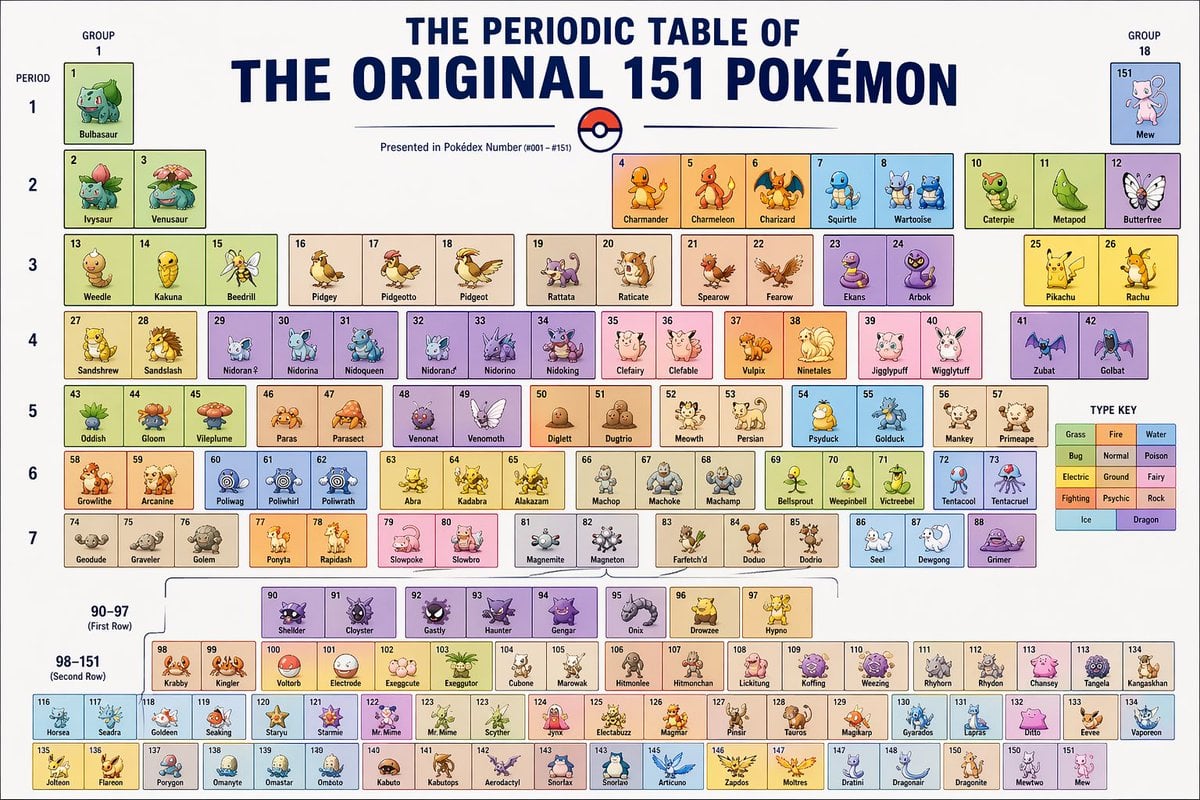
Themed Periodic Table Design
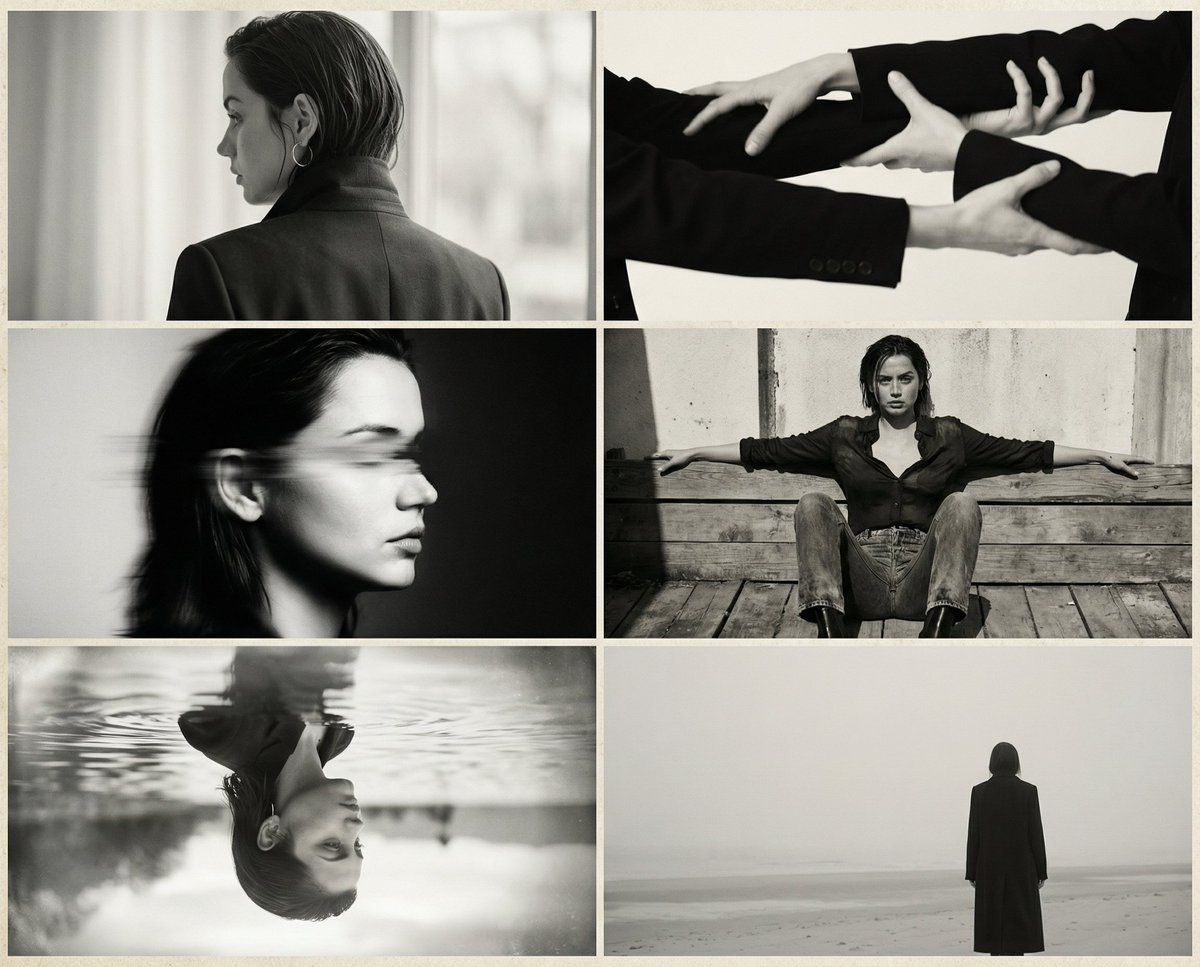
Six-Image 90s Zine Fashion Collage

New Year's Postcard Prompt for Nano Banana Pro

Nomadic Archer Cinematic Editorial Portrait
Hyper-Realistic Neon Energy Drink Product Shot Prompt

Nano Banana Pro Prompt for 'Scramble Spring' Fan Art
Browse template categories
Exaggerated Hourglass Figure in Grocery Aisle questions
How do I use the Exaggerated Hourglass Figure in Grocery Aisle template?
Add your photo if the template asks for one, edit the prompt if you like — the template's model and format are already selected — and press Generate. Your version opens in PicX Studio.
Can I customize the Exaggerated Hourglass Figure in Grocery Aisle template?
Yes. You can change the subject, setting, lighting, mood, format, and available model controls before creating your image.
Is the Exaggerated Hourglass Figure in Grocery Aisle template free?
Opening and editing this template is free. Generating uses credits, shown on the Generate button when you are signed in.
Which AI model should I use?
Start with Nano Banana 2, which is the model associated with this template. You can compare another compatible model for a different finish.
Looking for something else? Browse all templates.

Your photo, any look
Thousands of ready templates for every top image and video model, from one credit balance.