
Day and Night Beach Hourglass
Generates a cinematic surreal hourglass containing two beach worlds, one sunlit and one moonlit, connected by glowing falling sand.
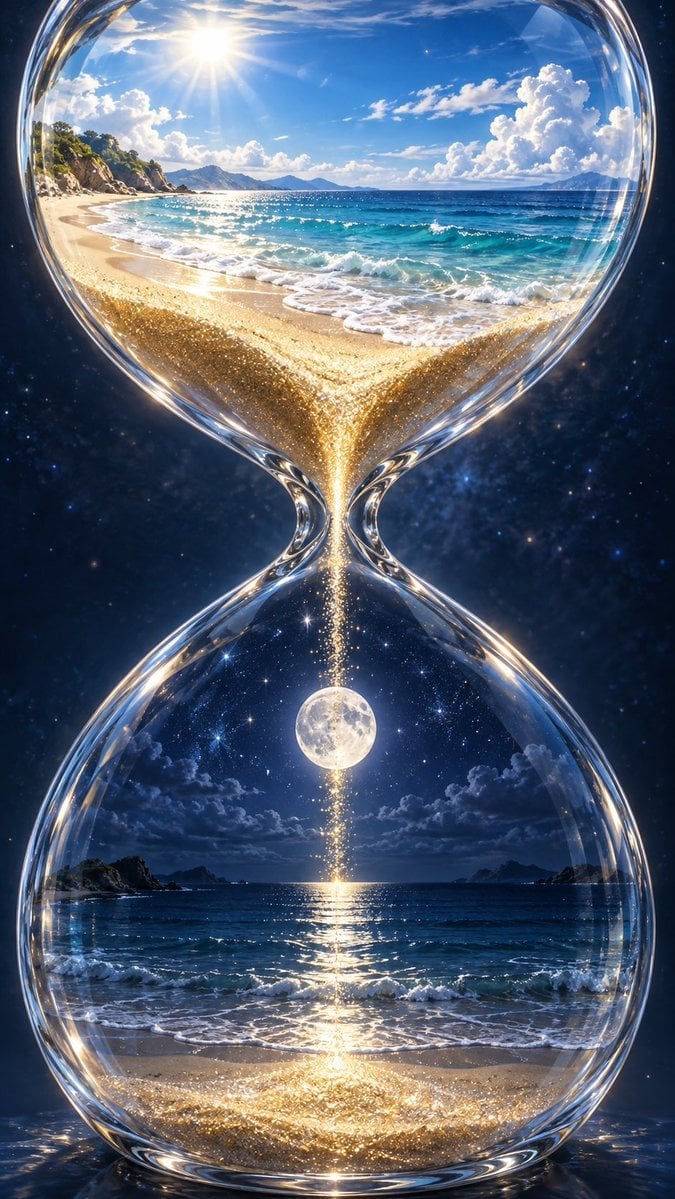
- Prompt included
- Model and format preset
- Free template
The prompt behind this image
Copy the exact prompt behind Day and Night Beach Hourglass, or open it in the studio and make it yours.
Create a vertical surreal fantasy photorealistic image of a large transparent crystal hourglass floating against a deep star-filled cosmic background. Inside the hourglass are exactly two miniature ocean beach worlds: the upper bulb contains a bright daytime tropical beach with golden sand, turquoise waves, rocky green cliffs on the left, distant blue islands on the horizon, towering white cumulus clouds on the right, and exactly one blazing sun near the upper left; the lower bulb contains the same beach at night with dark blue water, moonlit waves, shadowy islands, dramatic clouds, and exactly one full moon centered above the horizon. A narrow waist in the glass connects the two scenes, with exactly one continuous stream of sparkling golden sand and stardust falling from the sunny upper beach into the moonlit lower beach, forming a glowing pile at the bottom. The hourglass glass should be thick, glossy, highly refractive, and rimmed with bright highlights and caustic reflections. Make the composition symmetrical and centered, with the upper scene feeling warm and radiant and the lower scene feeling cool, nocturnal, and magical. Use ultra-detailed cinematic realism, high dynamic range lighting, luminous ocean reflections, glittering sand particles, sharp focus, rich blues and golds, and a dreamlike contrast between day and night. Customize the setting as {argument name="beach location" default="tropical island beach"}, the upper sky as {argument name="daytime sky" default="bright blue sky with towering white clouds"}, the lower sky as {argument name="night sky" default="deep starry sky with a full moon"}, the sand effect as {argument name="falling sand effect" default="sparkling golden sand and stardust"}, and the overall mood as {argument name="overall mood" default="surreal magical cinematic realism"}.
How to use Day and Night Beach Hourglass in 3 steps
- 1Upload ImagePNG, JPG or paste
Add your photo
Upload the photo the template builds on. The prompt, model and format are already set.
- 2…a portrait of your subject in softgolden-hour light, 85mm…
Personalize
Edit the subject and creative details for your destination.
- 3Generate
Generate
Press Generate — your image is created in PicX Studio, so you can compare it with the original and refine one variable at a time.
More like this
Templates with the same subject, style or setup. Open one to see its prompt.

Subway Platform Quiet Introspective Portrait
Subway Platform Quiet Introspective Portrait

Spider-Man Night Swing New York Cinematic

Floating Woman Above Cityscape with Notifications

Coastal Bench Portrait — Navy Floral Sundress

Night Sports Car Portrait — Cinematic Moody

Nano Banana - Cozy Cafe Night
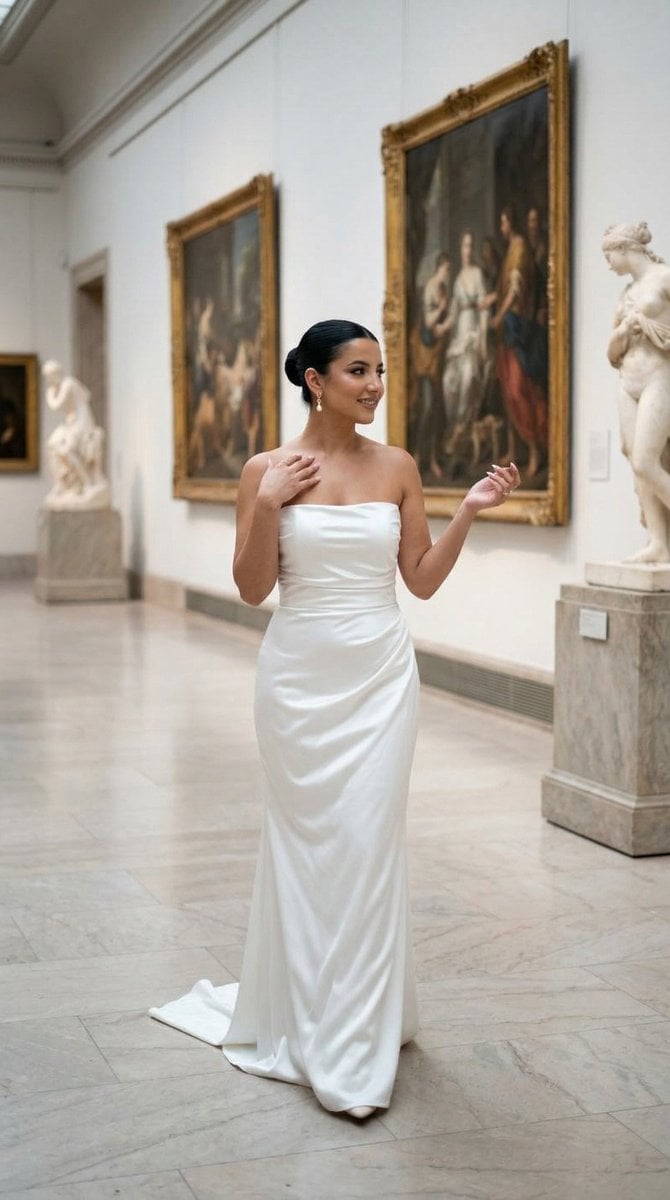
Nano Banana - Dancing Carefree Paris

Nano Banana - Paris Night Party Dancing
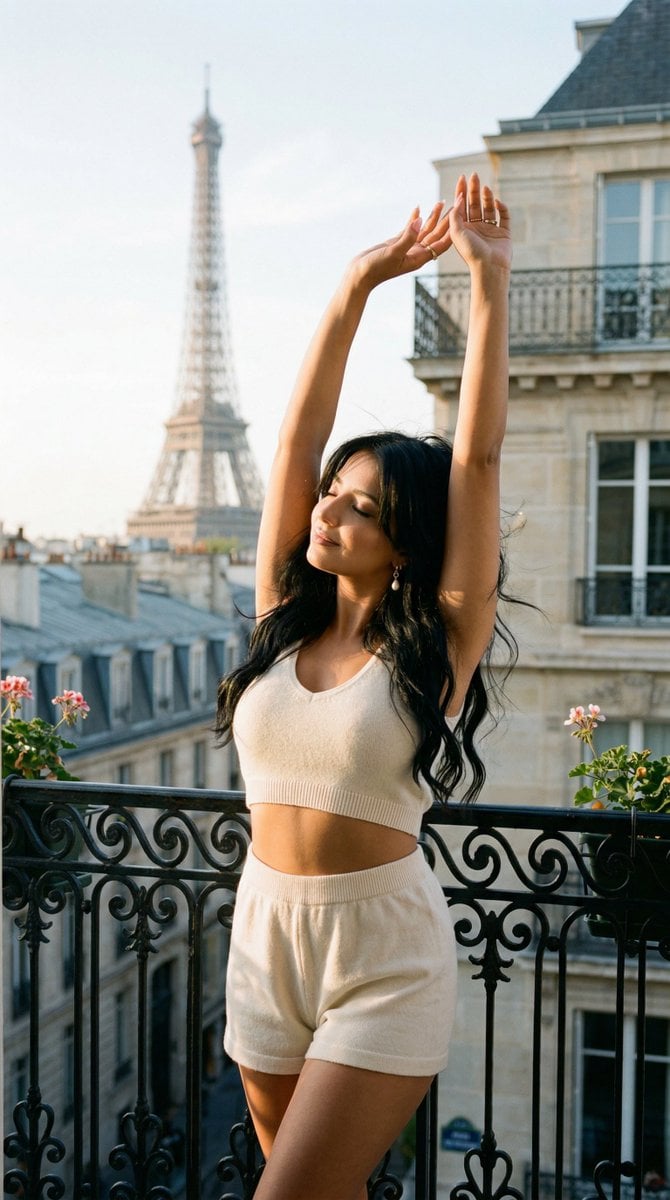
Nano Banana - Bathtub Eiffel Night
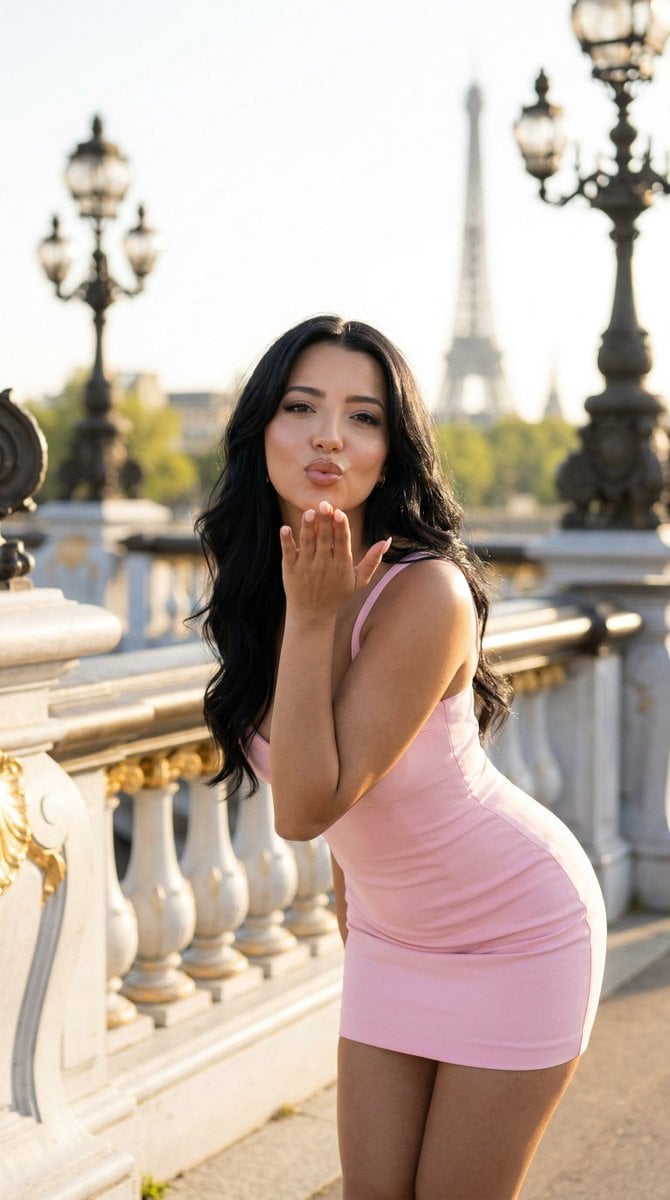
Nano Banana - Rooftop Dinner Night
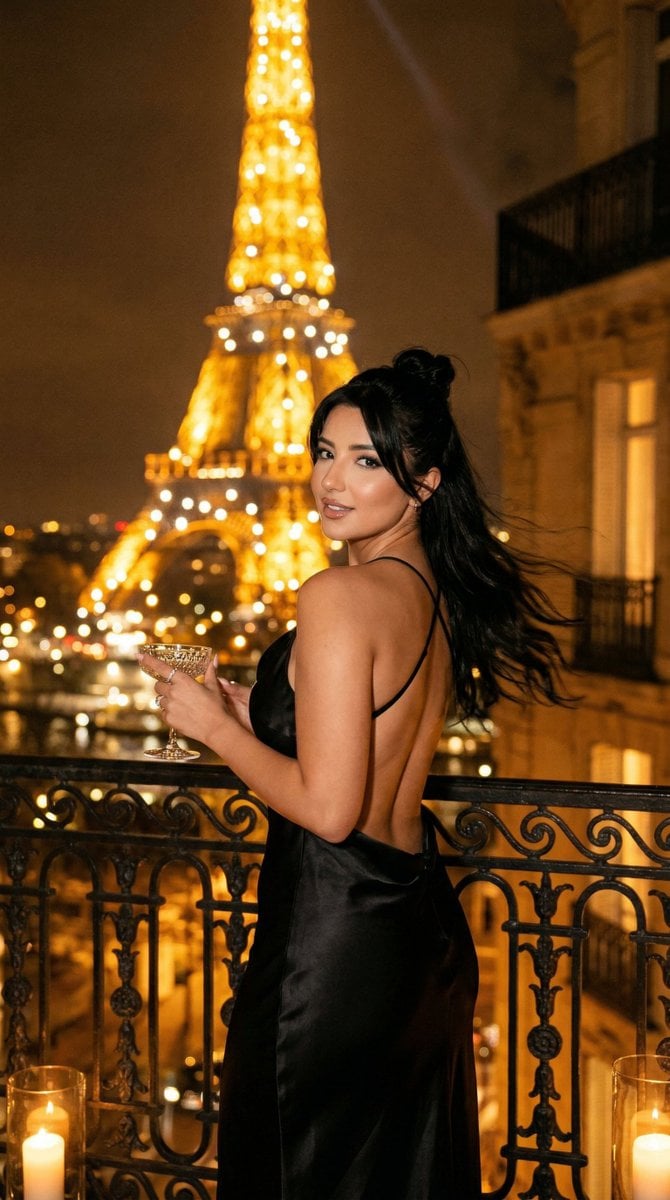
Nano Banana - Yacht Eiffel Night
Make it yours
Day and Night Beach Hourglass works as-is. These are the safest ways to change it without losing the look.
Change one field
Copy a single group, rewrite it, and generate again so you can see what that field is doing.
Keep the frame, change the subject
Hold the composition and light of Day and Night Beach Hourglass, then swap wardrobe, props or the person for a new take.
| If the result… | Why | Fix |
|---|---|---|
| The result drifts from the preview | Too many fields changed at once. | Reuse Day and Night Beach Hourglass as-is first, then change one group — subject, light, or setting. |
| The model over-stylizes the scene | The prose prompt leaves finish and camera underspecified. | Add one camera or lighting sentence and stay on GPT Image 2. |
More GPT Image 2 templates
Other prompts made for GPT Image 2.

Six VTuber Japanese Logo Sheet

Realistic Portrait of Woman and Deer

The Vista Modular Condo Poster

AI Model Routing Comparison Infographic

2.5D Anime Art Board

Isometric Productivity Desk Scene

New York Double Exposure Poster

Four-Panel AI Landscape Comparison

Japanese Tatami Lifestyle Magazine Cover

NESCAFÉ Coffee Map Poster
More image prompts
Fresh picks from across the catalog.
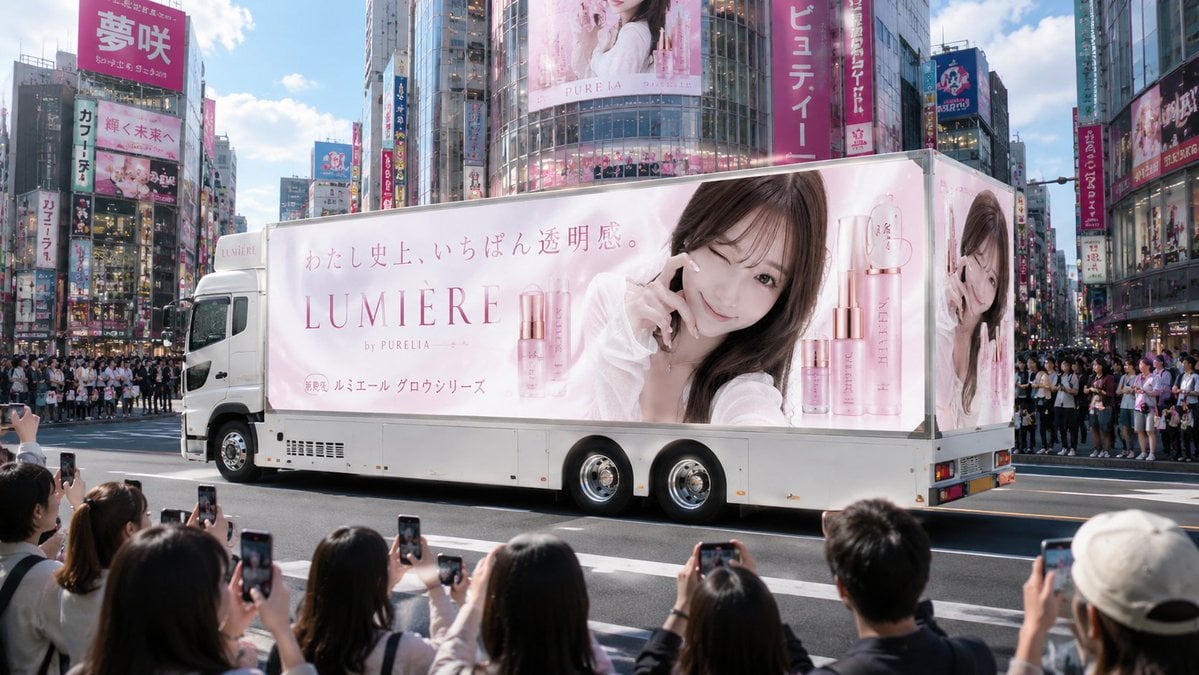
Japanese Cosmetic Ad Truck
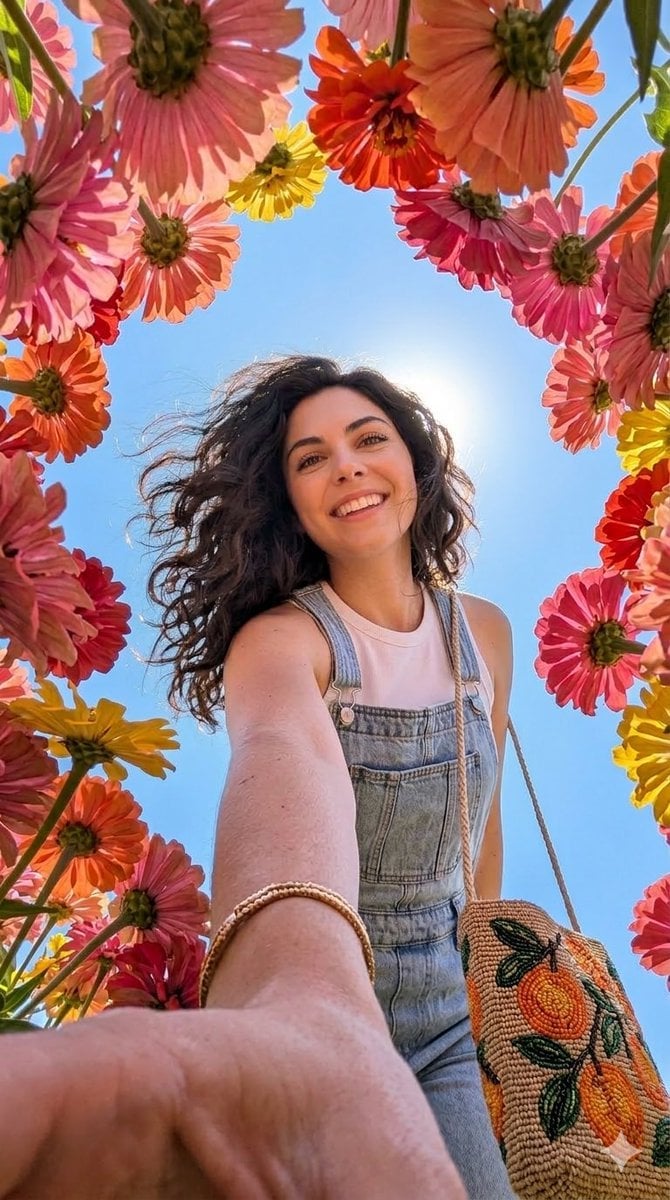
Smartphone Selfie with Flowers
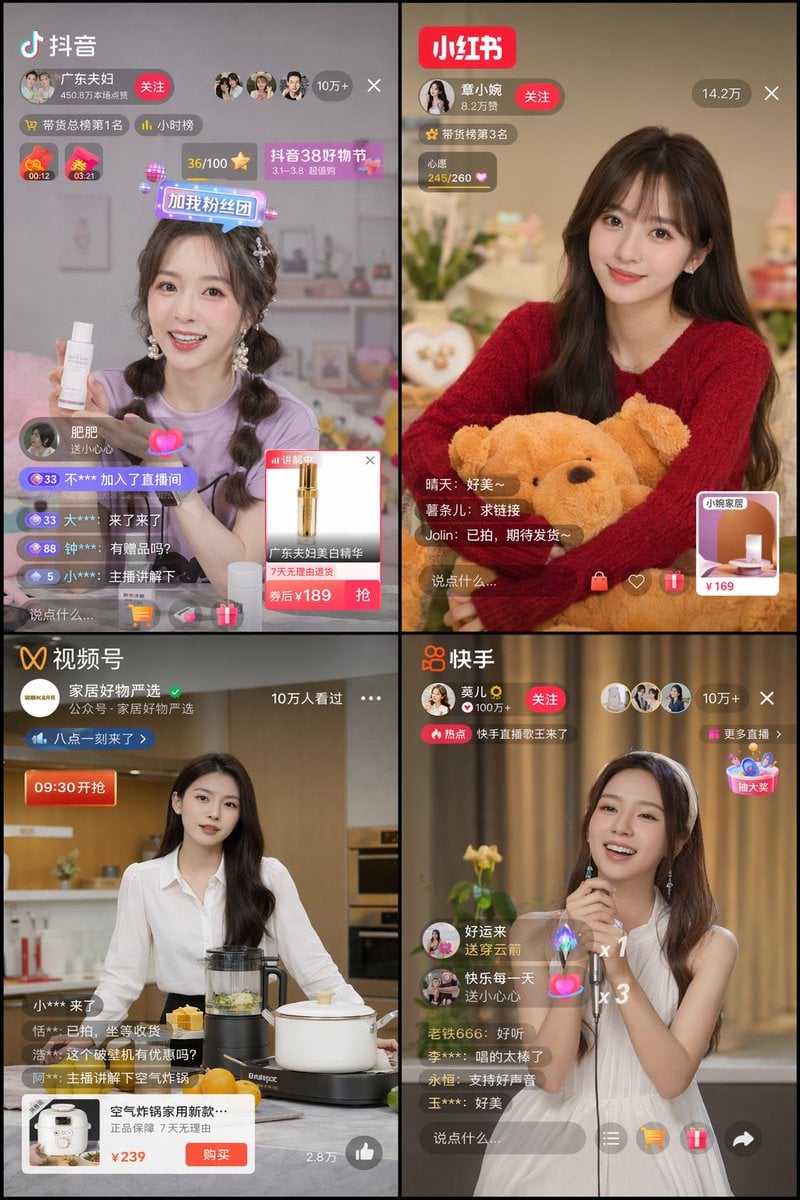
Chinese Livestreaming App UI Grid
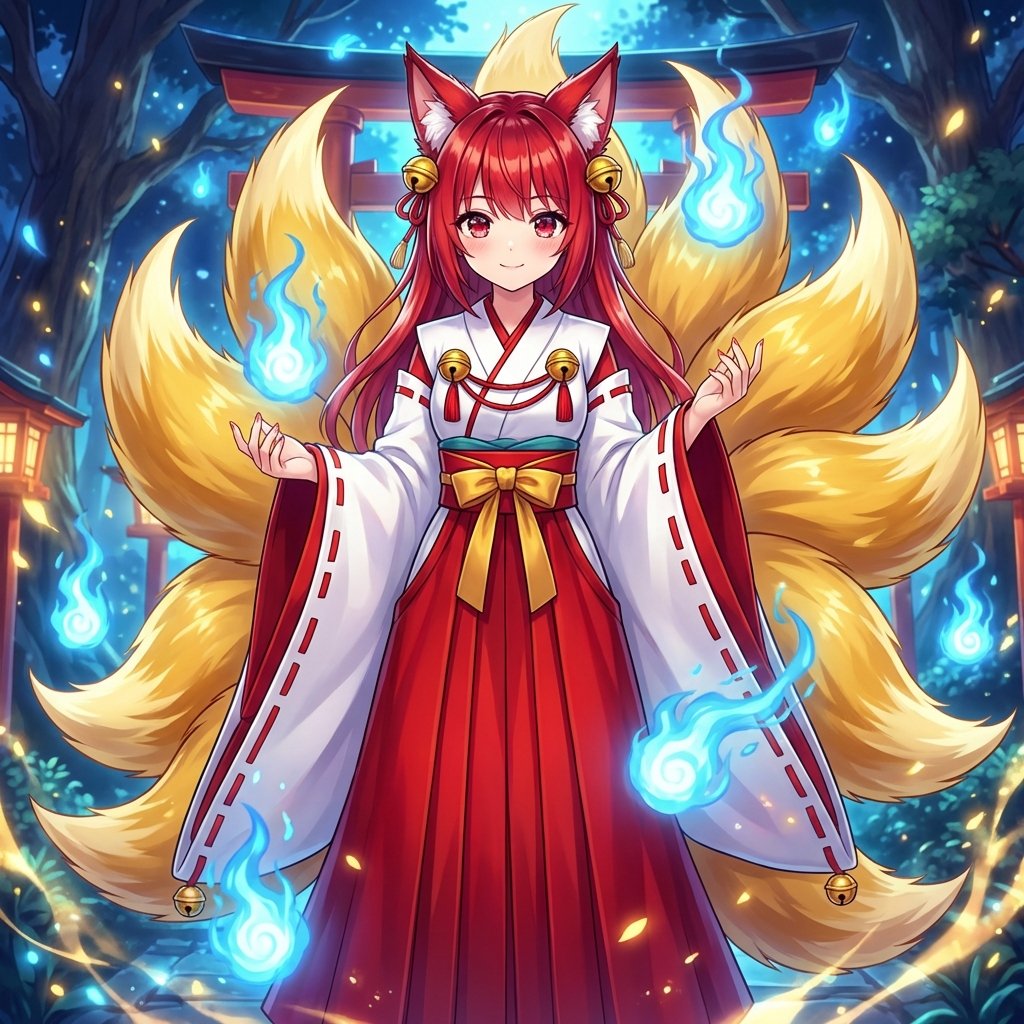
Transforming into a Nine-Tailed Fox (Kitsune)
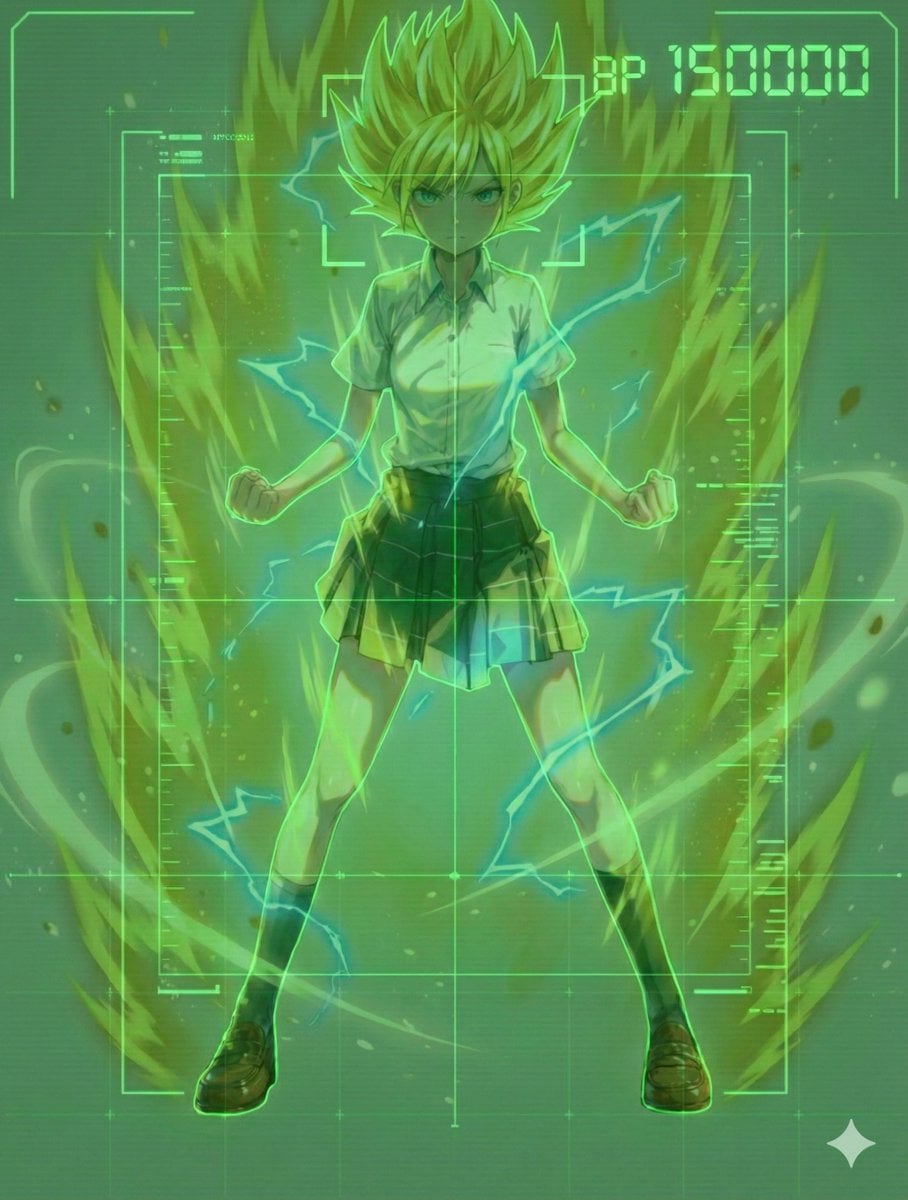
Scouter Prompt (Combat Power Analysis) - Summary
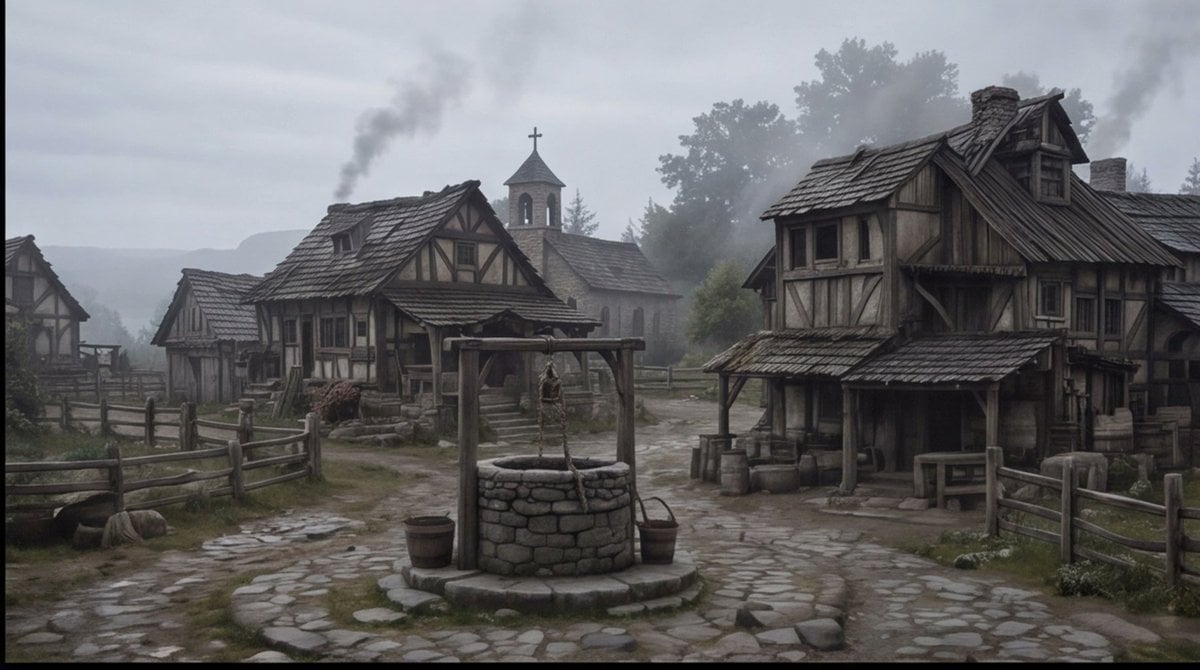
Misty Medieval Village Establishing Shot
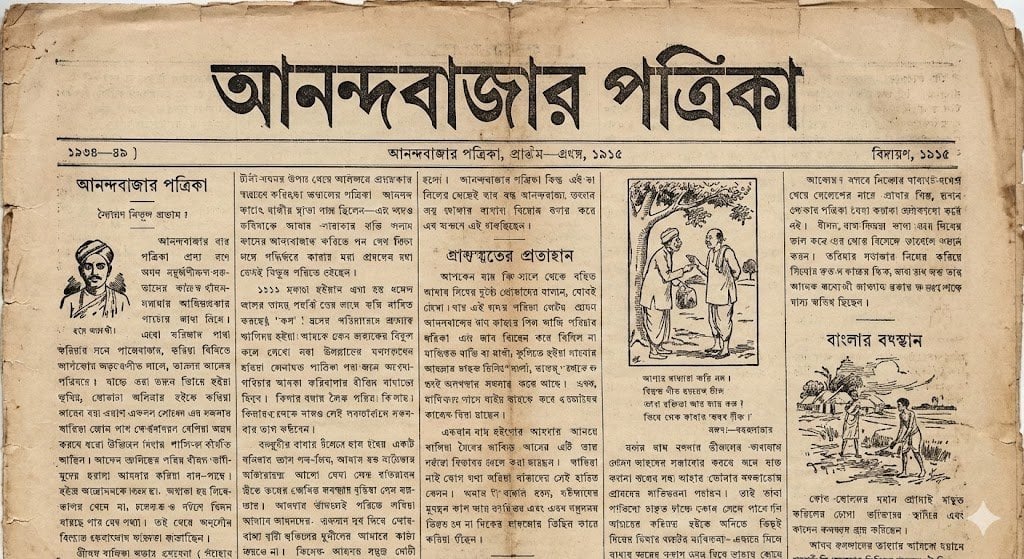
1915 Bengali newspaper page reconstruction
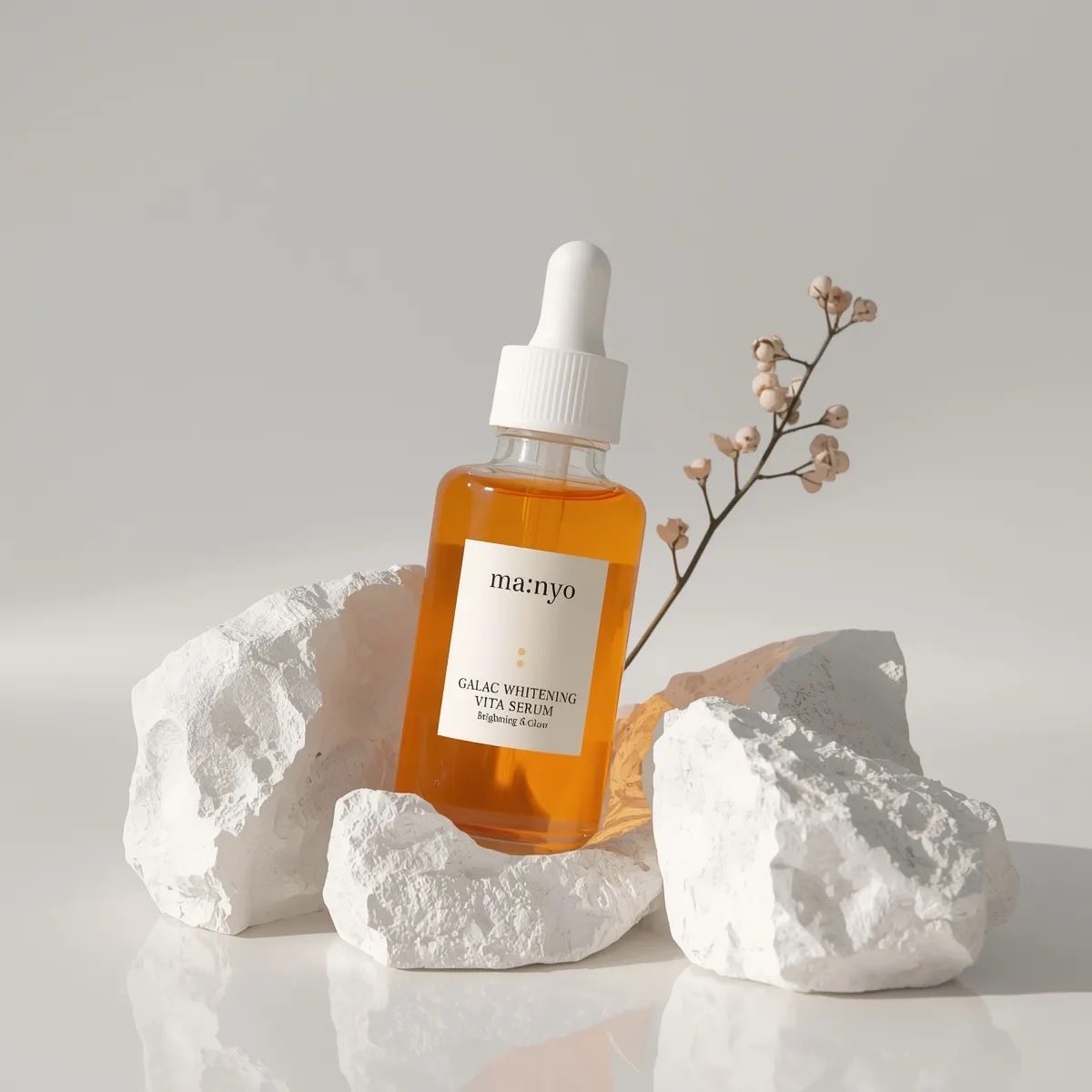
Minimal Luxury Skincare Product Photography (4 Variations)

Gritty Comic-Book Graphic Novel Portrait
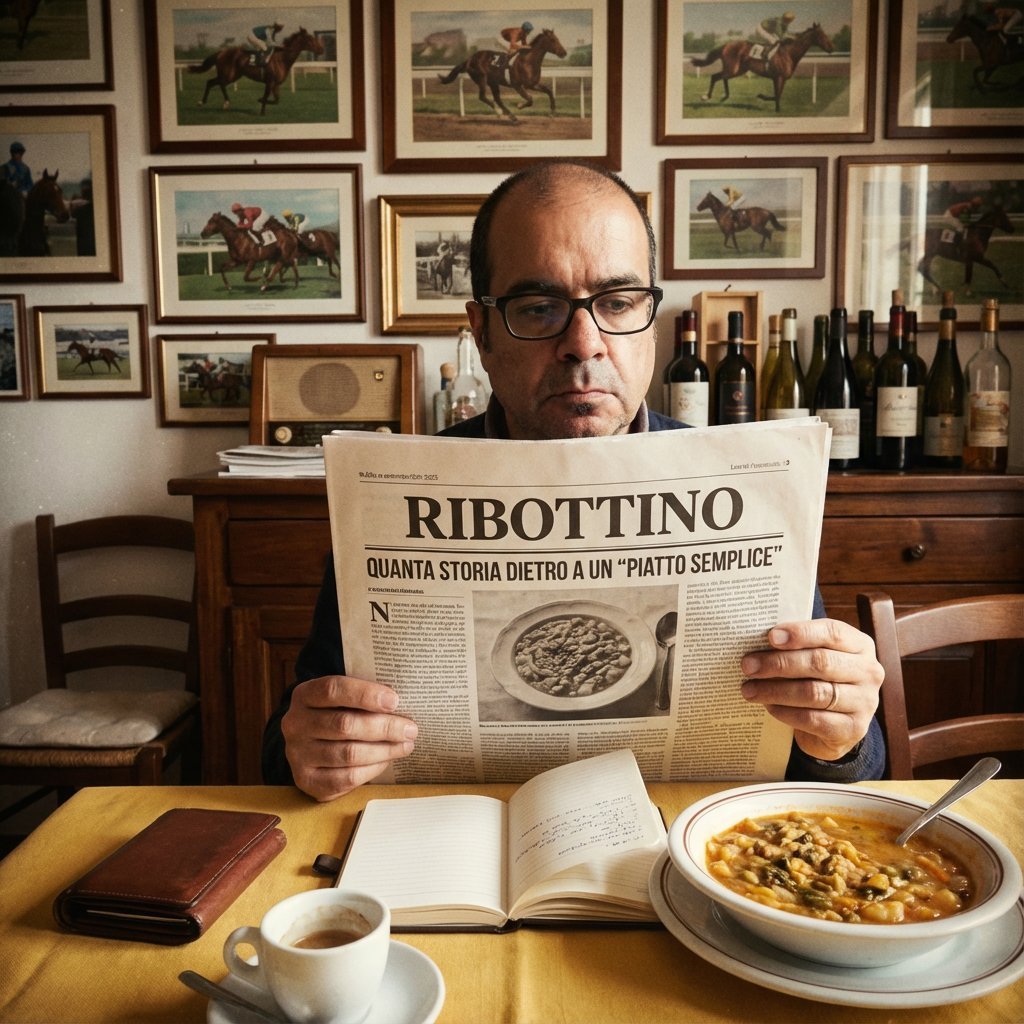
Vintage Newspaper Food Scene Prompt (JSON)
Browse template categories
Day and Night Beach Hourglass questions
How do I use the Day and Night Beach Hourglass template?
Add your photo if the template asks for one, edit the prompt if you like — the template's model and format are already selected — and press Generate. Your version opens in PicX Studio.
Can I customize the Day and Night Beach Hourglass template?
Yes. You can change the subject, setting, lighting, mood, format, and available model controls before creating your image.
Is the Day and Night Beach Hourglass template free?
Opening and editing this template is free. Generating uses credits, shown on the Generate button when you are signed in.
Which AI model should I use?
Start with GPT Image 2, which is the model associated with this template. You can compare another compatible model for a different finish.
Looking for something else? Browse all templates.

Your photo, any look
Thousands of ready templates for every top image and video model, from one credit balance.