
Candid Phone Photography Triptych
A detailed prompt for creating a realistic vertical triptych of phone-style photos in a forest setting, featuring identity preservation from a reference image.
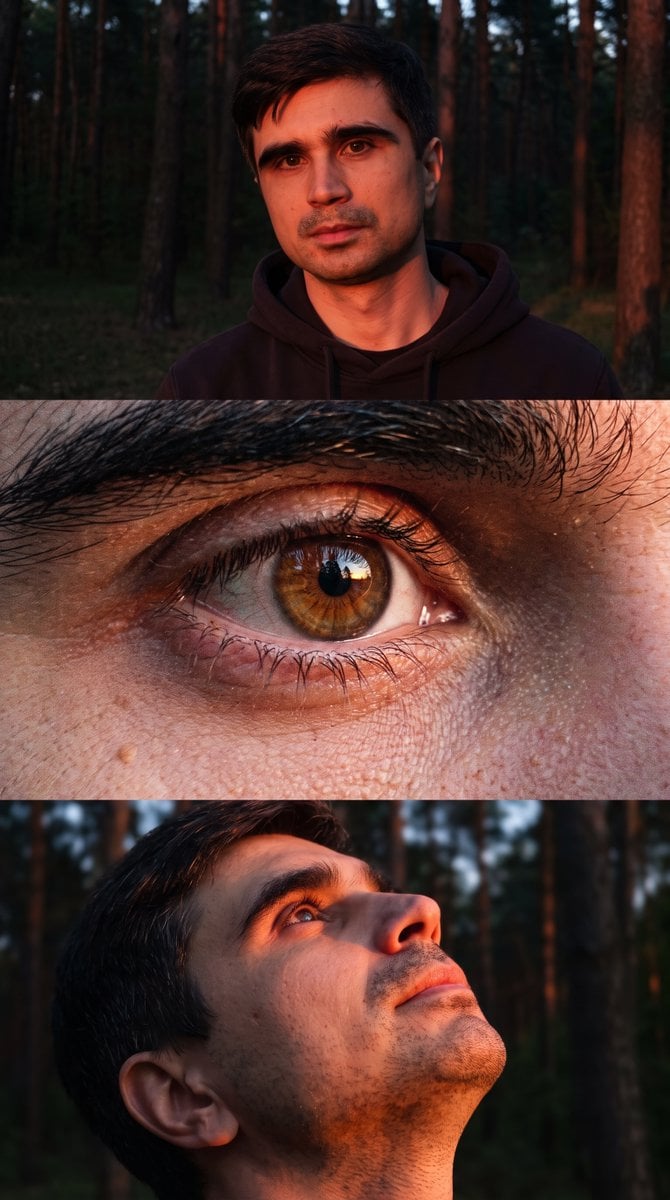
- Prompt included
- Model and format preset
- Free template
The prompt behind this image
Copy the exact prompt behind Candid Phone Photography Triptych, or open it in the studio and make it yours.
A vertical triptych collage of three amateur phone shots featuring a subject in a {argument name="setting" default="dark forest"} at {argument name="lighting" default="sunset"}. ***IDENTITY INSTRUCTION: Completely copy the facial appearance, bone structure, hair, and unique features (piercings, tattoos, moles) from the user's uploaded reference photo. Map the user's face onto the subject in these poses exactly. SHOT 1 (Top): Medium shot, slightly tilted angle. Subject stands among dark trees wearing {argument name="clothing" default="casual everyday clothes"} (random selection matching subject's gender - hoodie, jacket, shirt, etc.). Off-center composition, looking sideways. Warm red-orange sunset light filters through trees, hitting one side of face and neck. Shadows are deep and crushed. SHOT 2 (Middle): Extreme macro close-up of eye. SHARP FOCUS on iris - high detail, visible iris patterns and texture. Red sunset glow reflects in the eye. Natural eyelash clustering, visible skin pores around eye. Slight phone camera noise. SHOT 3 (Bottom): Low-angle close-up, head tilted back. Face turned upward. Warm sunset light illuminates jaw, neck, nose profile. Expression of calm or exhaustion. Dark blurred forest background. TECHNICAL & ATMOSPHERE: - Camera: Smartphone camera (iPhone/Android), not professional. - Quality: Slightly degraded, phone sensor noise, minor compression artifacts, subtle blur in parts. - Composition: Tilted horizon, asymmetrical framing, imperfect crop - looks candid/amateur. - Color: Natural sunset red-orange tones, not artificial lighting. Deep shadows, warm highlights. - Texture: Visible digital noise, slight motion blur, lens imperfections typical of phone cameras. SKIN PARAMETERS: - Hyper-realistic skin with visible pores, micro-creases, peach-fuzz hairs catching sunset light, natural skin sheen, subtle warm/reddish cast from sunset, soft lip texture, natural eyelash clustering. - Skin must look fresh and young but NOT airbrushed - keep all natural imperfections. DETAILS: - Nose shape visible in sunset light. - Clothing is casual, random, gender-appropriate. - Background: dark forest trees, out of focus, moody atmosphere. - Overall vibe: raw, candid, imperfect phone photography from golden hour.
How to use Candid Phone Photography Triptych in 3 steps
- 1Upload ImagePNG, JPG or paste
Add your photo
Upload the photo the template builds on. The prompt, model and format are already set.
- 2…a portrait of your subject in softgolden-hour light, 85mm…
Personalize
Edit the subject and creative details for your destination.
- 3Generate
Generate
Press Generate — your image is created in PicX Studio, so you can compare it with the original and refine one variable at a time.
More like this
Templates with the same subject, style or setup. Open one to see its prompt.
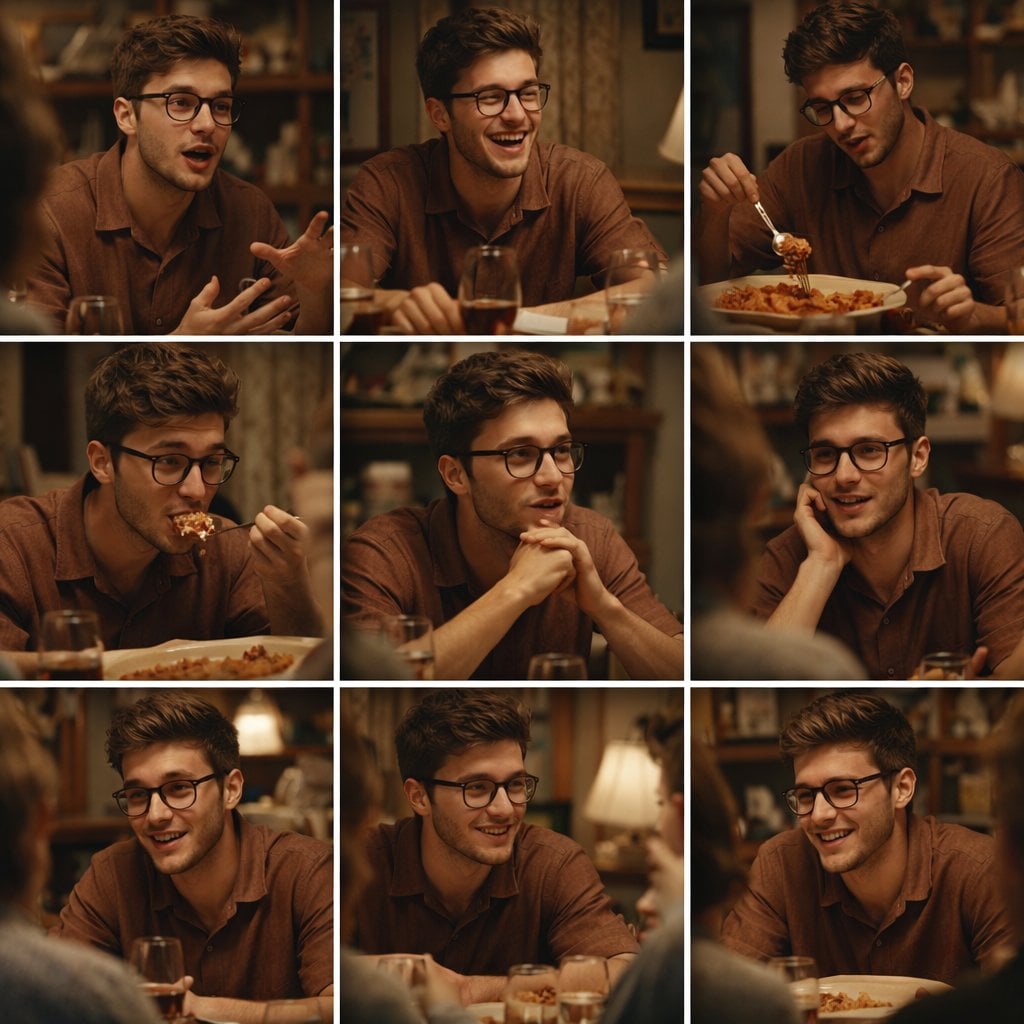
A 3x3 grid storyboard contact sheet comprised of nine candid, cinematic
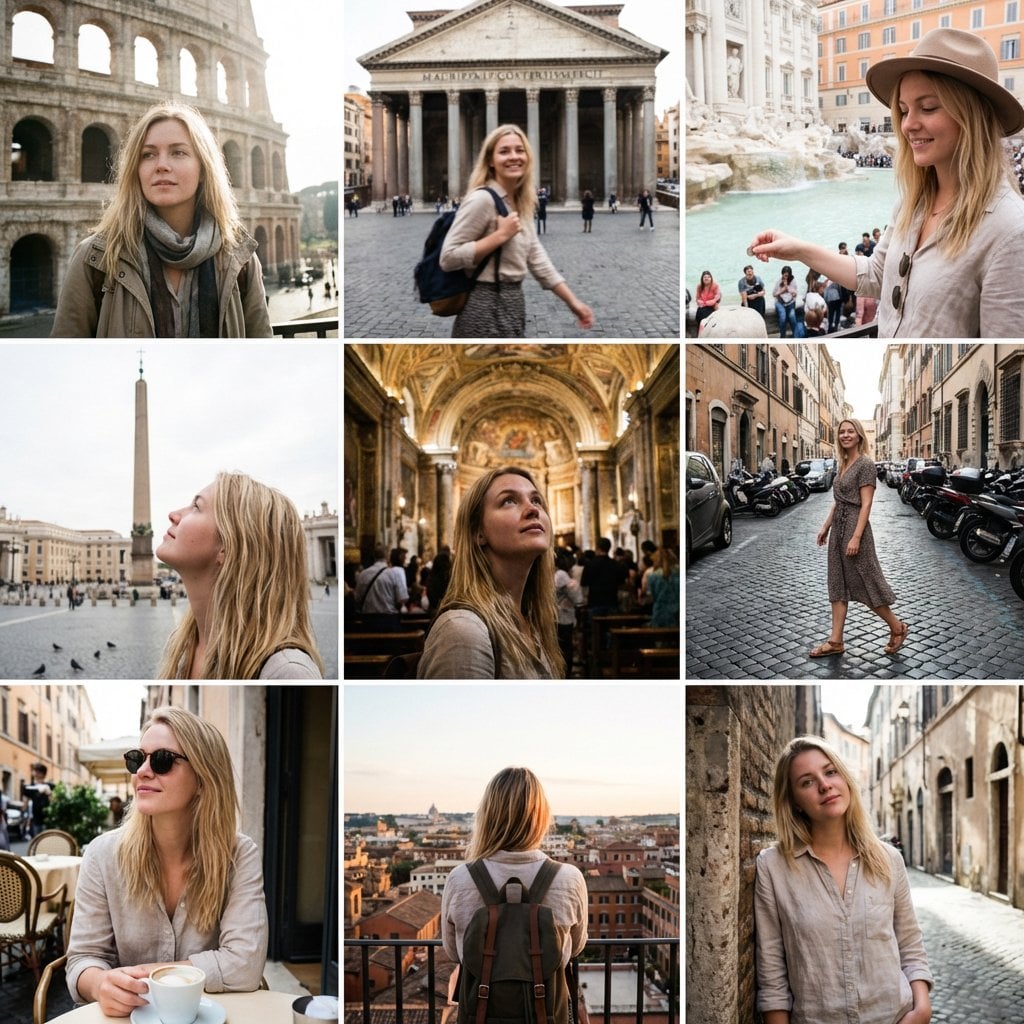
3x3 Instagram-style grid of low-quality smartphone photos featuring
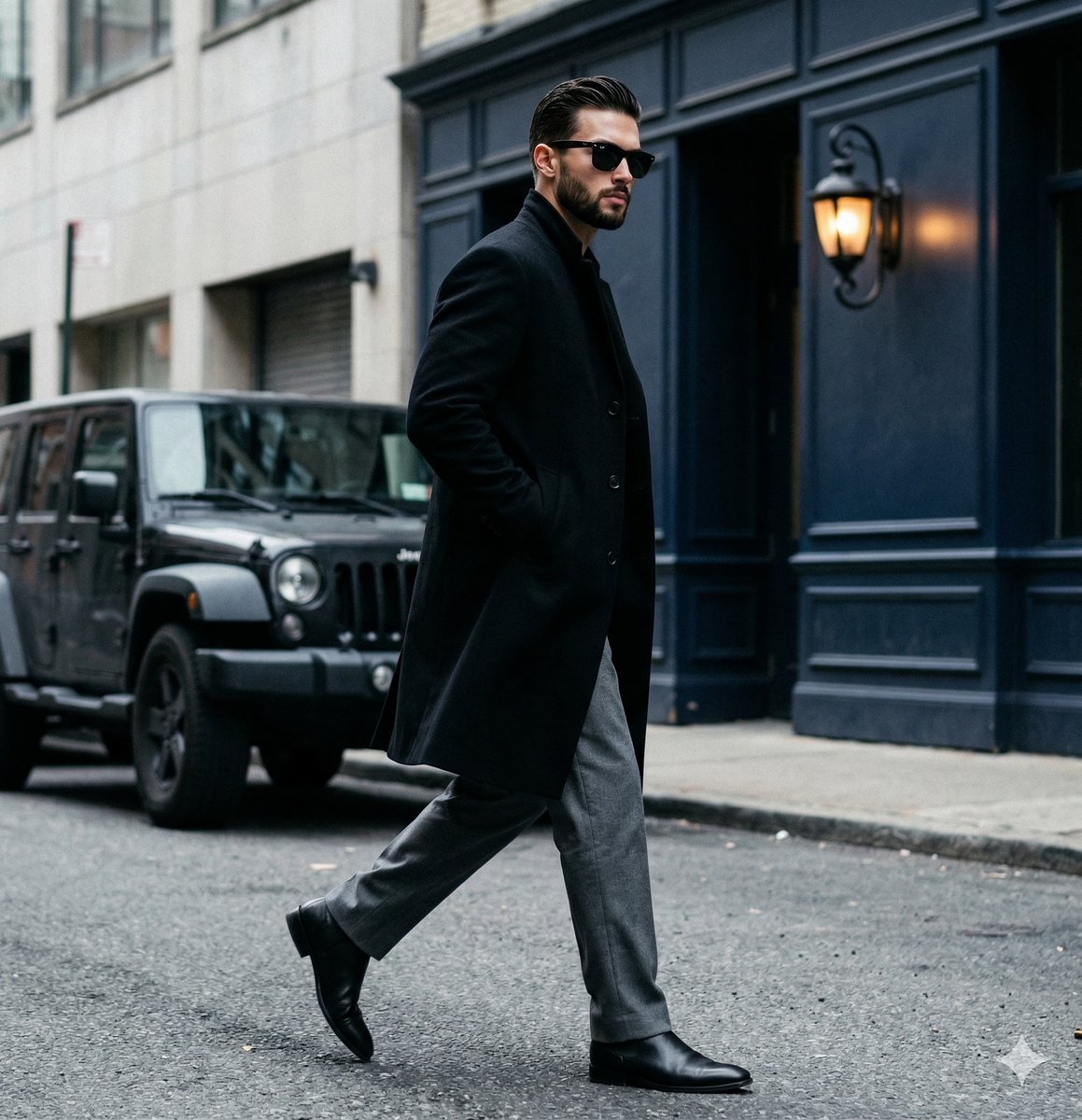
A candid paparazzi-style street photography shot of a handsome man
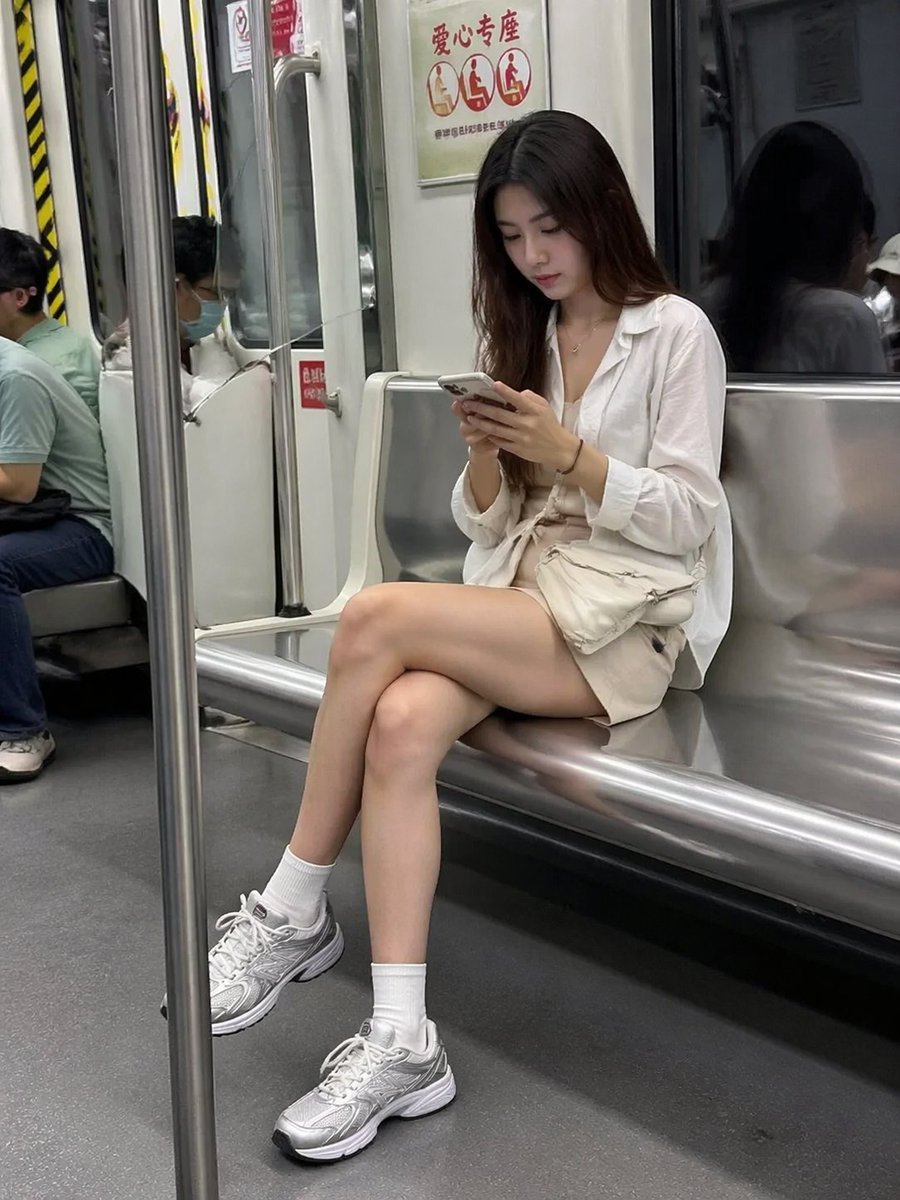
Candid Subway Smartphone Photography

Sunday Afternoon, 1988

Our Song was on a Cassette
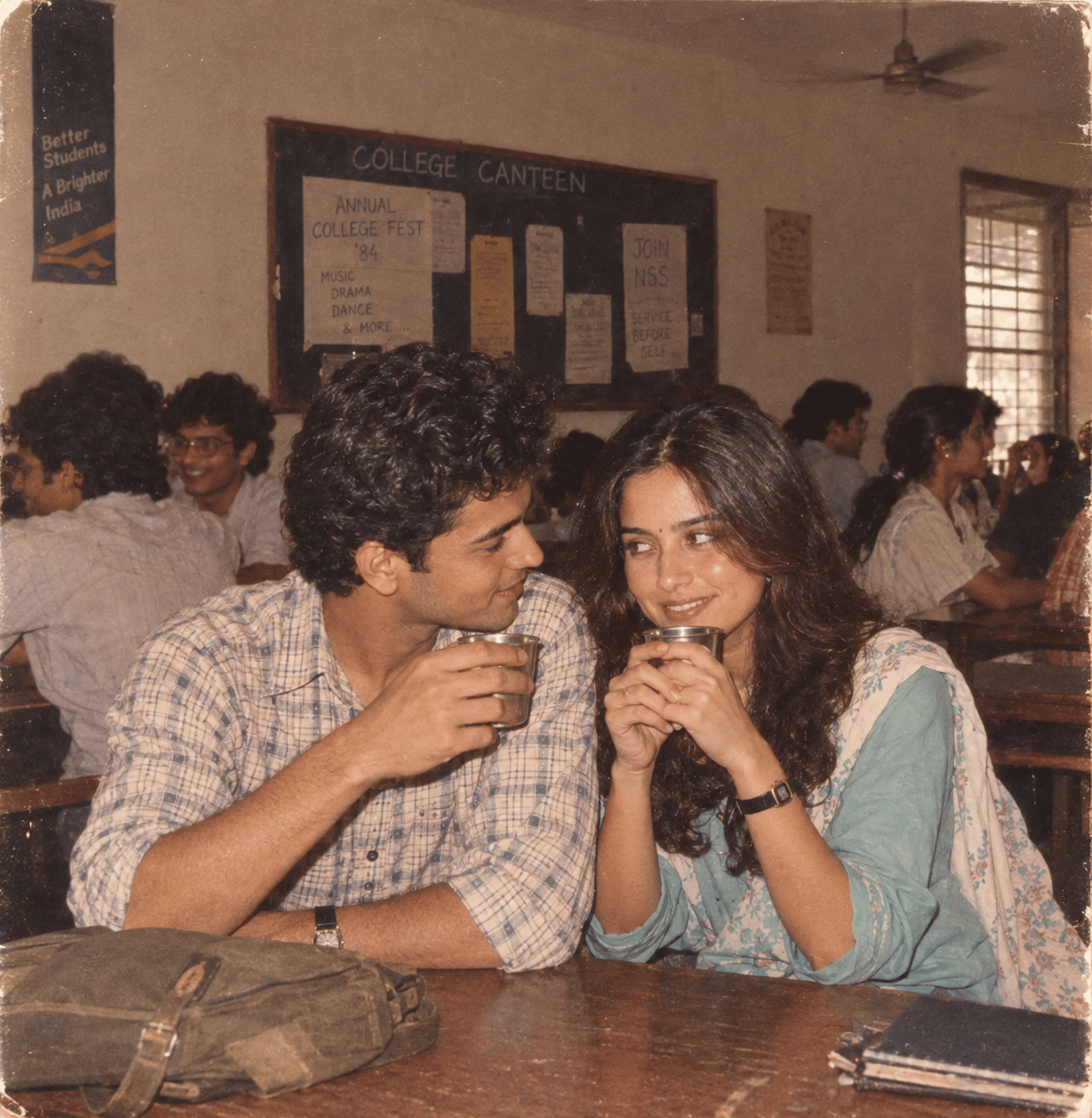
The Date After College
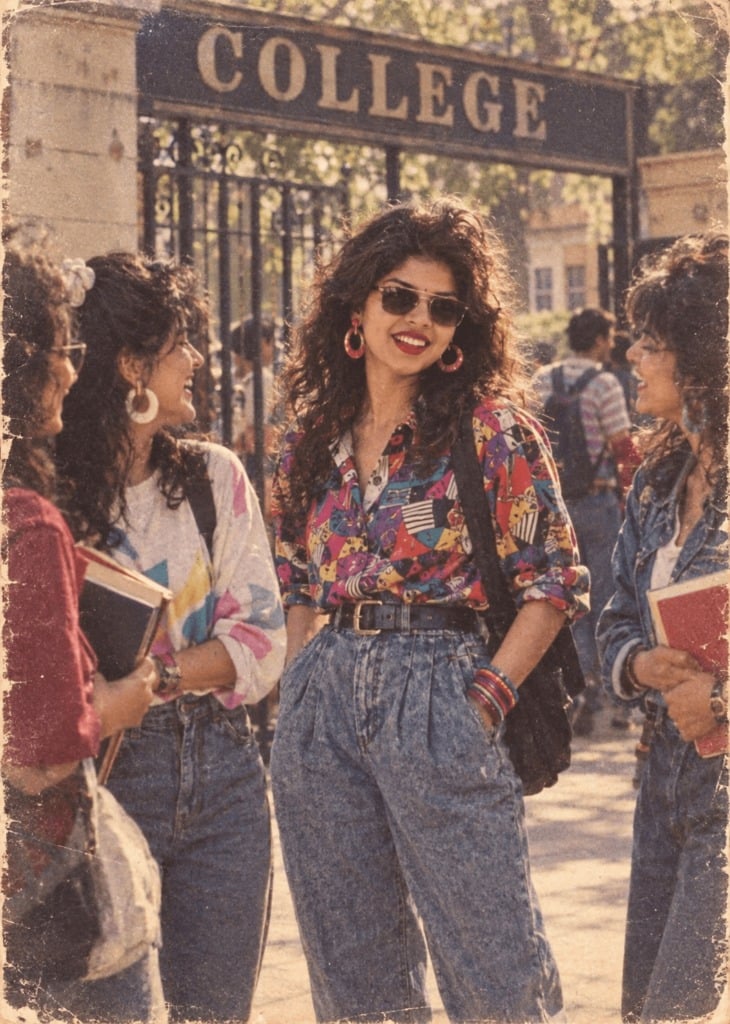
80s College Gate
Mirror Selfie Chibi Characters Pixar Style
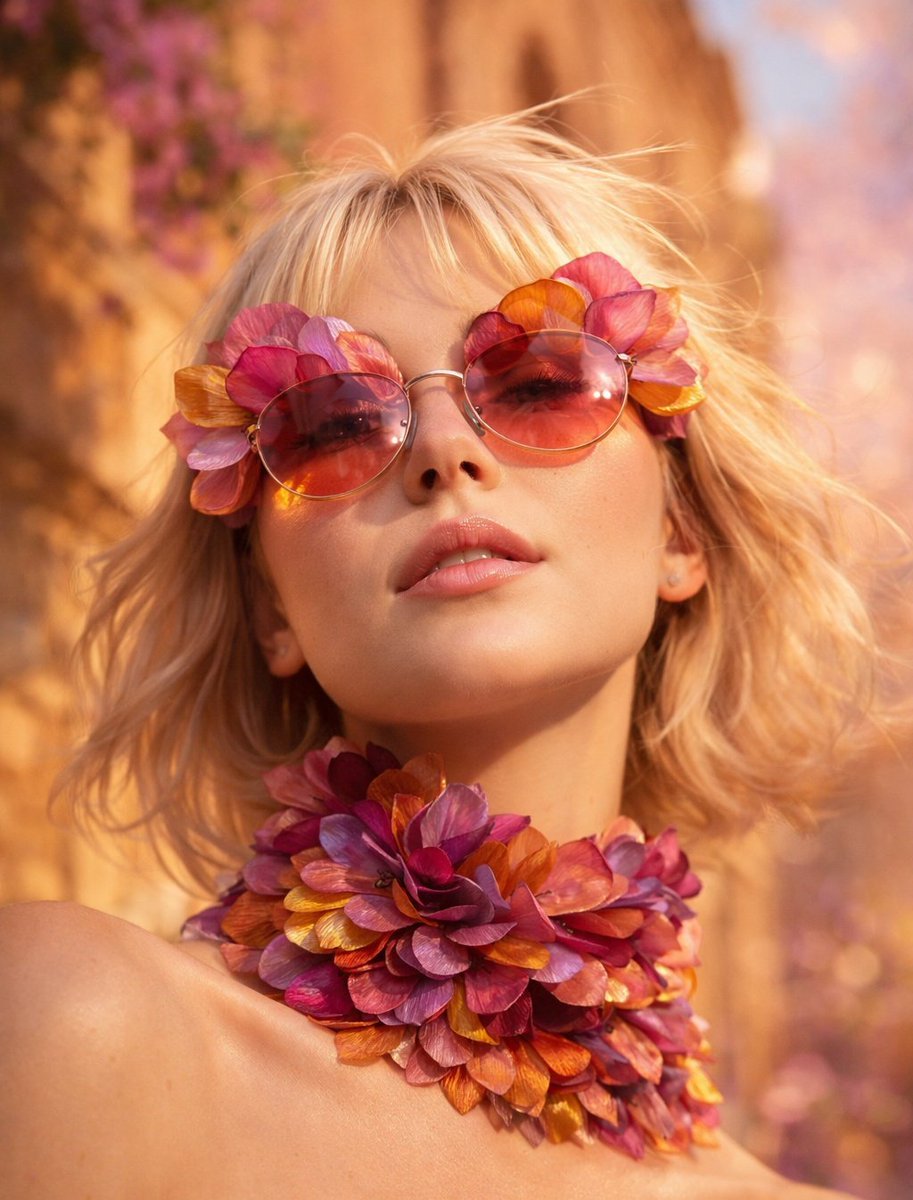
Flower Petal Sunglasses Couture Portrait

Fashion Portrait Colored Smoke Studio
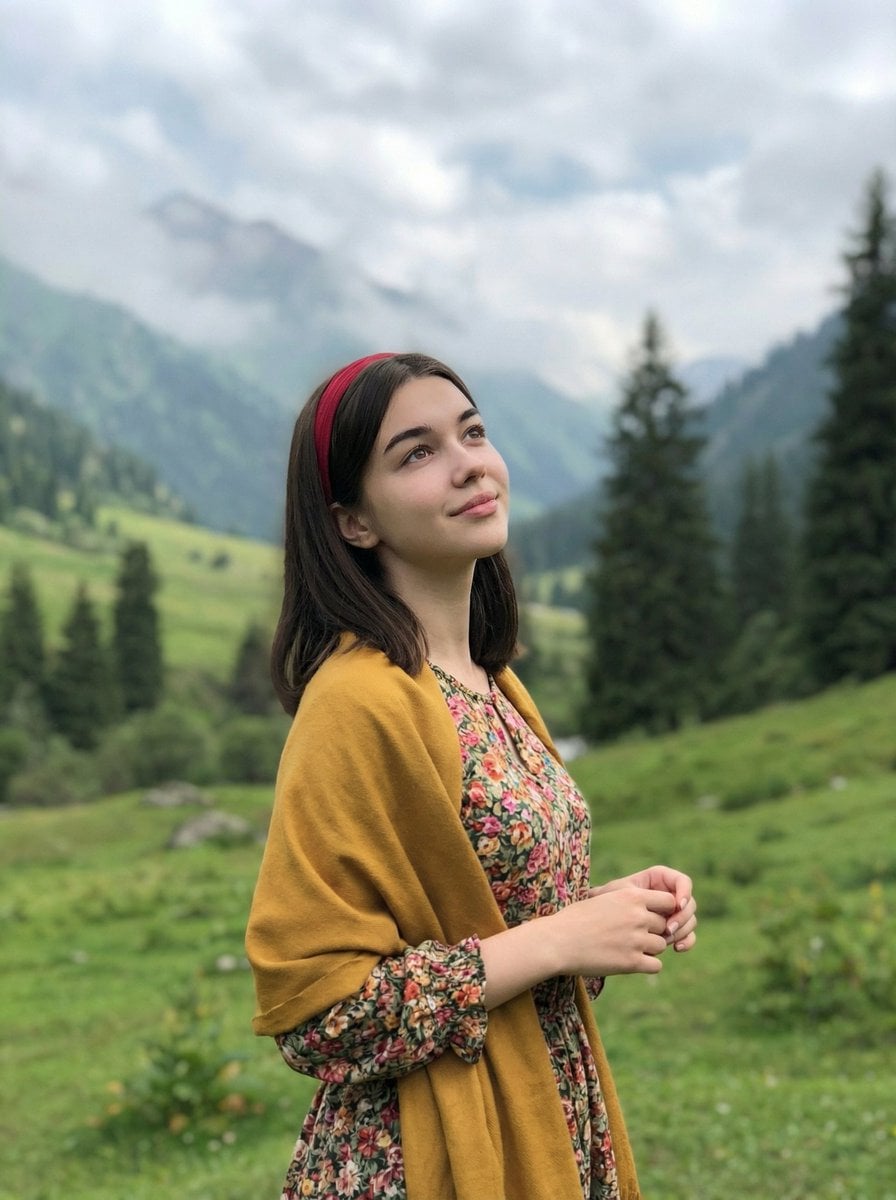
Mountain Valley Lifestyle Portrait
Make it yours
Candid Phone Photography Triptych works as-is. These are the safest ways to change it without losing the look.
Change one field
Copy a single group, rewrite it, and generate again so you can see what that field is doing.
Keep the frame, change the subject
Hold the composition and light of Candid Phone Photography Triptych, then swap wardrobe, props or the person for a new take.
| If the result… | Why | Fix |
|---|---|---|
| The result drifts from the preview | Too many fields changed at once. | Reuse Candid Phone Photography Triptych as-is first, then change one group — subject, light, or setting. |
| The model over-stylizes the scene | The prose prompt leaves finish and camera underspecified. | Add one camera or lighting sentence and stay on Nano Banana 2. |
More Nano Banana 2 templates
Other prompts made for Nano Banana 2.

Photorealistic Leaf Shaped Like a Dragon

K-Pop Idol Portrait Grid for Rapid Selection

Poetic Rain Forest Portrait During Golden Hour

Urban Street Portrait with Cartoon Inner Self Duo

Candid Nighttime Photo with Cat Prompt

High-Concept 3D Diorama Generation Prompt

Cinematic Futuristic Studio Portrait Template

Skincare Editorial Photography Collage Prompt

Hyper-Realistic Commercial Product Photography (Splash Effect)

Hyper-Realistic Nightclub Portrait Prompt
More image prompts
Fresh picks from across the catalog.
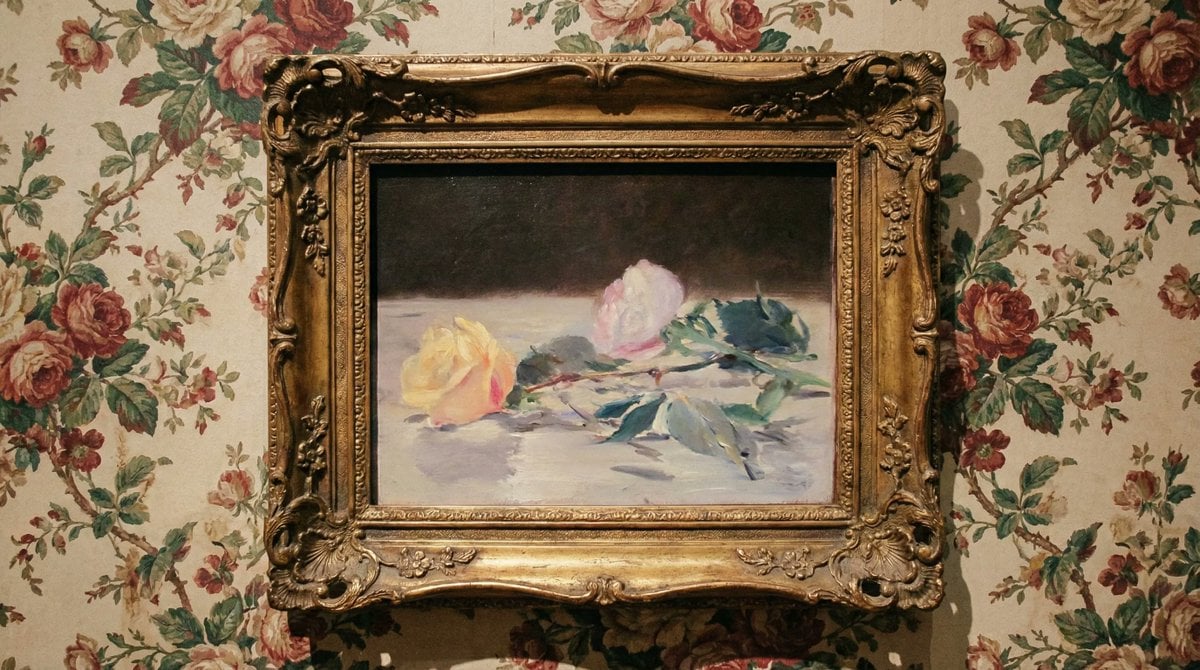
Immersive Transition Prompts for Painting Transformation
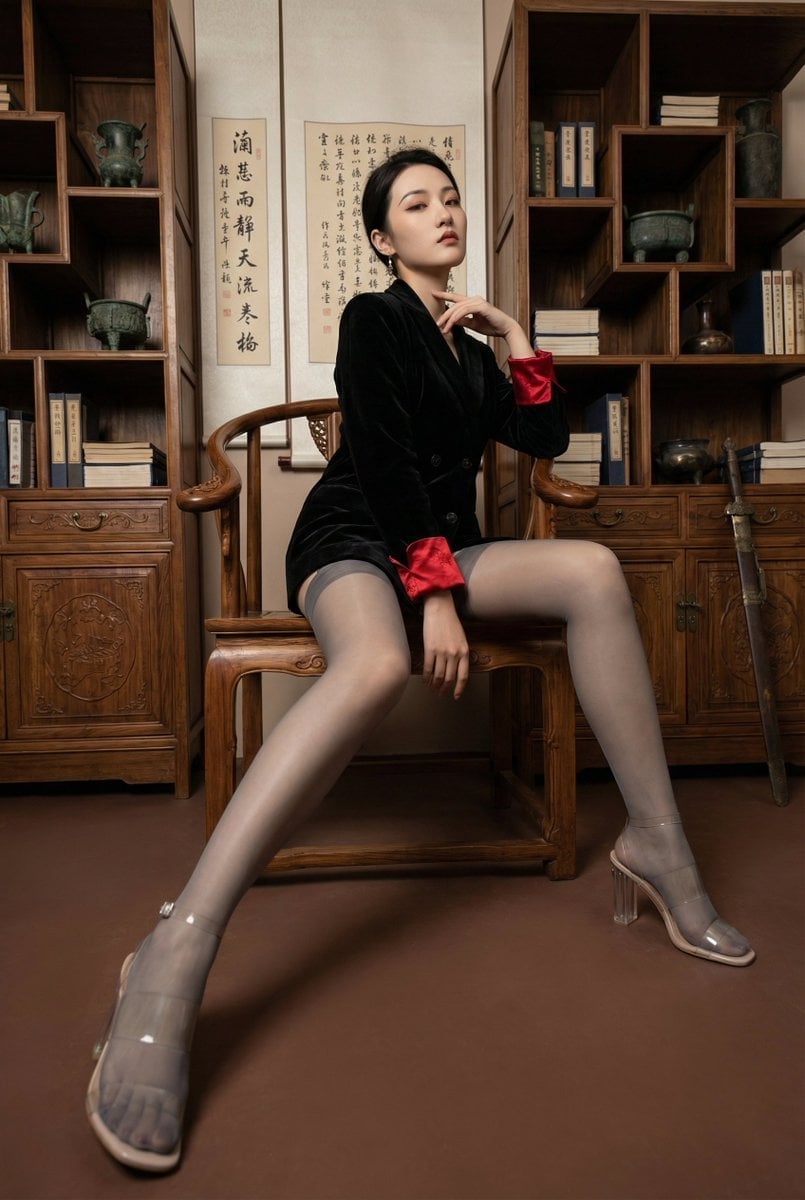
Modern Chinese Retro Fashion Photography Prompt
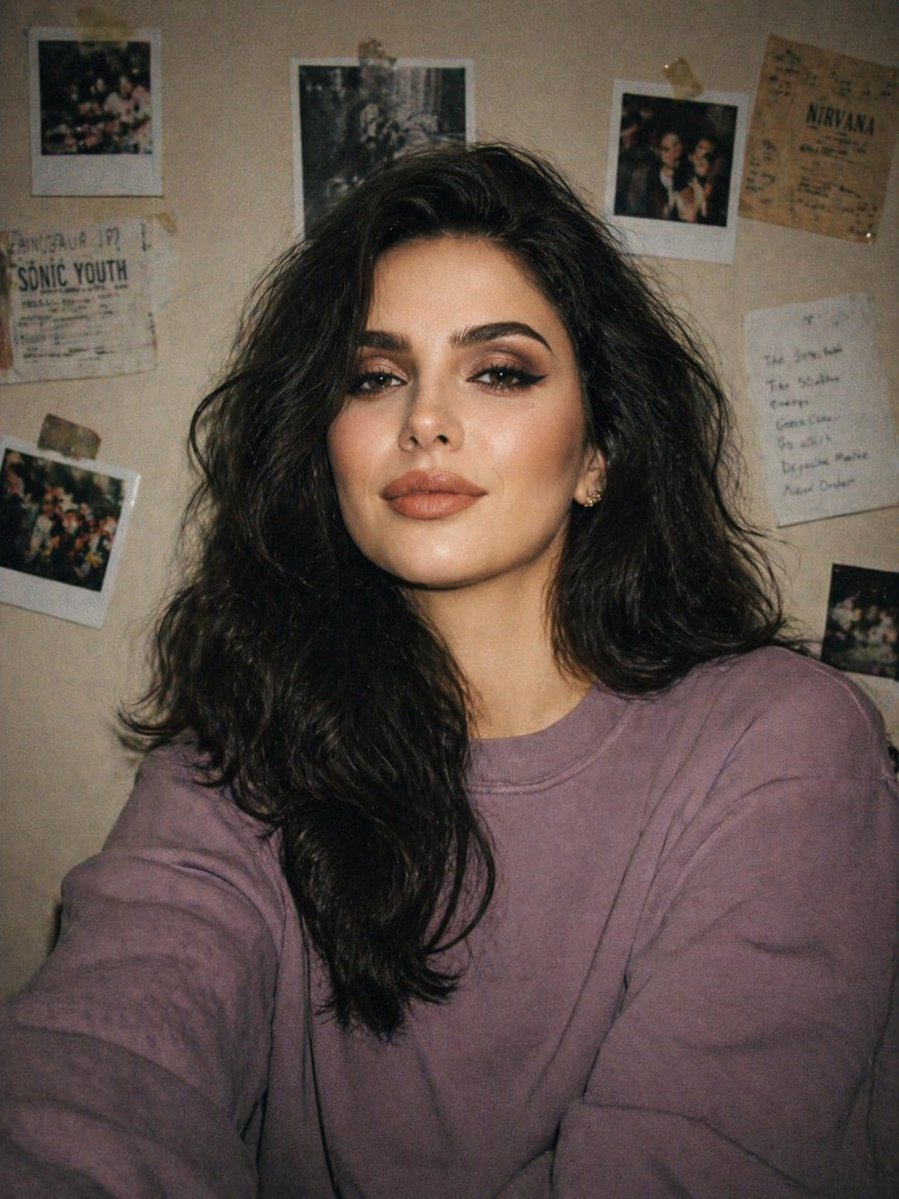
Disposable Camera Bedroom Portrait
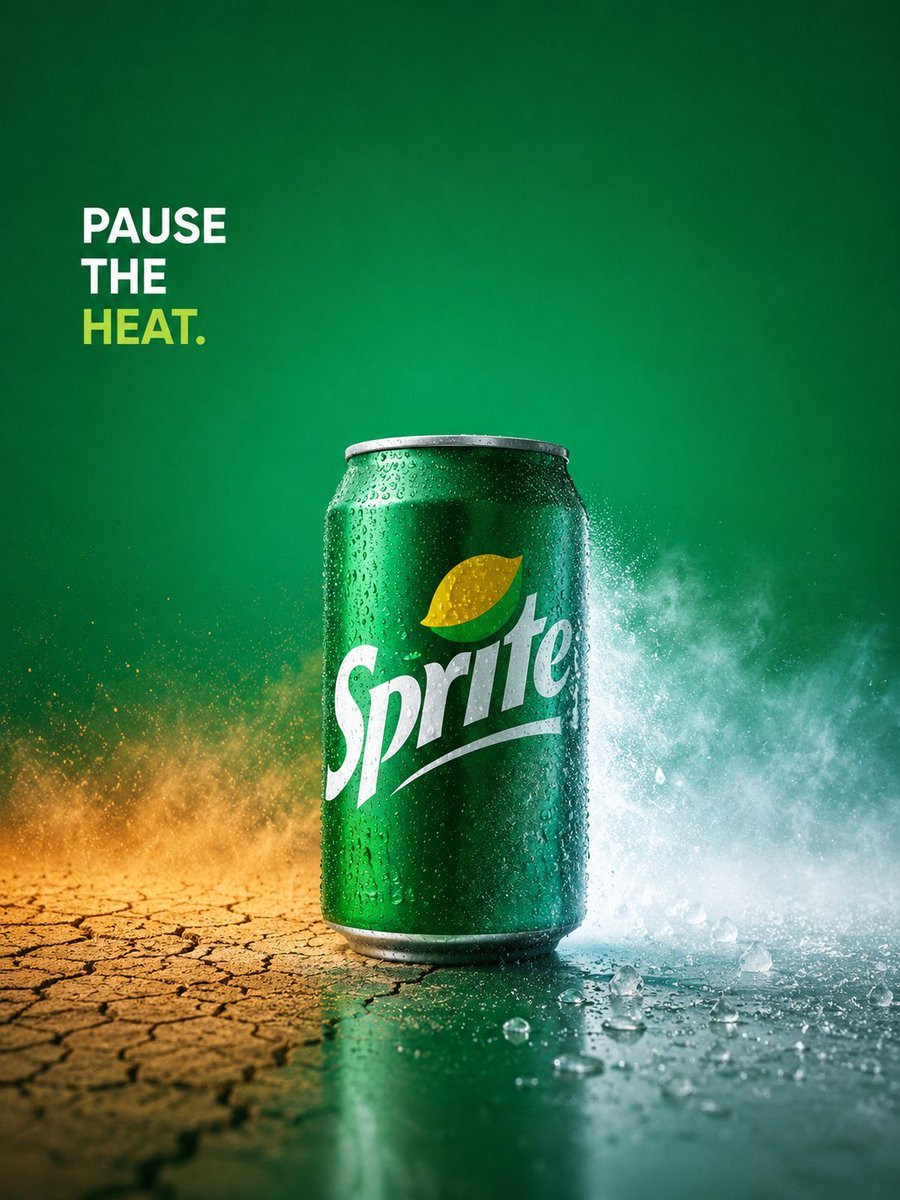
Sprite Heat Pause Beverage Ad

Luxury Drink Advertisement Poster
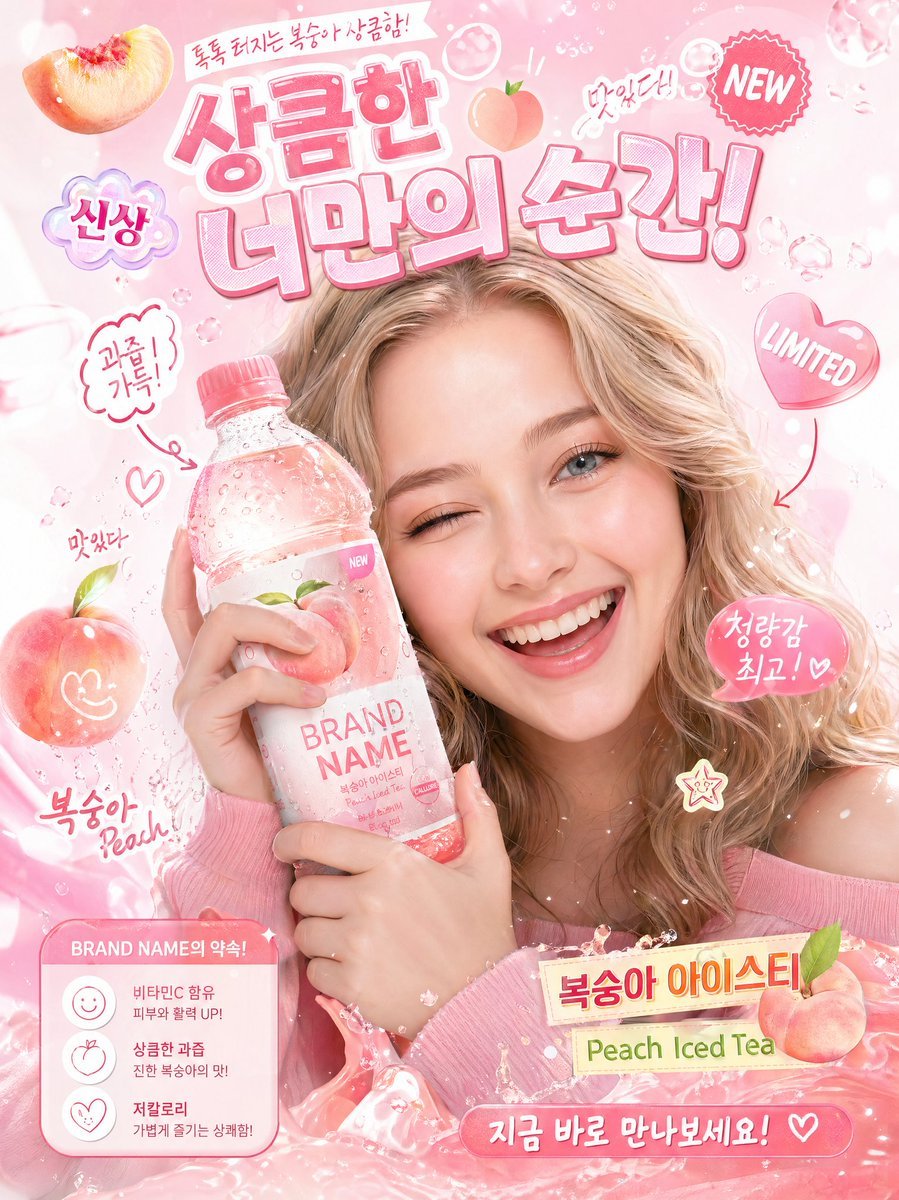
Korean-Style Interactive Beverage Poster
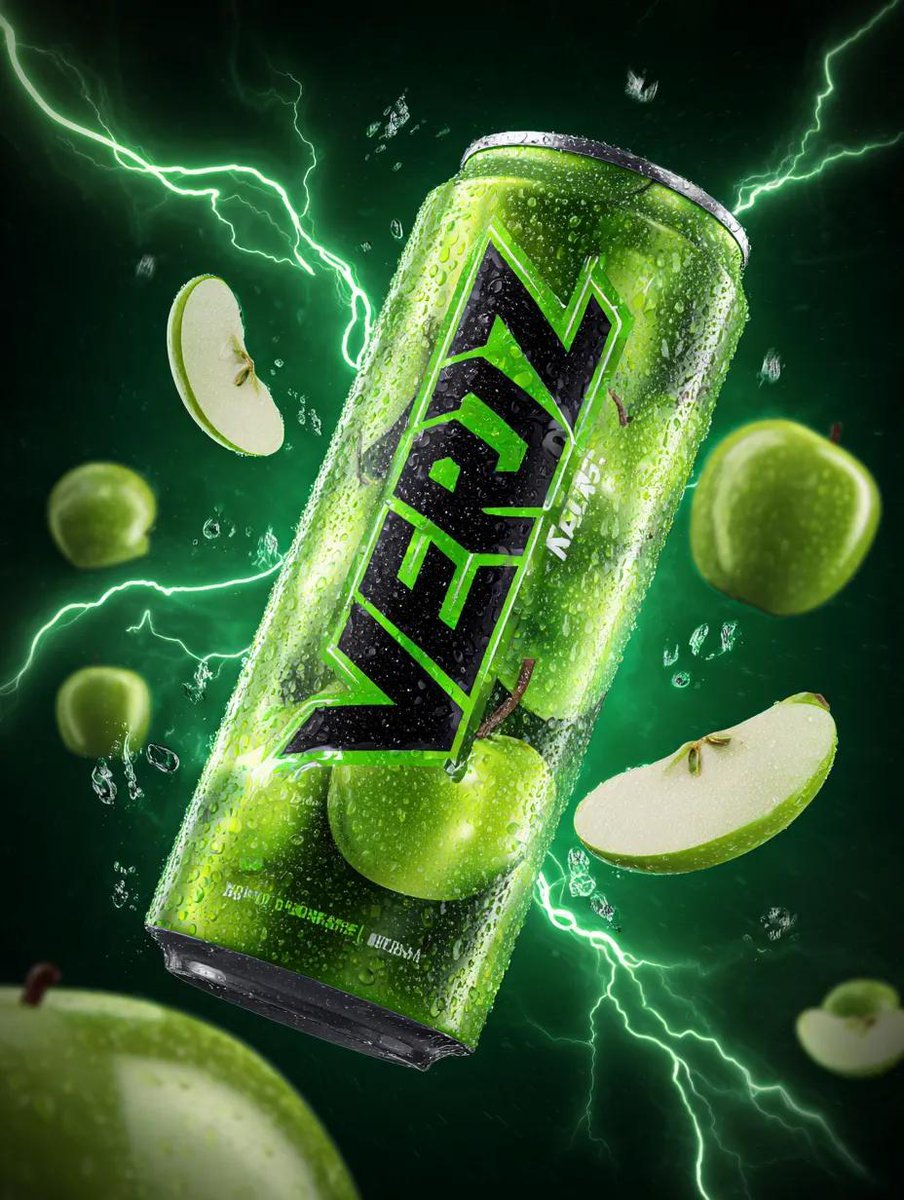
Energy Drink Can with Green Apple Splash and Neon Lightning
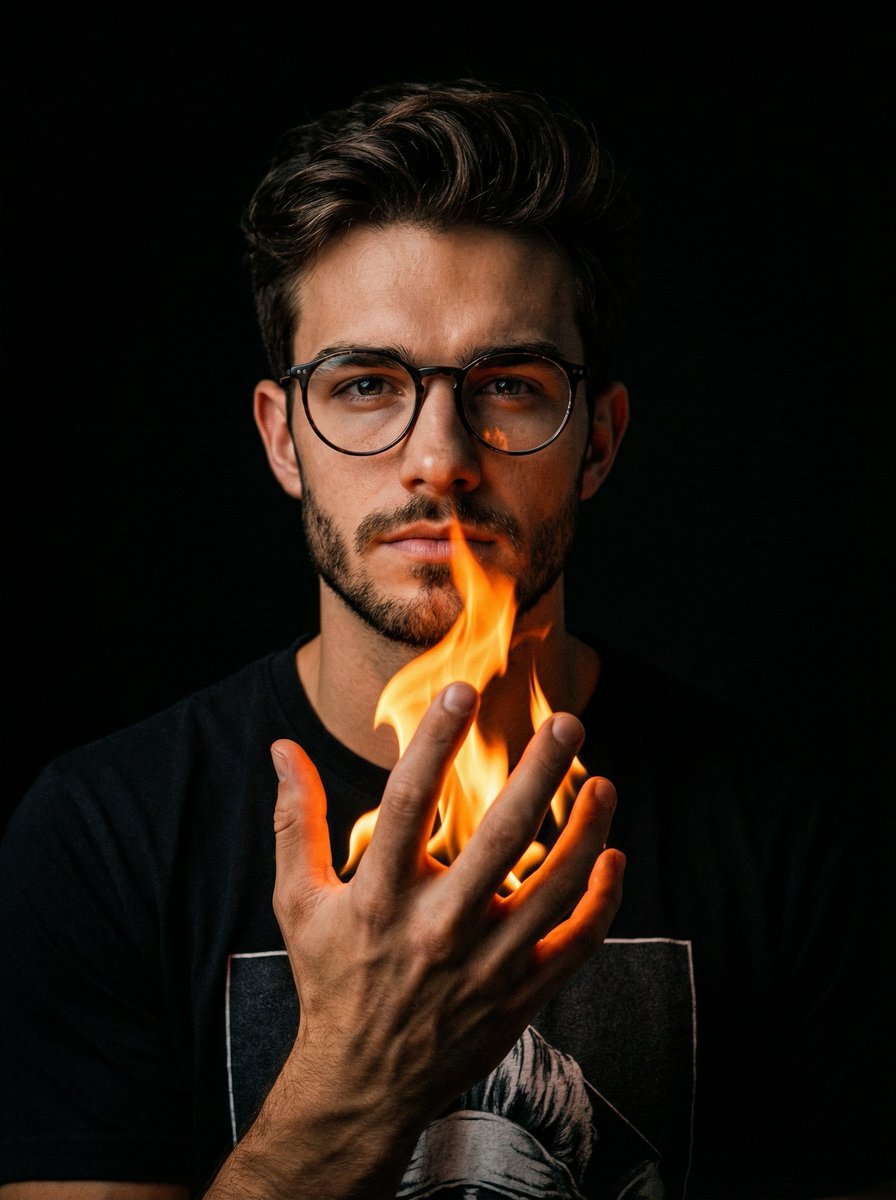
Cinematic Portrait with Fire in Hand

GPT Image 2 Cooking Prompt Banner
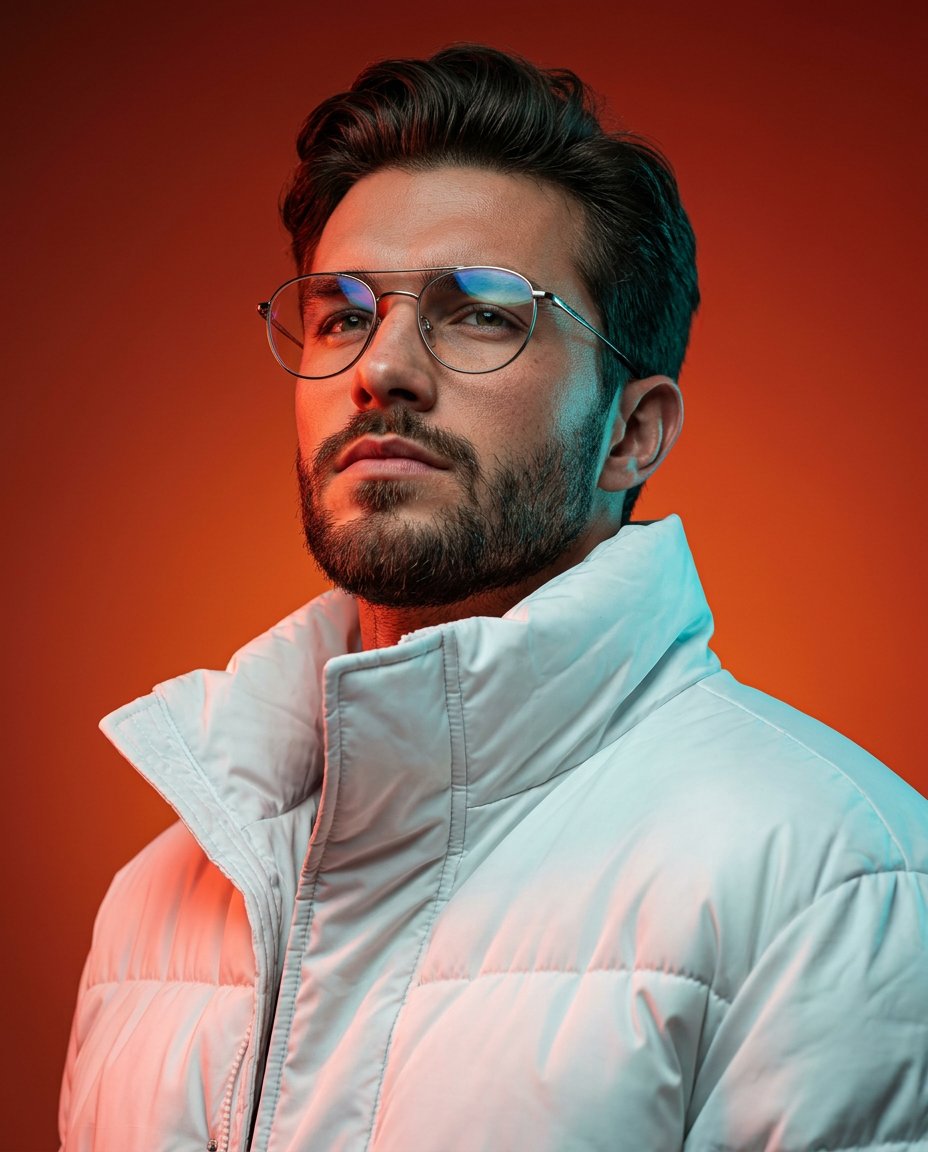
Cinematic Portrait with Dual-Color Lighting
Browse template categories
Candid Phone Photography Triptych questions
How do I use the Candid Phone Photography Triptych template?
Add your photo if the template asks for one, edit the prompt if you like — the template's model and format are already selected — and press Generate. Your version opens in PicX Studio.
Can I customize the Candid Phone Photography Triptych template?
Yes. You can change the subject, setting, lighting, mood, format, and available model controls before creating your image.
Is the Candid Phone Photography Triptych template free?
Opening and editing this template is free. Generating uses credits, shown on the Generate button when you are signed in.
Which AI model should I use?
Start with Nano Banana 2, which is the model associated with this template. You can compare another compatible model for a different finish.
Looking for something else? Browse all templates.

Your photo, any look
Thousands of ready templates for every top image and video model, from one credit balance.