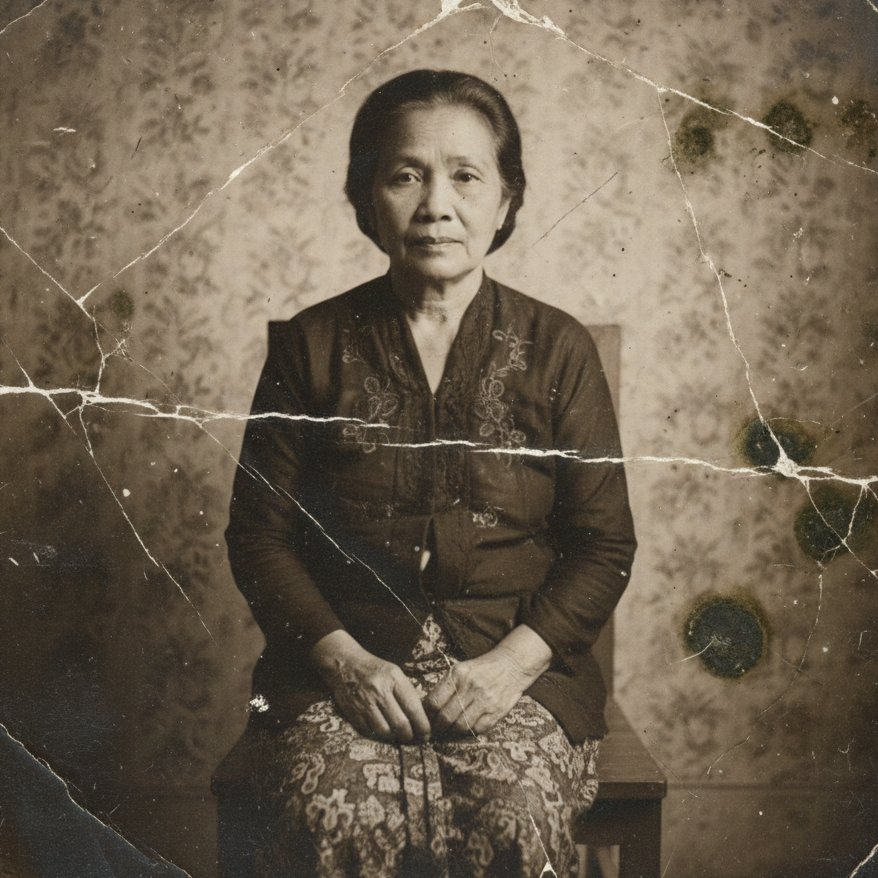
How do I use the Victorian-Edwardian Aristocratic Woman Portrait template?
Choose the primary action to open PicX Studio with the available template settings. Review the model and format, personalize the creative direction, and generate when ready.
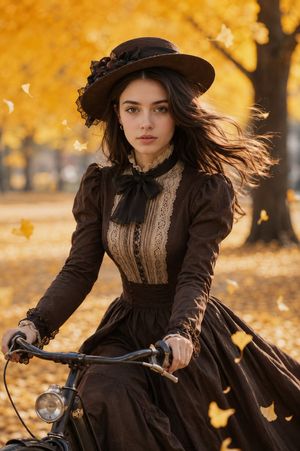
A prompt for generating an ultra-realistic cinematic portrait of an elegant aristocratic woman in a mint-green silk gown, blending Victorian and Edwardian fashion. Change the subject, setting, or lighting one variable at a time.

Ultra-realistic cinematic portrait of an elegant aristocratic woman, Victorian–Edwardian fusion fashion. She wears a {argument name="dress color" default="mint-green"} silk gown with intricate lace embroidery and gemstone detailing, deep V neckline, soft flowing fabric. A wide-brim pastel mint hat adorned with silk flowers and delicate feathers. Luxurious diamond and aquamarine jewelry set — chandelier earrings, ornate necklace, matching accents. Porcelain skin, refined facial features, soft rosy blush, natural glossy lips, expressive light eyes. Hair styled in a polished low bun. Studio gray background, soft diffused lighting, shallow depth of field, fashion editorial photography, 85mm lens look, ultra-sharp focus, photorealistic, high texture detail, timeless elegance, Vogue magazine style. Negative Prompt (IMPORTANT) low quality, blur, extra fingers, deformed face, plastic skin, cartoon, overexposed, harsh shadows, watermark, text, logo, AI artifacts
Choose the primary action to open PicX Studio with the available template settings. Review the model and format, personalize the creative direction, and generate when ready.
Yes. You can change the subject, setting, lighting, mood, format, and available model controls before creating your image.
This template is free to open and customize. Generation usage is shown in PicX Studio before you create.
Start with Nano Banana 2, which is the model associated with this template. You can compare another compatible model for a different finish.
© 2026 PicX Studio. All rights reserved.

Follow a topic to a crawlable collection of related PicX Studio templates.
43,474 public templates available. Verified via the PicX Studio public templates API; refreshed hourly.


![69-untitled — FORMAT: 15s / 145 BPM / 14 SHOTS
SUBJECT: @[image1]
WARDROBE: Clean modern outfit
ENVIRONMENT: Street / indoor transitions
MOOD: Discovery → contr](/_next/image?url=https%3A%2F%2Fcdn.picxstudio.com%2Fuploads%2Fpost69_img0_d45faecf-38c3-4bcb-81a4-f6eb1cf42bb2.jpg&w=828&q=100)















![118-google-nano-banana-pro-skincare-product- — A professional skincare shot of a [product container] with [cap/lid], labeled [brand, product, descriptor, volume](/_next/image?url=https%3A%2F%2Fcdn.picxstudio.com%2Fuploads%2Fpost118_img0_332898b8-29ea-42a9-87ab-9ed746a3f944.jpg&w=828&q=100)


![Naive doodle-style subject illustration — A doodle-style {argument name="subject" default="[subject]"}, naive lines, humorous shape exaggeration](https://pbs.twimg.com/media/G6Wl2YxbsAARB2b.jpg)