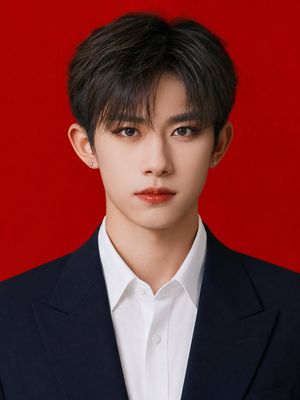
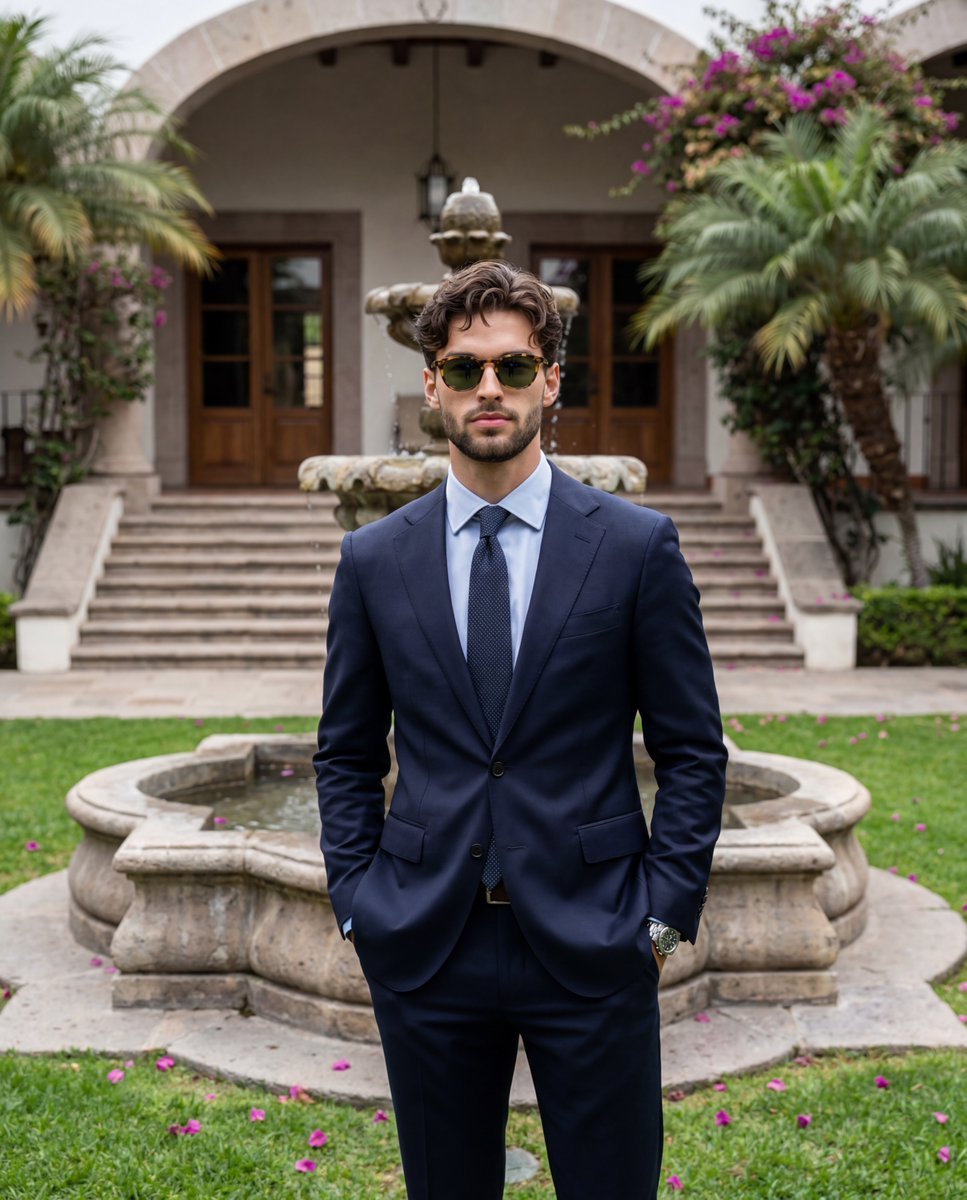
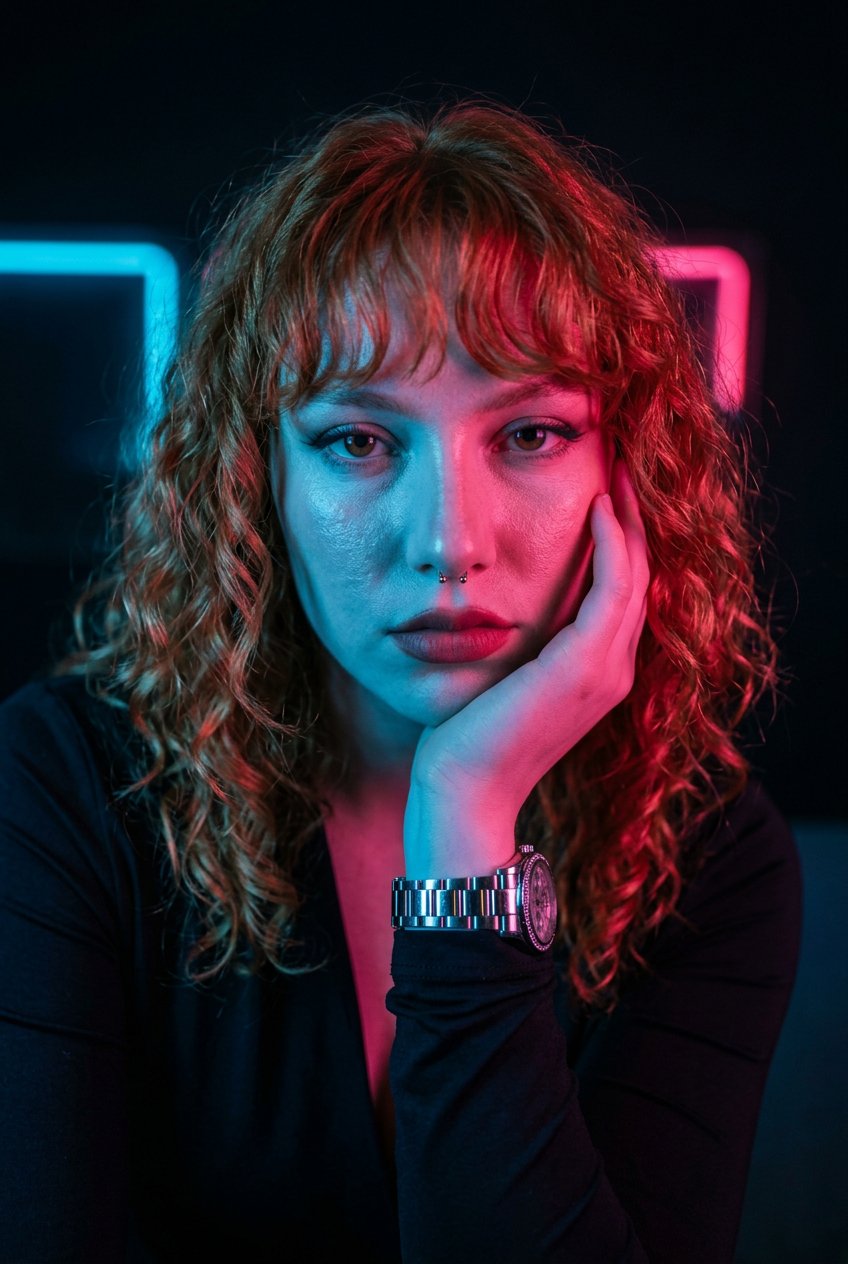
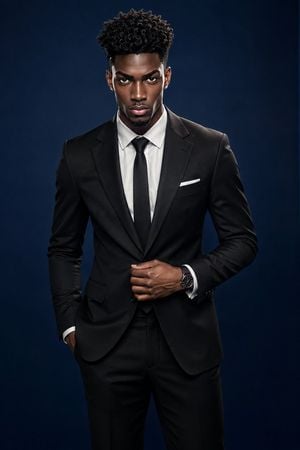
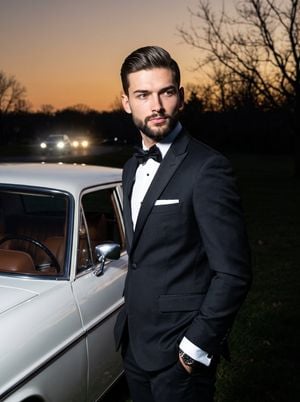
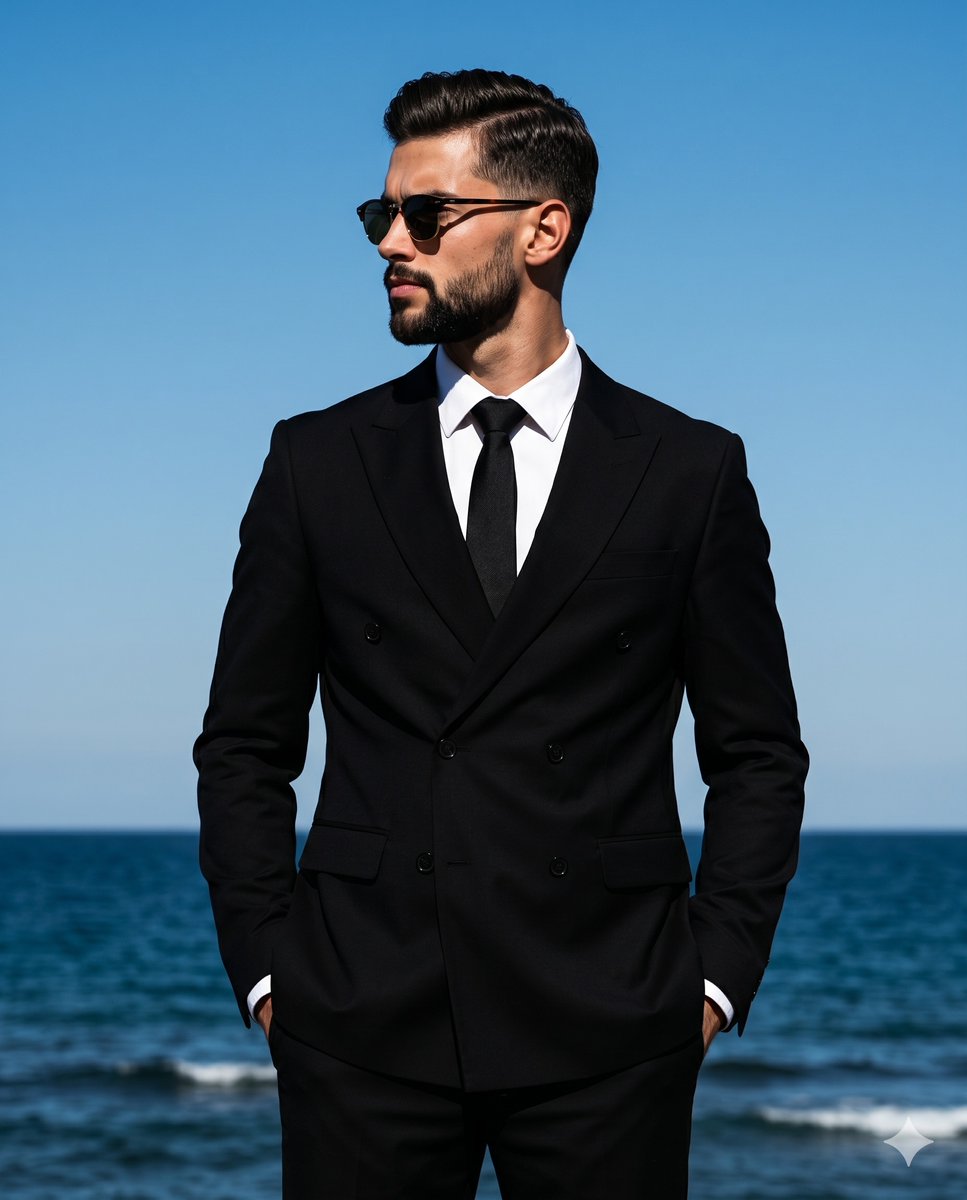
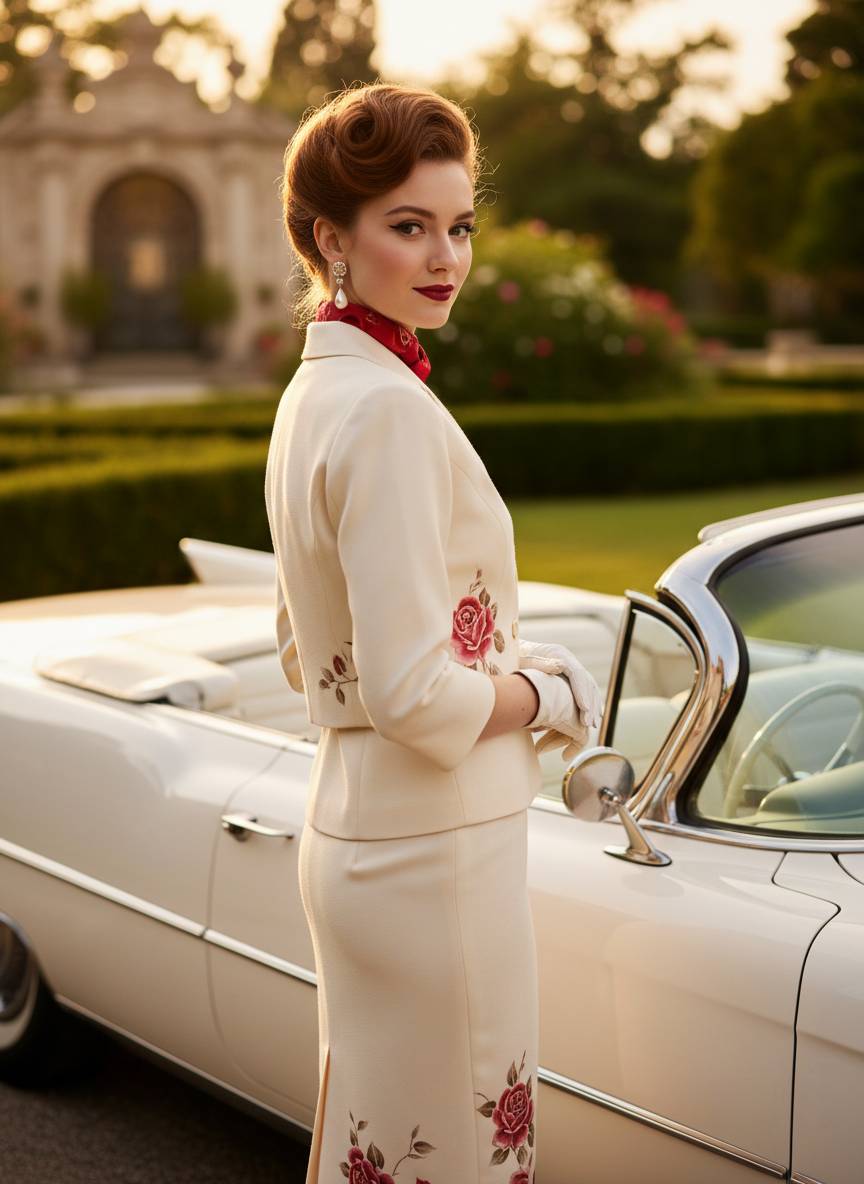
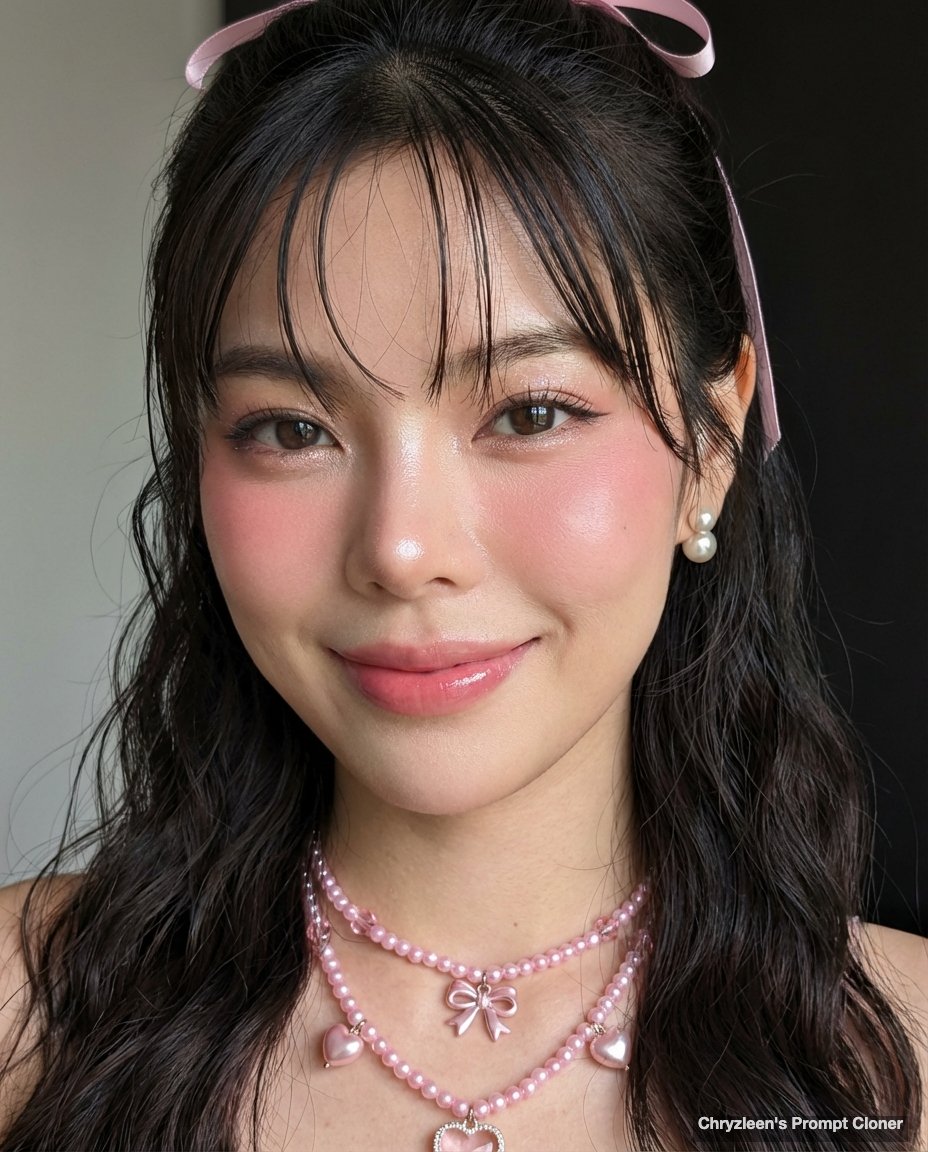
How do I use the Formal Headshot Template template?
Edit the prompt in the box under the preview — the template's model and format are already selected — and press Generate. Your version appears right on this page.
Formal Headshot Template is a ready photo look.

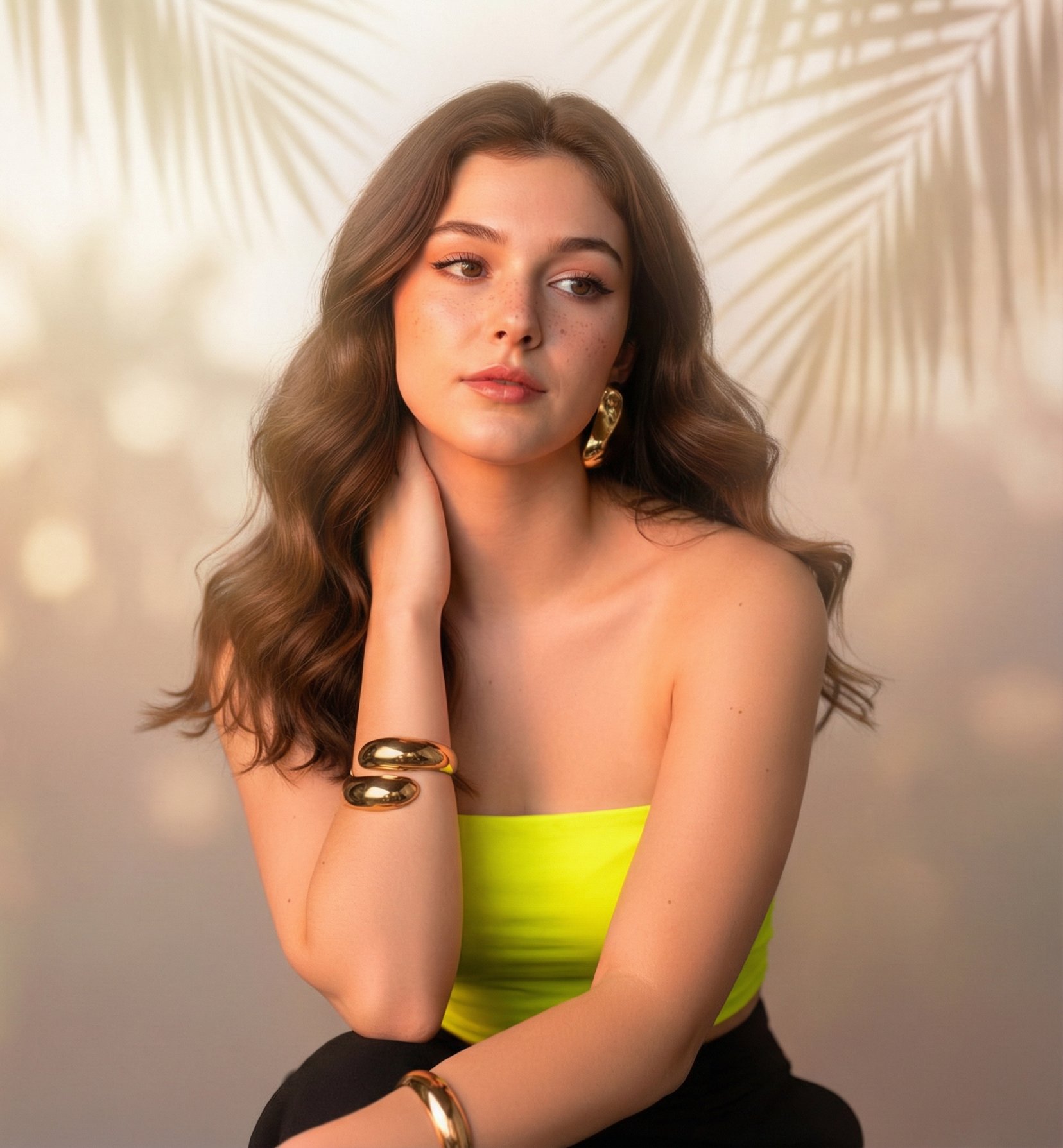
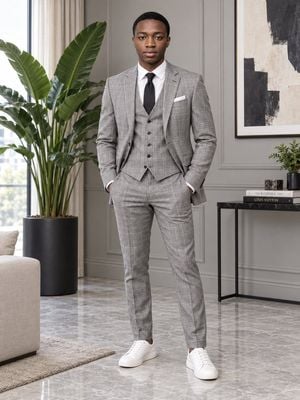
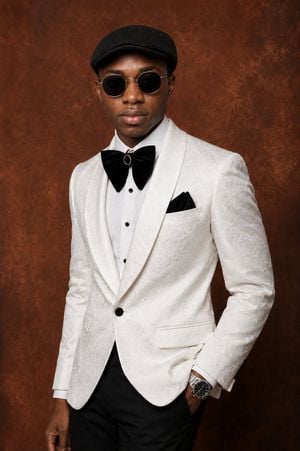
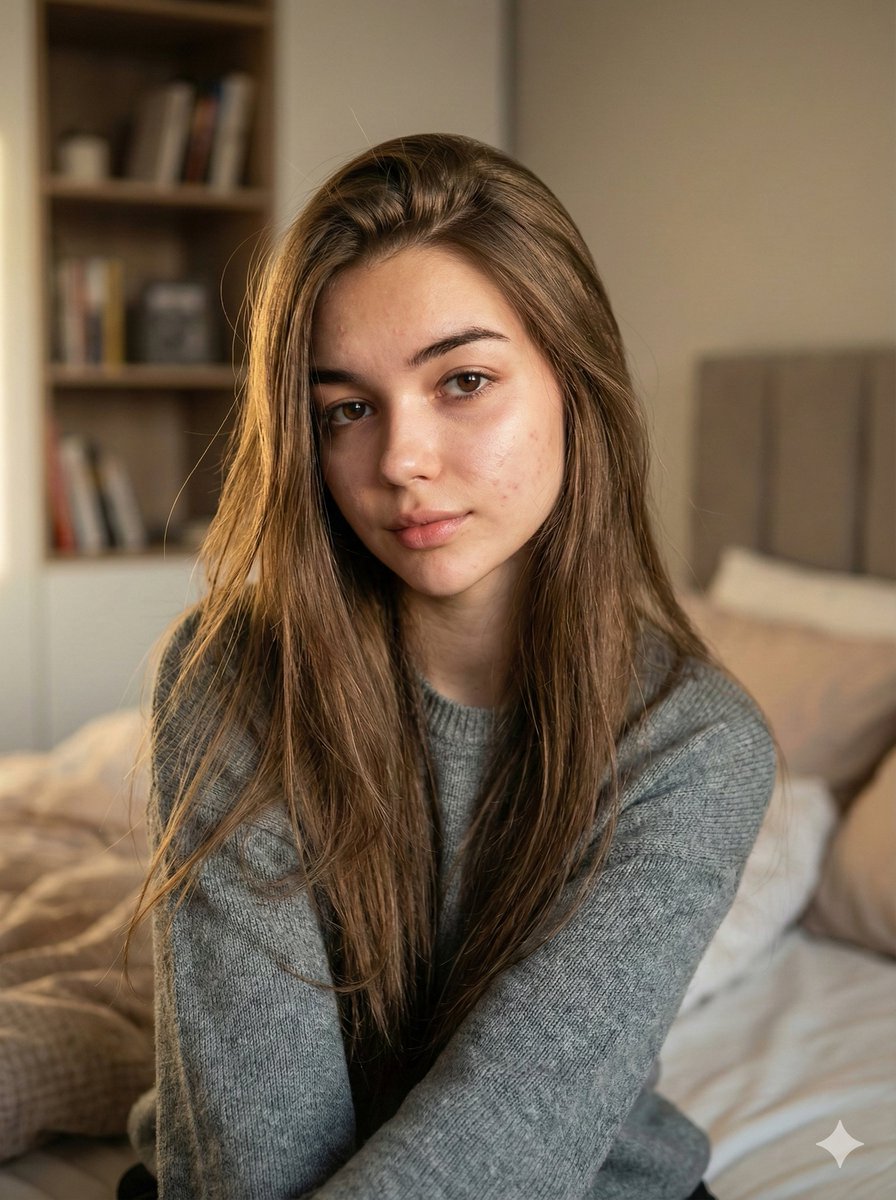
A realistic executive headshot of woman taking reference from uploaded image. She has neat hair with a side part. She is wearing a black blazer over a white button-up shirt. Her expression is confident and composed. Skin texture shows natural pores, soft highlights, natural oiliness, tiny creases, and subtle peach fuzz near the jawline. Lighting is bright, clean, and even, coming from a softbox, with mild shadow falloff on one side of the face. Background is a pure white studio backdrop with no gradients. High-resolution DSLR clarity, no AI smoothness, natural color tones.
A realistic executive headshot of woman taking reference from uploaded image. She has neat hair with a side part. She is wearing a black blazer over a white button-up shirt. Her expression is confident and composed. Skin texture shows natural pores, soft highlights, natural oiliness, tiny creases, and subtle peach fuzz near the jawline. Lighting is bright, clean, and even, coming from a softbox, with mild shadow falloff on one side of the face. Background is a pure white studio backdrop with no gradients. High-resolution DSLR clarity, no AI smoothness, natural color tones.
Edit the prompt in the box under the preview — the template's model and format are already selected — and press Generate. Your version appears right on this page.
Yes. You can change the subject, setting, lighting, mood, format, and available model controls before creating your image.
Opening and editing this template is free. Generating uses credits, shown on the Generate button when you are signed in.
Choose a compatible model in PicX Studio based on the style, speed, and output controls your project needs.
Follow a topic to a crawlable collection of related PicX Studio templates.