
Cinematic Male Formal Night Portrait
A sophisticated paparazzi-style night portrait of a man in a tuxedo standing by a vintage car, utilizing high-contrast lighting and an old-money aesthetic.
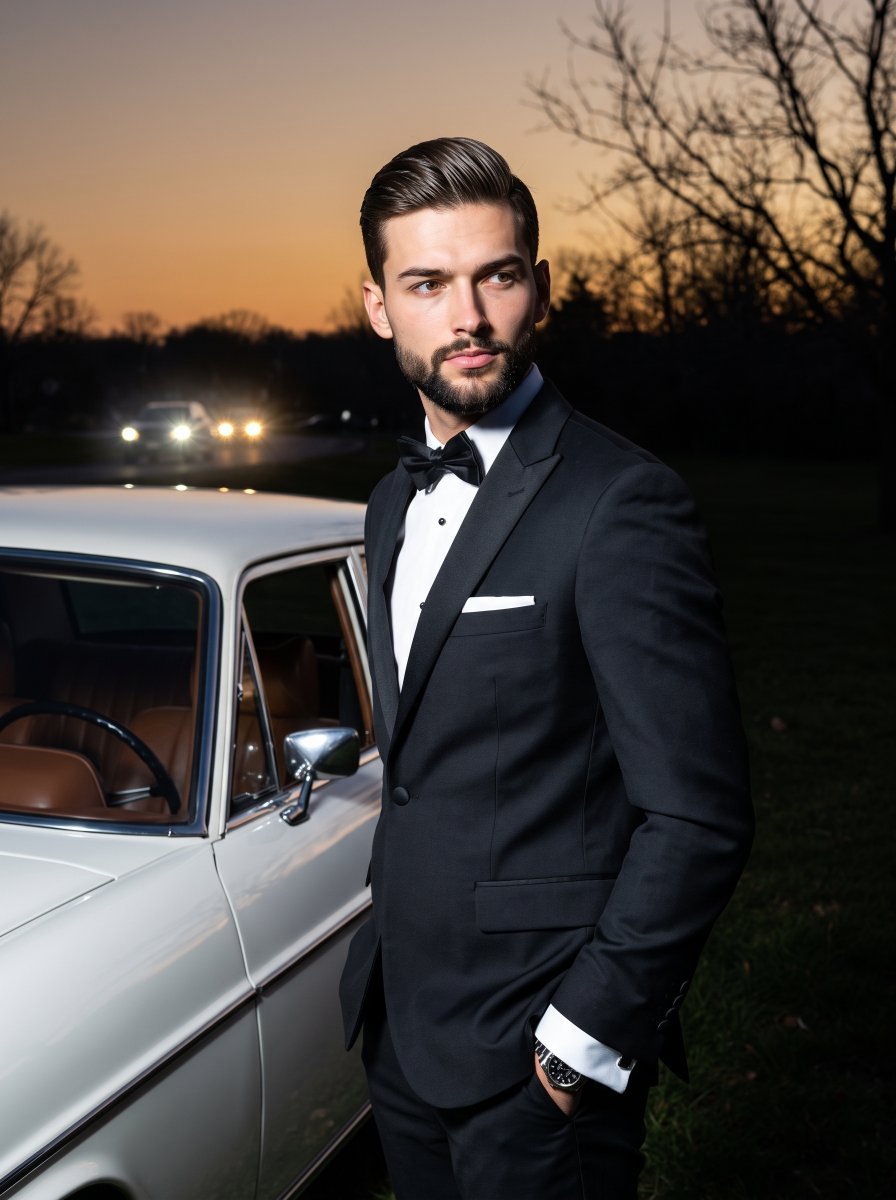
- Prompt included
- Model and format preset
- Free template
The prompt behind this image
Copy the exact prompt behind Cinematic Male Formal Night Portrait, or open it in the studio and make it yours.
A young adult {argument name="subject" default="male"} stands in a deliberately posed 45-degree turn with relaxed shoulders, wearing {argument name="clothing" default="a classic deep black tuxedo, bow tie, stark white shirt collar, and crisp pocket square"}. His handsome, serious face is captured in profile as he looks away, featuring a closed, neutral mouth and relaxed eyebrows. His thick, medium-short hair is brushed behind the ears and swept straight back in a low-volume, classic taper without a prominent side part, heavily styled with a firm-hold pomade that creates a wet, glossy finish with visible comb lines, while a slight separation of strands near the crown and back reveals natural texture despite the heavy product. His left hand is thrust casually into his left trouser pocket, exposing a pristine white French cuff and a metallic dress watch on his wrist. He stands on {argument name="background" default="deep shadow-black grass beside a pristine vintage automobile dominating the bottom right foreground"}, featuring glossy stark white paint, a chrome circular side mirror, and a visible interior dashboard in warm brown tones. The deep spatial background reveals faint, blurred white vehicle headlights glowing distantly on the mid-left horizon line, while the weathered, intricate branch networks of bare deciduous trees are silhouetted against the top right sky. A harsh, highly directional artificial flash from the front-left pierces the sophisticated, mysterious atmosphere of wealthy detachment, casting deep black, harsh-edged shadows heavily across the right side of his face, neck, and dark suit. Bright specular highlights catch sharply on his illuminated cheekbone, jawline, nose bridge, and the curved chrome and paint of the vintage car. The cool, high-contrast, desaturated complementary color palette is dominated by deep foreground blacks that contrast fiercely with the stark white car and accents, set against a twilight blue sky that fades into a warm amber horizon gradient reflecting softly on his skin tones. Shot straight-on as a realistic, tack-sharp digital photograph blending paparazzi-style night portraits with an elegant old-money cinematic aesthetic, utilizing a 35mm to 50mm lens at f/4 to f/5.6, a 1/100s shutter speed, and ISO 800 to 1600. The deep depth of field editorial image is finalized with crushed blacks, lifted midtone contrast, a slightly cooled ambient white balance, and atmospheric digital film noise, framed in a 3:4 vertical aspect ratio.
How to use Cinematic Male Formal Night Portrait in 3 steps
- 1
Open
The prompt is already in the box next to the preview, with the template's model and format selected.
- 2…a portrait of your subject in softgolden-hour light, 85mm…
Personalize
Edit the subject and creative details for your destination.
- 3Generate
Generate
Press Generate — your image is created in PicX Studio, so you can compare it with the original and refine one variable at a time.
More like this
Templates with the same subject, style or setup. Open one to see its prompt.

Nano Banana Pro Photoreal Playful Couple

Underwater Macro Face Portrait

Noir Punk Street Portrait

High Contrast Cinematic Face Portrait

Monochrome Studio Portrait with Colored Lens

Ultra-Realistic Yacht Sunset Portrait

Found Photograph: Us, 1970

80s Couple Studio Portrait

80s Bollywood Star

80s Golden Hour Cinema

Me in 1985

1985 Studio Portrait
Make it yours
Cinematic Male Formal Night Portrait works as-is. These are the safest ways to change it without losing the look.
Change one field
Copy a single group, rewrite it, and generate again so you can see what that field is doing.
Keep the frame, change the subject
Hold the composition and light of Cinematic Male Formal Night Portrait, then swap wardrobe, props or the person for a new take.
| If the result… | Why | Fix |
|---|---|---|
| The result drifts from the preview | Too many fields changed at once. | Reuse Cinematic Male Formal Night Portrait as-is first, then change one group — subject, light, or setting. |
| The model over-stylizes the scene | The prose prompt leaves finish and camera underspecified. | Add one camera or lighting sentence and stay on Gemini 3 Pro Image Preview. |
More Gemini 3 Pro Image Preview templates
Other prompts made for Gemini 3 Pro Image Preview.

Mushroom Still Life Composition

Whimsical Anthropomorphic Friendly Insect

Cinematic Urban Night Billboard Portrait

Pop Art Summer Fruit Fashion Illustration

Ultra-Realistic iPhone Selfie with Motion Blur

Cinematic Mirror Reflection Portrait

Elegant Men's Twilight Editorial

Coastal Freedom Sunset Portrait

Ergonomic Office Chair E-commerce Mobile Detail Page

Macro Guitar Fret Dressing
More image prompts
Fresh picks from across the catalog.
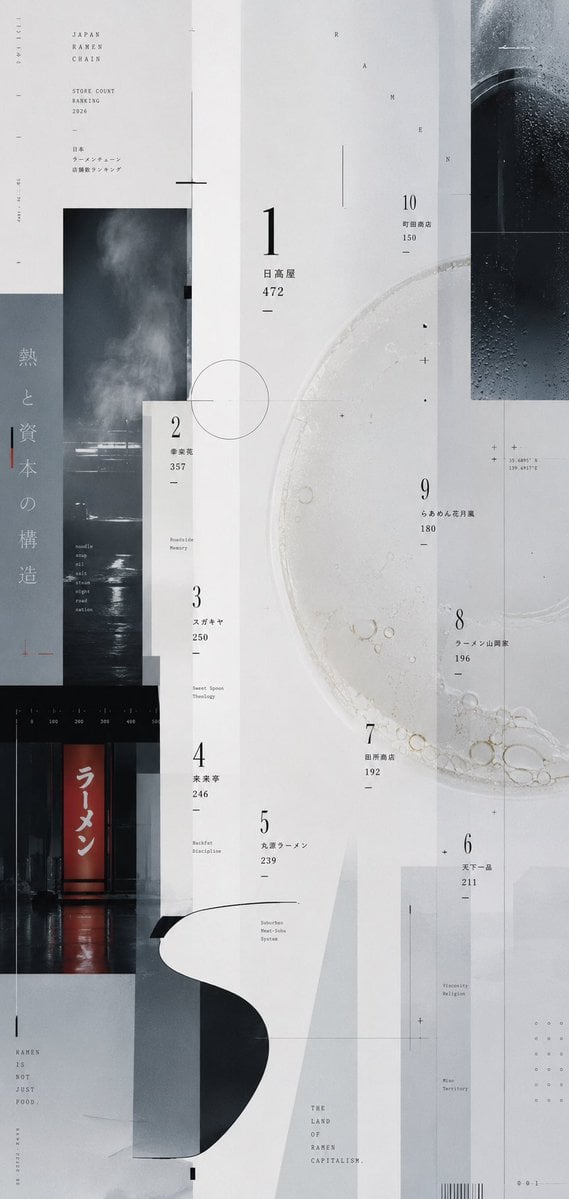
Experimental Ramen Ranking Poster
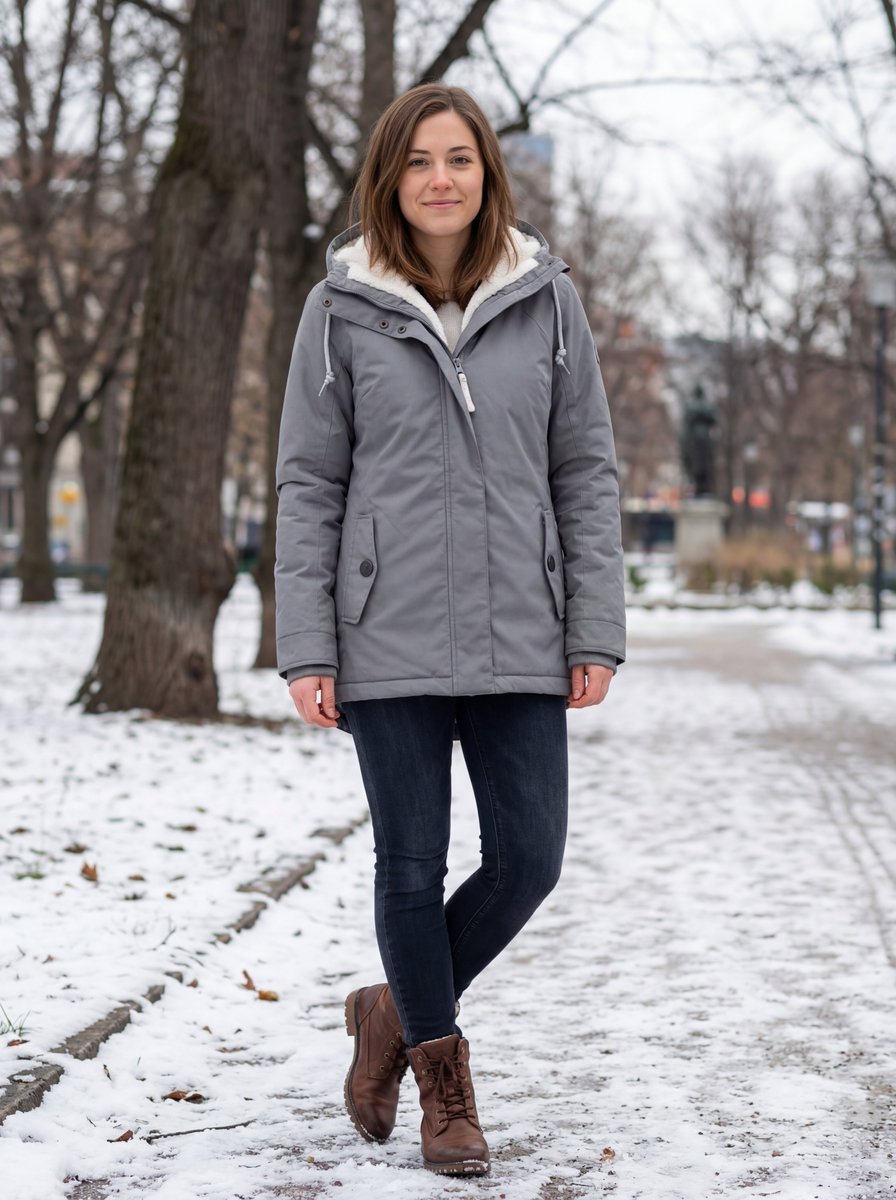
Hyper-realistic Outdoor Winter Fashion Catalog Prompt
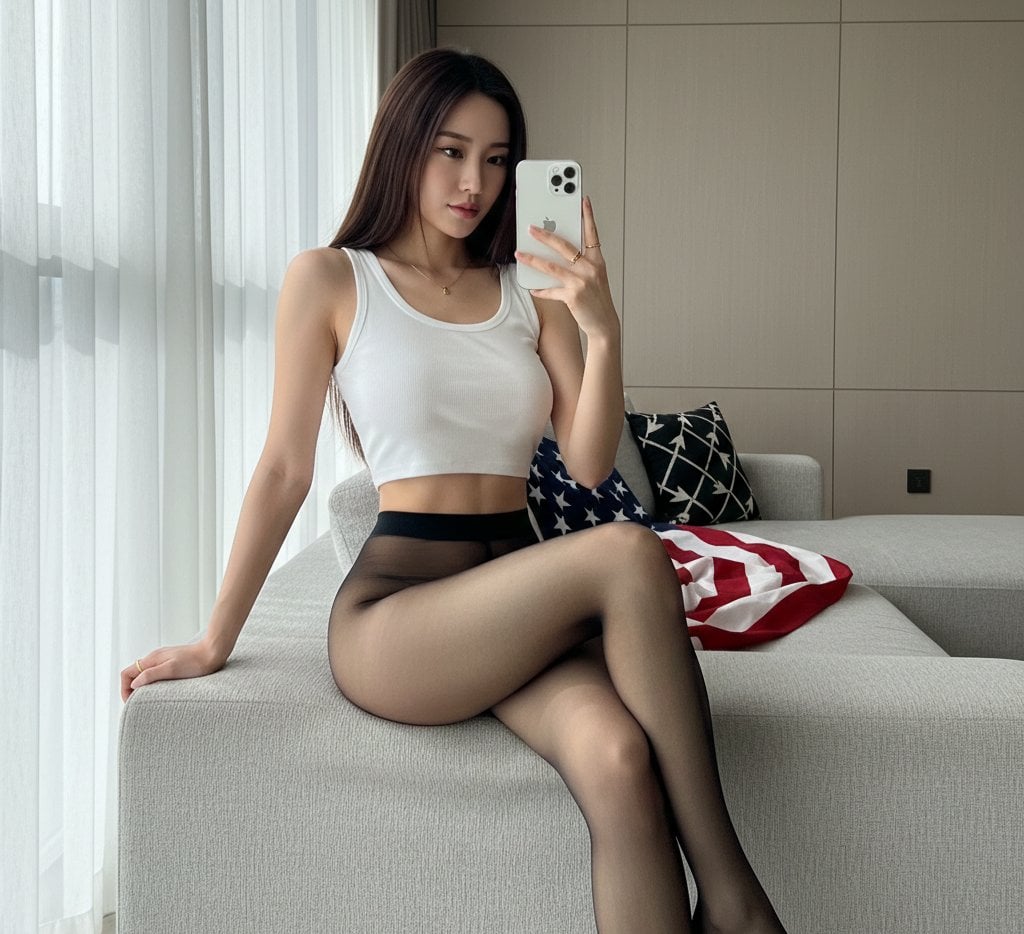
Mirror Selfie with Hosiery and Flag Background Prompt
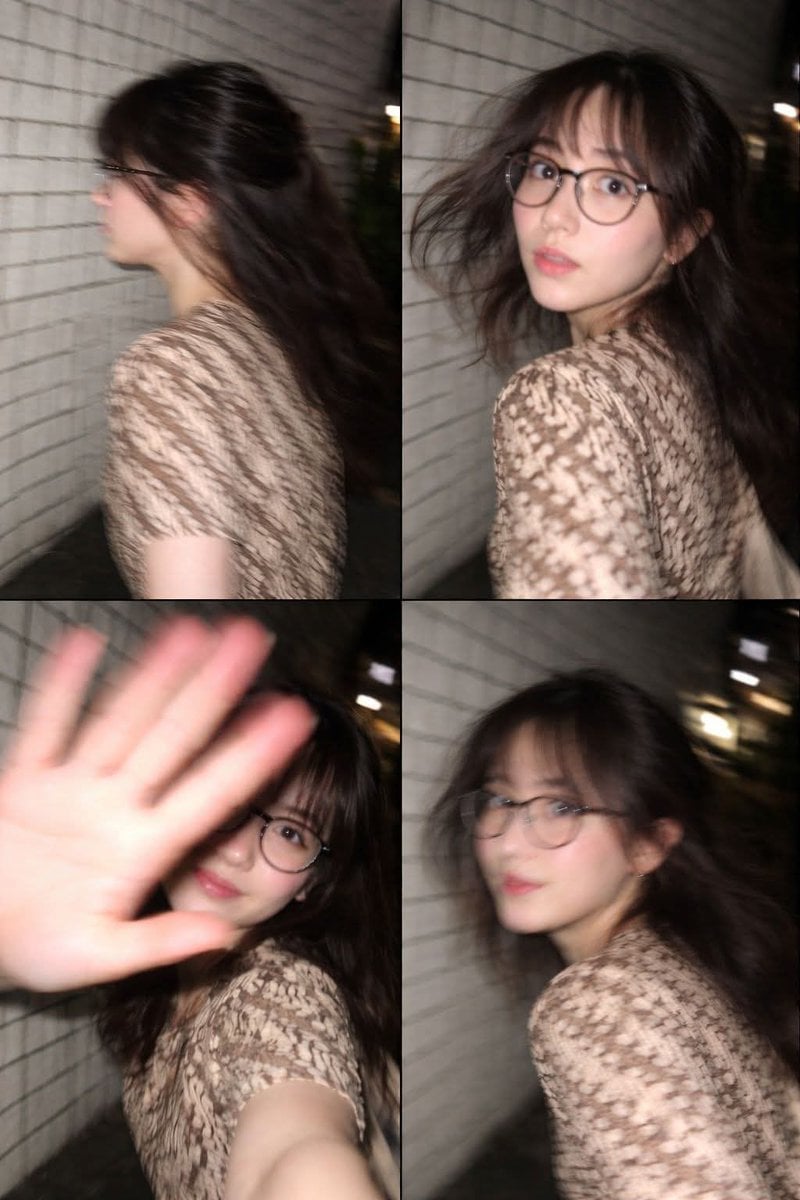
Ultra-Realistic Candid Nighttime Smartphone Photo in Tokyo
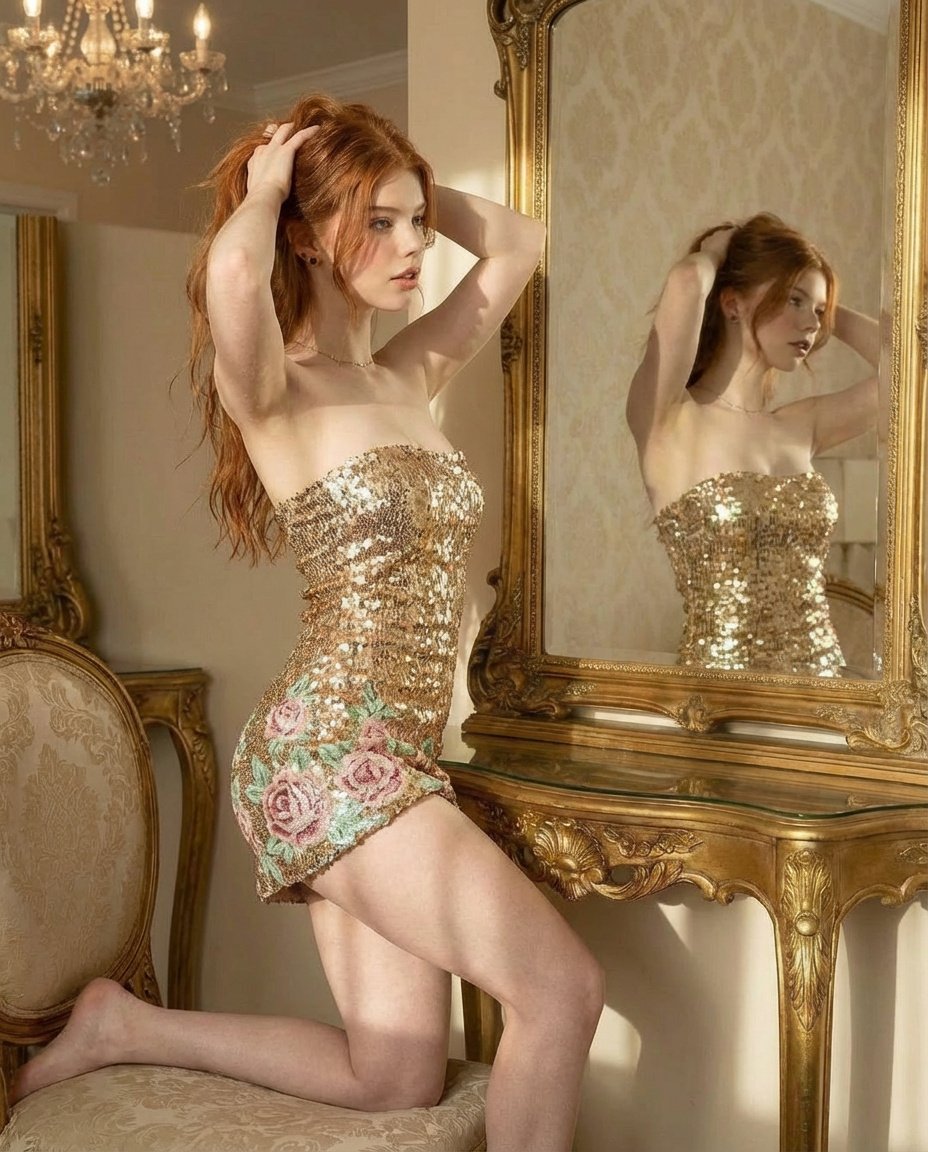
Ultra Photorealistic Glamorous Portrait in Classical Interior
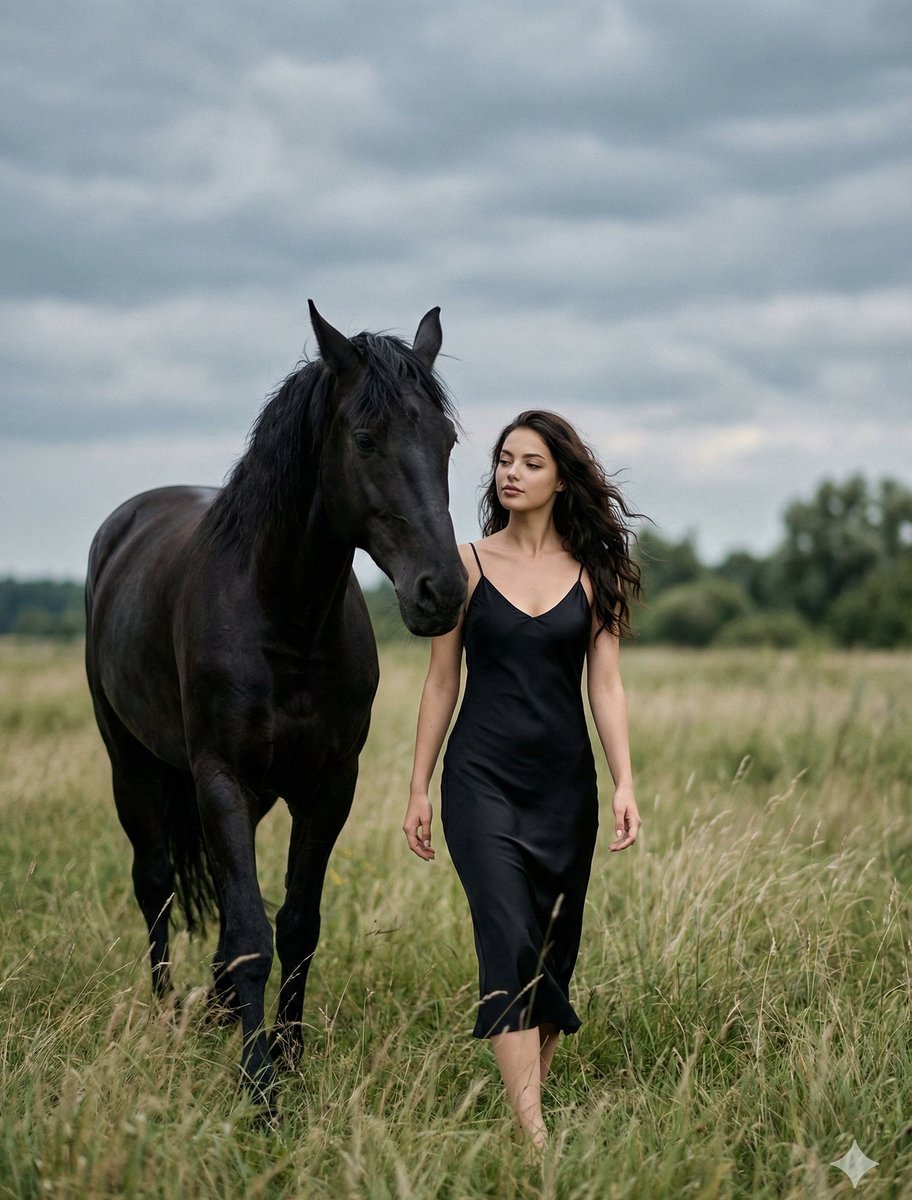
Cinematic Photorealistic Scene of Woman and Black Horse
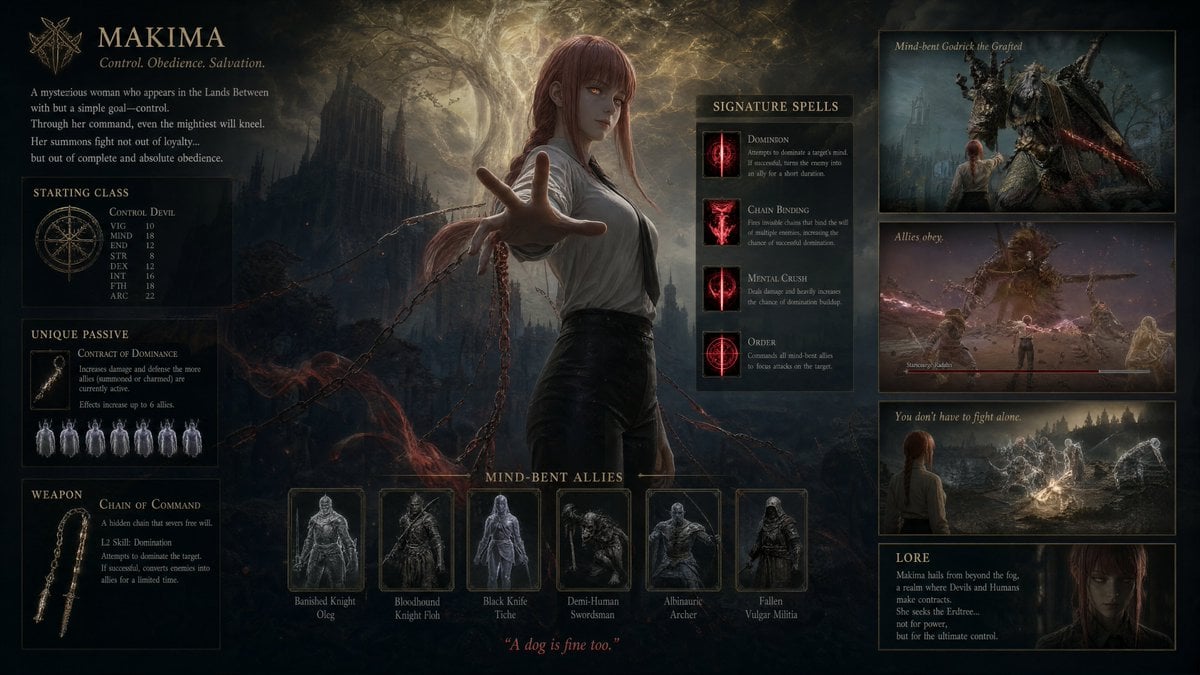
Dark Fantasy Makima Build Sheet
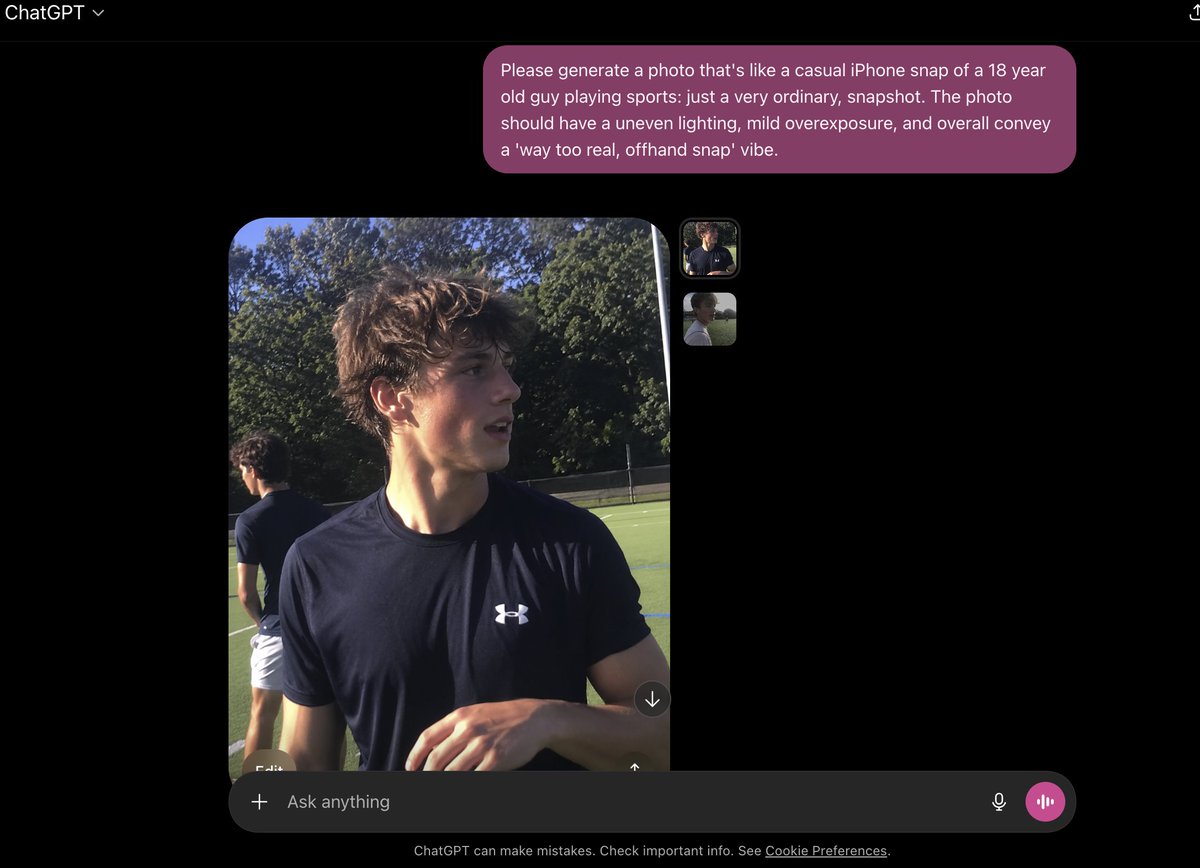
Base prompt: Please generate a photo that's lik
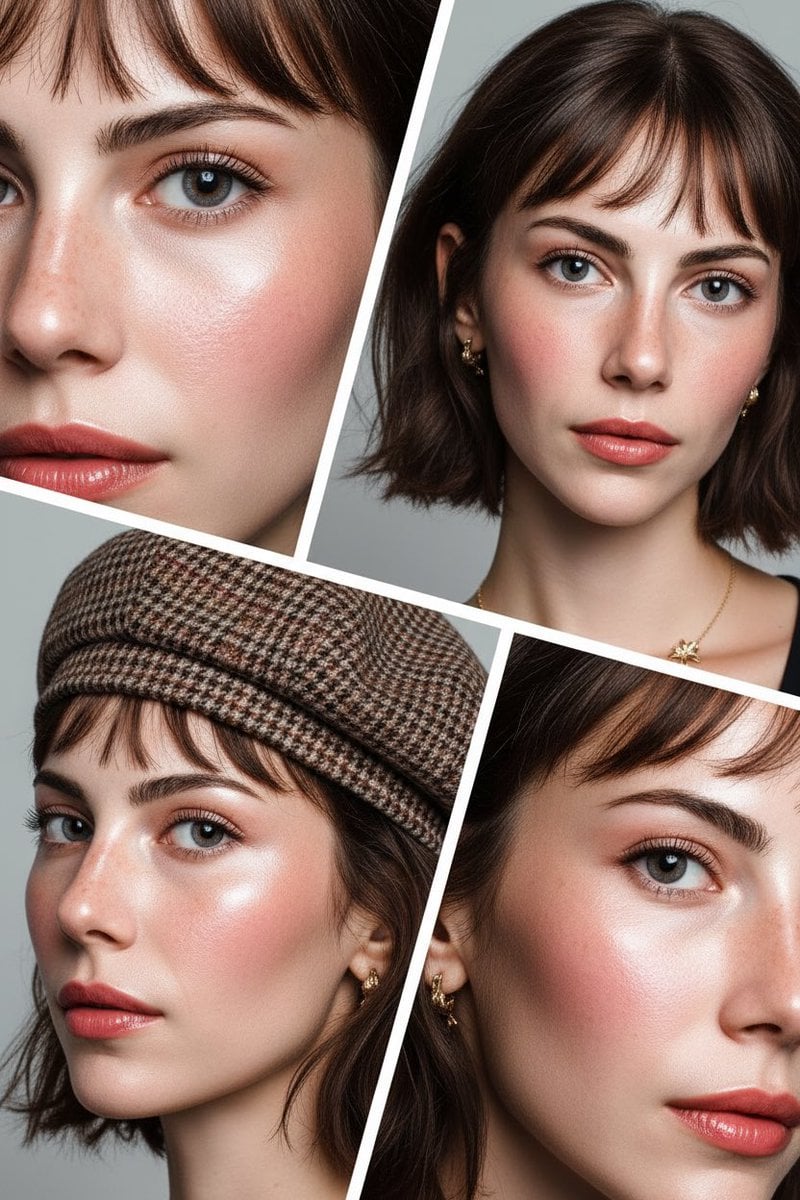
Doll-like Beauty Editorial Collage Prompt (Indonesian)
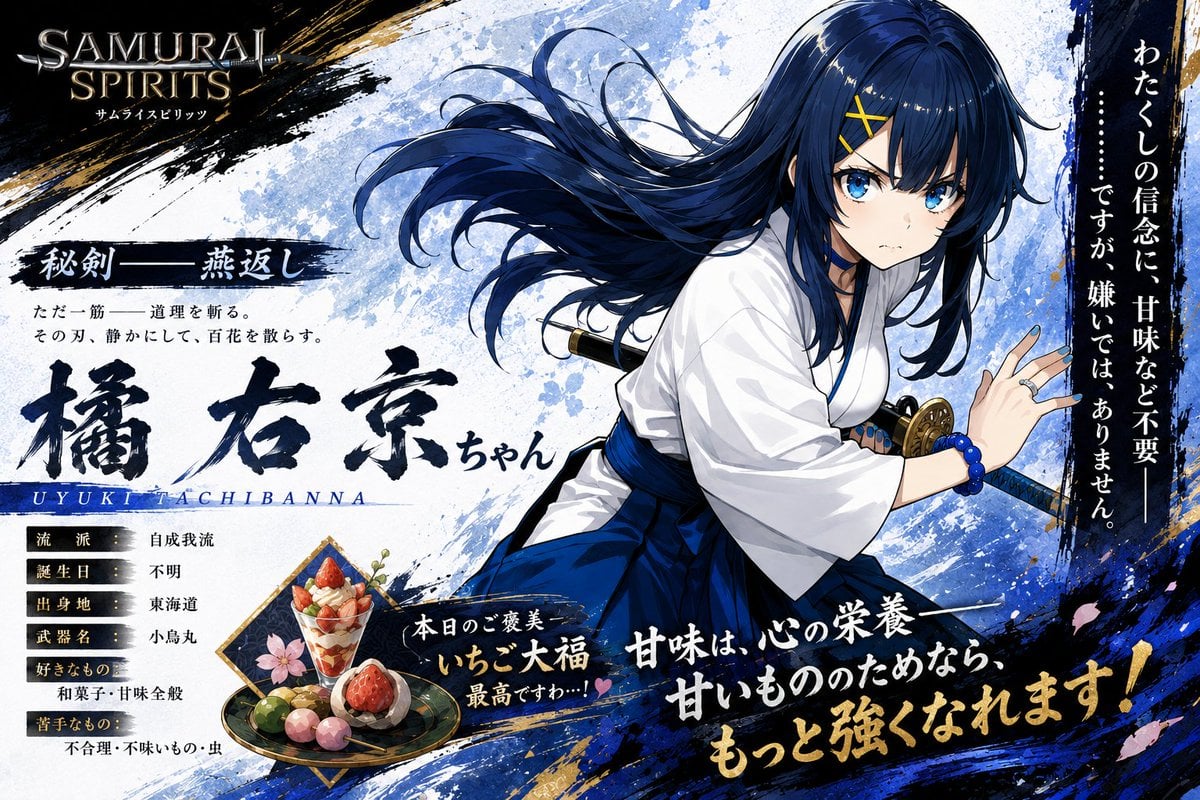
Anime Samurai Character Poster
Browse template categories
Cinematic Male Formal Night Portrait questions
How do I use the Cinematic Male Formal Night Portrait template?
Add your photo if the template asks for one, edit the prompt if you like — the template's model and format are already selected — and press Generate. Your version opens in PicX Studio.
Can I customize the Cinematic Male Formal Night Portrait template?
Yes. You can change the subject, setting, lighting, mood, format, and available model controls before creating your image.
Is the Cinematic Male Formal Night Portrait template free?
Opening and editing this template is free. Generating uses credits, shown on the Generate button when you are signed in.
Which AI model should I use?
Start with Gemini 3 Pro Image Preview, which is the model associated with this template. You can compare another compatible model for a different finish.
Looking for something else? Browse all templates.

Your photo, any look
Thousands of ready templates for every top image and video model, from one credit balance.