
Dark Fantasy Makima Build Sheet
A gothic Elden Ring-style character poster that presents Makima as a dark fantasy class build with lore panels, stats, spells, and allied summons.
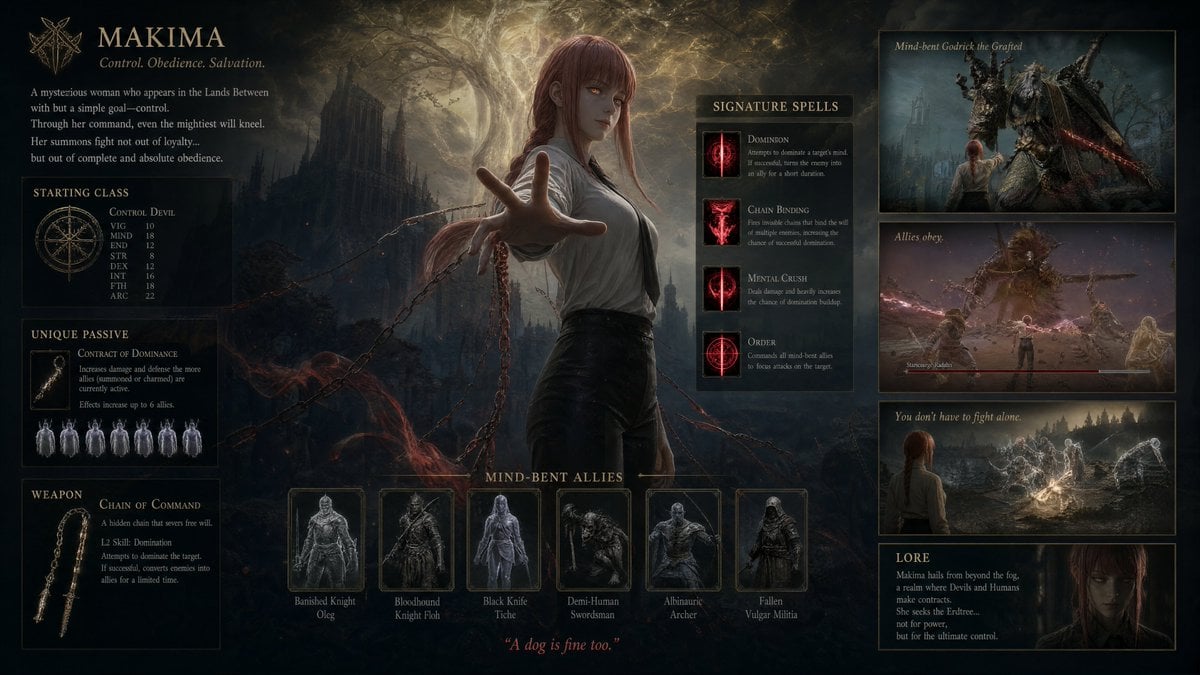
- Prompt included
- Model and format preset
- Premium template
The prompt behind this image
Copy the exact prompt behind Dark Fantasy Makima Build Sheet, or open it in the studio and make it yours.
{"type":"dark fantasy character build sheet poster","subject":{"character":{"name":"{argument name=\"character name\" default=\"MAKIMA\"}","inspiration":"anime woman reimagined as an Elden Ring style boss-class character","gender":"female","age_appearance":"young adult","pose":"centered three-quarter full-body portrait with one arm extended toward the viewer, hand reaching outward in a commanding gesture","expression":"face mostly obscured and shadowed, unreadable and intimidating","hair":{"color":"{argument name=\"hair color\" default=\"copper red\"}","style":"long straight hair with bangs and a low braided ponytail"},"outfit":["white button-up dress shirt","black necktie","high-waisted black trousers"],"aura":"control, obedience, domination, occult power","effects":["glowing red spectral chains wrapping around and behind her","subtle ember-red magical streaks","faint halo-like tangled branches or light behind the head"]},"world":{"setting":"gothic dark fantasy wasteland inspired by the Lands Between","background_elements":["ruined cathedral-like skyline","dead trees","foggy cliffs","ashen sky","dim golden backlight through clouds"],"mood":"somber, ominous, regal, apocalyptic"},"layout":{"design":"ornate game lore infographic with thin gold borders and serif typography on a near-black blue-brown background","sections":[{"title":"STARTING CLASS","position":"left upper-middle","count":7,"labels":["CONTROL DEVIL","VIG 10","MIND 18","END 12","STR 8","DEX 12","INT 16","FTH 18","ARC 22"]},{"title":"UNIQUE PASSIVE","position":"left center","count":1,"labels":["CONTRACT OF DOMINANCE"]},{"title":"WEAPON","position":"left lower","count":1,"labels":["CHAIN OF COMMAND"]},{"title":"SIGNATURE SPELLS","position":"upper right-center","count":4,"labels":["DOMINION","CHAIN BINDING","MENTAL CRUSH","ORDER"]},{"title":"MIND-BENT ALLIES","position":"bottom center","count":6,"labels":["Banished Knight Oleg","Bloodhound Knight Floh","Black Knife Tiche","Demi-Human Swordsman","Albinauric Archer","Fallen Vulgar Militia"]},{"title":"right-side story panels","position":"far right vertical stack","count":4,"labels":["Mind-bent Godrick the Grafted","Allies obey.","You don't have to fight alone.","LORE"]}],"header":{"title":"{argument name=\"headline text\" default=\"MAKIMA\"}","subtitle":"Control. Obedience. Salvation."},"body_text_blocks":[{"position":"top left intro","style":"small serif lore paragraph about a mysterious woman in the Lands Between whose goal is control and whose summons obey absolutely"},{"position":"left center passive description","style":"small serif gameplay text describing increased damage and defense with more controlled allies active"},{"position":"left lower weapon description","style":"small serif gameplay text describing a hidden chain that serves free will and a skill called Dominion that converts enemies into allies for a limited time"},{"position":"bottom right lore panel","style":"small serif lore paragraph about her coming from beyond the fog where Devils and Humans make contracts and seeking the Erdtree for ultimate control"}],"quote":{"position":"bottom center below allies","text":"{argument name=\"quote\" default=\"A dog is fine too.\"}"}},"style":{"medium":"high-detail digital painting combined with video game UI poster design","lighting":"moody cinematic low-key lighting with warm rim light and deep shadows","palette":["black","charcoal blue","aged gold","muted brown","blood red","ashen gray"],"texture":"grimy parchment-like overlays, smoky atmosphere, painterly realism","aspect_ratio":"16:9"},"quality":{"rendering":"sharp centerpiece, slightly softer panel illustrations, elegant readable layout, premium fantasy key art finish"}}
How to use Dark Fantasy Makima Build Sheet in 3 steps
- 1Upload ImagePNG, JPG or paste
Add your photo
Upload the photo the template builds on. The prompt, model and format are already set.
- 2…a portrait of your subject in softgolden-hour light, 85mm…
Personalize
Edit the subject and creative details for your destination.
- 3Generate
Generate
Press Generate — your image is created in PicX Studio, so you can compare it with the original and refine one variable at a time.
More like this
Templates with the same subject, style or setup. Open one to see its prompt.
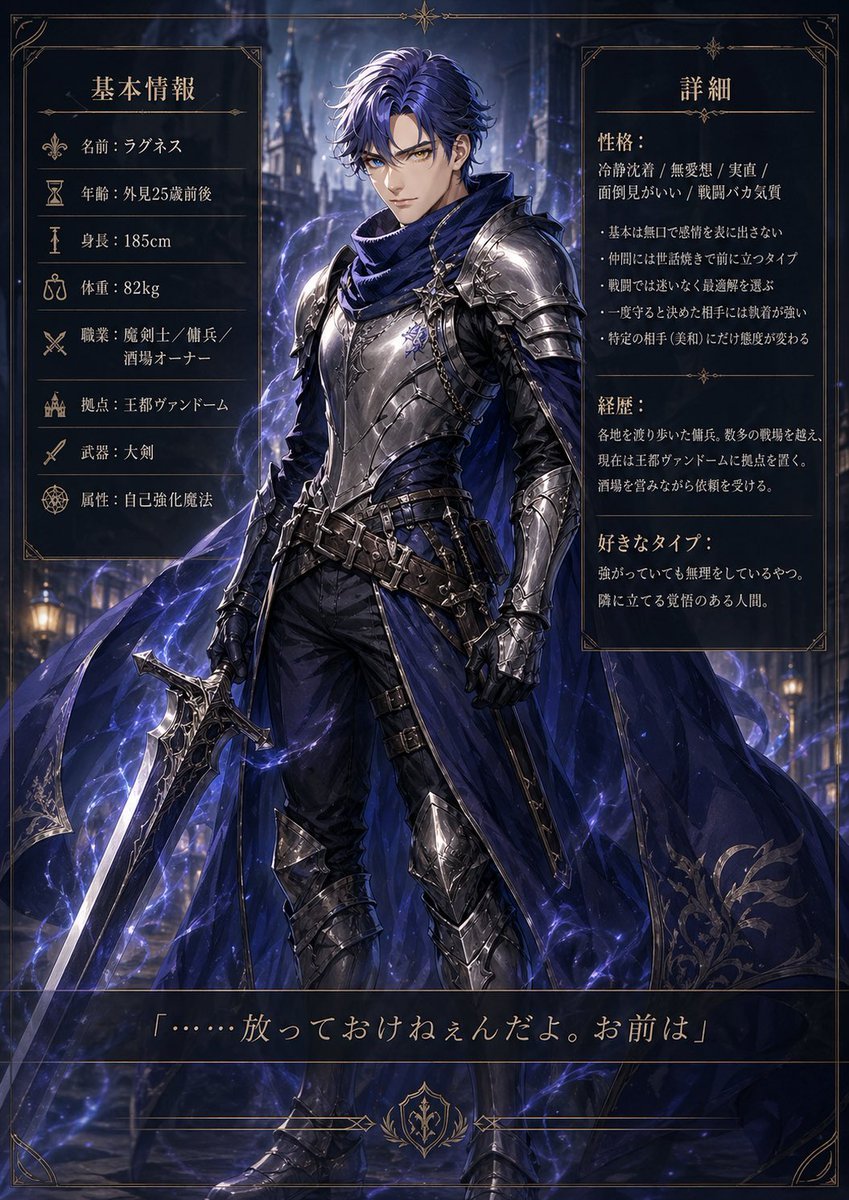
Dark Fantasy Knight Character Sheet
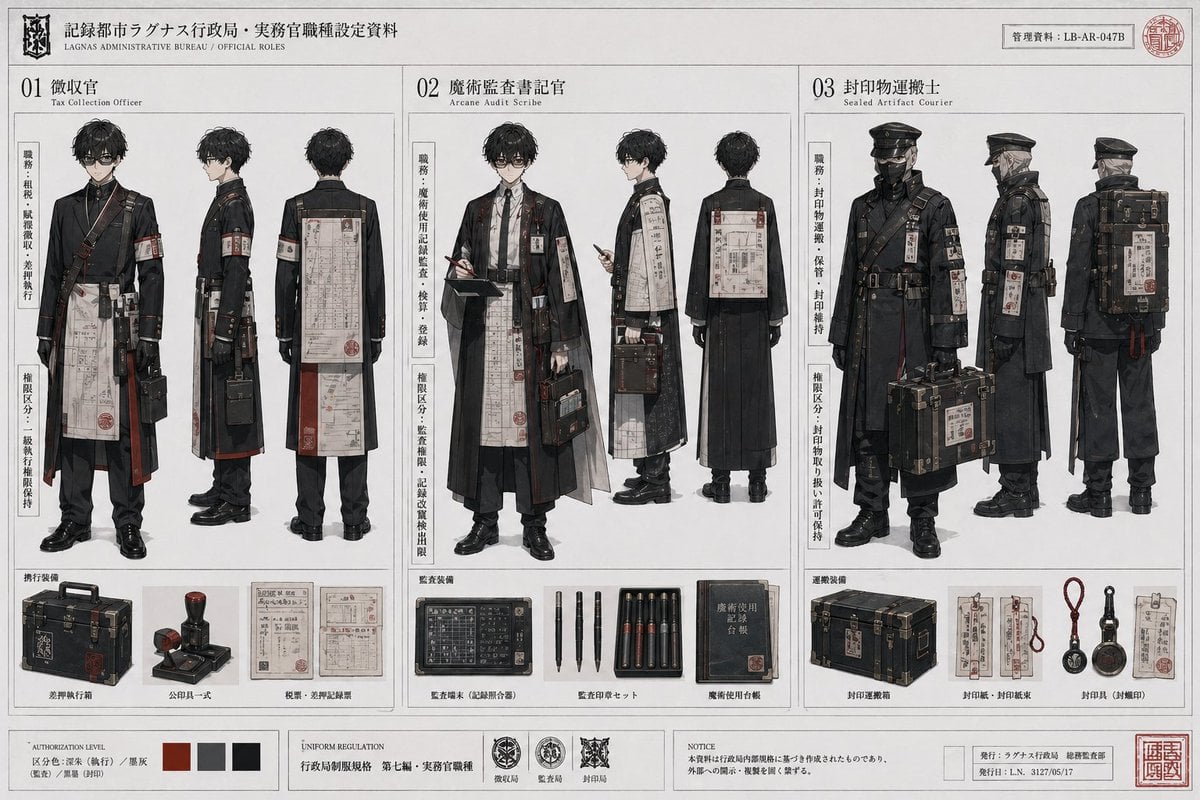
Dark Fantasy Bureau Role Sheet
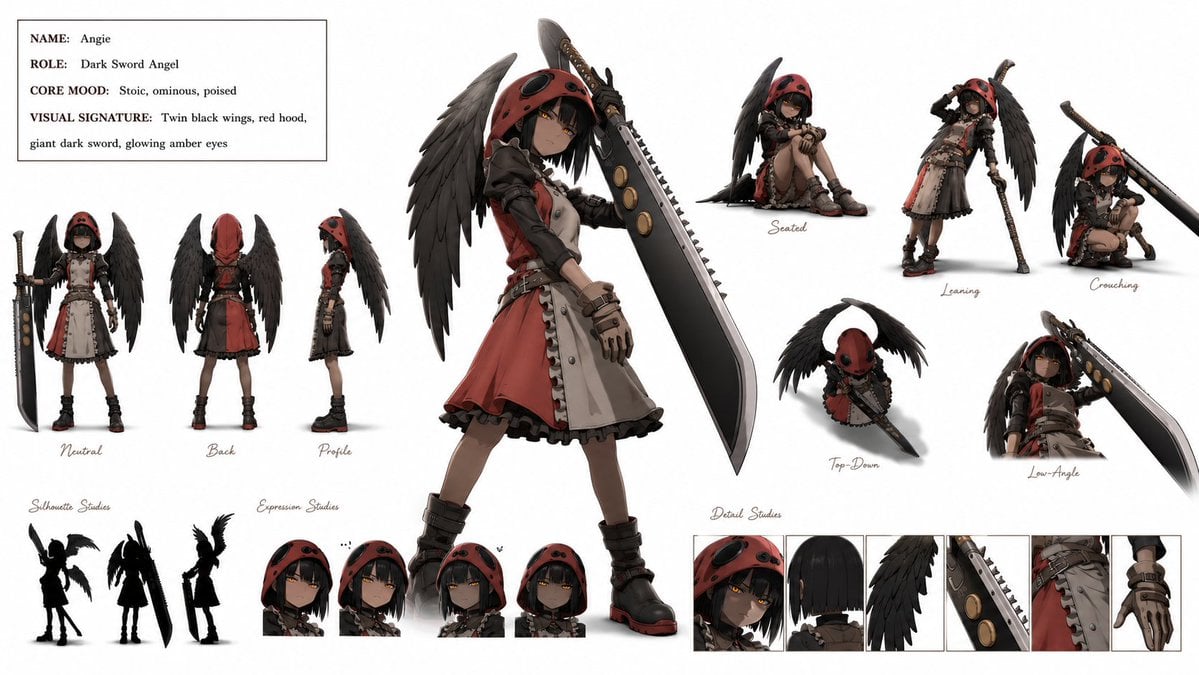
Dark Sword Angel Character Sheet
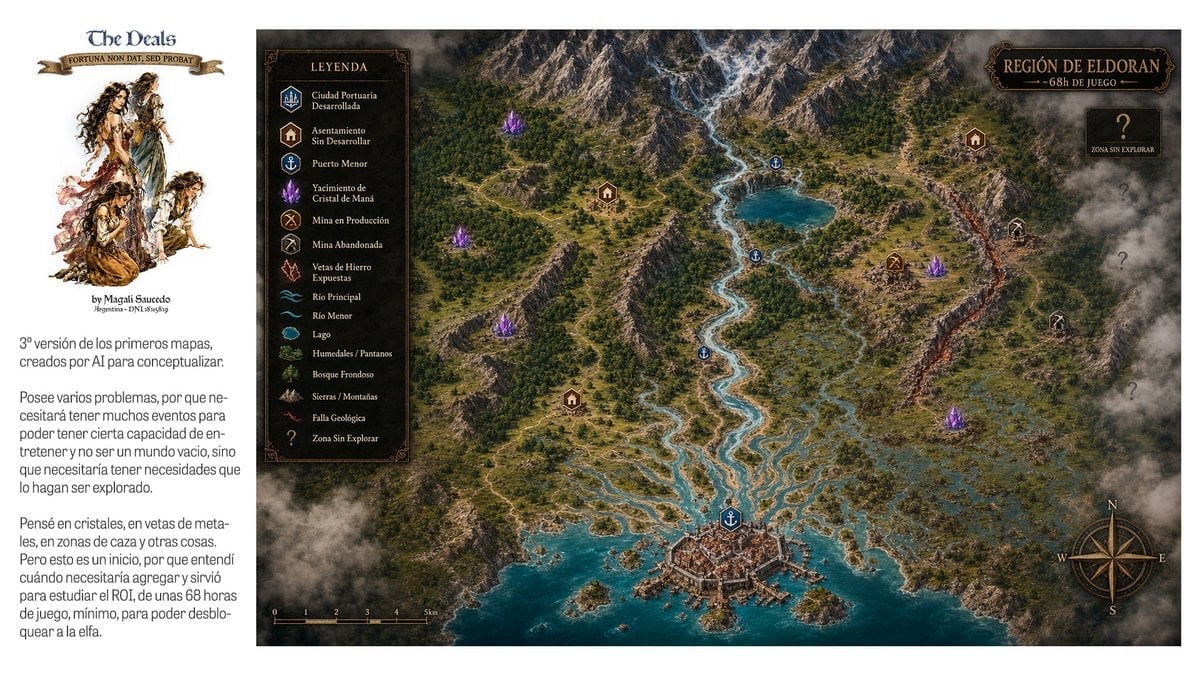
Fantasy RPG Region Map Sheet
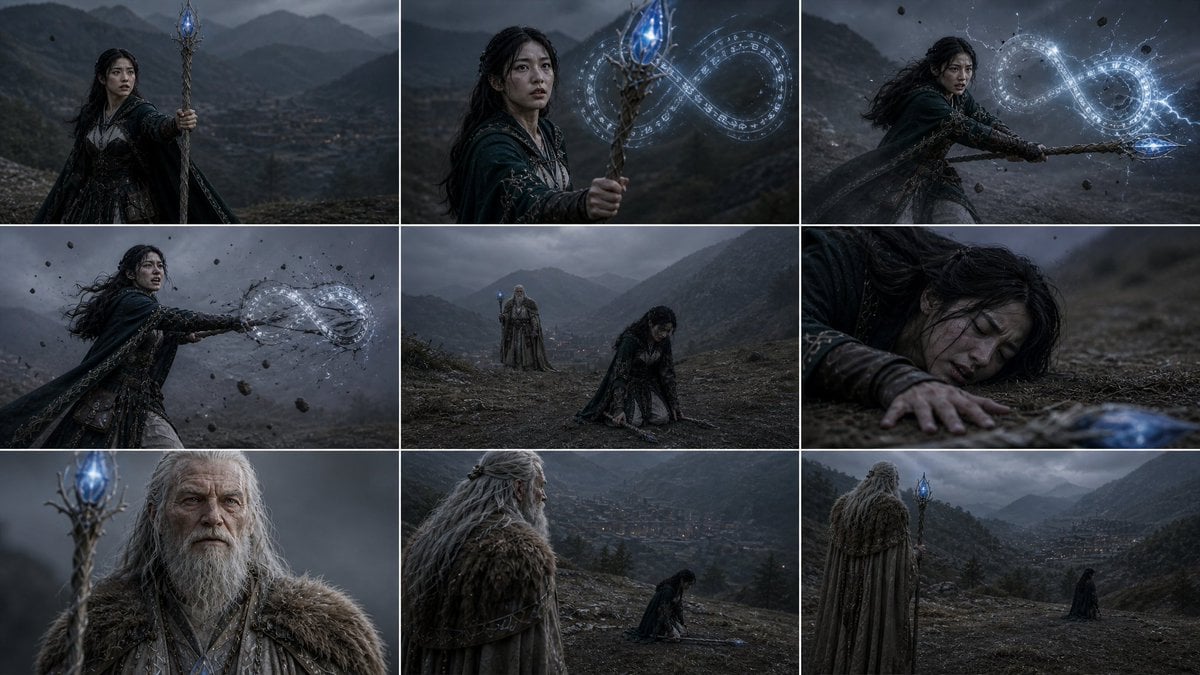
Dark Fantasy Sorceress Storyboard
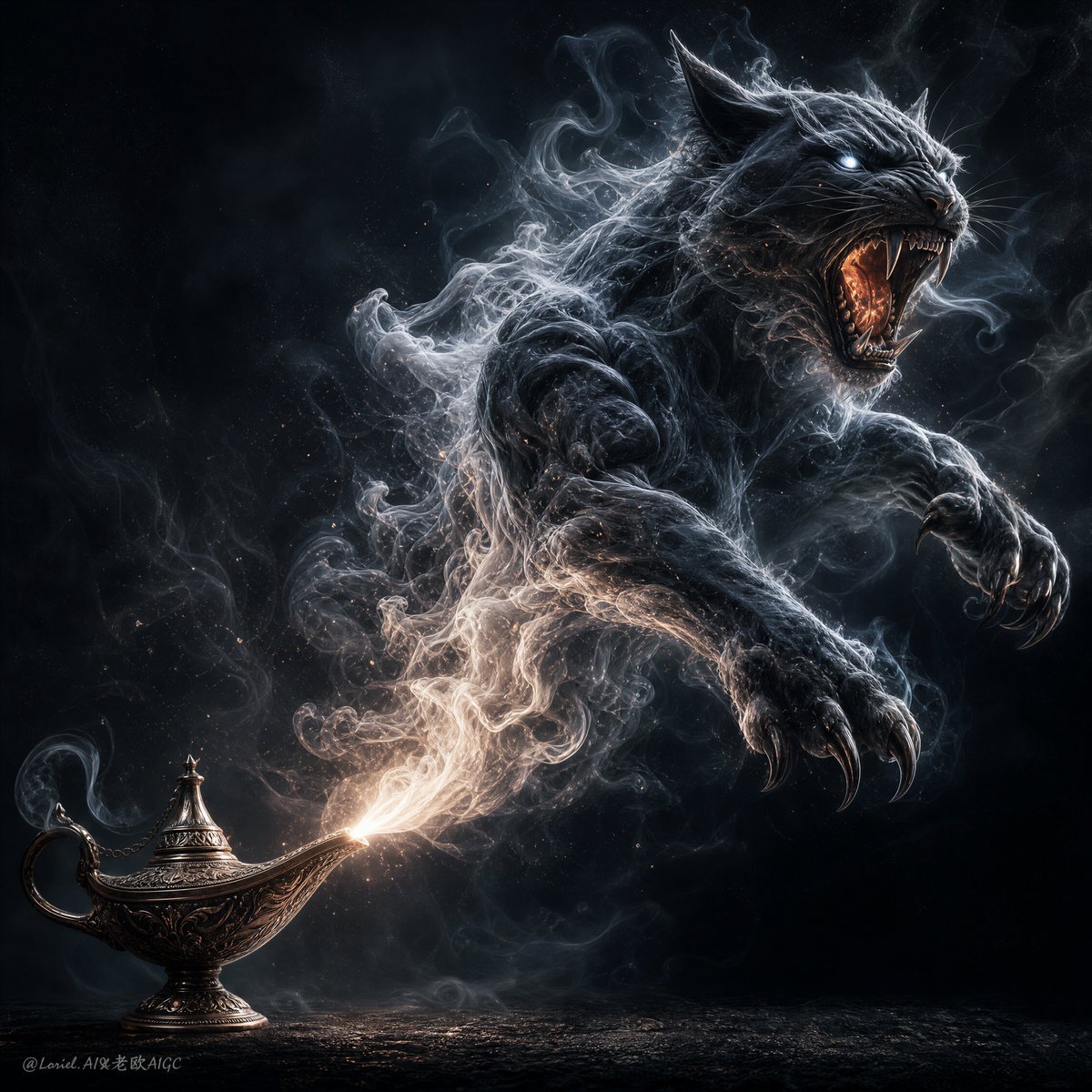
Dark Fantasy Smoke Monster Transformation

Anime Fantasy Celestial Movie Poster
Anime Fantasy Celestial Movie Poster

Selective Color Monochrome Football Poster
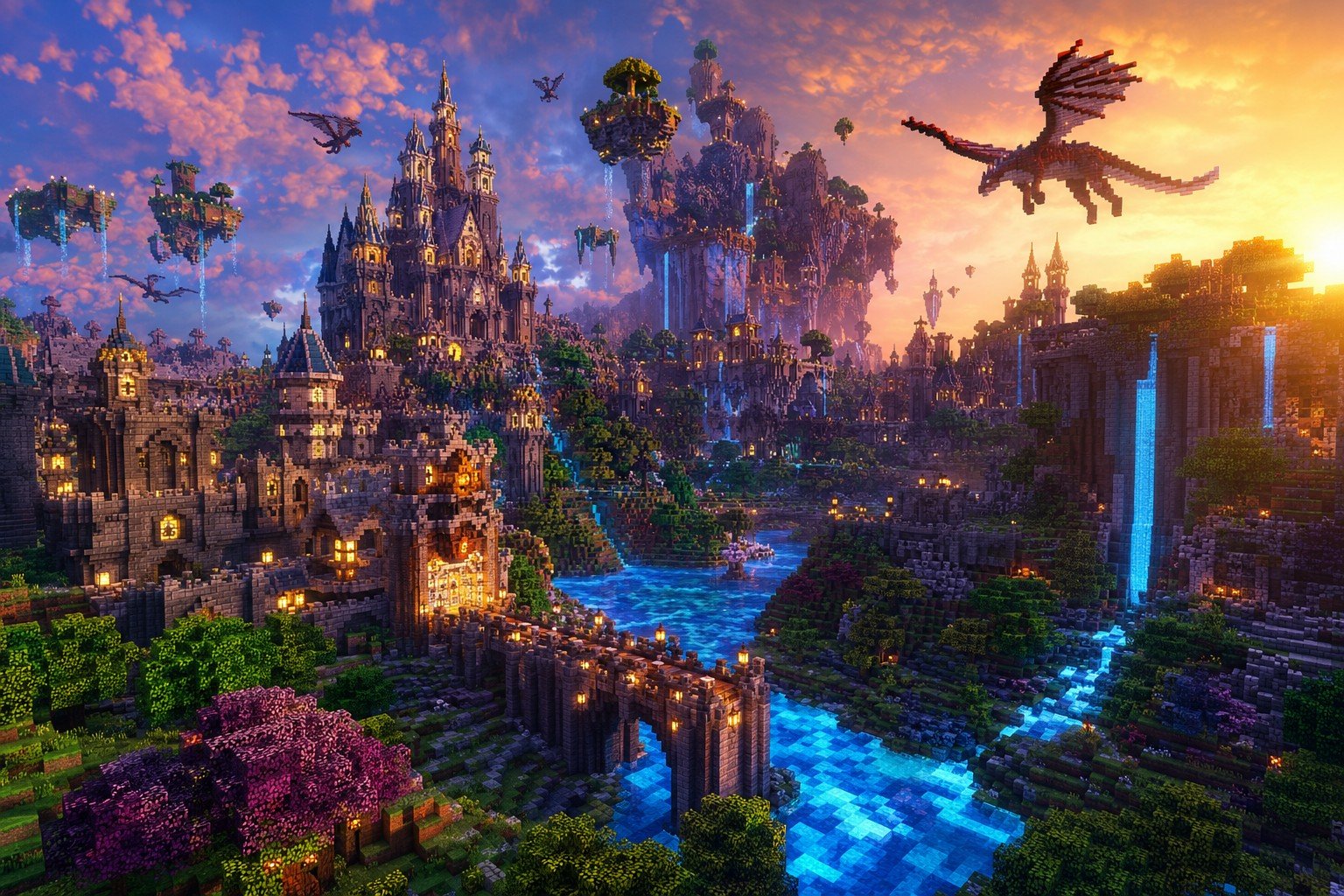
Minecraft Fantasy Kingdom Voxel Landscape
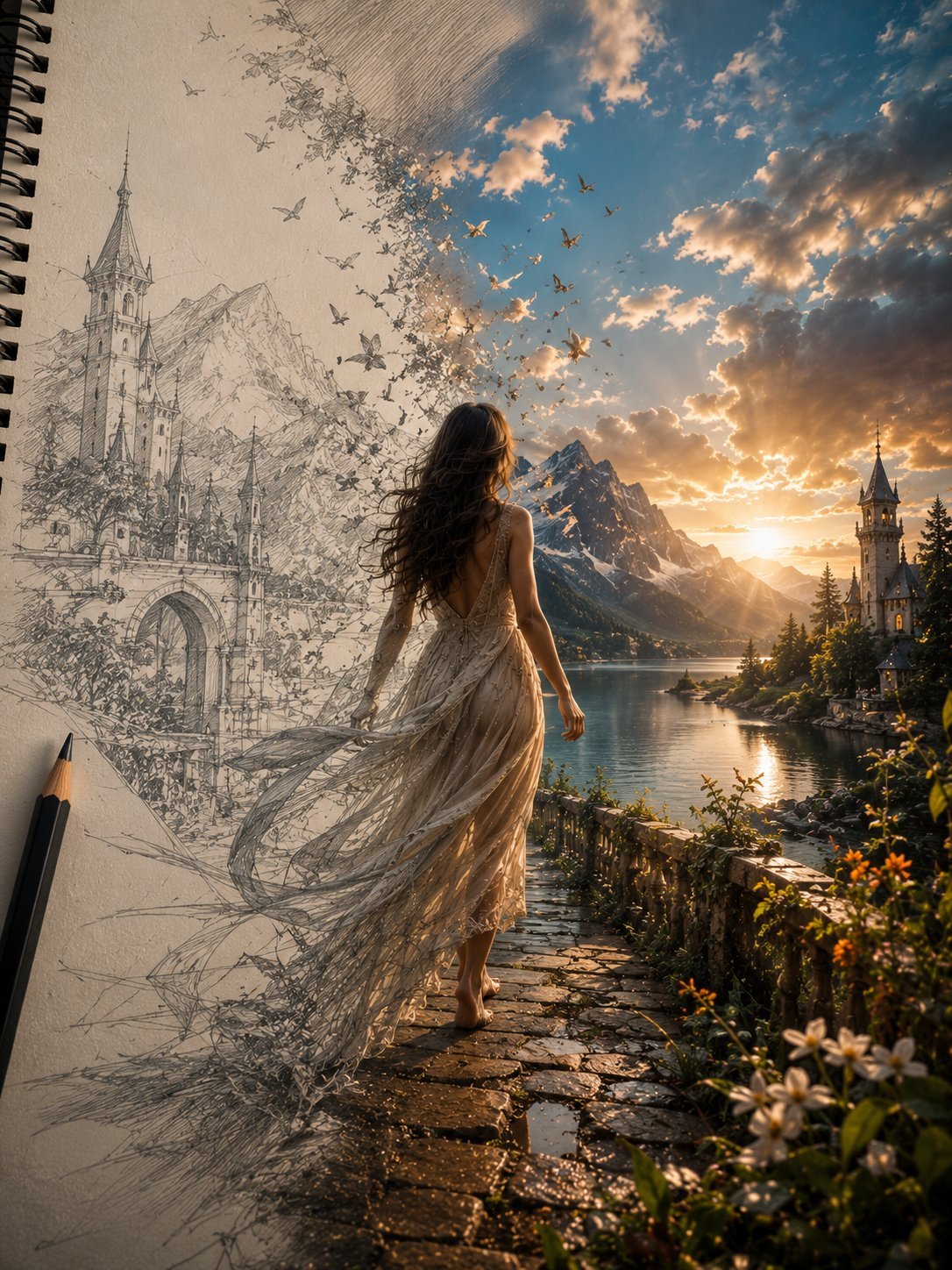
Unfinished Sketch Comes Alive Portrait
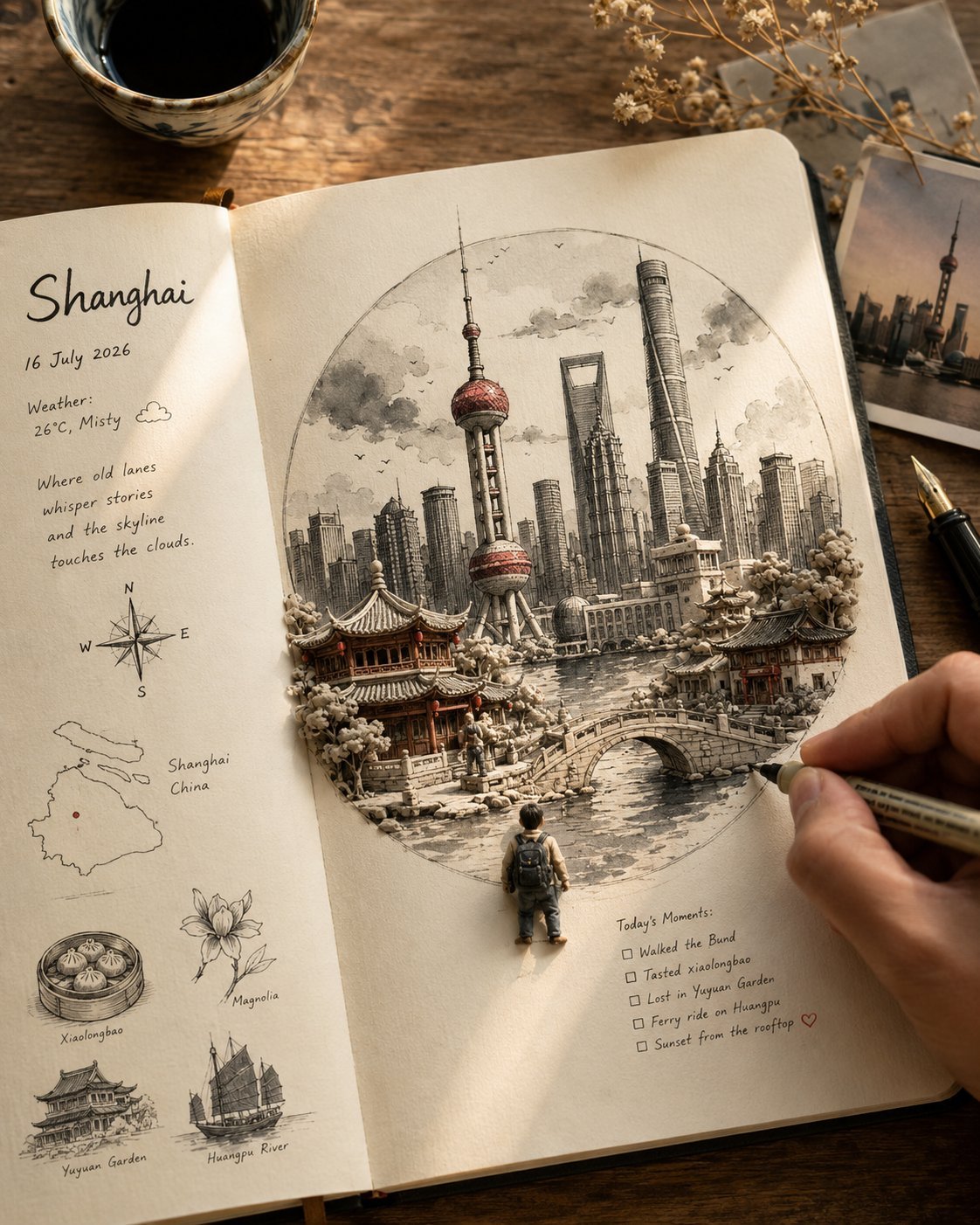
Open Travel Journal Overhead Still Life
Make it yours
Dark Fantasy Makima Build Sheet works as-is. These are the safest ways to change it without losing the look.
Change one field
Copy a single group, rewrite it, and generate again so you can see what that field is doing.
Keep the frame, change the subject
Hold the composition and light of Dark Fantasy Makima Build Sheet, then swap wardrobe, props or the person for a new take.
| If the result… | Why | Fix |
|---|---|---|
| The result drifts from the preview | Too many fields changed at once. | Reuse Dark Fantasy Makima Build Sheet as-is first, then change one group — subject, light, or setting. |
| The model over-stylizes the scene | The prose prompt leaves finish and camera underspecified. | Add one camera or lighting sentence and stay on GPT Image 2. |
More GPT Image 2 templates
Other prompts made for GPT Image 2.

Six VTuber Japanese Logo Sheet

Realistic Portrait of Woman and Deer

The Vista Modular Condo Poster

AI Model Routing Comparison Infographic

2.5D Anime Art Board

Isometric Productivity Desk Scene

New York Double Exposure Poster

Four-Panel AI Landscape Comparison

Japanese Tatami Lifestyle Magazine Cover

NESCAFÉ Coffee Map Poster
More image prompts
Fresh picks from across the catalog.
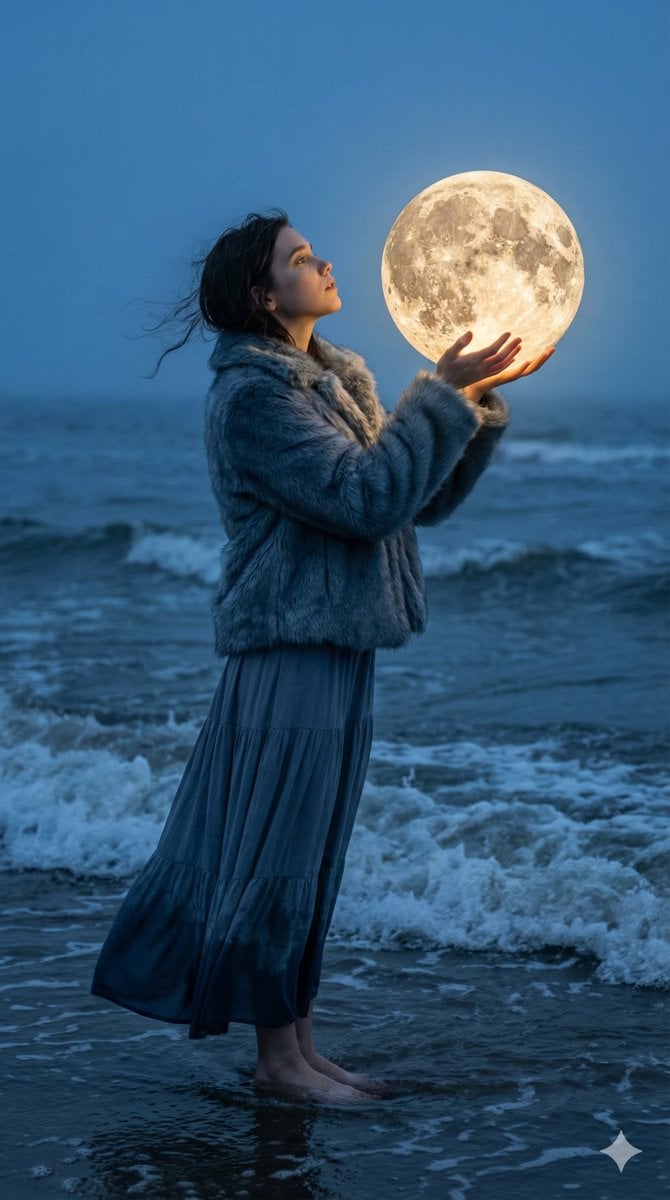
Magical Realism Portrait: Woman Holding a Glowing Moon Orb at Twilight

Cinematic Disintegration Portrait with Energy Aura

Premium Blueberry Product Poster
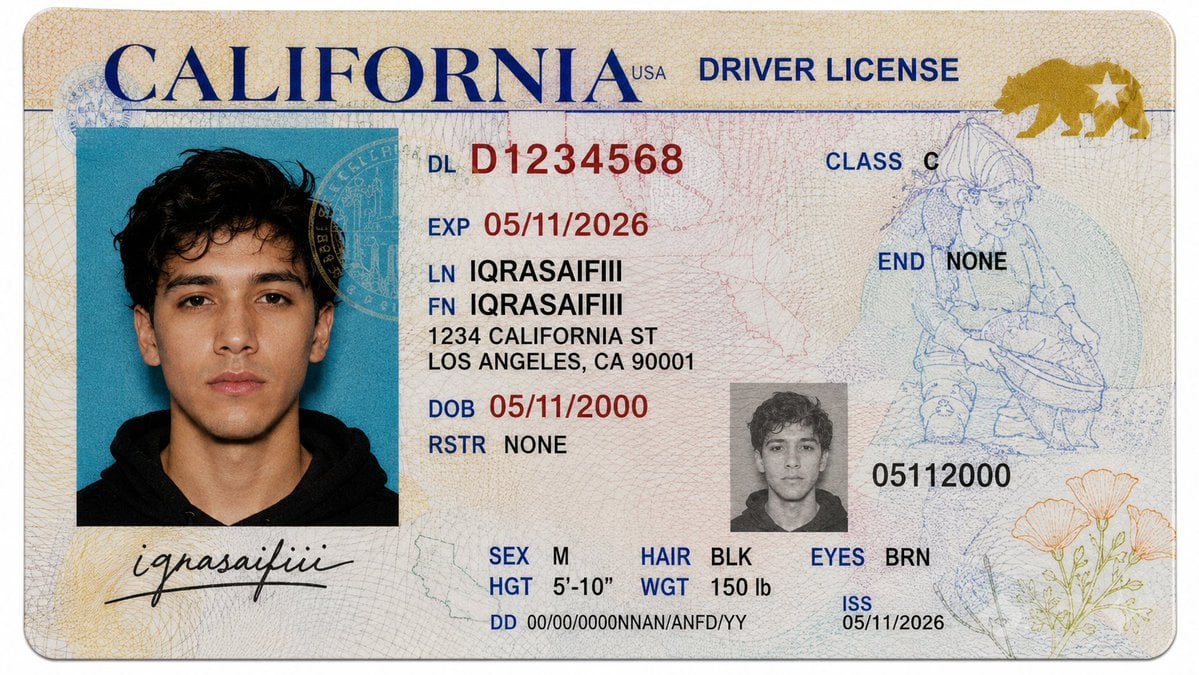
Realistic Driver License Mockup
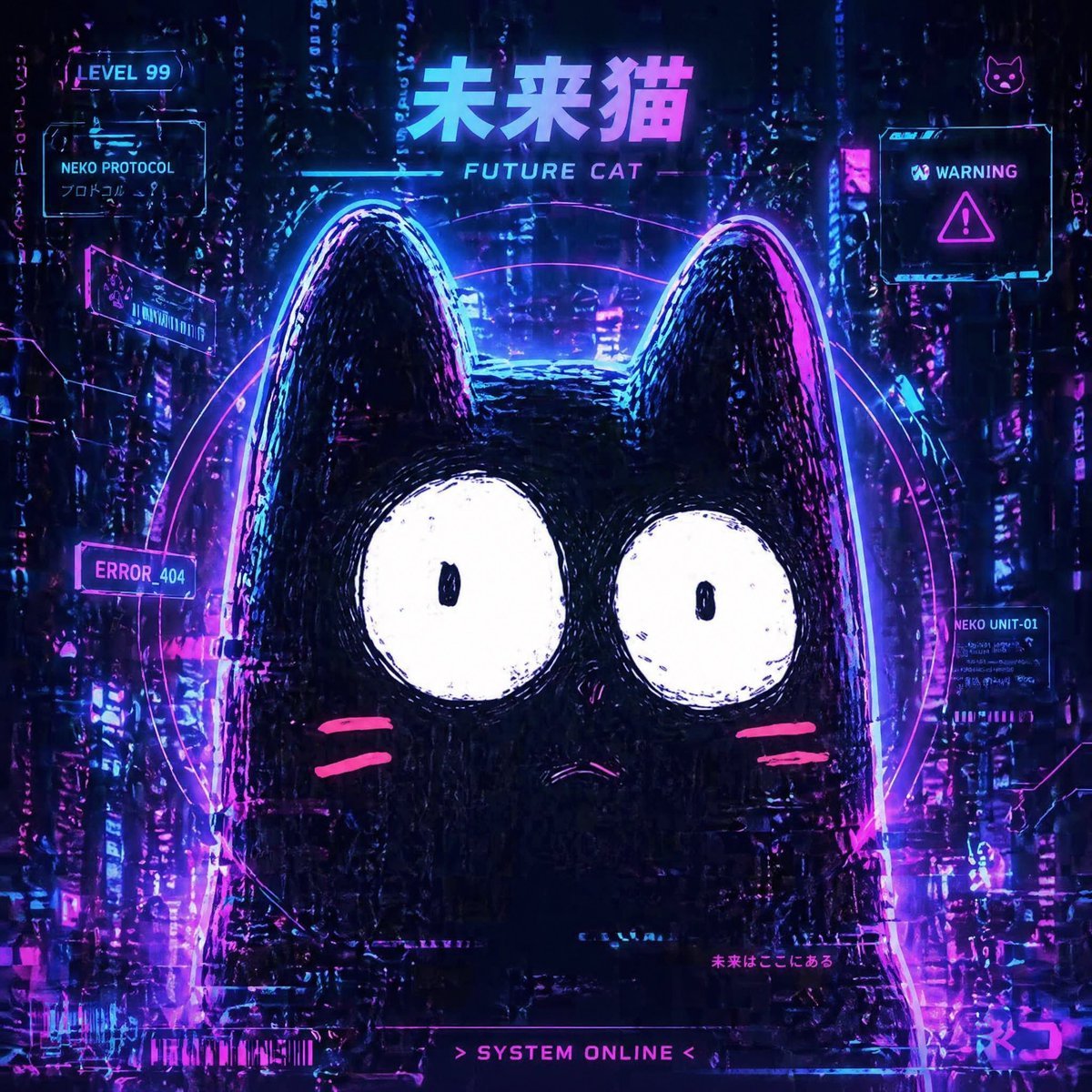
Cyberpunk Future Cat Neon Poster
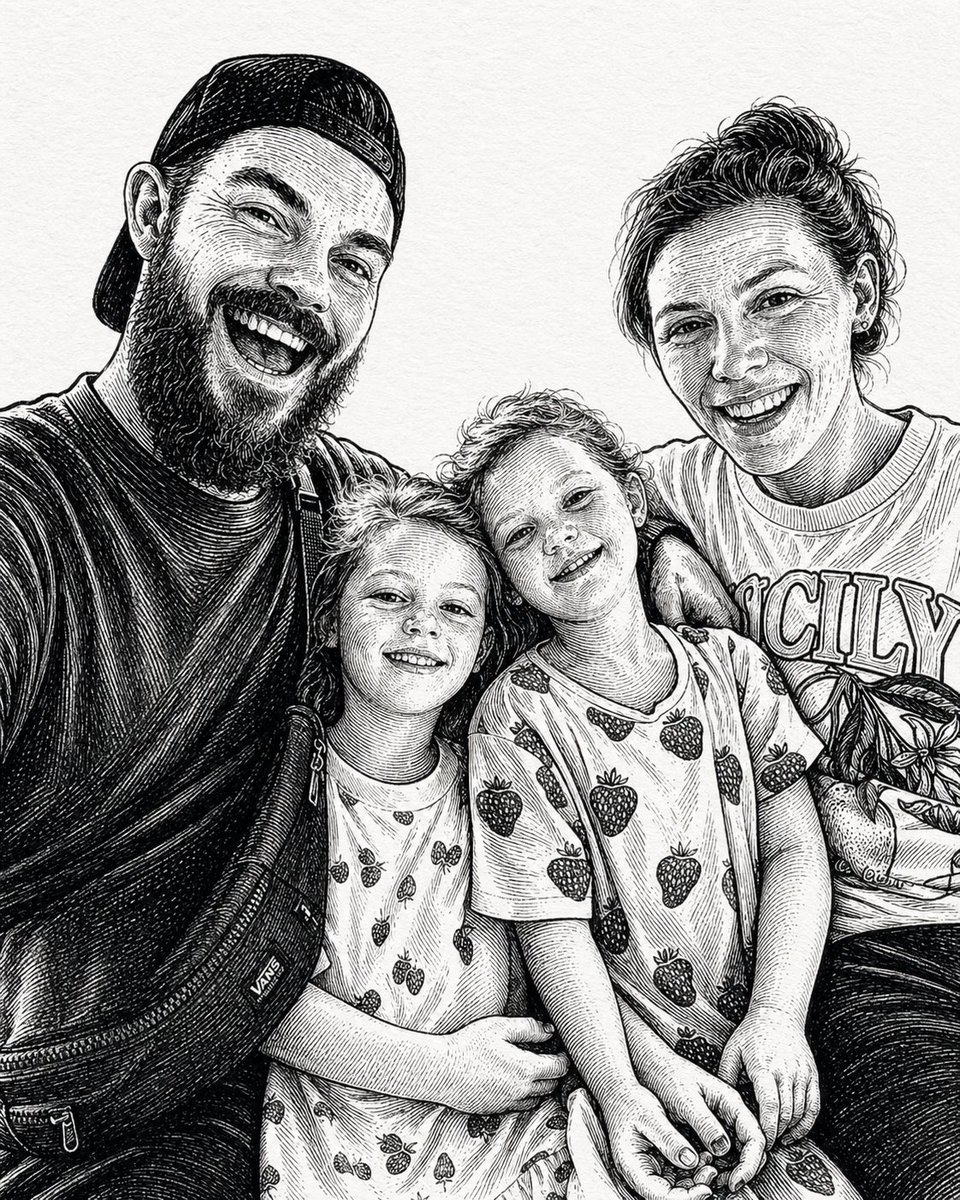
Ink-Etched Family Portrait
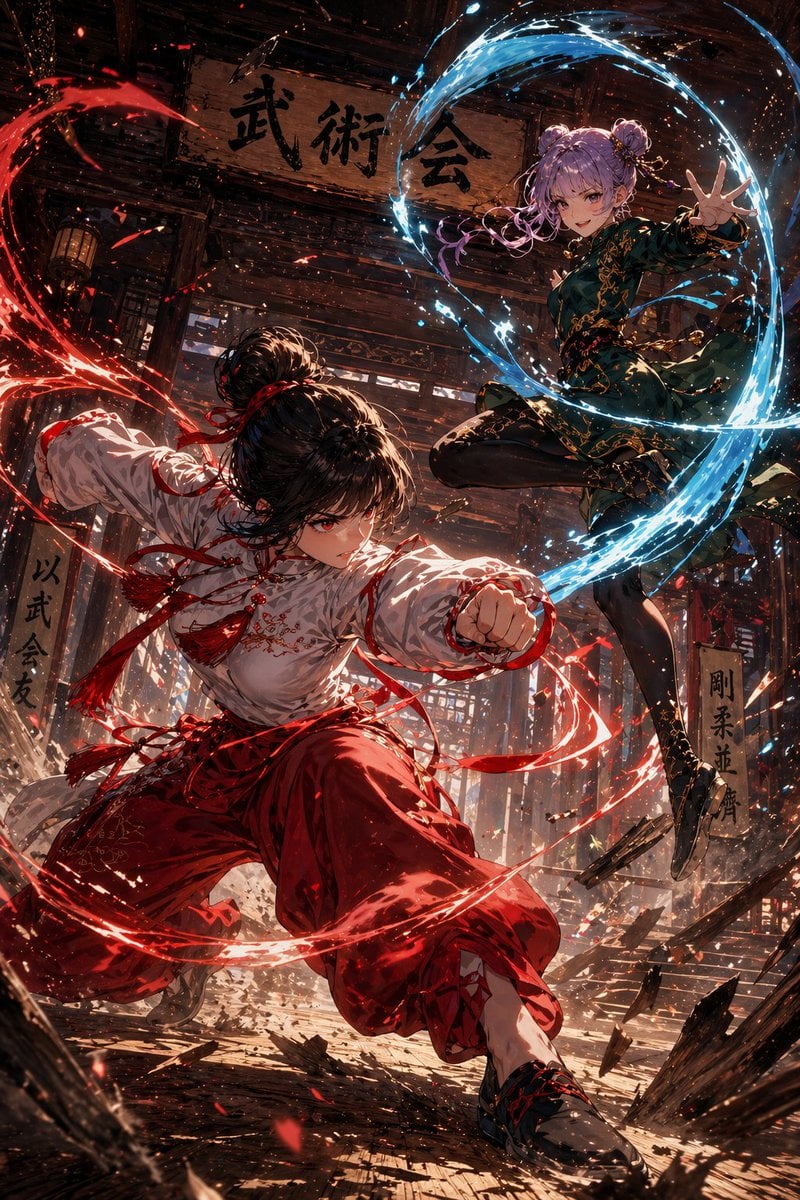
Anime Martial Arts Energy Clash
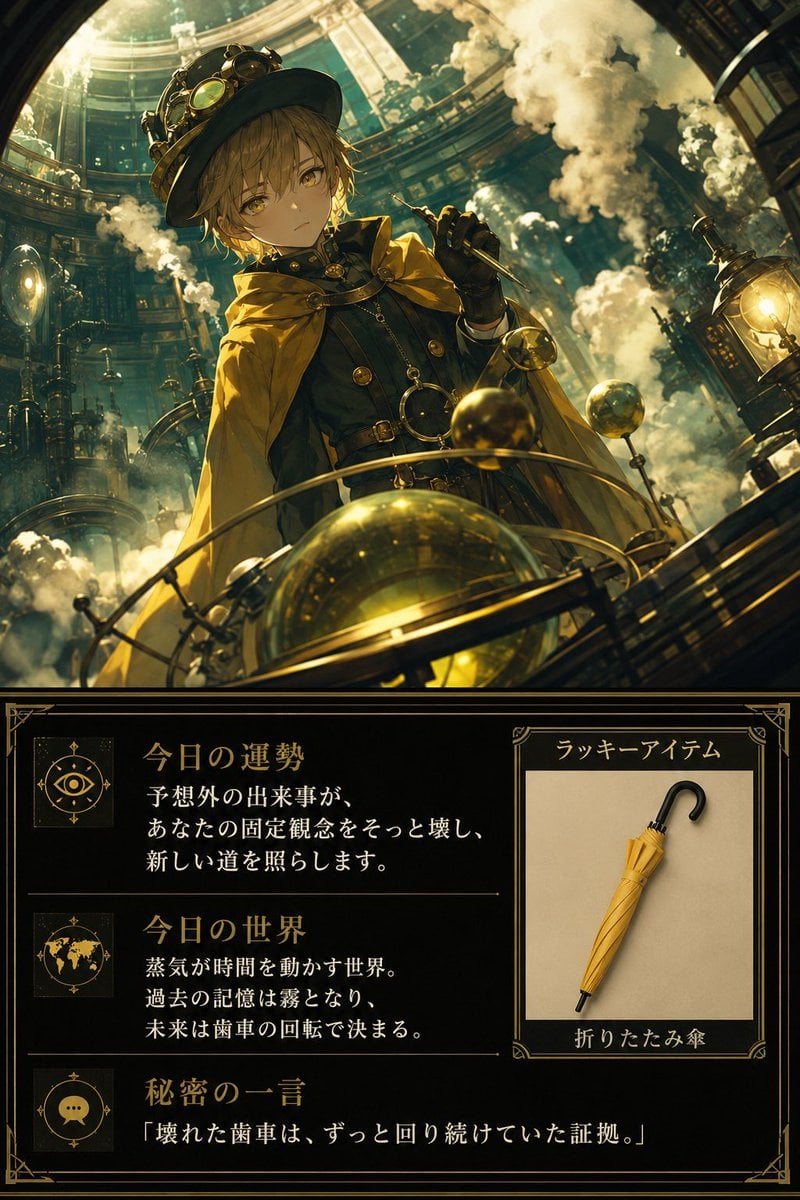
Steampunk Daily Fortune Card
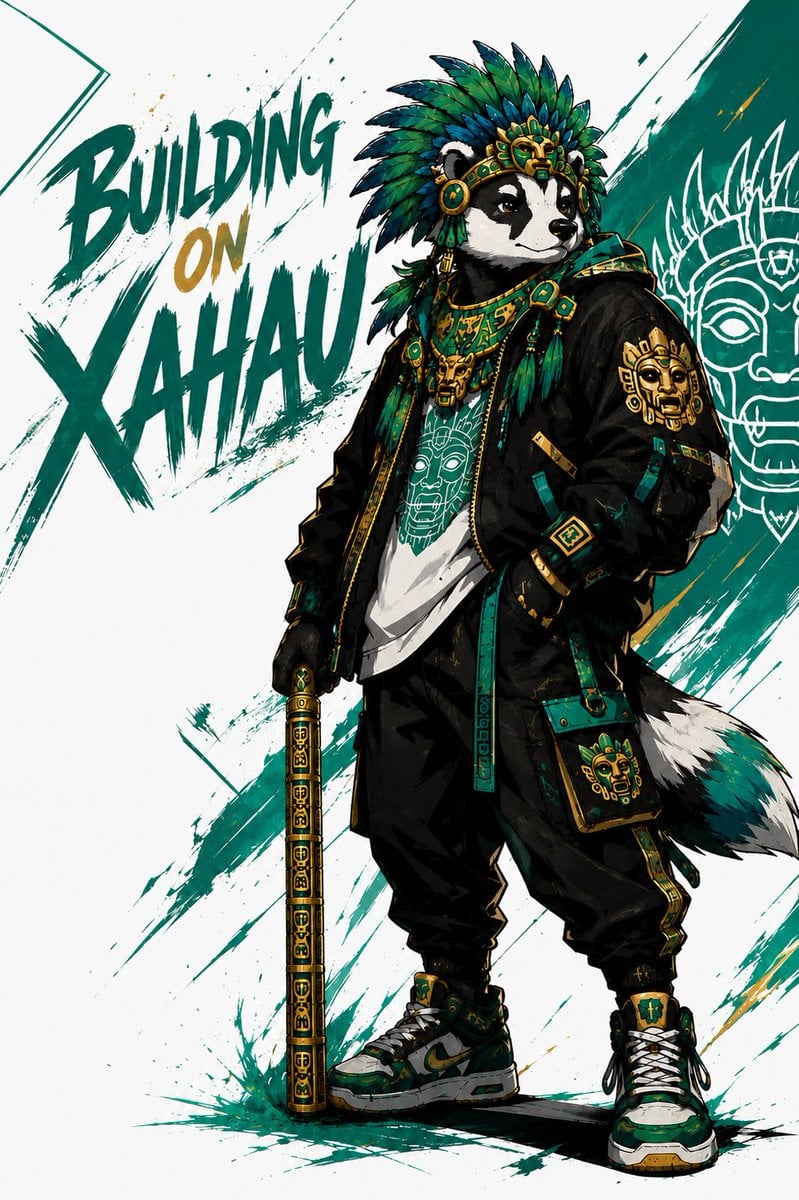
Aztec Streetwear Panda Poster

3D CGI Big-Head Cartoon of Harry Potter
Browse template categories
Dark Fantasy Makima Build Sheet questions
How do I use the Dark Fantasy Makima Build Sheet template?
Add your photo if the template asks for one, edit the prompt if you like — the template's model and format are already selected — and press Generate. Your version opens in PicX Studio.
Can I customize the Dark Fantasy Makima Build Sheet template?
Yes. You can change the subject, setting, lighting, mood, format, and available model controls before creating your image.
Is the Dark Fantasy Makima Build Sheet template free?
Opening and editing this template is free. Generating uses credits, shown on the Generate button when you are signed in.
Which AI model should I use?
Start with GPT Image 2, which is the model associated with this template. You can compare another compatible model for a different finish.
Looking for something else? Browse all templates.

Your photo, any look
Thousands of ready templates for every top image and video model, from one credit balance.