
Dark Sword Angel Character Sheet
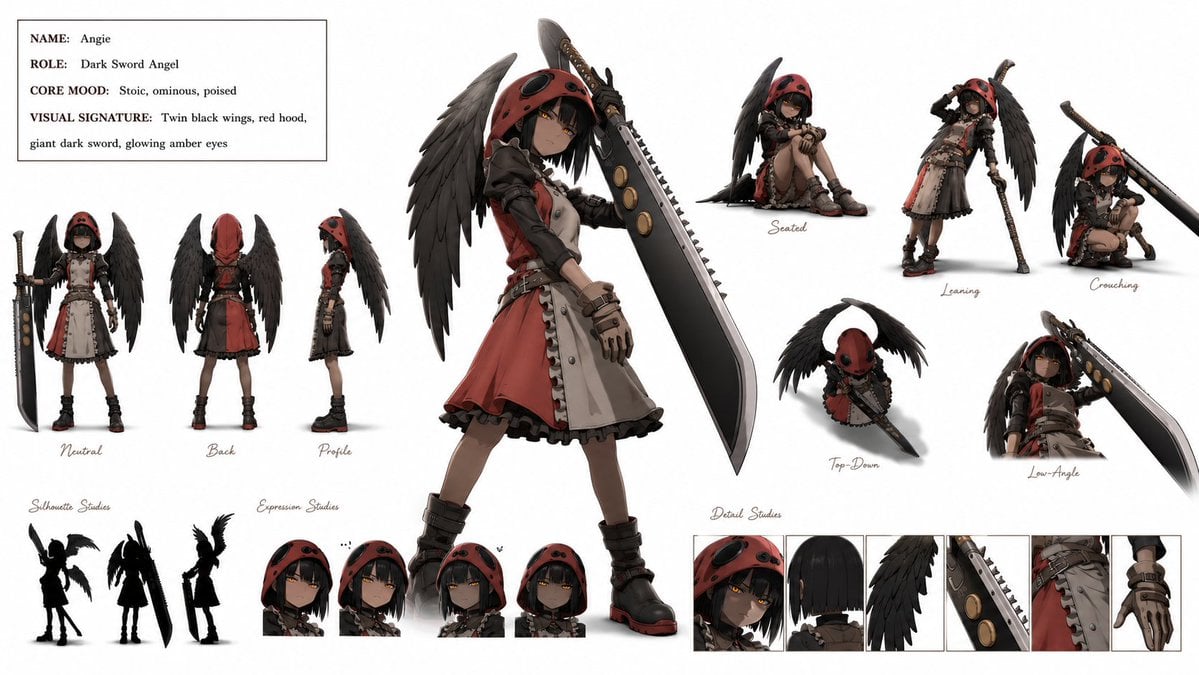
A detailed anime fantasy character reference sheet for designing a hooded winged swordswoman with multiple poses, expressions, silhouettes, and detail studies.
- Prompt included
- Model and format preset
- Premium template
The prompt behind this image
Copy the exact prompt behind Dark Sword Angel Character Sheet, or open it in the studio and make it yours.
Goal: Create a polished anime-style character sheet for {argument name="character name" default="Angie"}, a dark fantasy sword angel girl, on a clean white studio background. Canvas: Wide horizontal character design board, approximately 16:9, with lots of white space and small handwritten annotation labels. Render in high-detail 3D/anime concept art style with soft shadows under each pose. Character design: A stoic, ominous, poised young female warrior called {argument name="character name" default="Angie"}. She has short black bobbed hair, glowing amber eyes, pale skin, and a shadowed face under a red hood. She wears a red-and-cream gothic hooded dress with black leather sleeves, belts, buckles, ruffled trim, fingerless gloves, chunky black boots with red soles, and twin large black feathered wings. Her signature weapon is a massive dark sword, taller than her body, with a broad blade, jagged sawlike spine, circular bronze insets, and a wrapped handle. Top-left info card: Add a thin black rectangular box with four typed lines exactly formatted like a character sheet: NAME: {argument name="character name" default="Angie"}; ROLE: {argument name="role" default="Dark Sword Angel"}; CORE MOOD: {argument name="core mood" default="Stoic, ominous, poised"}; VISUAL SIGNATURE: {argument name="visual signature" default="Twin black wings, red hood, giant dark sword, glowing amber eyes"}. Layout and visible element counts: Include exactly 1 large central hero pose: full-body three-quarter view, standing confidently, sword held upright at her side, wings spread behind her. Include exactly 3 turnaround views on the left labeled Neutral, Back, and Profile. Include exactly 5 action pose studies on the right labeled Seated, Leaning, Crouching, Top-Down, and Low-Angle. Include exactly 3 black silhouette studies at bottom-left, showing different wing-and-sword readable shapes. Include exactly 4 expression-study head portraits at bottom-center, all hooded with subtle variations in stoic amber-eyed expressions. Include exactly 6 detail-study panels along the bottom-right: hooded face close-up, back hair close-up, black wing feathers, sword blade detail, dress/belt/skirt detail, and gloved hand detail. Visual style: Premium game/anime character design sheet, crisp linework, cinematic muted palette of red, black, cream, bronze, and amber, realistic fabric and leather textures, feather detail, subtle ambient occlusion, no background scenery. Use elegant cursive handwritten labels for pose and study captions, while the info card uses clean serif type. Constraints: Keep the whole board readable as a single professional character reference sheet. Do not add extra characters, extra poses, logos, watermarks, or unrelated props.
How to use Dark Sword Angel Character Sheet in 3 steps
- 1Upload ImagePNG, JPG or paste
Add your photo
Upload the photo the template builds on. The prompt, model and format are already set.
- 2…a portrait of your subject in softgolden-hour light, 85mm…
Personalize
Edit the subject and creative details for your destination.
- 3Generate
Generate
Press Generate — your image is created in PicX Studio, so you can compare it with the original and refine one variable at a time.
More like this
Templates with the same subject, style or setup. Open one to see its prompt.
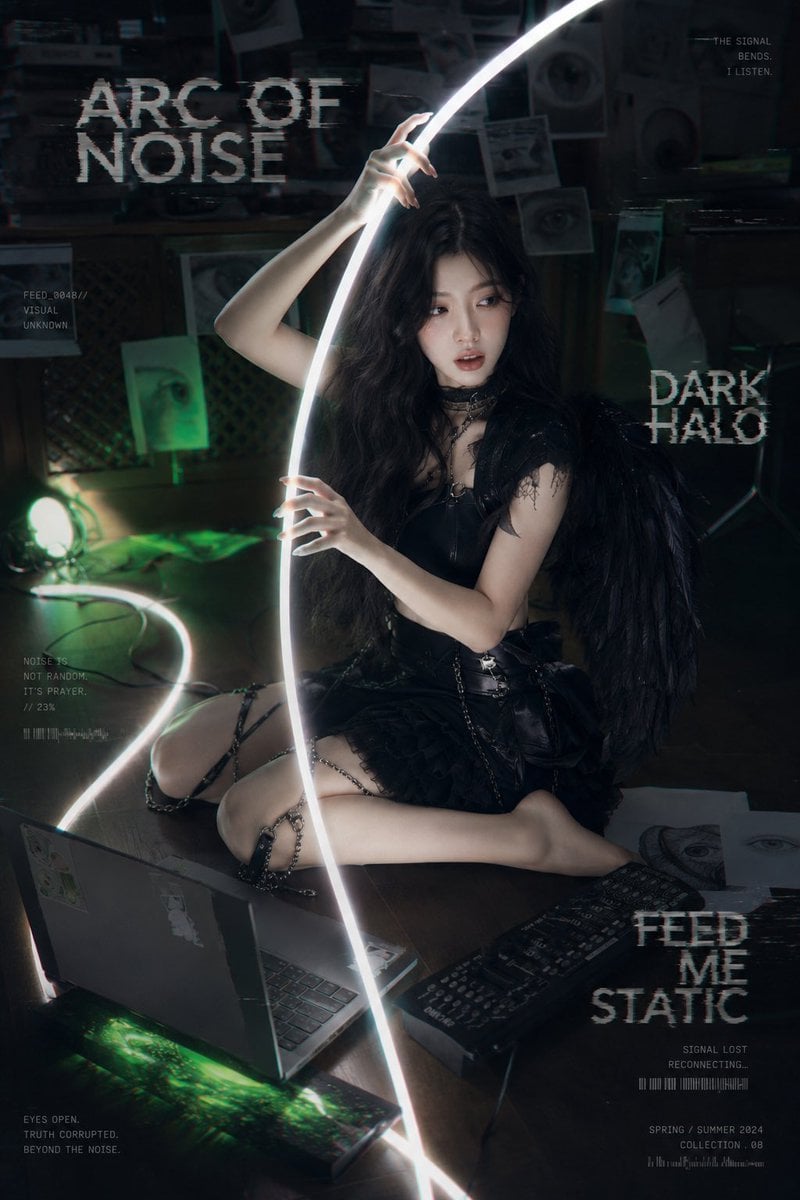
Dark Cyber-Goth Angel Poster
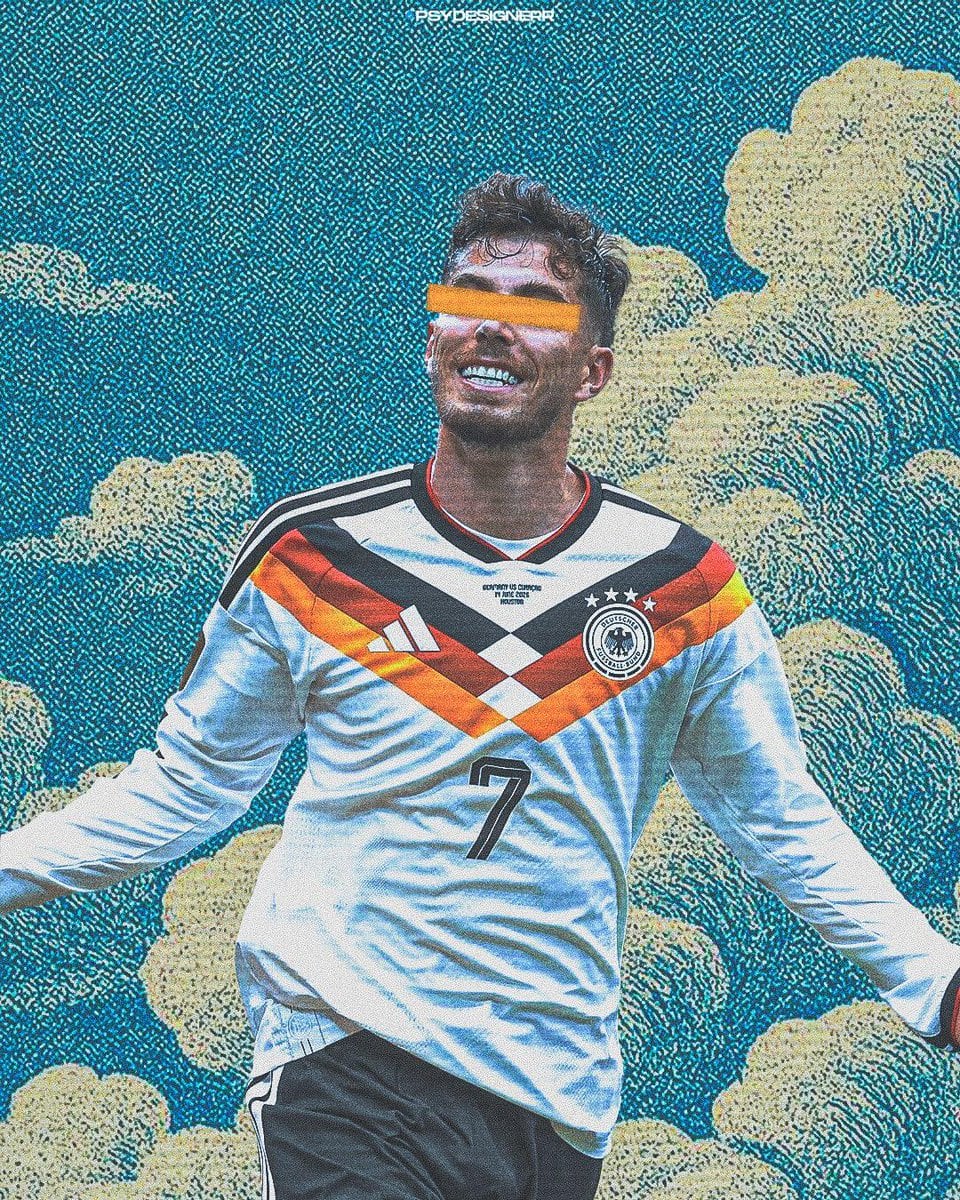
Selective Color Monochrome Football Poster
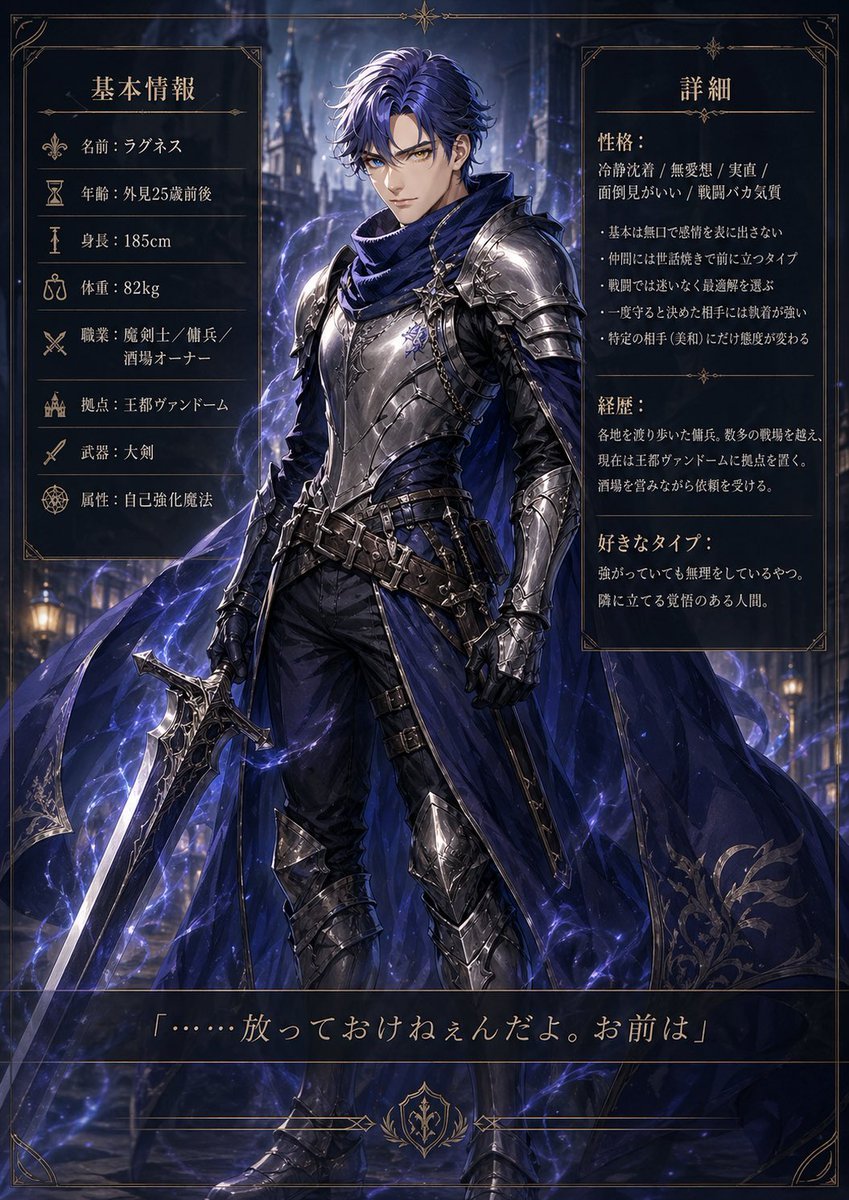
Dark Fantasy Knight Character Sheet
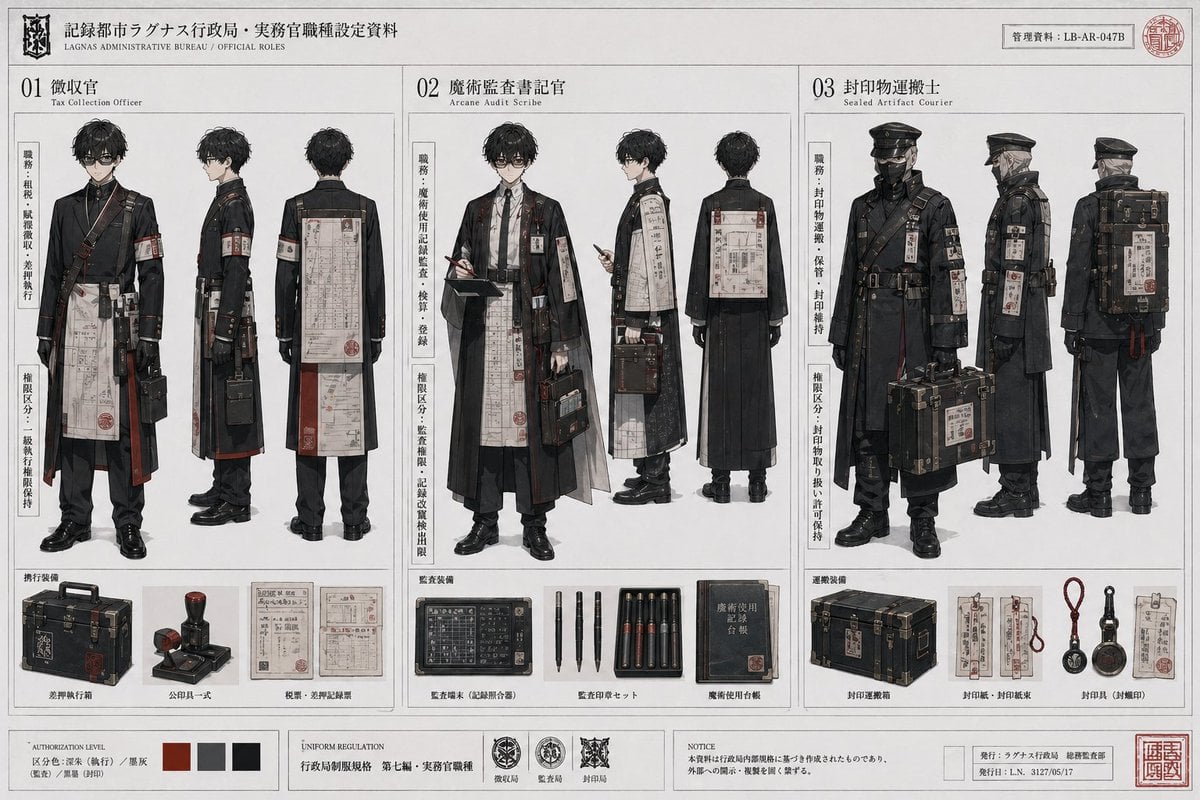
Dark Fantasy Bureau Role Sheet
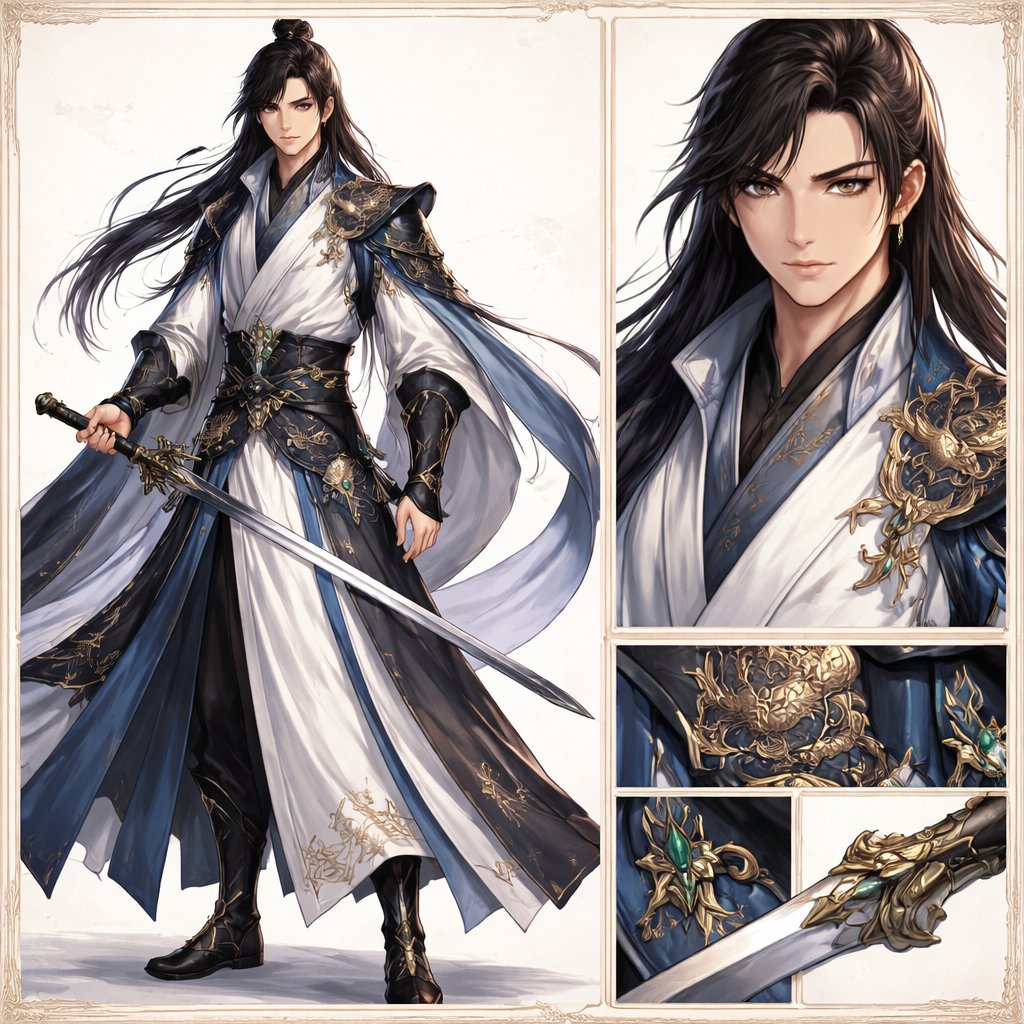
Elegant Wuxia Swordsman Design Sheet
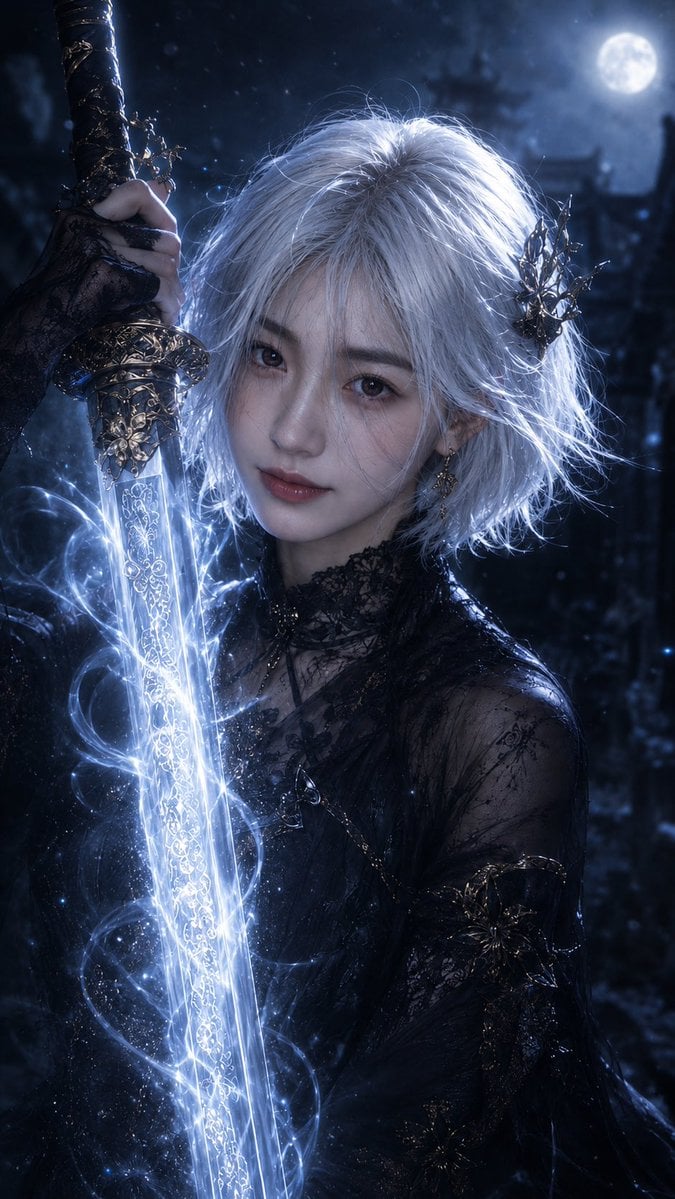
Moonlit Dark Fantasy Sword Maiden
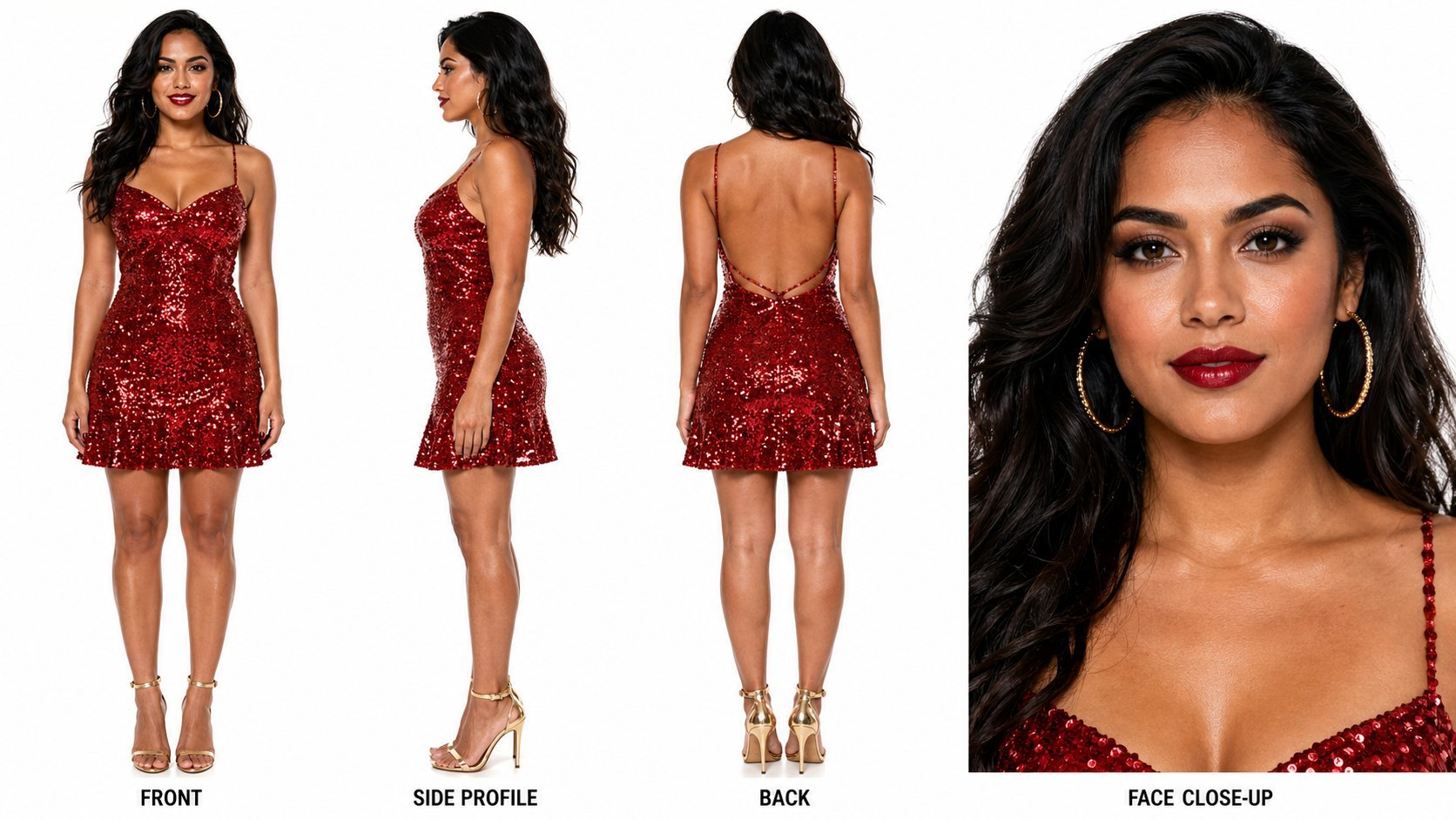
Dancer Character - Four View Reference Sheet
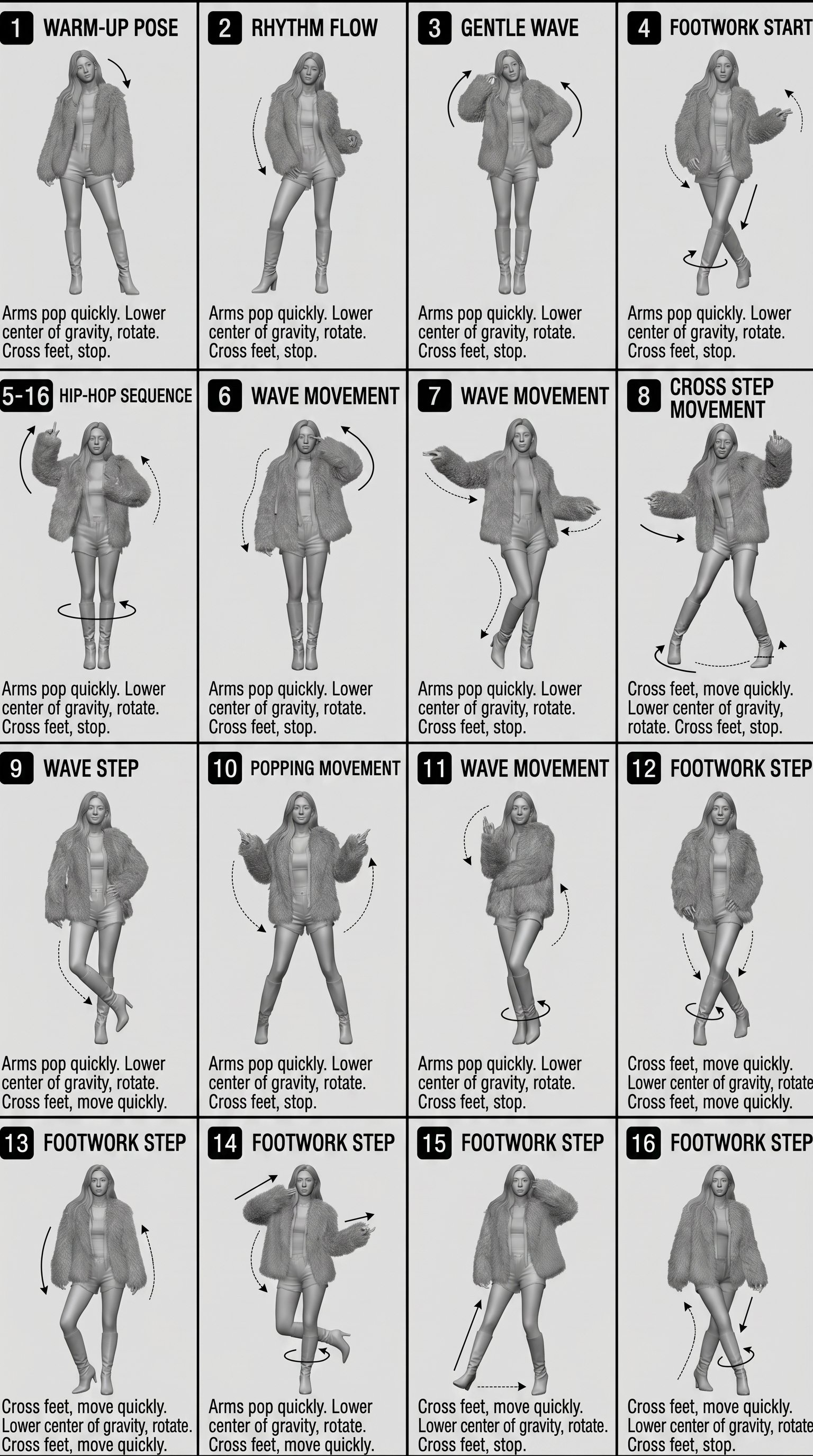
Movement Sheet - Dance Reference (Seedance 2.0)
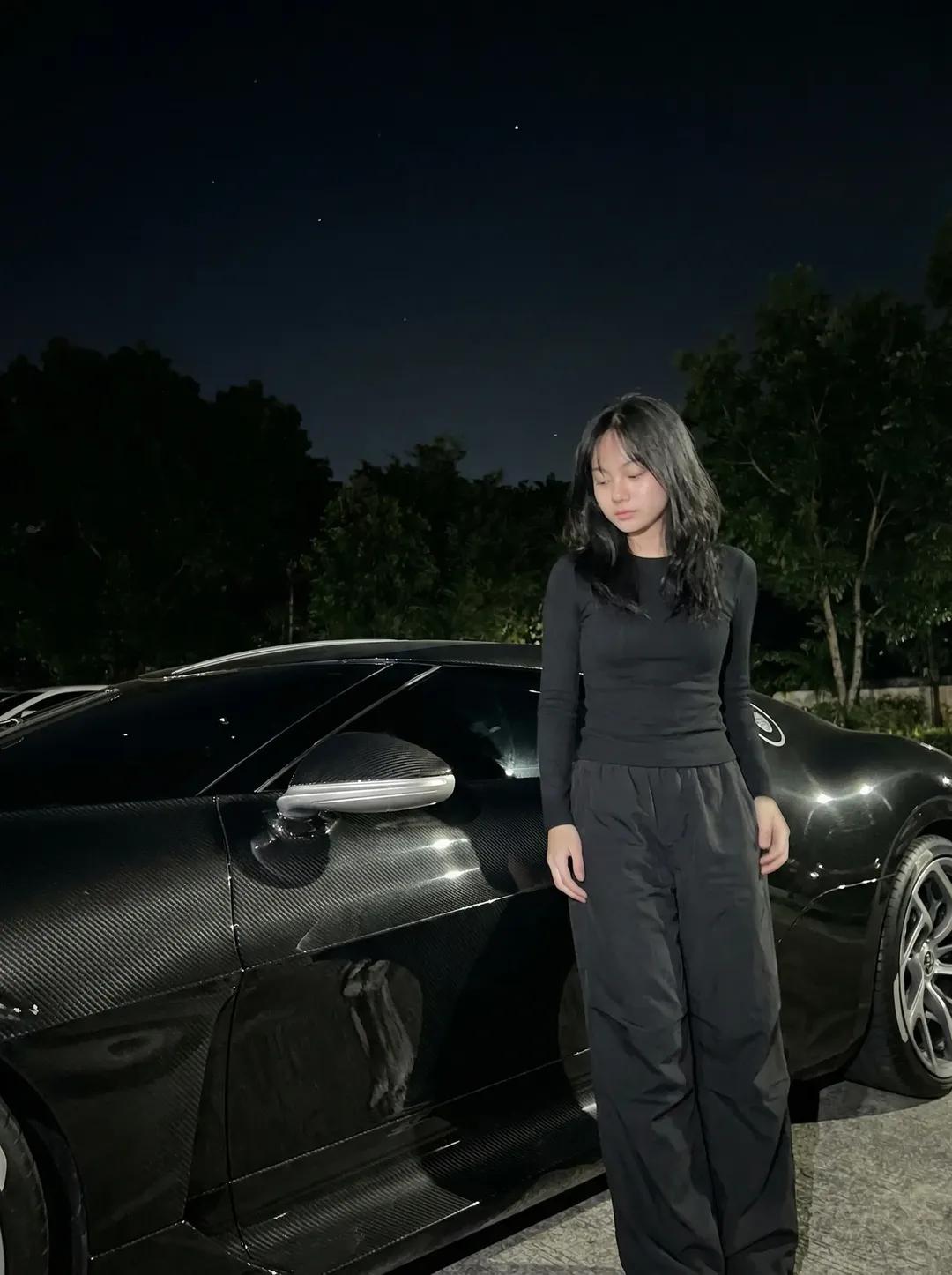
Night Sports Car Portrait — Cinematic Moody
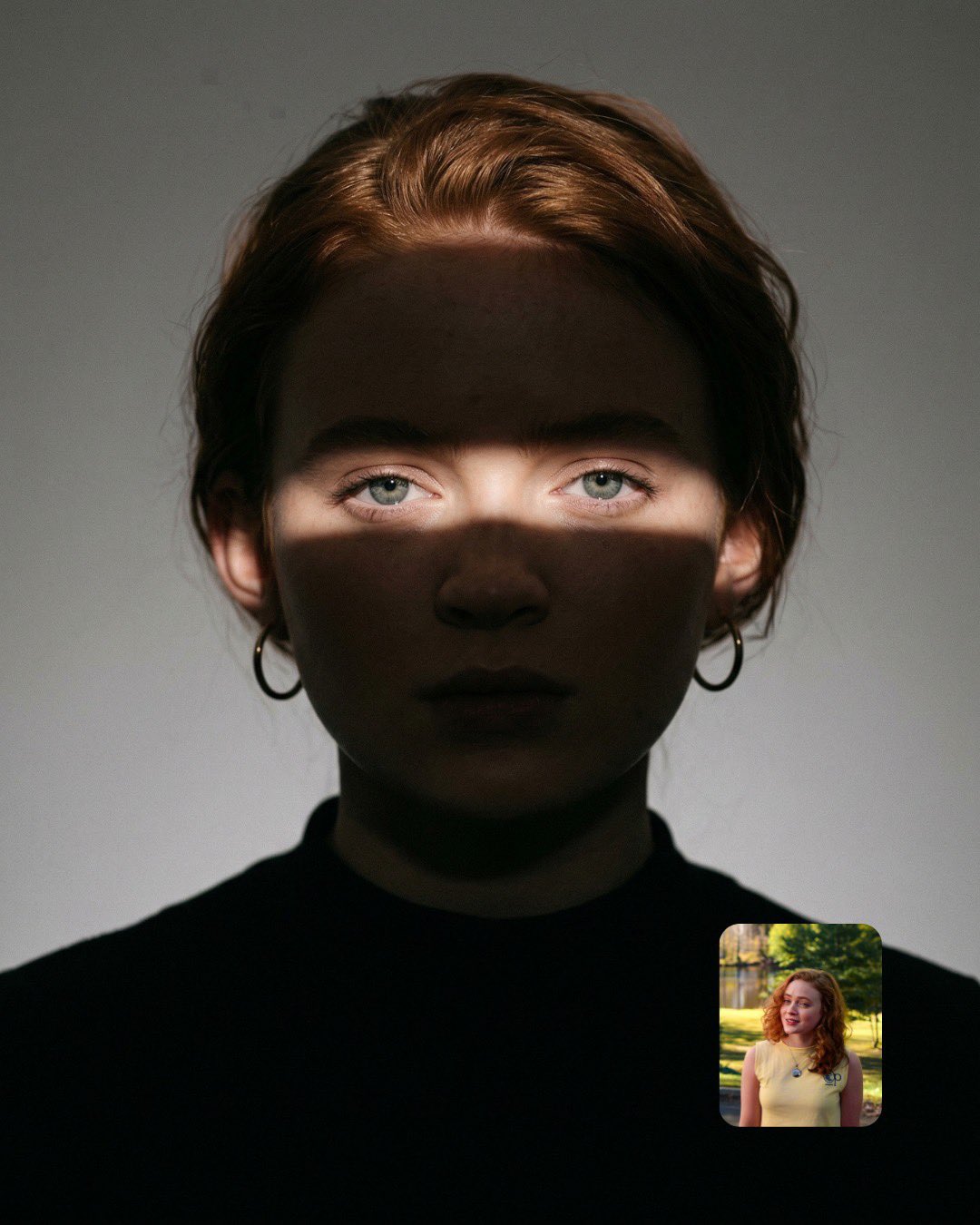
Cinematic Eye Light Portraits — 3 Nano Banana Prompts
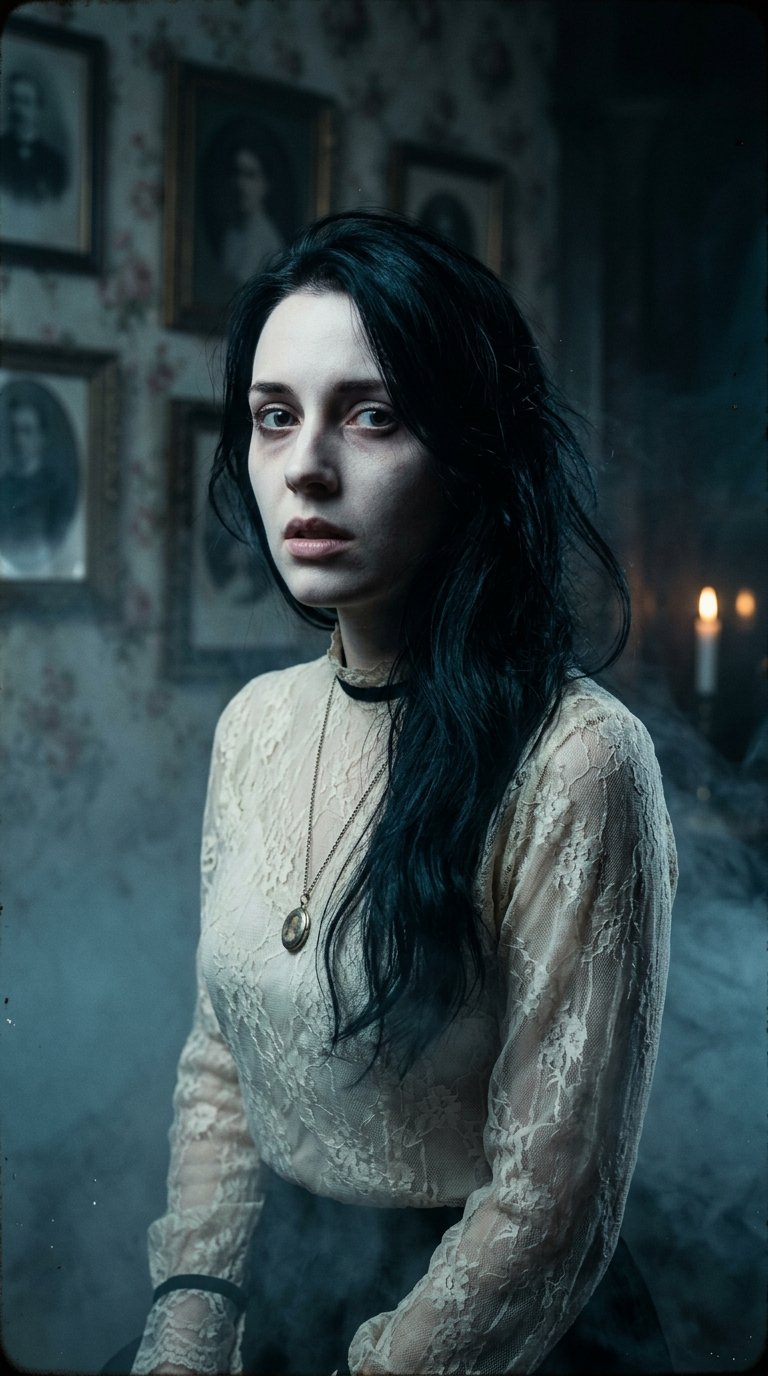
Horror Cinematic Portrait
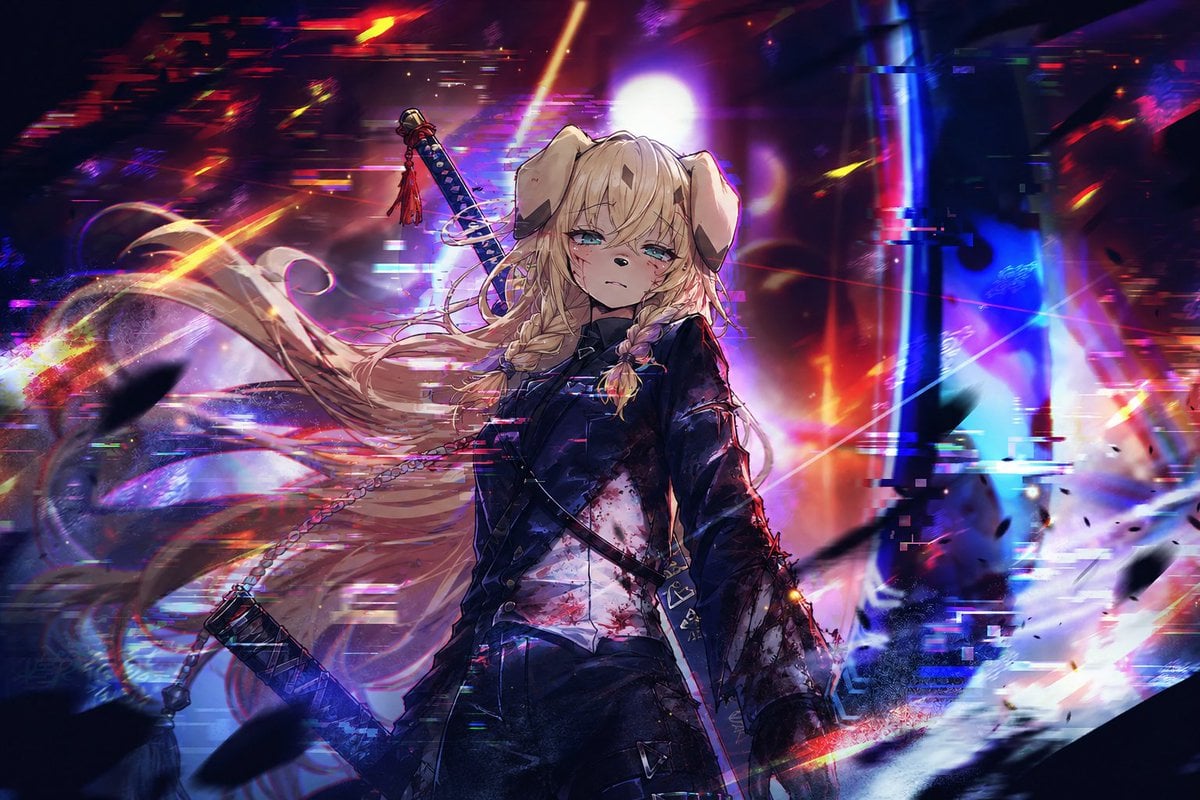
Cyberpunk Dog-Eared Swordswoman
Make it yours
Dark Sword Angel Character Sheet works as-is. These are the safest ways to change it without losing the look.
Change one field
Copy a single group, rewrite it, and generate again so you can see what that field is doing.
Keep the frame, change the subject
Hold the composition and light of Dark Sword Angel Character Sheet, then swap wardrobe, props or the person for a new take.
| If the result… | Why | Fix |
|---|---|---|
| The result drifts from the preview | Too many fields changed at once. | Reuse Dark Sword Angel Character Sheet as-is first, then change one group — subject, light, or setting. |
| The model over-stylizes the scene | The prose prompt leaves finish and camera underspecified. | Add one camera or lighting sentence and stay on GPT Image 2. |
More GPT Image 2 templates
Other prompts made for GPT Image 2.

Realistic Portrait of Woman and Deer

The Vista Modular Condo Poster

AI Model Routing Comparison Infographic

2.5D Anime Art Board

Isometric Productivity Desk Scene

New York Double Exposure Poster

Four-Panel AI Landscape Comparison

Japanese Tatami Lifestyle Magazine Cover

NESCAFÉ Coffee Map Poster

Brutalist Cogito Chinese Typography Poster
More image prompts
Fresh picks from across the catalog.
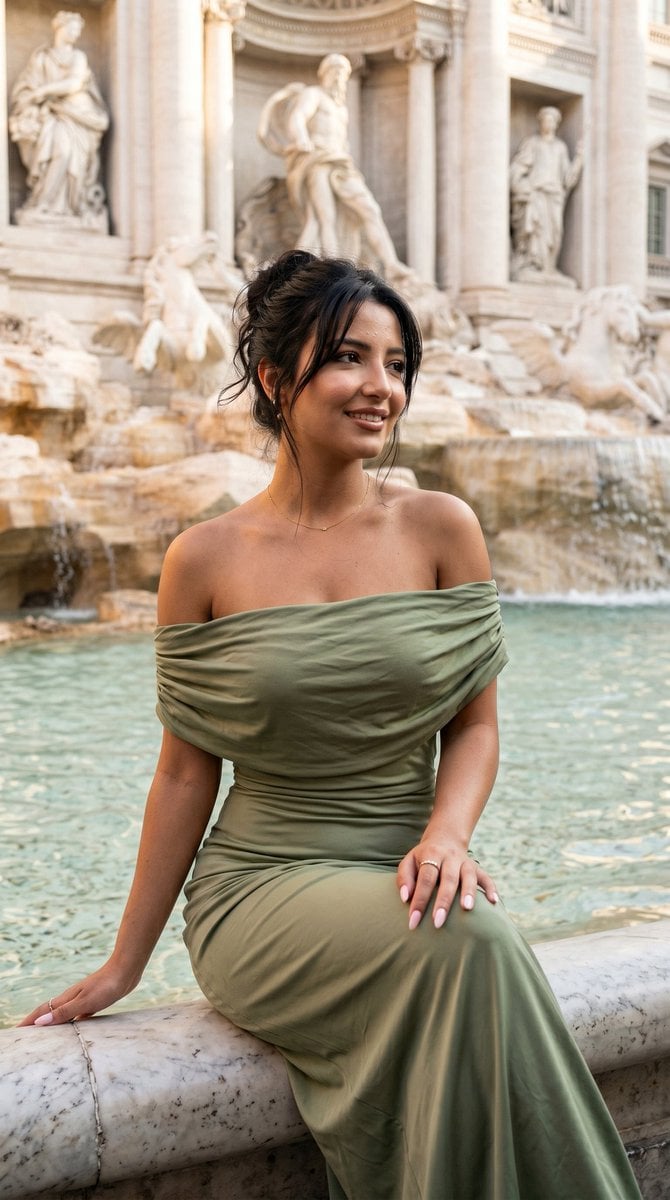
Elegant Italian Trevi Fountain Scene
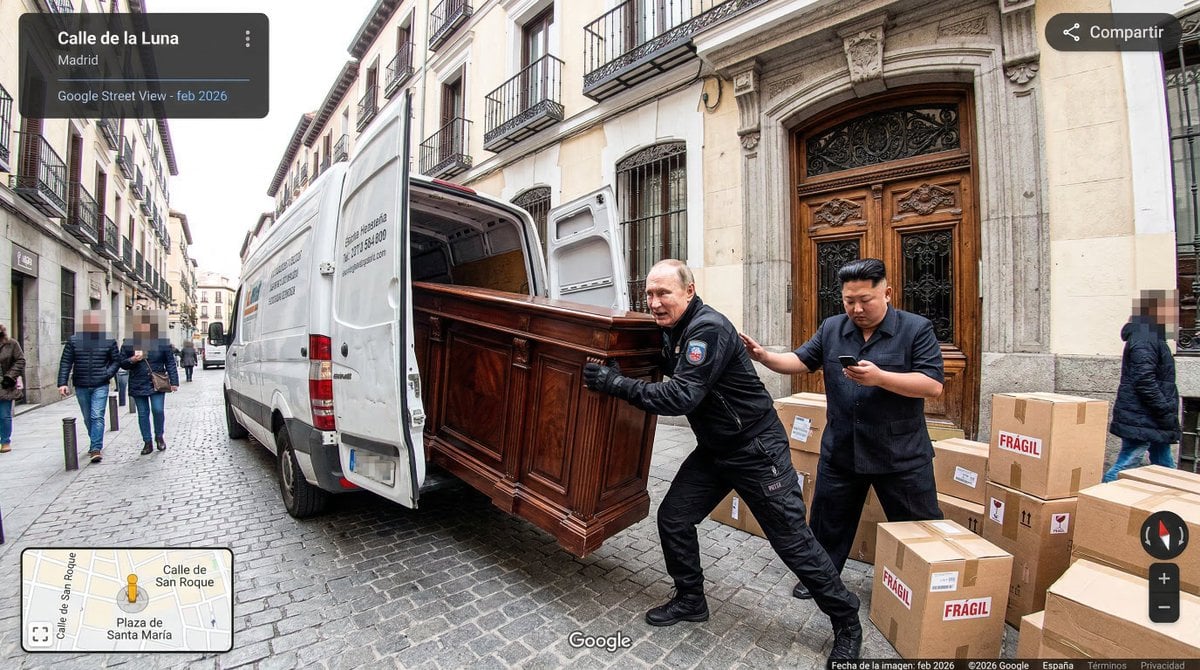
Nano Banana as Google Maps Car Prompt
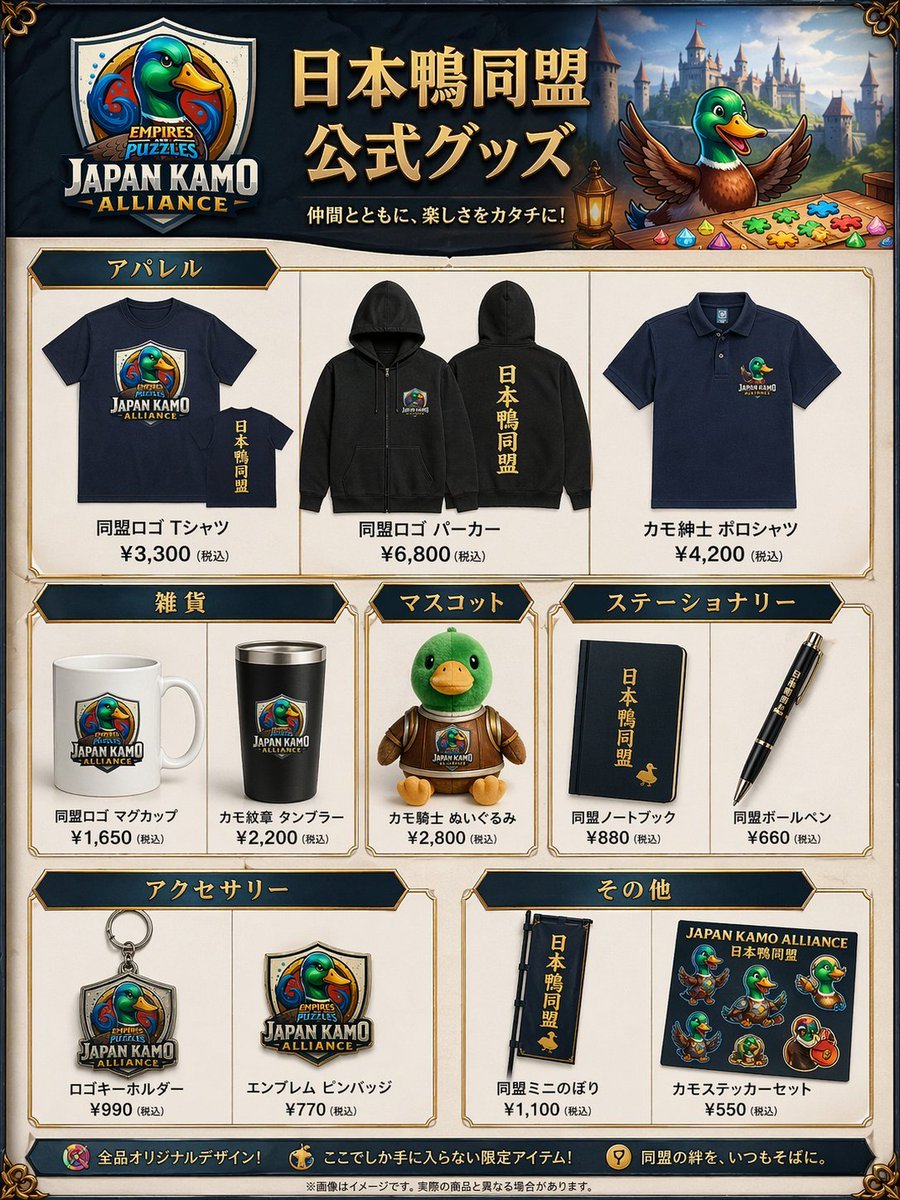
Fantasy Duck Alliance Goods Catalog
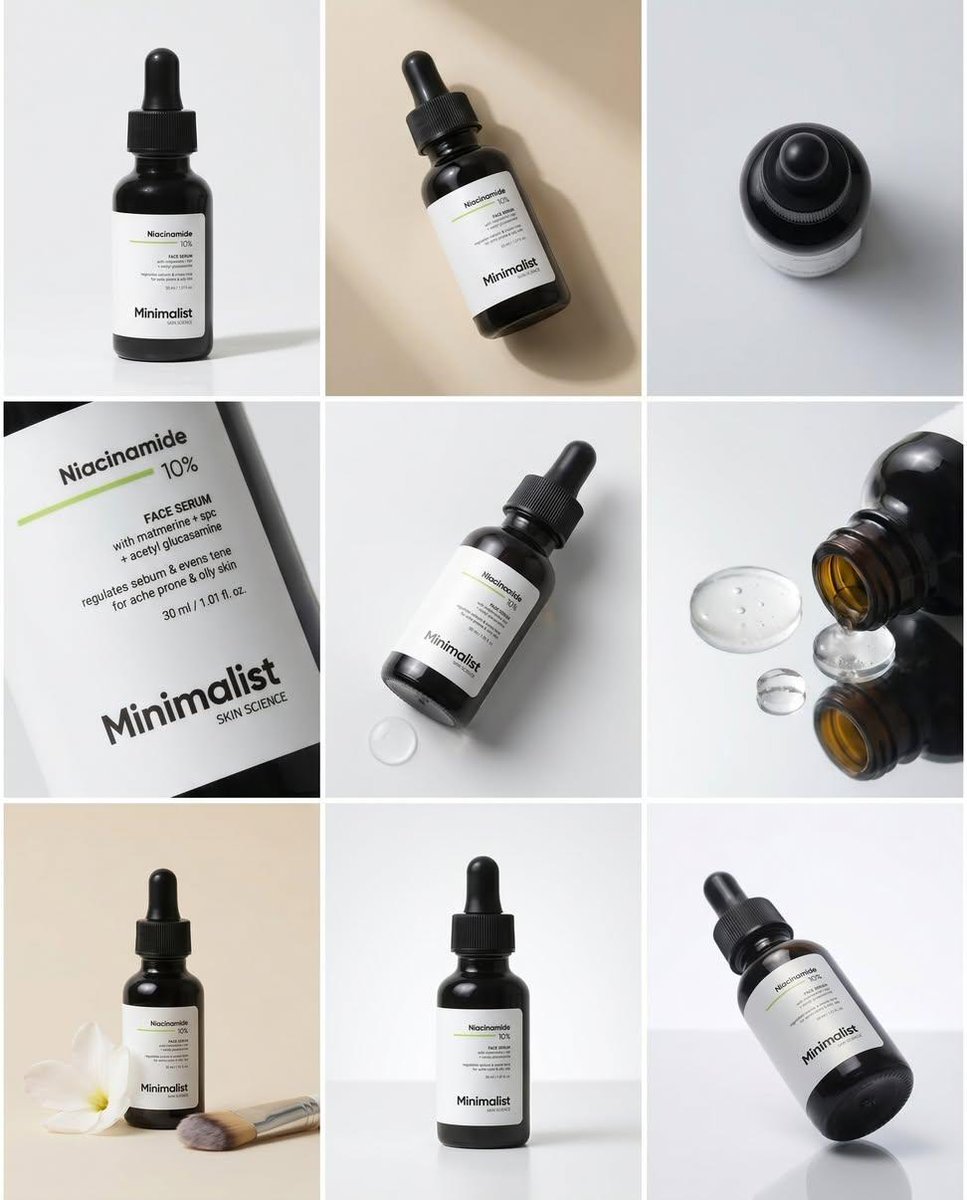
Minimalist Serum Product Collage
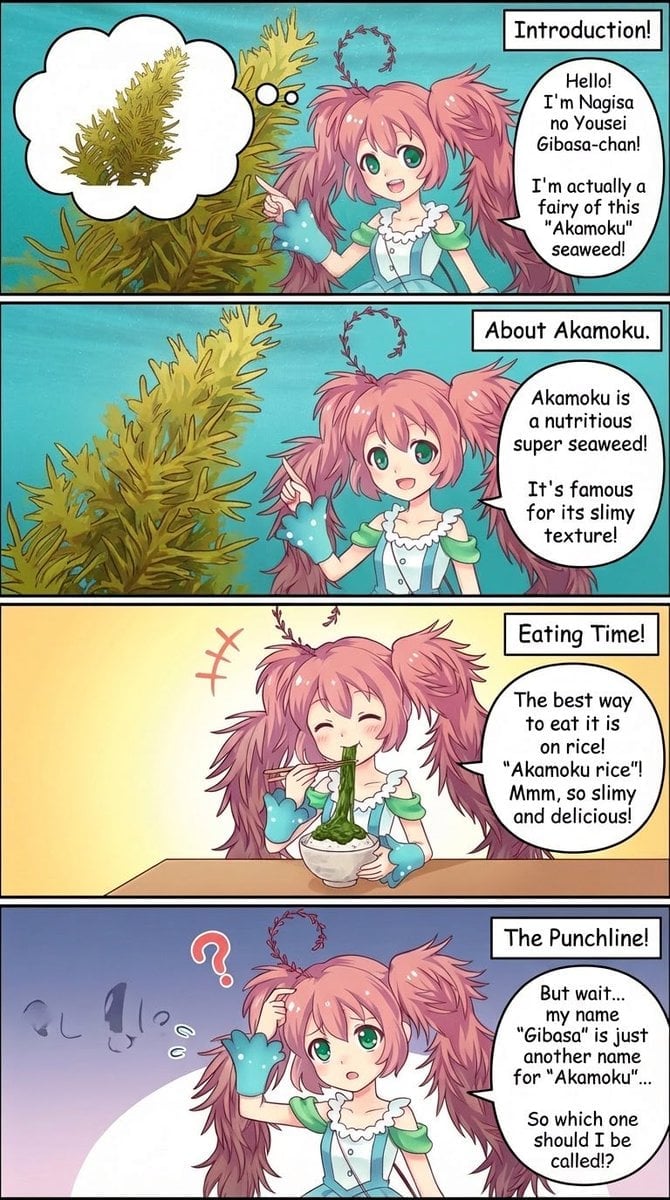
Four-Panel Manga Creation Prompt (Version 2 with Formatting)
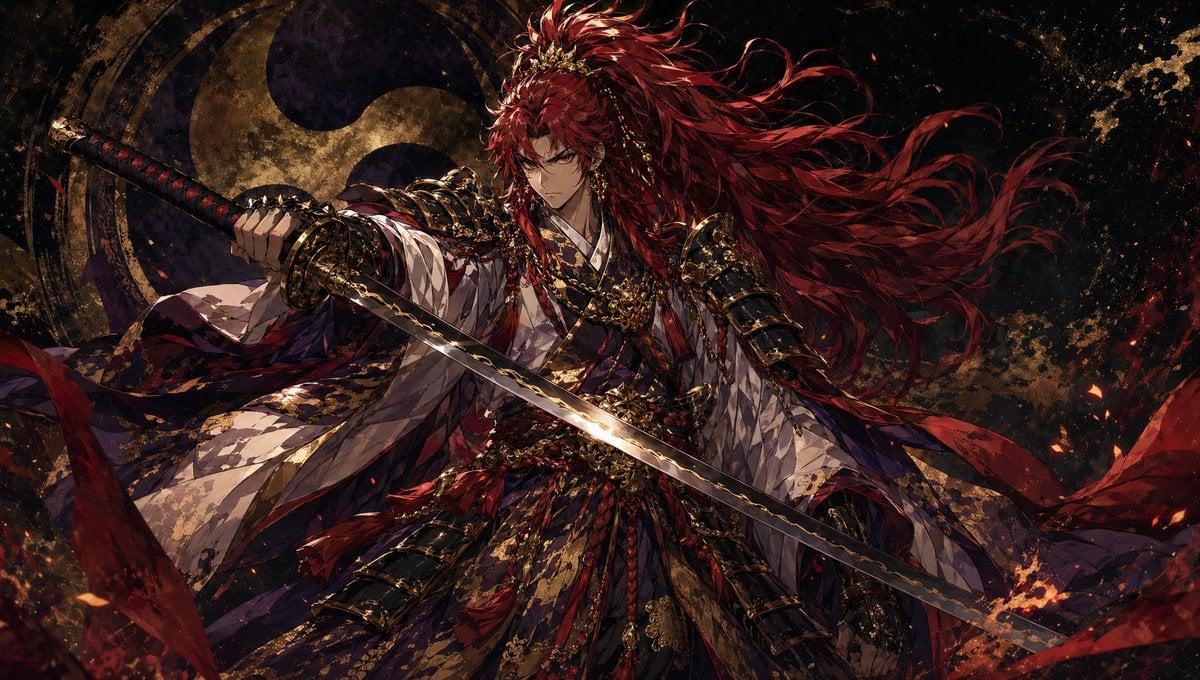
Dark Fantasy Crimson Samurai Warlord
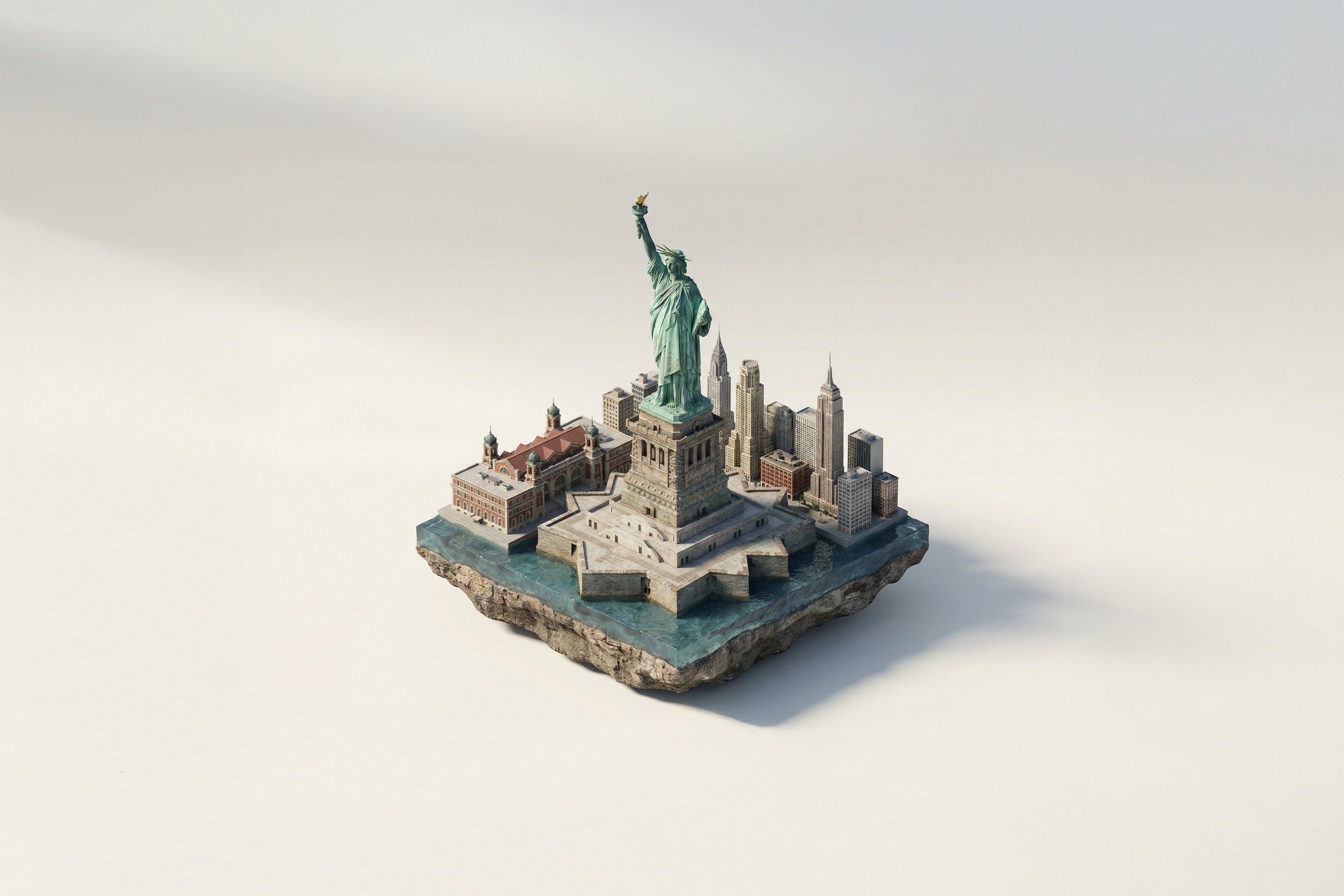
Turn Iconic Landmarks Into Tiny Worlds W
Intimate Photorealistic FaceTime Portrait Prompt
Panel Collage Portrait in Golden Hour
Glamorous Fashion Photoshoot in Steel Elevator
Browse template categories
Dark Sword Angel Character Sheet questions
How do I use the Dark Sword Angel Character Sheet template?
Add your photo if the template asks for one, edit the prompt if you like — the template's model and format are already selected — and press Generate. Your version opens in PicX Studio.
Can I customize the Dark Sword Angel Character Sheet template?
Yes. You can change the subject, setting, lighting, mood, format, and available model controls before creating your image.
Is the Dark Sword Angel Character Sheet template free?
Opening and editing this template is free. Generating uses credits, shown on the Generate button when you are signed in.
Which AI model should I use?
Start with GPT Image 2, which is the model associated with this template. You can compare another compatible model for a different finish.
Looking for something else? Browse all templates.

Your photo, any look
Thousands of ready templates for every top image and video model, from one credit balance.