
Cyberpunk Dog-Eared Swordswoman
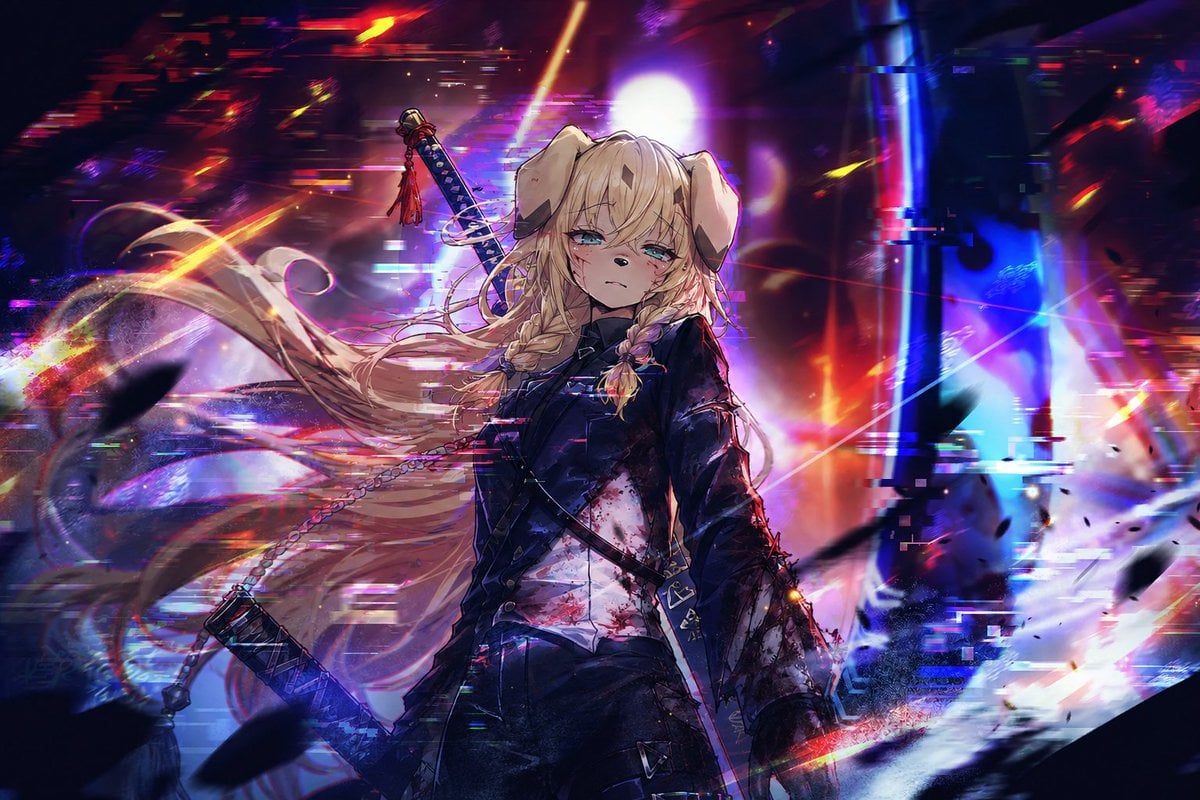
A dramatic anime key visual of a wounded dog-eared swordswoman in a glitching neon cyberpunk battlefield.
- Prompt included
- Model and format preset
- Free template
The prompt behind this image
Copy the exact prompt behind Cyberpunk Dog-Eared Swordswoman, or open it in the studio and make it yours.
Create a cinematic anime key visual of {argument name="character name" default="a young dog-eared swordswoman"} standing in the center of a chaotic neon cyberpunk battlefield. She has long flowing {argument name="hair color" default="pale blonde"} hair blown dramatically to the left, two thick braids at the front, floppy animal ears, tired aqua-blue eyes, a blank emotionless expression, and small cuts and blood smears on her face. Dress her in a dark fitted military-style jacket over a white shirt stained with blood, black tactical straps and belts, dark trousers, and a battle-worn silhouette. Show exactly two swords: one katana strapped diagonally across her back with a red tassel on the hilt, and one sheathed sword or weapon hanging low at her left side on a chain. The background is an abstract ruined futuristic city or digital void filled with intense motion blur, glitch artifacts, chromatic aberration, horizontal scanline fragments, black debris silhouettes, and explosive red, magenta, violet, blue, cyan, and orange light streaks. Place a bright white circular light behind her head like a halo, with vertical blue structures on the right and warm red chaos on the left. Use a dark high-contrast palette, dramatic rim lighting, painterly anime rendering, sharp facial detail, dynamic hair strands, cinematic depth of field, energetic composition, and a tragic apocalyptic mood. No readable text, no watermark, wide 3:2 aspect ratio.
How to use Cyberpunk Dog-Eared Swordswoman in 3 steps
- 1Upload ImagePNG, JPG or paste
Add your photo
Upload the photo the template builds on. The prompt, model and format are already set.
- 2…a portrait of your subject in softgolden-hour light, 85mm…
Personalize
Edit the subject and creative details for your destination.
- 3Generate
Generate
Press Generate — your image is created in PicX Studio, so you can compare it with the original and refine one variable at a time.
More like this
Templates with the same subject, style or setup. Open one to see its prompt.
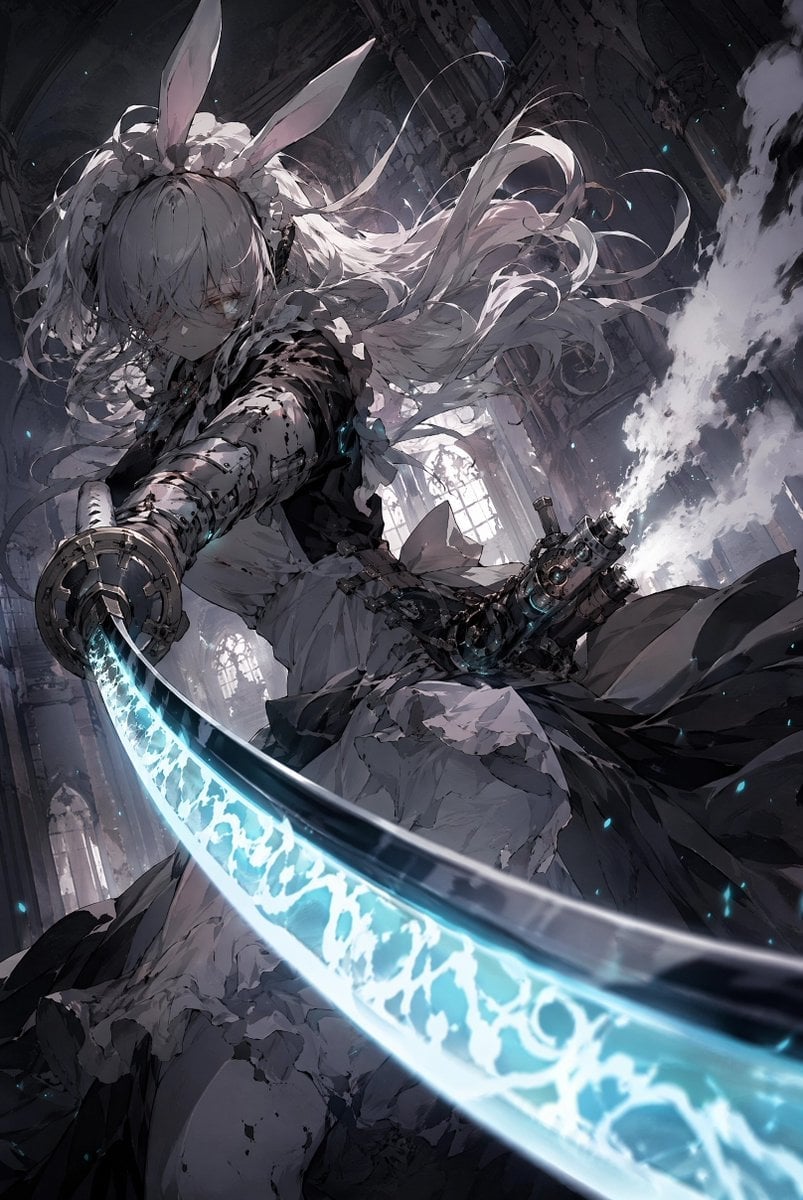
Rabbit-Eared Swordswoman in Ruined Cathedral

Rainy Night Android Cyberpunk Portrait

Korean Idol Partial Shadow Editorial Portrait

Cinematic Sci-Fi Interface Side Profile

Cyberpunk Neon Profile Fashion Portrait

Cinematic Neon Light Strip Studio Portrait

Futuristic Studio Neon Ring Minimalist Portrait

Neon Violet Streetwear Fashion Portrait

Neon Night Crosswalk Candid Portrait

Red Futuristic Sport Motorcycle POV
Rainy Night Android Cyberpunk Portrait
Cinematic Sci-Fi Commander Side Profile Portrait
Make it yours
Cyberpunk Dog-Eared Swordswoman works as-is. These are the safest ways to change it without losing the look.
Change one field
Copy a single group, rewrite it, and generate again so you can see what that field is doing.
Keep the frame, change the subject
Hold the composition and light of Cyberpunk Dog-Eared Swordswoman, then swap wardrobe, props or the person for a new take.
| If the result… | Why | Fix |
|---|---|---|
| The result drifts from the preview | Too many fields changed at once. | Reuse Cyberpunk Dog-Eared Swordswoman as-is first, then change one group — subject, light, or setting. |
| The model over-stylizes the scene | The prose prompt leaves finish and camera underspecified. | Add one camera or lighting sentence and stay on GPT Image 2. |
More GPT Image 2 templates
Other prompts made for GPT Image 2.

Six VTuber Japanese Logo Sheet

Realistic Portrait of Woman and Deer

The Vista Modular Condo Poster

AI Model Routing Comparison Infographic

2.5D Anime Art Board

Isometric Productivity Desk Scene

New York Double Exposure Poster

Four-Panel AI Landscape Comparison

Japanese Tatami Lifestyle Magazine Cover

NESCAFÉ Coffee Map Poster
More image prompts
Fresh picks from across the catalog.
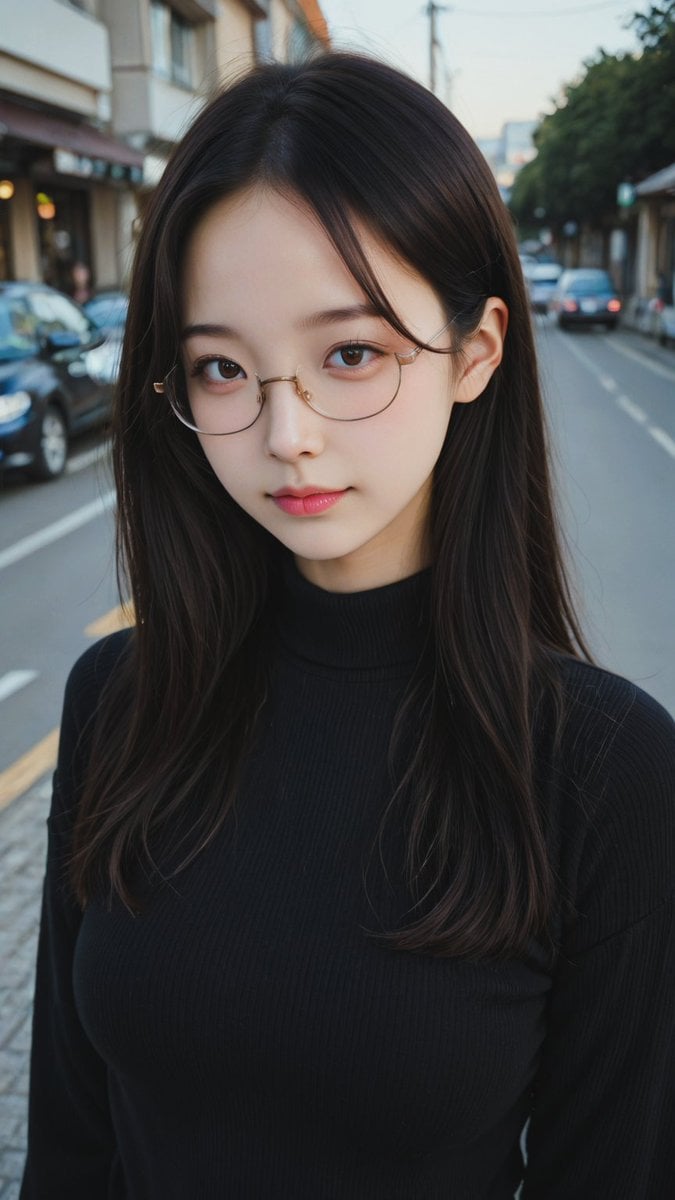
Moody Street Portrait at Dusk
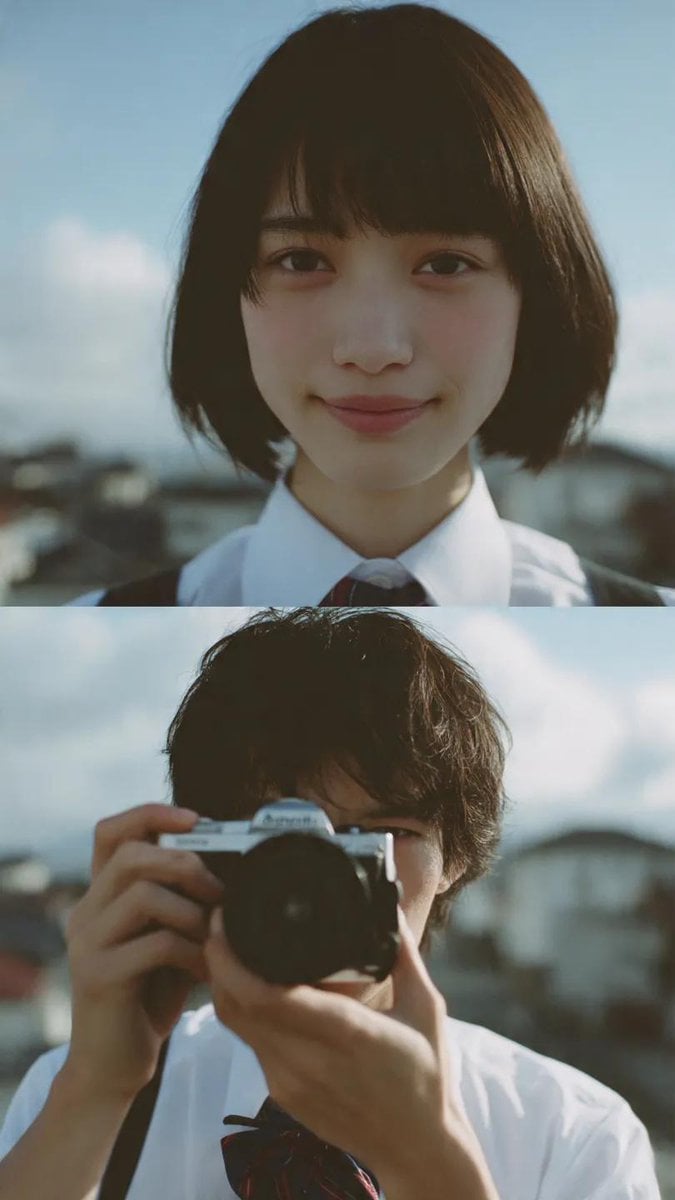
Cinematic diptych of teenagers on a rooftop

Ultra-Realistic Beverage Product Photography
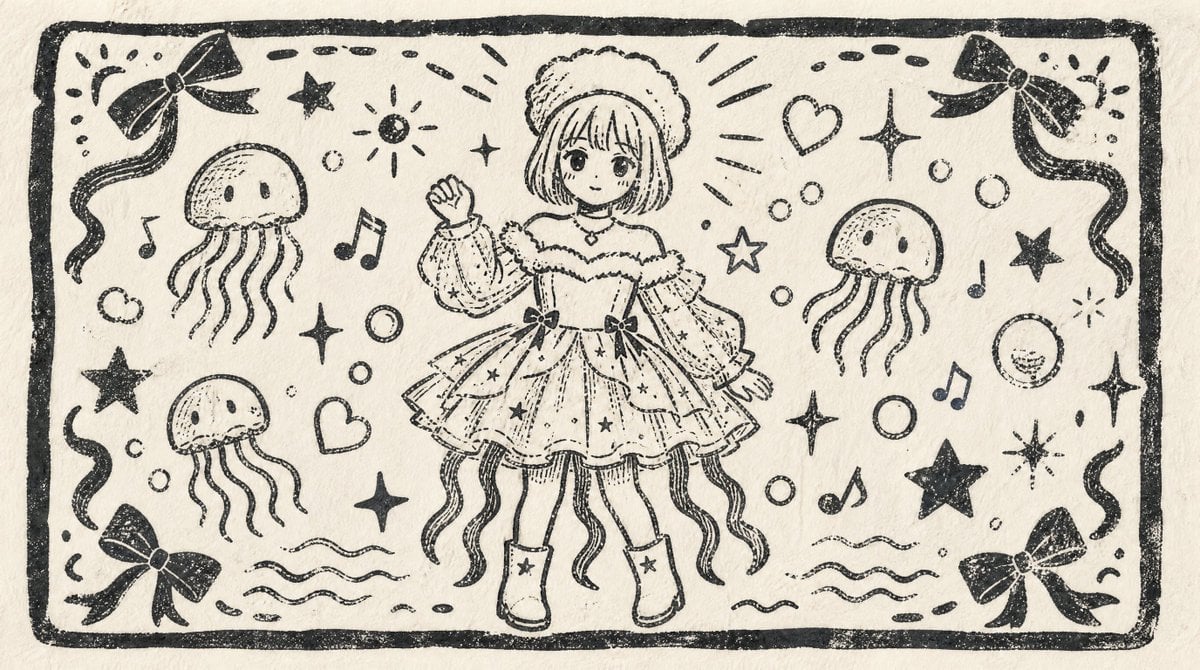
Monochrome Woodblock Character Postcard

Anime Shrine Maiden Movie Poster
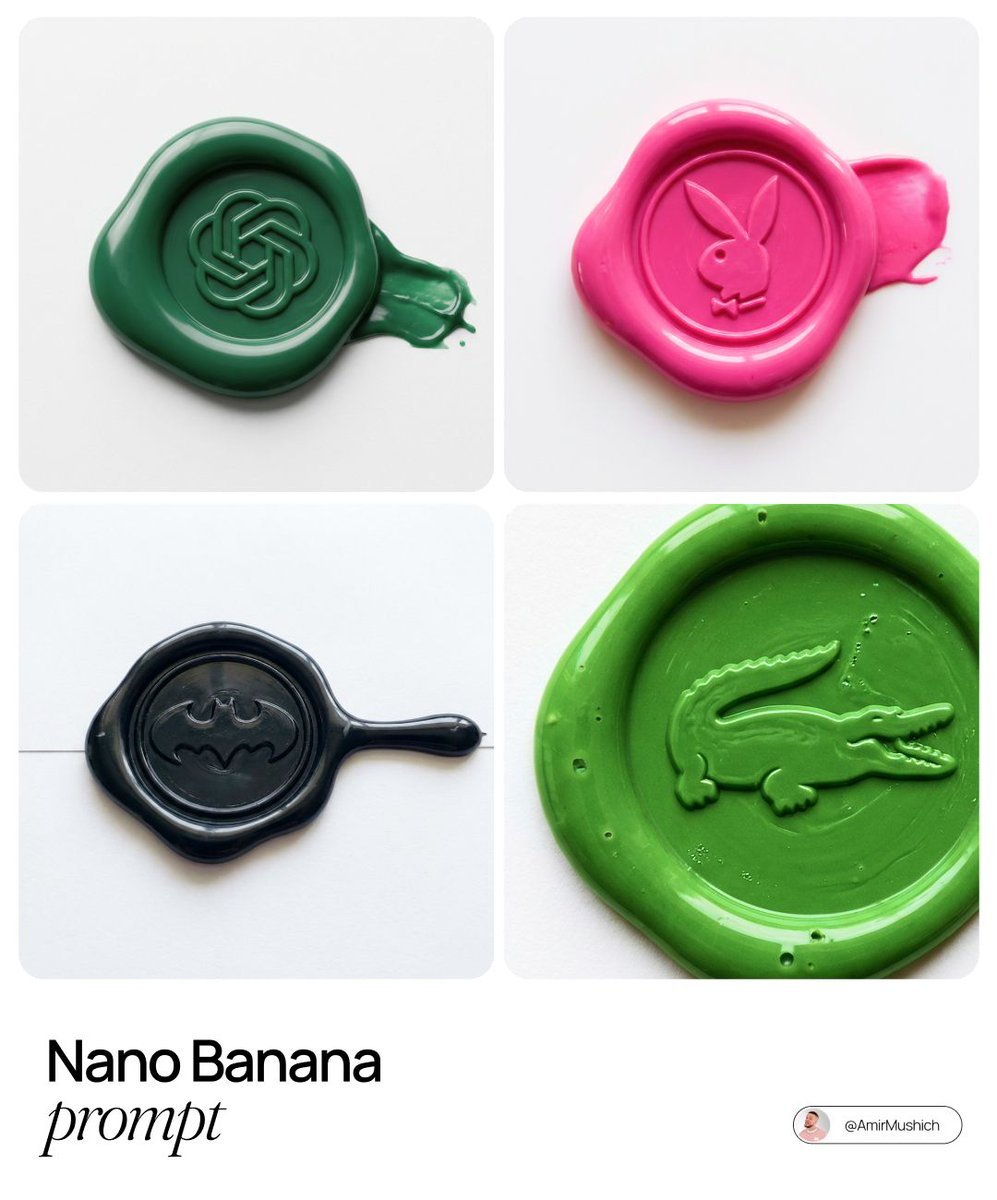
Tactile Wax Seal Logos
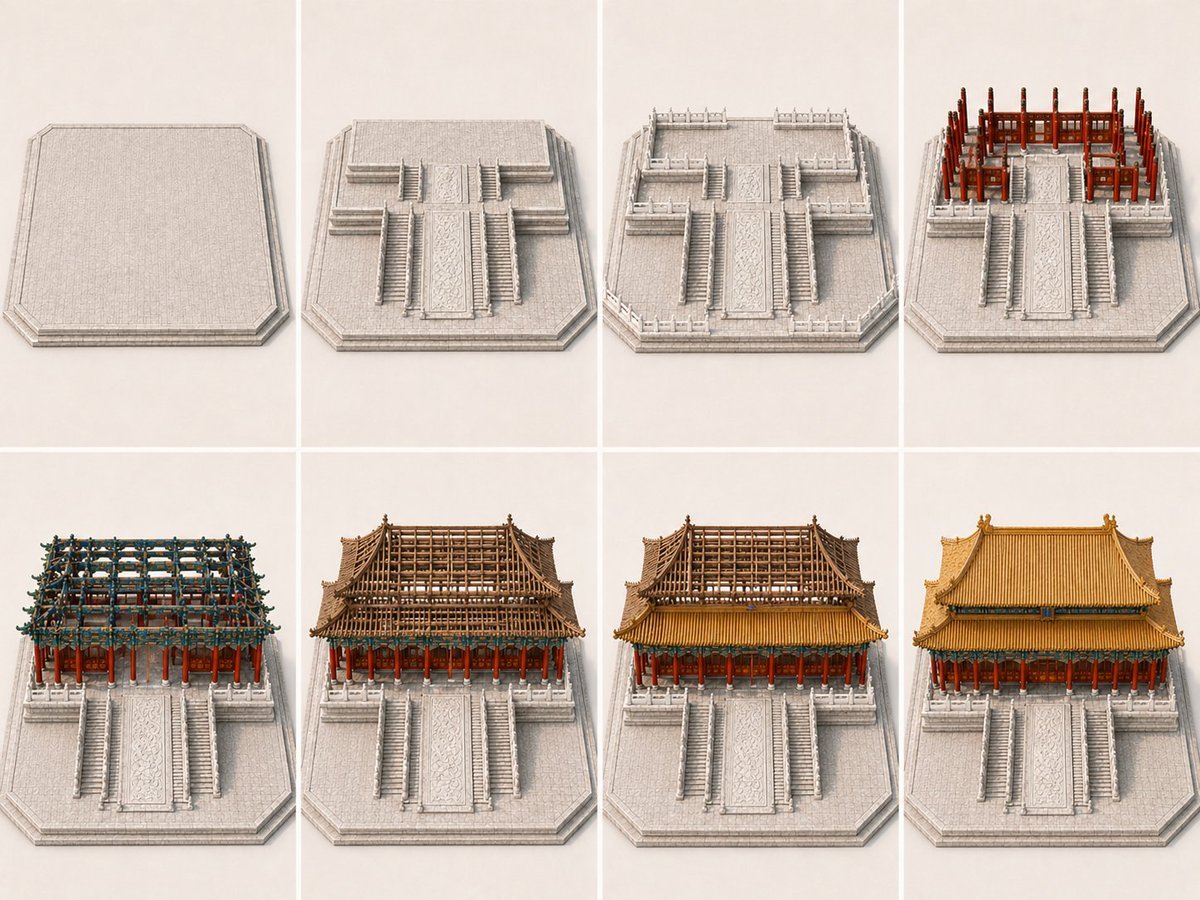
Panel Palace Hall Construction Board

Vintage Hangzhou Travel Postcard
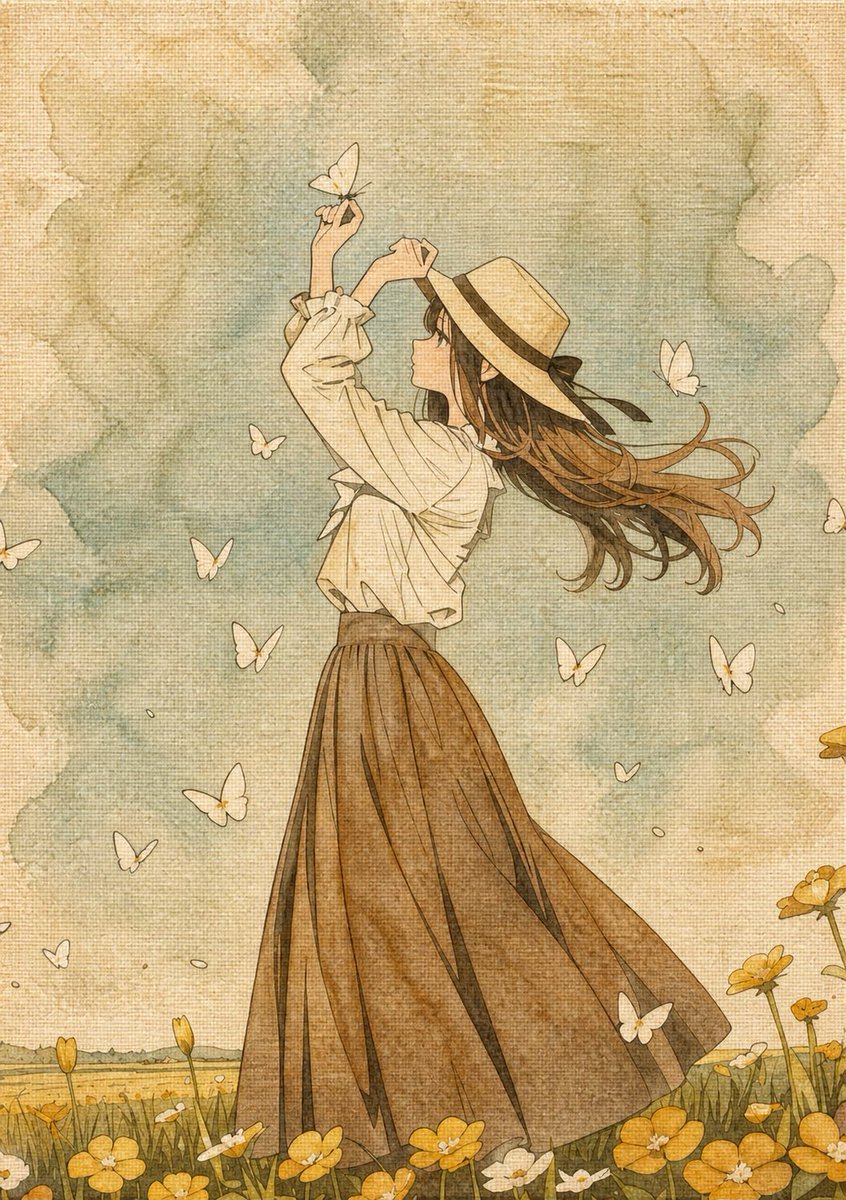
Botanical Plant Dye Canvas Painting
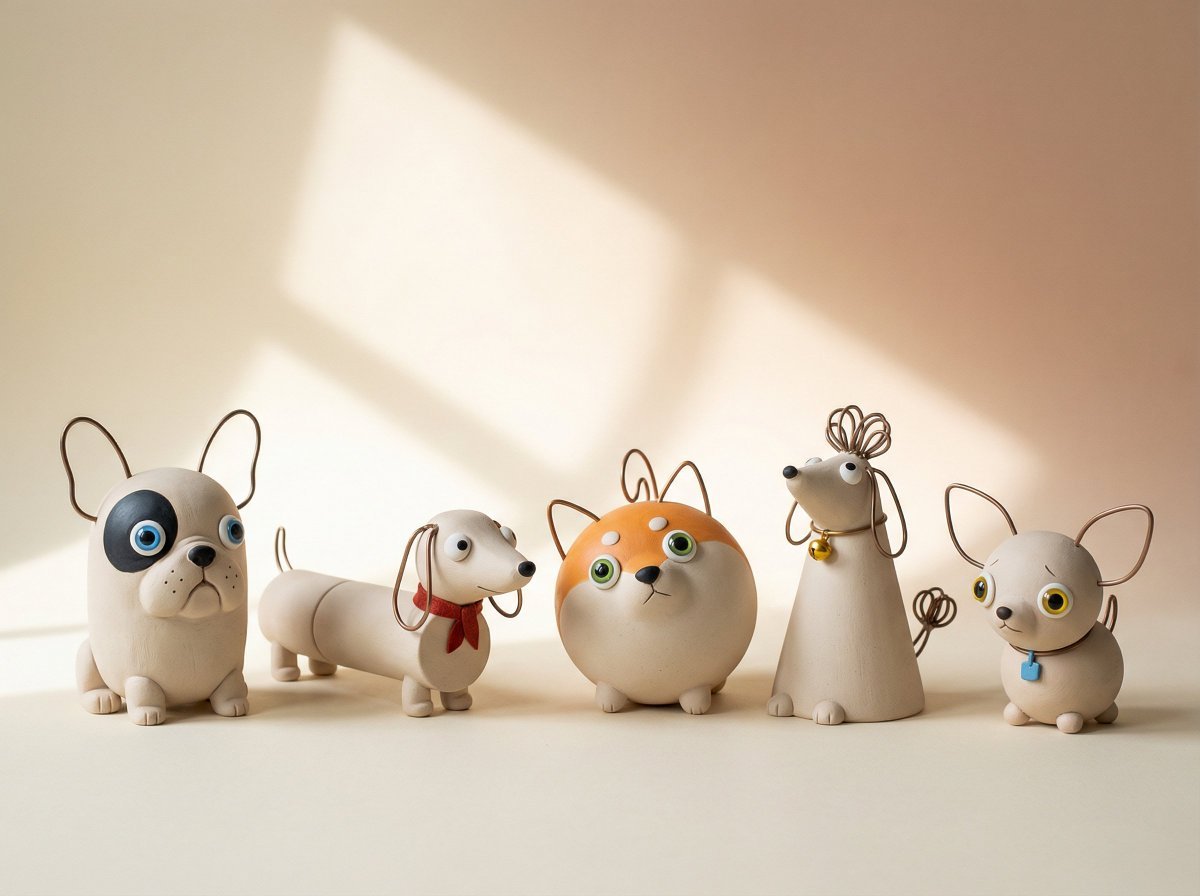
Handmade Clay Figurine Style with Wire Elements
Browse template categories
Cyberpunk Dog-Eared Swordswoman questions
How do I use the Cyberpunk Dog-Eared Swordswoman template?
Add your photo if the template asks for one, edit the prompt if you like — the template's model and format are already selected — and press Generate. Your version opens in PicX Studio.
Can I customize the Cyberpunk Dog-Eared Swordswoman template?
Yes. You can change the subject, setting, lighting, mood, format, and available model controls before creating your image.
Is the Cyberpunk Dog-Eared Swordswoman template free?
Opening and editing this template is free. Generating uses credits, shown on the Generate button when you are signed in.
Which AI model should I use?
Start with GPT Image 2, which is the model associated with this template. You can compare another compatible model for a different finish.
Looking for something else? Browse all templates.

Your photo, any look
Thousands of ready templates for every top image and video model, from one credit balance.