
Aztec Streetwear Panda Poster
Generates a bold anthropomorphic panda streetwear poster with Mesoamerican-inspired regalia, graffiti typography, and energetic teal-gold brush effects.
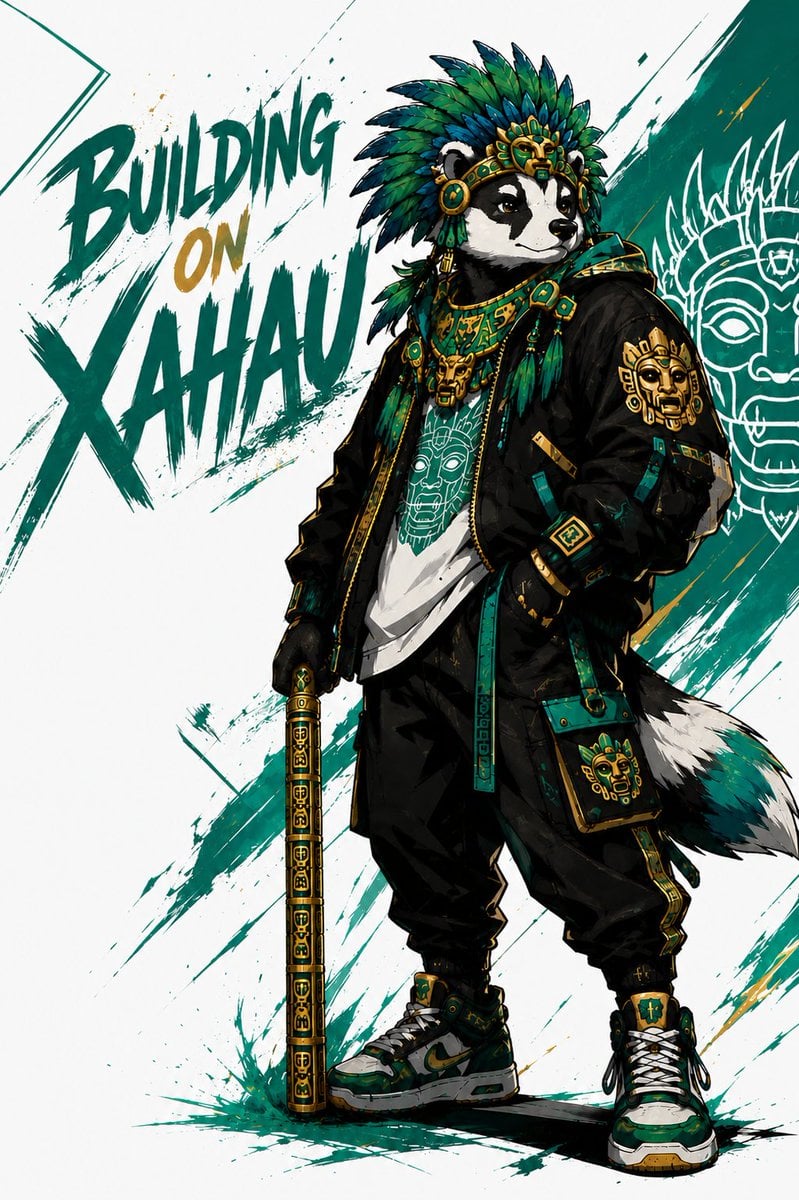
- Prompt included
- Model and format preset
- Free template
The prompt behind this image
Copy the exact prompt behind Aztec Streetwear Panda Poster, or open it in the studio and make it yours.
Create a dynamic single-panel streetwear character poster featuring an anthropomorphic {argument name="animal character" default="giant panda"} standing confidently in a three-quarter full-body pose on a white background. The character wears an elaborate Mesoamerican/Aztec-inspired feathered headdress in deep teal, emerald green, dark blue, black, and gold, with ornate gold mask details, jade-like round ornaments, dangling feathers, layered necklaces, and ceremonial jewelry. Dress the character in modern urban techwear: an oversized black bomber jacket with teal-and-gold geometric trim, a white graphic T-shirt printed with a stylized ancient mask face, loose black cargo pants with gold side accents, fingerless black gloves, chunky green-white-black sneakers with gold details, and a small teal crossbody pouch decorated with a golden mask emblem. The character has a fluffy black-white-teal tail and holds a vertical ceremonial staff or cane in one hand, covered with repeating gold glyph patterns and teal accents. Use a bold comic/anime illustration style with sharp ink outlines, high contrast shading, detailed fabric folds, metallic gold highlights, and energetic brush splatter textures. Add 3 large graffiti-style words on the left reading {argument name="headline text" default="BUILDING ON XAHAU"}, arranged as “BUILDING” at upper left, “ON” smaller in gold beneath it, and “XAHAU” huge below in teal, painted with rough dry-brush strokes and ink splashes. Behind the character, include sweeping diagonal teal brush strokes and a white line-art ancient mask motif on the right side, partially hidden behind the figure. Color palette should emphasize teal, jade green, black, white, and metallic gold, with a clean poster composition, dramatic street-art energy, and no realistic photography.
How to use Aztec Streetwear Panda Poster in 3 steps
- 1Upload ImagePNG, JPG or paste
Add your photo
Upload the photo the template builds on. The prompt, model and format are already set.
- 2…a portrait of your subject in softgolden-hour light, 85mm…
Personalize
Edit the subject and creative details for your destination.
- 3Generate
Generate
Press Generate — your image is created in PicX Studio, so you can compare it with the original and refine one variable at a time.
More like this
Templates with the same subject, style or setup. Open one to see its prompt.

Urban Fashion Editorial Collage Streetwear Poster

Ultra-Stylized High-Fashion Streetwear Poster

Urban Fashion Editorial Collage Poster

Selective Color Monochrome Football Poster

Gpt2 Product Marketing Streetwear Sneaker Poster Ad
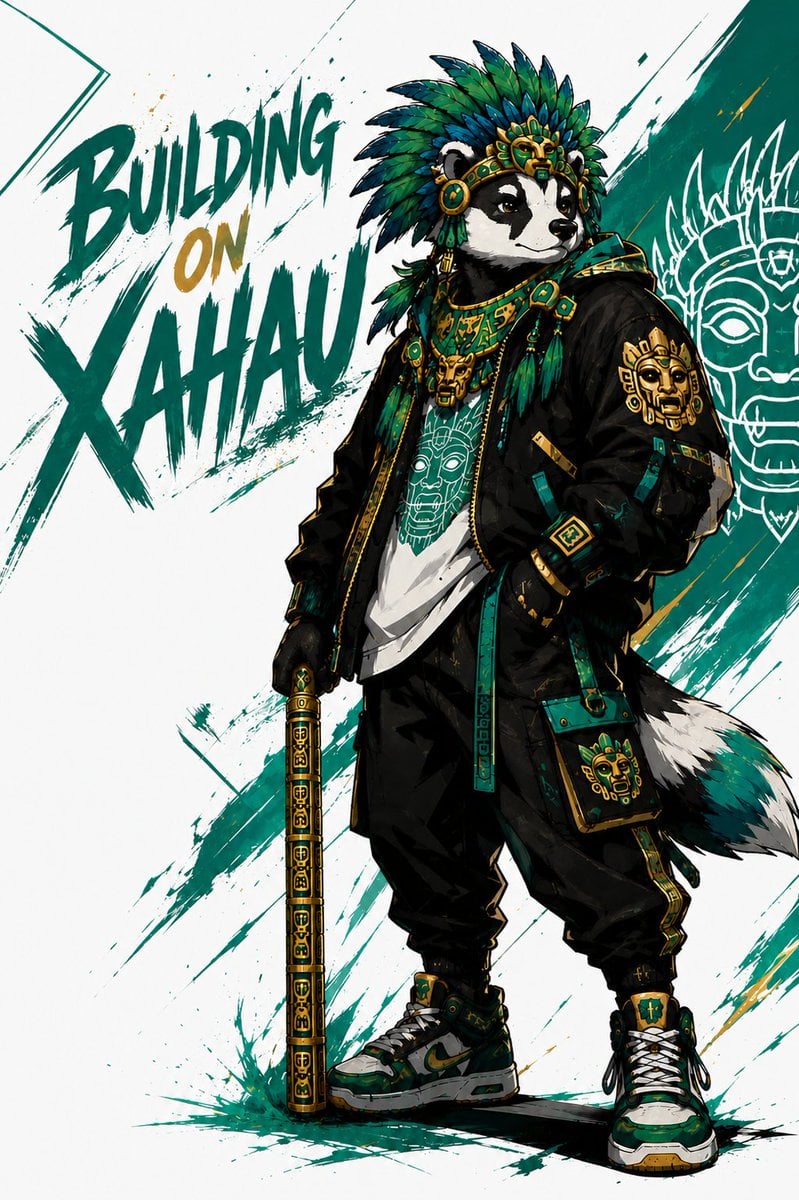
Xahau Panda Streetwear Poster

1988 Mall Style

Japan Travel Brochure Poster

Cartoon TV Show Poster Pack

Trendy Cafe Drink Promo Poster

Monochrome Hypebeast Street Fashion Editorial Motion

Premium Fashion Editorial Cover Layout System
Make it yours
Aztec Streetwear Panda Poster works as-is. These are the safest ways to change it without losing the look.
Change one field
Copy a single group, rewrite it, and generate again so you can see what that field is doing.
Keep the frame, change the subject
Hold the composition and light of Aztec Streetwear Panda Poster, then swap wardrobe, props or the person for a new take.
| If the result… | Why | Fix |
|---|---|---|
| The result drifts from the preview | Too many fields changed at once. | Reuse Aztec Streetwear Panda Poster as-is first, then change one group — subject, light, or setting. |
| The model over-stylizes the scene | The prose prompt leaves finish and camera underspecified. | Add one camera or lighting sentence and stay on GPT Image 2. |
More GPT Image 2 templates
Other prompts made for GPT Image 2.

Six VTuber Japanese Logo Sheet

Realistic Portrait of Woman and Deer

The Vista Modular Condo Poster

AI Model Routing Comparison Infographic

2.5D Anime Art Board

Isometric Productivity Desk Scene

New York Double Exposure Poster

Four-Panel AI Landscape Comparison

Japanese Tatami Lifestyle Magazine Cover

NESCAFÉ Coffee Map Poster
More image prompts
Fresh picks from across the catalog.

Ultra-Photorealistic Winter Romance Portrait (JSON Format)
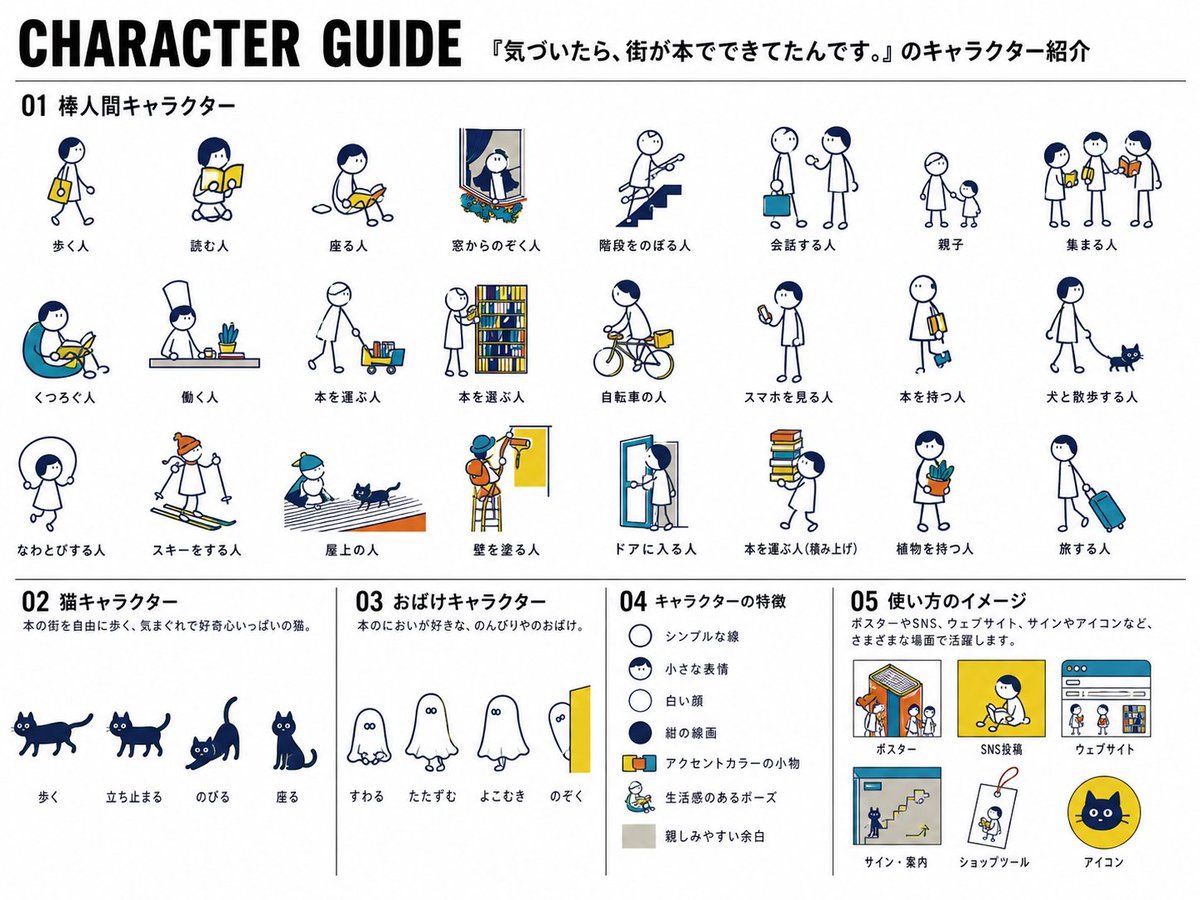
Japanese Mascot Character Guide Poster

Watercolor Blob Doodle Identity Preservation Prompt
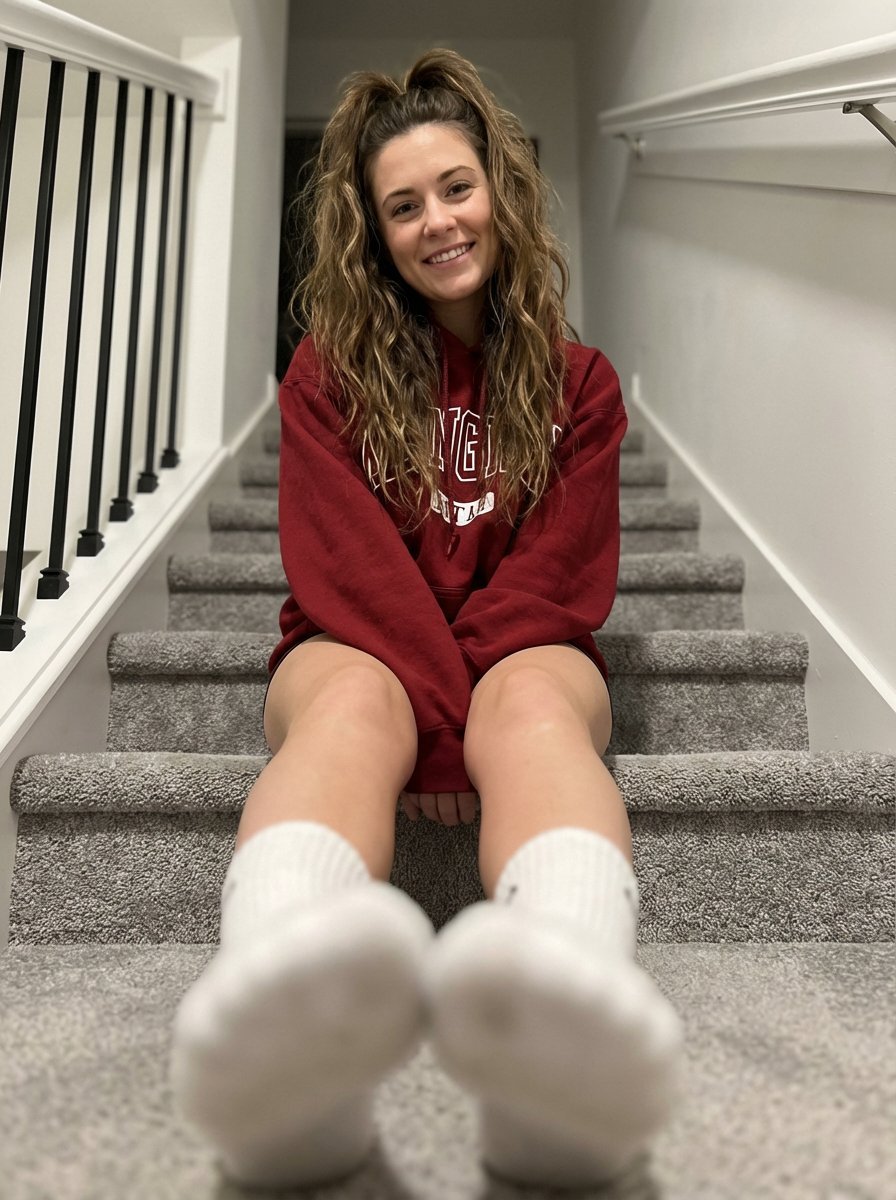
Cozy Indoor Portrait on Staircase with Foreshortening
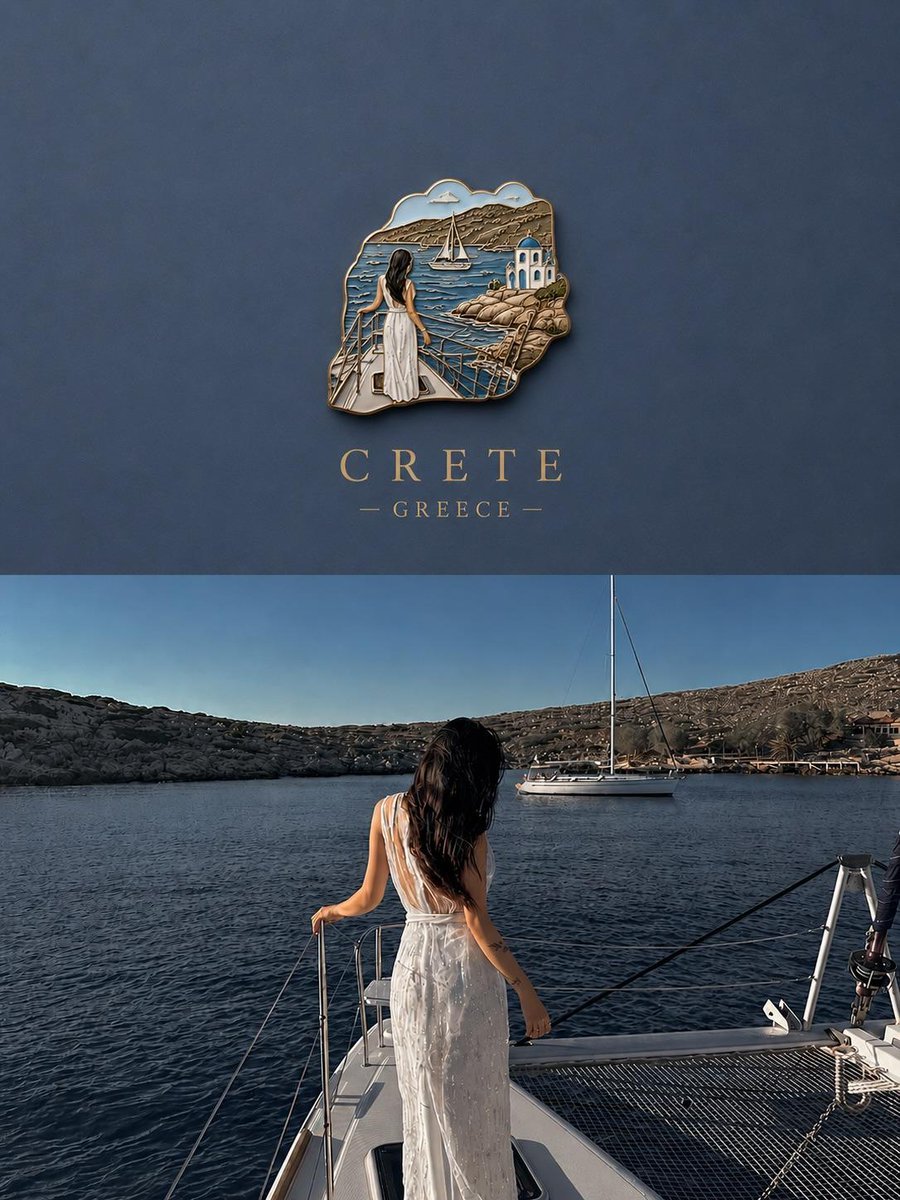
3D Souvenir Badge Travel Poster
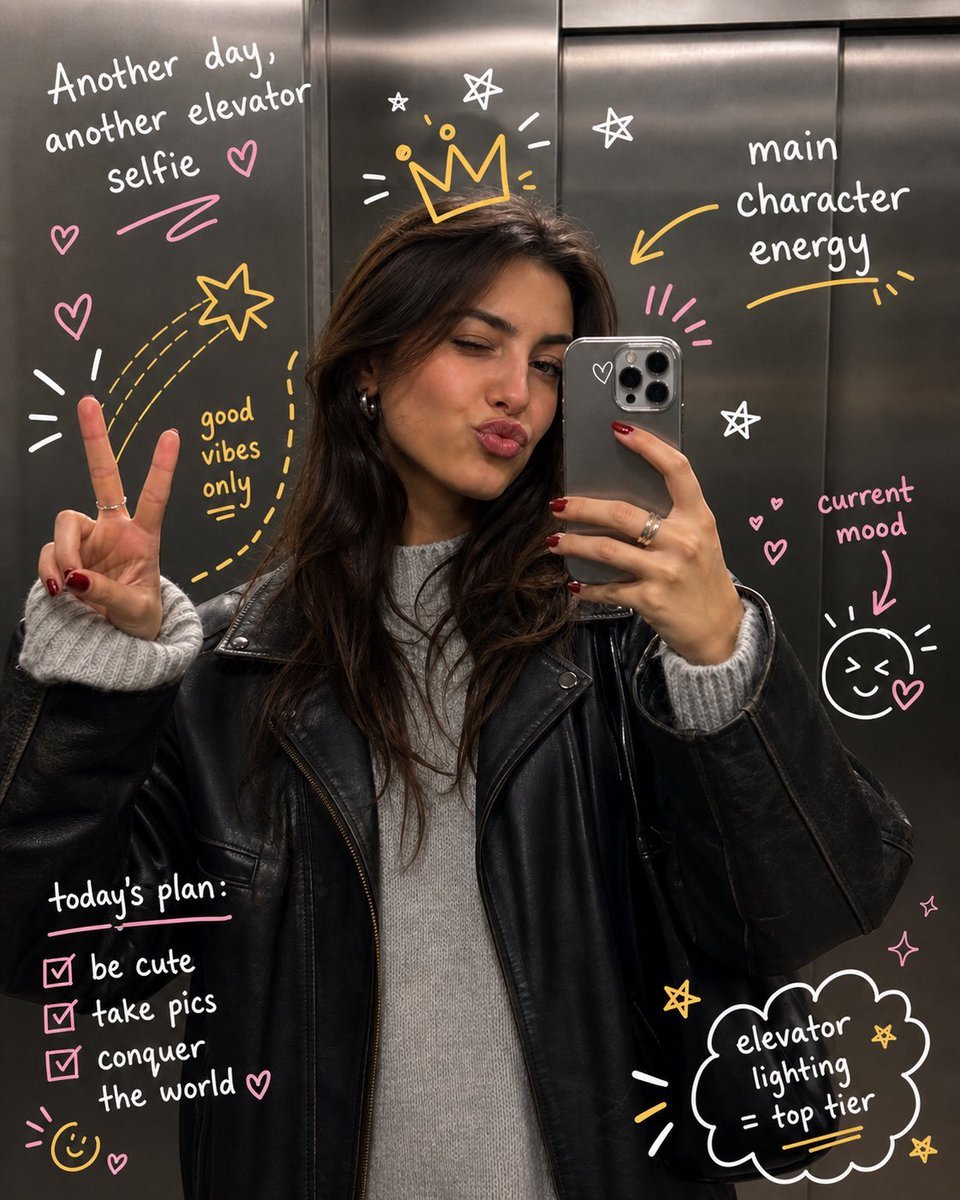
Hand-Drawn Doodles Overlay
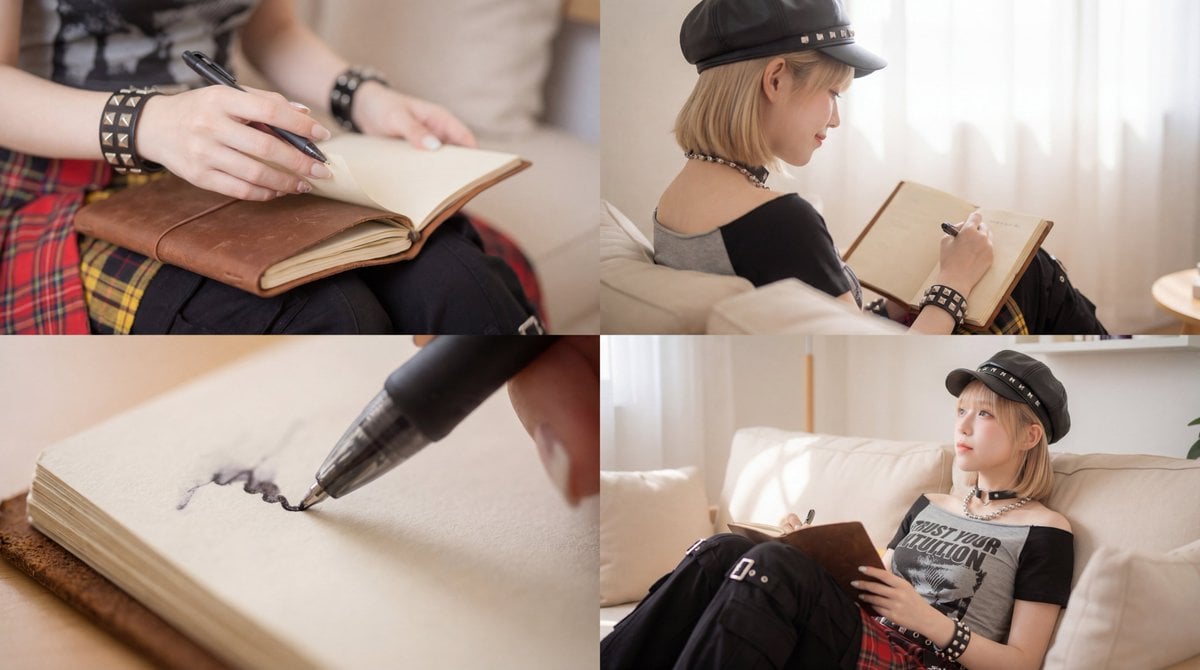
Kling 3.0 Video Generation from Nano Banana Pro Images
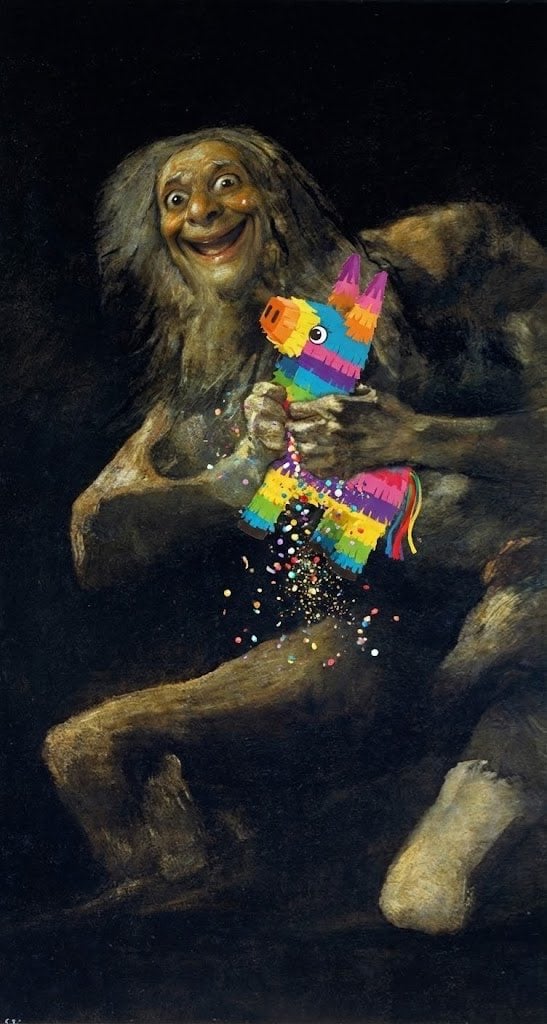
Cheerful minimal edit to existing art

Chibi Girl Holding Japanese Notice Sign
Premium Depth Gradient for Atmospheric Realism
Browse template categories
Aztec Streetwear Panda Poster questions
How do I use the Aztec Streetwear Panda Poster template?
Add your photo if the template asks for one, edit the prompt if you like — the template's model and format are already selected — and press Generate. Your version opens in PicX Studio.
Can I customize the Aztec Streetwear Panda Poster template?
Yes. You can change the subject, setting, lighting, mood, format, and available model controls before creating your image.
Is the Aztec Streetwear Panda Poster template free?
Opening and editing this template is free. Generating uses credits, shown on the Generate button when you are signed in.
Which AI model should I use?
Start with GPT Image 2, which is the model associated with this template. You can compare another compatible model for a different finish.
Looking for something else? Browse all templates.

Your photo, any look
Thousands of ready templates for every top image and video model, from one credit balance.