
Formal Outdoor Event Portrait
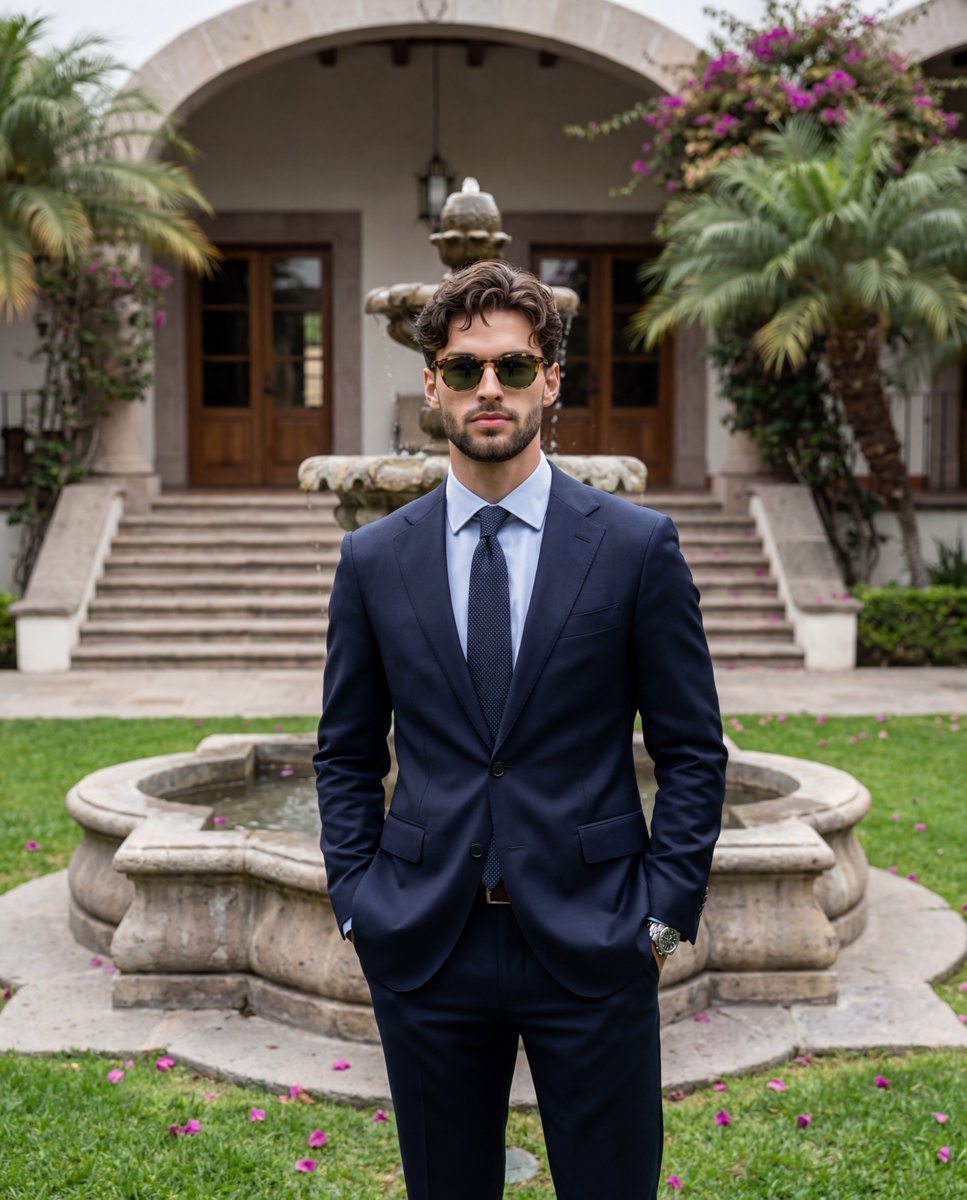
A highly descriptive prompt for a formal lifestyle image featuring a man in a navy suit in front of a stone water fountain.
- Prompt included
- Model and format preset
- Premium template
The prompt behind this image
Copy the exact prompt behind Formal Outdoor Event Portrait, or open it in the studio and make it yours.
A confident {argument name="subject" default="young adult male"} stands perfectly centered facing the camera in a relaxed formal pose, wearing an exquisitely fitted {argument name="outfit" default="dark navy blue suit over a light blue collared shirt"} and a dark patterned tie. His dark brown hair is cut short to medium length, around two to three inches on top, and styled with a matte product brushed slightly forward and up without a severe part, proudly showcasing a genuine curly and wavy texture full of natural imperfections and slight flyaways rather than an artificially smoothed uniform look. He wears classic tortoiseshell sunglasses with green lenses, his facial expression completely composed with a neutral mouth and relaxed eyebrows. Both hands are casually tucked into his trouser pockets, his right arm slightly bent and his left thumb tucked inside the pocket opening to reveal a sleek silver watch resting on his wrist, his shoulders level and weight evenly distributed. Directly behind him in the midground stands a dominant, weathered tiered stone water fountain built from rough, matte tan and beige concrete with gray undertones, featuring visible horizontal seams, patchy water stains, and water gently flowing over its tiers. The ground beneath him is covered in matte green grass with natural patches of brown earth, delicately scattered with dropped pink flower petals. The medium spatial depth reveals a layered estate courtyard where worn stone block stairs lead up to an aged building facade on the right, detailed with an archway, stone columns, and large dark wooden doors. On the left, thriving palm trees with multiple trunks and lush fronds rise up, while vibrant magenta and deep pink bougainvillea flowers climb enthusiastically over the top of the stone structures, complemented by a large rounded stone planter bowl and an evergreen topiary. The scene is enveloped in a calm, polished atmosphere indicative of a sophisticated outdoor formal event, illuminated by a single source of soft, diffused overcast daylight shining gently from above. This low-contrast natural lighting casts faint, soft-edged shadows directly beneath his chin, under the lapels of his jacket, and subtly along the steps of the fountain, while preserving delicate highlights across his textured curly hair, his forehead, and the rippling water surface. The warm, complementary color palette is symmetrically balanced, guiding the eye from the dark navy suit down to the flowing water and up toward the bright floral accents against the warm sand and forest green background. Captured straight on as a tack-sharp, grain-free realistic digital photograph using an 85mm lens at an aperture between f/2.8 and f/4 at ISO 100, the image employs a medium depth of field that keeps the primary subject impeccably crisp while rendering the background environment softly blurred yet identifiable. The clean menswear lifestyle aesthetic is finalized with natural warm color grading, true-to-life skin tones.
How to use Formal Outdoor Event Portrait in 3 steps
- 1
Open
The prompt is already in the box next to the preview, with the template's model and format selected.
- 2…a portrait of your subject in softgolden-hour light, 85mm…
Personalize
Edit the subject and creative details for your destination.
- 3Generate
Generate
Press Generate — your image is created in PicX Studio, so you can compare it with the original and refine one variable at a time.
More like this
Templates with the same subject, style or setup. Open one to see its prompt.

Outdoor Cafe Portrait — White Ruched Top Nano Banana

Found Photograph: Us, 1970

80s Couple Studio Portrait

80s Bollywood Star

80s Golden Hour Cinema

Me in 1985

1985 Studio Portrait

Hyper-Realistic Minecraft POV Portrait

Rooftop Fisheye — Cat-Ear Balaclava at Golden Hour

Rainy Café Window Moody Portrait

untitled

2025 Aesthetic Photography
Make it yours
Formal Outdoor Event Portrait works as-is. These are the safest ways to change it without losing the look.
Change one field
Copy a single group, rewrite it, and generate again so you can see what that field is doing.
Keep the frame, change the subject
Hold the composition and light of Formal Outdoor Event Portrait, then swap wardrobe, props or the person for a new take.
| If the result… | Why | Fix |
|---|---|---|
| The result drifts from the preview | Too many fields changed at once. | Reuse Formal Outdoor Event Portrait as-is first, then change one group — subject, light, or setting. |
| The model over-stylizes the scene | The prose prompt leaves finish and camera underspecified. | Add one camera or lighting sentence and stay on Nano Banana 2. |
More Nano Banana 2 templates
Other prompts made for Nano Banana 2.

Photorealistic Leaf Shaped Like a Dragon

K-Pop Idol Portrait Grid for Rapid Selection

Poetic Rain Forest Portrait During Golden Hour

Urban Street Portrait with Cartoon Inner Self Duo

Candid Nighttime Photo with Cat Prompt

High-Concept 3D Diorama Generation Prompt

Cinematic Futuristic Studio Portrait Template

Skincare Editorial Photography Collage Prompt

Hyper-Realistic Commercial Product Photography (Splash Effect)

Hyper-Realistic Nightclub Portrait Prompt
More image prompts
Fresh picks from across the catalog.
Cinematic Biker Street Style Portrait

AI Supercar Poster Comparison
Cinematic Academic Signaling Thumbnail
Vogue Cover Identity Preservation Prompt
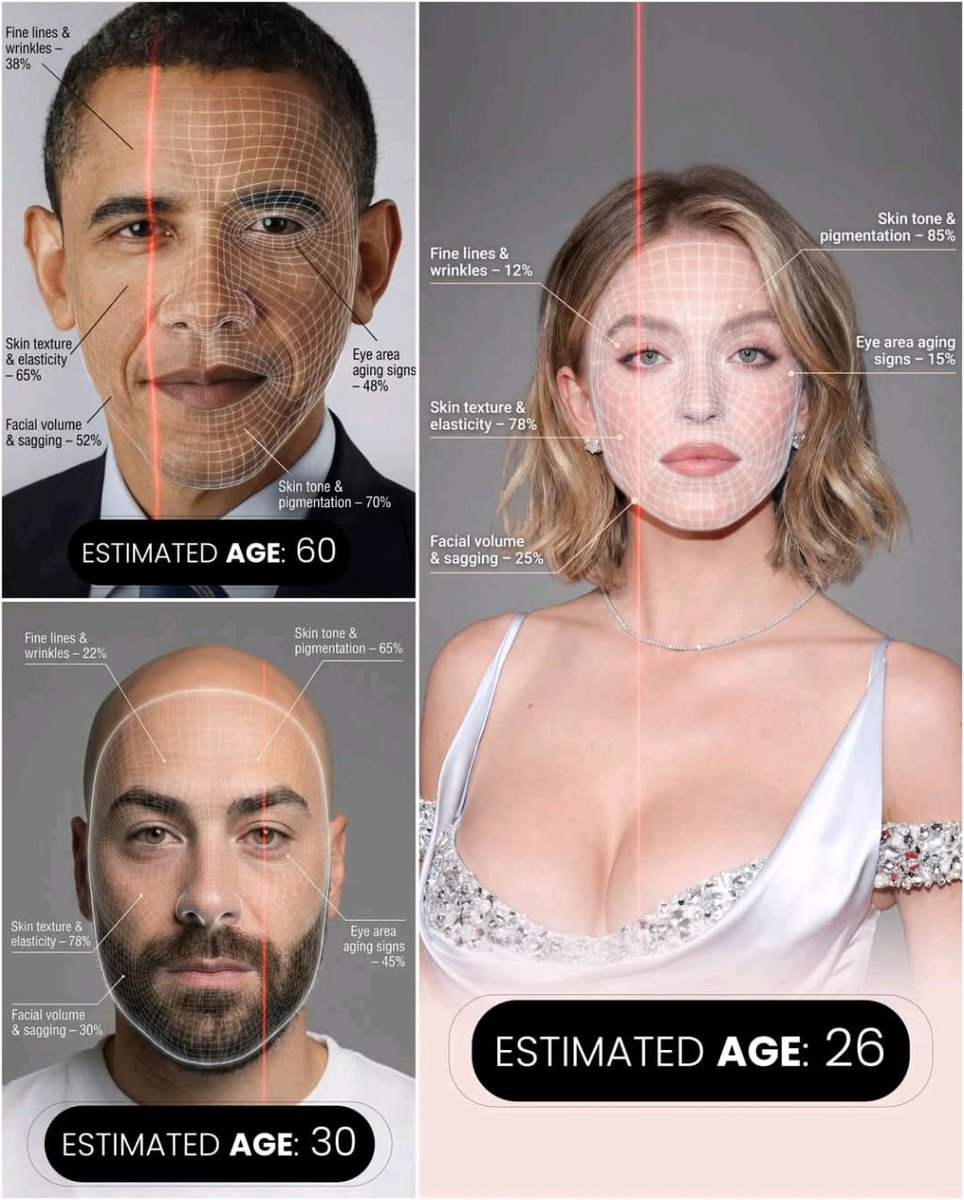
Futuristic AI Age Checker Infographic Portrait
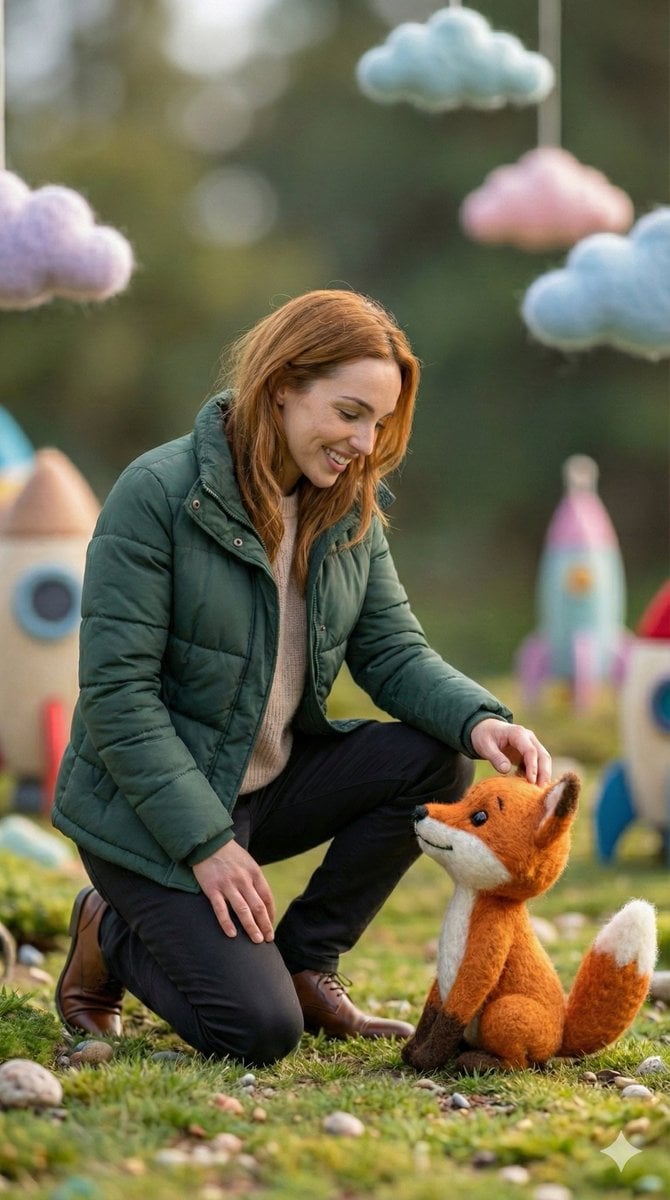
Photorealistic Human and Felt Fox Hybrid
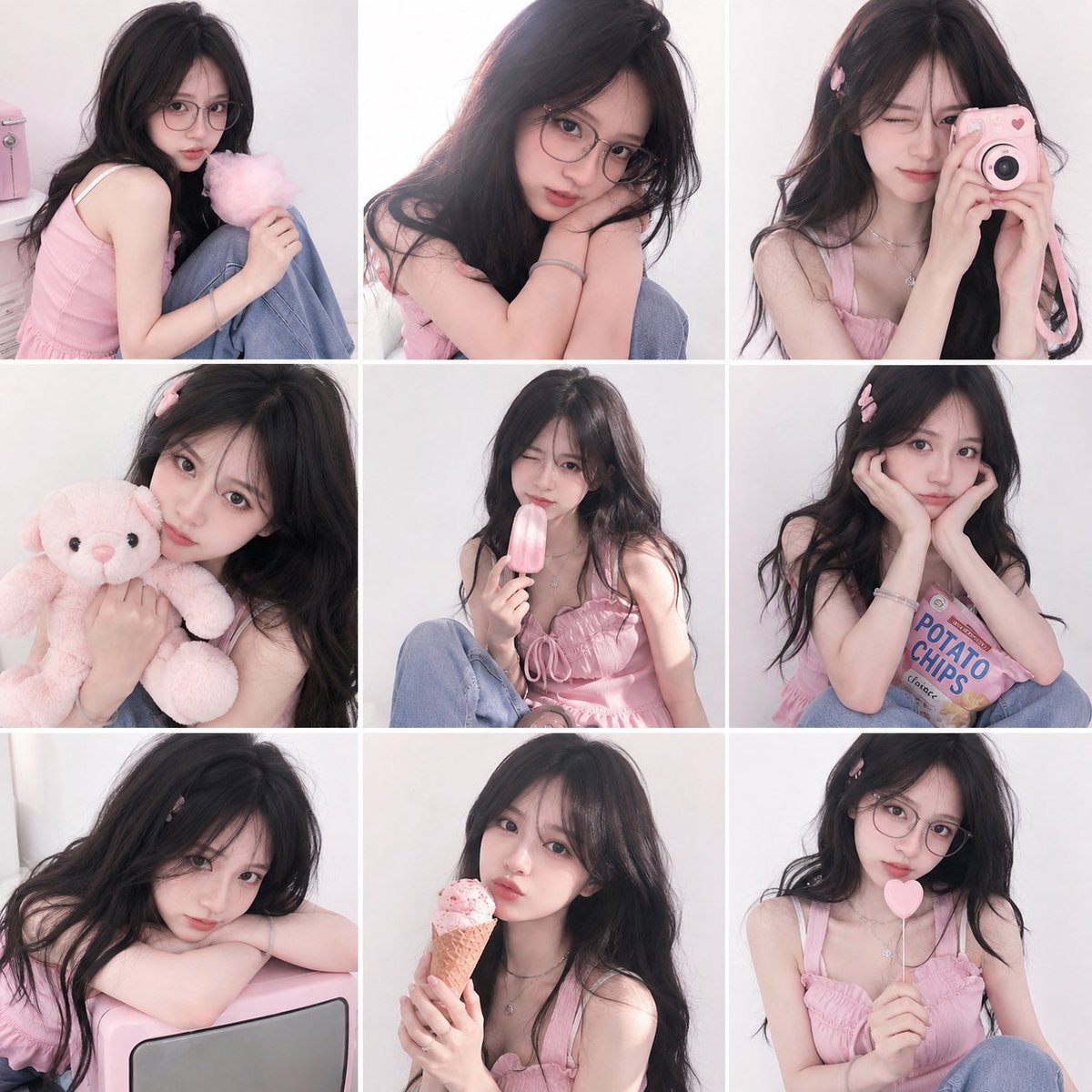
Dreamy Y2K Soft Girl Magazine Grid
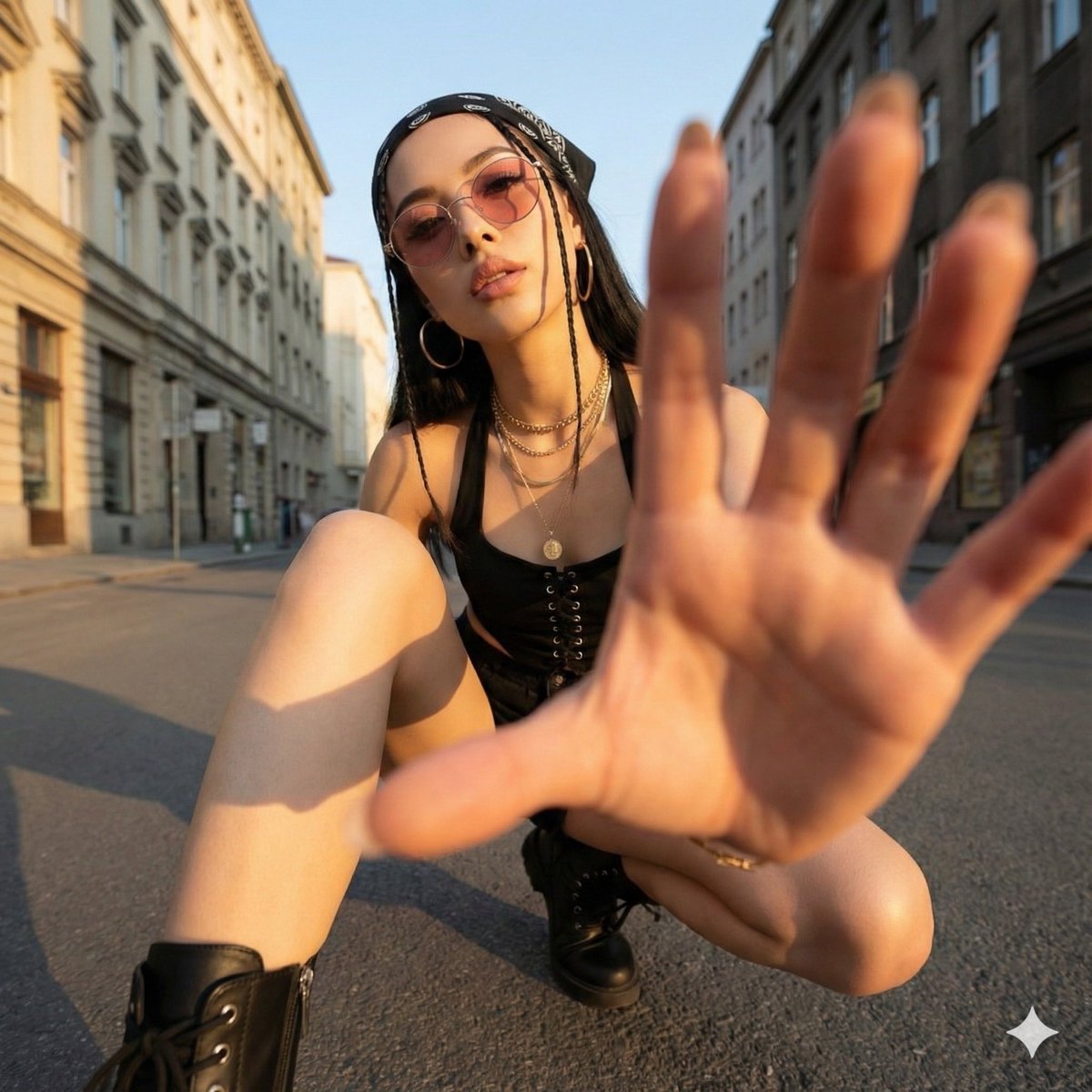
Ultra-Wide Angle Dynamic Pose Remake Prompt
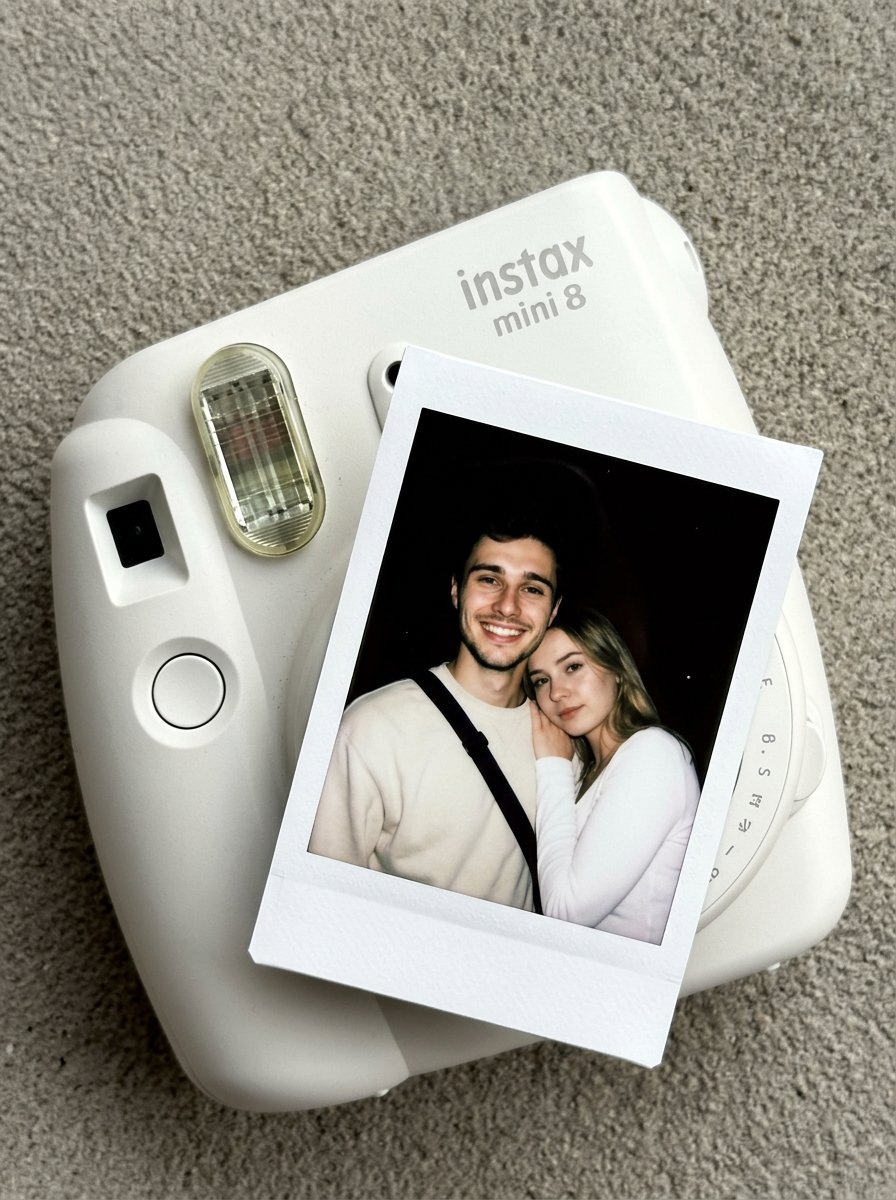
Nano Banana Pro Instax Mini 8
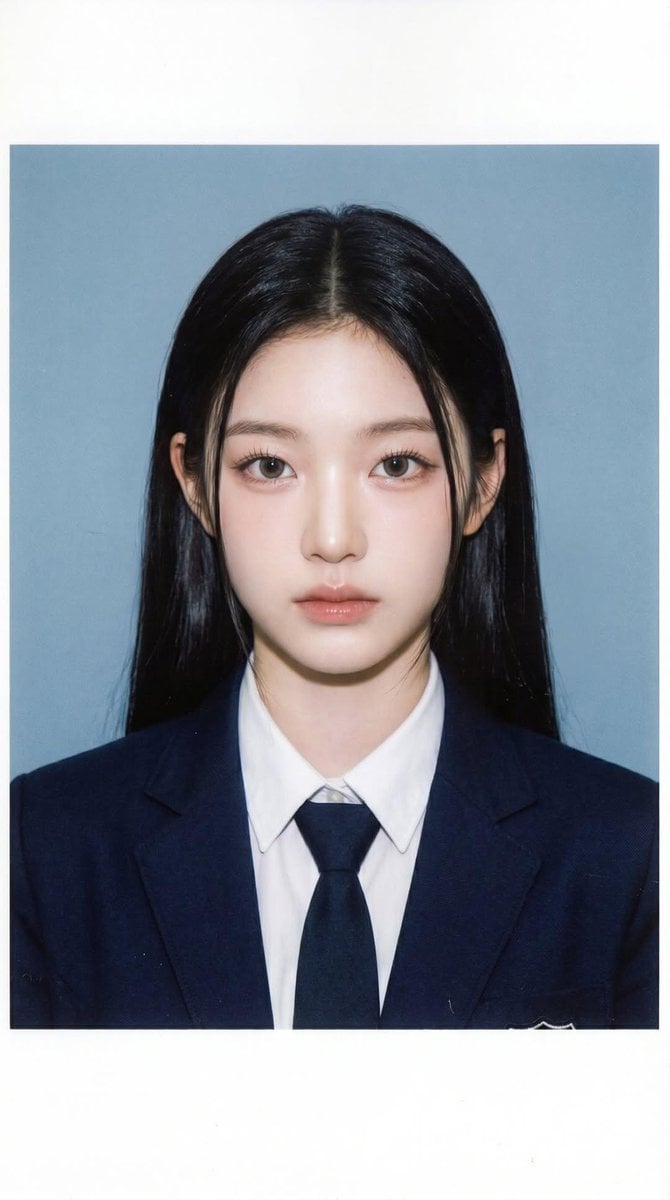
School ID Photo Portrait
Browse template categories
Formal Outdoor Event Portrait questions
How do I use the Formal Outdoor Event Portrait template?
Add your photo if the template asks for one, edit the prompt if you like — the template's model and format are already selected — and press Generate. Your version opens in PicX Studio.
Can I customize the Formal Outdoor Event Portrait template?
Yes. You can change the subject, setting, lighting, mood, format, and available model controls before creating your image.
Is the Formal Outdoor Event Portrait template free?
Opening and editing this template is free. Generating uses credits, shown on the Generate button when you are signed in.
Which AI model should I use?
Start with Nano Banana 2, which is the model associated with this template. You can compare another compatible model for a different finish.
Looking for something else? Browse all templates.

Your photo, any look
Thousands of ready templates for every top image and video model, from one credit balance.