
Formal Menswear Coastal Editorial
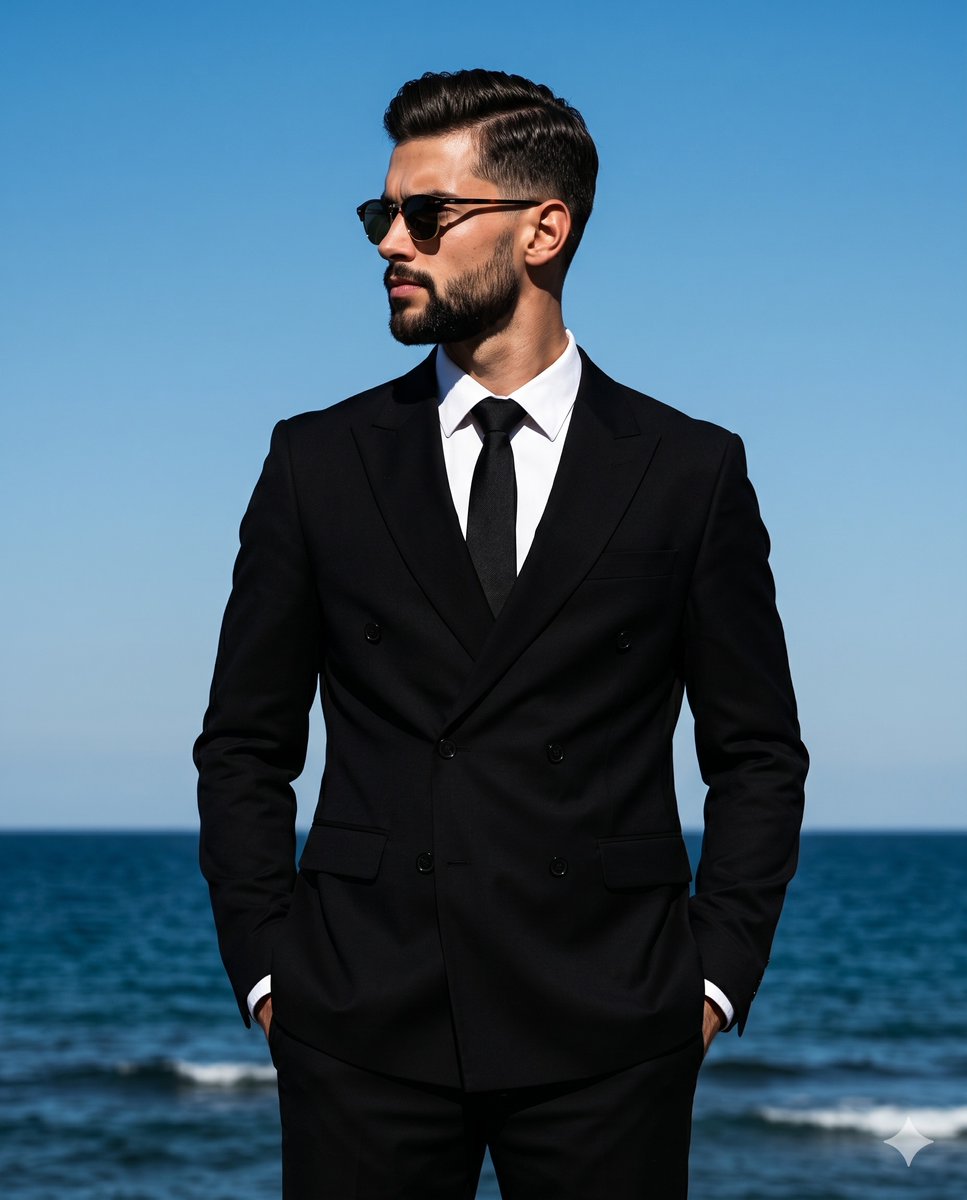
A sophisticated editorial fashion prompt of a man in a black double-breasted suit against a clear coastal background, featuring high-contrast directional lighting.
- Prompt included
- Model and format preset
- Free template
The prompt behind this image
Copy the exact prompt behind Formal Menswear Coastal Editorial, or open it in the studio and make it yours.
A {argument name="subject clothing" default="handsome man in a sharp, pitch-black double-breasted suit layered over a crisp white shirt"} stands perfectly centered in a medium-scale shot, exuding a sophisticated menswear aesthetic in a sharp, pitch-black double-breasted suit layered over a crisp white shirt with a defined V-neckline and a stark black tie. His posture is upright with level shoulders, facing the camera directly, while his head is turned sharply to the left in a strict profile. His sleek, slicked-back hair reflects the intense light, and vintage sunglasses obscure his eyes as he looks away with a serious, deliberately posed expression, his mouth resting in a closed, neutral line. Both of his hands are tucked away, resting relaxed in his suit pockets as he stands isolated against a {argument name="background" default="deeply spacious, minimal coastal background"}. The top and midground are dominated by a pristine, sky blue expanse completely devoid of clouds, meeting a dark ocean blue at the bottom of the frame that is subtly textured with gentle waves along a perfectly clear horizon line. The scene conveys a confident, formal isolation driven by {argument name="lighting style" default="harsh, highly directional natural sunlight striking from the top right"}. This bright, hard light establishes a dramatic, cool, and high-contrast color palette, casting deep black, harshly defined short shadows directly under his chin, beneath his nose, and across the left side of his face. Conversely, crisp specular highlights are meticulously preserved on the right side of his face, his hair, and his right shoulder, with absolutely no ambient fill to soften the intense blacks and vibrant blues. Captured on an 85mm lens as a realistic digital editorial photograph from a straight-on perspective, the tack-sharp image features a medium depth of field with zero grain, utilizing camera settings of ISO 100, f/5.6, and 1/1000s. The classic fashion photography influence is finalized by post-processing that applies a high contrast curve, a blue channel saturation boost, and crisp sharpening to highlight the subtle warm skin tones, with the entire composition gracefully framed in a 4:5 aspect ratio.
How to use Formal Menswear Coastal Editorial in 3 steps
- 1
Open
The prompt is already in the box next to the preview, with the template's model and format selected.
- 2…a portrait of your subject in softgolden-hour light, 85mm…
Personalize
Edit the subject and creative details for your destination.
- 3Generate
Generate
Press Generate — your image is created in PicX Studio, so you can compare it with the original and refine one variable at a time.
More like this
Templates with the same subject, style or setup. Open one to see its prompt.
Luxury Penthouse Menswear Editorial
Urban Menswear Lifestyle Editorial
Twilight Menswear Editorial Portrait
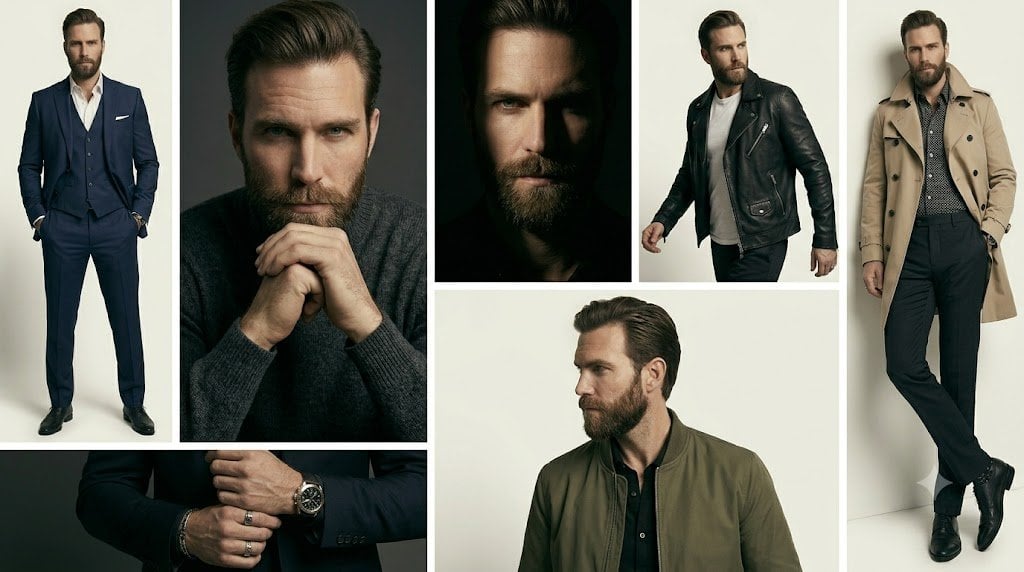
Anonymous Menswear Editorial Collage
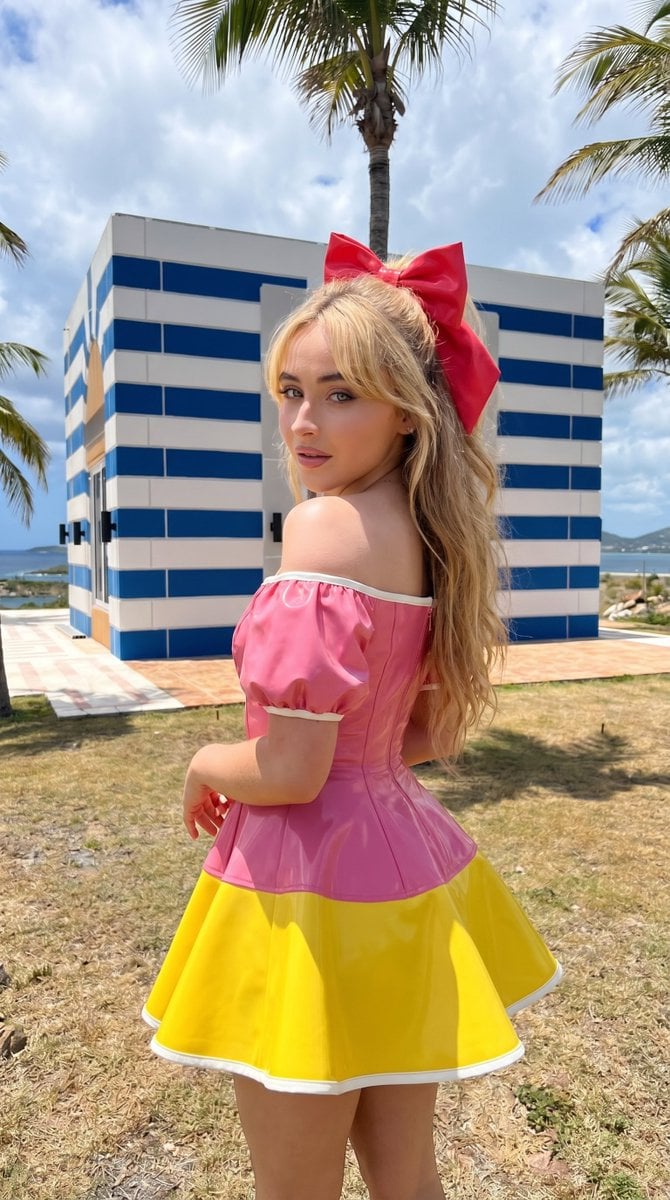
Coastal High Fashion Editorial
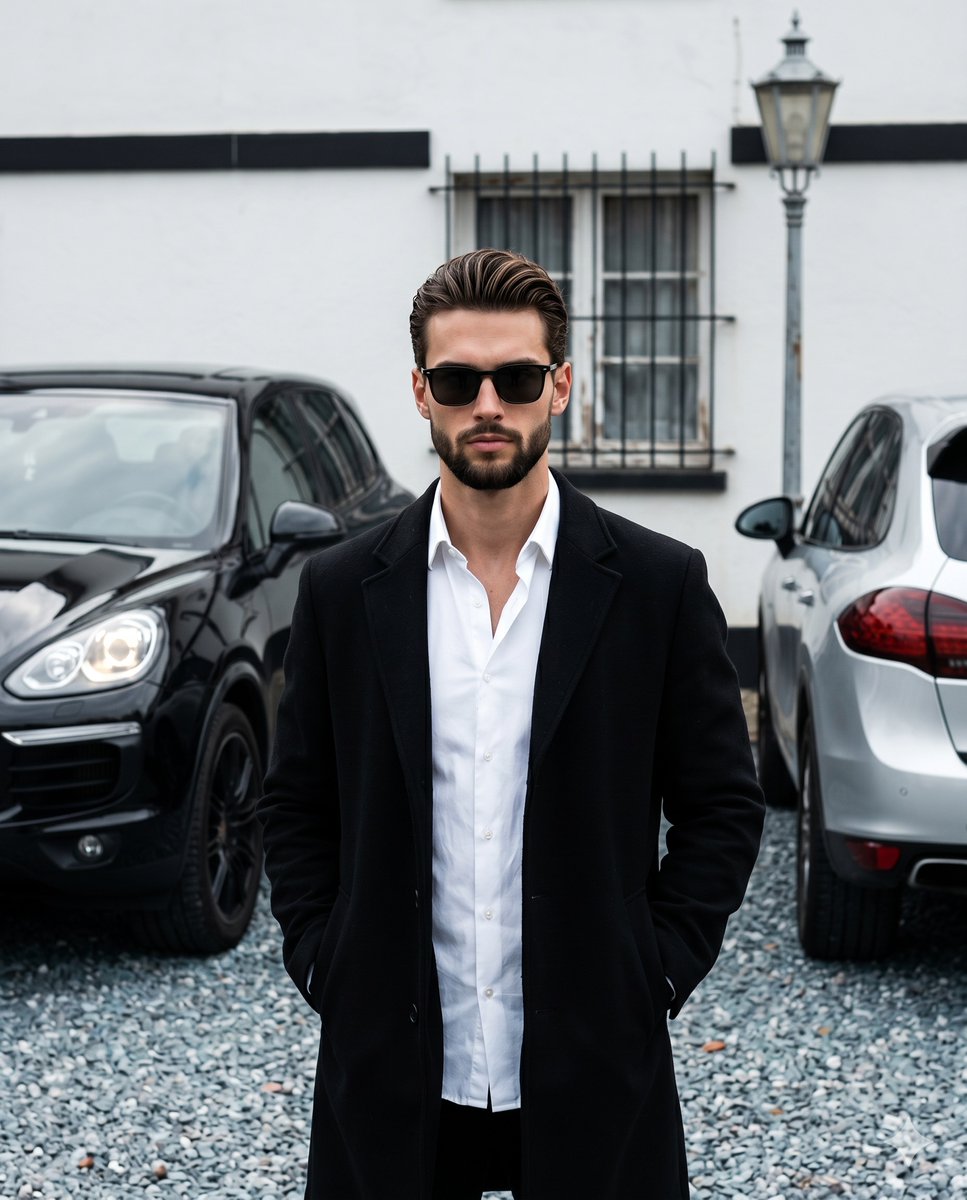
Menswear Editorial Street Style
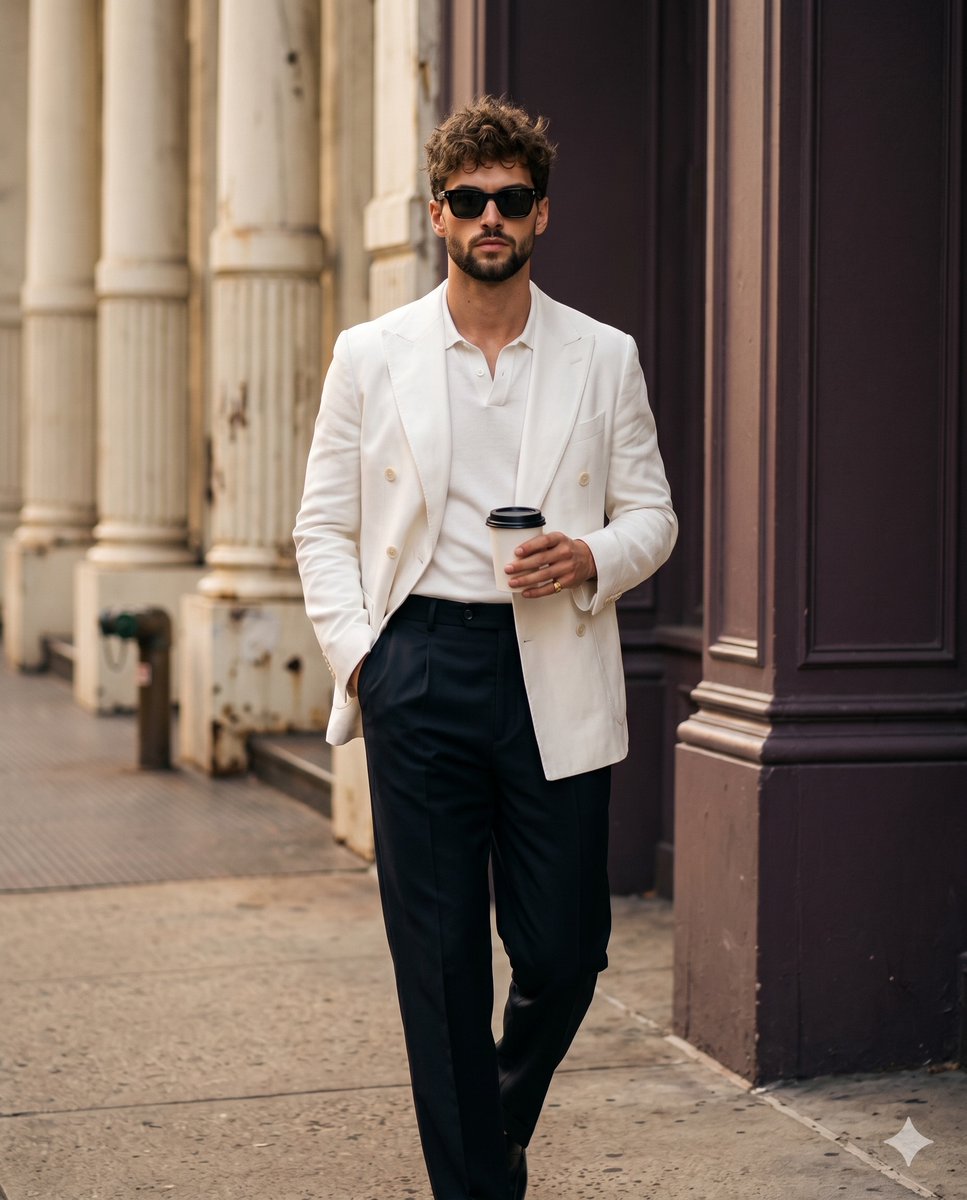
Professional Street Style Menswear Editorial
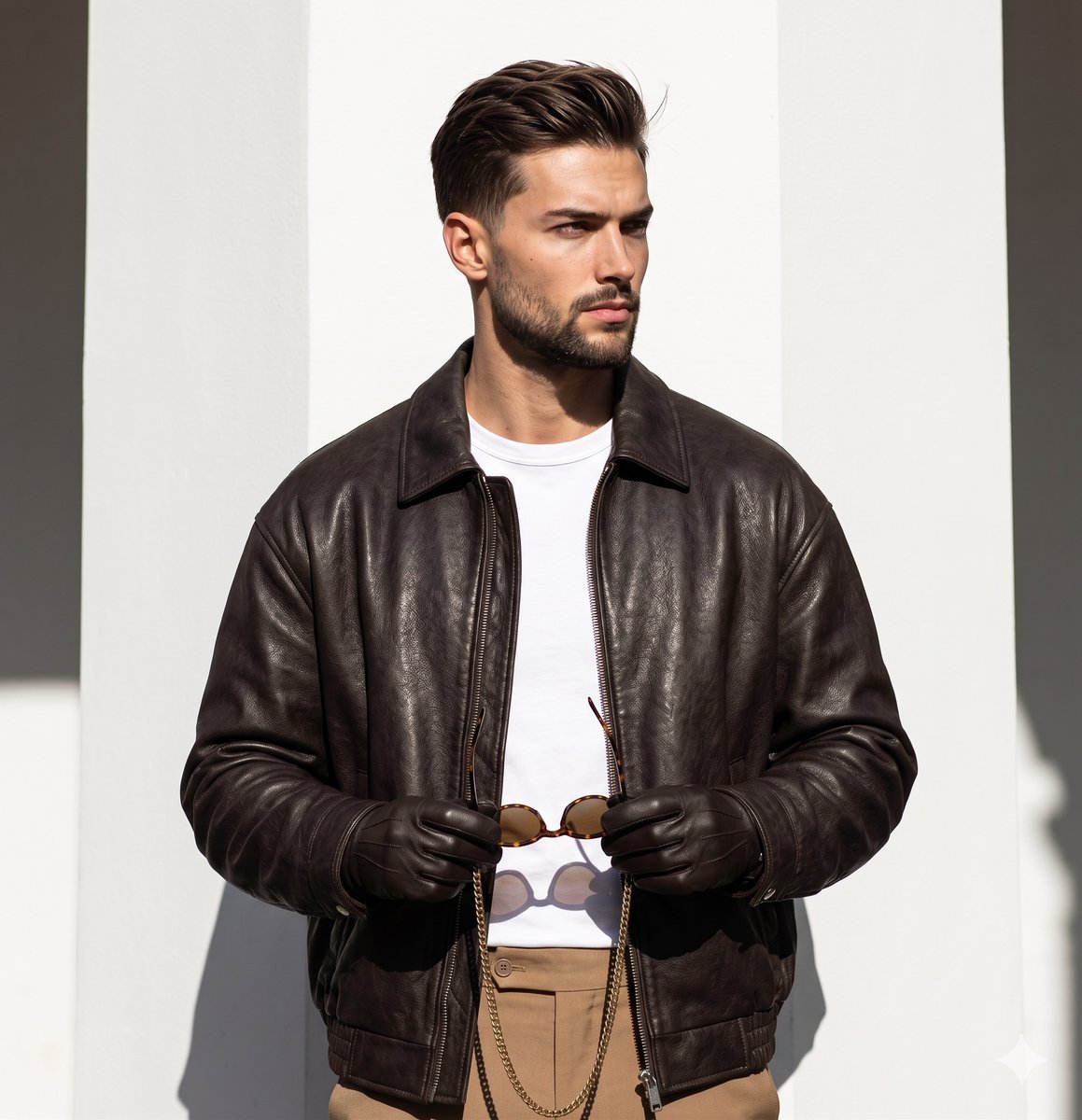
High-End Menswear Editorial Photography
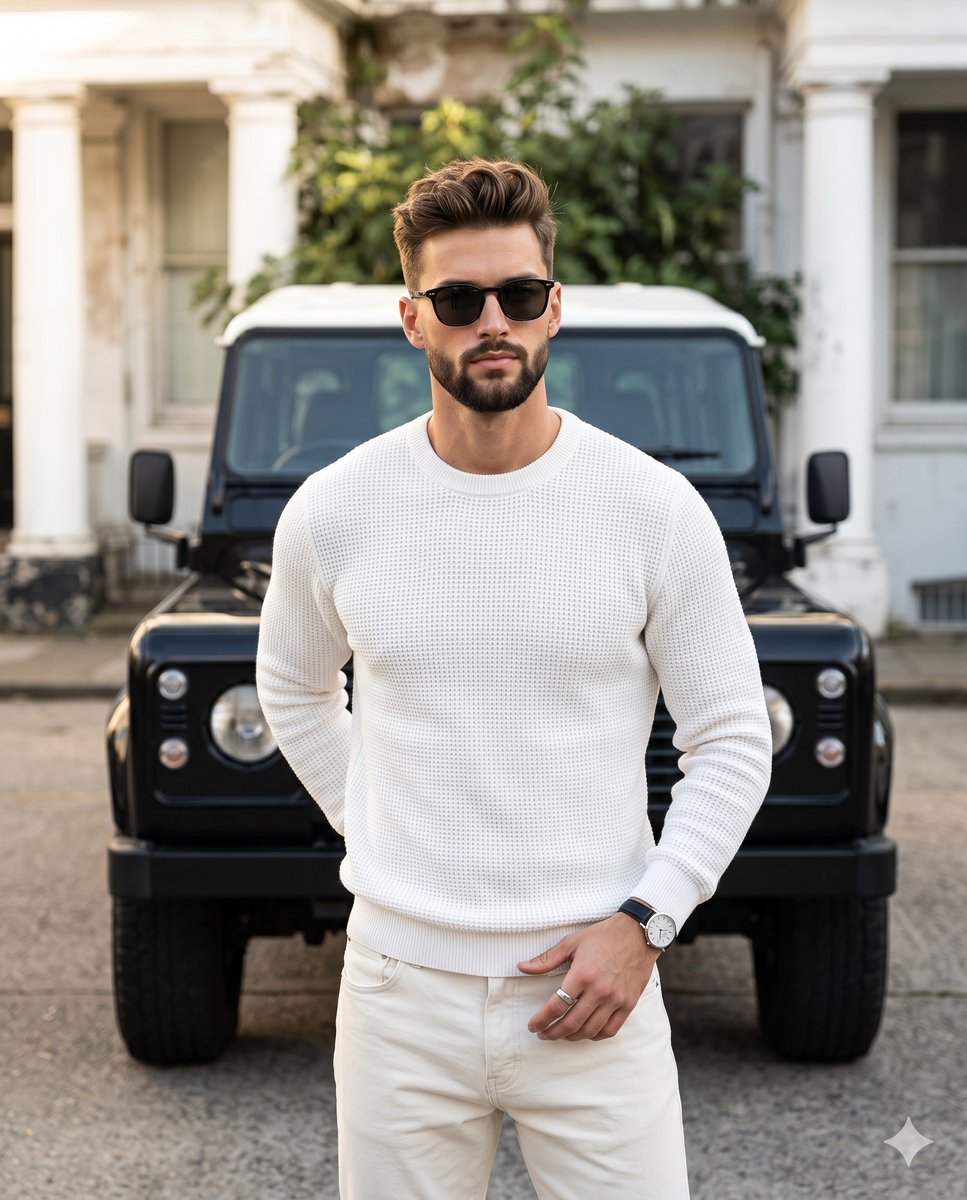
Editorial Menswear Lifestyle Portrait
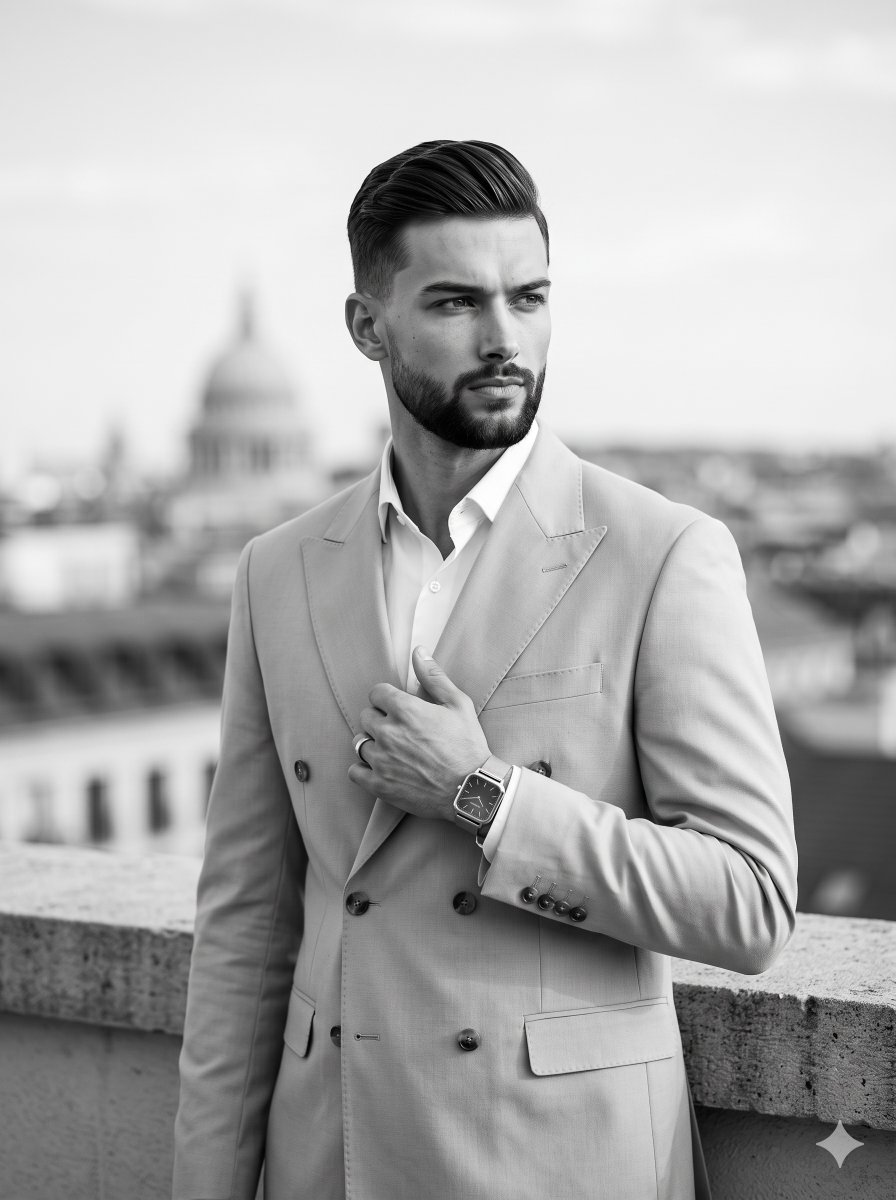
Editorial Menswear Fashion Portrait
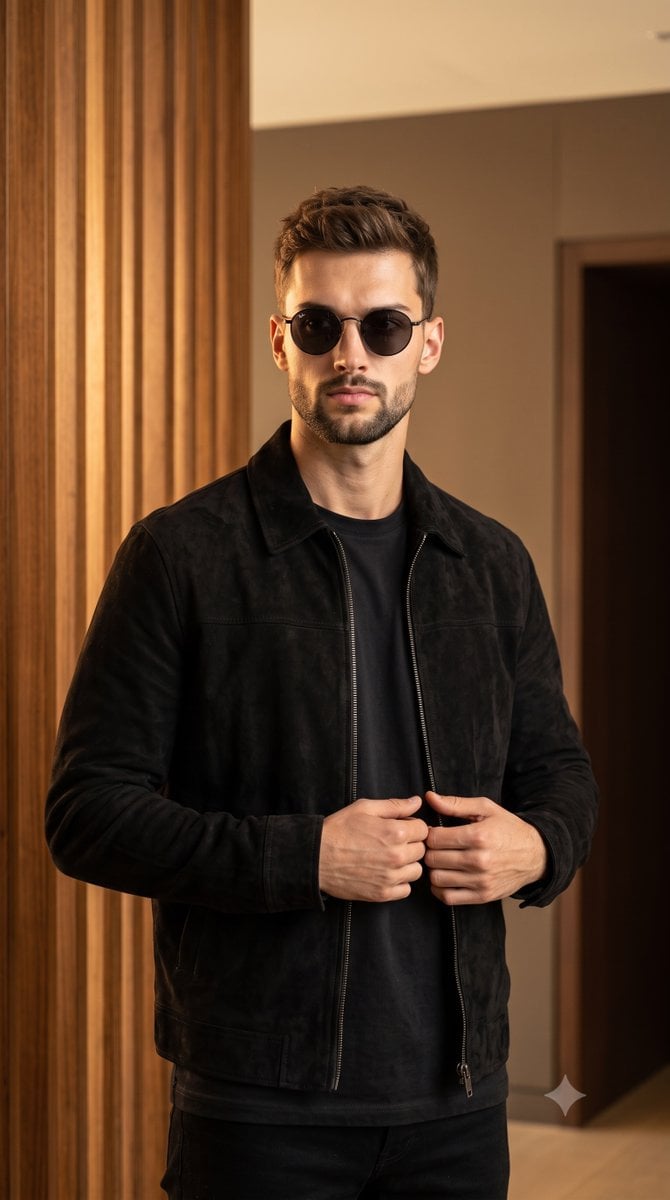
Luxury Menswear Suede Jacket Editorial

Urban Fashion Editorial Collage Streetwear Poster
Make it yours
Formal Menswear Coastal Editorial works as-is. These are the safest ways to change it without losing the look.
Change one field
Copy a single group, rewrite it, and generate again so you can see what that field is doing.
Keep the frame, change the subject
Hold the composition and light of Formal Menswear Coastal Editorial, then swap wardrobe, props or the person for a new take.
| If the result… | Why | Fix |
|---|---|---|
| The result drifts from the preview | Too many fields changed at once. | Reuse Formal Menswear Coastal Editorial as-is first, then change one group — subject, light, or setting. |
| The model over-stylizes the scene | The prose prompt leaves finish and camera underspecified. | Add one camera or lighting sentence and stay on Nano Banana 2. |
More Nano Banana 2 templates
Other prompts made for Nano Banana 2.

Photorealistic Leaf Shaped Like a Dragon

K-Pop Idol Portrait Grid for Rapid Selection

Poetic Rain Forest Portrait During Golden Hour

Urban Street Portrait with Cartoon Inner Self Duo

Candid Nighttime Photo with Cat Prompt

High-Concept 3D Diorama Generation Prompt

Cinematic Futuristic Studio Portrait Template

Skincare Editorial Photography Collage Prompt

Hyper-Realistic Commercial Product Photography (Splash Effect)

Hyper-Realistic Nightclub Portrait Prompt
More image prompts
Fresh picks from across the catalog.
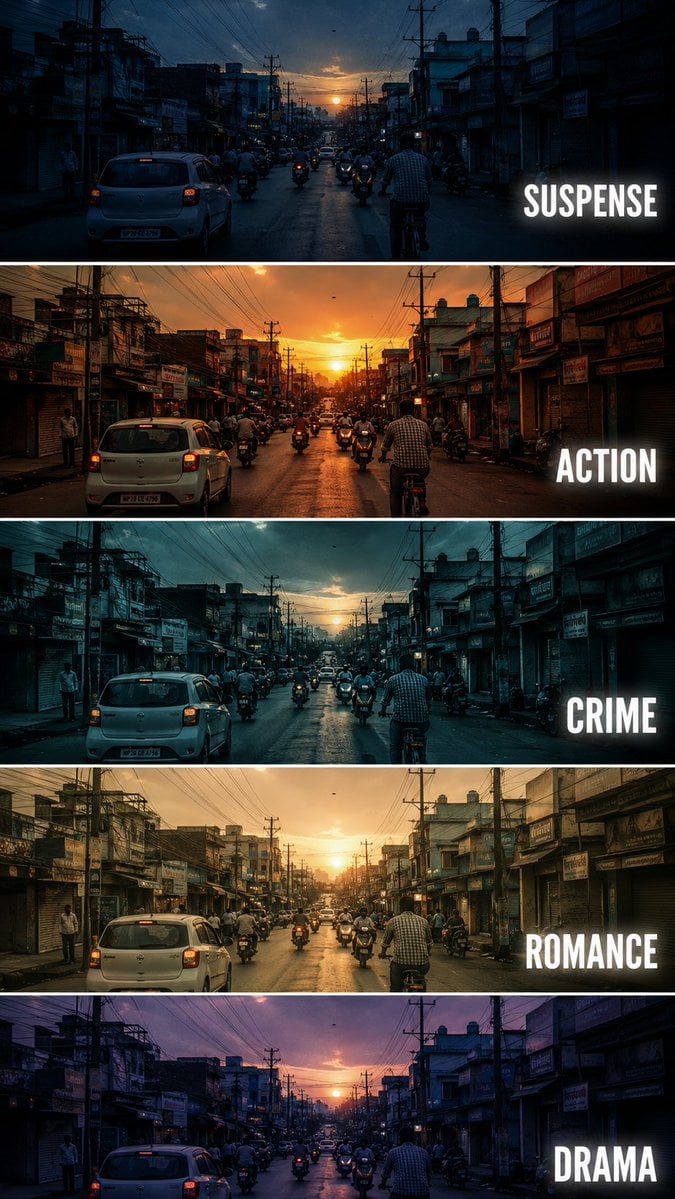
Cinematic Film Genre Color Grading Comparison
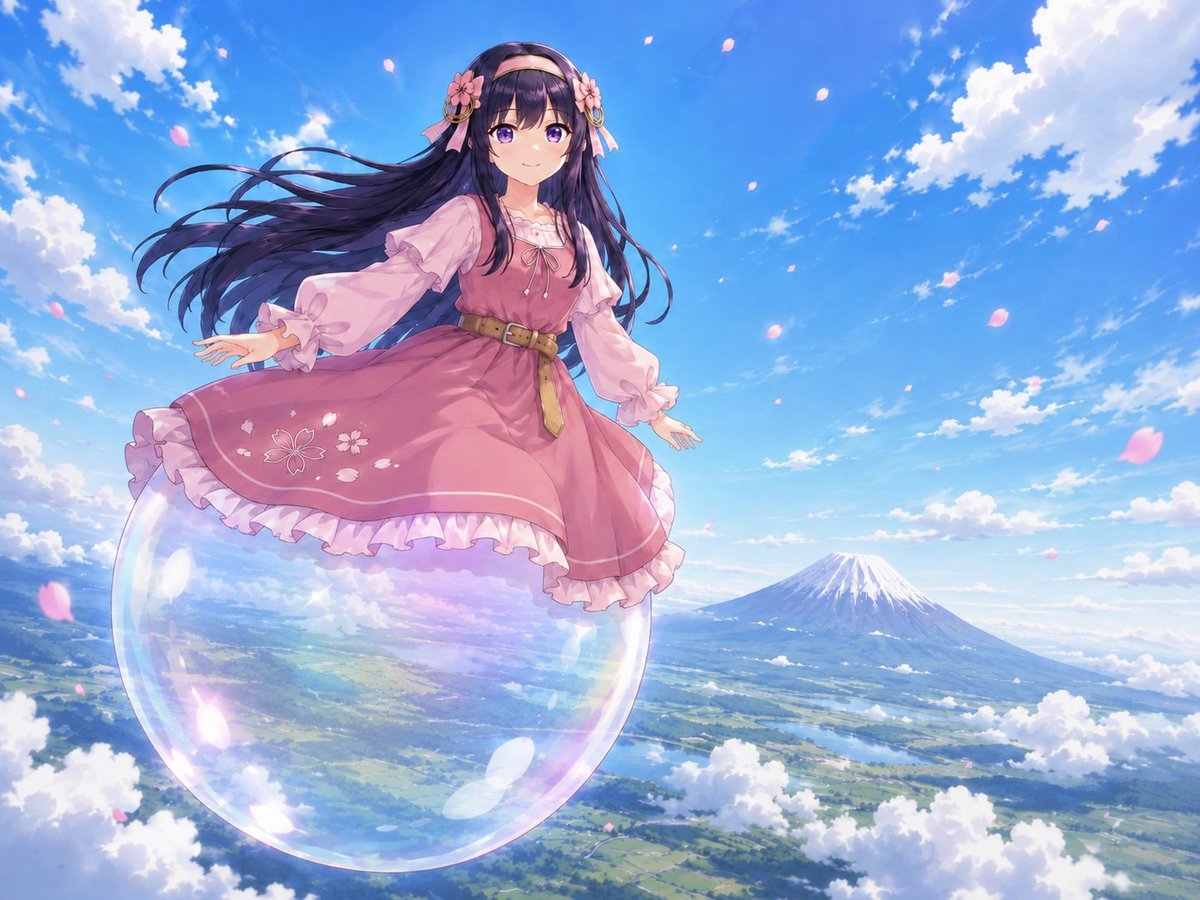
Anime Girl Floating Over Niseko

Diagram of ChatGPT 5.2 Features with Japanese Text

Dark, High-Contrast Poster Design Prompt with Amber Lenses
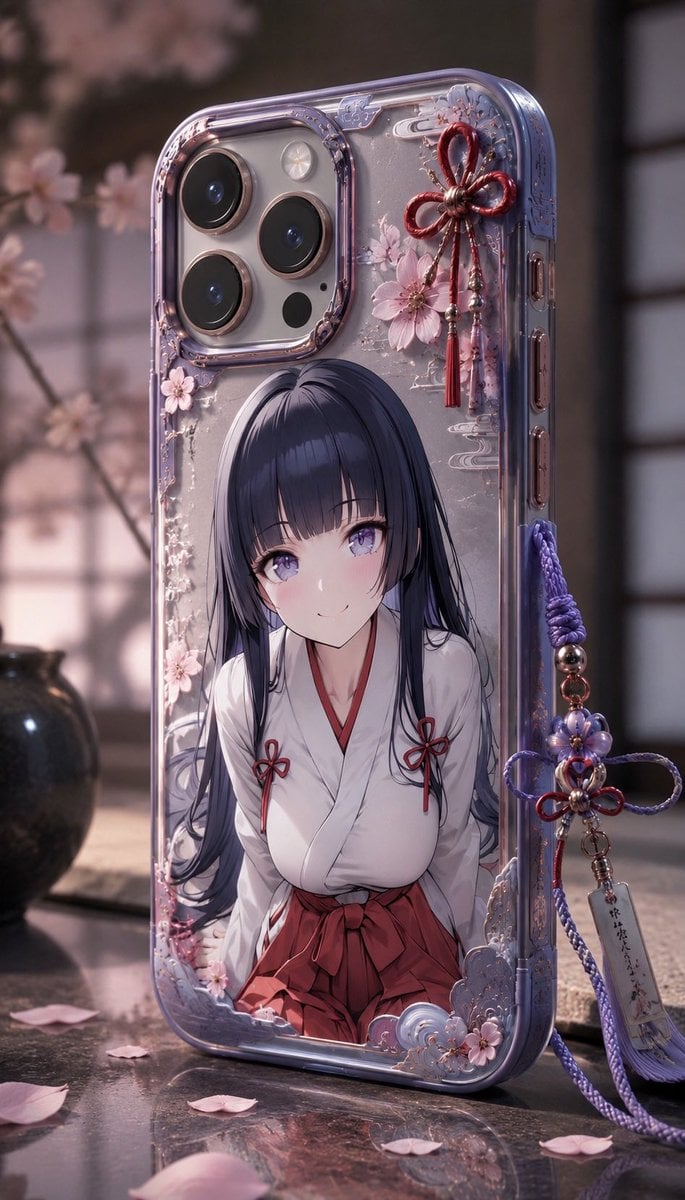
Anime Sakura Smartphone Case Product Shot
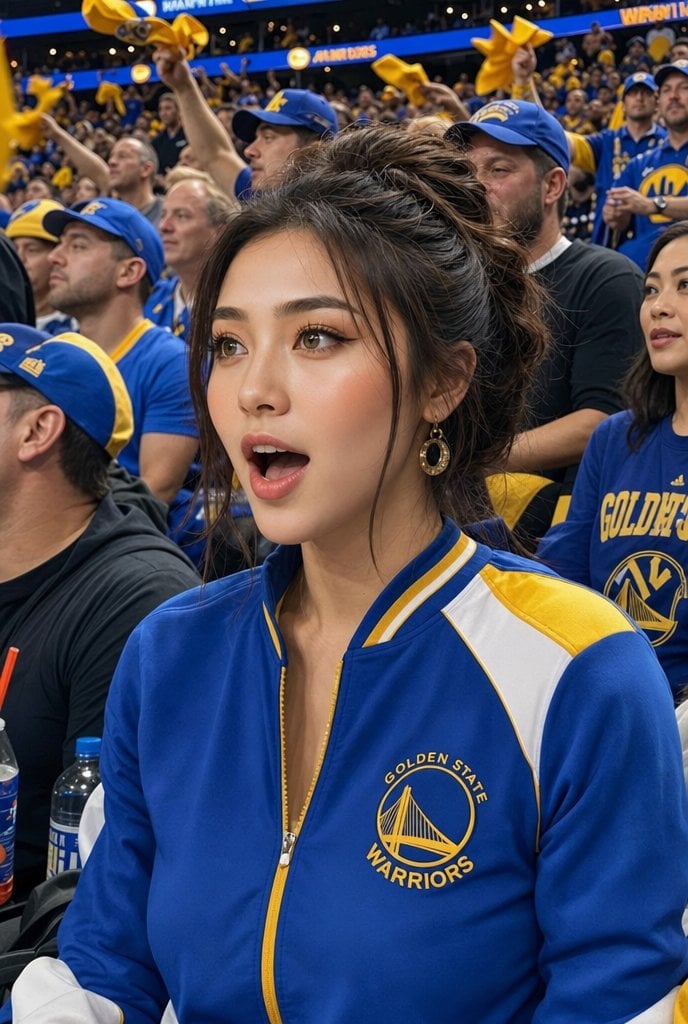
Warriors Fan Surprised Courtside Portrait
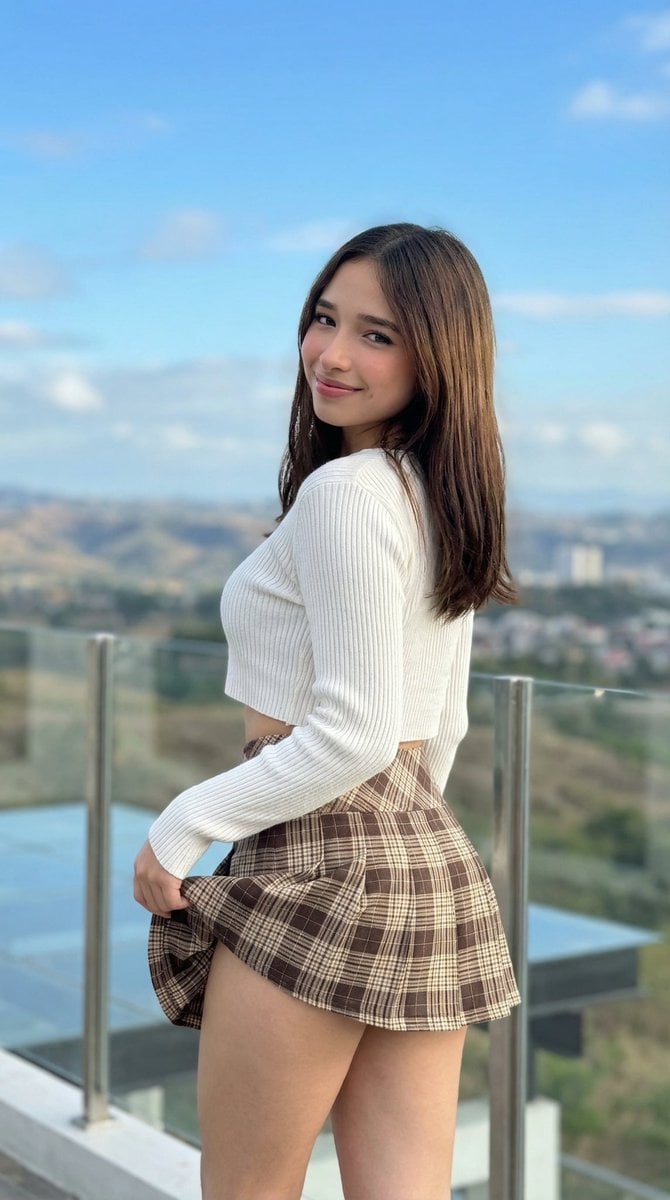
iPhone Pro Environmental Portrait on Terrace
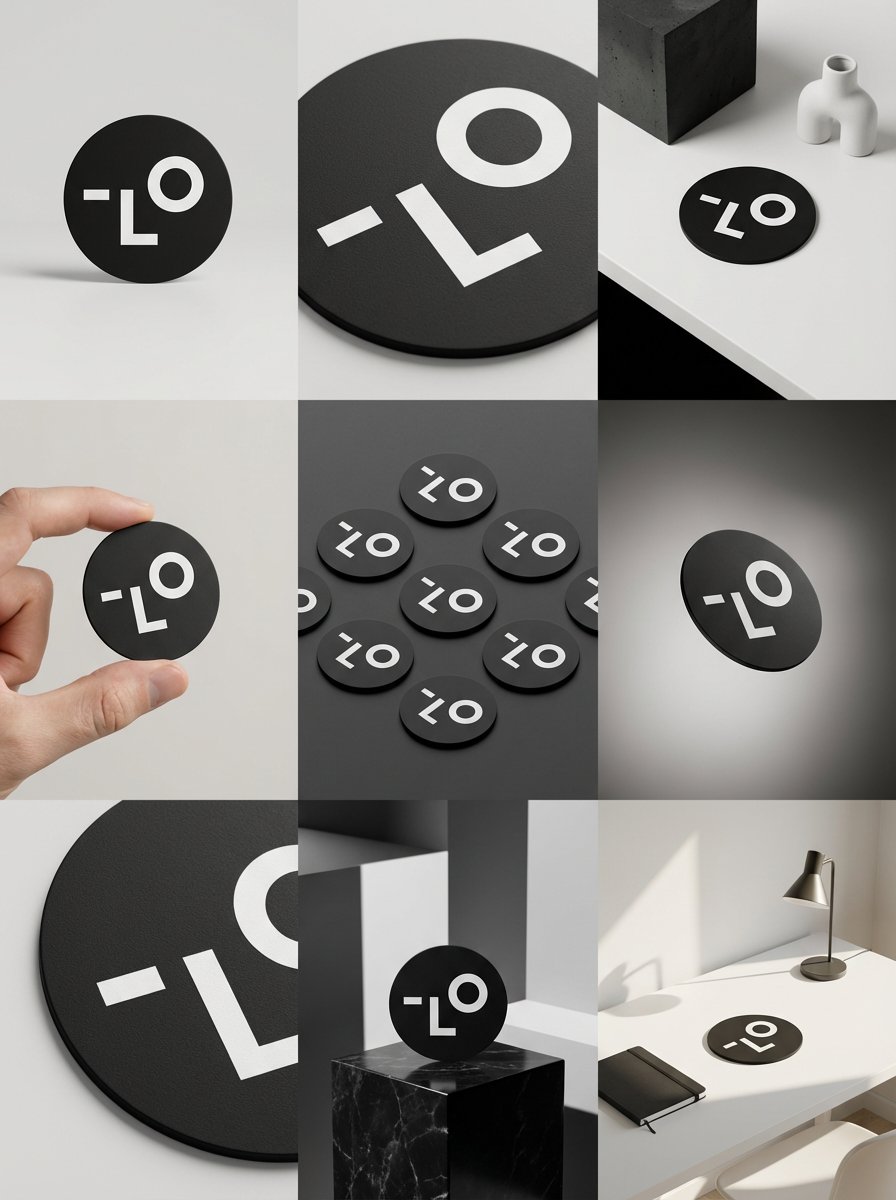
Detailed Storyboard Prompt for Brand Visuals
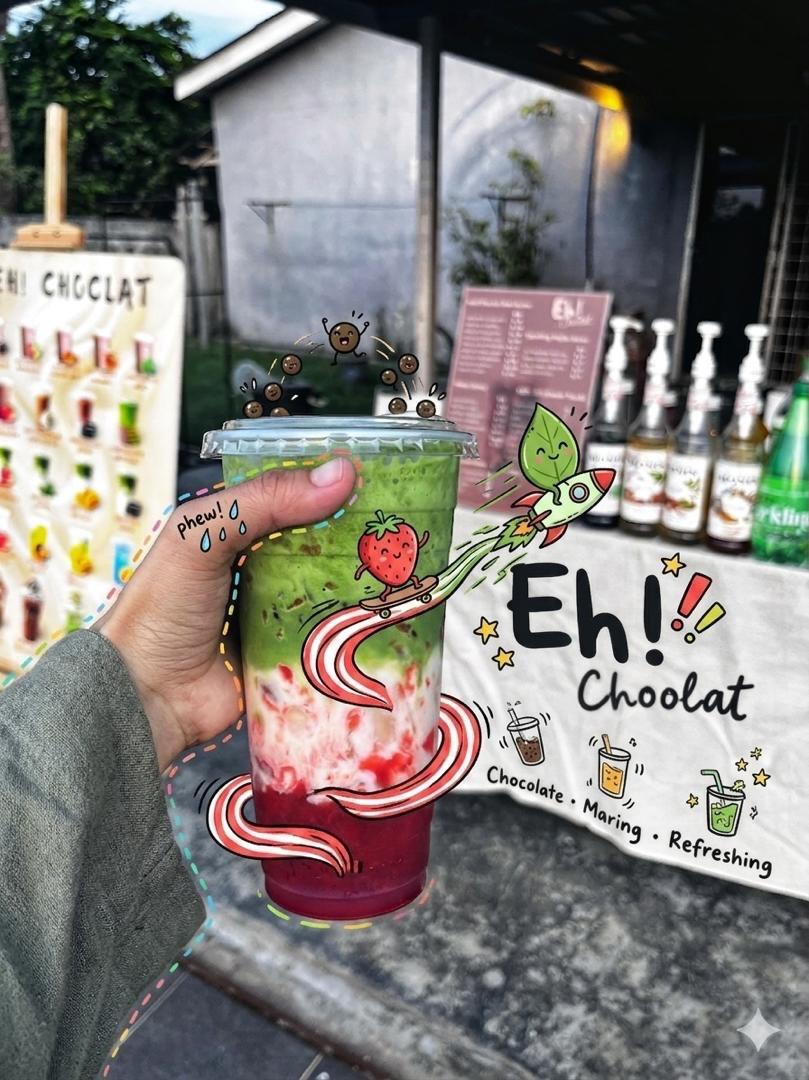
Doodled Strawberry Matcha Drink Photo
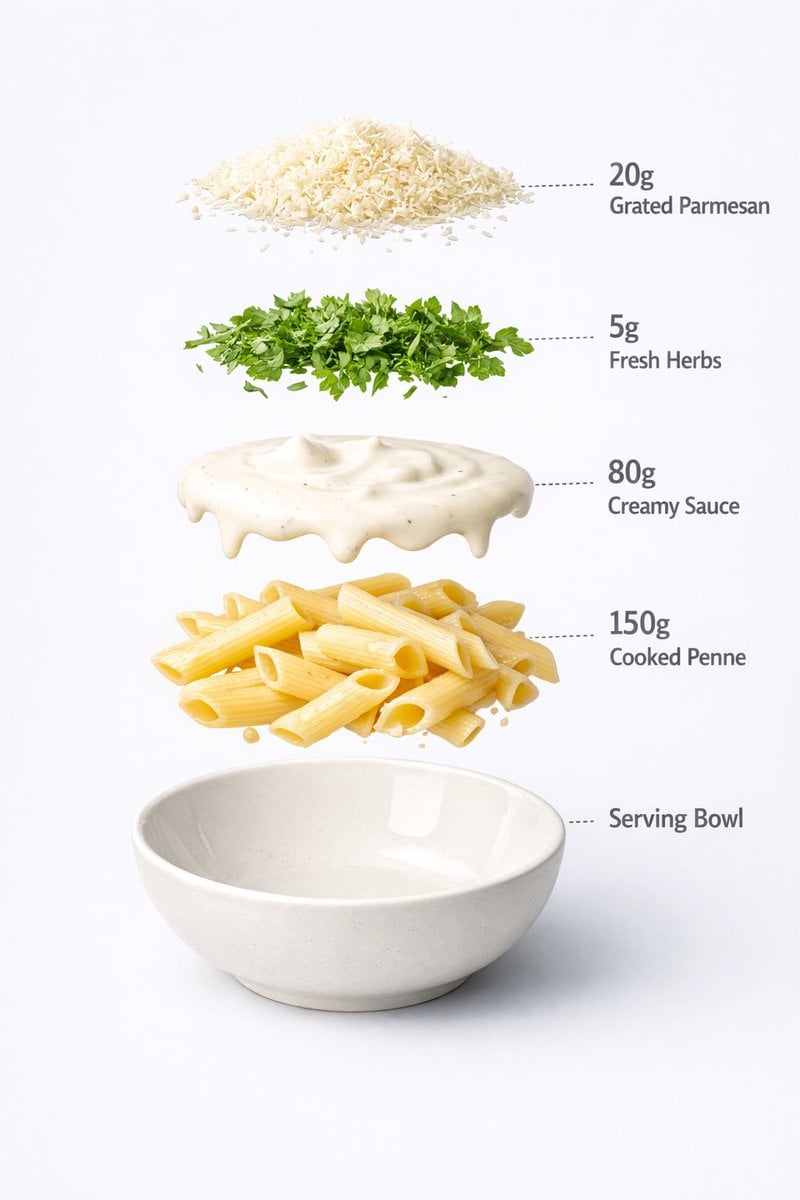
Motion and Image Prompt for Ultra-Realistic Food Photography of Pasta
Browse template categories
Formal Menswear Coastal Editorial questions
How do I use the Formal Menswear Coastal Editorial template?
Add your photo if the template asks for one, edit the prompt if you like — the template's model and format are already selected — and press Generate. Your version opens in PicX Studio.
Can I customize the Formal Menswear Coastal Editorial template?
Yes. You can change the subject, setting, lighting, mood, format, and available model controls before creating your image.
Is the Formal Menswear Coastal Editorial template free?
Opening and editing this template is free. Generating uses credits, shown on the Generate button when you are signed in.
Which AI model should I use?
Start with Nano Banana 2, which is the model associated with this template. You can compare another compatible model for a different finish.
Looking for something else? Browse all templates.

Your photo, any look
Thousands of ready templates for every top image and video model, from one credit balance.