
Editorial Menswear Fashion Portrait
A sophisticated monochromatic black and white portrait prompt for menswear, featuring detailed lighting and camera specifications.
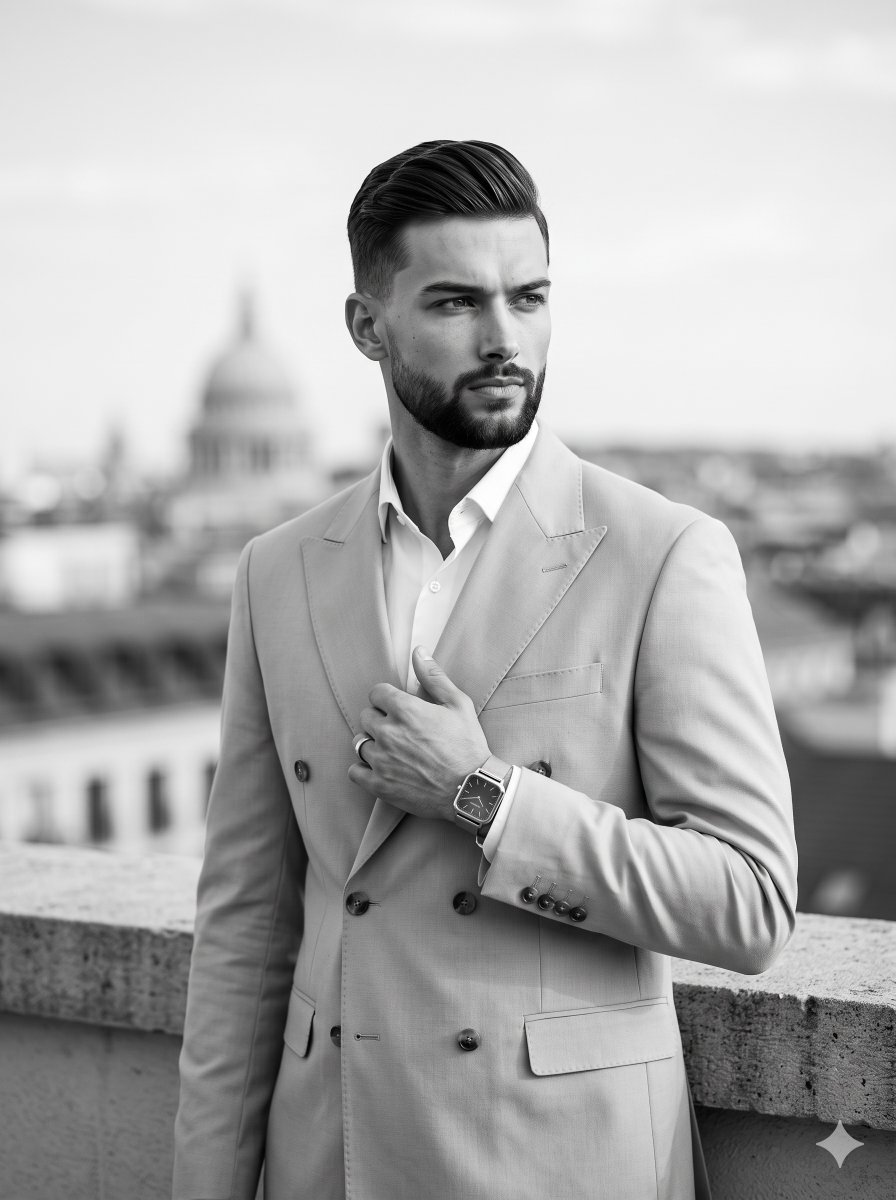
- Prompt included
- Model and format preset
- Free template
The prompt behind this image
Copy the exact prompt behind Editorial Menswear Fashion Portrait, or open it in the studio and make it yours.
{argument name="subject" default="An adult male with a meticulously groomed beard"} stands positioned center-left in a confident, serious 45-degree turn, his level and relaxed shoulders carrying a {argument name="clothing" default="light double-breasted suit over a crisp white shirt"}. His hair features faded sides with a three-inch swept-back top, styled with a matte finish that preserves its natural texture and allows for slight, realistic flyaways. He projects a sophisticated, polished demeanor, his neutral, unsmiling face turned to look away from the camera. His deliberately posed left hand rests mid-chest, gently grasping the edge of his jacket lapel, adorned with a ring and a sleek square watch that serves as a secondary focal point along the visual hierarchy. He is situated just behind a {argument name="foreground" default="solid light grey concrete and stone parapet"} in the immediate foreground, anchoring the composition before yielding to a deep spatial depth. The midground and background unfold into a beautifully blurred outdoor cityscape, featuring the soft, weathered shape of a distant architectural domed building resting center-left beneath an expansive, uniform open sky. Rendered in a strictly monochromatic black and white palette composed of dominant light greys, dark grey accents, and pristine white highlights, the scene is washed in bright, high-key natural diffused light originating from a single front-top source. This soft, ambient illumination wraps smoothly around his features, casting short, soft-edged gradual gray shadows neatly beneath his chin and lapels while delicately placing subtle, luminous highlights across his forehead, nose, and the crest of his textured hair, culminating in an atmosphere of elegant urban calm and professional composure. Captured as a realistic editorial menswear fashion portrait via digital photography with an 85mm lens at f/1.8, 1/250s, and ISO 100, the straight-on perspective maintains tack sharp focus on the subject while melting into soft bokeh through a shallow depth of field, elegantly finalized with minimal film grain, subtle dodge and burn post-processing, a medium contrast curve, and naturally framed in a 3:4 aspect ratio.
How to use Editorial Menswear Fashion Portrait in 3 steps
- 1
Open
The prompt is already in the box next to the preview, with the template's model and format selected.
- 2…a portrait of your subject in softgolden-hour light, 85mm…
Personalize
Edit the subject and creative details for your destination.
- 3Generate
Generate
Press Generate — your image is created in PicX Studio, so you can compare it with the original and refine one variable at a time.
More like this
Templates with the same subject, style or setup. Open one to see its prompt.

Caution Tape Fashion — Industrial Editorial

Couture Fashion Editorial Woman and Drag

Nano Banana 2 Editorial Fashion Portrait

untitled

Nano Banana 2 High Fashion Sports Campai

Ive Yujin Fashion Portrait in Blue

21 Glass Floor Skyscraper — California Series

19 Luxury Helicopter Travel — California Series

08 Rodeo Drive Luxury Exit — California Series

03 Beverly Hills Convertible — California Series

Nano Banana - Paris Cafe Editorial
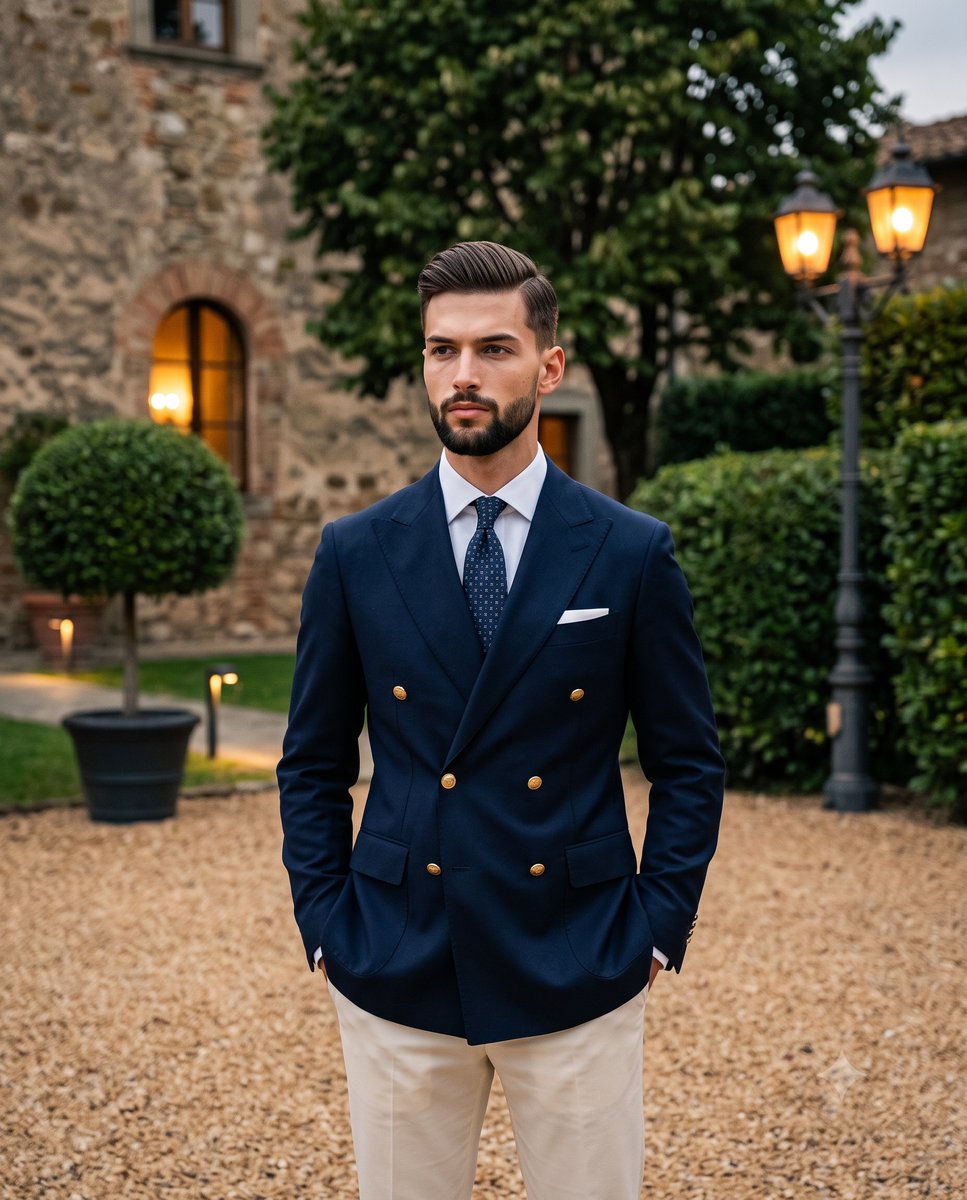
Twilight Menswear Editorial Portrait
Make it yours
Editorial Menswear Fashion Portrait works as-is. These are the safest ways to change it without losing the look.
Change one field
Copy a single group, rewrite it, and generate again so you can see what that field is doing.
Keep the frame, change the subject
Hold the composition and light of Editorial Menswear Fashion Portrait, then swap wardrobe, props or the person for a new take.
| If the result… | Why | Fix |
|---|---|---|
| The result drifts from the preview | Too many fields changed at once. | Reuse Editorial Menswear Fashion Portrait as-is first, then change one group — subject, light, or setting. |
| The model over-stylizes the scene | The prose prompt leaves finish and camera underspecified. | Add one camera or lighting sentence and stay on Nano Banana 2. |
More Nano Banana 2 templates
Other prompts made for Nano Banana 2.

Photorealistic Leaf Shaped Like a Dragon

K-Pop Idol Portrait Grid for Rapid Selection

Poetic Rain Forest Portrait During Golden Hour

Urban Street Portrait with Cartoon Inner Self Duo

Candid Nighttime Photo with Cat Prompt

High-Concept 3D Diorama Generation Prompt

Cinematic Futuristic Studio Portrait Template

Skincare Editorial Photography Collage Prompt

Hyper-Realistic Commercial Product Photography (Splash Effect)

Hyper-Realistic Nightclub Portrait Prompt
More image prompts
Fresh picks from across the catalog.
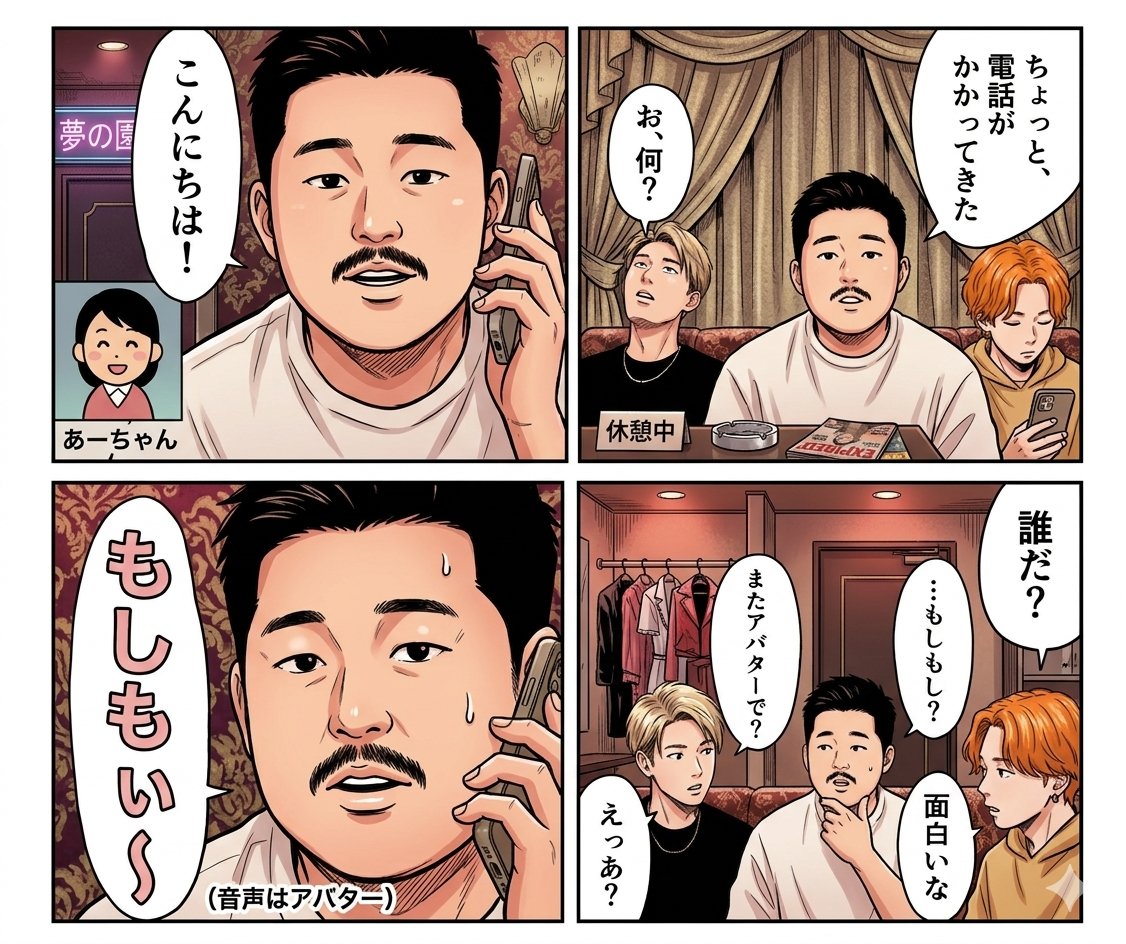
Panel Manga Dialogue Prompt
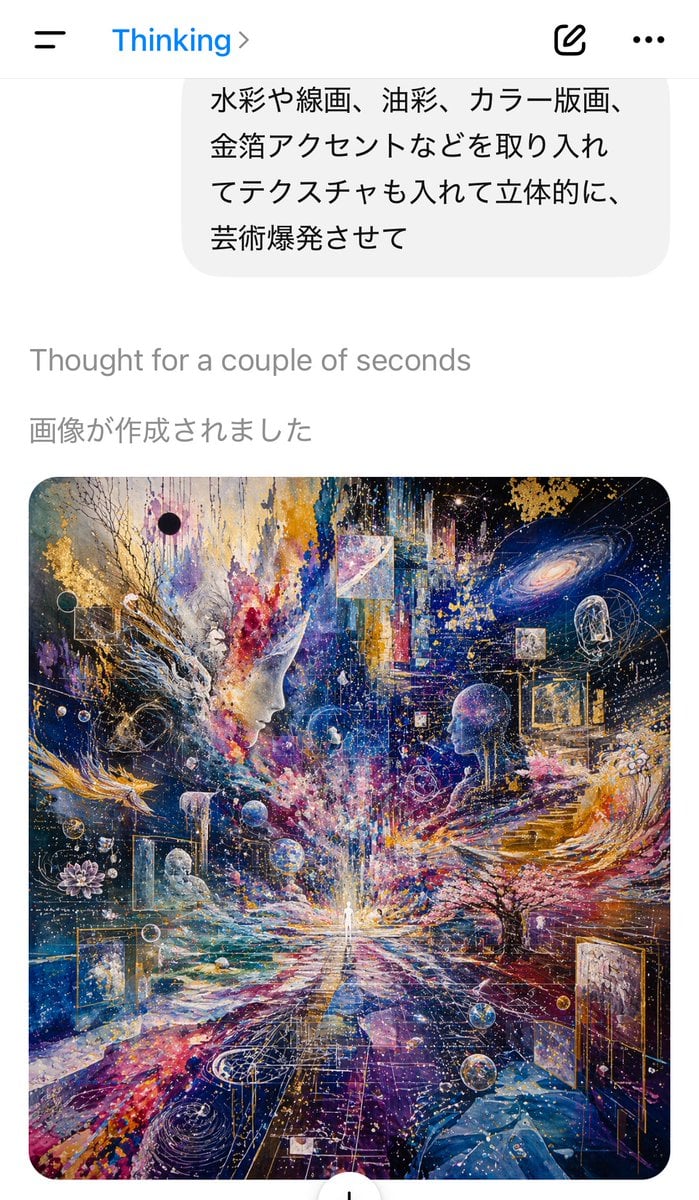
AI Chat Screenshot with Cosmic Artwork
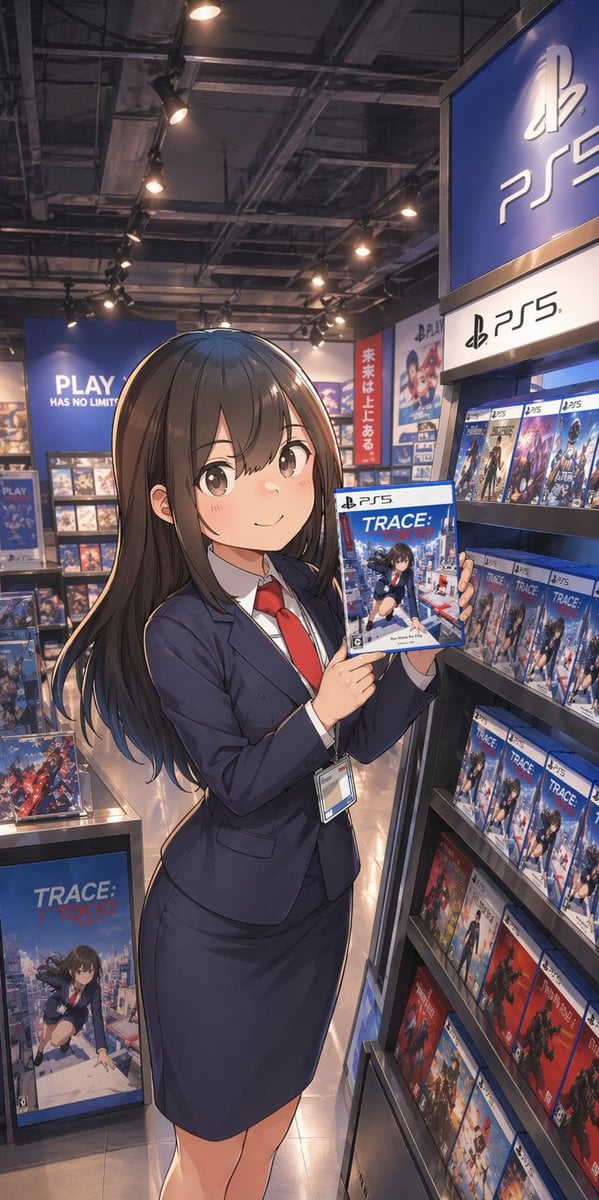
Anime Clerk in PS5 Game Store
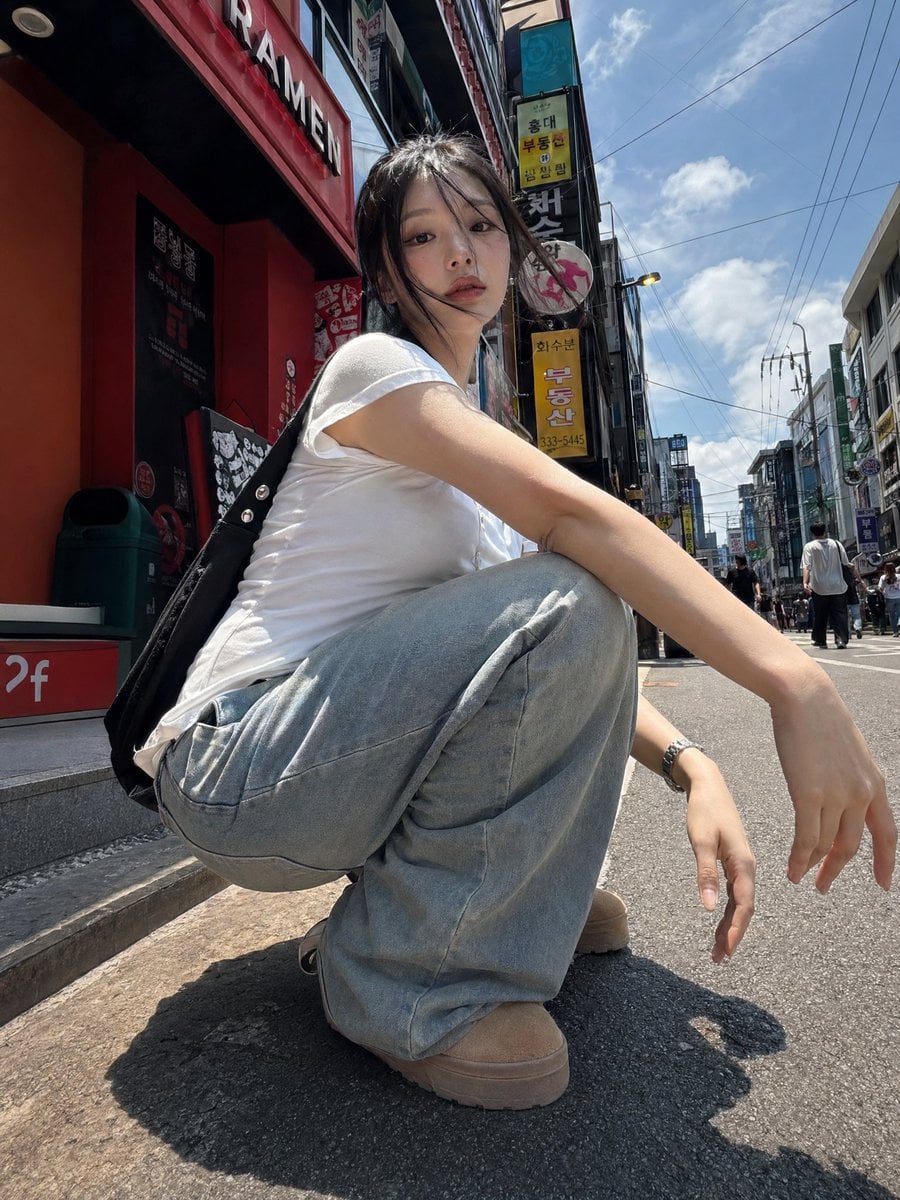
Korean Girl Street Photography
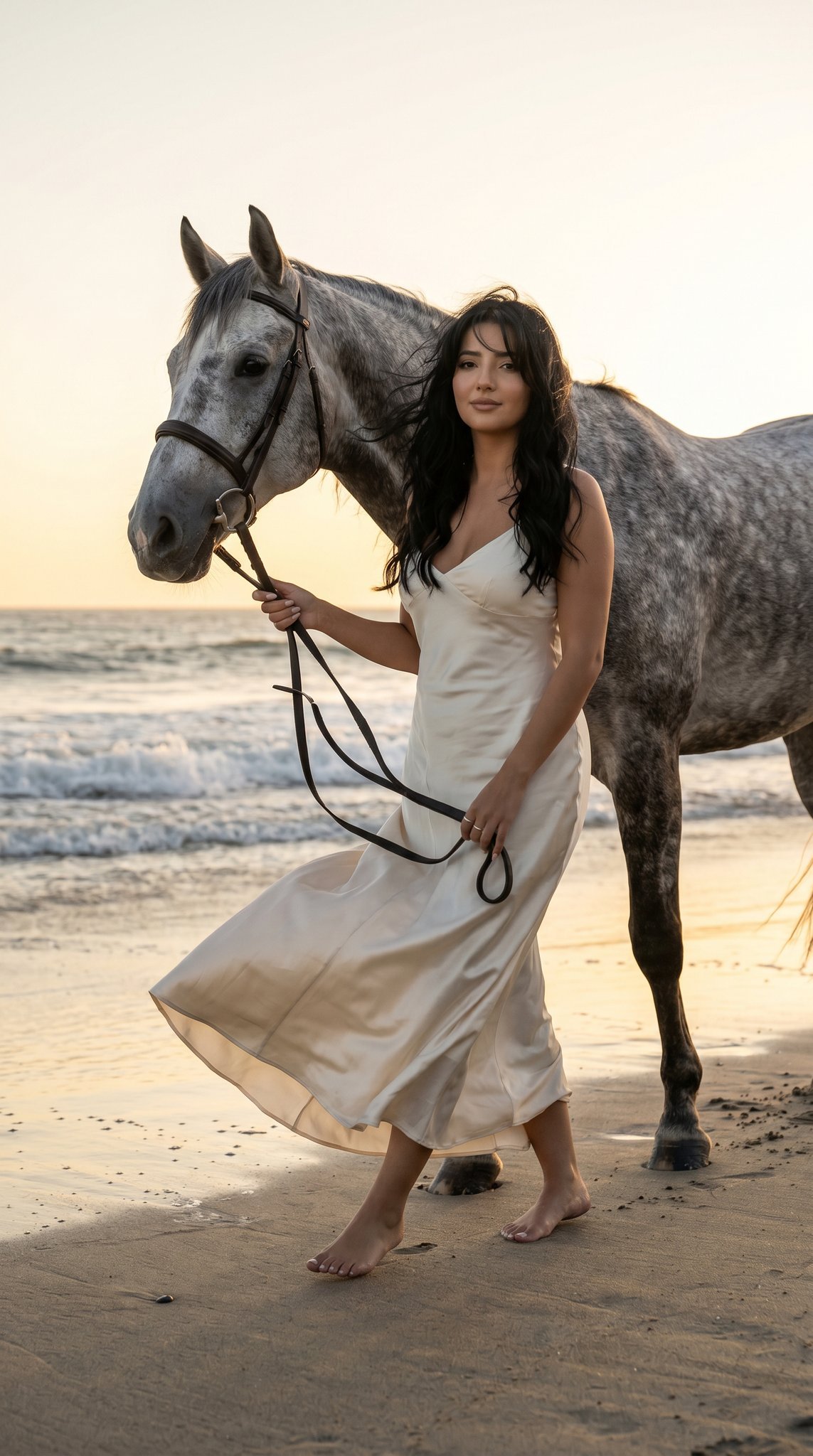
16 Malibu Beach Horse — California Series
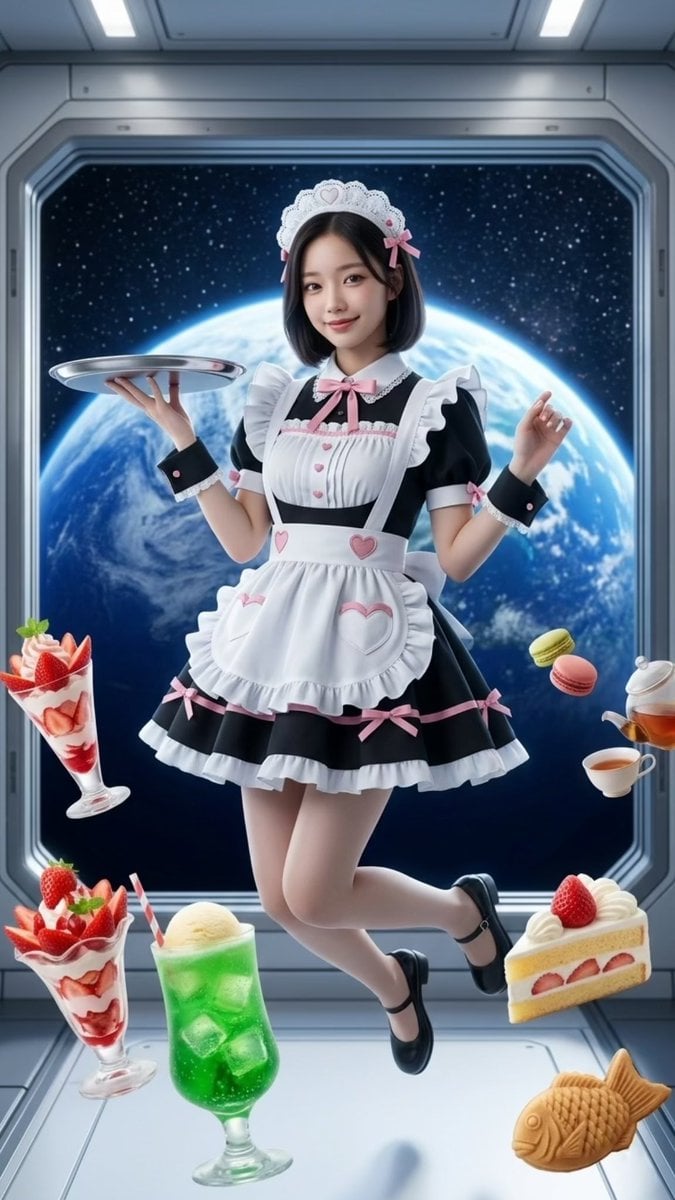
Zero-Gravity Space Maid Cafe Portrait
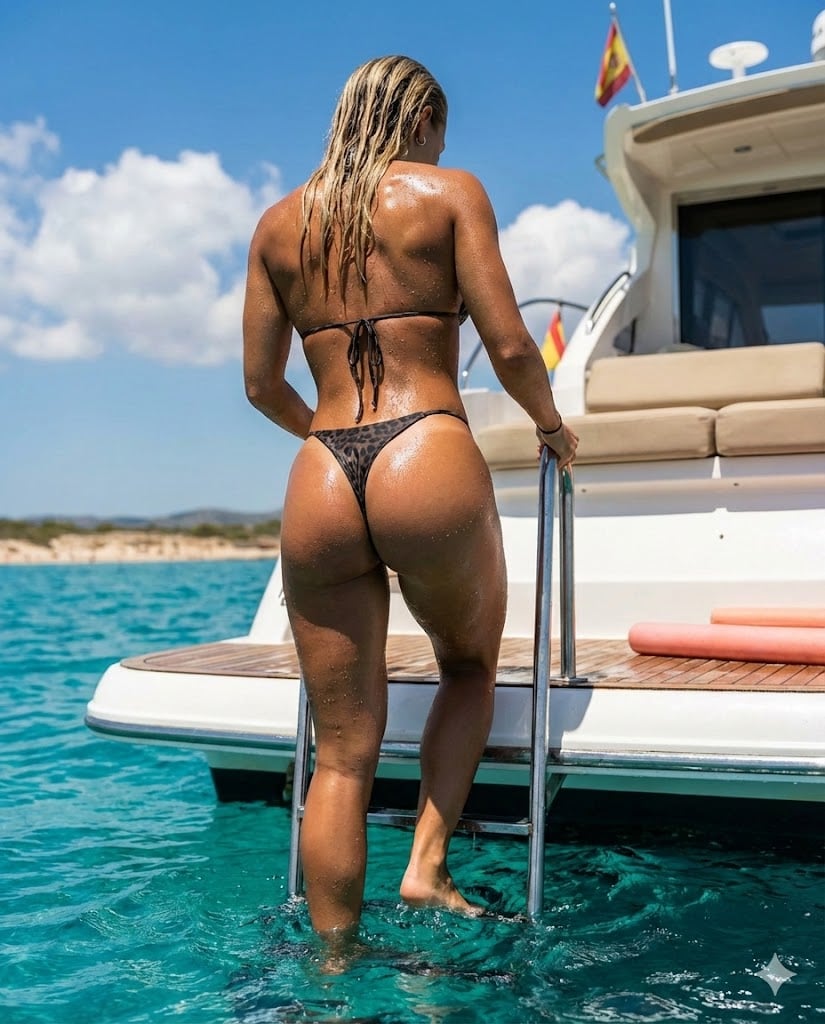
Hyperrealistic Mediterranean Luxury Yacht Scene
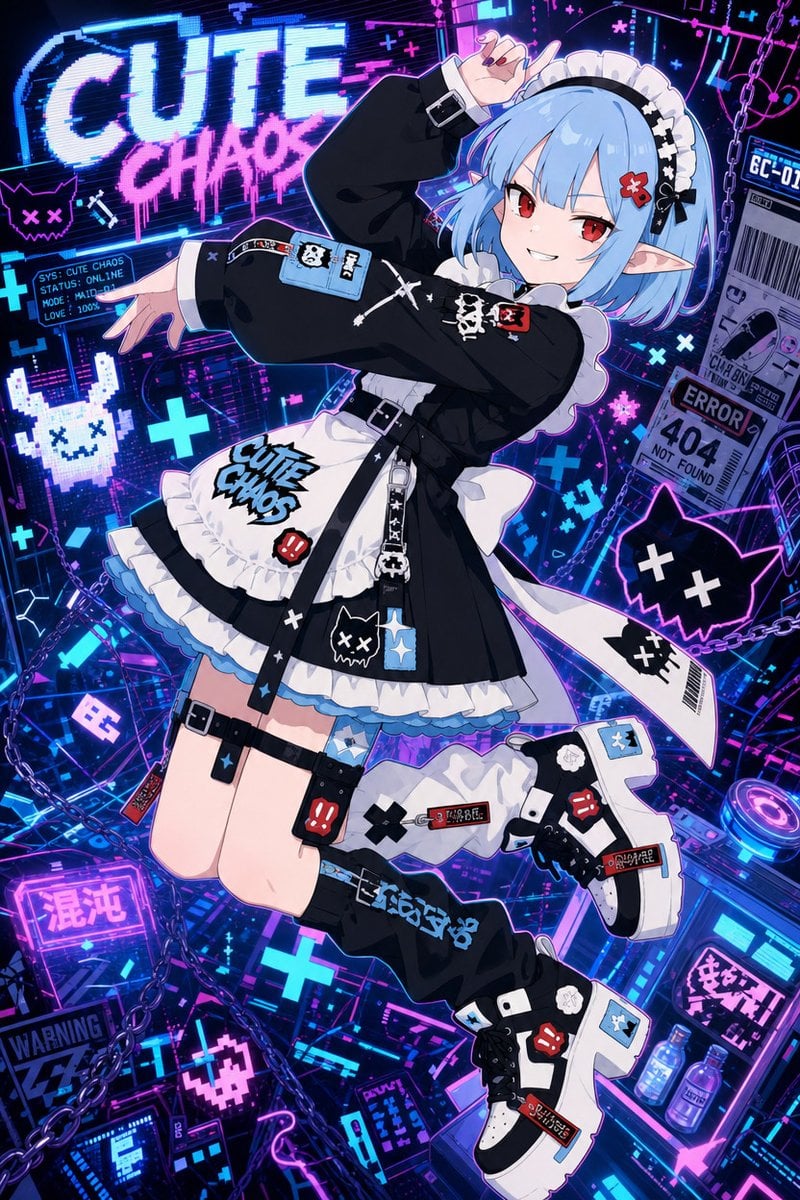
Cute Chaos Cyberpunk Maid Elf
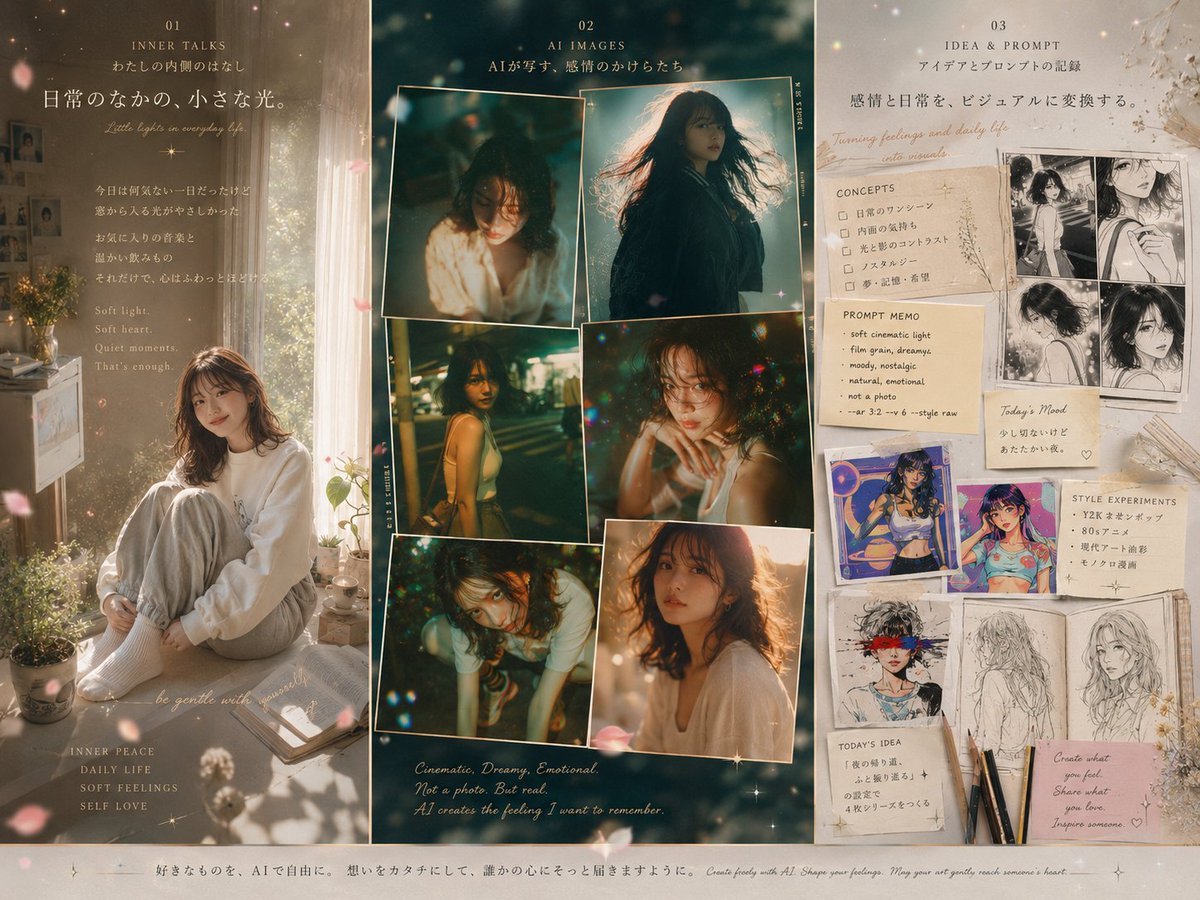
Three-Panel Dreamy AI Posting Styles
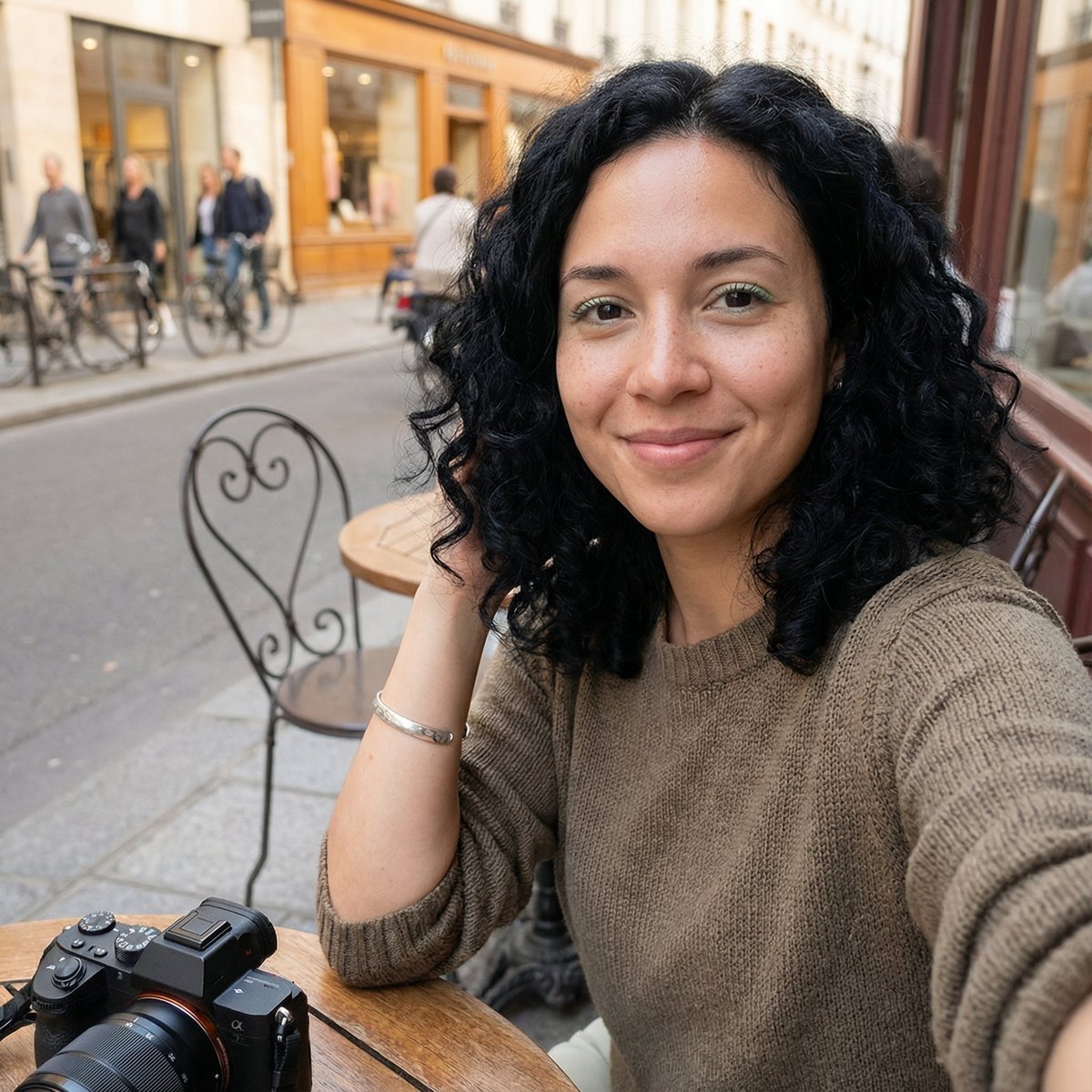
Candid Outdoor Cafe Selfie Prompt
Browse template categories
Editorial Menswear Fashion Portrait questions
How do I use the Editorial Menswear Fashion Portrait template?
Add your photo if the template asks for one, edit the prompt if you like — the template's model and format are already selected — and press Generate. Your version opens in PicX Studio.
Can I customize the Editorial Menswear Fashion Portrait template?
Yes. You can change the subject, setting, lighting, mood, format, and available model controls before creating your image.
Is the Editorial Menswear Fashion Portrait template free?
Opening and editing this template is free. Generating uses credits, shown on the Generate button when you are signed in.
Which AI model should I use?
Start with Nano Banana 2, which is the model associated with this template. You can compare another compatible model for a different finish.
Looking for something else? Browse all templates.

Your photo, any look
Thousands of ready templates for every top image and video model, from one credit balance.