
Skincare Diagnostic Infographic Poster
A professional dermatology infographic prompt that converts a reference photo into a high-end skincare analysis report with facial markers and metrics.
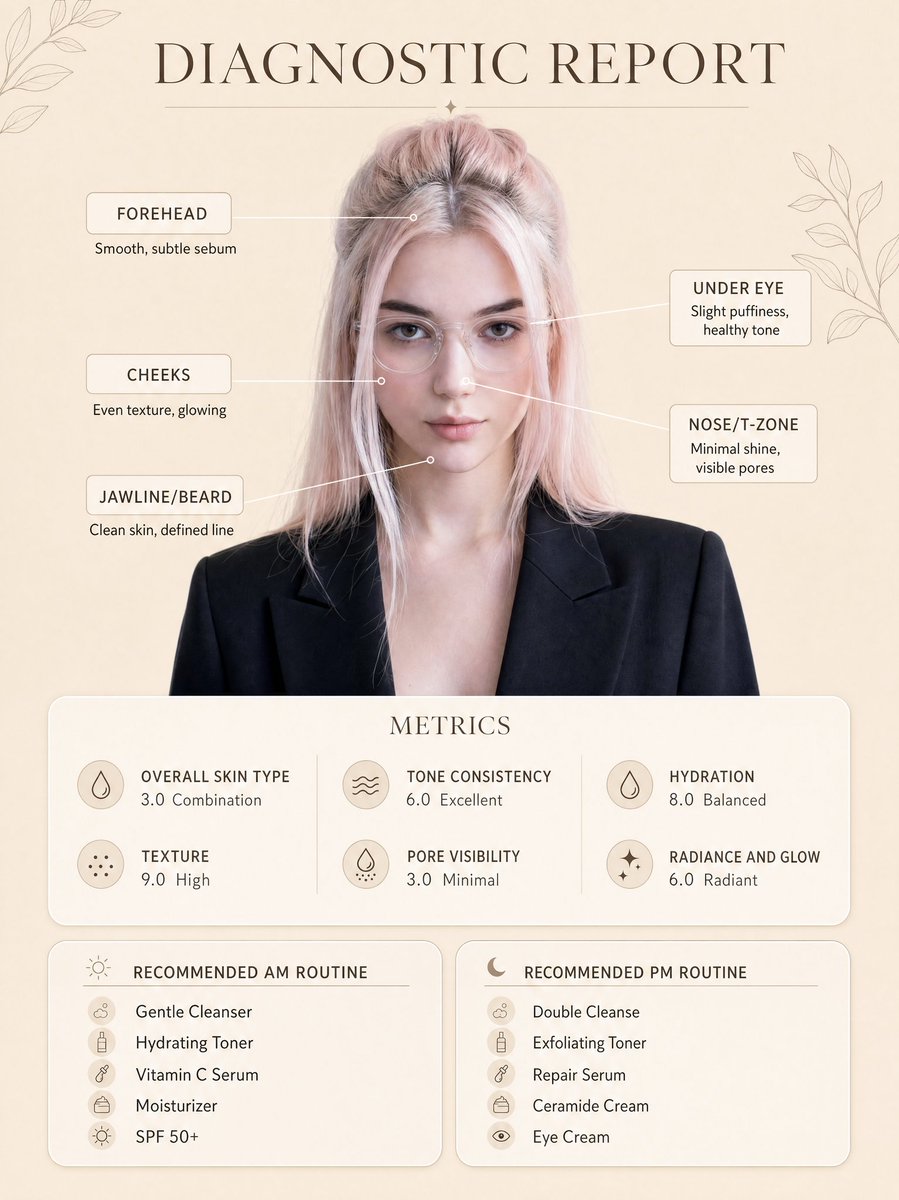
- Prompt included
- Model and format preset
- Free template
The prompt behind this image
Copy the exact prompt behind Skincare Diagnostic Infographic Poster, or open it in the studio and make it yours.
Create a clean, minimal skincare diagnostic report poster using my uploaded photo as the exact face reference, preserving my real facial features, proportions, and natural skin tone. The subject is centered in a professional portrait style, wearing a {argument name="clothing" default="smart blazer and clear glasses"}, neutral expression, soft confident look. Background is a warm beige minimal aesthetic with subtle botanical line art decorations in corners. Add infographic-style facial markers with small circular points connected by thin lines to labeled skin analysis text: Forehead: Smooth, subtle sebum Under Eye: Slight puffiness, healthy tone Cheeks: Even texture, glowing Nose/T-zone: Minimal shine, visible pores Jawline/Beard: Clean skin, defined line At the top, include elegant serif title text: “{argument name="title" default="DIAGNOSTIC REPORT"}”. Below the portrait, add a rounded soft card labeled “METRICS” with clean modern typography showing: Overall Skin Type: {argument name="skin type" default="3.0 Combination"} Texture: 9.0 High Tone Consistency: 6.0 Excellent Pore Visibility: 3.0 Minimal Hydration: 8.0 Balanced Radiance and Glow: 6.0 Radiant At the bottom, create two rounded panels: Left panel title: “RECOMMENDED AM ROUTINE” Gentle Cleanser Hydrating Toner Vitamin C Serum Moisturizer SPF 50+ Right panel title: “RECOMMENDED PM ROUTINE” Double Cleanse Exfoliating Toner Repair Serum Ceramide Cream Eye Cream Style: ultra-clean dermatology infographic, soft neutral tones, premium skincare brand aesthetic, minimal shadows, soft diffused lighting, high resolution, sharp text clarity, perfectly aligned layout, balanced spacing, modern UI card design, realistic skin texture, no distortion. Ensure layout, typography placement, spacing, and composition exactly match the reference image, only replacing the face with my uploaded photo.
How to use Skincare Diagnostic Infographic Poster in 3 steps
- 1Upload ImagePNG, JPG or paste
Add your photo
Upload the photo the template builds on. The prompt, model and format are already set.
- 2…a portrait of your subject in softgolden-hour light, 85mm…
Personalize
Edit the subject and creative details for your destination.
- 3Generate
Generate
Press Generate — your image is created in PicX Studio, so you can compare it with the original and refine one variable at a time.
More like this
Templates with the same subject, style or setup. Open one to see its prompt.

Japan Travel Brochure Poster

Gpt2 Infographic Edu Visual Ink Wash Tribute Poster for Chen Uen

Gpt2 Infographic Edu Visual Biomimetic Skyray Aircraft Poster

Cartoon TV Show Poster Pack

Trendy Cafe Drink Promo Poster

Urban Fashion Editorial Collage Streetwear Poster

Premium Fashion Editorial Cover Layout System

Polo Ralph Lauren Luxury American Heritage Fashion Campaign

Monochrome Halftone Editorial Fashion Poster

Retro Mirror Luxury Fashion Campaign Poster

Luxury Fashion Campaign Typography Poster System

Premium Fashion Editorial Campaign Poster System
Make it yours
Skincare Diagnostic Infographic Poster works as-is. These are the safest ways to change it without losing the look.
Change one field
Copy a single group, rewrite it, and generate again so you can see what that field is doing.
Keep the frame, change the subject
Hold the composition and light of Skincare Diagnostic Infographic Poster, then swap wardrobe, props or the person for a new take.
| If the result… | Why | Fix |
|---|---|---|
| The result drifts from the preview | Too many fields changed at once. | Reuse Skincare Diagnostic Infographic Poster as-is first, then change one group — subject, light, or setting. |
| The model over-stylizes the scene | The prose prompt leaves finish and camera underspecified. | Add one camera or lighting sentence and stay on GPT Image 2. |
More GPT Image 2 templates
Other prompts made for GPT Image 2.

Six VTuber Japanese Logo Sheet

Realistic Portrait of Woman and Deer

The Vista Modular Condo Poster

AI Model Routing Comparison Infographic

2.5D Anime Art Board

Isometric Productivity Desk Scene

New York Double Exposure Poster

Four-Panel AI Landscape Comparison

Japanese Tatami Lifestyle Magazine Cover

NESCAFÉ Coffee Map Poster
More image prompts
Fresh picks from across the catalog.

Modern Pop Art Vector Portrait
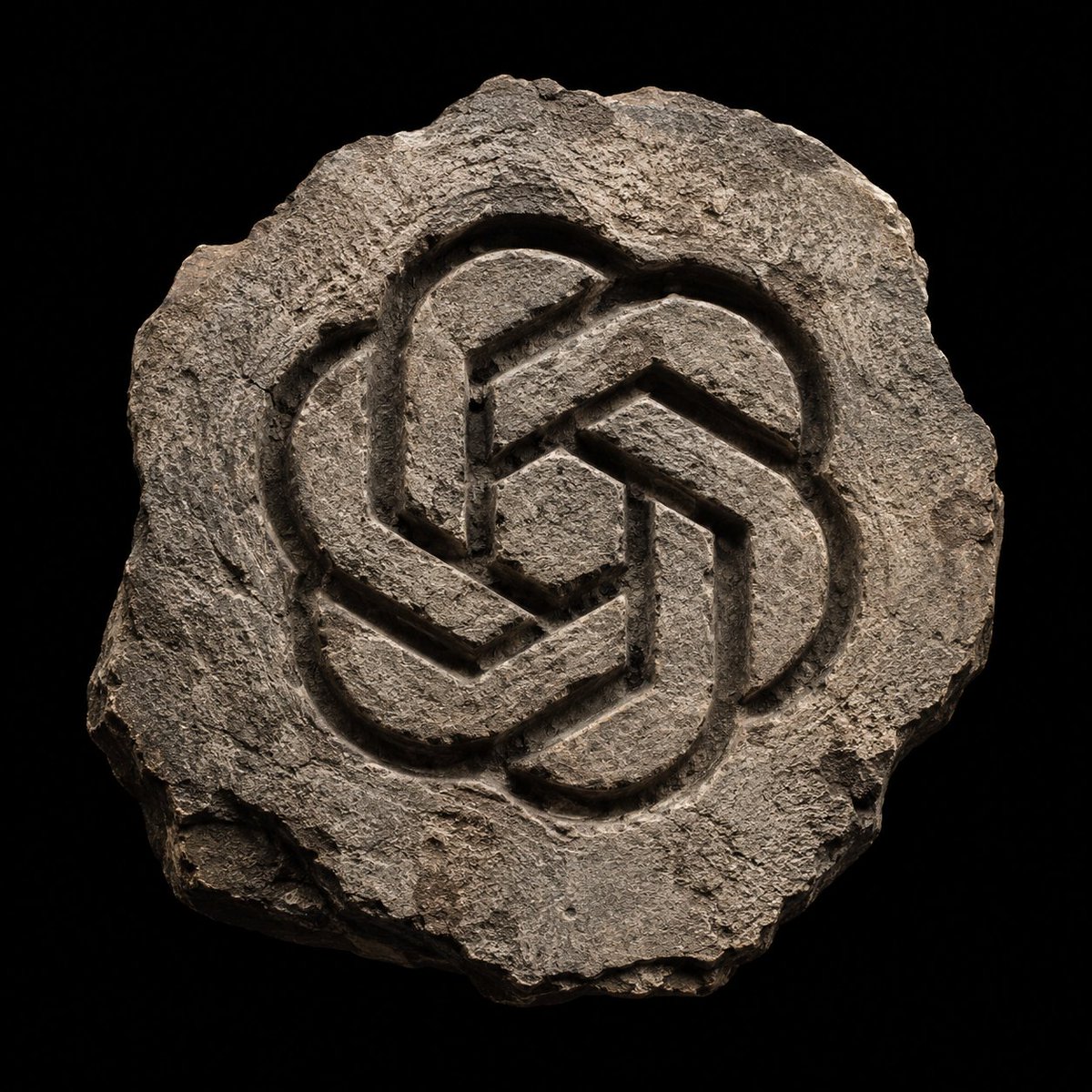
Ancient Hand-Chiseled Stone Artifact Logo
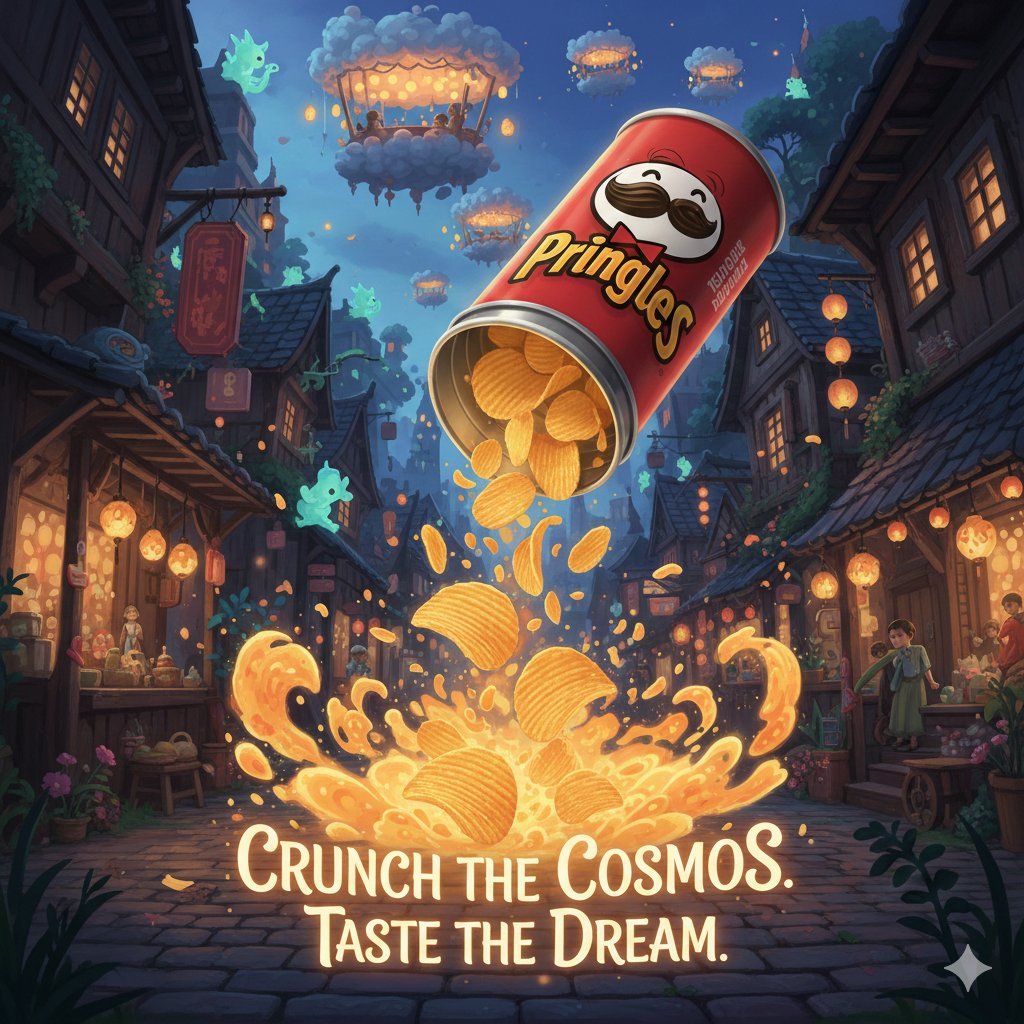
Surreal Studio Ghibli food advertisement prompt

Two-Story Japanese House Floor Plan
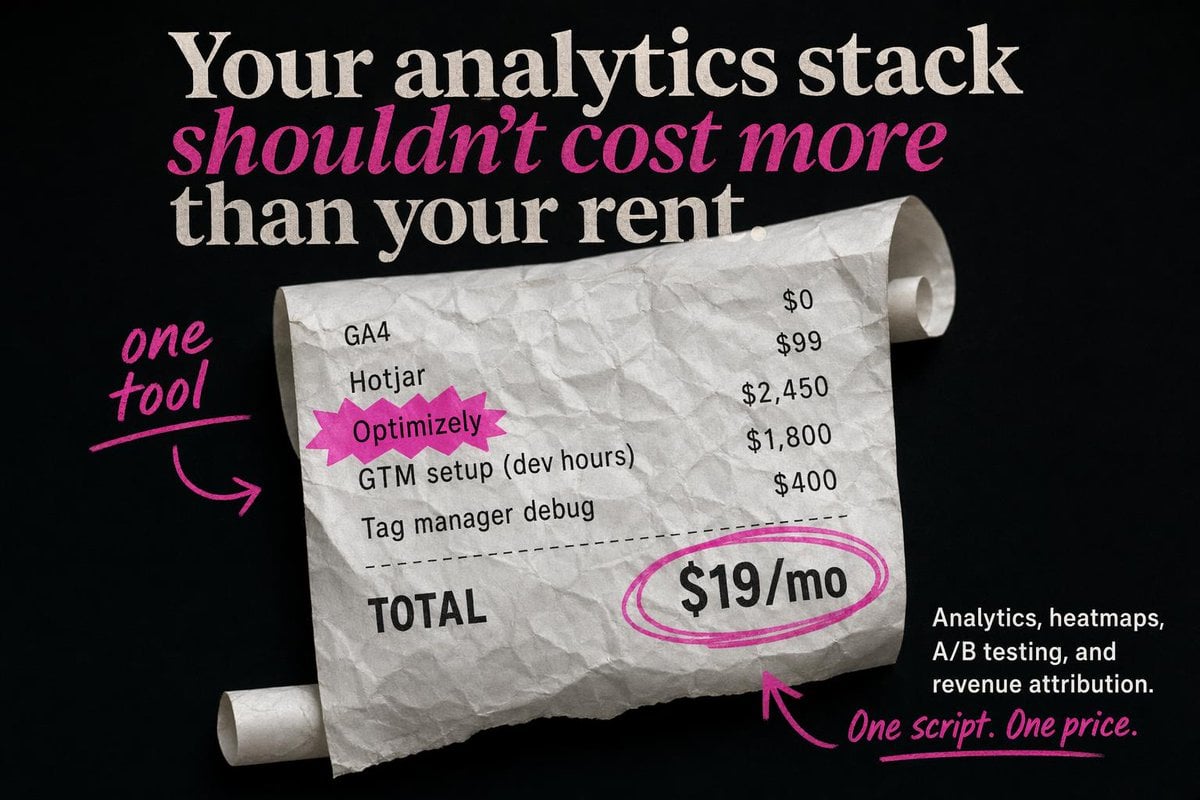
Editorial SaaS Receipt Ad
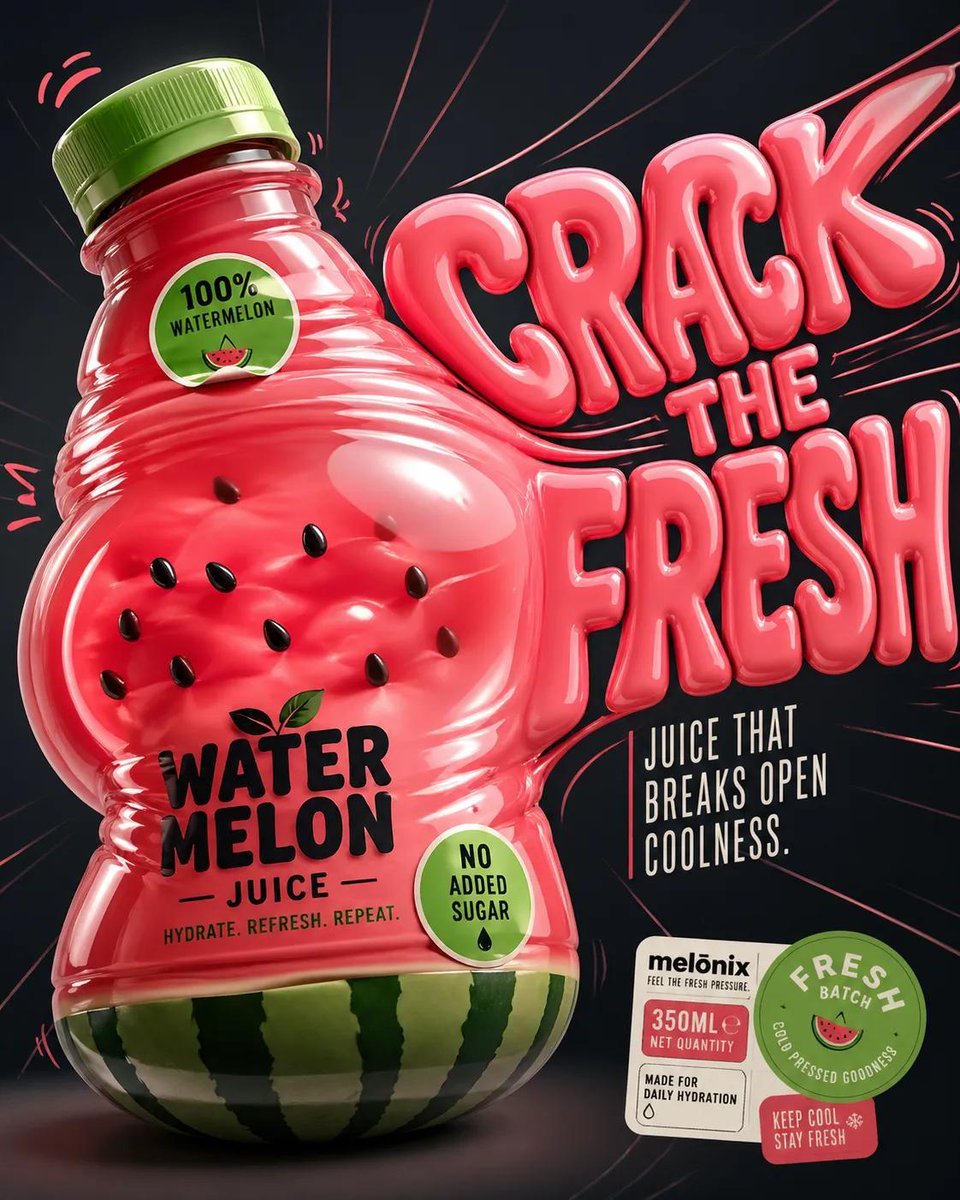
Inflatable Surreal Product Poster

Board Game Scene with Multiple Characters Prompt

Wholesome Giant Animal in Cityscape
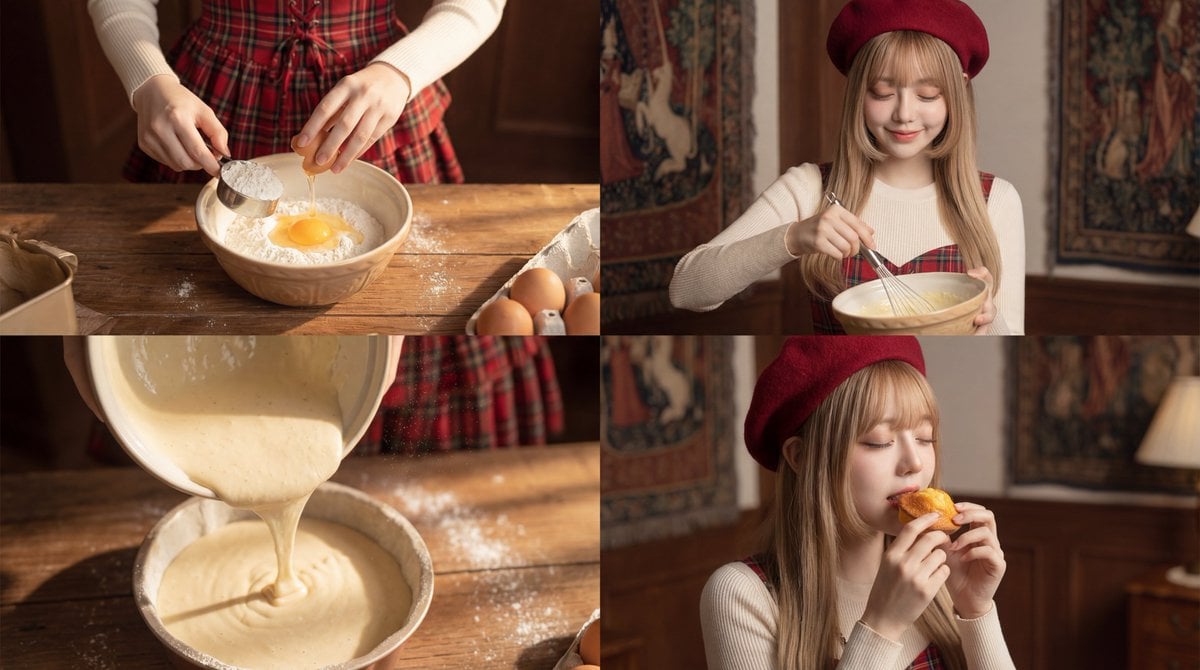
Cinematic Video Prompt for Woman Baking

Masterpiece Political Caricature Prompt for Nano Banana 2
Browse template categories
Skincare Diagnostic Infographic Poster questions
How do I use the Skincare Diagnostic Infographic Poster template?
Add your photo if the template asks for one, edit the prompt if you like — the template's model and format are already selected — and press Generate. Your version opens in PicX Studio.
Can I customize the Skincare Diagnostic Infographic Poster template?
Yes. You can change the subject, setting, lighting, mood, format, and available model controls before creating your image.
Is the Skincare Diagnostic Infographic Poster template free?
Opening and editing this template is free. Generating uses credits, shown on the Generate button when you are signed in.
Which AI model should I use?
Start with GPT Image 2, which is the model associated with this template. You can compare another compatible model for a different finish.
Looking for something else? Browse all templates.

Your photo, any look
Thousands of ready templates for every top image and video model, from one credit balance.