
Ancient Hand-Chiseled Stone Artifact Logo
A photorealistic prompt for generating ancient, weathered stone relics with custom logos engraved into the surface.
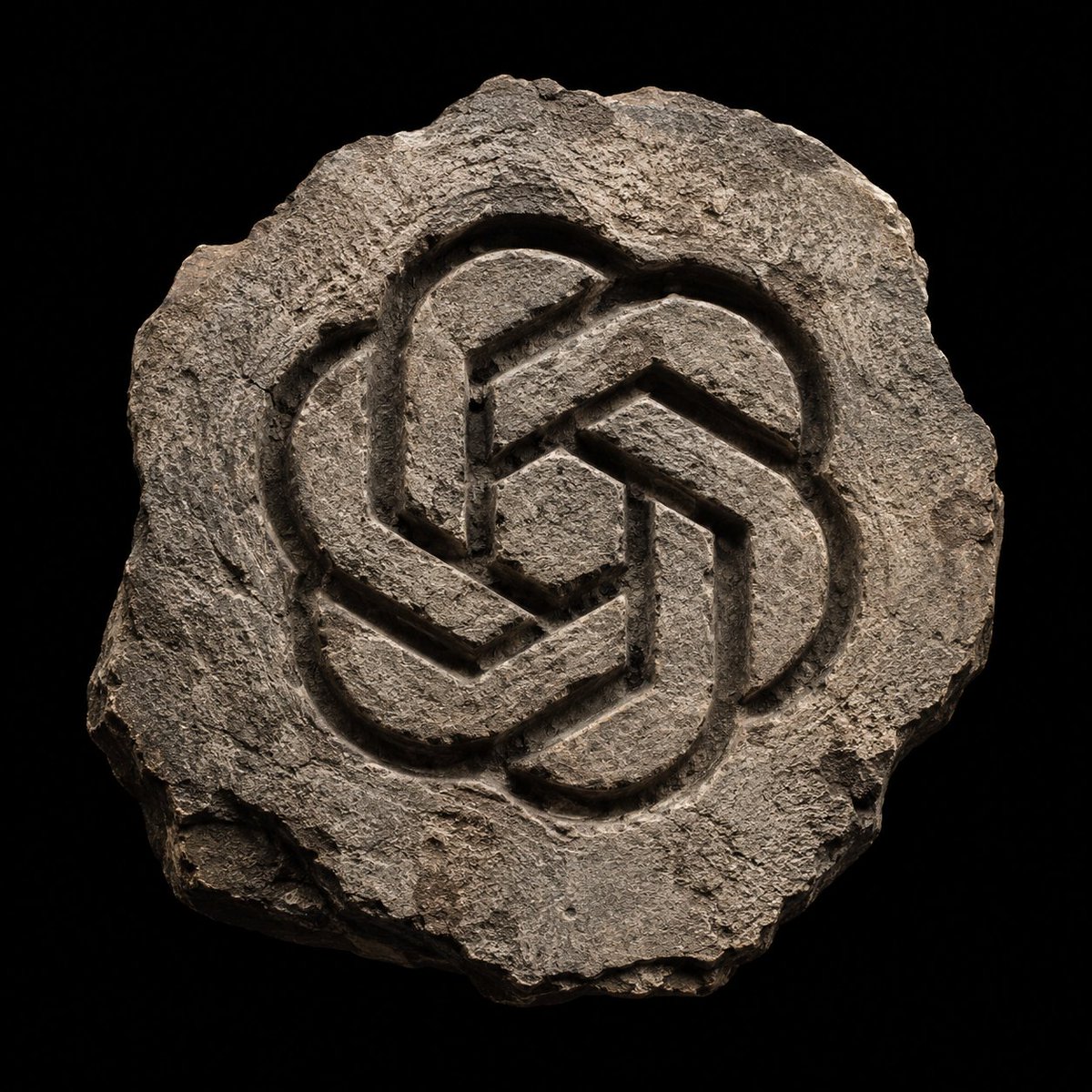
- Prompt included
- Model and format preset
- Free template
The prompt behind this image
Copy the exact prompt behind Ancient Hand-Chiseled Stone Artifact Logo, or open it in the studio and make it yours.
Create a photorealistic stone artifact with the logo of {argument name="logo name" default="{LOGO}"} carved into the surface. The stone must have an {argument name="stone shape" default="irregular, fractured shape"}, with {argument name="edges" default="weathered edges and a raw, ancient look"}. The engraved logo should appear chiseled by hand, with deep grooves, rough tool marks, and natural erosion. Lighting: soft but directional, coming from above, creating strong highlights and deep shadows that accentuate the relief. Background: pure black to isolate the object. Style: archaeological relic, primitive stone emblem, hyper-detailed mineral textures, matte surface, subtle cracks and dust. Composition: centered, symmetrical or balanced, single object. Render: ultra-realistic, high contrast, tactile stone material, no color except natural rock tones. Format: 1:1, clean silhouette, museum-grade photography aesthetic.
How to use Ancient Hand-Chiseled Stone Artifact Logo in 3 steps
- 1
Open
The prompt is already in the box next to the preview, with the template's model and format selected.
- 2…a portrait of your subject in softgolden-hour light, 85mm…
Personalize
Edit the subject and creative details for your destination.
- 3Generate
Generate
Press Generate — your image is created in PicX Studio, so you can compare it with the original and refine one variable at a time.
More like this
Templates with the same subject, style or setup. Open one to see its prompt.
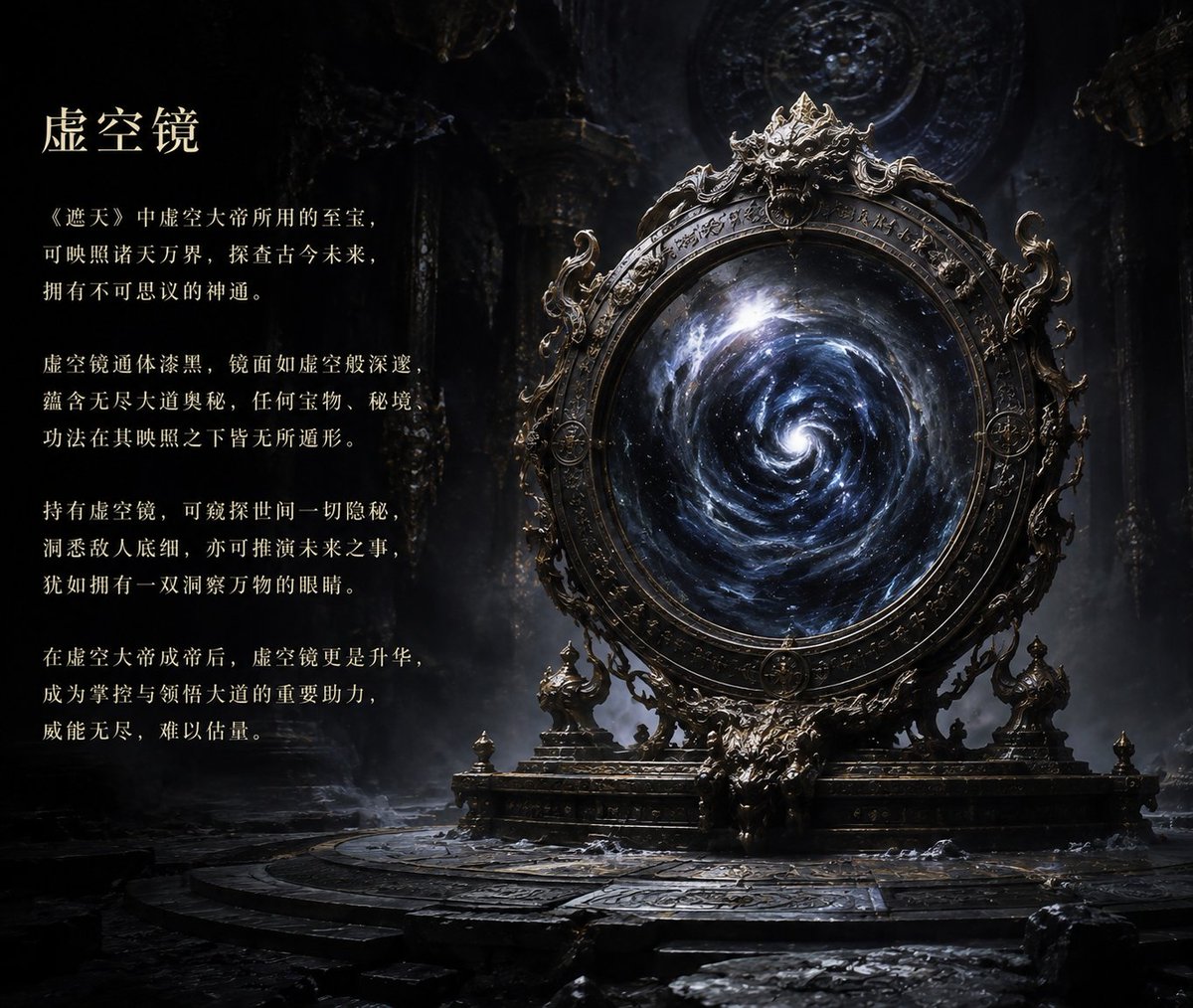
Ancient Void Mirror Artifact Poster

Minimalist Skincare Product Water Stone Still

Botanical Skincare Minimal Product Advertising

Moss Logo Minimalist Brand Flat Lay
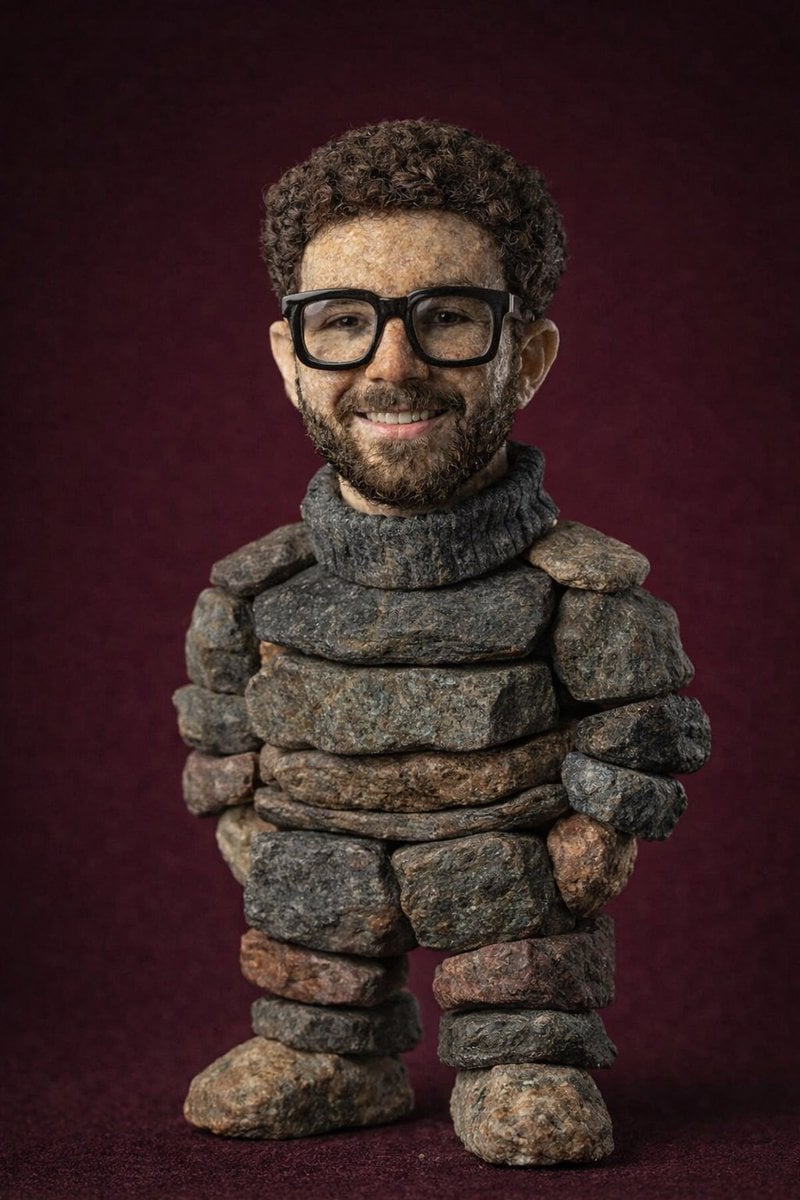
Handcrafted Stone Figurine Transformation Prompt

Ancient Temple Portrait — White Dress Nano Banana

Simple Hand-Drawn Koala Mascot

Resort Fashion Stone Steps Portrait

Teal Japanese Handwritten Lyric Card

Handmade Torn Paper Poster Style

Hand-Drawn Doodle Grid Poster

Hand-drawn Breakfast Journal Aesthetic Poster
Make it yours
Ancient Hand-Chiseled Stone Artifact Logo works as-is. These are the safest ways to change it without losing the look.
Change one field
Copy a single group, rewrite it, and generate again so you can see what that field is doing.
Keep the frame, change the subject
Hold the composition and light of Ancient Hand-Chiseled Stone Artifact Logo, then swap wardrobe, props or the person for a new take.
| If the result… | Why | Fix |
|---|---|---|
| The result drifts from the preview | Too many fields changed at once. | Reuse Ancient Hand-Chiseled Stone Artifact Logo as-is first, then change one group — subject, light, or setting. |
| The model over-stylizes the scene | The prose prompt leaves finish and camera underspecified. | Add one camera or lighting sentence and stay on GPT Image 2. |
More GPT Image 2 templates
Other prompts made for GPT Image 2.

Realistic Portrait of Woman and Deer

The Vista Modular Condo Poster

AI Model Routing Comparison Infographic

2.5D Anime Art Board

Isometric Productivity Desk Scene

New York Double Exposure Poster

Four-Panel AI Landscape Comparison

Japanese Tatami Lifestyle Magazine Cover

NESCAFÉ Coffee Map Poster

Brutalist Cogito Chinese Typography Poster
More image prompts
Fresh picks from across the catalog.
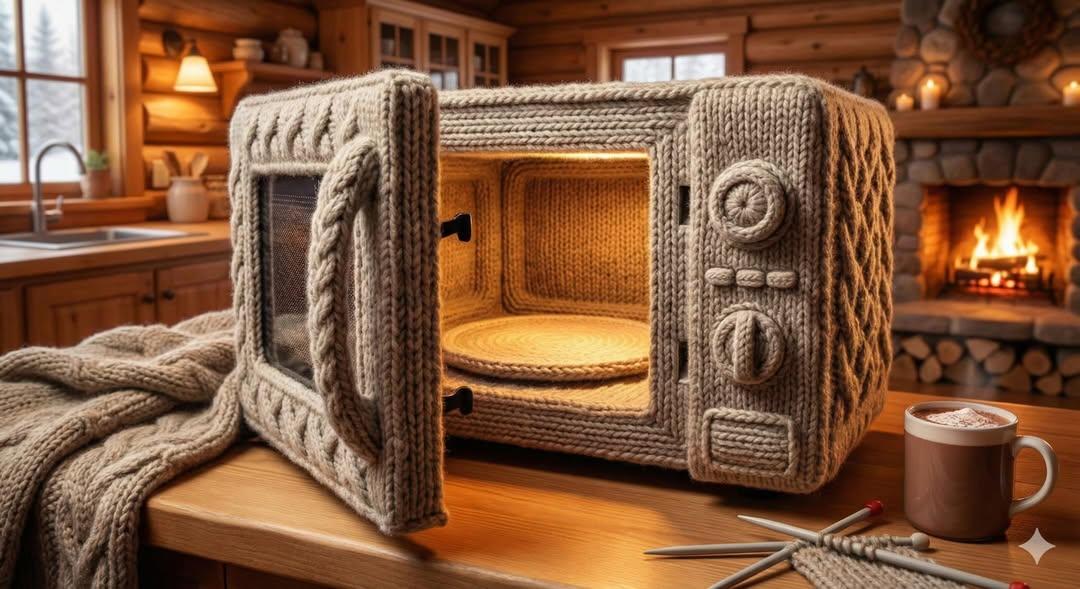
Knitted Yarn Object Generation Prompt

10+ Page Manga Creation Prompt

Vogue Style Red Puffer Jacket Portrait Prompt

Polished Indoor Portrait with Shallow Depth of Field

Cinematic Portrait with 3D Chibi Miniature Prompt
Layered Paper-Cut Style Illustration
Night view of skyscraper via coordinates

French Indie Album Cover

Zootopia Style Snowman Building Scene

Panel Collage Portrait in Golden Hour
Browse template categories
Ancient Hand-Chiseled Stone Artifact Logo questions
How do I use the Ancient Hand-Chiseled Stone Artifact Logo template?
Add your photo if the template asks for one, edit the prompt if you like — the template's model and format are already selected — and press Generate. Your version opens in PicX Studio.
Can I customize the Ancient Hand-Chiseled Stone Artifact Logo template?
Yes. You can change the subject, setting, lighting, mood, format, and available model controls before creating your image.
Is the Ancient Hand-Chiseled Stone Artifact Logo template free?
Opening and editing this template is free. Generating uses credits, shown on the Generate button when you are signed in.
Which AI model should I use?
Start with GPT Image 2, which is the model associated with this template. You can compare another compatible model for a different finish.
Looking for something else? Browse all templates.

Your photo, any look
Thousands of ready templates for every top image and video model, from one credit balance.