How do I use the Ultra-photorealistic Cozy Coffee Visual template?
Choose the primary action to open PicX Studio with the available template settings. Review the model and format, personalize the creative direction, and generate when ready.
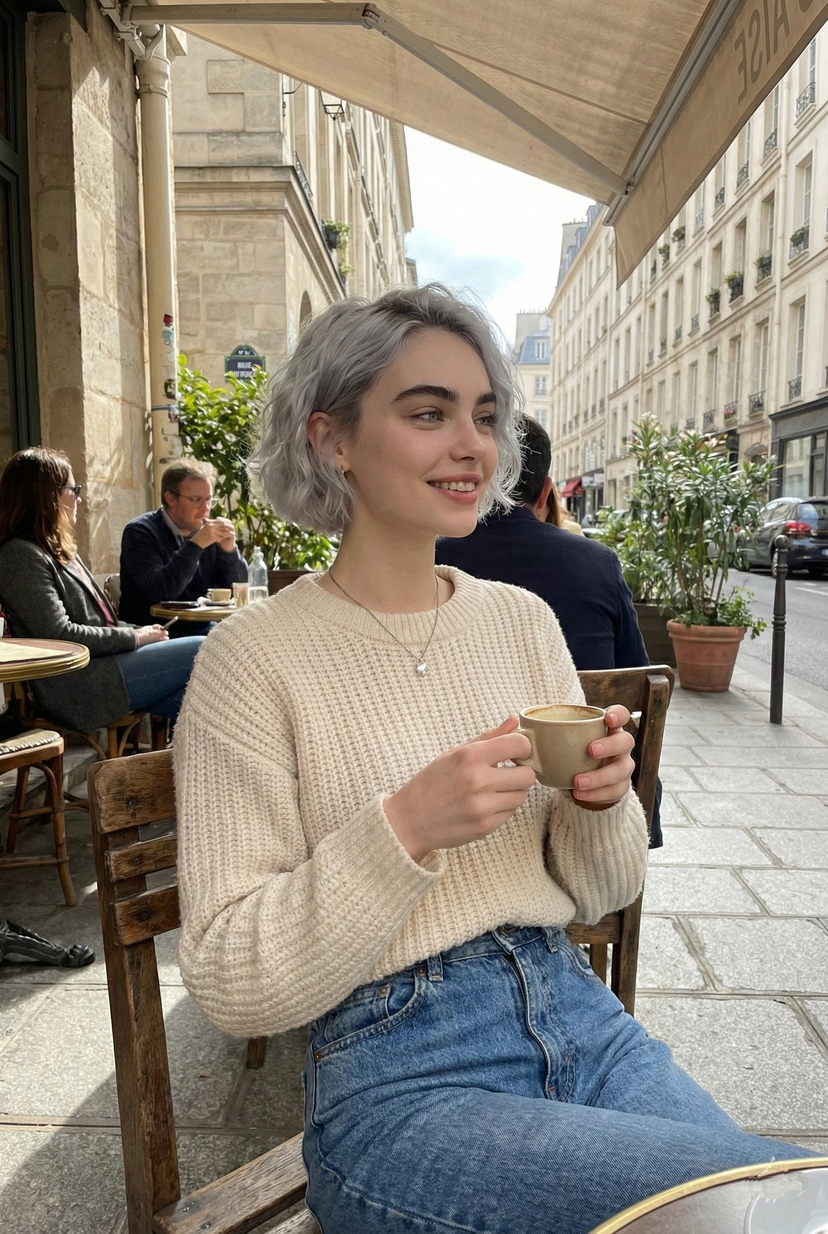
A detailed prompt for generating an ultra-photorealistic food and lifestyle photograph of a coffee cup, aiming for a minimal, cozy, modern cafe aesthetic. It specifies natural window light, soft shadows, creamy bokeh, and high detail on steam and coffee texture for a magazine-quality finish. (free to use) — Free AI image template on PicX Studio.

{ "content_goal": "aesthetic, cozy, scroll-stopping coffee visual", "image_type": "ultra-photorealistic food & lifestyle photography", "visual_style": { "aesthetic": "minimal, cozy, modern cafe vibe", "vibe": "warm, calm, premium", "realism": "high-end professional realism" }, "composition": { "framing": "close-up to mid-shot", "camera_angle": "slightly top-down or eye-level", "subject_position": "centered with negative space", "perspective": "intimate and inviting" }, "subject": { "description": "freshly brewed coffee in a ceramic cup", "type": "hot coffee (latte, cappuccino, or espresso)", "details": "visible steam rising from the cup", "action": "coffee resting on table or being gently held" }, "surface_and_props": { "table": "wooden or marble cafe table", "props": [ "ceramic mug", "coffee saucer", "spoon", "coffee beans", "open book or notebook (optional)" ], "textures": "natural, tactile surfaces" }, "lighting": { "type": "natural window light", "quality": "soft and warm", "direction": "side lighting", "highlight_focus": "steam, coffee surface, cup edges", "shadow_style": "soft cozy shadows" }, "color_palette": { "primary": ["coffee brown", "cream", "warm beige"], "accent": ["soft whites", "wood tones"], "mood": "comforting, relaxing" }, "environment": { "location": "modern cafe or cozy home corner", "background": "softly blurred, minimal", "atmosphere": "peaceful, slow-morning vibe" }, "camera_details": { "camera_type": "professional food photography simulation", "lens": "35mm or 50mm", "focus": "sharp on coffee cup", "depth_of_field": "shallow, creamy bokeh", "resolution": "ultra-clear, social-media ready" }, "quality_control": { "liquid_realism": "natural coffee texture and crema", "steam_detail": "soft, realistic steam", "ai_artifacts": "none", "professional_finish": "magazine-quality food shot" }, "overall_mood": "cozy, warm, aesthetic", "intended_use": { "primary": "viral aesthetic post on X", "secondary": "lifestyle branding, cafe content" } }
Use Ultra-photorealistic Cozy Coffee Visual to plan an AI image around nano-banana-2 generation. Match the preview's composition first, then personalize the subject, setting, and mood for your own project.
Use the primary action to load the template settings in PicX Studio.
Adjust the subject and creative details for your destination.
Create the image, compare the result with the preview, and refine one variable at a time.
A continuous mix — similar concepts first, woven with same-model prompts and fresh picks from the catalog.
Choose the primary action to open PicX Studio with the available template settings. Review the model and format, personalize the creative direction, and generate when ready.
Yes. You can change the subject, setting, lighting, mood, format, and available model controls before creating your image.
This template is free to open and customize. Generation usage is shown in PicX Studio before you create.
Start with nano-banana-2, which is the model associated with this template. You can compare another compatible model for a different finish.
A continuous mix — similar concepts first, woven with same-model prompts and fresh picks from the catalog.
Follow a topic to a crawlable collection of related PicX Studio templates.
32,032 public templates available. Verified via the PicX Studio public templates API; refreshed hourly.