How do I use the Poolside Night Photo with Smartphone Flash template?
Choose the primary action to open PicX Studio with the available template settings. Review the model and format, personalize the creative direction, and generate when ready.
A detailed JSON prompt for generating an ultra-realistic night photo of a woman partially submerged in a pool, captured with a smartphone flash aesthetic. The prompt specifies the scene, subject details (curvy athletic build, wet hair, tattoos), lighting (direct flash + ambient pool light), and camera framing to achieve a high-detail, natural skin texture look. (free to use) — Free AI image template on PicX Studio.
{ "prompt": { "scene_description": "Nighttime outdoor swimming pool at a modern apartment or hotel complex. Turquoise illuminated pool water with soft reflections. Background includes poolside umbrellas, lounge chairs, railings, and a multi story building with minimal ambient lighting. Calm night atmosphere with deep shadows and subtle highlights.", "subject_description": "Adult woman with medium olive skin tone, curvy athletic build, natural proportions. Hair styled in a sleek high bun, wet hair texture visible. Wearing a colorful patterned bikini with thin straps. The subject is partially submerged in the pool, leaning against the pool edge with forearms resting on the stone ledge.", "pose_and_expression": "Three quarter body angle facing camera, torso slightly twisted to the side. Head tilted slightly downward and toward the camera. Relaxed confident facial expression with softly pursed lips. Eyes looking directly at the camera. Shoulders relaxed, posture casual and natural.", "facial_details": "Realistic facial structure with natural asymmetry. Defined eyebrows, almond shaped eyes, straight nose, full lips. Natural skin texture with visible pores and subtle highlights from moisture. No exaggerated makeup, clean realistic complexion.", "body_details": "Visible water droplets on skin. Natural curves and muscle tone. Tattoos visible on upper arm and shoulder area, including a yin yang symbol and small illustrative tattoos. Skin reflects pool lighting softly without plastic shine.", "lighting": "Direct camera flash combined with ambient pool lighting. Strong foreground illumination on subject with crisp detail. Background falls into softer darkness. Cool color temperature from pool water contrasted with warmer skin tones.", "camera_and_framing": "Photorealistic smartphone style photography. Medium close up framing capturing head, torso, and hips. Eye level camera angle. Slight wide lens perspective without distortion. Sharp focus on subject, background slightly softened.", "color_and_tone": "Vibrant turquoise water, natural skin tones, colorful bikini with saturated but realistic hues. Balanced contrast, no oversharpening, no HDR effect.", "quality_and_realism": "Ultra realistic photography. High detail skin texture. No smoothing filters. No stylization. Clean edges. Natural shadows. Real world lighting behavior.", "style_keywords": [ "photorealistic", "night pool photography", "natural skin texture", "realistic lighting", "smartphone flash photo", "high detail" ], "negative_prompt": [ "cartoon", "illustration", "anime", "painting", "airbrushed skin", "plastic skin", "over sharpened", "beauty filter", "glamour retouch", "perfect symmetry", "distorted anatomy", "extra limbs", "blurred face", "AI artifacts", "unnatural lighting", "oversa
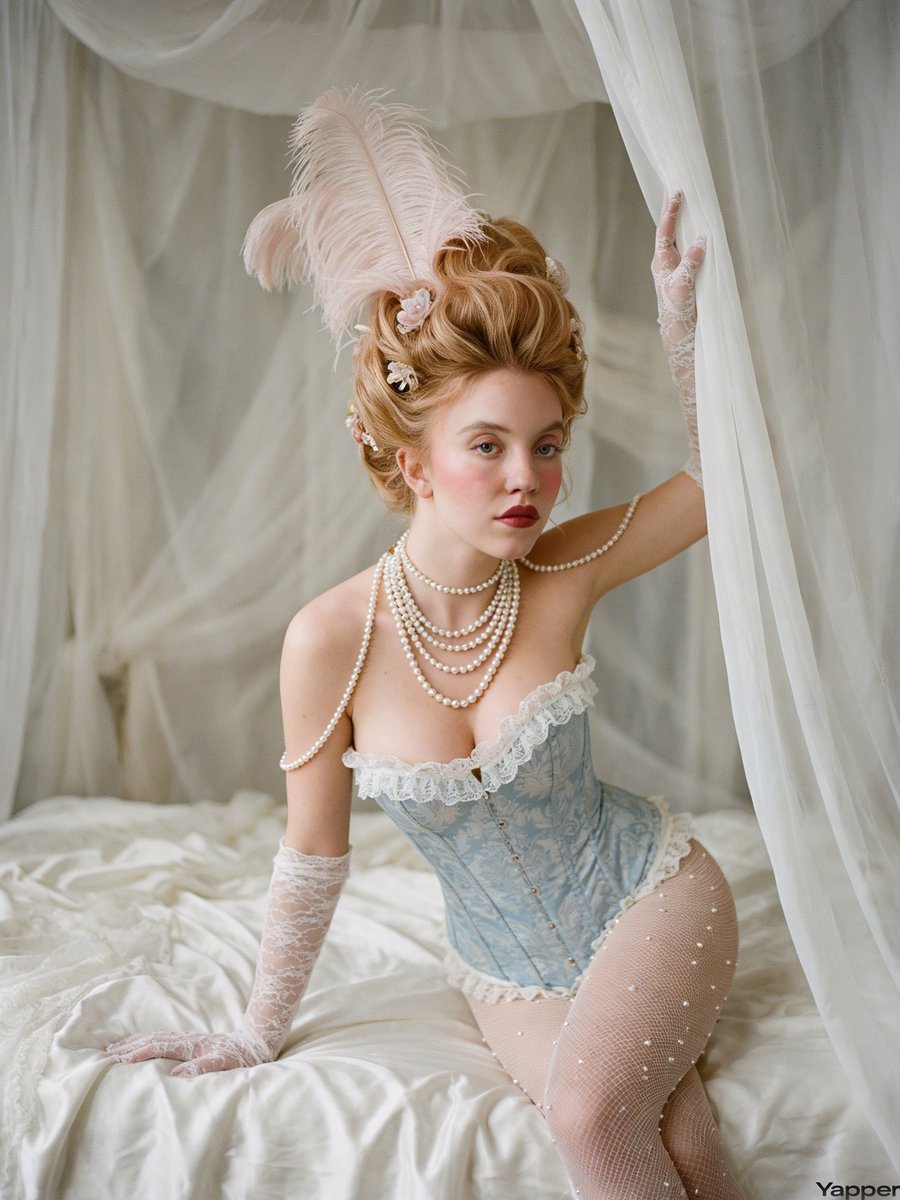
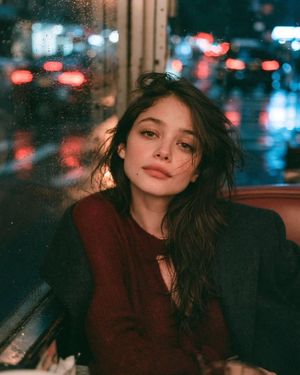
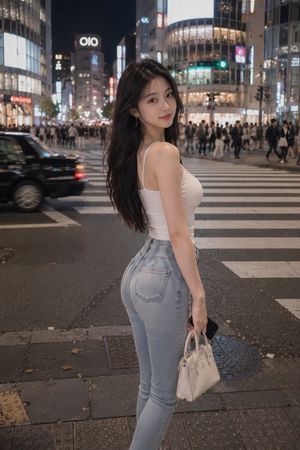
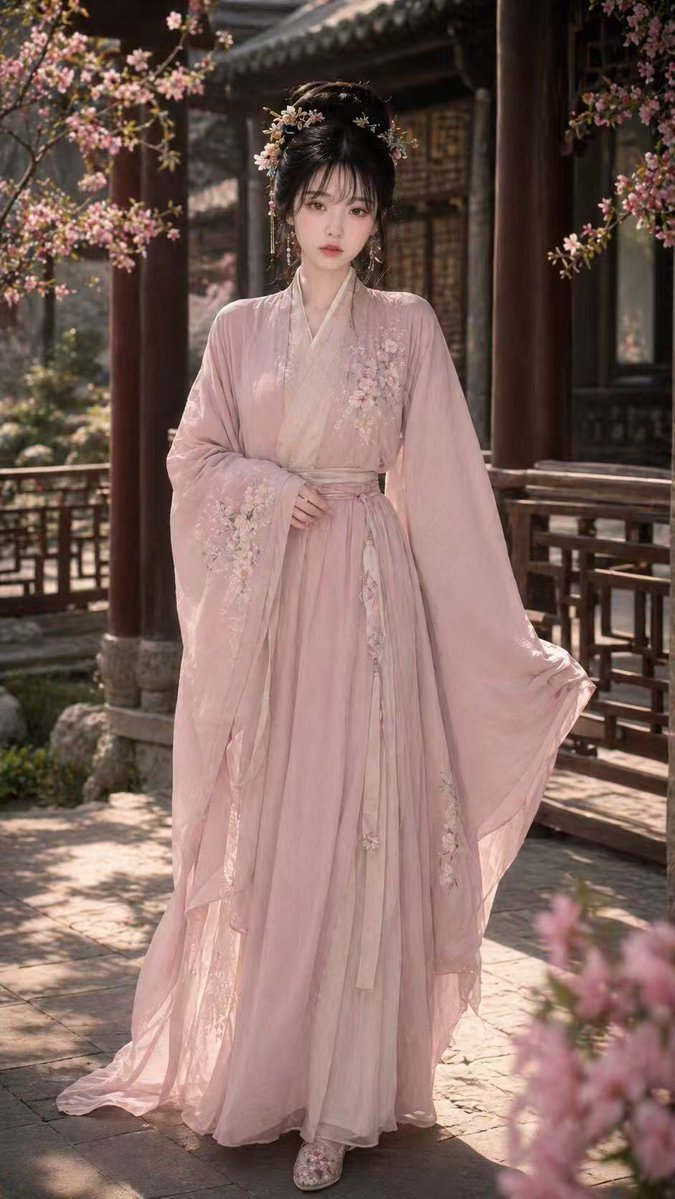
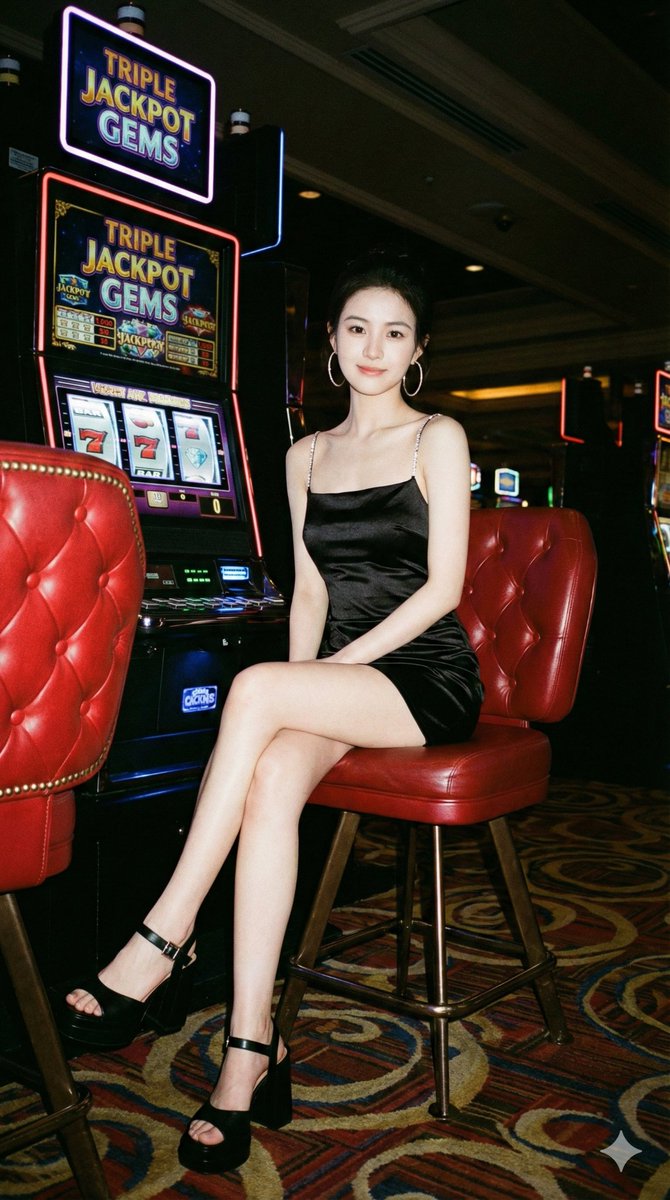
Use Poolside Night Photo with Smartphone Flash to plan an AI image around nano-banana-2 generation. Match the preview's composition first, then personalize the subject, setting, and mood for your own project.
Use the primary action to load the template settings in PicX Studio.
Adjust the subject and creative details for your destination.
Create the image, compare the result with the preview, and refine one variable at a time.
A continuous mix — similar concepts first, woven with same-model prompts and fresh picks from the catalog.
Choose the primary action to open PicX Studio with the available template settings. Review the model and format, personalize the creative direction, and generate when ready.
Yes. You can change the subject, setting, lighting, mood, format, and available model controls before creating your image.
This template is free to open and customize. Generation usage is shown in PicX Studio before you create.
Start with nano-banana-2, which is the model associated with this template. You can compare another compatible model for a different finish.
Follow a topic to a crawlable collection of related PicX Studio templates.
39,155 public templates available. Verified via the PicX Studio public templates API; refreshed hourly.
A continuous mix — similar concepts first, woven with same-model prompts and fresh picks from the catalog.