
Golden Hour Beach Portrait
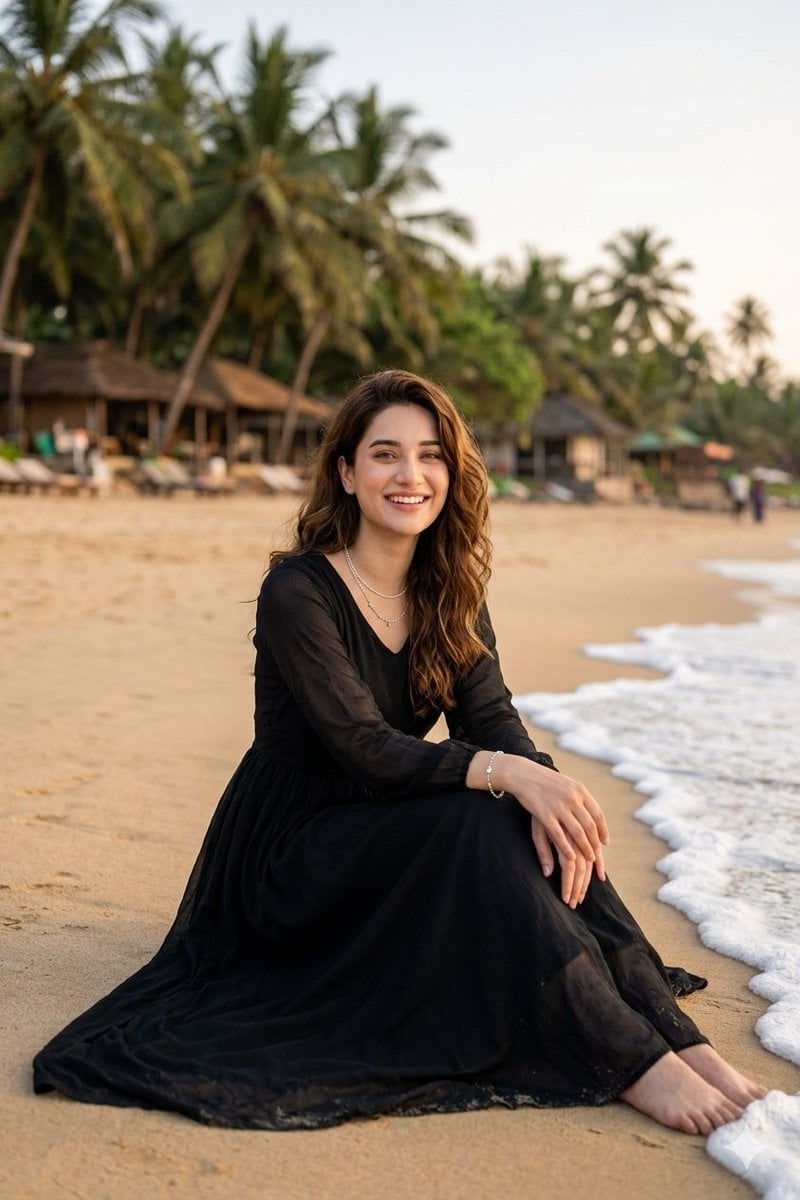
A photorealistic editorial travel portrait of a woman in a flowing black maxi dress seated on a tropical beach at sunset.
- Prompt included
- Model and format preset
- Free template
The prompt behind this image
Copy the exact prompt behind Golden Hour Beach Portrait, or open it in the studio and make it yours.
Create a photorealistic vertical portrait of a {argument name="subject" default="young woman"} sitting gracefully on warm sandy beach at golden hour on a tropical coastline. She has long wavy {argument name="hair color" default="brown hair"} falling over one shoulder and a soft natural smile, wearing a flowing long-sleeved {argument name="dress color" default="black"} maxi dress with a sheer lightweight texture, V neckline, gathered waist, and full skirt spread across the sand. Add delicate jewelry: layered pearl or silver necklaces and a slim bracelet. Pose her seated side-on near the shoreline with knees bent, hands resting elegantly on her knee, bare feet close to the foamy edge of a small wave. The background should show lush palm trees, blurred beach huts or thatched resort structures, lounge chairs, and a few tiny distant people, all softly out of focus with shallow depth of field. Use warm sunset light, natural skin tones, creamy bokeh, realistic fabric folds, detailed sand texture, and white sea foam along the right side of the frame. Composition: subject centered slightly lower than middle, full seated figure visible, vertical 2:3 framing, eye-level lifestyle fashion photography, 50mm lens look, high-resolution editorial travel portrait. Avoid text, logos, harsh flash, distorted hands, extra limbs, or overly stylized illustration.
How to use Golden Hour Beach Portrait in 3 steps
- 1Upload ImagePNG, JPG or paste
Add your photo
Upload the photo the template builds on. The prompt, model and format are already set.
- 2…a portrait of your subject in softgolden-hour light, 85mm…
Personalize
Edit the subject and creative details for your destination.
- 3Generate
Generate
Press Generate — your image is created in PicX Studio, so you can compare it with the original and refine one variable at a time.
More like this
Templates with the same subject, style or setup. Open one to see its prompt.

80s Golden Hour Cinema

Rooftop Fisheye — Cat-Ear Balaclava at Golden Hour
Golden Hour Beach Walk

Cinematic Golden Hour Garden Portrait

Cinematic Golden Hour Urban Portrait

Golden Hour Redhead Portrait

Golden Hour Cinematic Boss Energy Portrait

Golden Hour Cinematic Portrait
Golden Hour Daisy Field Portrait
Golden Hour Rose Portrait

Golden Hour Korean Classroom Portrait
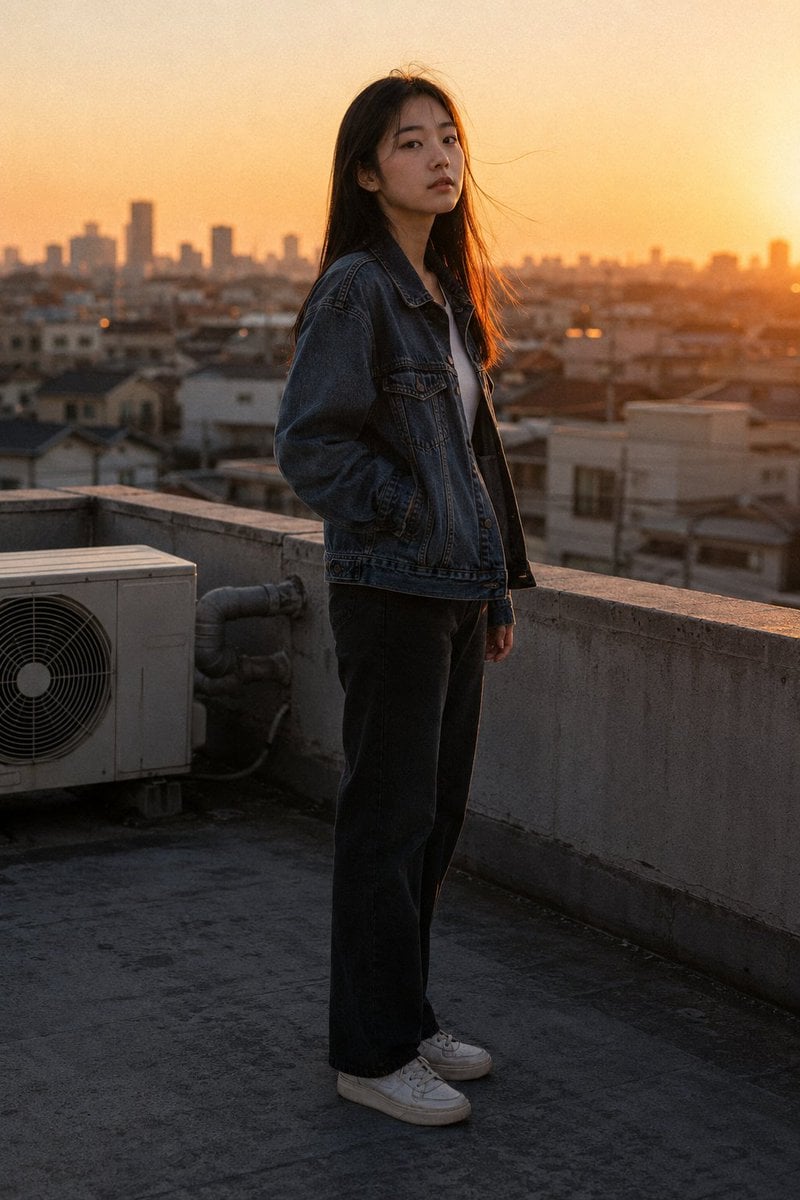
Golden Hour Rooftop Portrait
Make it yours
Golden Hour Beach Portrait works as-is. These are the safest ways to change it without losing the look.
Change one field
Copy a single group, rewrite it, and generate again so you can see what that field is doing.
Keep the frame, change the subject
Hold the composition and light of Golden Hour Beach Portrait, then swap wardrobe, props or the person for a new take.
| If the result… | Why | Fix |
|---|---|---|
| The result drifts from the preview | Too many fields changed at once. | Reuse Golden Hour Beach Portrait as-is first, then change one group — subject, light, or setting. |
| The model over-stylizes the scene | The prose prompt leaves finish and camera underspecified. | Add one camera or lighting sentence and stay on GPT Image 2. |
More GPT Image 2 templates
Other prompts made for GPT Image 2.

Six VTuber Japanese Logo Sheet

Realistic Portrait of Woman and Deer

The Vista Modular Condo Poster

AI Model Routing Comparison Infographic

2.5D Anime Art Board

Isometric Productivity Desk Scene

New York Double Exposure Poster

Four-Panel AI Landscape Comparison

Japanese Tatami Lifestyle Magazine Cover

NESCAFÉ Coffee Map Poster
More image prompts
Fresh picks from across the catalog.
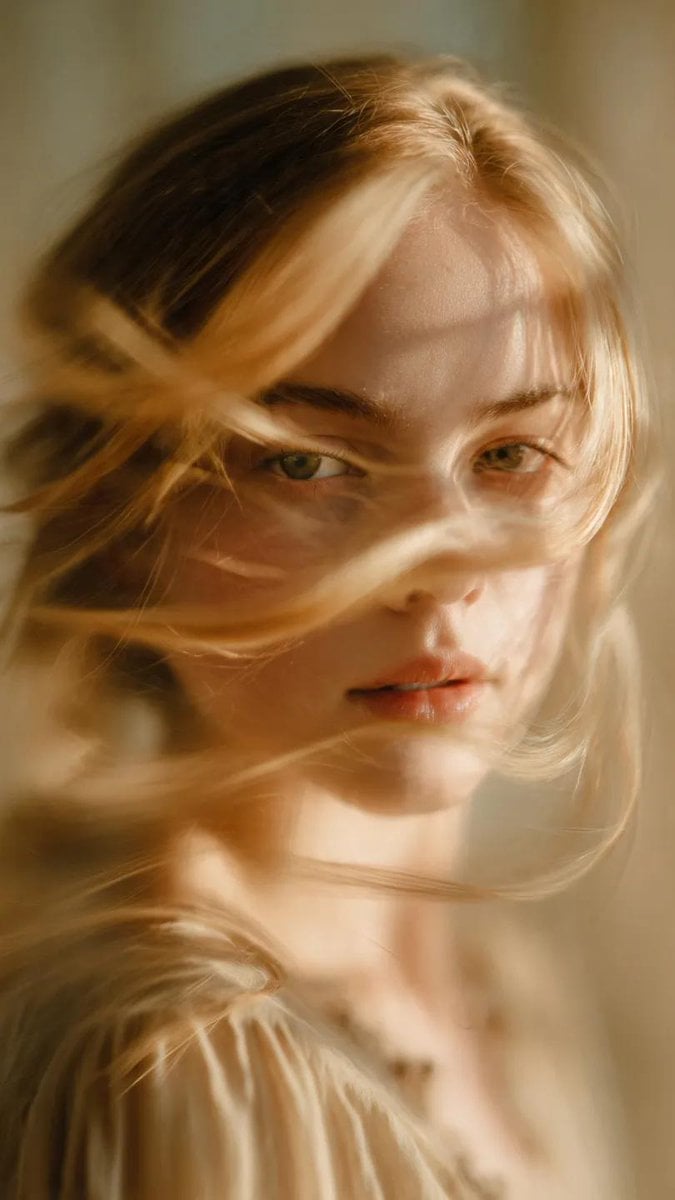
Soft-Focus Ethereal Portrait with Motion Blur
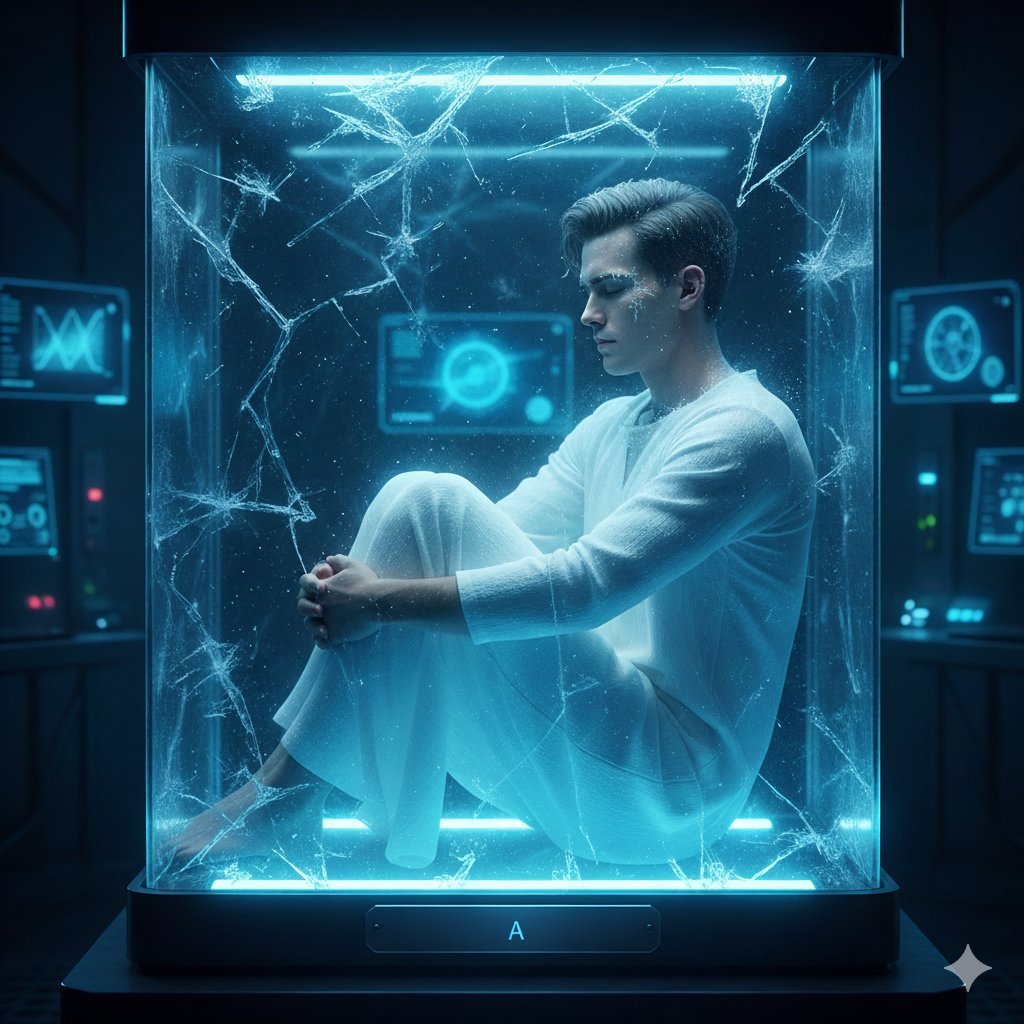
Sci-Fi Cinematic Image: Man in Cryo-Chamber

Underwater Angel Fantasy Illustration

Intense Elderly DJ Volcano Poster
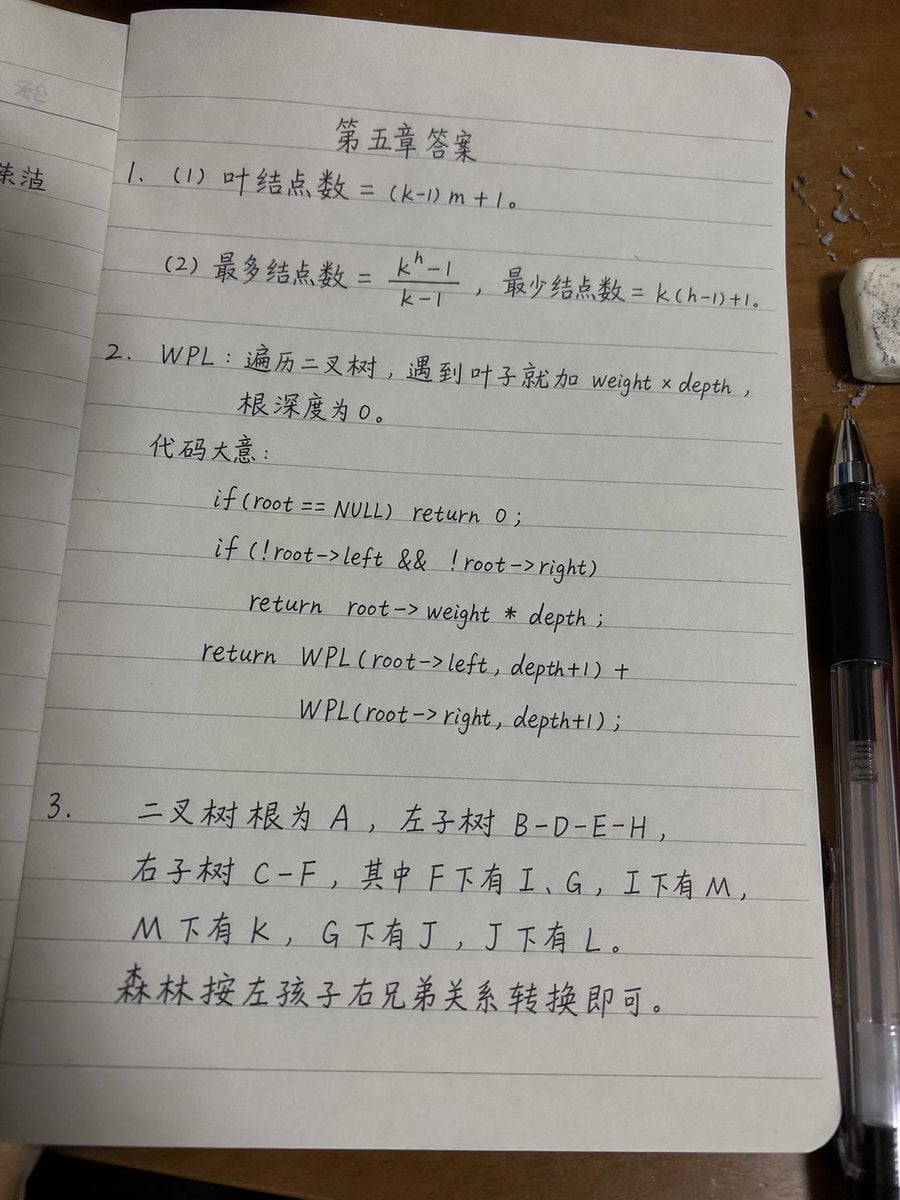
Handwritten Data Structures Homework Photo
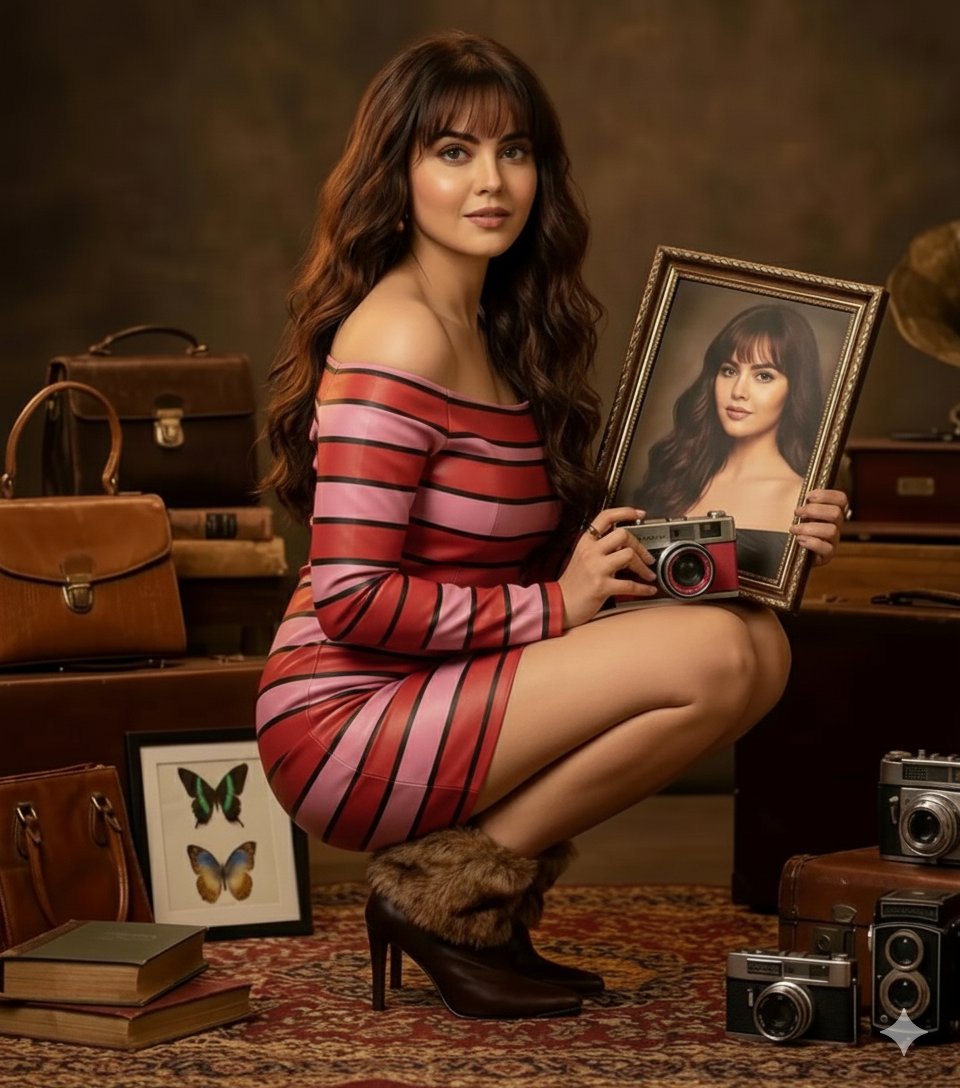
Vintage Studio Portrait with Picture-in-Picture Effect
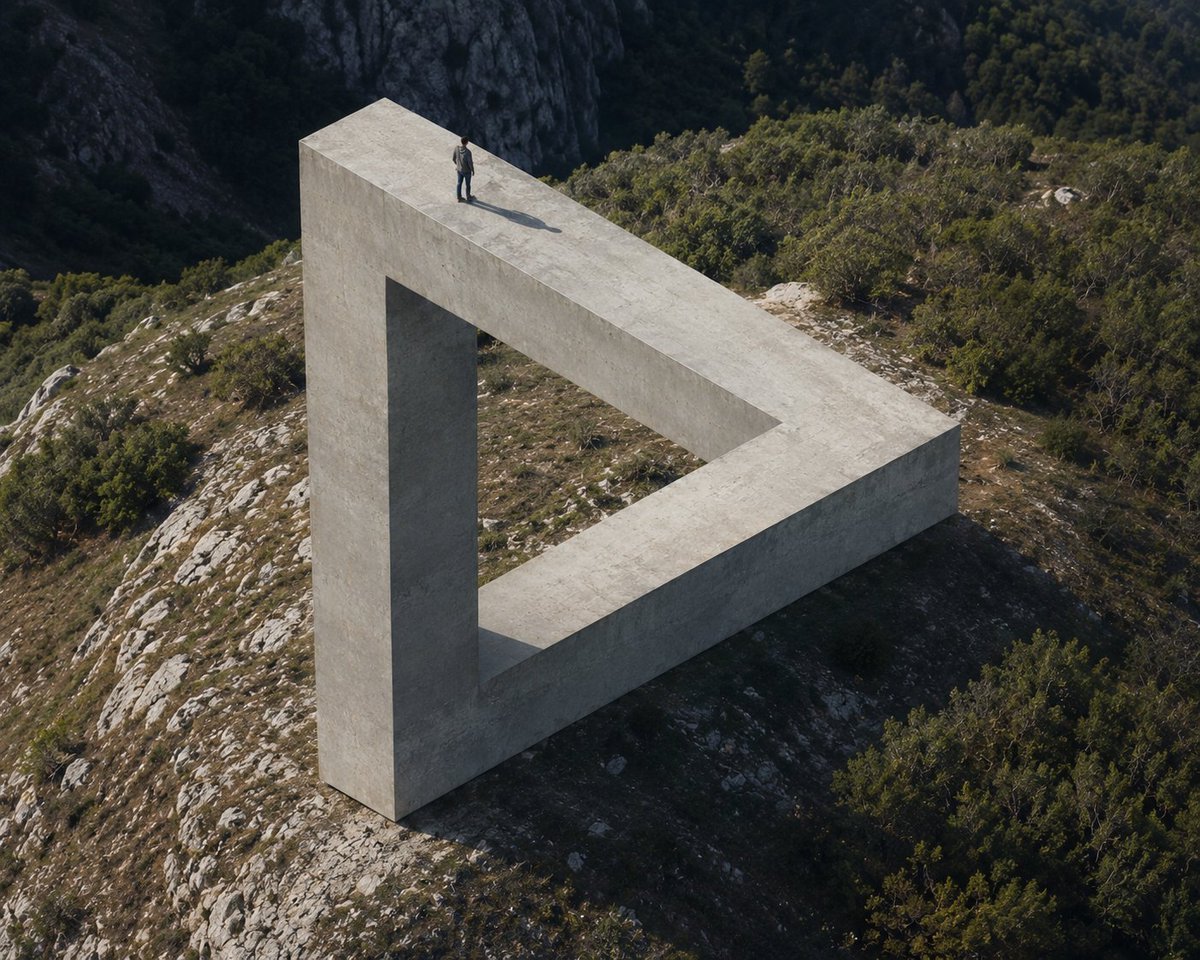
Penrose Impossible Triangle Structure

Minimalist Fashion Magazine Cover
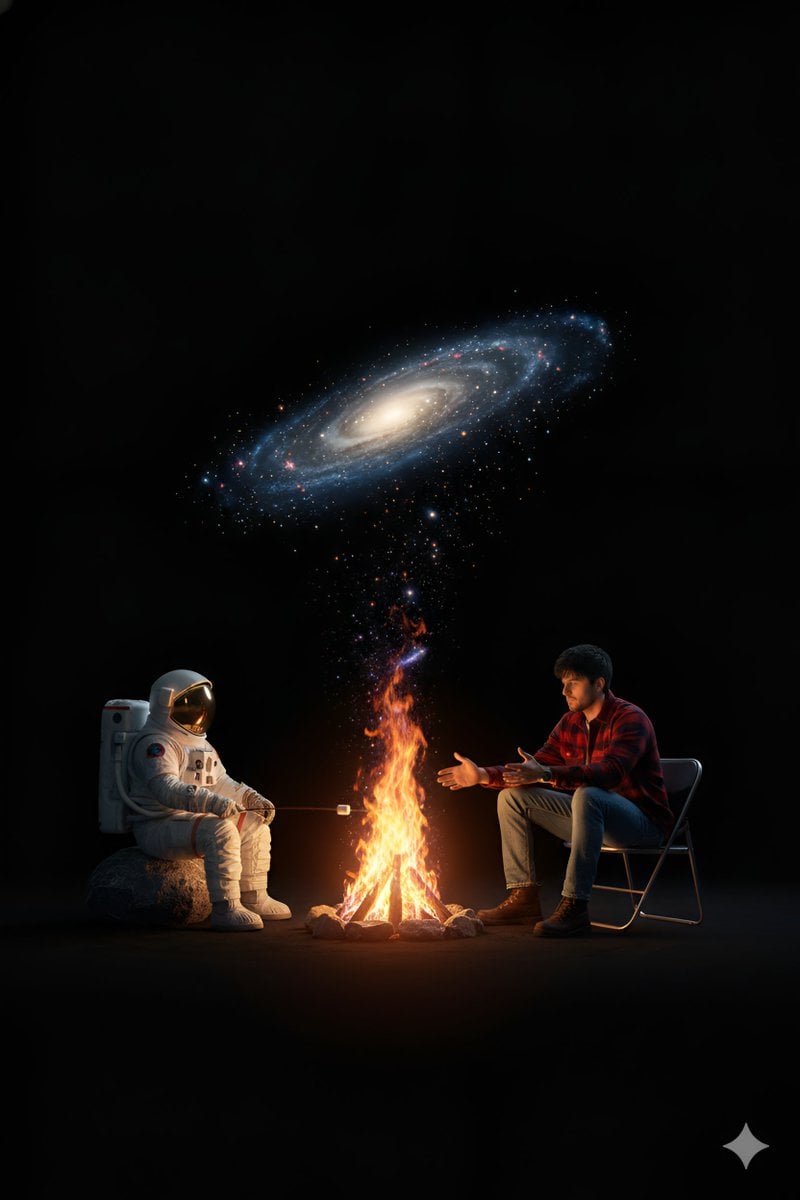
Cosmic Campfire Galaxy Art
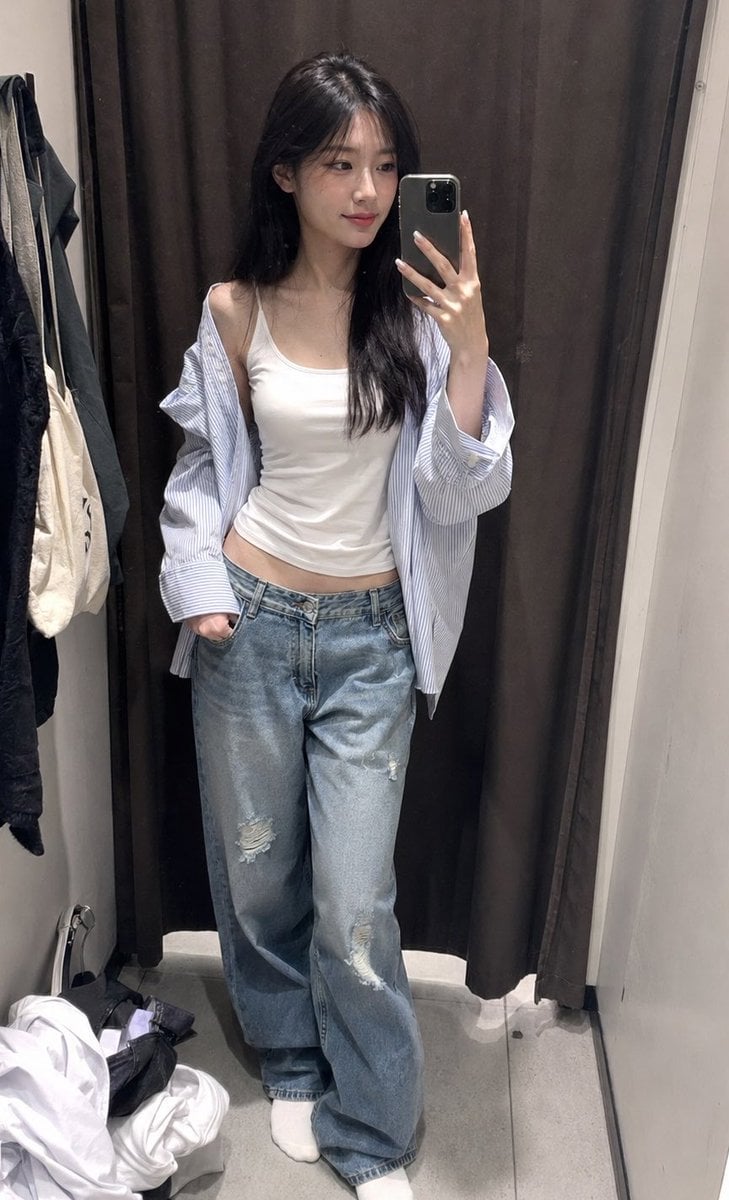
ZARA Fitting Room Mirror Selfie
Browse template categories
Golden Hour Beach Portrait questions
How do I use the Golden Hour Beach Portrait template?
Add your photo if the template asks for one, edit the prompt if you like — the template's model and format are already selected — and press Generate. Your version opens in PicX Studio.
Can I customize the Golden Hour Beach Portrait template?
Yes. You can change the subject, setting, lighting, mood, format, and available model controls before creating your image.
Is the Golden Hour Beach Portrait template free?
Opening and editing this template is free. Generating uses credits, shown on the Generate button when you are signed in.
Which AI model should I use?
Start with GPT Image 2, which is the model associated with this template. You can compare another compatible model for a different finish.
Looking for something else? Browse all templates.

Your photo, any look
Thousands of ready templates for every top image and video model, from one credit balance.