
Cosmic Campfire Galaxy Art
A cinematic and surreal conceptual artwork featuring an astronaut and a man sharing a magical campfire that transforms into a galaxy.
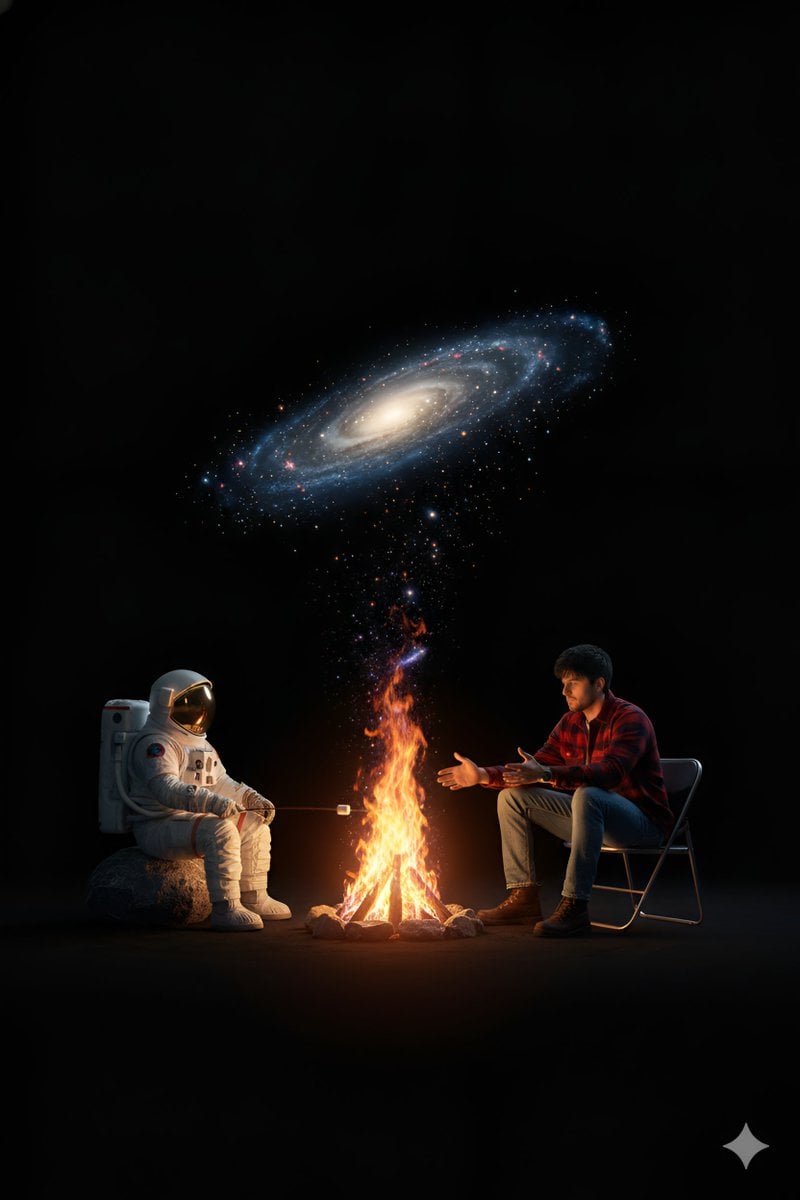
- Prompt included
- Model and format preset
- Free template
The prompt behind this image
Copy the exact prompt behind Cosmic Campfire Galaxy Art, or open it in the studio and make it yours.
Create a surreal, cinematic, photorealistic 8k conceptual artwork set in an abstract cosmic void. Use a high-angle full shot with symmetrical balance, placing a magical campfire at the exact center between two seated characters against a pitch-black background with no visible environment. On the left, show an {argument name="left character" default="astronaut"} sitting on a rough gray rock, wearing a highly detailed realistic white space suit with the helmet on and a reflective visor. The astronaut holds a stick and roasts a marshmallow over the fire. On the right, show a {argument name="right character" default="young man"} sitting on a metal folding chair and leaning forward toward the flames. He has dark hair and wears a red and black plaid flannel shirt, blue jeans, and brown boots. He is warming his hands by the fire. Make the central campfire magical and surreal: the warm orange flames should transition seamlessly into a {argument name="fire transition effect" default="photorealistic spiral galaxy"} filled with glittering stars, cosmic dust, and visible swirling motion. The galaxy should rise and arch overhead like a celestial canopy. Lighting should be dramatic and cinematic. Use warm orange firelight as the primary light source, with cool blue and purple glow from the galaxy as secondary light. Create soft but deep shadows and strong contrast. Use a color palette dominated by black, orange, blue, and purple, with white, red, and brown accents. The image should communicate human connection, cosmic wonder, the contrast between ordinary life and the infinite universe, and shared warmth in an endless dark space. Render with ultra-detailed photorealistic textures, cinematic lighting, sharp focus, and high dynamic range.
How to use Cosmic Campfire Galaxy Art in 3 steps
- 1
Open
The prompt is already in the box next to the preview, with the template's model and format selected.
- 2…a portrait of your subject in softgolden-hour light, 85mm…
Personalize
Edit the subject and creative details for your destination.
- 3Generate
Generate
Press Generate — your image is created in PicX Studio, so you can compare it with the original and refine one variable at a time.
More like this
Templates with the same subject, style or setup. Open one to see its prompt.

Cosmic Galaxy Dual Portrait Template
Cosmic Galaxy Watercolor Portrait (Identity Preservation)
Surreal Campfire in Cosmic Void
Surreal Cinematic Campfire in Cosmic Void
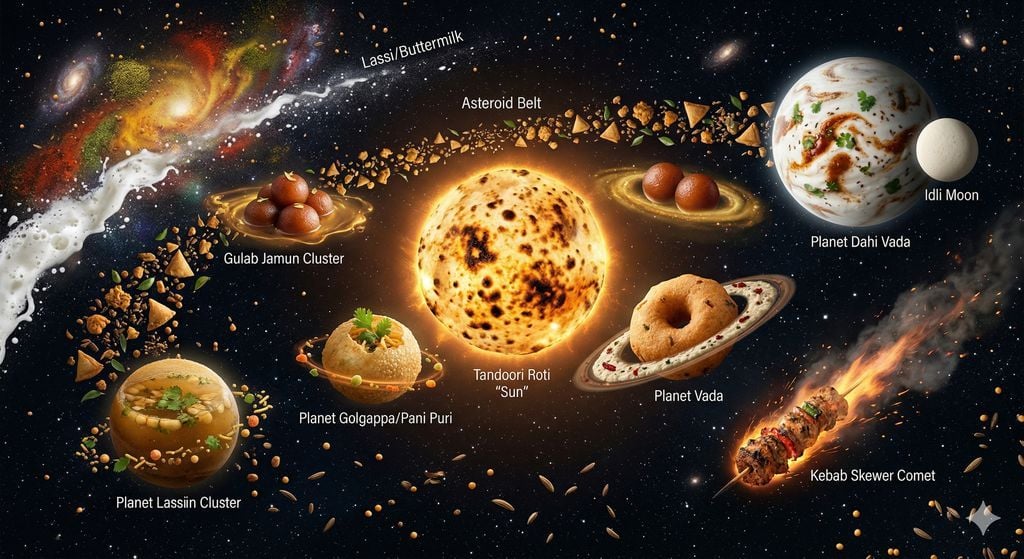
The Food Galaxy: Cosmic Indian Street Food Solar System
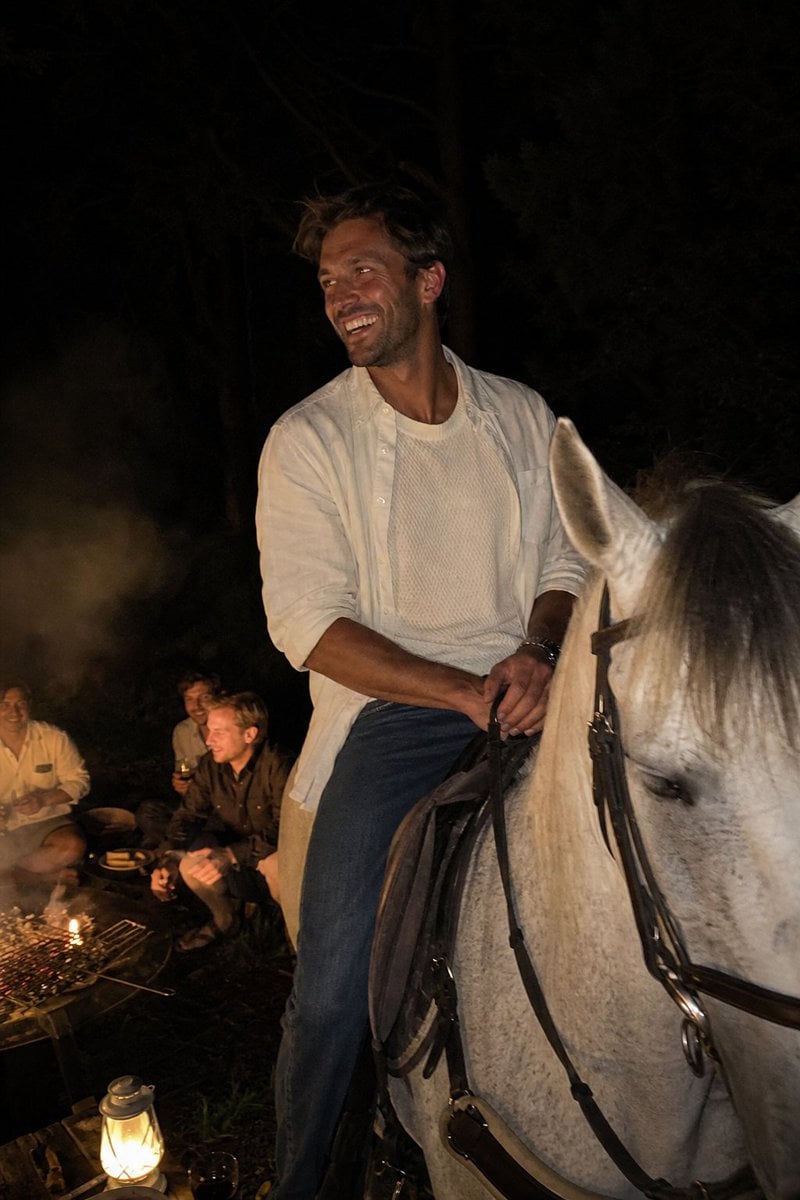
Candid Night Horseback Campfire Photo
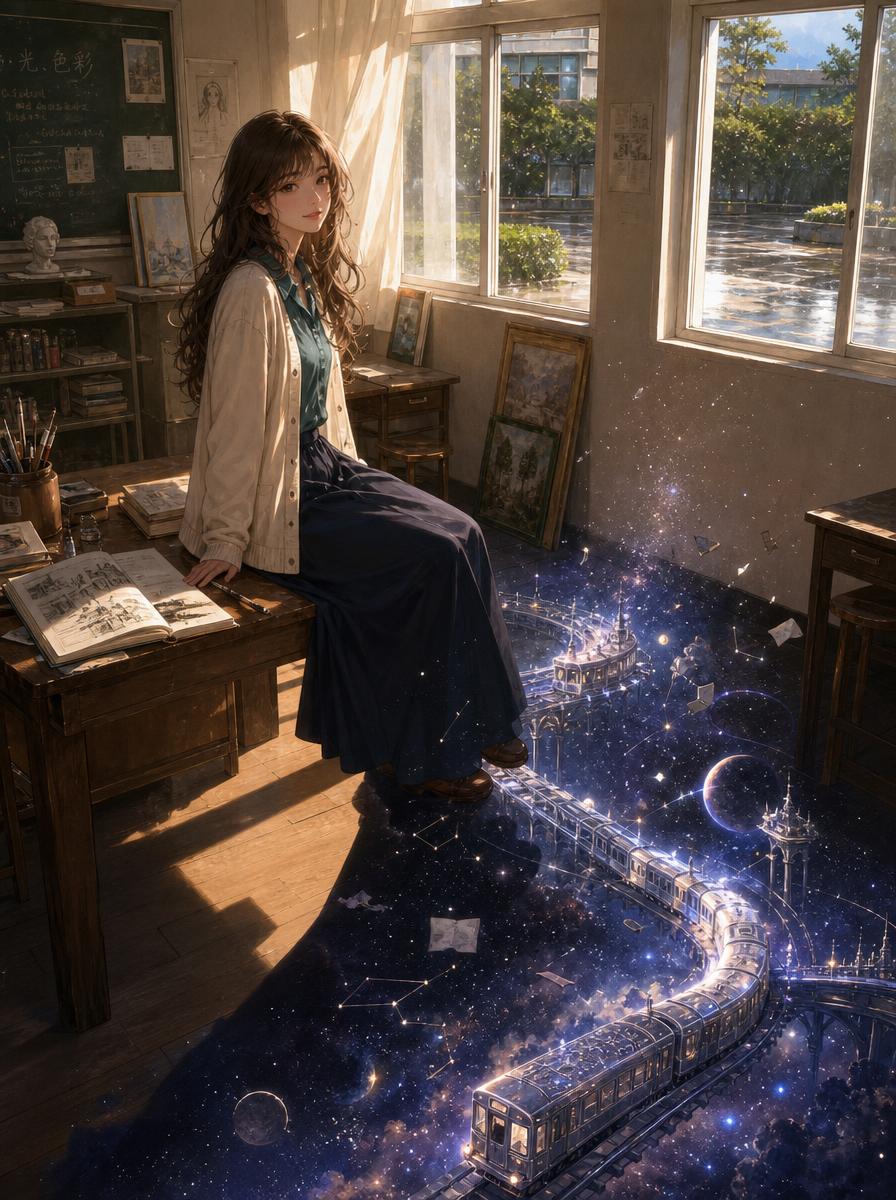
Galaxy Train in an Old Classroom

Golden Retriever Sunset Campfire Photography
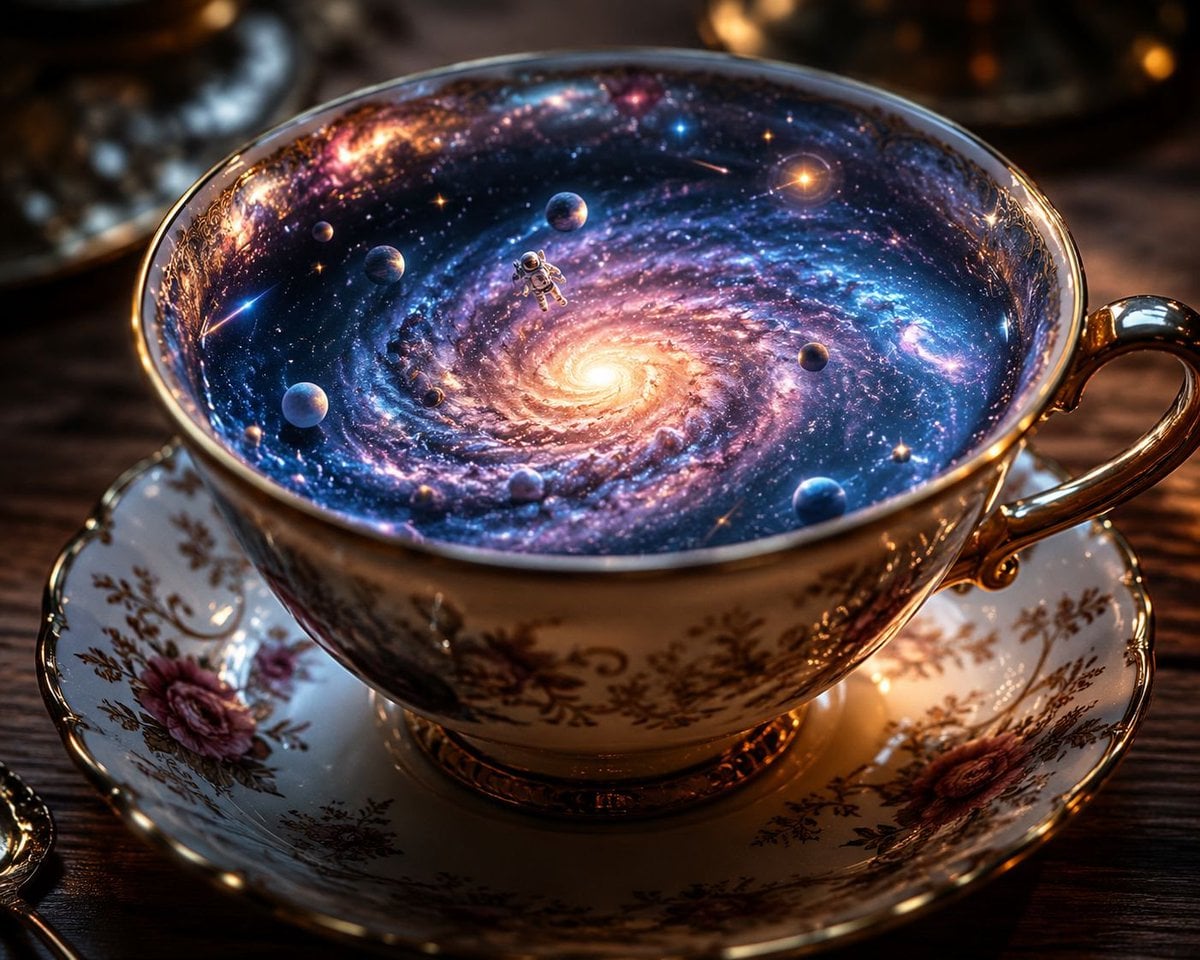
The Galaxy in a Teacup Macro Photography
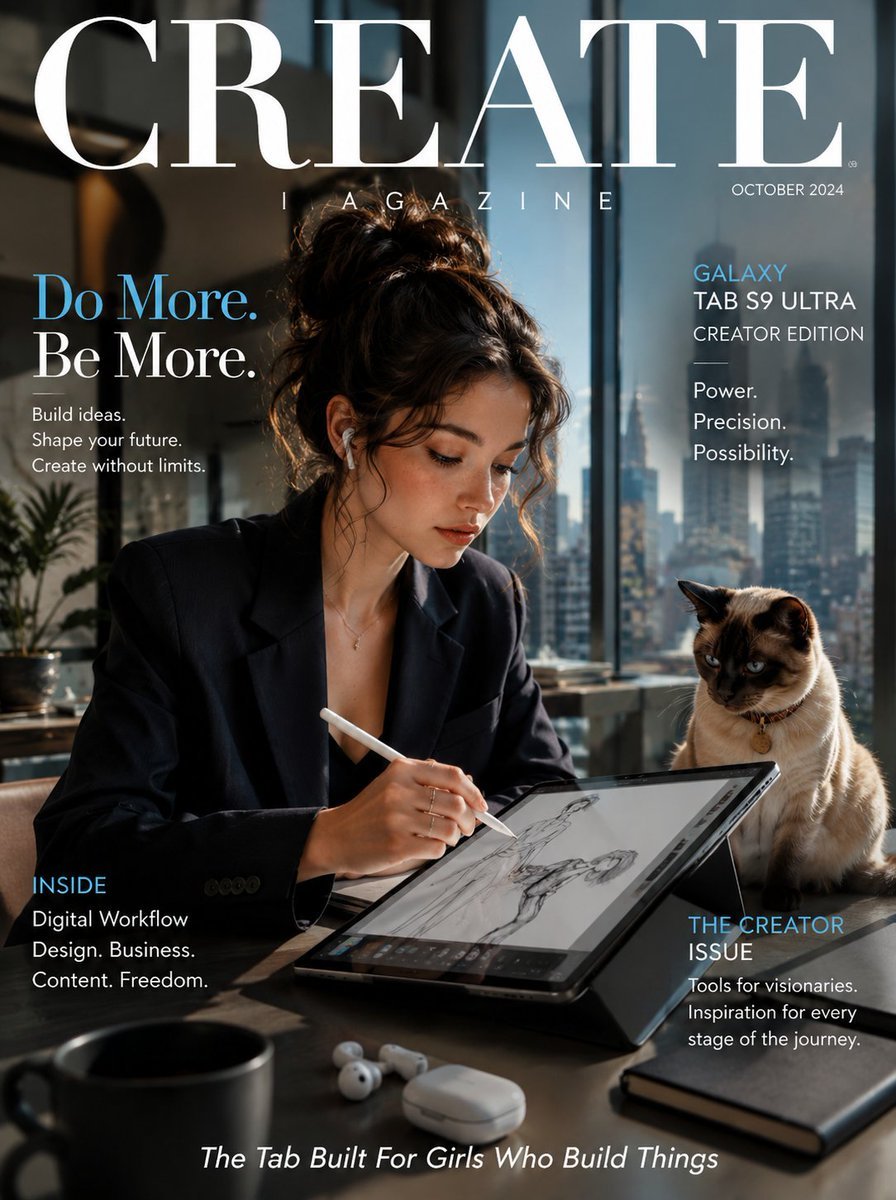
Samsung Galaxy Tab Creative Magazine Cover
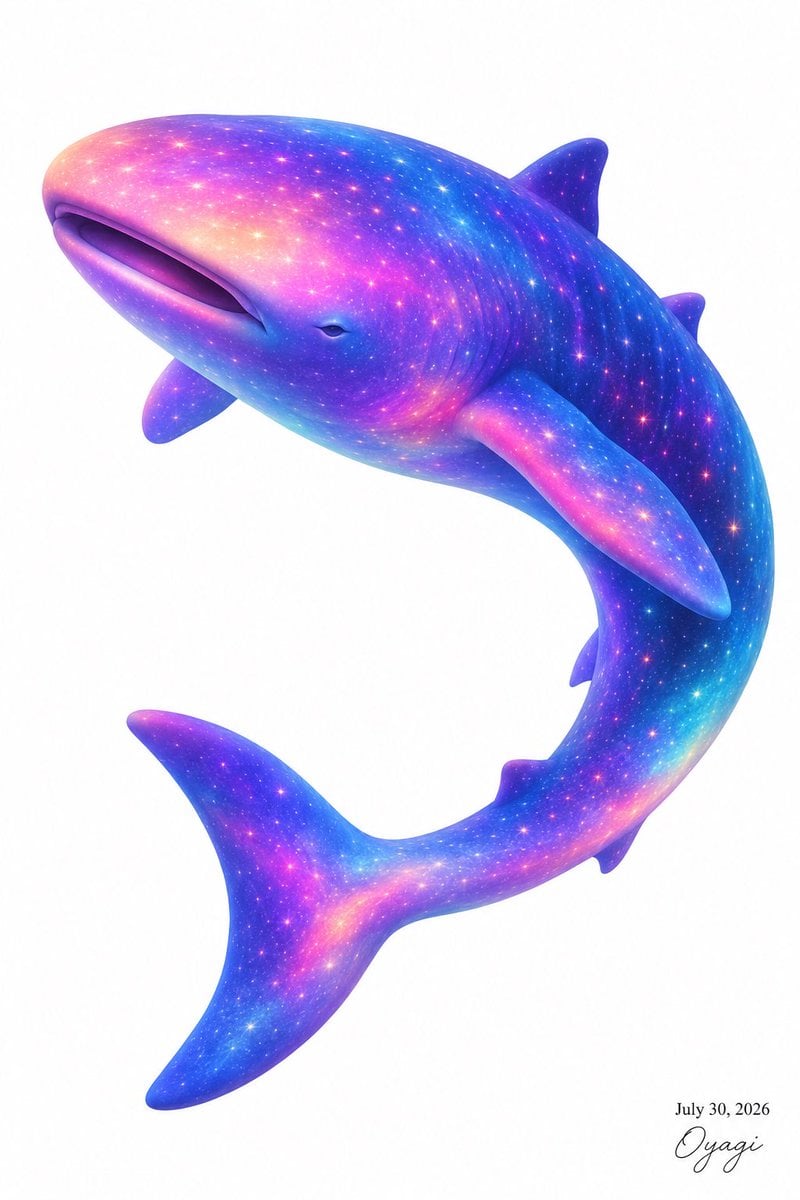
Celestial Galaxy Whale Shark
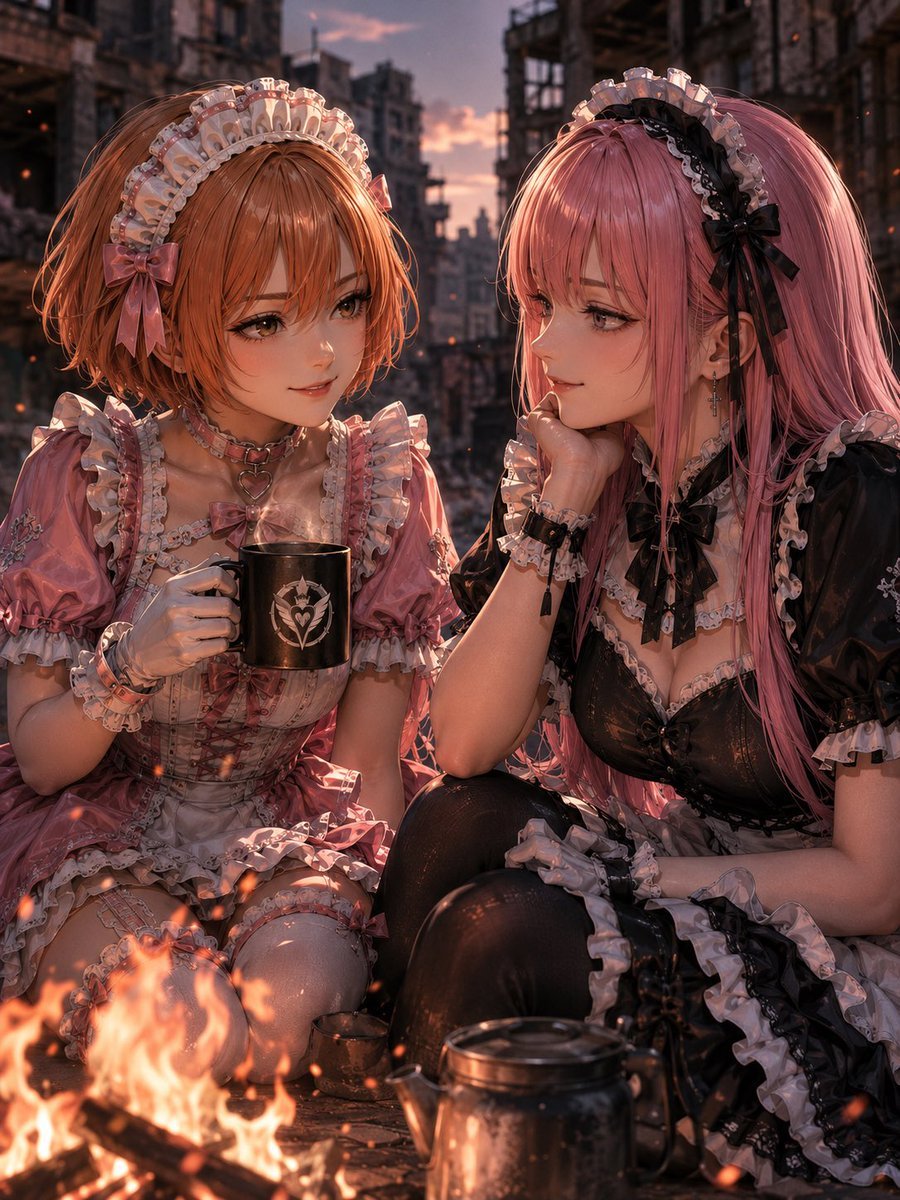
Sunset Maids by a Campfire
Make it yours
Cosmic Campfire Galaxy Art works as-is. These are the safest ways to change it without losing the look.
Change one field
Copy a single group, rewrite it, and generate again so you can see what that field is doing.
Keep the frame, change the subject
Hold the composition and light of Cosmic Campfire Galaxy Art, then swap wardrobe, props or the person for a new take.
| If the result… | Why | Fix |
|---|---|---|
| The result drifts from the preview | Too many fields changed at once. | Reuse Cosmic Campfire Galaxy Art as-is first, then change one group — subject, light, or setting. |
| The model over-stylizes the scene | The prose prompt leaves finish and camera underspecified. | Add one camera or lighting sentence and stay on GPT Image 2. |
More GPT Image 2 templates
Other prompts made for GPT Image 2.

Six VTuber Japanese Logo Sheet

Realistic Portrait of Woman and Deer

The Vista Modular Condo Poster

AI Model Routing Comparison Infographic

2.5D Anime Art Board

Isometric Productivity Desk Scene

New York Double Exposure Poster

Four-Panel AI Landscape Comparison

Japanese Tatami Lifestyle Magazine Cover

NESCAFÉ Coffee Map Poster
More image prompts
Fresh picks from across the catalog.
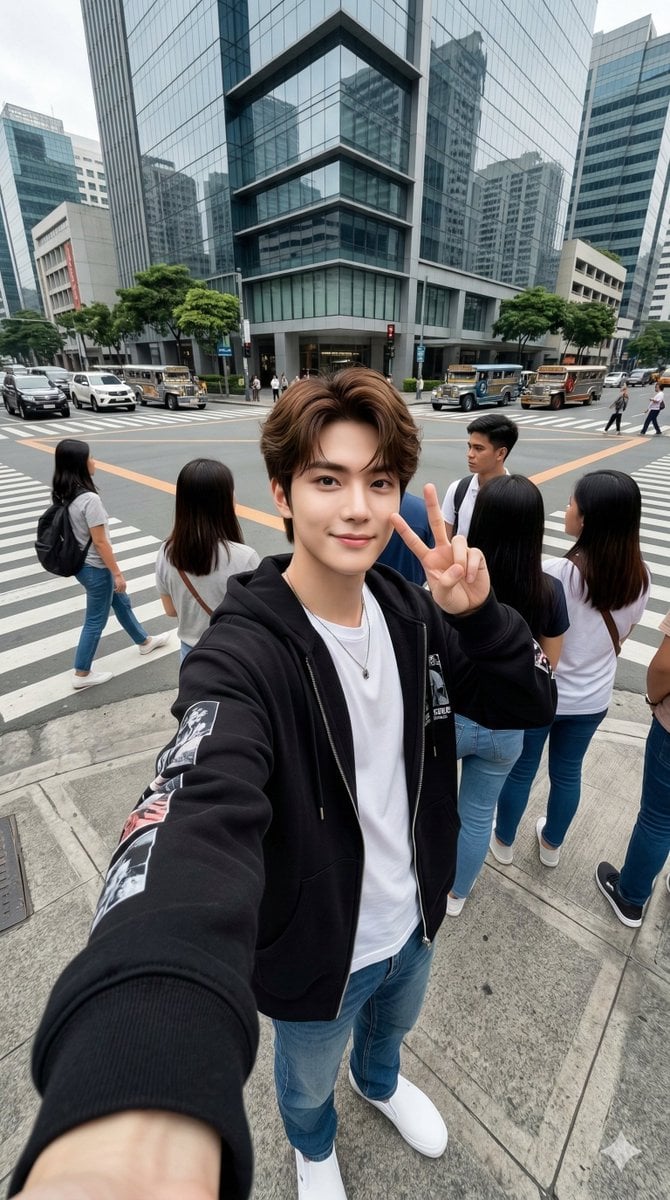
Urban Streetwear Wide-Angle Group Selfie
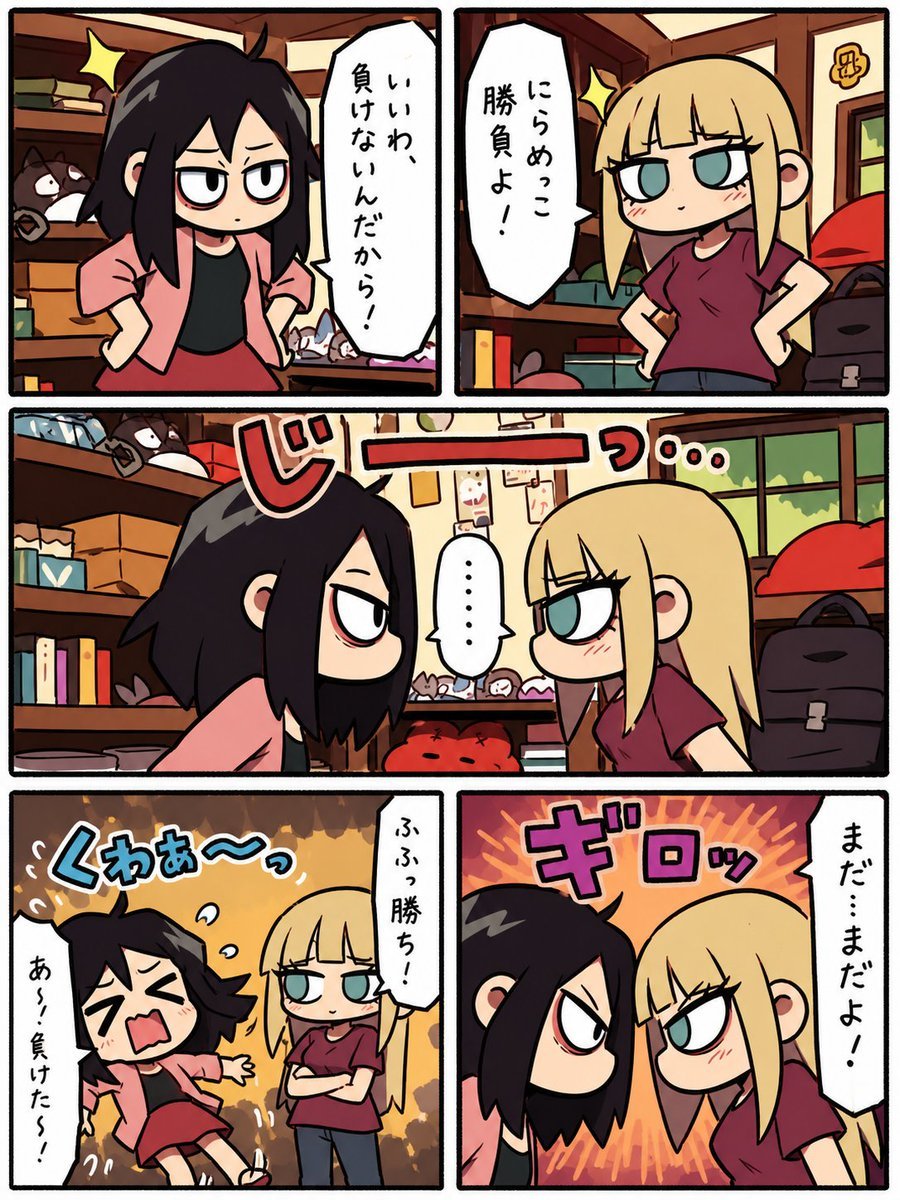
Chibi Staring Contest Manga Page

Cozy Work-From-Home Portrait Prompt

Sports League Invitation Poster Prompt
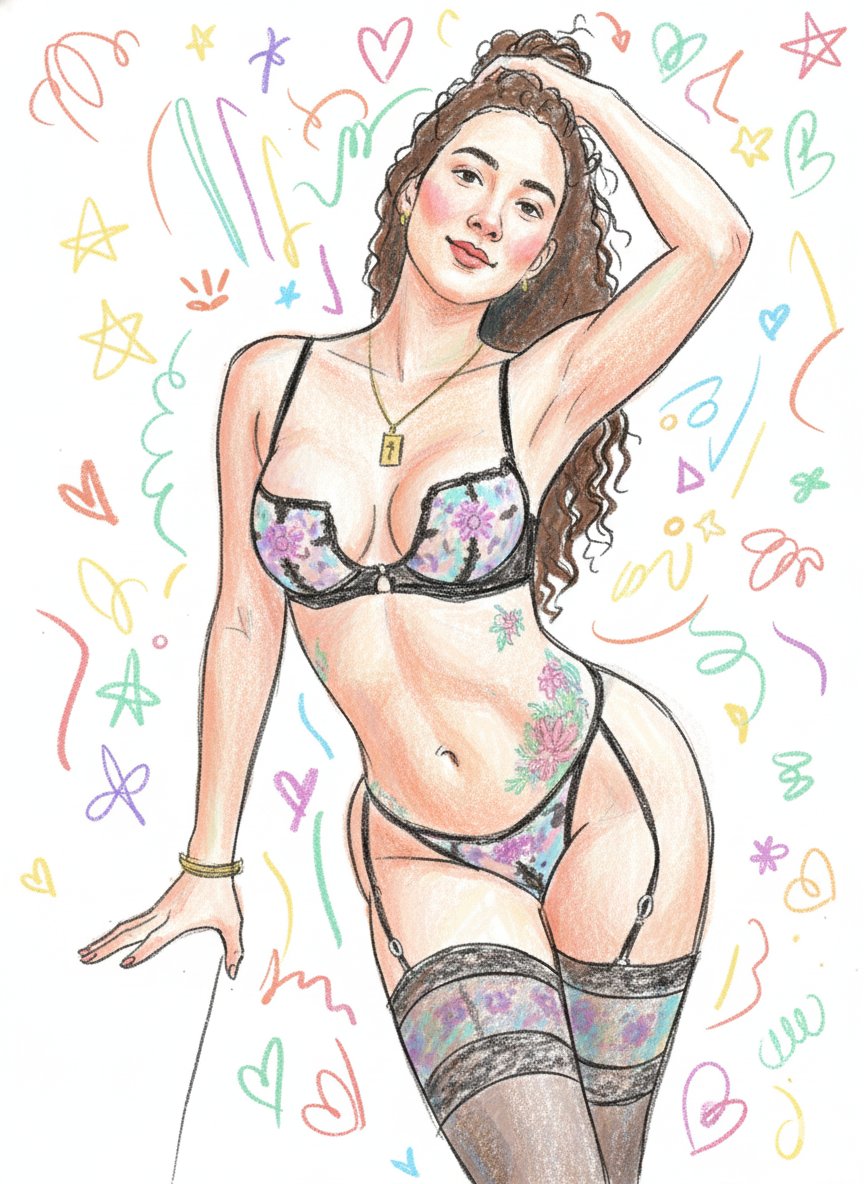
Scribbly Doodle Illustration Style Prompt
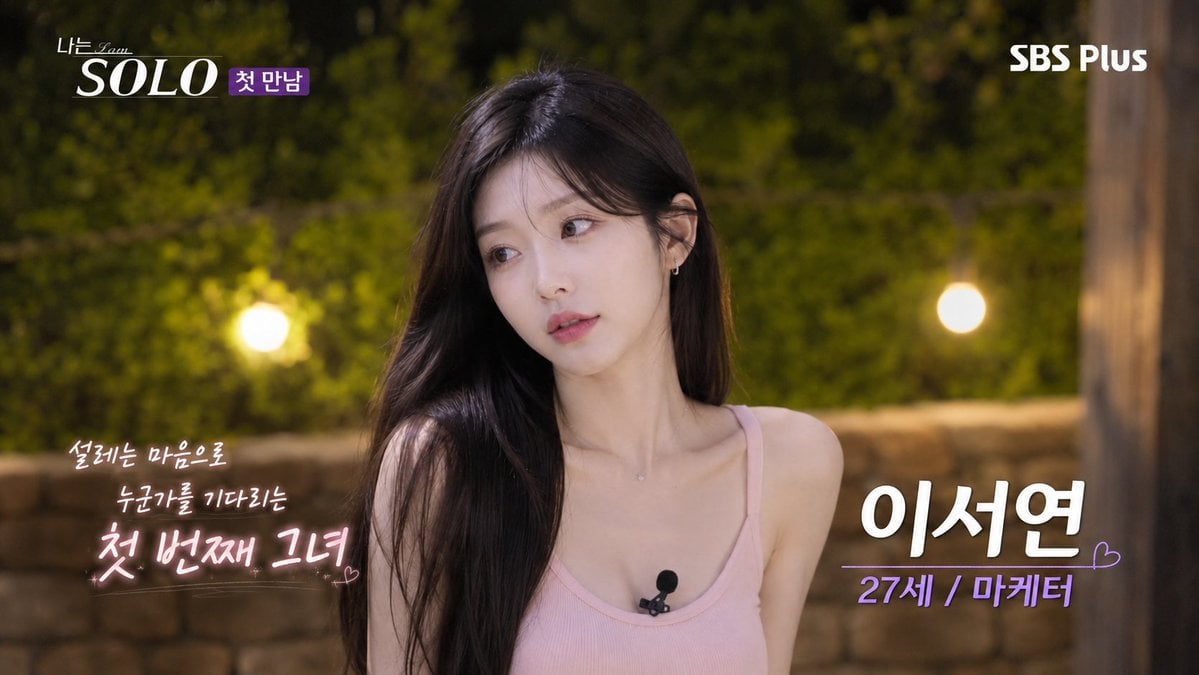
Korean Reality Dating Show Participant Portrait
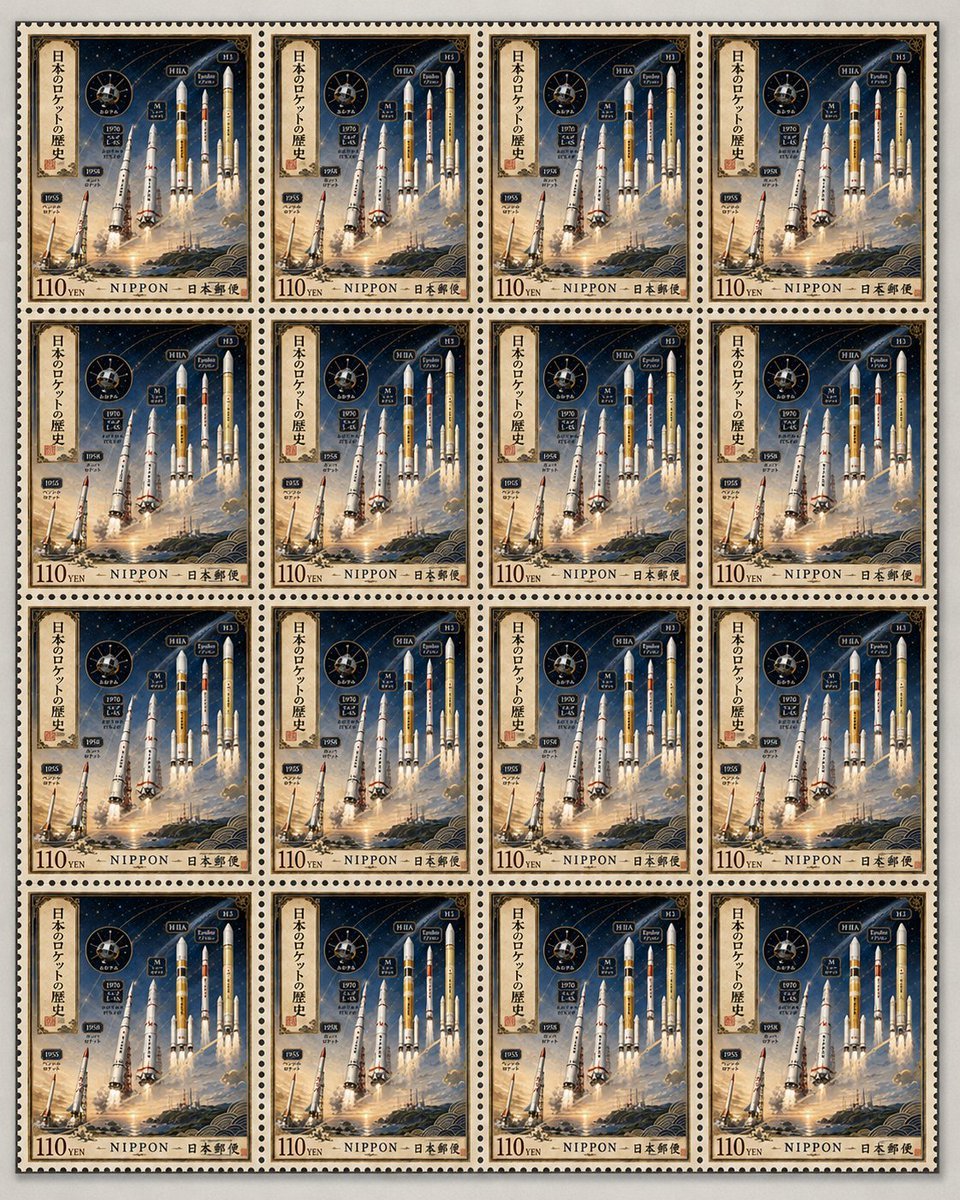
Fictional Japanese Rocket Stamp Sheet
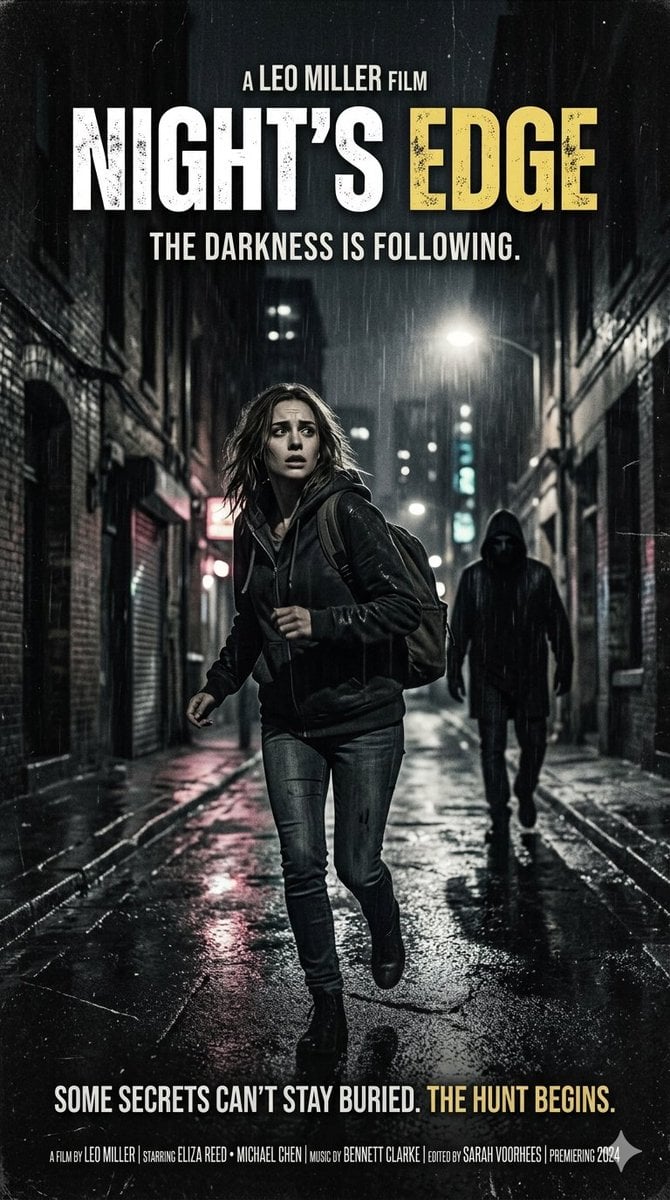
Neo-noir psychological thriller movie poster
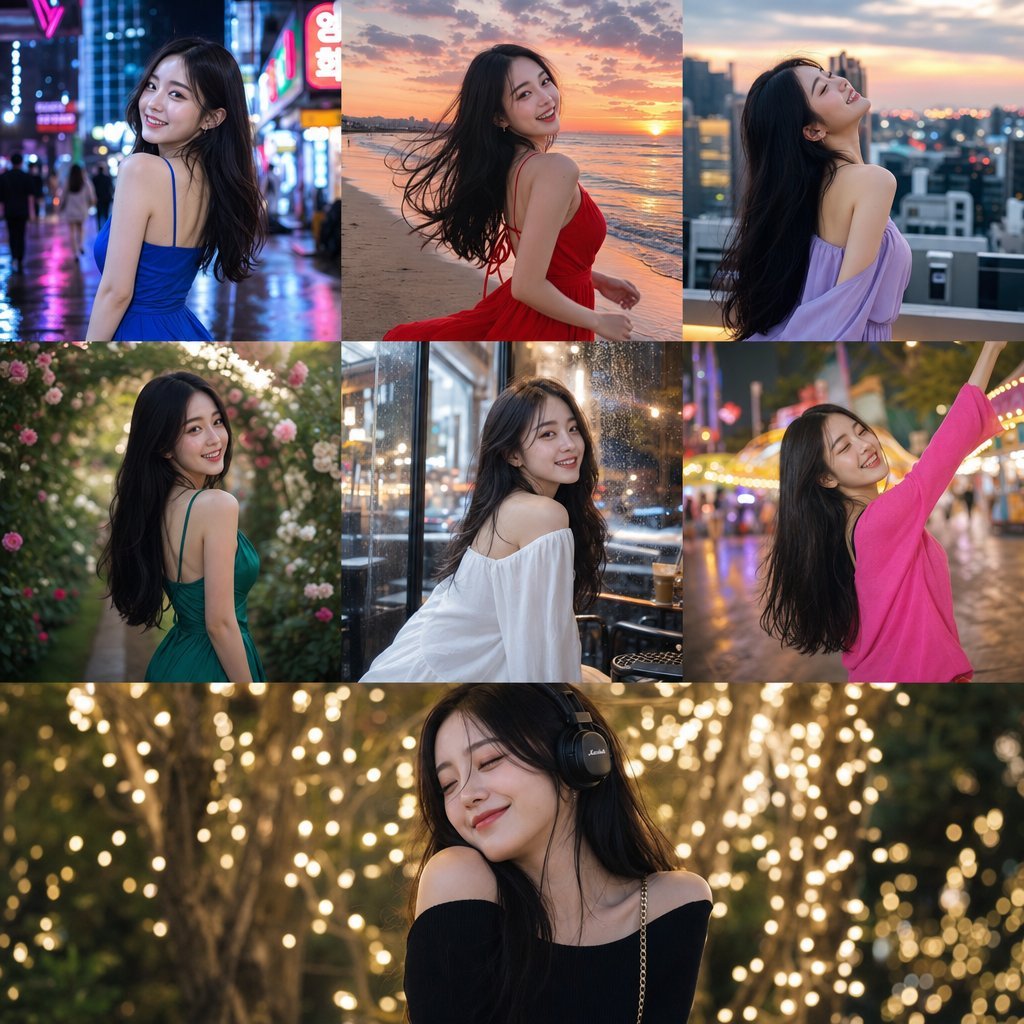
Consistent Korean Girl Identity Lifestyle
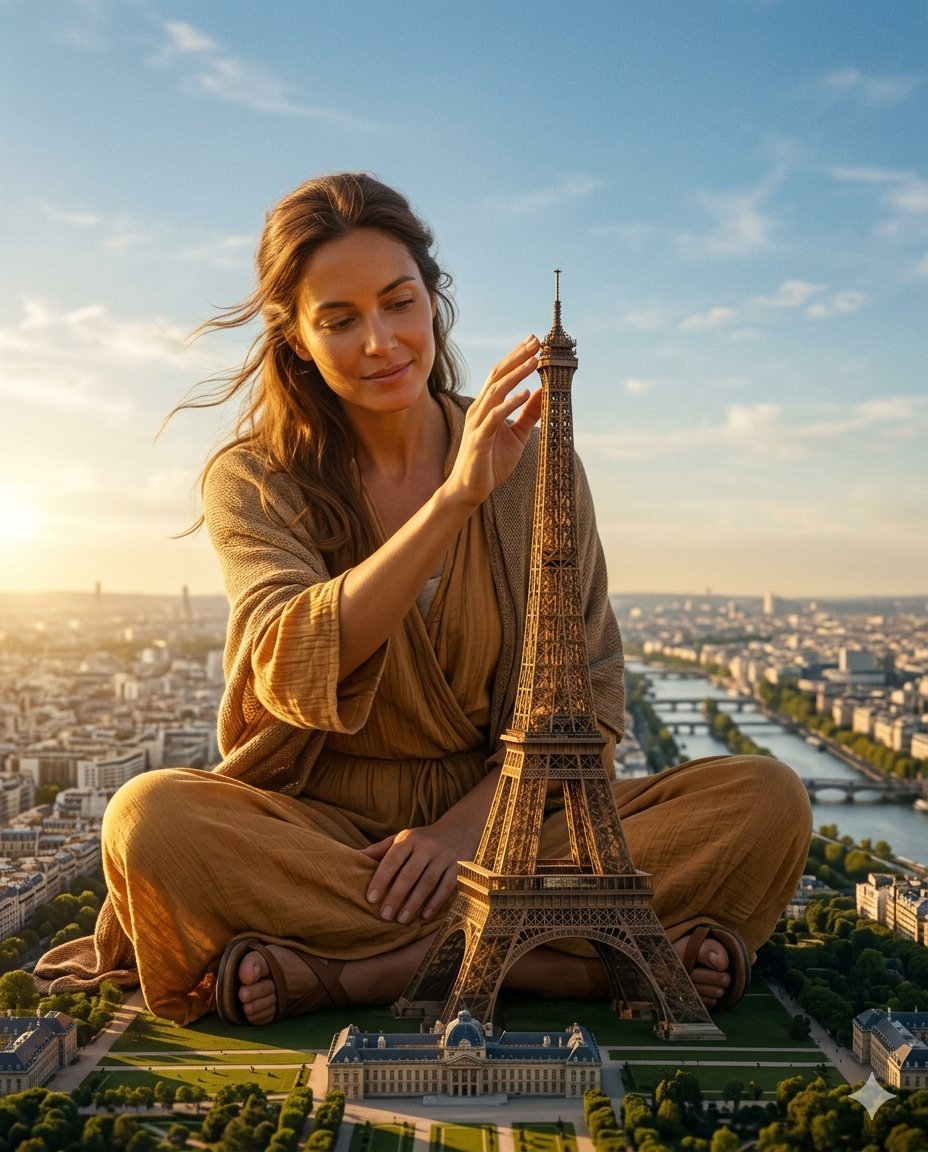
Titanic Woman in Paris Prompt
Browse template categories
Cosmic Campfire Galaxy Art questions
How do I use the Cosmic Campfire Galaxy Art template?
Add your photo if the template asks for one, edit the prompt if you like — the template's model and format are already selected — and press Generate. Your version opens in PicX Studio.
Can I customize the Cosmic Campfire Galaxy Art template?
Yes. You can change the subject, setting, lighting, mood, format, and available model controls before creating your image.
Is the Cosmic Campfire Galaxy Art template free?
Opening and editing this template is free. Generating uses credits, shown on the Generate button when you are signed in.
Which AI model should I use?
Start with GPT Image 2, which is the model associated with this template. You can compare another compatible model for a different finish.
Looking for something else? Browse all templates.

Your photo, any look
Thousands of ready templates for every top image and video model, from one credit balance.