
Infernal Shadow Ninja
Generates a dramatic dark fantasy portrait of a faceless ninja warrior surrounded by molten fire and a glowing halo for poster or game concept art.
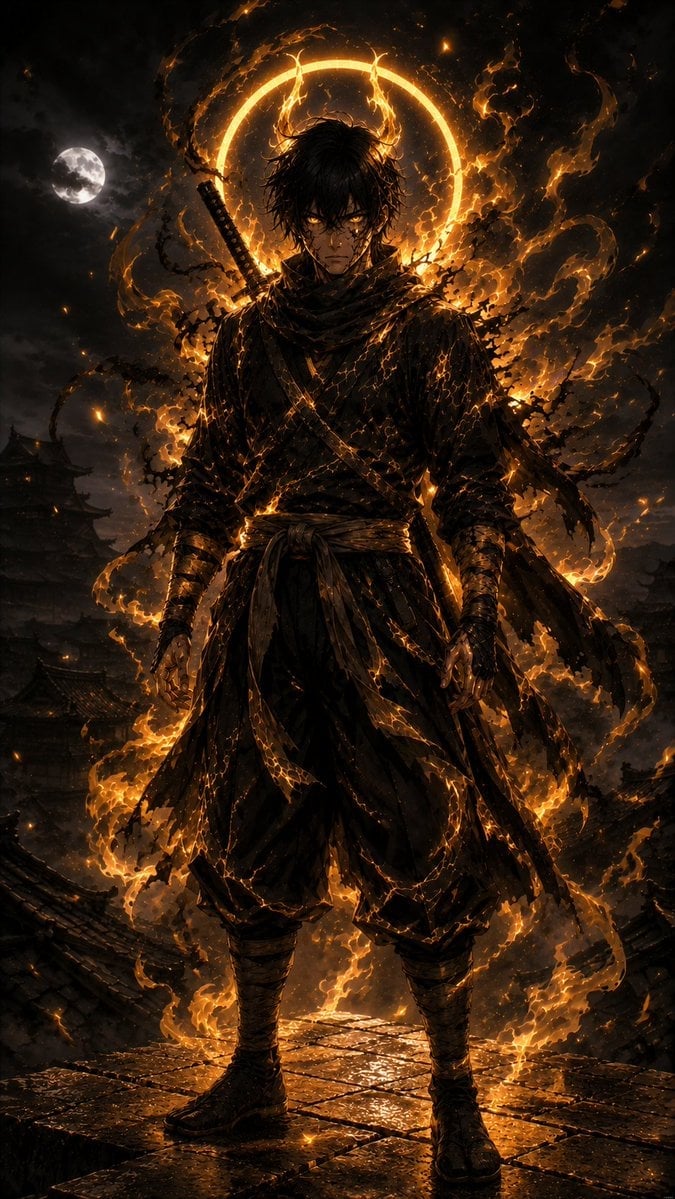
- Prompt included
- Model and format preset
- Free template
The prompt behind this image
Copy the exact prompt behind Infernal Shadow Ninja, or open it in the studio and make it yours.
Create a vertical dark fantasy cinematic illustration of a lone {argument name="character type" default="shadow ninja warrior"} standing full-body on a wet stone rooftop in an ancient Japanese city at night. The figure faces forward in a powerful still pose, wearing layered black tattered shinobi robes, scarf, sash belt, arm wraps, loose hakama-style pants, and dark boots, with one katana sheathed diagonally across the back. The face is completely hidden in deep shadow as an anonymous dark void, with messy black hair silhouetted against intense backlight. Behind the head is one large glowing circular halo of molten orange fire, like an eclipse ring, while swirling black smoke, ash, sparks, and flame ribbons wrap around the body and robes. Use a dramatic moonlit sky with one bright full moon on the left, storm clouds, distant pagoda rooftops, and a ruined city silhouette in the background. The palette should be almost entirely black, charcoal, and ember orange, with high-contrast rim lighting, glowing cracks of lava-like energy across the clothing, burning embers at the feet, wet reflective stone tiles, and dense atmospheric smoke. Style: ultra-detailed fantasy concept art, samurai-ninja dark sorcery aesthetic, realistic painterly rendering, epic poster composition, sharp textures, volumetric firelight, no text, no watermark.
How to use Infernal Shadow Ninja in 3 steps
- 1Upload ImagePNG, JPG or paste
Add your photo
Upload the photo the template builds on. The prompt, model and format are already set.
- 2…a portrait of your subject in softgolden-hour light, 85mm…
Personalize
Edit the subject and creative details for your destination.
- 3Generate
Generate
Press Generate — your image is created in PicX Studio, so you can compare it with the original and refine one variable at a time.
More like this
Templates with the same subject, style or setup. Open one to see its prompt.
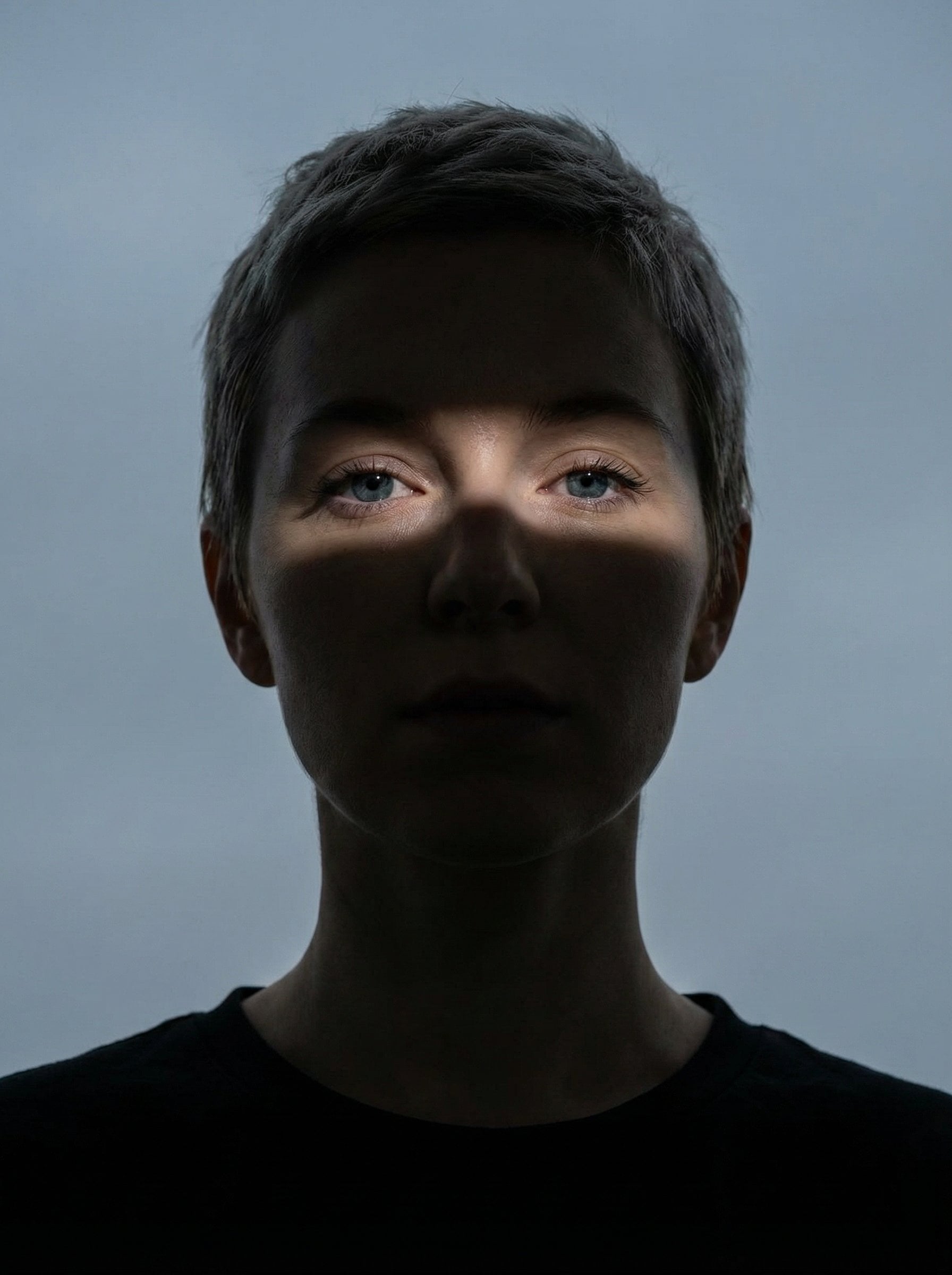
Nano Banana Pro Eyes in Shadow
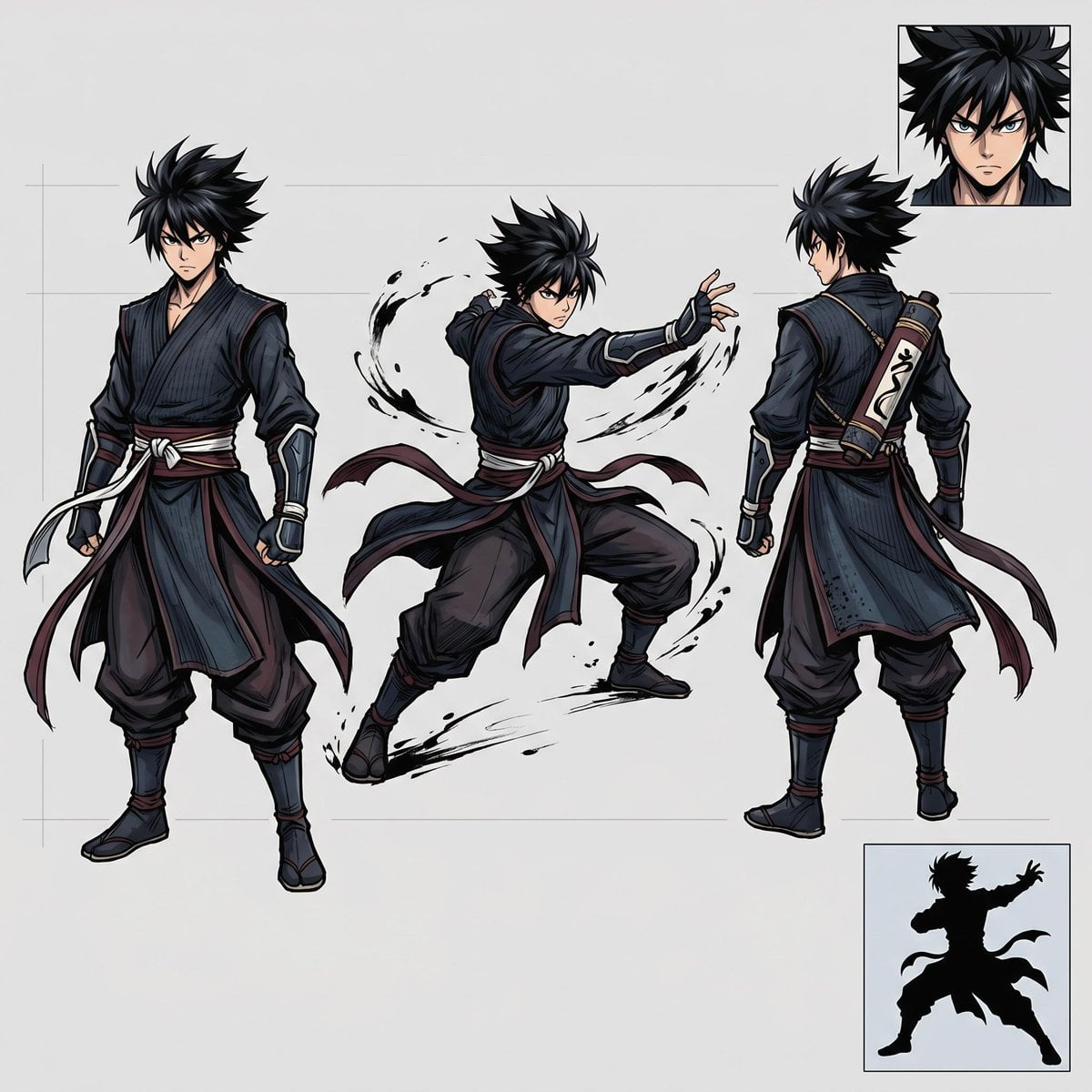
Faceless Shadow Ninja Character Sheet
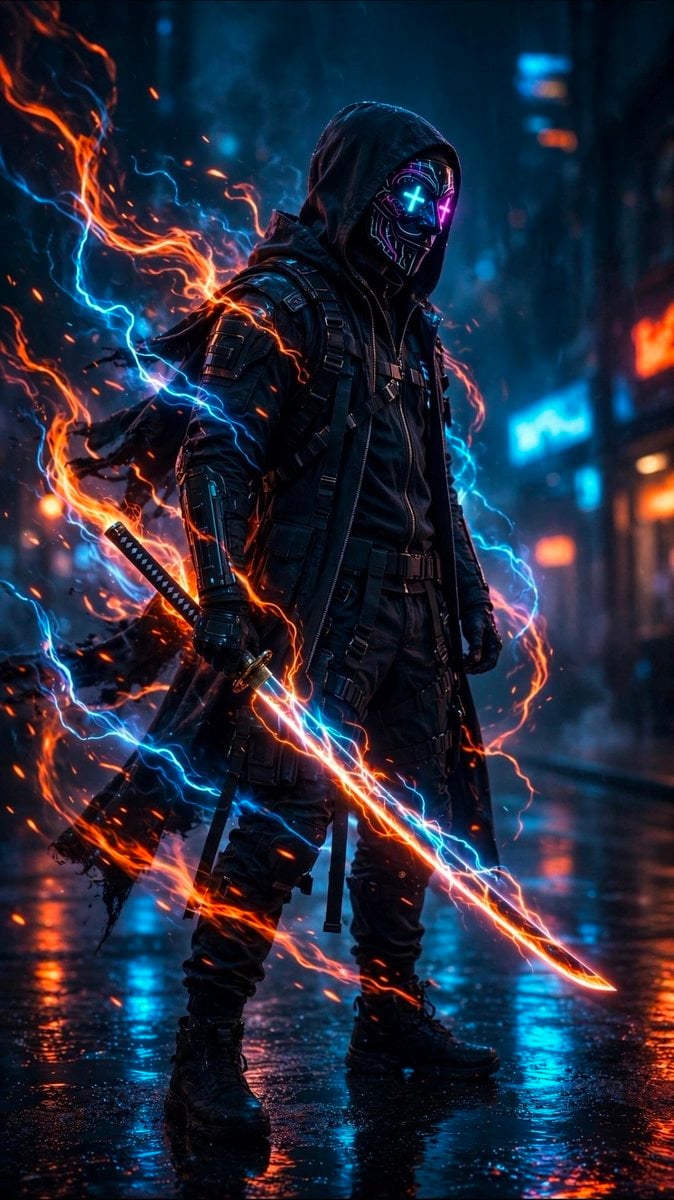
Cyberpunk Neon Ninja Samurai
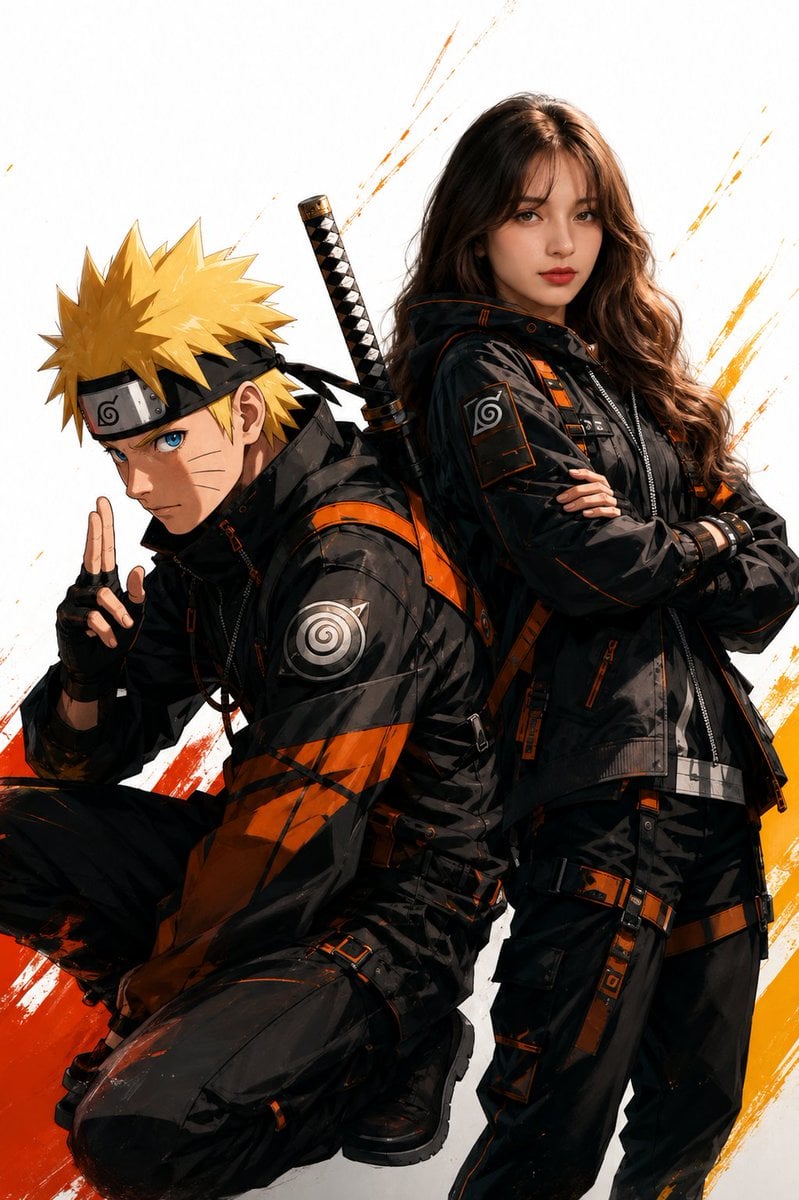
Anime Realistic Ninja Duo Portrait

Chibi Anime Ninja Sticker Sheet
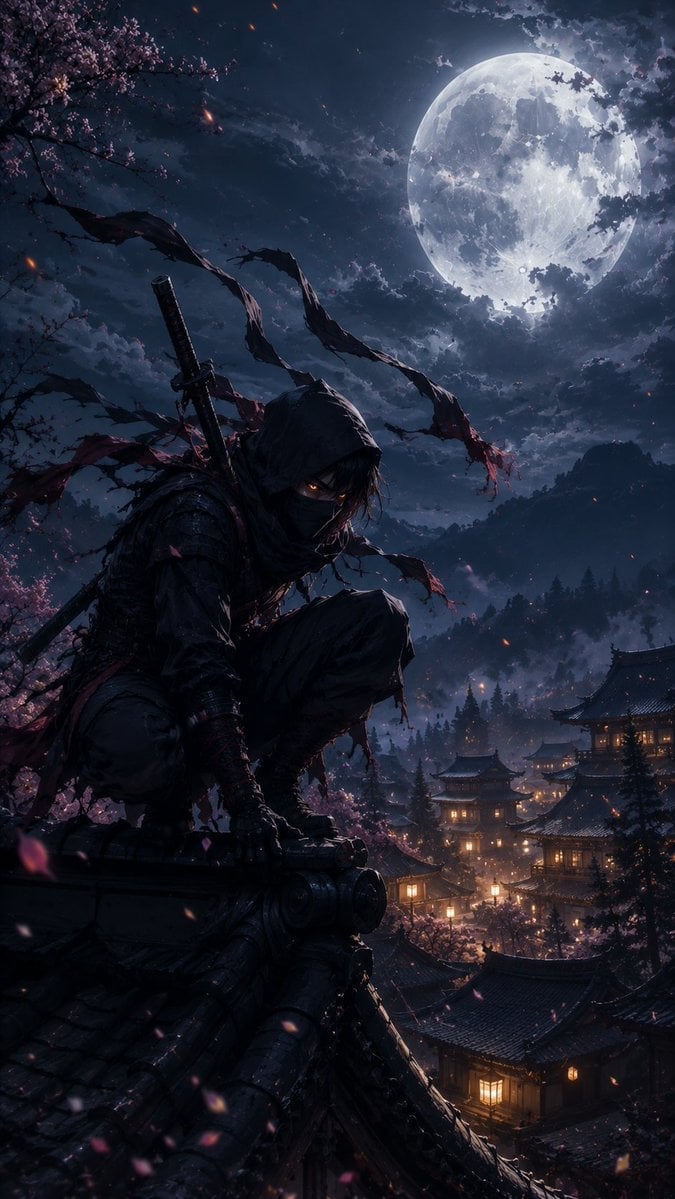
Cinematic Ninja Anime Wallpaper
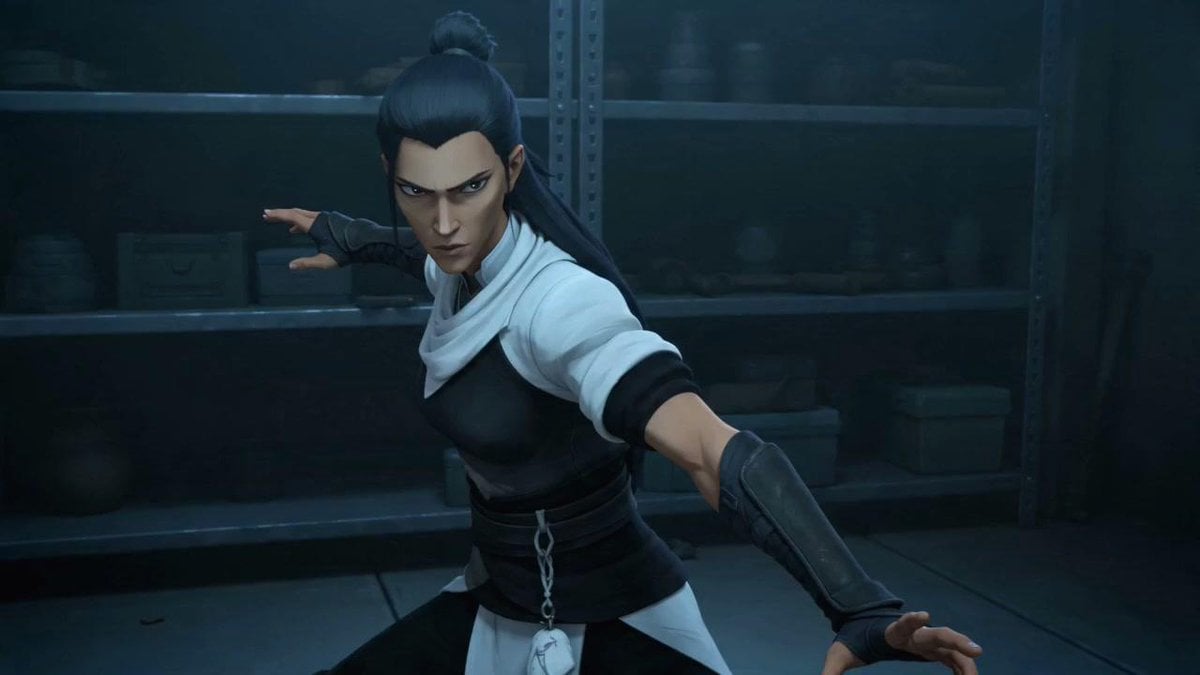
Censored Ninja Fighter Cutscene
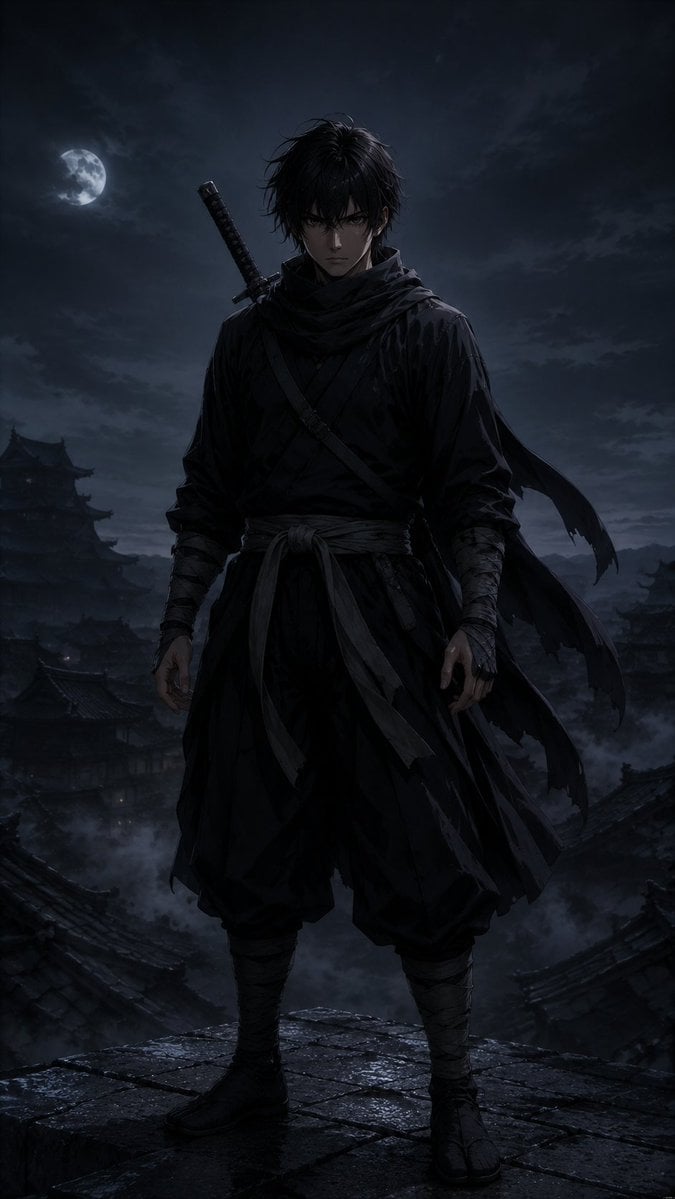
Moonlit Dark Ninja Rooftop
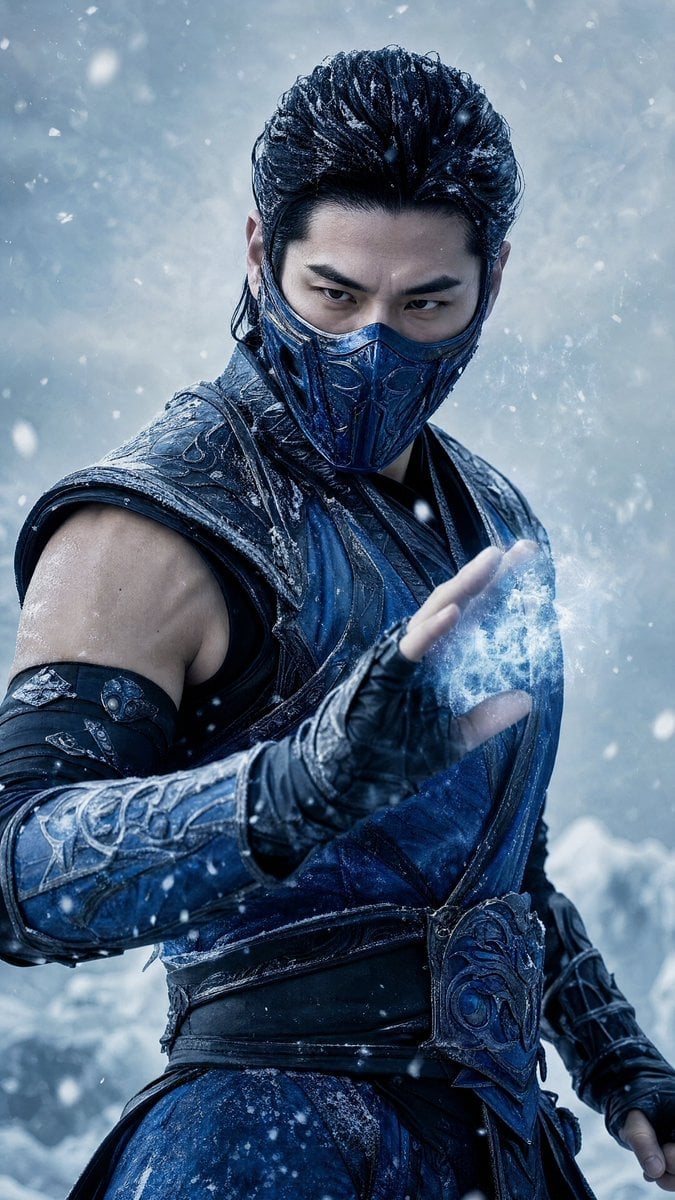
Cinematic Ice Ninja Portrait
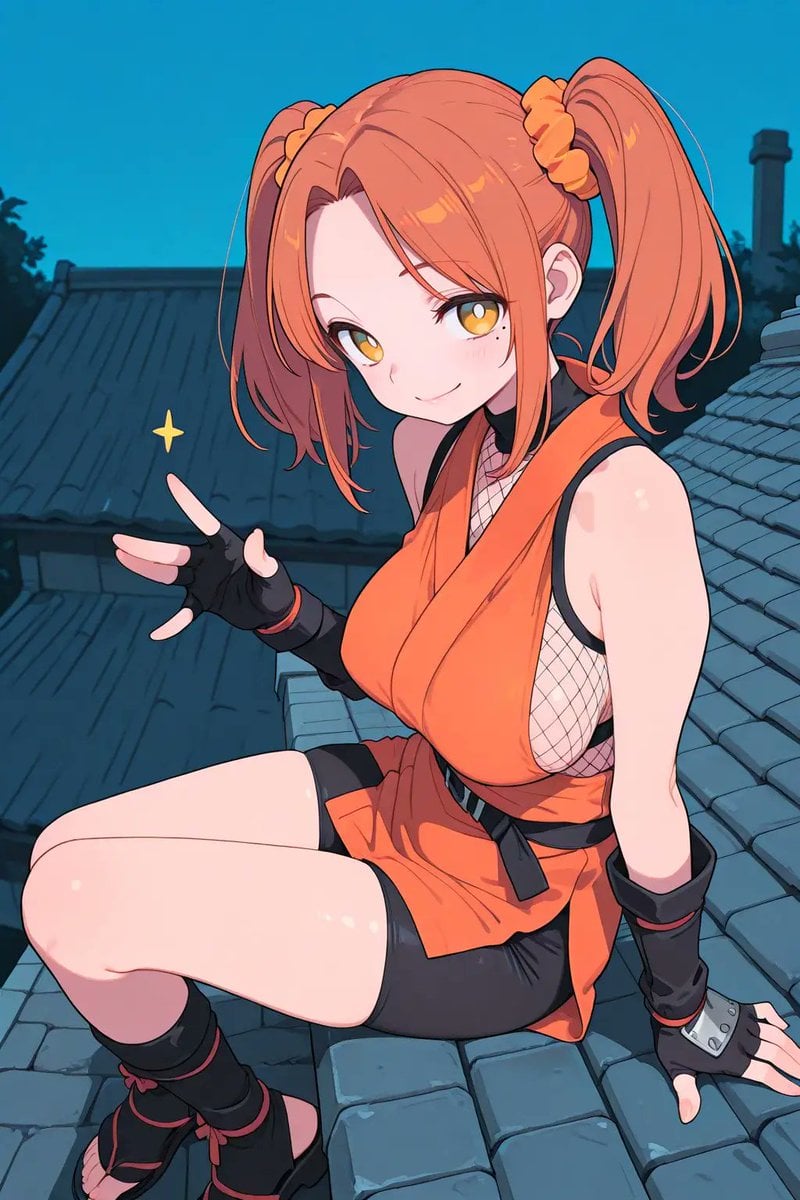
Anime Ninja Girl on Rooftop
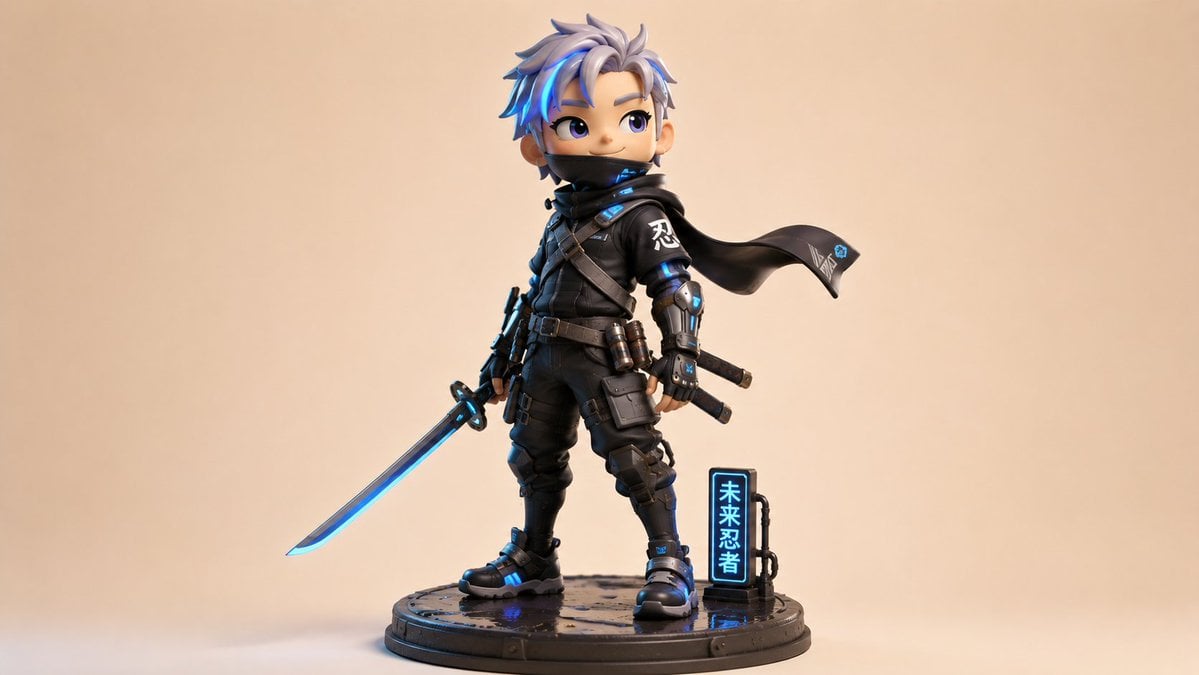
Chibi Cyber Ninja Figurine
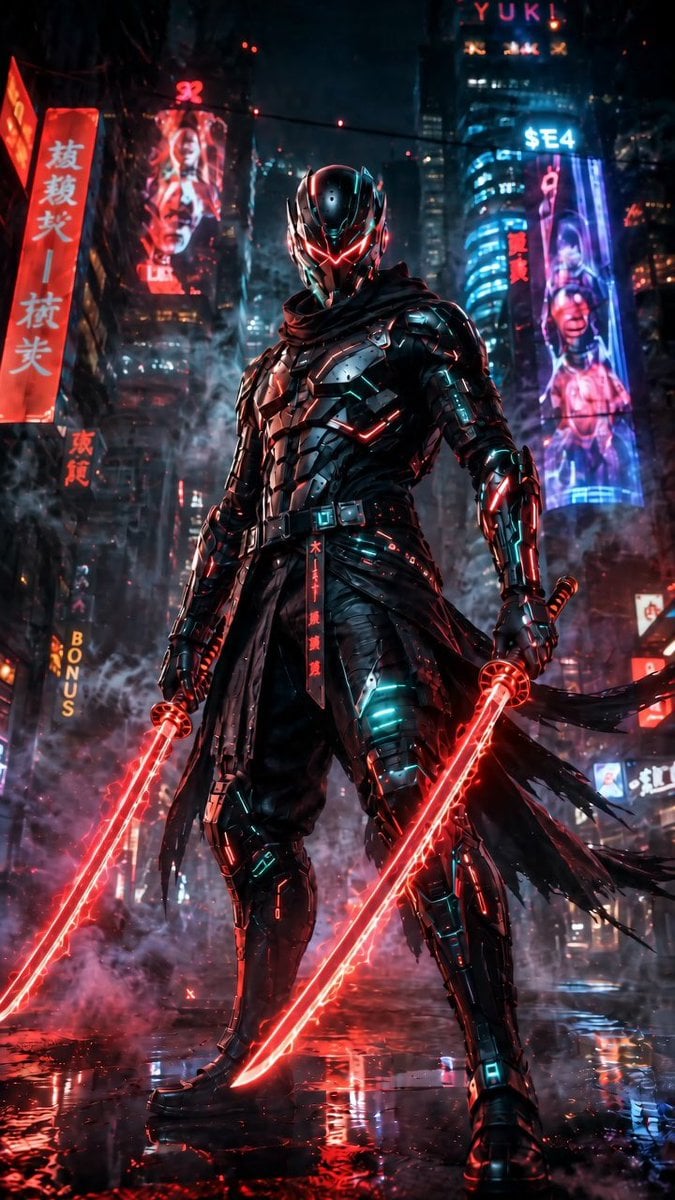
Cyberpunk Dual-Katana Ninja
Make it yours
Infernal Shadow Ninja works as-is. These are the safest ways to change it without losing the look.
Change one field
Copy a single group, rewrite it, and generate again so you can see what that field is doing.
Keep the frame, change the subject
Hold the composition and light of Infernal Shadow Ninja, then swap wardrobe, props or the person for a new take.
| If the result… | Why | Fix |
|---|---|---|
| The result drifts from the preview | Too many fields changed at once. | Reuse Infernal Shadow Ninja as-is first, then change one group — subject, light, or setting. |
| The model over-stylizes the scene | The prose prompt leaves finish and camera underspecified. | Add one camera or lighting sentence and stay on GPT Image 2. |
More GPT Image 2 templates
Other prompts made for GPT Image 2.

Six VTuber Japanese Logo Sheet

Realistic Portrait of Woman and Deer

The Vista Modular Condo Poster

AI Model Routing Comparison Infographic

2.5D Anime Art Board

Isometric Productivity Desk Scene

New York Double Exposure Poster

Four-Panel AI Landscape Comparison

Japanese Tatami Lifestyle Magazine Cover

NESCAFÉ Coffee Map Poster
More image prompts
Fresh picks from across the catalog.
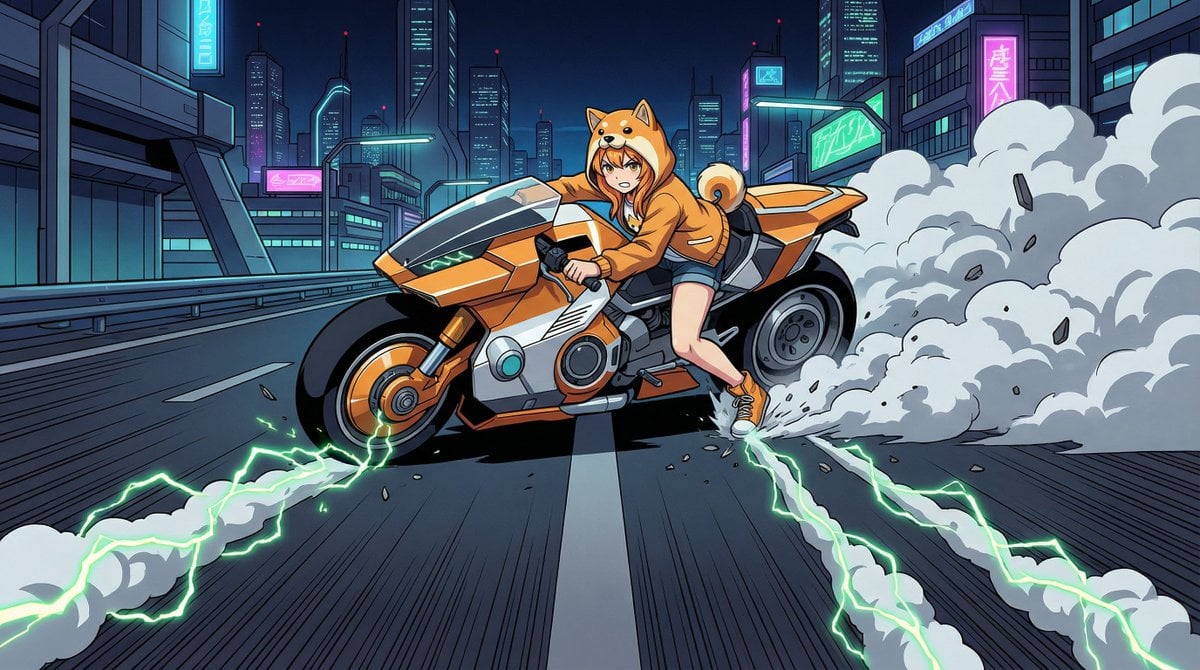
AKIRA 'Slide Brake Scene' Recreation Prompt
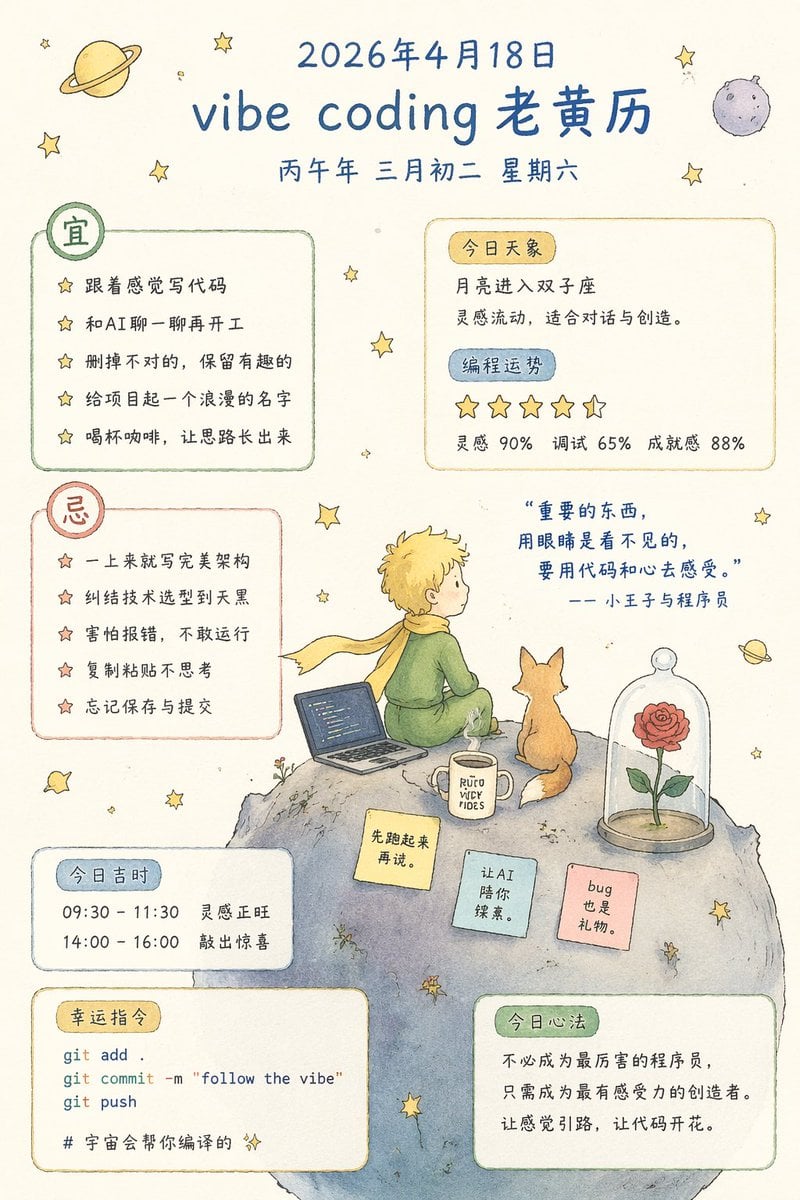
Whimsical Programmer Almanac Infographic
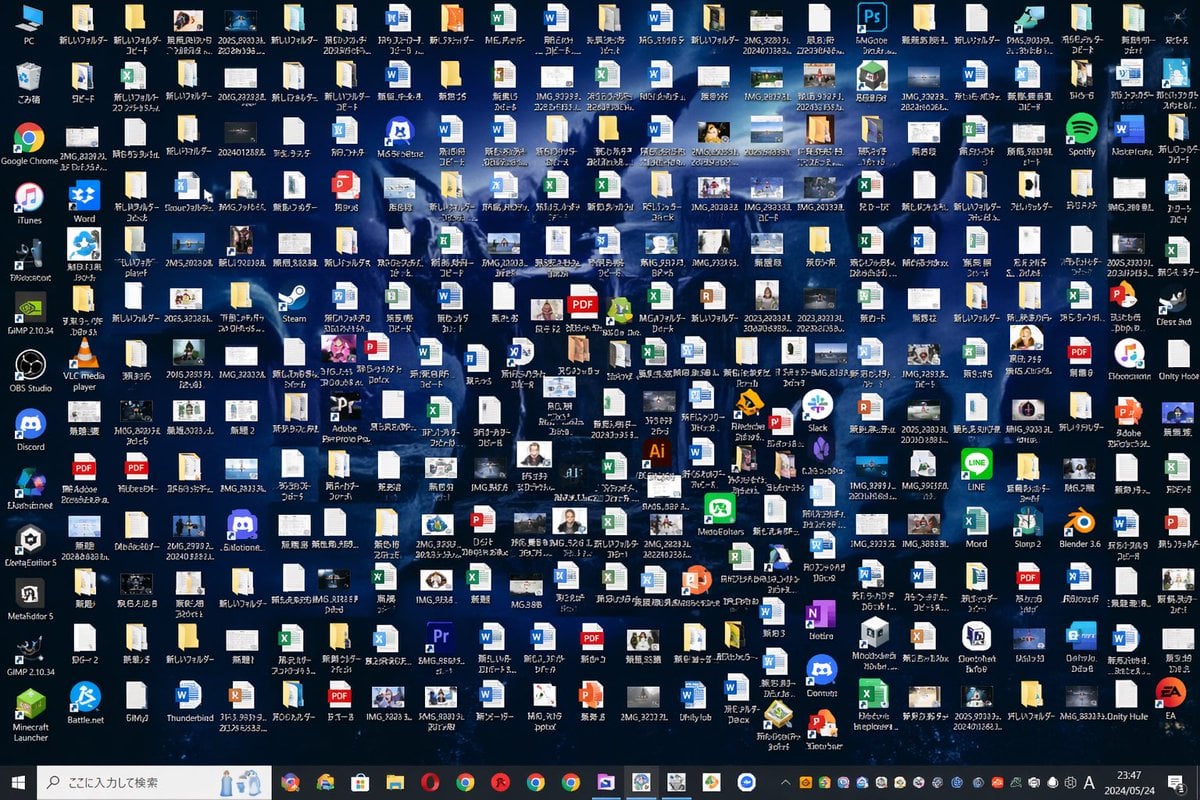
Hopelessly Cluttered Desktop Screen
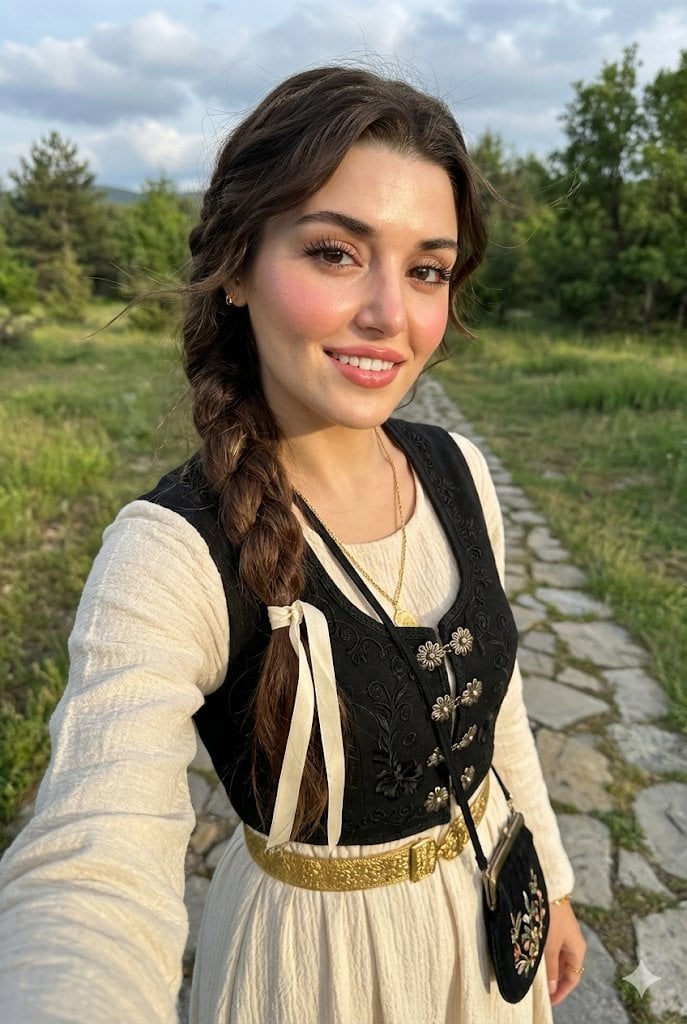
Full-Body Selfie Portrait with Traditional Clothing and Face Lock
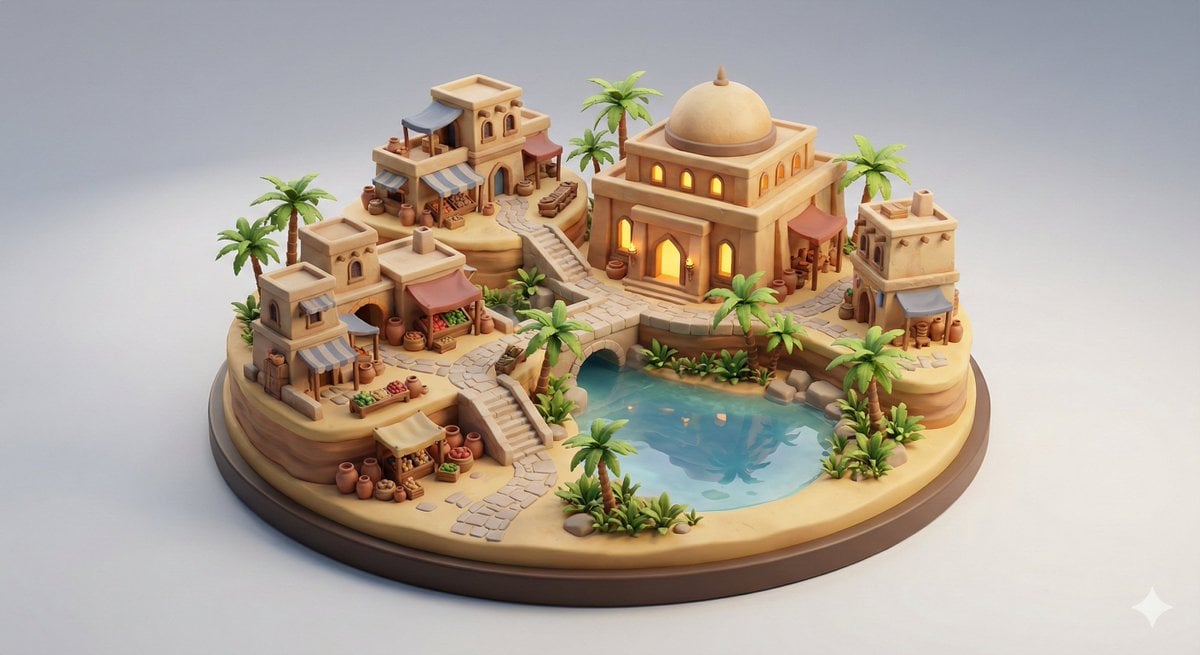
Collectible Miniature Diorama of a Developed Desert Oasis Settlement
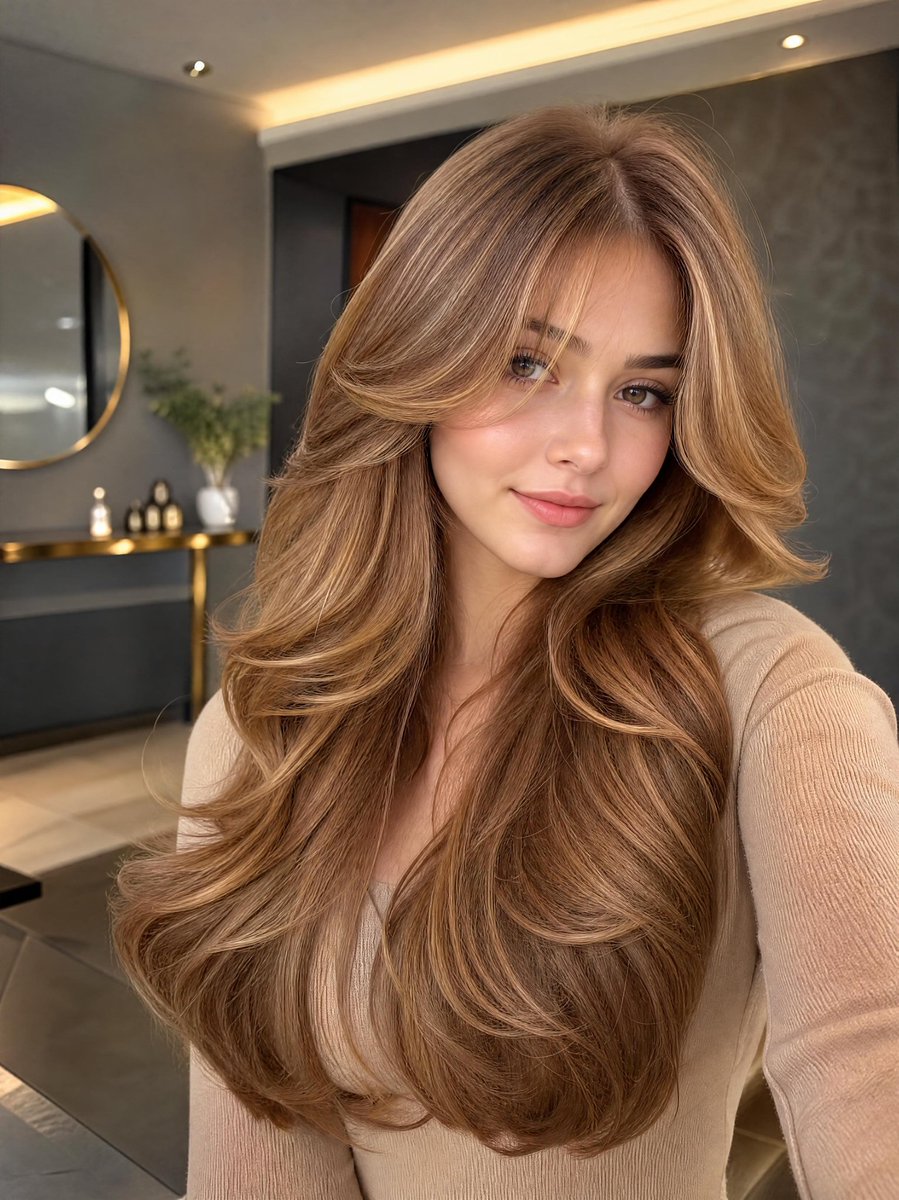
Golden Hour Selfie Portrait
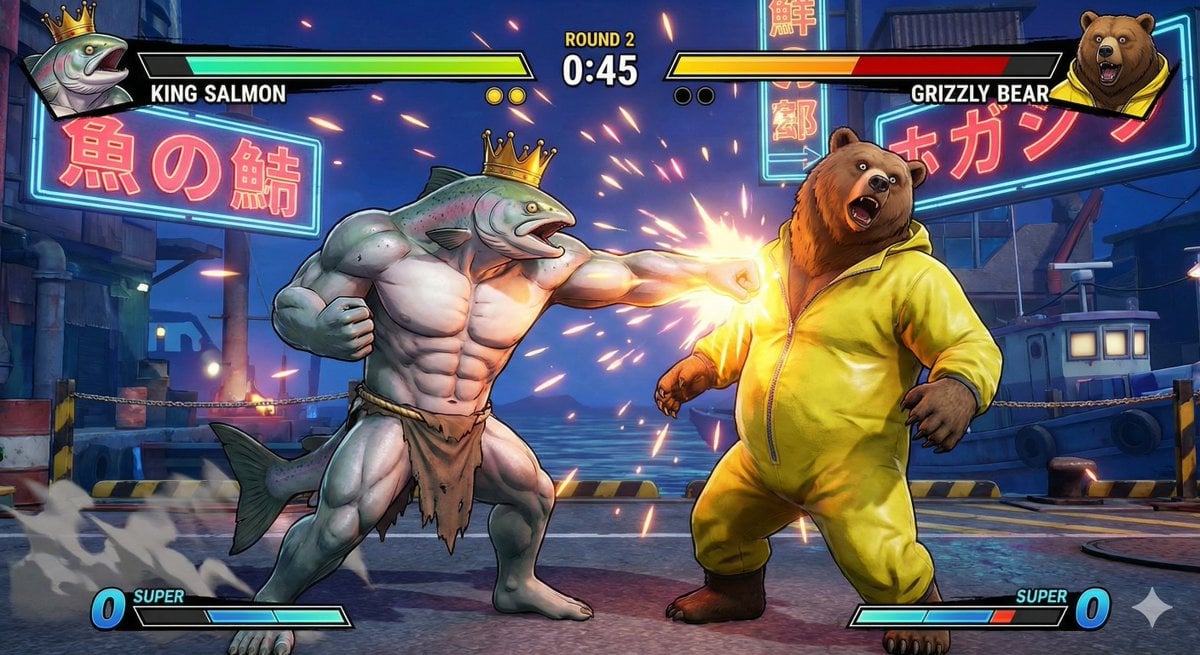
King Salmon vs Grizzly Bear Battle
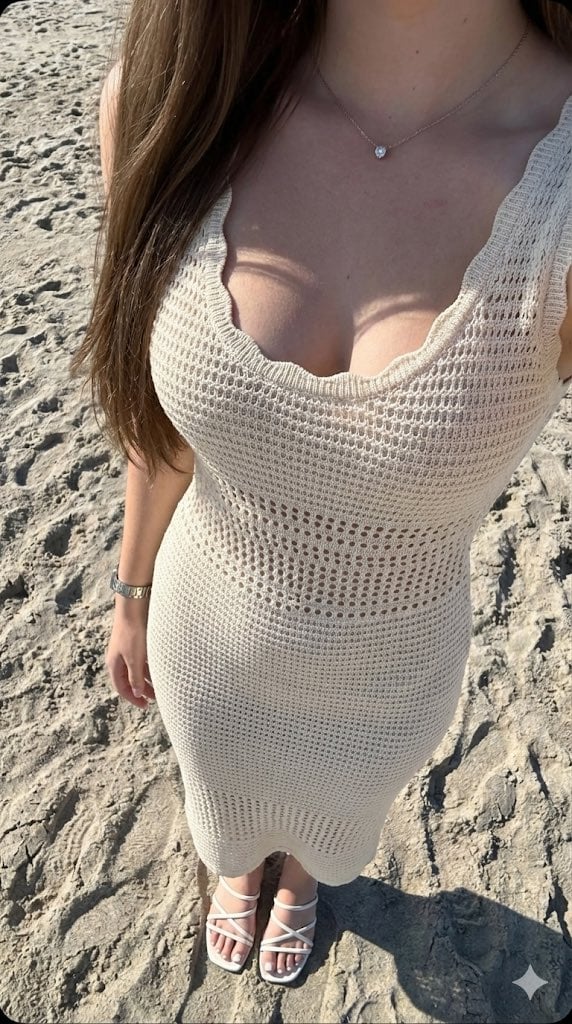
High-Contrast Beach Snapshot with Strict Identity and Sharp Focus
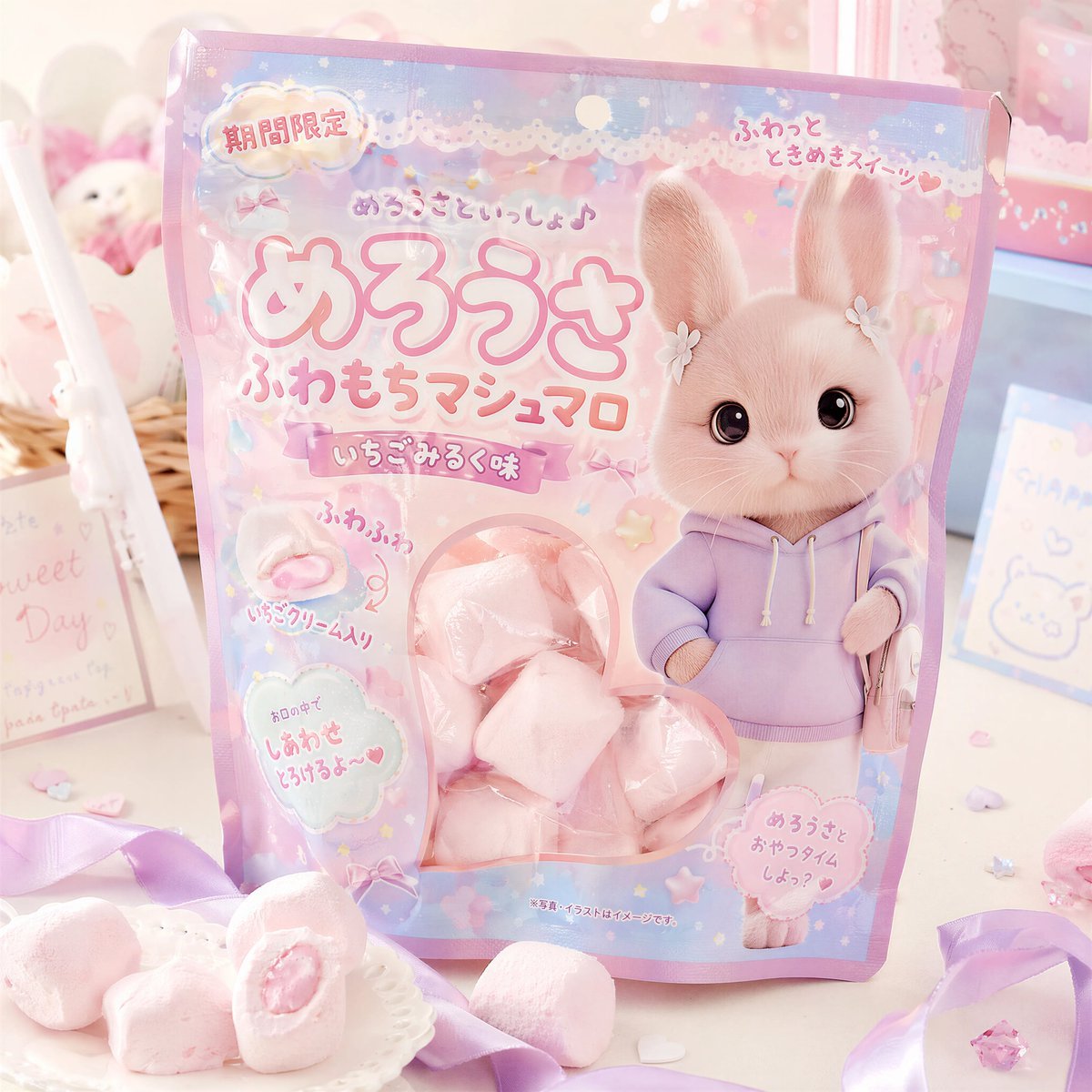
Kawaii Japanese Candy Packaging
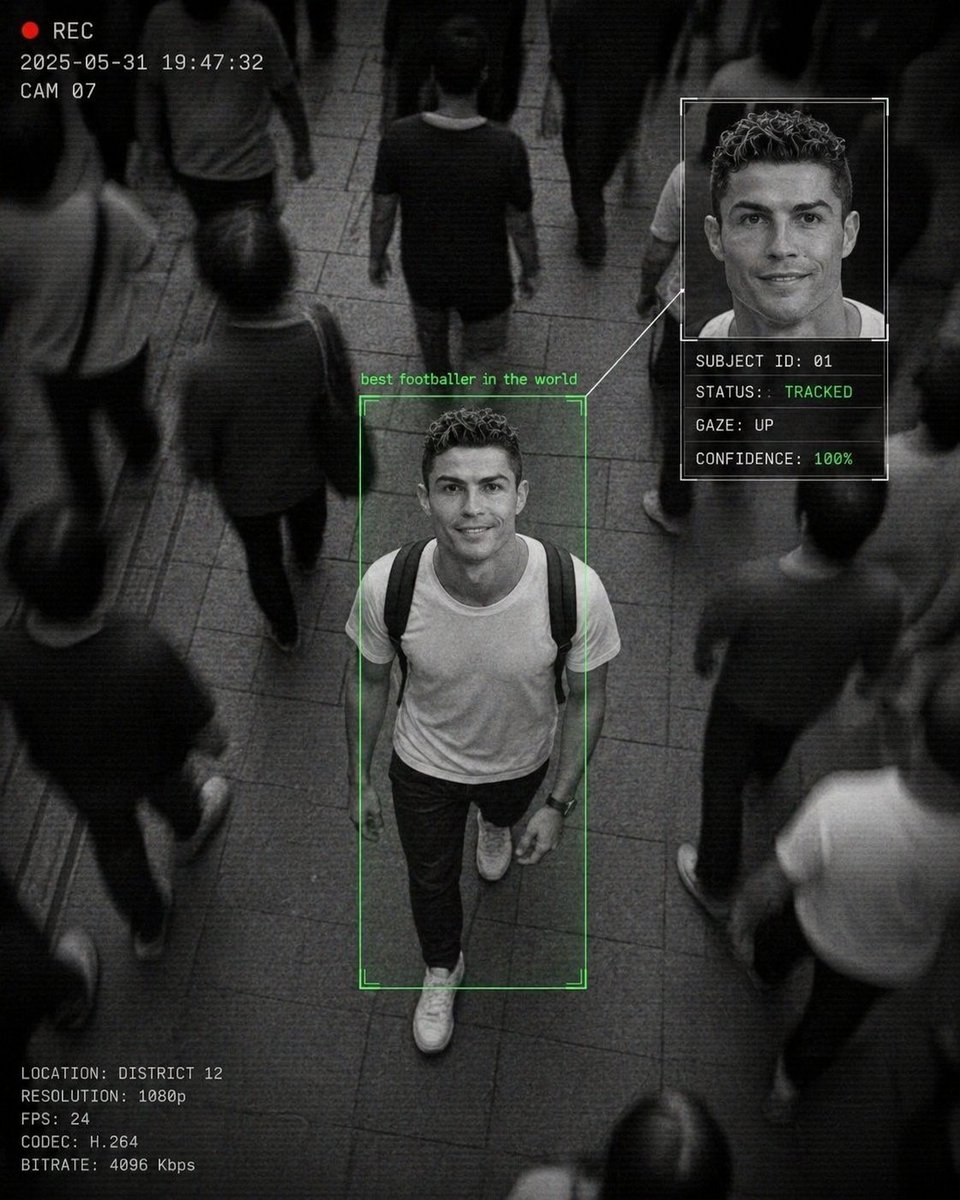
Cinematic Surveillance Interface Aesthetic
Browse template categories
Infernal Shadow Ninja questions
How do I use the Infernal Shadow Ninja template?
Add your photo if the template asks for one, edit the prompt if you like — the template's model and format are already selected — and press Generate. Your version opens in PicX Studio.
Can I customize the Infernal Shadow Ninja template?
Yes. You can change the subject, setting, lighting, mood, format, and available model controls before creating your image.
Is the Infernal Shadow Ninja template free?
Opening and editing this template is free. Generating uses credits, shown on the Generate button when you are signed in.
Which AI model should I use?
Start with GPT Image 2, which is the model associated with this template. You can compare another compatible model for a different finish.
Looking for something else? Browse all templates.

Your photo, any look
Thousands of ready templates for every top image and video model, from one credit balance.