
Cinematic Ice Ninja Portrait
A photorealistic vertical fantasy portrait of a masked ice warrior conjuring frost energy in a snowy battlefield.
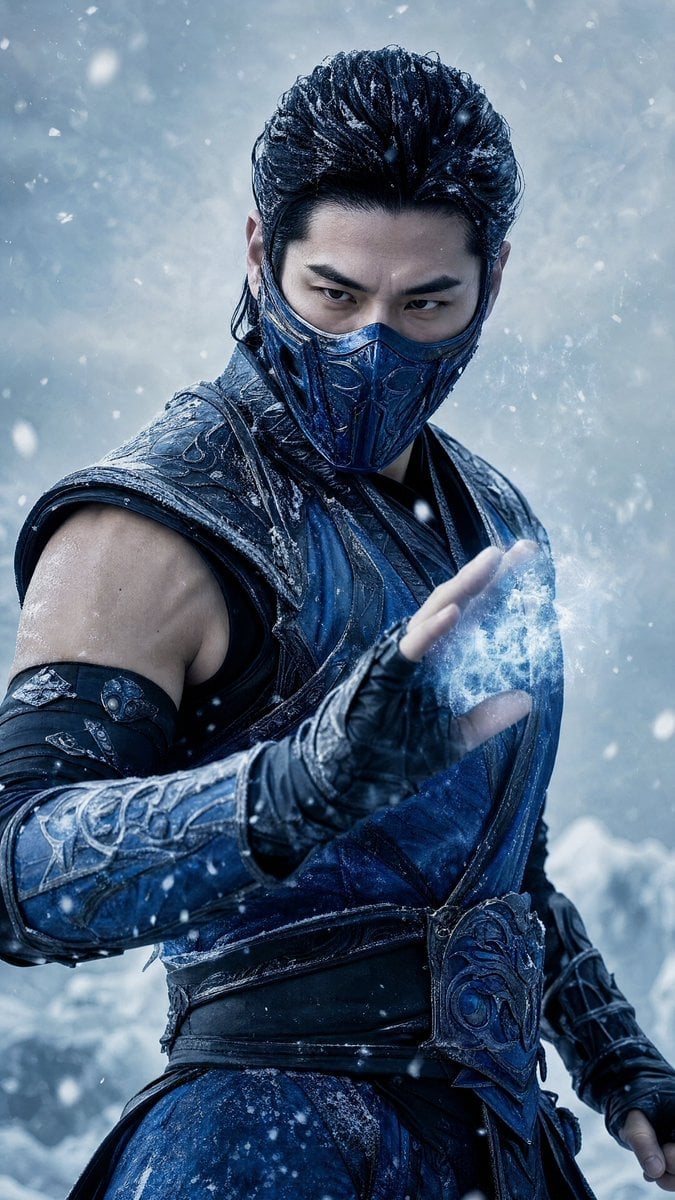
- Prompt included
- Model and format preset
- Free template
The prompt behind this image
Copy the exact prompt behind Cinematic Ice Ninja Portrait, or open it in the studio and make it yours.
Create a hyper-realistic cinematic vertical portrait of {argument name="character name" default="Sub-Zero, Kuai Liang"}, an East Asian male ice ninja warrior in a frozen storm. He has slicked-back black hair dusted with snow, intense narrowed eyes, strong eyebrows, and a dark blue ornate armored face mask covering his nose and mouth. He wears layered deep navy and black leather-and-metal martial armor with frosted engraved shoulder guards, bracers, fingerless gloves, a wrapped torso sash, and an ornate blue waist plate, all textured with ice crystals and battle wear. Frame him from mid-thigh to head in a dynamic three-quarter pose, body angled left while staring directly at the viewer. His near hand is raised in front of his chest, palm outward, conjuring a glowing cluster of blue-white ice energy and frost mist; the other arm hangs back ready for combat. The environment is a cold icy battlefield with blurred glaciers and swirling snow, pale blue-gray background, falling snowflakes in foreground and background, visible frost particles, and dramatic cold rim lighting. Use {argument name="color palette" default="deep navy blue, black, icy cyan, steel gray, and white"}, high-contrast cinematic lighting, shallow depth of field, ultra-detailed costume textures, realistic skin, wet frozen highlights, and a serious lethal mood. Vertical 9:16 composition, photoreal blockbuster fantasy style, no text, no logo, no watermark.
How to use Cinematic Ice Ninja Portrait in 3 steps
- 1Upload ImagePNG, JPG or paste
Add your photo
Upload the photo the template builds on. The prompt, model and format are already set.
- 2…a portrait of your subject in softgolden-hour light, 85mm…
Personalize
Edit the subject and creative details for your destination.
- 3Generate
Generate
Press Generate — your image is created in PicX Studio, so you can compare it with the original and refine one variable at a time.
More like this
Templates with the same subject, style or setup. Open one to see its prompt.

Nano Banana 2 Gourmet Ice Cream Commerci

Found Photograph: Us, 1970

80s Couple Studio Portrait

80s Bollywood Star

80s Golden Hour Cinema

Me in 1985

1985 Studio Portrait
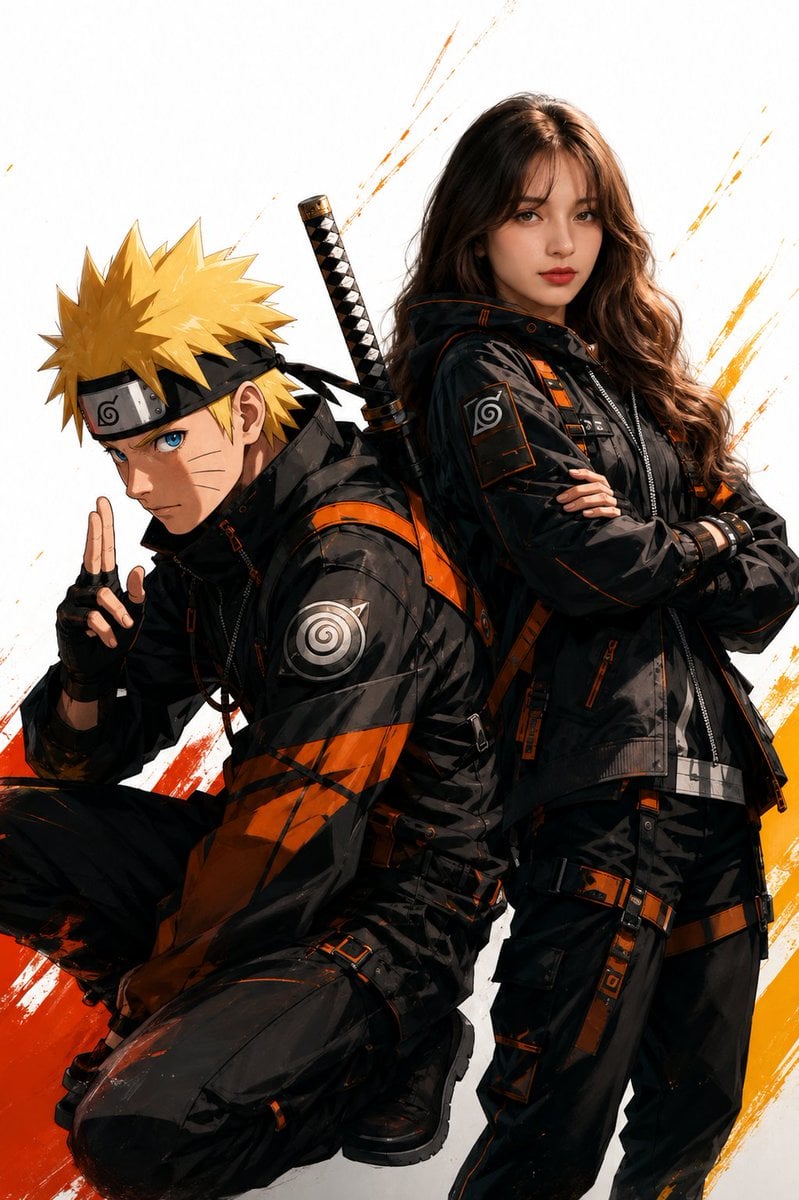
Anime Realistic Ninja Duo Portrait

Hyper-Realistic Minecraft POV Portrait

Rooftop Fisheye — Cat-Ear Balaclava at Golden Hour
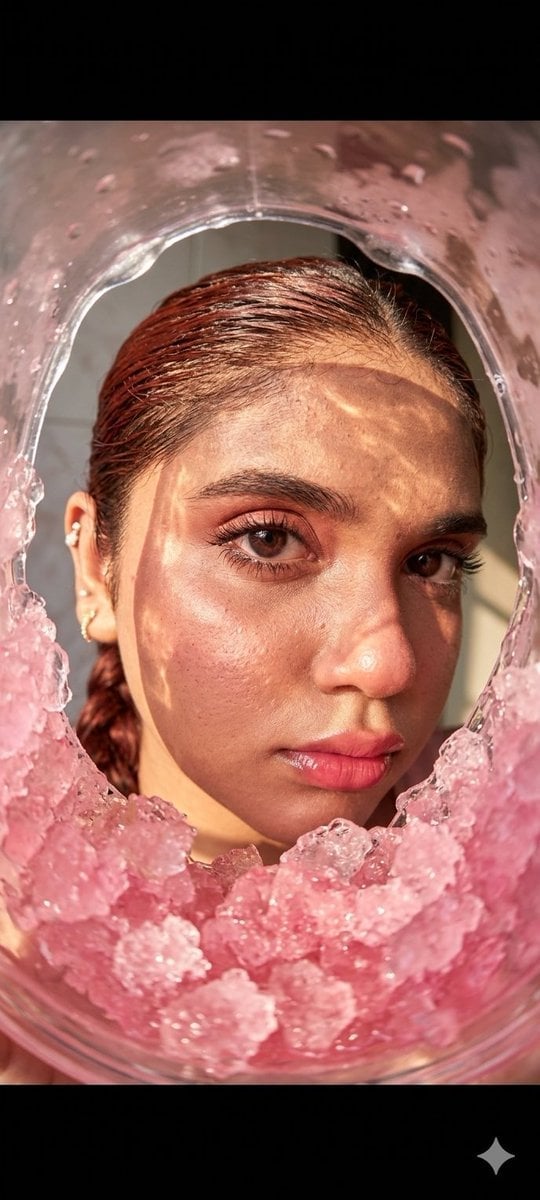
Fisheye Lens Slushy Ice Portrait
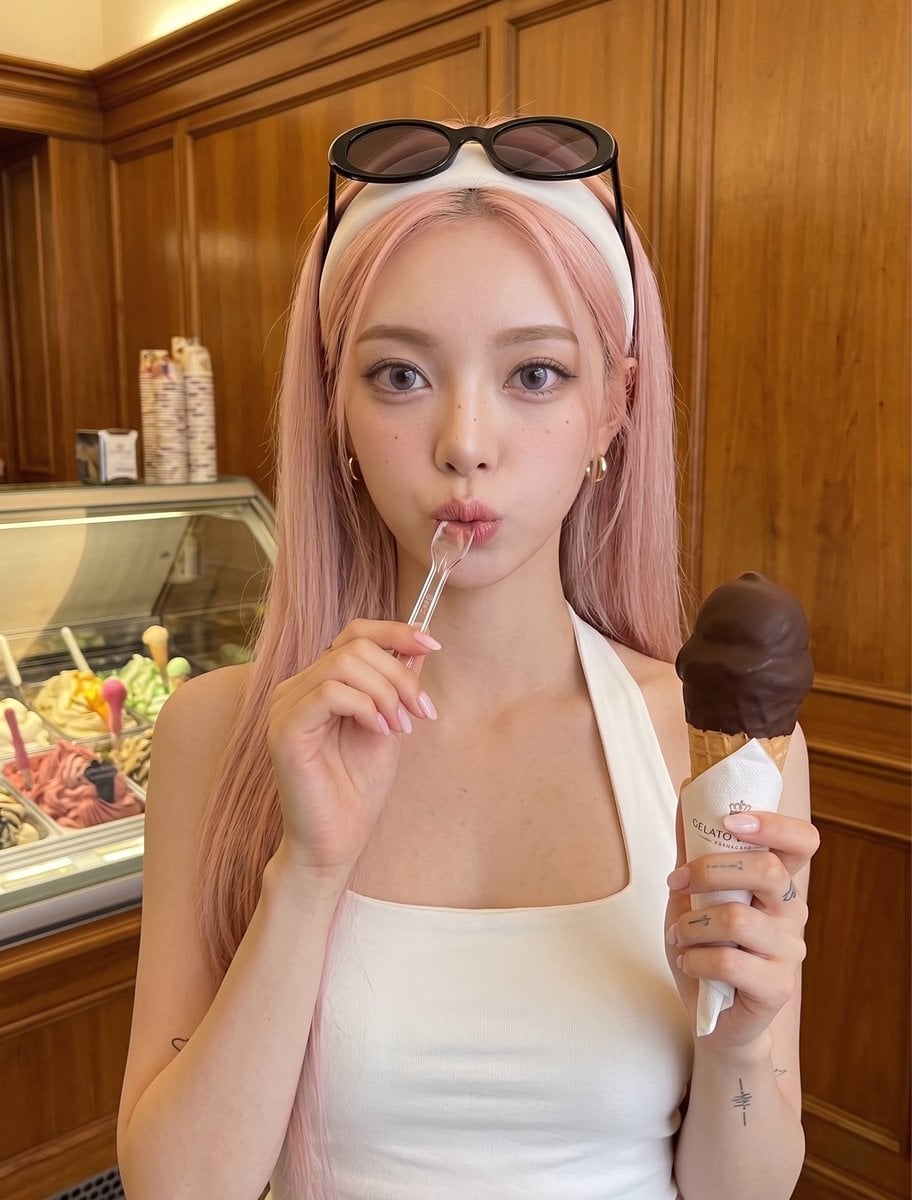
Woman with Ice Cream Shop Portrait
Make it yours
Cinematic Ice Ninja Portrait works as-is. These are the safest ways to change it without losing the look.
Change one field
Copy a single group, rewrite it, and generate again so you can see what that field is doing.
Keep the frame, change the subject
Hold the composition and light of Cinematic Ice Ninja Portrait, then swap wardrobe, props or the person for a new take.
| If the result… | Why | Fix |
|---|---|---|
| The result drifts from the preview | Too many fields changed at once. | Reuse Cinematic Ice Ninja Portrait as-is first, then change one group — subject, light, or setting. |
| The model over-stylizes the scene | The prose prompt leaves finish and camera underspecified. | Add one camera or lighting sentence and stay on GPT Image 2. |
More GPT Image 2 templates
Other prompts made for GPT Image 2.

Six VTuber Japanese Logo Sheet

Realistic Portrait of Woman and Deer

The Vista Modular Condo Poster

AI Model Routing Comparison Infographic

2.5D Anime Art Board

Isometric Productivity Desk Scene

New York Double Exposure Poster

Four-Panel AI Landscape Comparison

Japanese Tatami Lifestyle Magazine Cover

NESCAFÉ Coffee Map Poster
More image prompts
Fresh picks from across the catalog.
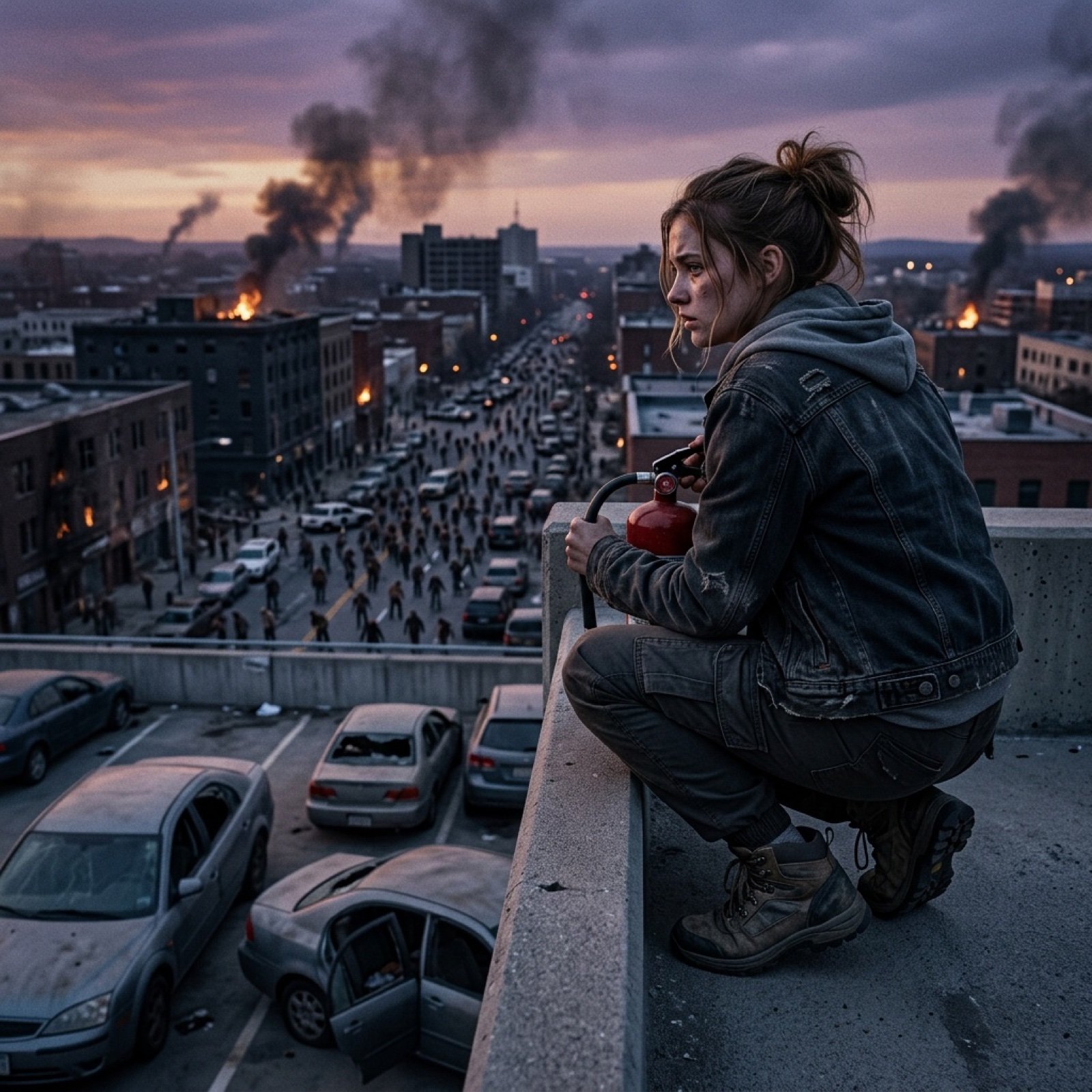
Seedance 2.0 - Zombie Girl Escapes
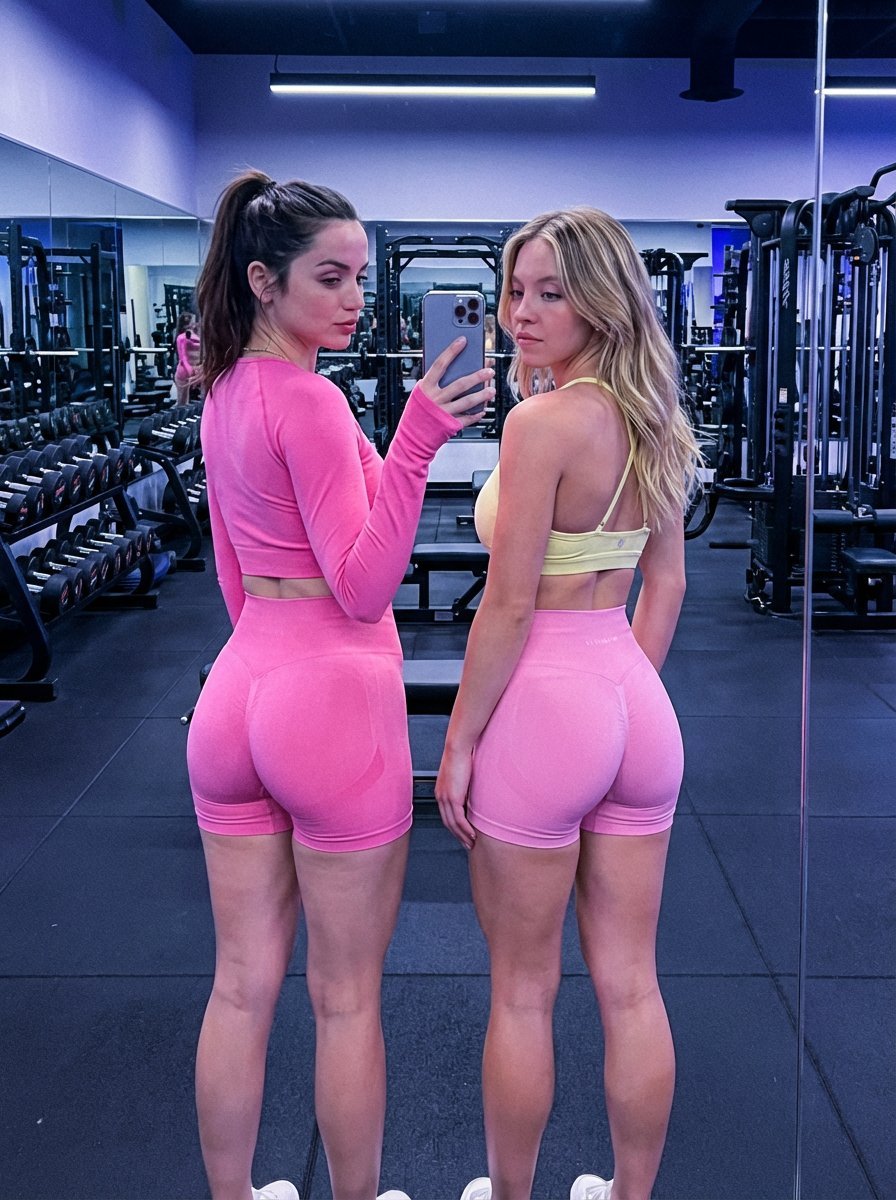
Dual Gym Mirror Selfie with Identity Lock Prompt
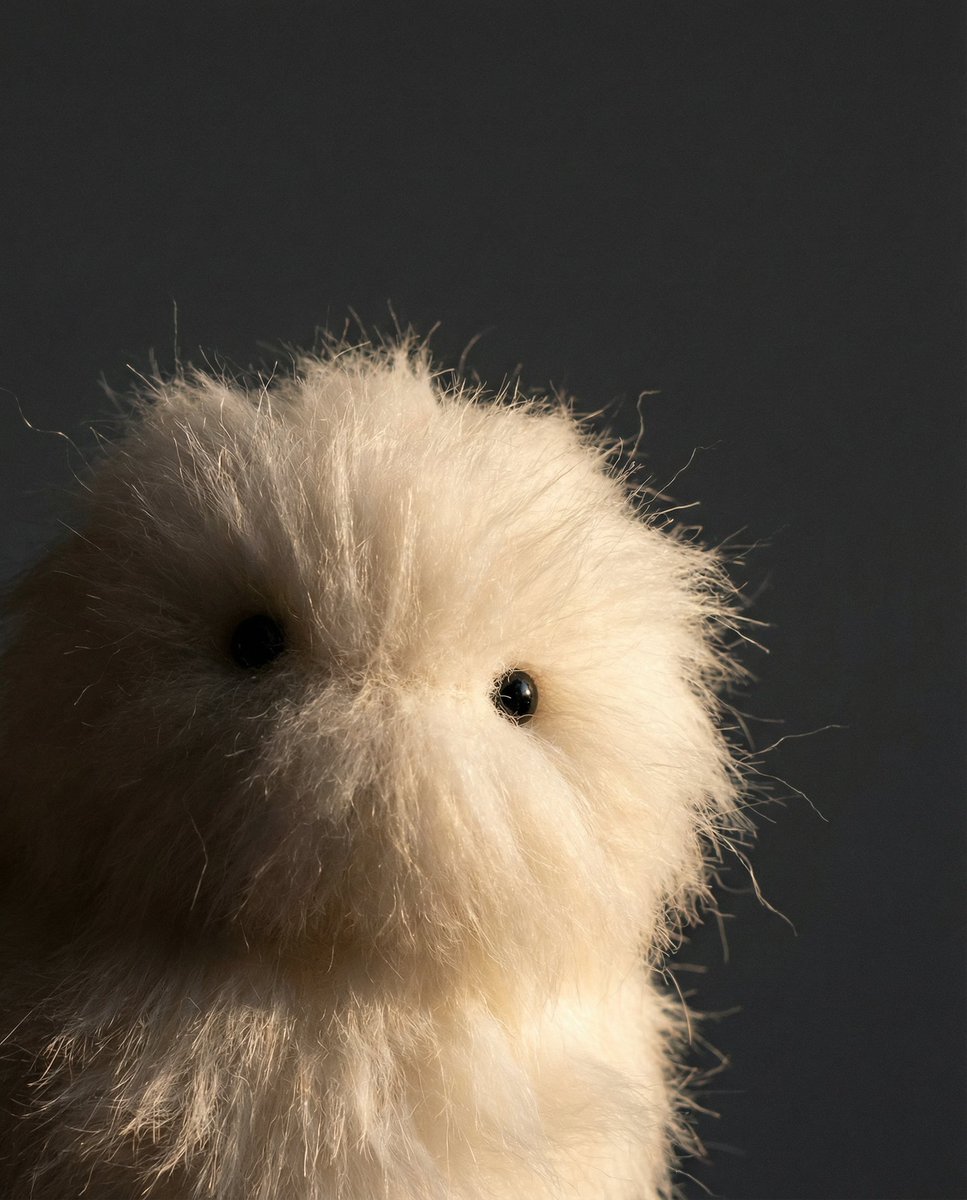
Prompt Share for Nano Banana Pro
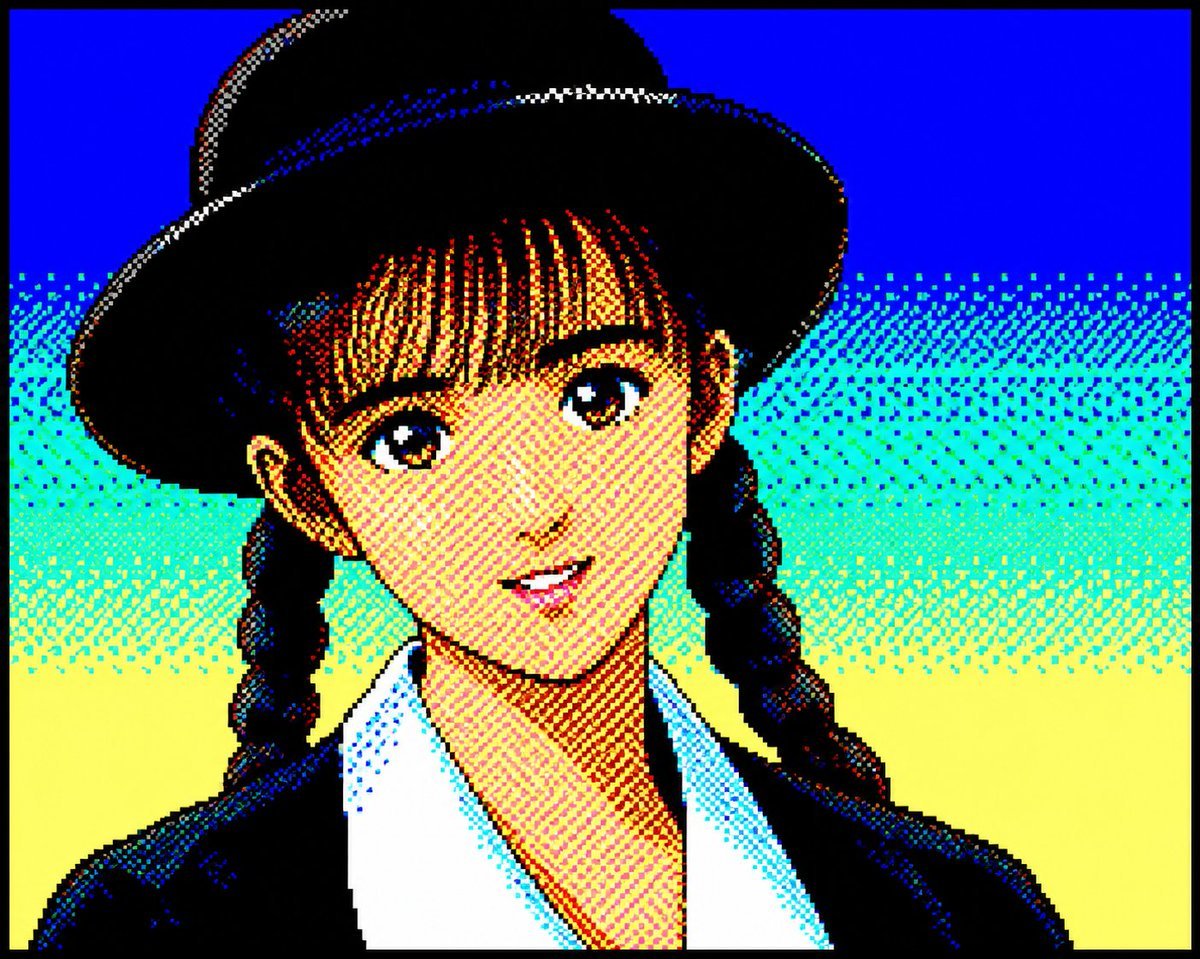
Retro PC-88 8-Bit Anime Portrait
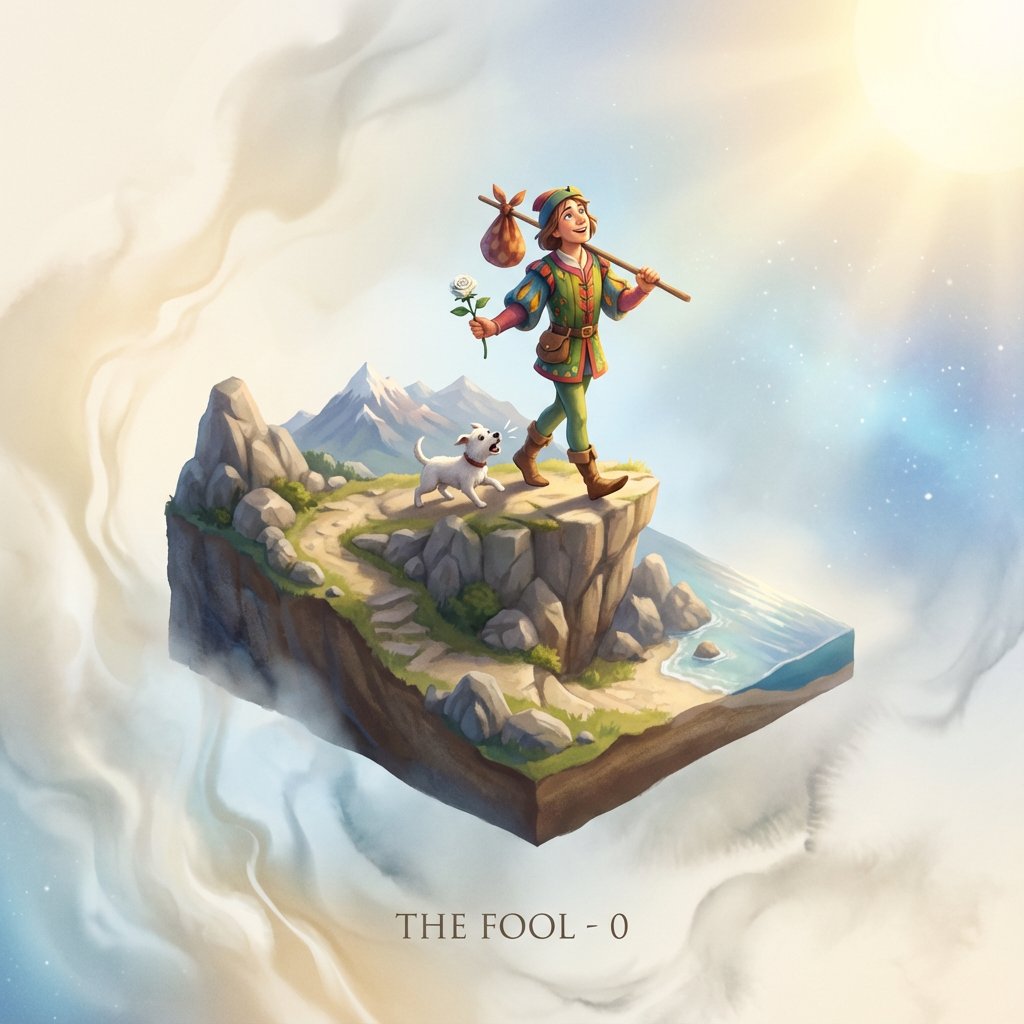
Tarot Card Image Generation Prompt
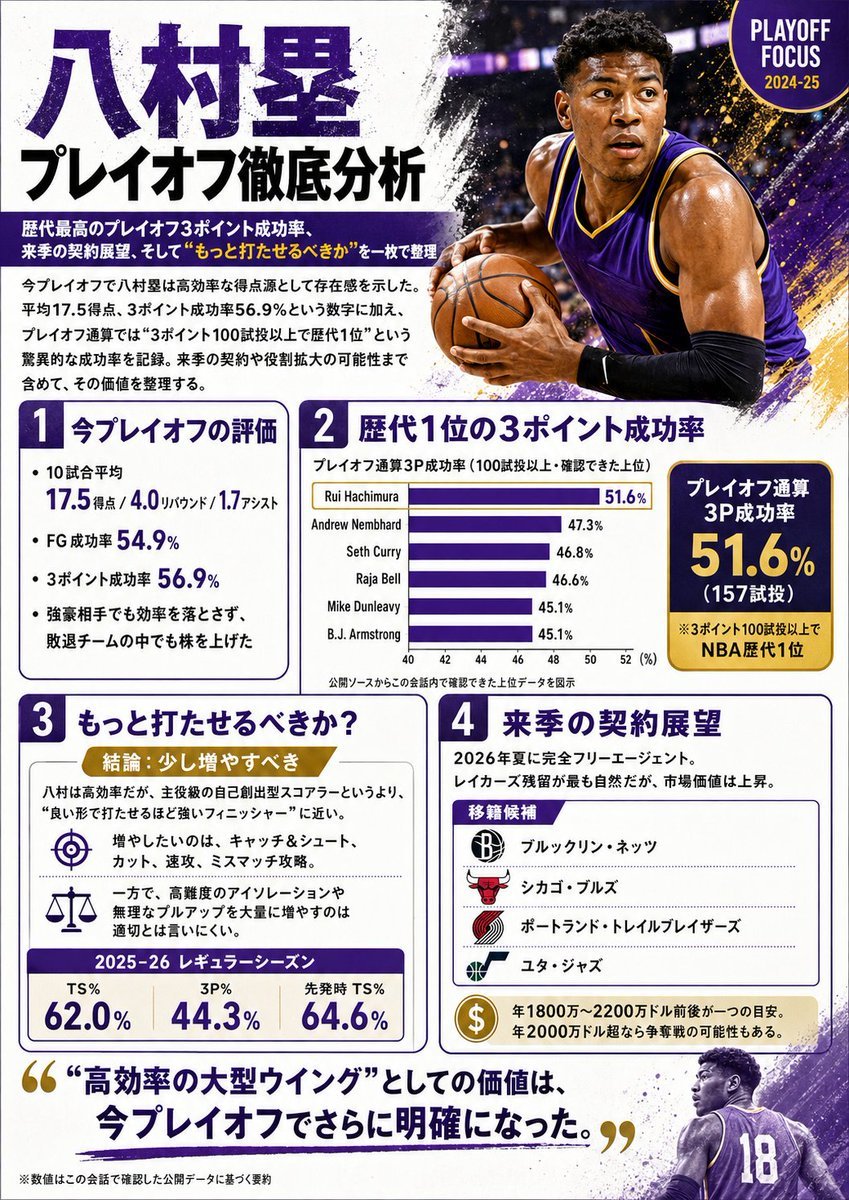
Japanese NBA Playoff Analysis Infographic
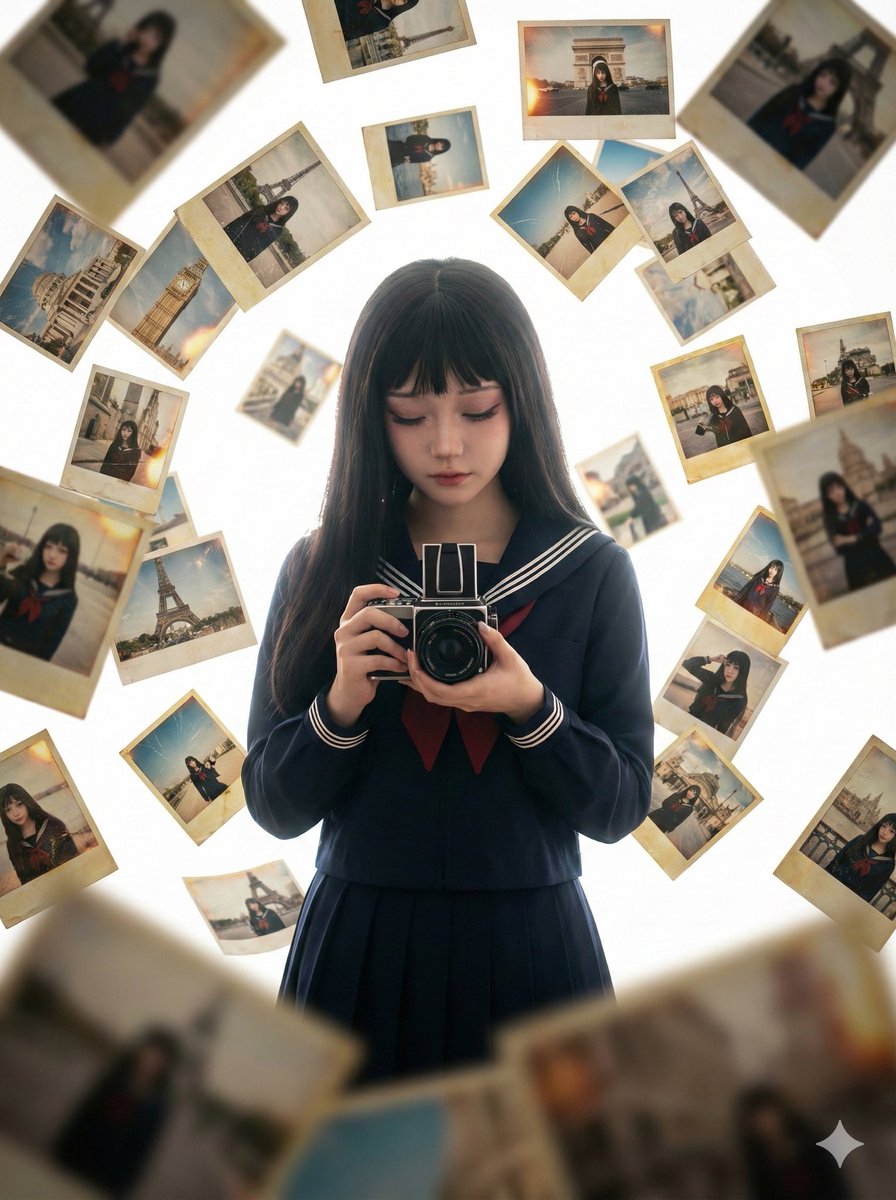
Photorealistic Asian Girl with Floating Photos Prompt (JSON Format)
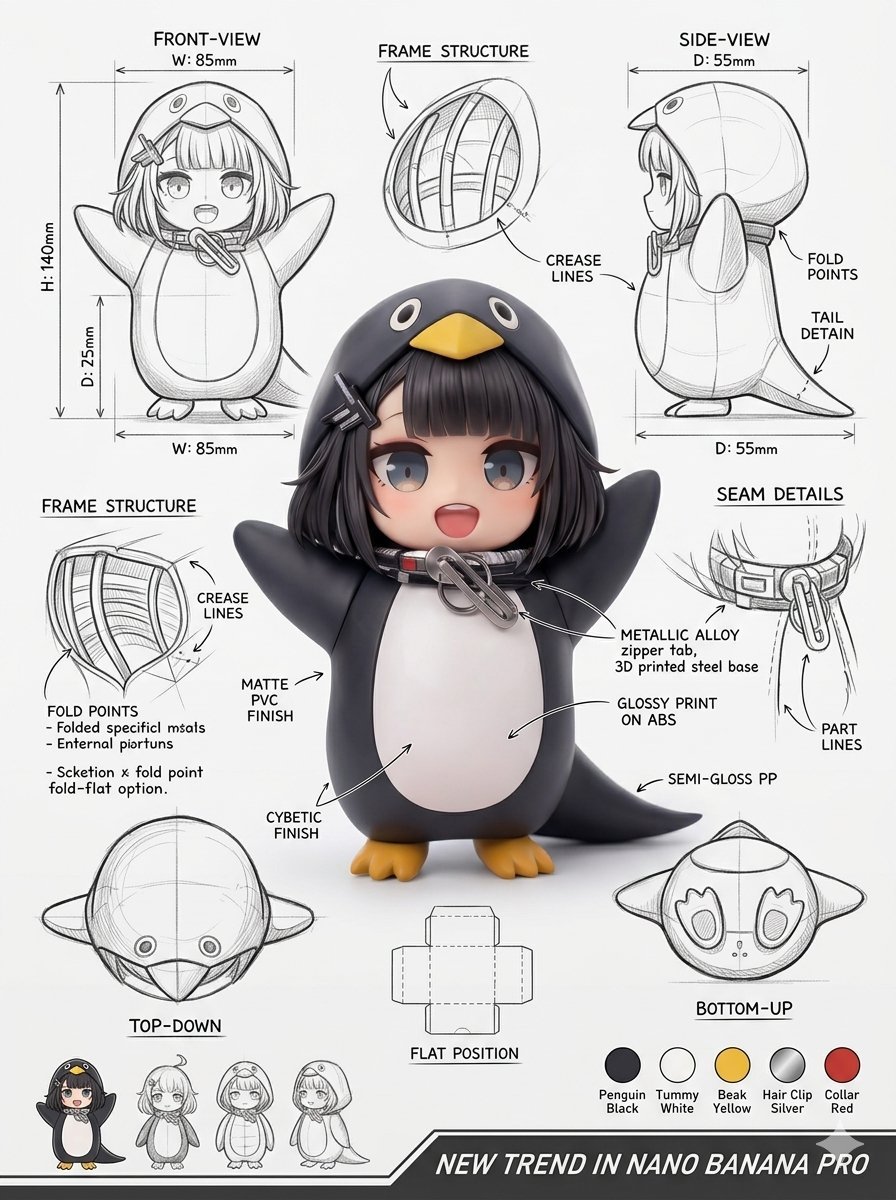
Industrial Packaging Design Sheet
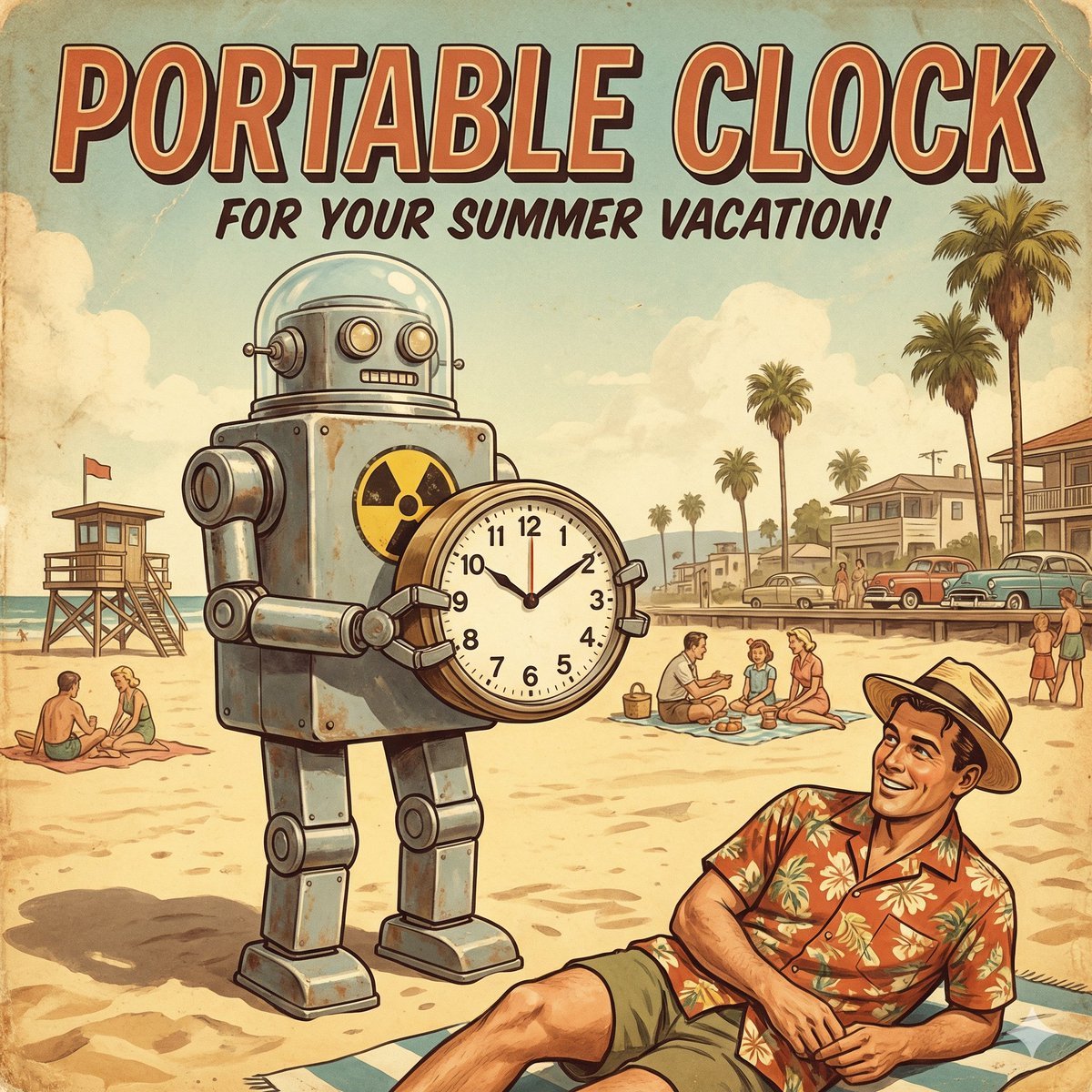
Retro Futurism smart watch prompt

Adidas Originals Fashion Ad
Browse template categories
Cinematic Ice Ninja Portrait questions
How do I use the Cinematic Ice Ninja Portrait template?
Add your photo if the template asks for one, edit the prompt if you like — the template's model and format are already selected — and press Generate. Your version opens in PicX Studio.
Can I customize the Cinematic Ice Ninja Portrait template?
Yes. You can change the subject, setting, lighting, mood, format, and available model controls before creating your image.
Is the Cinematic Ice Ninja Portrait template free?
Opening and editing this template is free. Generating uses credits, shown on the Generate button when you are signed in.
Which AI model should I use?
Start with GPT Image 2, which is the model associated with this template. You can compare another compatible model for a different finish.
Looking for something else? Browse all templates.

Your photo, any look
Thousands of ready templates for every top image and video model, from one credit balance.