
Faceless Shadow Ninja Character Sheet
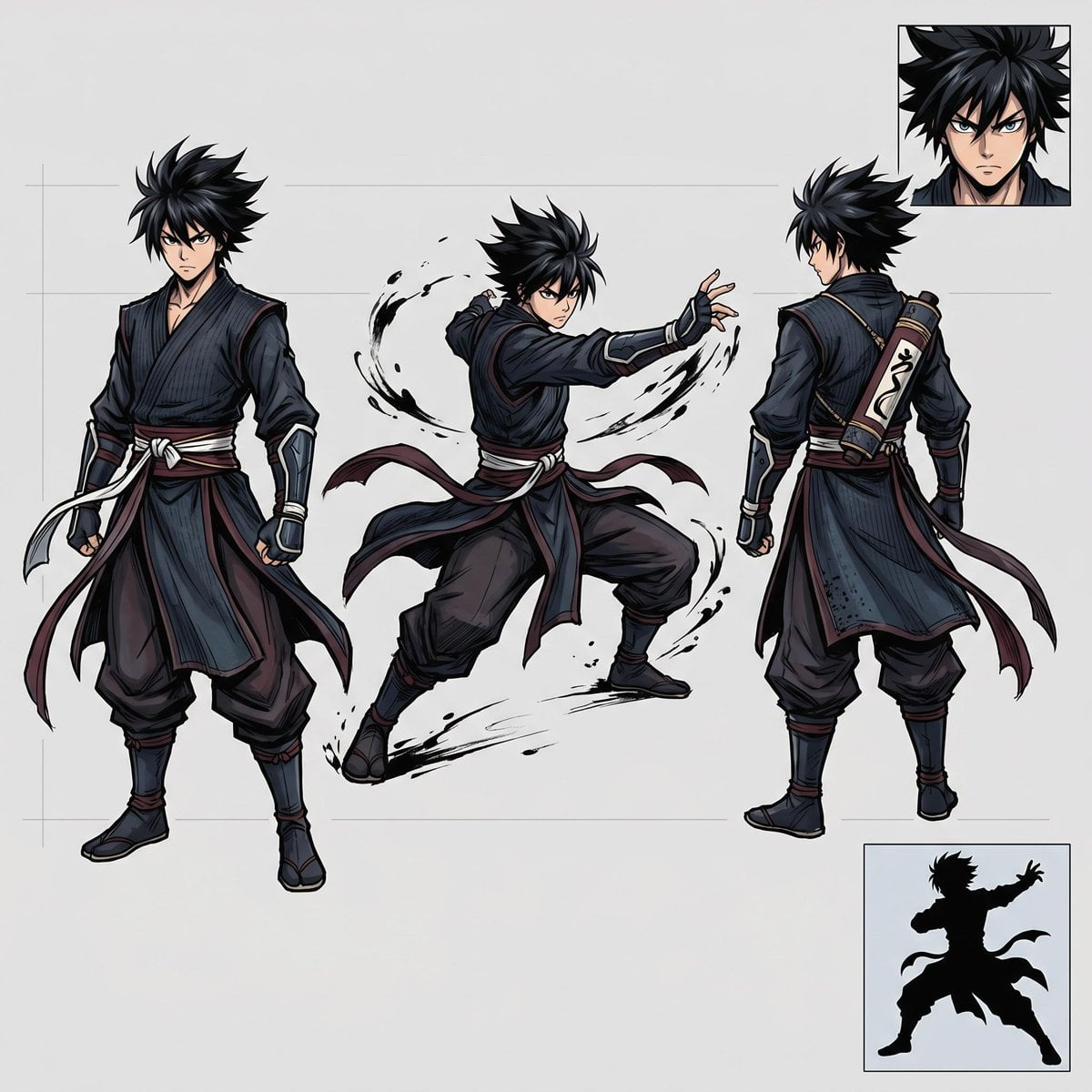
Generates an anime-style ninja warrior character design sheet with three full-body views, a head close-up, and an action silhouette for concept art reference.
- Prompt included
- Model and format preset
- Premium template
The prompt behind this image
Copy the exact prompt behind Faceless Shadow Ninja Character Sheet, or open it in the studio and make it yours.
Goal: Create a clean anime character concept sheet for a dark ninja warrior, suitable for an asset folder or character design reference. Canvas: Square 1:1 canvas, light warm-gray background with faint construction guide lines, polished digital illustration, crisp inked linework, cel-shaded anime rendering, no watermark. Layout: Show exactly 3 full-body character views across the sheet: 1 front standing pose on the left, 1 dynamic combat action pose in the center, and 1 back standing pose on the right. Add exactly 2 inset reference panels: 1 small square head close-up in the upper-right corner and 1 small square black silhouette action pose in the lower-right corner. Character details: Depict {argument name="character name" default="a faceless shadow ninja"} as a young male anime shinobi with wild spiky {argument name="hair color" default="black hair"}, an intentionally blank/blurred face area with no visible facial features, athletic build, and a serious stealth-warrior presence. Outfit is a layered dark shinobi costume in {argument name="outfit colors" default="deep navy, charcoal black, muted burgundy, and off-white accents"}: sleeveless dark wrap tunic over long sleeves, loose hakama-style pants, shin guards, arm guards, fingerless gloves, tabi boots, long waist sashes and trailing cloth strips. Include a cylindrical scroll case strapped diagonally across the back in the rear view, with light parchment panels and dark markings. Pose count and content: Left pose: full-body front view, standing with legs apart, one fist lowered, long white and burgundy waist ties hanging and flowing. Center pose: full-body action stance, body turned away in a twisting martial-arts movement, one arm extended, knees bent, cloth belts whipping outward, surrounded by black ink-brush energy arcs and splatter marks. Right pose: full-body rear view, standing upright with the scroll case visible across the back and long sash tails trailing to the side. Upper-right inset: cropped head-and-hair close-up with the same blank face treatment. Lower-right inset: solid black silhouette of the same ninja in a dramatic action stance with trailing cloth strips. Visual style: High-quality manga/anime concept art, sharp dynamic silhouettes, detailed folds and seams, subtle blue-gray highlights on black fabric, confident character-design sheet presentation. Keep all elements separated clearly on the gray sheet and avoid extra props, text labels, logos, or background scenery.
How to use Faceless Shadow Ninja Character Sheet in 3 steps
- 1Upload ImagePNG, JPG or paste
Add your photo
Upload the photo the template builds on. The prompt, model and format are already set.
- 2…a portrait of your subject in softgolden-hour light, 85mm…
Personalize
Edit the subject and creative details for your destination.
- 3Generate
Generate
Press Generate — your image is created in PicX Studio, so you can compare it with the original and refine one variable at a time.
More like this
Templates with the same subject, style or setup. Open one to see its prompt.

Chibi Anime Ninja Sticker Sheet
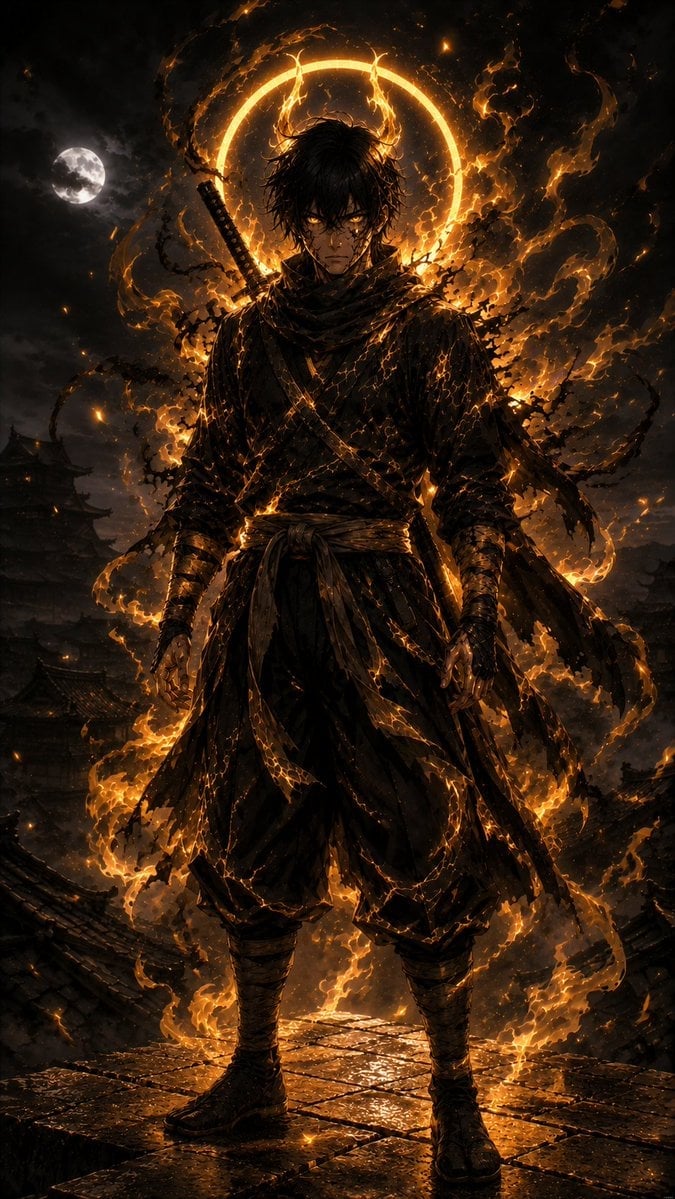
Infernal Shadow Ninja
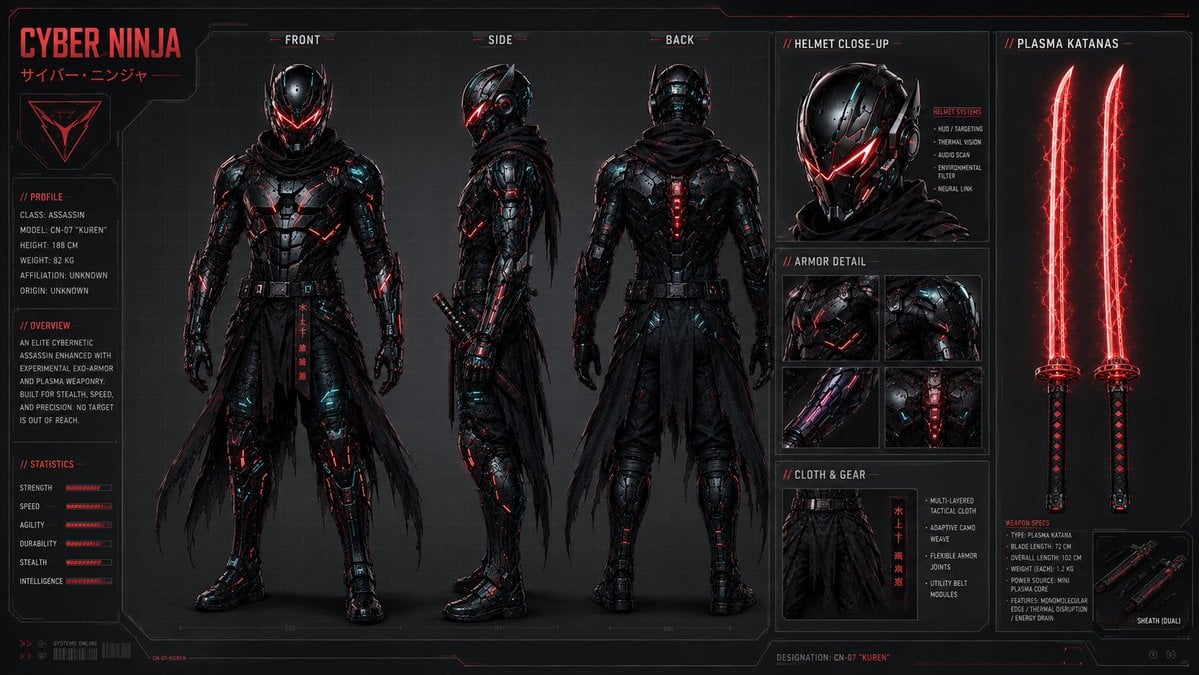
Cyber Ninja Character Sheet
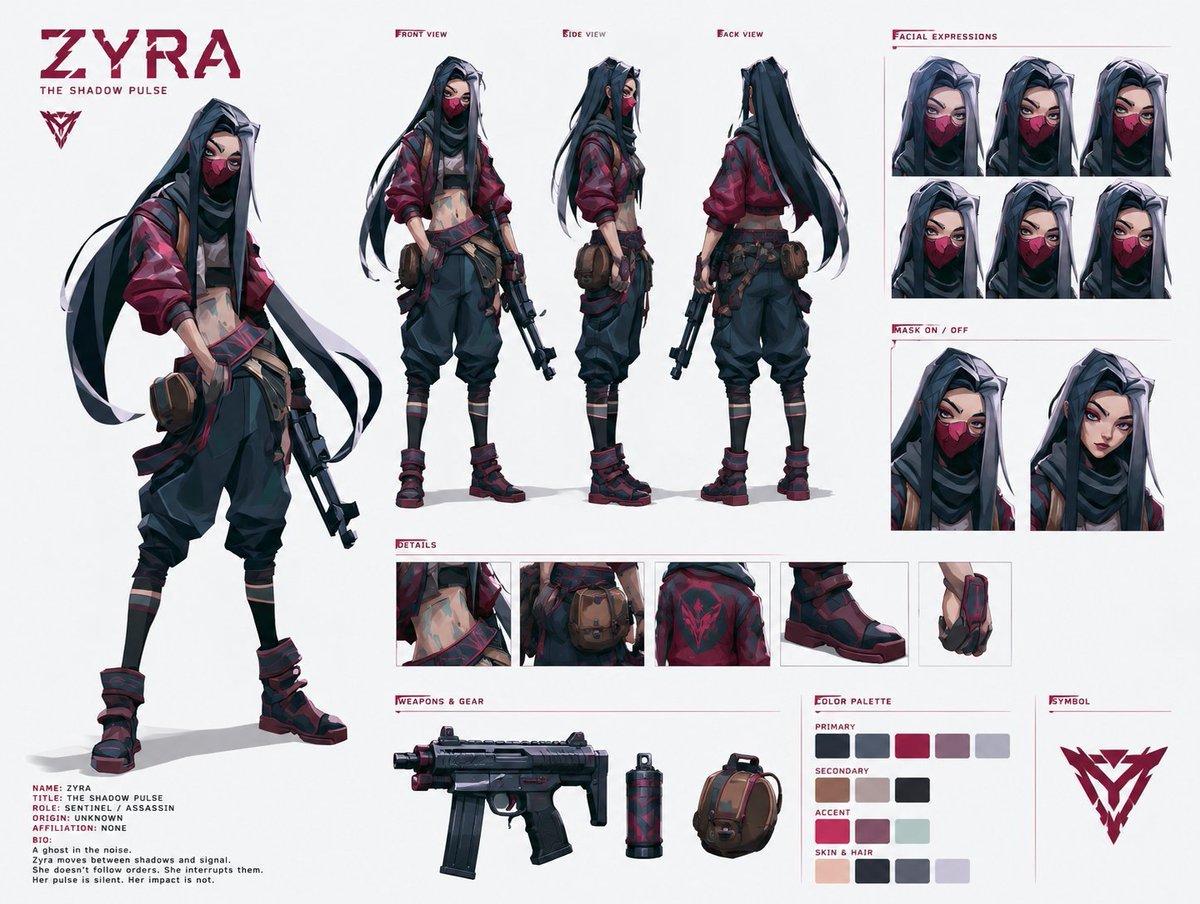
Cyberpunk Ninja Assassin Character Sheet

Dancer Character - Four View Reference Sheet

Movement Sheet - Dance Reference (Seedance 2.0)
Nano Banana Pro Eyes in Shadow
Cyberpunk Neon Ninja Samurai
Anime Realistic Ninja Duo Portrait
Surreal Faceless Figures Portrait

Six VTuber Japanese Logo Sheet
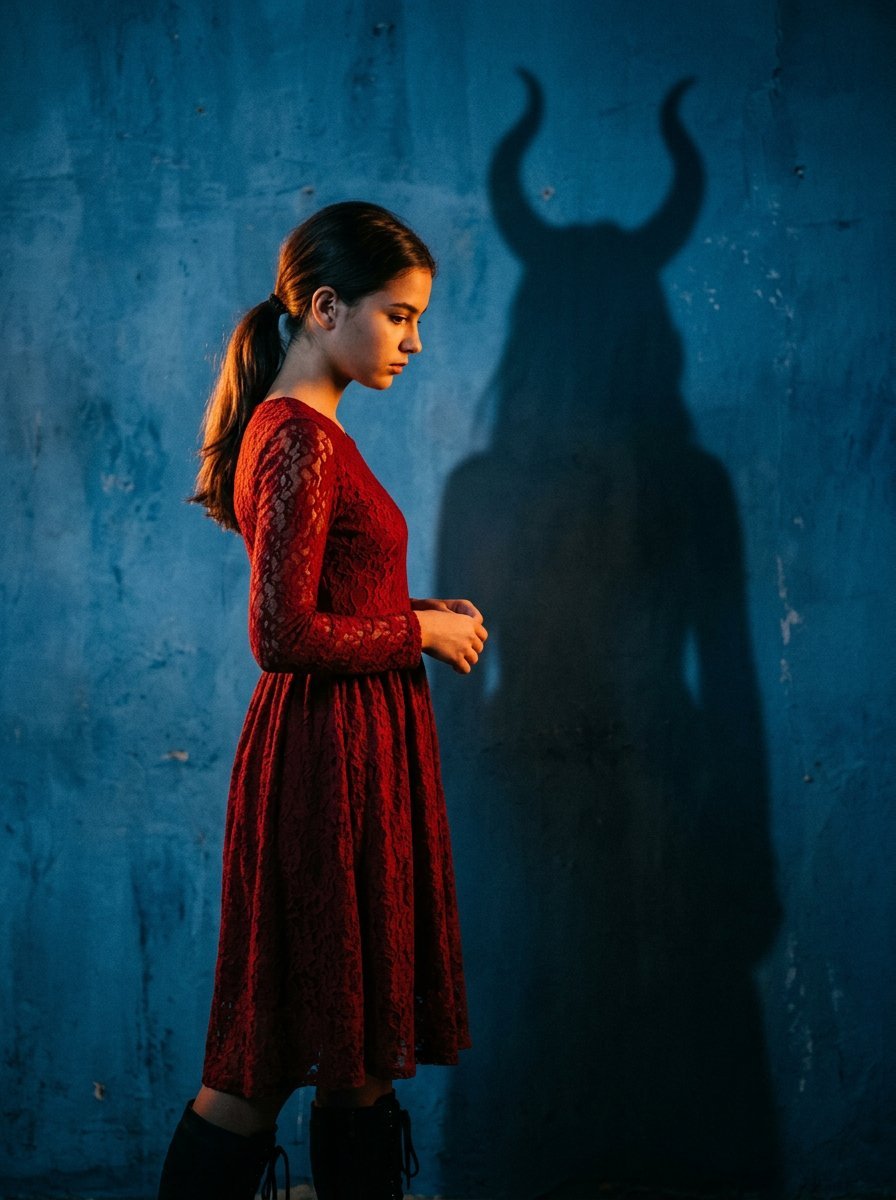
Mysterious Shadow Red Dress Portrait
Make it yours
Faceless Shadow Ninja Character Sheet works as-is. These are the safest ways to change it without losing the look.
Change one field
Copy a single group, rewrite it, and generate again so you can see what that field is doing.
Keep the frame, change the subject
Hold the composition and light of Faceless Shadow Ninja Character Sheet, then swap wardrobe, props or the person for a new take.
| If the result… | Why | Fix |
|---|---|---|
| The result drifts from the preview | Too many fields changed at once. | Reuse Faceless Shadow Ninja Character Sheet as-is first, then change one group — subject, light, or setting. |
| The model over-stylizes the scene | The prose prompt leaves finish and camera underspecified. | Add one camera or lighting sentence and stay on GPT Image 2. |
More GPT Image 2 templates
Other prompts made for GPT Image 2.

Realistic Portrait of Woman and Deer

The Vista Modular Condo Poster

AI Model Routing Comparison Infographic

2.5D Anime Art Board

Isometric Productivity Desk Scene

New York Double Exposure Poster

Four-Panel AI Landscape Comparison

Japanese Tatami Lifestyle Magazine Cover

NESCAFÉ Coffee Map Poster

Brutalist Cogito Chinese Typography Poster
More image prompts
Fresh picks from across the catalog.
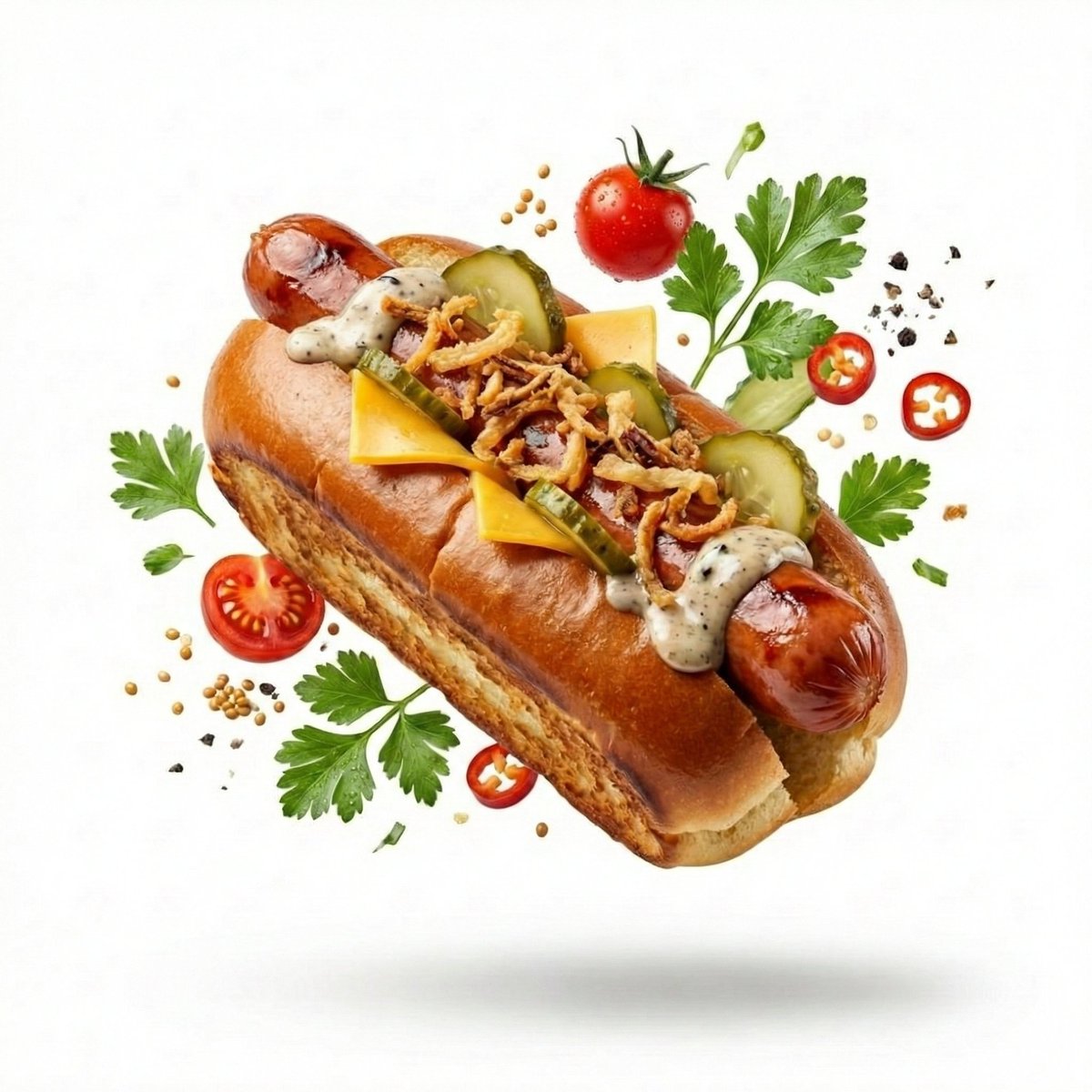
High-End Commercial Food Levitation Photography Prompt
ASCII Art Face with Korean Text
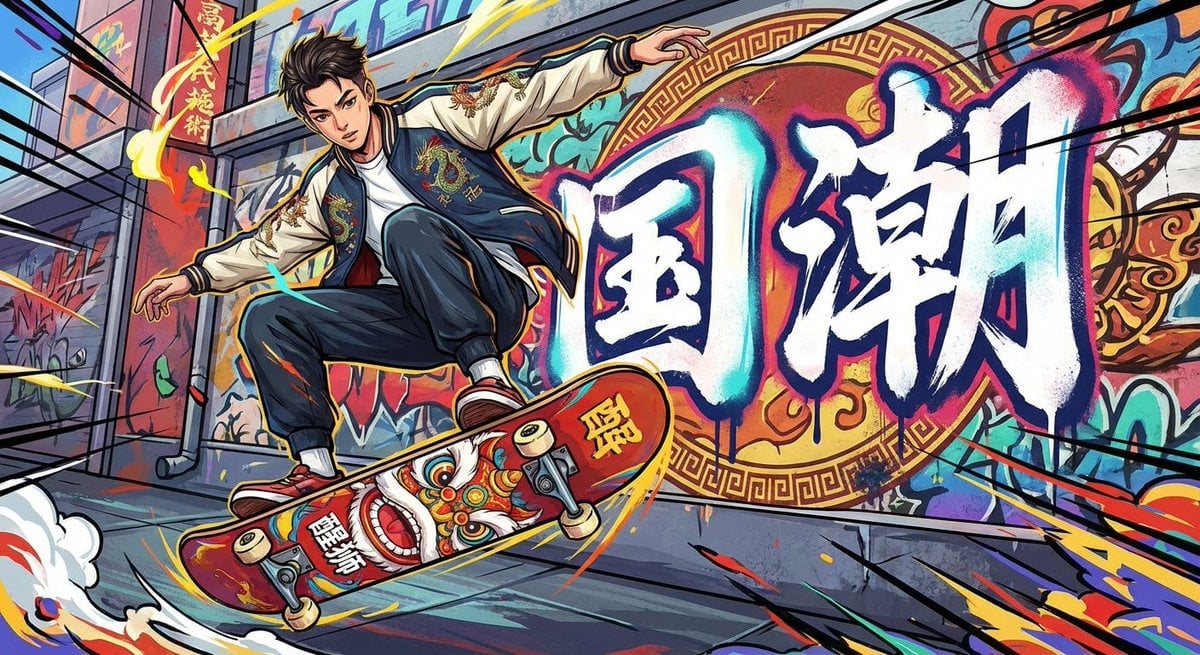
Nano Banana Pro-themed hero image (duplicate Chinese prompt 3)
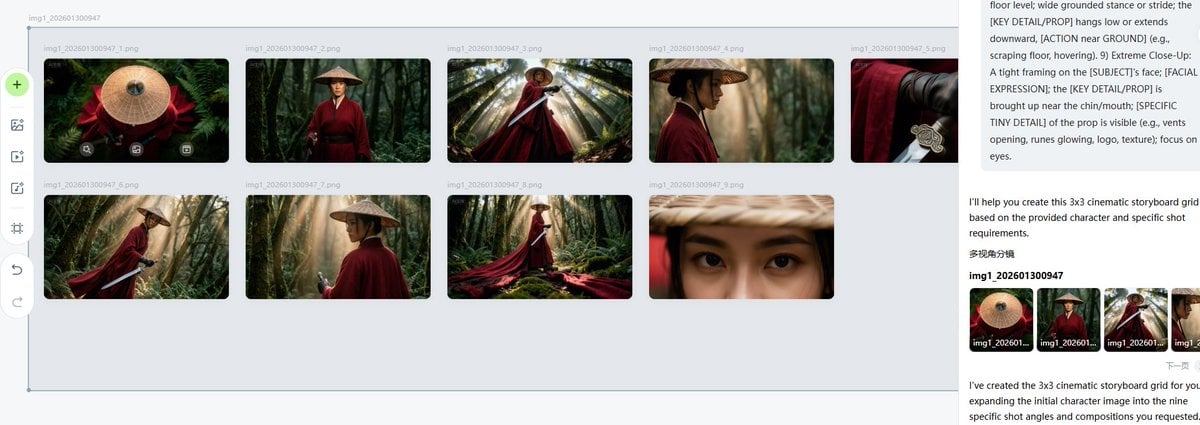
Cinematic Female Warrior Portrait Prompt
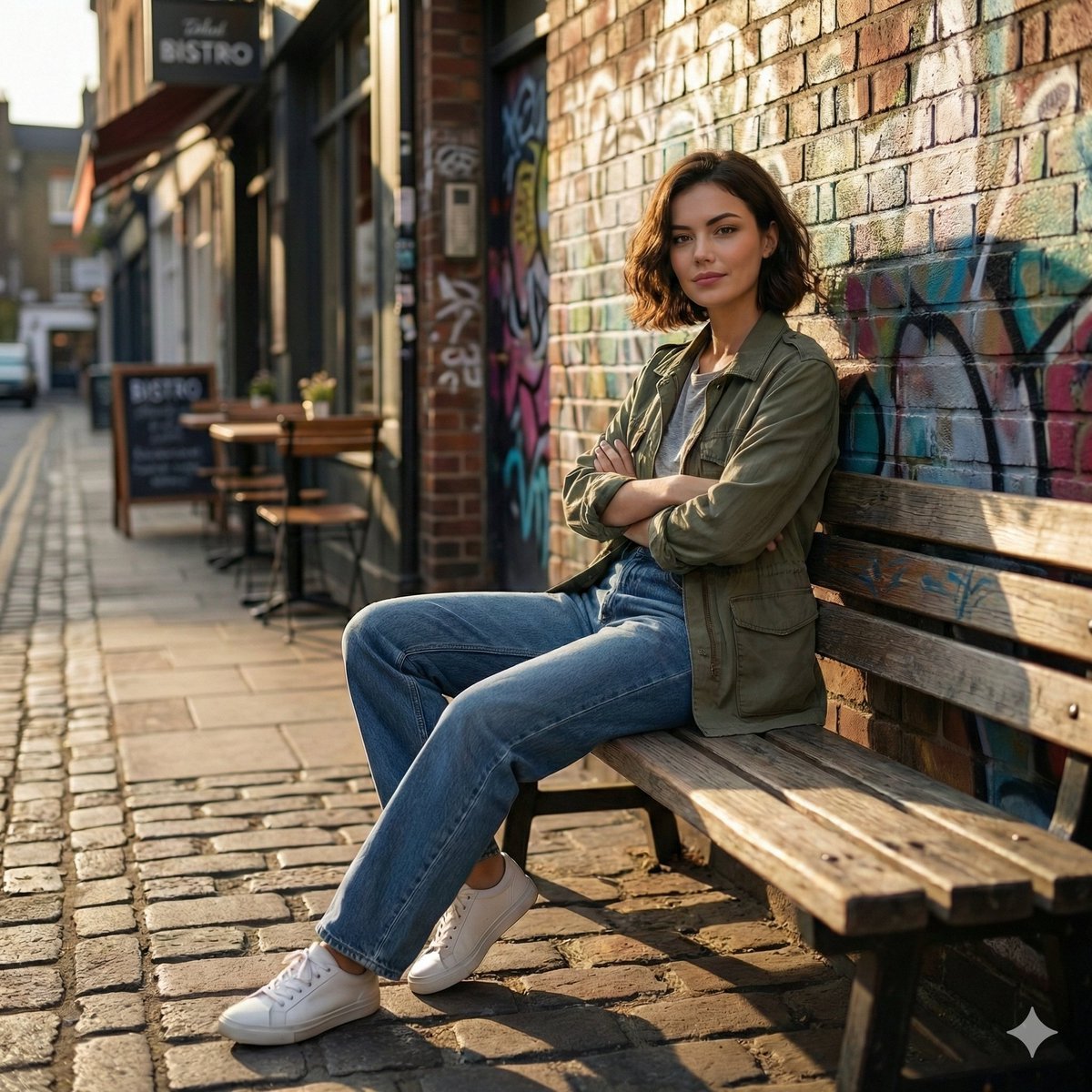
Cinematic Urban Street Scene Prompt
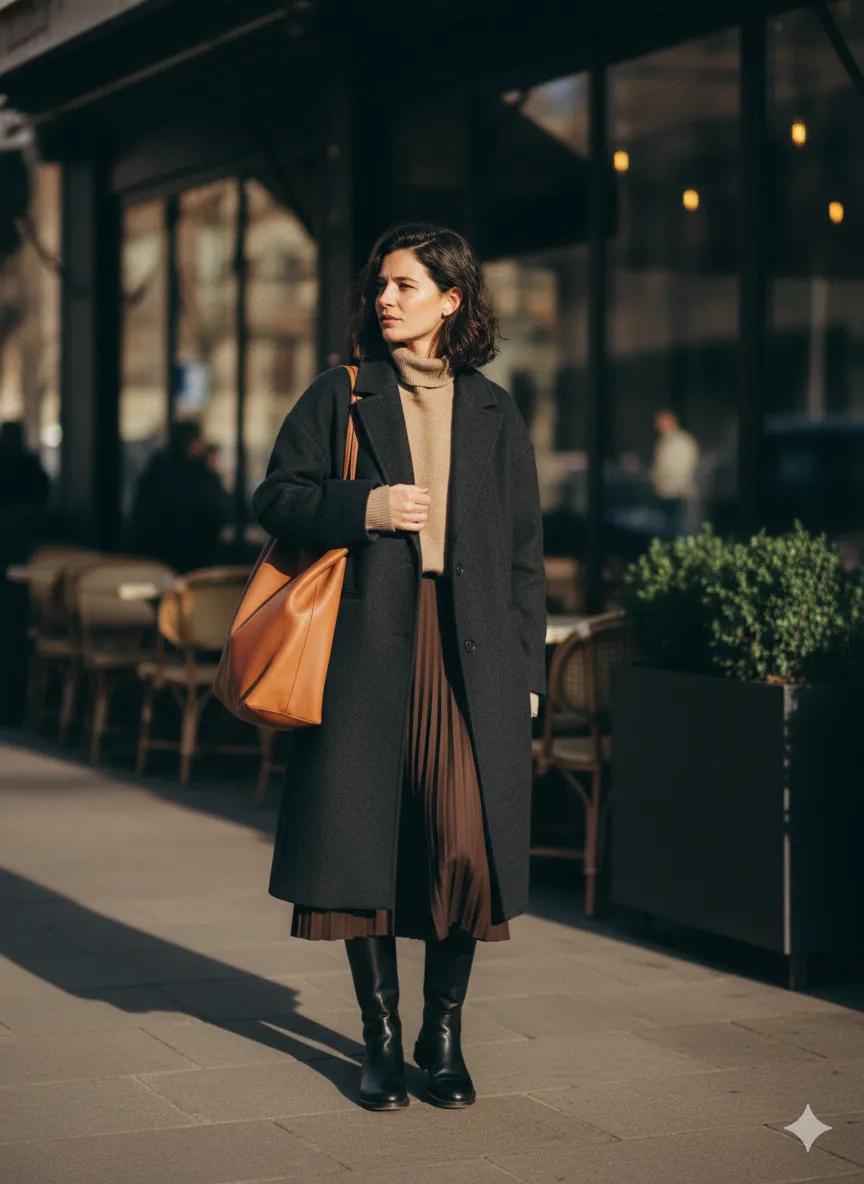
Scott Schuman Style Street Photography Portrait
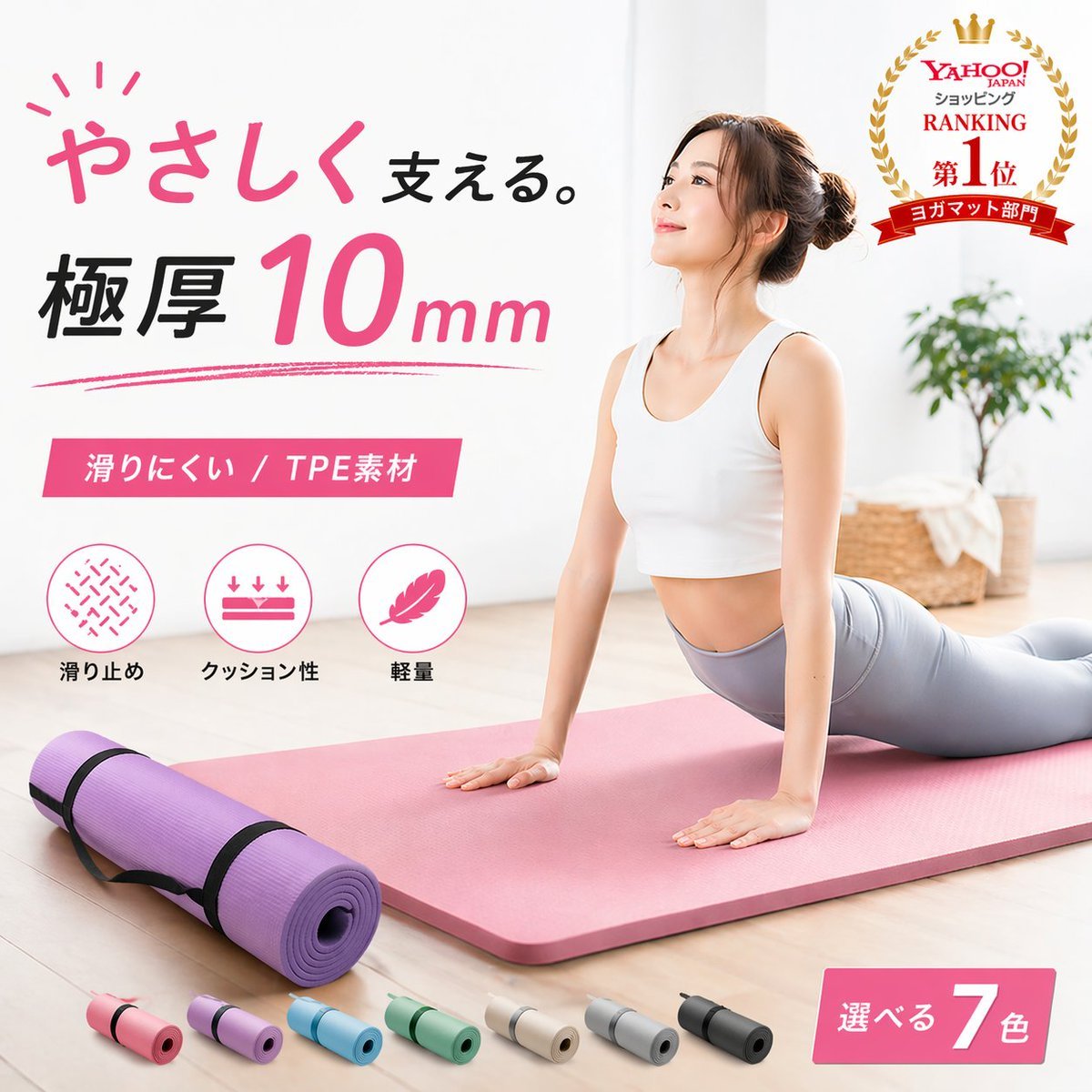
Japanese Yoga Mat E-commerce Ad
Rainy Kamakura Hydrangea Garden
Ornate Blue Belly Dancer Illustration
Anonymized Business Headshot
Browse template categories
Faceless Shadow Ninja Character Sheet questions
How do I use the Faceless Shadow Ninja Character Sheet template?
Add your photo if the template asks for one, edit the prompt if you like — the template's model and format are already selected — and press Generate. Your version opens in PicX Studio.
Can I customize the Faceless Shadow Ninja Character Sheet template?
Yes. You can change the subject, setting, lighting, mood, format, and available model controls before creating your image.
Is the Faceless Shadow Ninja Character Sheet template free?
Opening and editing this template is free. Generating uses credits, shown on the Generate button when you are signed in.
Which AI model should I use?
Start with GPT Image 2, which is the model associated with this template. You can compare another compatible model for a different finish.
Looking for something else? Browse all templates.

Your photo, any look
Thousands of ready templates for every top image and video model, from one credit balance.