
Cyber Ninja Character Sheet
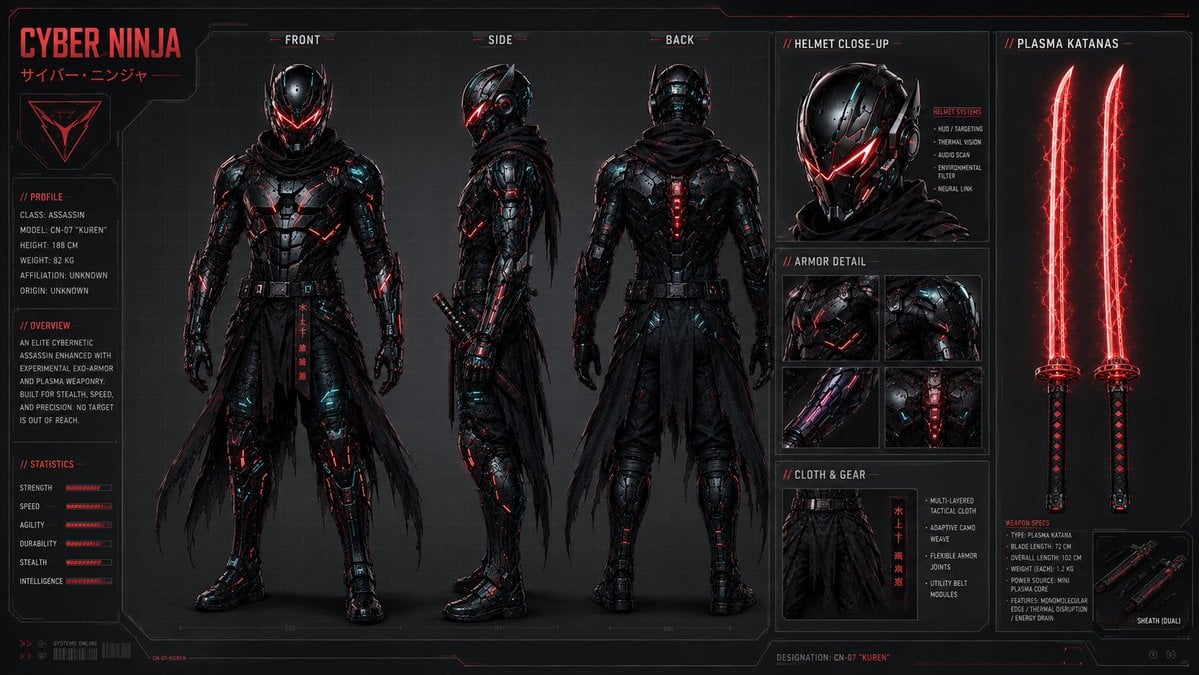
A detailed cyberpunk character design sheet showing front, side, back, armor, helmet, and plasma katana specifications for concept art use.
- Prompt included
- Model and format preset
- Premium template
The prompt behind this image
Copy the exact prompt behind Cyber Ninja Character Sheet, or open it in the studio and make it yours.
Goal: Create a dark futuristic cyberpunk character sheet for {argument name="character name" default="Cyber Ninja"}, an elite cybernetic assassin in black exo-armor with glowing red plasma accents. Canvas: Wide 16:9 technical concept-art board, black and charcoal background with faint grid lines, thin red HUD borders, blueprint-style panel divisions, subtle scanlines, high-contrast cinematic lighting, red and cyan rim highlights. Layout: Left column contains the large title “CYBER NINJA” with small Japanese subtitle “サイバー・ニンジャ”, a red triangular emblem, and three labeled info panels: Profile, Overview, and Statistics. Center area shows exactly 3 full-body orthographic character views labeled FRONT, SIDE, and BACK. Right side contains exactly 4 technical feature panels plus one tall weapon panel: Helmet Close-Up, Armor Detail, Cloth & Gear, Plasma Katanas, and a small Sheath (Dual) inset near the bottom. Subject details: The character is a tall armored ninja assassin wearing a glossy black segmented cybernetic suit, angular helmet with red glowing V-shaped visor, black tactical scarf/hood, layered torn waist cloth, utility belt, armored boots and gauntlets, red illuminated circuitry lines, small cyan reflections, and a vertical red kanji-like strip hanging from the belt. The front view stands facing forward with arms relaxed; the side view shows the profile with a sheathed sword at the hip/back; the back view shows rear armor plates, cloak folds, and a glowing red spine module. Counted visible elements: Include exactly 3 main character views: 1 front, 1 side, 1 back. Include exactly 1 helmet close-up portrait. Include exactly 4 armor-detail thumbnails showing chest/shoulder plating, shoulder/back plating, glowing arm detail, and illuminated torso spine/core detail. Include exactly 1 cloth-and-gear thumbnail showing the waist cloth and belt. Include exactly 2 vertical plasma katanas, both glowing red with black handles. Include exactly 1 small dual-sheath inset containing 2 sheathed blades. Text content: Use compact sci-fi UI typography in red, white, and gray. Left profile text should read: “CLASS: ASSASSIN”, “MODEL: CN-07 ‘KUREN’”, “HEIGHT: 188 CM”, “WEIGHT: 82 KG”, “AFFILIATION: UNKNOWN”, “ORIGIN: UNKNOWN”. Overview text should describe an elite cybernetic assassin enhanced with experimental exo-armor and plasma weaponry, built for stealth, speed, and precision. Statistics panel should show exactly 6 labeled bars: Strength, Speed, Agility, Durability, Stealth, Intelligence. Helmet panel should include small bullet labels: HUD / Targeting, Thermal Vision, Audio Scan, Environmental Filter, Neural Link. Weapon specs should identify the weapon type as Plasma Katana with blade length 72 cm, overall length 102 cm, weight 1.2 kg, power source mini plasma core, and features including monomolecular edge, thermal disruption, and energy drain. Bottom label should read “DESIGNATION: CN-07 ‘KUREN’”. Visual style: Ultra-detailed AAA video game concept art, realistic hard-surface armor design, sleek mecha-ninja silhouette, gritty military techwear, red neon energy glow, glossy black metal, subtle scratches and wear, dramatic studio lighting, crisp panel lines, professional character design sheet presentation. Constraints: Keep the composition clean and symmetrical, preserve all specified panel counts, do not add extra characters, do not use bright backgrounds, avoid cartoon/anime proportions, avoid watermarks or logos unrelated to the design.
How to use Cyber Ninja Character Sheet in 3 steps
- 1Upload ImagePNG, JPG or paste
Add your photo
Upload the photo the template builds on. The prompt, model and format are already set.
- 2…a portrait of your subject in softgolden-hour light, 85mm…
Personalize
Edit the subject and creative details for your destination.
- 3Generate
Generate
Press Generate — your image is created in PicX Studio, so you can compare it with the original and refine one variable at a time.
More like this
Templates with the same subject, style or setup. Open one to see its prompt.
Cyberpunk Ninja Assassin Character Sheet
Cyberpunk Neon Ninja Samurai

Chibi Anime Ninja Sticker Sheet
Chibi Cyber Ninja Figurine
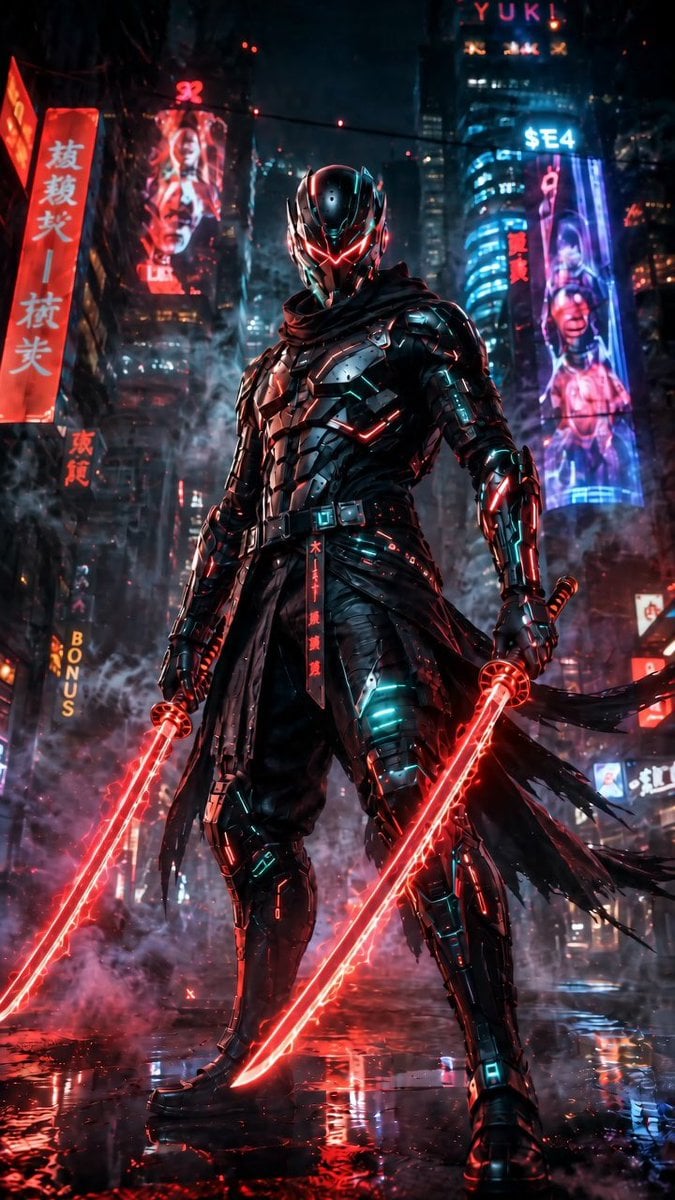
Cyberpunk Dual-Katana Ninja
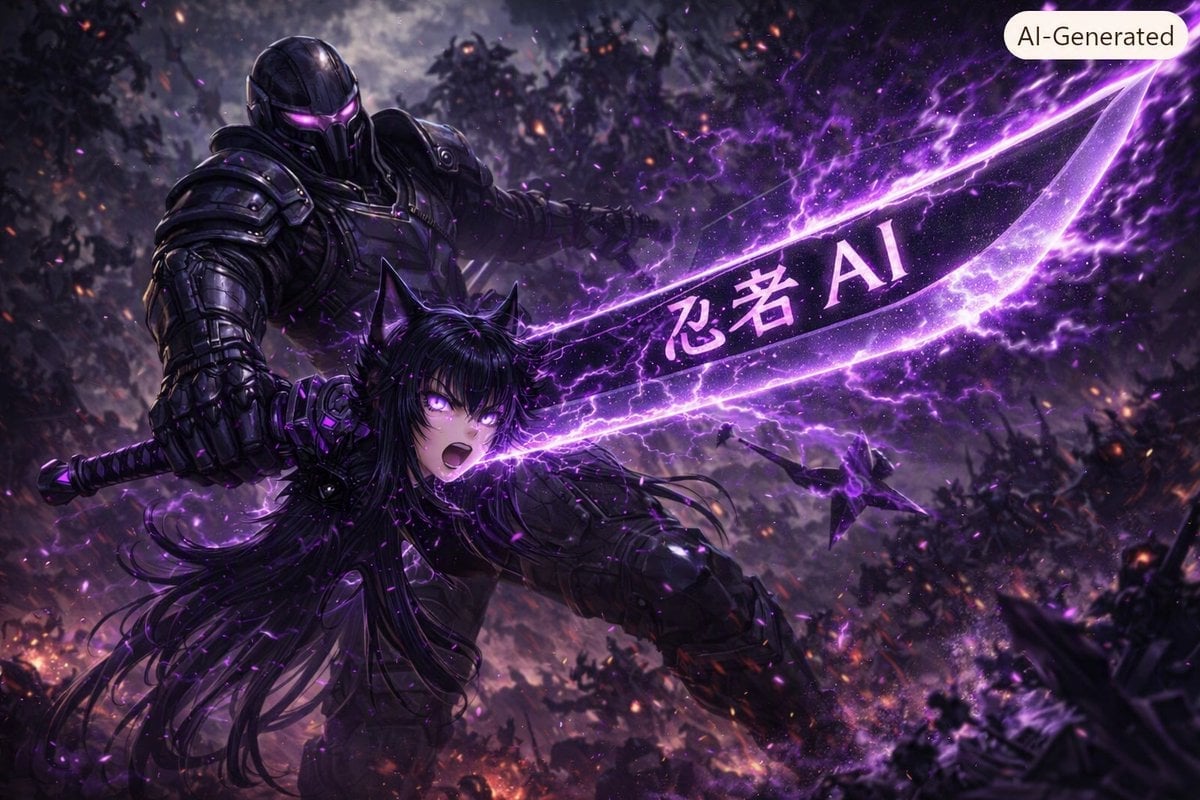
Purple Cyber Ninja Battle Scene
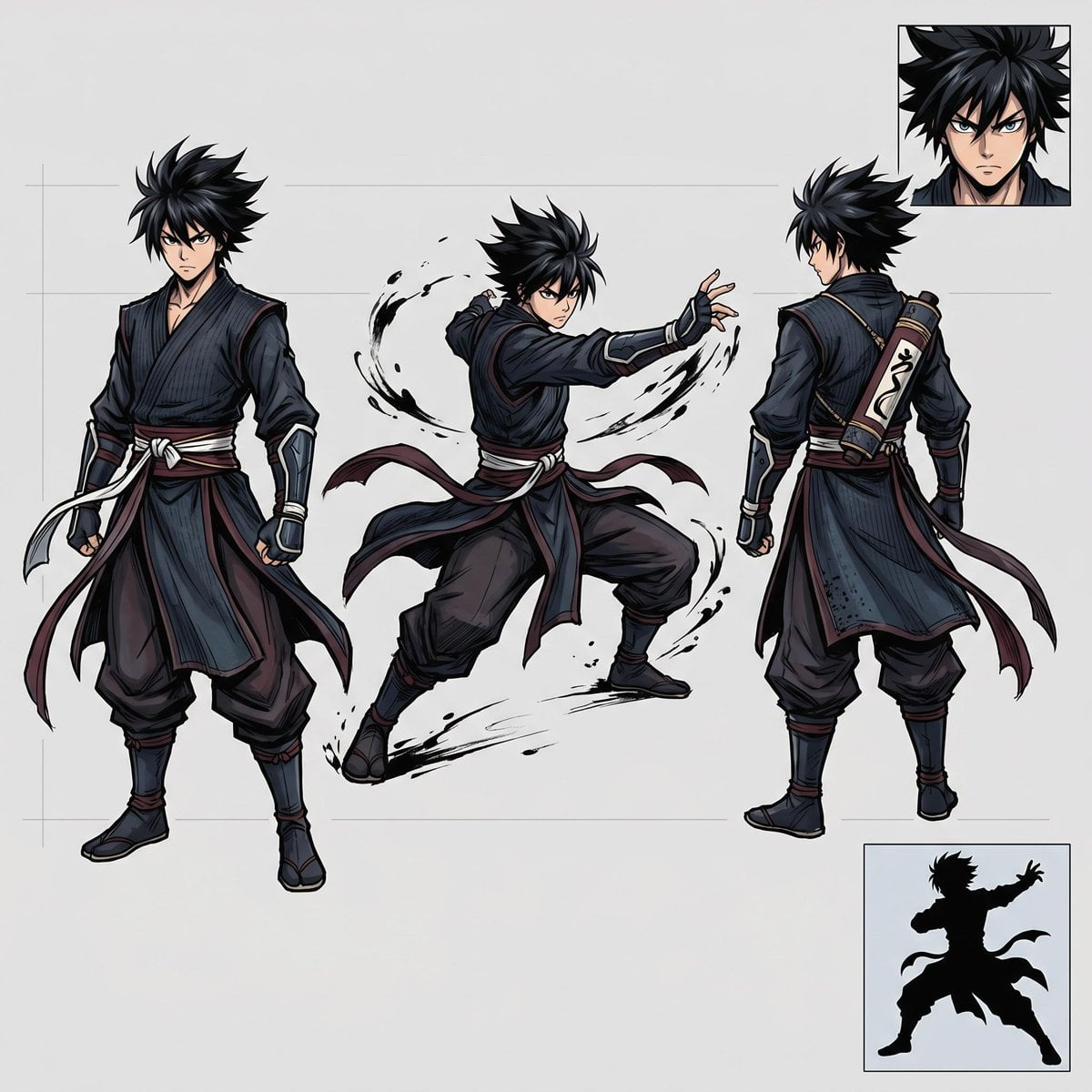
Faceless Shadow Ninja Character Sheet
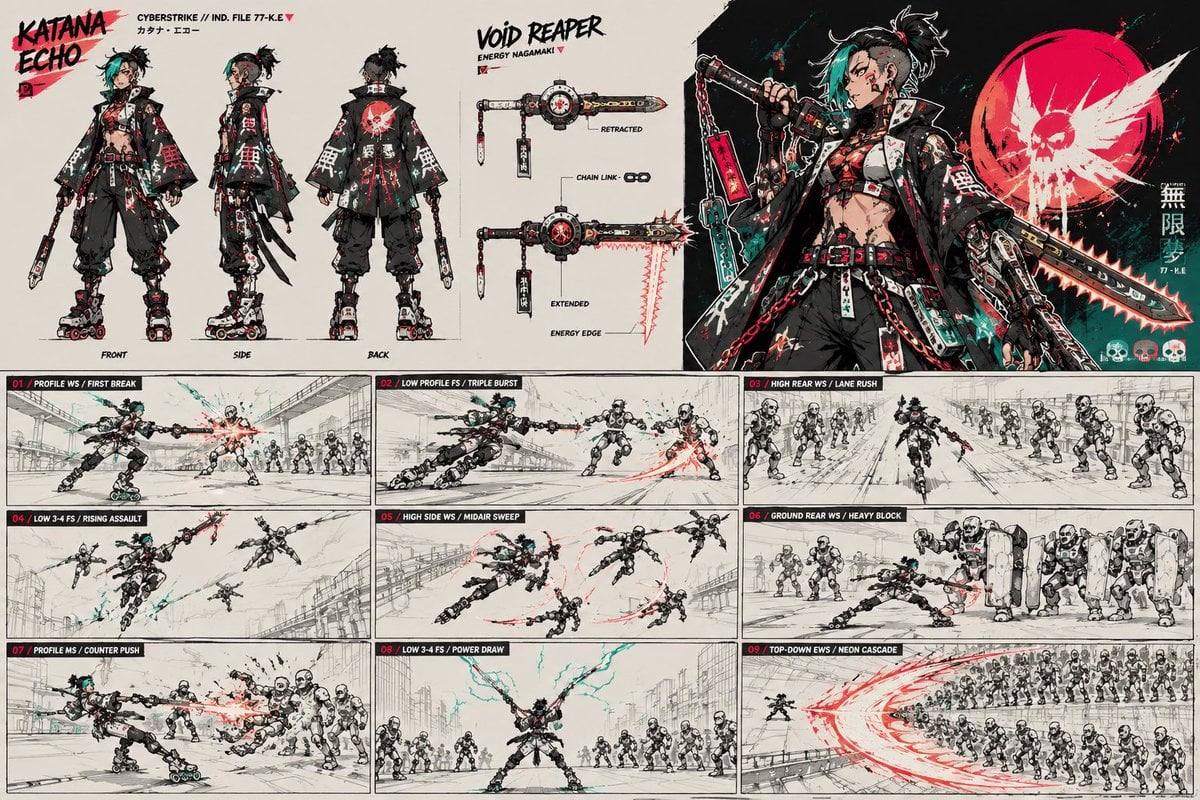
Cyberpunk Samurai Character Sheet
Cyberpunk Samurai and Ninja Art

Dancer Character - Four View Reference Sheet

Movement Sheet - Dance Reference (Seedance 2.0)
Anime Realistic Ninja Duo Portrait
Make it yours
Cyber Ninja Character Sheet works as-is. These are the safest ways to change it without losing the look.
Change one field
Copy a single group, rewrite it, and generate again so you can see what that field is doing.
Keep the frame, change the subject
Hold the composition and light of Cyber Ninja Character Sheet, then swap wardrobe, props or the person for a new take.
| If the result… | Why | Fix |
|---|---|---|
| The result drifts from the preview | Too many fields changed at once. | Reuse Cyber Ninja Character Sheet as-is first, then change one group — subject, light, or setting. |
| The model over-stylizes the scene | The prose prompt leaves finish and camera underspecified. | Add one camera or lighting sentence and stay on GPT Image 2. |
More GPT Image 2 templates
Other prompts made for GPT Image 2.

Realistic Portrait of Woman and Deer

The Vista Modular Condo Poster

AI Model Routing Comparison Infographic

2.5D Anime Art Board

Isometric Productivity Desk Scene

New York Double Exposure Poster

Four-Panel AI Landscape Comparison

Japanese Tatami Lifestyle Magazine Cover

NESCAFÉ Coffee Map Poster

Brutalist Cogito Chinese Typography Poster
More image prompts
Fresh picks from across the catalog.
Desert Roadside Phone Call Lifestyle Photo
Colorful New Year's Illustration Prompt
Surreal Mixed-Media Fashion Portrait Collage
Anime Girl Character Bento
Rainy Park Visual Novel CG
Minimalist Saint Augustine Book Cover
Dark Cyber Elf With Crimson Blade
Anime Fashion Poster Nozomu
Surreal Fashion Street Scene with Oversized Heads
High-Angle Editorial Street-Style Photo
Browse template categories
Cyber Ninja Character Sheet questions
How do I use the Cyber Ninja Character Sheet template?
Add your photo if the template asks for one, edit the prompt if you like — the template's model and format are already selected — and press Generate. Your version opens in PicX Studio.
Can I customize the Cyber Ninja Character Sheet template?
Yes. You can change the subject, setting, lighting, mood, format, and available model controls before creating your image.
Is the Cyber Ninja Character Sheet template free?
Opening and editing this template is free. Generating uses credits, shown on the Generate button when you are signed in.
Which AI model should I use?
Start with GPT Image 2, which is the model associated with this template. You can compare another compatible model for a different finish.
Looking for something else? Browse all templates.

Your photo, any look
Thousands of ready templates for every top image and video model, from one credit balance.