
Purple Cyber Ninja Battle Scene
Generates a dramatic anime cyberpunk battle illustration with a cat-eared ninja warrior, armored soldier, and glowing purple energy blade.
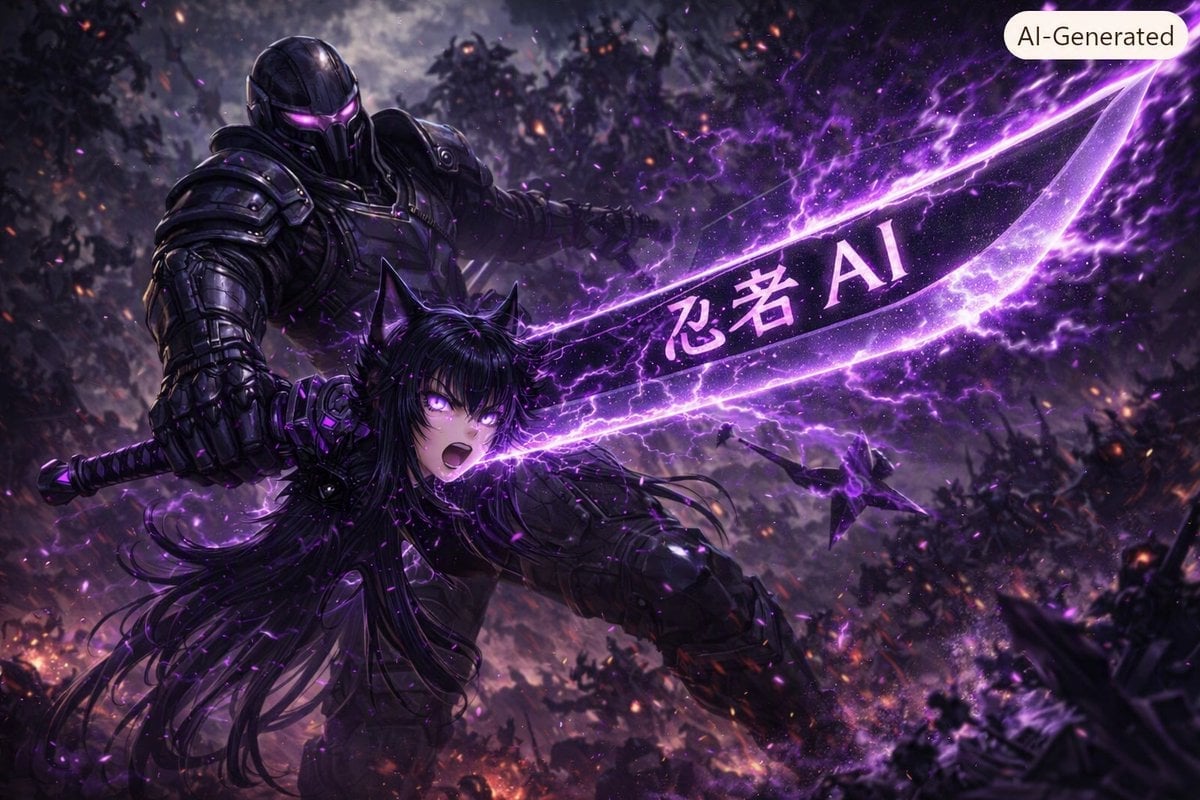
- Prompt included
- Model and format preset
- Free template
The prompt behind this image
Copy the exact prompt behind Purple Cyber Ninja Battle Scene, or open it in the studio and make it yours.
Create a dark cinematic sci-fi anime battle scene in a devastated forest at night, with exactly 2 main characters: a towering black-armored futuristic soldier behind and slightly left, wearing a full helmet with glowing violet visor slits, layered tactical power armor, and a heavy gauntlet gripping a weapon; and a fierce anime cat-eared warrior girl in the foreground, {argument name="character name" default="ninja AI"}, with long flowing {argument name="hair color" default="black-purple"} hair, glowing purple eyes, black tactical ninja armor, an open-mouthed battle shout, and a dynamic forward-lunging pose. She is unleashing exactly 1 enormous translucent violet energy blade or slash stretching diagonally from center-left to upper-right, filled with lightning, sparks, particle trails, and the glowing text {argument name="blade text" default="忍者 AI"} printed across the blade. Add exactly 1 small shuriken-like flying drone or projectile in the mid-right background, surrounded by purple energy. The environment is a chaotic war-torn woodland with smoky silhouettes of trees, embers, distant fires, debris, storm clouds, and purple electrical arcs everywhere. Use dramatic low-angle perspective, extreme motion blur, high contrast, glossy black armor, magenta-violet rim lighting, ultra-detailed digital painting, anime-meets-cyberpunk concept art, sharp focus on the two characters and blade, cinematic depth of field, 16:9 widescreen composition. Include exactly 2 visible text elements: the glowing blade text and a rounded cream label in the top-right corner reading {argument name="badge text" default="AI-Generated"}. Avoid gore, avoid extra main characters, avoid additional readable text, no watermark besides the specified badge.
How to use Purple Cyber Ninja Battle Scene in 3 steps
- 1Upload ImagePNG, JPG or paste
Add your photo
Upload the photo the template builds on. The prompt, model and format are already set.
- 2…a portrait of your subject in softgolden-hour light, 85mm…
Personalize
Edit the subject and creative details for your destination.
- 3Generate
Generate
Press Generate — your image is created in PicX Studio, so you can compare it with the original and refine one variable at a time.
More like this
Templates with the same subject, style or setup. Open one to see its prompt.
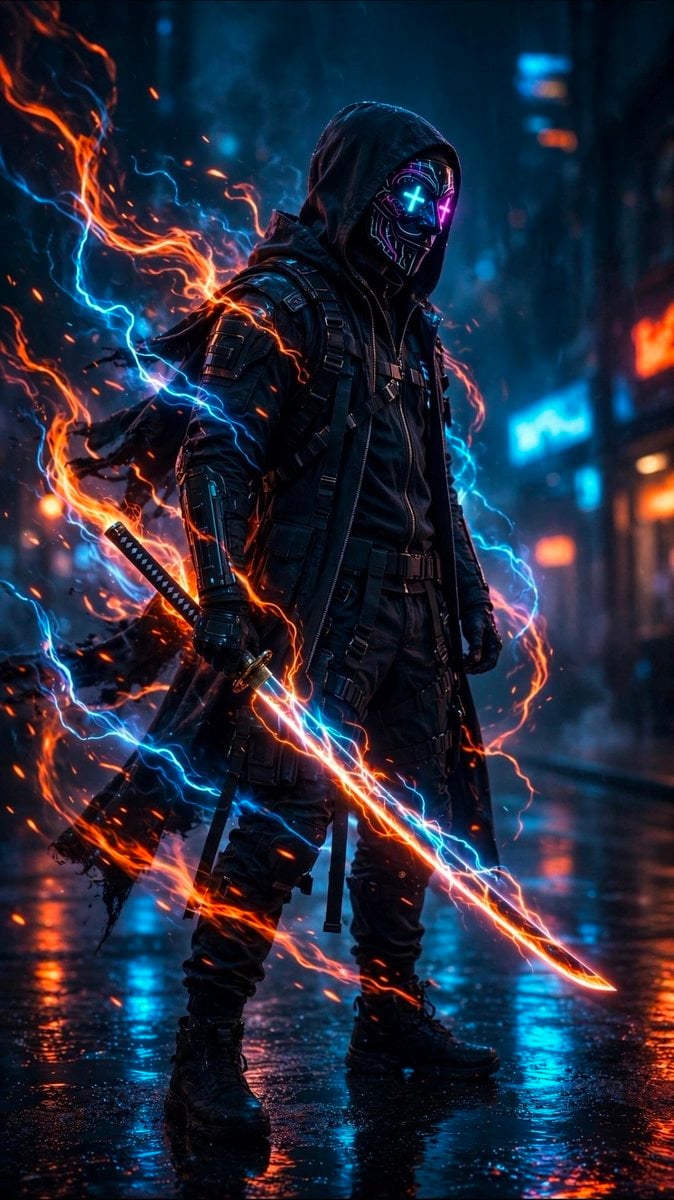
Cyberpunk Neon Ninja Samurai
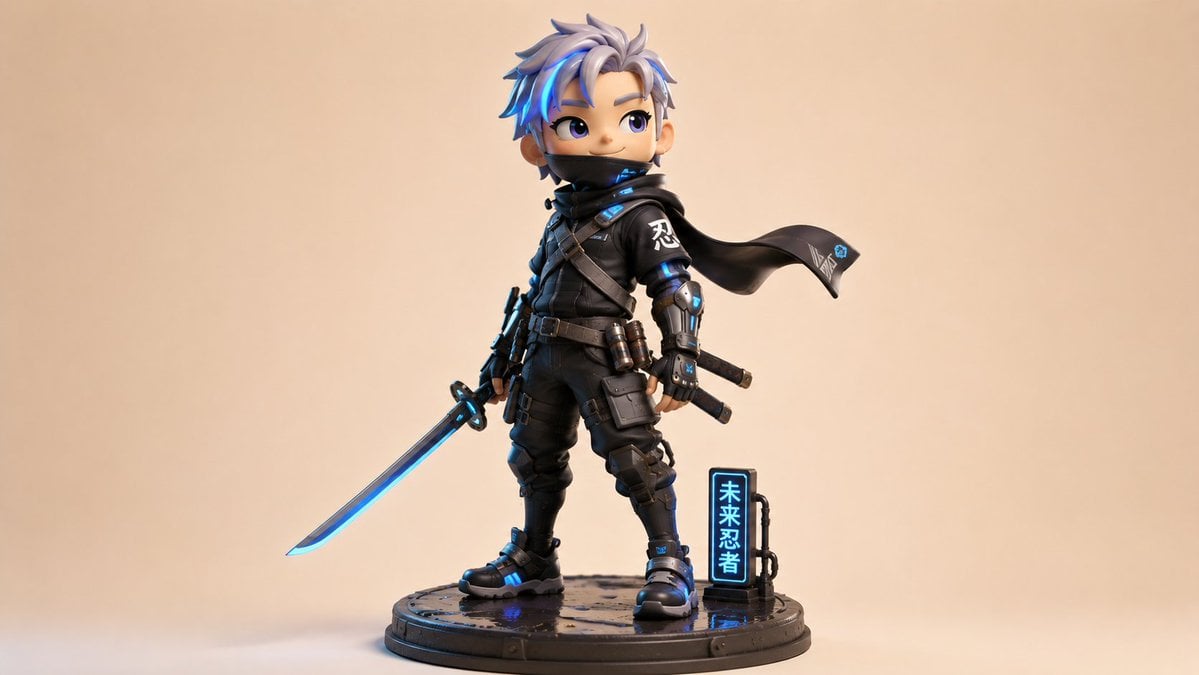
Chibi Cyber Ninja Figurine
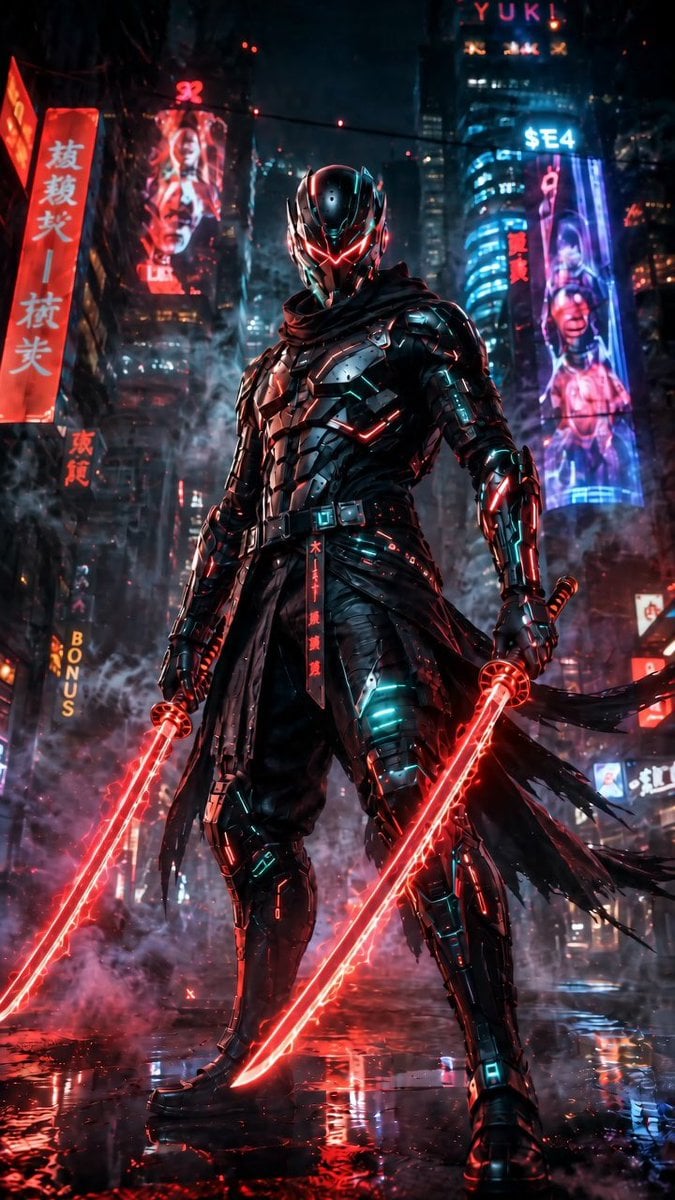
Cyberpunk Dual-Katana Ninja
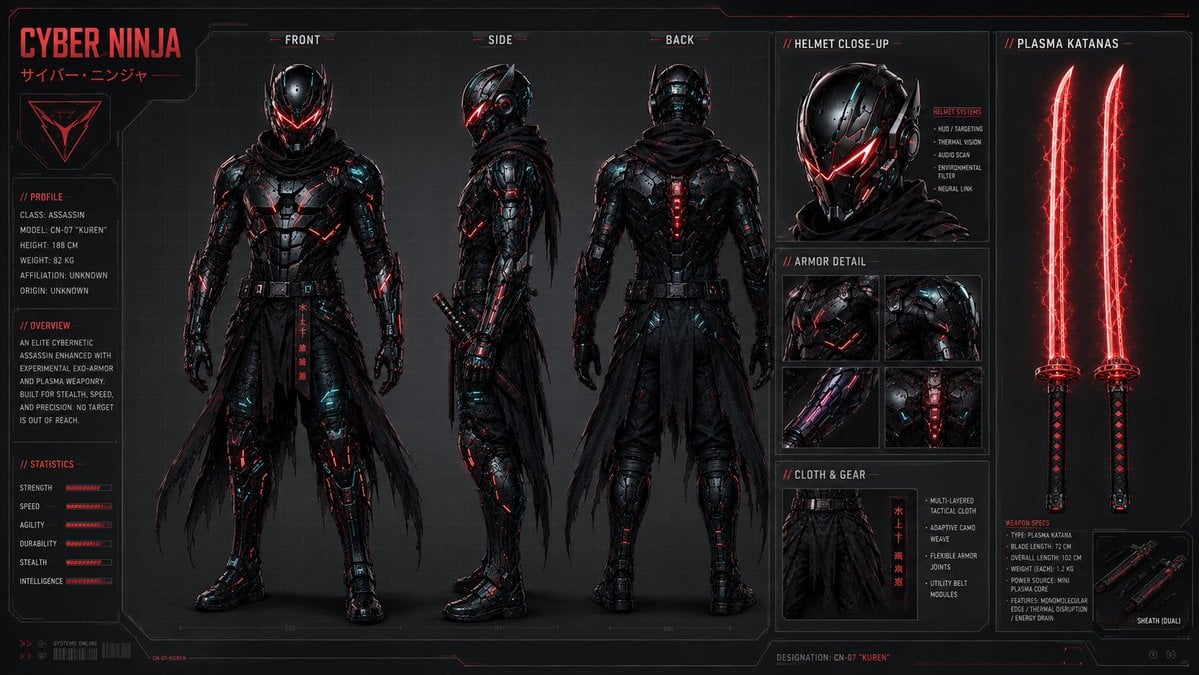
Cyber Ninja Character Sheet
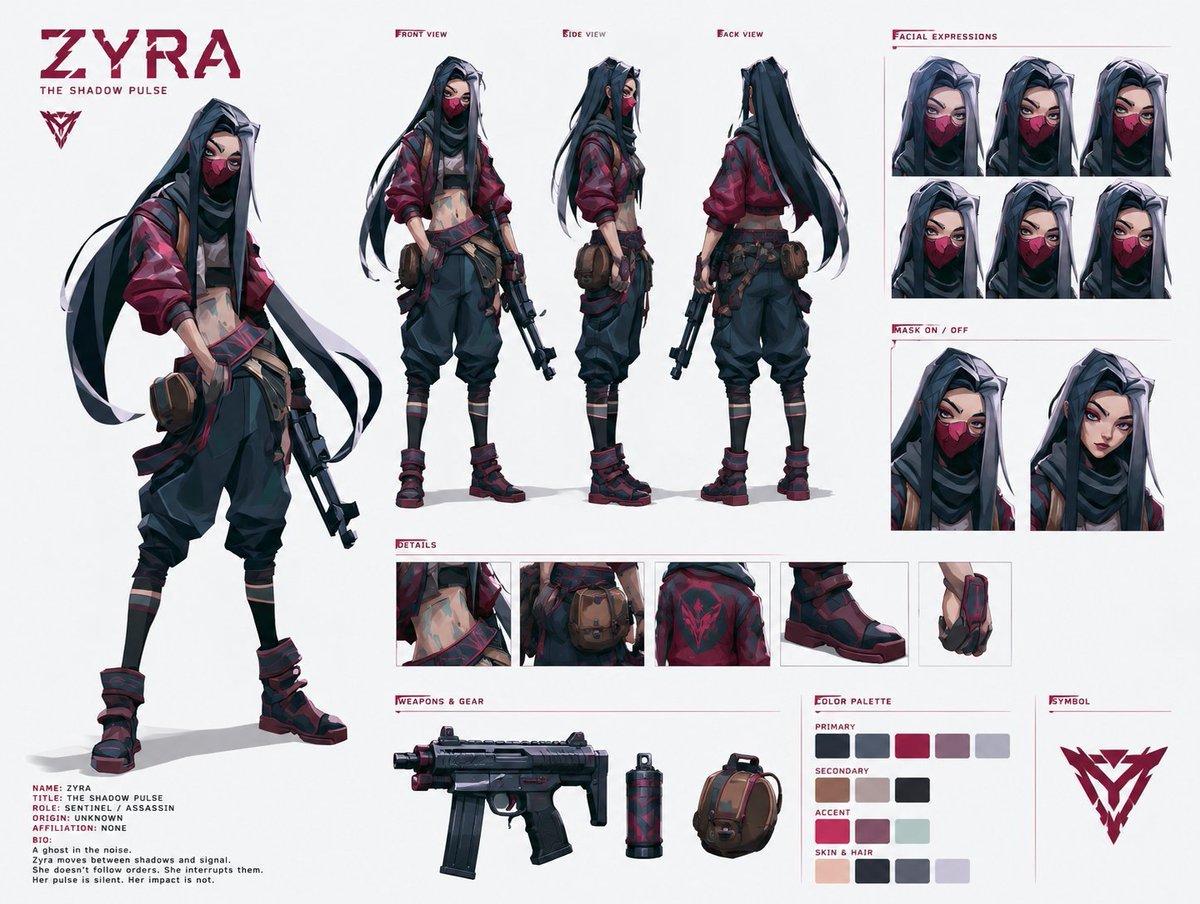
Cyberpunk Ninja Assassin Character Sheet
Studio Fashion Portrait Moody Purple Gradient
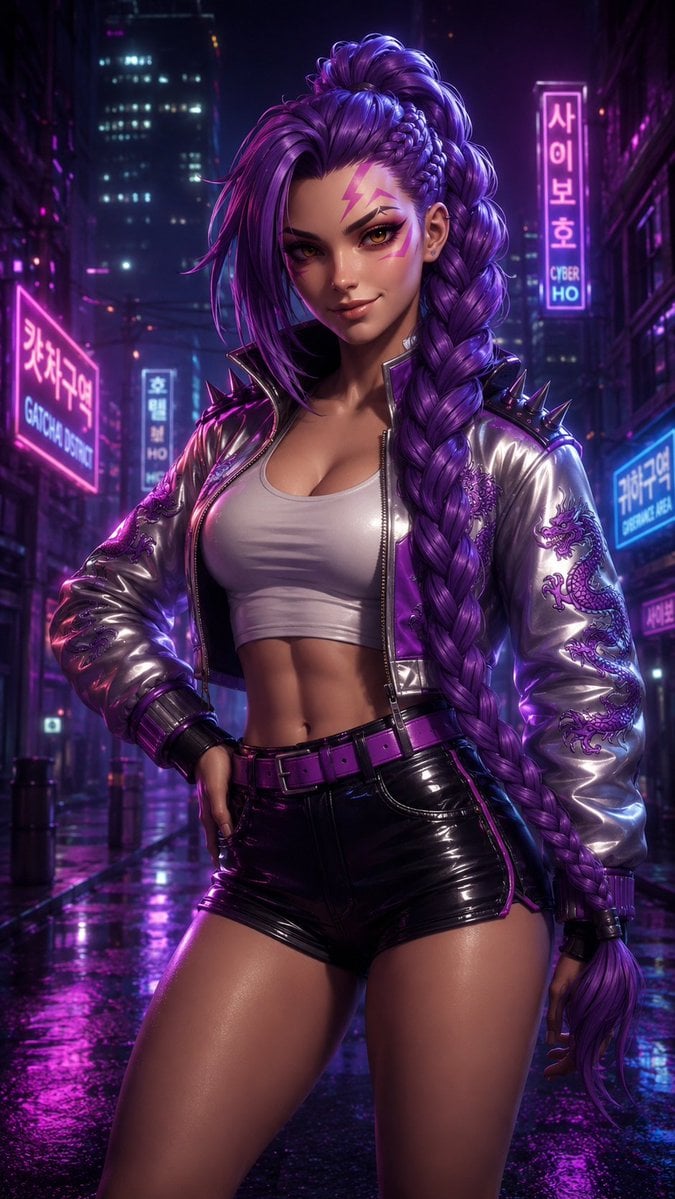
Cyberpunk Purple Braid Portrait
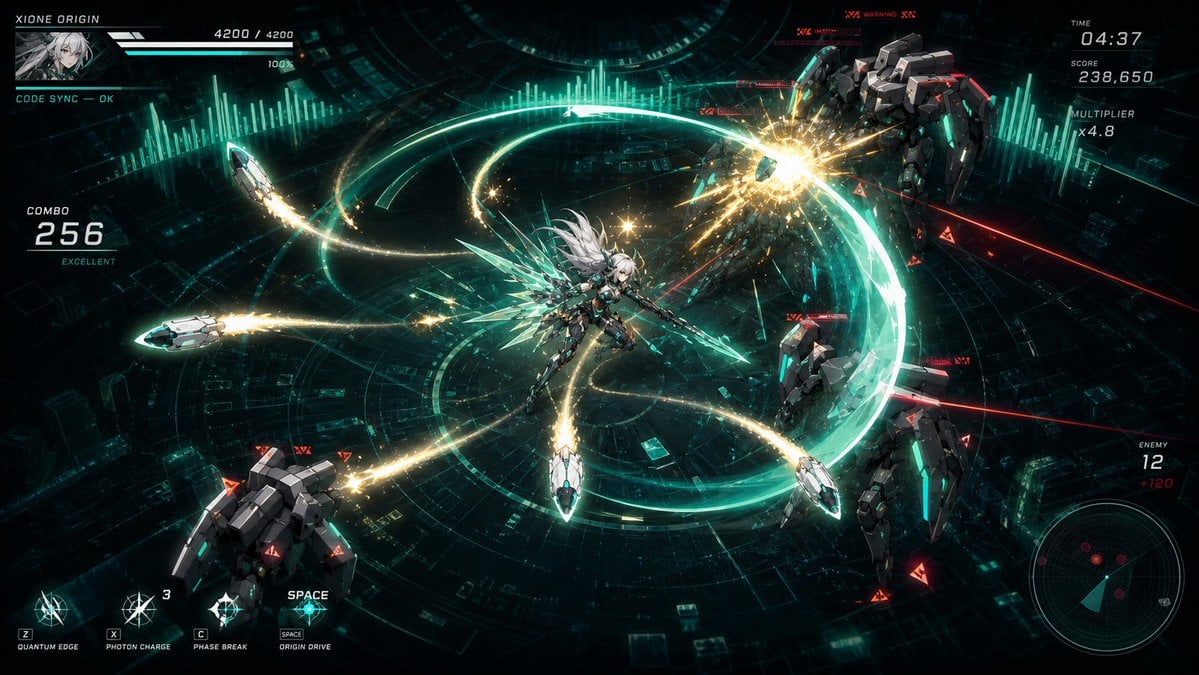
Cyber Angel Mecha Battle HUD
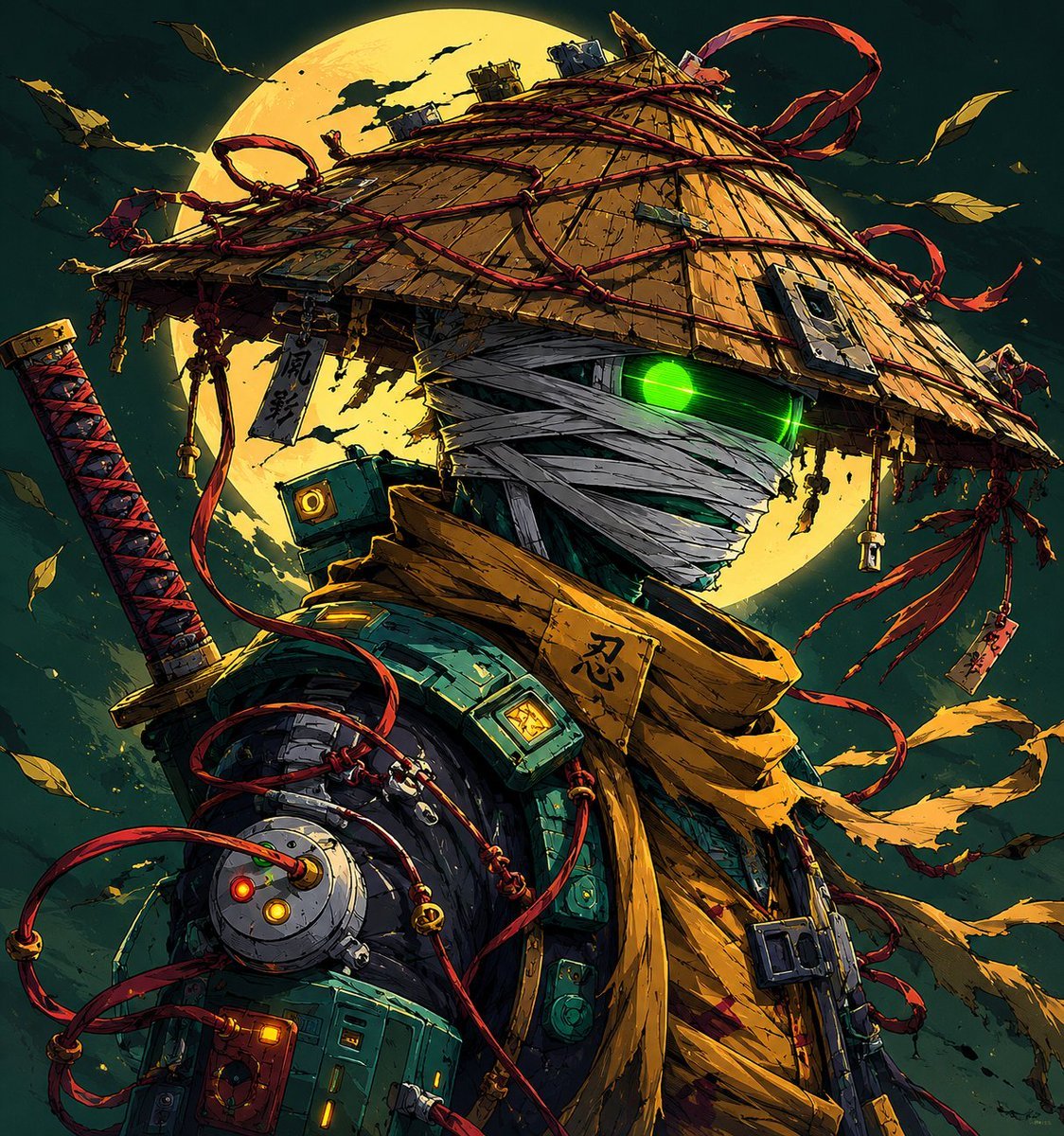
Cyberpunk Samurai and Ninja Art
Seedance - Dragon vs Python Battle
Seedance - Arrow Microscopic Battle
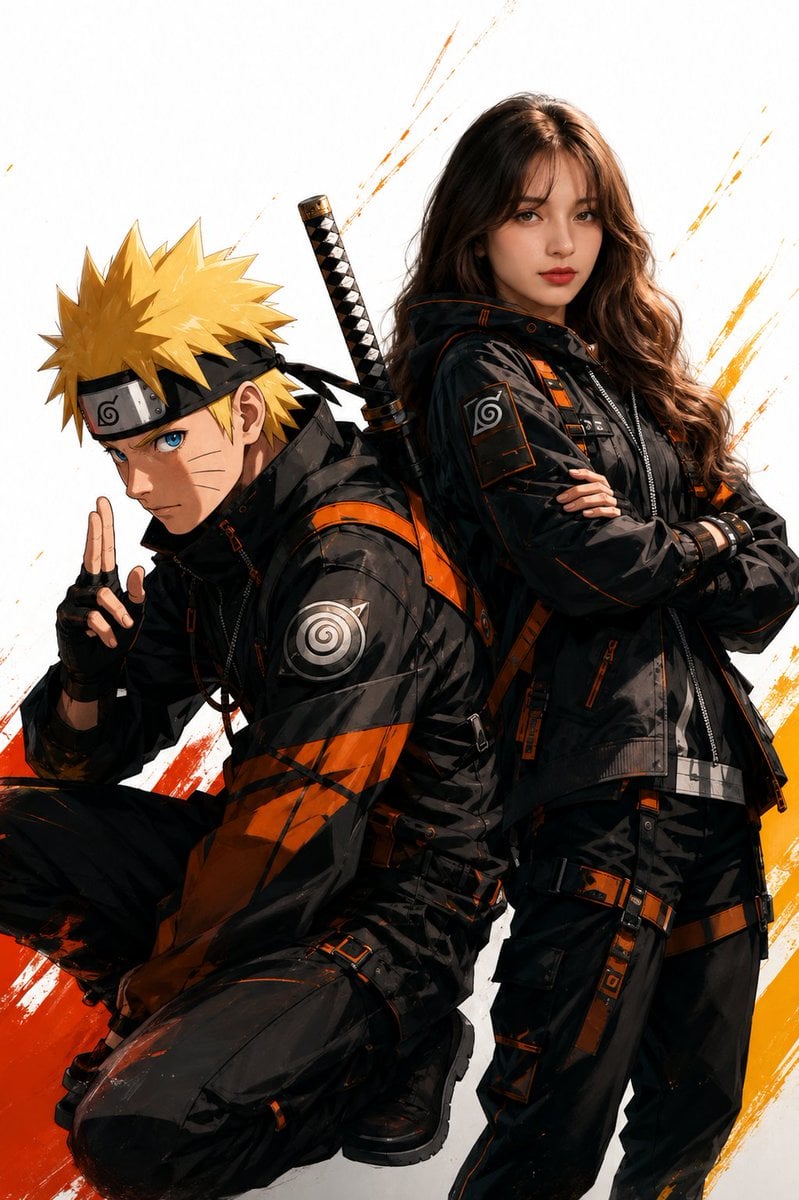
Anime Realistic Ninja Duo Portrait
Make it yours
Purple Cyber Ninja Battle Scene works as-is. These are the safest ways to change it without losing the look.
Change one field
Copy a single group, rewrite it, and generate again so you can see what that field is doing.
Keep the frame, change the subject
Hold the composition and light of Purple Cyber Ninja Battle Scene, then swap wardrobe, props or the person for a new take.
| If the result… | Why | Fix |
|---|---|---|
| The result drifts from the preview | Too many fields changed at once. | Reuse Purple Cyber Ninja Battle Scene as-is first, then change one group — subject, light, or setting. |
| The model over-stylizes the scene | The prose prompt leaves finish and camera underspecified. | Add one camera or lighting sentence and stay on GPT Image 2. |
More GPT Image 2 templates
Other prompts made for GPT Image 2.

Six VTuber Japanese Logo Sheet

Realistic Portrait of Woman and Deer

The Vista Modular Condo Poster

AI Model Routing Comparison Infographic

2.5D Anime Art Board

Isometric Productivity Desk Scene

New York Double Exposure Poster

Four-Panel AI Landscape Comparison

Japanese Tatami Lifestyle Magazine Cover

NESCAFÉ Coffee Map Poster
More image prompts
Fresh picks from across the catalog.
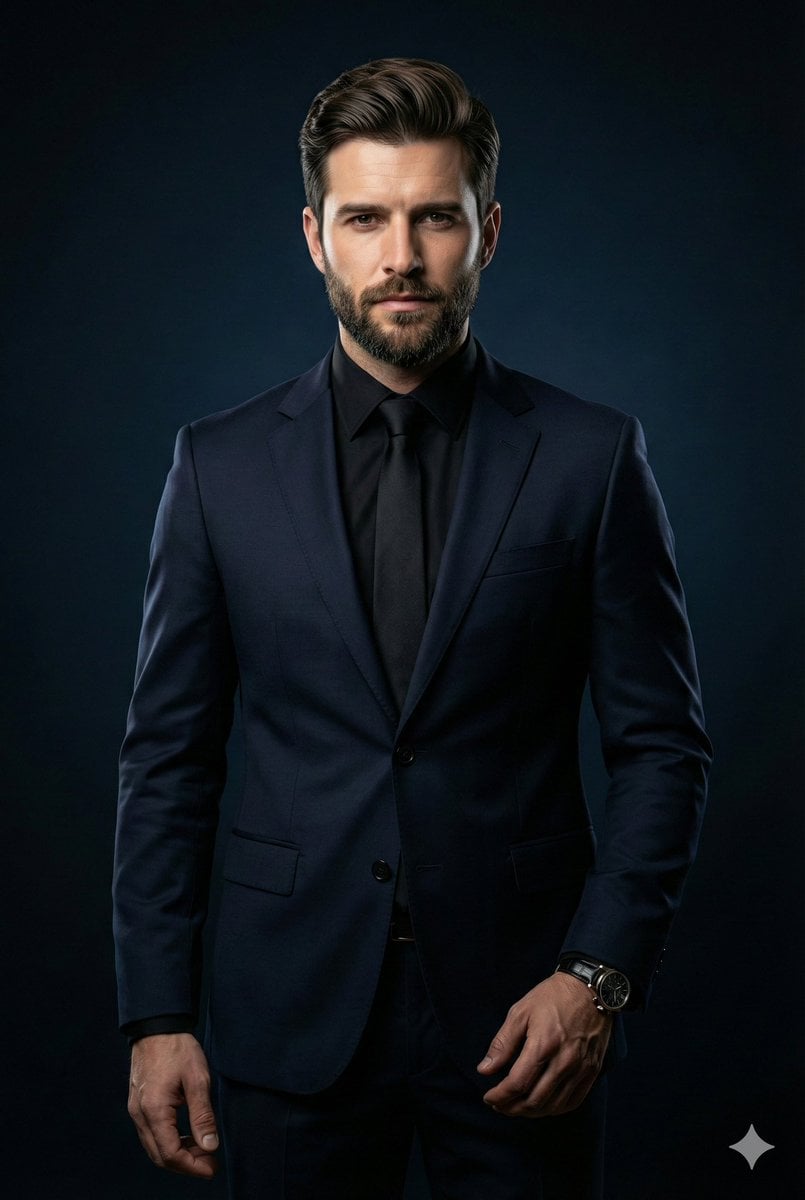
Cinematic Portrait of Middle-Aged Man in Suit

untitled

Luxury Tokyo Hotel Bathroom Portrait Prompt
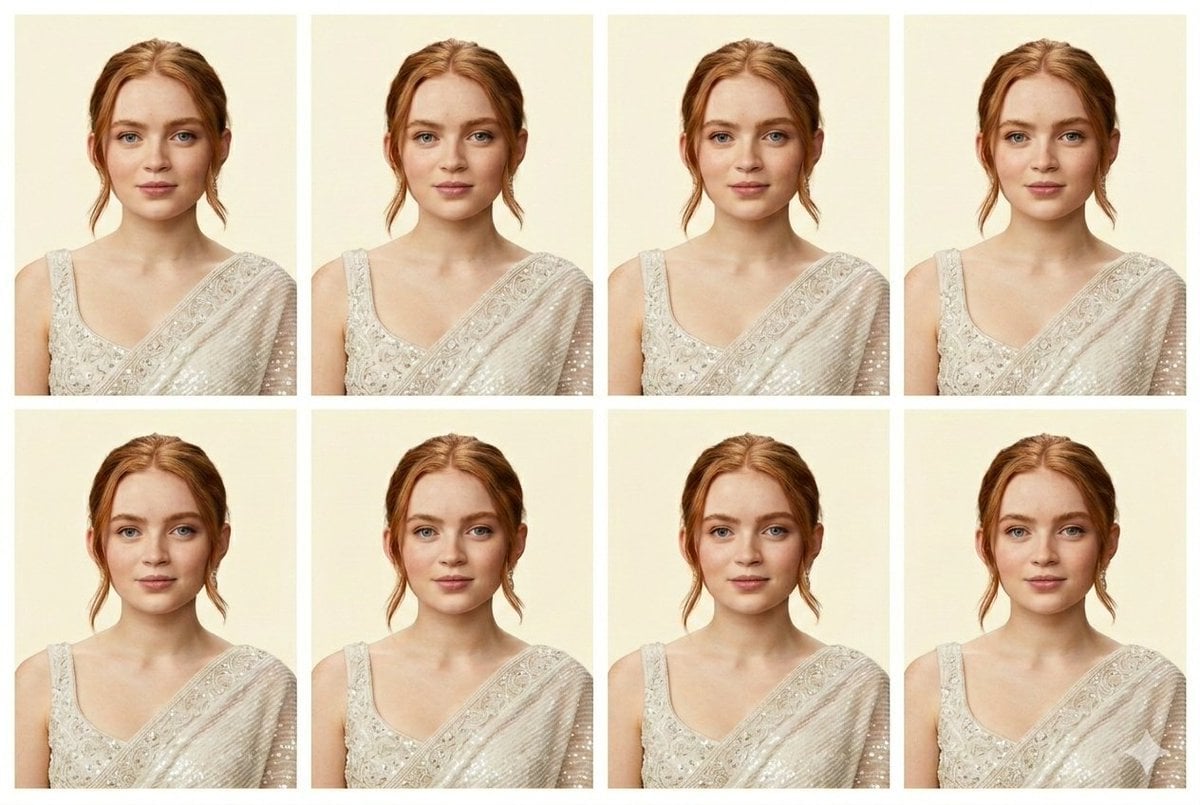
Passport Photo Generator Prompt (JSON)
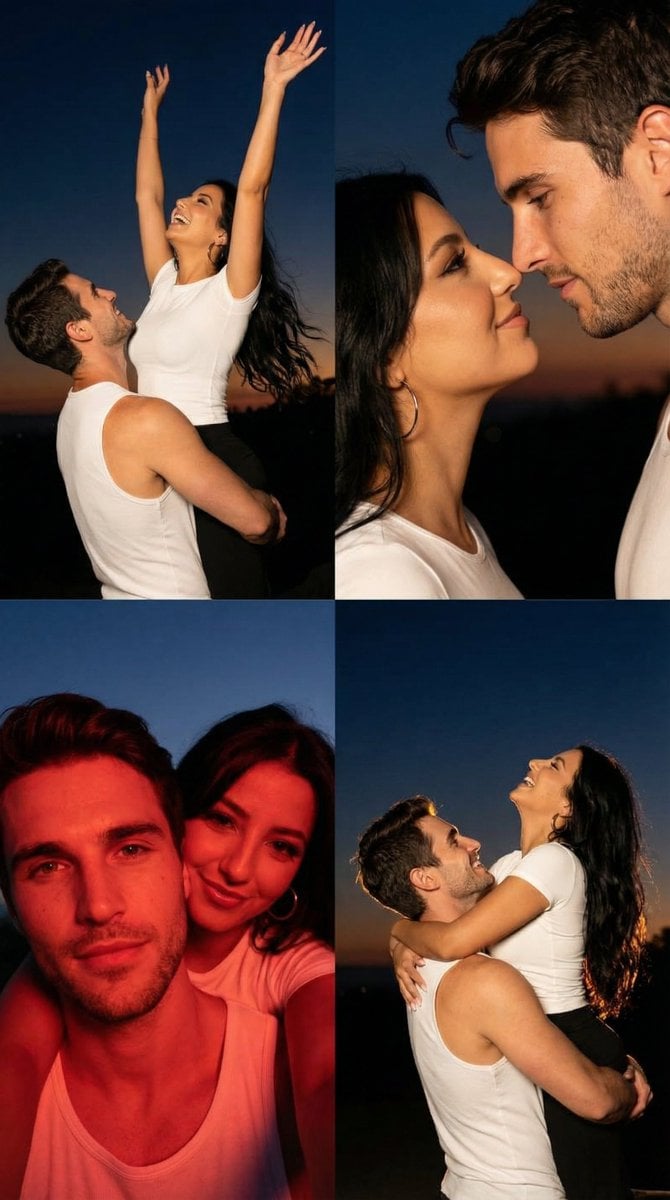
2x2 Grid Cinematic Night Couple Portrait with Identity Lock
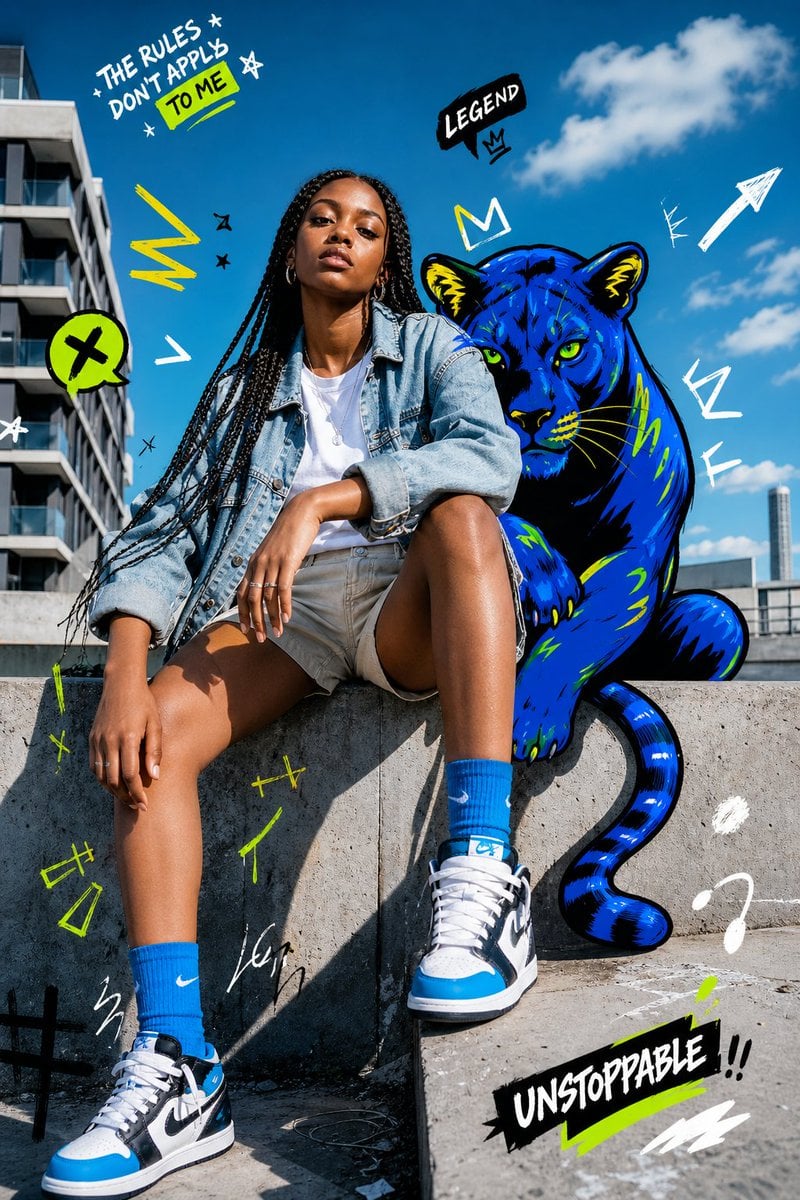
Street Fashion Panther Graffiti
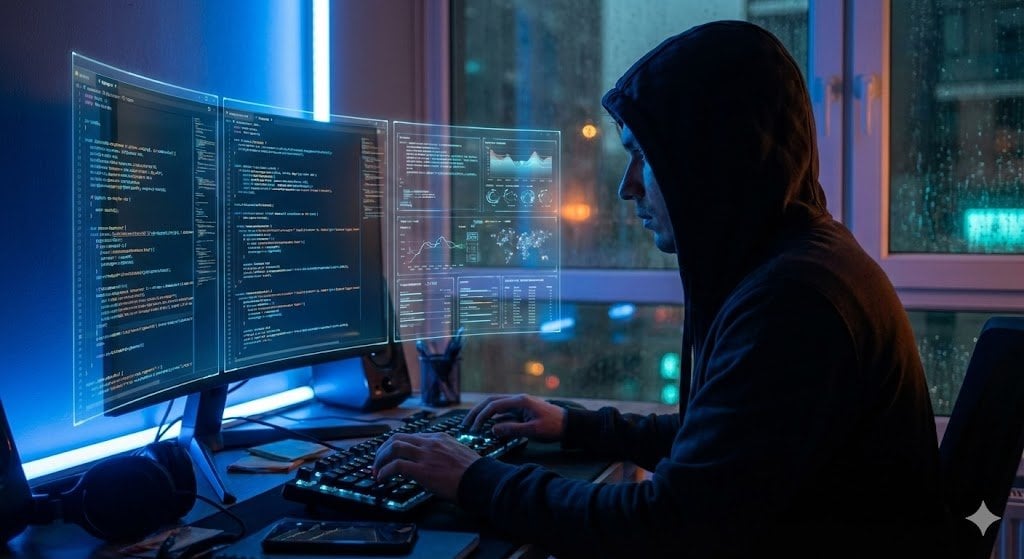
JSON Prompt Template for Camera and Lighting Control
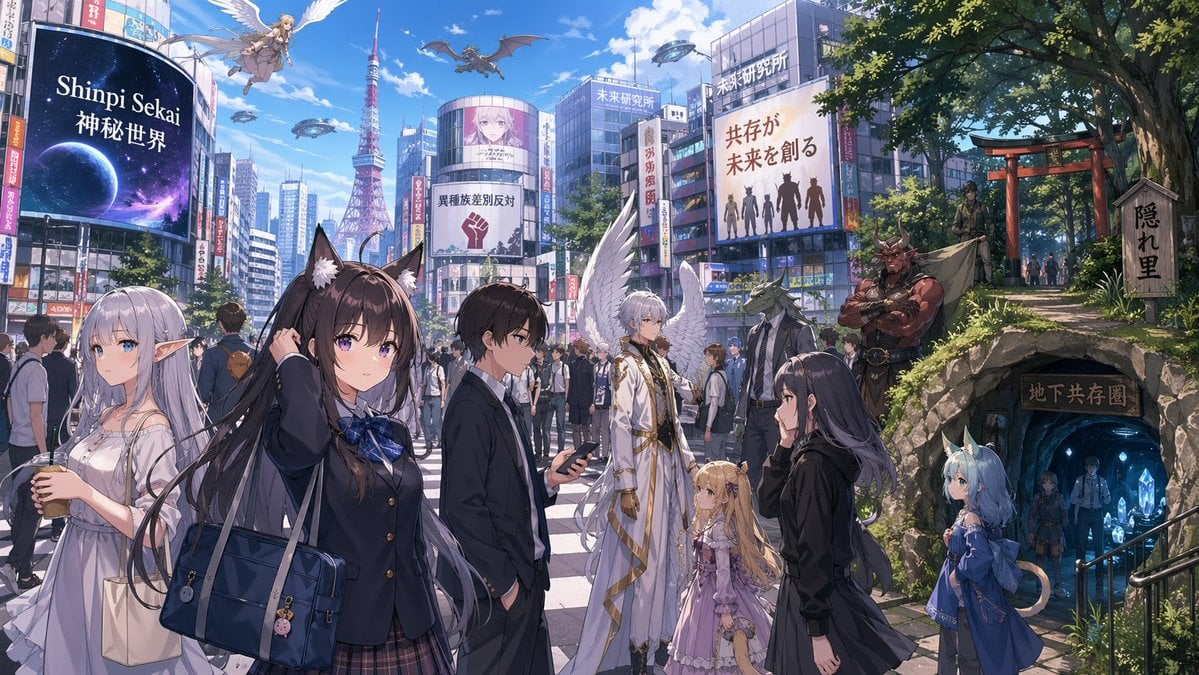
Gpt2 Comic Storyboard Urban Fantasy Coexistence Crossing
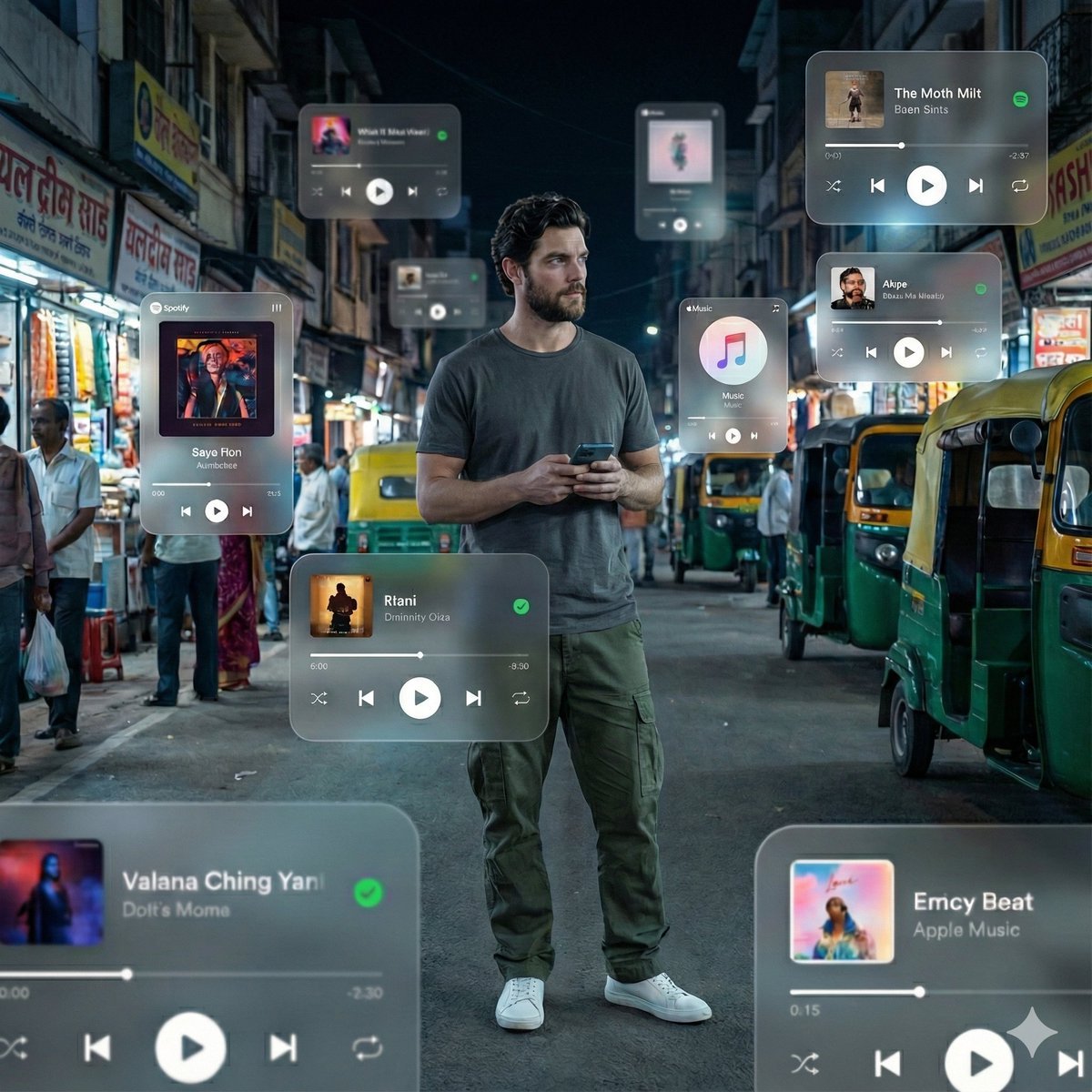
Cinematic AR Visualization in Indian Street Market
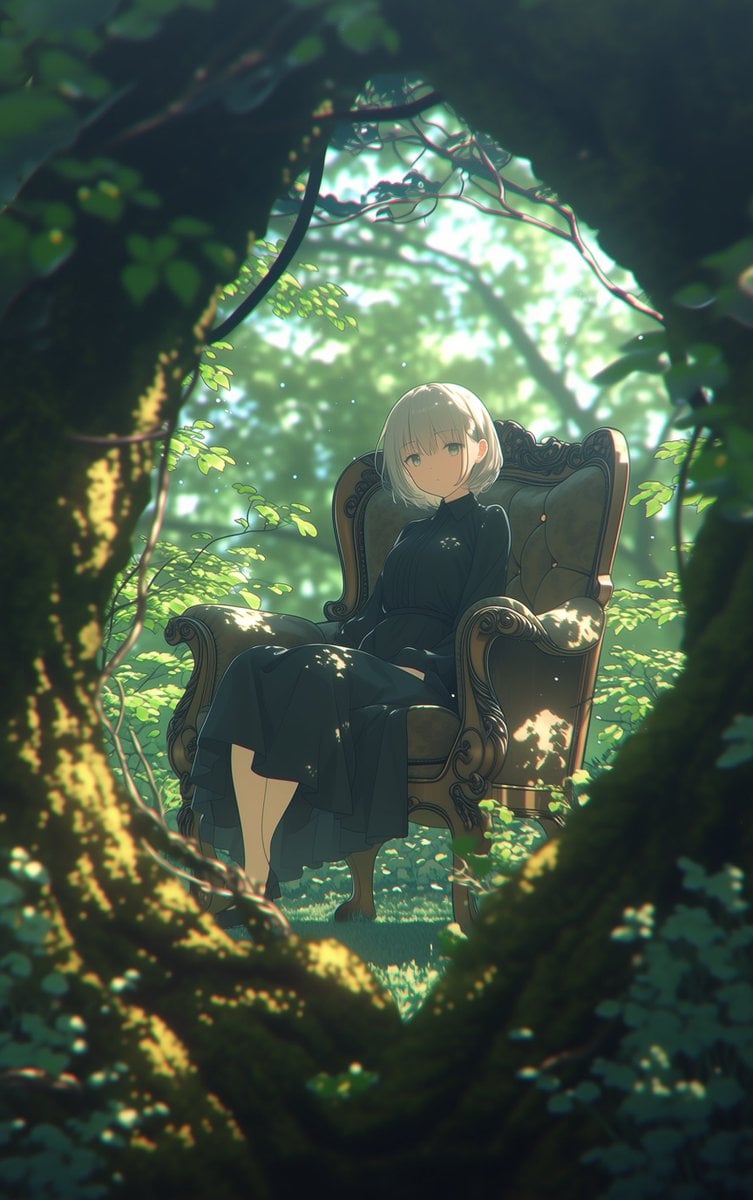
Line Art Correction Prompt for Nano Banana Pro
Browse template categories
Purple Cyber Ninja Battle Scene questions
How do I use the Purple Cyber Ninja Battle Scene template?
Add your photo if the template asks for one, edit the prompt if you like — the template's model and format are already selected — and press Generate. Your version opens in PicX Studio.
Can I customize the Purple Cyber Ninja Battle Scene template?
Yes. You can change the subject, setting, lighting, mood, format, and available model controls before creating your image.
Is the Purple Cyber Ninja Battle Scene template free?
Opening and editing this template is free. Generating uses credits, shown on the Generate button when you are signed in.
Which AI model should I use?
Start with GPT Image 2, which is the model associated with this template. You can compare another compatible model for a different finish.
Looking for something else? Browse all templates.

Your photo, any look
Thousands of ready templates for every top image and video model, from one credit balance.