
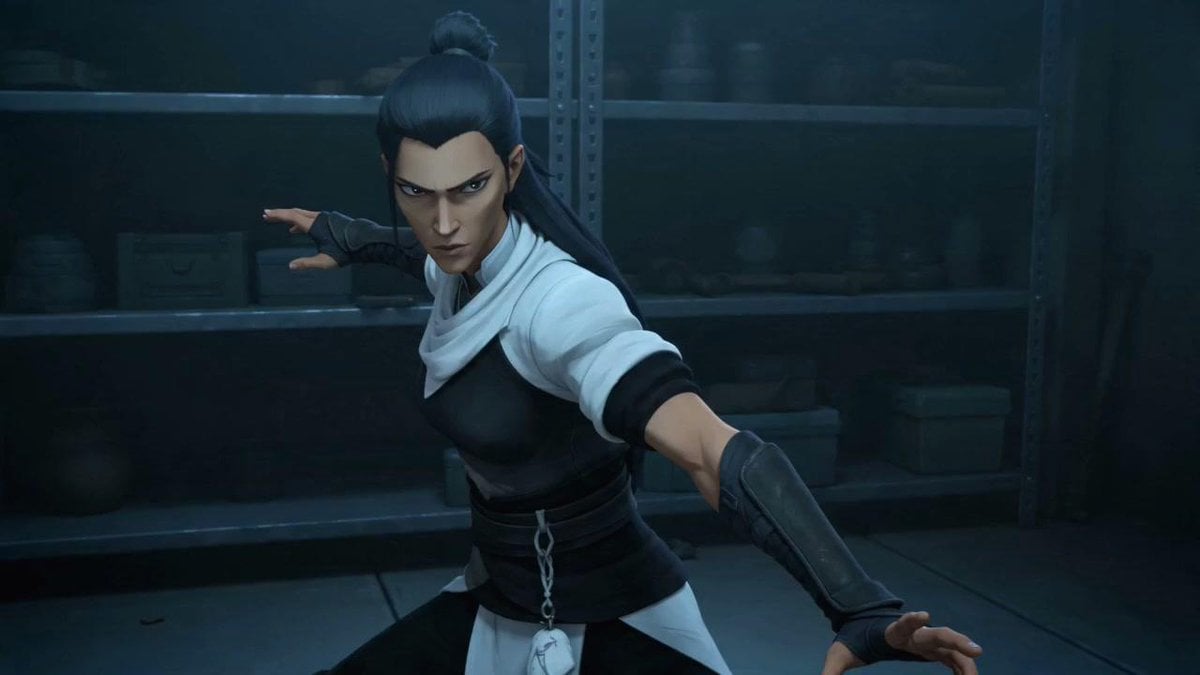
Censored Ninja Fighter Cutscene
A cinematic 3D anime-style action still of a masked-by-censor female ninja posing in a dark storage room, useful for game cutscene or character concept visuals.
- Prompt included
- Model and format preset
- Free template
The prompt behind this image
Copy the exact prompt behind Censored Ninja Fighter Cutscene, or open it in the studio and make it yours.
Create a cinematic 16:9 still frame of a stylized 3D anime action heroine in a dark industrial storage room, rendered like a high-quality game cutscene. The character is {argument name="character type" default="a young female ninja fighter"} in a dynamic defensive martial-arts pose, torso turned toward camera, one arm extended forward to the right edge of the frame and the other arm reaching back to the left. She has {argument name="hair style" default="long dark blue-black hair tied in a high topknot with loose length down the back"}, pointed elf-like ears, fingerless gloves, black leather forearm guards, a black fitted chest armor piece, a white scarf-like collar and white short sleeves, a wide black waist wrap with a small dangling silver chain and pale cloth tab, and dark pants. Place a solid square pixelated censor block over the center of the face, obscuring all facial features. The background is a dim blue-green warehouse or armory with metal shelving, indistinct boxes, jars, and equipment in shadow. Use moody low-key lighting, cool teal shadows, subtle rim light on the hair and shoulders, shallow depth of field, realistic fabric and leather textures, dramatic action composition, no text, no watermark, no extra characters.
How to use Censored Ninja Fighter Cutscene in 3 steps
- 1Upload ImagePNG, JPG or paste
Add your photo
Upload the photo the template builds on. The prompt, model and format are already set.
- 2…a portrait of your subject in softgolden-hour light, 85mm…
Personalize
Edit the subject and creative details for your destination.
- 3Generate
Generate
Press Generate — your image is created in PicX Studio, so you can compare it with the original and refine one variable at a time.
More like this
Templates with the same subject, style or setup. Open one to see its prompt.
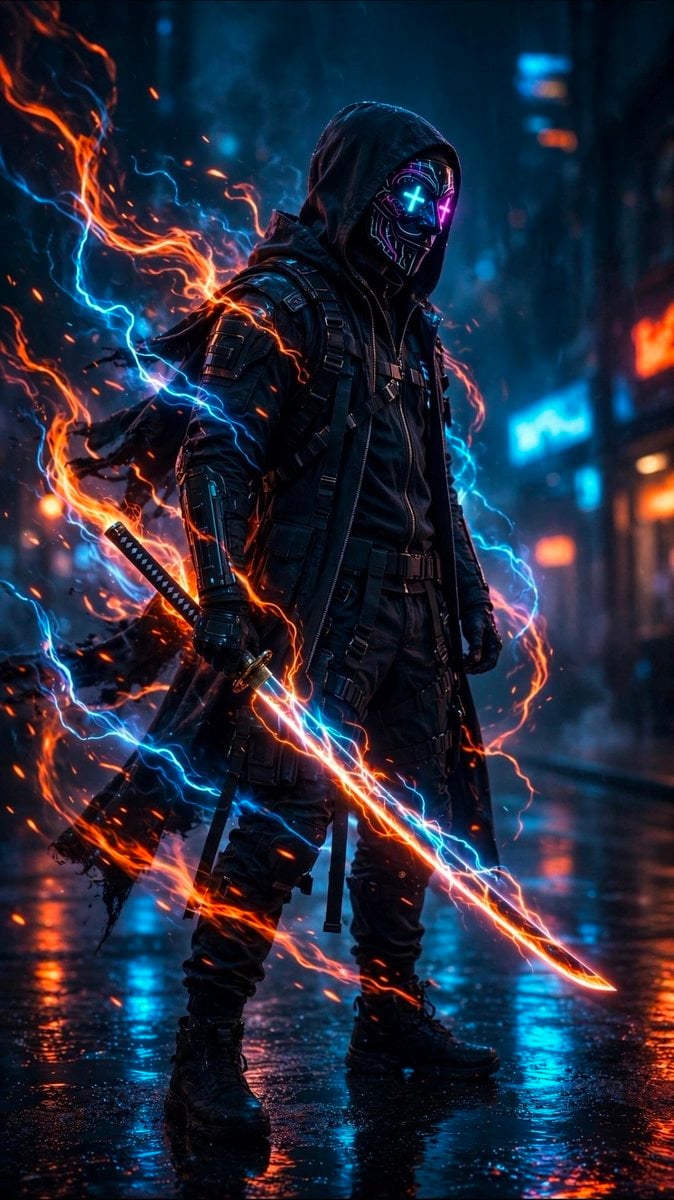
Cyberpunk Neon Ninja Samurai
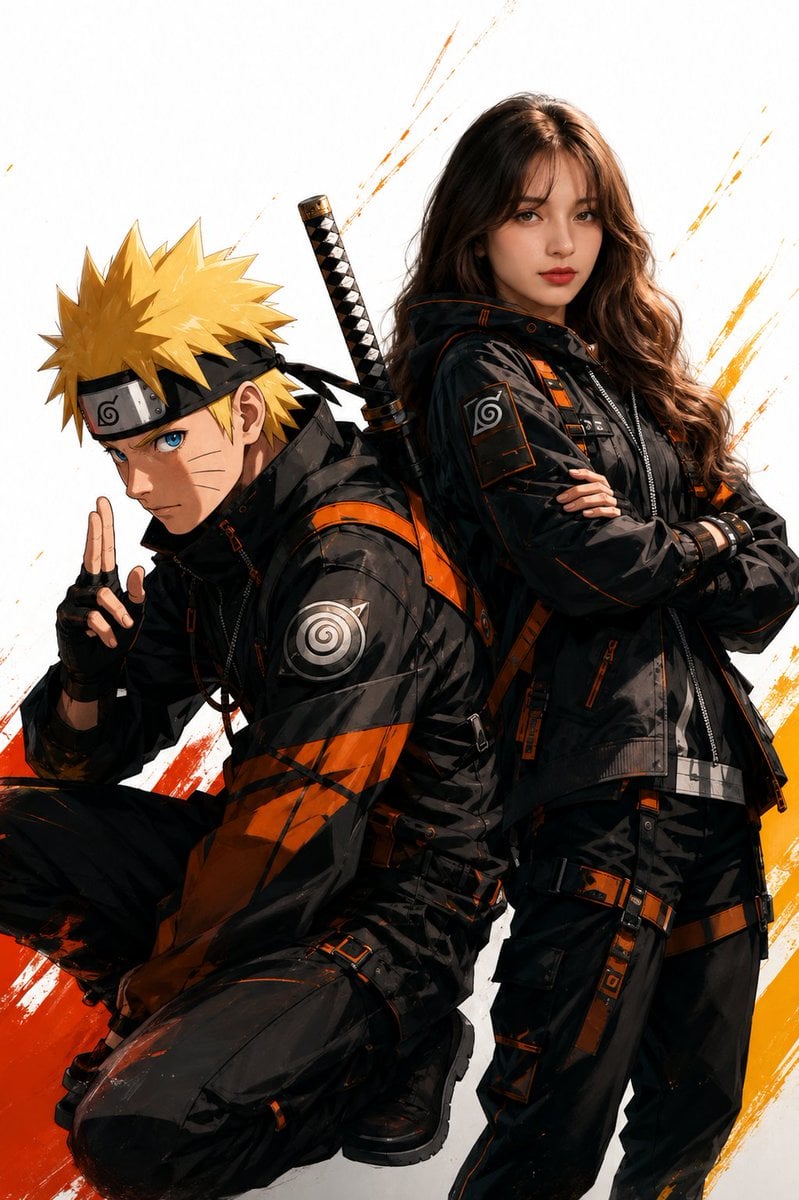
Anime Realistic Ninja Duo Portrait

Chibi Anime Ninja Sticker Sheet
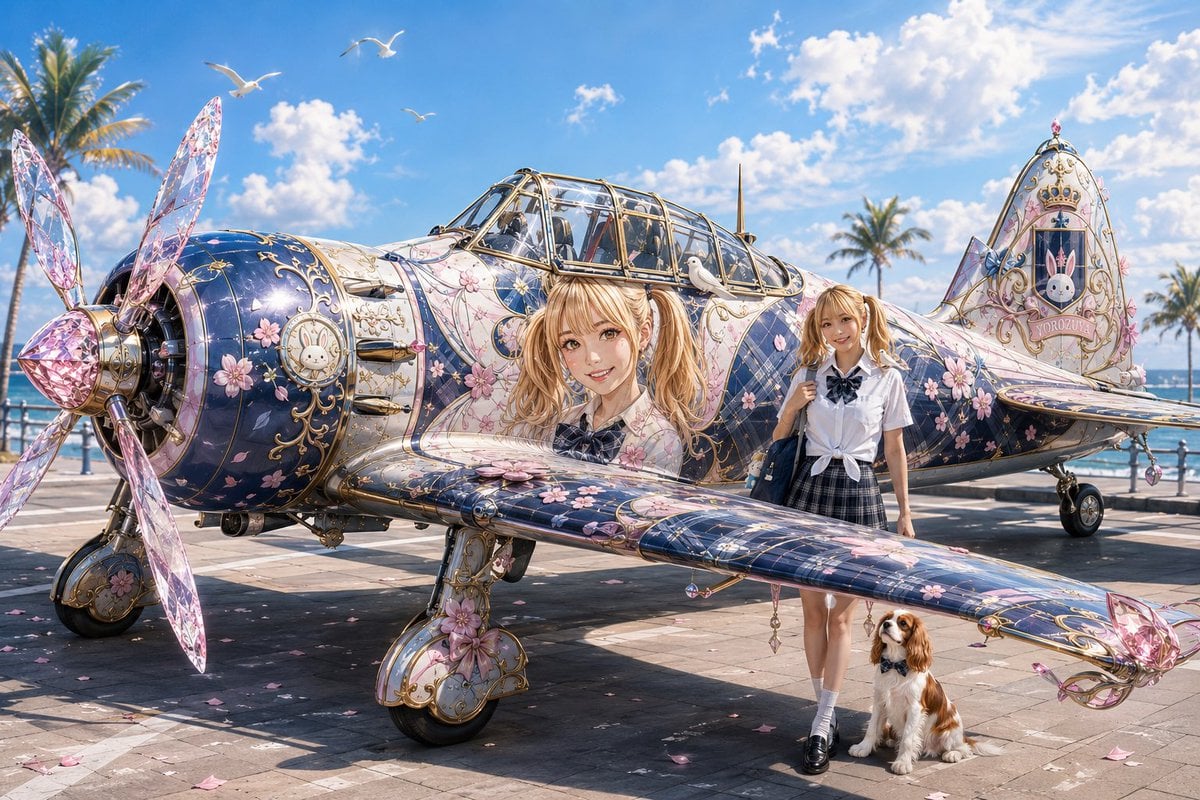
Colorful Peace-Themed Fighter Plane Wrap
Cinematic Ninja Anime Wallpaper
Infernal Shadow Ninja
Moonlit Dark Ninja Rooftop
Cinematic Ice Ninja Portrait
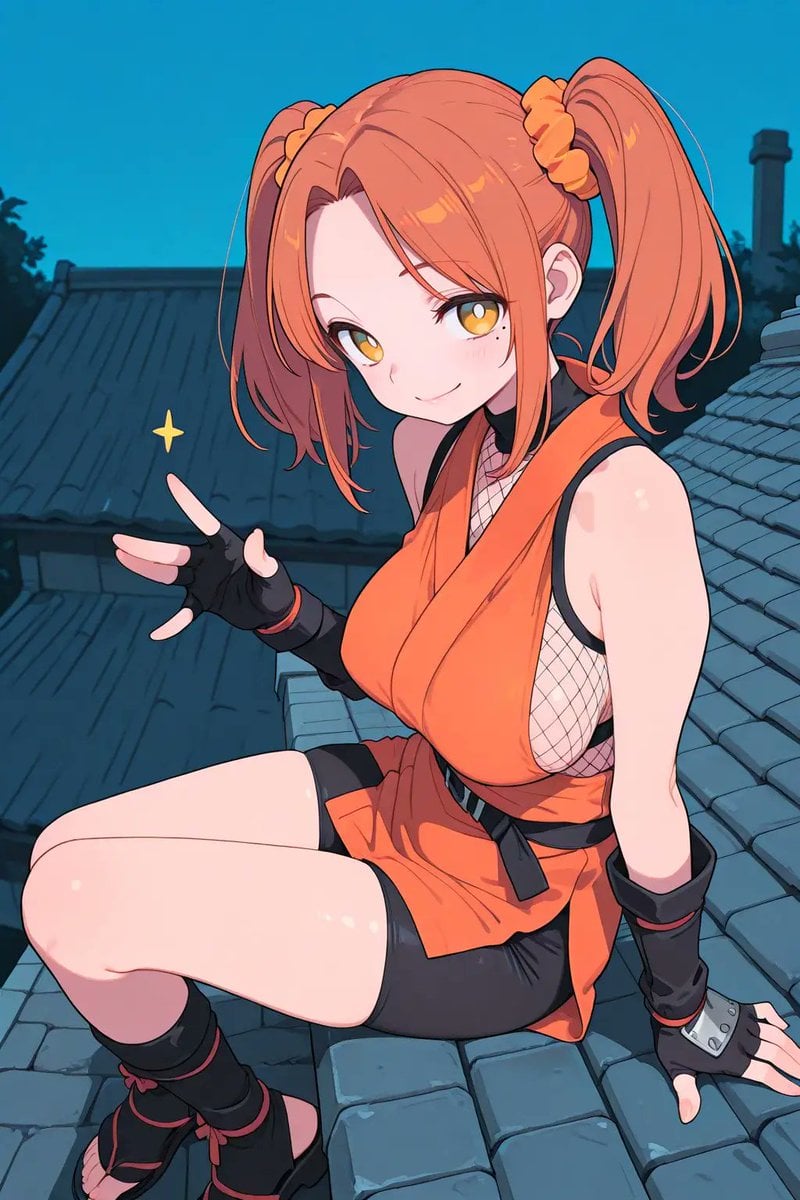
Anime Ninja Girl on Rooftop
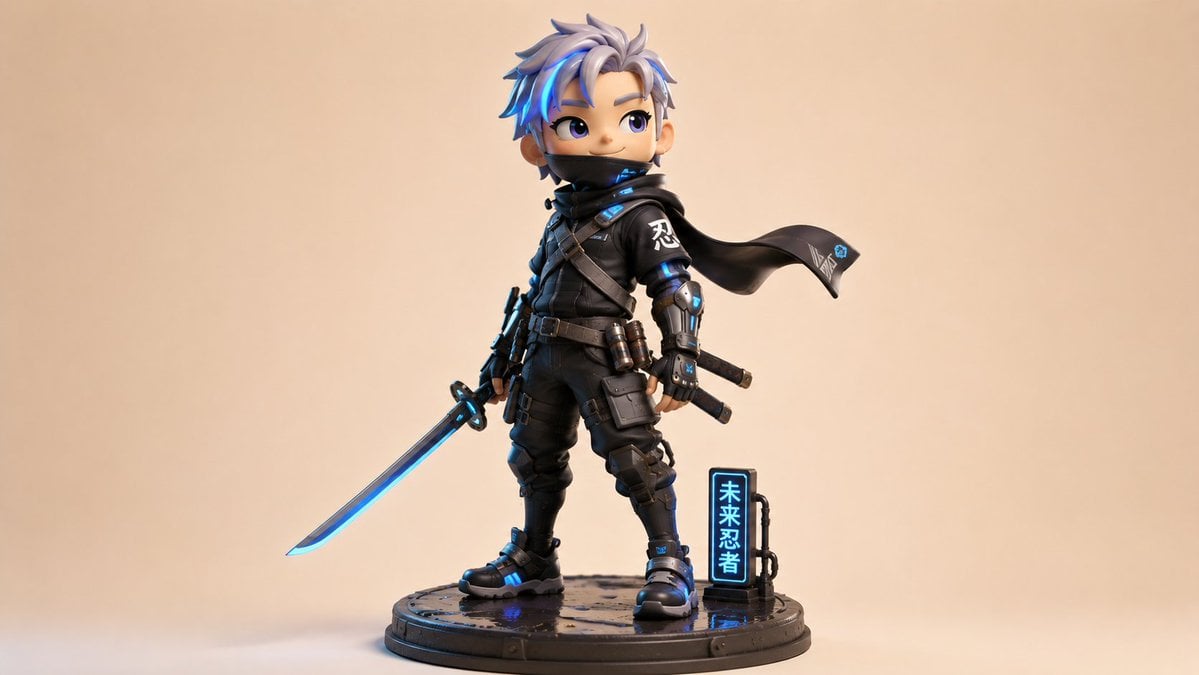
Chibi Cyber Ninja Figurine
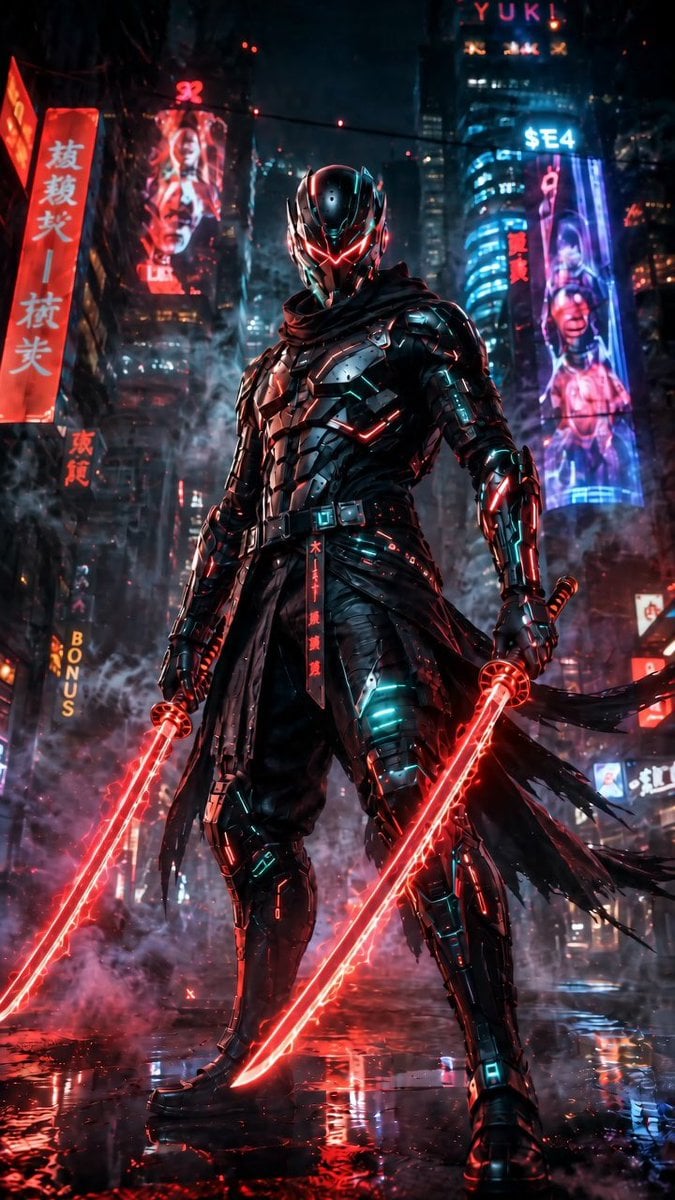
Cyberpunk Dual-Katana Ninja
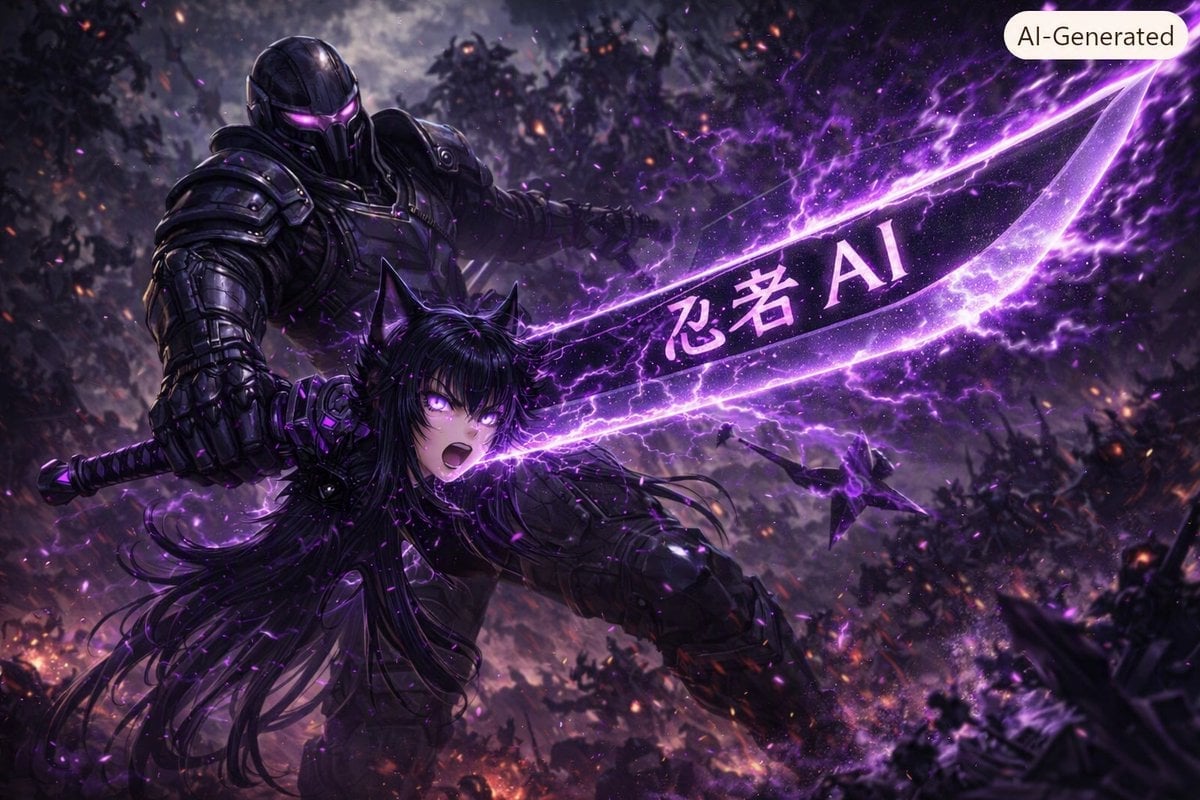
Purple Cyber Ninja Battle Scene
Make it yours
Censored Ninja Fighter Cutscene works as-is. These are the safest ways to change it without losing the look.
Change one field
Copy a single group, rewrite it, and generate again so you can see what that field is doing.
Keep the frame, change the subject
Hold the composition and light of Censored Ninja Fighter Cutscene, then swap wardrobe, props or the person for a new take.
| If the result… | Why | Fix |
|---|---|---|
| The result drifts from the preview | Too many fields changed at once. | Reuse Censored Ninja Fighter Cutscene as-is first, then change one group — subject, light, or setting. |
| The model over-stylizes the scene | The prose prompt leaves finish and camera underspecified. | Add one camera or lighting sentence and stay on GPT Image 2. |
More GPT Image 2 templates
Other prompts made for GPT Image 2.

Six VTuber Japanese Logo Sheet

Realistic Portrait of Woman and Deer

The Vista Modular Condo Poster

AI Model Routing Comparison Infographic

2.5D Anime Art Board

Isometric Productivity Desk Scene

New York Double Exposure Poster

Four-Panel AI Landscape Comparison

Japanese Tatami Lifestyle Magazine Cover

NESCAFÉ Coffee Map Poster
More image prompts
Fresh picks from across the catalog.
Child-like Crayon and Colored Pencil City Drawing
Intimate Portrait of a Couple in an Upscale Restaurant
Low-Angle Fashion Portrait with Light Rings
Luxury Lifestyle Portrait with Horse
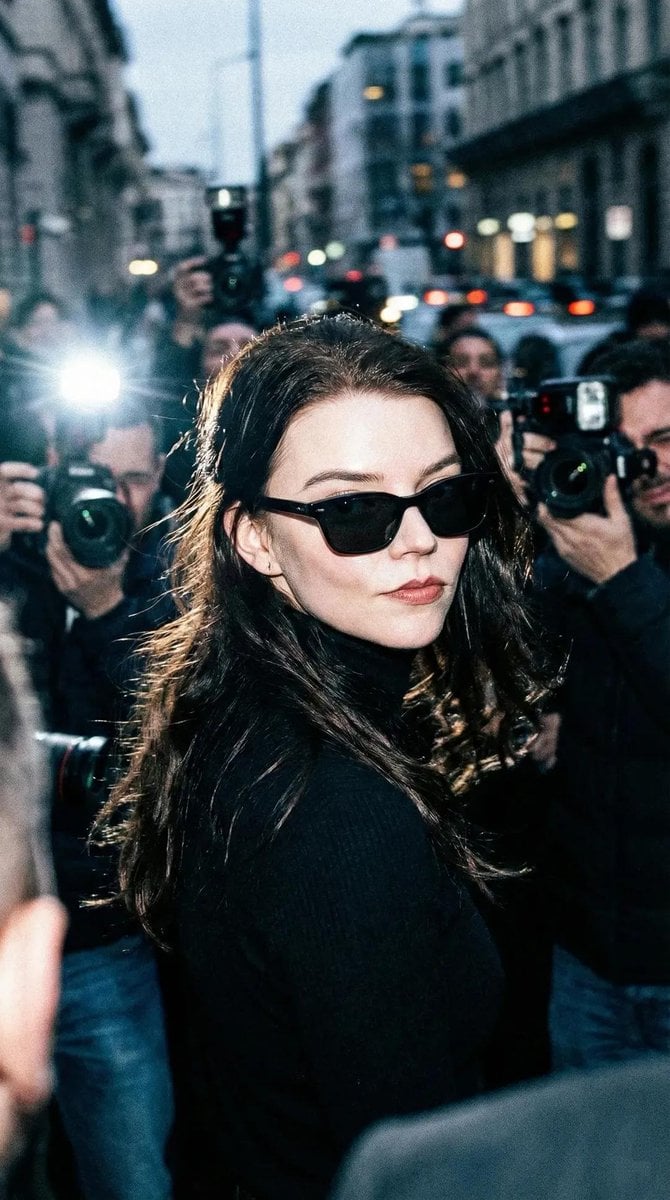
Unplanned Paparazzi-Style Portrait Prompt
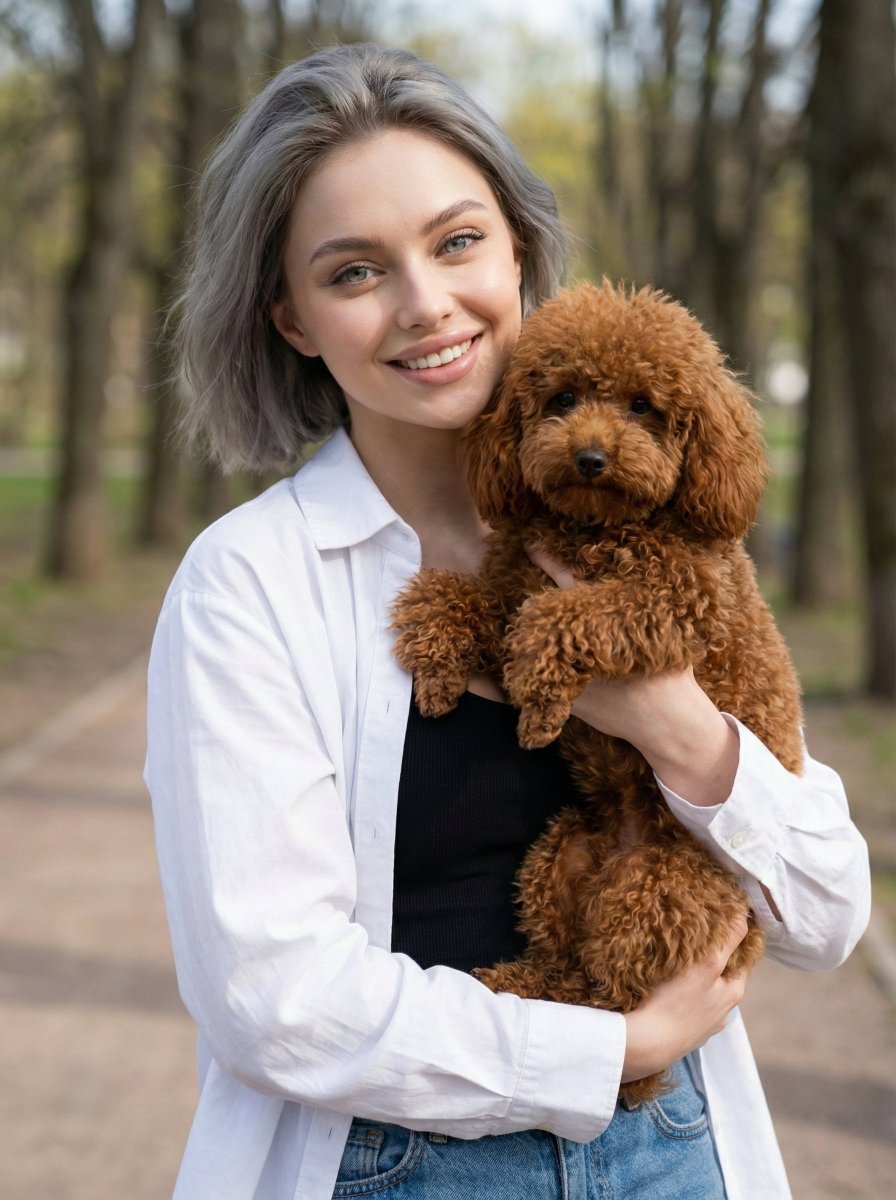
Detailed JSON Prompt for Lifestyle Portrait Photography
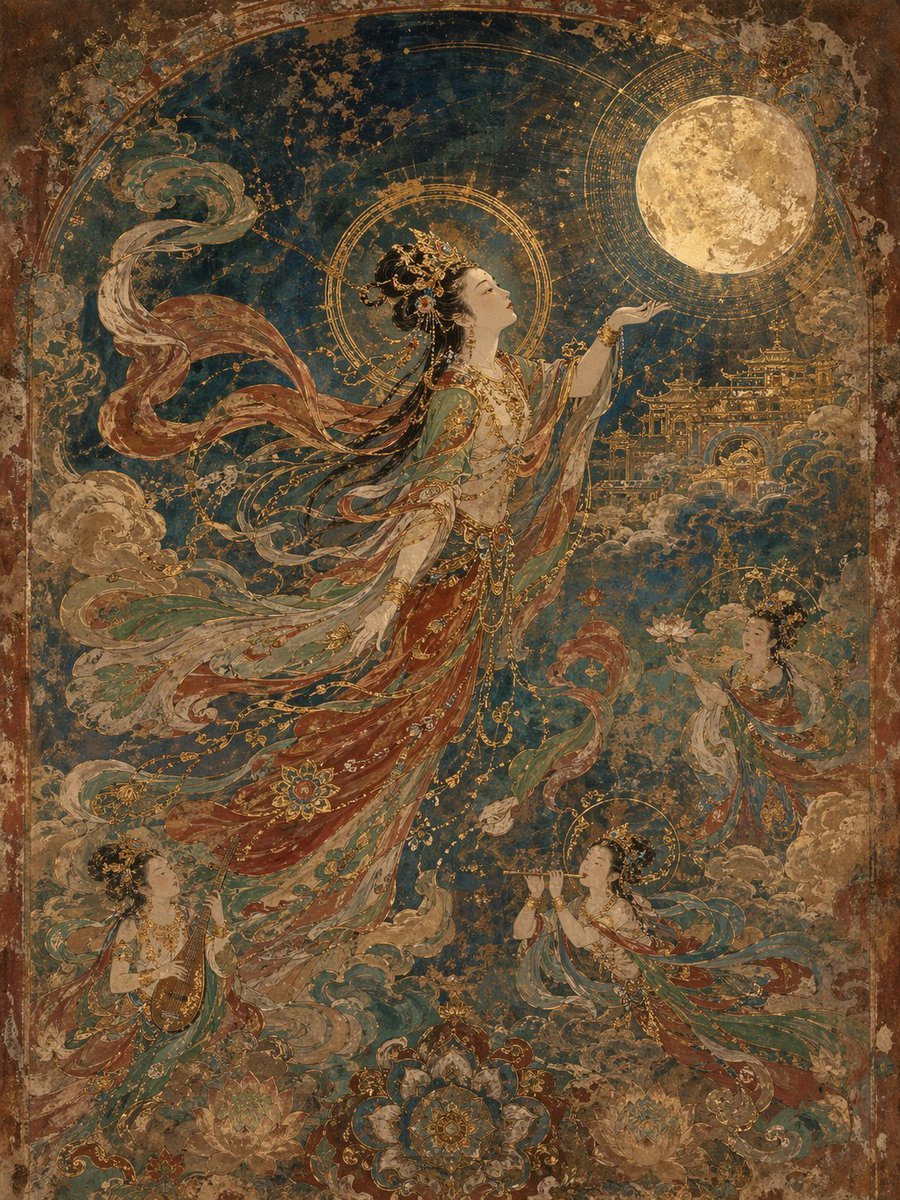
Dunhuang Mural Artistic Template
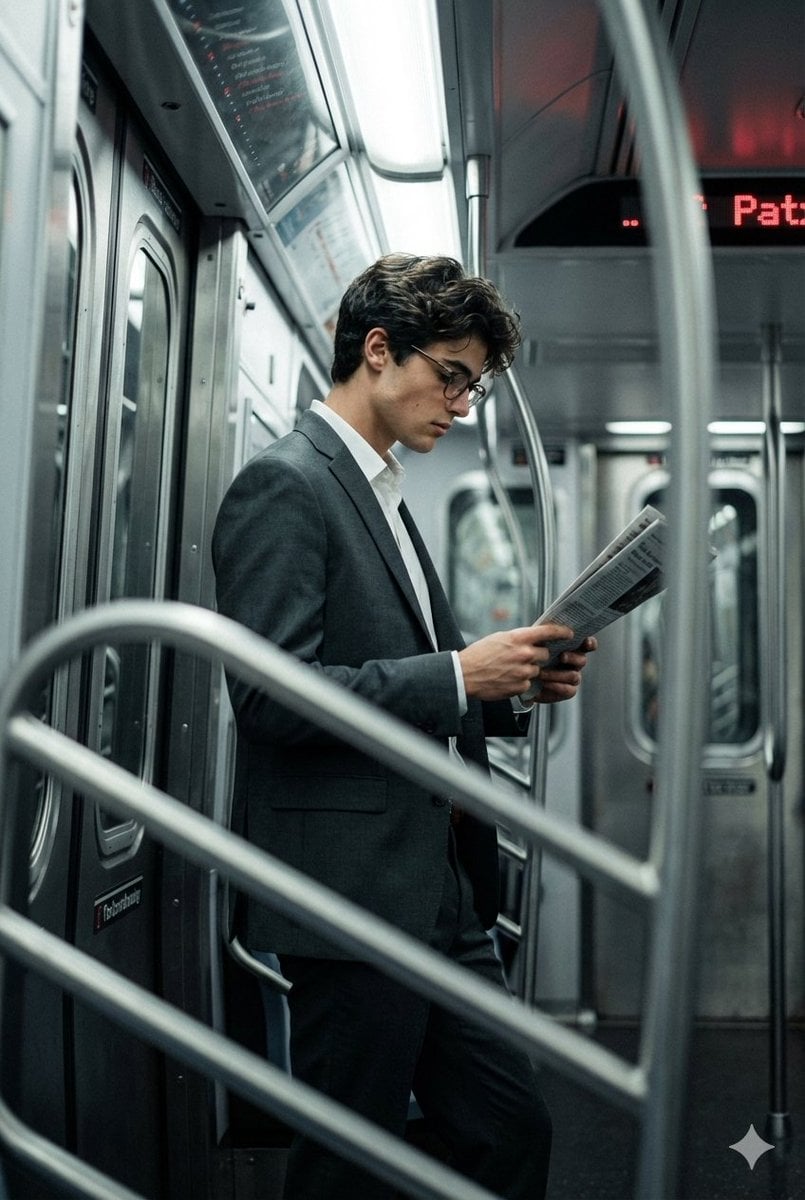
Cinematic Urban Commute Fashion Editorial
Modern Heterogeneous Chinese Font Design
Material Transformation Physics Prompt
Browse template categories
Censored Ninja Fighter Cutscene questions
How do I use the Censored Ninja Fighter Cutscene template?
Add your photo if the template asks for one, edit the prompt if you like — the template's model and format are already selected — and press Generate. Your version opens in PicX Studio.
Can I customize the Censored Ninja Fighter Cutscene template?
Yes. You can change the subject, setting, lighting, mood, format, and available model controls before creating your image.
Is the Censored Ninja Fighter Cutscene template free?
Opening and editing this template is free. Generating uses credits, shown on the Generate button when you are signed in.
Which AI model should I use?
Start with GPT Image 2, which is the model associated with this template. You can compare another compatible model for a different finish.
Looking for something else? Browse all templates.

Your photo, any look
Thousands of ready templates for every top image and video model, from one credit balance.