
AKIRA 'Slide Brake Scene' Recreation Prompt
A highly specific, multi-section prompt for Nano Banana Pro designed to recreate the iconic 'slide brake scene' from the anime AKIRA, without using the word 'AKIRA'.
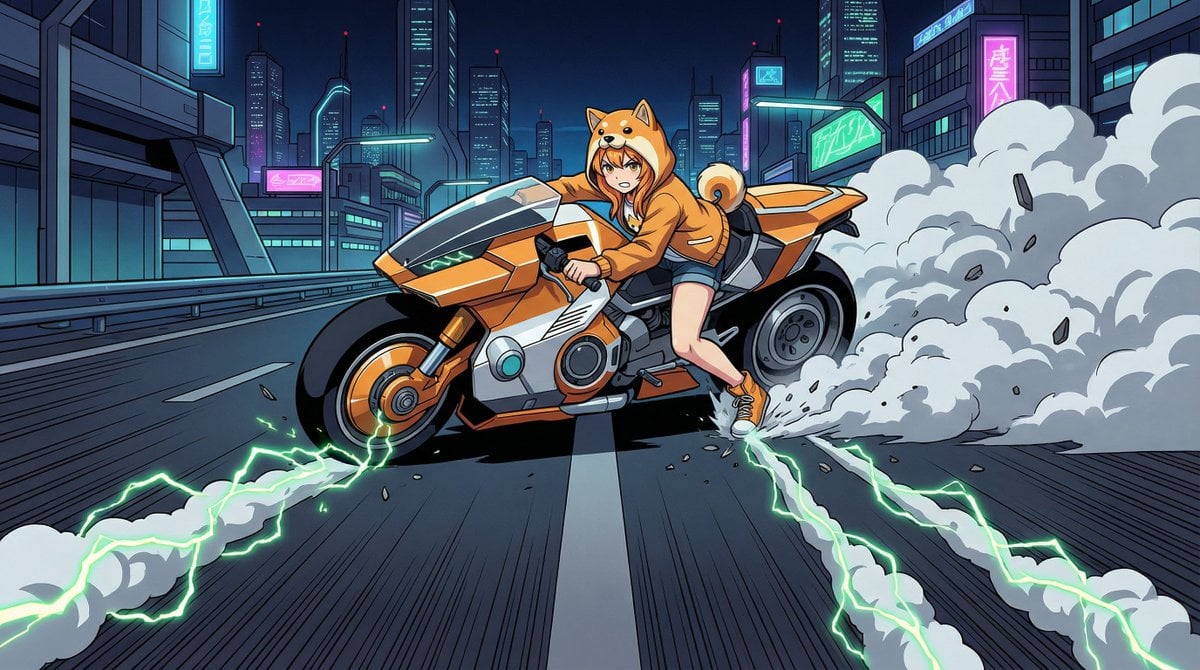
- Prompt included
- Model and format preset
- Free template
The prompt behind this image
Copy the exact prompt behind AKIRA 'Slide Brake Scene' Recreation Prompt, or open it in the studio and make it yours.
(VARIABLE SCENE - EDIT HERE): Nighttime, expansive {argument name="cityscape" default="Neo-Tokyo"} highway. Futuristic cityscape background with neon lights. Strong one-point perspective: The road stretches straight from the bottom edge to the vanishing point in the center. (CRITICAL COMPOSITION): One-point perspective composition with the subject in the CENTER. Subject Orientation: The motorcycle is shown in SIDE PROFILE (facing Screen Left). TILT ANGLE: The motorcycle body is LEANING HEAVILY TOWARDS THE CAMERA (The top of the bike is closer to the viewer than the wheels). Movement direction: The bike is sliding away from the camera, moving from the foreground deep into the background. Placement: Bike is perfectly centered in the frame. (SUBJECT): A futuristic motorcycle and rider. Motorcycle: - Heavy, solid, rounded silhouette - Minimal exposed mechanics, smooth cowling - Wide, thick, high-grip tires - Color scheme harmonized with rider Rider: - Face and outfit preserved from reference image - Stare straight into the camera, glaring with a powerful, piercing gaze. - Left foot planted firmly on the ground, struggling to support the heavy leaning bike - Rider's leg is fully extended to brace against the fall (ACTION & MECHANICS): High-speed linear slide braking (NOT cornering). The bike is sliding sideways while traveling backwards into the depth of the scene. Instability: The bike is on the verge of falling over towards the screen. Wheels are locked (not rotating). (VISUAL EFFECTS - SMOKE TRAILS): Three distinct, straight trails of thick white smoke. Direction: Smoke stretches from the IMMEDIATE FOREGROUND (bottom of screen) directly to the motorcycle's wheels and rider's foot in the center. The smoke trails act as leading lines pointing to the subject. Violent debris and asphalt fragments kicking up. (ENERGY EFFECTS): Neon-green lightning energy arcs (1980s anime style) embedded within the white smoke trails. Green energy flows through the smoke, following the straight lines from foreground to the bike. (ART STYLE): Cel-shaded animation, 1980s anime aesthetic (Cyberpunk). High contrast, bold black shadows, dramatic lighting. Poster-quality, ultra-high resolution, sharp focus.
How to use AKIRA 'Slide Brake Scene' Recreation Prompt in 3 steps
- 1Upload ImagePNG, JPG or paste
Add your photo
Upload the photo the template builds on. The prompt, model and format are already set.
- 2…a portrait of your subject in softgolden-hour light, 85mm…
Personalize
Edit the subject and creative details for your destination.
- 3Generate
Generate
Press Generate — your image is created in PicX Studio, so you can compare it with the original and refine one variable at a time.
More like this
Templates with the same subject, style or setup. Open one to see its prompt.
Identity Swap Image Recreation
Faithful Japanese Policy Infographic Recreation
Adorable Paper Craft Style Recreation

Centered Autumn Portrait Recreation
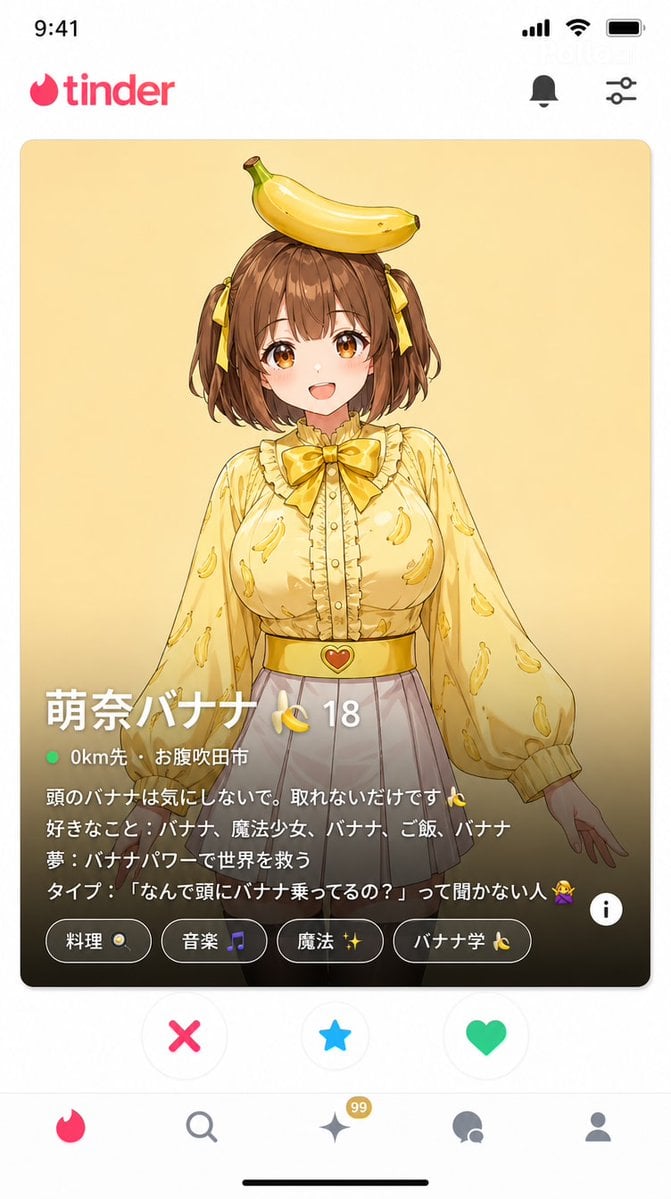
Dating App Screenshot Recreation
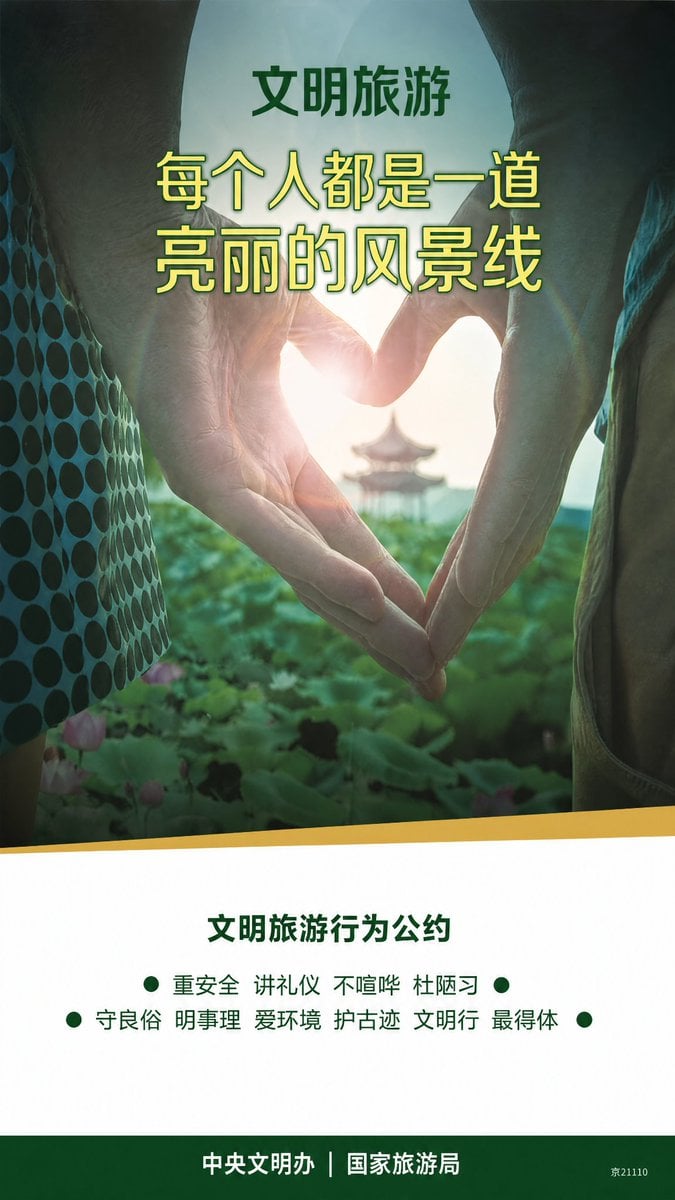
Clean Metro Tourism Poster Recreation
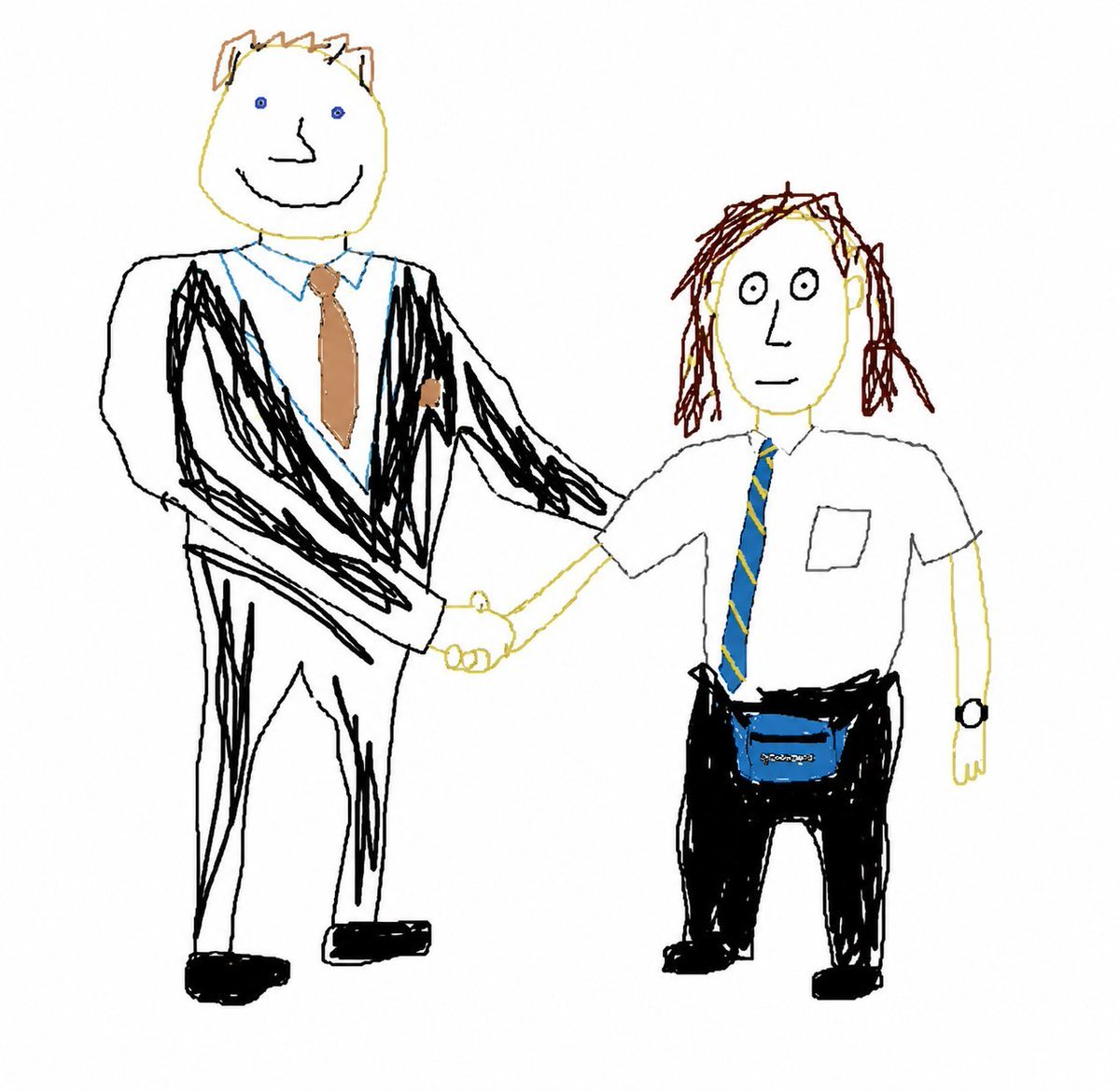
Broken Mouse MS Paint Recreation
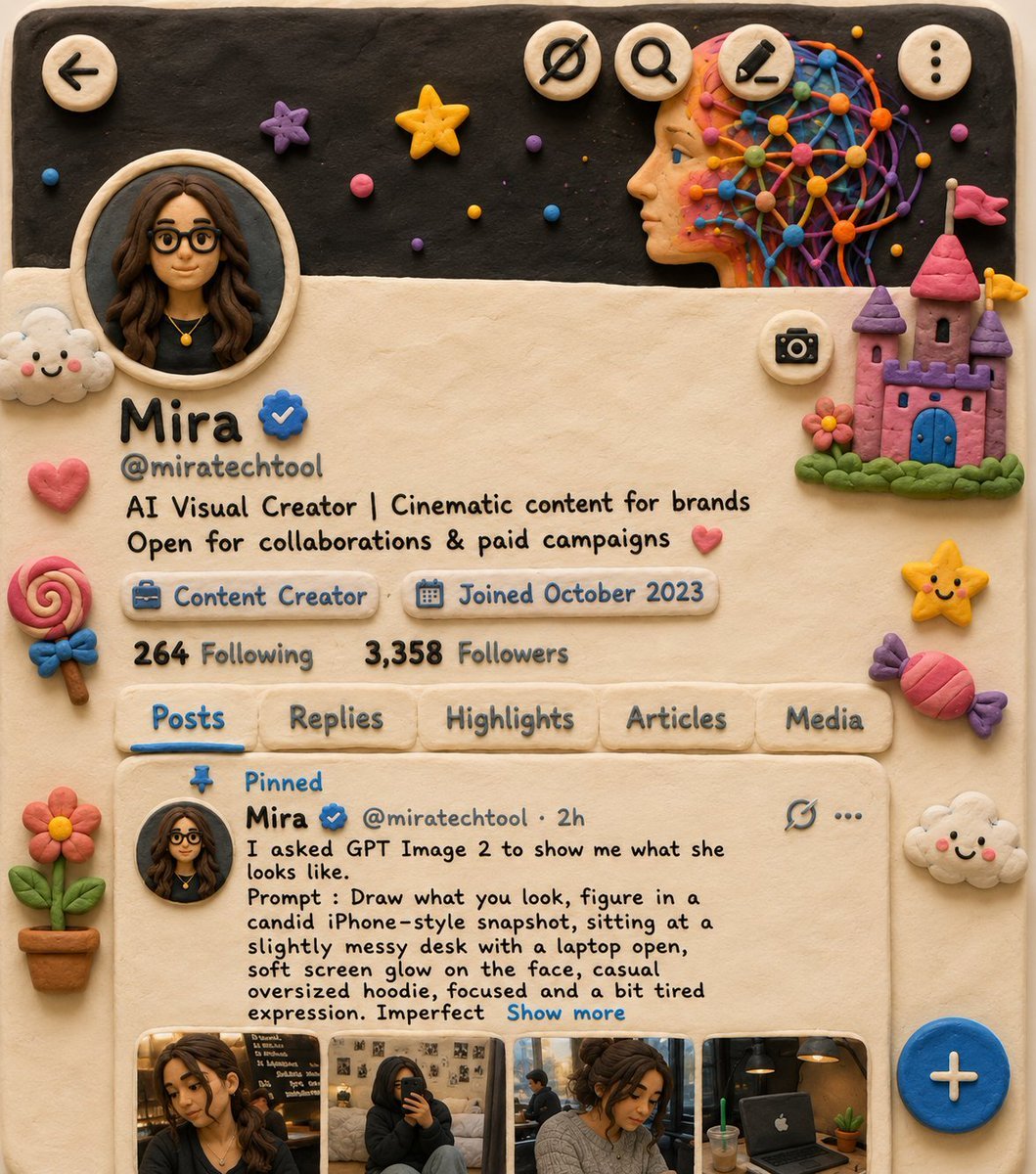
Claymation Style Scene Recreation
Ad recreation prompt using your product and brand aesthetics
Identity-Locked Mirror Selfie Pose Recreation Prompt
Vintage 1950s Detergent Ad Recreation Prompt
Editorial Fashion Photo Recreation with Identity Lock
Make it yours
AKIRA 'Slide Brake Scene' Recreation Prompt works as-is. These are the safest ways to change it without losing the look.
Change one field
Copy a single group, rewrite it, and generate again so you can see what that field is doing.
Keep the frame, change the subject
Hold the composition and light of AKIRA 'Slide Brake Scene' Recreation Prompt, then swap wardrobe, props or the person for a new take.
| If the result… | Why | Fix |
|---|---|---|
| The result drifts from the preview | Too many fields changed at once. | Reuse AKIRA 'Slide Brake Scene' Recreation Prompt as-is first, then change one group — subject, light, or setting. |
| The model over-stylizes the scene | The prose prompt leaves finish and camera underspecified. | Add one camera or lighting sentence and stay on Nano Banana 2. |
More Nano Banana 2 templates
Other prompts made for Nano Banana 2.

Photorealistic Leaf Shaped Like a Dragon

K-Pop Idol Portrait Grid for Rapid Selection

Poetic Rain Forest Portrait During Golden Hour

Urban Street Portrait with Cartoon Inner Self Duo

Candid Nighttime Photo with Cat Prompt

High-Concept 3D Diorama Generation Prompt

Cinematic Futuristic Studio Portrait Template

Skincare Editorial Photography Collage Prompt

Hyper-Realistic Commercial Product Photography (Splash Effect)

Hyper-Realistic Nightclub Portrait Prompt
More image prompts
Fresh picks from across the catalog.
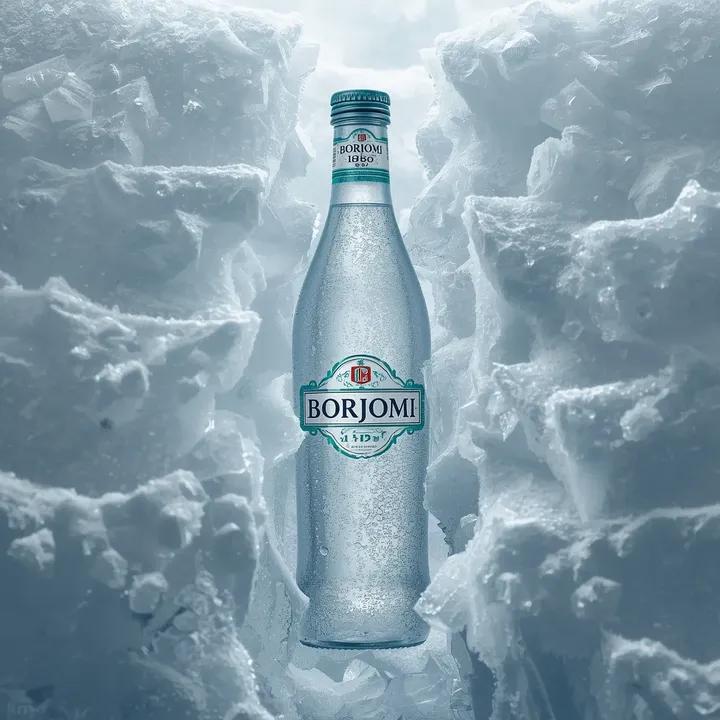
Hyperrealistic Product Photography Prompt (Borjomi Water)
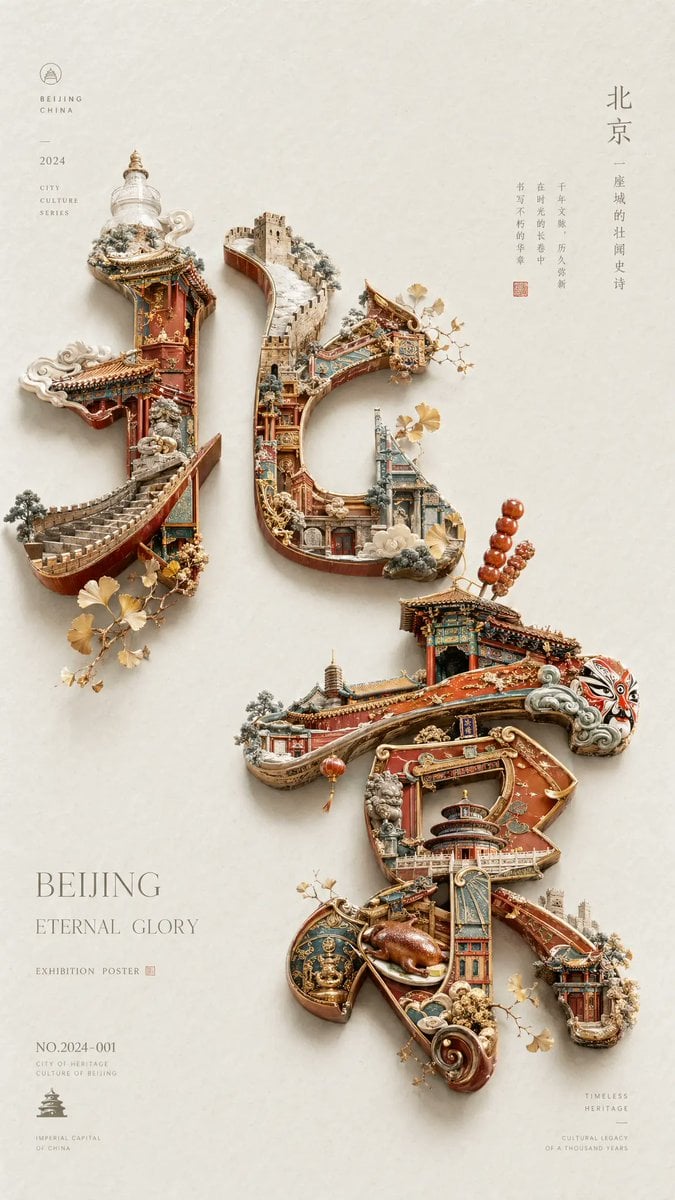
Beijing Cultural Heritage Poster
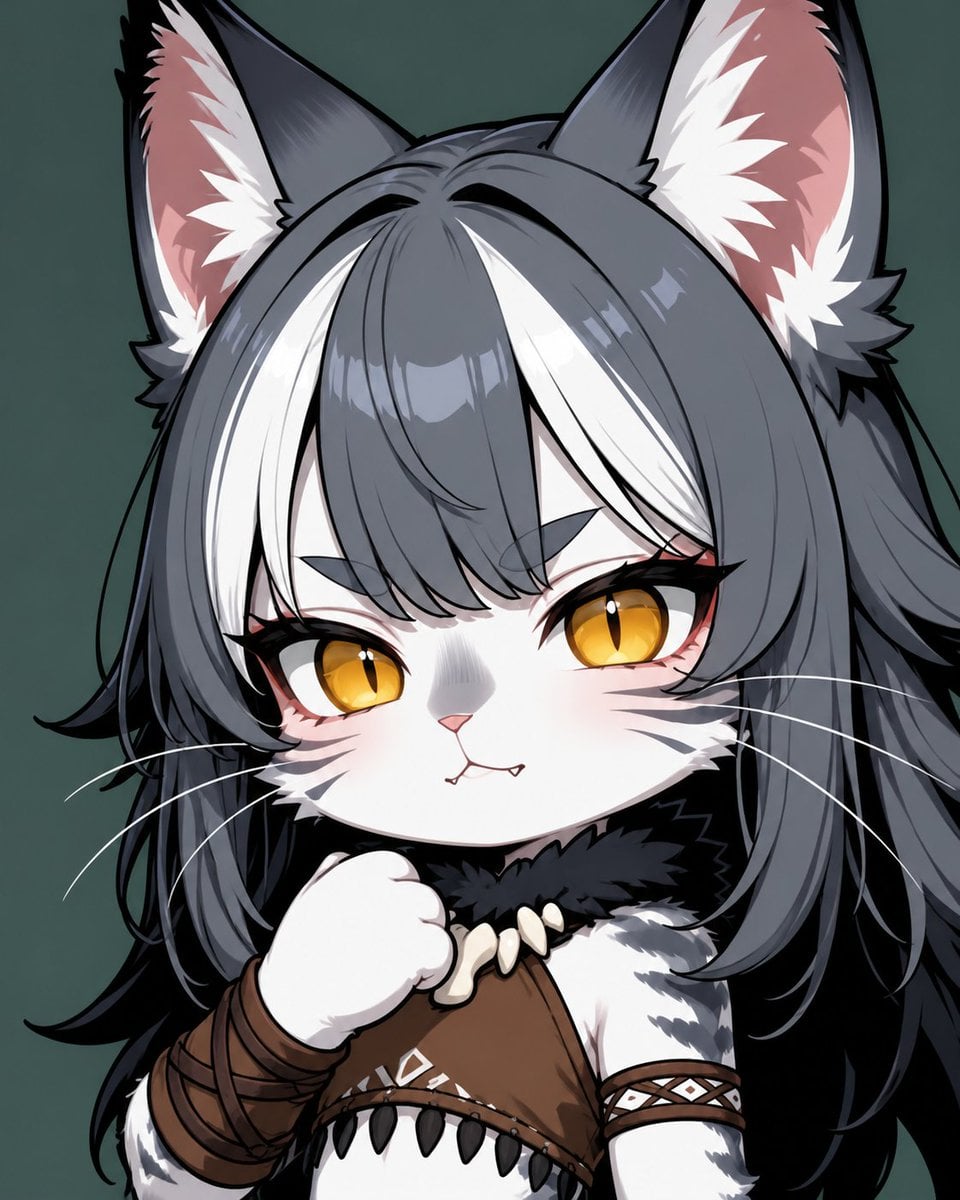
Chibi Cat-Girl Portrait
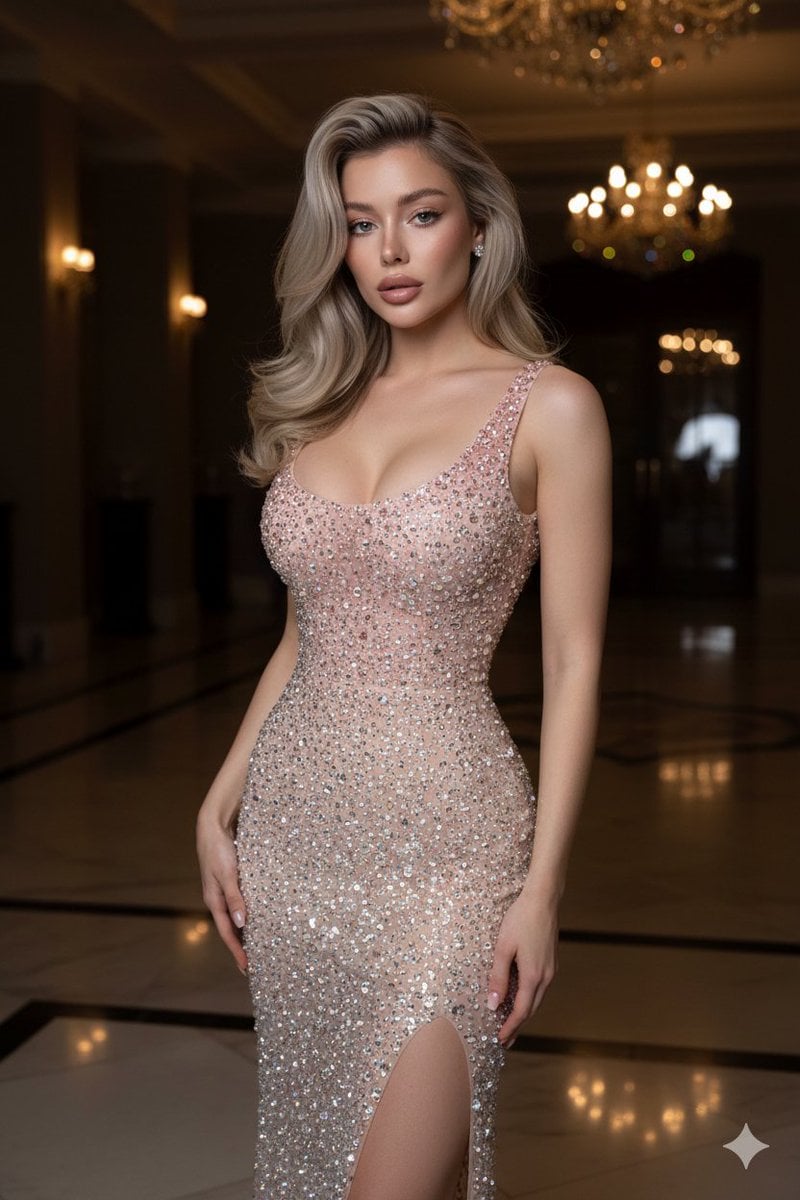
Editorial High-Fashion Crystal Gown Portrait
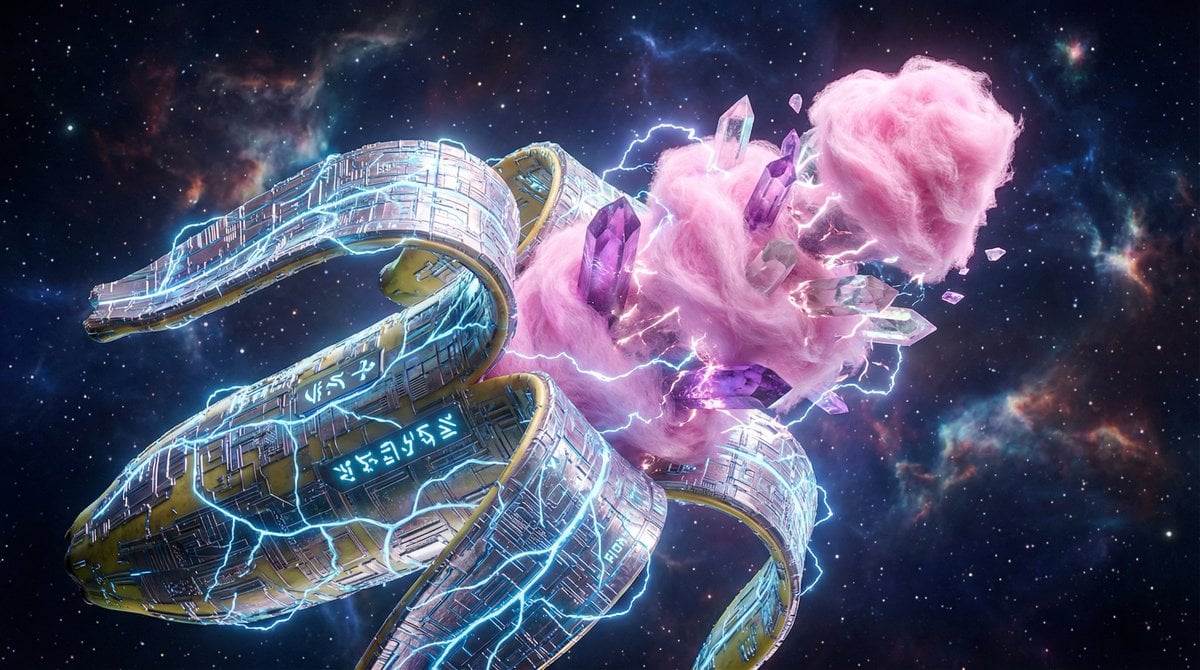
Surreal Nano-Circuitry Banana Split
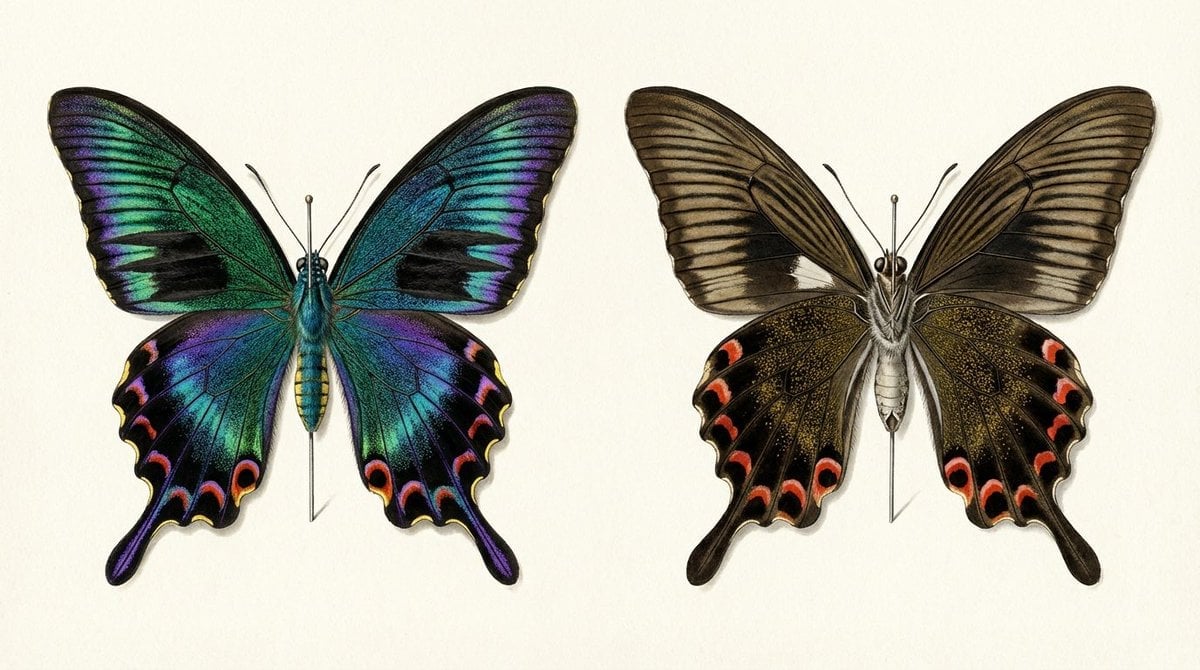
Generating a Butterfly Image with Selective Iridescence
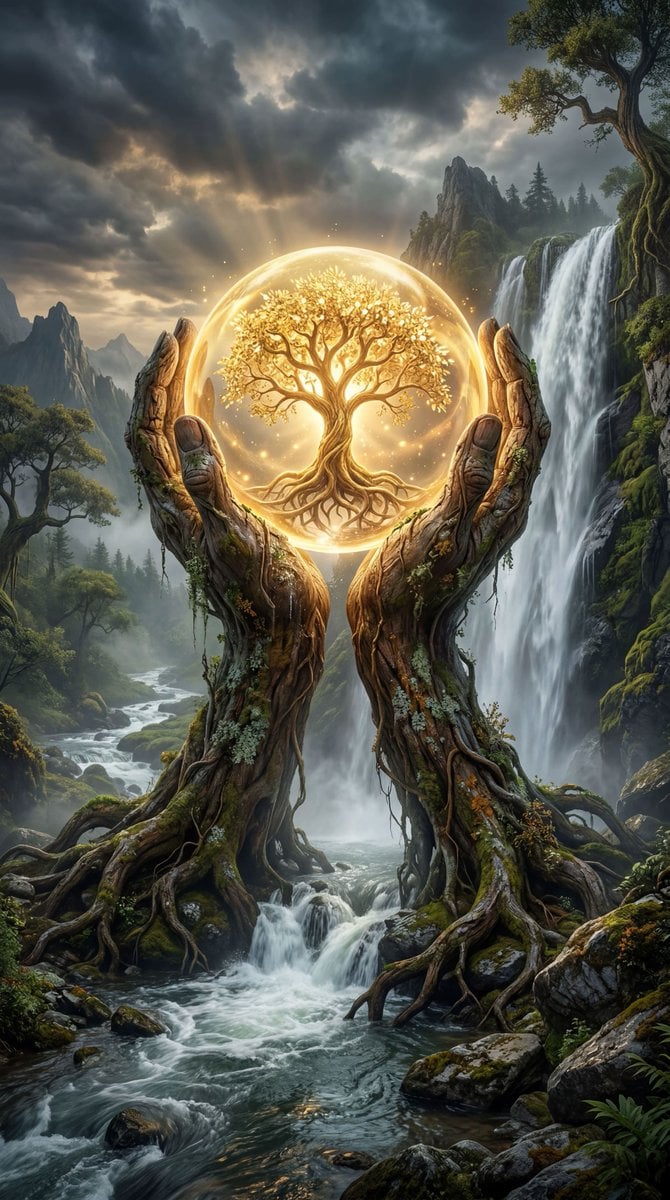
Mystical Tree of Life Landscape
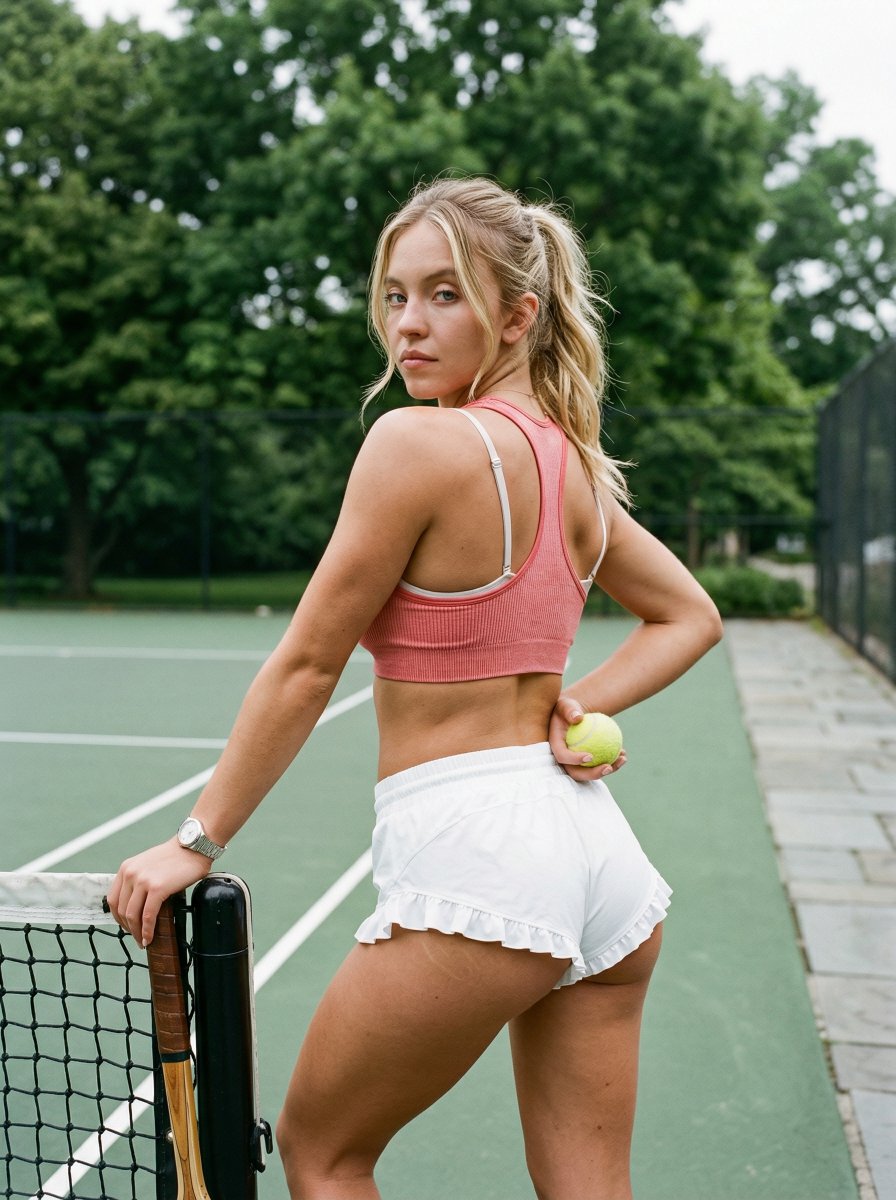
Curvy Woman Tennis Court Portrait
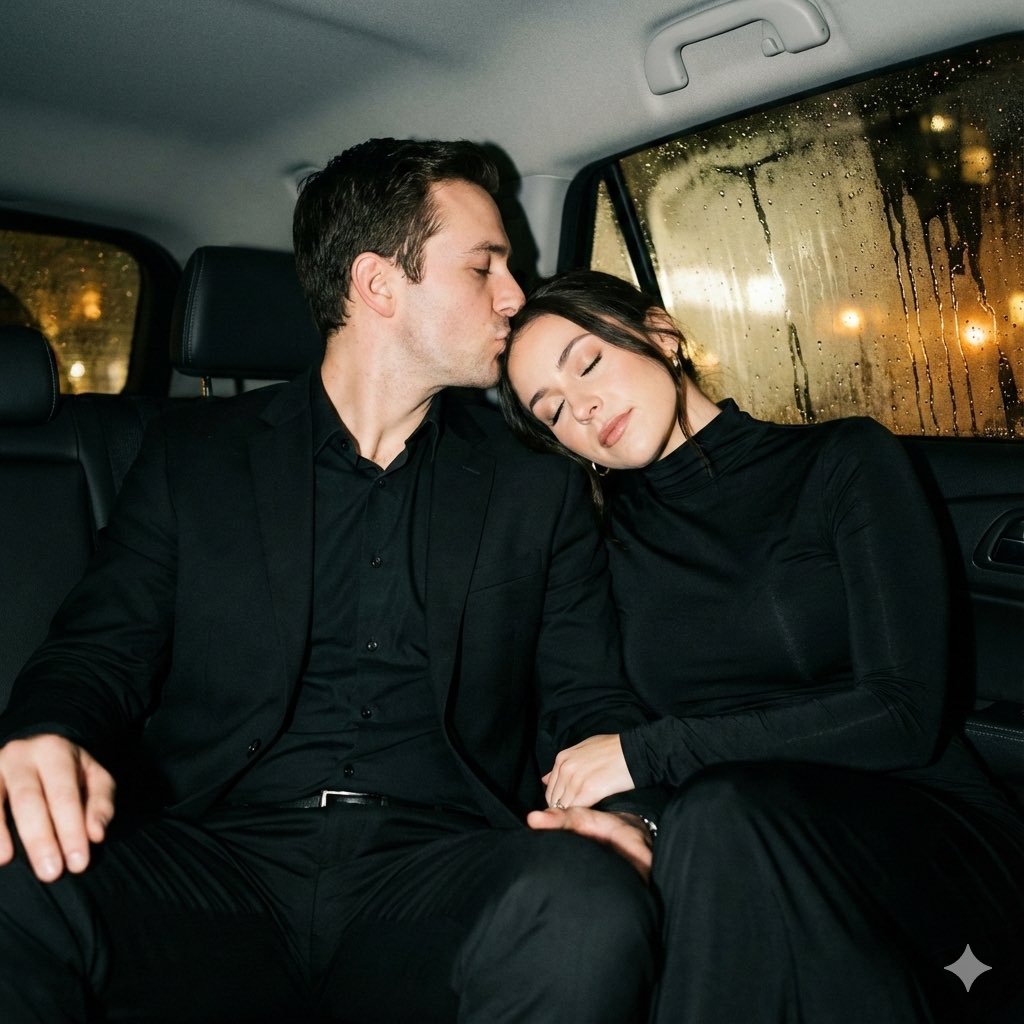
Y2K flash night car couple portrait prompt
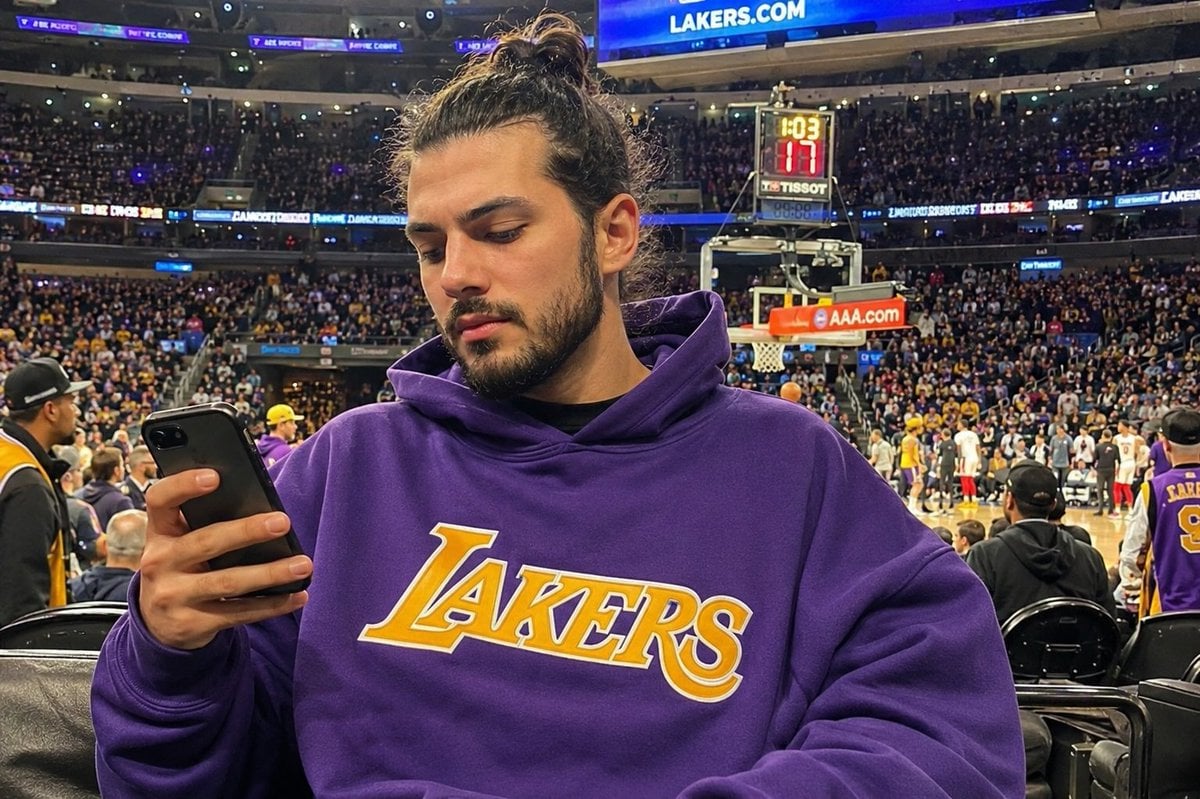
Courtside Lakers Fan Photo
Browse template categories
AKIRA 'Slide Brake Scene' Recreation Prompt questions
How do I use the AKIRA 'Slide Brake Scene' Recreation Prompt template?
Add your photo if the template asks for one, edit the prompt if you like — the template's model and format are already selected — and press Generate. Your version opens in PicX Studio.
Can I customize the AKIRA 'Slide Brake Scene' Recreation Prompt template?
Yes. You can change the subject, setting, lighting, mood, format, and available model controls before creating your image.
Is the AKIRA 'Slide Brake Scene' Recreation Prompt template free?
Opening and editing this template is free. Generating uses credits, shown on the Generate button when you are signed in.
Which AI model should I use?
Start with Nano Banana 2, which is the model associated with this template. You can compare another compatible model for a different finish.
Looking for something else? Browse all templates.

Your photo, any look
Thousands of ready templates for every top image and video model, from one credit balance.