How do I use the Centered Autumn Portrait Recreation template?
Edit the prompt in the box under the preview — the template's model and format are already selected — and press Generate. Your version appears right on this page.
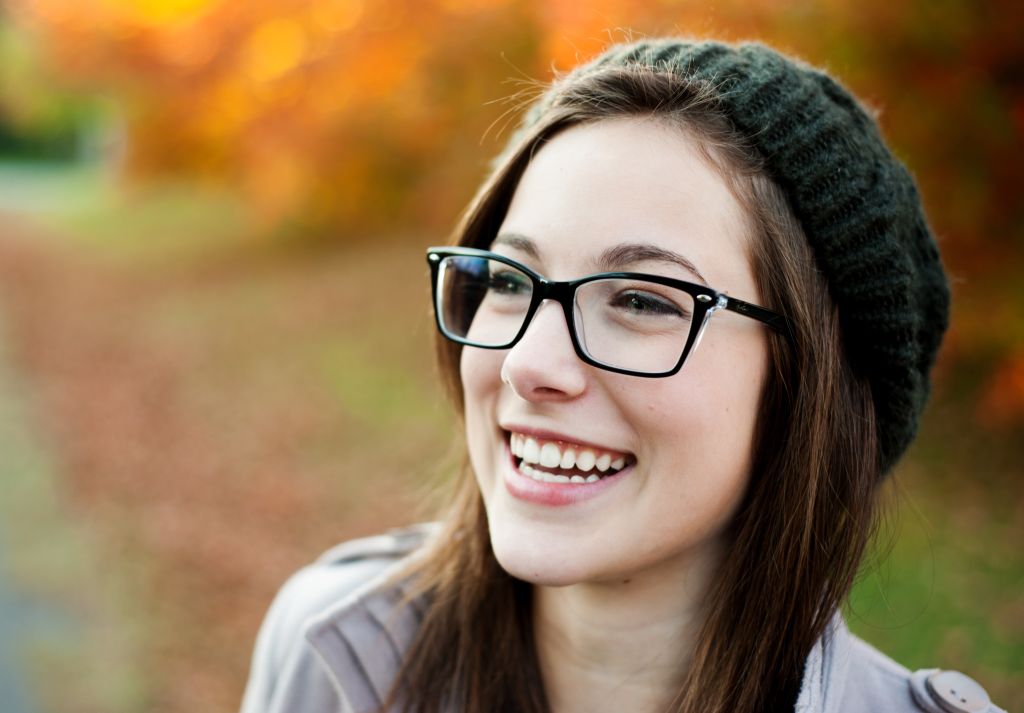
Transforms a reference portrait into a tighter, warmer photorealistic autumn close-up while preserving the anonymized face block.

This template uses your photo — add one with the + button.
Using the provided reference image, regenerate the same portrait as a more polished, photorealistic close-up while preserving the subject’s pose, clothing, hat, glasses, autumn park setting, and the large opaque privacy block covering the face. Change the framing to a tighter landscape crop with the subject more centered and larger in frame, keep the face-obscuring square in the same central position over the face, and make the background sharper and richer with golden-orange fall foliage, tree-lined path depth, warm late-afternoon sunlight, and natural bokeh. Maintain realistic lighting, camera depth of field, and no added text or watermark.
Using the provided reference image, regenerate the same portrait as a more polished, photorealistic close-up while preserving the subject’s pose, clothing, hat, glasses, autumn park setting, and the large opaque privacy block covering the face. Change the framing to a tighter landscape crop with the subject more centered and larger in frame, keep the face-obscuring square in the same central position over the face, and make the background sharper and richer with golden-orange fall foliage, tree-lined path depth, warm late-afternoon sunlight, and natural bokeh. Maintain realistic lighting, camera depth of field, and no added text or watermark.
Centered Autumn Portrait Recreation needs input media to work. Open it in the studio and these load alongside the prompt — pick whichever ones your chosen model can take.
Edit the prompt in the box under the preview — the template's model and format are already selected — and press Generate. Your version appears right on this page.
Yes. You can change the subject, setting, lighting, mood, format, and available model controls before creating your image.
Opening and editing this template is free. Generating uses credits, shown on the Generate button when you are signed in.
Start with GPT Image 2, which is the model associated with this template. You can compare another compatible model for a different finish.
Follow a topic to a crawlable collection of related PicX Studio templates.