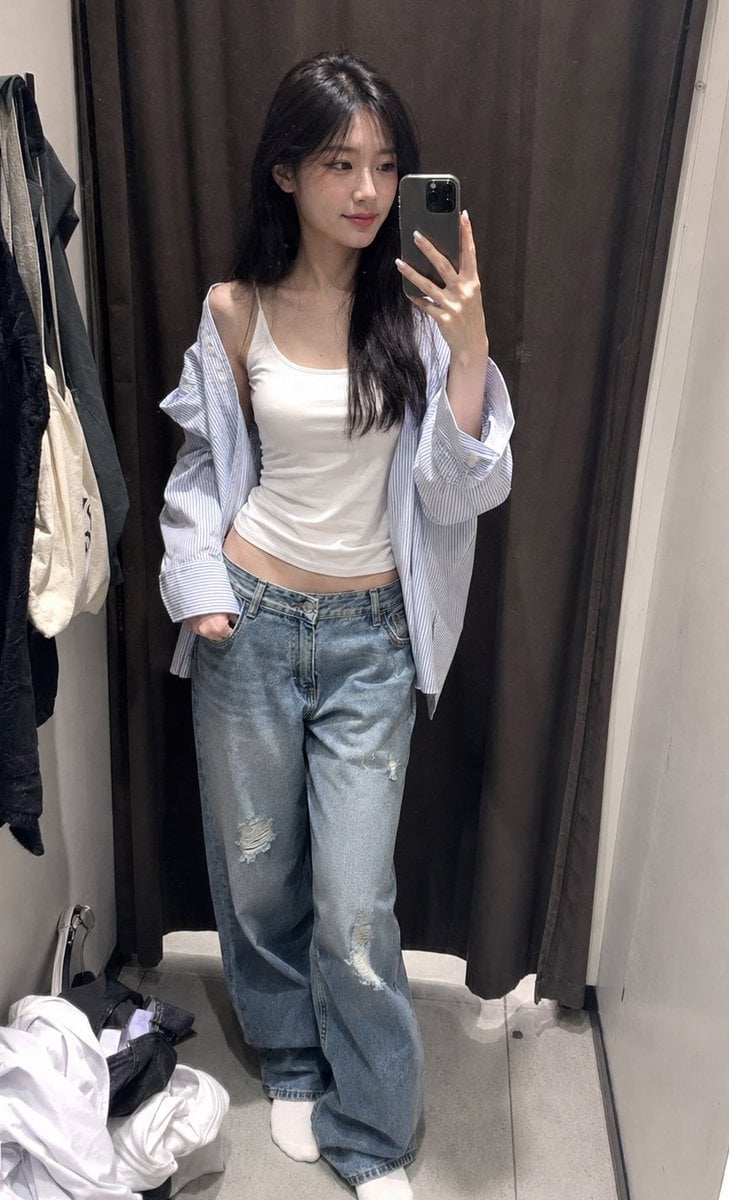
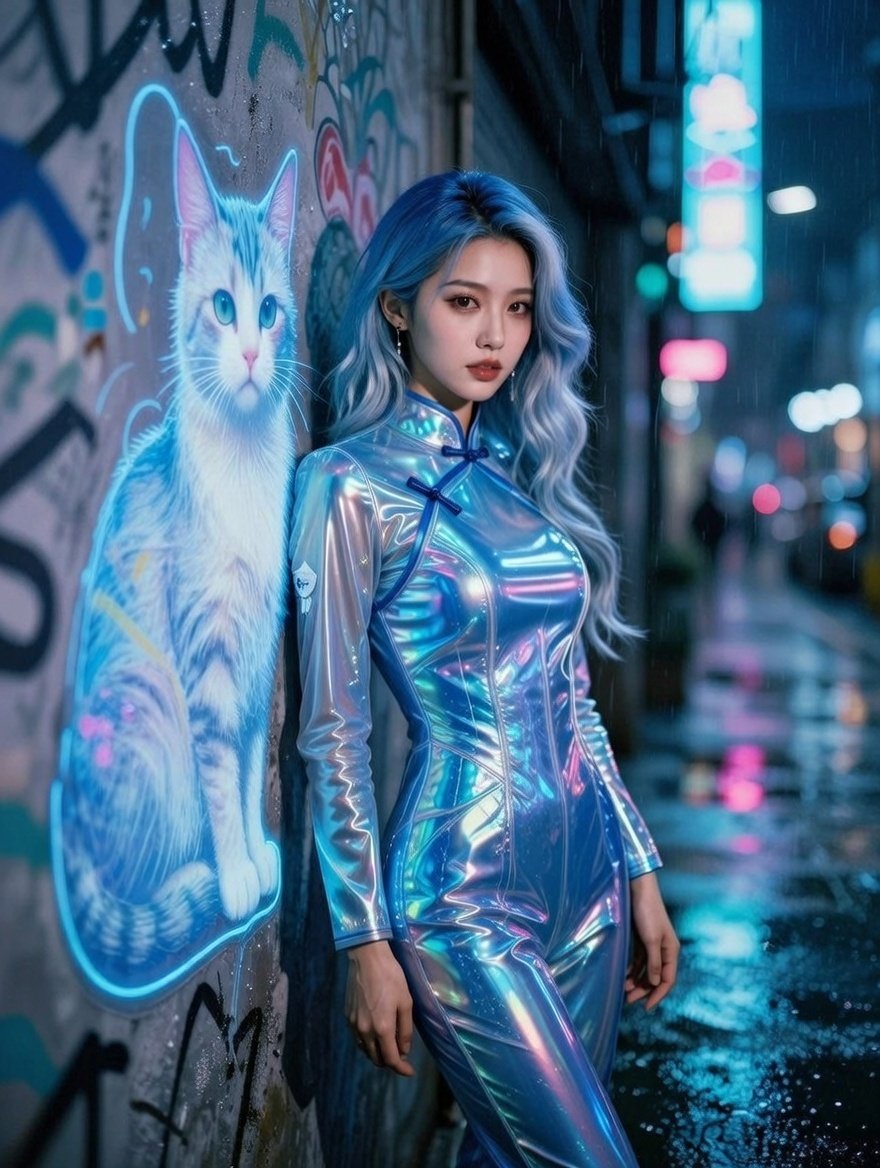
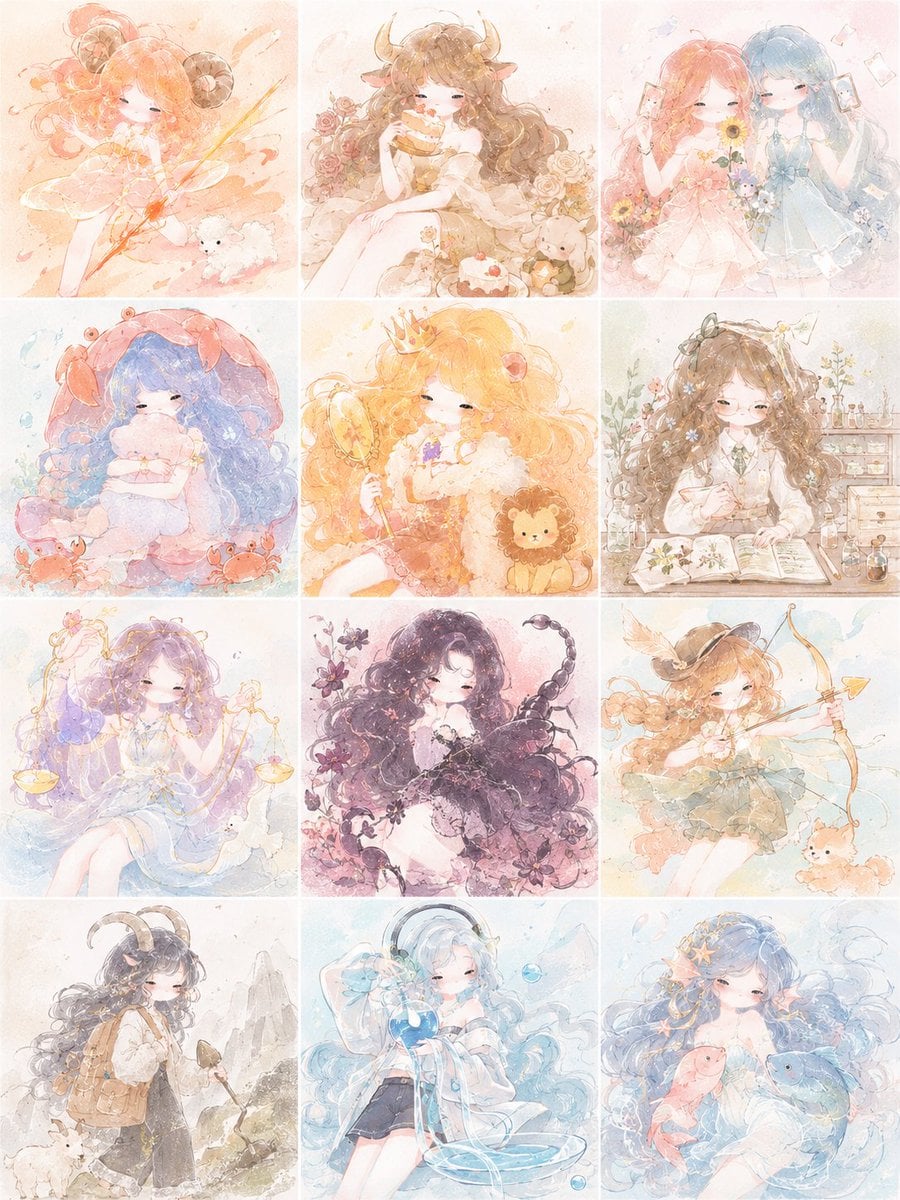
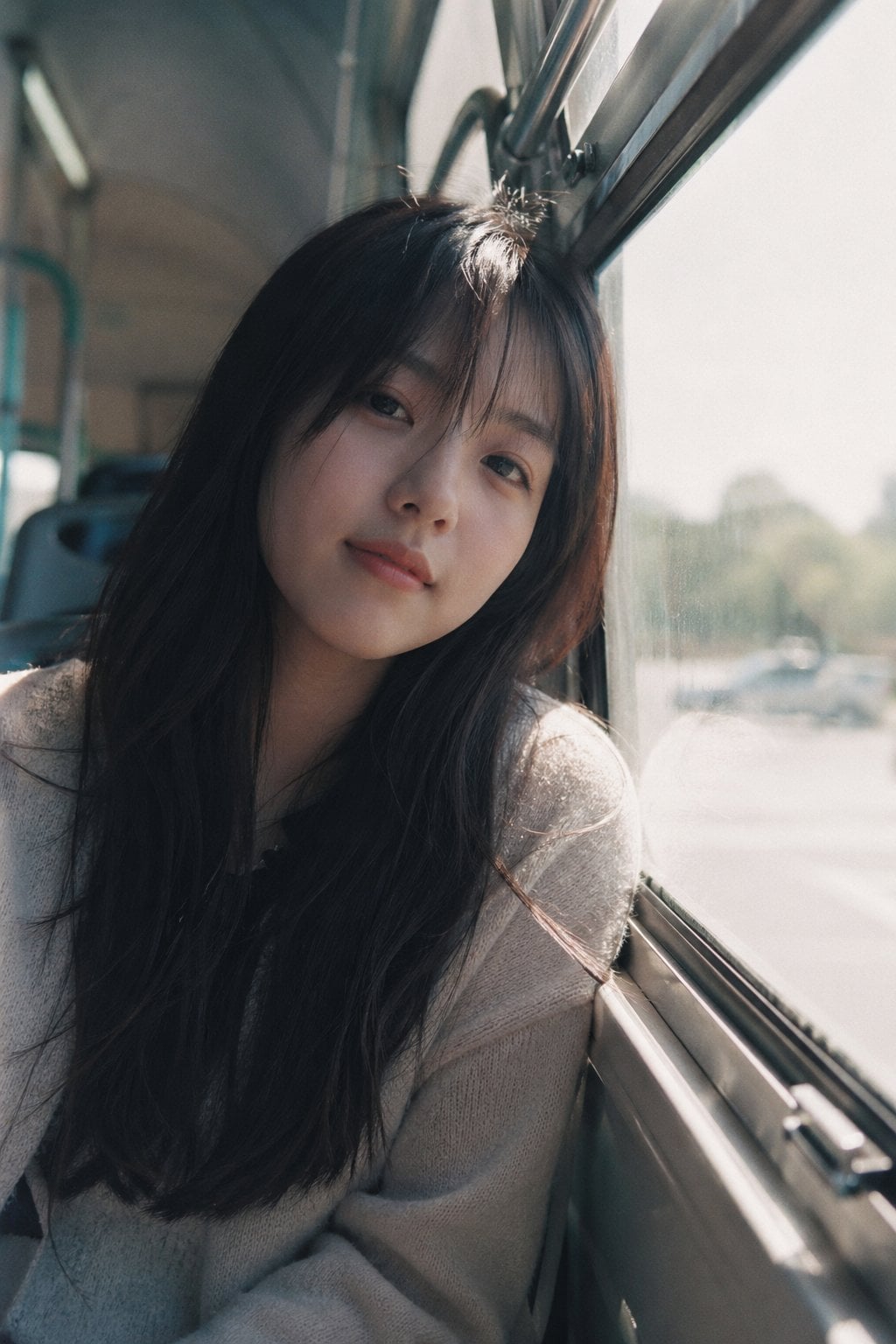
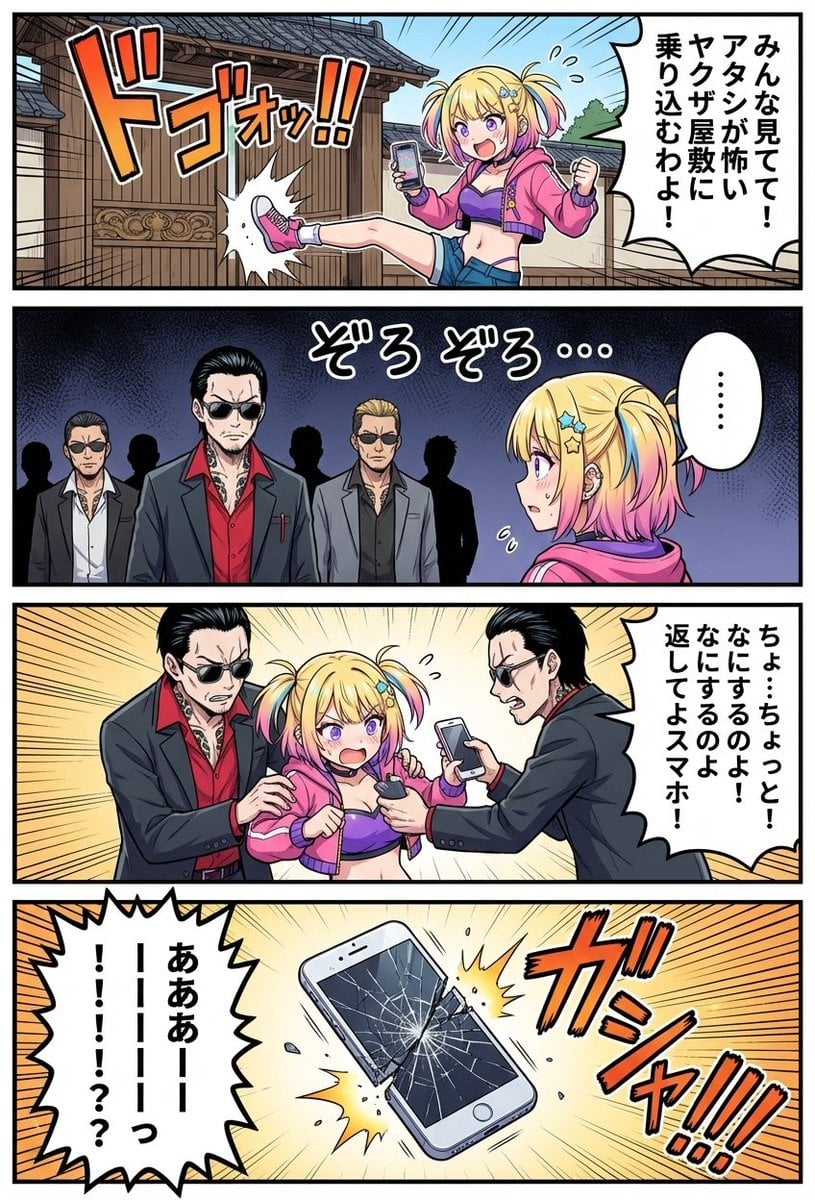
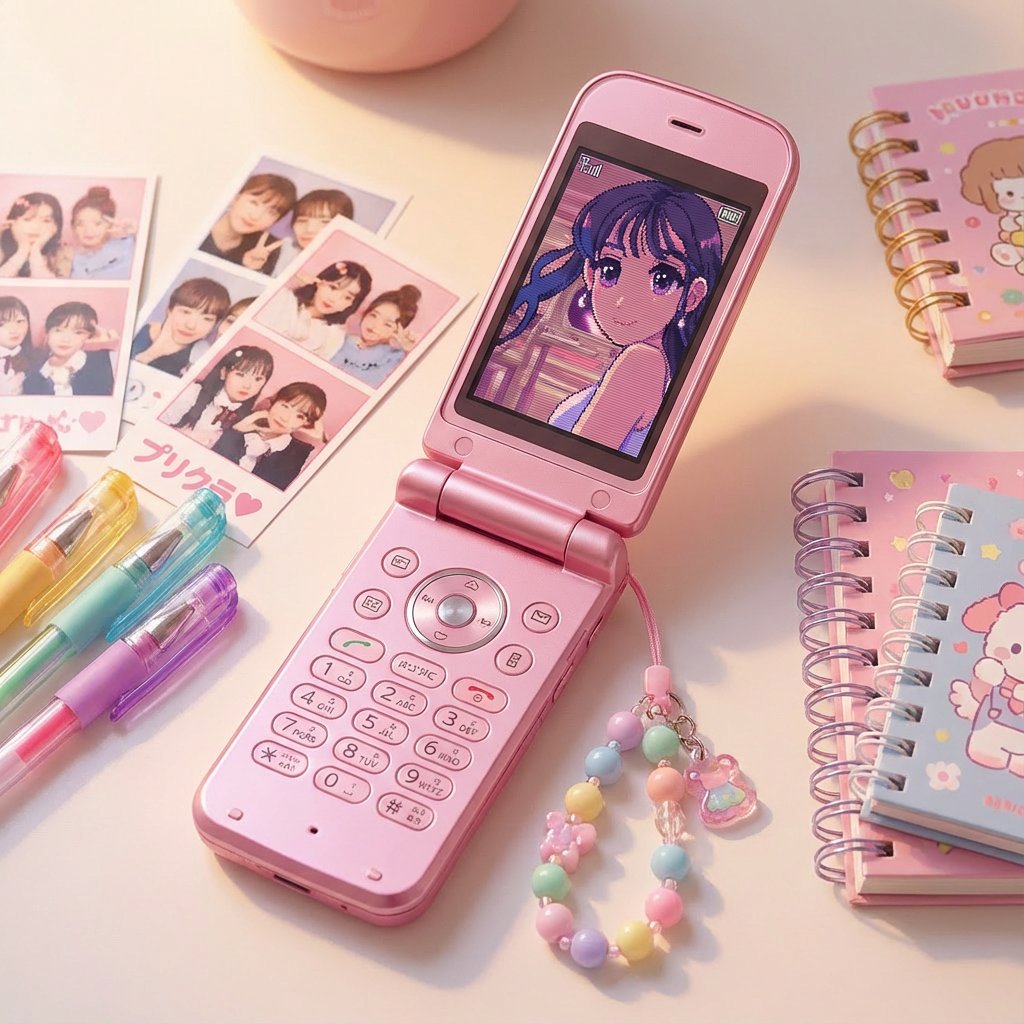
How do I use the Adorable Paper Craft Style Recreation template?
Edit the prompt in the box under the preview — the template's model and format are already selected — and press Generate. Your version appears right on this page.
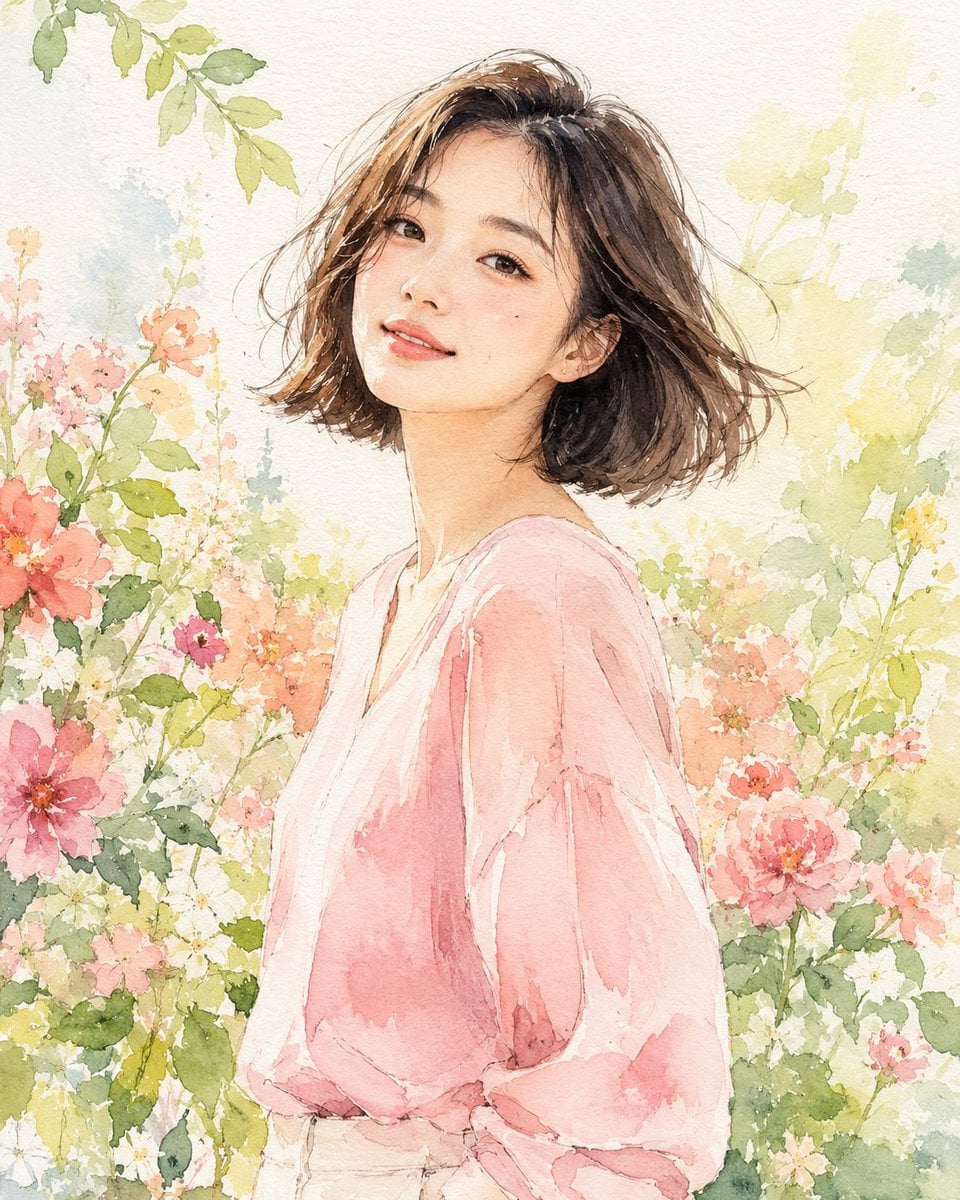
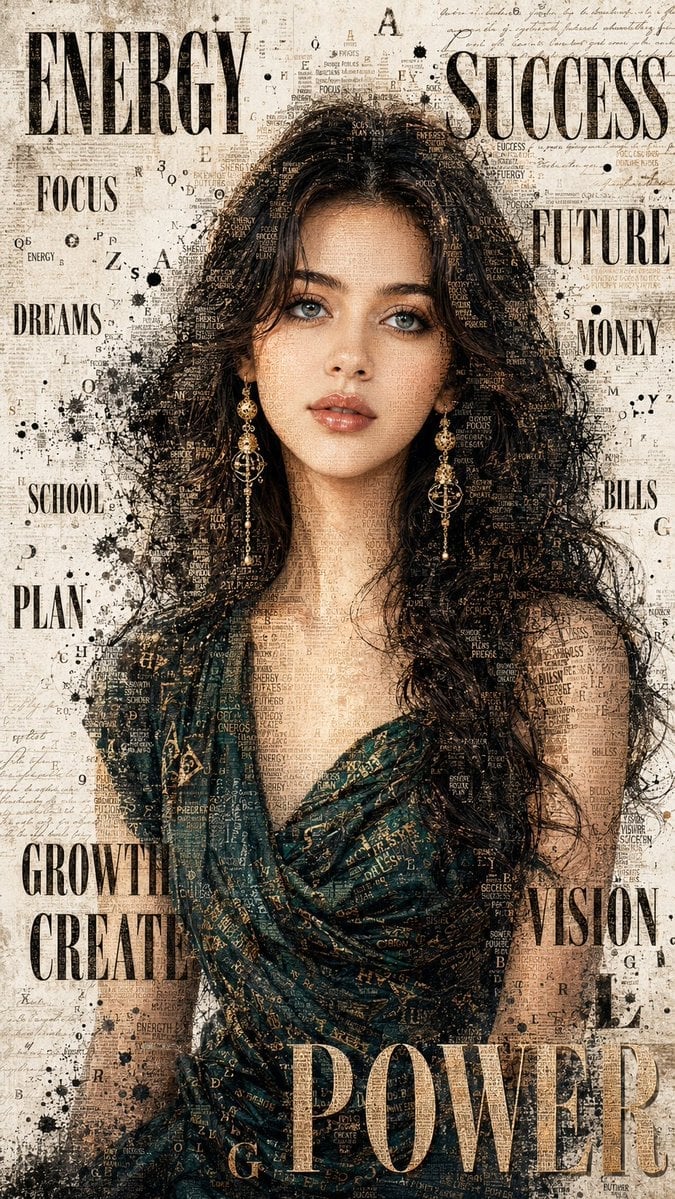
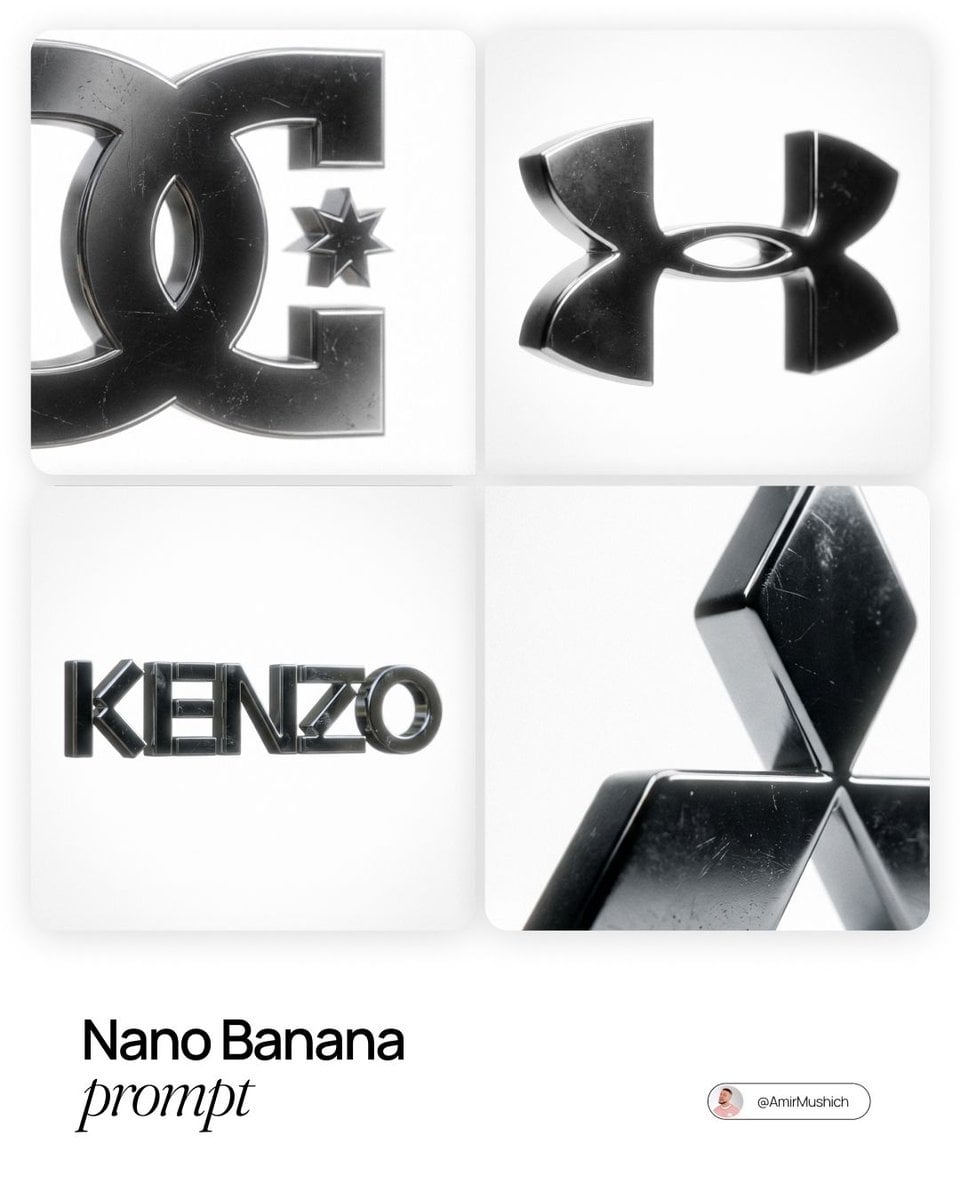
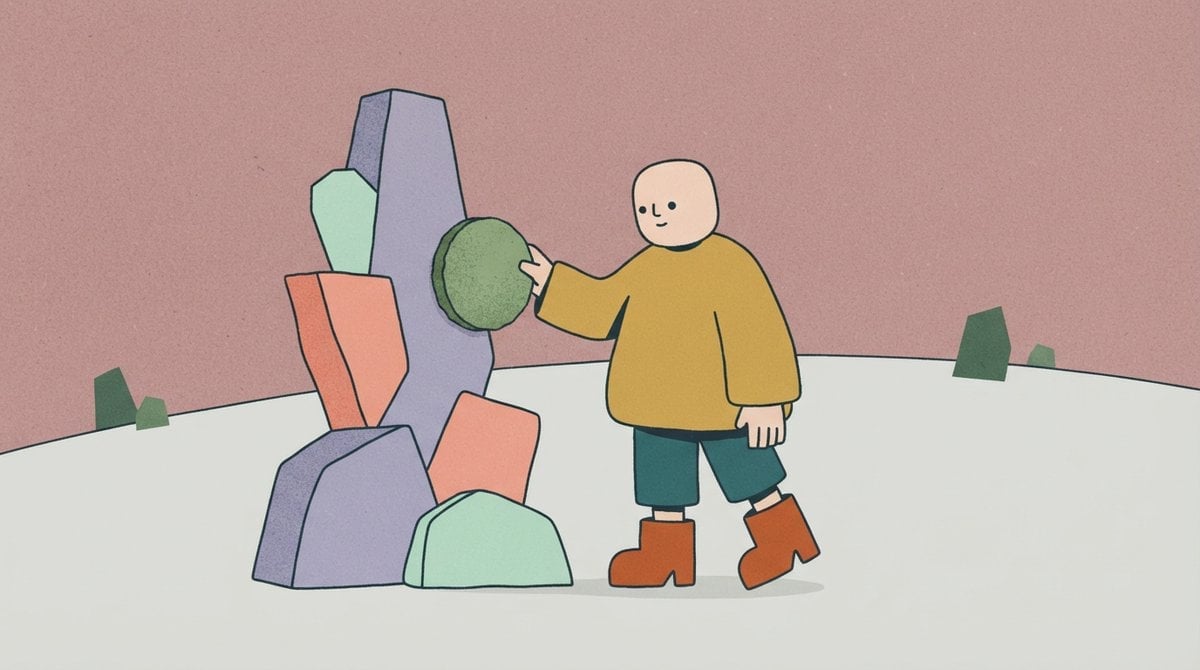
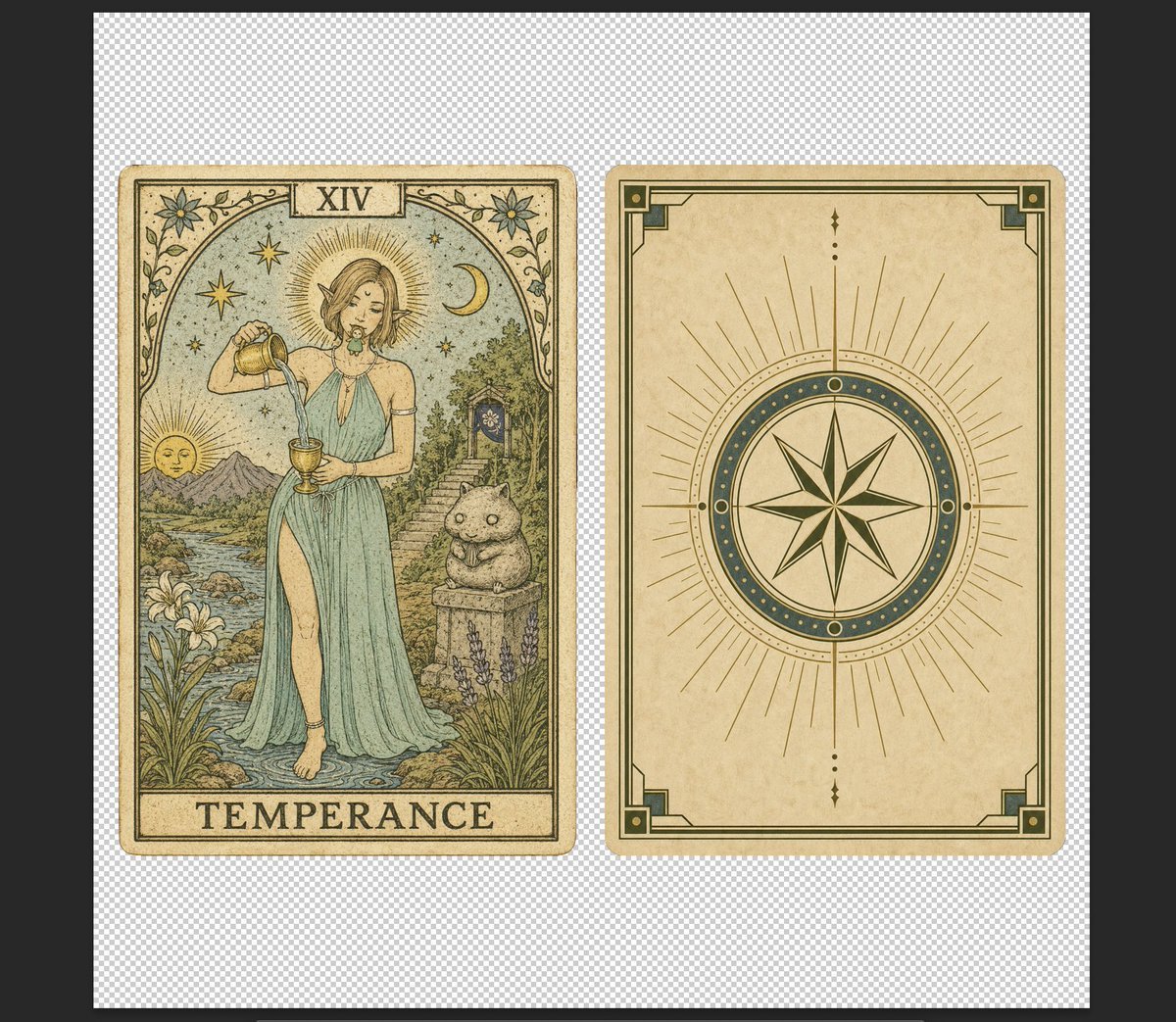
A transformation prompt to turn an image into cute papercraft artwork with simplified details and decorative elements.

This template uses your photo — add one with the + button.
Recreate this image in a {argument name="style" default="paper craft style"} by simplifying the details so they work well as papercraft artwork. Adjust the composition to feel soft, balanced, and visually pleasing, with a {argument name="vibe" default="cute aesthetic"}. You may also add {argument name="decorations" default="charming decorative elements such as birds, butterflies, and flowers"} to enhance the overall adorable atmosphere while still staying faithful to the original image.
Recreate this image in a {argument name="style" default="paper craft style"} by simplifying the details so they work well as papercraft artwork. Adjust the composition to feel soft, balanced, and visually pleasing, with a {argument name="vibe" default="cute aesthetic"}. You may also add {argument name="decorations" default="charming decorative elements such as birds, butterflies, and flowers"} to enhance the overall adorable atmosphere while still staying faithful to the original image.
Edit the prompt in the box under the preview — the template's model and format are already selected — and press Generate. Your version appears right on this page.
Yes. You can change the subject, setting, lighting, mood, format, and available model controls before creating your image.
Opening and editing this template is free. Generating uses credits, shown on the Generate button when you are signed in.
Start with GPT Image 2, which is the model associated with this template. You can compare another compatible model for a different finish.
Follow a topic to a crawlable collection of related PicX Studio templates.