
Cyan Sci-Fi HUD Reticle Overlay
Generates a clean futuristic cyan targeting HUD effect asset for game UI, video overlays, and sci-fi interface designs.
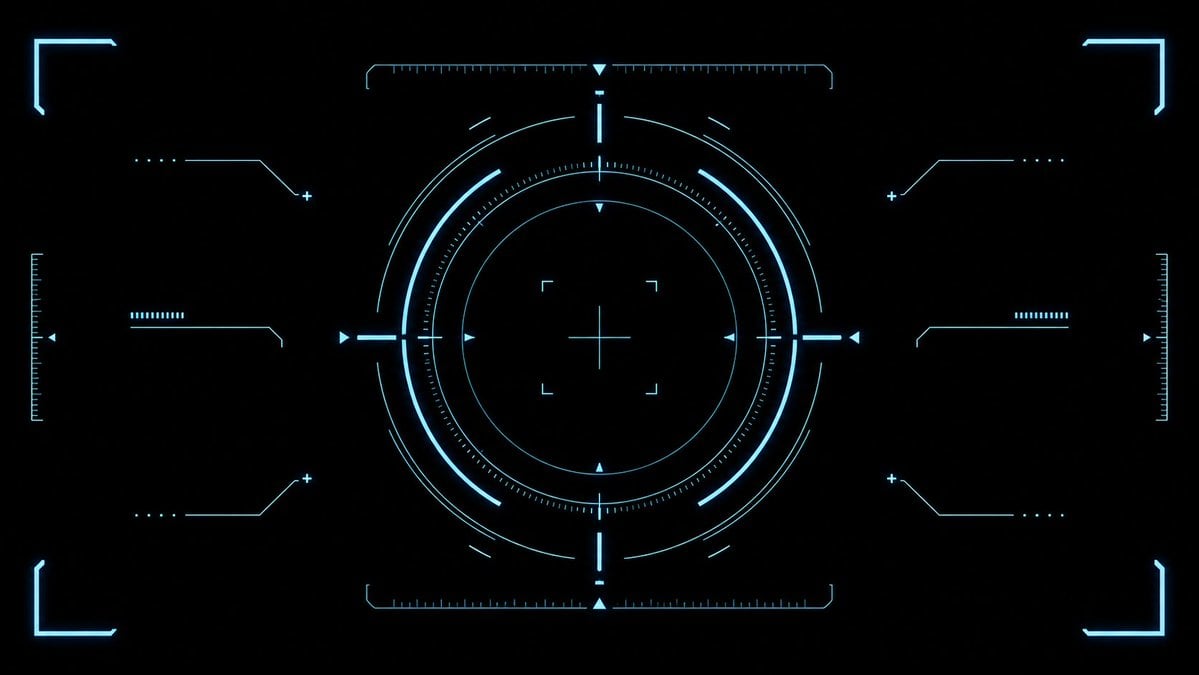
- Prompt included
- Model and format preset
- Free template
The prompt behind this image
Copy the exact prompt behind Cyan Sci-Fi HUD Reticle Overlay, or open it in the studio and make it yours.
- Type
- futuristic sci-fi HUD interface effect asset
- Format
- wide 16:9 transparent-style graphic on pure black background
- Style
- minimal high-tech vector UI, clean cyan neon glow, thin luminous strokes, symmetrical targeting overlay, game interface / cockpit scanner aesthetic, no text, no logos, no humans
- Color Palette › Primary
- {argument name="glow color" default="electric cyan blue"}
- Color Palette › Background
- {argument name="background color" default="deep black"}
- Color Palette › Line Weight
- ultra-thin technical lines with soft bloom
- Composition › Overall
- perfectly centered, horizontally symmetrical heads-up display reticle with large circular target in the middle and decorative interface brackets around the edges
- Composition › Canvas
- {argument name="aspect ratio" default="16:9 widescreen"}
- Composition › Central Elements › Count
- 10
- Composition › Central Elements › Items
- 1 large outer circular ring made from segmented arcs, 1 bright inner circular ring, 1 dotted micro-tick circular scale surrounding the inner ring, 1 thin innermost circle, 1 central crosshair with horizontal and vertical lines, 4 small corner focus brackets around the crosshair, 4 cardinal triangular pointers at top, bottom, left, and right of the circle, 4 short bright radial bars at the cardinal directions, multiple fine calibration ticks along the circle, small broken outer orbit arcs for motion-graphic detail
- Composition › Side Elements › Count
- 6
- Composition › Side Elements › Items
- 3 left-side connector-line HUD widgets: top, middle, bottom, 3 right-side connector-line HUD widgets: top, middle, bottom
- Composition › Side Elements › Details
- each side widget uses angled circuit-like lines, small dots, plus signs, and short ruler bars, mirrored left to right
- Composition › Edge Elements › Count
- 8
- Composition › Edge Elements › Items
- 4 glowing corner frame brackets, one in each corner, 2 vertical ruler scales at the far left and far right edges, 2 horizontal ruler scales centered near the top and bottom of the main circle, small triangular side markers near the left and right edges
- Lighting
- soft neon bloom around every line, crisp dark negative space, high contrast
- Rendering
- 2D vector effect material, sharp clean geometry, anti-aliased, suitable as a transparent overlay or VFX asset
- Negative Prompt
- no words, no numbers, no icons with meaning, no cluttered background, no gradients except glow, no realistic objects, no characters
Raw JSON
{"type":"futuristic sci-fi HUD interface effect asset","format":"wide 16:9 transparent-style graphic on pure black background","style":"minimal high-tech vector UI, clean cyan neon glow, thin luminous strokes, symmetrical targeting overlay, game interface / cockpit scanner aesthetic, no text, no logos, no humans","color_palette":{"primary":"{argument name=\"glow color\" default=\"electric cyan blue\"}","background":"{argument name=\"background color\" default=\"deep black\"}","line_weight":"ultra-thin technical lines with soft bloom"},"composition":{"overall":"perfectly centered, horizontally symmetrical heads-up display reticle with large circular target in the middle and decorative interface brackets around the edges","canvas":"{argument name=\"aspect ratio\" default=\"16:9 widescreen\"}","central_elements":{"count":10,"items":["1 large outer circular ring made from segmented arcs","1 bright inner circular ring","1 dotted micro-tick circular scale surrounding the inner ring","1 thin innermost circle","1 central crosshair with horizontal and vertical lines","4 small corner focus brackets around the crosshair","4 cardinal triangular pointers at top, bottom, left, and right of the circle","4 short bright radial bars at the cardinal directions","multiple fine calibration ticks along the circle","small broken outer orbit arcs for motion-graphic detail"]},"side_elements":{"count":6,"items":["3 left-side connector-line HUD widgets: top, middle, bottom","3 right-side connector-line HUD widgets: top, middle, bottom"],"details":"each side widget uses angled circuit-like lines, small dots, plus signs, and short ruler bars, mirrored left to right"},"edge_elements":{"count":8,"items":["4 glowing corner frame brackets, one in each corner","2 vertical ruler scales at the far left and far right edges","2 horizontal ruler scales centered near the top and bottom of the main circle","small triangular side markers near the left and right edges"]}},"lighting":"soft neon bloom around every line, crisp dark negative space, high contrast","rendering":"2D vector effect material, sharp clean geometry, anti-aliased, suitable as a transparent overlay or VFX asset","negative_prompt":"no words, no numbers, no icons with meaning, no cluttered background, no gradients except glow, no realistic objects, no characters"}How to use Cyan Sci-Fi HUD Reticle Overlay in 3 steps
- 1Upload ImagePNG, JPG or paste
Add your photo
Upload the photo the template builds on. The prompt, model and format are already set.
- 2…a portrait of your subject in softgolden-hour light, 85mm…
Personalize
Edit the subject and creative details for your destination.
- 3Generate
Generate
Press Generate — your image is created in PicX Studio, so you can compare it with the original and refine one variable at a time.
More like this
Templates with the same subject, style or setup. Open one to see its prompt.

Minecraft Voxel Pixel Art Aesthetic System

Minecraft Next-Gen Voxel World Screenshot
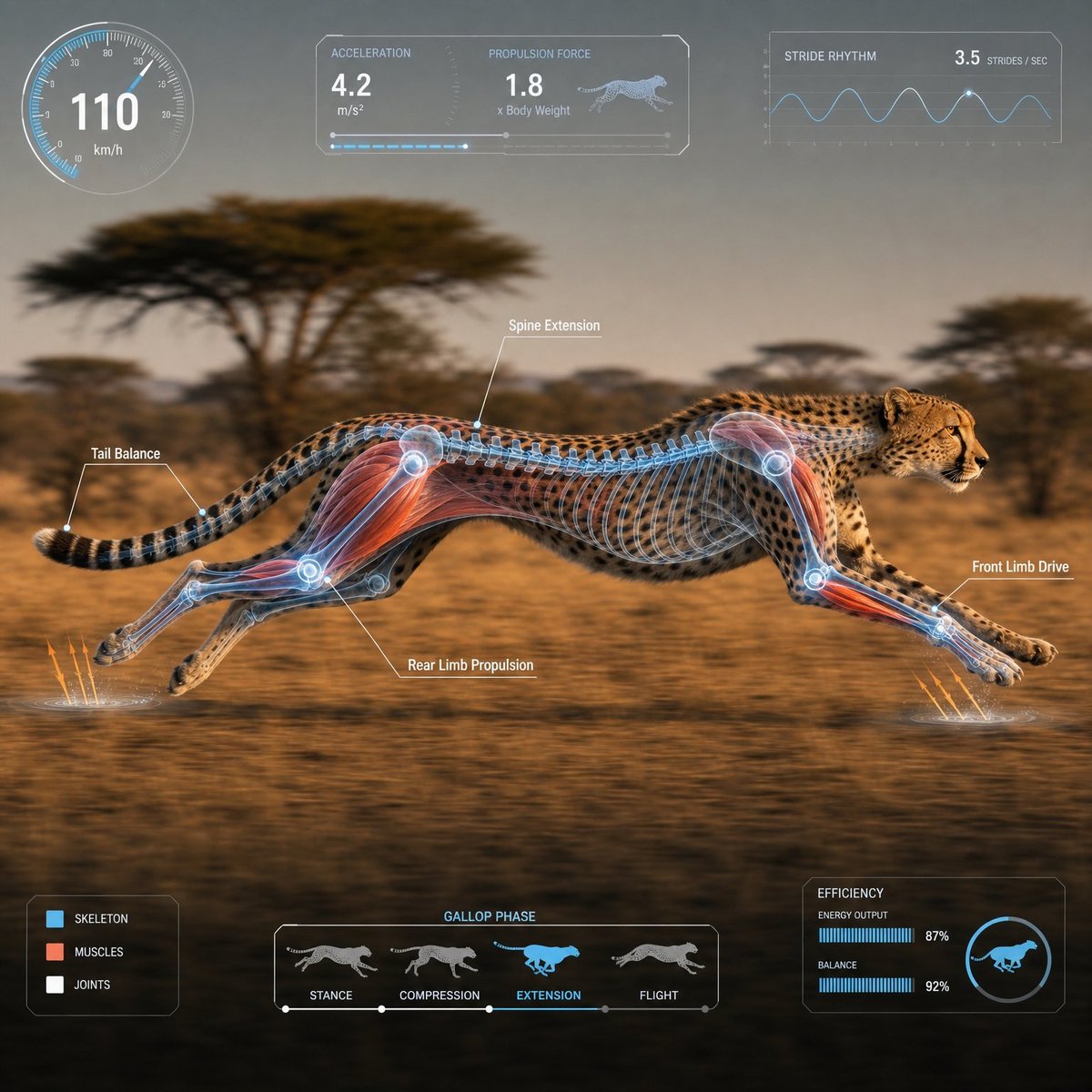
Scientific Animal Motion Analysis HUD

Photoreal Snow Biome Name Tag UI

Minecraft You Died Winter Death Screen

Photoreal Selfie Minecraft Village Ghast UI
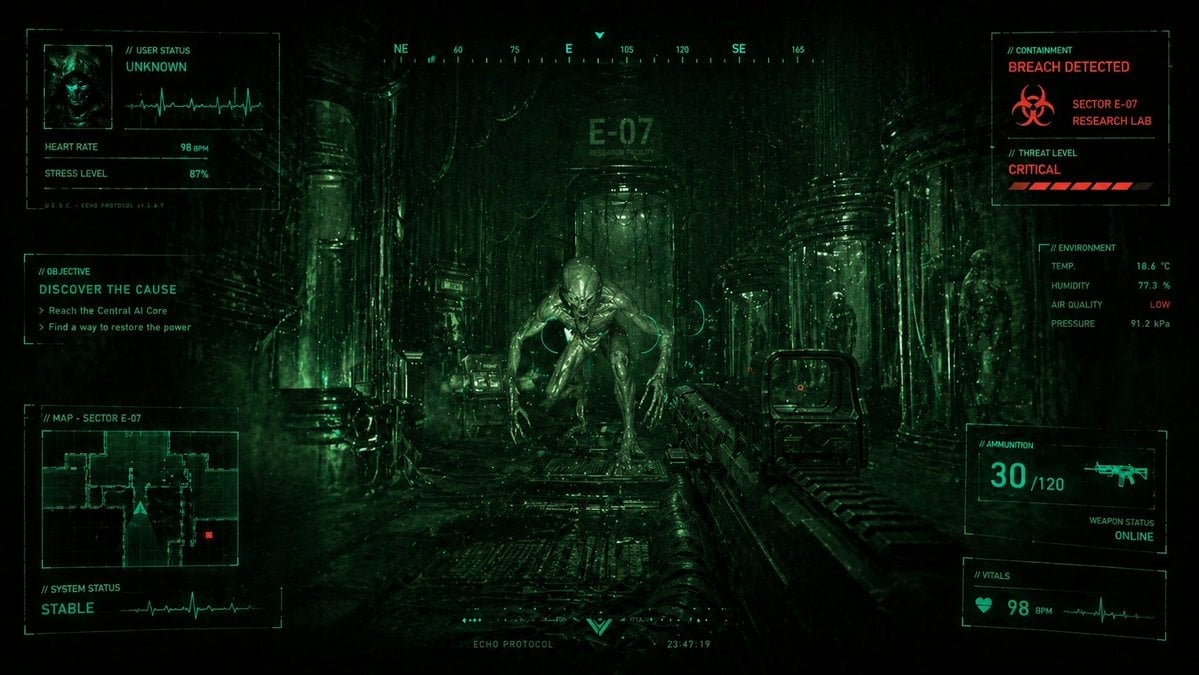
Sci-Fi Horror FPS HUD Lab Breach
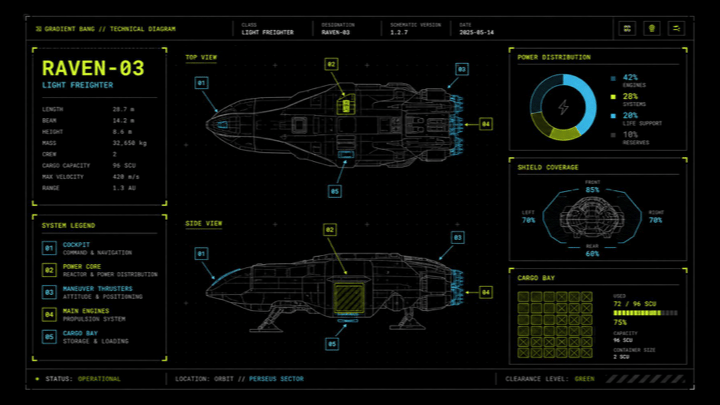
Sci-Fi Light Freighter Schematic HUD
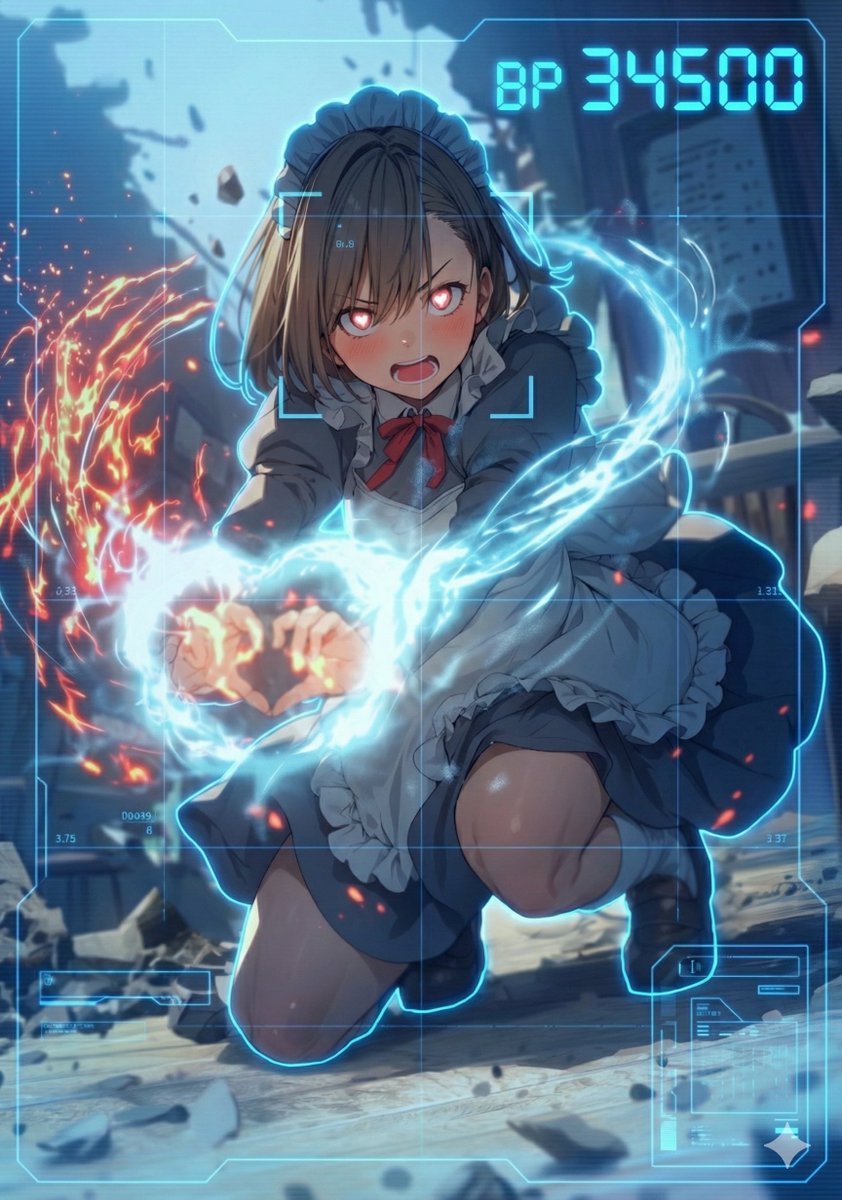
HUD battle power overlay for any character image

Text-to-Video Prompt: Deadlift with Animated HUD Overlays
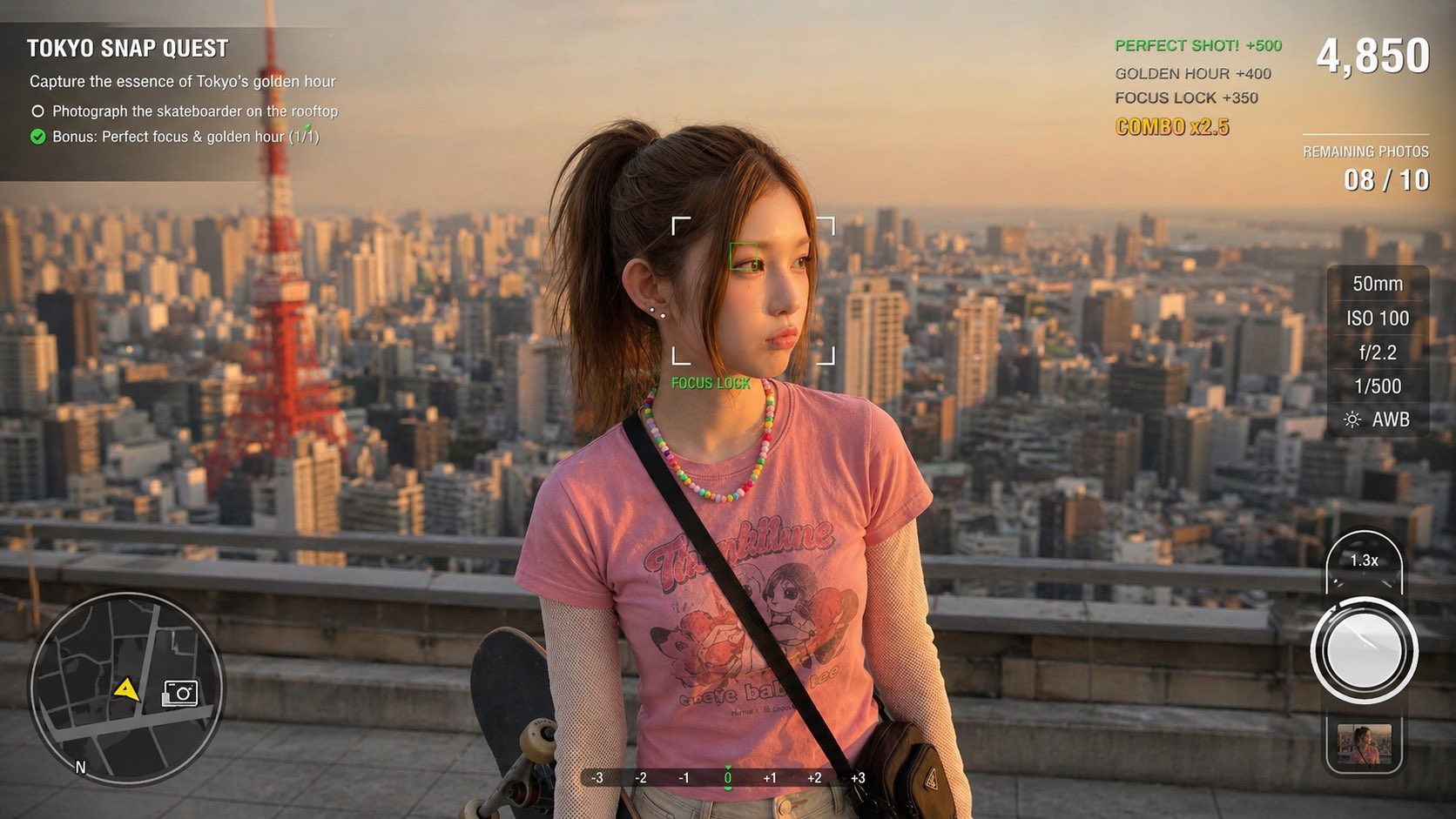
Photography Game Cinematic Capture
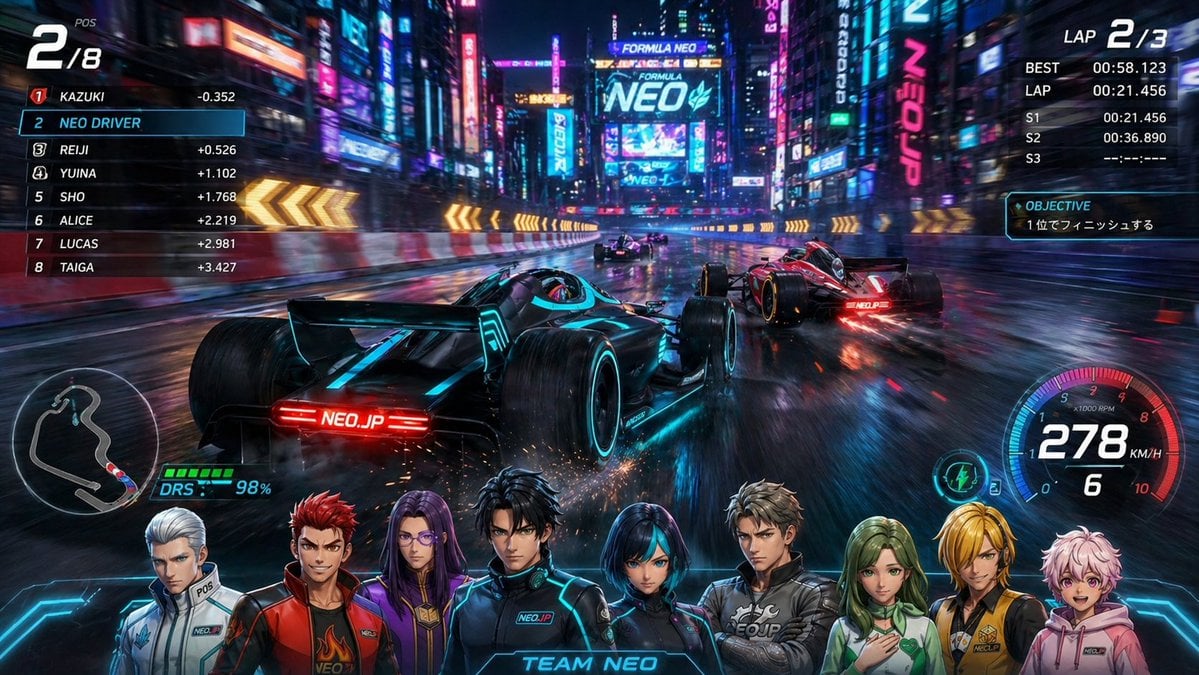
Cyberpunk Formula Neo Racing HUD
Make it yours
Cyan Sci-Fi HUD Reticle Overlay works as-is. These are the safest ways to change it without losing the look.
Swap the setting
Keep the rest of the prompt and replace the location block. The current setting is “{argument name="background color" default="deep black"}”.
Swap the light
One lighting change is enough to compare takes. Current light: “soft neon bloom around every line, crisp dark negative space, high contrast”.
Change one field
Copy a single group, rewrite it, and generate again so you can see what that field is doing.
| If the result… | Why | Fix |
|---|---|---|
| The result drifts from the preview | Too many fields changed at once. | Reuse Cyan Sci-Fi HUD Reticle Overlay as-is first, then change one group — subject, light, or setting. |
| GPT Image 2 ignores part of the JSON | Some models flatten or skip nested keys. | Keep the same values and paste them as a short paragraph instead. |
More GPT Image 2 templates
Other prompts made for GPT Image 2.

Six VTuber Japanese Logo Sheet

Realistic Portrait of Woman and Deer

The Vista Modular Condo Poster

AI Model Routing Comparison Infographic

2.5D Anime Art Board

Isometric Productivity Desk Scene

New York Double Exposure Poster

Four-Panel AI Landscape Comparison

Japanese Tatami Lifestyle Magazine Cover

NESCAFÉ Coffee Map Poster
More image prompts
Fresh picks from across the catalog.

Sculptor's Awakening Cinematic Scene Prompt
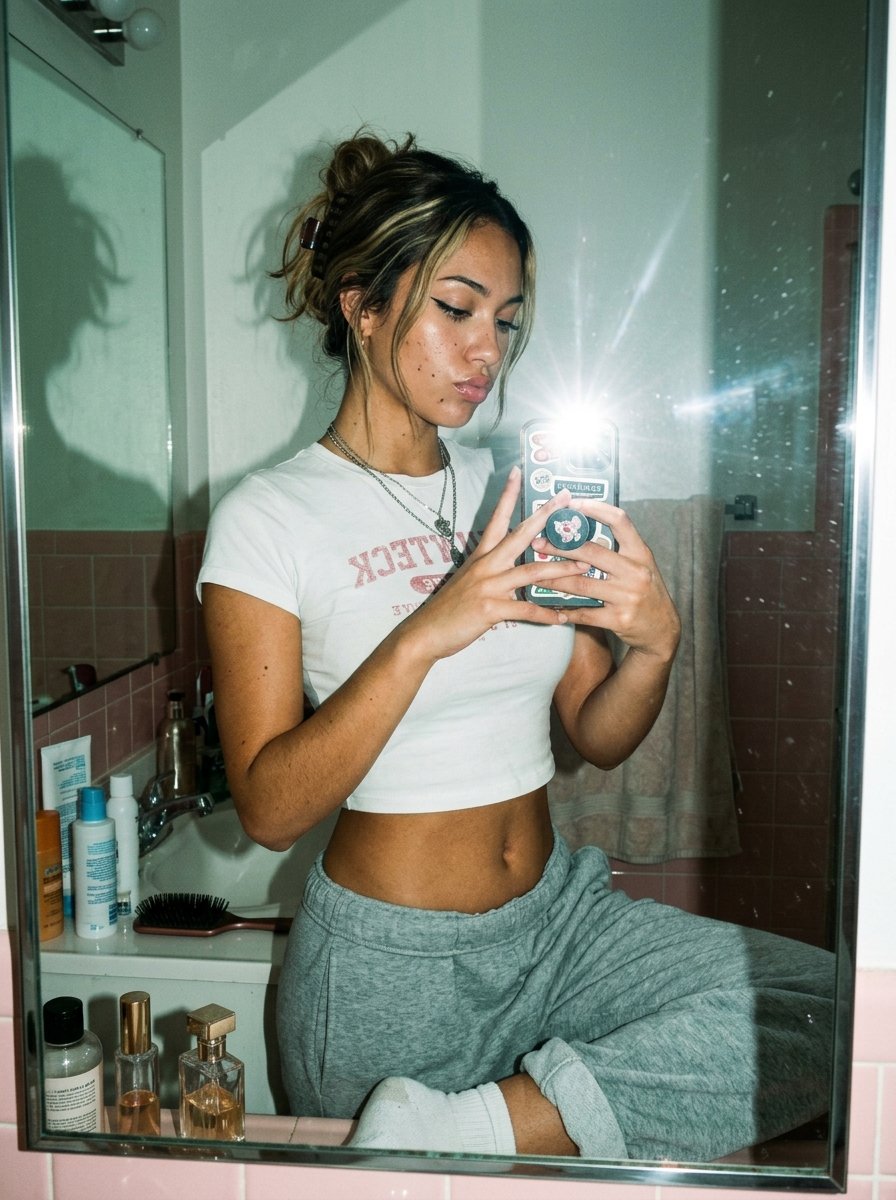
Flash Mirror Selfie in Retro Bathroom
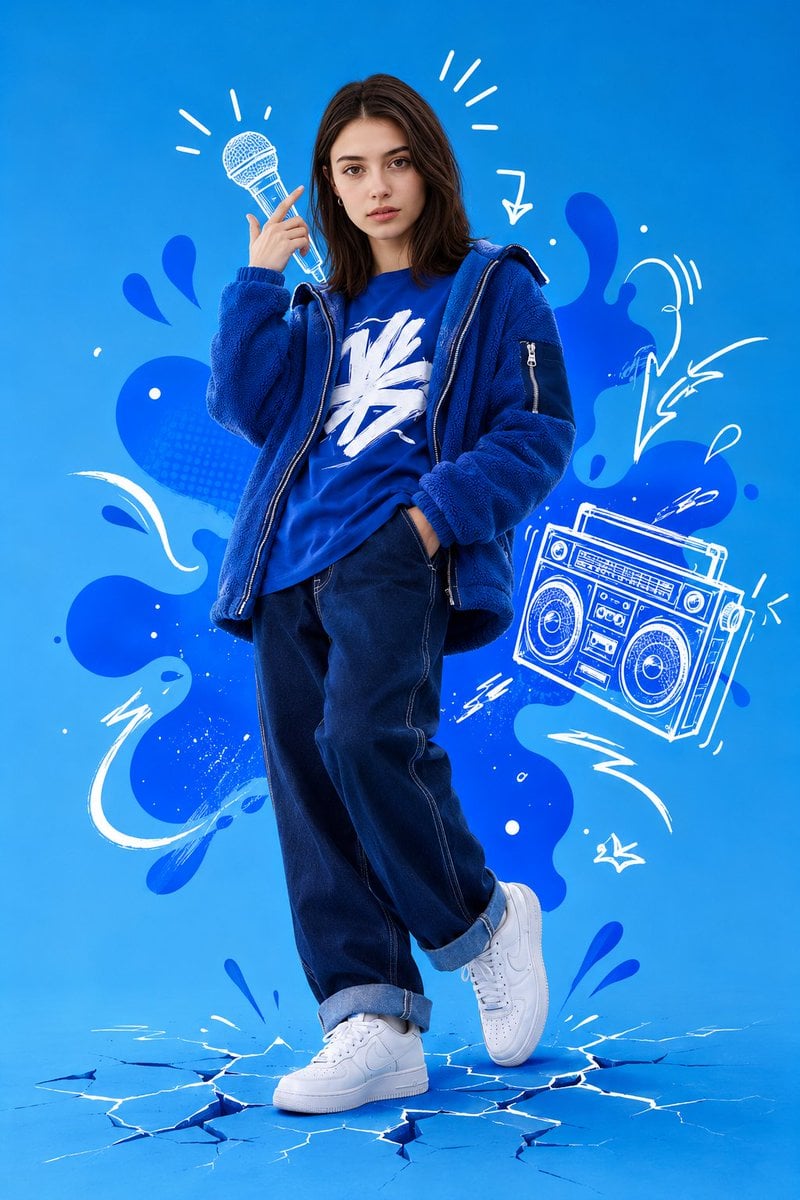
Mixed Media Street Art Portrait
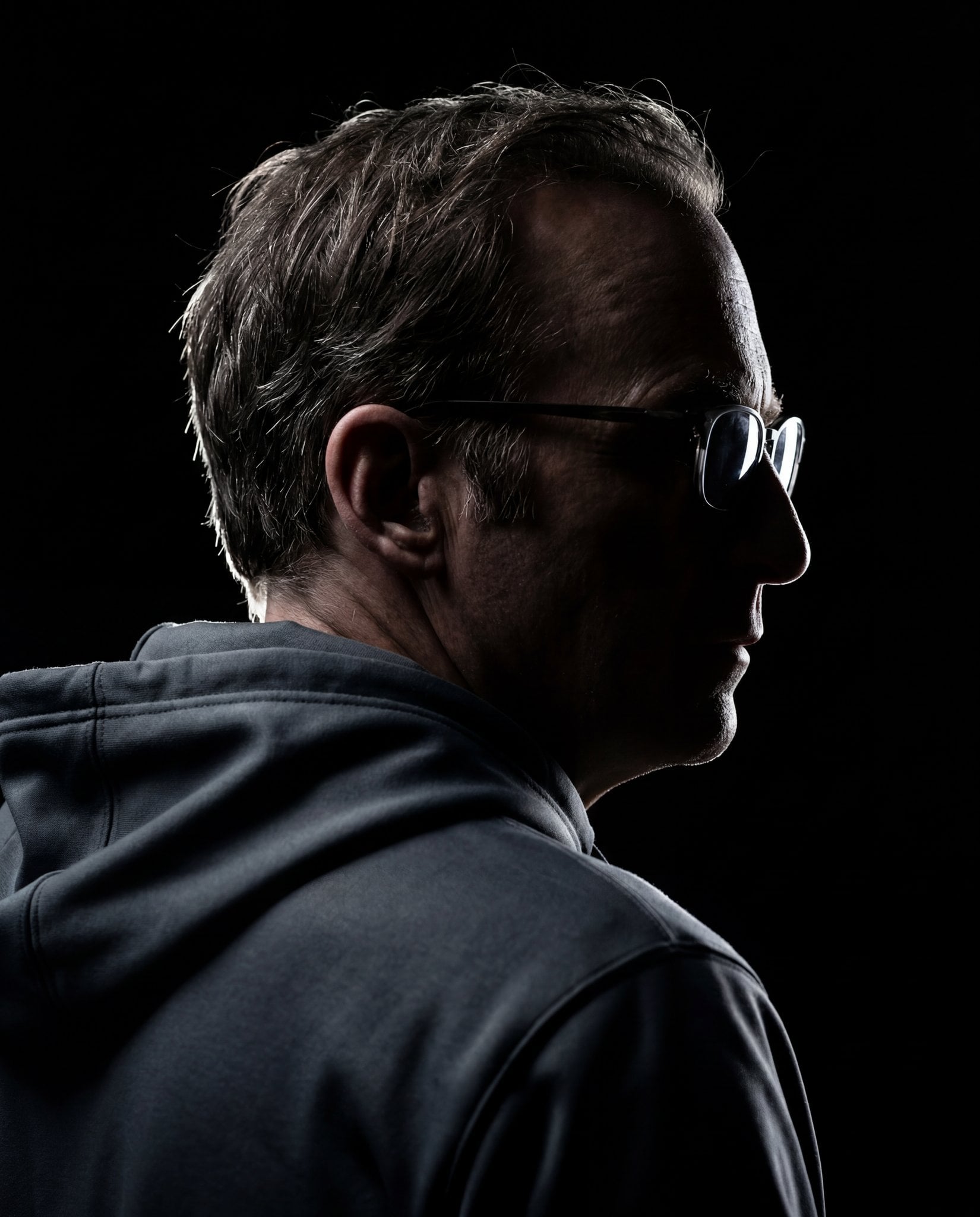
Gemini Nano Banana 2
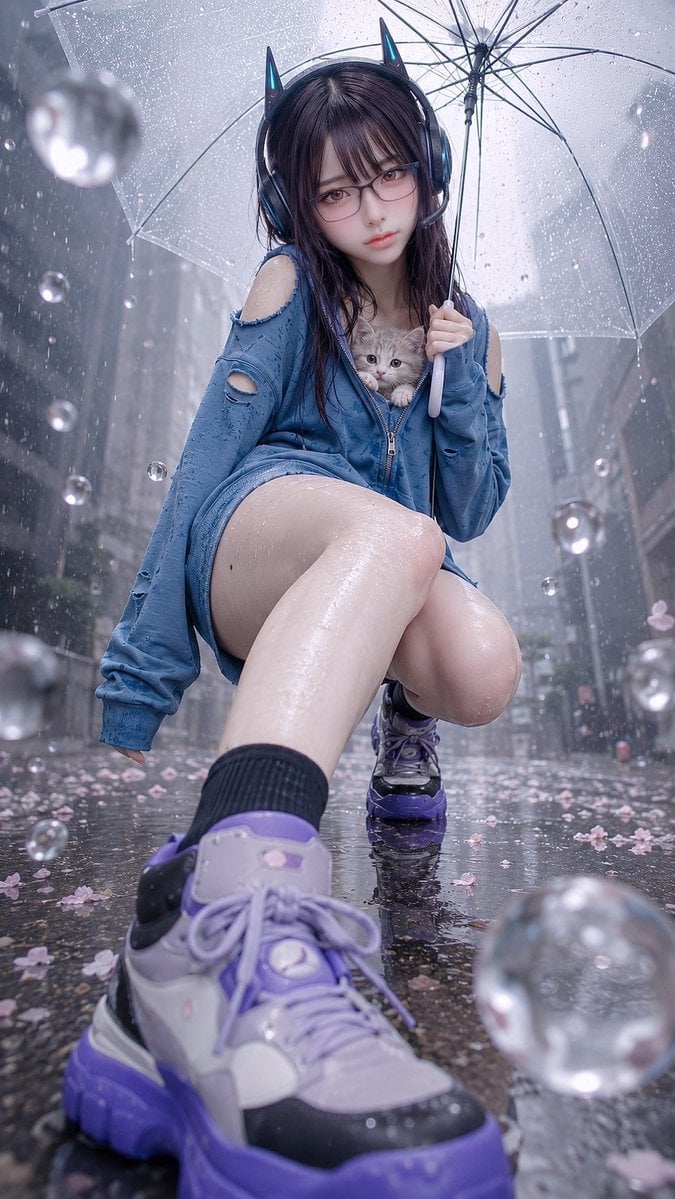
Rainy Cat-Ear Girl with Kitten
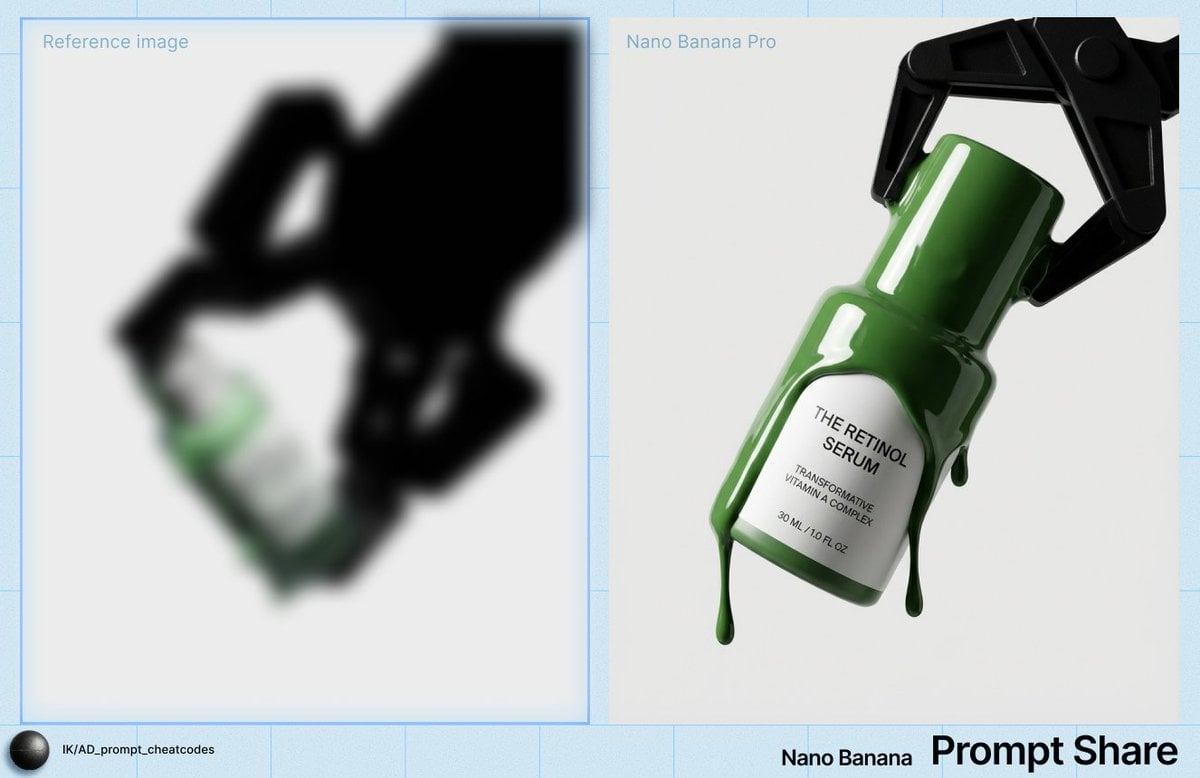
High-Contrast Studio Product Shot of Serum Bottle
WhatsApp Speech Bubble Bridge Macro Photography

Double Exposure City Portrait
Mixed Reality Street Portrait with Cartoon Twin

Catgirl Maid Free Wallpaper Banner
Browse template categories
Cyan Sci-Fi HUD Reticle Overlay questions
How do I use the Cyan Sci-Fi HUD Reticle Overlay template?
Add your photo if the template asks for one, edit the prompt if you like — the template's model and format are already selected — and press Generate. Your version opens in PicX Studio.
Can I customize the Cyan Sci-Fi HUD Reticle Overlay template?
Yes. You can change the subject, setting, lighting, mood, format, and available model controls before creating your image.
Is the Cyan Sci-Fi HUD Reticle Overlay template free?
Opening and editing this template is free. Generating uses credits, shown on the Generate button when you are signed in.
Which AI model should I use?
Start with GPT Image 2, which is the model associated with this template. You can compare another compatible model for a different finish.
Looking for something else? Browse all templates.

Your photo, any look
Thousands of ready templates for every top image and video model, from one credit balance.