
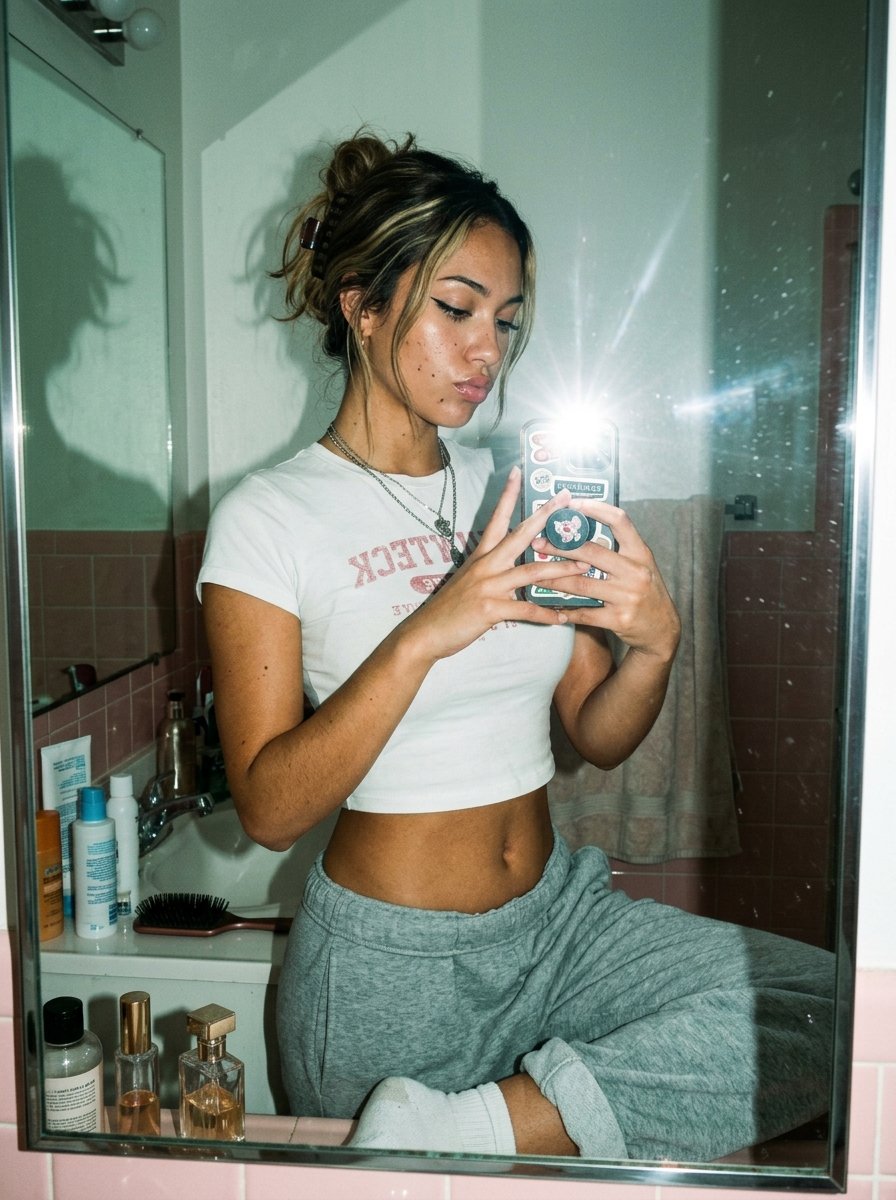
Flash Mirror Selfie in Retro Bathroom
A realistic fashion-lifestyle mirror selfie prompt for generating candid disposable-camera style portraits in a small vintage bathroom.
- Prompt included
- Model and format preset
- Free template
The prompt behind this image
Copy the exact prompt behind Flash Mirror Selfie in Retro Bathroom, or open it in the studio and make it yours.
A candid flash mirror selfie in a small retro bathroom, shot vertically with a realistic early-2000s disposable-camera aesthetic. A young woman with her face obscured by a soft rectangular blur stands in front of a slightly dirty mirror, holding a smartphone with a bright direct flash that creates a strong starburst flare at the center-right of the image. She has dark brown hair with lighter blonde highlights, styled in a messy claw-clip updo with loose strands around the face, and wears small hoop earrings plus 2 layered silver necklaces. Her outfit is a fitted white baby tee with faded pink collegiate-style text reading "NANTUCKET" in reverse from the mirror, and loose heather gray sweatpants with white socks; one knee is raised casually on the sink counter, giving the pose a relaxed, intimate snapshot feel. The phone case is covered with cute stickers and a round grip featuring a pink cartoon bear or bunny motif. The bathroom has pale pink wall tiles on the lower half, off-white upper walls, a sink counter cluttered with 7 visible toiletry and beauty items total: 4 bottles on the left side of the sink, 1 black hairbrush on the sink edge, and 2 perfume or cosmetic bottles along the bottom ledge of the mirror. A beige towel hangs in the background, and the mirror frame is metal with visible smudges and dust specks catching the flash. Include the subject’s shadow cast dramatically on the left wall and mirror, soft ambient greenish indoor light mixed with harsh flash, subtle film grain, natural skin texture, slight lens distortion, and an authentic unpolished lifestyle-photo mood.
How to use Flash Mirror Selfie in Retro Bathroom in 3 steps
- 1Upload ImagePNG, JPG or paste
Add your photo
Upload the photo the template builds on. The prompt, model and format are already set.
- 2…a portrait of your subject in softgolden-hour light, 85mm…
Personalize
Edit the subject and creative details for your destination.
- 3Generate
Generate
Press Generate — your image is created in PicX Studio, so you can compare it with the original and refine one variable at a time.
More like this
Templates with the same subject, style or setup. Open one to see its prompt.

Rooftop Fisheye — Cat-Ear Balaclava at Golden Hour

Felt & Knit 3D Character — Photo-Exact Face, Pixar-Quality Plush Figurine

Surreal Cat Astronaut — Humanoid Face Freefall
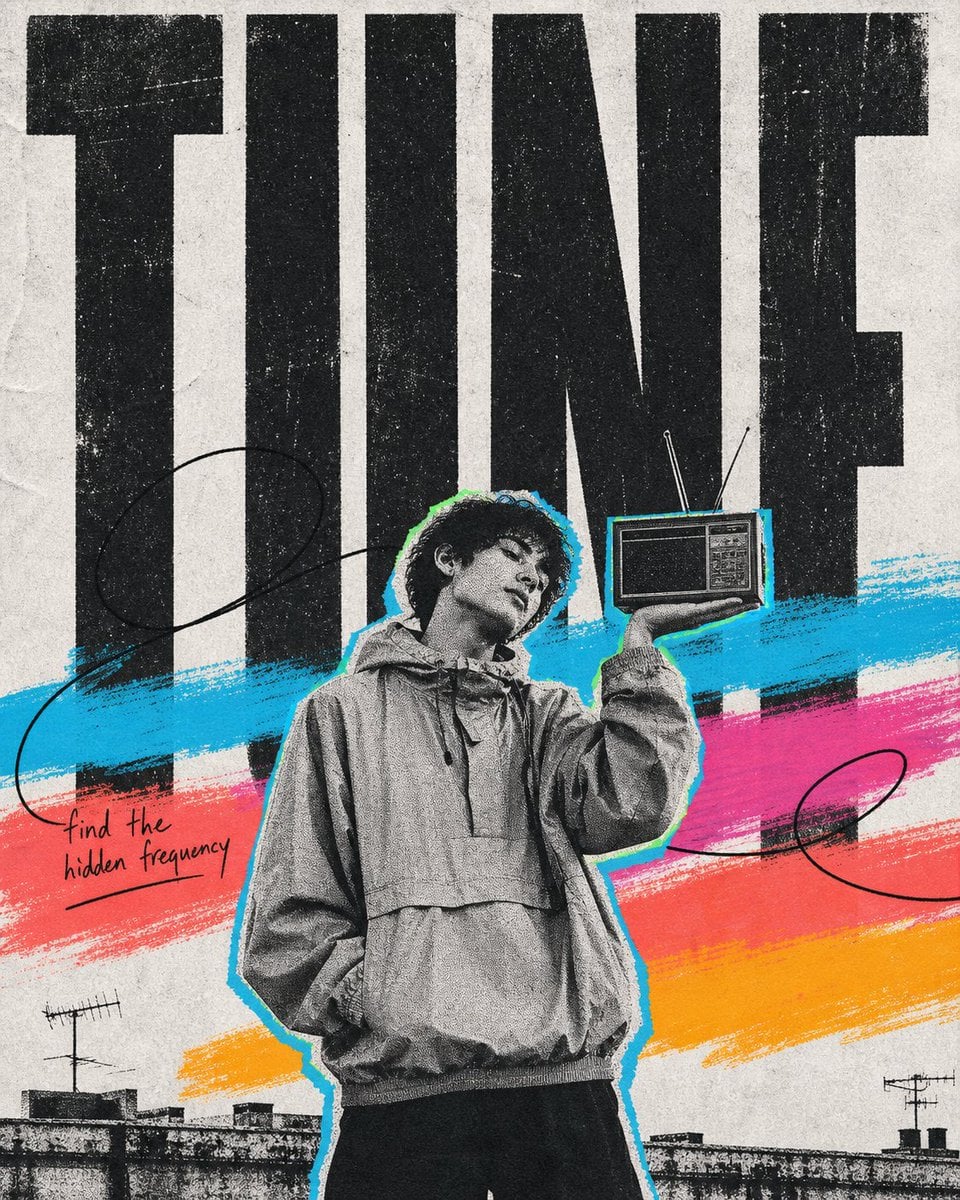
Bowling Shirt Portrait Flash
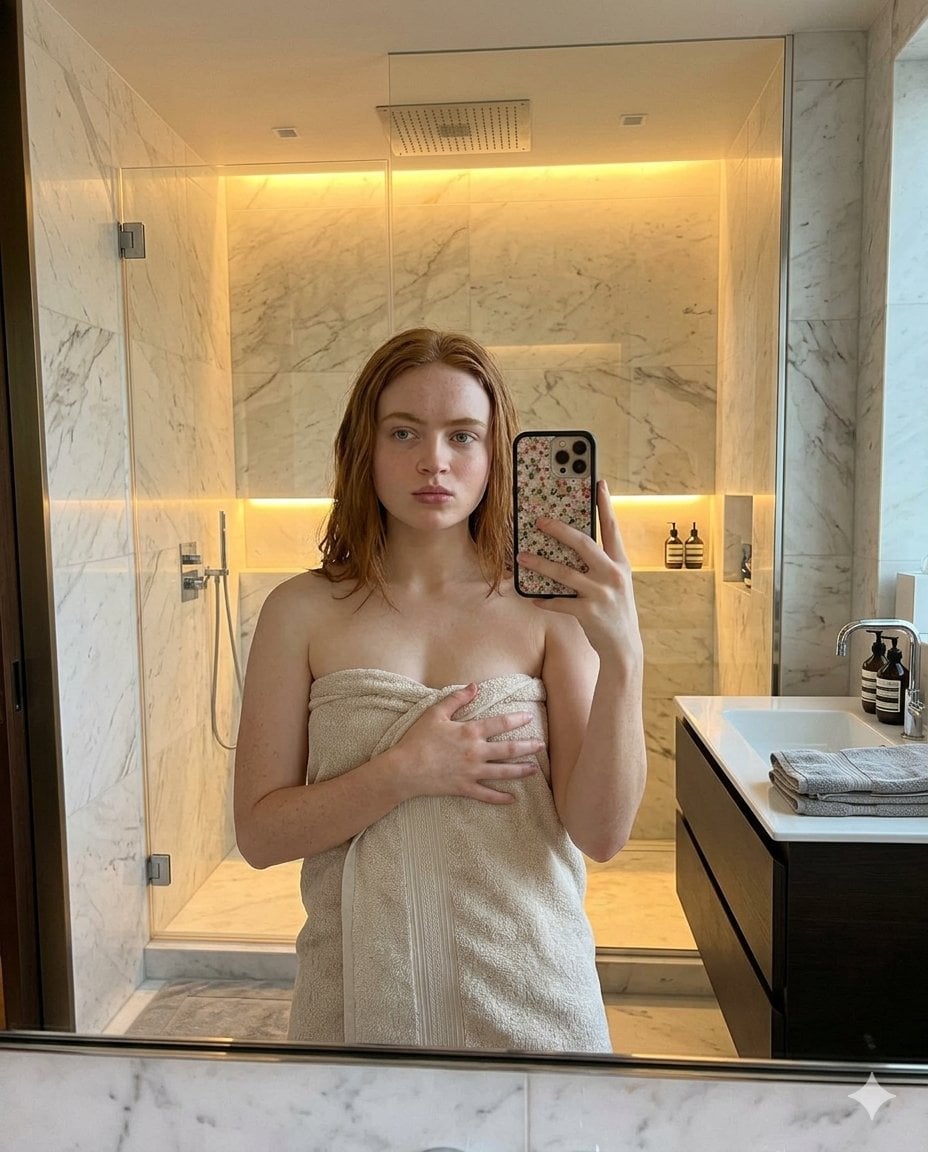
Modern Bathroom Mirror Selfie
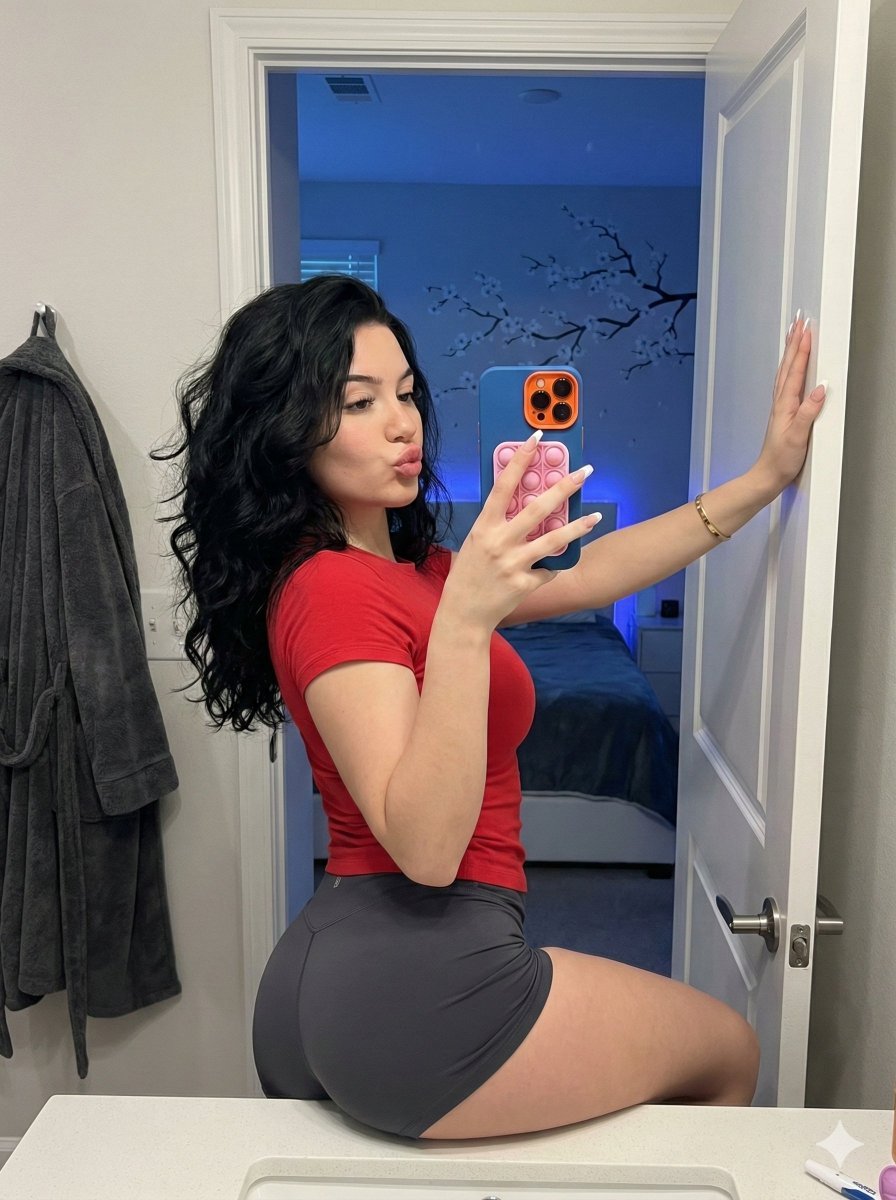
Playful Bathroom Mirror Selfie Prompt (Curvy Focus)
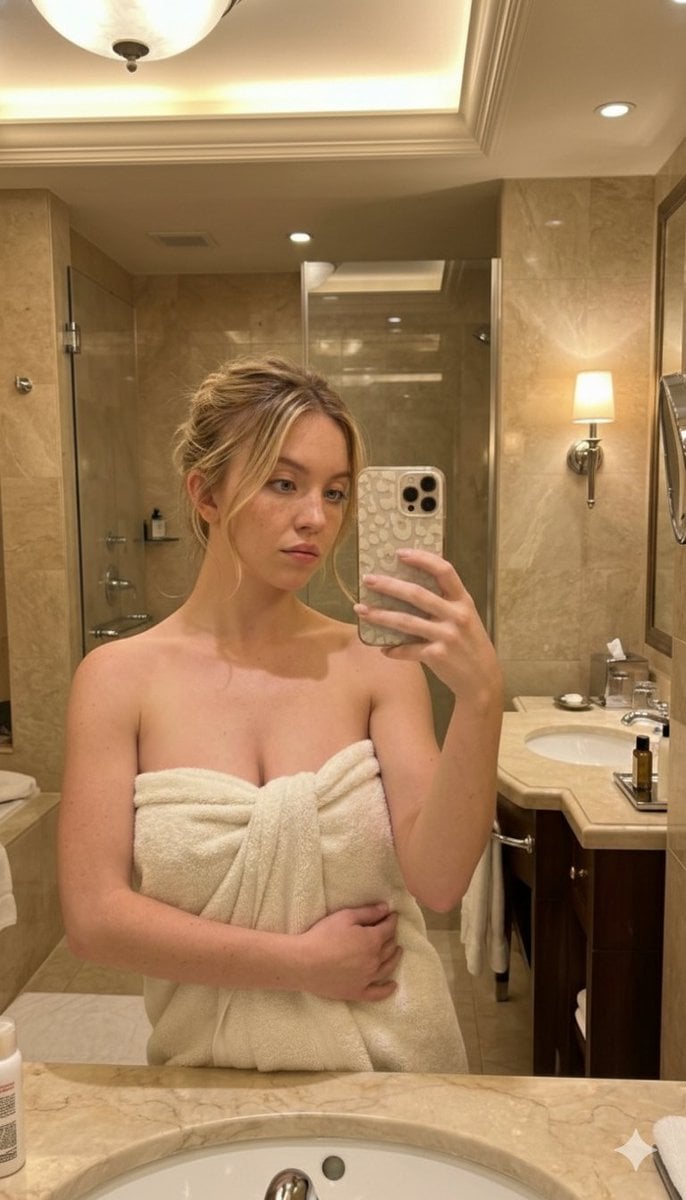
High-Angle Bathroom Mirror Selfie
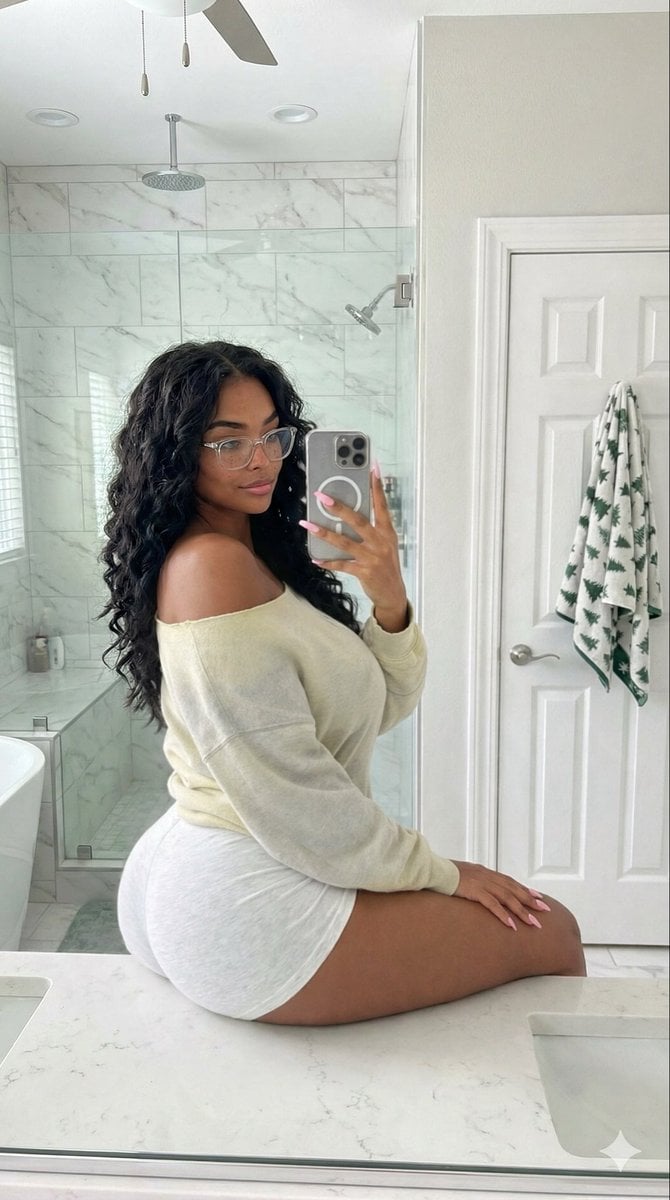
Candid Modern Bathroom Mirror Selfie Prompt
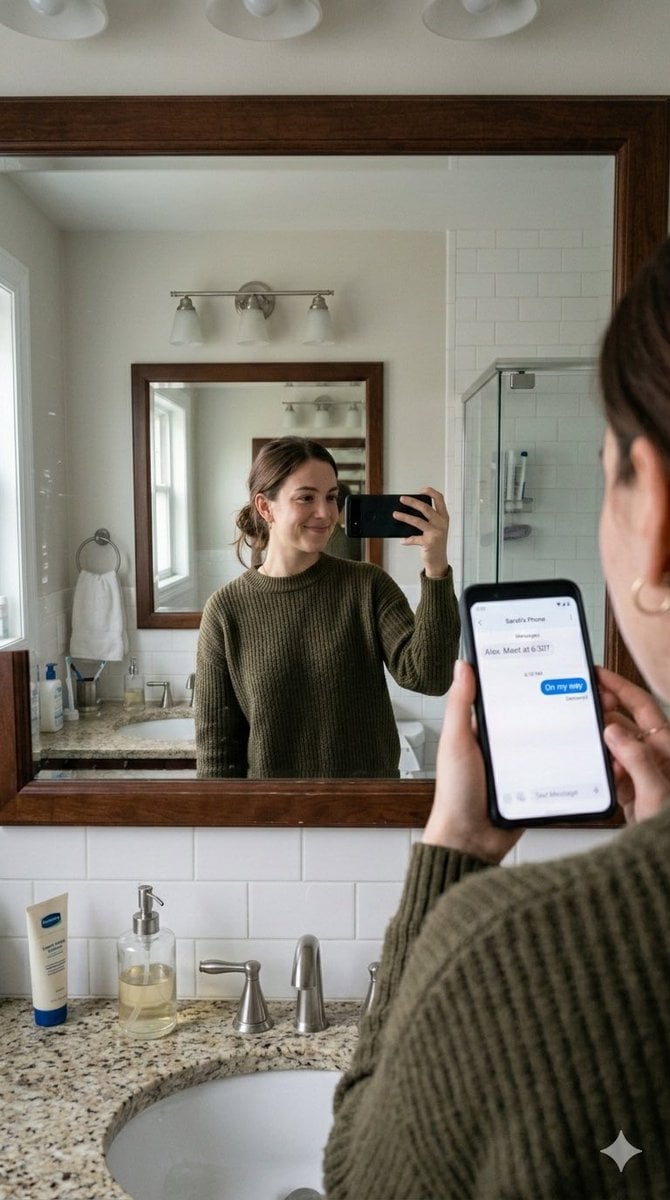
Realistic Bathroom Mirror Selfie with Correct Reflection
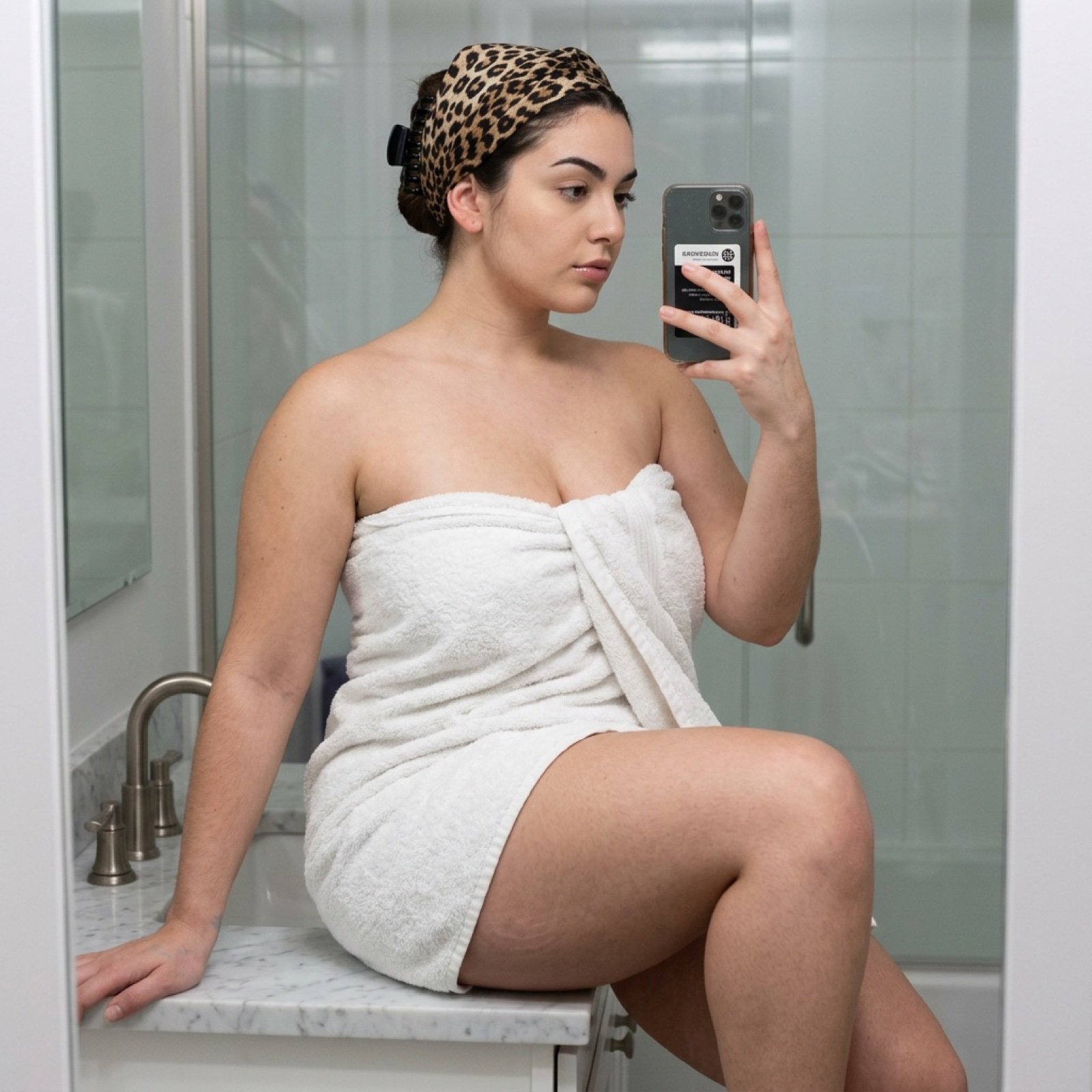
Curvy Woman Bathroom Mirror Selfie

Sunday Afternoon, 1988

Two Tickets, One Night
Make it yours
Flash Mirror Selfie in Retro Bathroom works as-is. These are the safest ways to change it without losing the look.
Change one field
Copy a single group, rewrite it, and generate again so you can see what that field is doing.
Keep the frame, change the subject
Hold the composition and light of Flash Mirror Selfie in Retro Bathroom, then swap wardrobe, props or the person for a new take.
| If the result… | Why | Fix |
|---|---|---|
| The result drifts from the preview | Too many fields changed at once. | Reuse Flash Mirror Selfie in Retro Bathroom as-is first, then change one group — subject, light, or setting. |
| The model over-stylizes the scene | The prose prompt leaves finish and camera underspecified. | Add one camera or lighting sentence and stay on GPT Image 2. |
More GPT Image 2 templates
Other prompts made for GPT Image 2.

Six VTuber Japanese Logo Sheet

Realistic Portrait of Woman and Deer

The Vista Modular Condo Poster

AI Model Routing Comparison Infographic

2.5D Anime Art Board

Isometric Productivity Desk Scene

New York Double Exposure Poster

Four-Panel AI Landscape Comparison

Japanese Tatami Lifestyle Magazine Cover

NESCAFÉ Coffee Map Poster
More image prompts
Fresh picks from across the catalog.
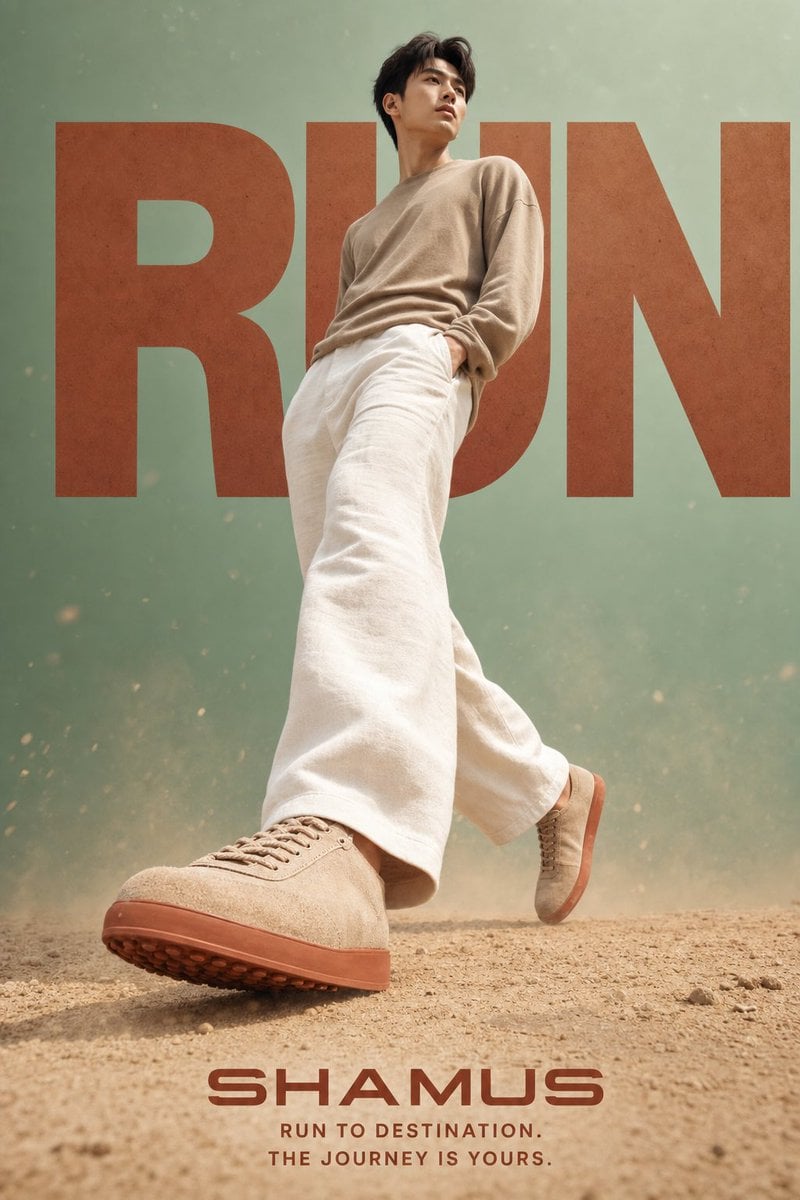
Lifestyle Sneaker Editorial Poster
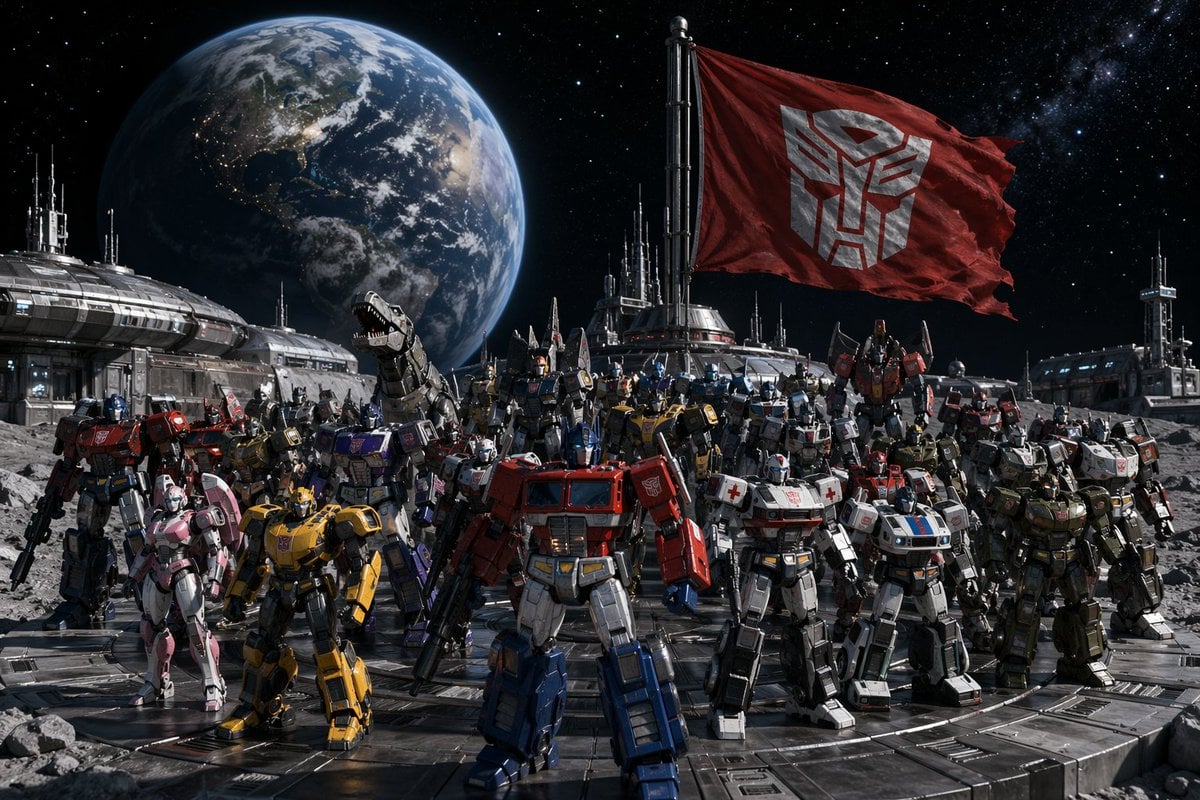
Transformers Space Scenes Prompt
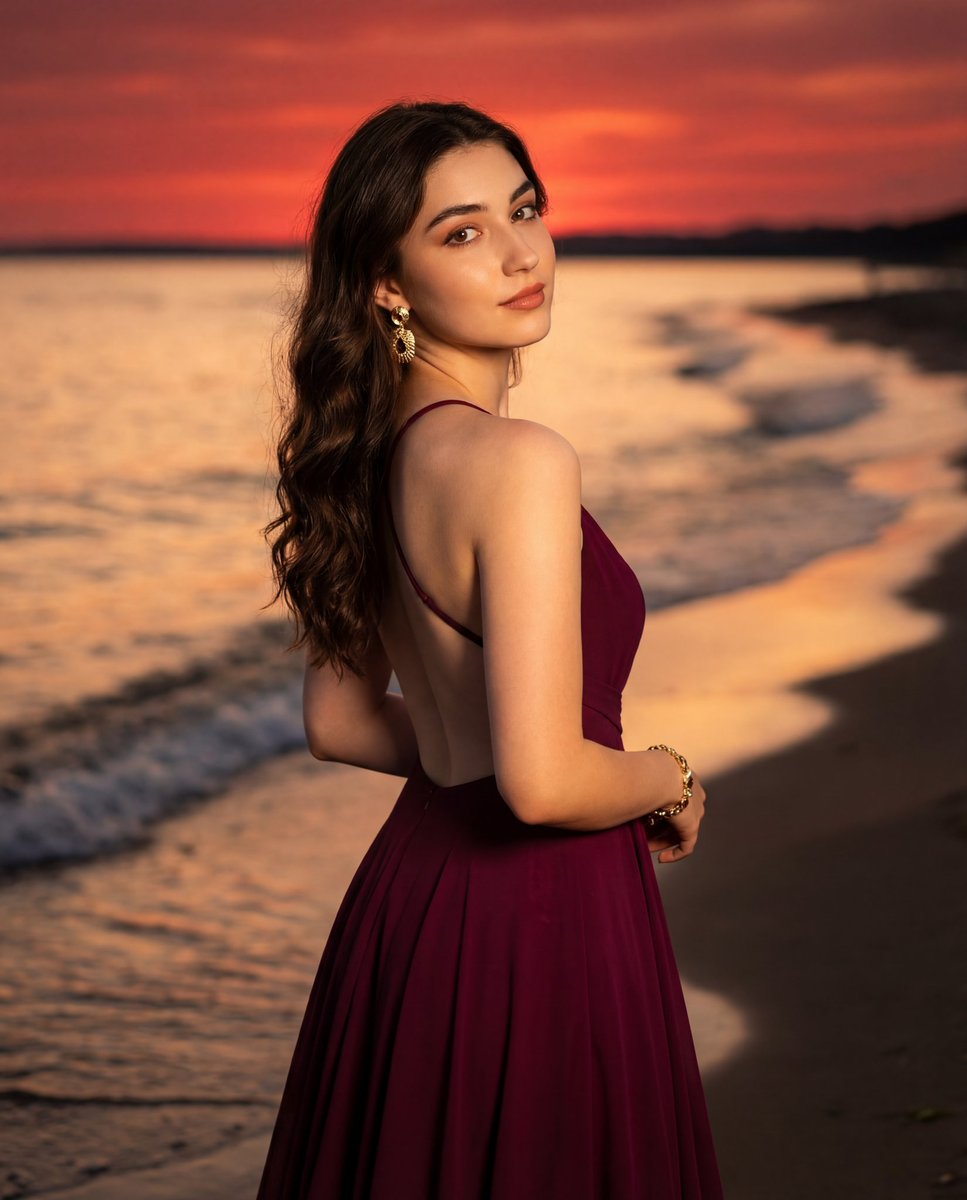
Photorealistic Portrait of a Woman in an Evening Dress at Sunset Beach
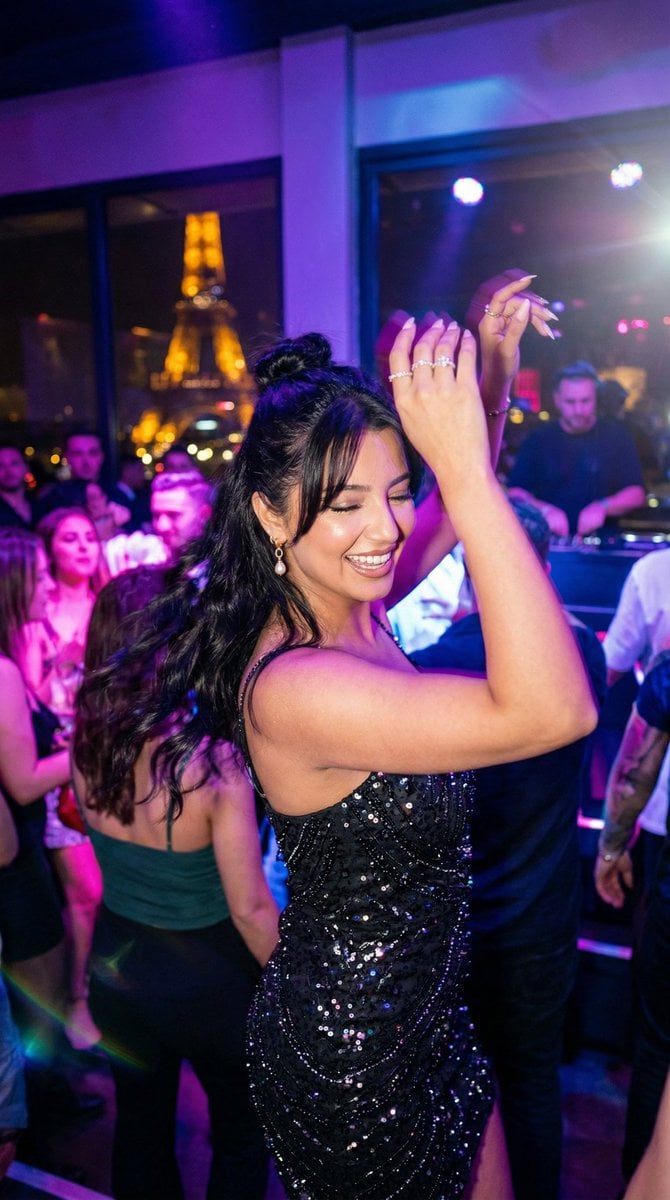
Paris Night Party Dance
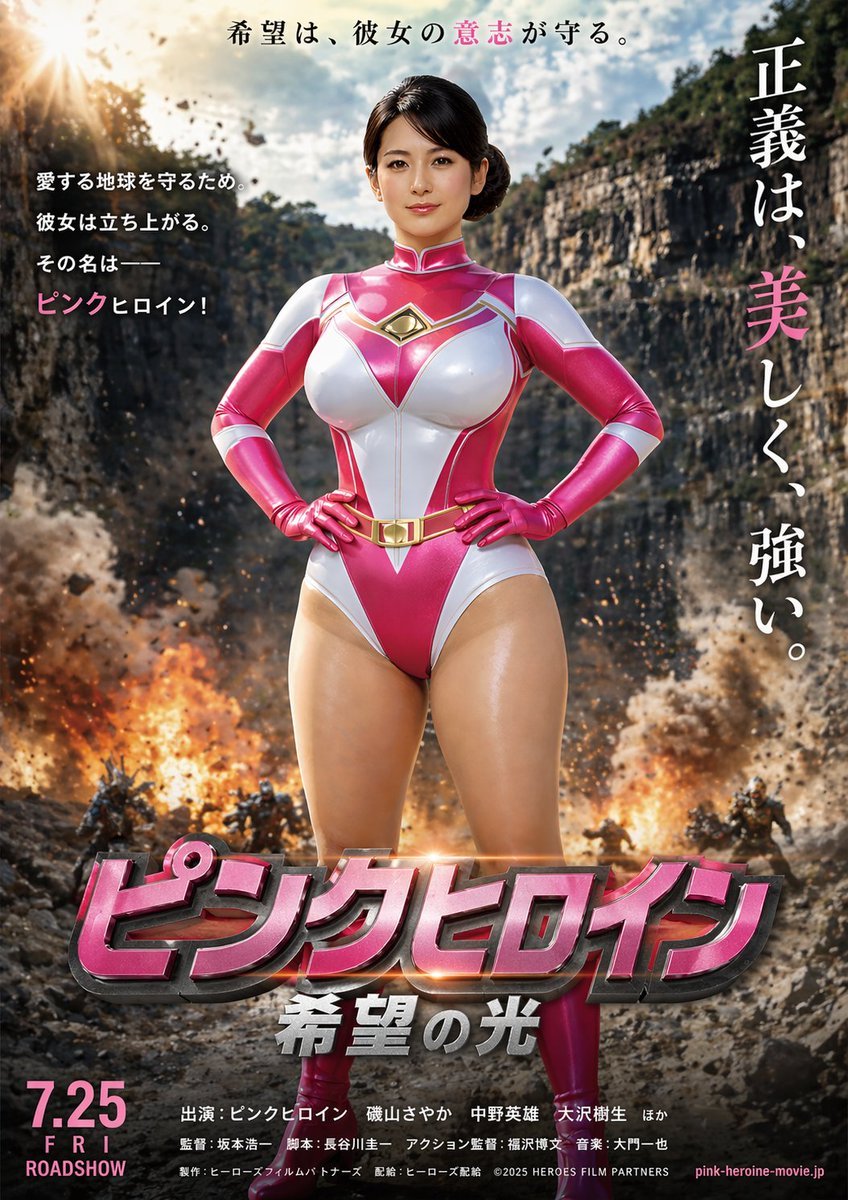
Image-to-Storyboard prompt
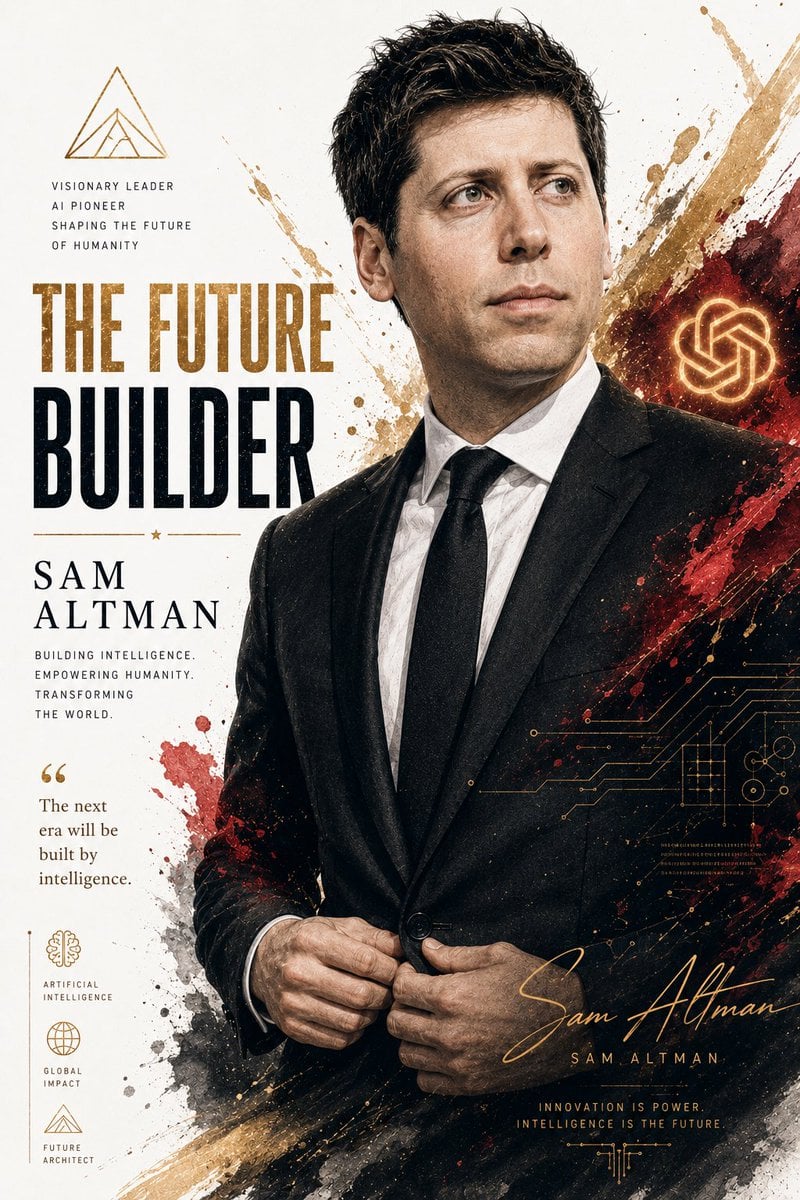
Billionaire Executive Portrait
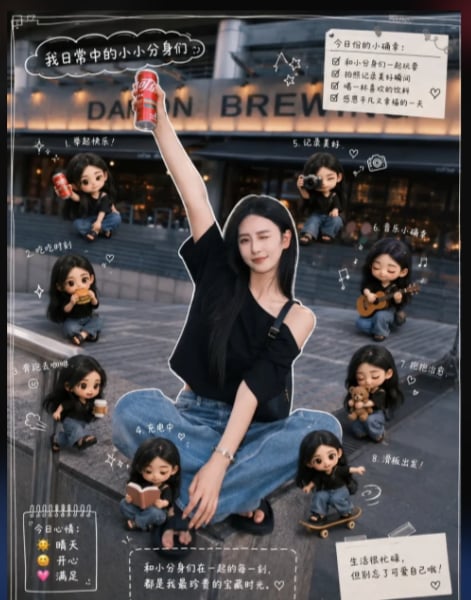
Mini Clone Cafe Selfie Composite
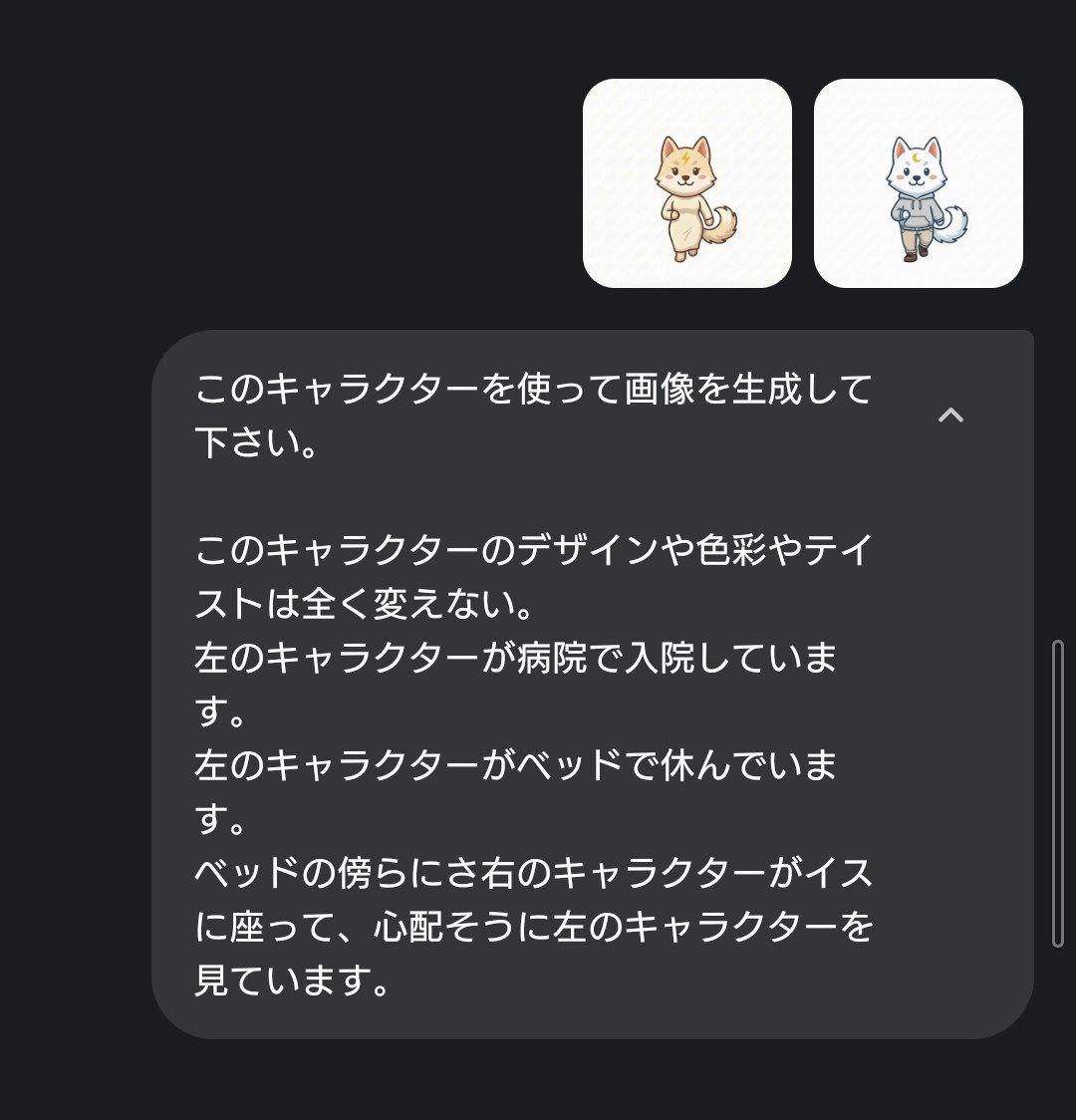
Character Hospital Scene Generation Prompt
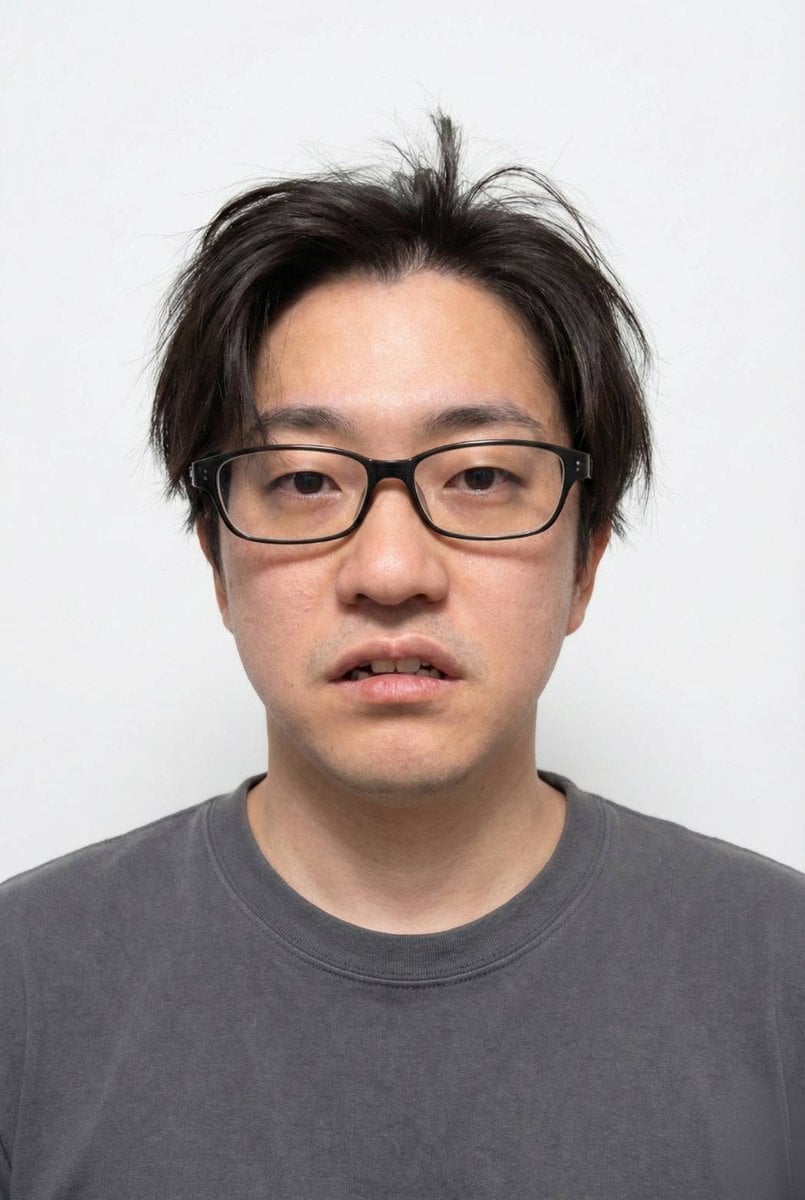
Panel Grid Layout for Portrait Photography with Detailed JSON Prompt
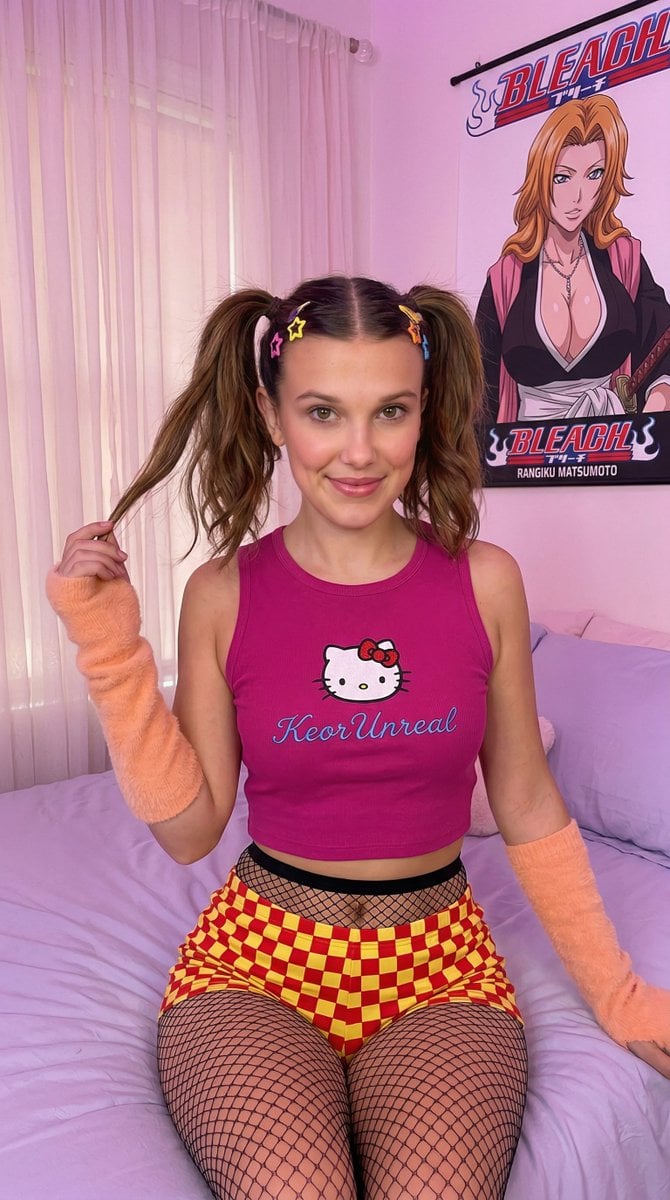
Kawaii-Inspired Pastel Bedroom Portrait with Bleach Poster
Browse template categories
Flash Mirror Selfie in Retro Bathroom questions
How do I use the Flash Mirror Selfie in Retro Bathroom template?
Add your photo if the template asks for one, edit the prompt if you like — the template's model and format are already selected — and press Generate. Your version opens in PicX Studio.
Can I customize the Flash Mirror Selfie in Retro Bathroom template?
Yes. You can change the subject, setting, lighting, mood, format, and available model controls before creating your image.
Is the Flash Mirror Selfie in Retro Bathroom template free?
Opening and editing this template is free. Generating uses credits, shown on the Generate button when you are signed in.
Which AI model should I use?
Start with GPT Image 2, which is the model associated with this template. You can compare another compatible model for a different finish.
Looking for something else? Browse all templates.

Your photo, any look
Thousands of ready templates for every top image and video model, from one credit balance.