
Thai Restaurant Brand Identity Document
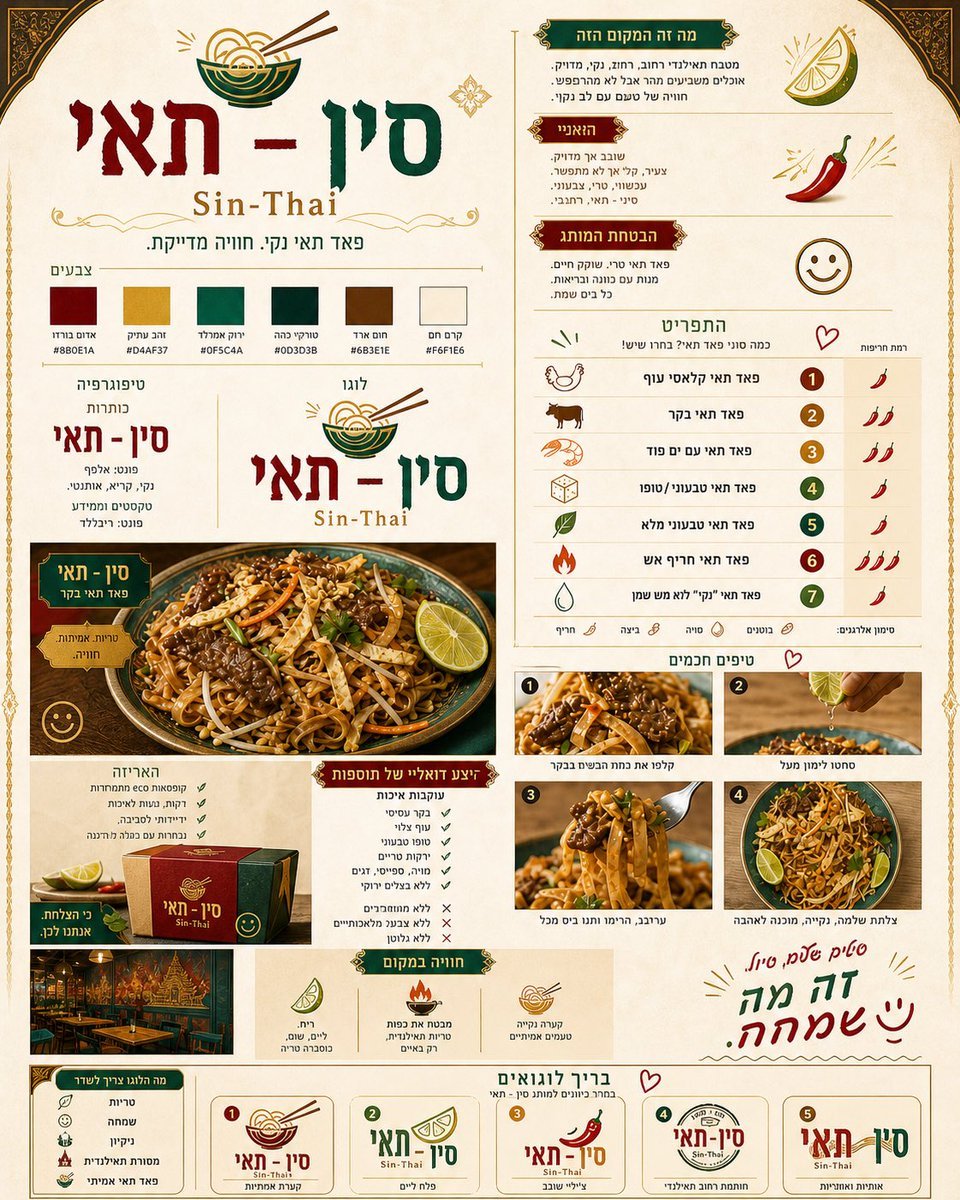
A comprehensive prompt for creating a sophisticated branding document for a Thai restaurant, covering logo design, color palettes, typography, and menu layouts based on a reference food photo.
- Prompt included
- Model and format preset
- Premium template
The prompt behind this image
Copy the exact prompt behind Thai Restaurant Brand Identity Document, or open it in the studio and make it yours.
צור מסמך מותג אנכי, יוקרתי ומסודר למסעדה תאילנדית בשם “{argument name="מסעדה" default="סין - תאי"}” עם הכיתוב באנגלית “{argument name="שם באנגלית" default="Sin-Thai"}”. העיצוב צריך להיות תאילנדי קלאסי, אלגנטי ונקי, עם צבעים מלכותיים כמו {argument name="צבעים" default="בורדו, ירוק אמרלד, זהב עתיק, חום עץ וקרם חם"}. המסמך צריך לכלול: לוגו מרכזי עם קערת נודלס, פלטת צבעים, טיפוגרפיה, תיאור קצר של אופי המותג, תפריט עם כמה סוגי פאד תאי ורמות חריפות, אזור שמציג את מנת הפאד תאי על בסיס התמונה המצורפת, דוגמאות לצילומי אוכל, עיצוב אריזה, חוויית המקום, ובתחתית בריף עם 5 וריאציות לוגו לבחירה. האוכל צריך להיראות טרי, נקי, יוקרתי ומעורר תיאבון. המסמך כולו צריך להרגיש מקצועי, תאילנדי, חמים ומדויק, עם נגיעות קטנות ושמחות
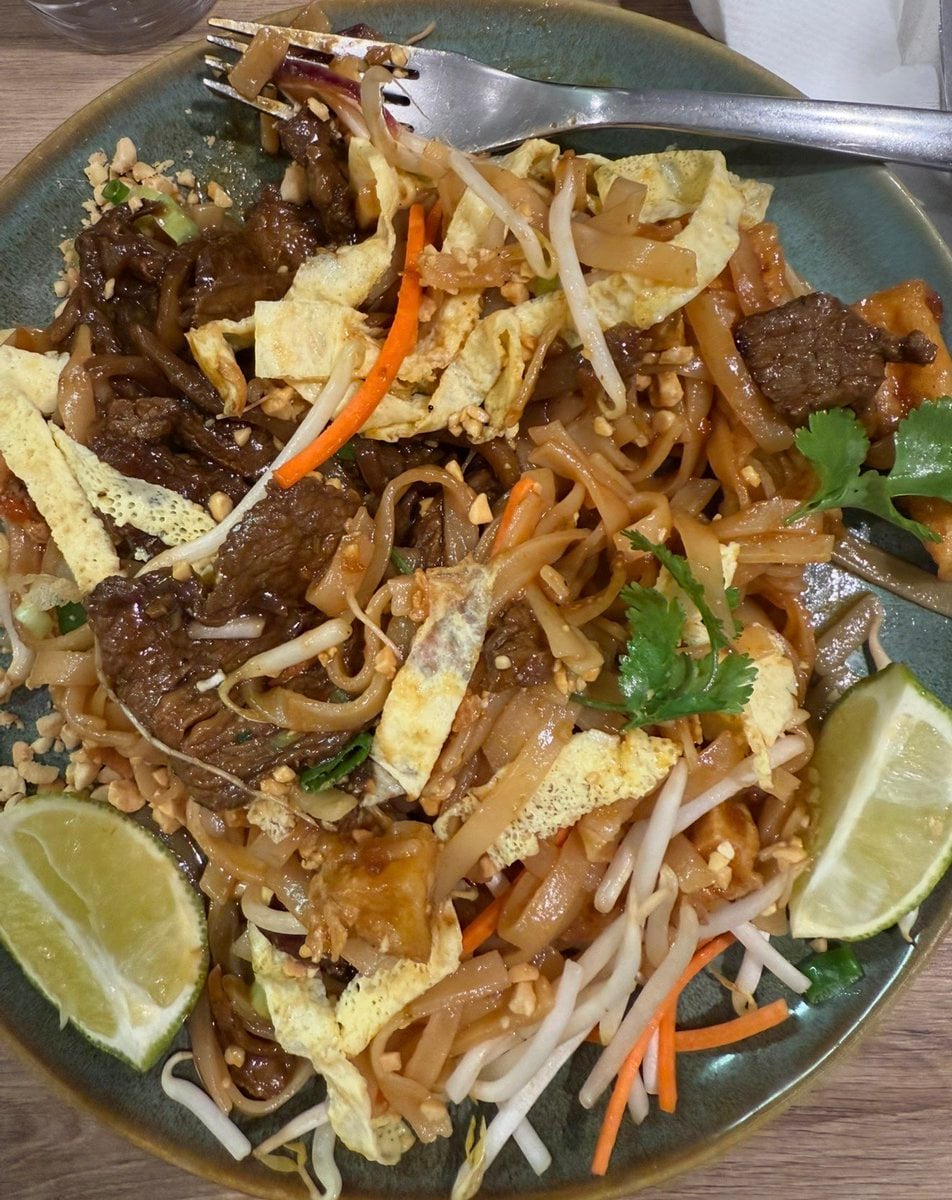
Reference images included
Thai Restaurant Brand Identity Document needs input media to work. They load alongside the prompt when you open it in the studio.
How to use Thai Restaurant Brand Identity Document in 3 steps
- 1Upload ImagePNG, JPG or paste
Add your photo
Upload the photo the template builds on. The prompt, model and format are already set.
- 2…a portrait of your subject in softgolden-hour light, 85mm…
Personalize
Edit the subject and creative details for your destination.
- 3Generate
Generate
Press Generate — your image is created in PicX Studio, so you can compare it with the original and refine one variable at a time.
More like this
Templates with the same subject, style or setup. Open one to see its prompt.
Panel Mascot Brand Identity Document
Gpt2 Product Marketing 18 Panel Mascot Brand Identity Document
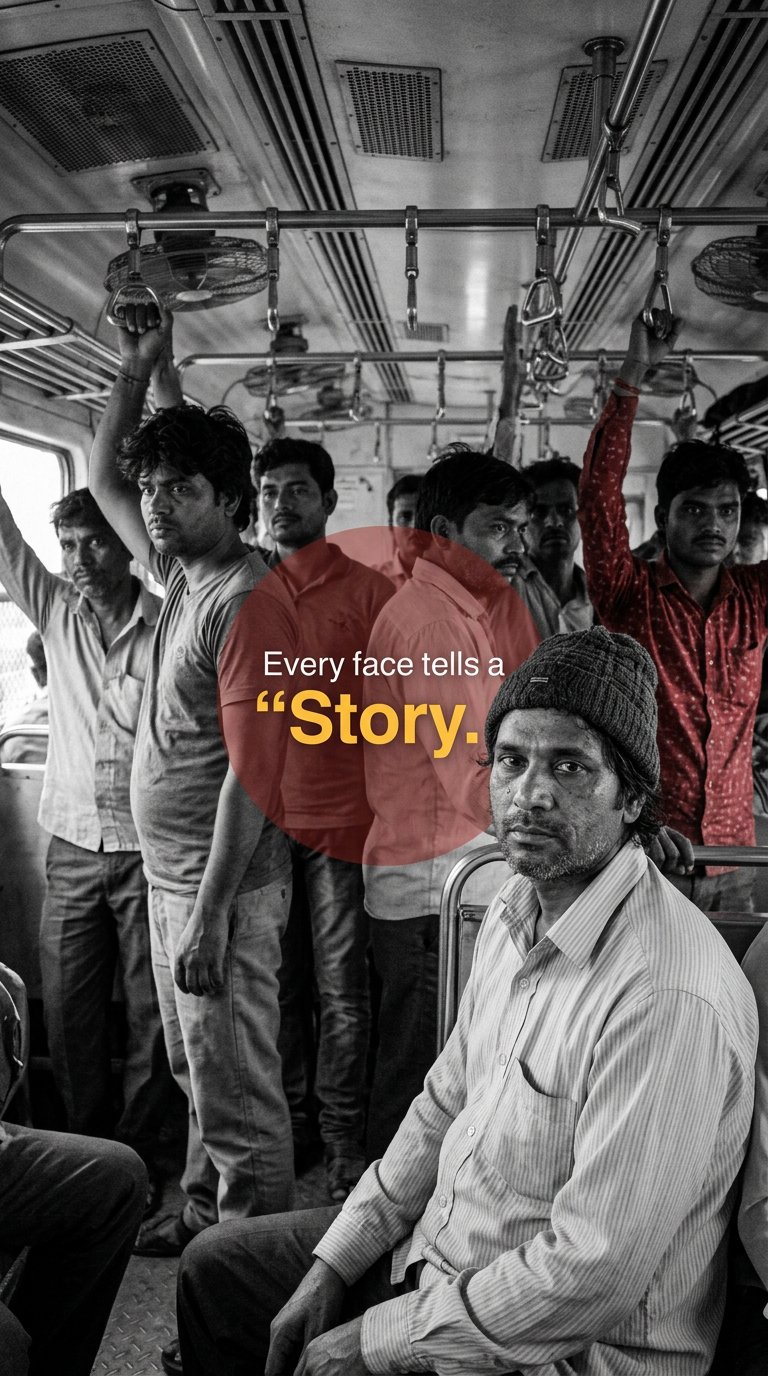
Urban Commuter Portrait Documentary

Luxury Fashion Campaign Typography Poster System

Premium Fashion Editorial Campaign Poster System

Isometric Brand Store Diorama

Moss Logo Minimalist Brand Flat Lay
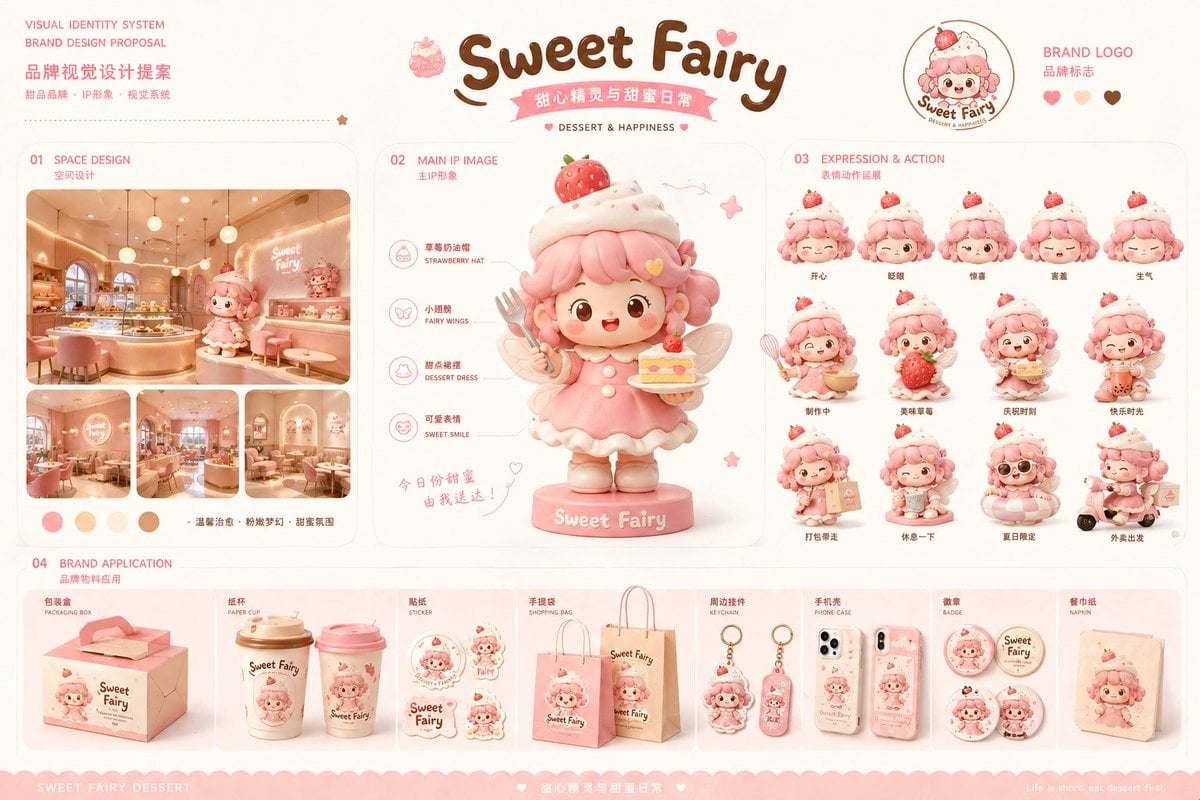
Dessert Brand Visual Identity Proposal Board
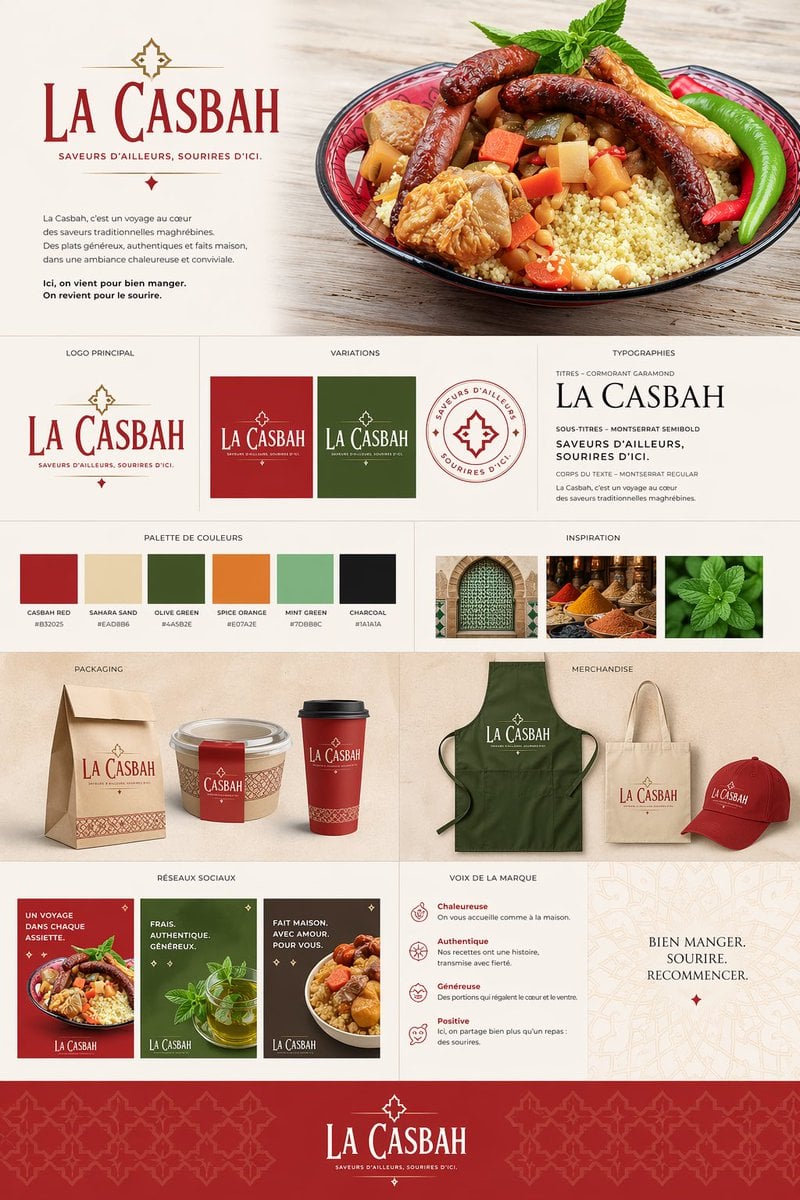
Moroccan Restaurant Brand Board
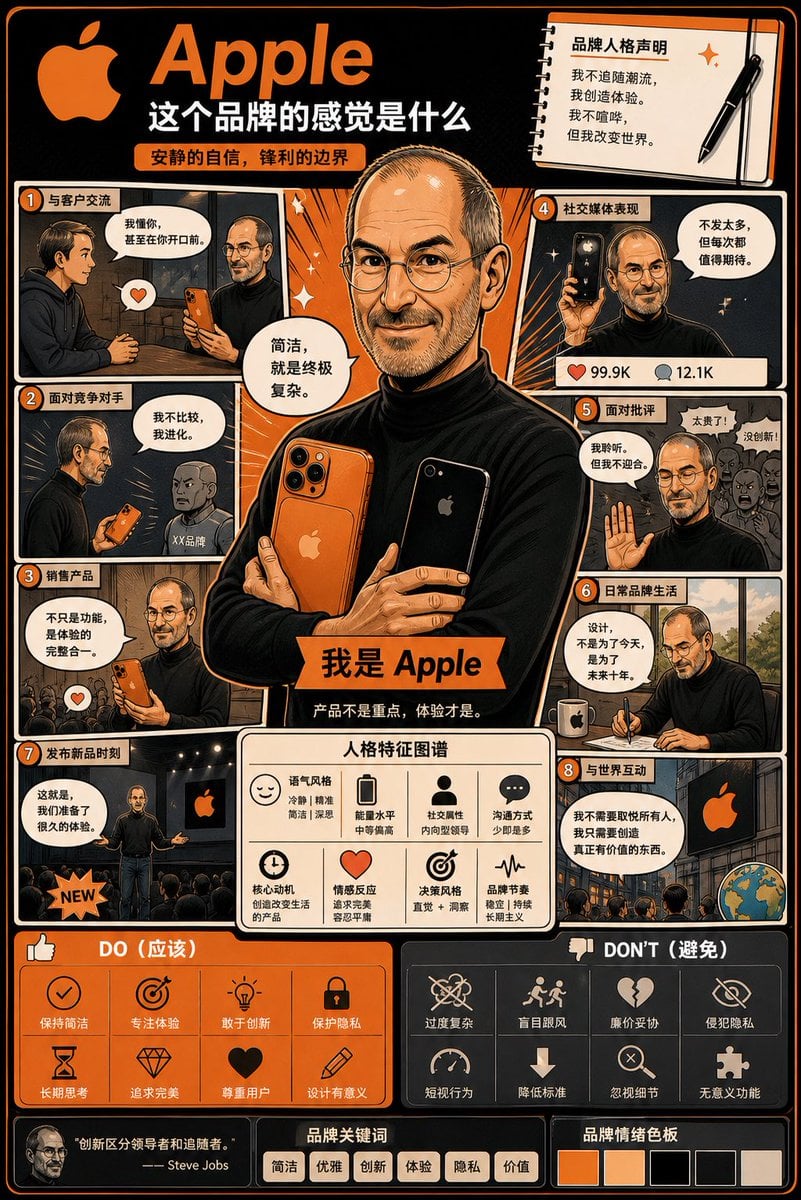
Manga Style Brand Identity Infographic
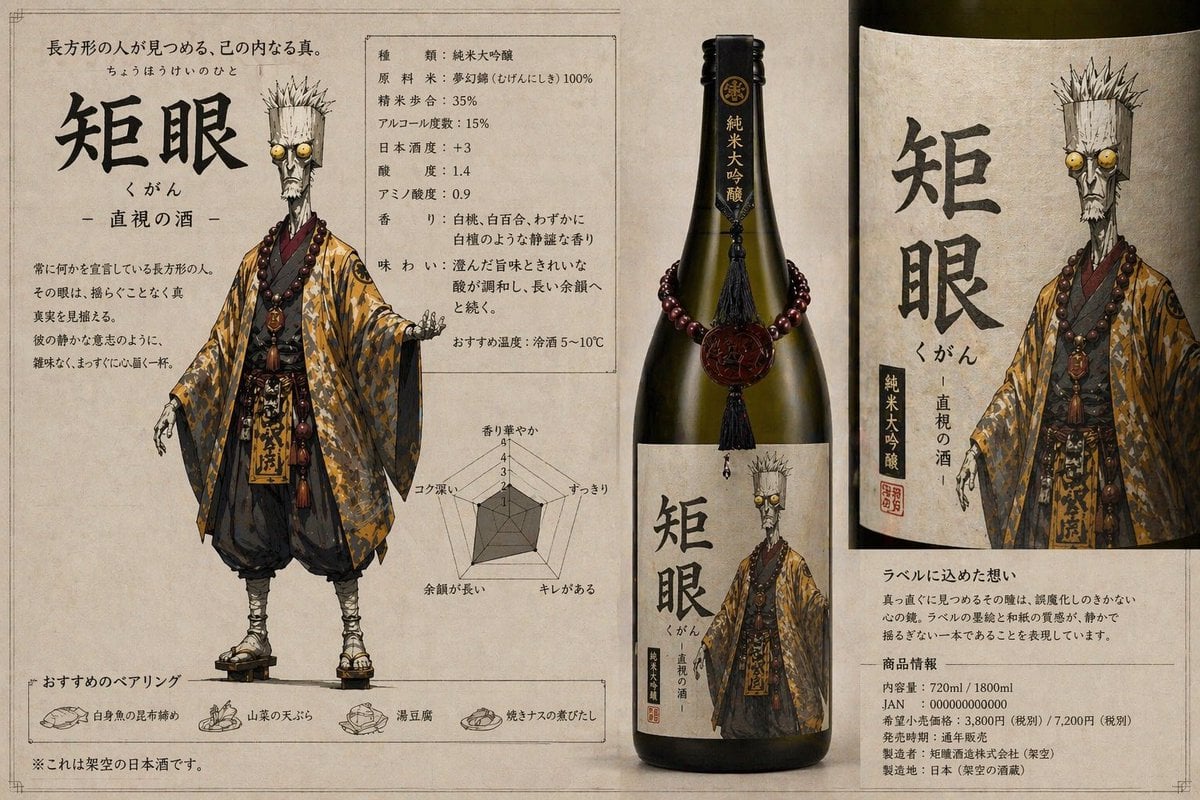
Character-Based Brand Identity Design
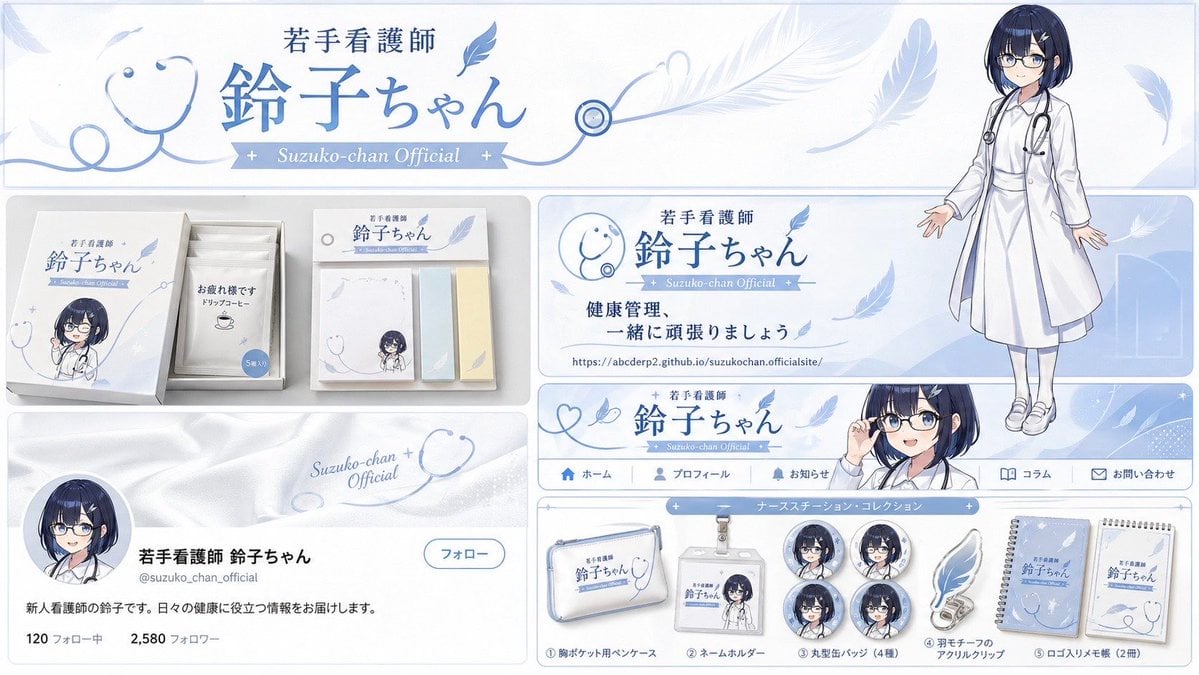
Brand Identity Design Board
Make it yours
Thai Restaurant Brand Identity Document works as-is. These are the safest ways to change it without losing the look.
Change one field
Copy a single group, rewrite it, and generate again so you can see what that field is doing.
Keep the frame, change the subject
Hold the composition and light of Thai Restaurant Brand Identity Document, then swap wardrobe, props or the person for a new take.
| If the result… | Why | Fix |
|---|---|---|
| The result drifts from the preview | Too many fields changed at once. | Reuse Thai Restaurant Brand Identity Document as-is first, then change one group — subject, light, or setting. |
| The model over-stylizes the scene | The prose prompt leaves finish and camera underspecified. | Add one camera or lighting sentence and stay on GPT Image 2. |
More GPT Image 2 templates
Other prompts made for GPT Image 2.

Six VTuber Japanese Logo Sheet

Realistic Portrait of Woman and Deer

The Vista Modular Condo Poster

AI Model Routing Comparison Infographic

2.5D Anime Art Board

Isometric Productivity Desk Scene

New York Double Exposure Poster

Four-Panel AI Landscape Comparison

Japanese Tatami Lifestyle Magazine Cover

NESCAFÉ Coffee Map Poster
More image prompts
Fresh picks from across the catalog.

Pastel Kawaii Girl Fashion Portrait
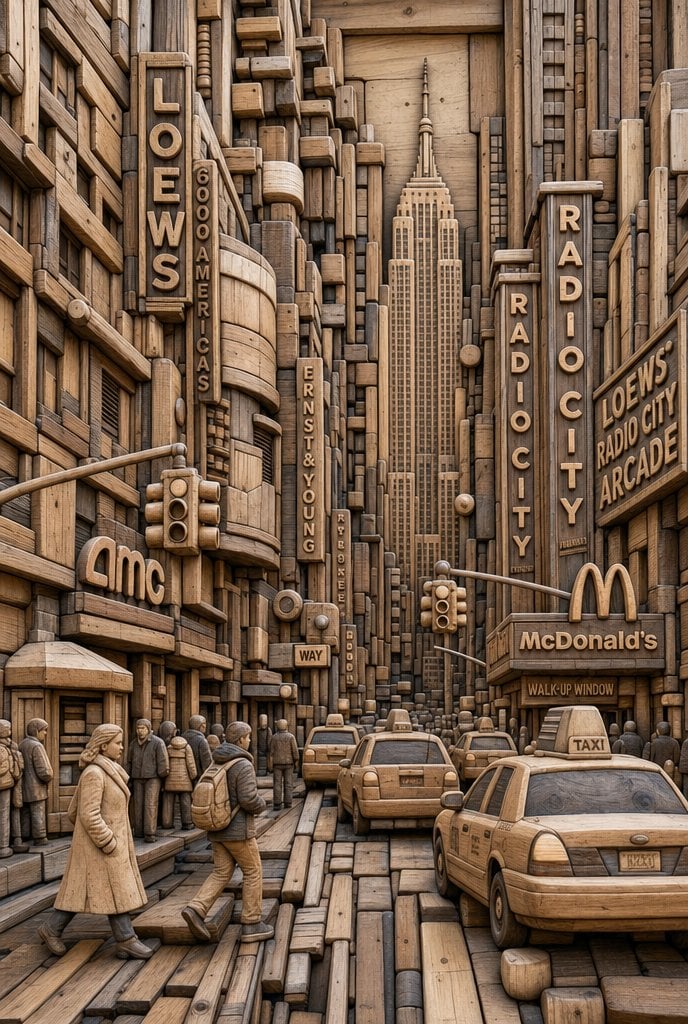
Carved Wood Block Relief
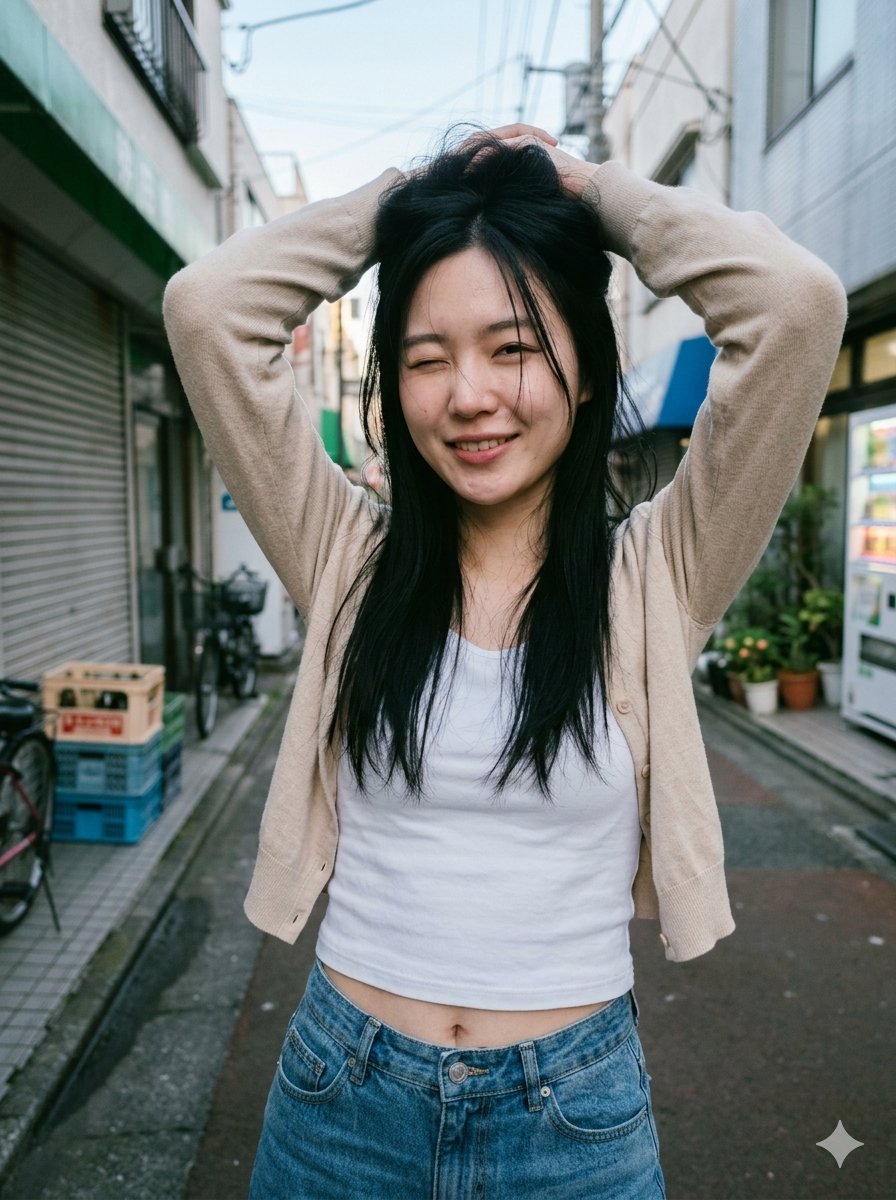
Blurred Face Japanese Alley Portrait
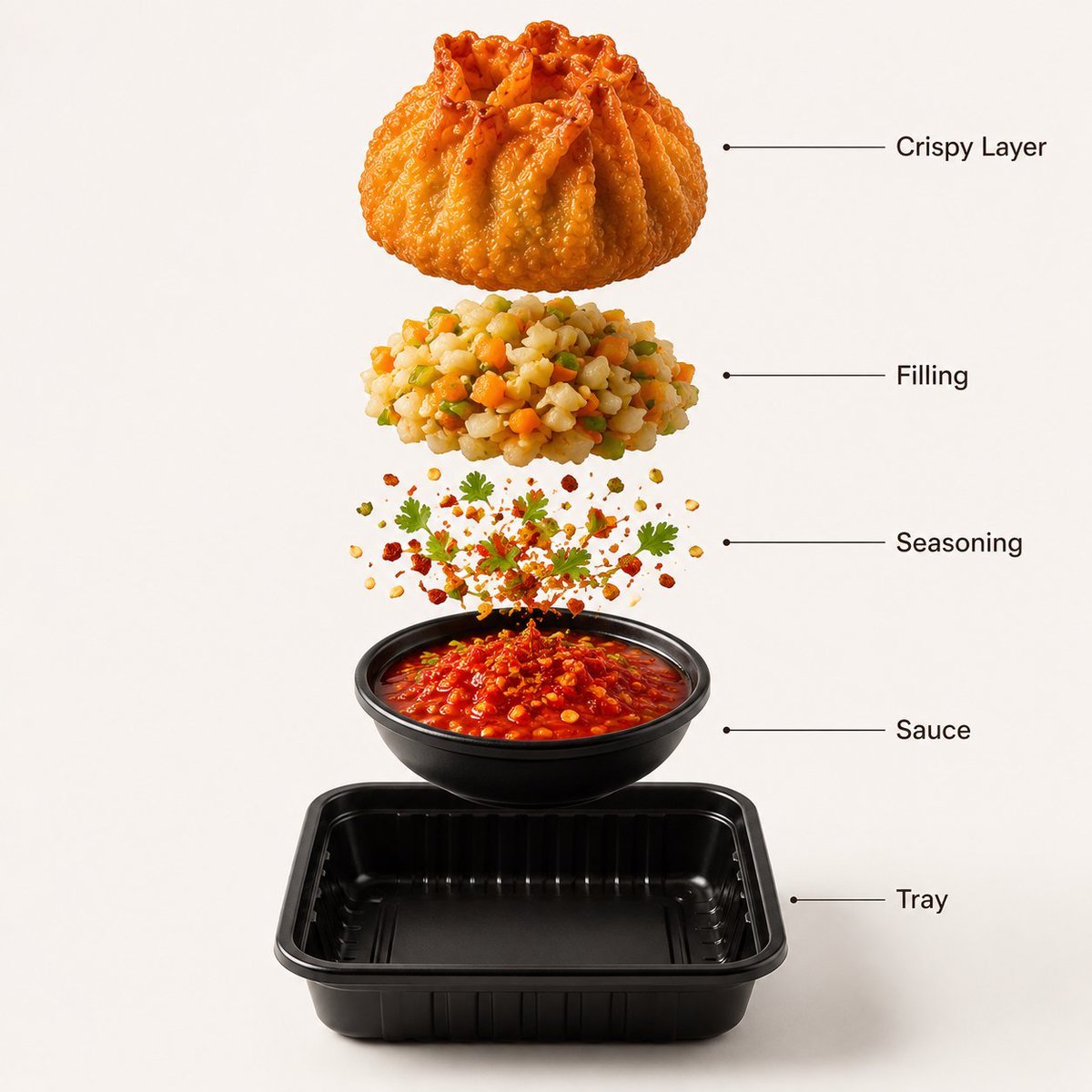
Gourmet Street Food Photography and Infographic
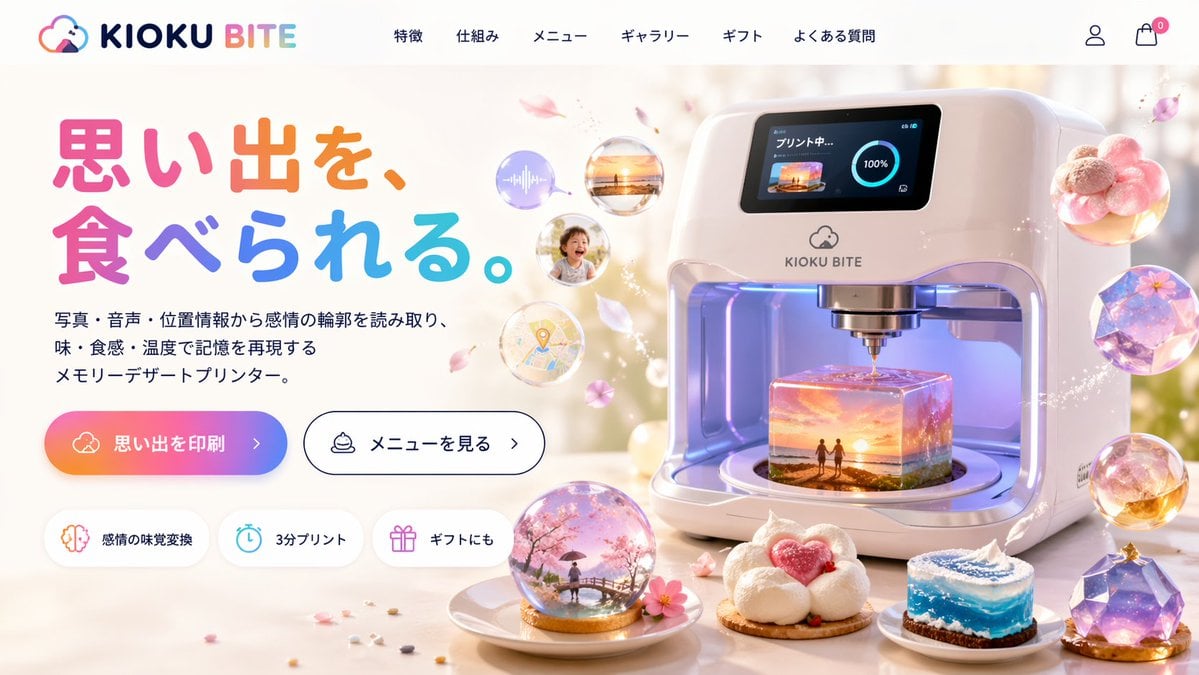
Futuristic 3D Food Printer Landing Page
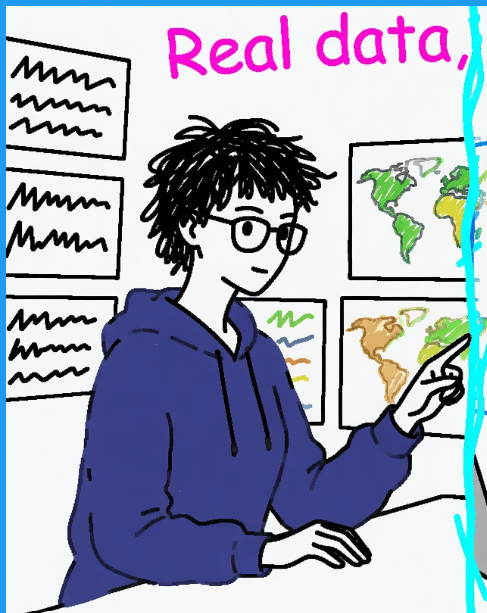
Clumsy MS Paint Style Redraw

Board Game Scene with Multiple Characters Prompt
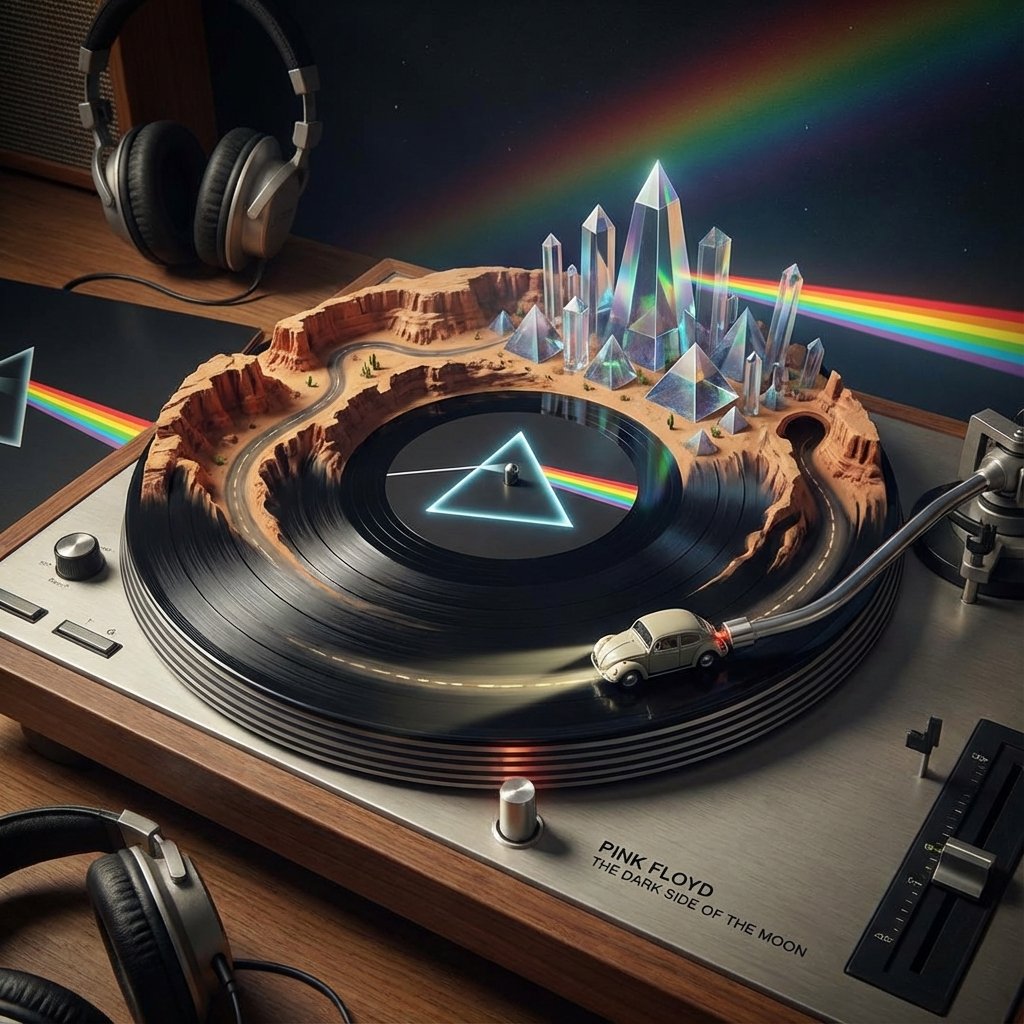
Visualizing Music Albums as Turntable Landscapes
Anime VTuber Daily Essay Comic Page

Motivational Poster with 3D Cartoons
Browse template categories
Thai Restaurant Brand Identity Document questions
How do I use the Thai Restaurant Brand Identity Document template?
Add your photo if the template asks for one, edit the prompt if you like — the template's model and format are already selected — and press Generate. Your version opens in PicX Studio.
Can I customize the Thai Restaurant Brand Identity Document template?
Yes. You can change the subject, setting, lighting, mood, format, and available model controls before creating your image.
Is the Thai Restaurant Brand Identity Document template free?
Opening and editing this template is free. Generating uses credits, shown on the Generate button when you are signed in.
Which AI model should I use?
Start with GPT Image 2, which is the model associated with this template. You can compare another compatible model for a different finish.
Looking for something else? Browse all templates.

Your photo, any look
Thousands of ready templates for every top image and video model, from one credit balance.