How do I use the Voxel Character Lush Village Portrait template?
Choose the primary action to open PicX Studio with the available template settings. Review the model and format, personalize the creative direction, and generate when ready.
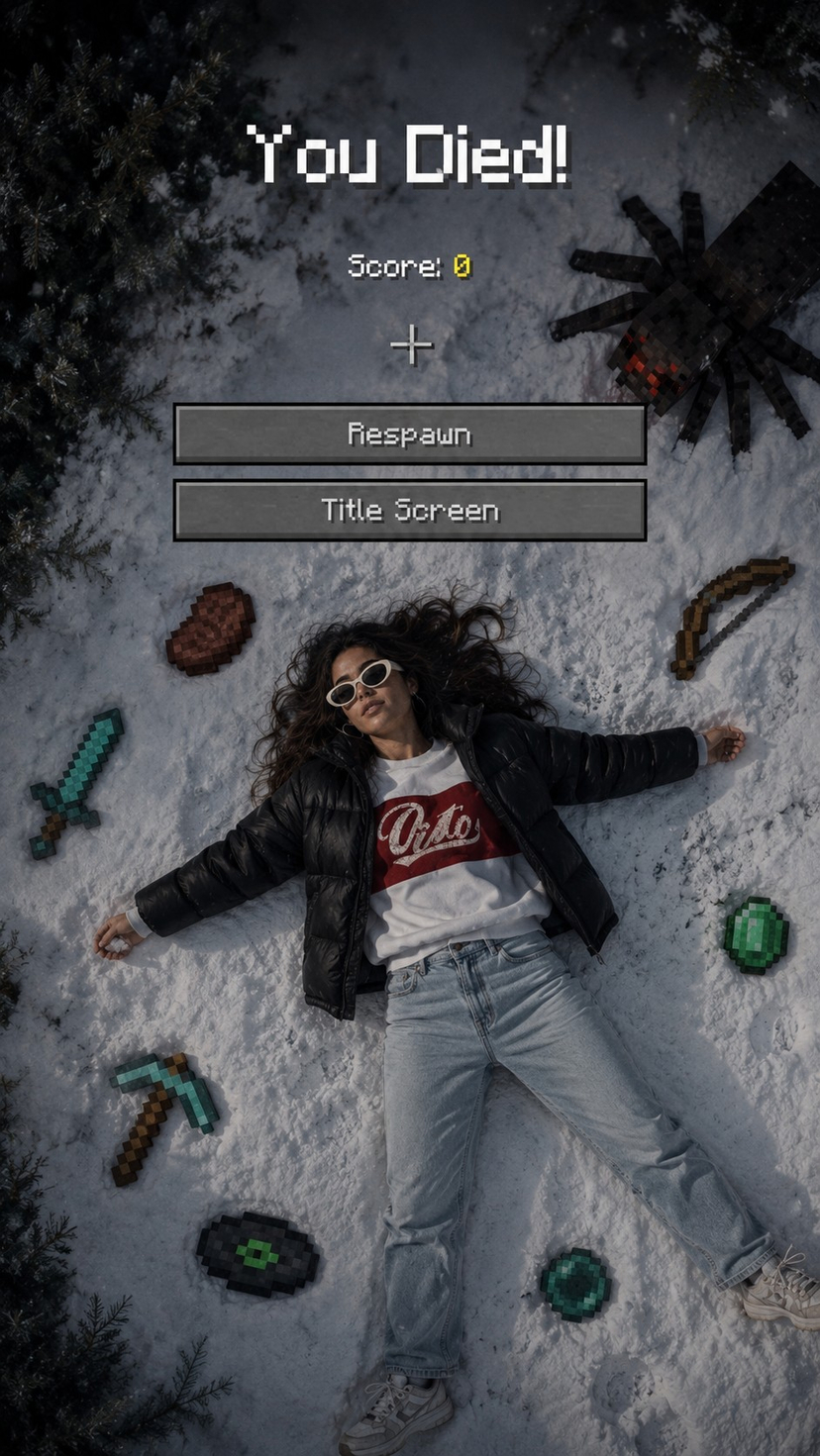
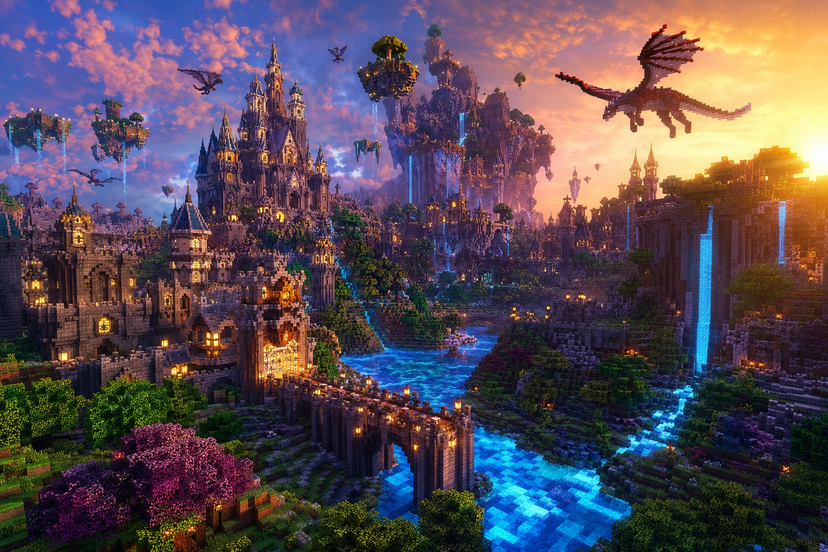
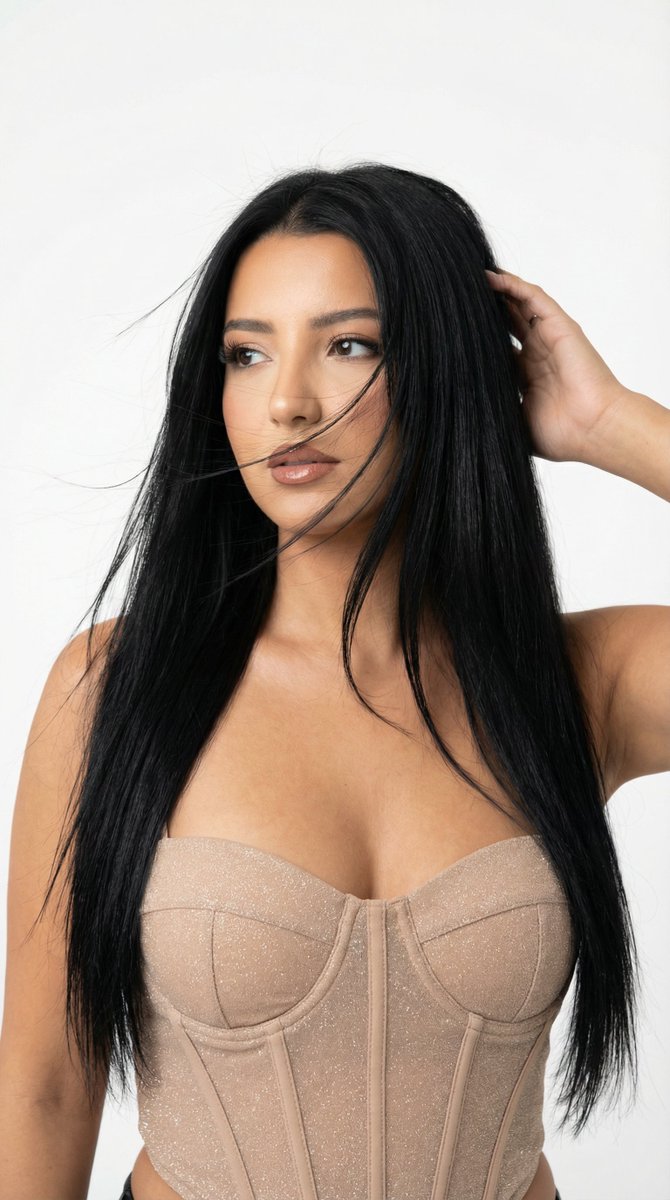
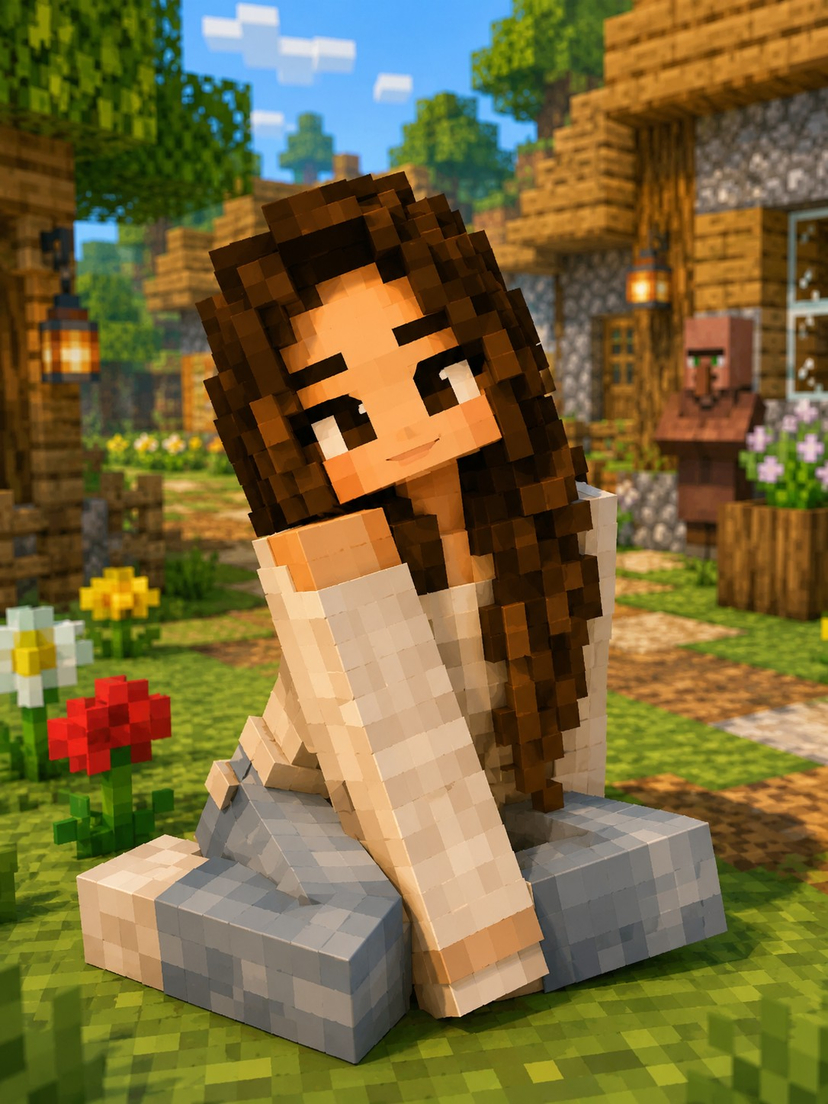
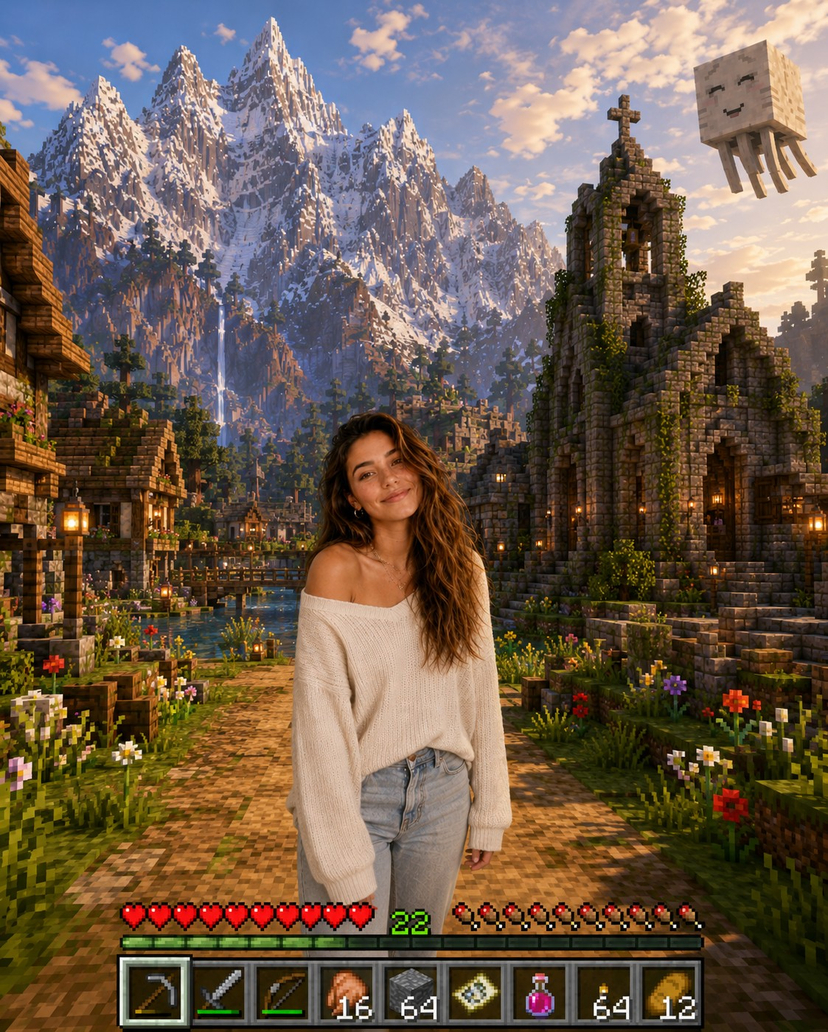
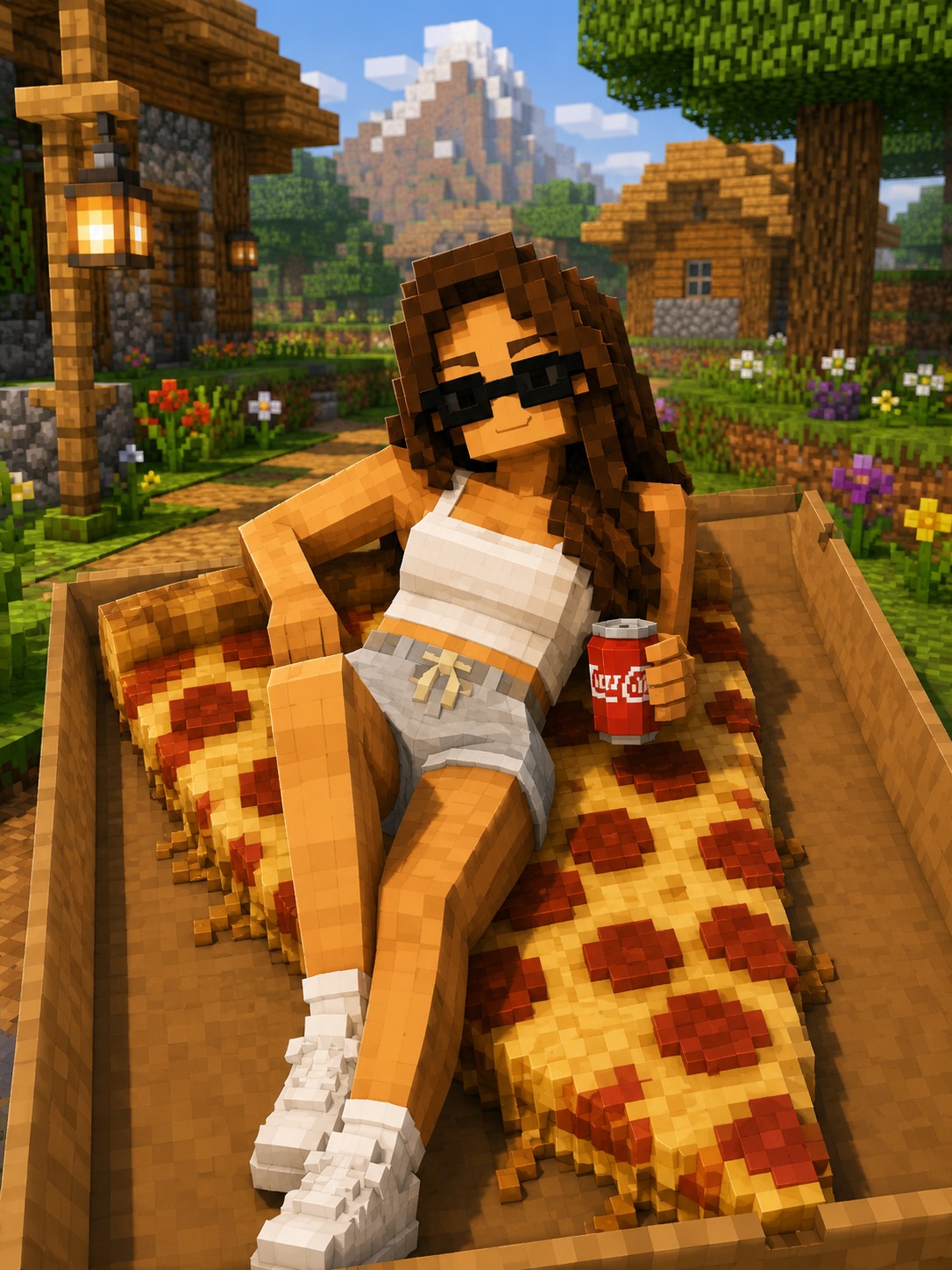
Full cubic voxel restyle of the subject (identity, hair, colors, pose kept) in a lantern-lit lush village with wide-angle depth. (free to use) — Free AI image template on PicX Studio.
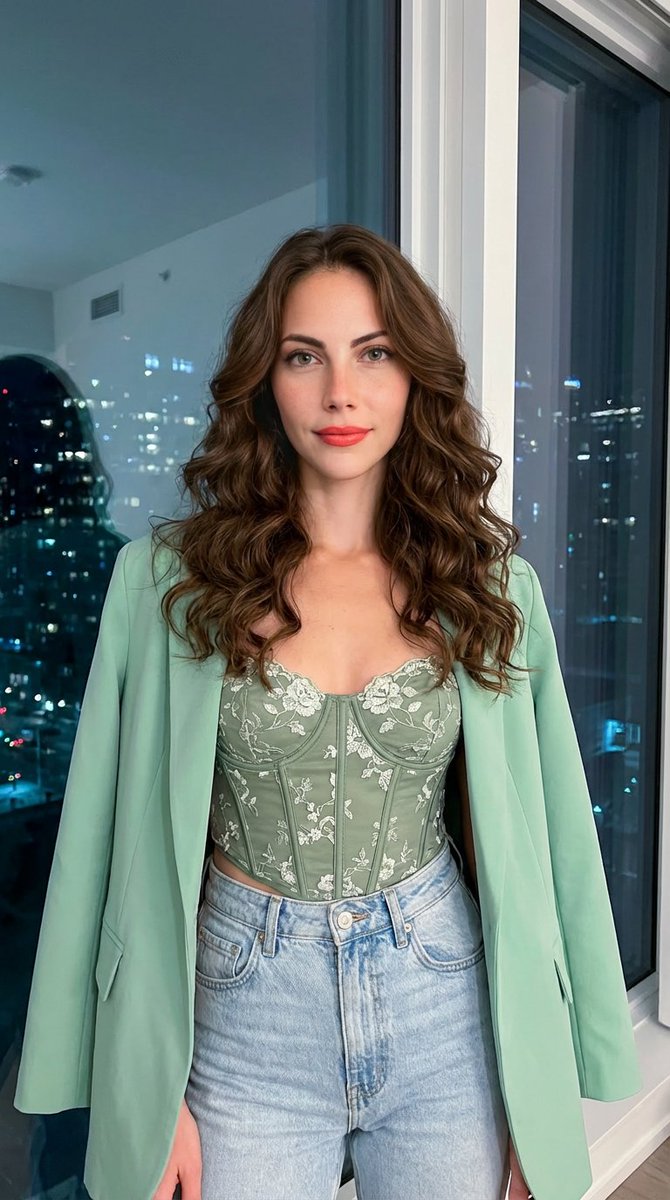
Transform this image into an authentic Minecraft-style character while preserving the person's facial identity, hairstyle, clothing colors, and overall pose. Recreate the entire subject using perfectly cubic voxel blocks with pixel-art textures, square facial features, and blocky hands, occupying about 1/3rd of the frame. Place the character at the center of a lush, handcrafted village featuring glowing lanterns hanging from blocky wooden structures that cast warm light onto vibrant green grass blocks and cubic vegetation. In the background, construct a sprawling, detailed village with weathered stone and wood textures stretching into a clear, atmospheric sky. Blend the blocky subject seamlessly into the voxel environment with accurate lighting, soft shadows, and a wide-angle DSLR perspective. Ultra-detailed, 8K quality, Instagram-ready format with vibrant, atmospheric daytime lighting.
Use Voxel Character Lush Village Portrait to plan an AI image around art style projects, image-to-image generation, themes such as minecraft and voxel. Match the preview's composition first, then personalize the subject, setting, and mood for your own project.
Use the primary action to load the template settings in PicX Studio.
Adjust the subject and creative details for your destination.
Create the image, compare the result with the preview, and refine one variable at a time.
A continuous mix — similar concepts first, woven with same-model prompts and fresh picks from the catalog.
Choose the primary action to open PicX Studio with the available template settings. Review the model and format, personalize the creative direction, and generate when ready.
Yes. You can change the subject, setting, lighting, mood, format, and available model controls before creating your image.
This template is free to open and customize. Generation usage is shown in PicX Studio before you create.
Start with image-to-image, which is the model associated with this template. You can compare another compatible model for a different finish.
A continuous mix — similar concepts first, woven with same-model prompts and fresh picks from the catalog.
Follow a topic to a crawlable collection of related PicX Studio templates.
39,157 public templates available. Verified via the PicX Studio public templates API; refreshed hourly.